Skip to content

Let clients set the quantities before they sign

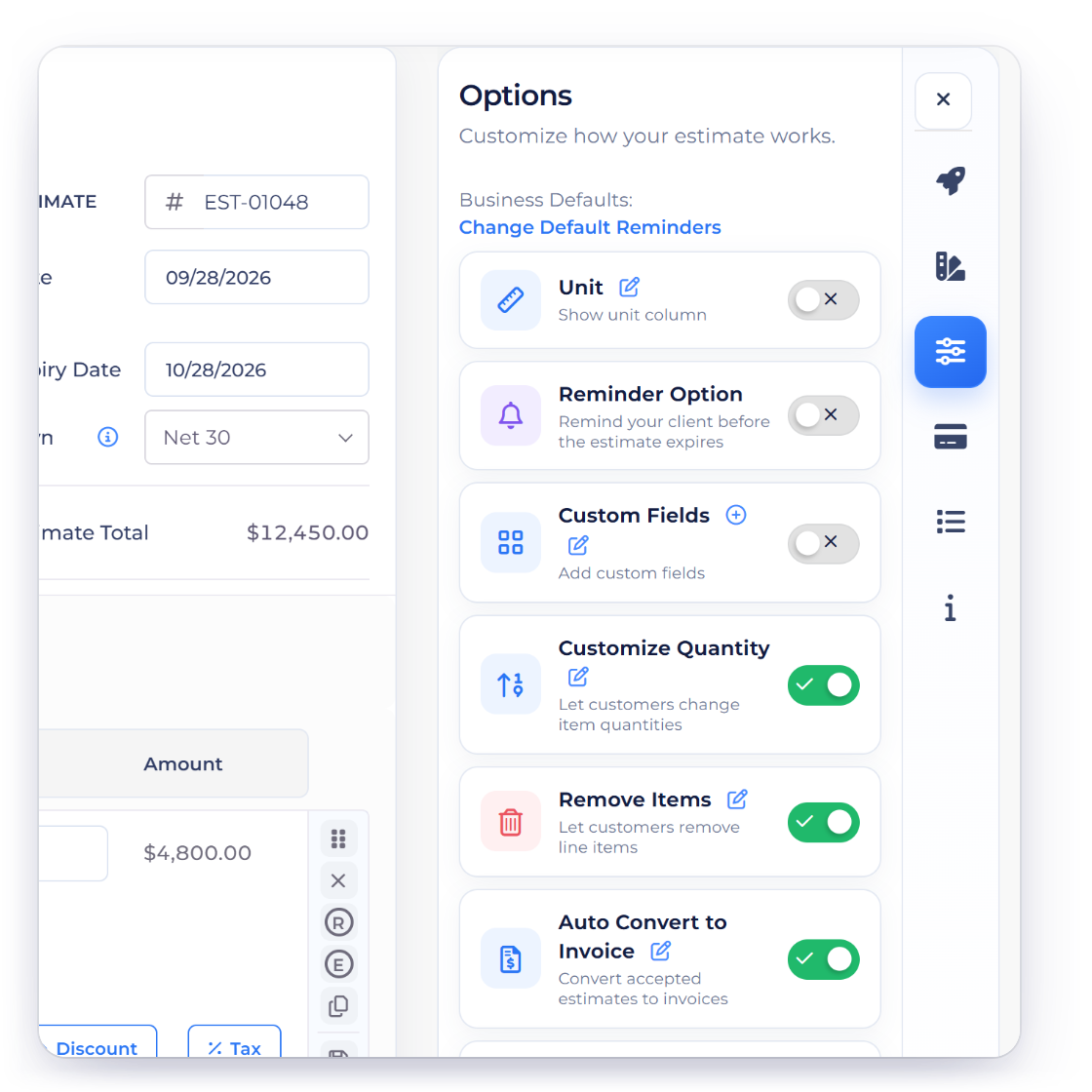
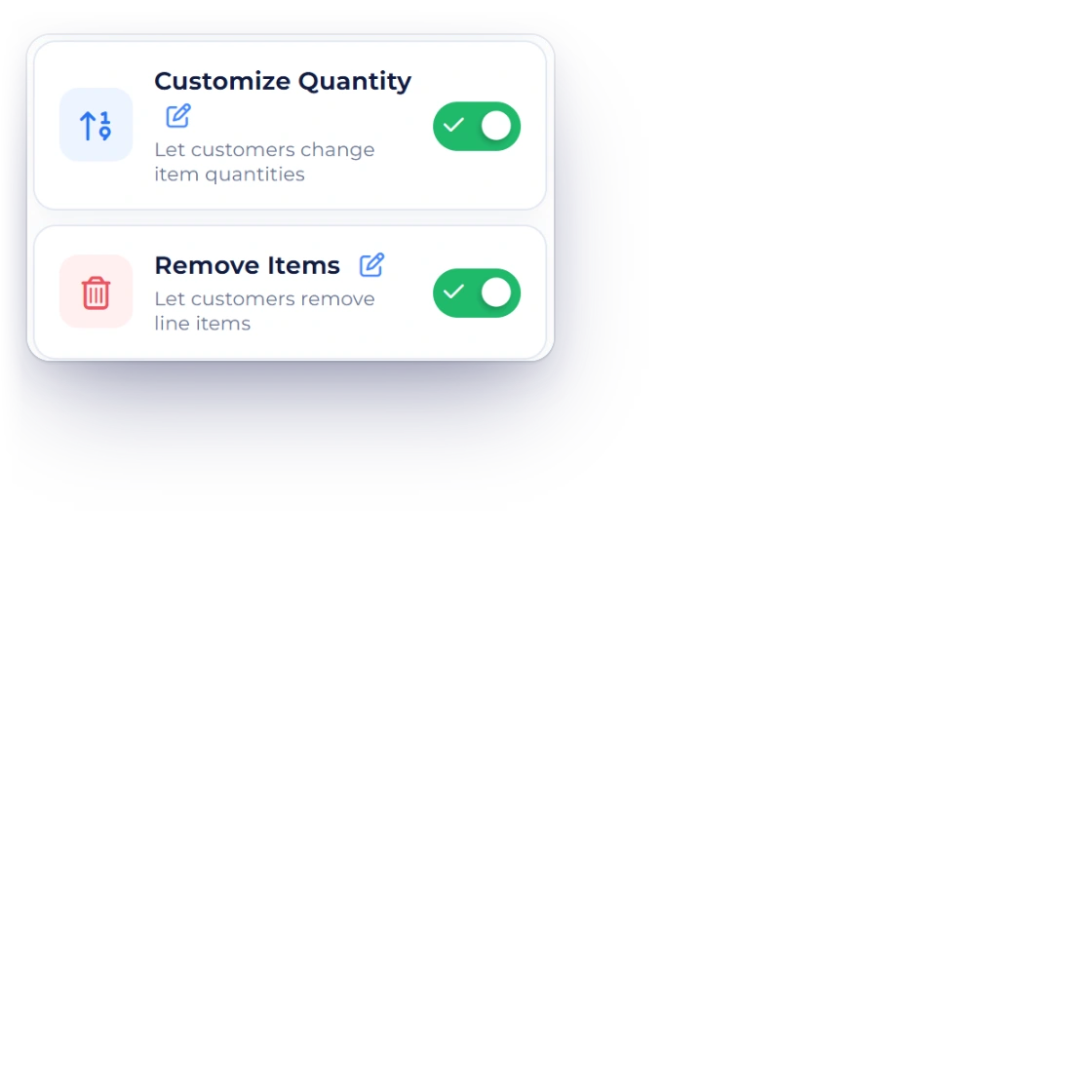
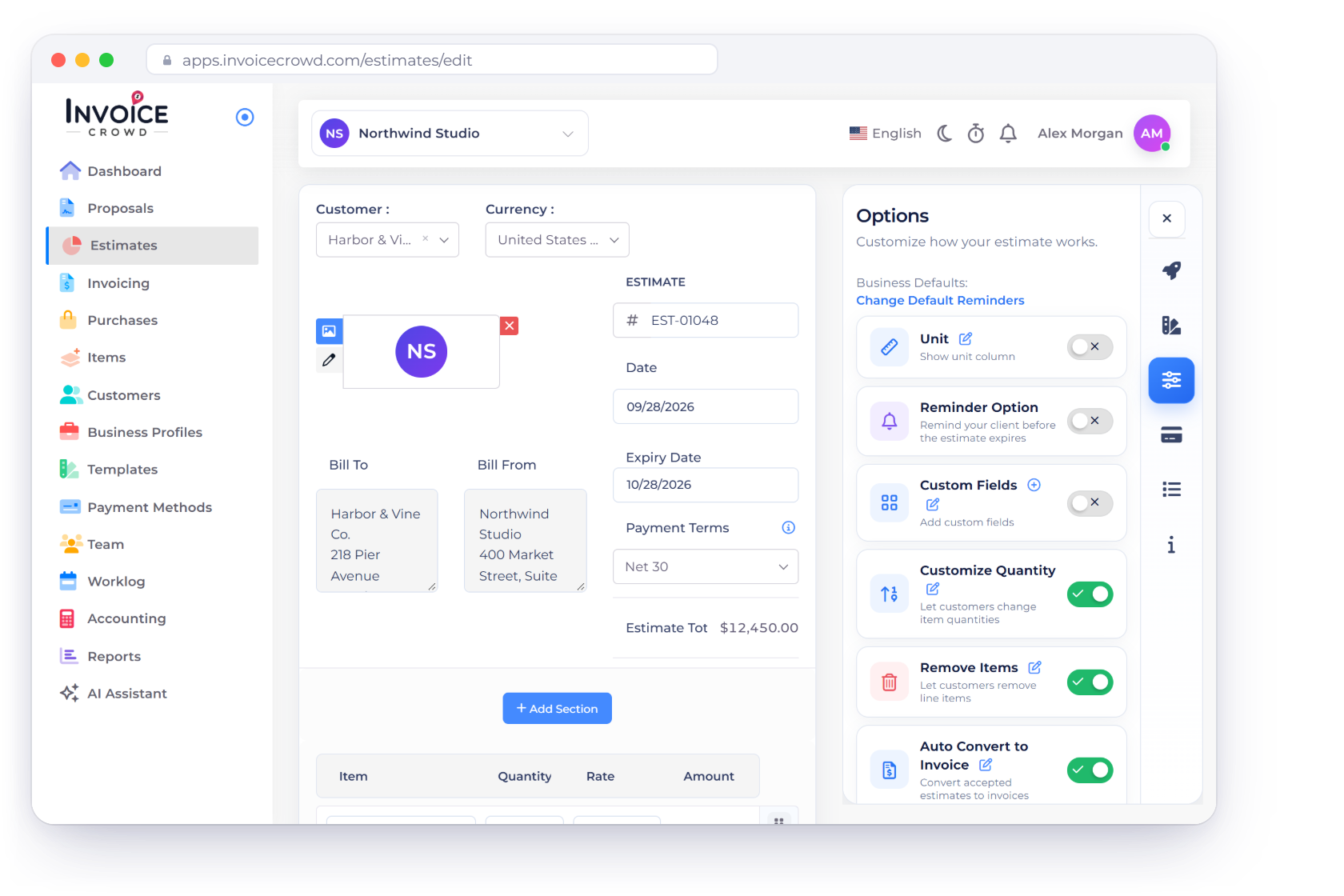
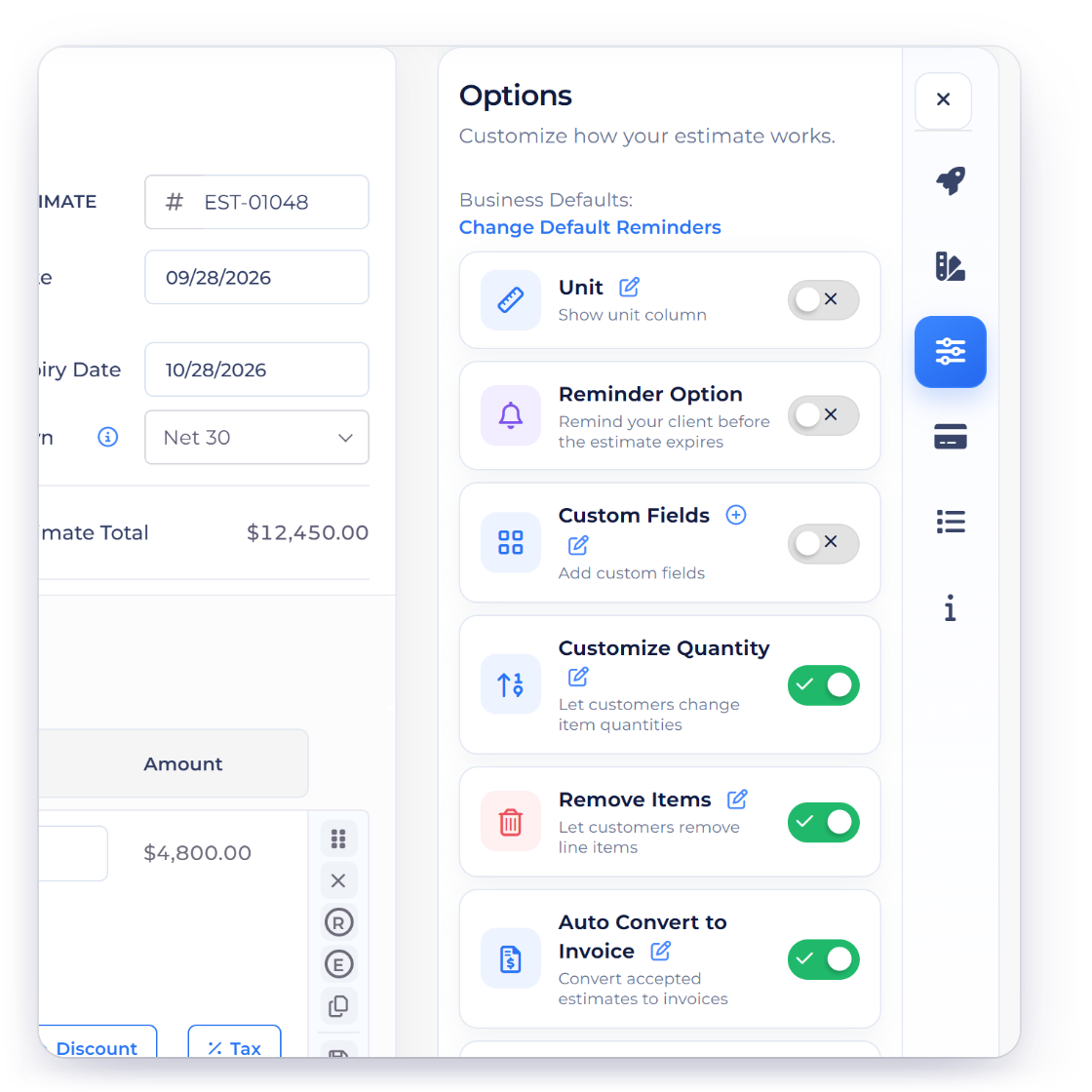
When Customize Quantity is enabled on an eligible estimate or purchase order, the client can enter a positive quantity up to the system maximum of 1,000,000 before approval. Invoice Crowd does not currently provide a merchant-defined minimum or maximum range.

  • Positive quantities only
  • System maximum: 1,000,000
  • Saved with approval
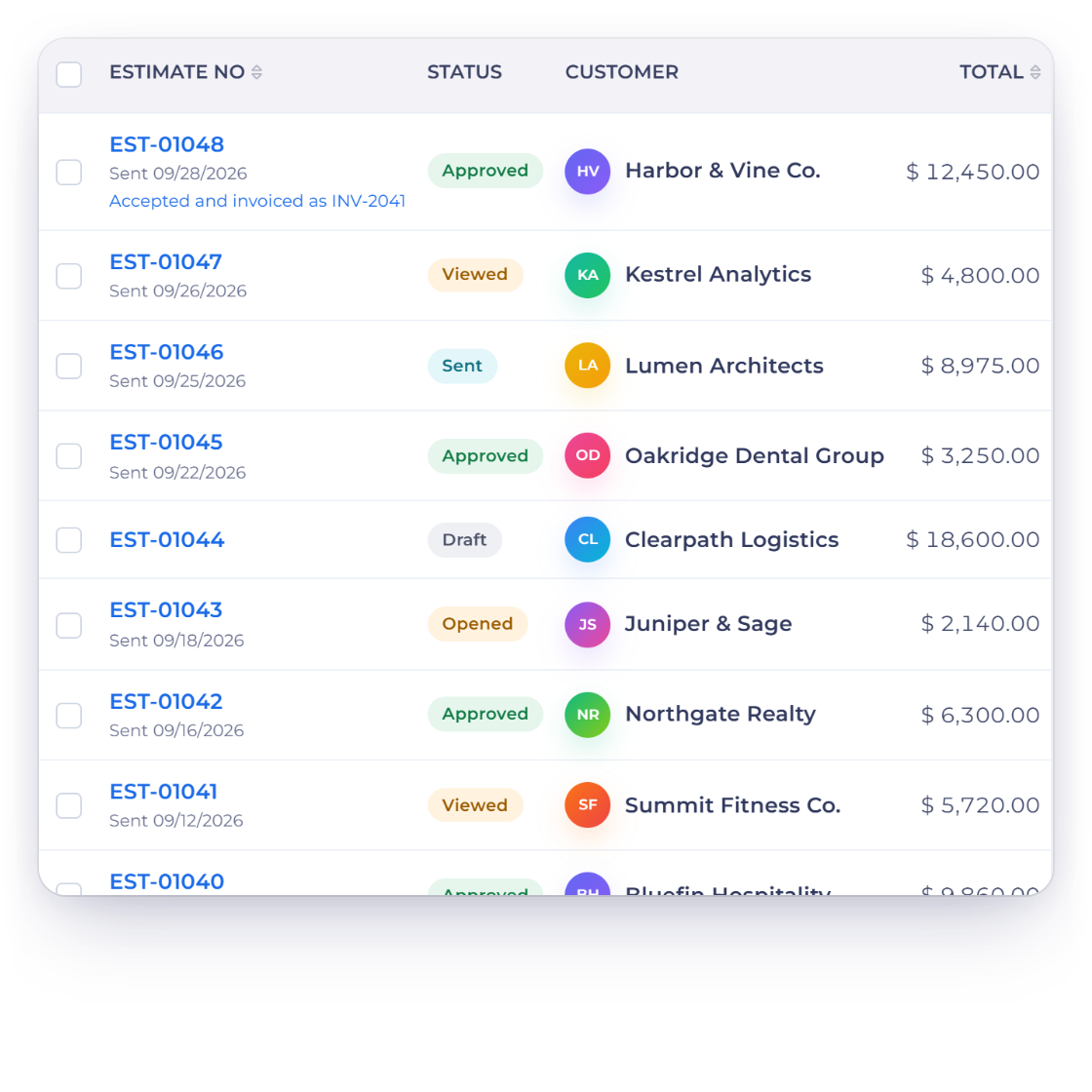
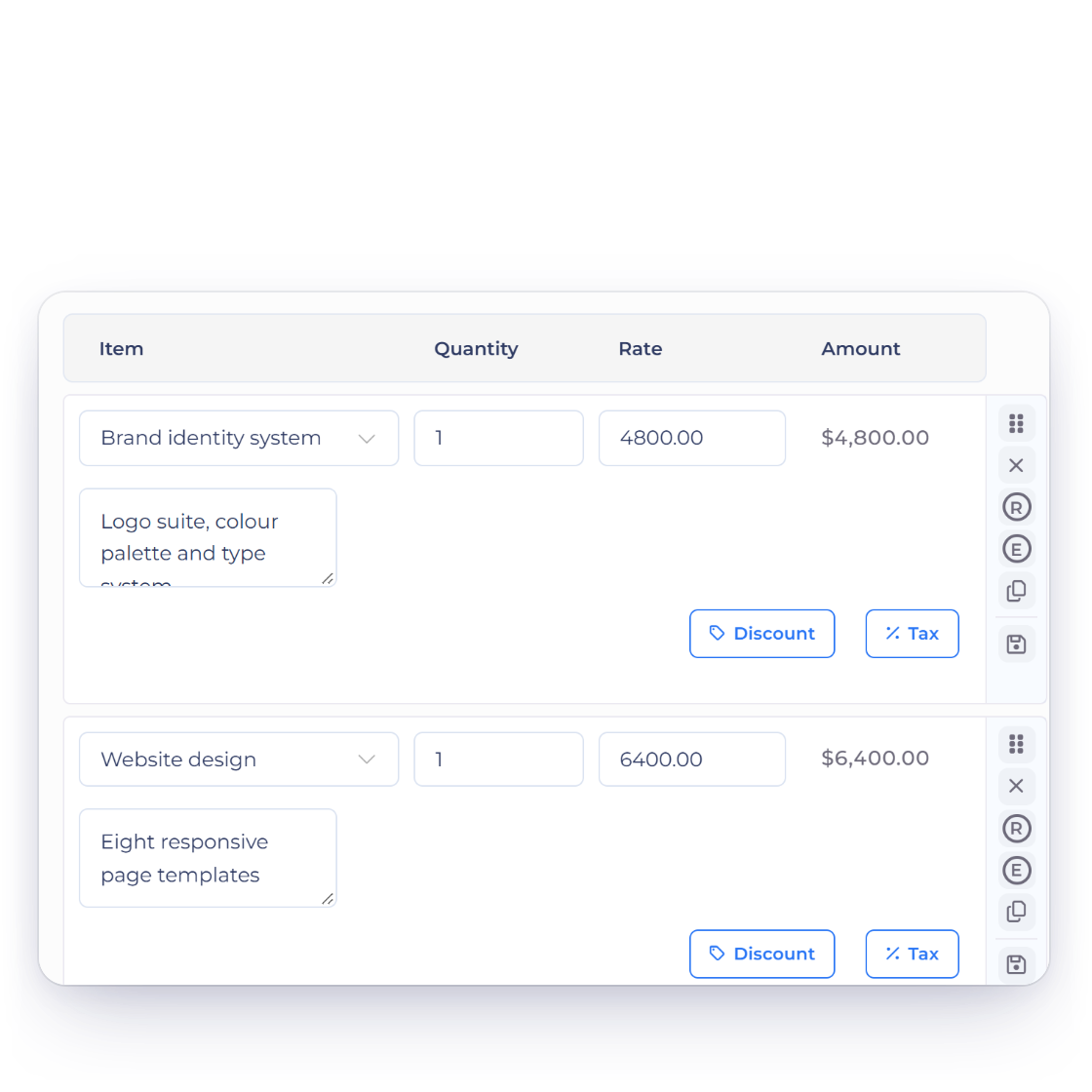
An estimate in Invoice Crowd with editable line-item quantities

What is inside

Precision handed to the person paying

Most quotes come back with the same question attached: could we have more of this and less of that. Customizable quantity puts that answer on the document instead of in a reply.

Adjust with precision

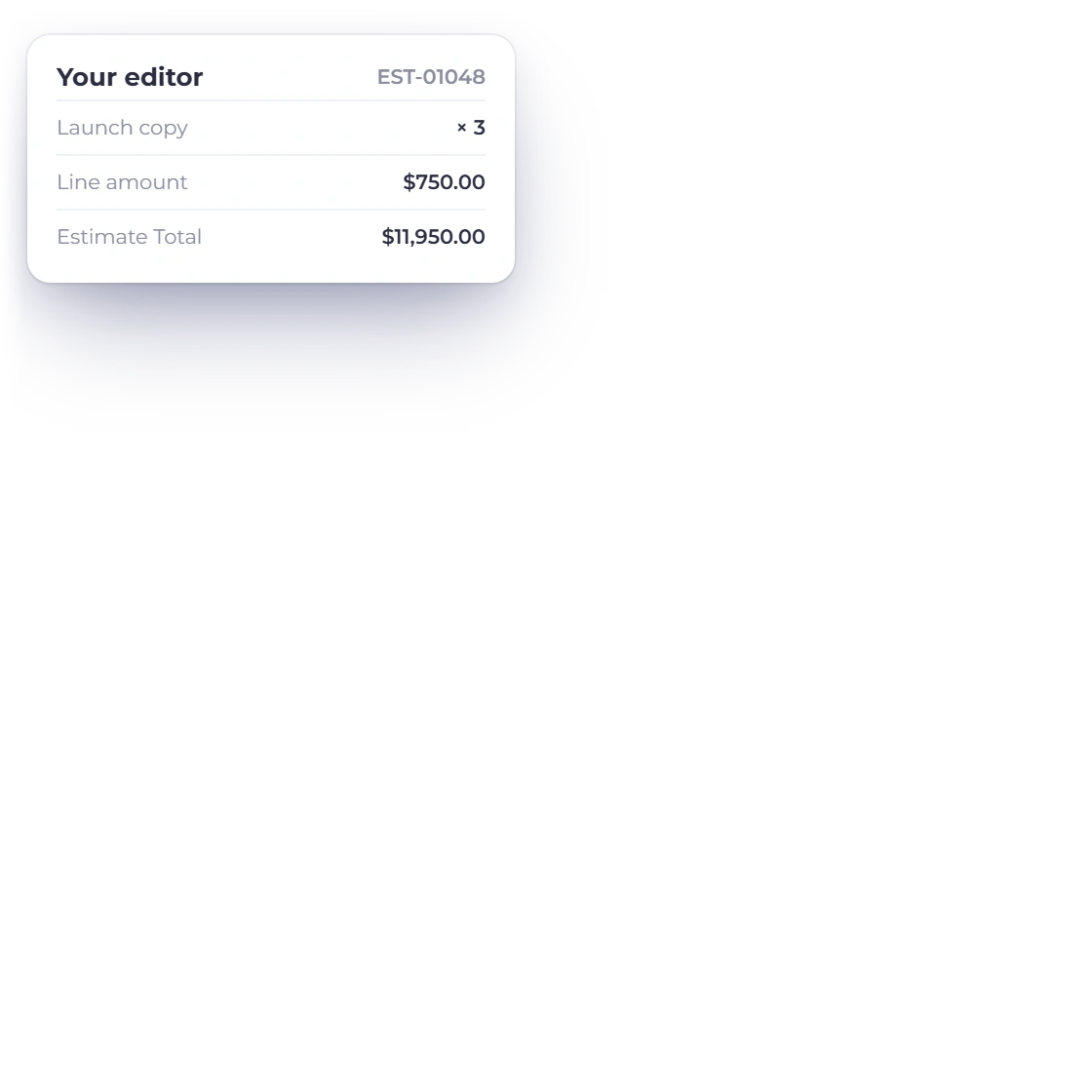
The client's edit

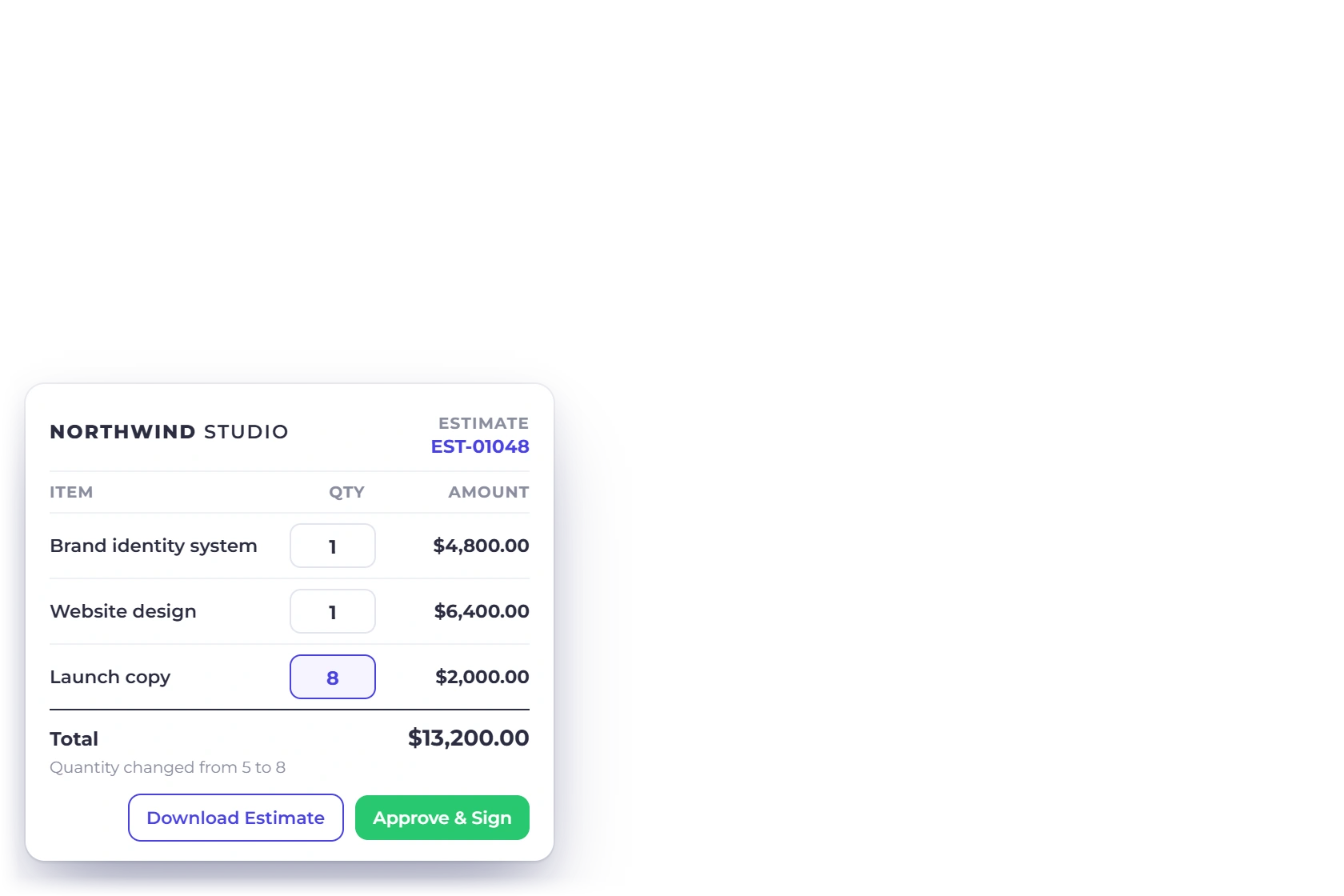
Item quantities being changed on an Invoice Crowd estimate, with the total updating

Quantities move up or down

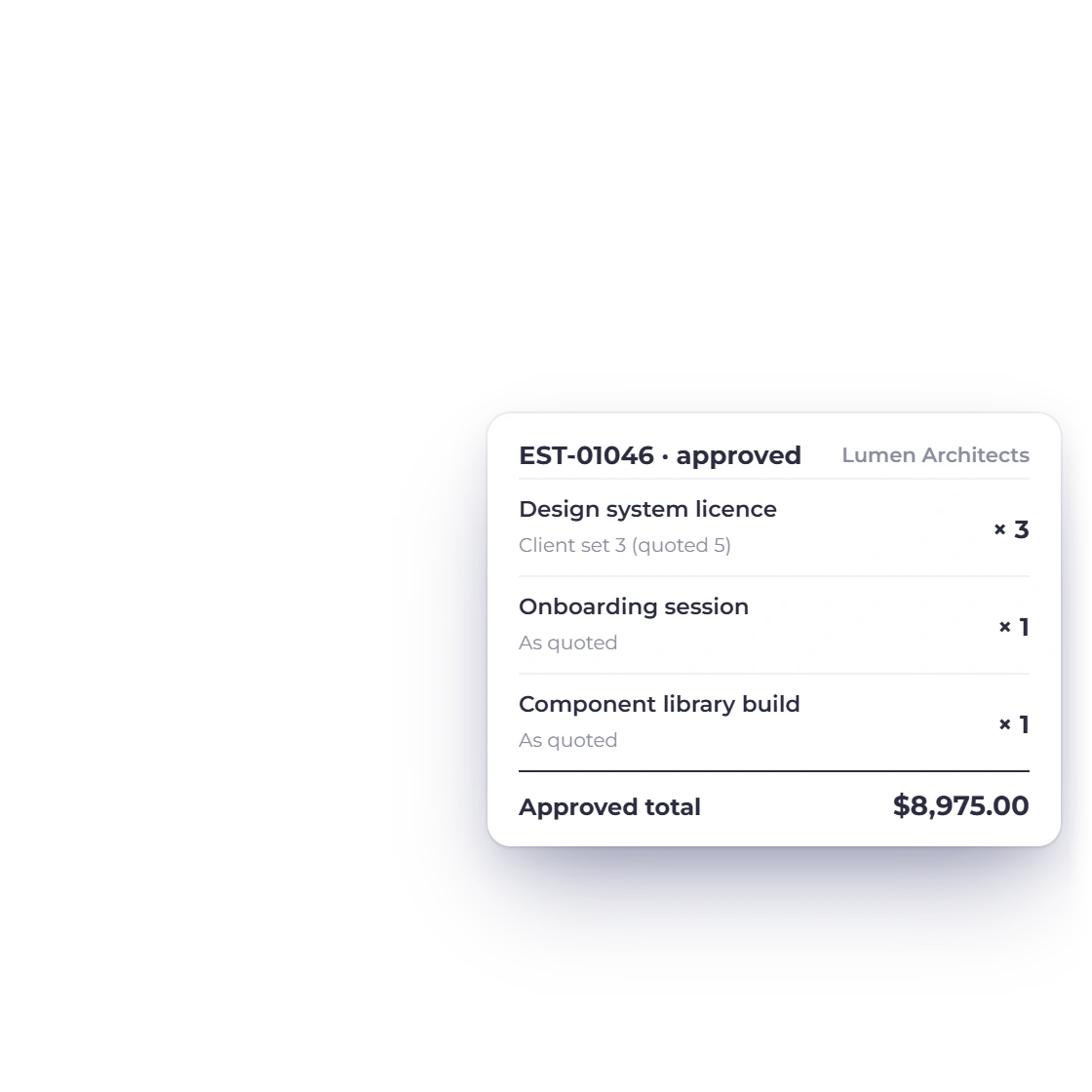
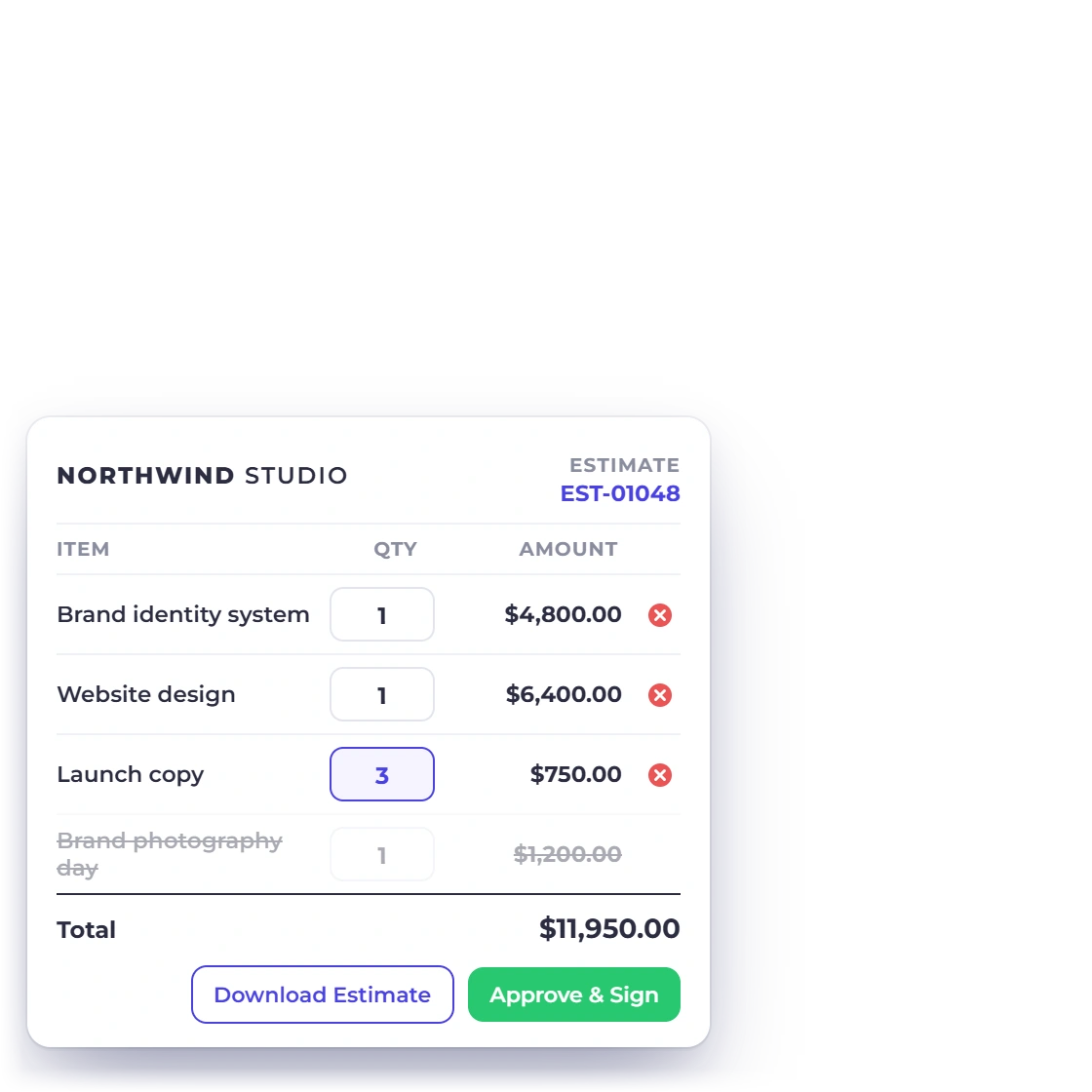
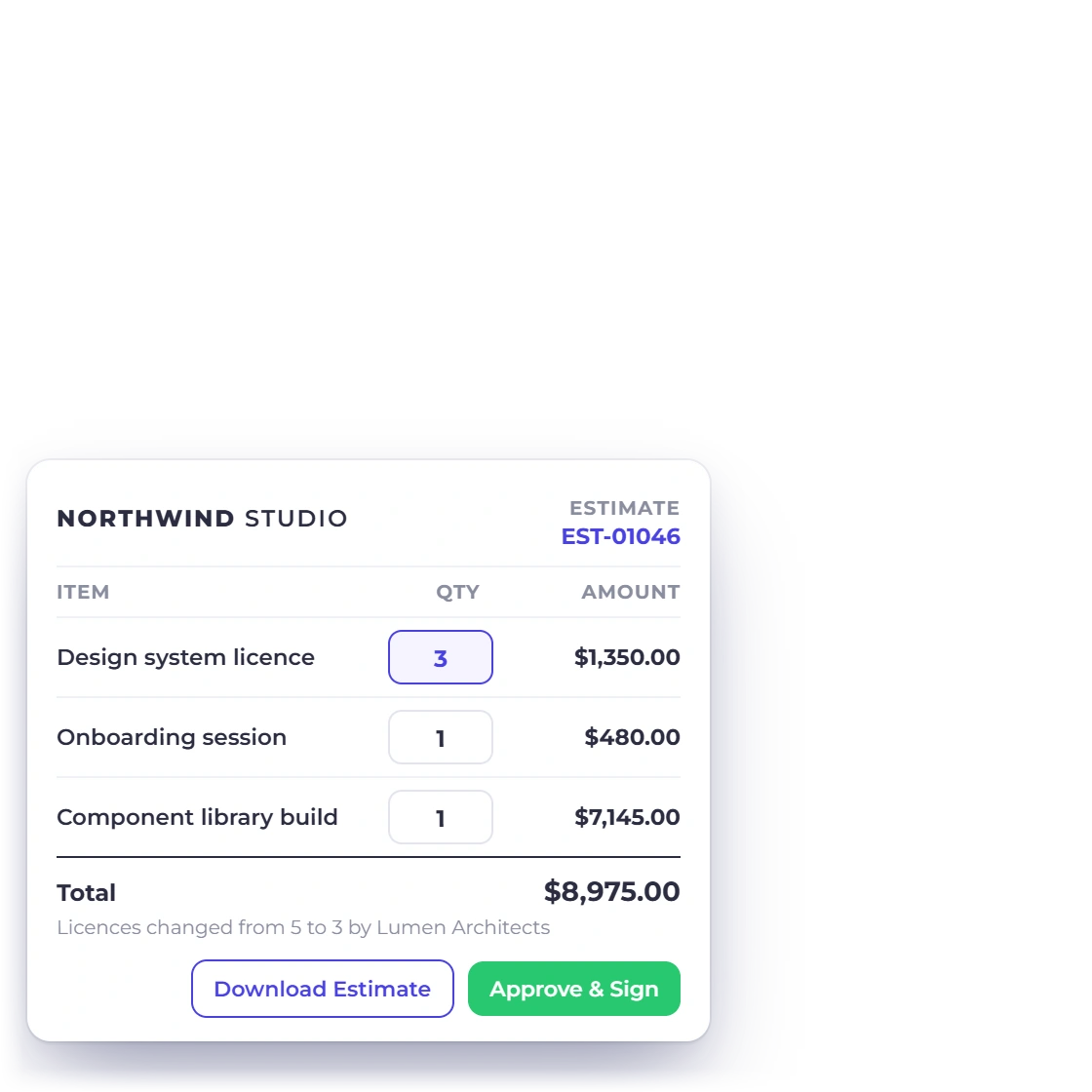
The client opens the estimate and changes the number against a line: three licenses rather than five, two days of editing rather than one. The document totals itself again as they work, so the price they are agreeing to is the price of what they have actually asked for.

  • Adjusted on the estimate, not by email
  • as a positive number up to the system maximum
  • Totals recalculate as the numbers change
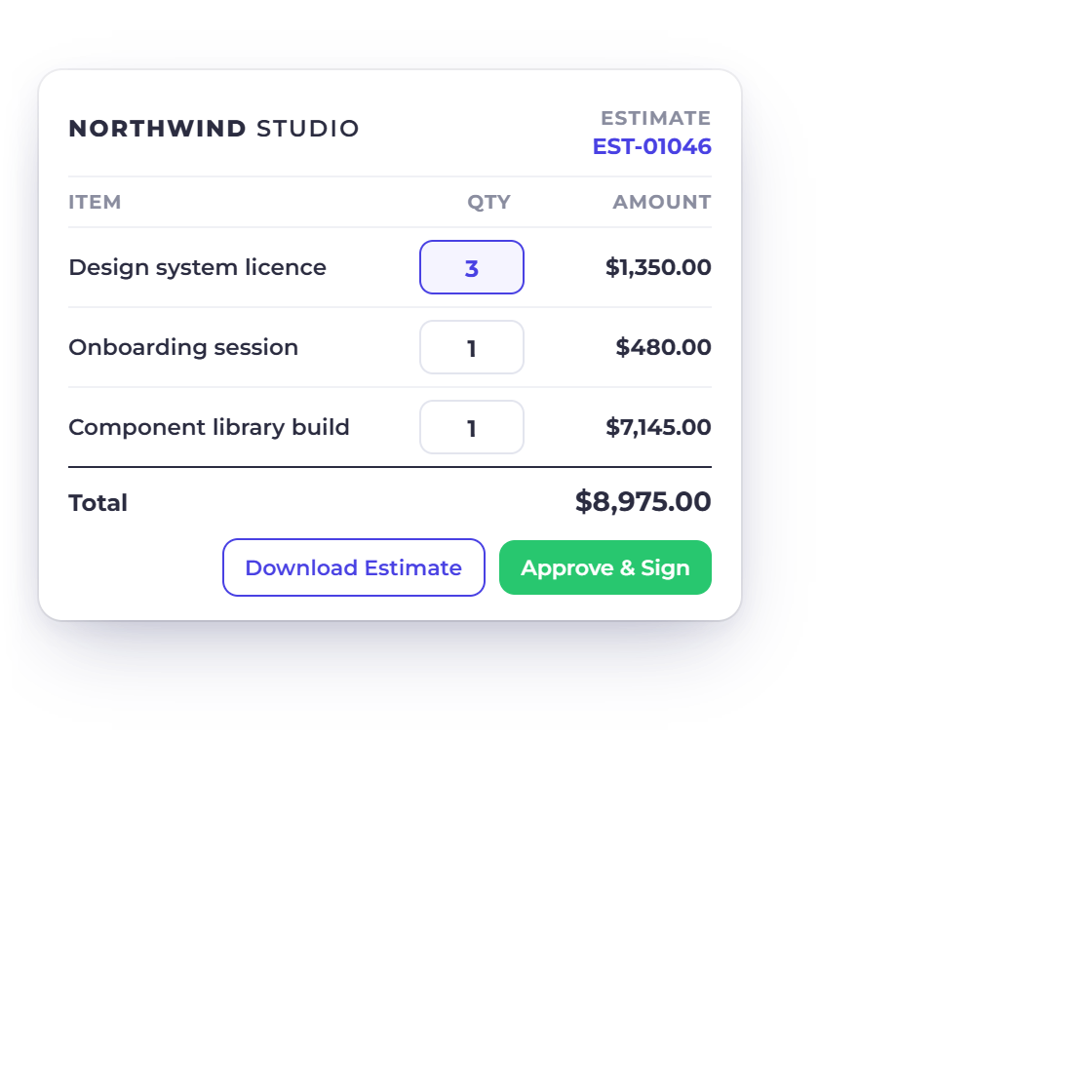
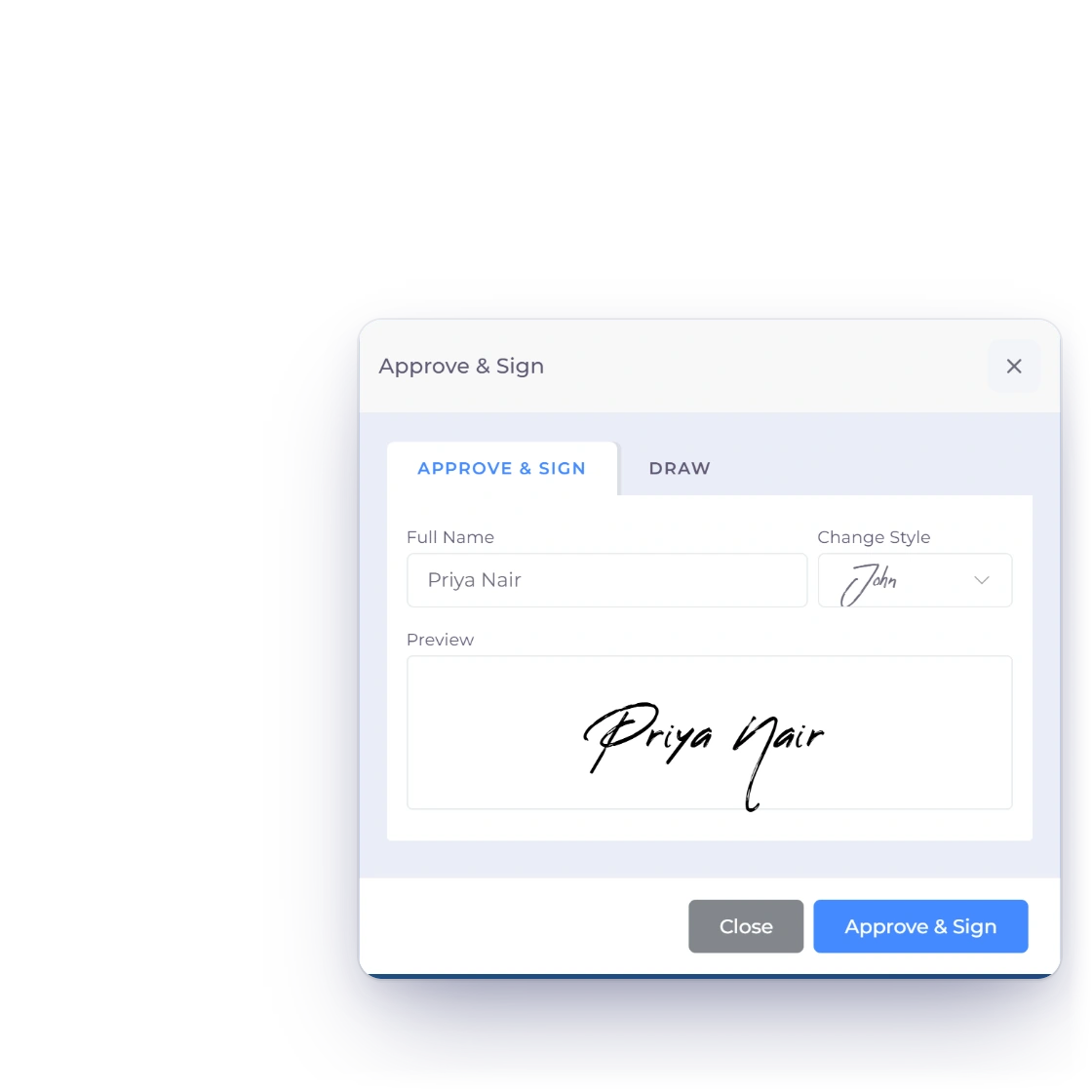
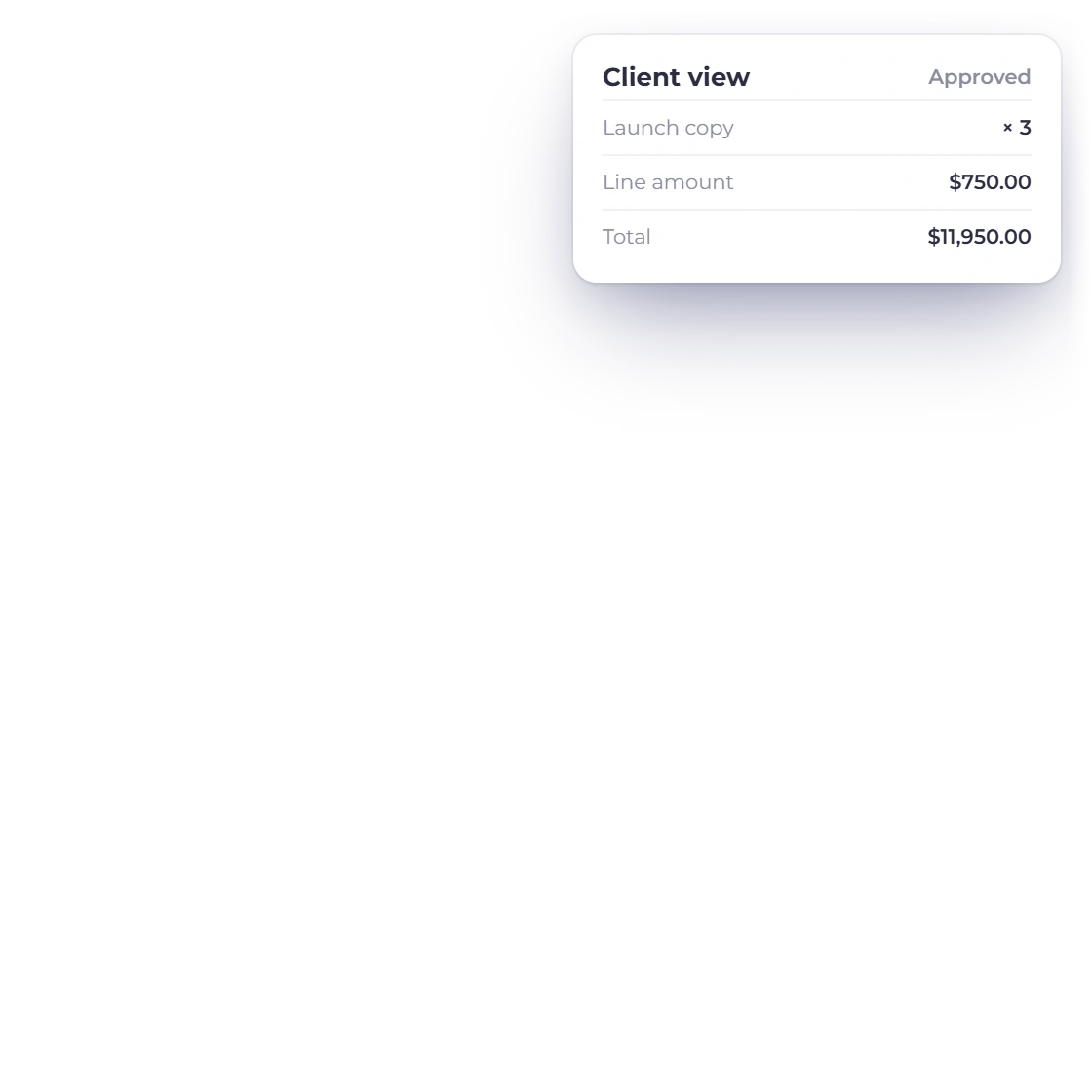
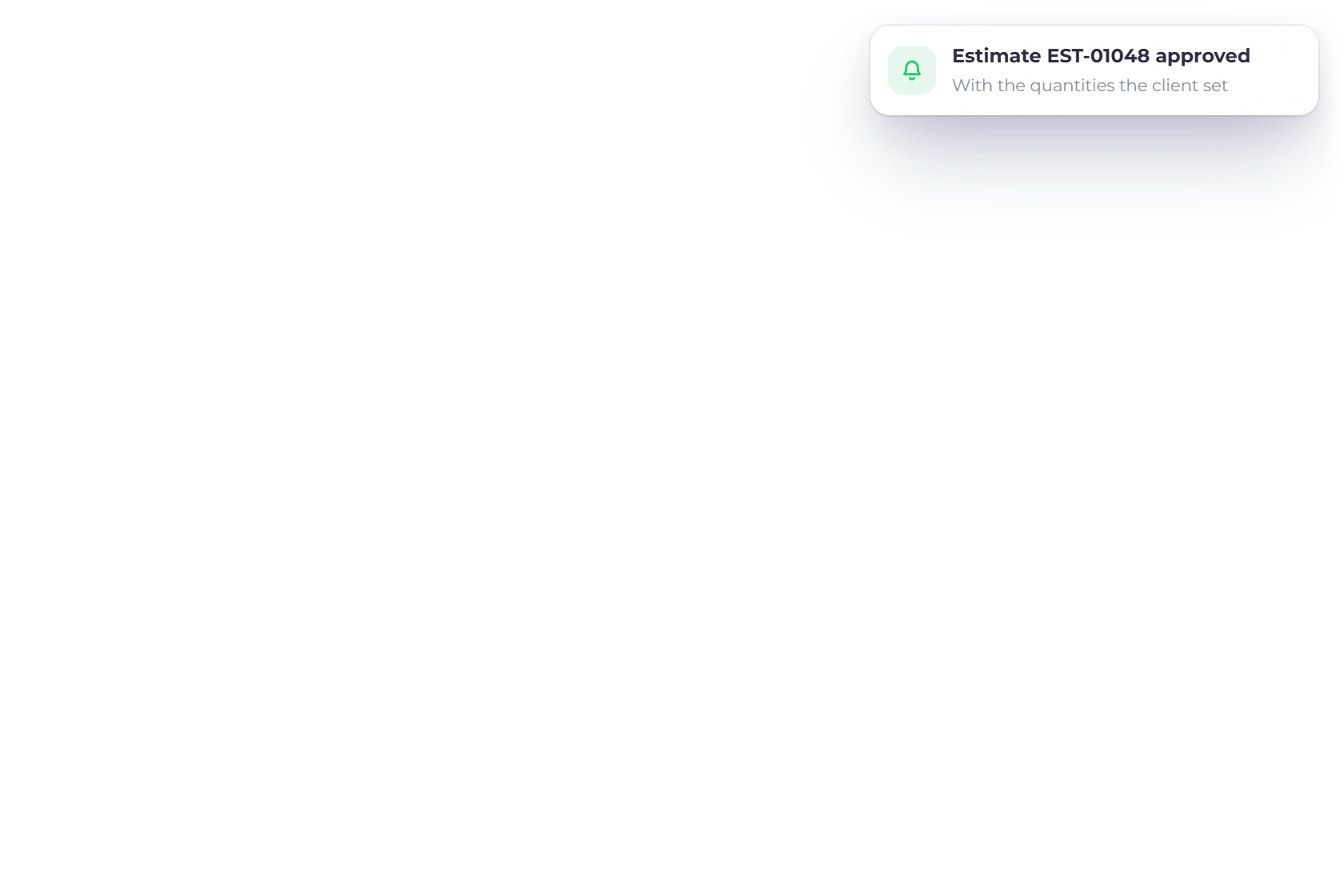
A client signing off an adjusted estimate in Invoice Crowd

Signed off once it fits

When the quantities are right, the client signs the estimate as it now stands. There is no revised version to send, no confirming message to write, and no argument later about which set of numbers was agreed, because the signature sits on the adjusted document.

  • One document, adjusted and signed in a single pass
  • E-signature captured in the browser
  • The signed version records the agreed figures

The benefits on your side

Fewer guesses, fewer rounds

Requirements you did not have to guess

Quoting a quantity you are unsure about usually costs you a revision. Letting the client set it removes the guesswork: what comes back is what they intend to buy, which makes each estimate a more honest forecast of both the work ahead and the revenue attached to it.

  • Accurate requirements instead of an assumption
  • Deliver the amount actually needed
  • Open quotes forecast more realistically

Less back and forth over a number

A quantity change normally travels by email and gets re-keyed by somebody. Here it happens on the document itself, so both sides read the same figures and nothing is lost between the client asking for a different amount and the estimate that reflects it.

  • One shared set of figures, not two
  • Nothing re-keyed from a message thread
  • Clients get exactly what they asked for

Once it is agreed

What happens downstream

Works alongside client-removable items

client-removable lines and adjustable quantities sit on the same estimate. A client can drop the extras they do not want, set how many of the ones they kept, and sign the result in one visit rather than asking you for three different versions of the same quote.

  • Deselect an item, then size the rest
  • Both choices recorded on the signed estimate
  • No rebuilding the quote between rounds
client-removable line items

The invoice uses the client's numbers

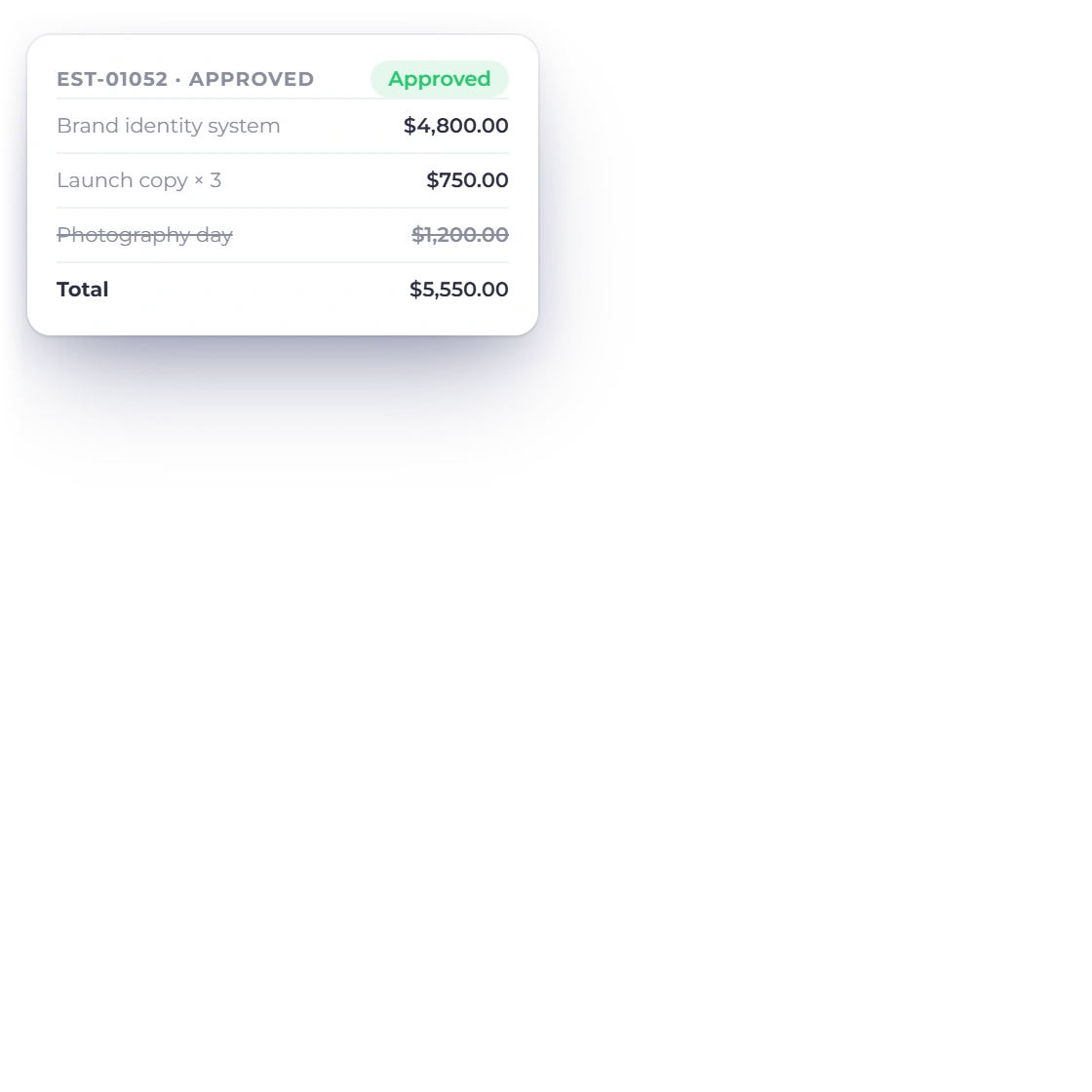
Whatever the client settled on is what gets billed. Converting the approved estimate brings the adjusted quantities across, whether you do it by hand or leave it to run automatically, so nobody has to remember at billing time that line four changed after the estimate first went out.

  • Adjusted quantities reflected on conversion
  • Works with manual and automatic conversion
  • The invoice total is the signed total
Converting to an invoice

Also included

Around an adjustable estimate

Quantity is one field on a document that still has to price the work, get itself signed and turn into money you have been paid.

  • System quantity limits

    Adjustment happens inside the system limit; there is no custom min/max range, so nothing arrives outside what you can deliver.

  • Change notifications

    the permitted quantities are saved when the client successfully signs and approves the document.

  • Saved items

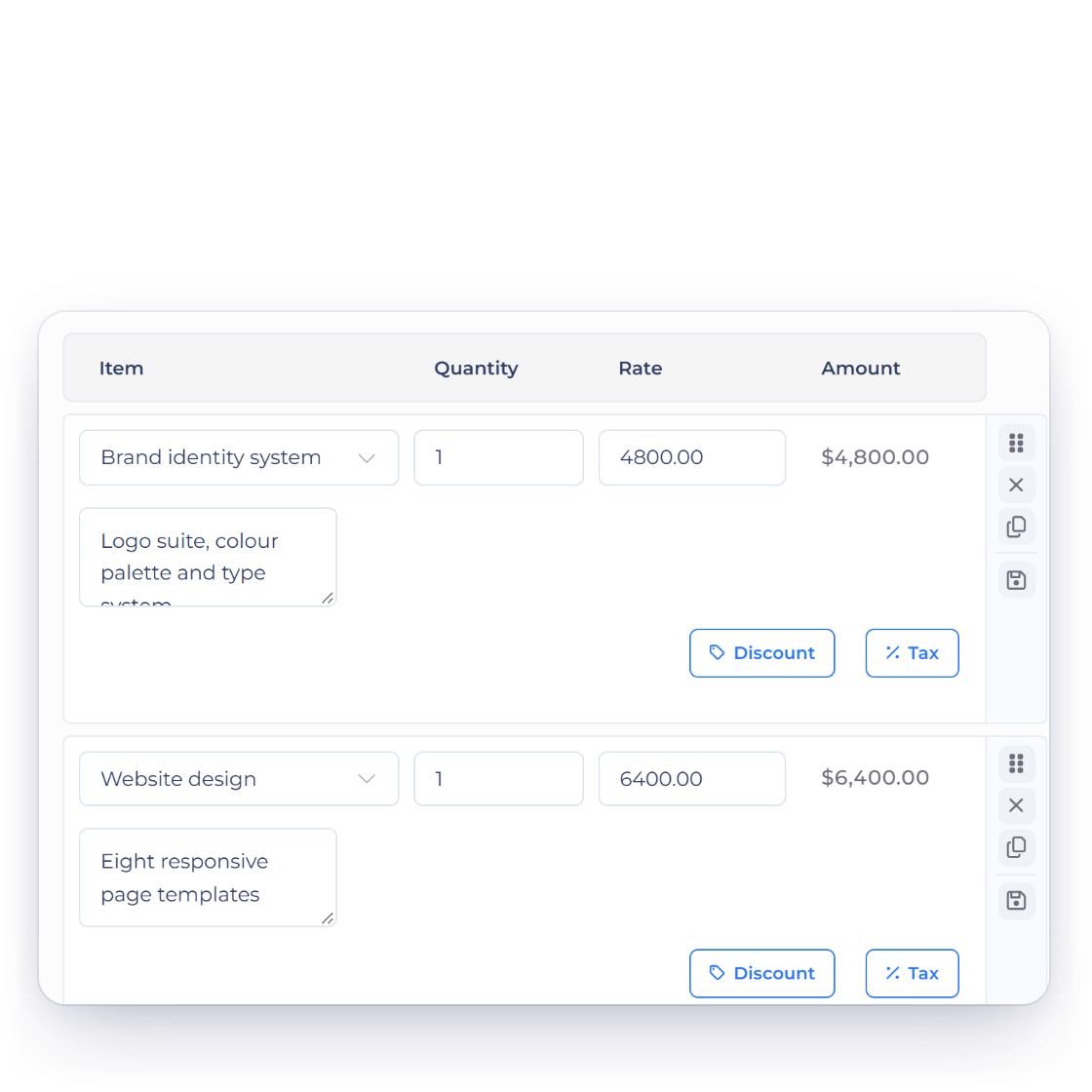
    Adjustable lines can come from your item catalog or be typed for one estimate.

  • Tax and discounts

    Custom rates apply to the new quantity, so a bigger order still totals correctly.

  • Signed in the browser

    The adjusted estimate takes an e-signature online, with no printing or scanning involved.

  • Customer portal

    Clients return to see the quantities they chose and the document they signed.

  • Automatic conversion

    An approved estimate can raise its invoice on its own, adjusted figures included.

  • Deposits and balances

    Take part of the agreed total up front and bill the rest when the work lands.

  • Multiple currencies

    Quantities and totals hold up in whichever currency the client is quoted in.

  • Longer proposals

    A bigger pitch carries priced sections and an e-signature for the same kind of sign-off.

  • Customer records

    The signed estimate is filed against the customer it belongs to, with its history.

  • Test the workflow

    Use a real estimate to confirm that client-adjustable quantities fit the way you quote.

Questions

Customizable quantity, answered

Is there a limit to how much a client can adjust a quantity?

the current system accepts a positive quantity no greater than 1,000,000; there is no merchant-defined range. Clients move within those parameters, so an estimate cannot come back with a quantity you have no way of fulfilling, and you keep control of the shape of the quote.

Do I get notified when a client adjusts the quantity?

Yes. Once a client has adjusted the quantities and signed the estimate, the approved document stores the resulting quantities; there is no separate detailed change report, so from that point you are scheduling and billing against their figures rather than the ones you originally proposed.

Can this be used together with client-removable items?

Yes. A client can select or deselect the client-removable lines first, then set the quantities on whatever they have kept, and sign once at the end. Both decisions are recorded on the same signed estimate.

Are the adjusted quantities used when the estimate becomes an invoice?

Yes. The quantities the client set carry through automatically when the approved estimate is converted, so the invoice bills the amount that was signed for rather than a figure someone has to transfer by hand.

Does the total update while the client is editing?

Yes. Line amounts, tax and any discount recalculate as the quantity changes, so the client always sees the real cost of the version in front of them and can weigh it up properly before deciding whether to sign.

Can the client change the price too?

No. Customizable quantity covers how many, not how much each. Your rates, taxes and discounts stay as you set them, which keeps a quote from turning into a negotiation over the rate card you already published.

Let the estimate match what they actually need

Turn on customizable quantity, send the estimate once, and let the client size the job on the document instead of in a reply to it.

  • Review current plan terms before signup
  • Rates stay yours
  • Signed figures reach the invoice