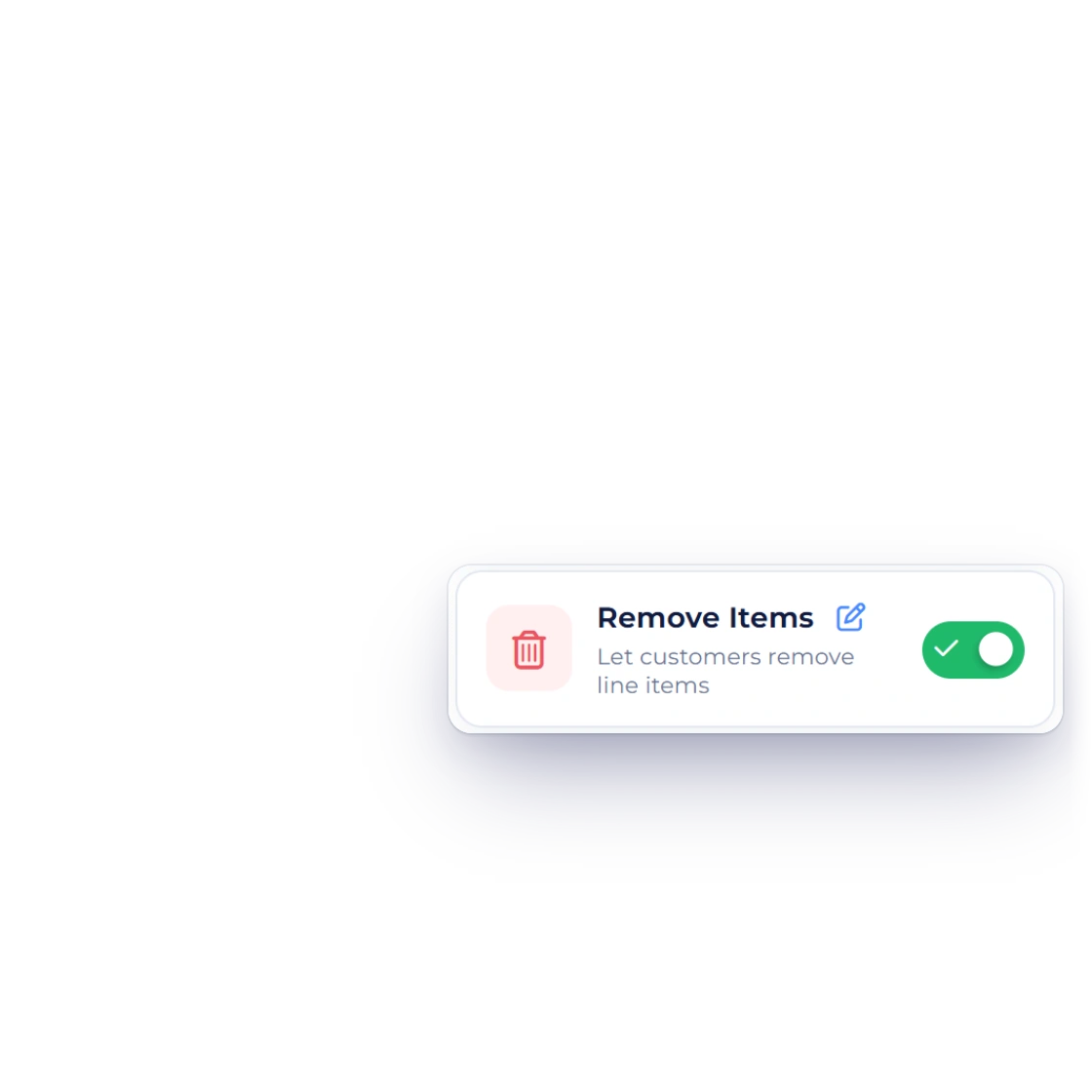
Switch on Remove Items
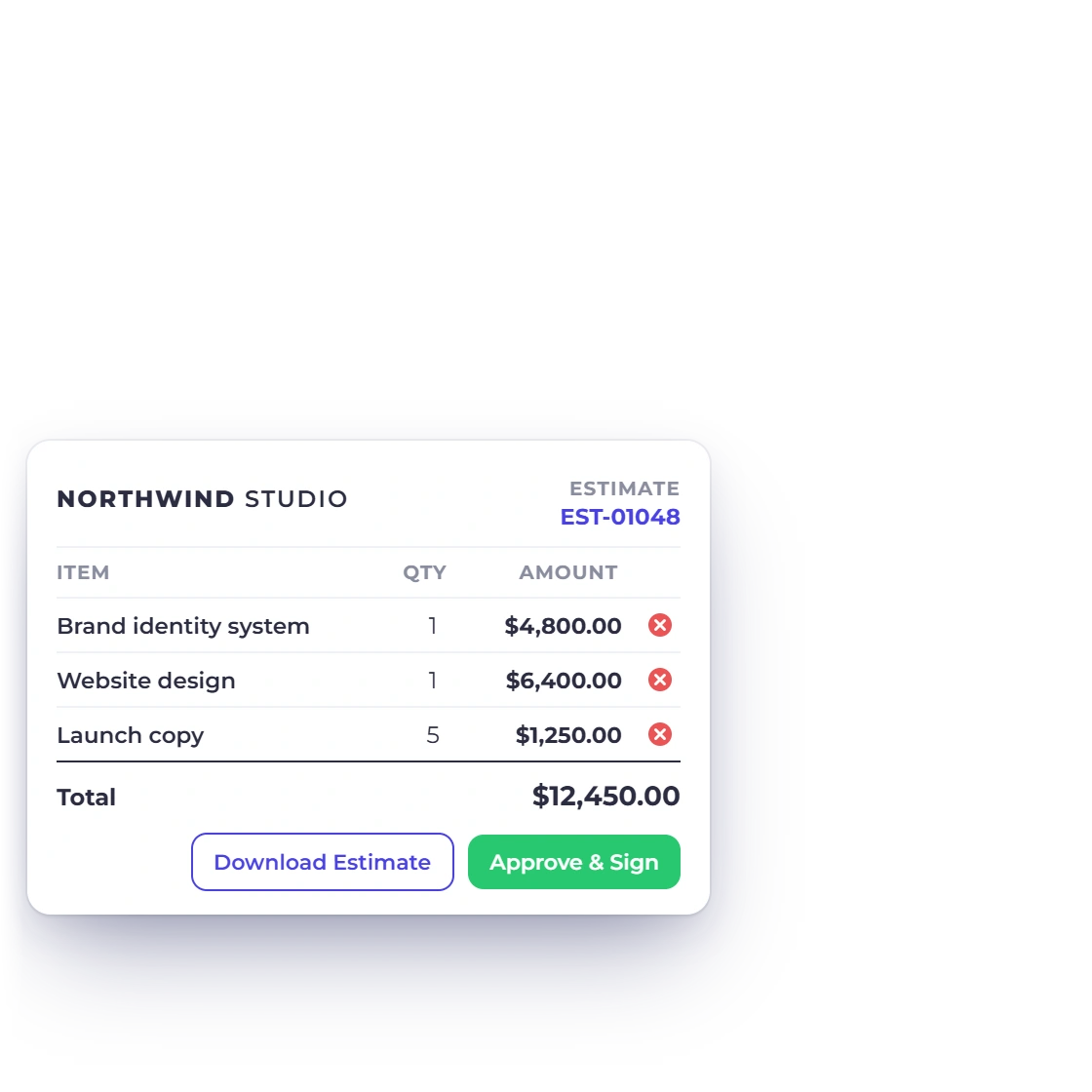
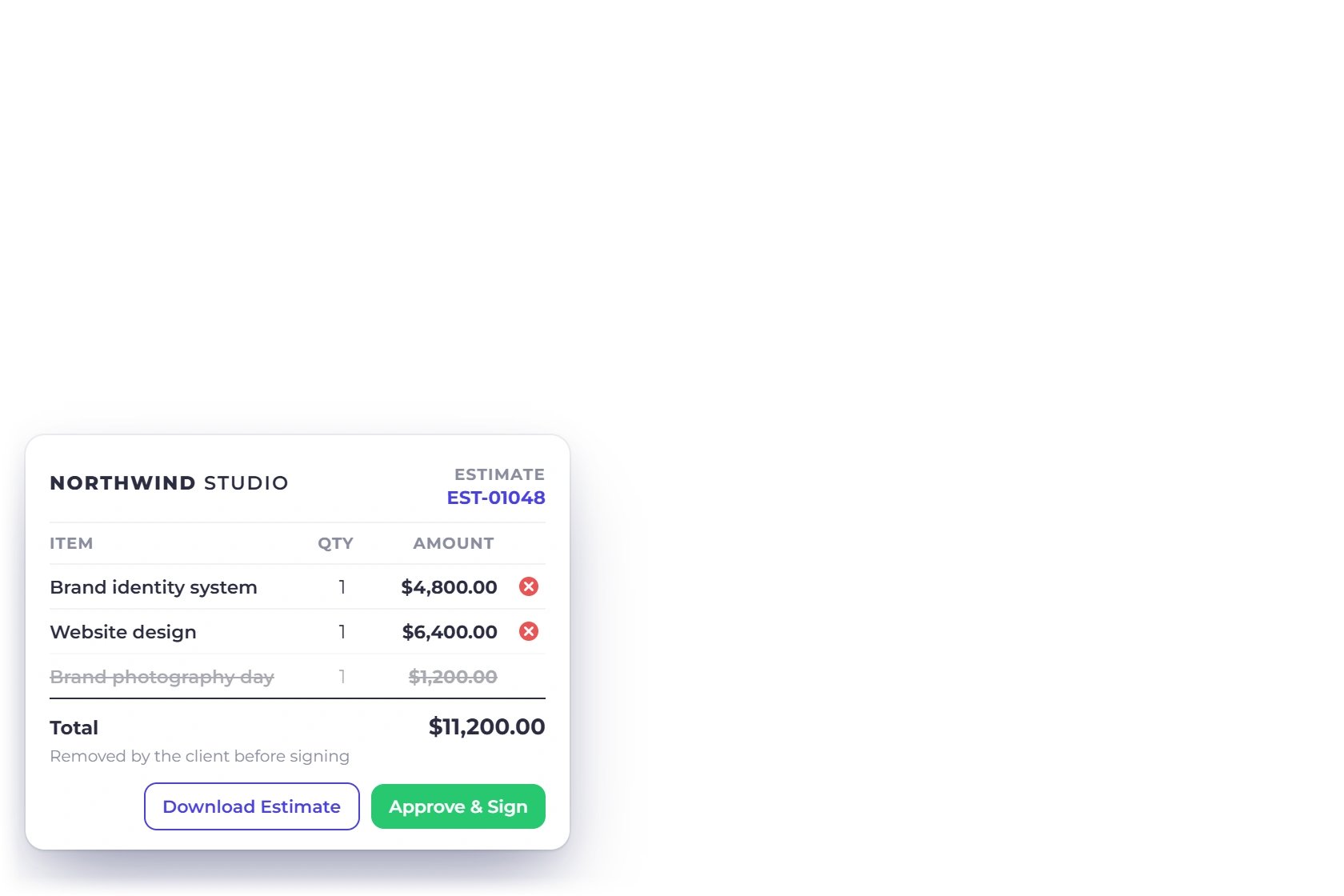
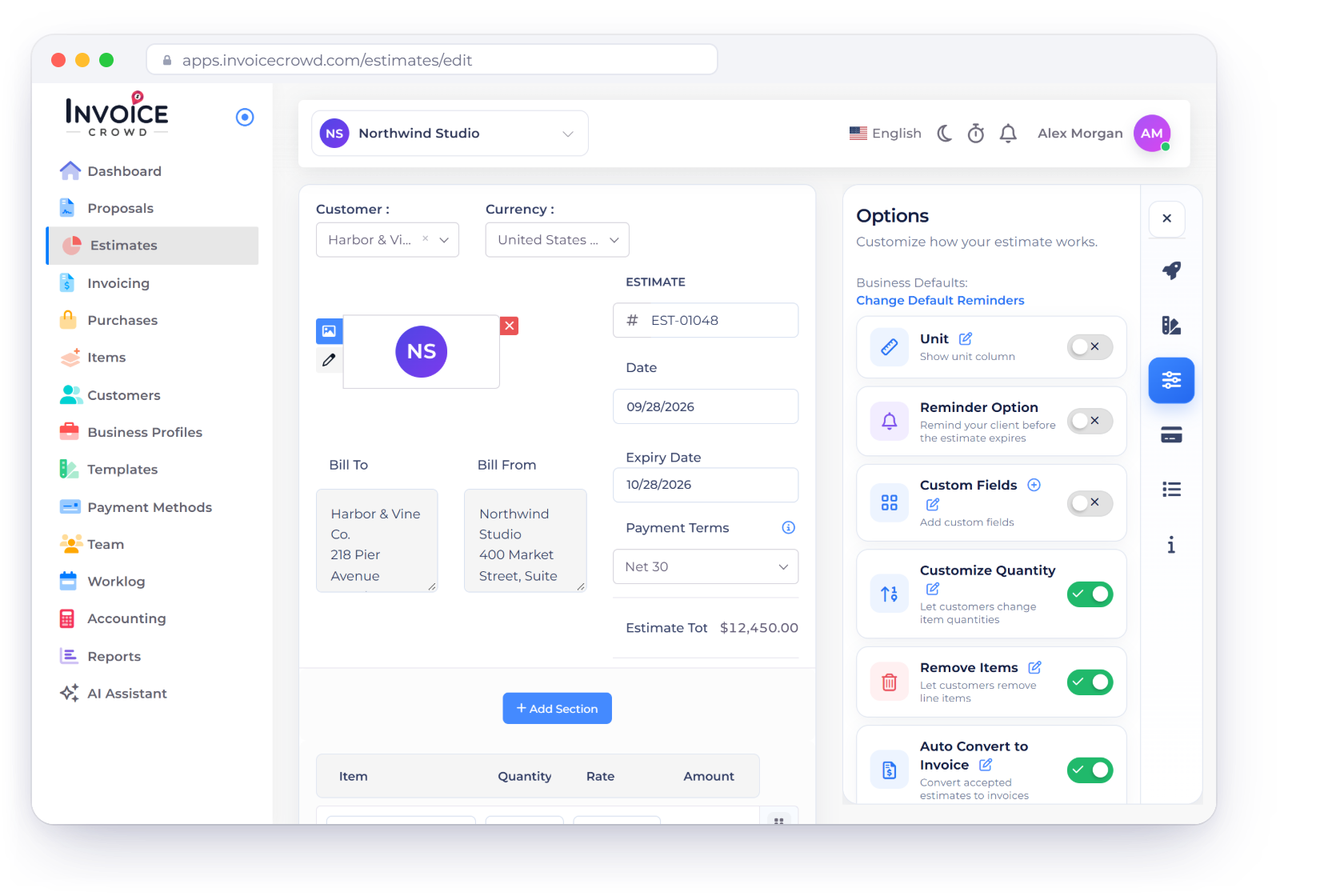
Turn on Remove Items in the Options panel of an estimate or purchase order, and your client can take out lines before they approve it online.
- One switch per document
- The client picks the lines
- For estimates and purchase orders
Estimates and purchase orders
Invoice Crowd's Remove Items option lets a client take out the lines they don't need before approving and signing, and the total recalculates as they go. It works on estimates and purchase orders.
How it works
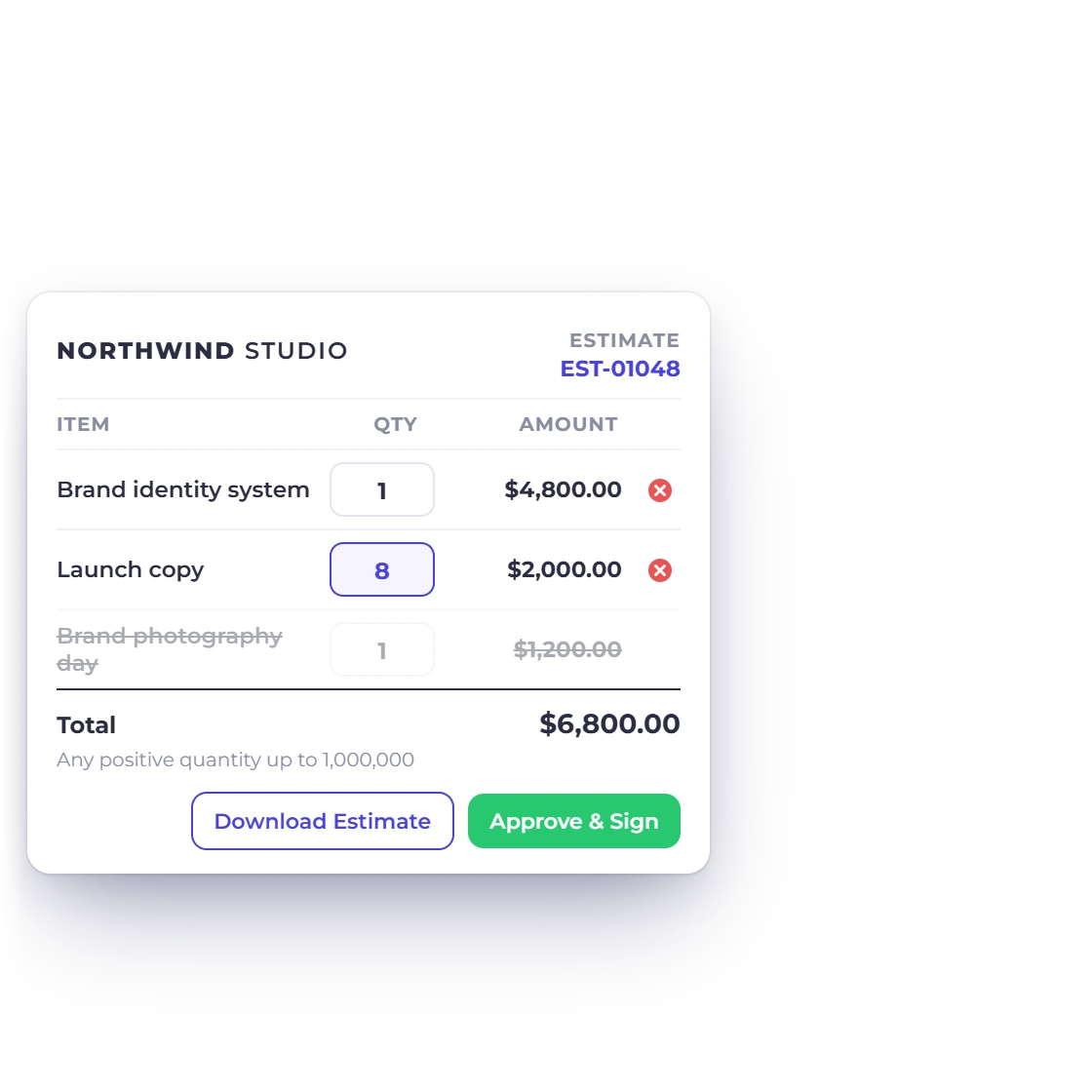
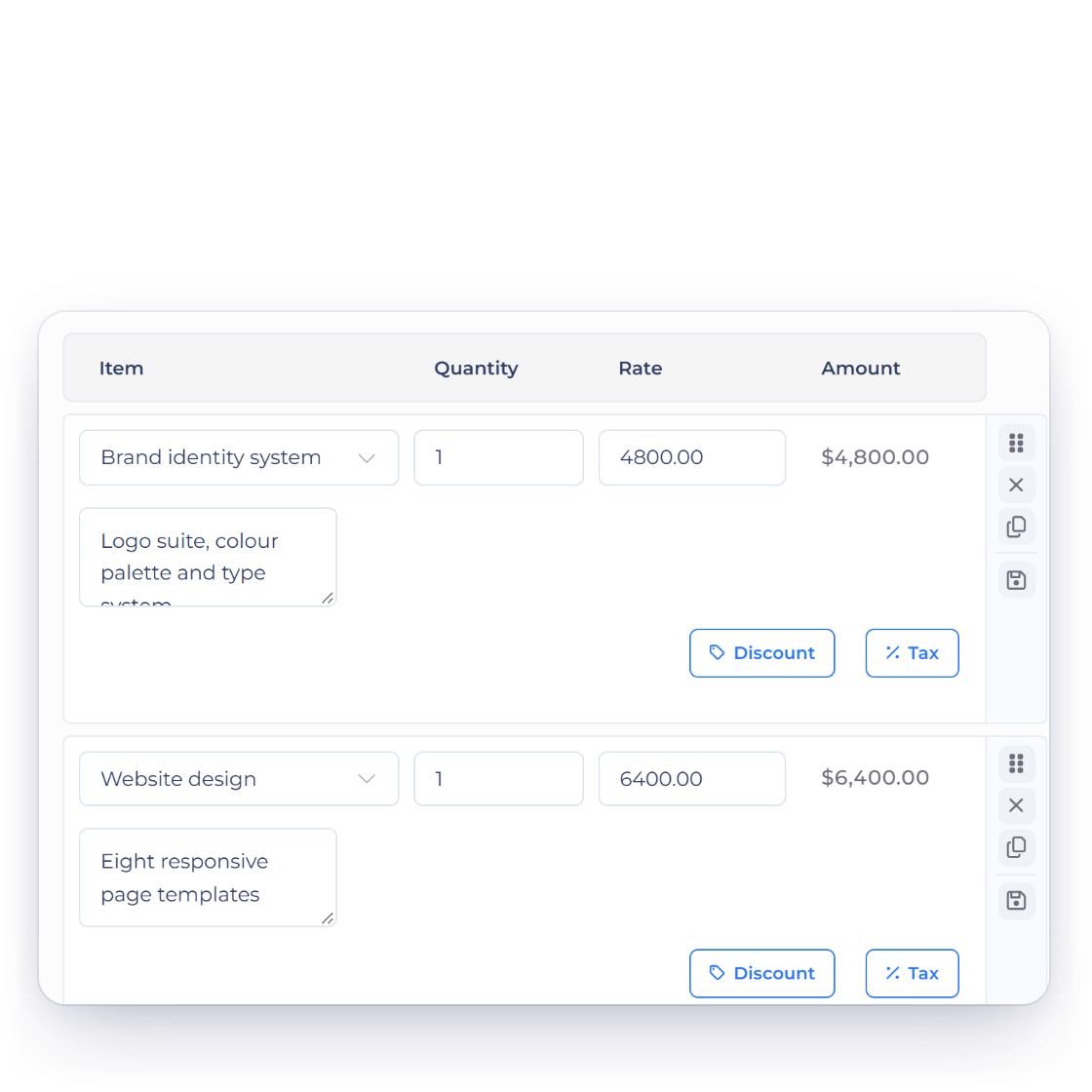
Send one estimate with every option on it. The client removes what they don't need, the total updates, and the version they sign is the one you bill.
You decide
Turn on Remove Items in the Options panel of an estimate or purchase order, and your client can take out lines before they approve it online.
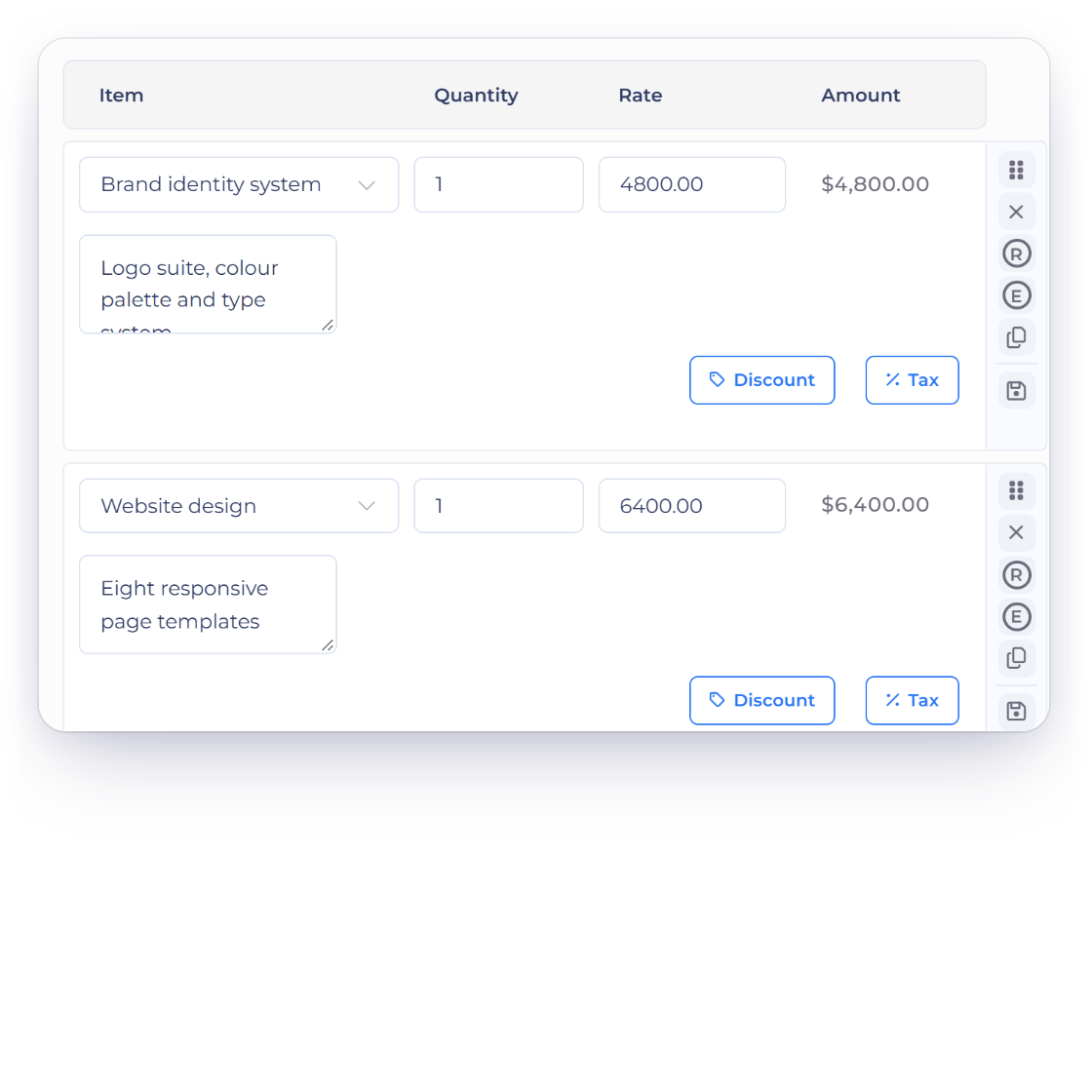
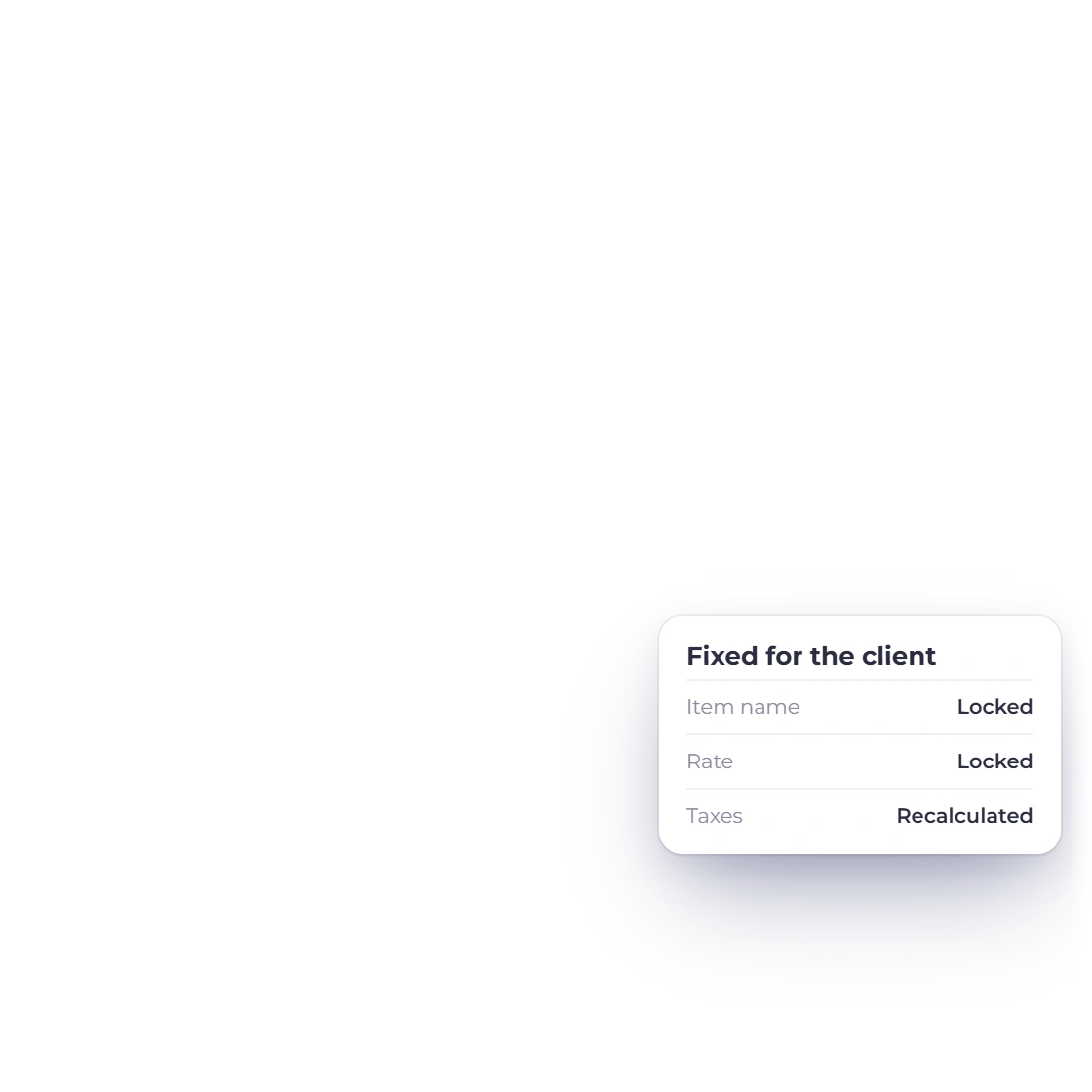
The client sees your items, rates, taxes and discounts exactly as you saved them. They choose what to keep, and the pricing stays yours.
Their choice, your terms
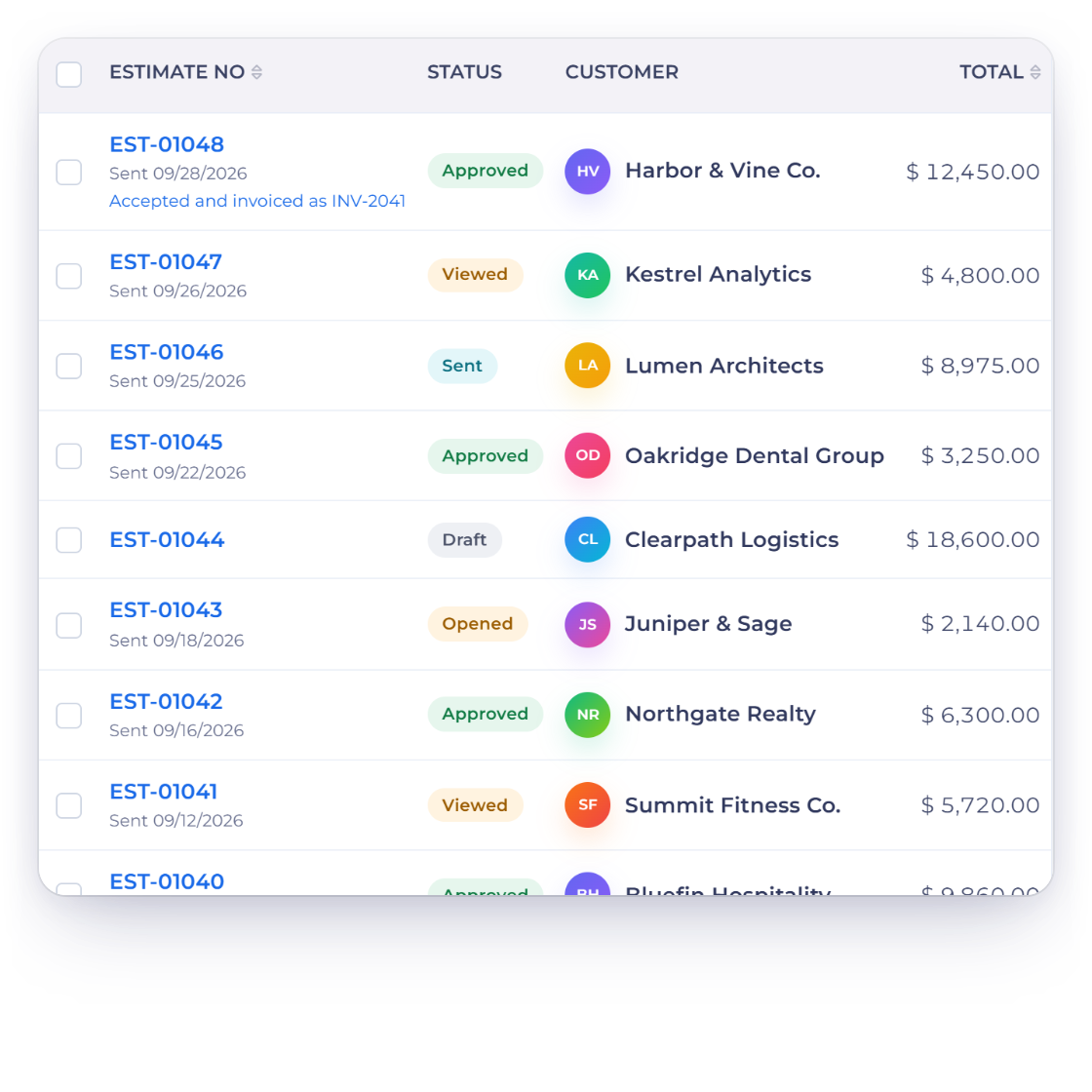
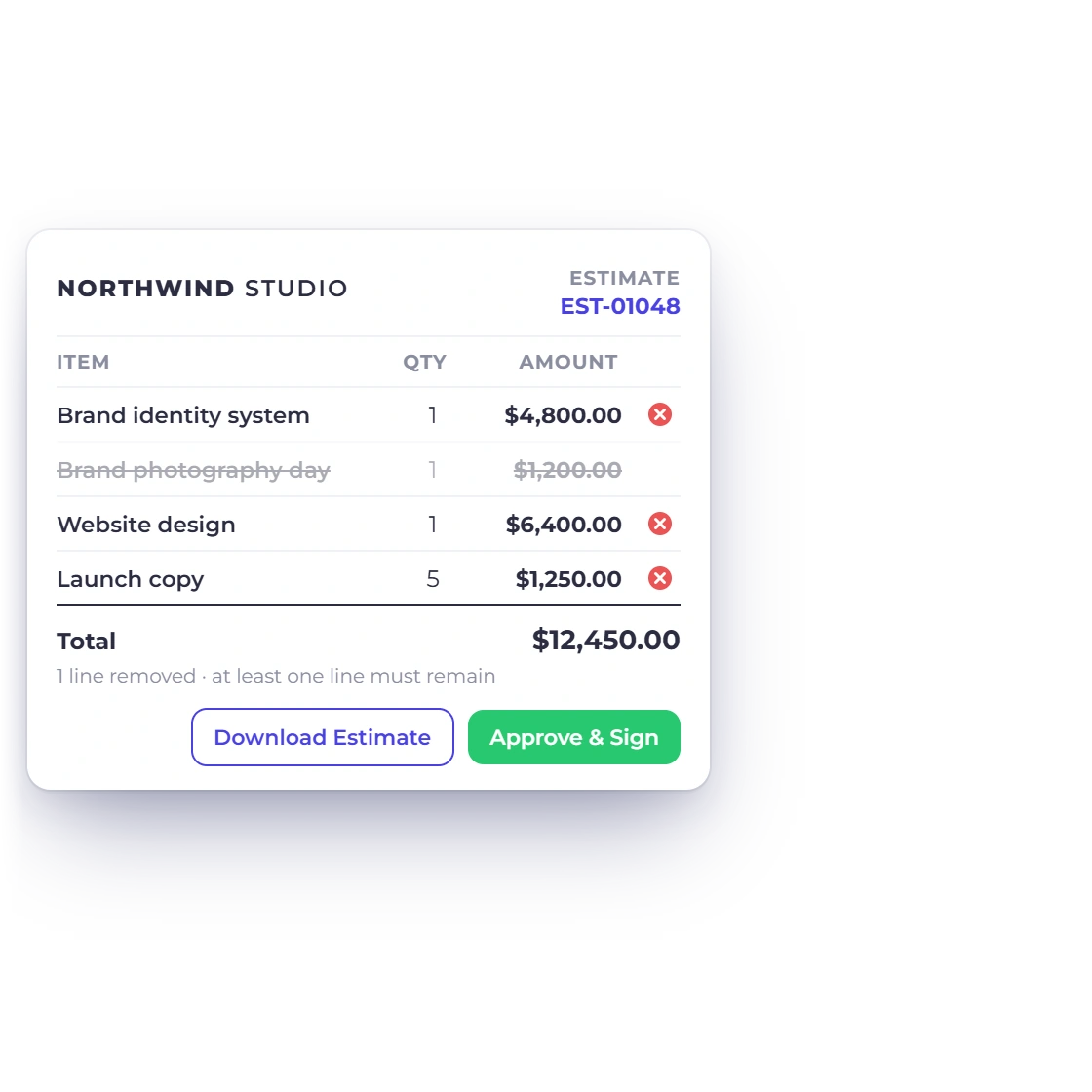
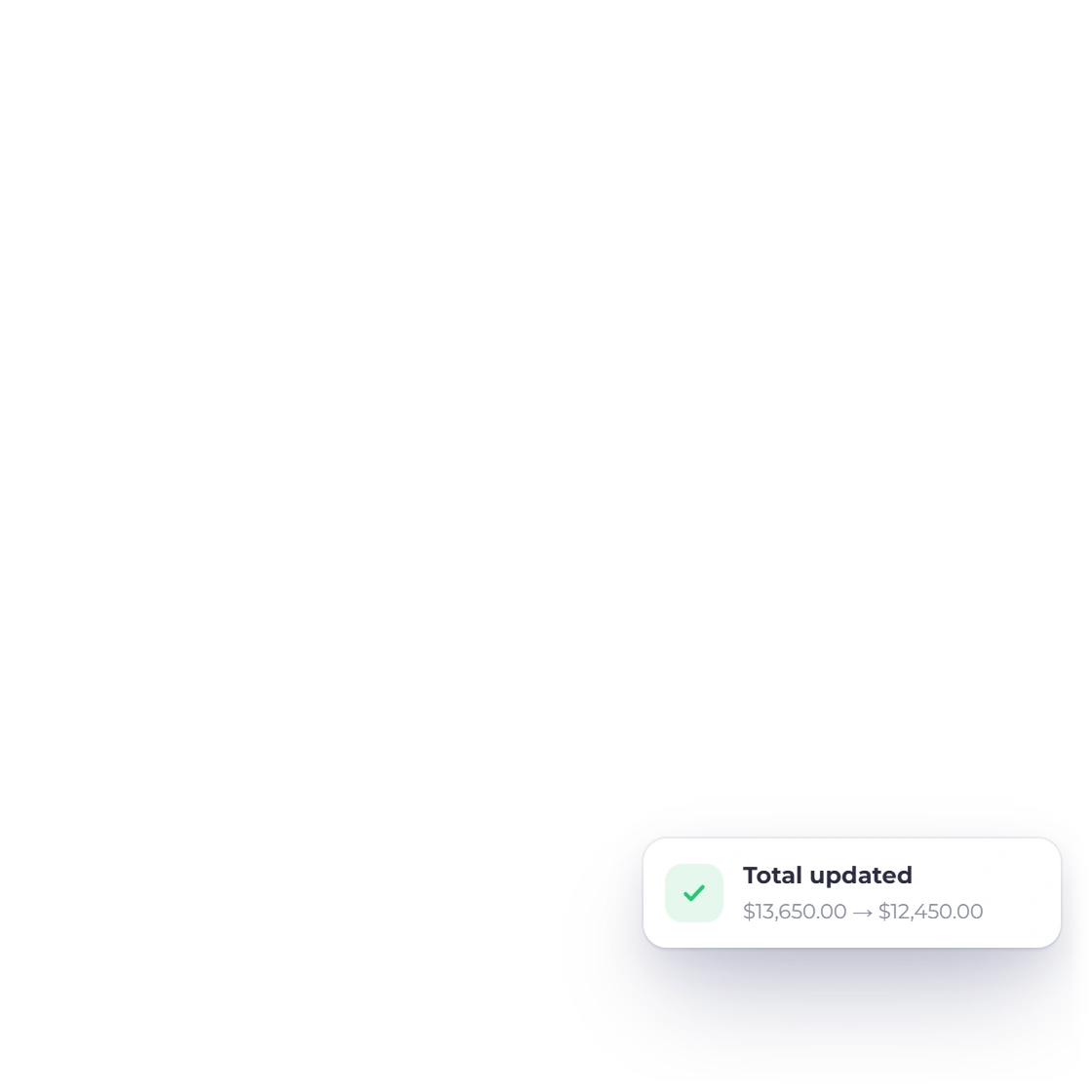
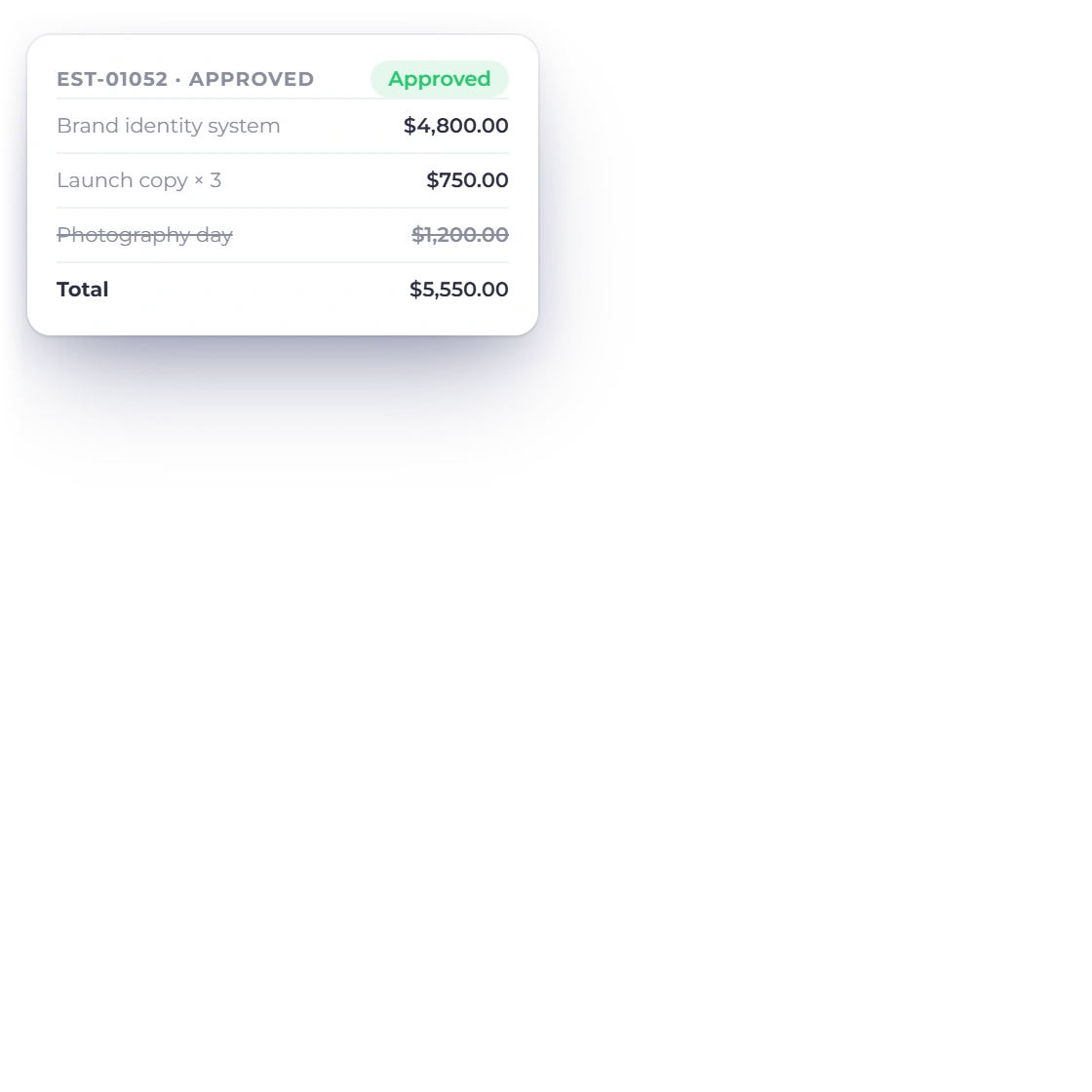
The client removes the lines they don't want in a click. The remaining lines keep their order, and the total updates straight away.
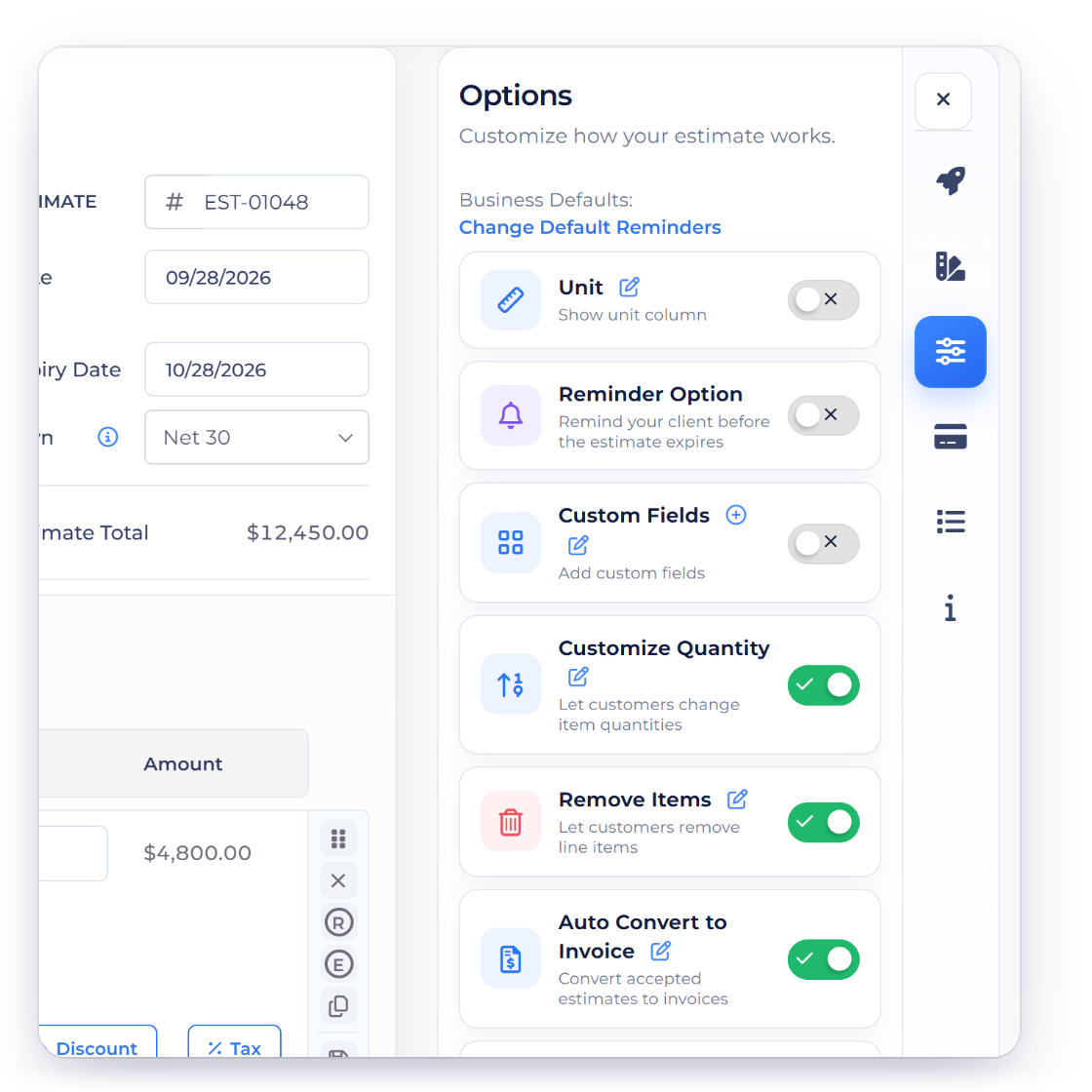
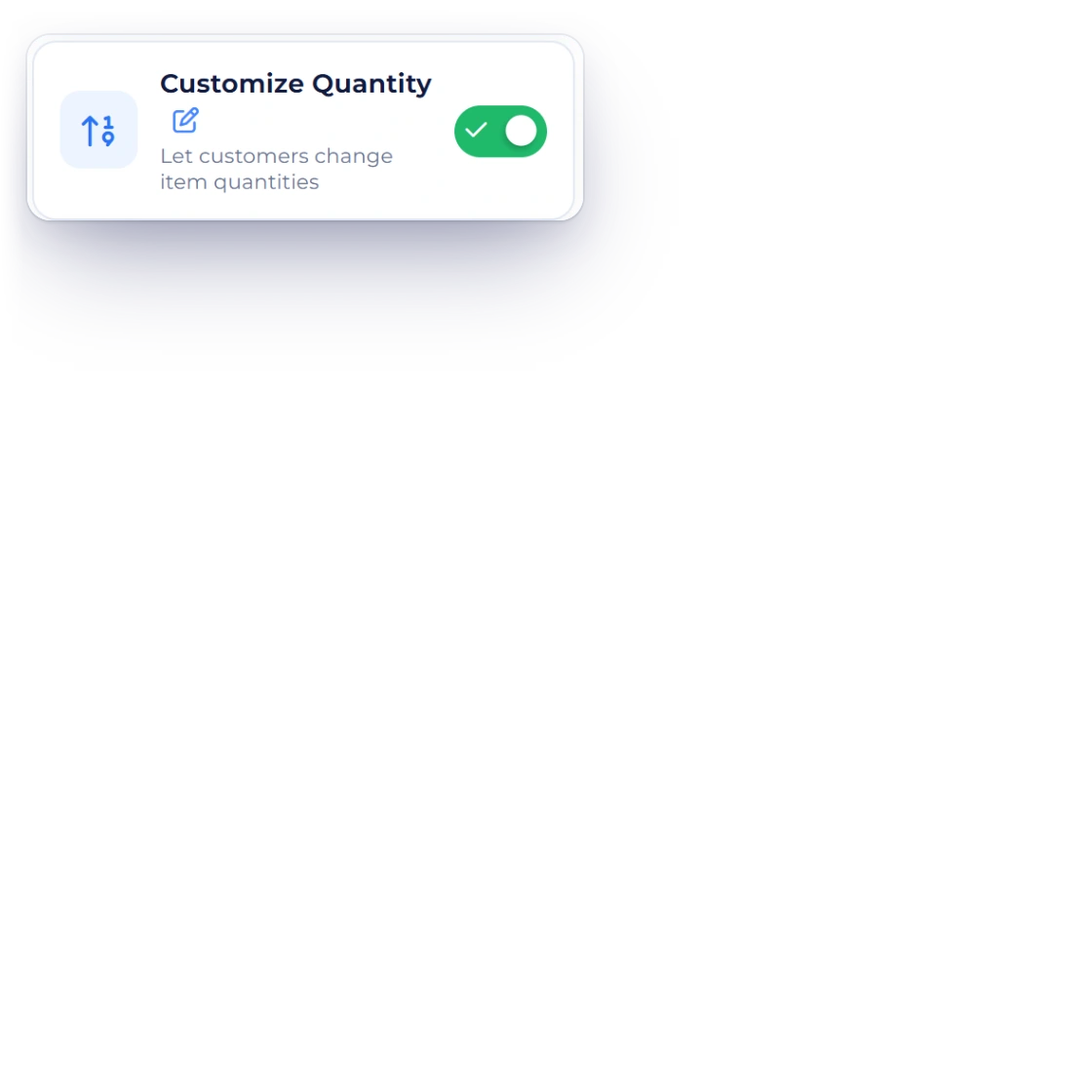
Switch on Customize Quantity as well, and the client can also set how many of each remaining line they need, up to 1,000,000.
One signed version
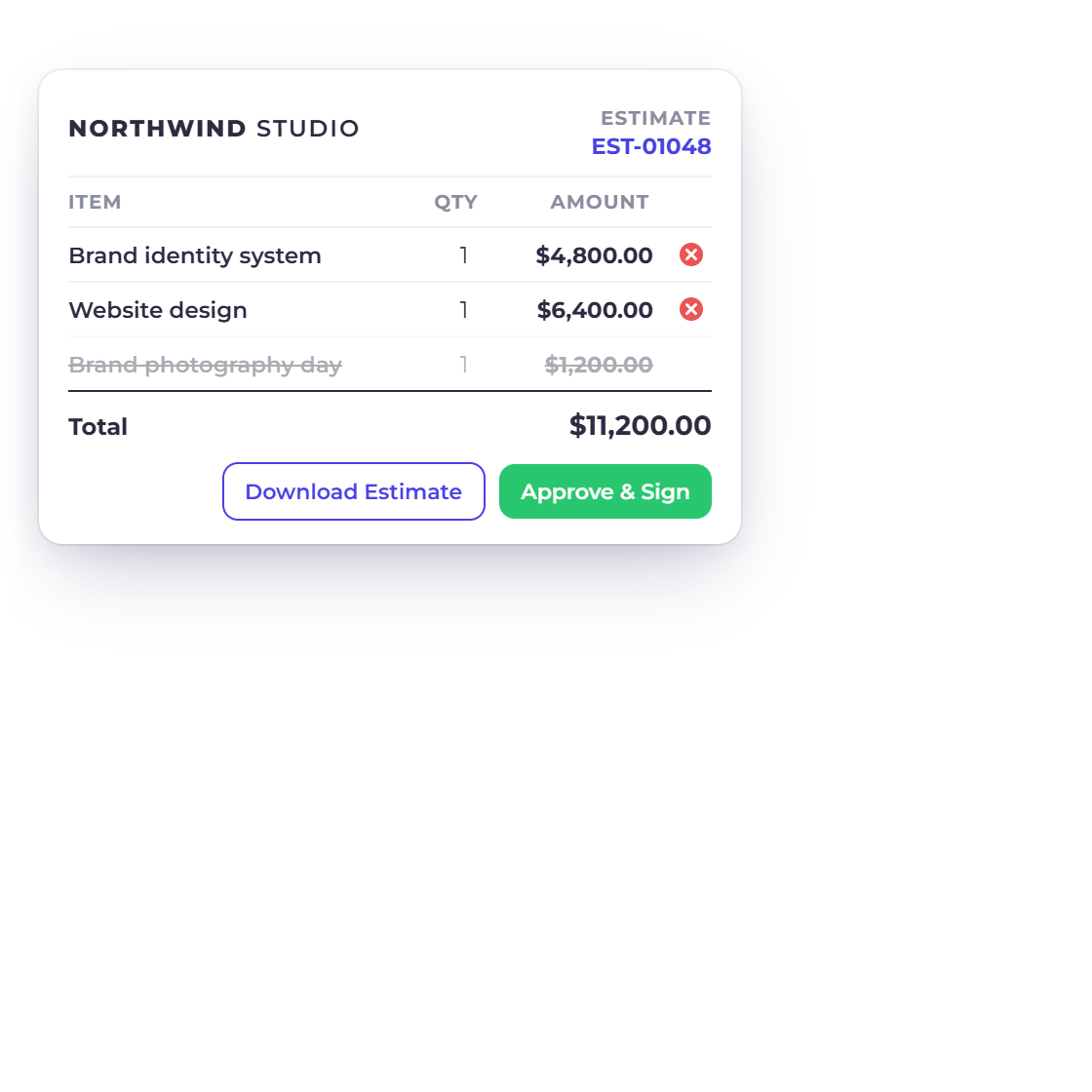
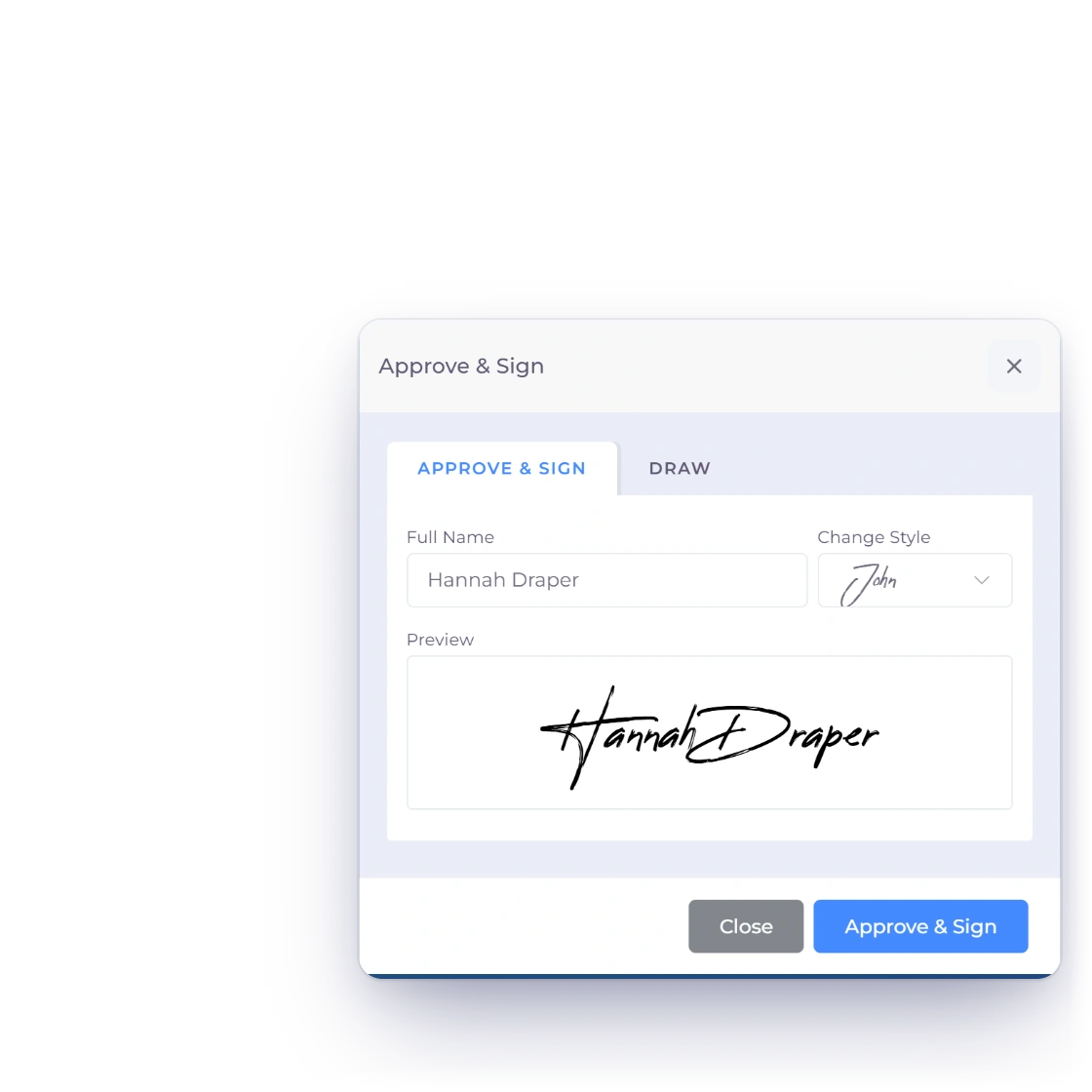
When the client approves, Invoice Crowd recalculates the total from your saved prices and records their signature on the version they chose, so everyone is clear on what was agreed.
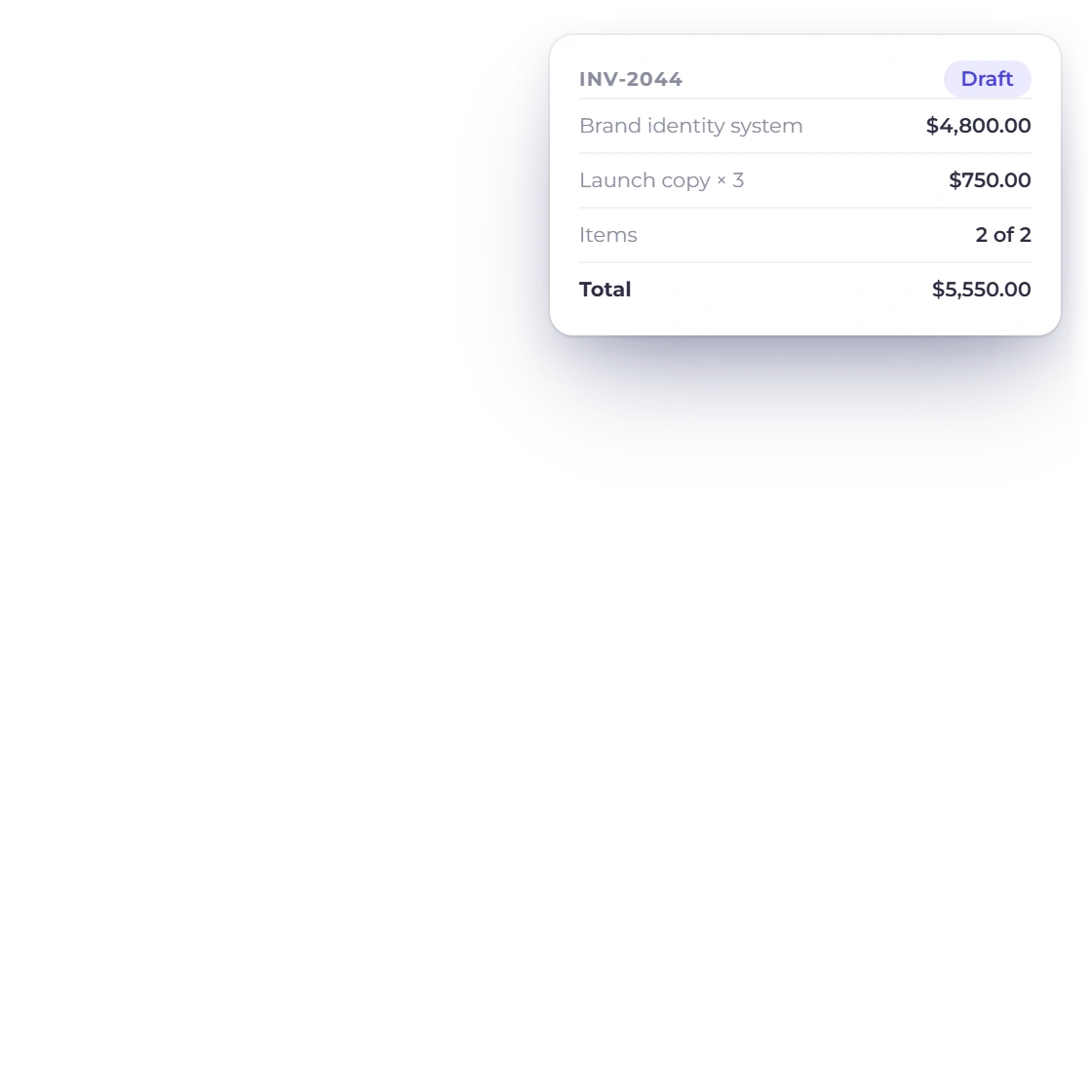
Convert the approved estimate to an invoice as usual, and the lines the client kept carry straight across with the agreed total.
Built in
Every safeguard you need to offer choice with confidence.
Offer line removal on the estimates and purchase orders your clients approve online.
In a proposal pricing table, Client pricing choices let the client pick one package or tick the optional add-ons you offer.
At least one priced line stays on every approved document.
Clients choose from the lines you added, so the scope stays yours to define.
Each item's name and SKU stay exactly as you saved them.
The remaining lines stay in the order you arranged them.
Unit rates stay as you set them, whatever the client removes.
Tax, discounts and totals recalculate from your saved prices with every change.
Switch on Customize Quantity to let clients set how many of each line they need.
Every approval is verified against the latest version of the document before it is saved.
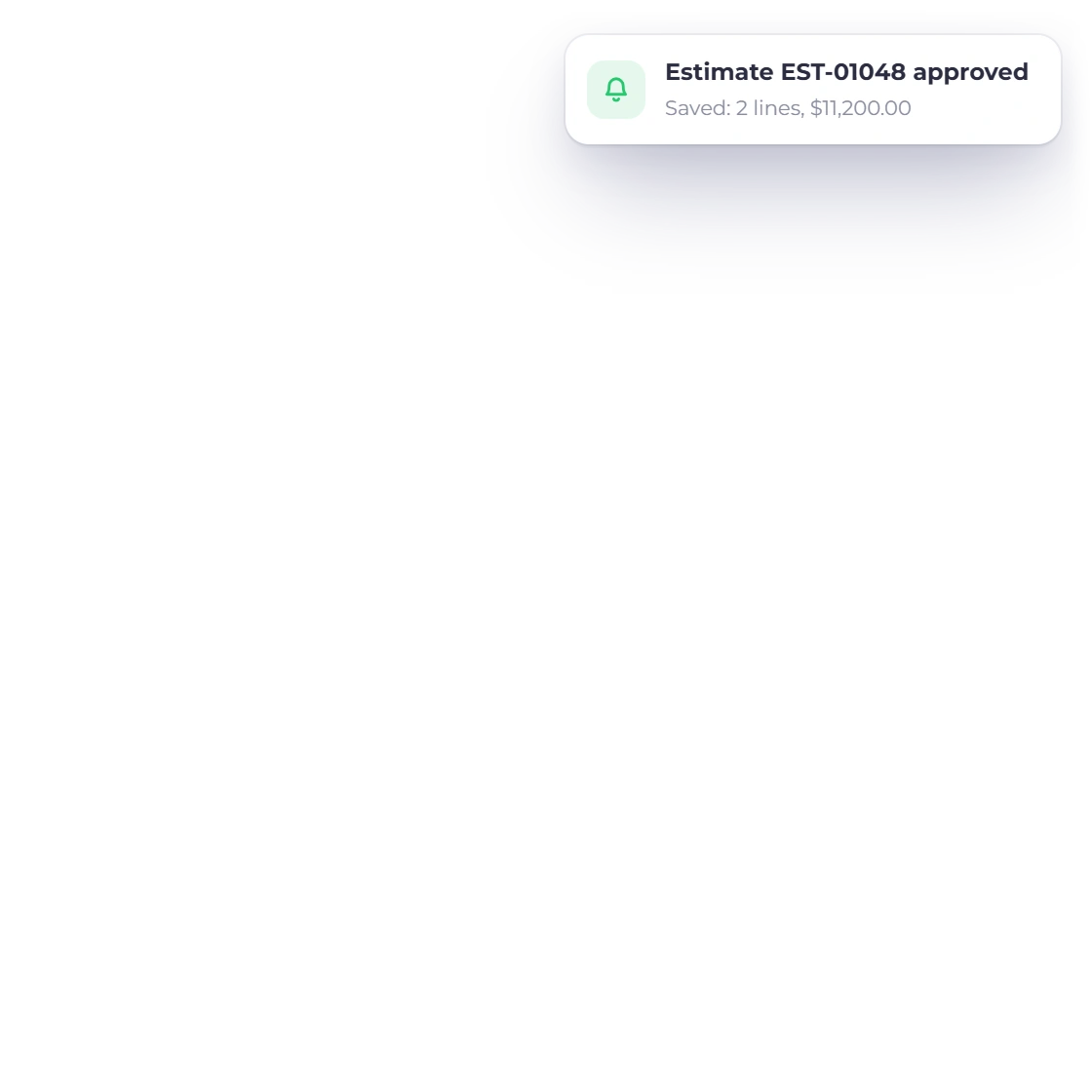
The client's choices are saved the moment they approve and sign.
Remove Items applies to every line on the document, and the lines the client keeps become the saved scope.
Questions
Any line on the estimate or purchase order, as long as at least one priced line remains. Remove Items is one switch for the whole document, so it suits quotes where every line is an option the client can take or leave.
Yes. Item names, rates, taxes and discounts always come from your saved estimate. The client chooses which lines to keep, and the total recalculates from your prices.
Yes, when Customize Quantity is also switched on. The client can set any quantity up to 1,000,000 on the lines they keep, and the total recalculates before they approve.
The moment the client approves. Their chosen lines, the recalculated total and their signature are saved together, so the approved document is a complete record of what was agreed.
Yes. In an Invoice Crowd proposal, open a pricing table's settings and set Client pricing choices to Choose a package, where the client picks one package and you can mark a Recommended package, or to Services and add-ons, where every line is required unless you tick Optional service or add-on, and an optional line can be Included by default. Only the selected items count toward the total, and the client's choices are saved when they approve.
Switch on Remove Items, send one estimate with every option on it, and bill the version your client signs.