Skip to content

Create proposals with AI, brand them and get them signed

Invoice Crowd's proposal builder turns one of 70+ designer templates into a branded proposal with a pricing table and an online signature, or Create with AI writes the whole draft from a short brief. Send it for approval, and when the client says yes, the proposal becomes an invoice without the pricing being typed again.

  • 70+ templates, or Create with AI
  • Branding, layout and content
  • Approved proposals become invoices
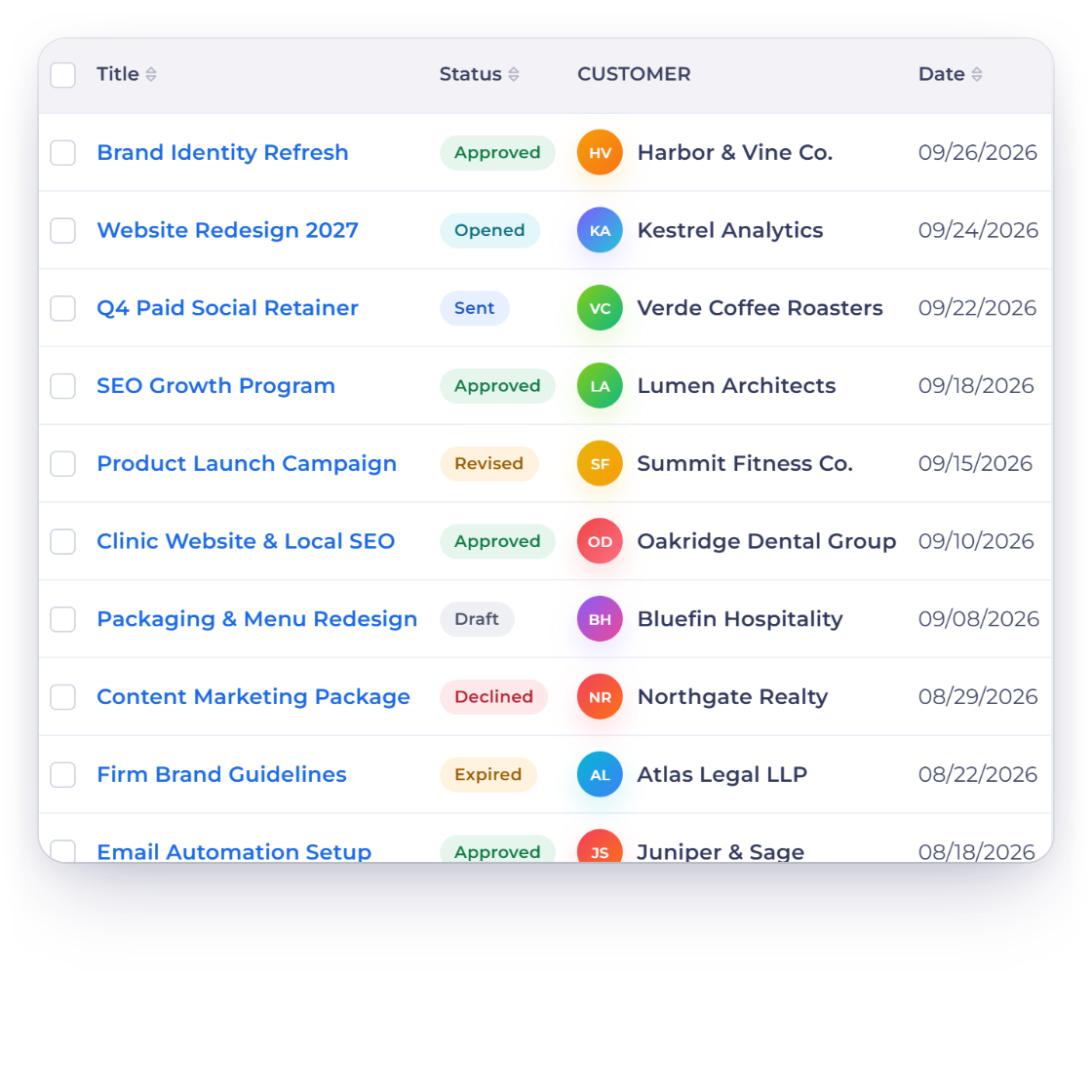
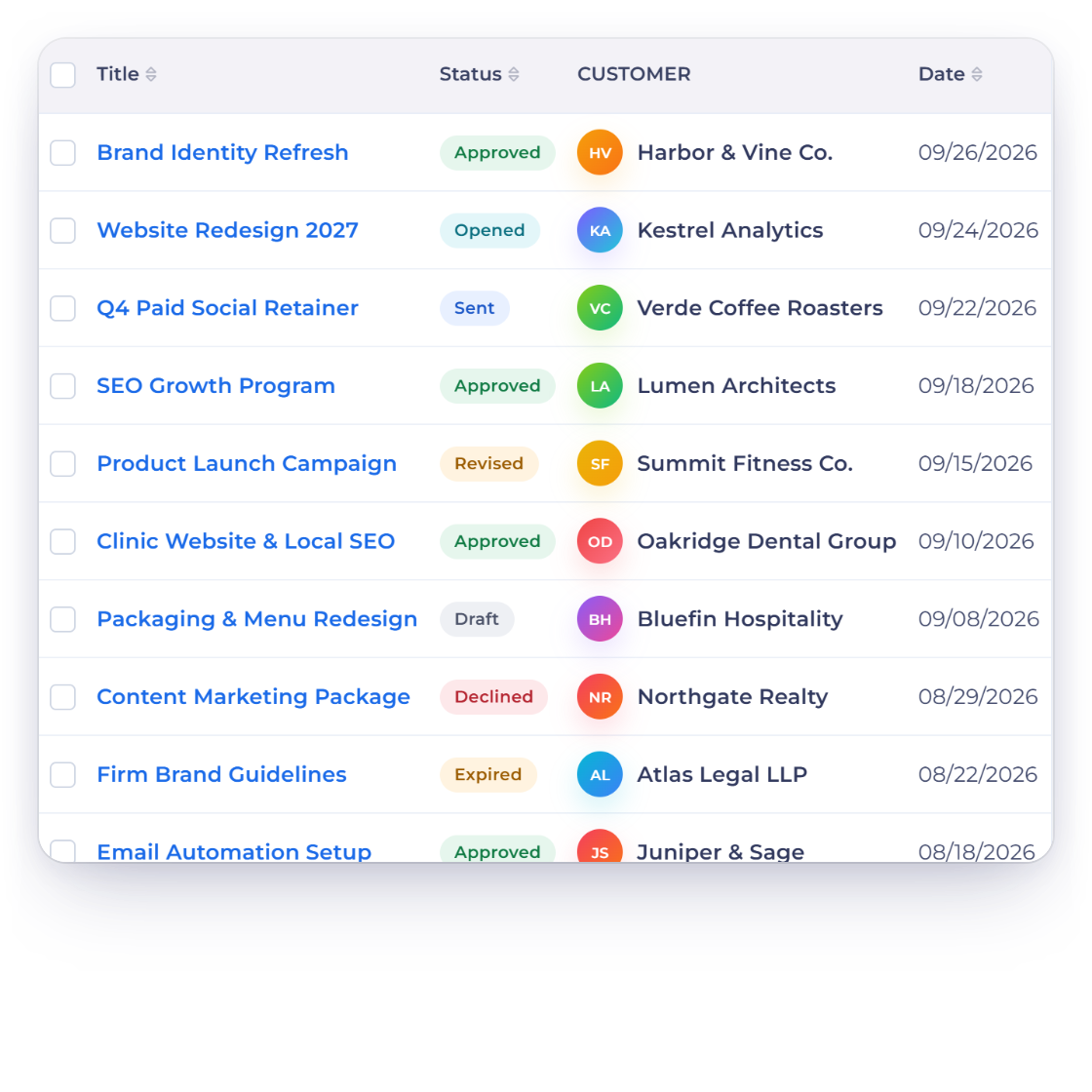
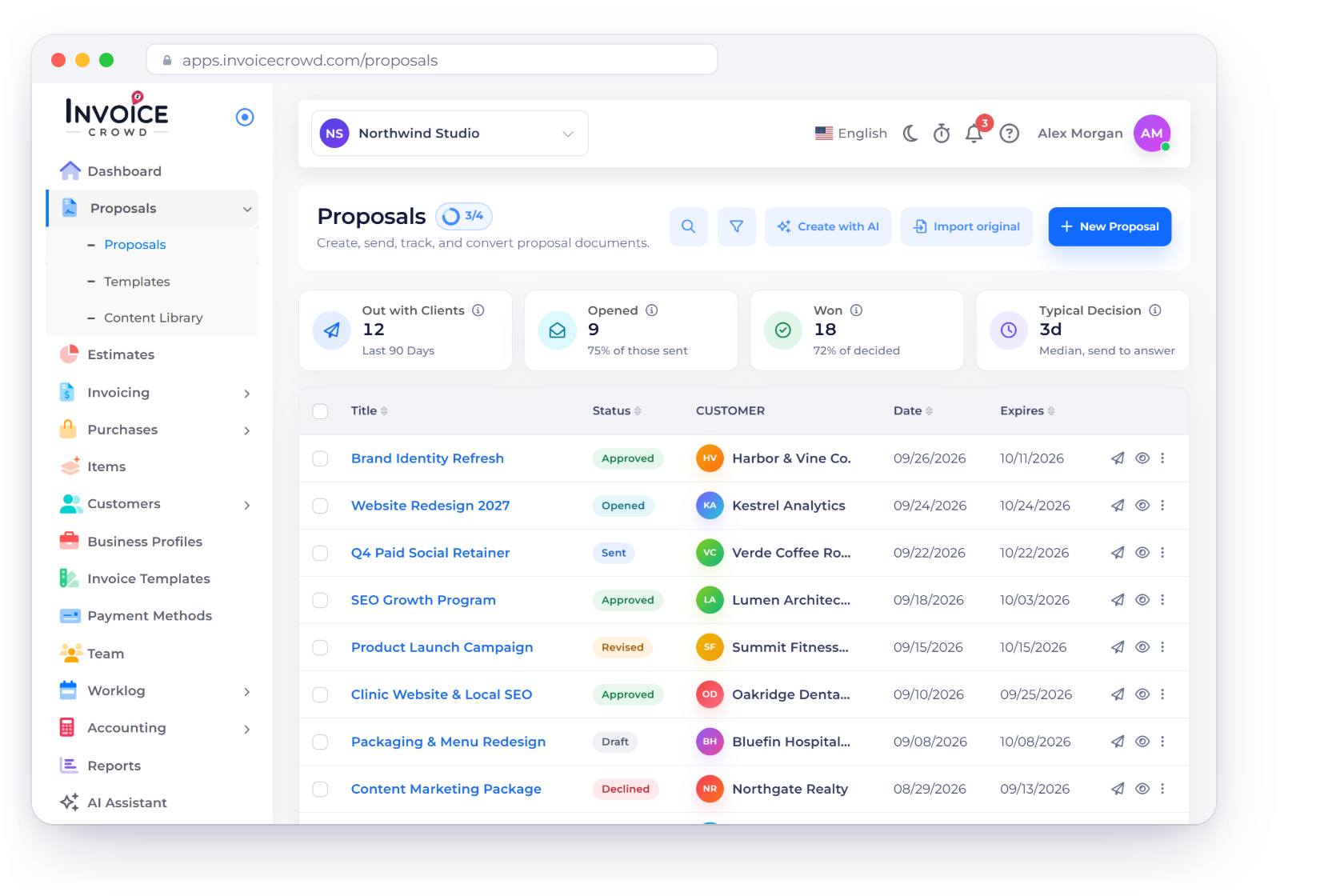
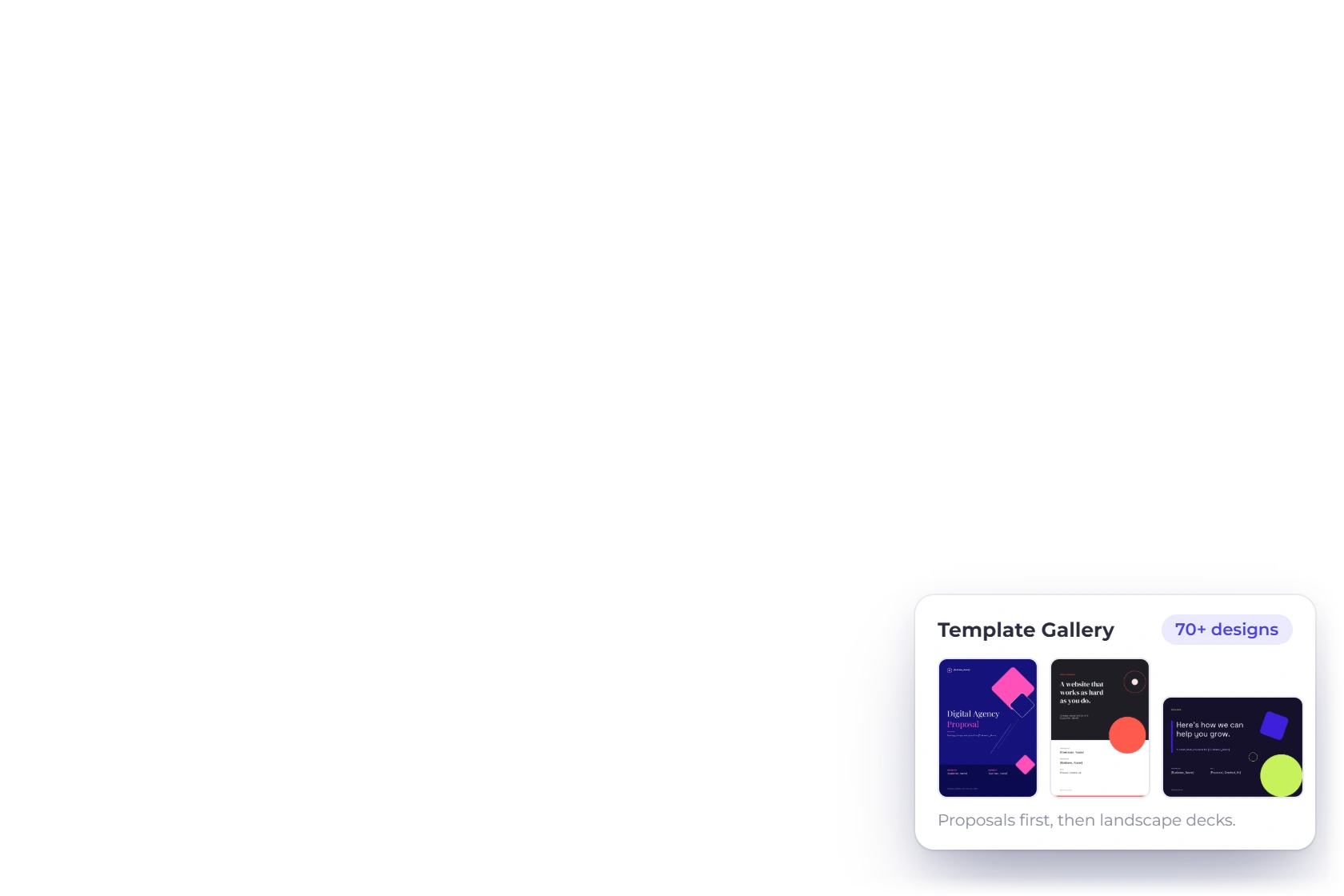
Invoice Crowd Proposals page with Create with AI, Import original and New Proposal, the Out with Clients, Opened, Won and Typical Decision tiles and a list of proposals with their statuses, next to a Create with AI proposal being built, a Proposal accepted notification and Template Gallery designs

What is inside

Craft the proposal, then let it close itself

The builder covers the whole life of the document: writing it, making it look like your business, getting it approved, and billing from the version the client agreed to.

Writing it

Minutes, not an afternoon

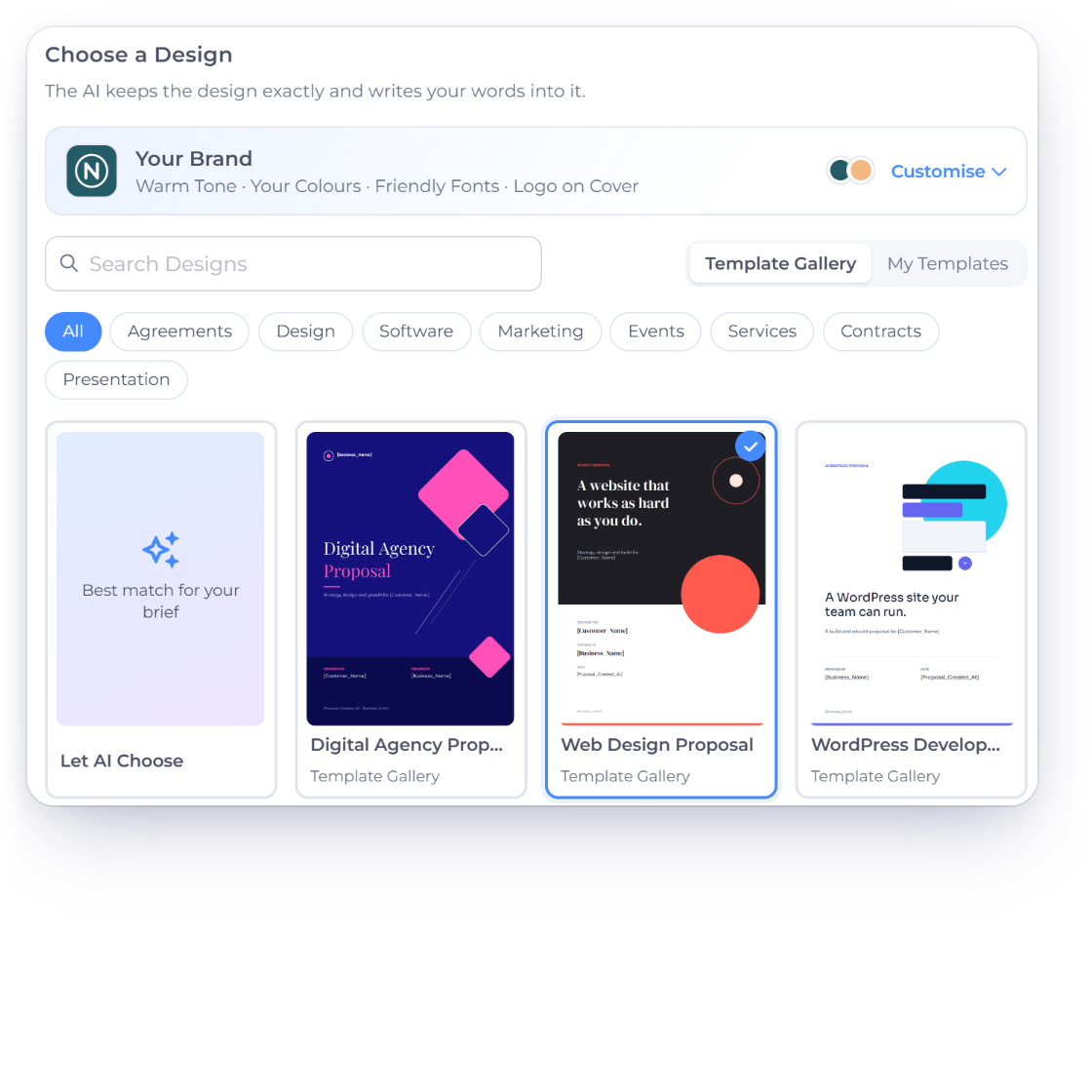
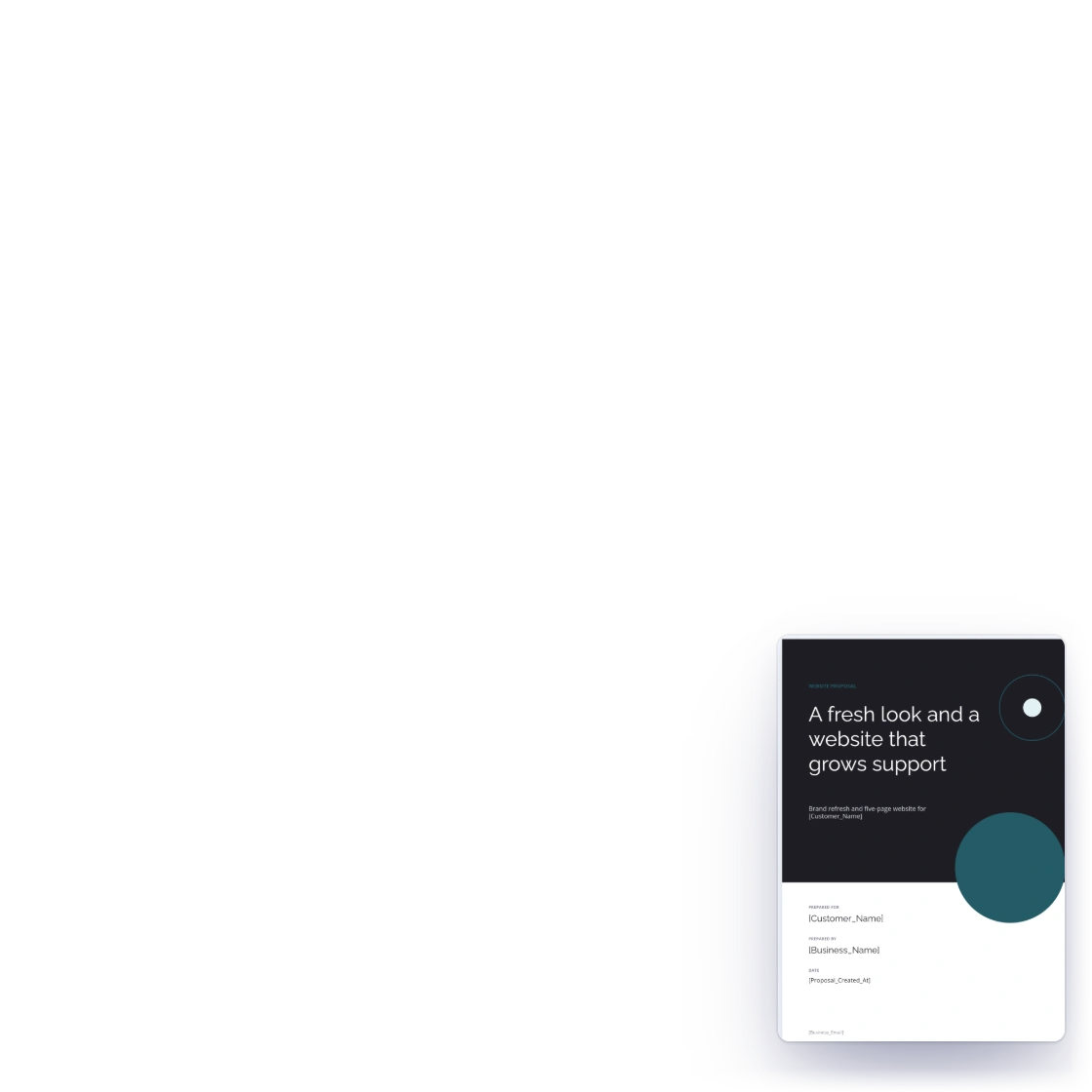
Invoice Crowd Create a Proposal with AI form at the Choose a Design step, with the Your Brand card, gallery designs and Let AI Choose, beside the finished draft proposal

Create with AI writes the first draft

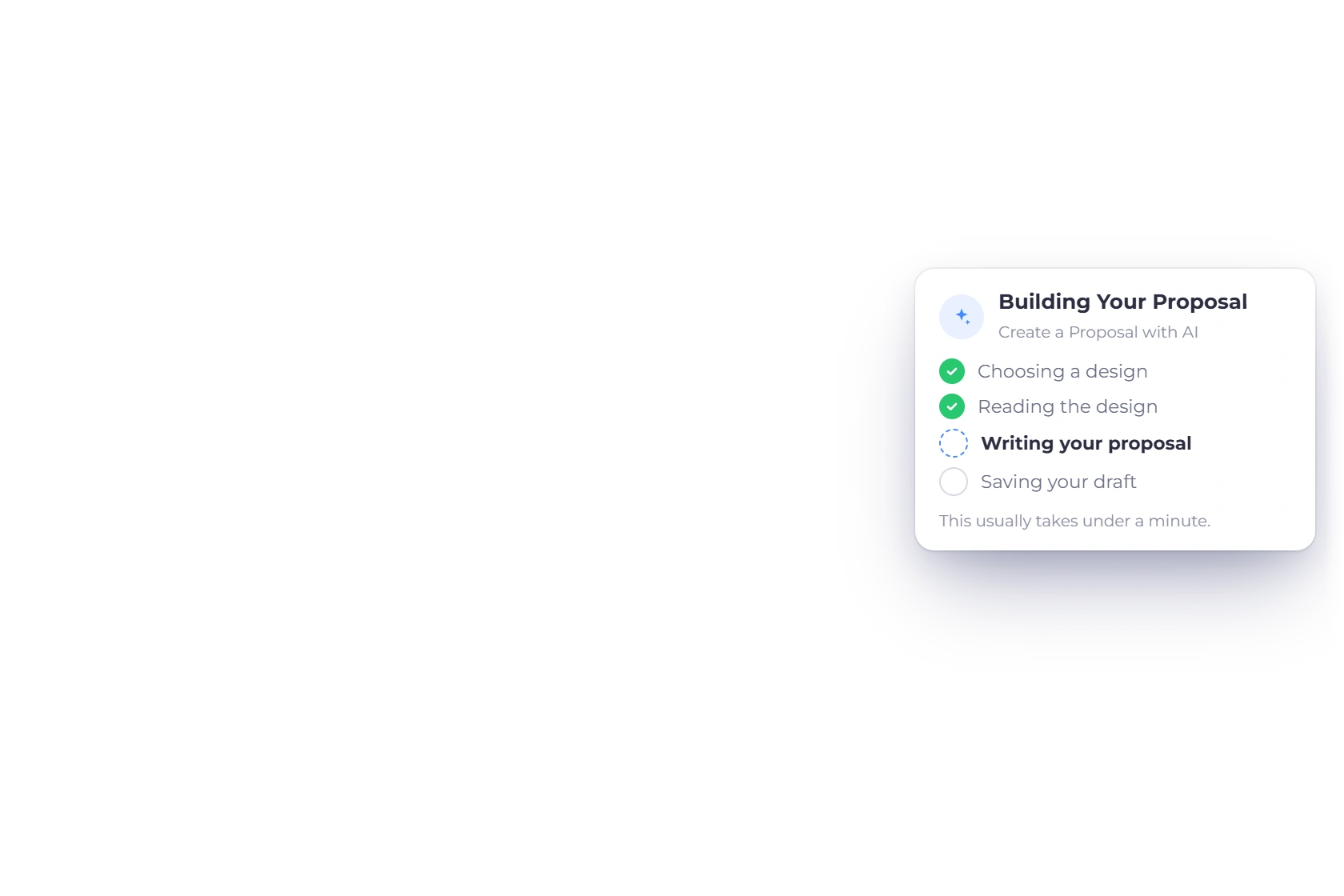
Choose Create with AI, pick the customer and the document type, from Service Proposal and Quote or Estimate to Statement of Work, Agreement or Presentation or Pitch, and describe the work in a few sentences. Choose a gallery design or Let AI Choose, add saved items or your own prices, and the AI writes your words, pricing rows and terms into the design while keeping its layout exactly. The draft is usually ready in under a minute, saved to your proposals list for review. Included on paid plans, with 100 AI credits every month.

  • Five short steps, from customer to design
  • Uses only the prices you give it
  • Your tone, colors, fonts and logo
Refine it with the AI Assistant
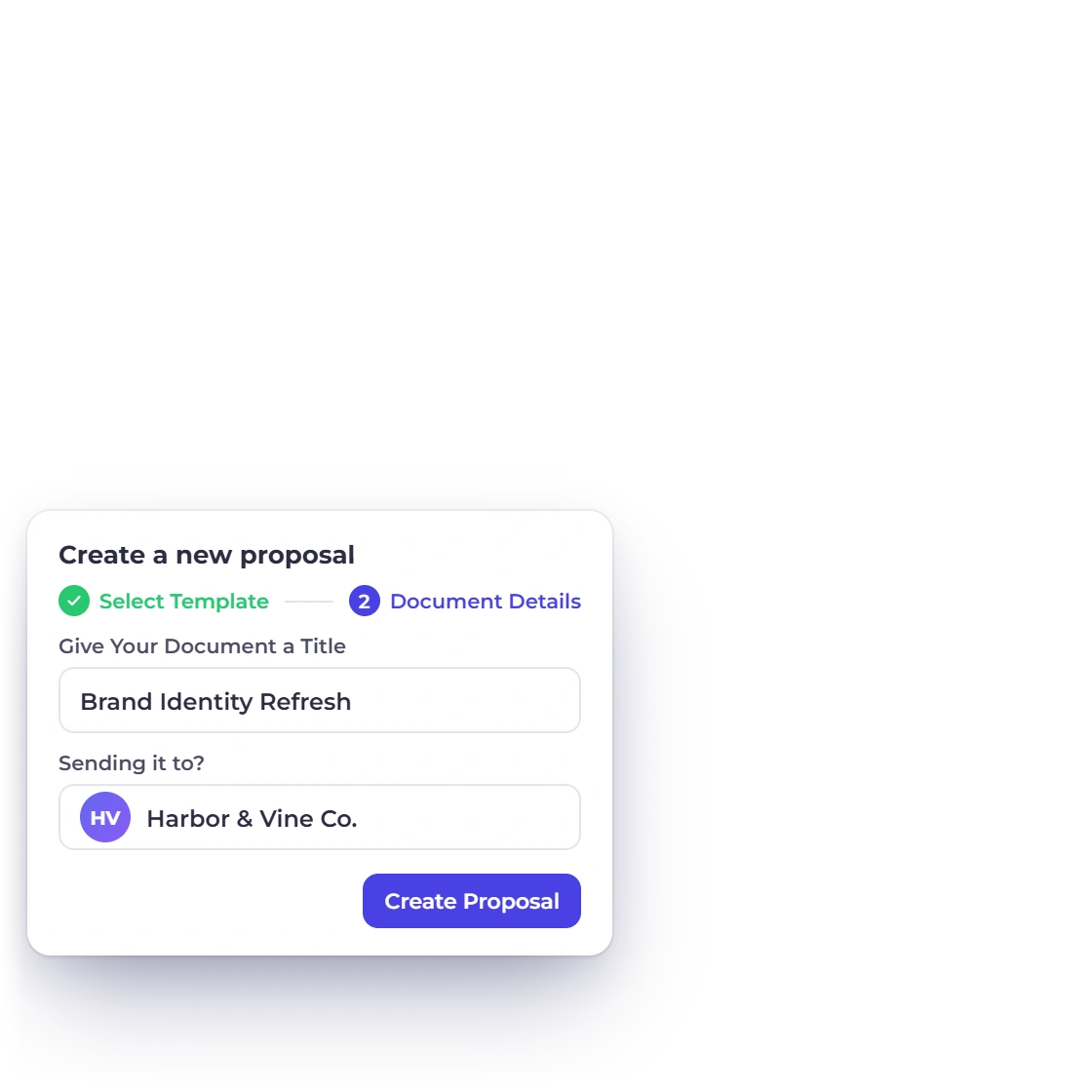
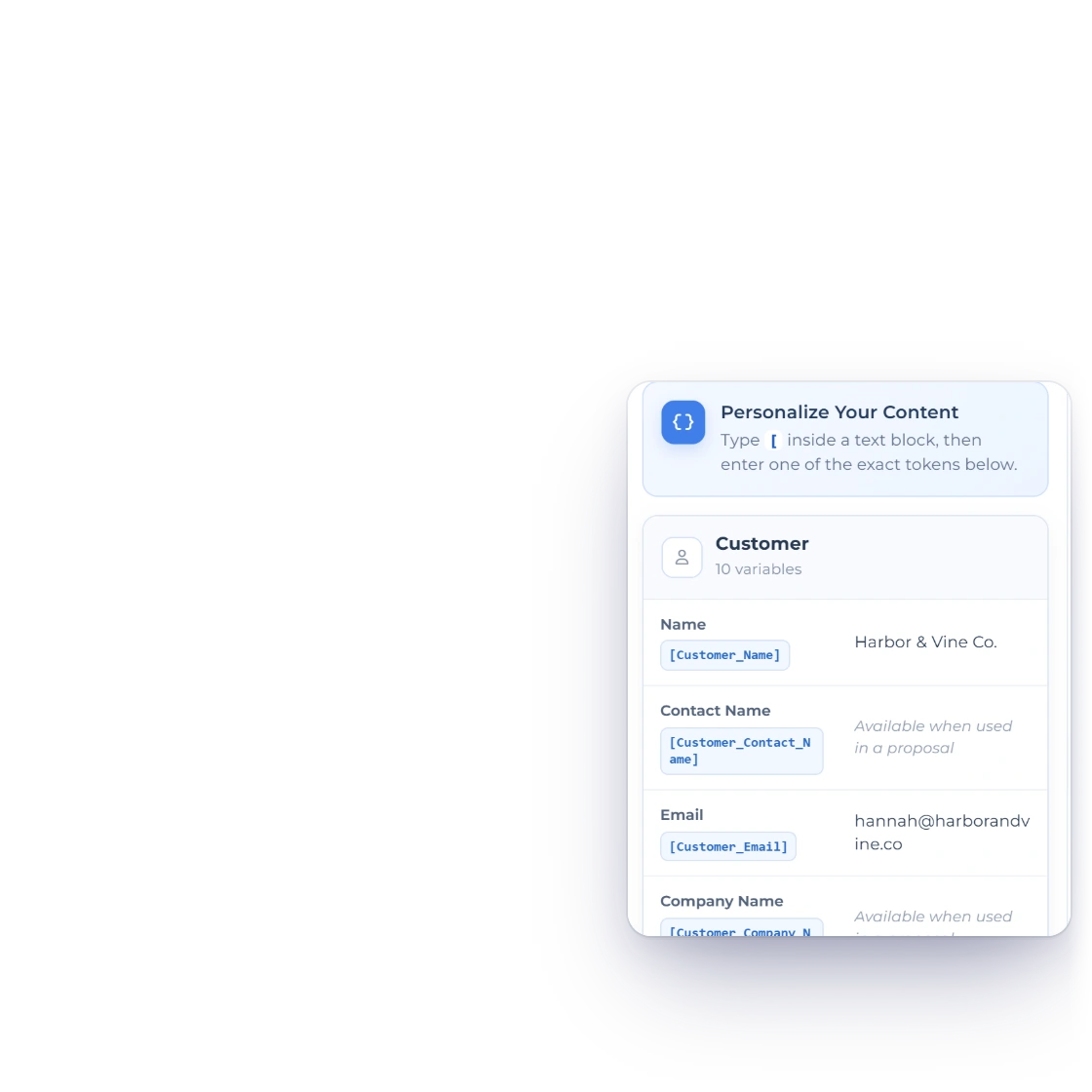
Invoice Crowd proposals list with the create dialog asking for a document title and the customer it is going to, and the customer details a proposal fills in from the record

Detailed proposals without the blank page

A new proposal opens as a working document rather than an empty editor. Fill in the parts that are specific to this client, leave the structure that is already there, and send it while the conversation is still fresh. The interface stays out of the way of the writing.

  • Set up and sent in minutes
  • Client details pulled from their record
  • Nothing to learn before the first draft
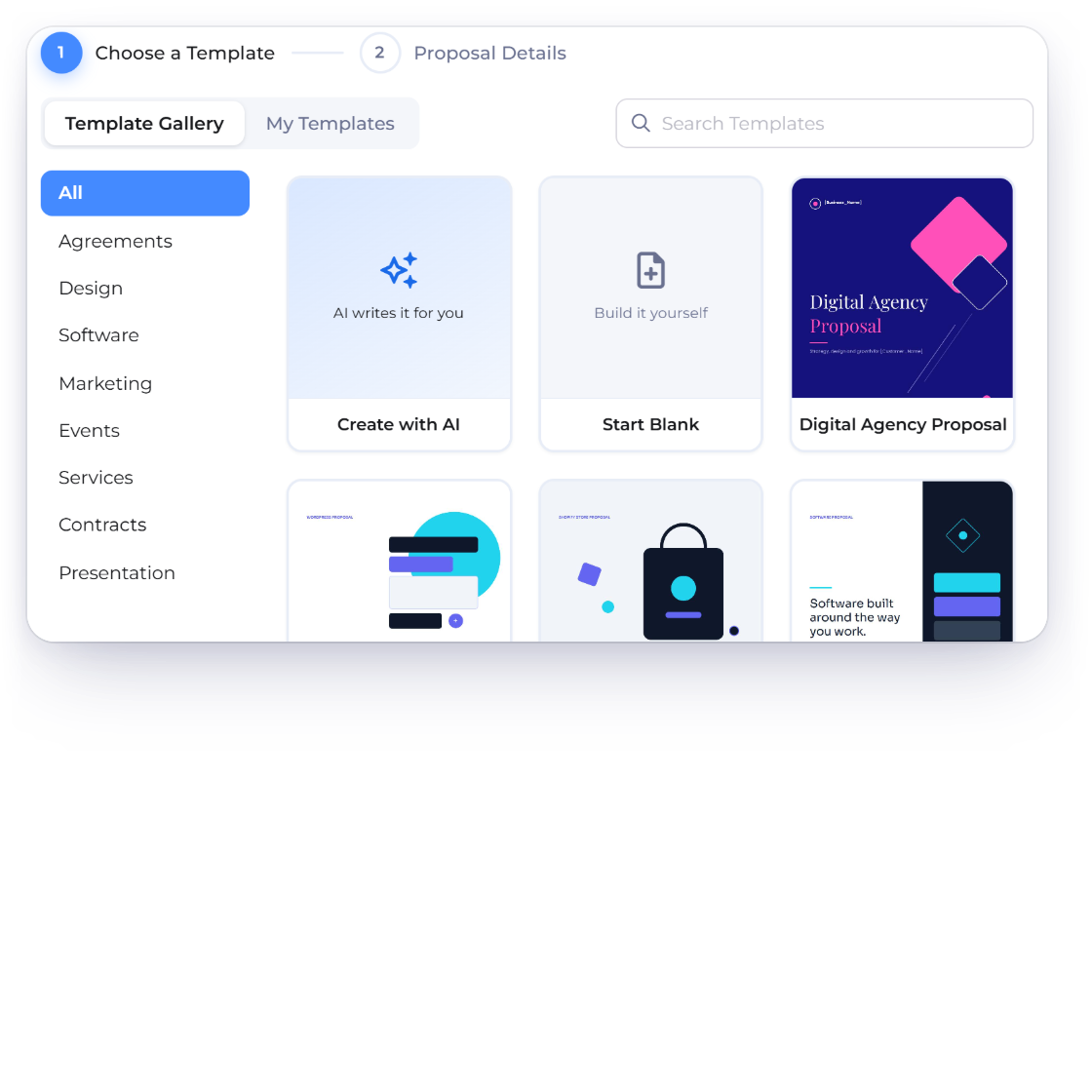
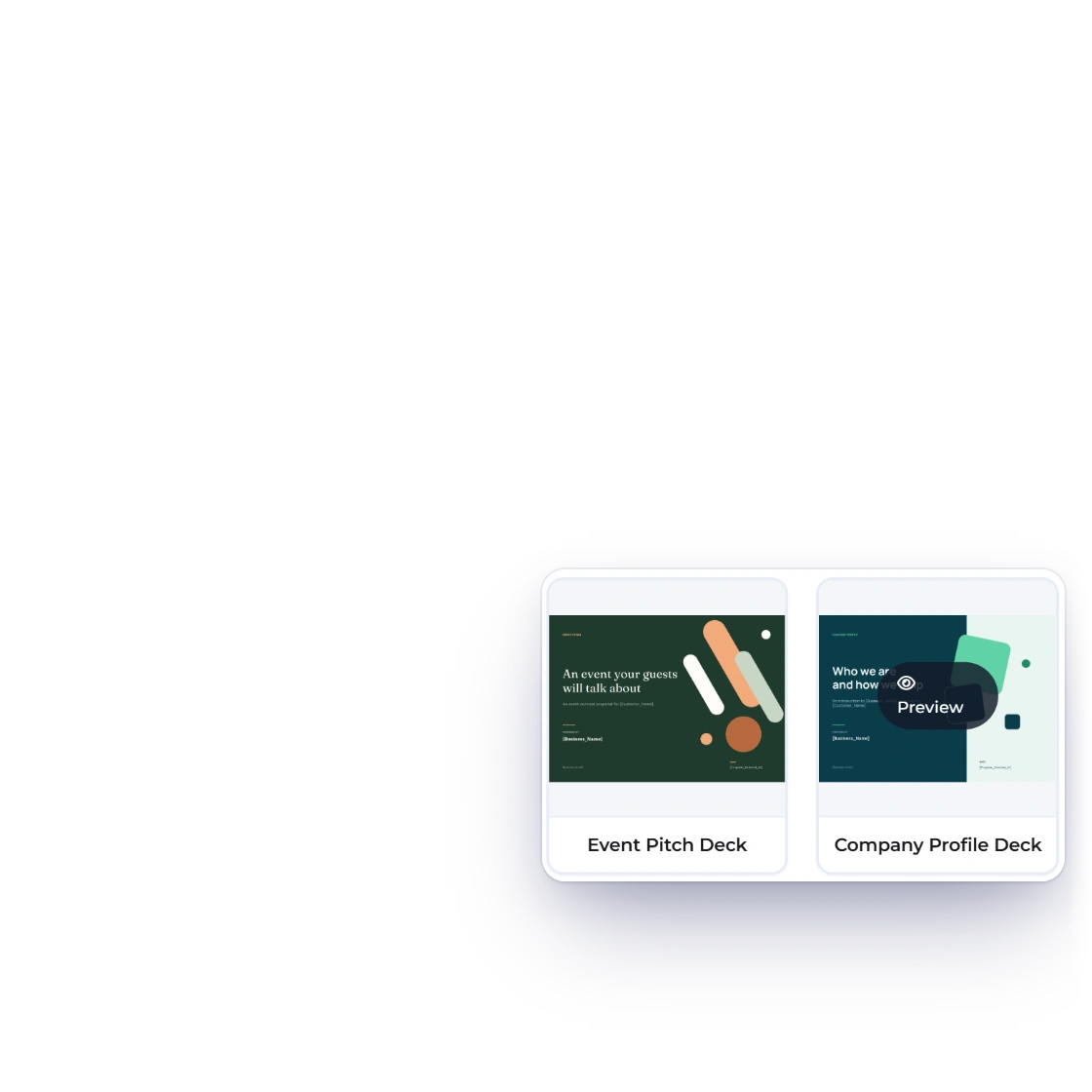
Invoice Crowd New Proposal window on Choose a Template with the Template Gallery and My Templates tabs, the eight template categories, Create with AI, Start Blank and gallery designs such as Digital Agency Proposal, and further down the landscape decks such as Event Pitch Deck and Company Profile Deck with Preview

A gallery of 70+ designs to start from

More than seventy proposal designs ship with the account: proposals, agreements and contracts, quotes, and landscape slide decks such as the Pitch Deck, Case Study Deck and Company Profile Deck. Each is built around the sections a serious proposal needs, and the Template Gallery sorts them into eight categories, Agreements, Design, Software, Marketing, Events, Services, Contracts and Presentation. Preview opens any design full size in a new tab, and a proposal you save as a template waits under My Templates for the next client.

  • Full documents, not cover pages
  • Every crucial section already in place
  • Layouts to suit different kinds of work

Making it yours

Down to the fonts

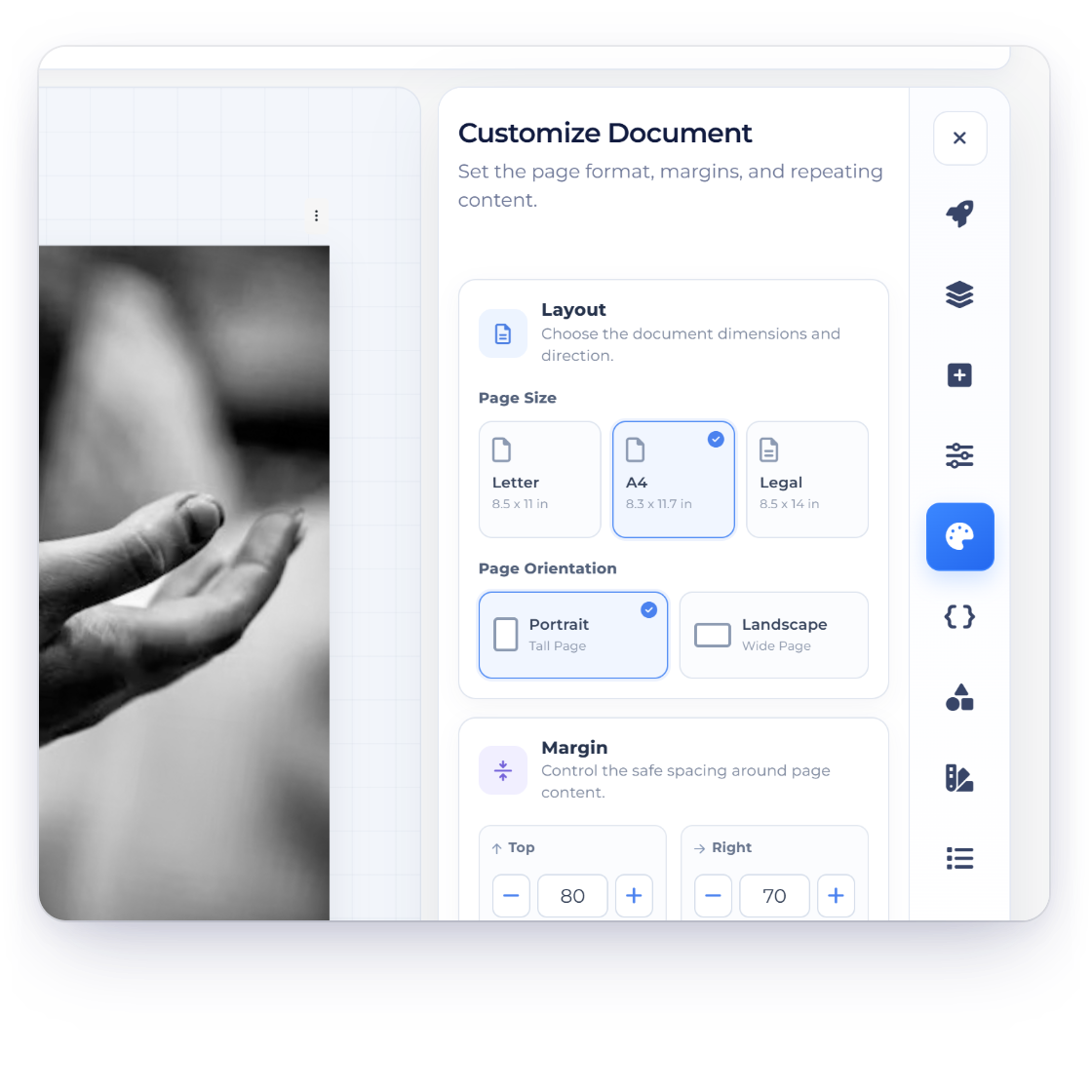
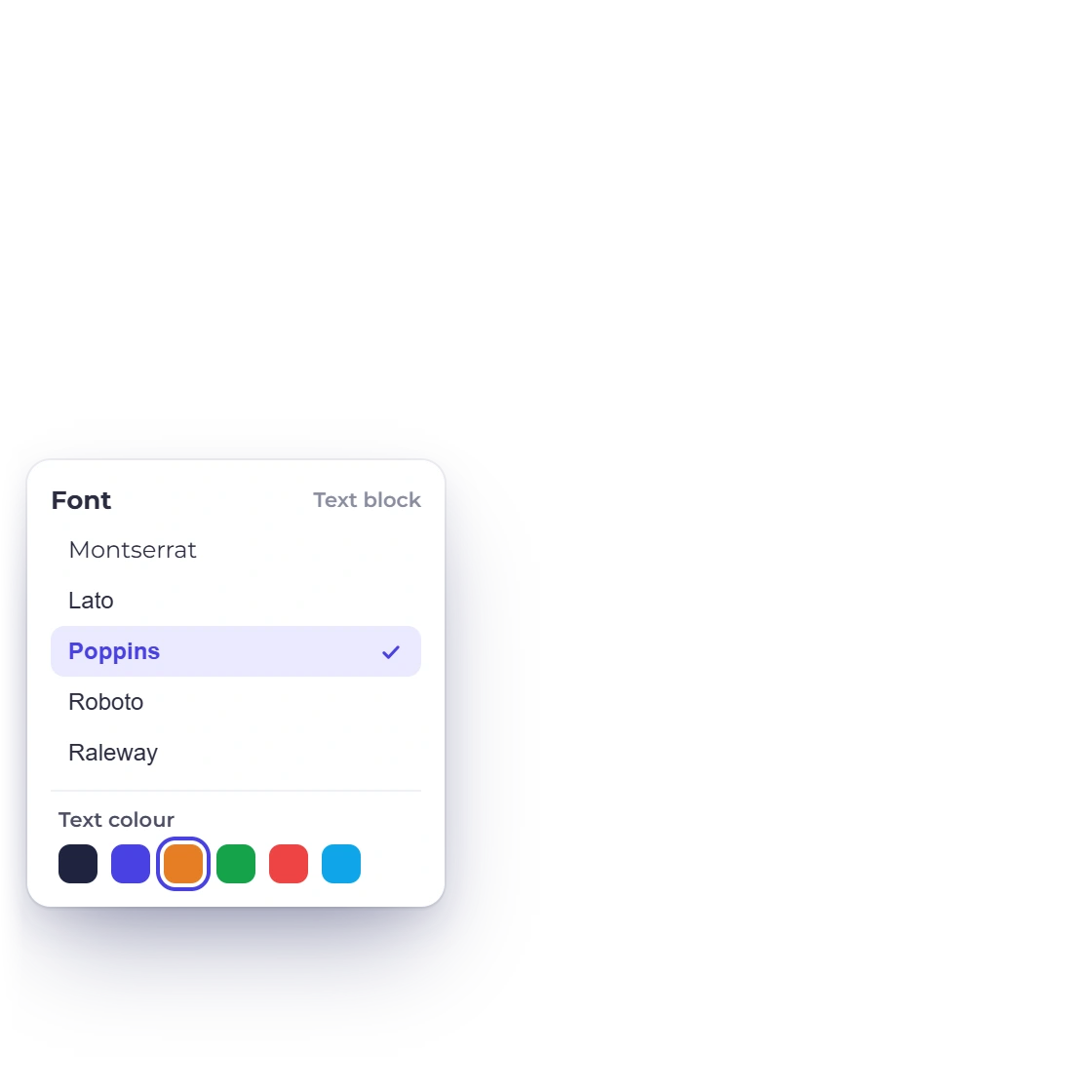
Invoice Crowd proposal editor with the Customize document panel for page size, orientation and margins, the font choices for text blocks and the proposal title

Complete control of how it looks

Branding runs through the whole document. Set the logo, the colors and any font from the Google Fonts library, then add, remove or reorder sections until the document reads the way you would present it. Media and links can sit inside a section, so a case study can point at the actual work.

  • Logo, colors and fonts on the document
  • Add, remove or rearrange any section
  • Embed media and links inside a section
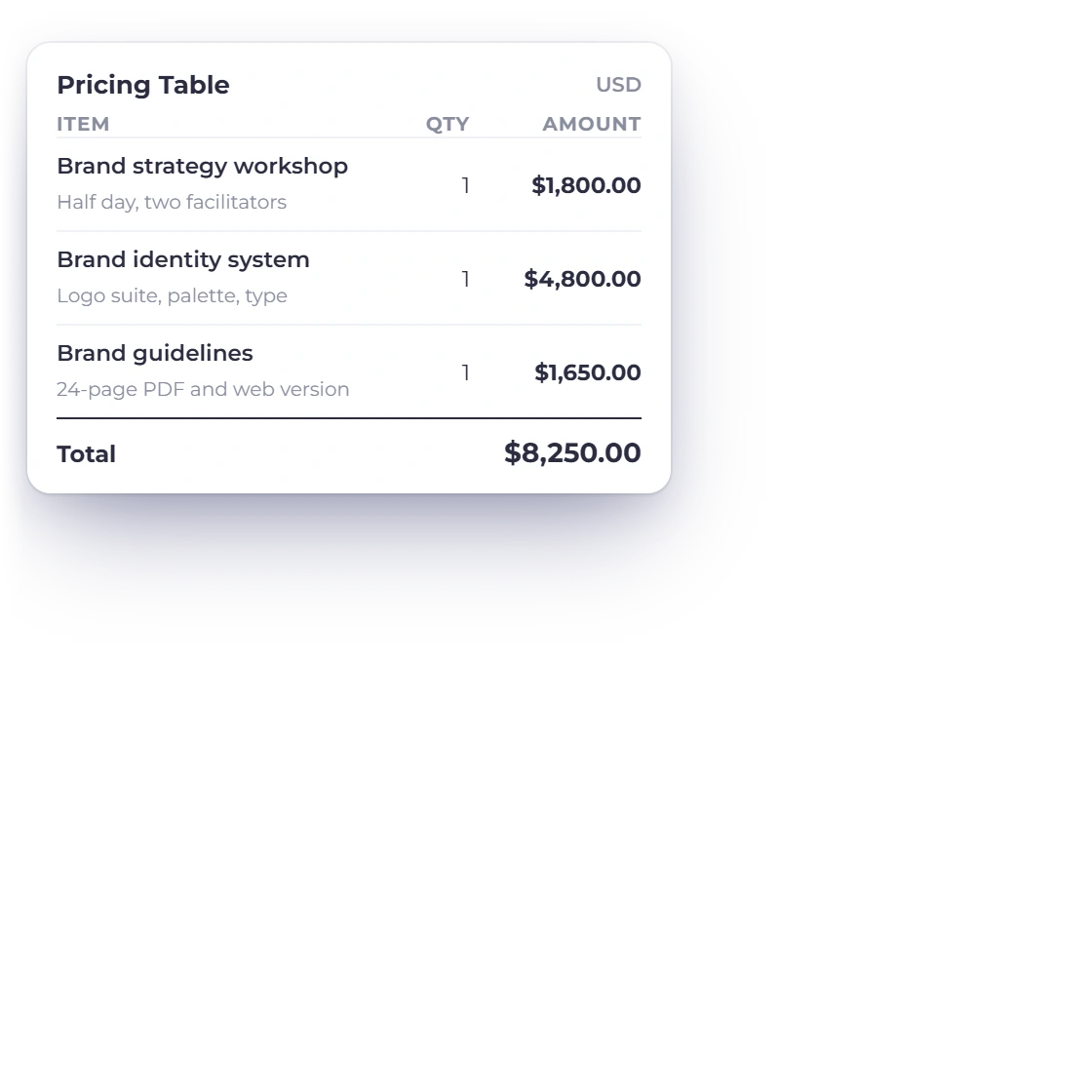
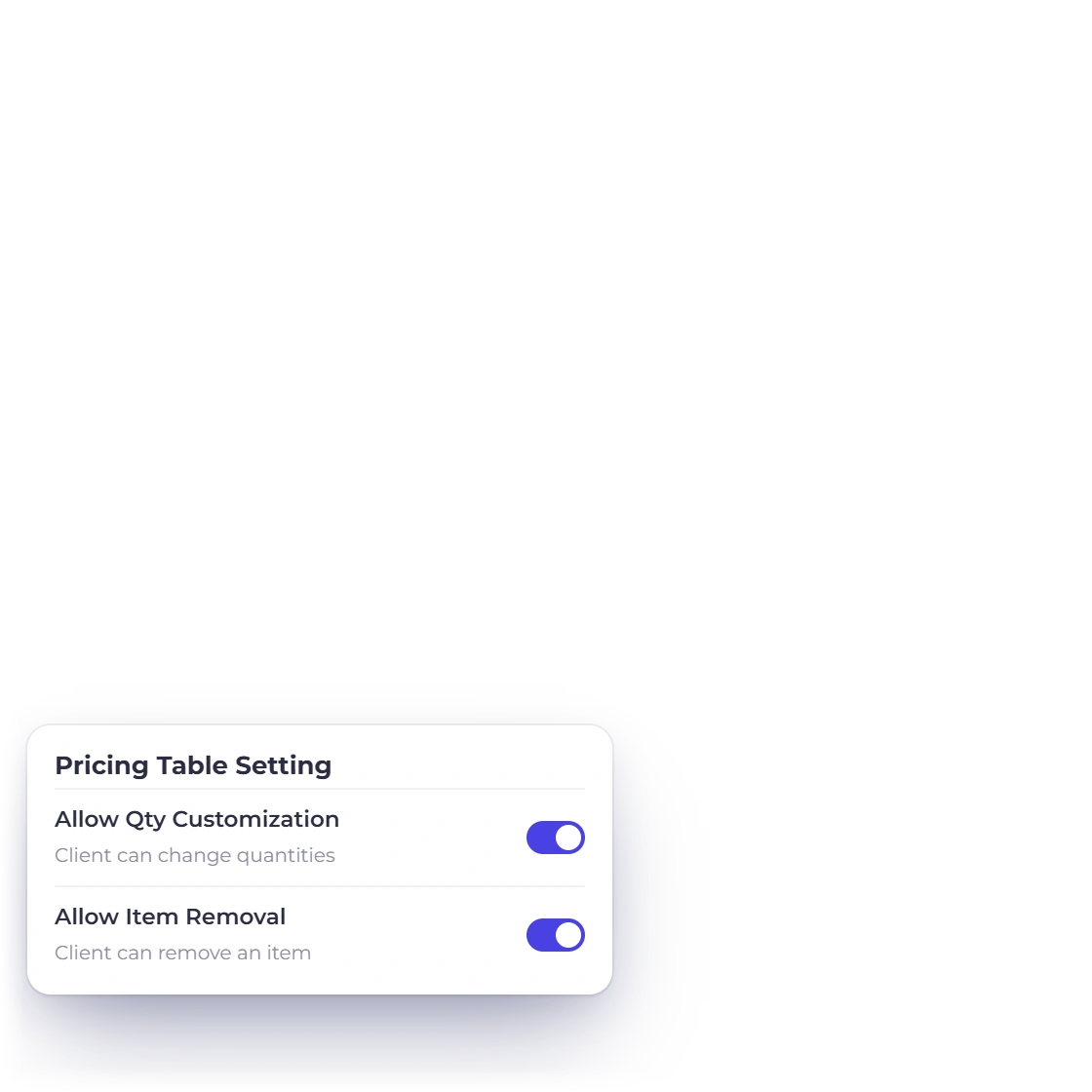
Invoice Crowd proposal pricing table with three priced lines and a total, and the pricing table settings that allow the client to change quantities or remove items before approving

Pricing the client can read line by line

A proposal that ends in one number invites one question. A pricing table sets the fees out item by item, so the client can see what each part of the job costs before they approve it. The table totals itself as you build it, and with Allow Qty Customization or Allow Item Removal switched on, the client can change quantities or remove lines before approving. Set Client pricing choices to Choose a package or Services and add-ons, and the client picks one package or ticks the optional extras they want, with the total updating as they go.

  • Customizable pricing tables
  • Fees broken out rather than lumped together
  • Carries through to the invoice later
Client-removable lines on a quote

Getting it signed

From sent to billed

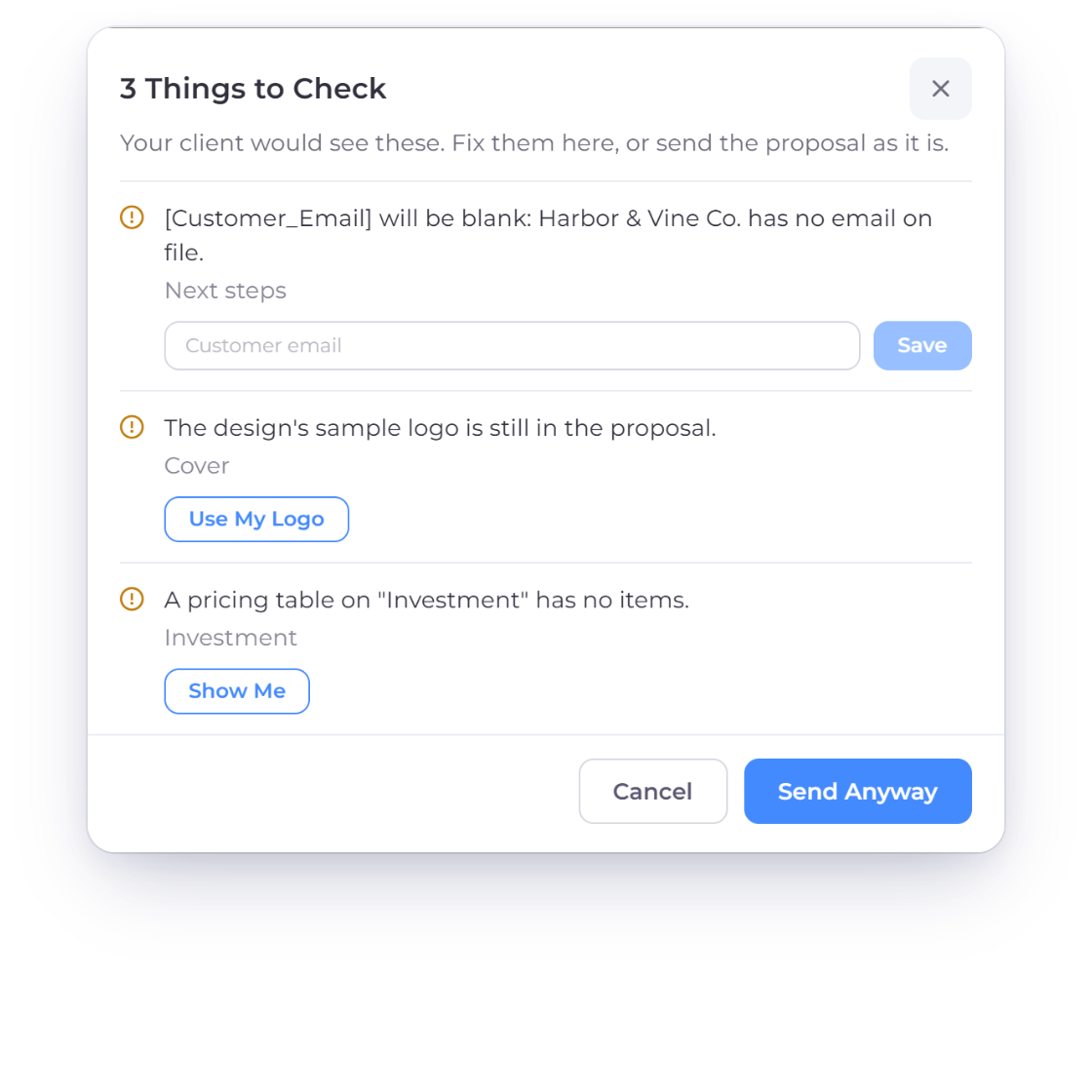
Invoice Crowd Send check listing three things to check on a proposal, a blank customer email, the design's sample logo and an empty pricing table, with Save, Use My Logo and Send Anyway

A Send check before the client sees it

Choose Send and Invoice Crowd reads the proposal the way your client would: merge tags that would show blank, the design's sample logo, example text left from the template, dates that have passed and pricing tables without items or prices. Fix each one in place, with a field for the missing customer detail, Use My Logo for your own logo or Show Me to jump to the spot, then send. The send step also sets the expiry date, and an expired proposal gets a fresh one from today.

  • Blank details caught before sending
  • Fixed in place, in one window
  • Expiry date set as you send
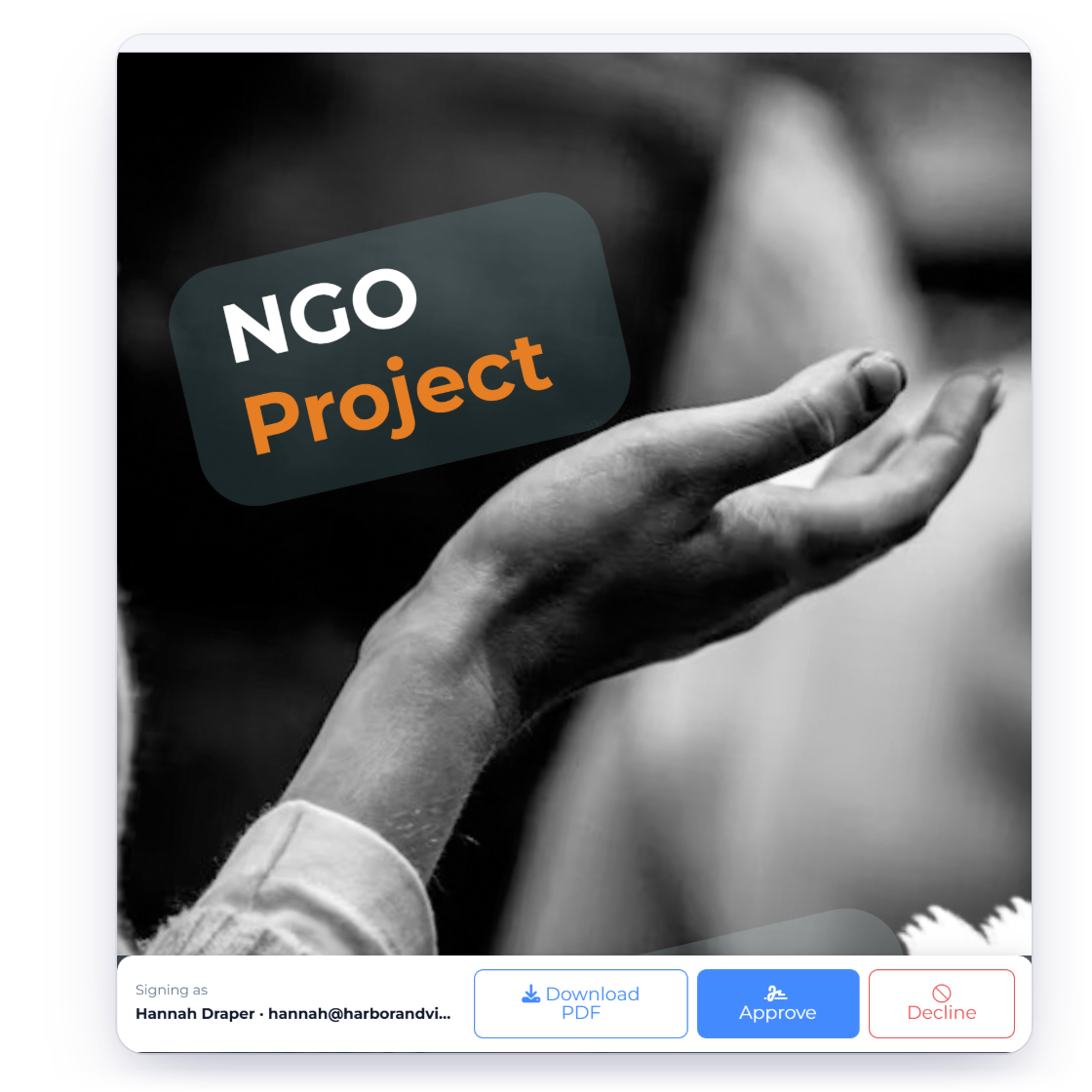
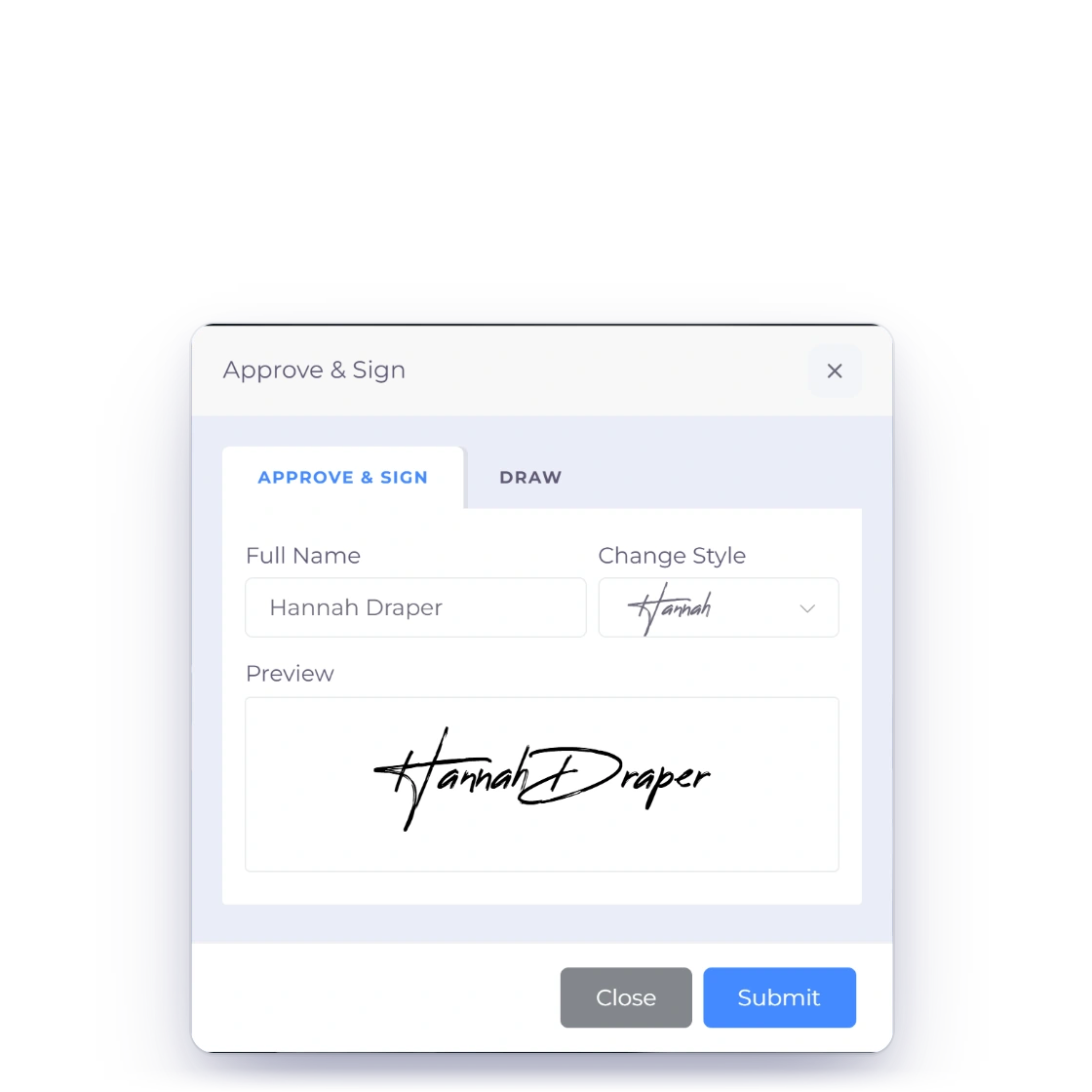
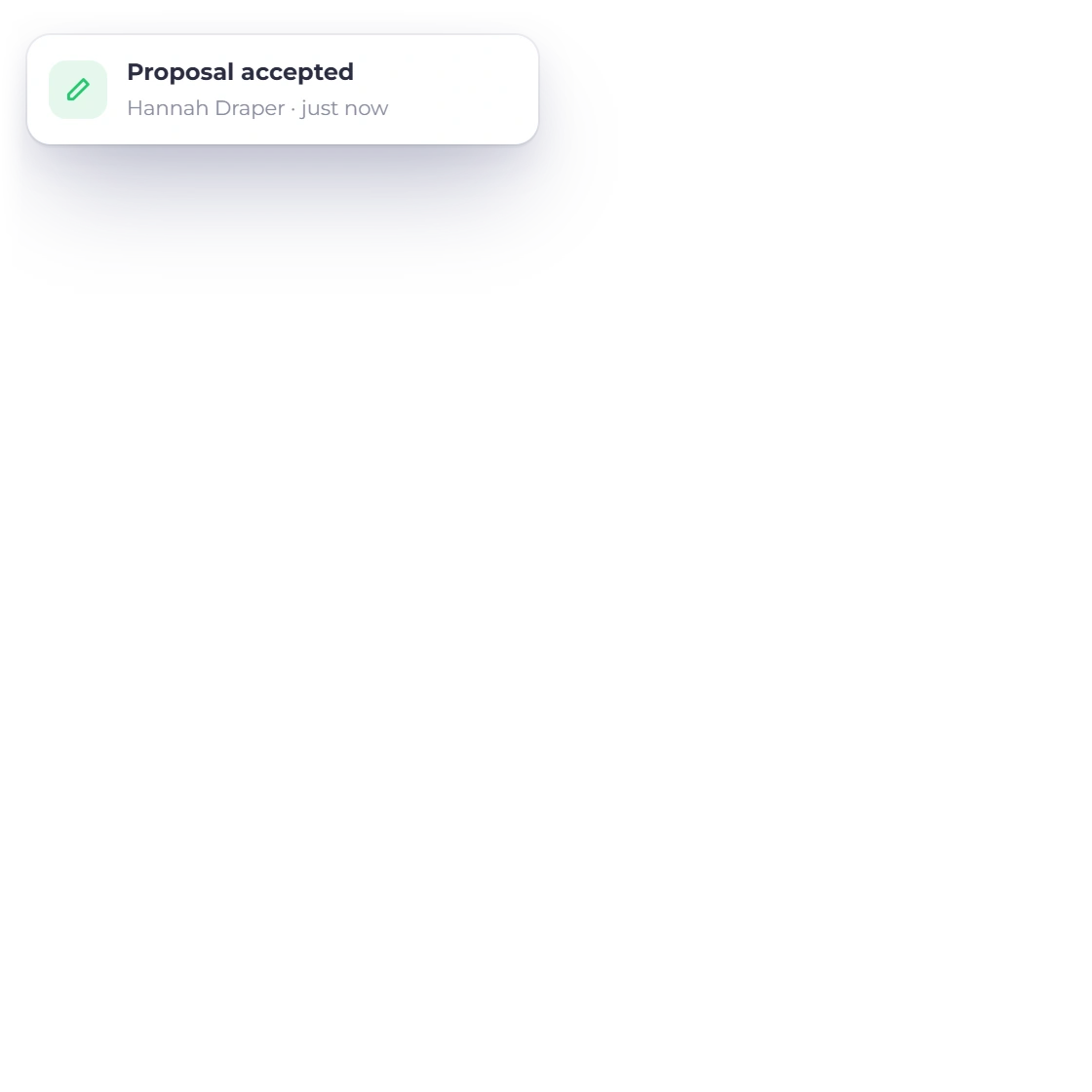
The client view of an Invoice Crowd proposal with Download PDF, Approve and Decline, the Approve and Sign dialog with a typed signature, and a proposal accepted notification

Track every approval

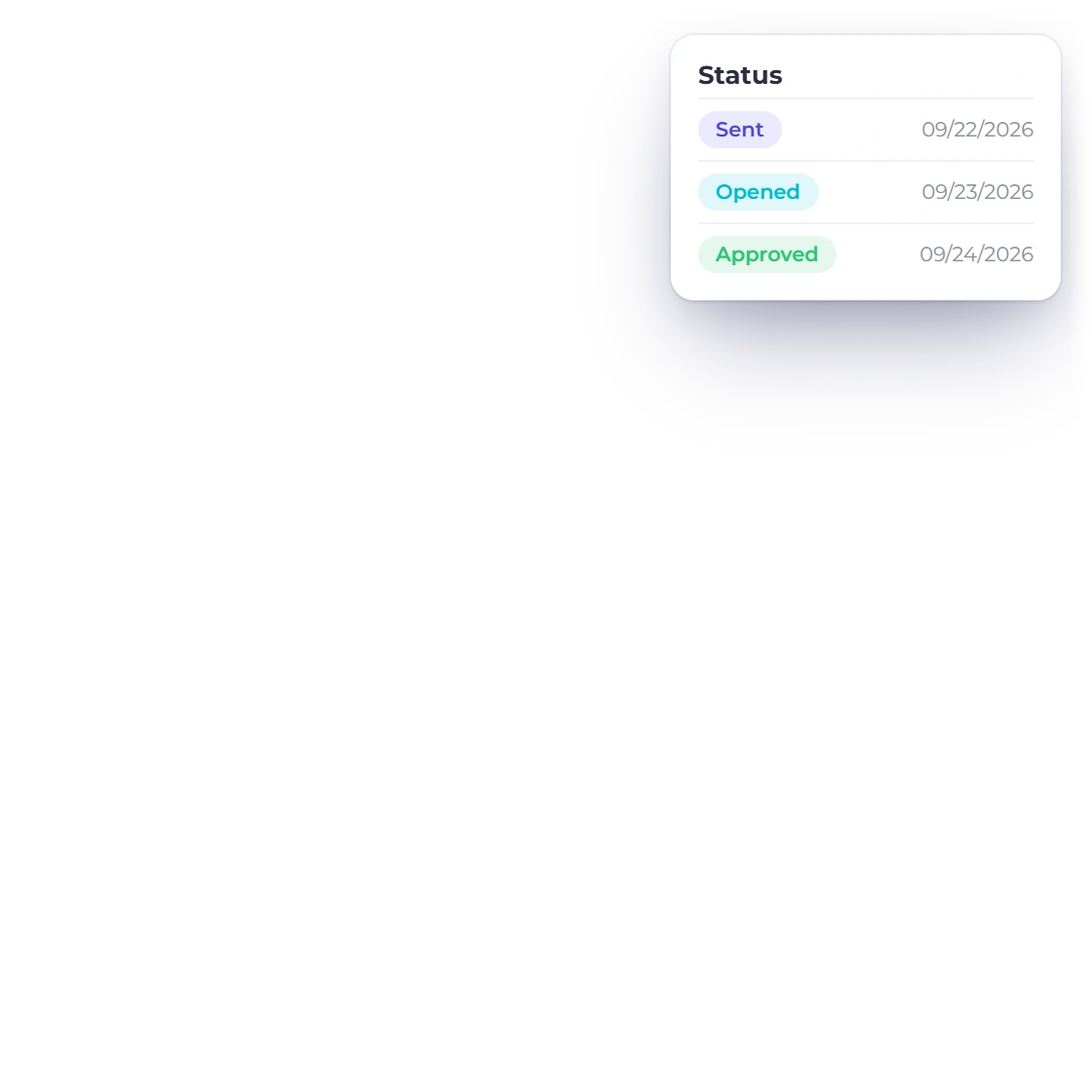
Send the proposal and the approval runs through the system rather than through your inbox. Each recipient gets a personal link, and only the people in the To line can approve or decline. You are notified when the client opens it, approves it or declines it with a reason, and editing after sending marks the proposal Revised so the client knows a new version is on its way.

  • Notified when it is opened and when it is approved
  • Revisions tracked on the document
  • Signed online, nothing to print
Where the client reads it
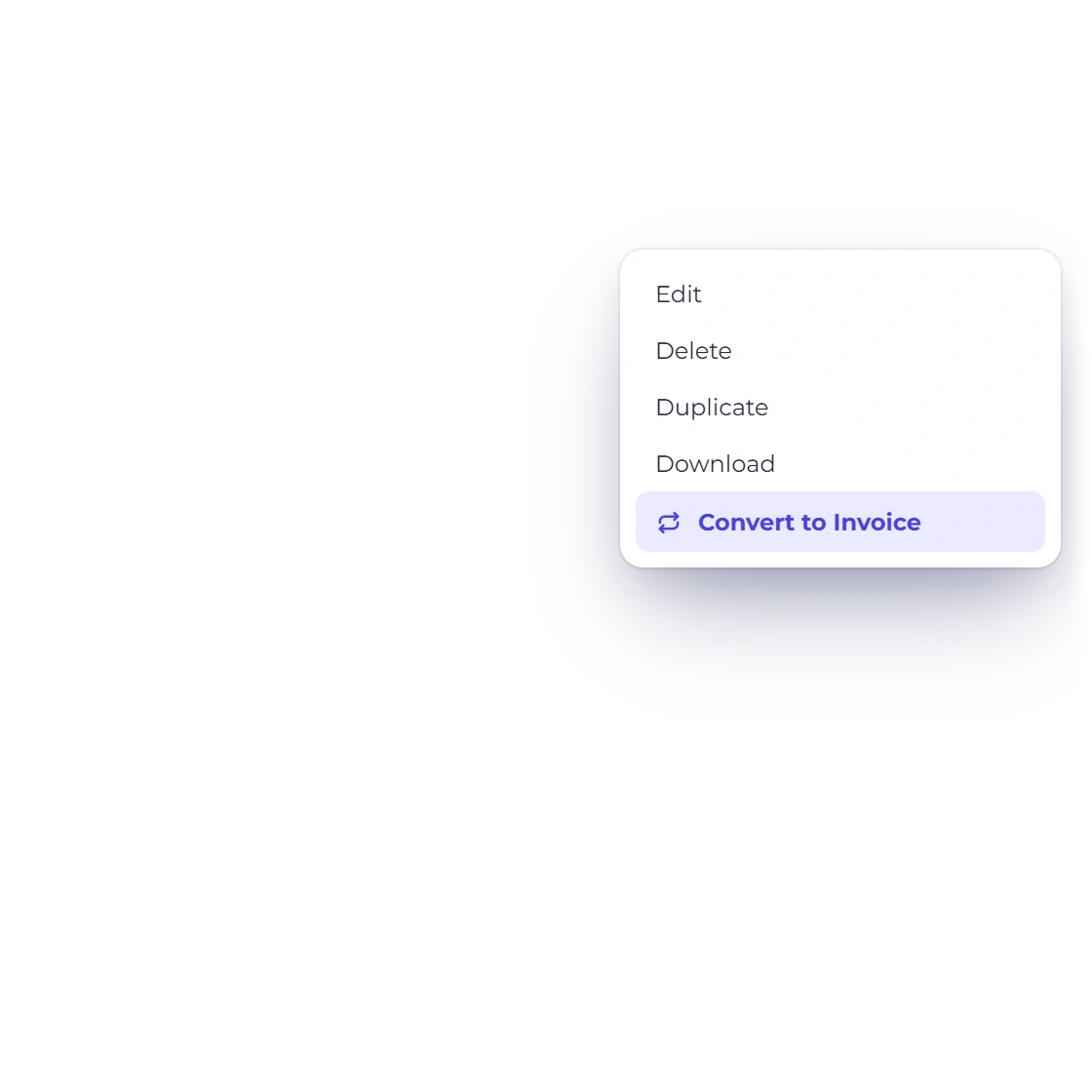
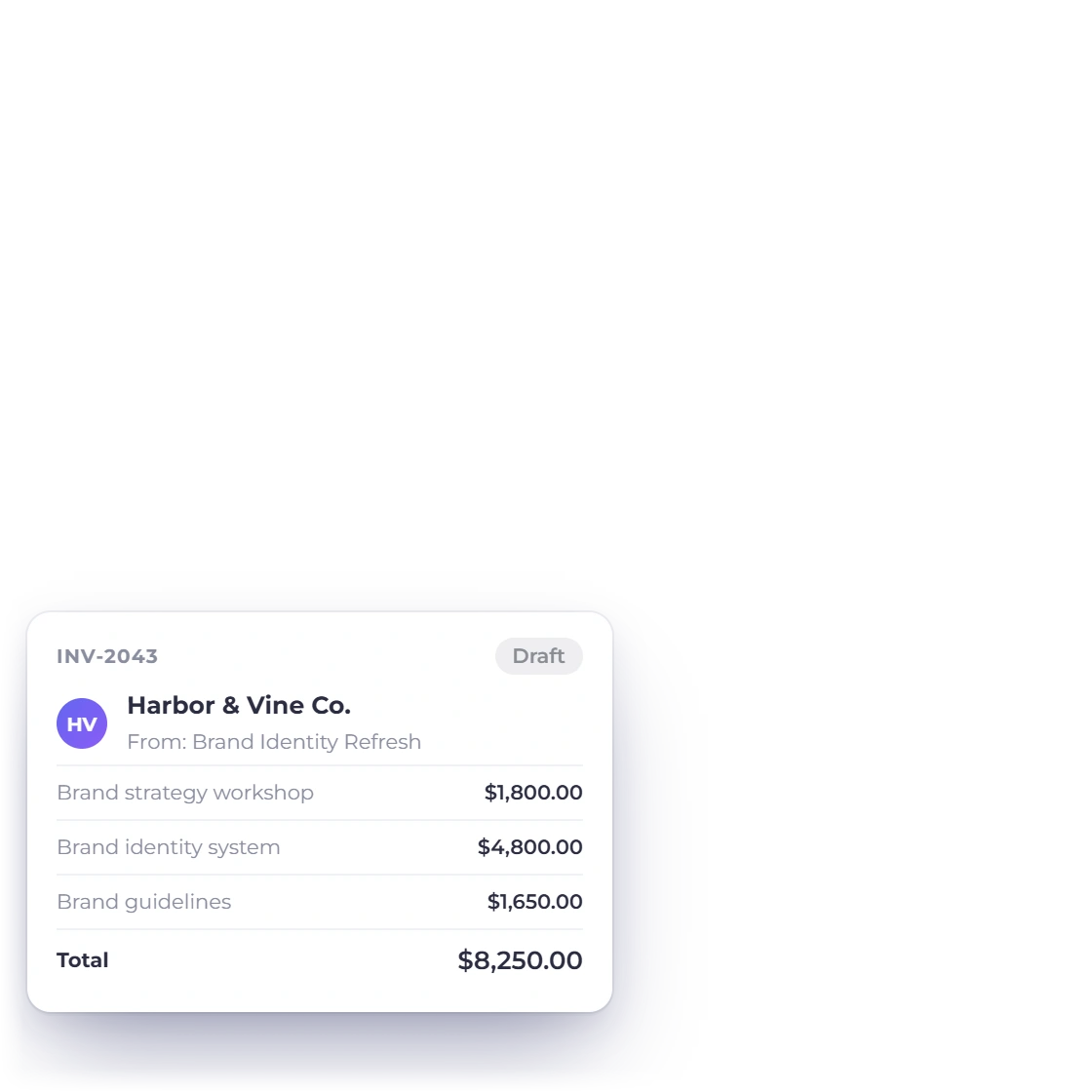
Invoice Crowd proposals list with the actions menu of an approved proposal offering Convert to Invoice, and the draft invoice created with the same pricing

Approved, then invoiced in a few clicks

The moment a proposal is accepted it becomes billable work. Convert it into an invoice and the pricing comes across as agreed, in the same format and with the same figures, which removes the retyping step where the errors usually creep in.

  • One conversion from proposal to invoice
  • The same figures the client approved
  • Payment collected through your gateway
Converting to an invoice

Also included

The rest of the proposal toolset

Proposals sit in the same account as your estimates, invoices and customers, so nothing has to be rebuilt once the work is won.

  • Content library

    Keep the sections you reuse, such as your background or your terms, and drop them into a new document.

  • Online signature

    The client approves and signs in the browser, and the signed version stays with the proposal.

  • Proposal to invoice

    An accepted proposal becomes an invoice without the pricing being keyed a second time.

  • Approvals & Signing

    Ask a reviewer to approve the exact version before it goes out, lock the agreed clauses, and collect signatures from several client contacts in order or all at once.

  • Request client details

    Share a short client details form from a template or a draft, review the answers, and build the proposal from what the client told you.

  • Packages and add-ons

    Offer packages the client chooses between, with one marked as recommended, plus optional extras they tick on the proposal page.

  • Approval alerts

    Know when a proposal has been opened or approved, and read the client's reason when one is declined.

  • Tracked revisions

    Edit a sent proposal and it is marked Revised, with each step kept in the proposal history.

  • Your branding

    Logo, colors and any font from the Google Fonts library, so the proposal looks like the rest of your business.

  • Multi-currency pricing

    Price the work in the client's currency and still read your revenue in your own.

  • Estimates instead

    When the job needs a priced quote rather than a written pitch, send an estimate.

  • Deposit on signing

    Convert the accepted proposal to an invoice, request a deposit on it, and bill the balance later.

Questions

The proposal system, answered

What is the proposal system?

It is the part of Invoice Crowd where you create, brand and send proposals with pricing tables and an online signature, starting from more than 70 templates or from a Create with AI draft. Everything happens in the account you already invoice from, so the document, the approval and the invoice that follows it all live in one place.

Can Invoice Crowd write a proposal with AI?

Yes. Invoice Crowd's Create with AI is an AI proposal generator built into the proposal builder. Choose Create with AI on the Proposals page or when you start a New Proposal, pick the customer and the document type, describe the work, choose a design or Let AI Choose, and add saved items or your own prices. The AI writes the words, pricing rows and terms into the design and saves an unsent draft, usually in under a minute, ready for you to review. It is included on paid plans, which come with 100 AI credits every month.

How many AI credits does Create with AI use?

A Create with AI proposal usually uses 5 to 15 AI credits, and the price is shown on the Create Proposal button before the build starts. Suggest with AI for your brand settings uses 1 credit. Paid monthly and yearly plans include 100 AI credits each calendar month, used first and reset at the start of each month, and extra credits bought in Billing and Plan never expire.

How do I start a proposal?

Open Proposals and choose New Proposal. Pick a design from the Template Gallery or My Templates, choose Start Blank, or choose Create with AI to have the first draft written from a short brief. Then edit the sections that need to say something specific about this client, add your pricing, and send it.

How many templates are included?

More than 70. Invoice Crowd's Template Gallery sorts them into eight categories: Agreements, Design, Software, Marketing, Events, Services, Contracts and Presentation. They include proposals such as the Web Design Proposal, Marketing Strategy Proposal and Wedding & Event Photography Proposal, agreements such as the Master Services Agreement and Confidentiality Agreement (NDA), quotes such as the Construction Bid and Catering Quote, and landscape decks such as the Pitch Deck and Company Profile Deck. Preview opens any design full size in a new tab, and you can change any of it and save your version as a template of your own.

Can I customize how a proposal looks?

Yes. Add your logo, set the colors and fonts, and rearrange the content until the document is laid out the way you present. You can also embed media and links inside a section, so the proposal can show work rather than only describe it.

What happens once a client approves?

You are notified, and the accepted proposal can be converted into an invoice in a few clicks. The pricing carries across unchanged, so the amount you bill is the amount the client agreed to. An approved proposal is final; to change it afterwards, duplicate it as a new version. When several client contacts sign through Approvals & Signing, the proposal is approved once every signer has signed.

Is my proposal data secure?

Proposals sit inside your account behind your own login, and the document a client opens is sent over an encrypted connection. Switch on Enable OTP Verification and the client confirms a one-time code sent to their email before signing. Team members see only what their role allows, so each proposal stays with the people who need it.

Can I send a proposal to several people, or schedule it?

Yes. Each recipient gets a personal link, and Invoice Crowd records who opened it and who decided. Only the people in the To line can approve or decline; Cc and Bcc recipients can view it. Use Send Later to pick a date and a time window for the email, and you get a notification when it goes out.

What does the Send check look for?

Invoice Crowd's Send check runs when you choose Send and lists what your client would notice: merge tags that would show blank because a customer or business detail is missing, the design's sample logo, example text left from the template, fixed dates that have already passed, an expired proposal, and pricing tables with no items, no prices or an unnamed item. Fix each one in place or choose Send Anyway. The check is included on every plan, and the send step also sets the proposal's expiry date.

Can several people sign one proposal?

Yes. Open the Approvals & Signing tab in the proposal editor to add up to 12 client contacts as Signer or Viewer, assign each field and signature box to one signer, and choose Sign in the listed order or Everyone can sign. You can also name reviewers who approve the exact version before it is sent, and lock the clauses that must stay unchanged. The proposal is approved once every signer has signed. Approvals & Signing is included on paid plans and in the 30-day free trial.

Can the client fill in details on the proposal?

Yes. Add Text Field, Date, Radio Buttons, Checkbox or Dropdown fields for the client to complete before approving, mark the ones that must be answered as required, and use Conditional Logic to show a field only when it applies.

Can I collect client details before I write the proposal?

Yes. Choose Request client details from a proposal template or an unsent proposal, pick the questions you need, and share the form's link with your client. Their answers come back for your review, and you can fill the proposal from them or choose Complete draft with AI. Client details forms are included on paid plans and in the 30-day free trial, and Notification Settings can email you when new answers arrive.

Can clients choose a package or add optional extras?

Yes. Set a pricing table's Client pricing choices to Choose a package and the client picks one package, with one marked as the Recommended package, or to Services and add-ons, where each line is required unless you mark it as an Optional service or add-on. The client makes the choice on the proposal page, the total updates as they go, and only the selected items count toward the total they approve.

Can I import a proposal I already have?

Yes. Choose Import original on the Proposals page and upload one PDF, DOCX or PPTX file of up to 20 MB. Invoice Crowd keeps it as a private original you can download at any time, and the text, headings and simple tables of a Word or PowerPoint file become a new editable proposal after you compare it with the original. Proposal import is included on paid plans and in the 30-day free trial.

How many proposals can I create?

The free plan includes 3 proposals in total. SOLO, PRO and TEAM include 5, 15 and 50 new proposals each calendar month, on monthly or yearly billing and during the free trial, and BUSINESS is unlimited. The allowance counts proposals created, not emails sent.

Put a better proposal in front of the next client

Start from a template or a Create with AI draft, make it look like your business, and let the approval turn straight into the invoice you were going to write anyway.

  • 70+ templates ready to edit
  • 30-day free trial
  • No credit card to start