
Skip to content

Invoicing and accounting software for freelancers, from quote to tax time

One person writes the proposal, sends the invoice, chases the late one and files the return. Invoice Crowd puts all four in the same account: quotes that convert, deposits taken up front, retainers that bill themselves, and a ledger that keeps up.

  • Quote, invoice, get paid
  • Deposits and retainers built in
  • Books without a bookkeeper

What is inside

Winning the work, then being paid for it

A freelance month is a handful of quotes, a handful of invoices, and one client who has gone quiet. These are the parts that deal with each of them.

Winning it

The unbillable hours before the job starts

The Proposals screen in Invoice Crowd, listing sent proposals with their status, customer and value

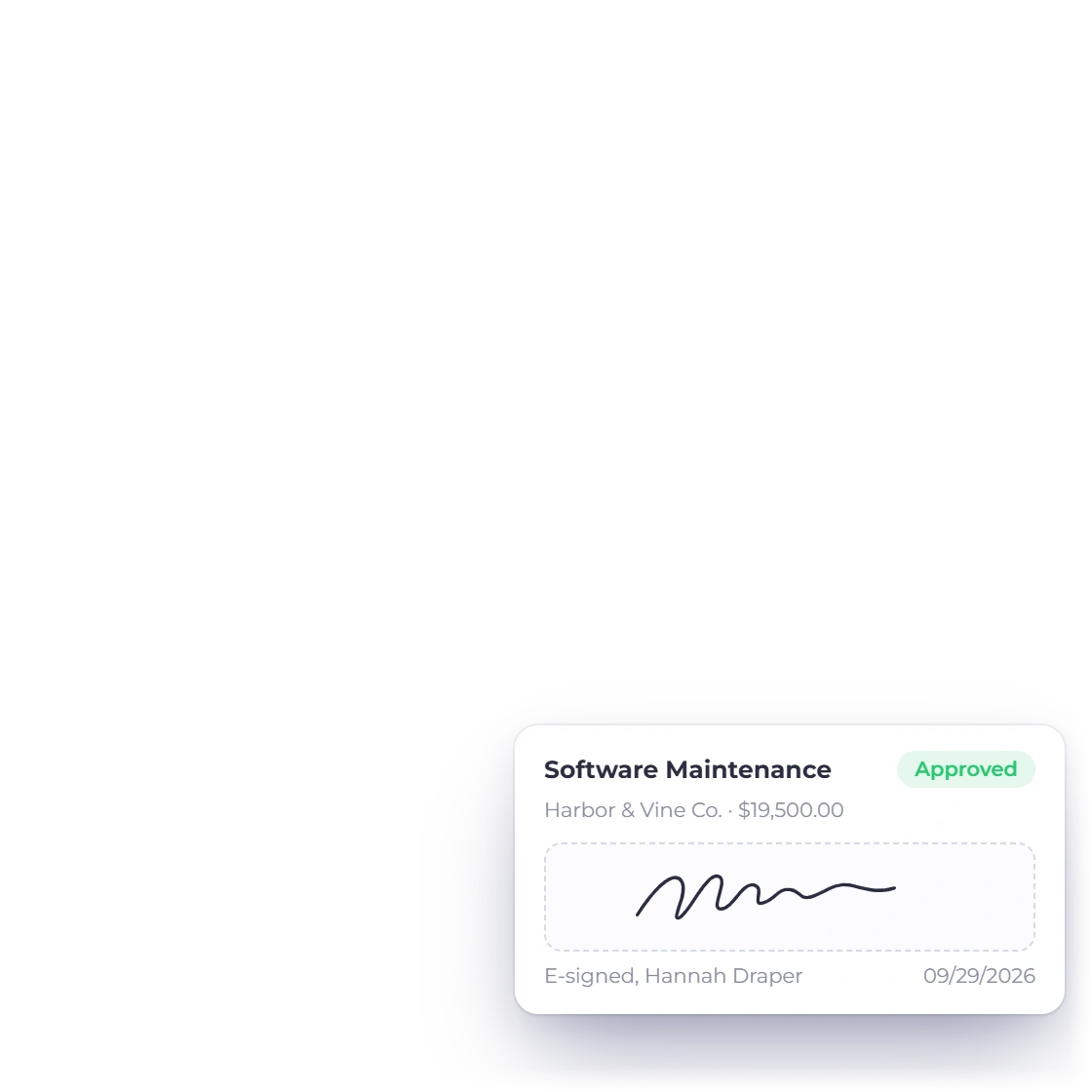
Proposals the client signs in a browser

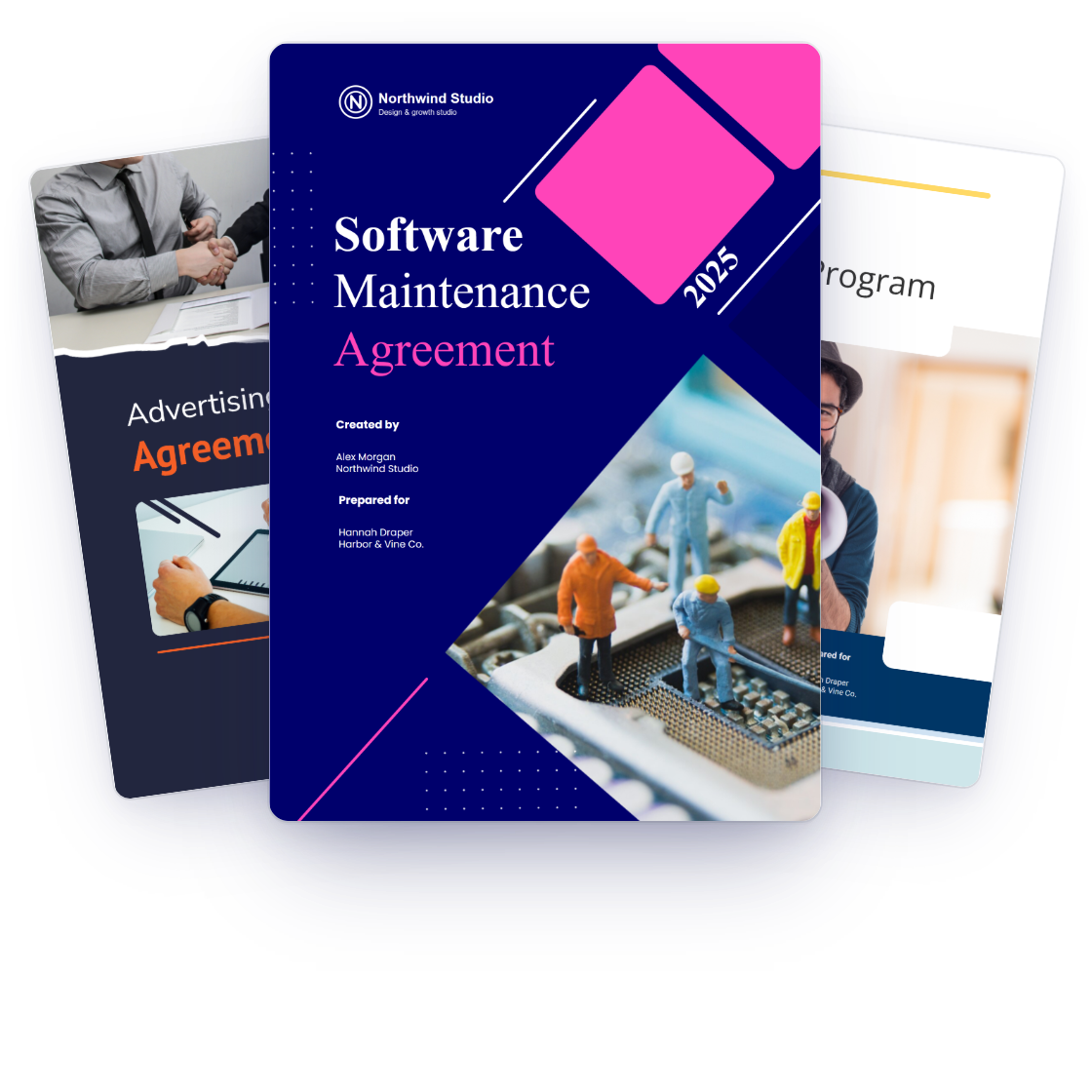
Build the scope, the price and the terms into one document, then send a link the client signs without printing anything. There are 40+ proposal templates to start from, and the sections you rewrite for every job live in a content library, so a new quote is mostly assembly.

  • E-signature, so nothing gets scanned back to you
  • 40+ proposal templates as a starting point
  • The sections you reuse kept in a content library
Inside the proposal builder

Estimates when a proposal is overkill

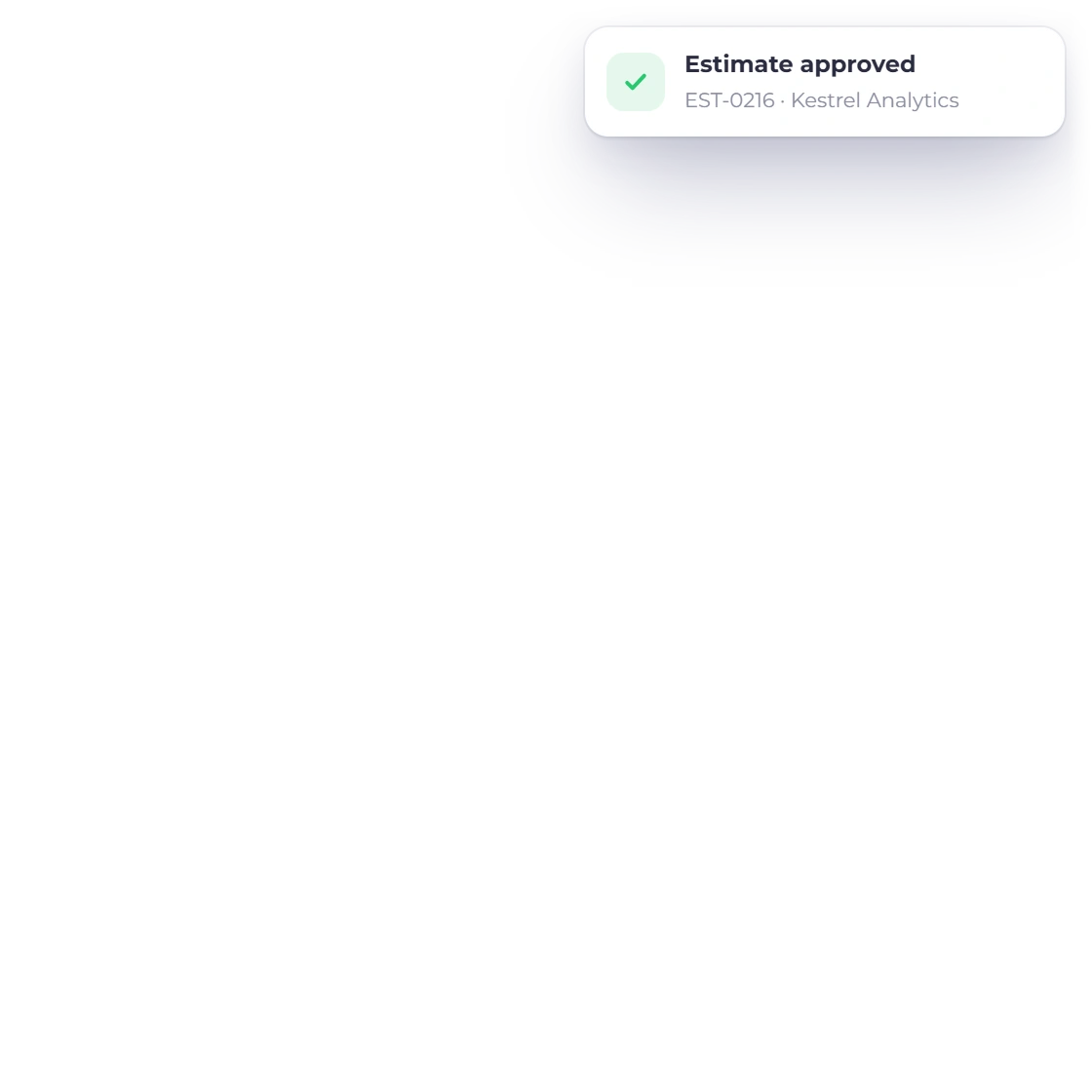
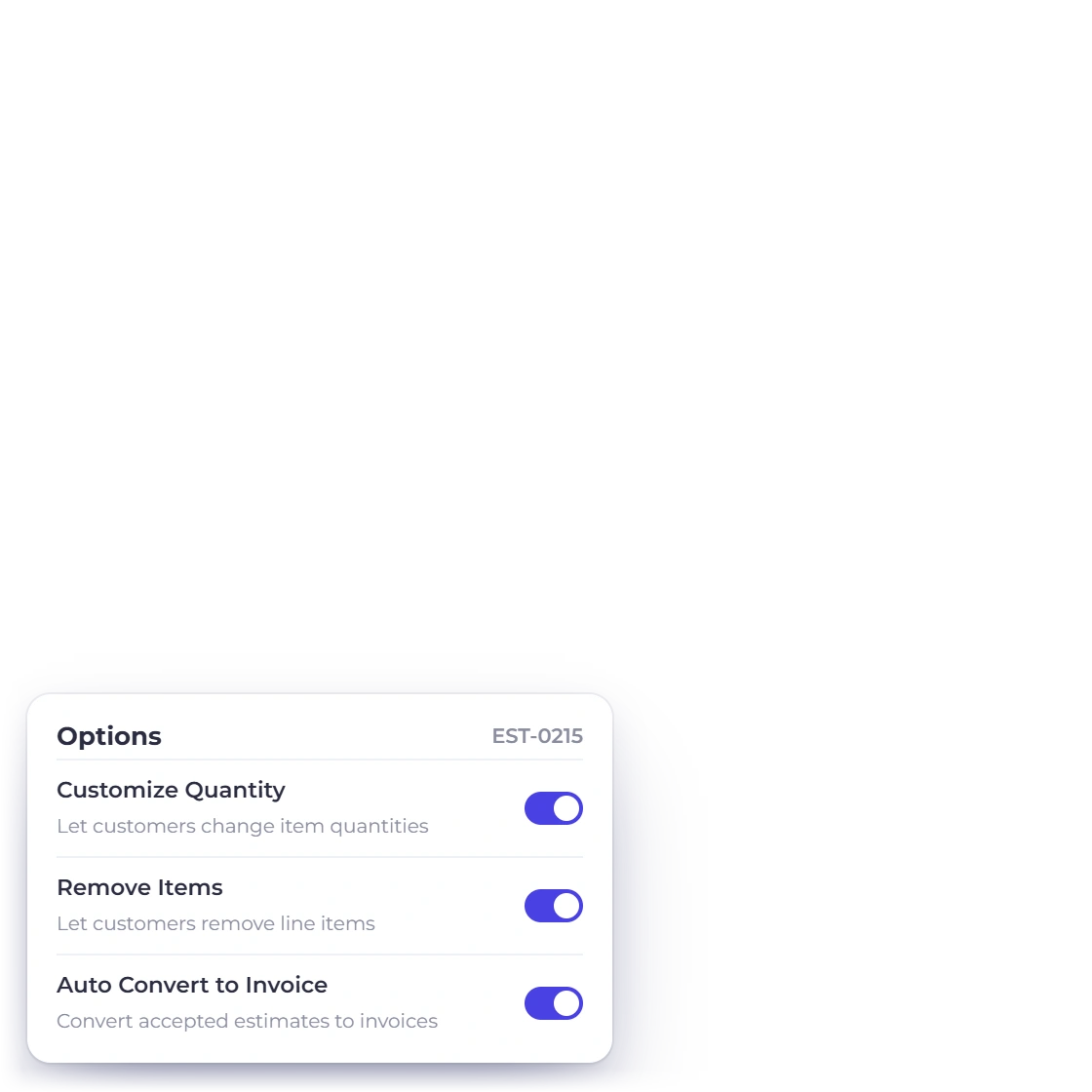
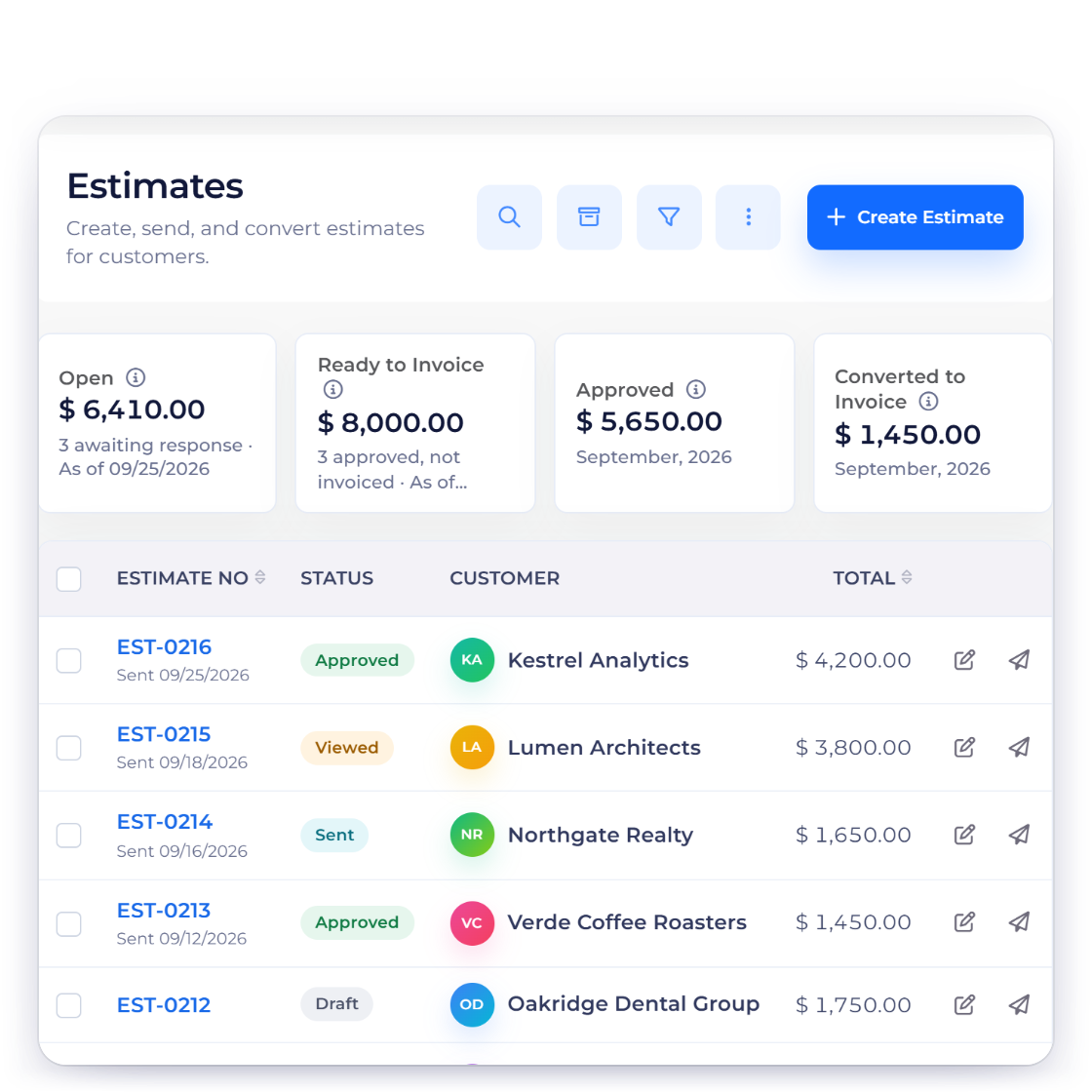
Most freelance work needs a price and a date, not fifteen pages. Send an estimate the client approves or declines from the email, mark the lines they are free to drop, and let them set a quantity where the amount is genuinely theirs to decide. What comes back approved becomes the invoice.

  • client-removable lines the client can decline before approving
  • Quantities the client sets, where you allow it
  • An approved estimate converts without retyping
Estimates and approvals

Being paid

Money before the work, and money on a cycle

Payment methods screen in Invoice Crowd listing the gateways connected to an account

A deposit before you open the file

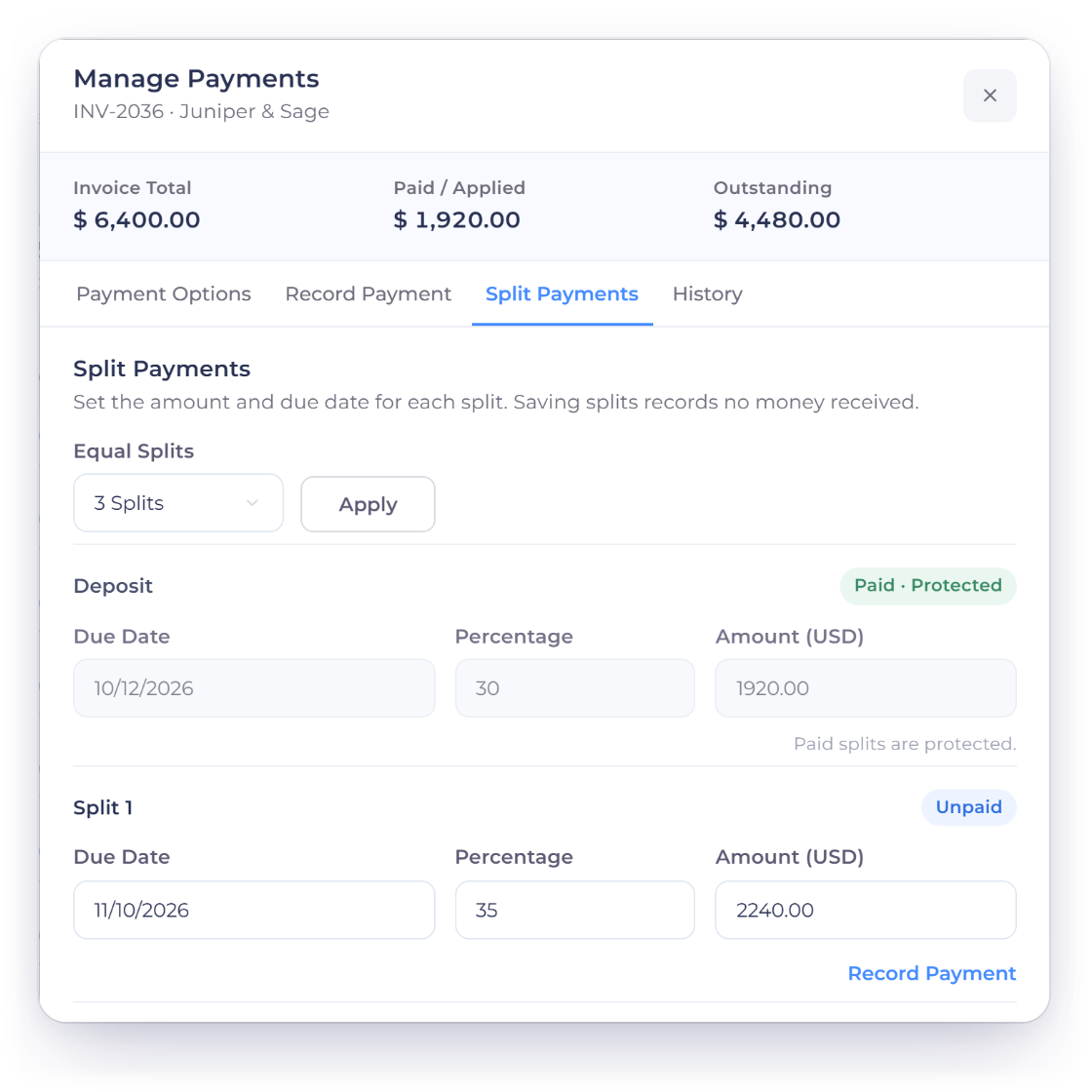
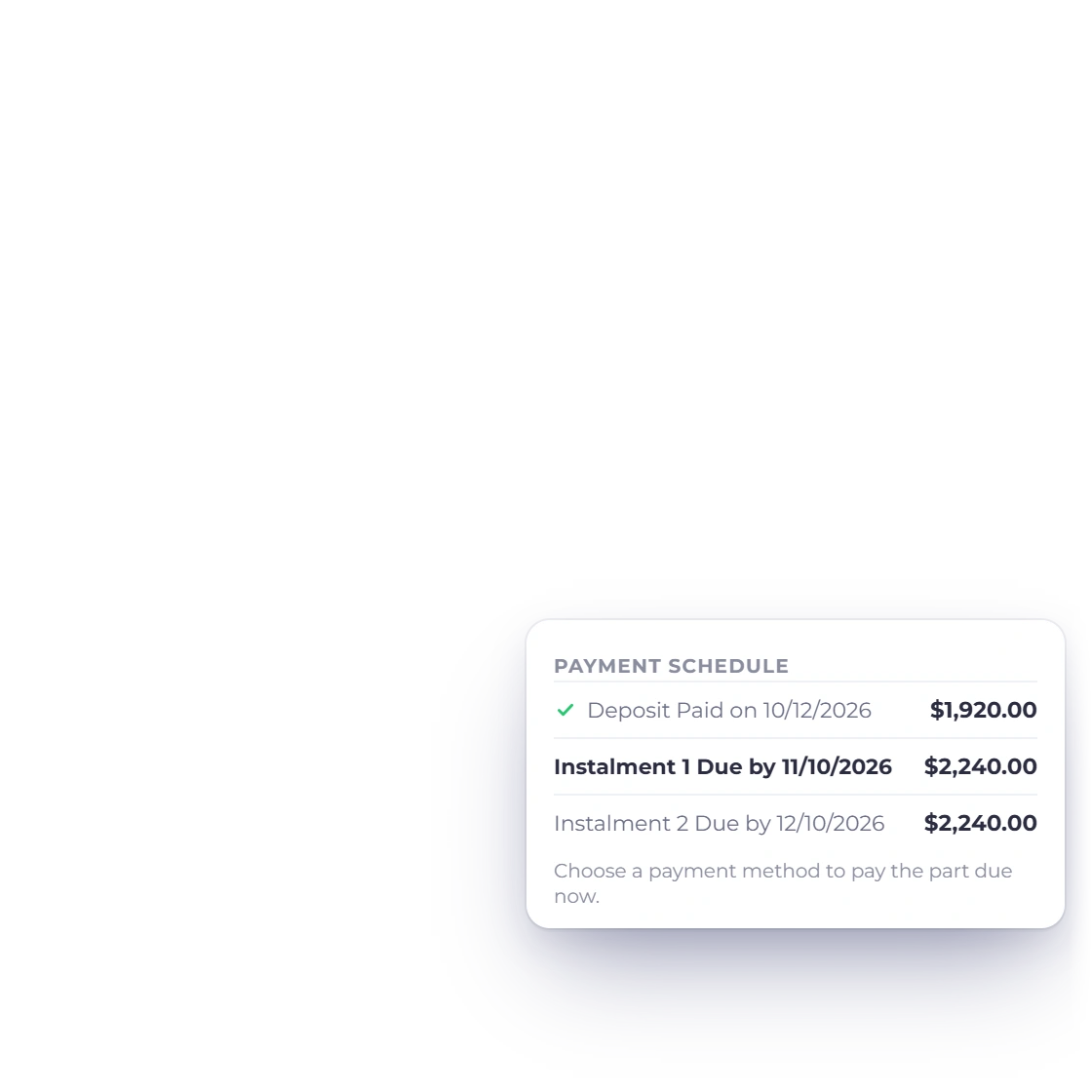
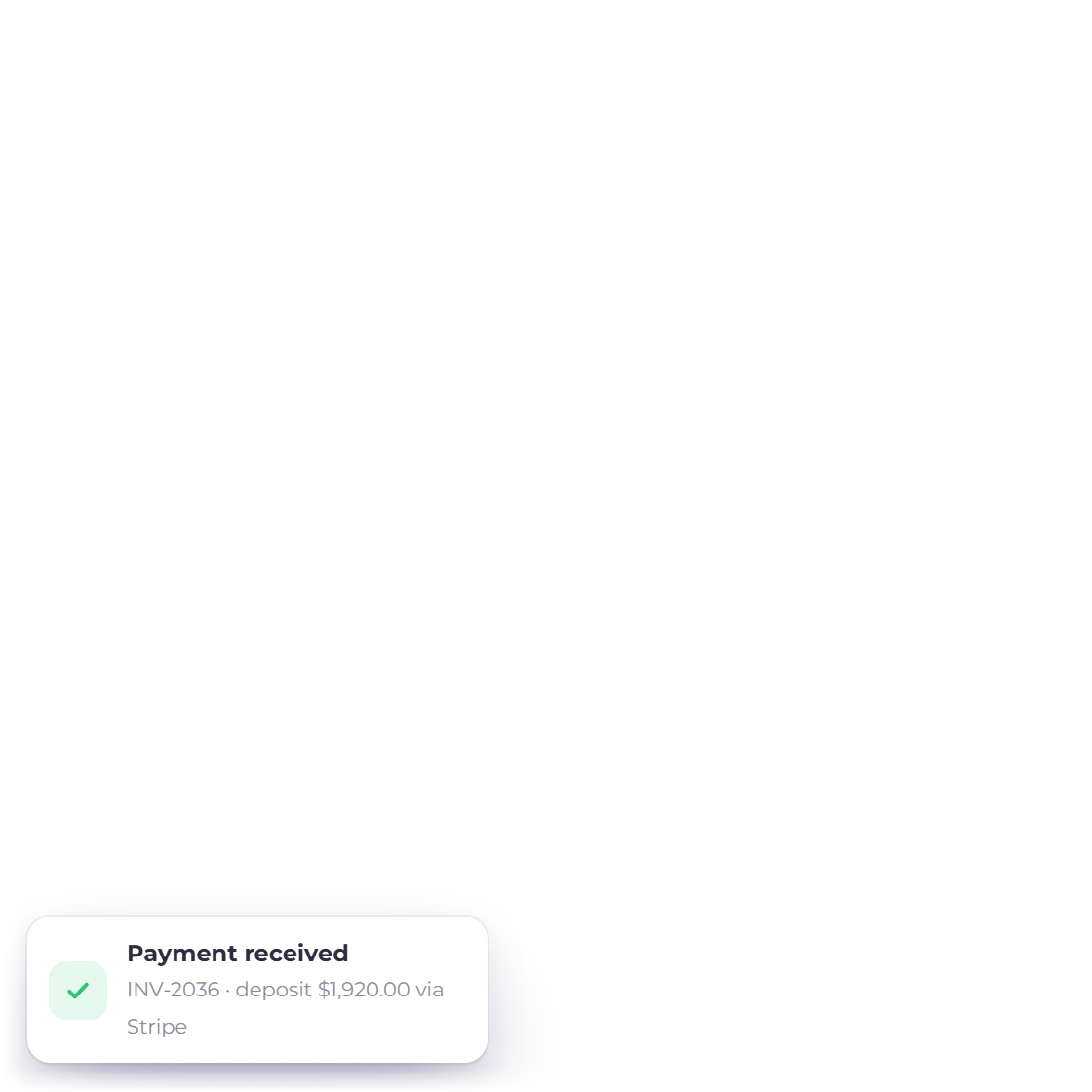
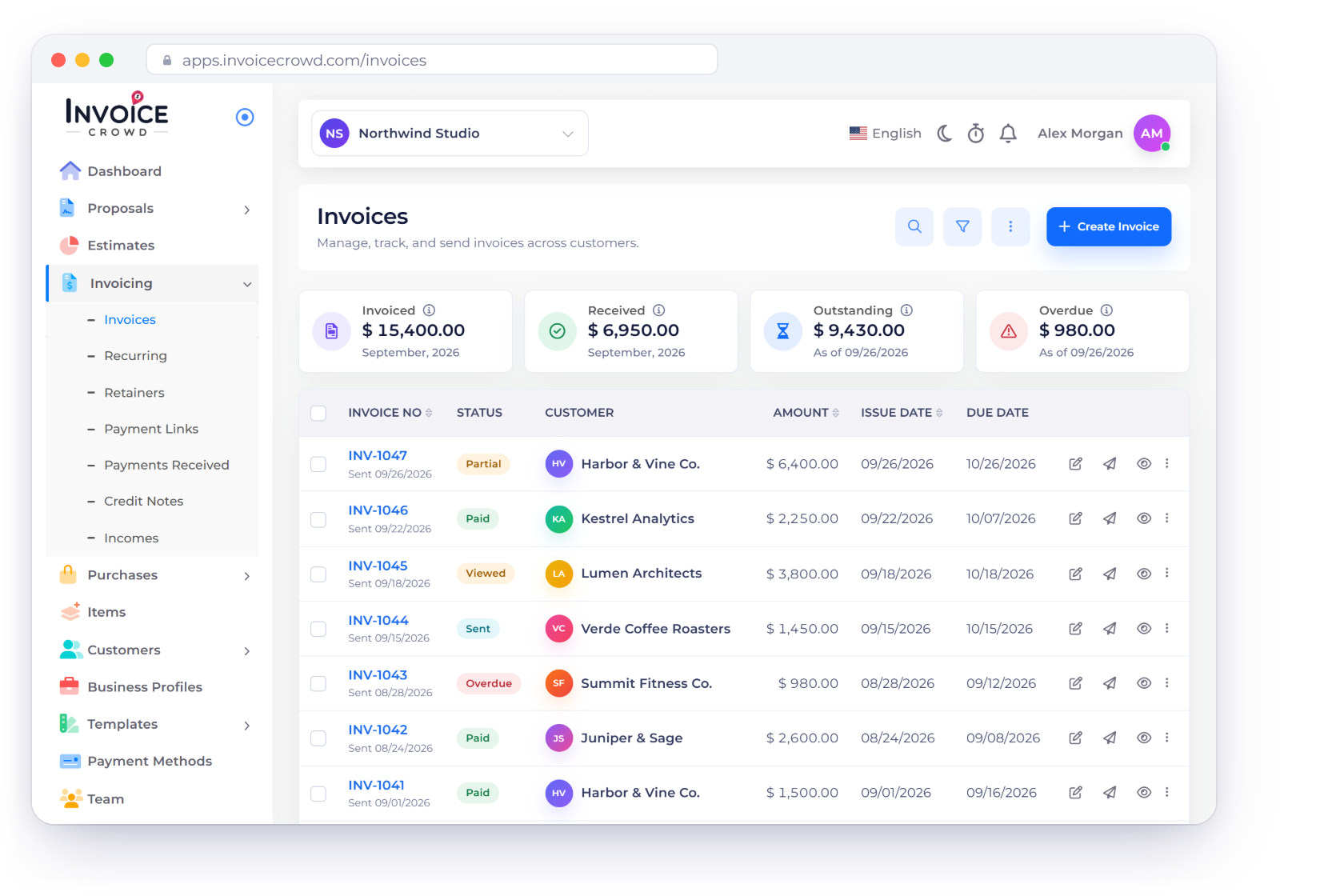
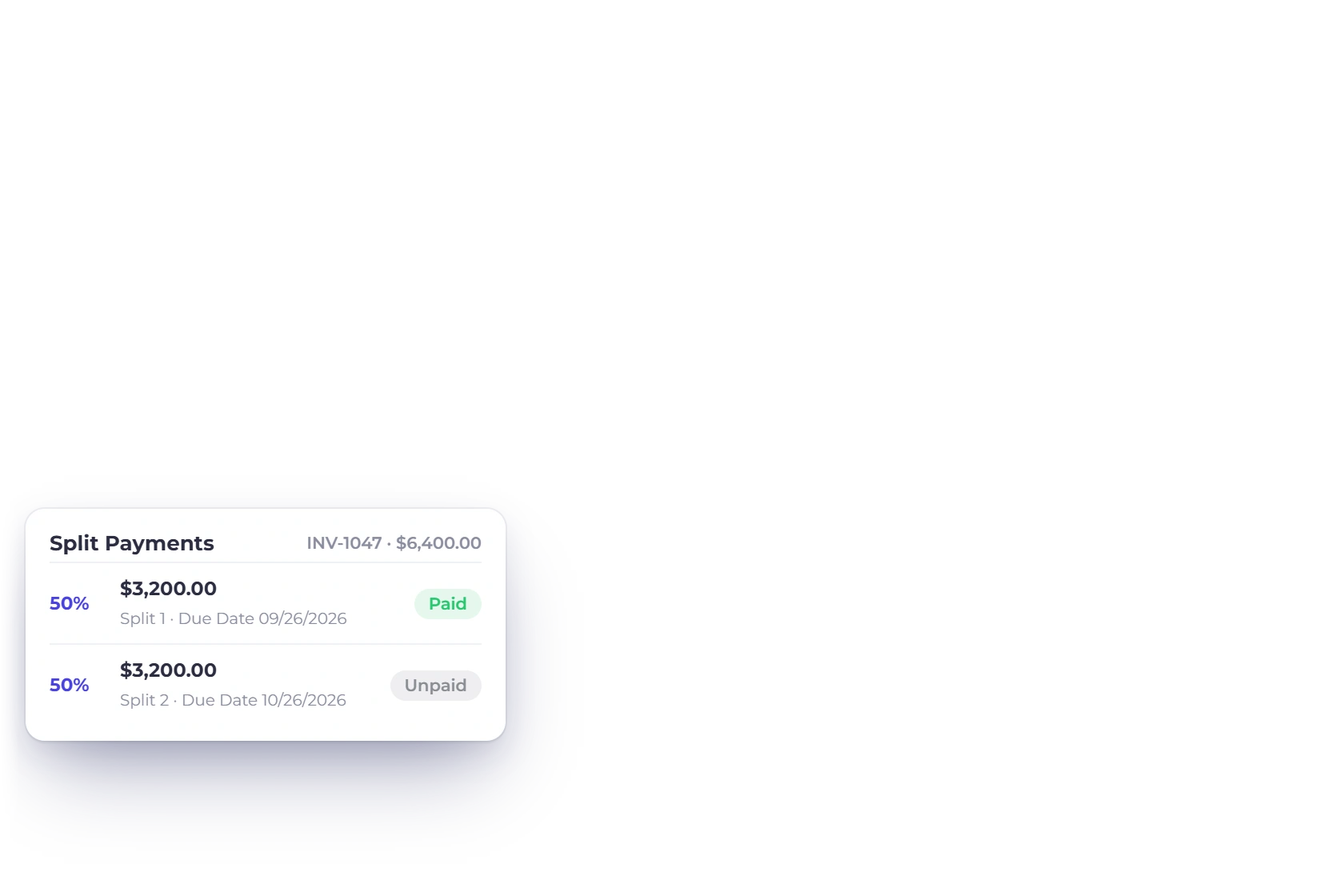
Ask for part of the fee up front and bill the rest on delivery, both against the same invoice, or break a long project into installments. Whichever of the multiple provider integrations you connected shows on the document, and the outstanding figure moves as each payment clears instead of living in your inbox.

  • Deposits, installments and partial payments
  • PayPal, Stripe, Razorpay, Square, Payoneer and three more
  • The invoice shows what is settled and what is left
Split and partial payments

Retainers that raise their own invoice

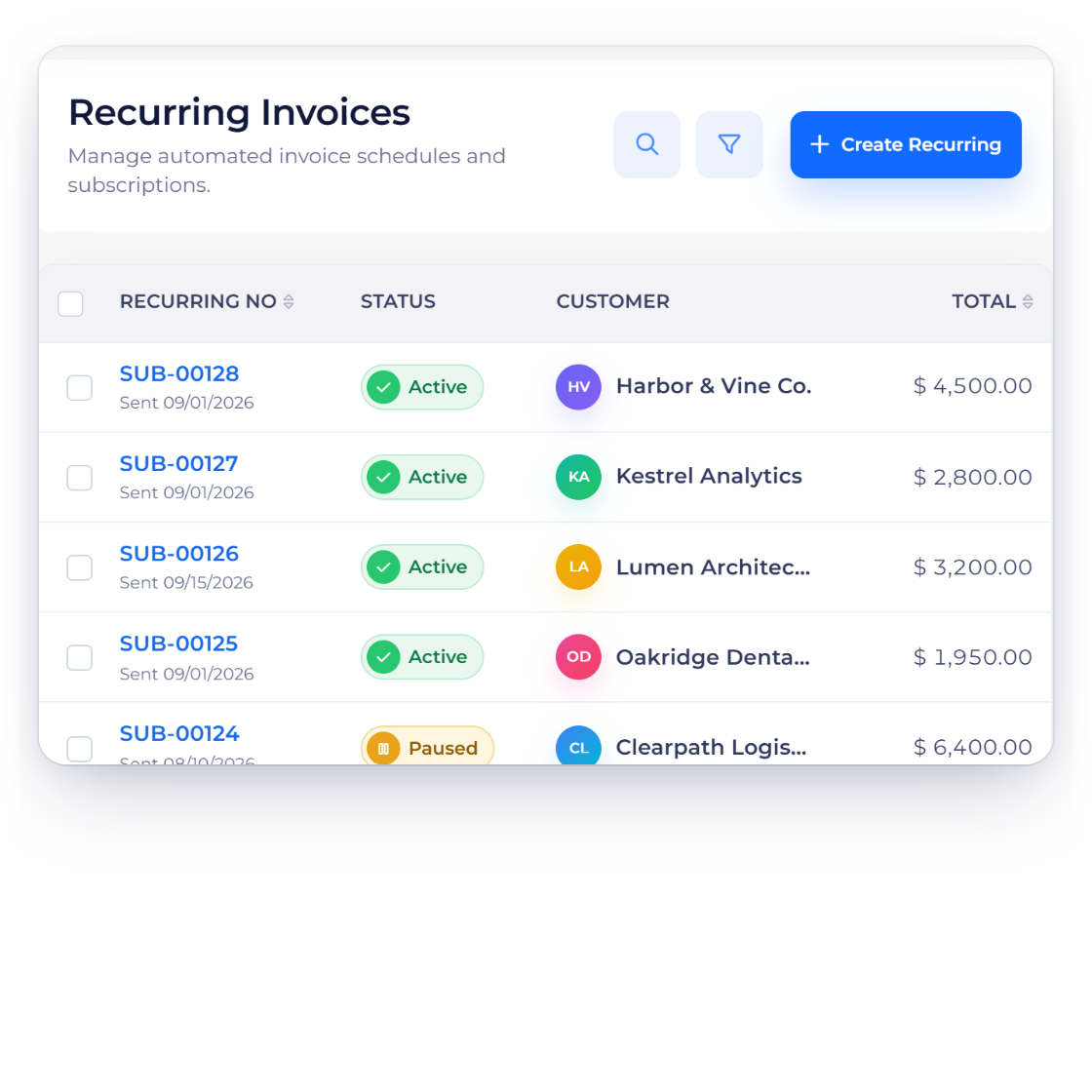
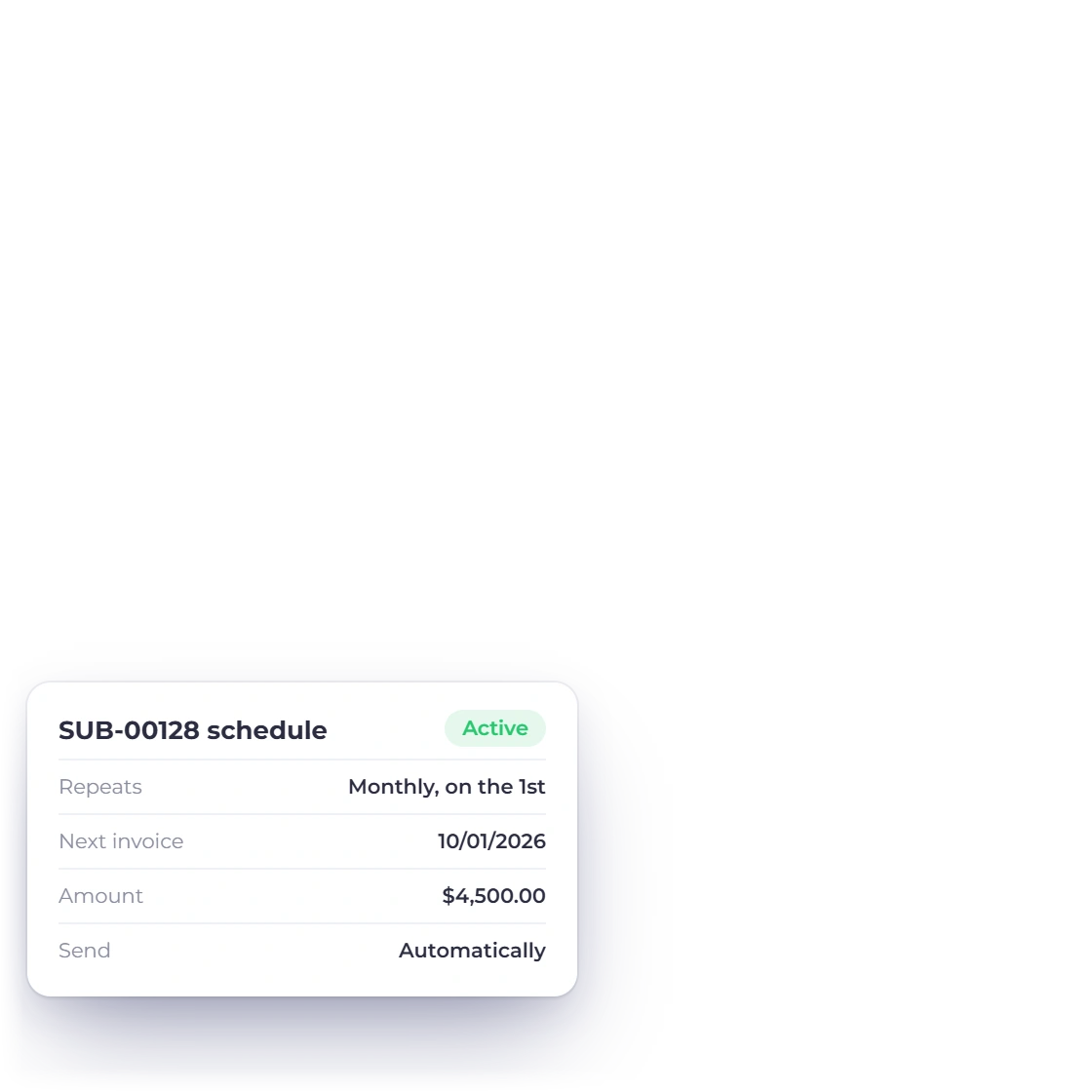
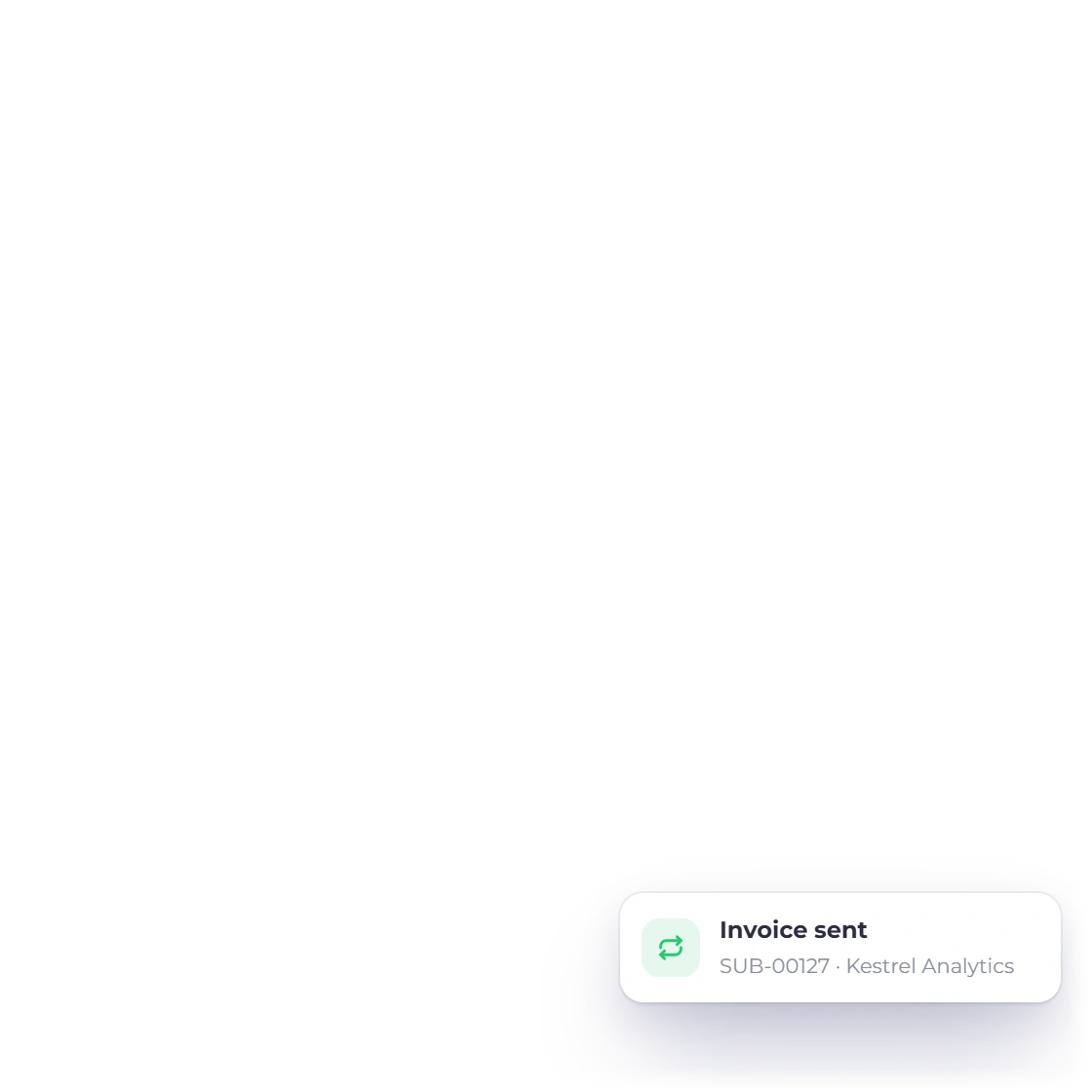
A monthly retainer should not be a monthly chore. Set the amount, the cycle and the start date once and each period issues its own invoice to that client, on the same template and with the same payment options as the ones you send by hand. Reminders handle the ones that drift.

  • Weekly, monthly or a cycle you define
  • Runs until you pause or stop it
  • Reminders and a late fee for anything overdue
Recurring invoices

At tax time

The week you would otherwise pay someone for

Costs logged while you still remember them

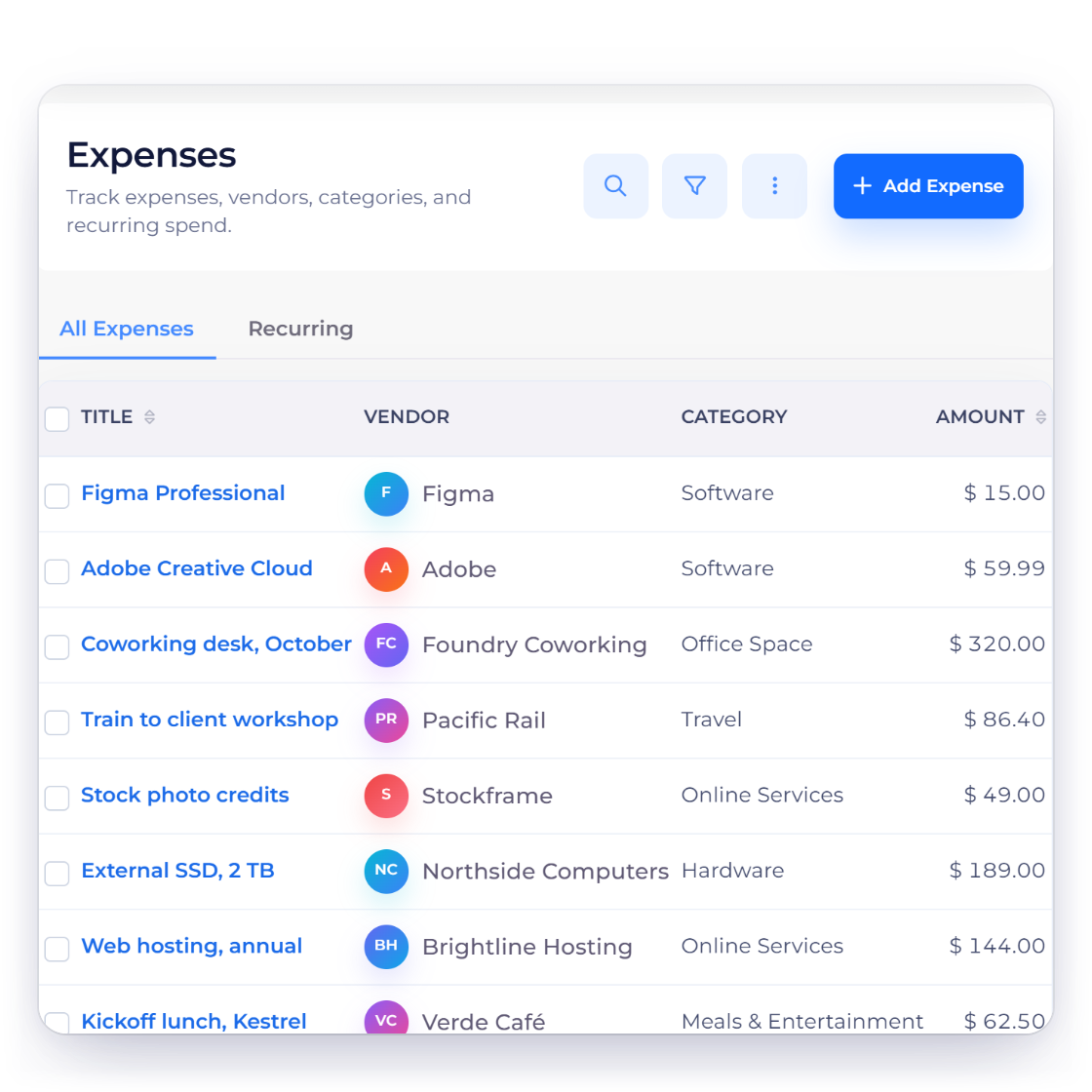
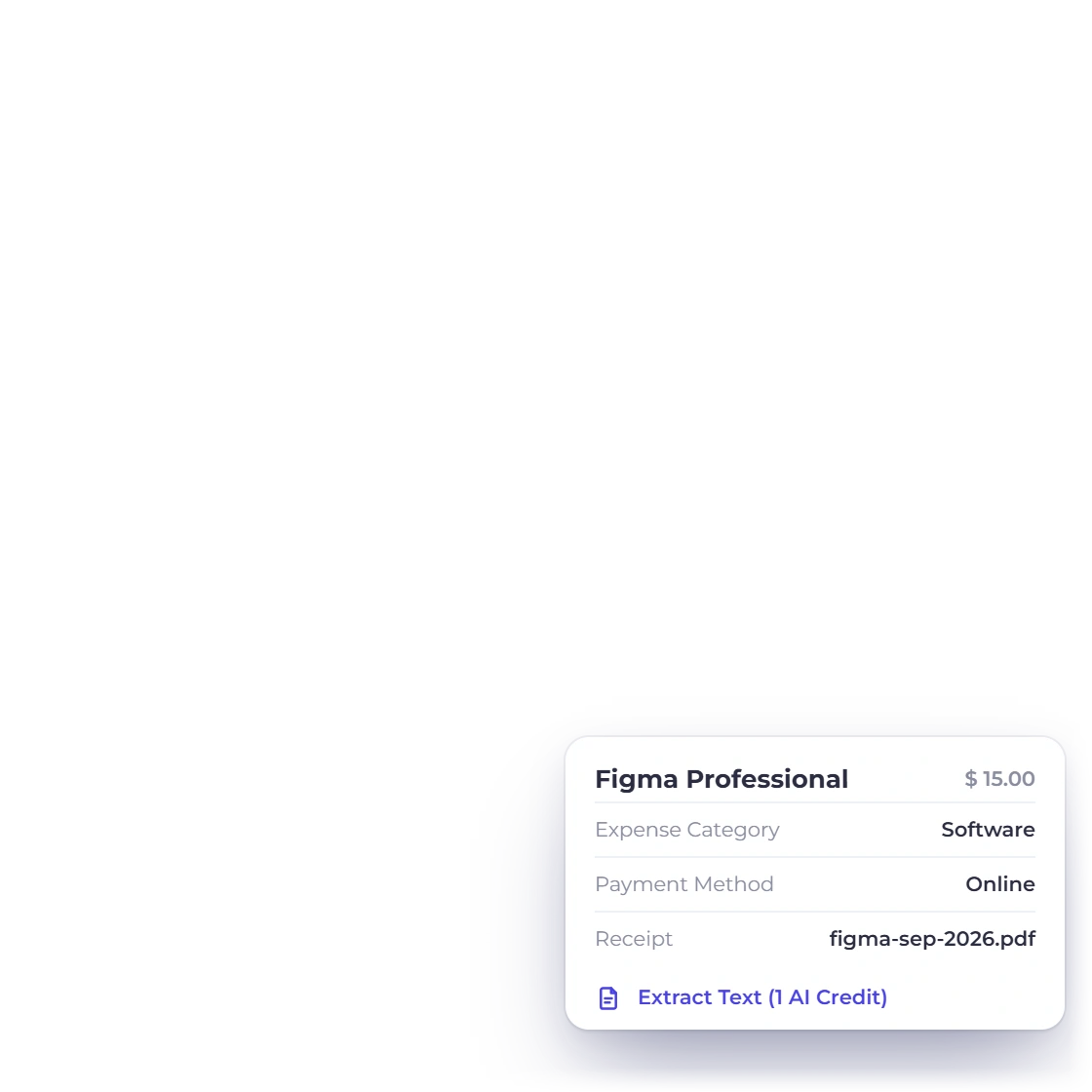
Record software, hardware, travel and workspace costs against the appropriate configured expense account, with the receipt retained on the transaction. That keeps the supporting detail attached to the entry instead of relying on a later reconstruction.

  • Use the appropriate configured expense account
  • The receipt image stays on the entry
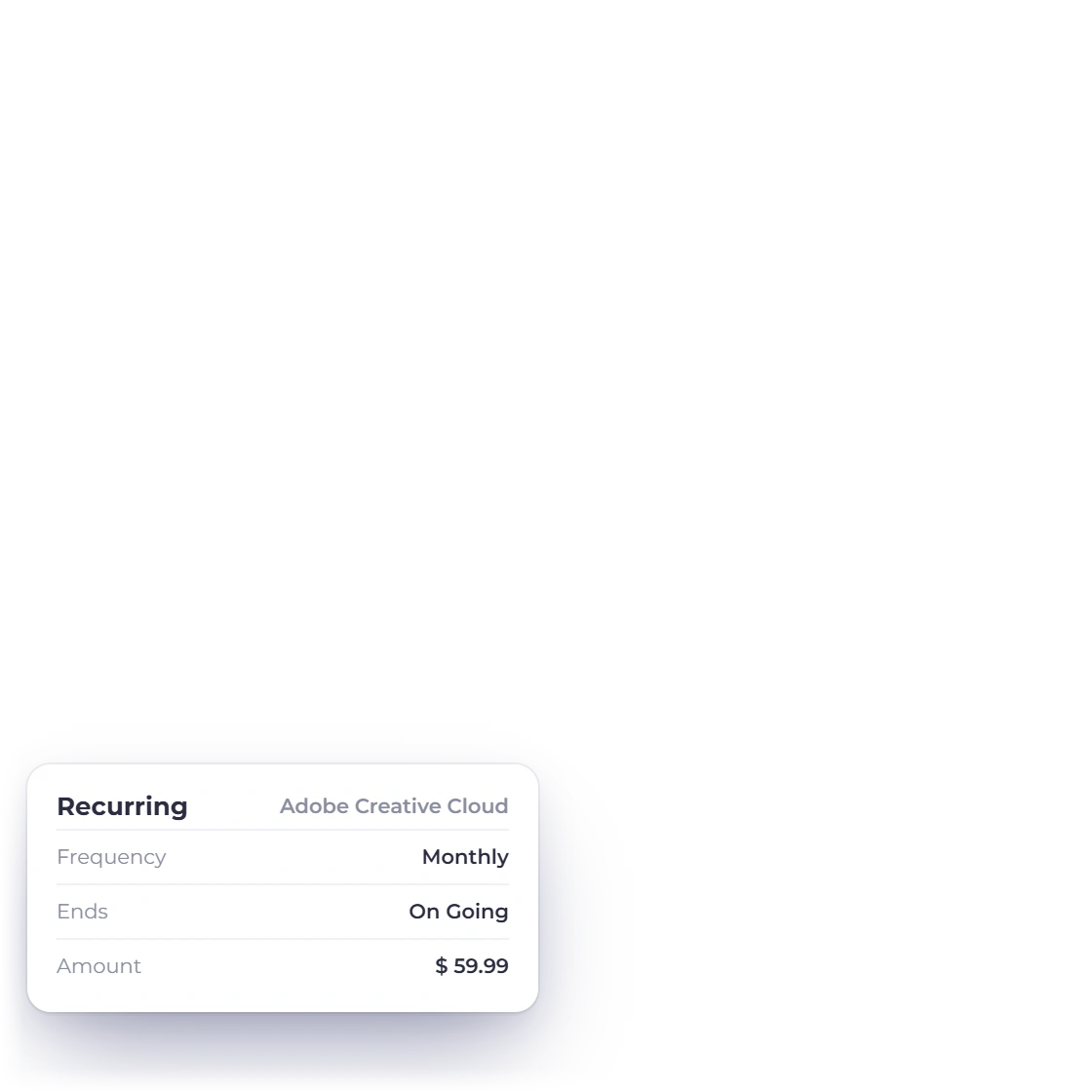
  • Recurring expenses for the subscriptions you pay monthly
Tracking expenses
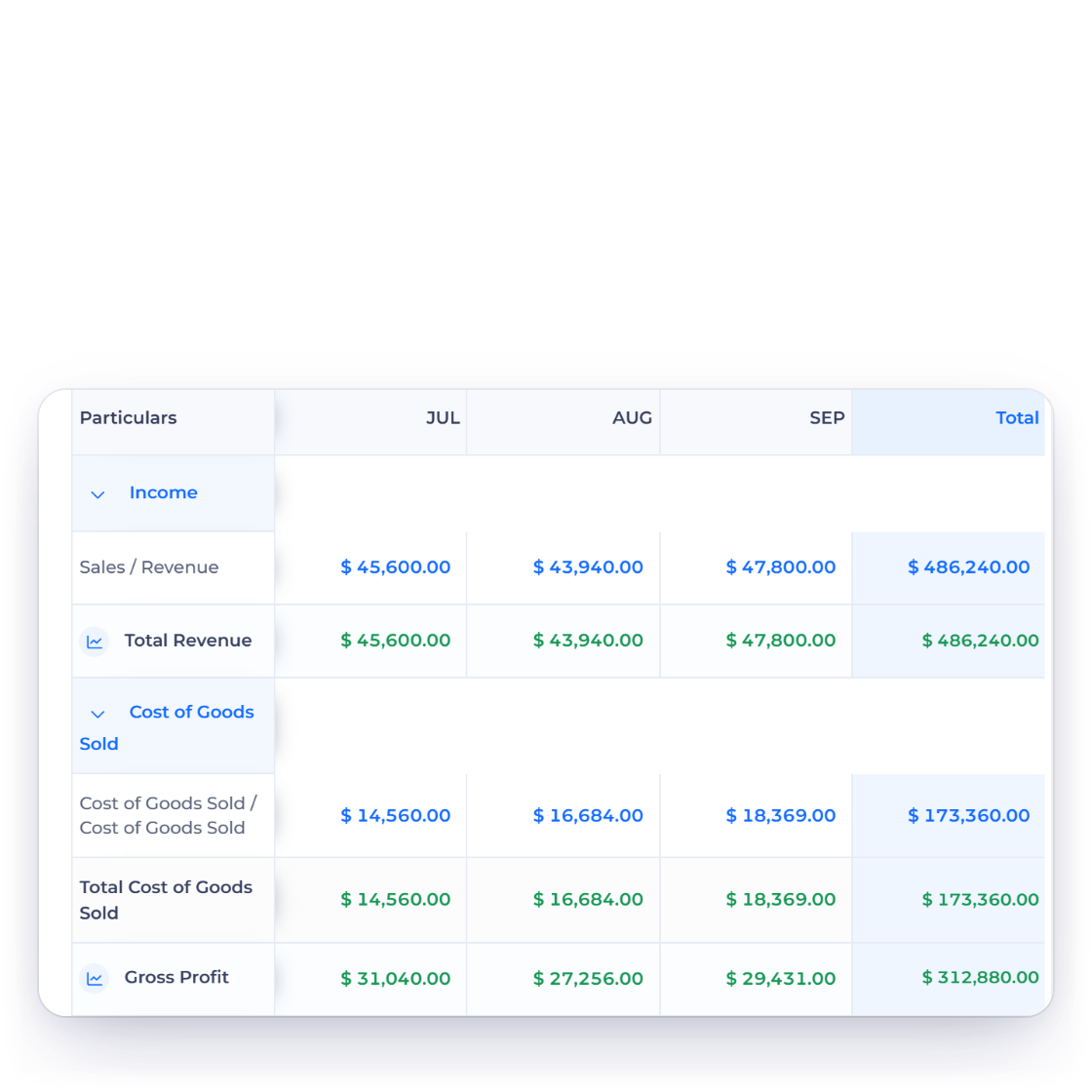
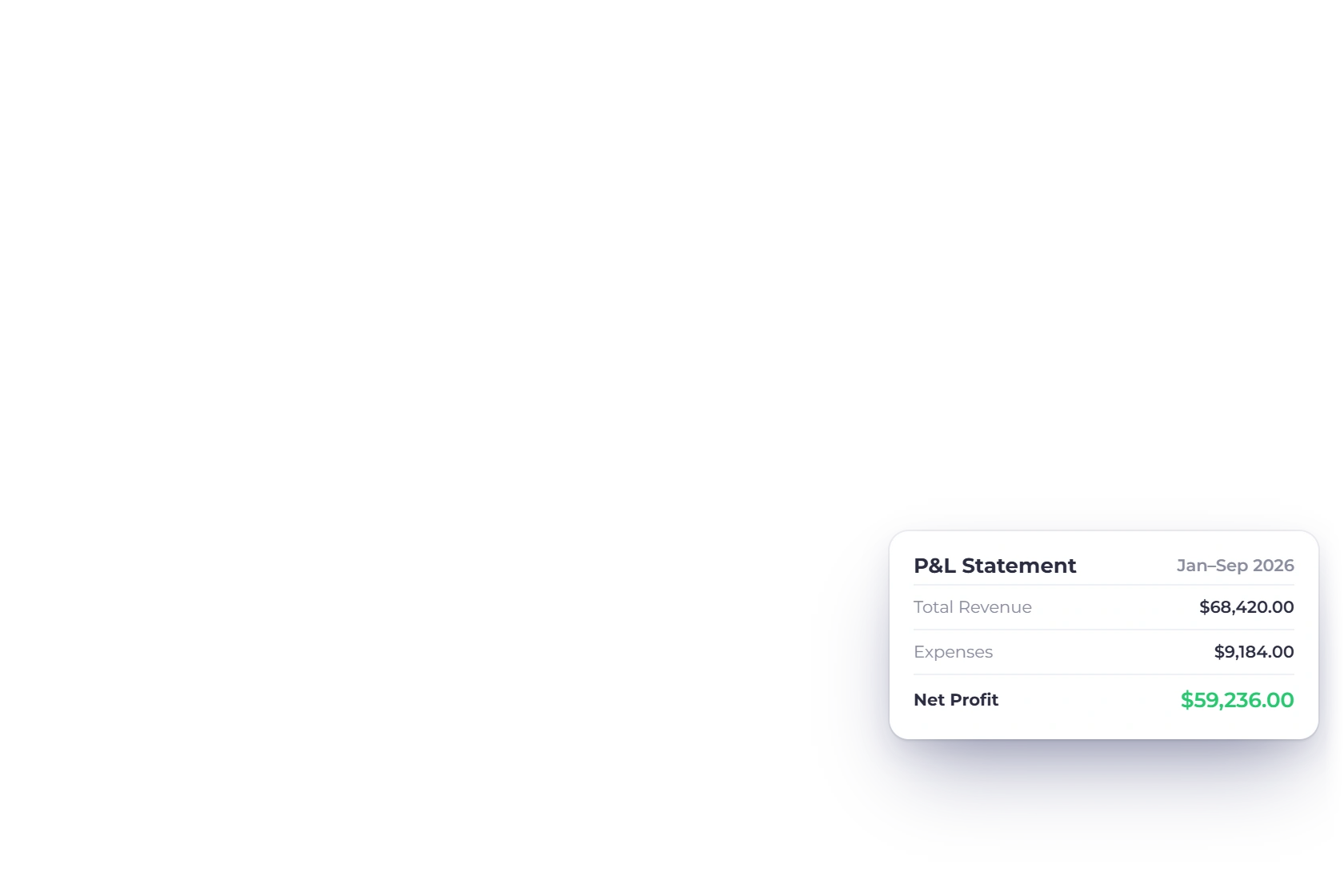
Profit and Loss statement in Invoice Crowd showing revenue, expenses and net profit by month

A profit and loss you did not assemble

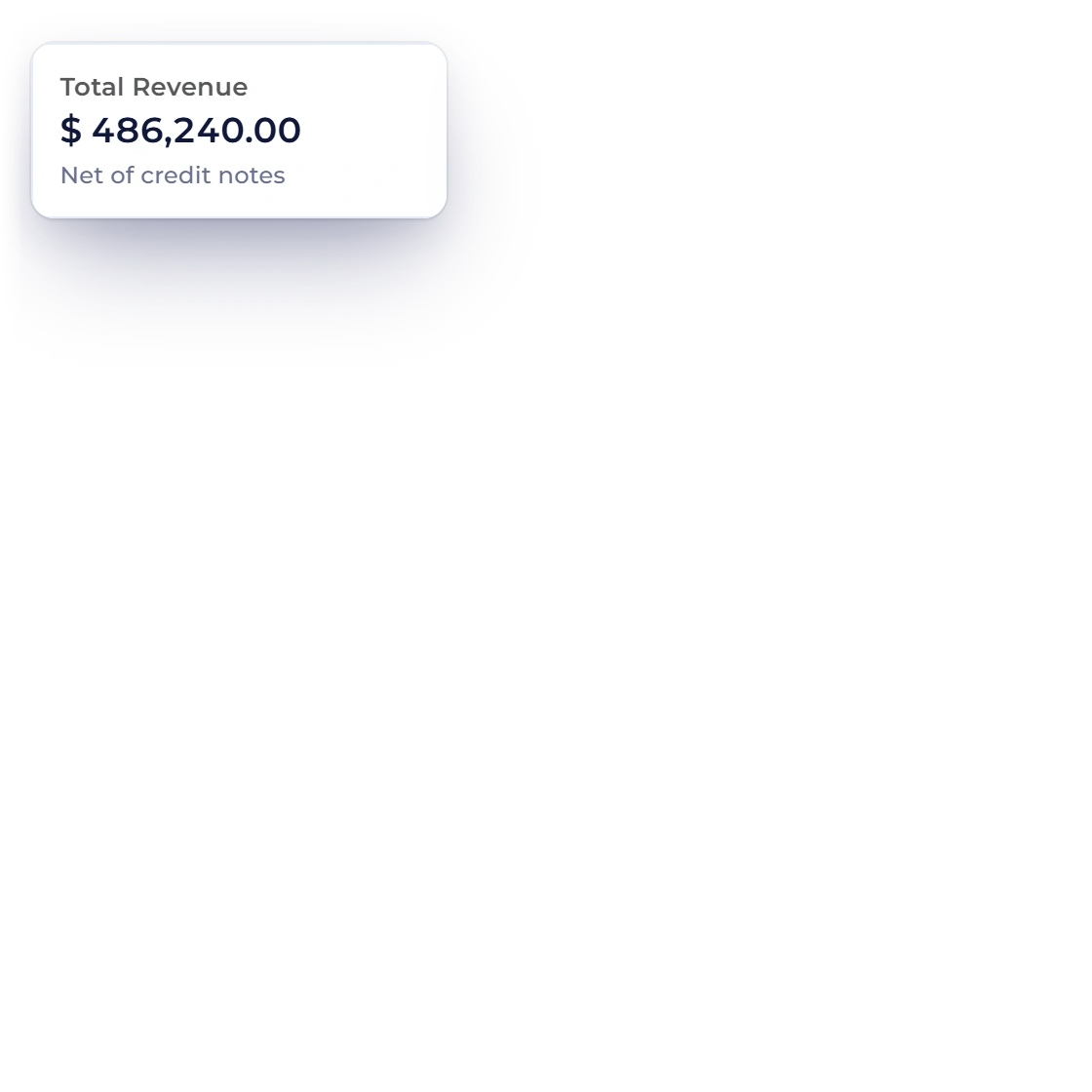
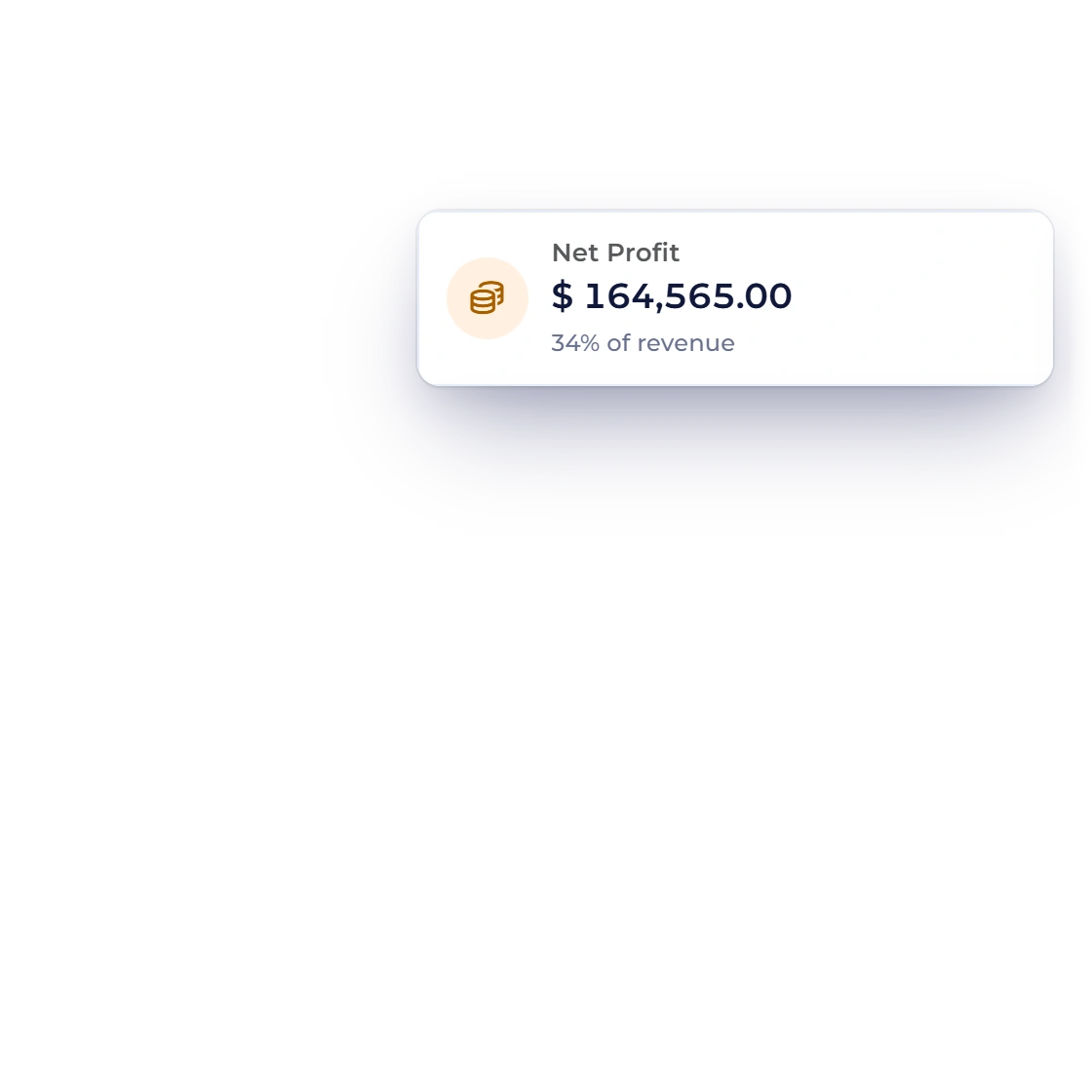
Every invoice sent and every cost recorded posts into accounting records and report views with visible integrity checks, so the profit and loss, the balance sheet and the income report are current on the day someone asks for them. Export what your accountant wants rather than building a spreadsheet in the last week of the year.

  • A chart of 184 accounts underneath the invoicing
  • Profit and loss with a column per month
  • Export to spreadsheet or PDF
The accounting behind it

One job, end to end

How a piece of work moves through the account

The same job passes through five screens and never gets retyped between them. Start on whichever document the client expects.

Start either way

Send a proposal

Scope, price and terms in one signable document, assembled from templates and the sections you keep in the content library.

Send an estimate

A priced quote the client approves, declines or adjusts where you allowed it, answered straight from the email.

  1. It becomes an invoice

    Approval carries the same lines into an invoice, so the bill matches the version the client agreed to.

  2. The client settles it

    Deposit now and balance later if that is the deal, through a connected gateway. Reminders and late fees cover the slow ones.

  3. The ledger records it

    Revenue, receivables and the payment post themselves, which is why the year-end figures need no assembly from you.

Also included

The rest of a one-person operation

None of this is a paid extra bolted onto the invoicing. It is in the same login, reading the same customer records.

  • Client portal

    Clients sign in to see everything you have sent them, download it and pay it.

  • Service packages

    Bundle the work you always sell together and drop it onto a quote as priced lines.

  • Reminders and fees

    Overdue invoices get chased on a schedule, and a fee applies when the date passes.

  • Multi-currency billing

    Bill an overseas client in their own currency and still read one total in yours.

  • Timesheets for hourly work

    Log hours against a project, so an hourly job has a record behind the number you bill.

  • Custom fields

    Add the fields your trade needs to a document and reuse them on the next one.

  • Outbound webhooks

    Hook the app to the 5,000+ services outbound webhooks reaches, or to Pabbly Connect if that is your stack.

  • Free forever plan

    Compare the current plan limits, trial terms and billing options on the Pricing page.

  • Credit notes

    Issue a credit note against an invoice you overcharged, leaving the original document and its history intact.

  • Aged debt report

    Every unpaid invoice bracketed by how long it has been outstanding, so chasing starts with the oldest.

  • Saved items

    Keep the rates you quote most often as items, then drop them onto an estimate or invoice.

  • Customer-facing invoice updates

    The email notification workflow sends invoice alerts as a text message rather than another email.

Questions

Freelancing with Invoice Crowd, answered

Can one person keep the books without a bookkeeper?

That is what the ledger underneath is for. Invoices and expenses post themselves against a chart of 184 accounts, so profit and loss, the balance sheet and the income report stay current on their own. The statements export to spreadsheet or PDF when your accountant asks for the year.

Can I ask for a deposit before starting work?

Yes. Bill part of the fee up front and the rest on delivery against the same invoice, or split a long project into installments. Each payment is recorded against that document, so the amount still owed is always the difference rather than something you work out yourself.

How do I bill a monthly retainer?

Create a recurring invoice for that client with the amount, the cycle and the start date. Every period raises its own invoice on the template you chose, with the payment options you connected already attached, and it keeps going until you pause or stop the schedule.

Can I invoice a client in another currency?

Yes. The invoice goes out in the currency your client works in, while your reports total in the base currency you report in. GST-enabled invoices and custom tax rates cover the tax side, so an overseas job does not need a document built by hand.

What does Invoice Crowd cost for one freelancer?

Review the current Pricing page for plan limits, billing options and trial terms. Packaging can change, so this use-case guide does not repeat prices that may become outdated.

Is there anything to install?

No. Invoice Crowd runs in the browser at apps.invoicecrowd.com, so the laptop in a coffee shop and the desktop at home are the same account. Clients install nothing either: a proposal is signed and an invoice is paid from the link you send them.

Send your next quote from here

Start with the proposal, take the deposit, and let the recurring invoices and the ledger run behind them. One login covers the whole month.

  • Review current trial terms
  • Current plans and limits on the Pricing page
  • Statements ready for your accountant