














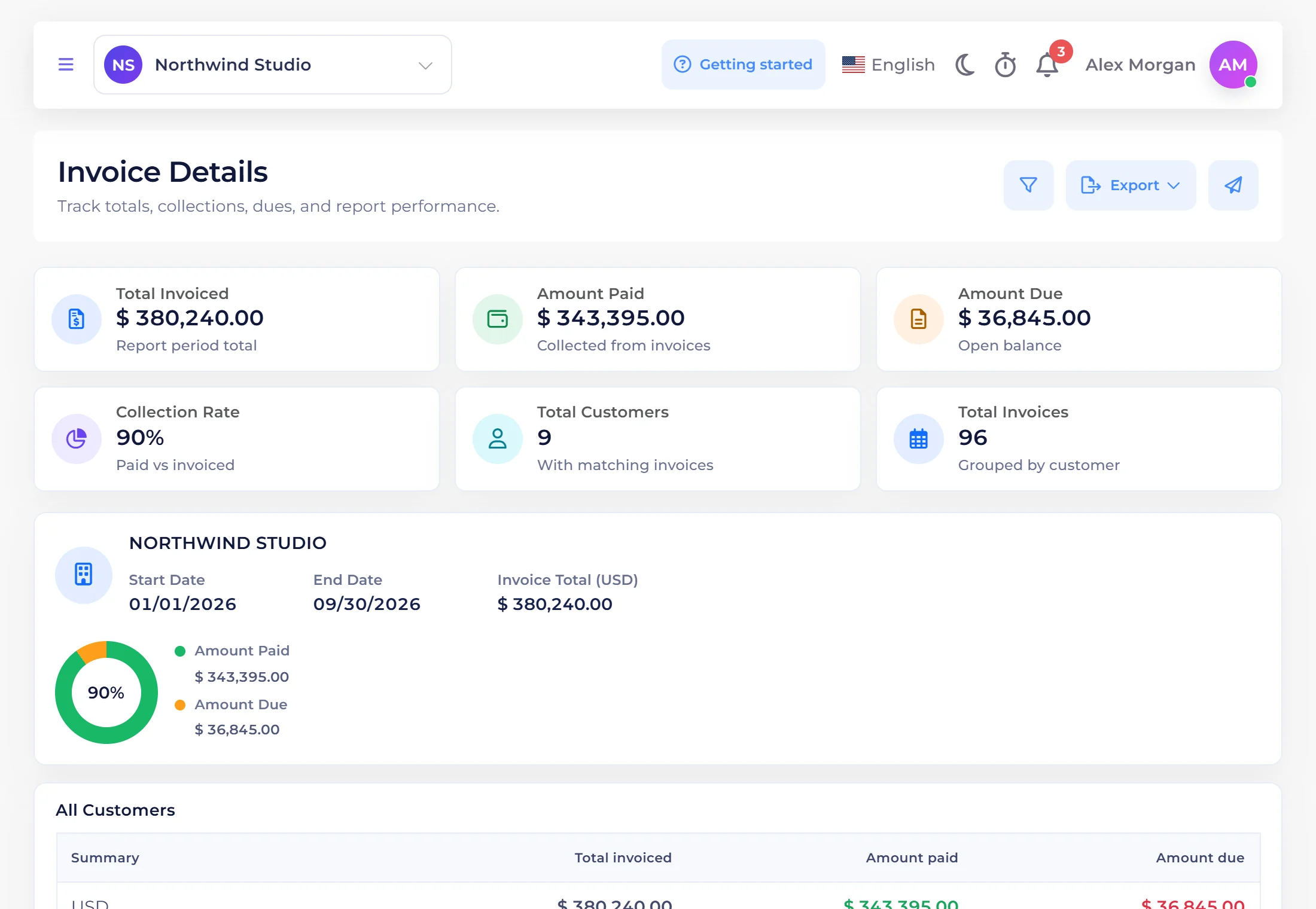
Proposal
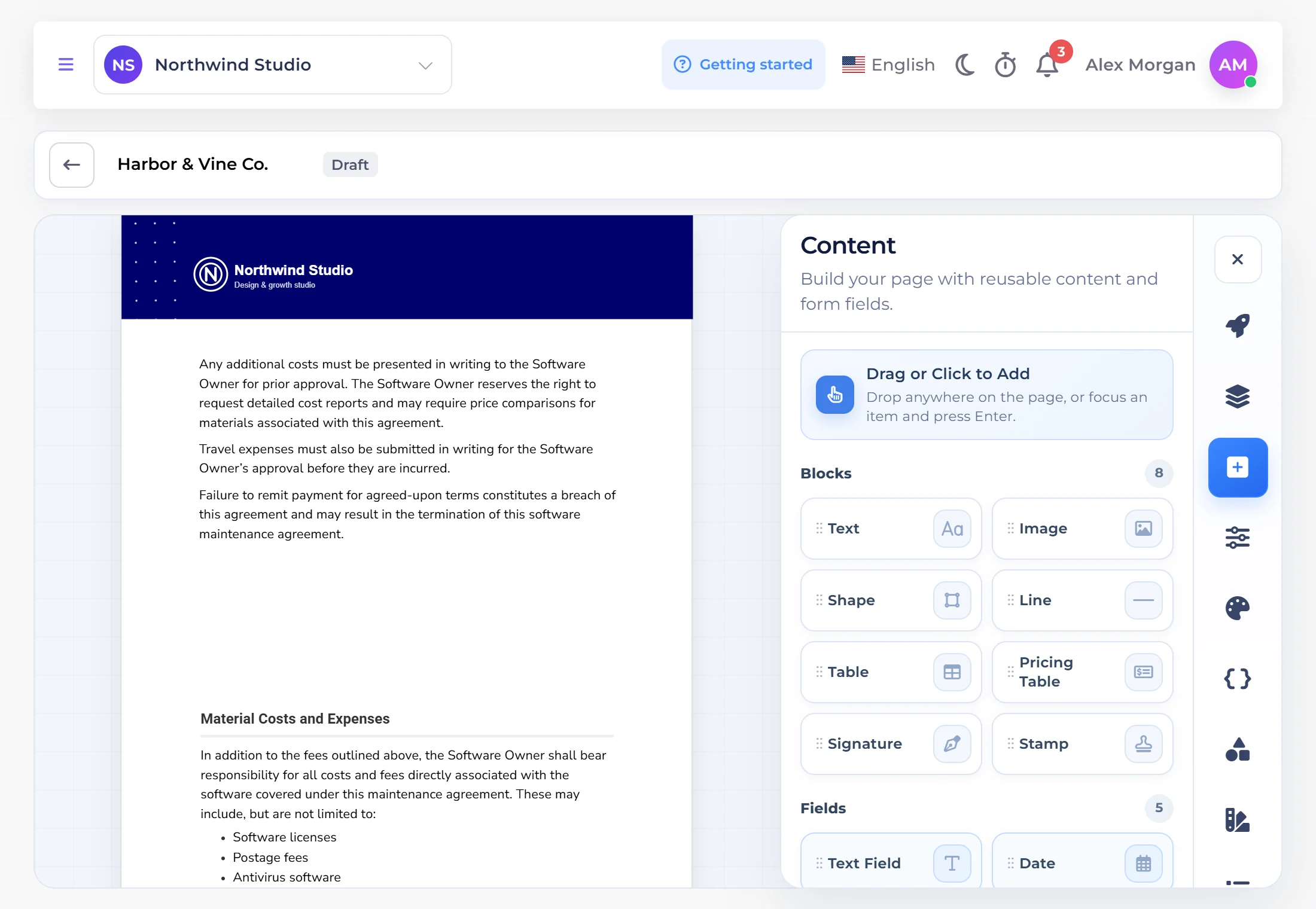
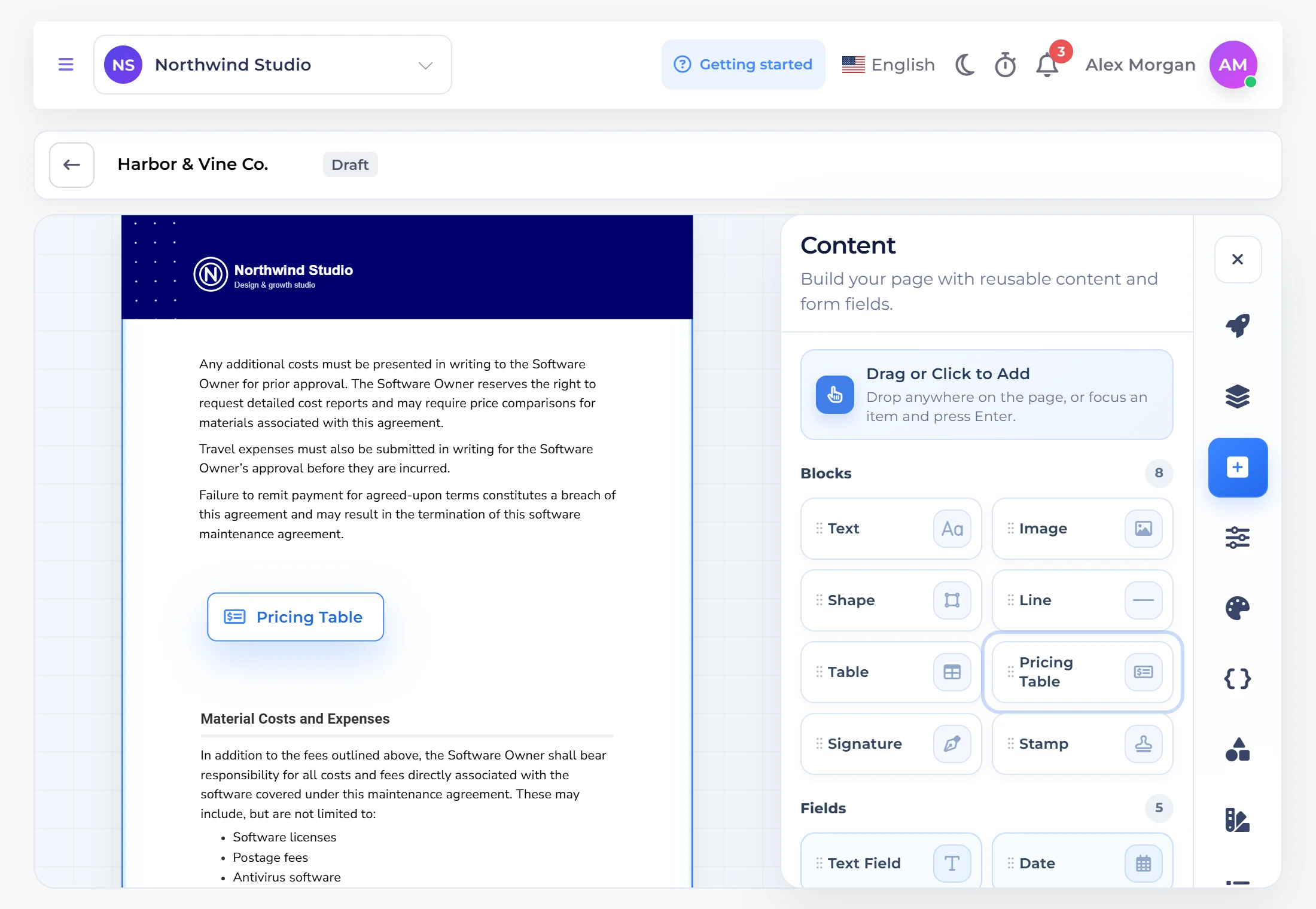
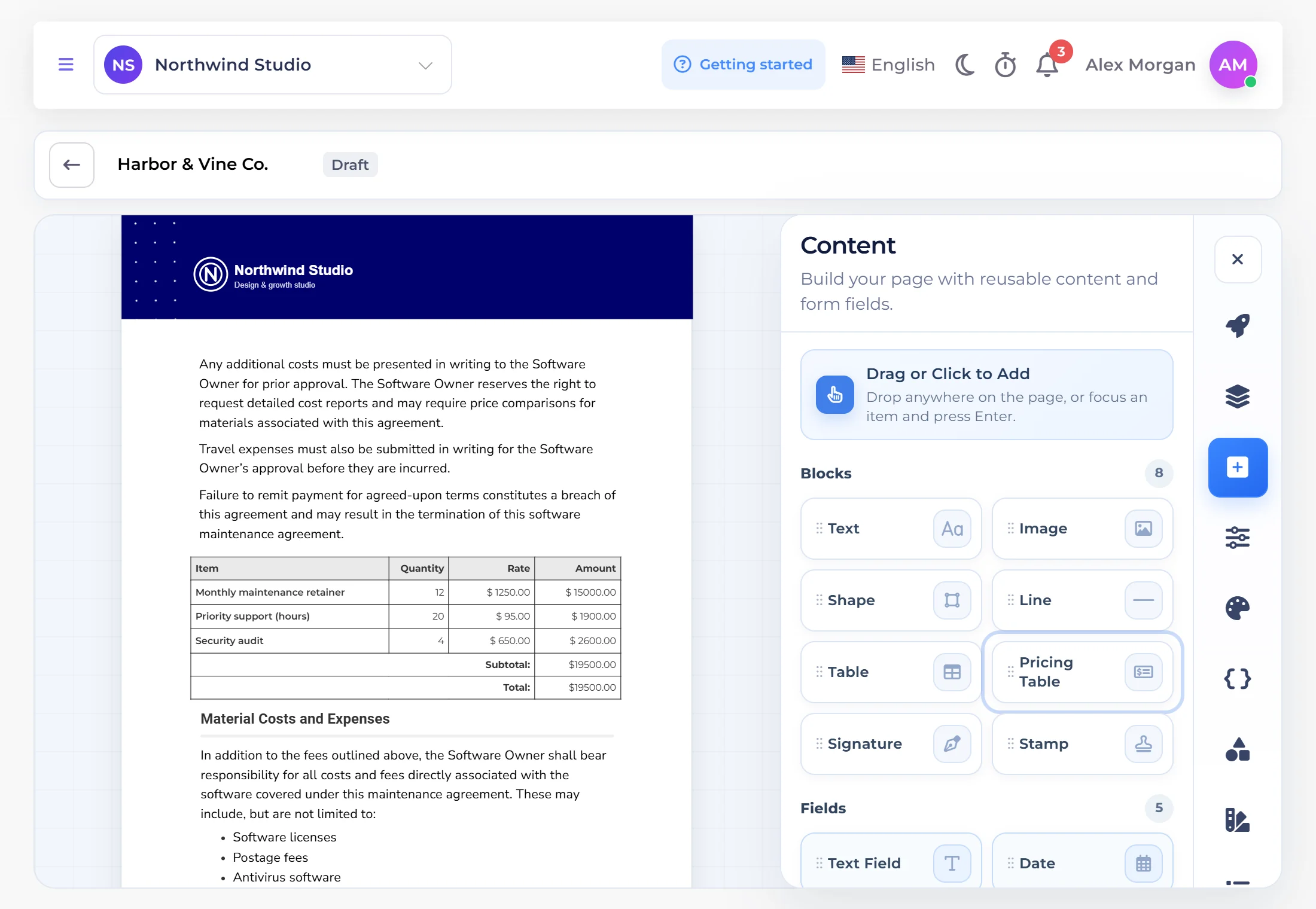
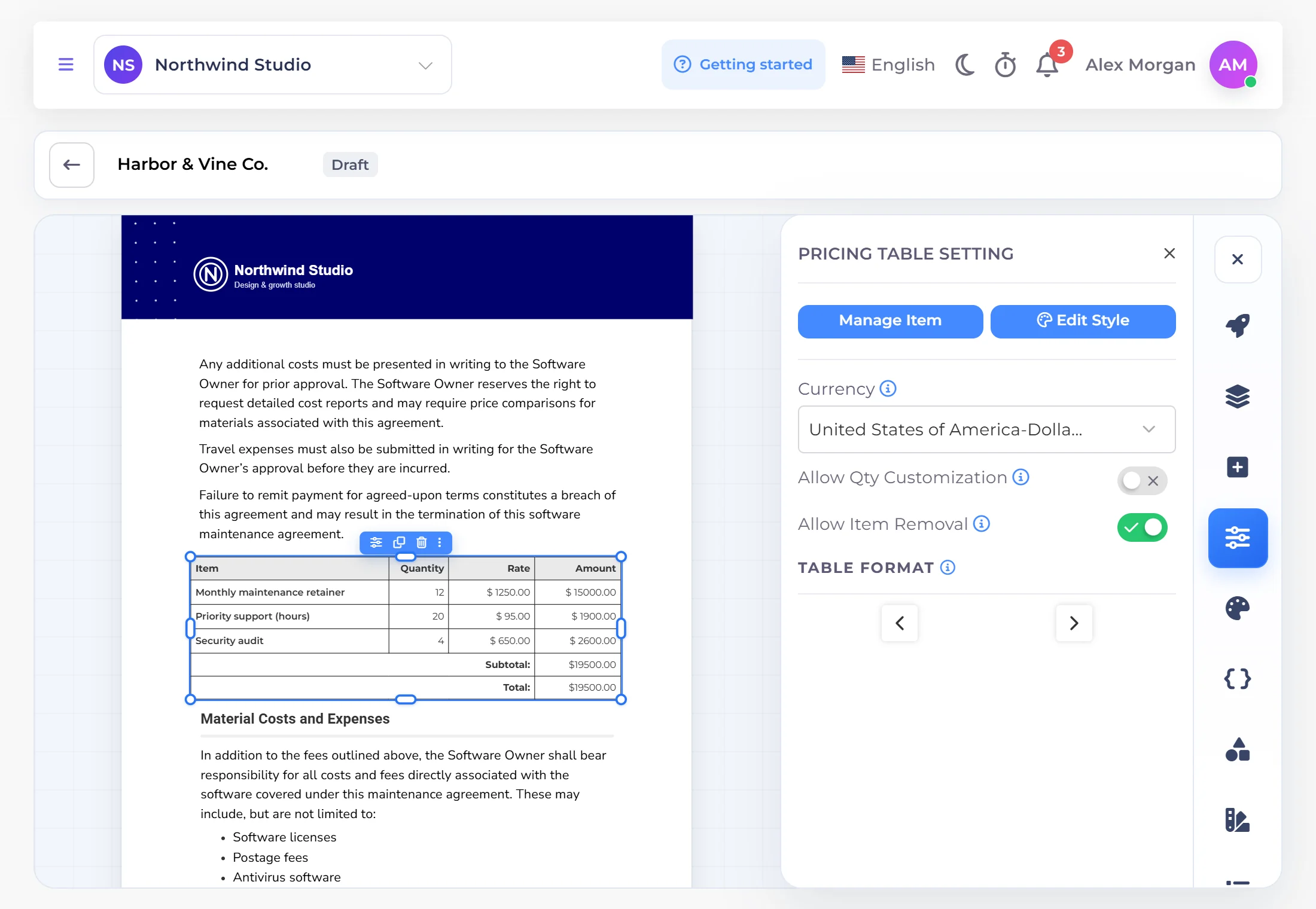
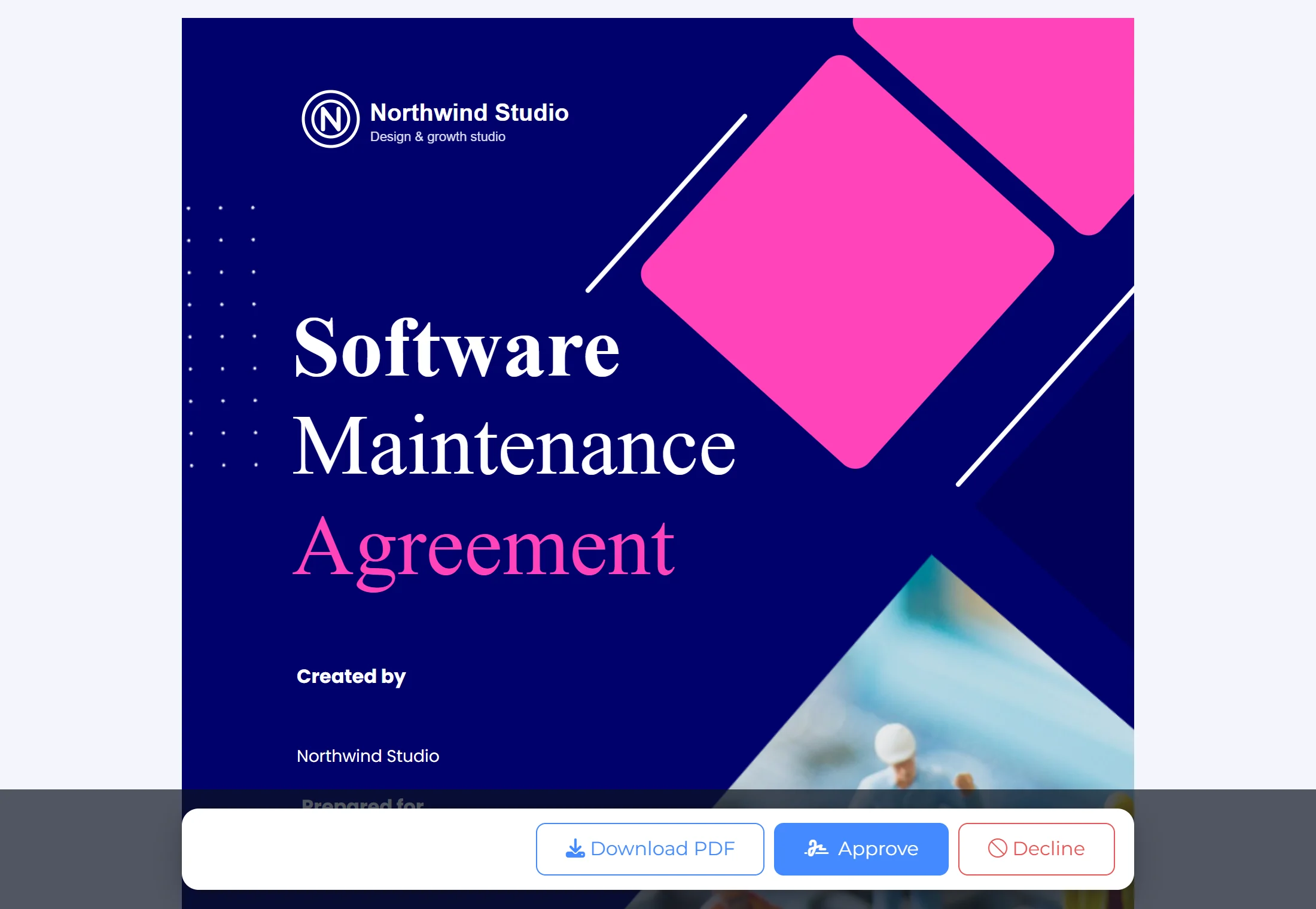
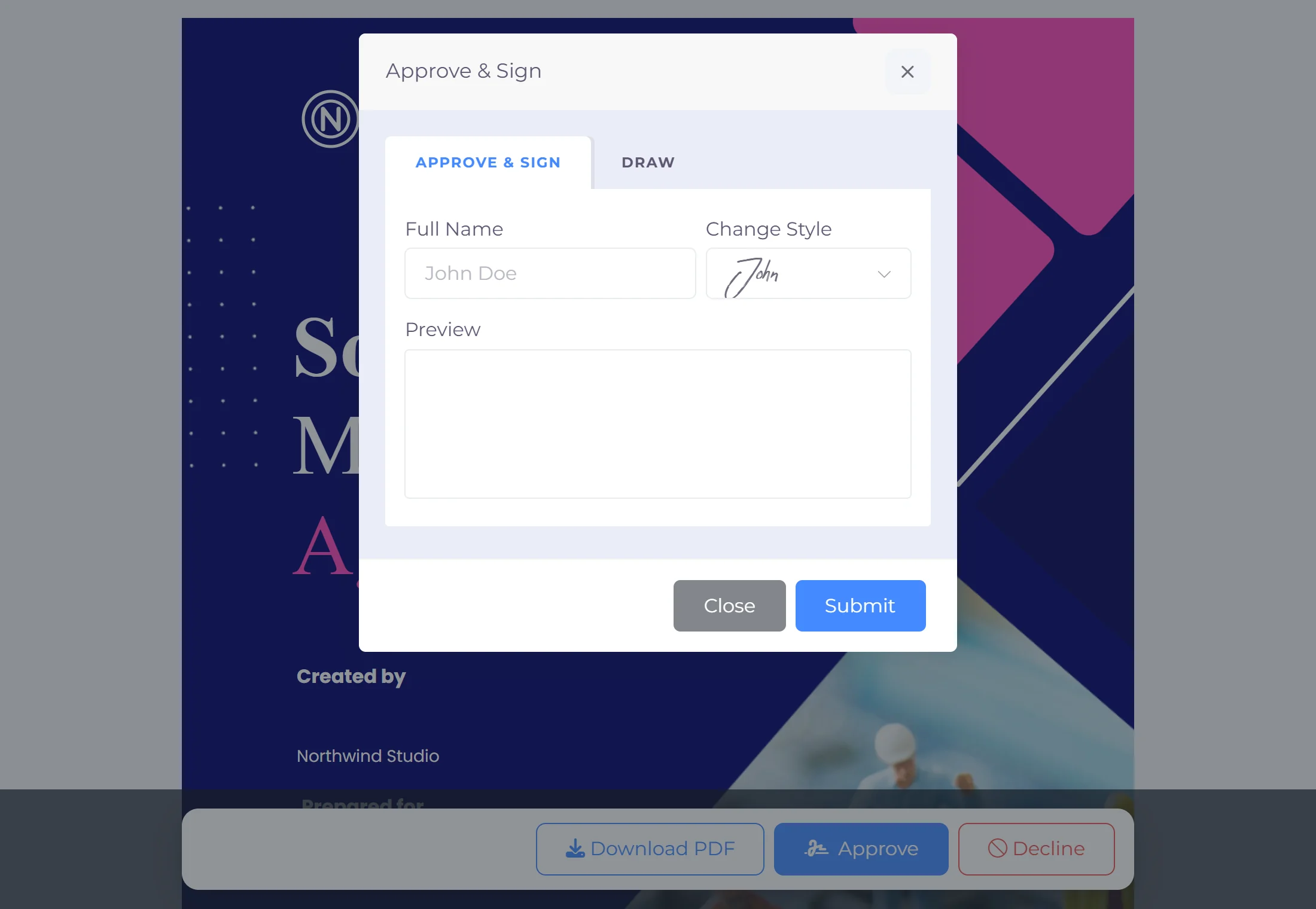
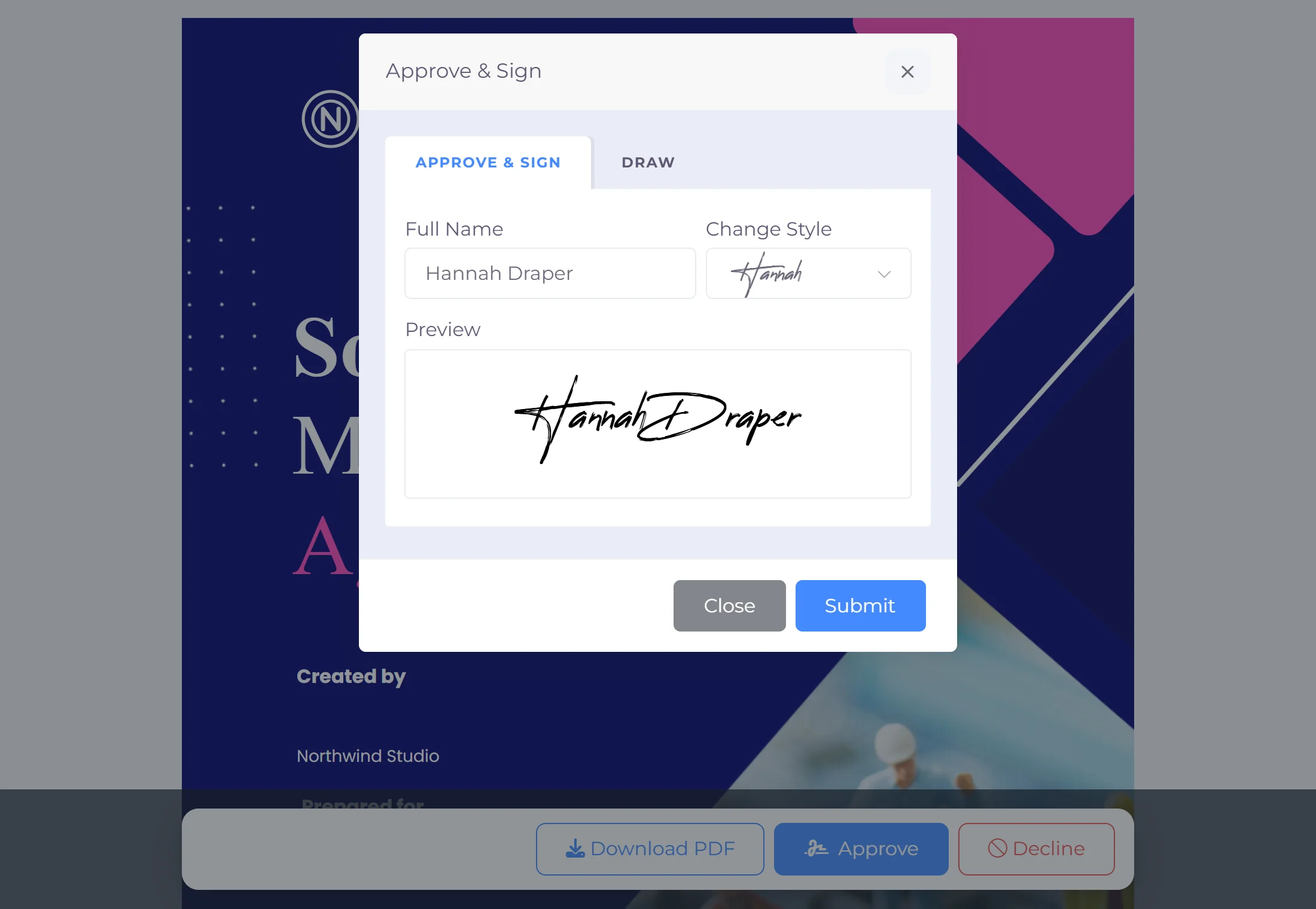
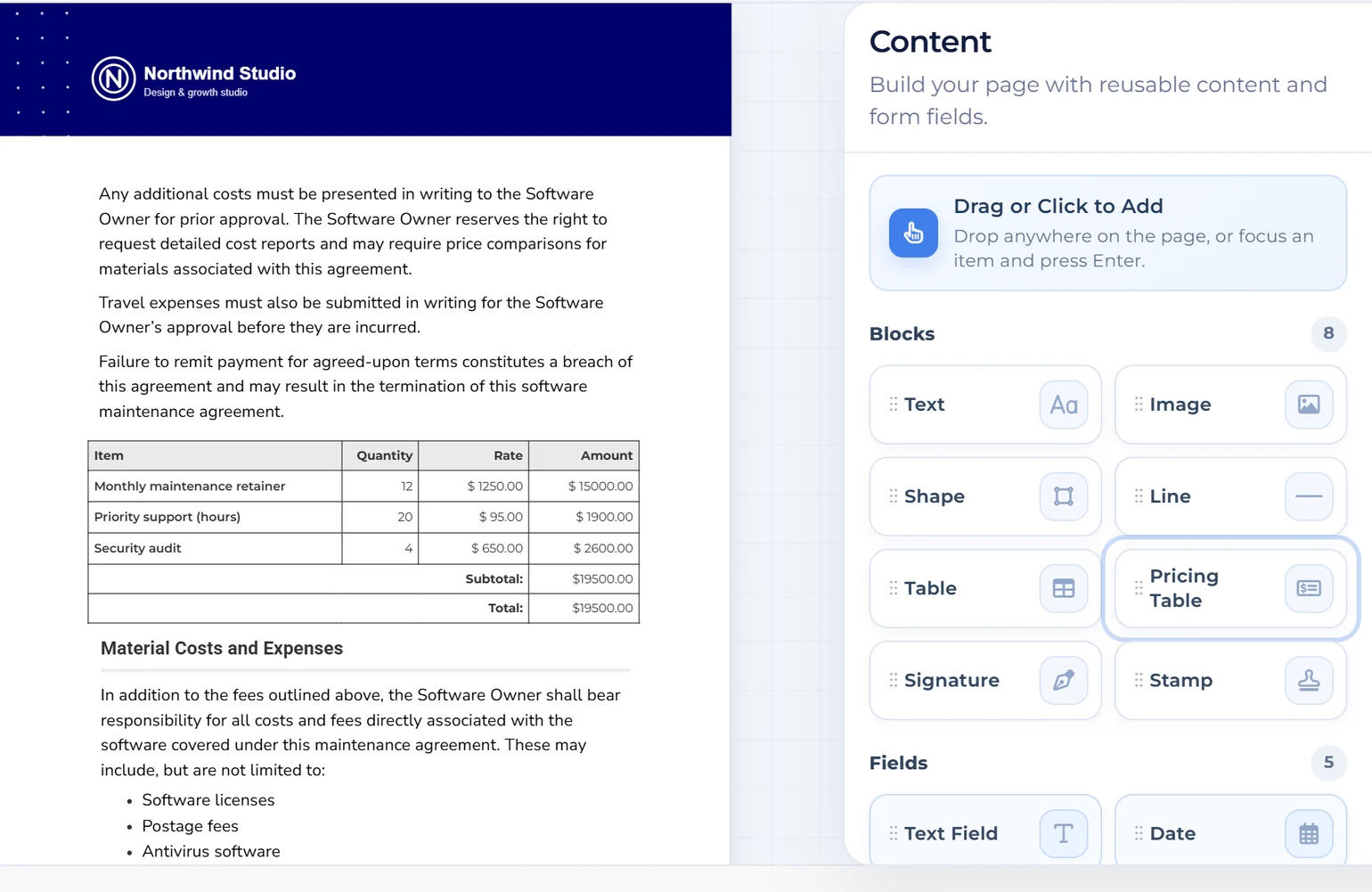
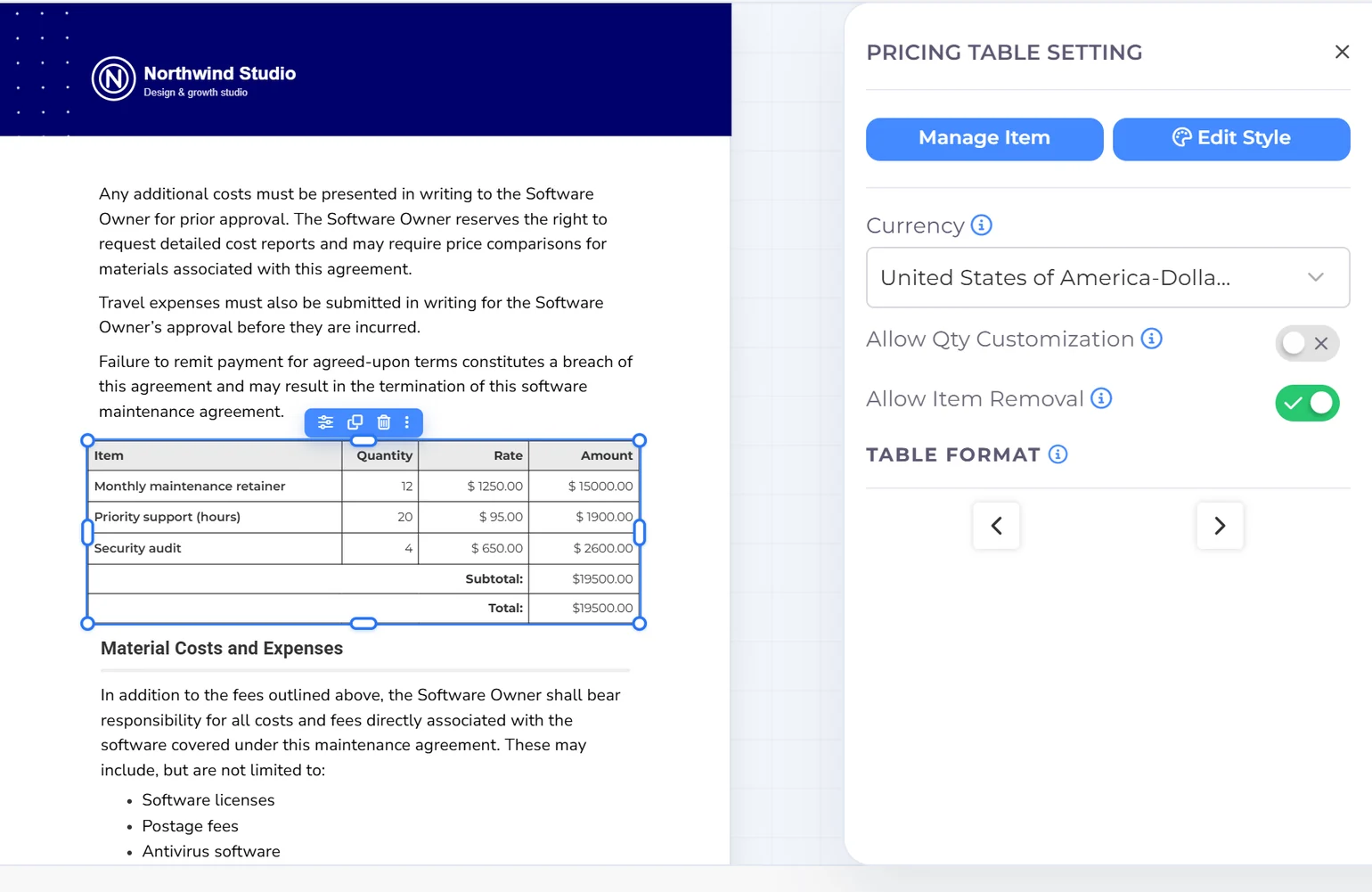
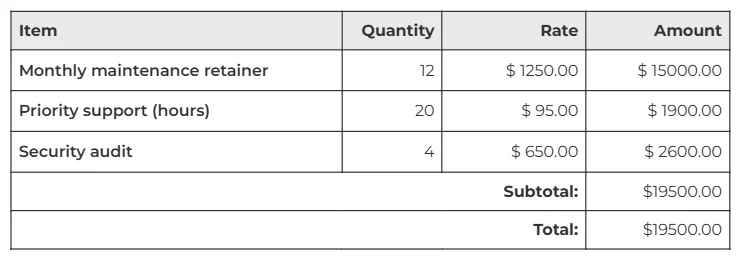
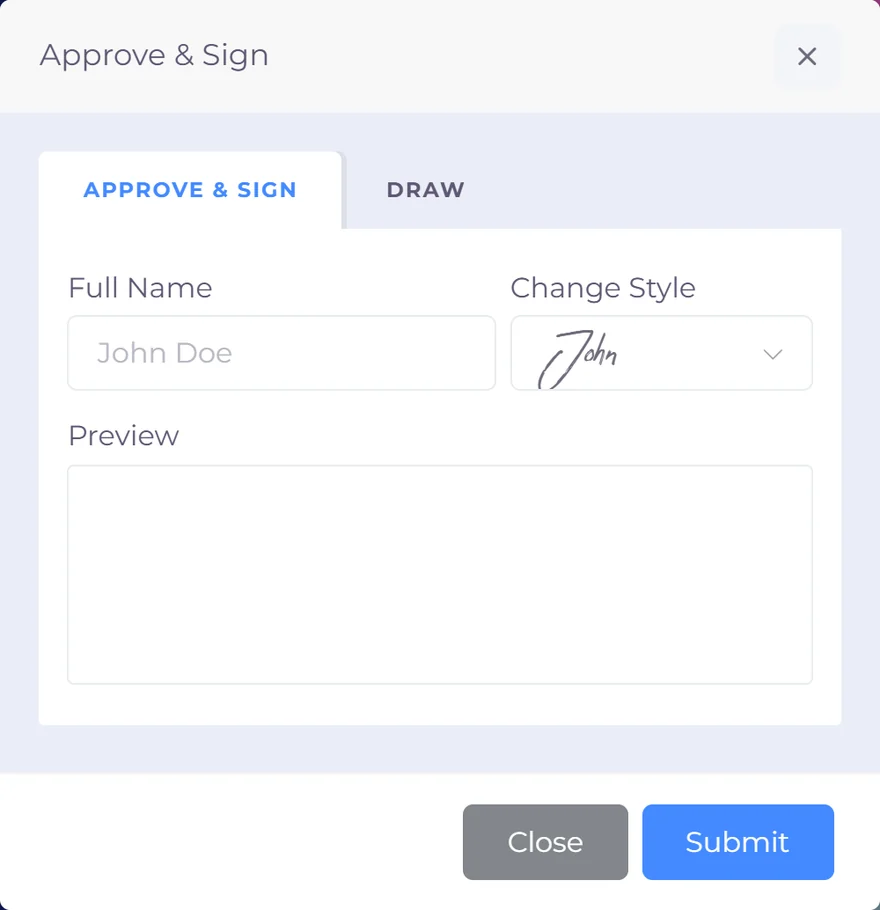
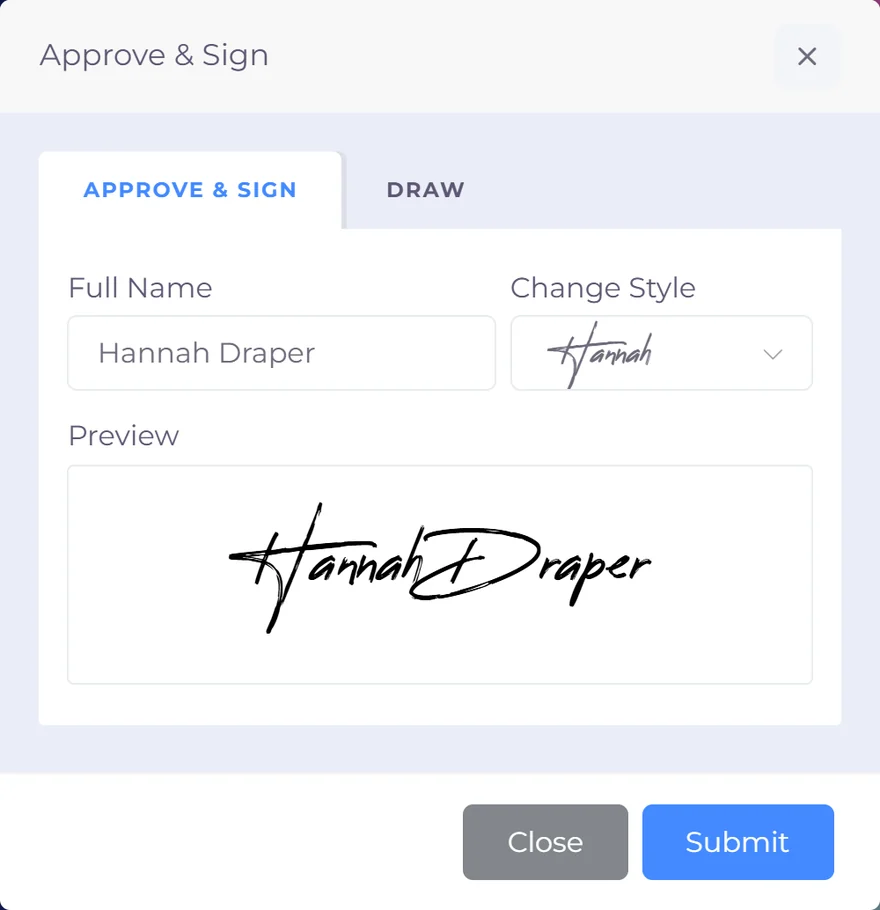
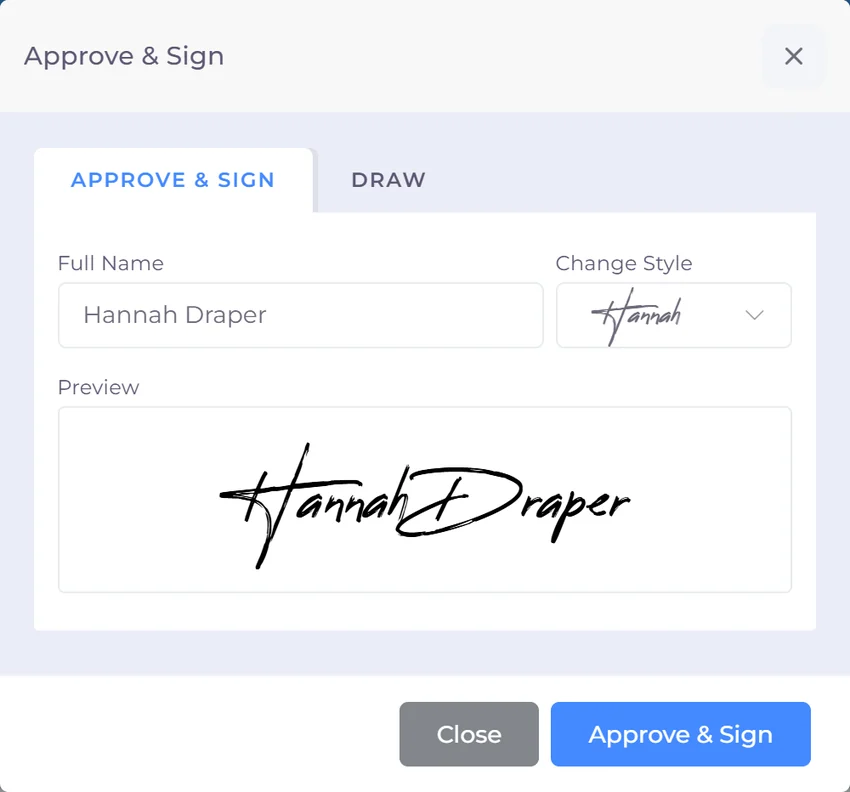
A designed document with sections, a pricing table and a signature field the client fills in on screen.
Create proposals and invoice drafts with AI, collect payments and keep your books together. Invoice Crowd connects invoicing, projects and accounting for small businesses, freelancers and agencies.
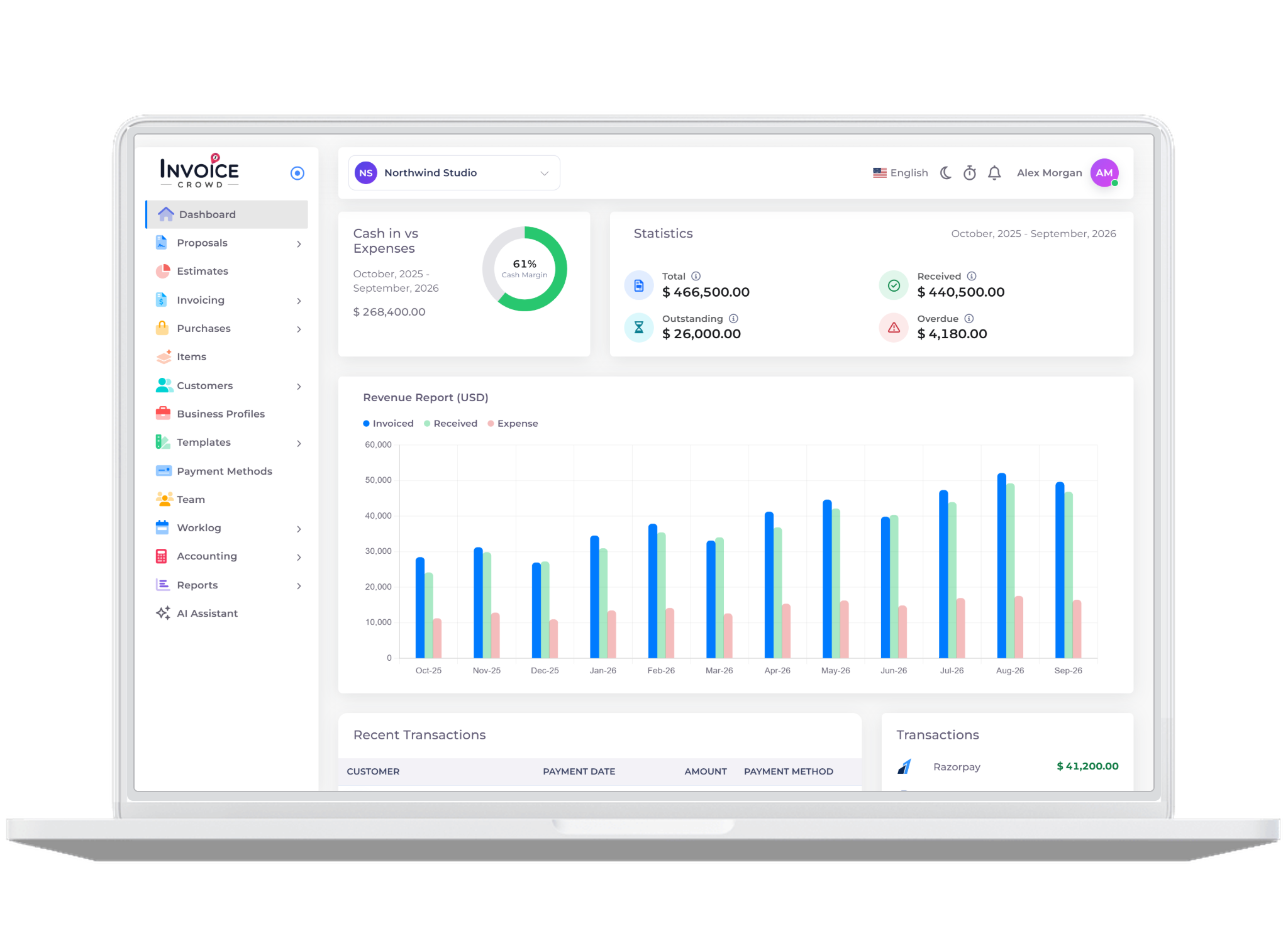
How it works
Customers, items and documents carry through from proposal or estimate to invoice, payment and report, so nothing is typed twice.
A designed document with sections, a pricing table and a signature field the client fills in on screen.
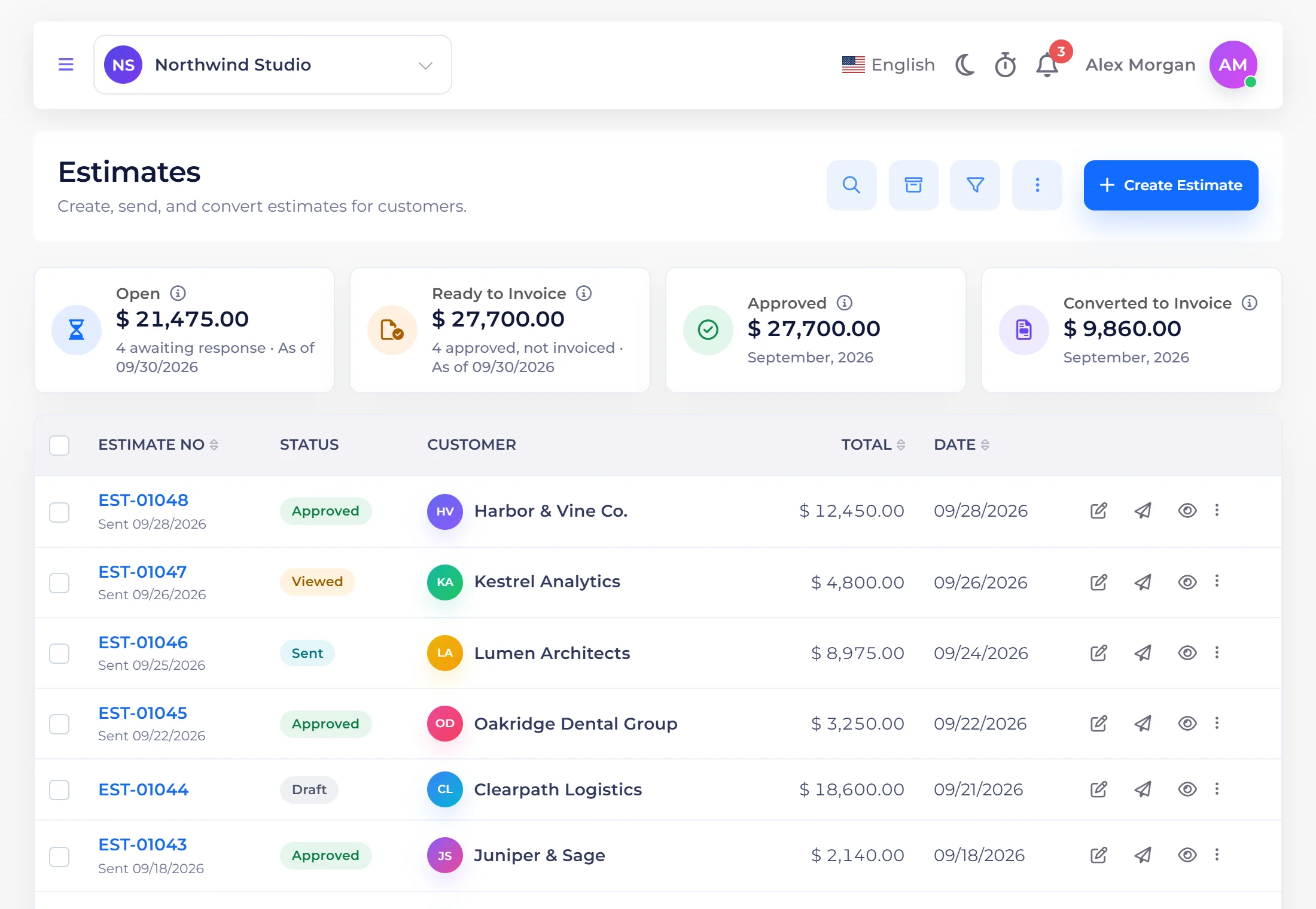
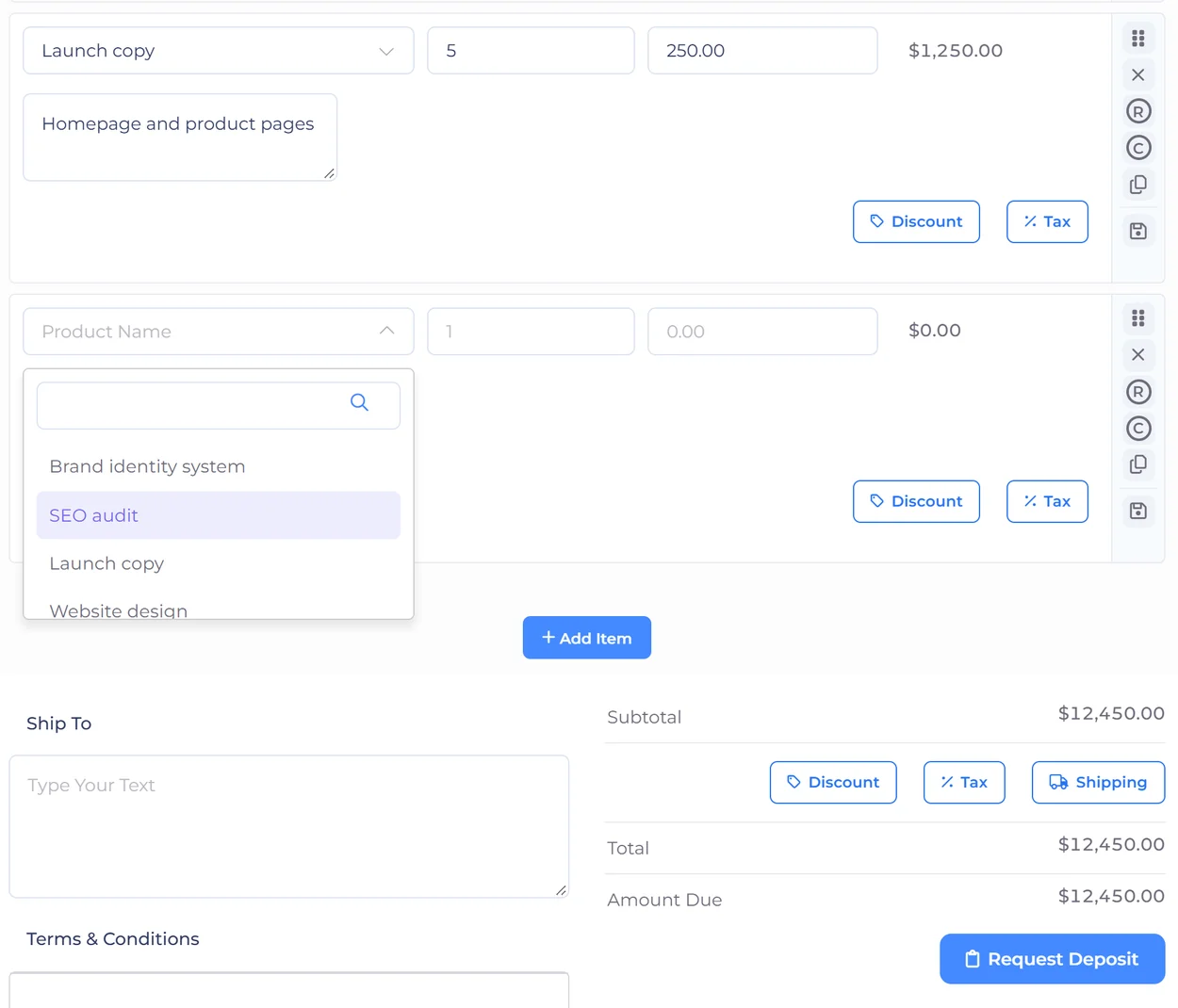
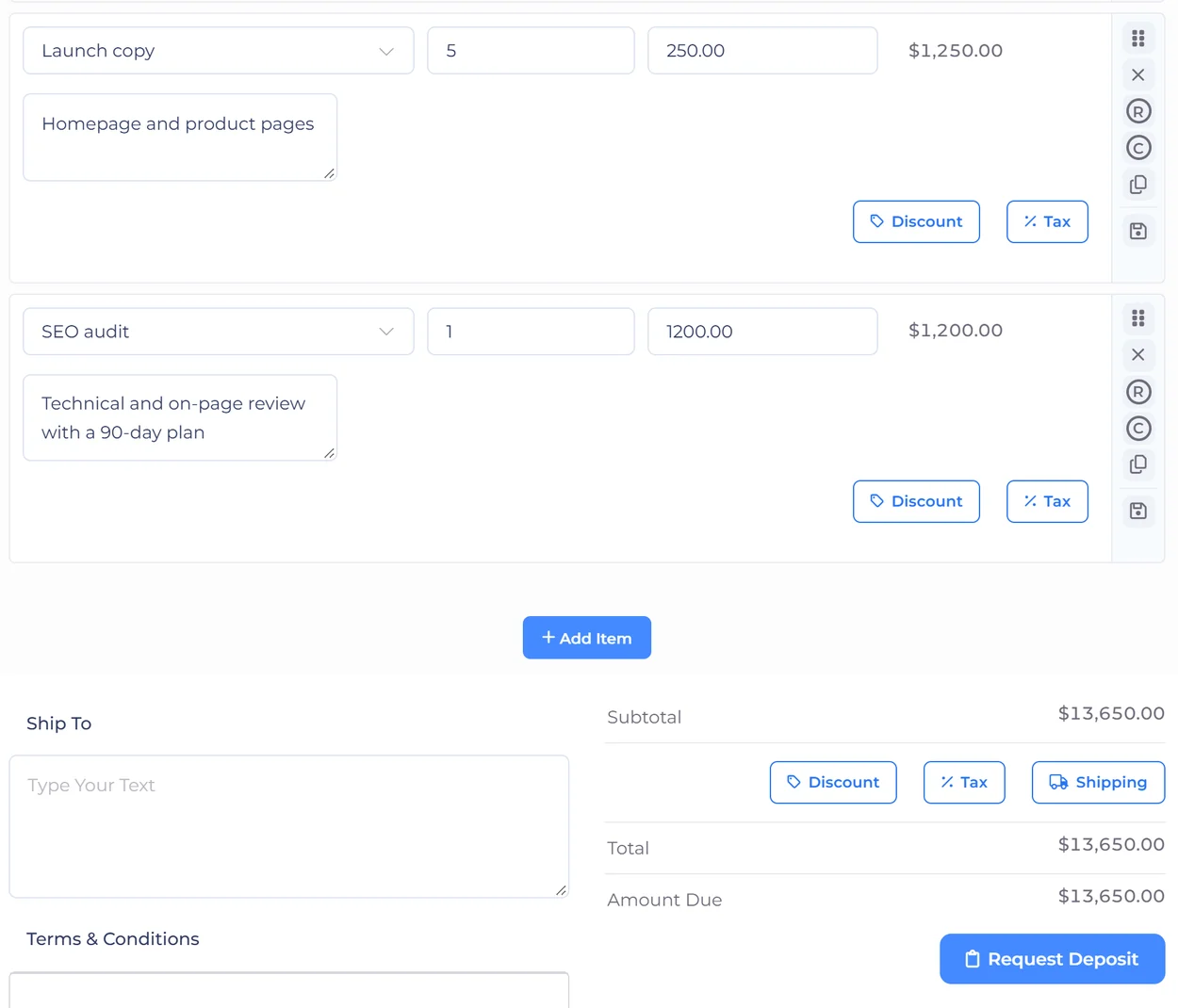
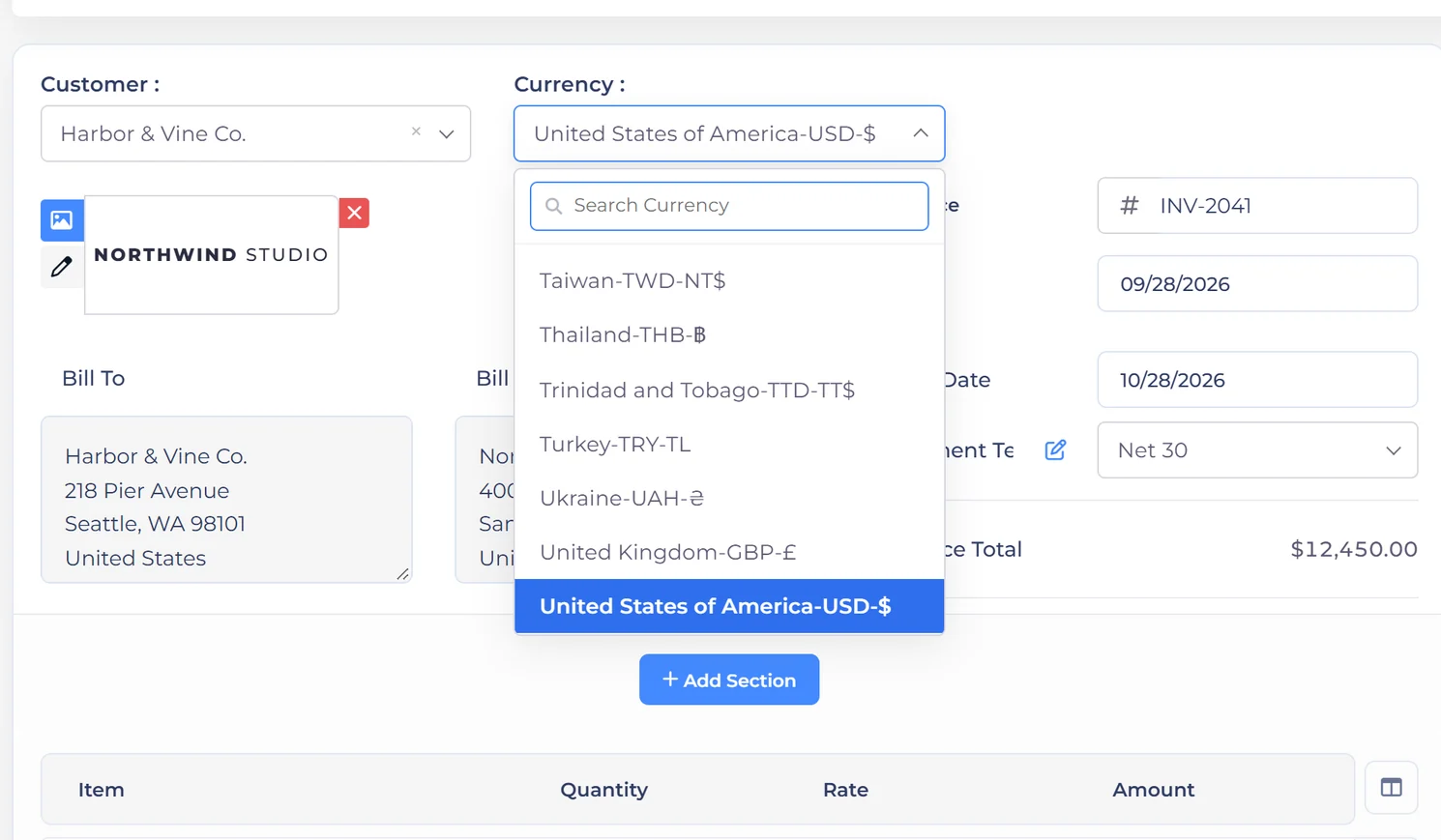
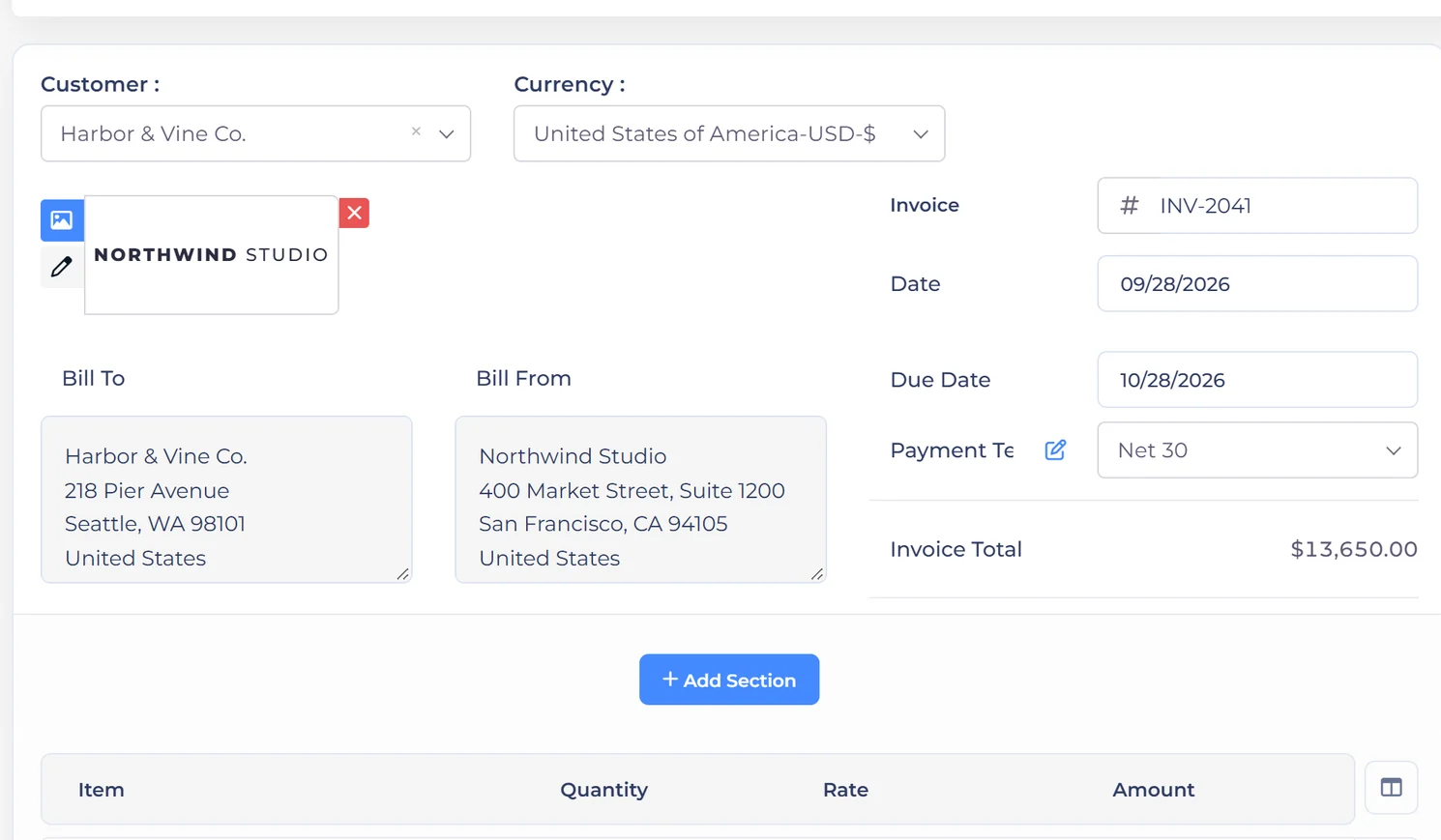
A priced quote with lines, tax and recipient choices, approved online instead of by a countersigned PDF.
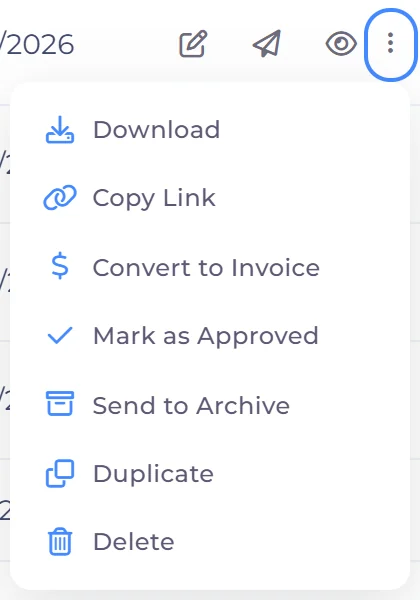
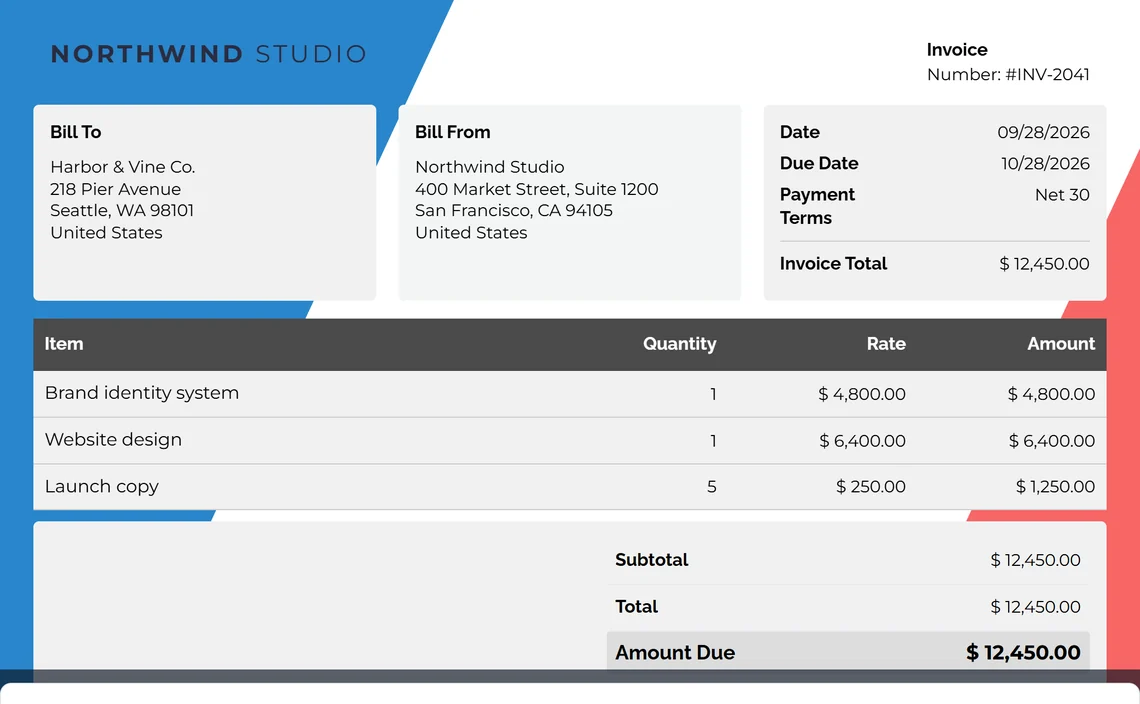
Approval carries the same lines into an invoice, with a deposit up front if that is how the job is staged.
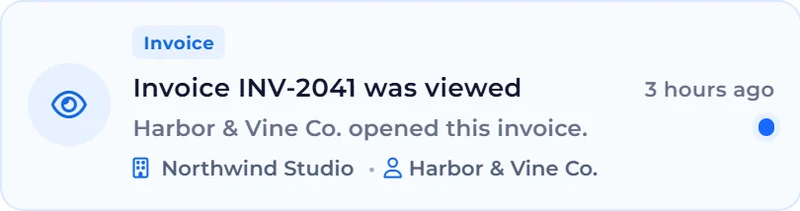
The client settles it from the portal through whichever gateway you connected, in one payment or several.
Each document and payment posts to the ledger, so the statements are already written when you go looking.
Features
Eleven modules that already know about each other: proposals, estimates, invoicing, recurring billing, online payments, templates, worklog, customers, business profiles, accounting and reports, plus an AI Assistant that works across all of them. Because they share the same records, nothing gets re-typed between winning the work and reporting on it.





Win the work
Estimates and proposals, two ways to open the same deal
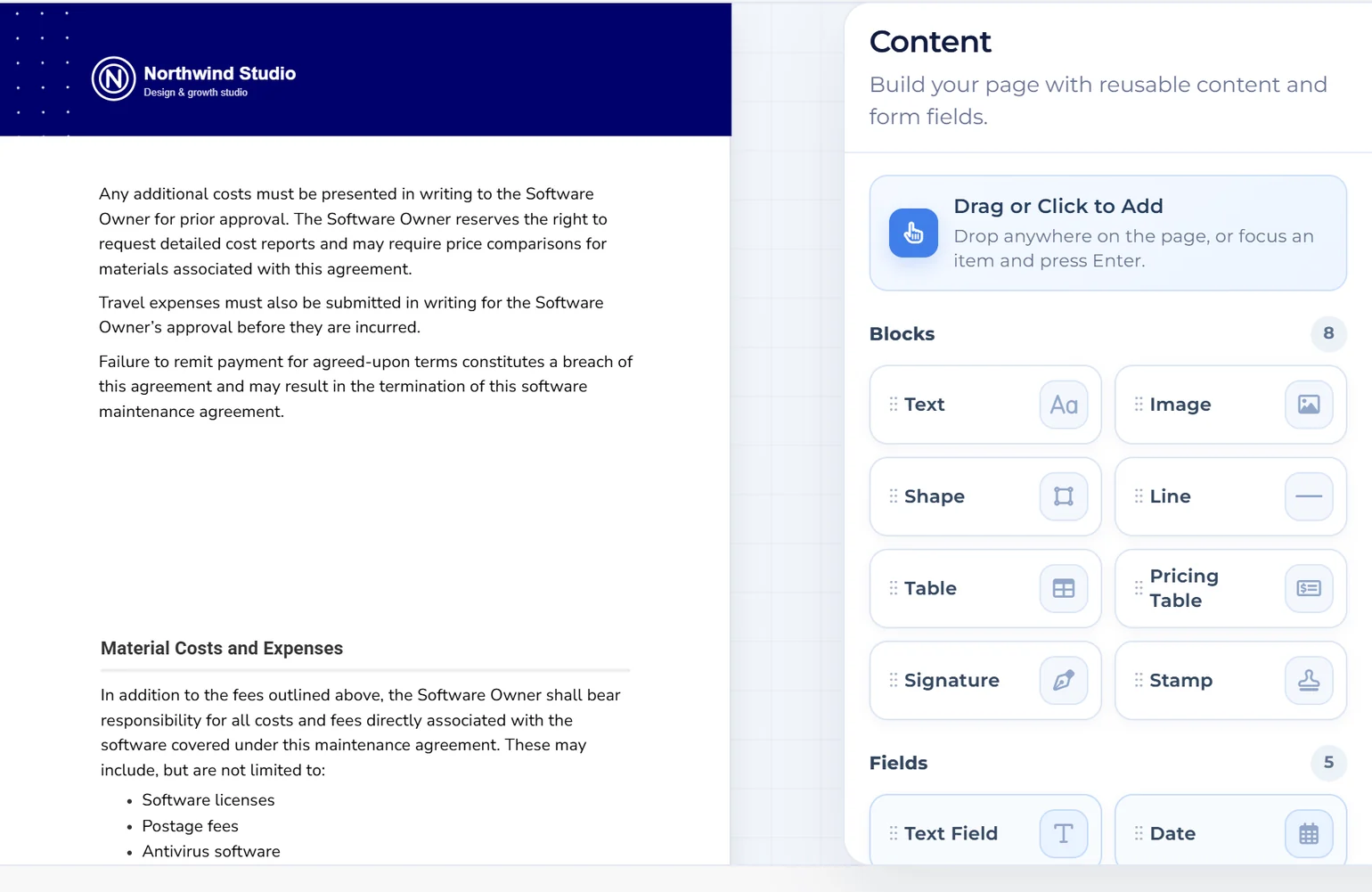
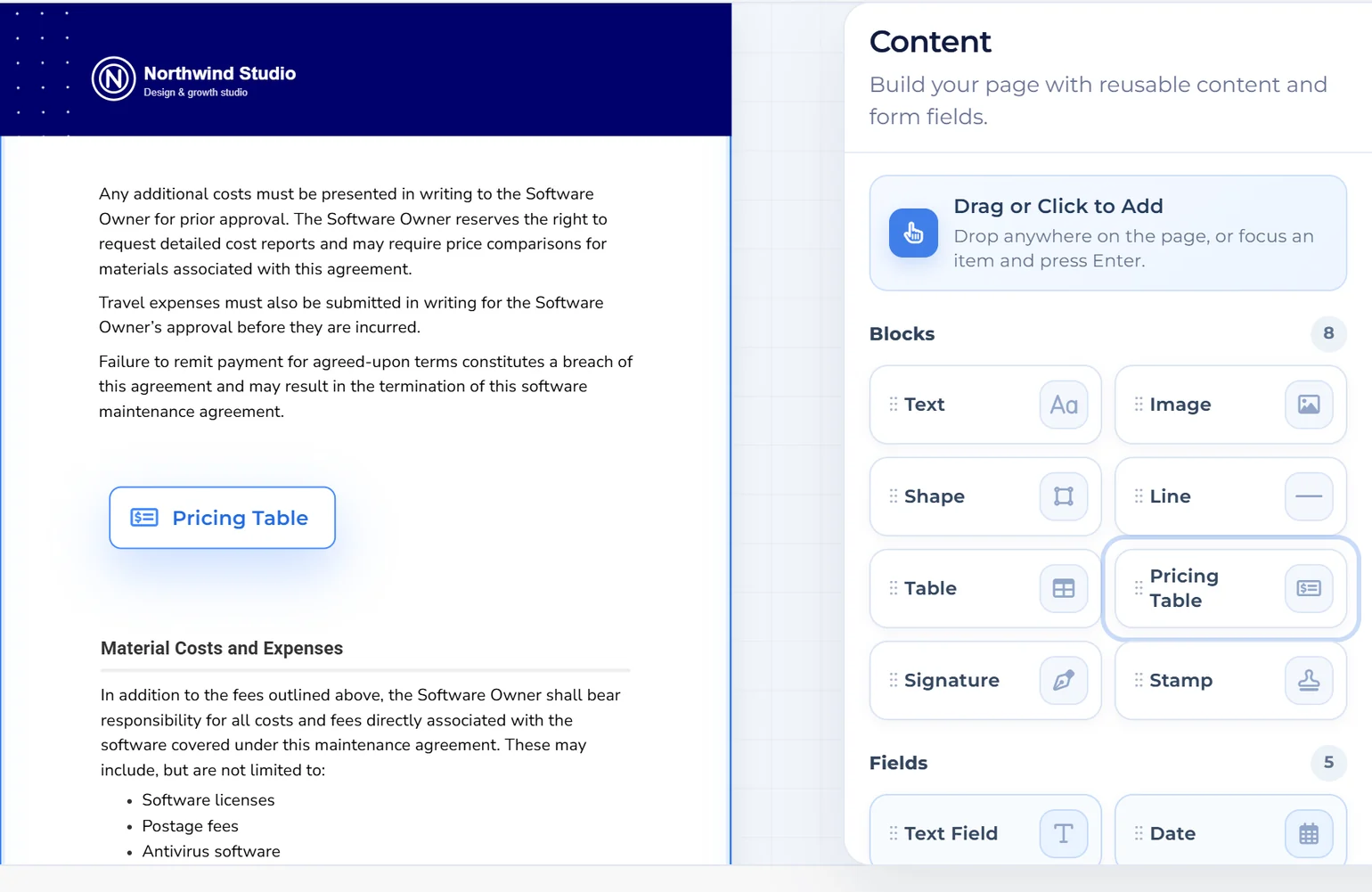
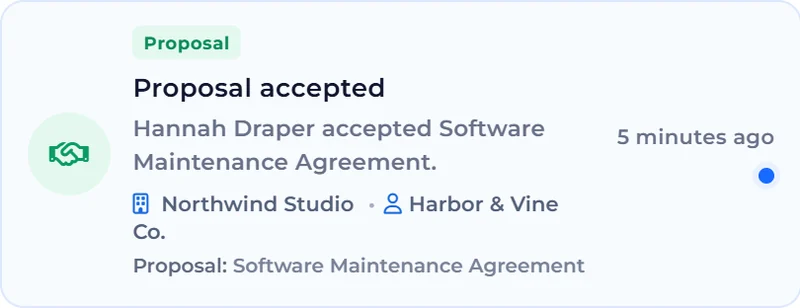
Build a branded proposal with reusable content blocks, send it to your client and track their response. Clients can review the proposal and sign online.
Win the work
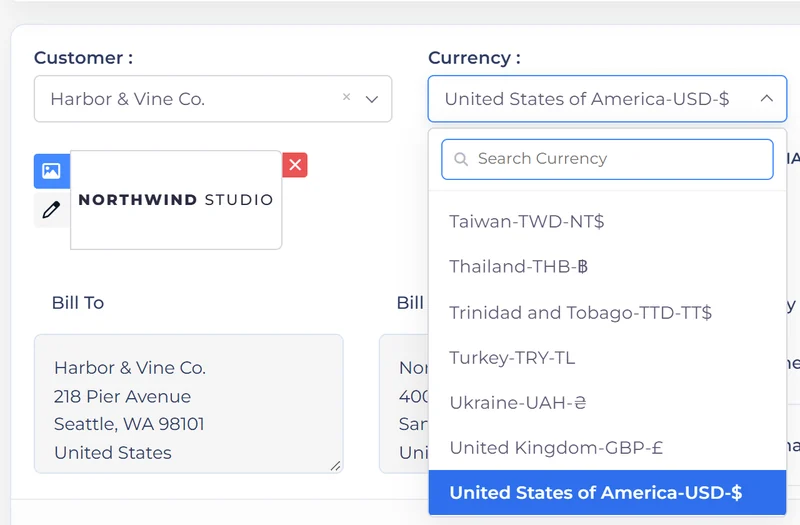
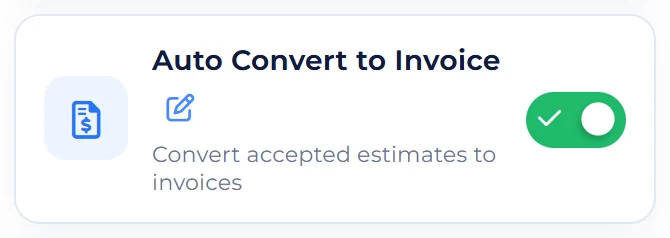
The lighter sibling of a proposal. Reuse your item catalogue, quote in the client's currency, get approval online, and convert straight to an invoice.
Bill and get paid
From the approved document to money in the account
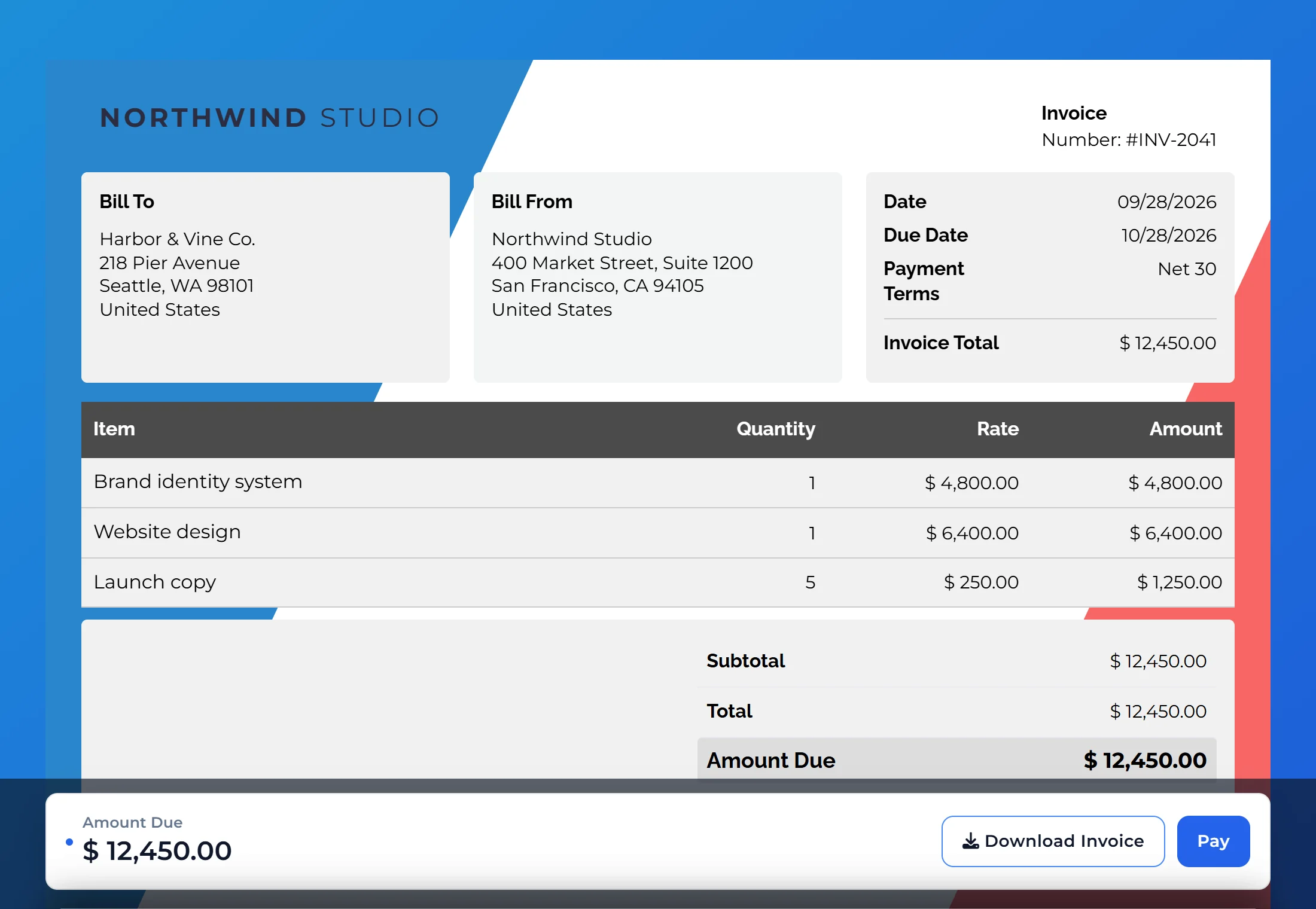
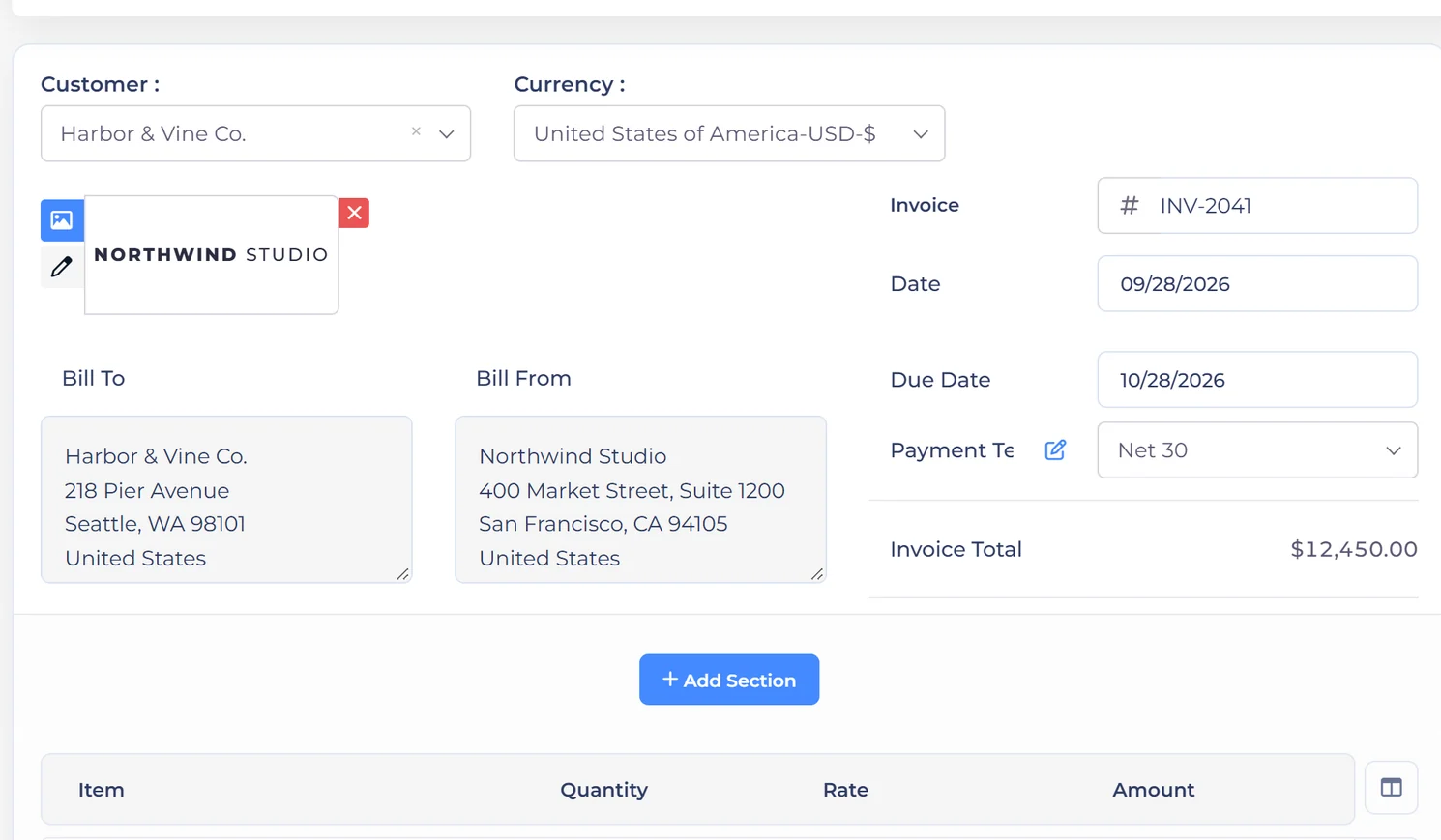
Customisable templates, multi-currency, GST and regional tax rules, payment stubs, custom fields and your own terms. All per document, all remembered.
Bill and get paid
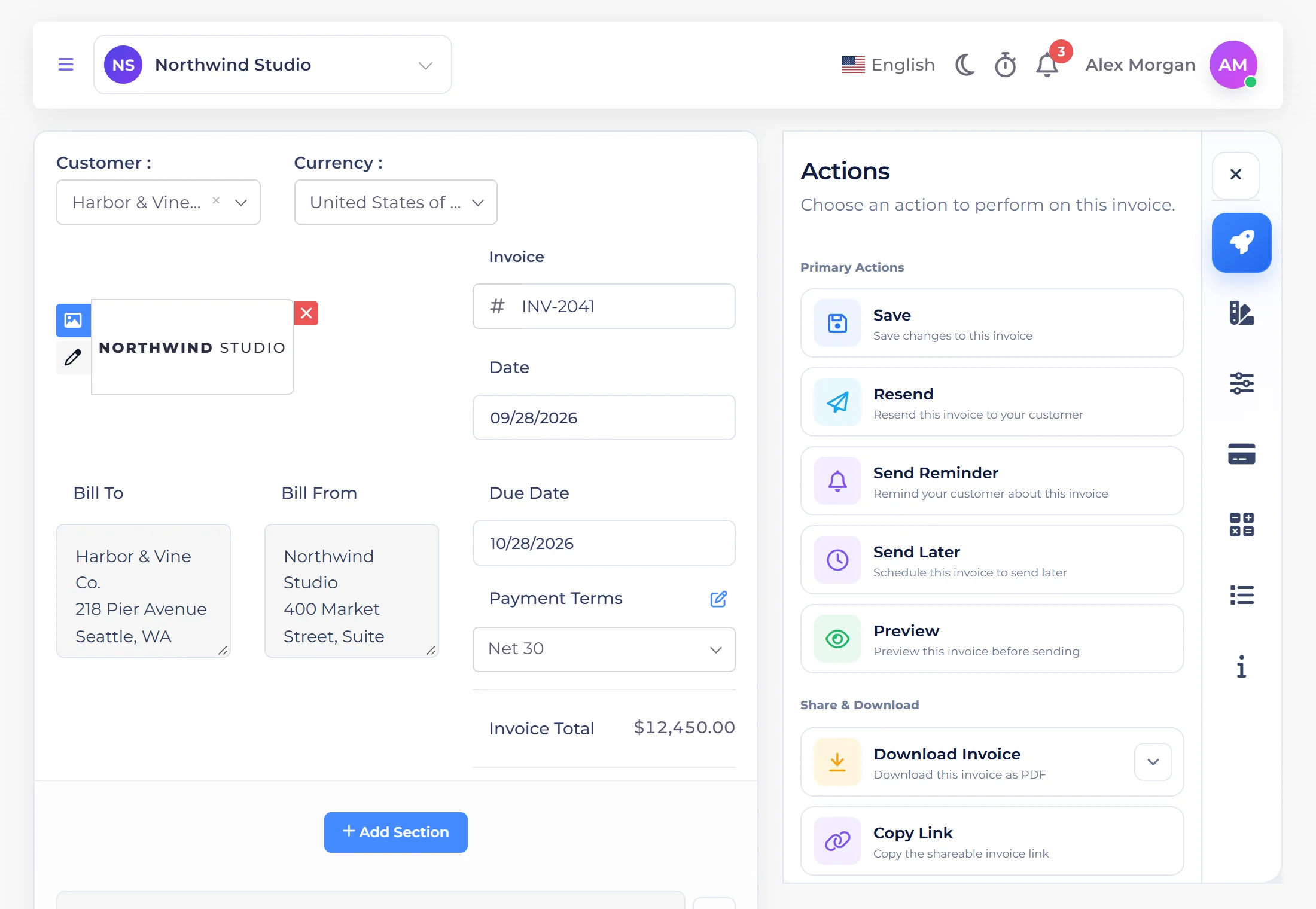
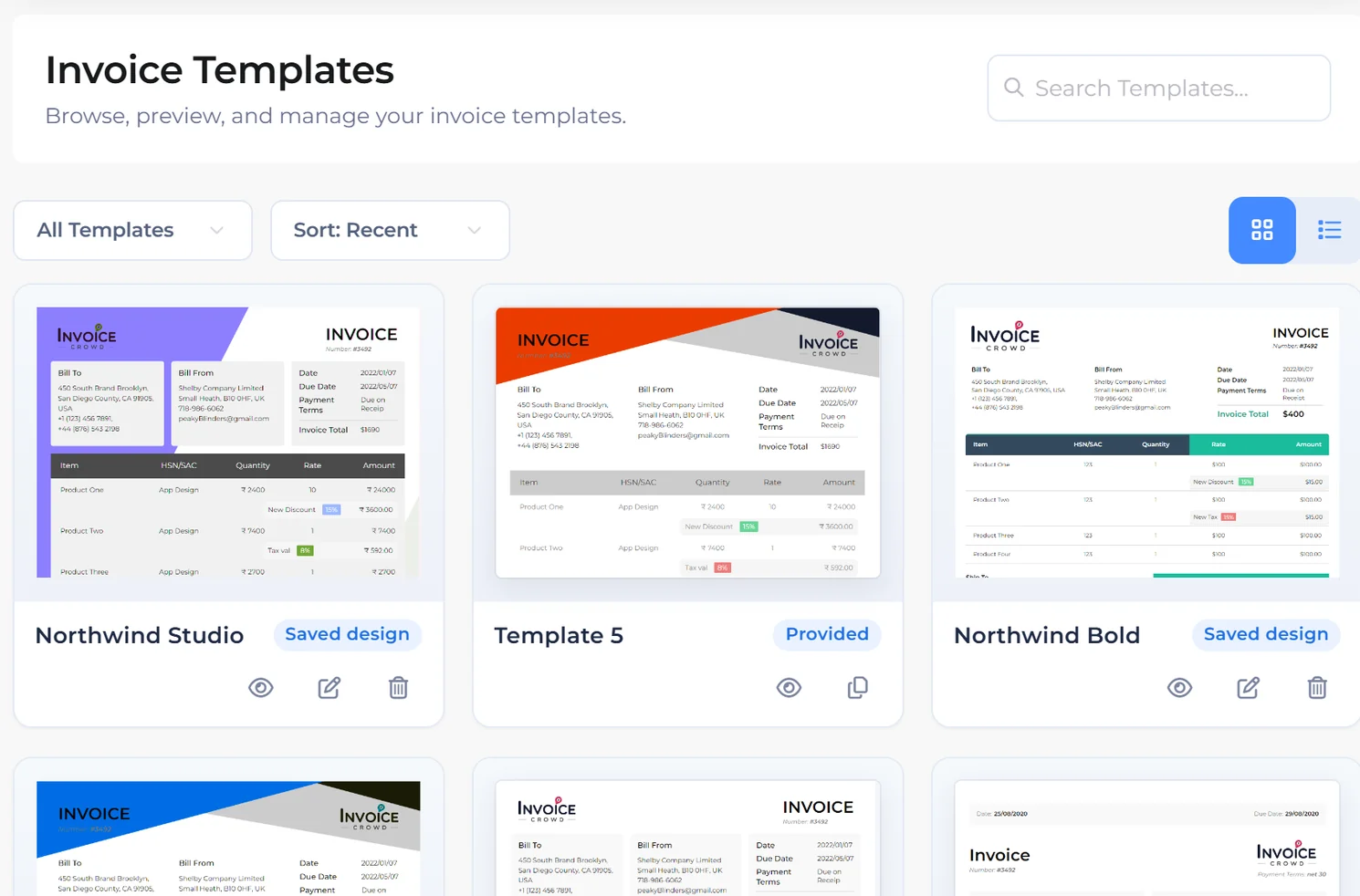
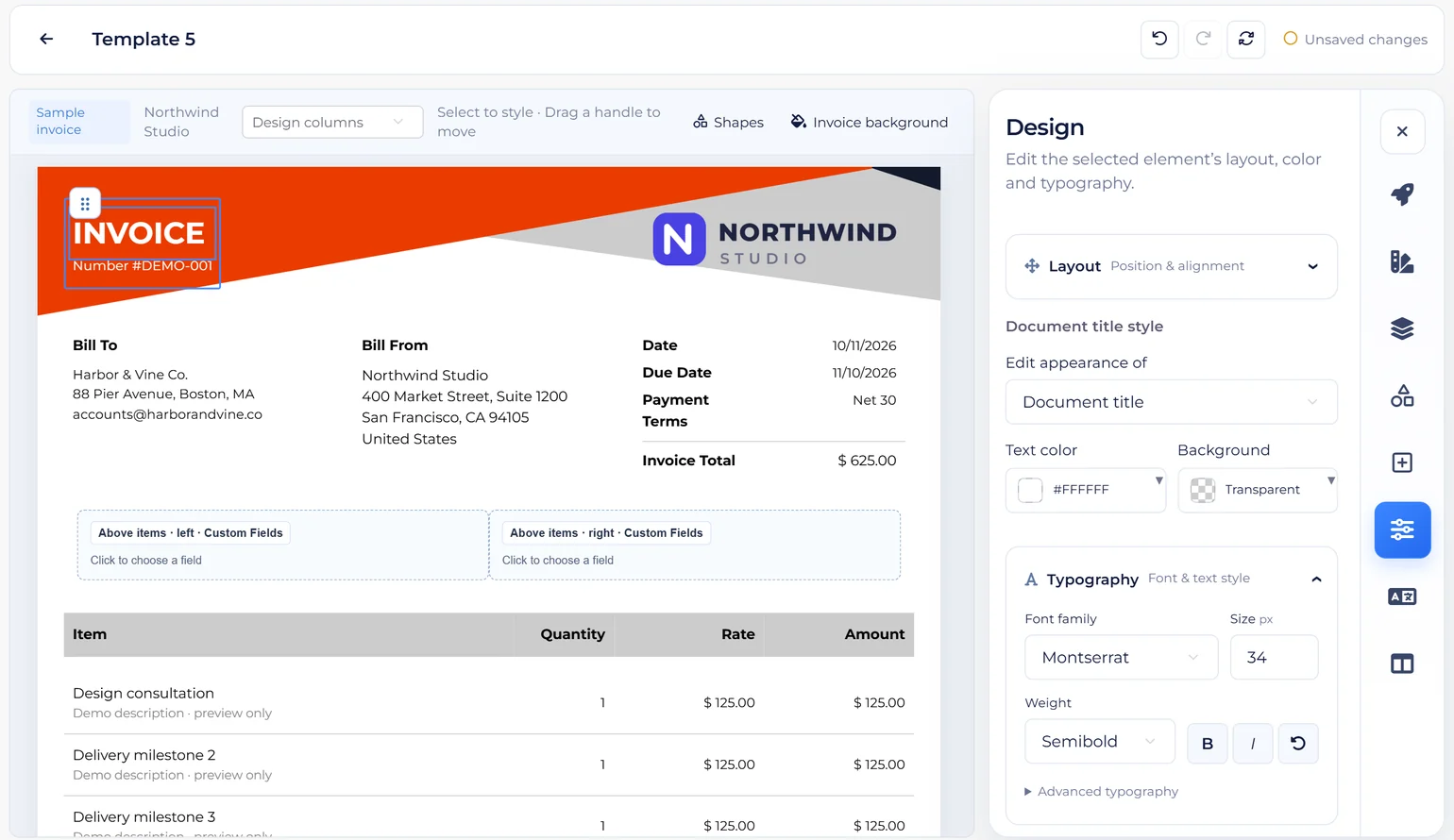
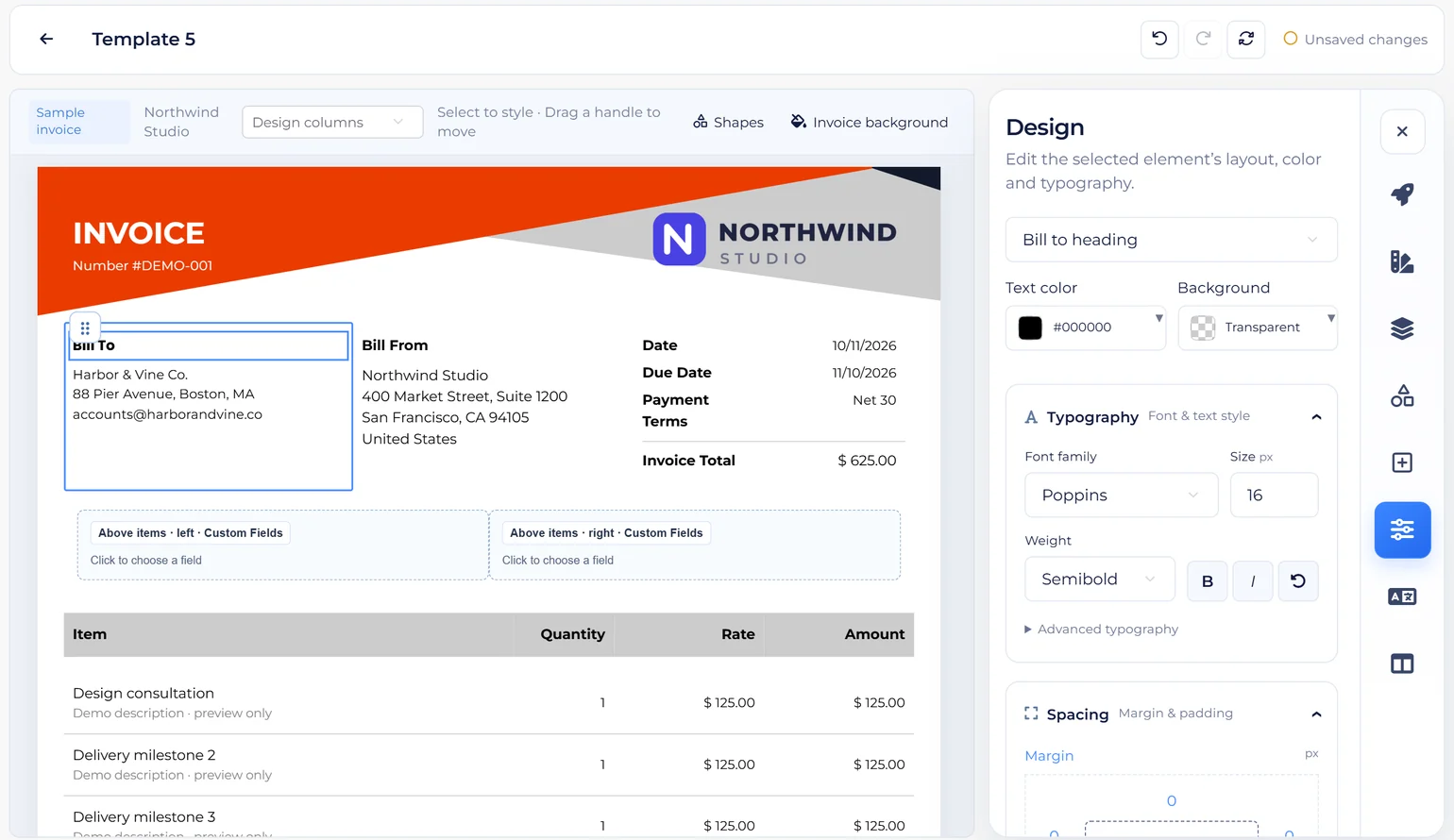
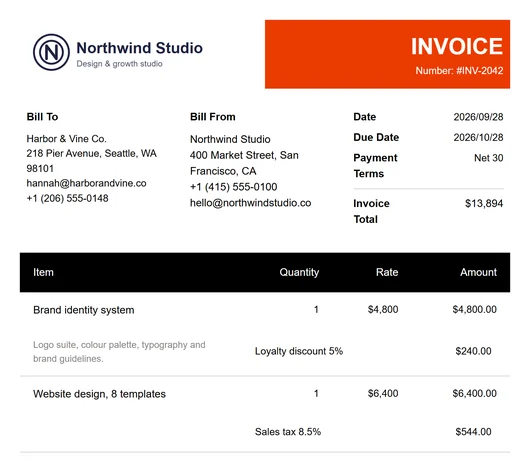
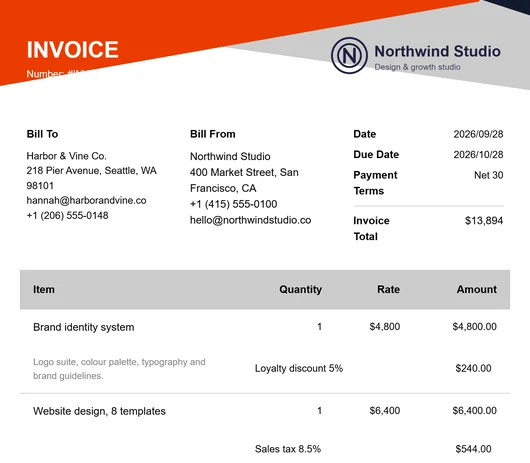
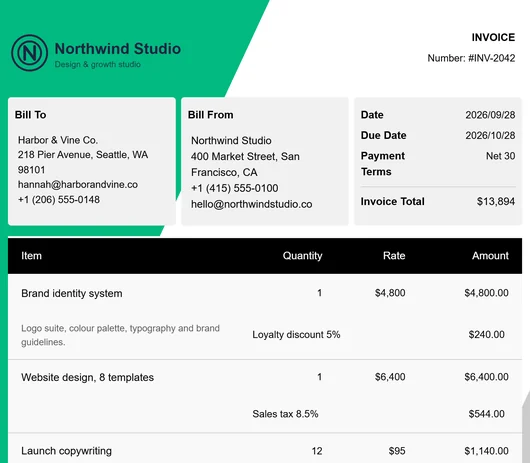
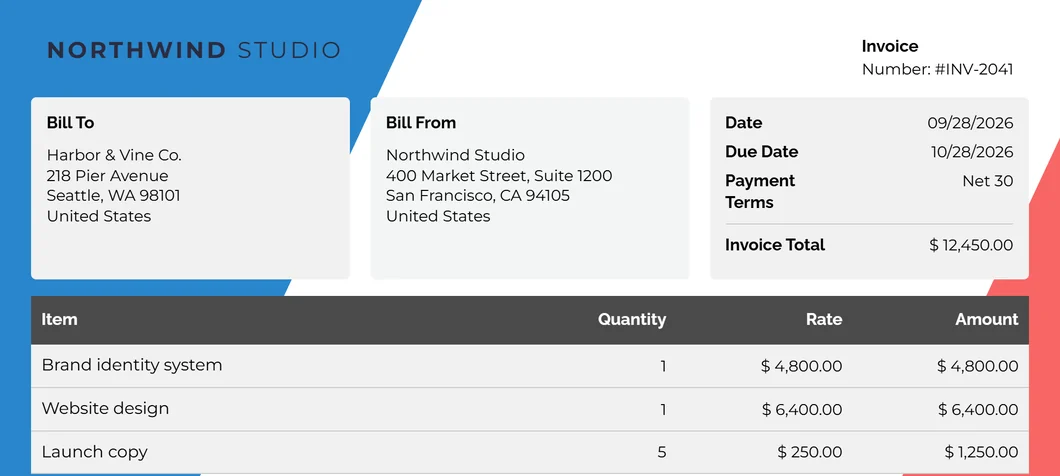
Start from eight provided designs and make one yours in the drag-and-drop template builder: fonts, colours, background shapes, logo size, labels, table columns and the order of its sections. The invoice your client opens looks like it came from your studio. Saving a customised design is included on paid plans and in the 30-day free trial.
Bill and get paid
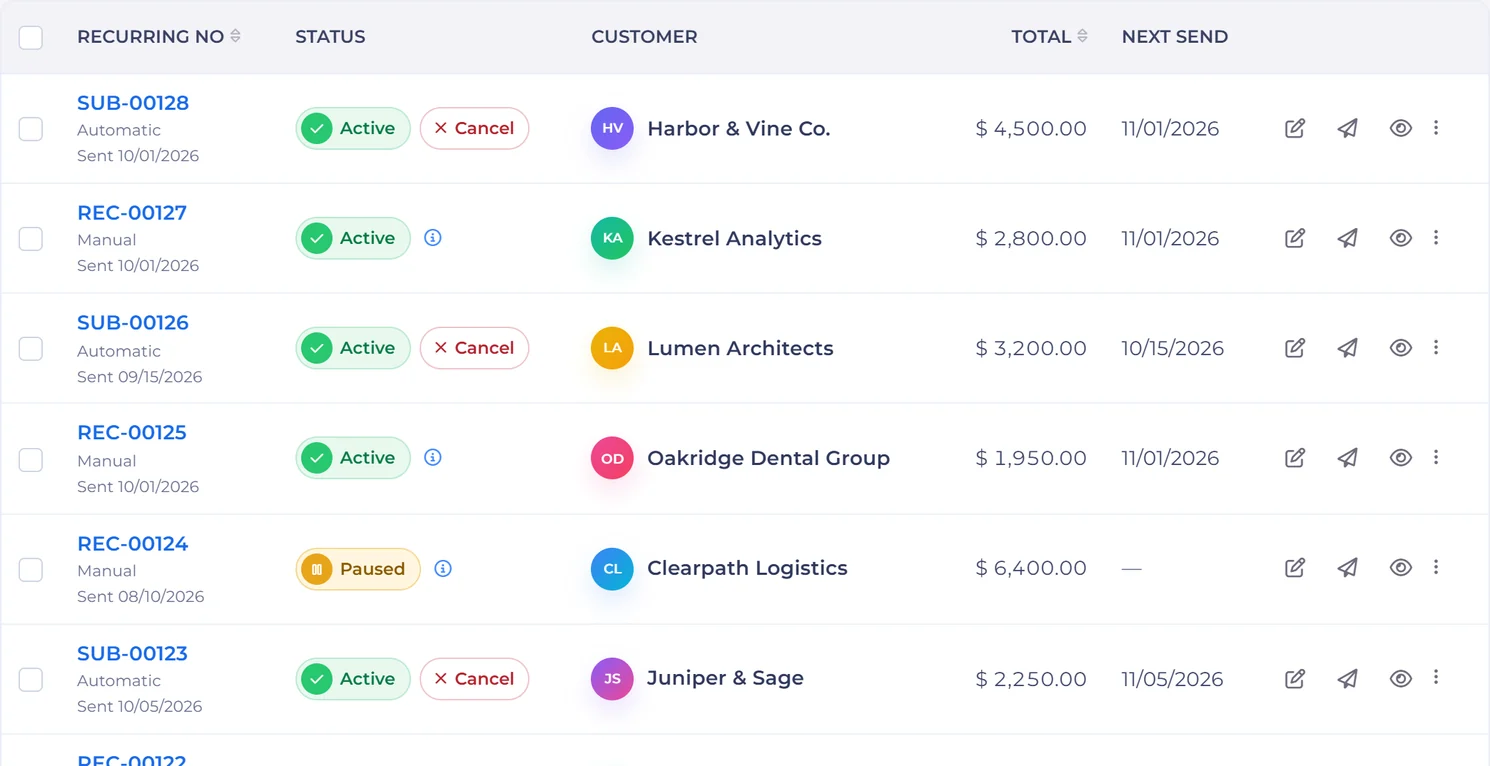
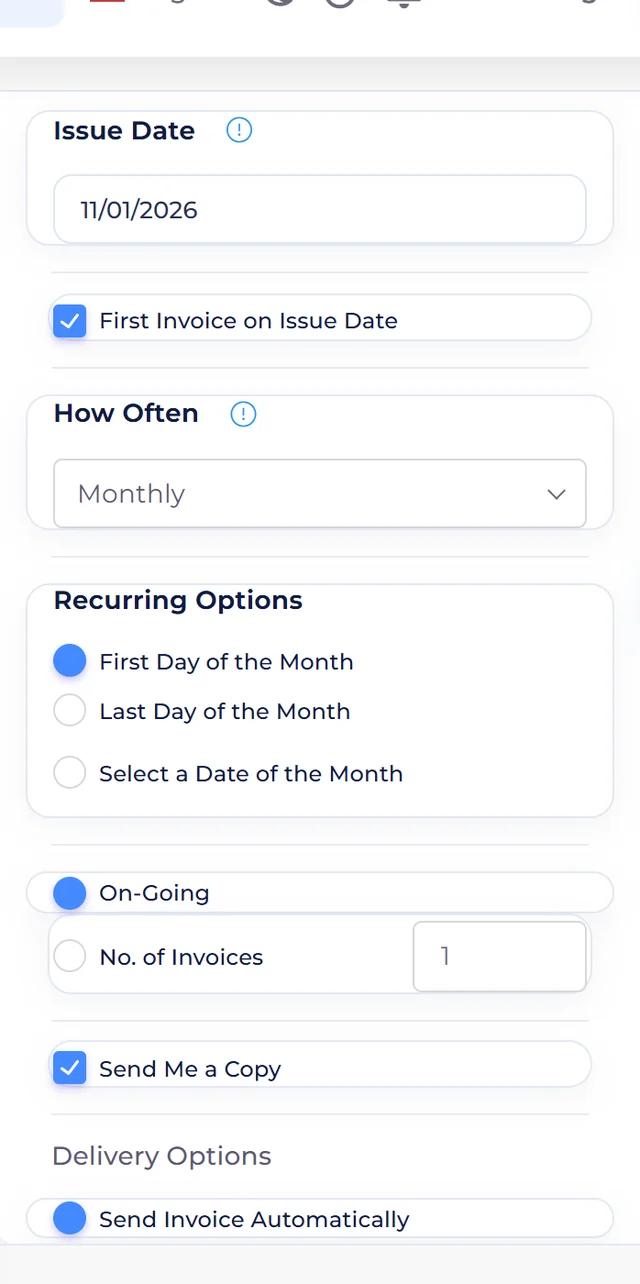
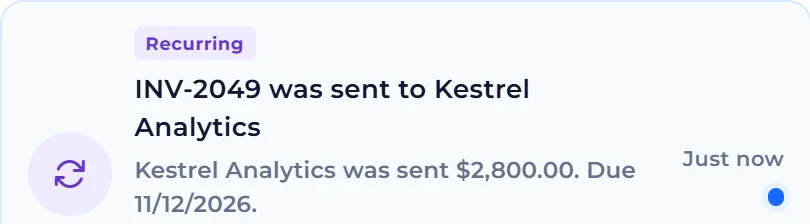
Set the cadence once and Invoice Crowd issues and sends each invoice, with reminders on your schedule. Pause, resume or edit a schedule without rebuilding it, or run a retainer with hours included each month. Recurring billing is on paid plans.
Bill and get paid
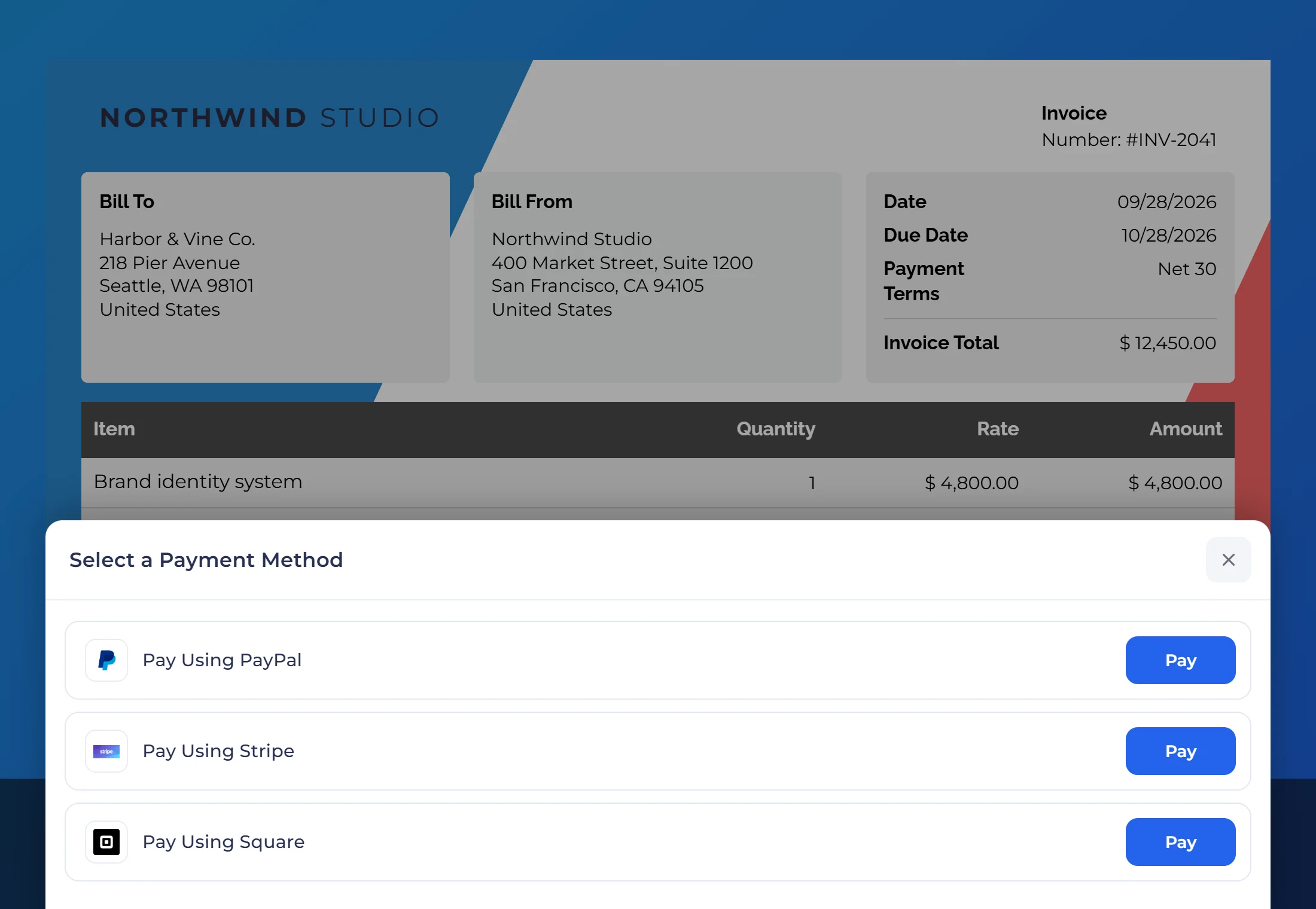
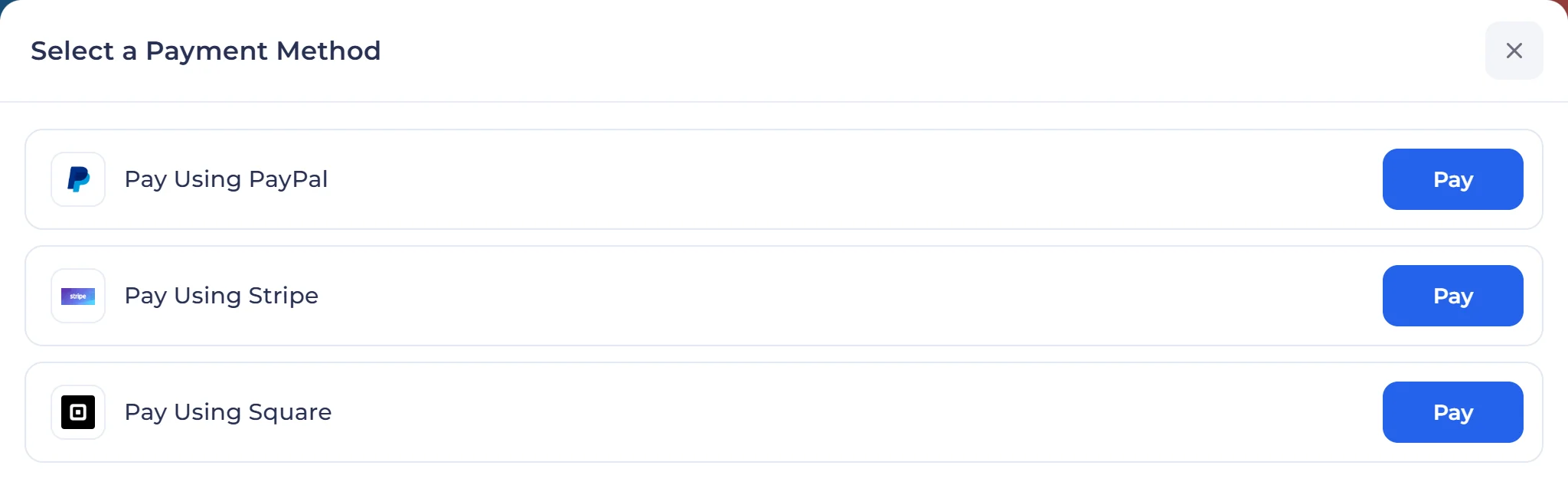
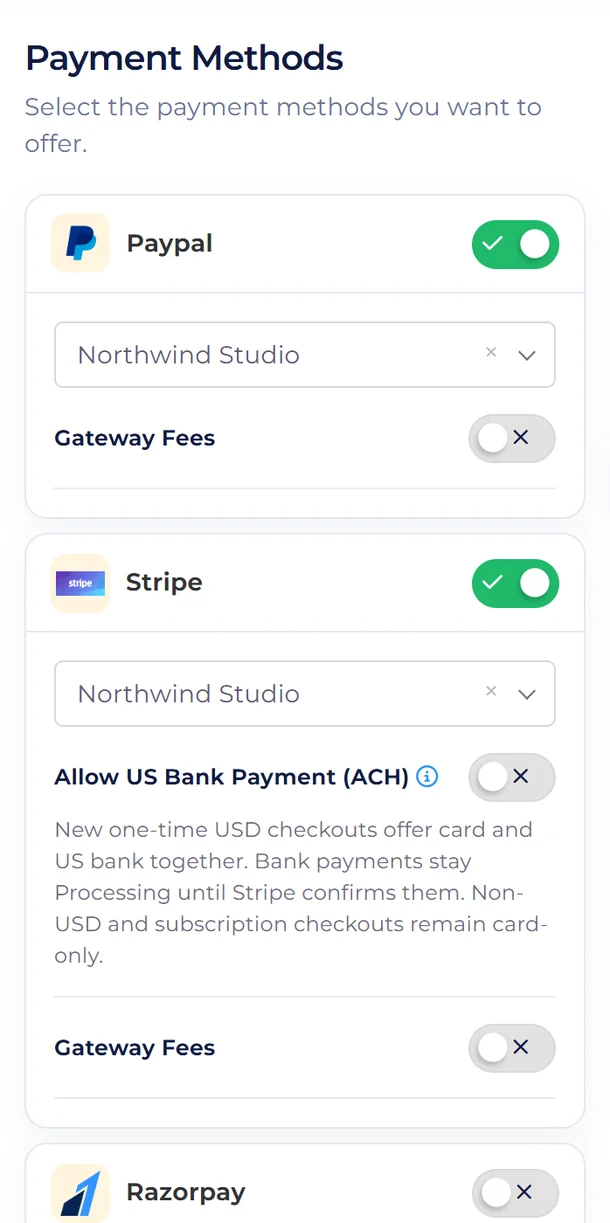
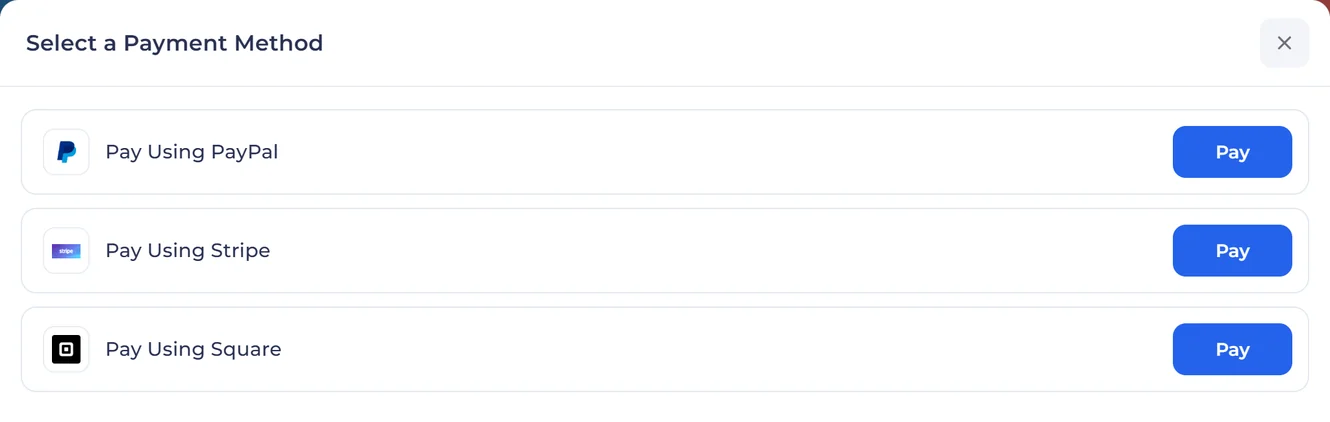
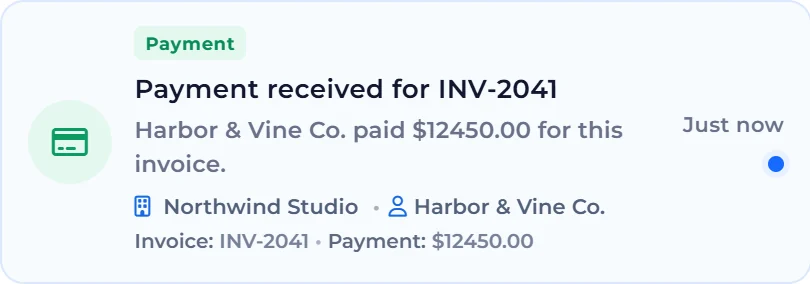
Connect Stripe, PayPal, Razorpay, Square, Payoneer, Authorize.net, Braintree and eight more with your own merchant keys. Share a payment link, payment confirmations go out by themselves, and refunds for nine gateways go back through the provider from the invoice.
Bill and get paid
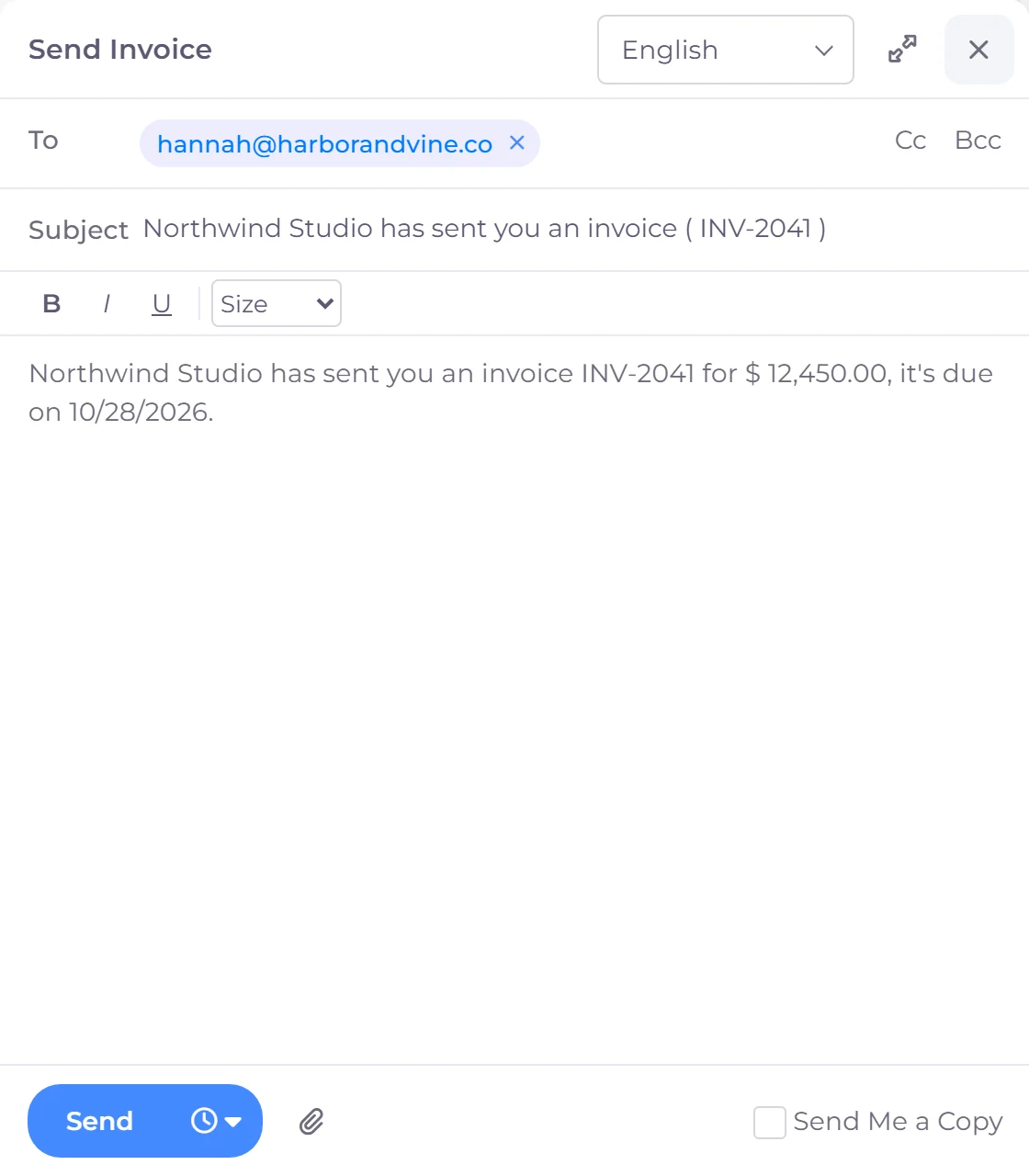
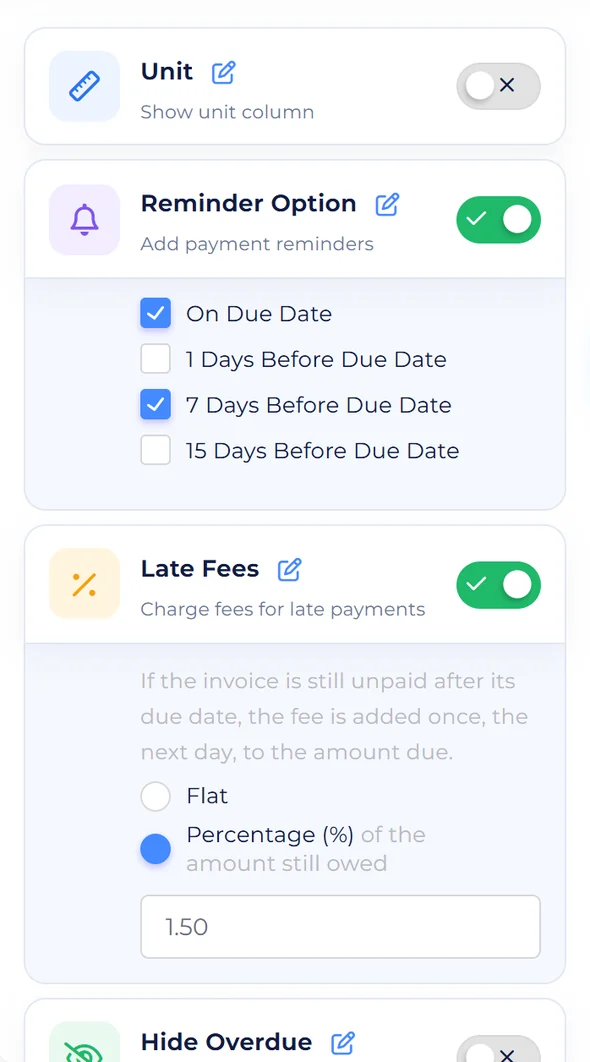
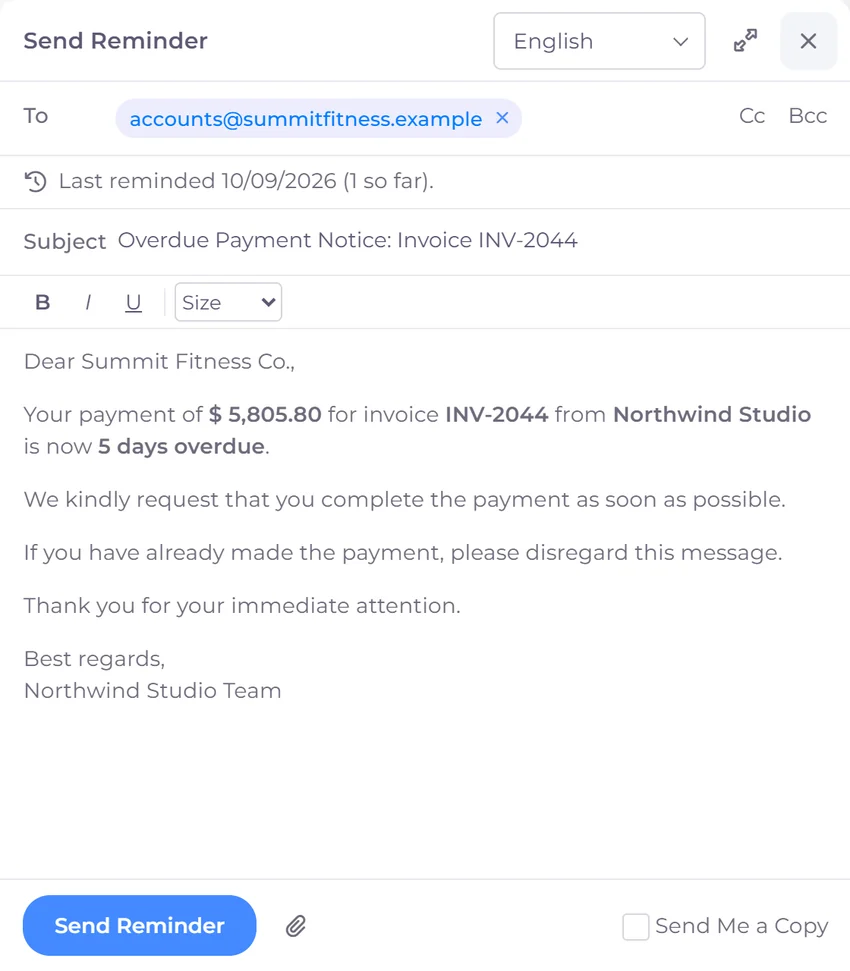
Choose when reminders go out around the due date, and add a flat or percentage late fee if an invoice runs late. Need to nudge a client now? Send a reminder in one click.
Run the business
Where the work, the money and the reporting meet
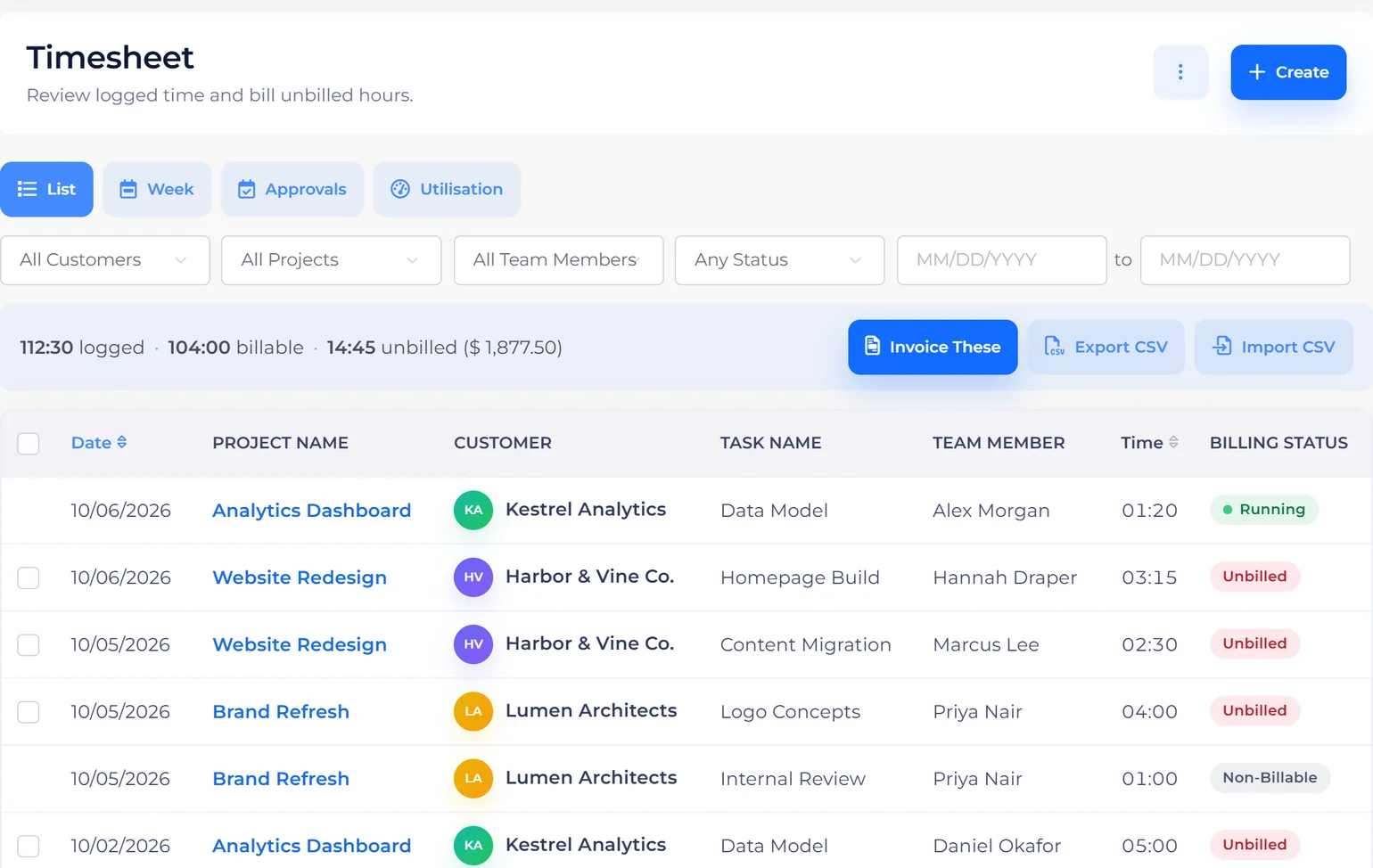
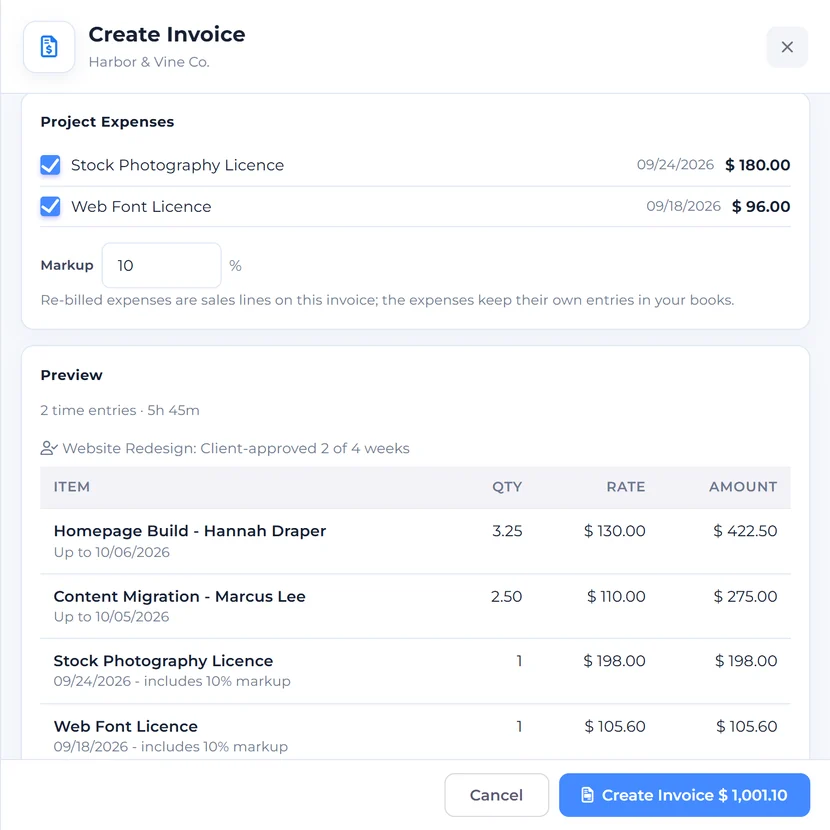
Log time against projects and tasks in a weekly timesheet, approve each week, see what each member of the team has delivered and what each project earns, and pull the billable hours straight onto the next invoice.
Run the business
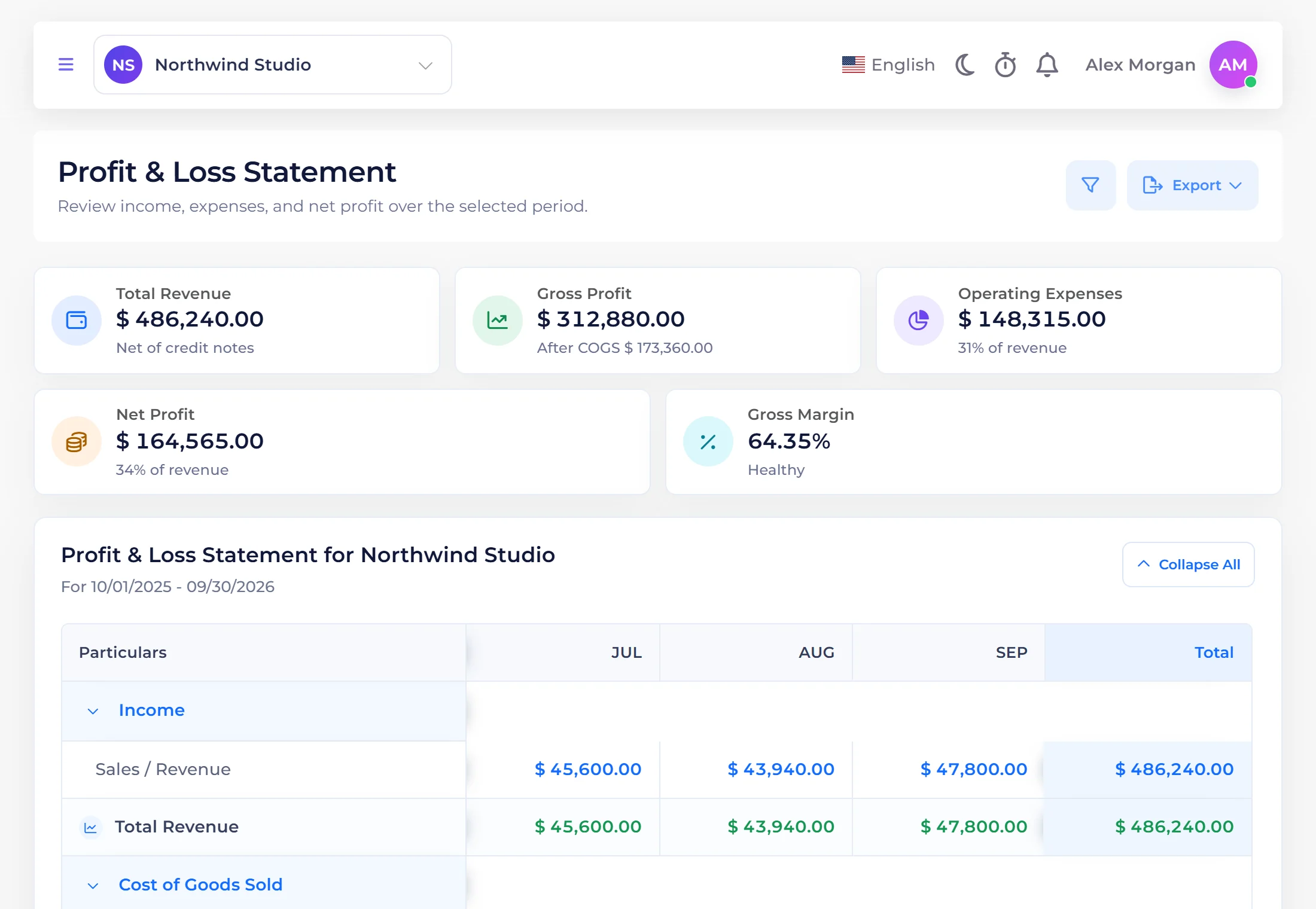
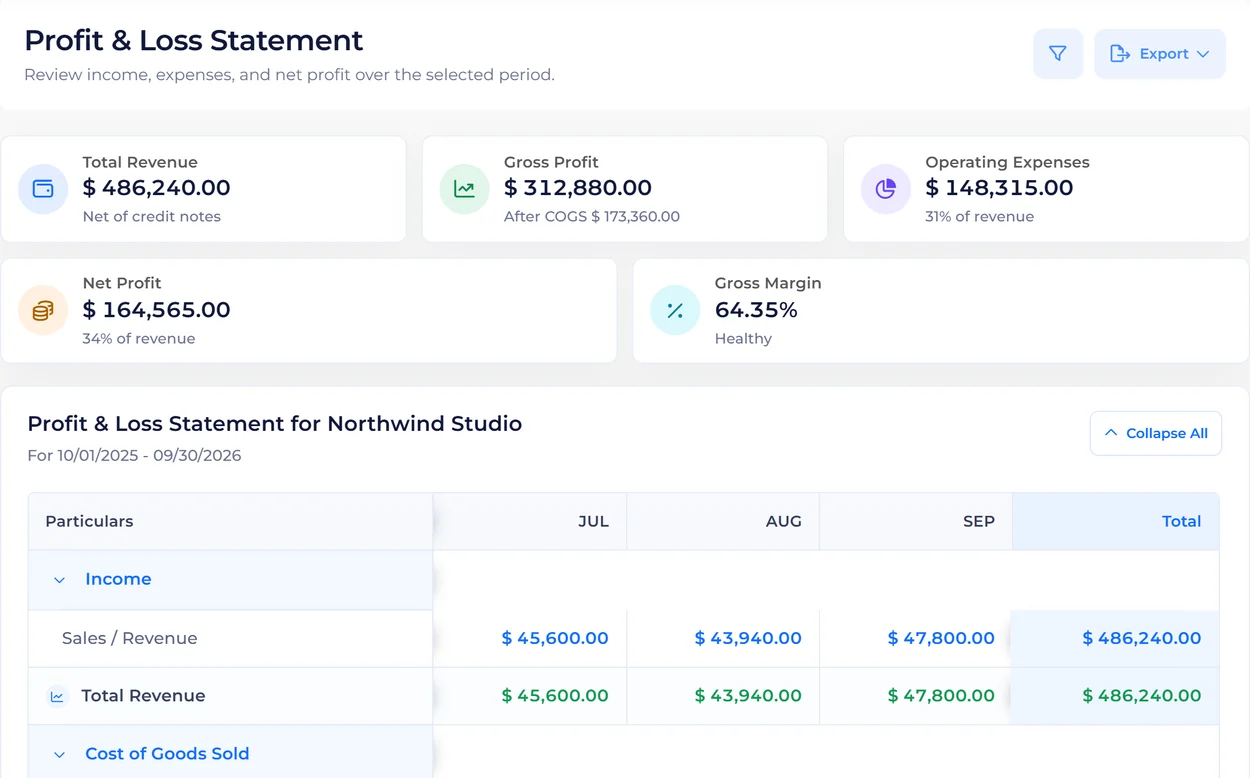
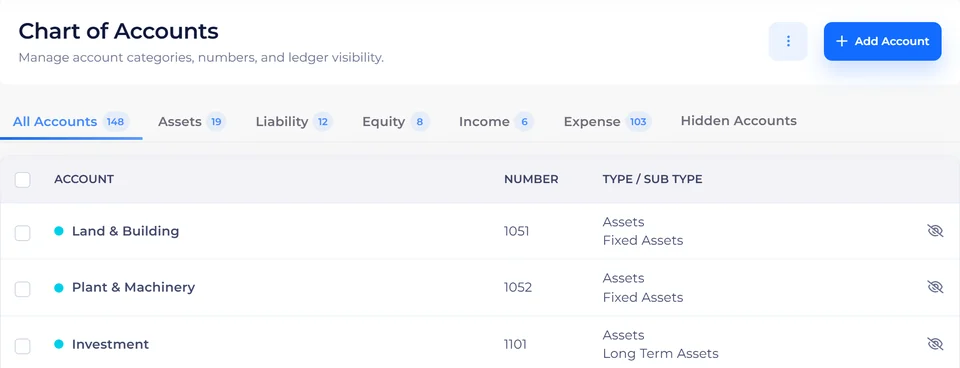
A real chart of accounts, purchases and expenses beside income, a profit and loss that is always up to date, and Lock Transactions to keep closed periods closed.
Run the business
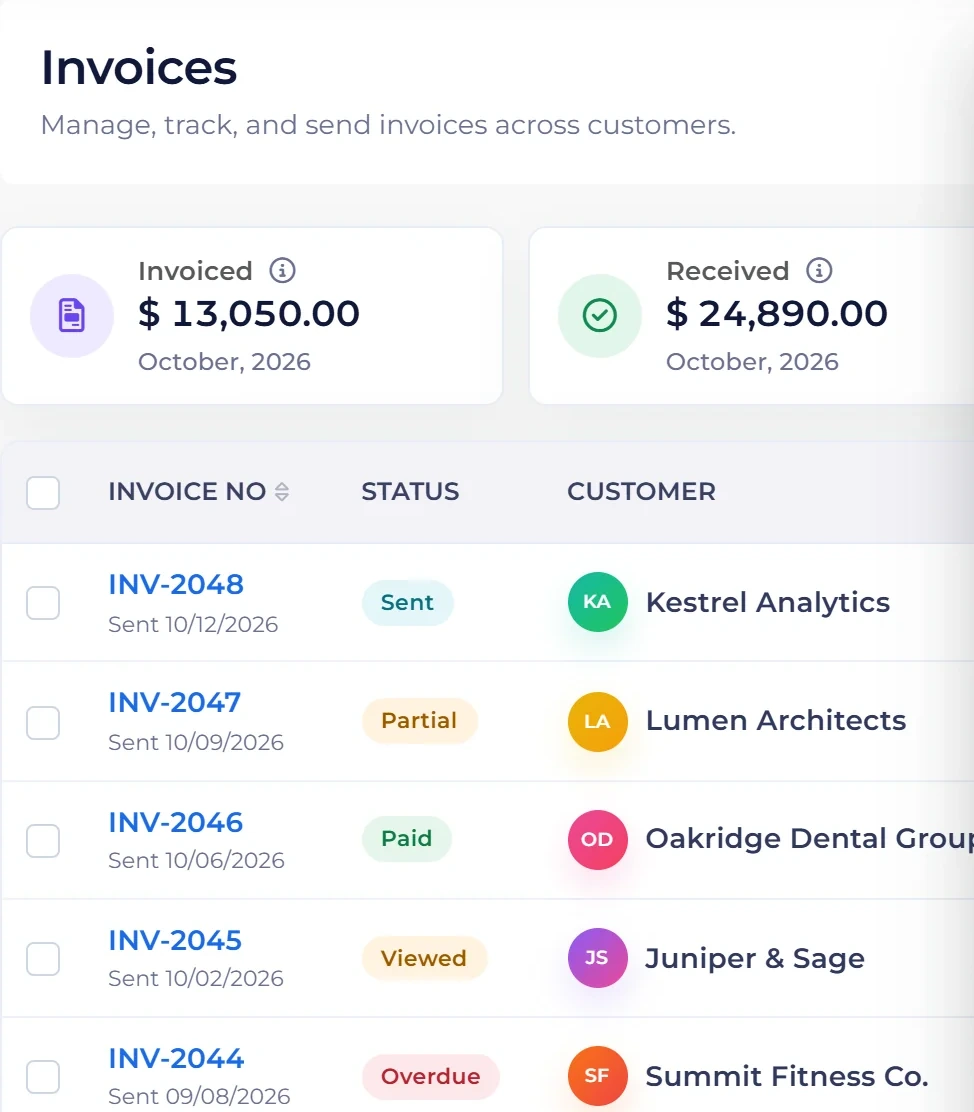
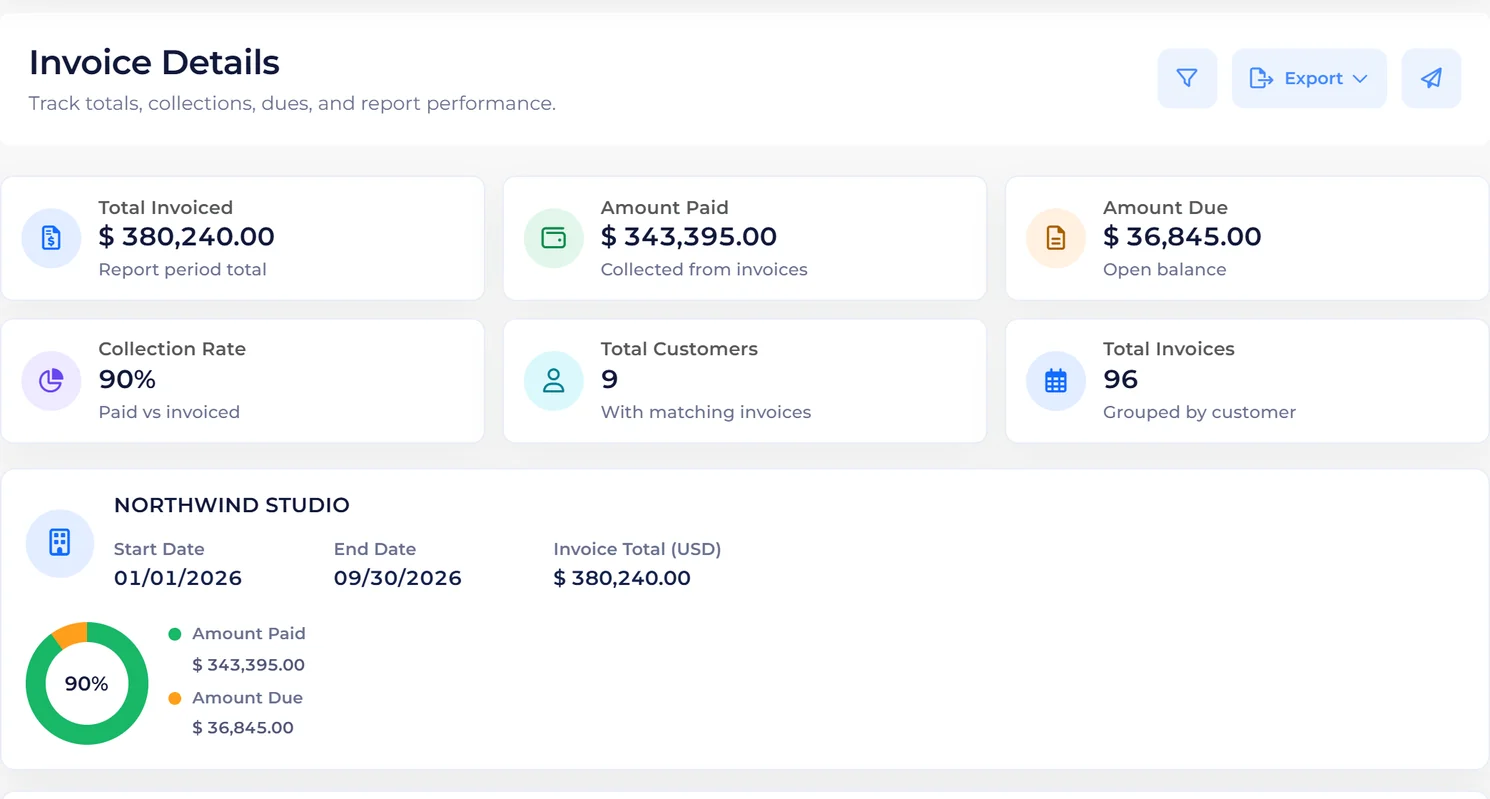
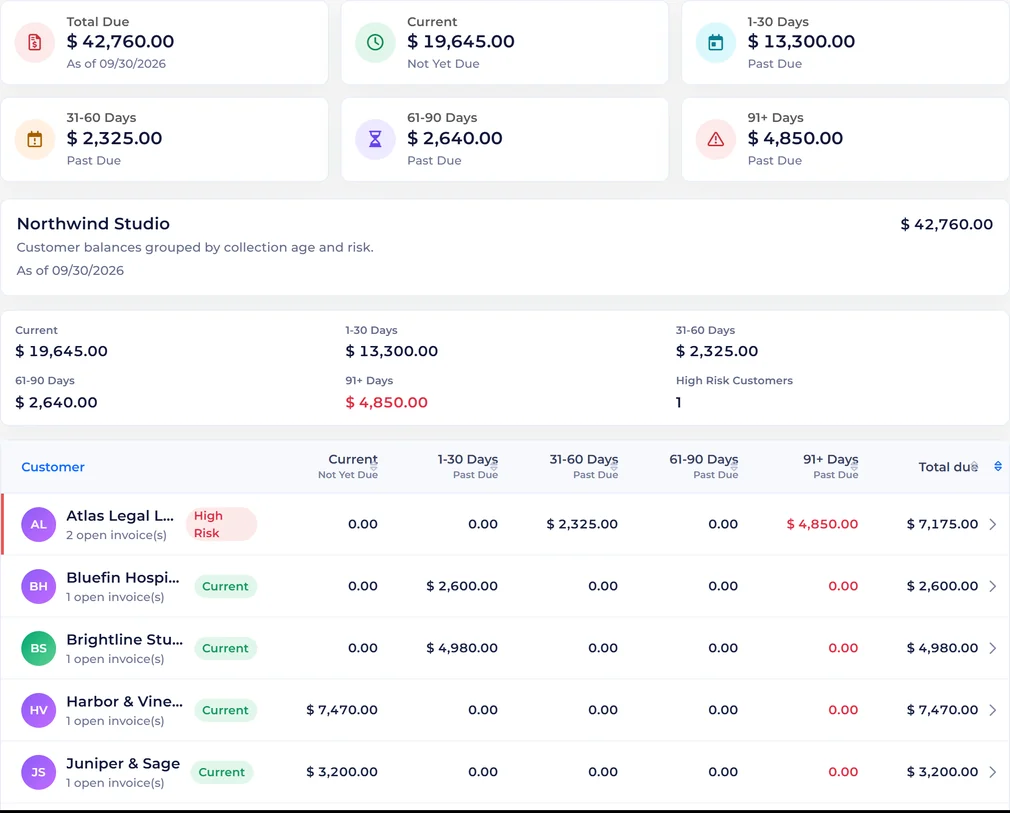
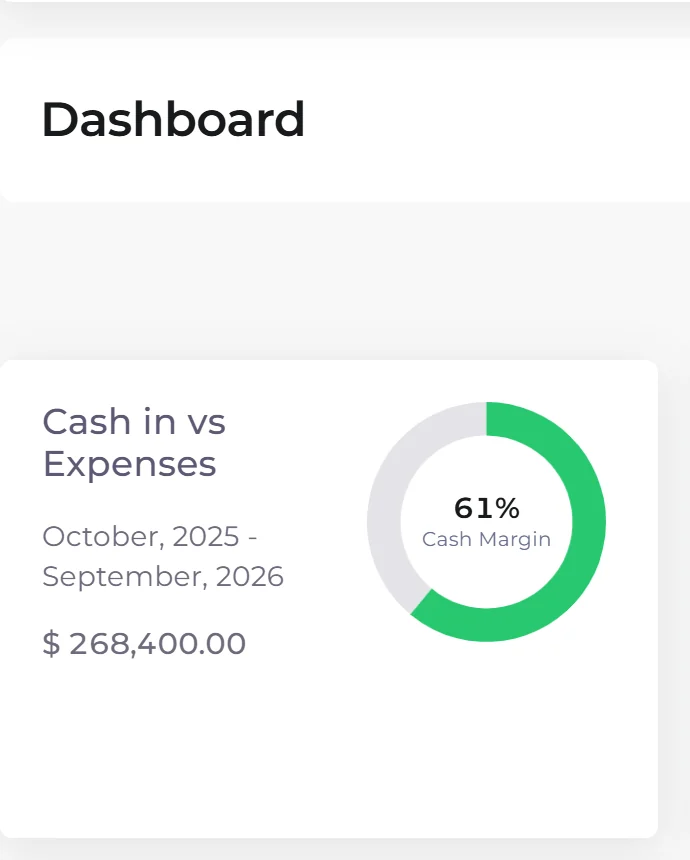
Invoiced versus received, expenses and income by period, and who owes you what by age. The numbers you would otherwise rebuild in a spreadsheet.
Run the business
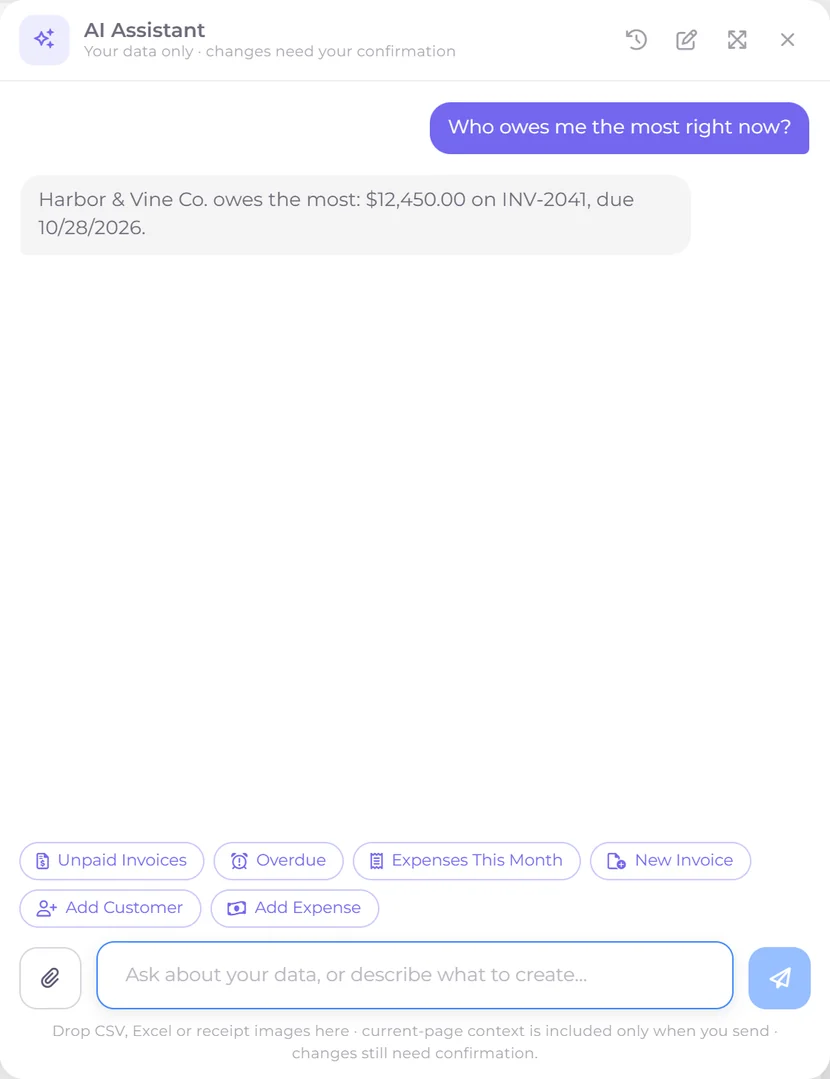
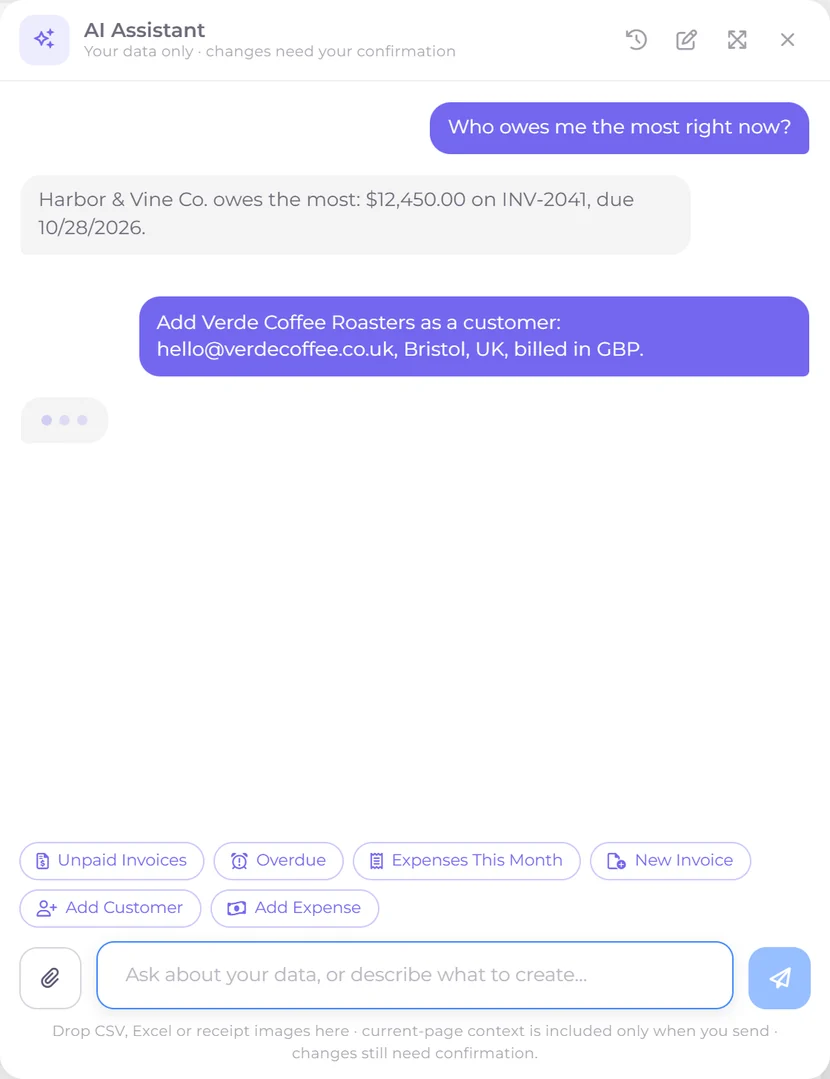
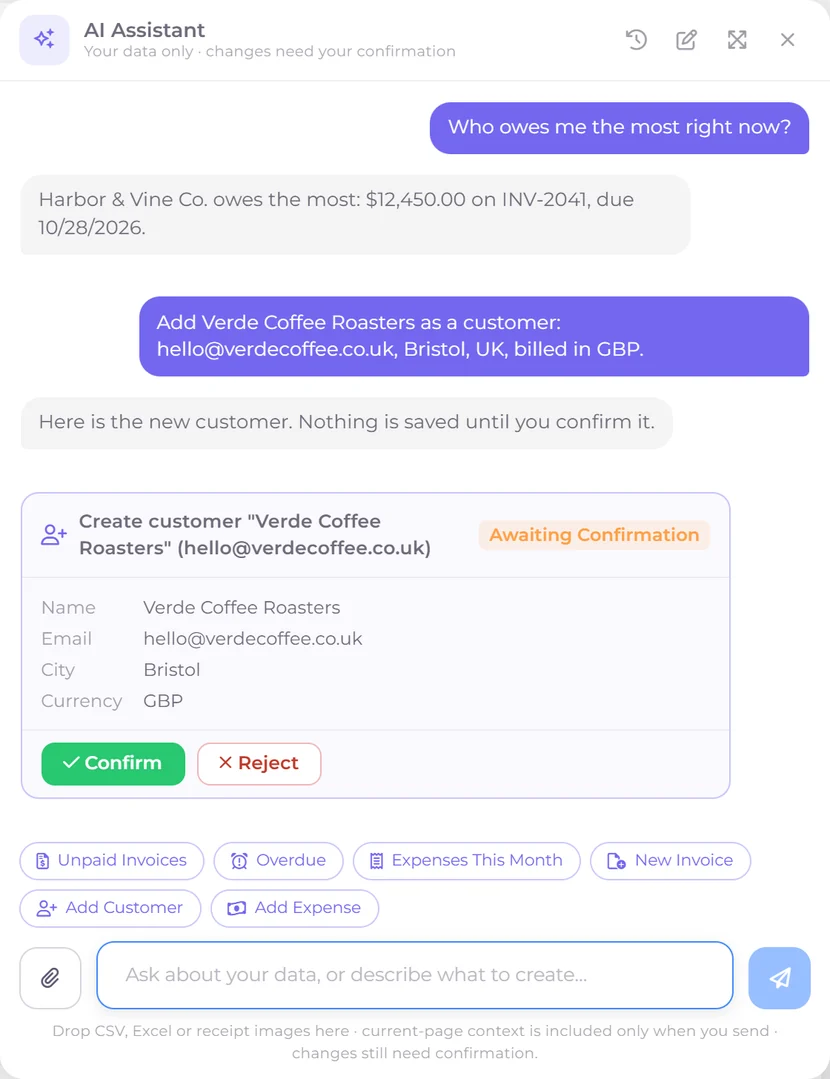
Ask what is unpaid, what you spent last month or which customer still owes you, and it answers from your own records. Describe an invoice, estimate, customer or expense and it drafts it, asking for anything missing, then waits for you to confirm.
Run the business
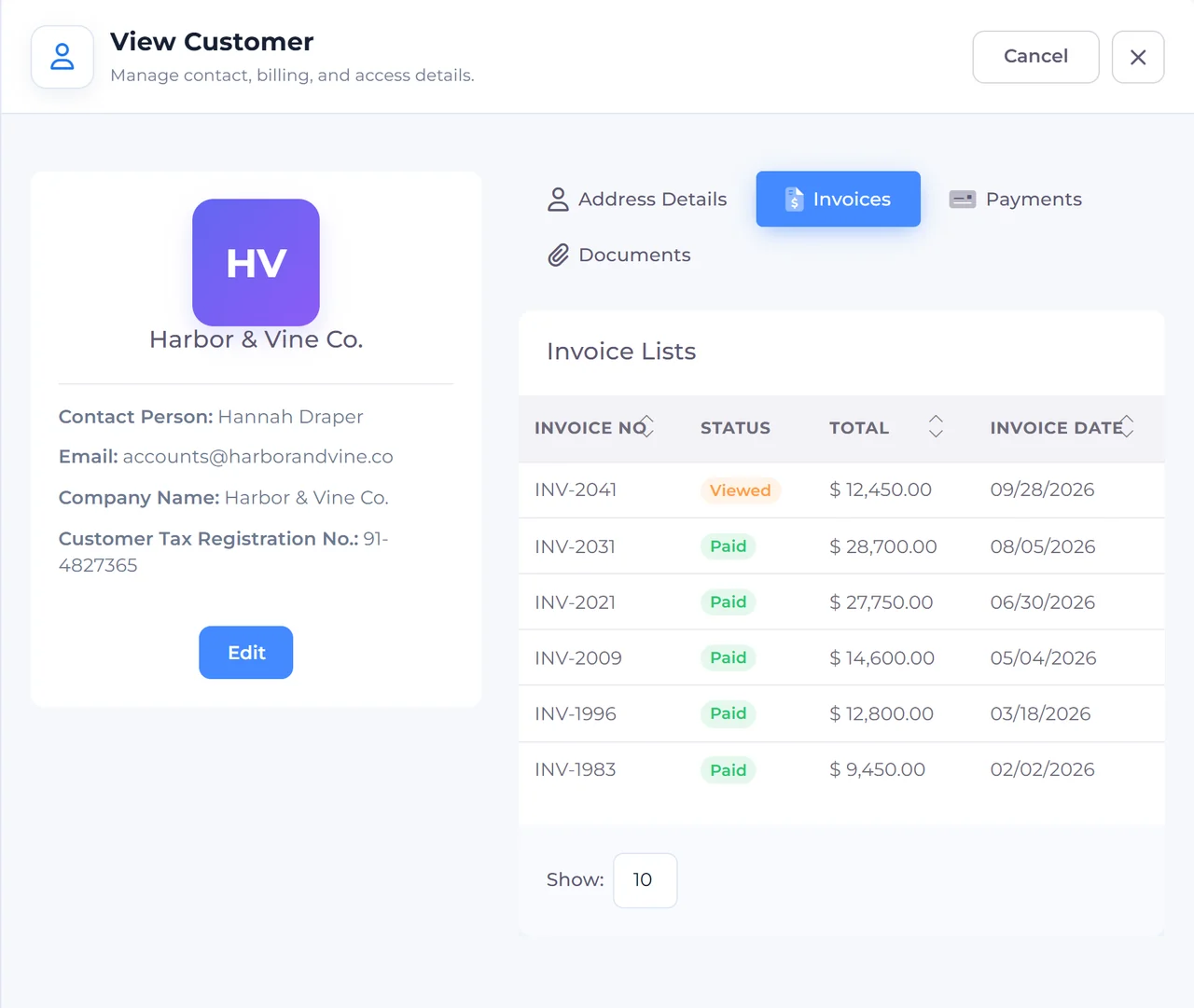
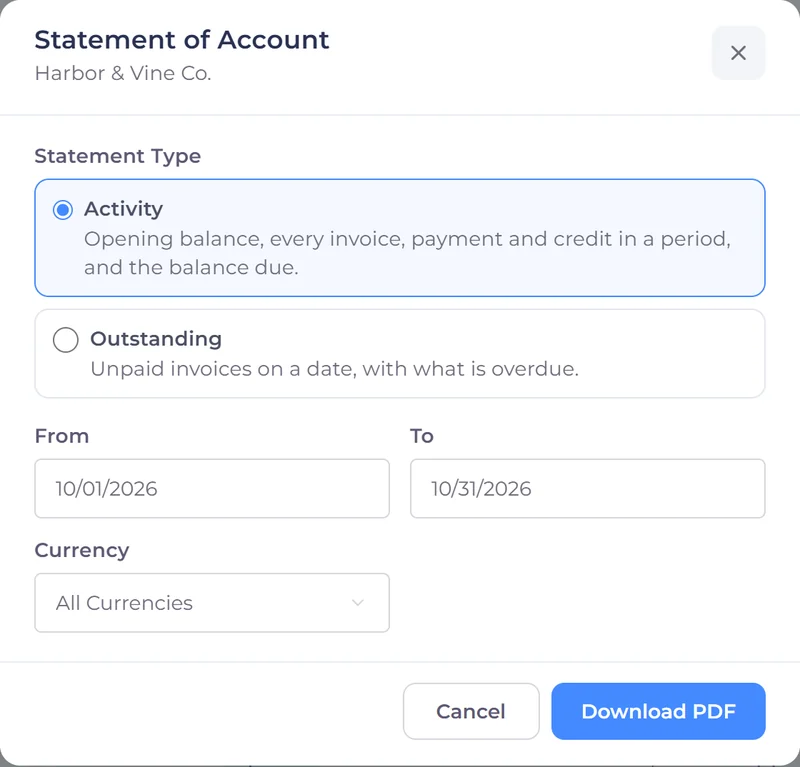
One record per client with their invoices, payments, files and portal login, plus a Statement of Account PDF whenever they ask what they owe, so nobody has to dig through email to answer a billing question.
Run the business
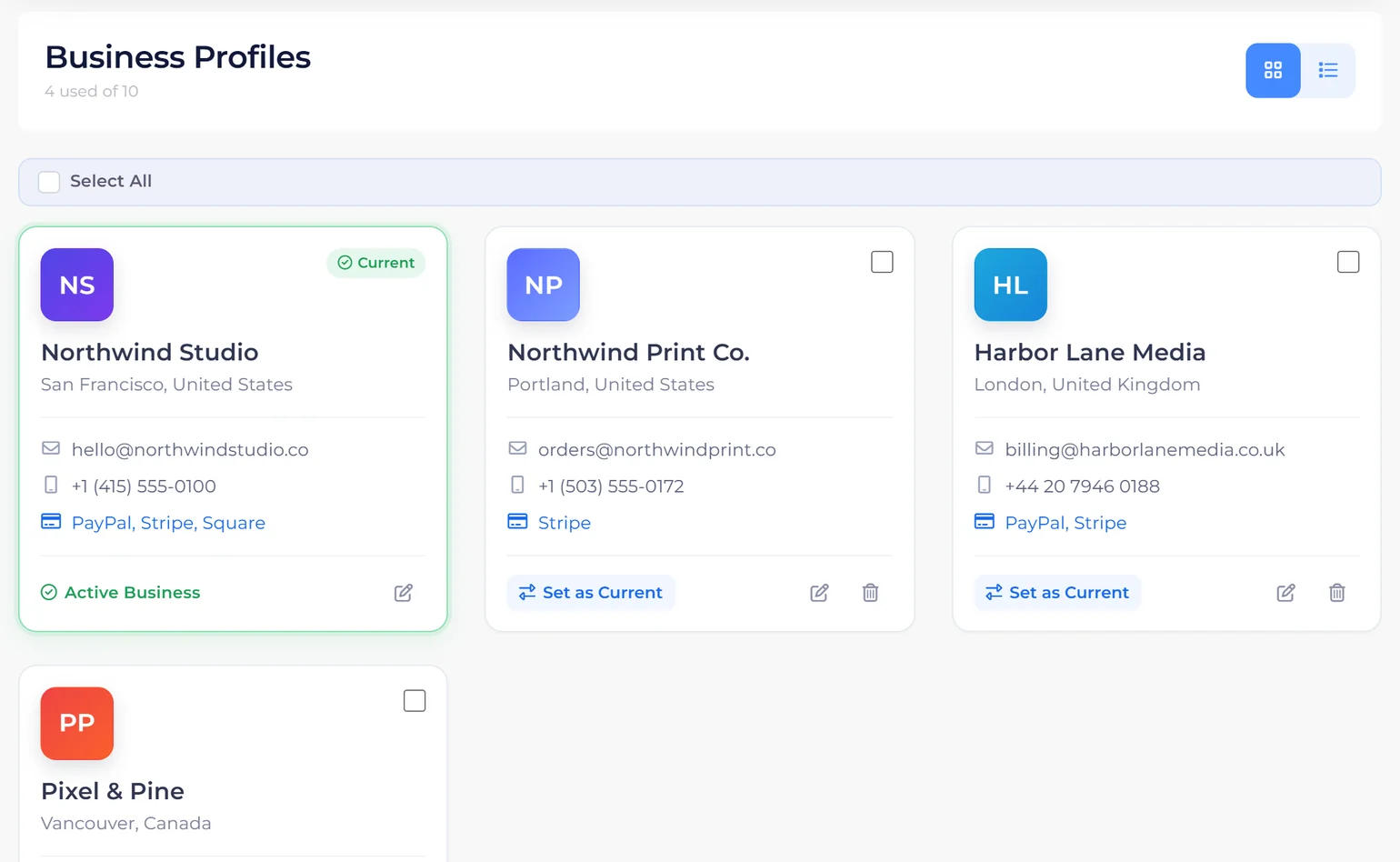
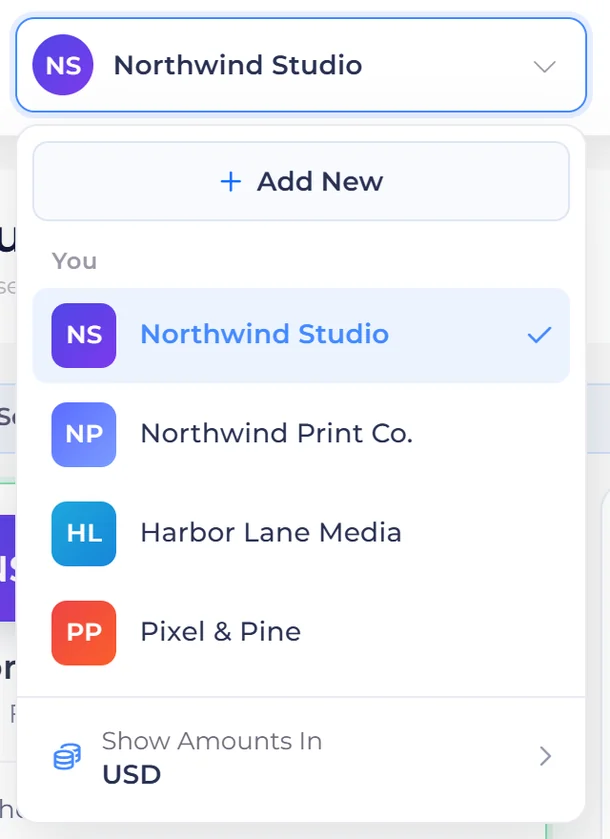
Each business profile carries its own logo, tax identity, currency, templates, payment accounts and books, and you switch between them from the same dropdown.
Also included
Everything a growing business expects from its billing software, with each plan's allowances set out on the Pricing page.
Bring your team in. Let them log work and expenses, and keep everyone working in the same books for each business.
What you invoiced and received this month, what is outstanding and overdue, and cash in against expenses, before you click anything.
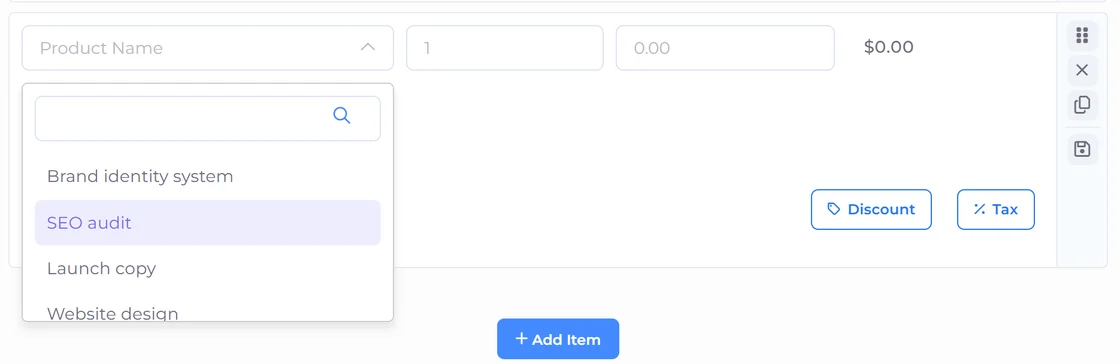
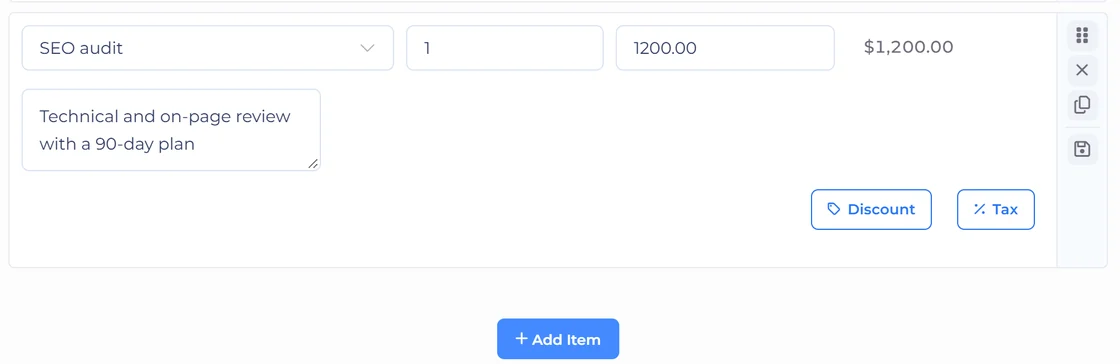
A reusable library with pricing, tax and units already set, so a quote is picking from a list rather than retyping one.
Sell a fixed package with a link you can put anywhere. A one-time email code secures the purchase, and the buyer becomes a customer record automatically.
Issue a credit note against a paid invoice, and record money that arrives outside your invoices so the ledger stays complete.
Suppliers, your own expense categories and costs that repeat every month, logged once and then handled without you.
Add the fields your industry needs, set per-document terms, notes and payment stubs, and keep GST and regional tax rules straight.
Send Invoice Crowd events to a webhook URL, connect through Zapier or Pabbly Connect using your Invoice Crowd sign-in, or build on the Developer API.
Why businesses switch
Most teams pay for a proposal tool, an invoicing tool and an accounting tool, then spend their week copying numbers between them. Invoice Crowd is the single place all three live, which is why the invoice you send on Monday is already in your profit and loss.
Proposals, estimates, invoicing, payments, worklog and accounting are one product, with nothing to integrate or maintain.
Each profile keeps its own logo, tax identity, currency, templates, gateways and books, all on one subscription rather than one bill per company.
Connect Stripe, PayPal, Razorpay, Square, Payoneer and more, and payments land straight in your account. Card details stay with your payment provider.
Quote and invoice in your client's currency, with GST and regional tax rules handled per document, so an overseas client is never a special case.
Real reviews from Invoice Crowd customers, in their own words. Follow the linked ones to read the original.

I’ve been using another well-established accounting software which has worked well but the Covid took a major toll on my business and I’ve needed to cut my costs which included looking at another accounting solution. After a little searching, I came across Invoice crowd, and again after performing a little due diligence, I could see that they were a relatively new company and from my experience sometimes this is not a bad thing. Anyway, I decided to purchase the Invoice crowd and give it a try and I was pleasantly surprised, and have now made the decision to transfer all my accounting requirements to Invoice crowd. I also recommend this product.
 Richard Tee
Feb 14, 2022 via Trustpilot
Richard Tee
Feb 14, 2022 via Trustpilot
I’ve been looking for an easy to use Invoice System. We were previously using a different system that was much more expensive and required too many steps to add customers and create invoices. After looking at many different options I decided to give Invoice Crowd a try. Being able to quickly create reoccurring invoices is what sold me. The setup process was very easy and intuitive. Other things I like include the roadmap. What has already been added along with the plans for the future are very impressive. The developer appears to be very responsive to customers needs based on all of the questions asked and reviews.
 Chamaiporn Biedrzycki
January 16, 2022 via Trustpilot
Chamaiporn Biedrzycki
January 16, 2022 via Trustpilot
It’s saved my team and I alot of time. We receive payments faster and it takes less than a minute to set up all of our accounts. You can set recurring invoices, edit or pause them if needed, schedule out your start date, and customize the look/brand of the invoices. The stripe and paypal integration also allows you to get the funds deposited quickly. I’ve been using simpleinvoices, another similar platform for many years but it nevers gets updated and is getting quite buggy. I’m happy i made the switch to Invoicecrowd
 Will
January 11, 2022 via Trustpilot
Will
January 11, 2022 via Trustpilot
I spent a lot of time researching invoice software to replace my old system. I had the difficult task of finding the right product that was easy to use, not expensive, and had all the features I needed. I was impressed by how simple and professional Invoice Crowd looked and it really did meet my needs. It’s really amazing, it has changed the way my company manages it’s financials and I am proud to recommend this simple and user friendly tool to anyone who needs invoice software. It’s is the hub of my business. I use it to get paid faster, keep track of my money coming in and going out, and much more. It’s a great tool for any business owner!
 Andrew M.
March 7, 2022 via Capterra
Andrew M.
March 7, 2022 via Capterra
I recently started a consulting arm of my business and was looking for a simple, but robust invoicing software that didn’t overwhelm me. I searched and found Invoice Crowd, which has been the perfect solution. I was able to purchase Invoice Crowd, set up my business profile, add client profiles, integrate my payment options, add my own brand colors and logos, and create several invoices within minutes of joining. I’m pretty amazed at how easy they have made it. I researched many invoicing systems and this by far was exactly what I was looking for in order to get invoices out with a quick turnaround. I’d highly recommend it.
 Angie N.
September 13, 2022 via Capterra
Angie N.
September 13, 2022 via Capterra
Invoice Crowd has saved us money! We have been using IC for about 6 months now, and it has saved us such a large amount of money that we are now able to spend it on other things we need for our company, ncluding other licenses for needed software. The convenience is the key to this program’s success. We are now able to manage all of our companies from one, single dashboard, and even allow each to use different payment methods to collect funds. The developers and support have been very helpful, and they even added features my team and I requested. I am confident this will be our invoice solution for life, I am so thankful to have found them.
 David
David
Overall, I’m extremely happy with Invoice Crowd and would recommend it to anyone looking for an easy-to-use invoicing tool. The service support is available to help with any questions or issues and they are already working on correcting some minor bugs!
Ursula L.
July 5, 2022 via Capterra

The simplicity of Invoice Crowd makes it pleasing to use. I found it intuitive and easy to deploy the first time.
 Mike A.
Nov 23, 2021 via G2
Mike A.
Nov 23, 2021 via G2
Invoice Crowd has streamlined our ability generate and send professional quality invoices to our customers. The PayPal functionality built into the documents really helps to simplify the payment process for our customers. In addition, the beautifully designed web based user interface makes it easy for us to use wherever we are! I highly recommend giving Invoice Crowd a chance to simplify your day.
 Jake Walker
See what our other users say about us


FAQ
What people ask before moving their billing across. Can't find your question? Our support team is happy to help.
Talk to supportYou can send your first invoice the same day. Create your business profile, add your logo and tax details, and you are ready, with nothing to install and no setup call. Your item catalogue and customer records build up as you go.
Your data is kept. Billing asks you to subscribe to the plan you were trying, or you can choose Continue on Free and keep working within the free plan's limits. There is no contract, and you can switch plans from Billing and Plan at any time.
Nothing at all. Invoice Crowd is fully web-based, so you can work from any computer or phone with a browser, always on the latest version.
Yes. Your connection to Invoice Crowd is encrypted, and payments go straight through your own payment gateway accounts. Customers enter card details in the provider's secure checkout, so card numbers stay with the provider.
The Invoice Crowd AI Assistant answers questions about your data, runs reports such as profit and loss, and drafts records: invoices, estimates, customers, items, expenses and incomes. It can also log time. Nothing is saved until you confirm it, and it never deletes anything. The AI Assistant is included on paid plans, with 100 AI credits every month and more available in Billing and Plan. Paid monthly and yearly plans can also connect Claude or ChatGPT through AI Connections, where you approve their changes in Invoice Crowd.
Yes. Business profiles let each brand keep its own logo, tax identity, currency, templates, payment accounts and books, all under a single login rather than a separate subscription each.
Stripe, PayPal, Razorpay, Square, Payoneer and ten more, 15 in total. You connect your own accounts, and you can enable or disable any of them per business profile. PayPal is included on the free plan, and the others on paid plans.
Yes. Add team members so they can log work, record expenses and raise documents, with everything consolidating into one set of books. The Team plan includes two team members and the Business plan three.
Proposals, estimates, invoicing, online payments and accounting in one account, with an AI assistant that does the typing.