
Skip to content

Workflow automation

Automate Invoice Crowd with Zapier

Connect Invoice Crowd to the apps you use every day. Start workflows from new records or create customers, items, income, expenses, invoices and estimates from other apps.

  • 6 triggers
  • 6 actions
  • Choose your business

Last updated:

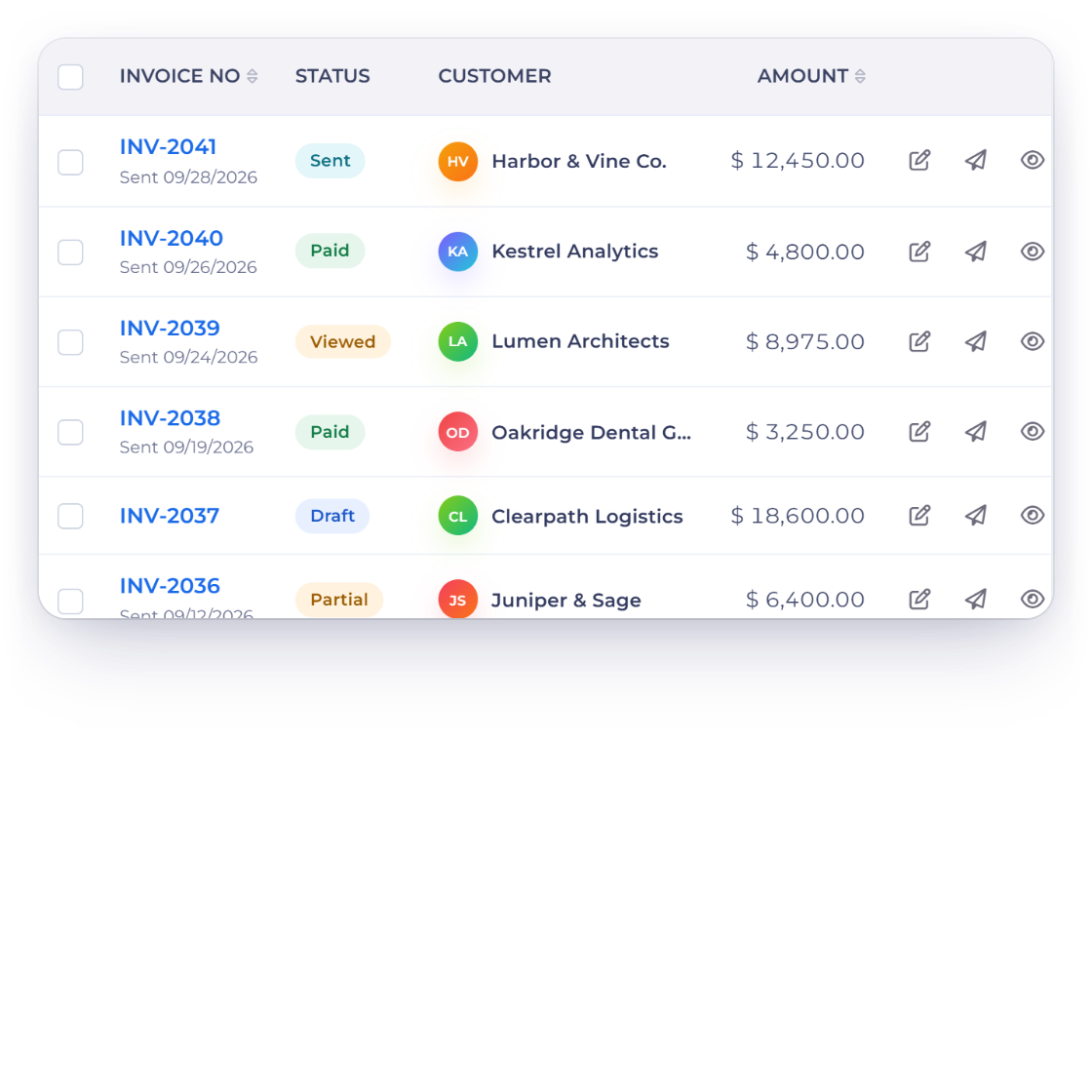
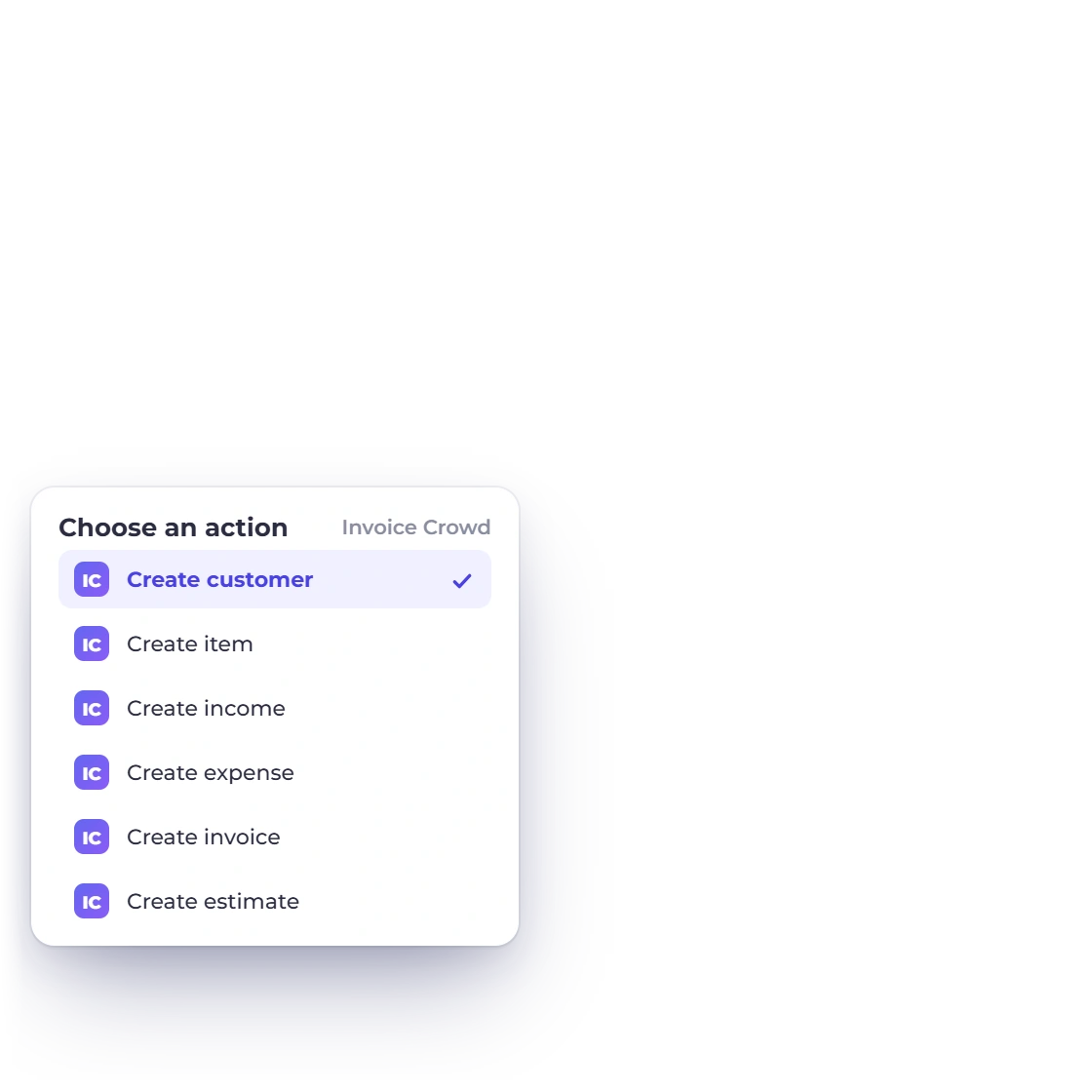
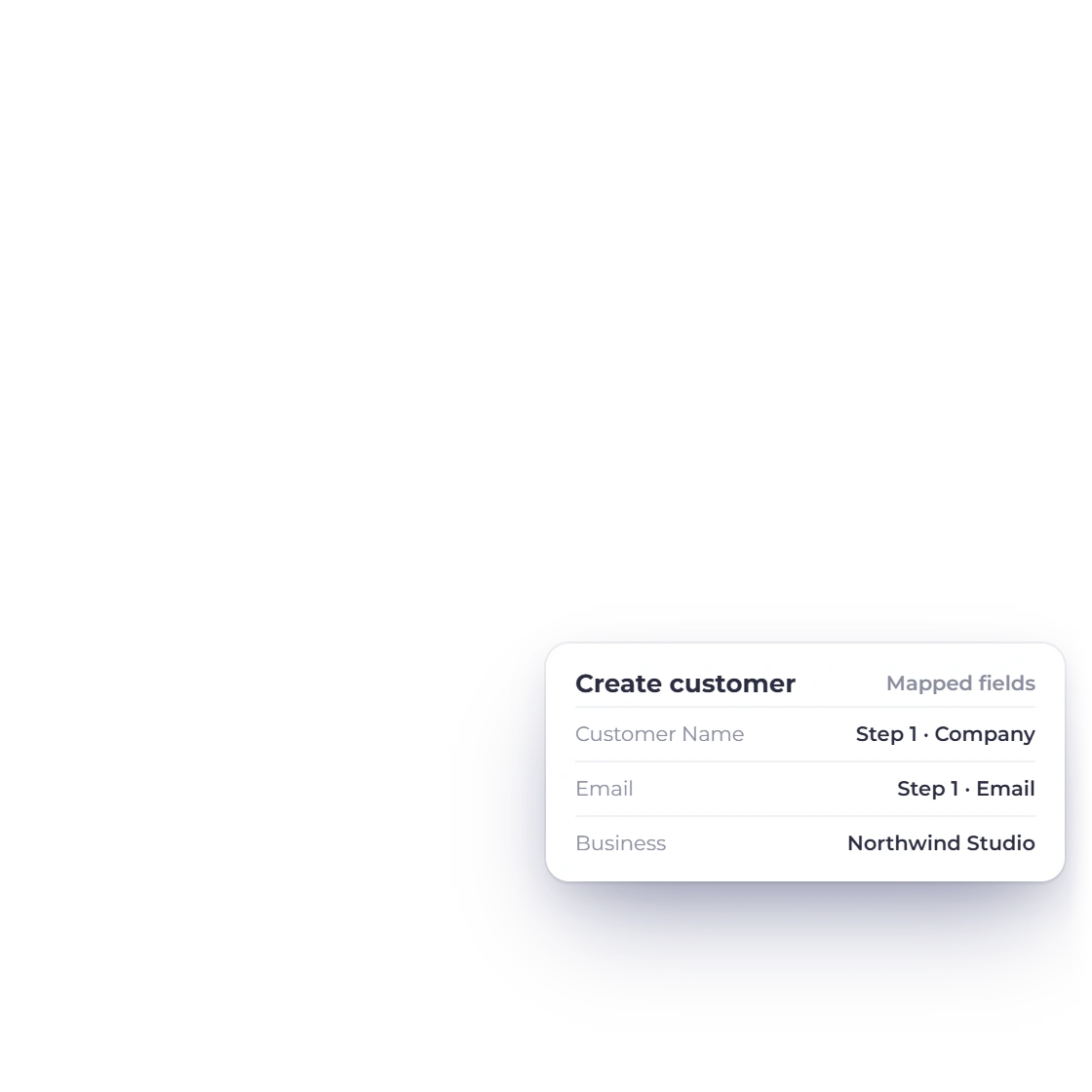
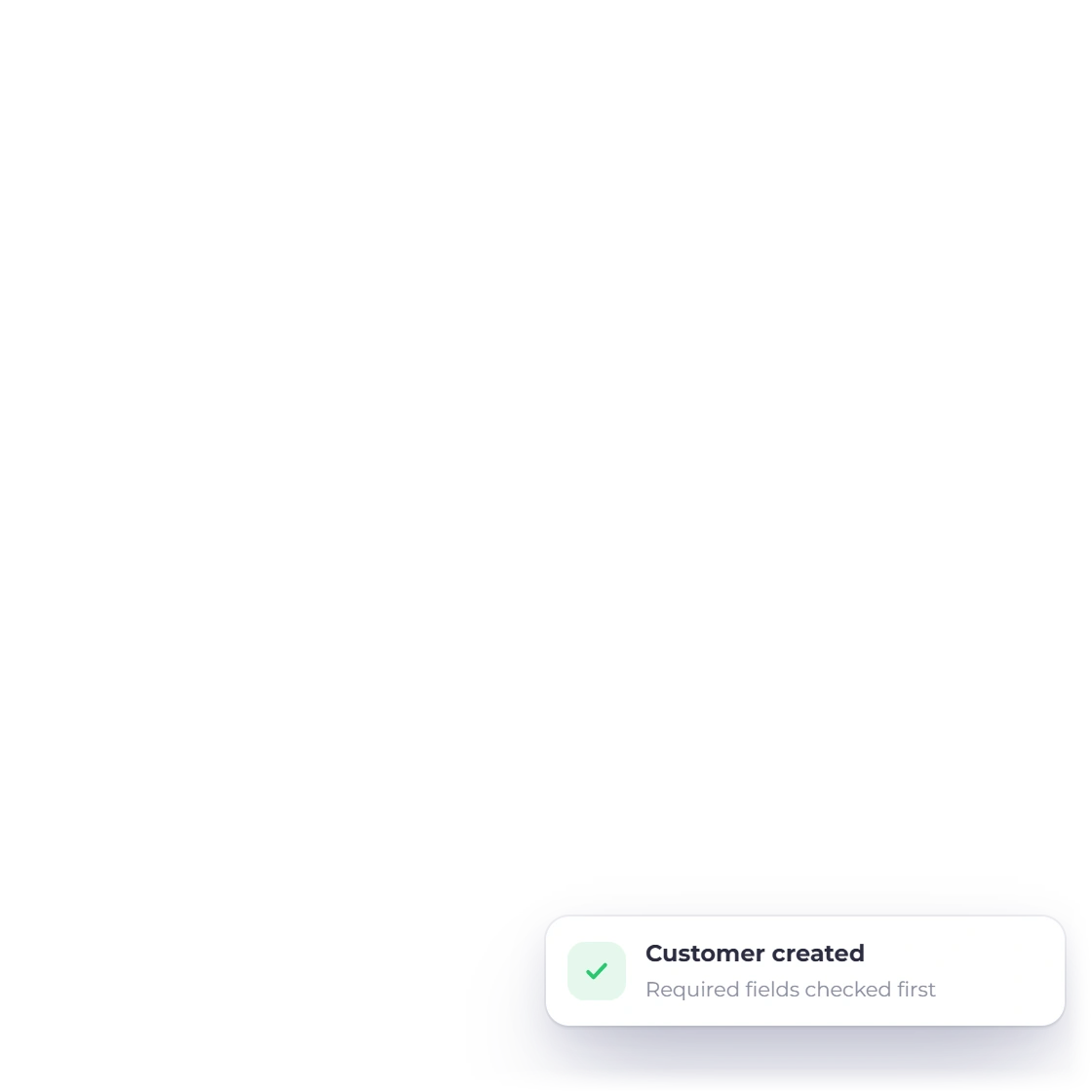
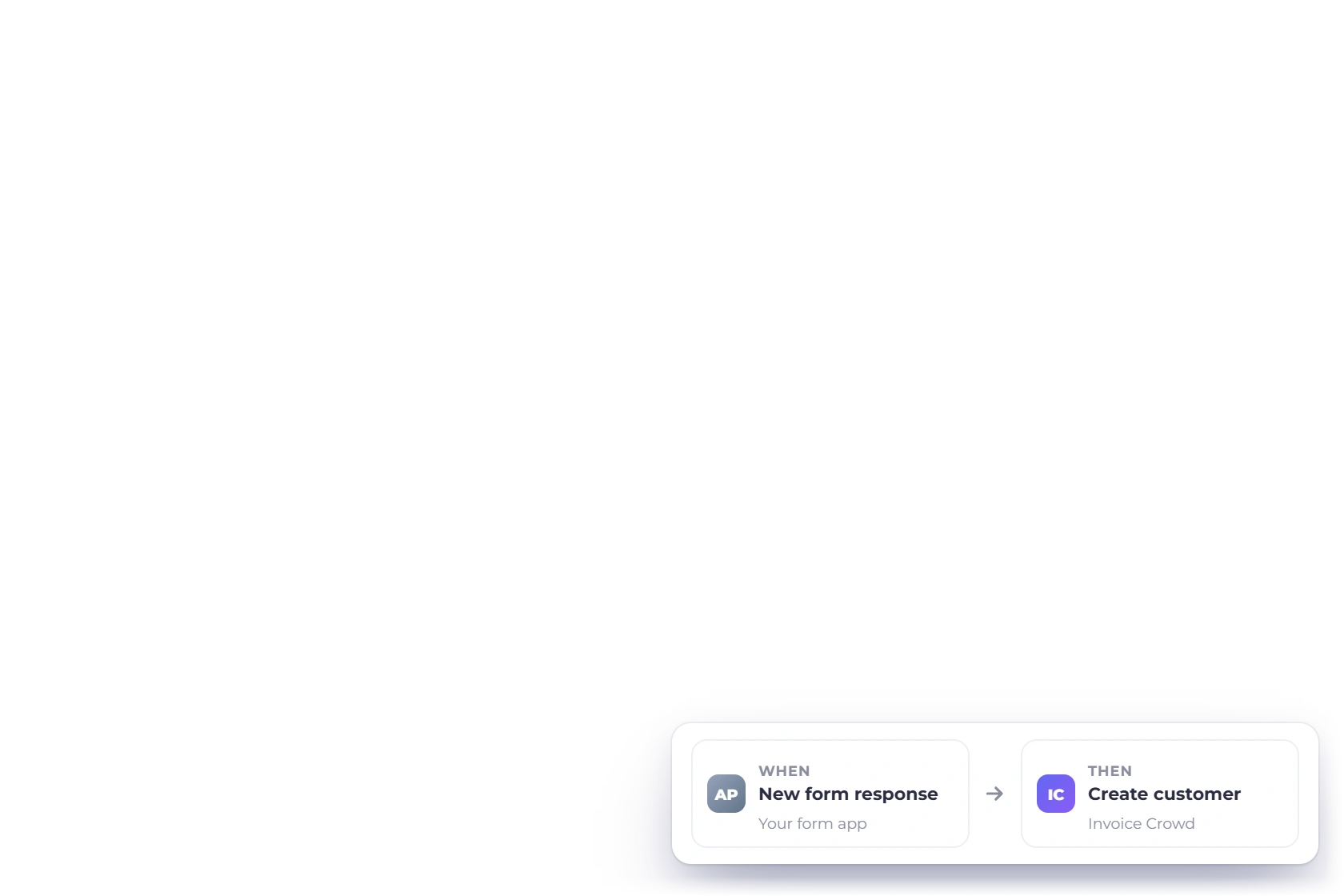
Invoice Crowd Zapier automation workflow showing a trigger, mapped fields and an action.

How it works

Connect your apps and keep work moving

Choose what starts the workflow, map the information you need and add the next action. Invoice Crowd keeps each new record with the business you selected.

Connect Invoice Crowd

Secure account connection

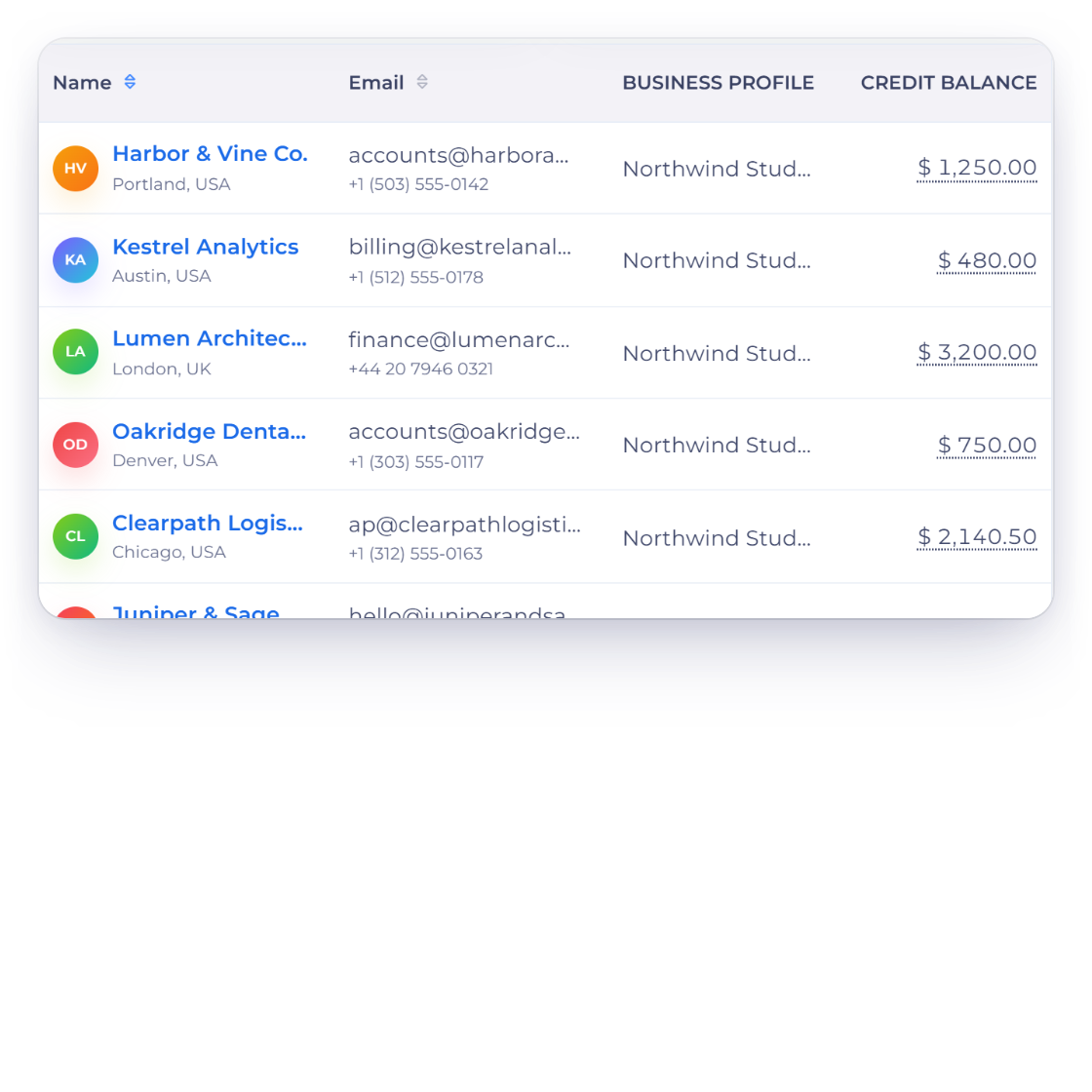
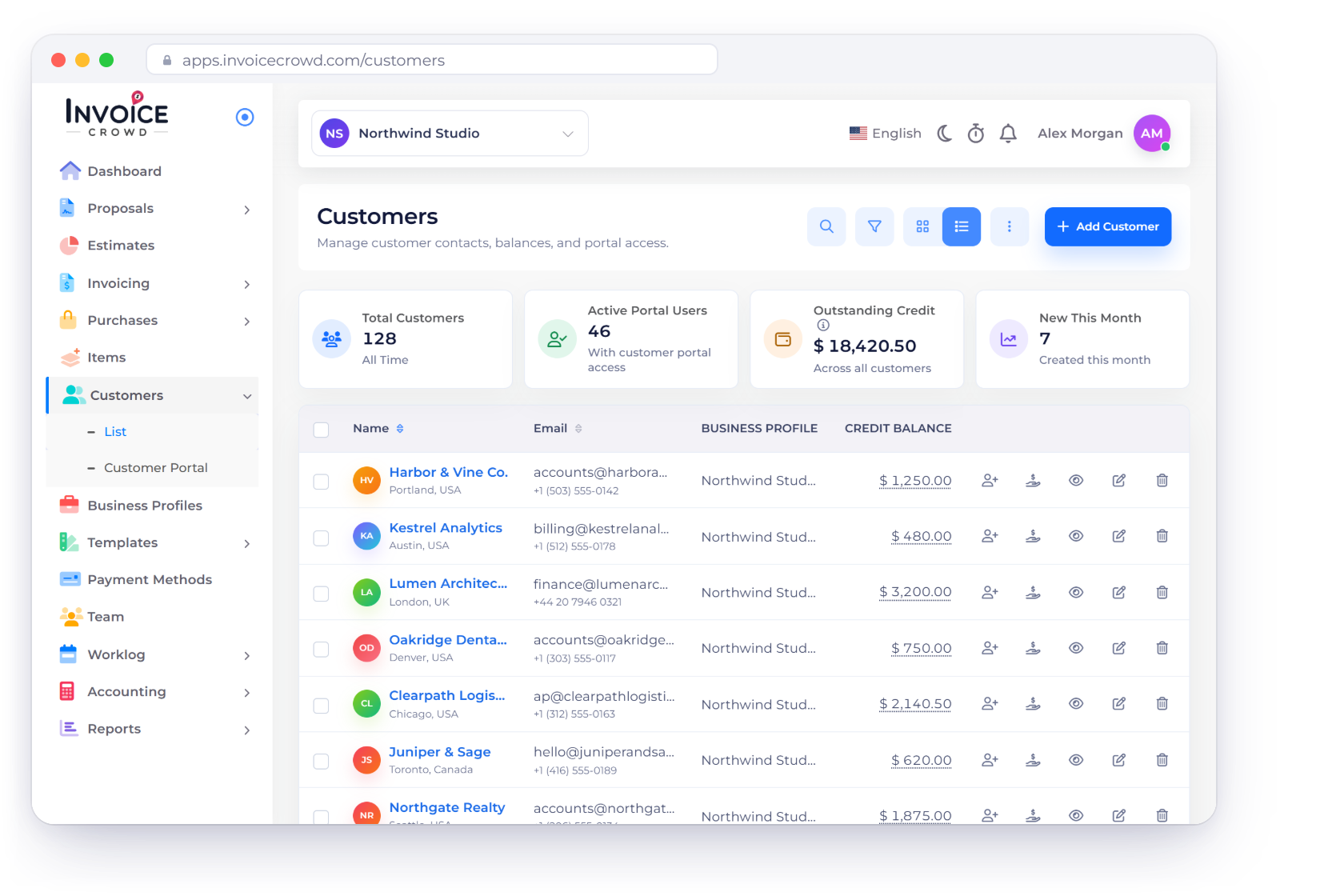
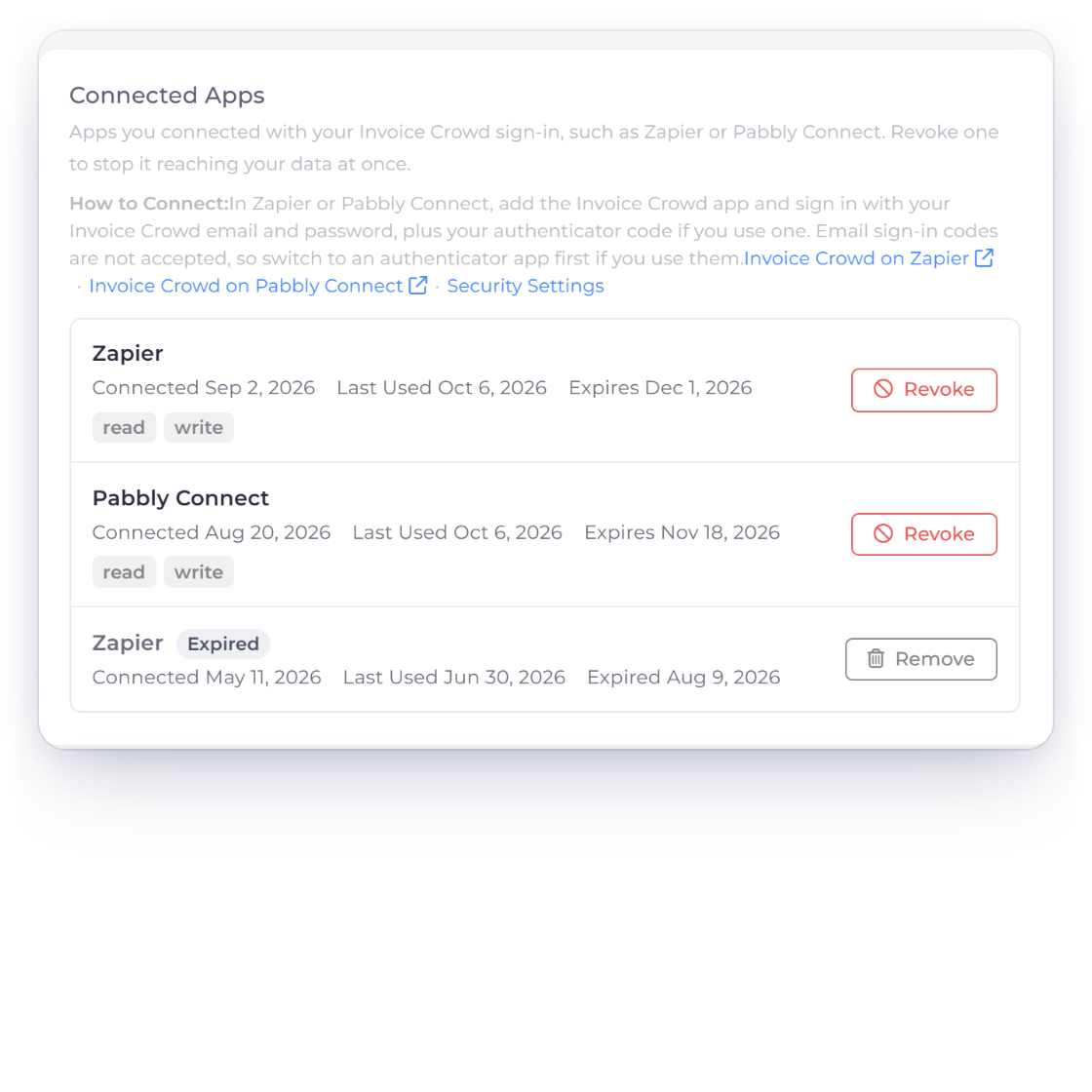
Invoice Crowd customer screen showing an example Zapier account connection.

Connect your Invoice Crowd account

Sign in to Invoice Crowd, choose the business you want to use and connect it to Zapier. You can remove access whenever you need to.

  • Sign in with your Invoice Crowd account
  • Choose the business to use
  • Remove access when needed

Choose a trigger

Start with a new record

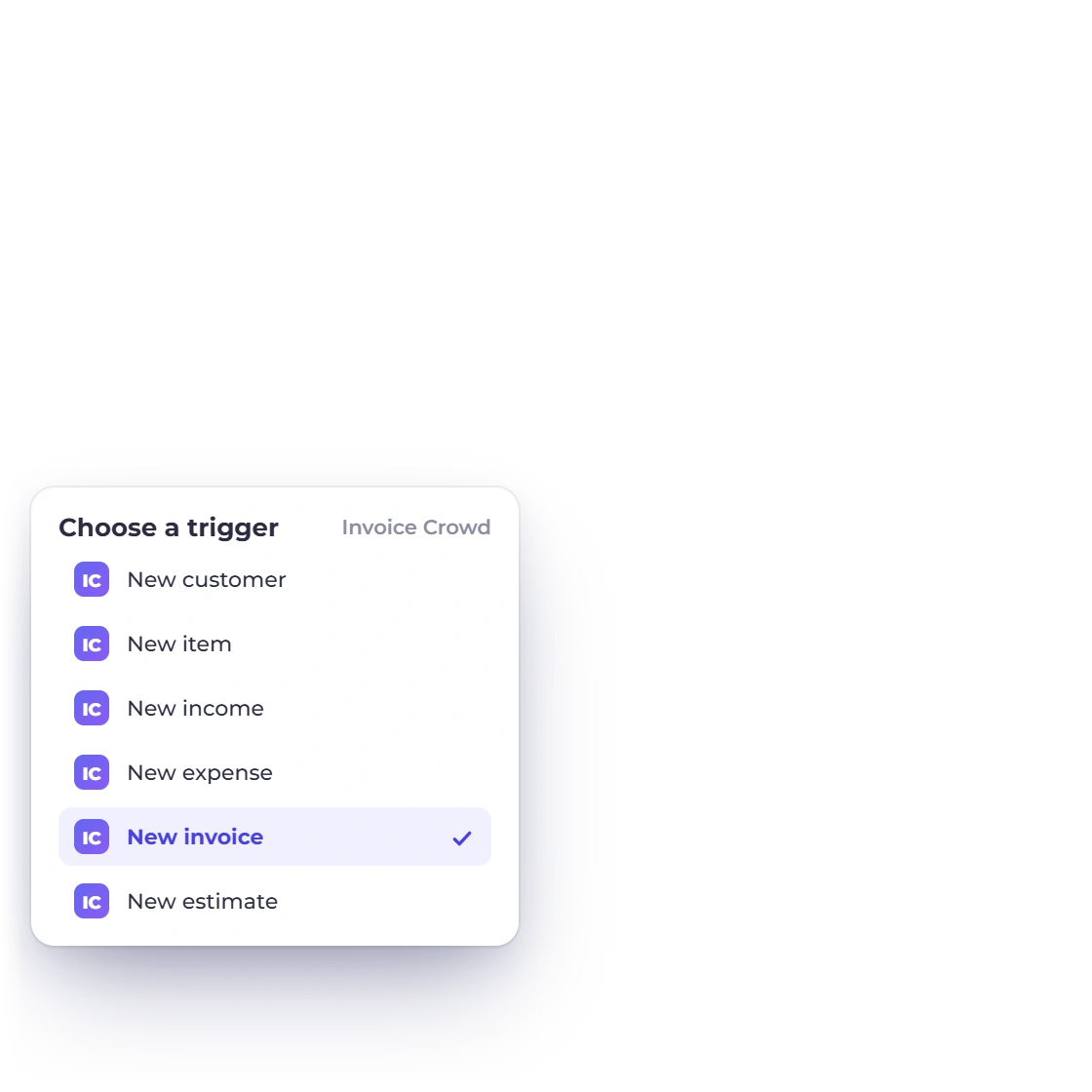
Invoice Crowd records showing example Zapier triggers.

Start with a new Invoice Crowd record

Use a new customer, item, income, expense, invoice or estimate as the trigger for your workflow. How often Zapier checks for new records depends on your automation plan.

  • 6 triggers available
  • Use a new record as the starting point
  • Check frequency depends on Zapier

Add an action

Create a record

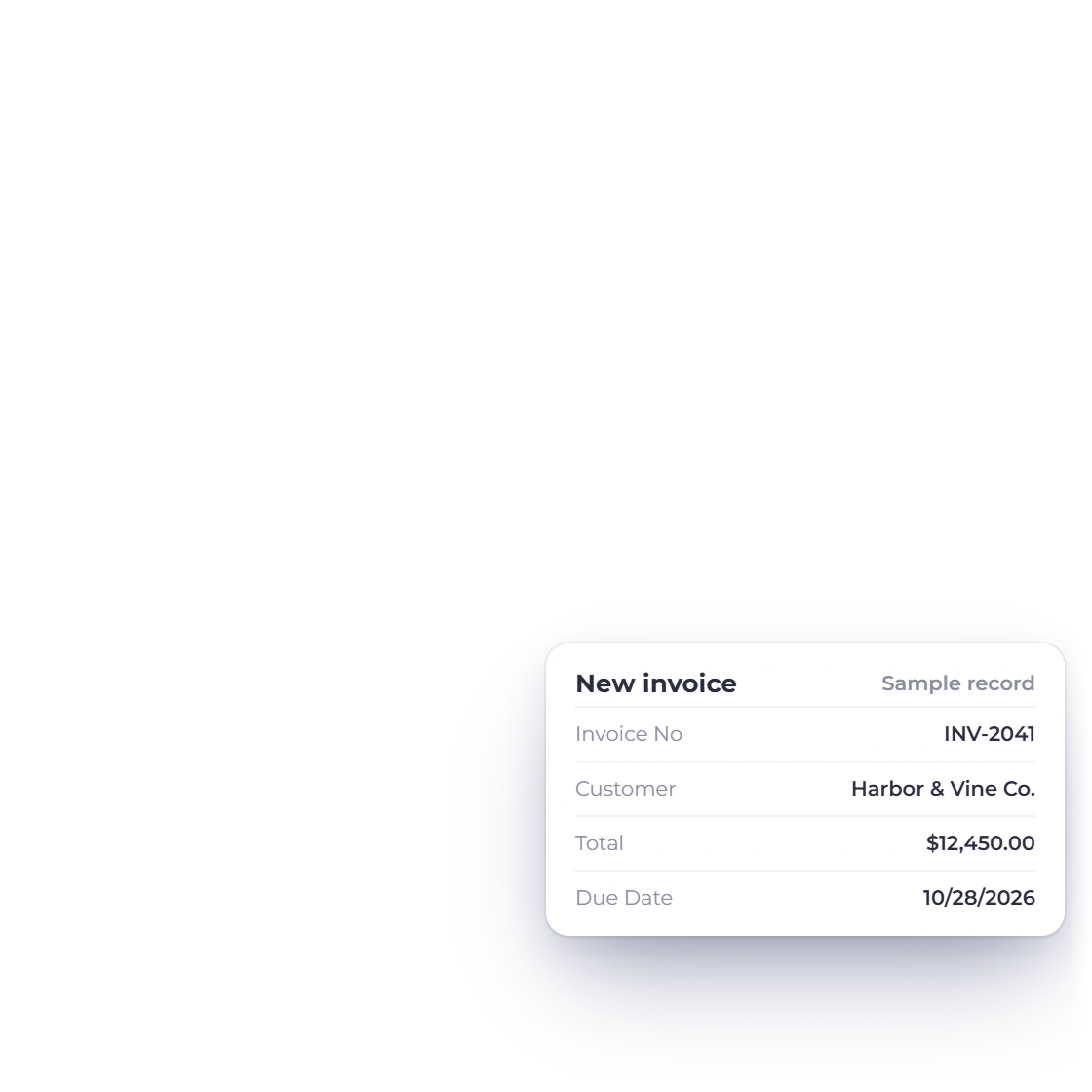
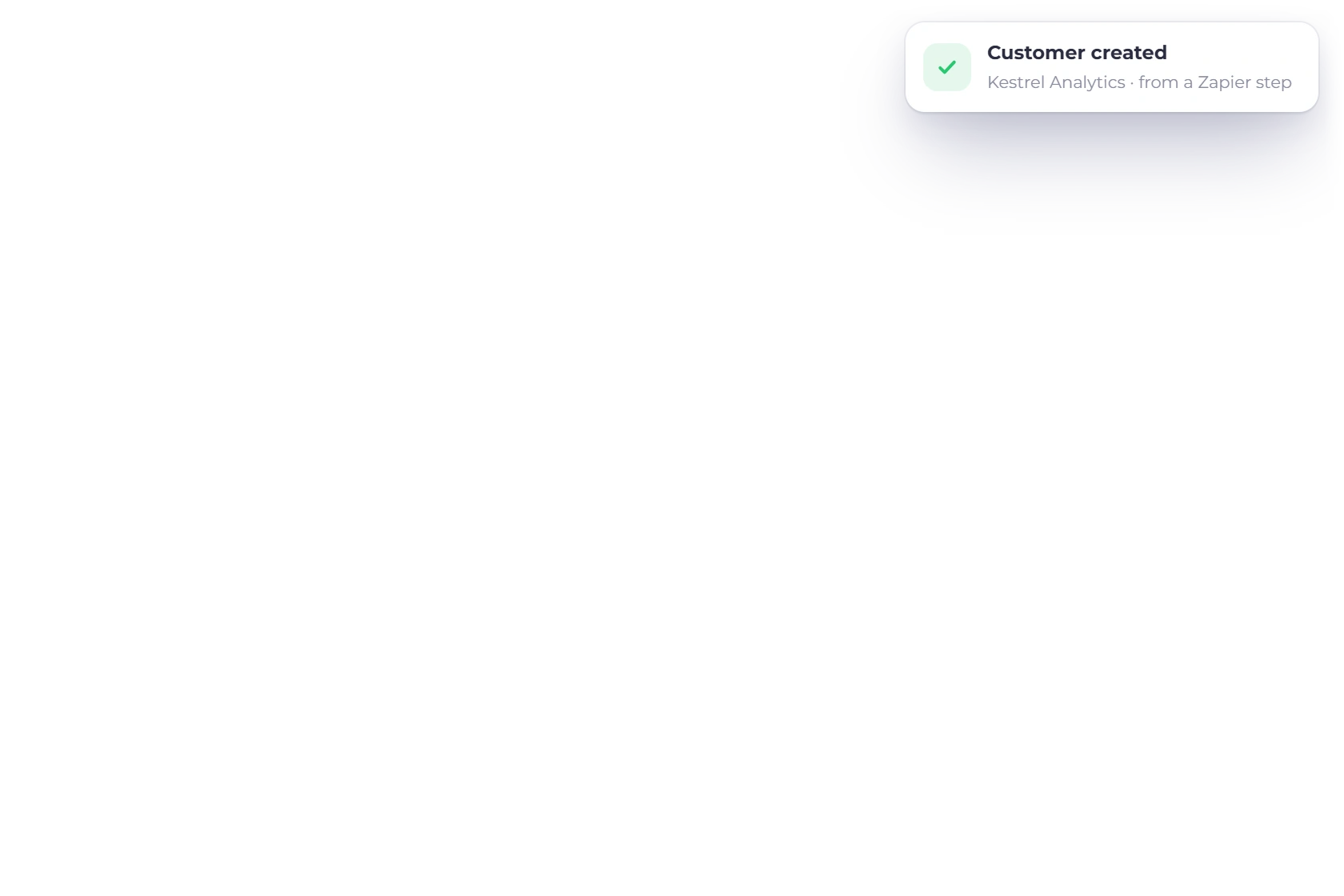
Invoice Crowd records showing example Zapier actions.

Create Invoice Crowd records automatically

Add a customer, item, income, expense, invoice or estimate in Invoice Crowd from another step in your Zapier workflow.

  • 6 actions available
  • Map fields from earlier steps
  • Invoice Crowd checks required information

Available triggers and actions

12 ways to automate your invoicing workflow

Choose a trigger to start a workflow or an action to create a new record in Invoice Crowd.

  • New customer trigger

    Start a workflow when a customer is added.

  • New item trigger

    Start a workflow when a product or service is added.

  • New invoice trigger

    Start a workflow when an invoice is created.

  • New estimate trigger

    Start a workflow when an estimate is created.

  • New income trigger

    Start a workflow when income is recorded.

  • New expense trigger

    Start a workflow when an expense is recorded.

  • Create customer action

    Add a new customer in Invoice Crowd.

  • Create item action

    Add a new product or service item.

  • Create invoice action

    Create an invoice from mapped workflow data.

  • Create estimate action

    Create an estimate from mapped workflow data.

  • Create income action

    Record new income in Invoice Crowd.

  • Create expense action

    Record a new expense in Invoice Crowd.

Questions

Zapier automation, answered

Which Invoice Crowd triggers are available in Zapier?

Start a workflow when a new customer, item, income, expense, invoice or estimate is added.

Which Invoice Crowd actions are available in Zapier?

Create a customer, item, income, expense, invoice or estimate from another step in your workflow.

How do I build a workflow?

Connect Invoice Crowd, choose a trigger or action, map the fields you need and test the workflow before you turn it on.

Are Invoice Crowd triggers instant?

No. Zapier checks for new records at intervals set by your automation plan.

Can a workflow update or delete records?

Not currently. The available actions create new records; they do not update or delete existing ones.

Can I choose which Invoice Crowd business to use?

Yes. Choose a business when you connect your Invoice Crowd account, and the workflow will use that business.

Can I connect an account that uses two-factor authentication?

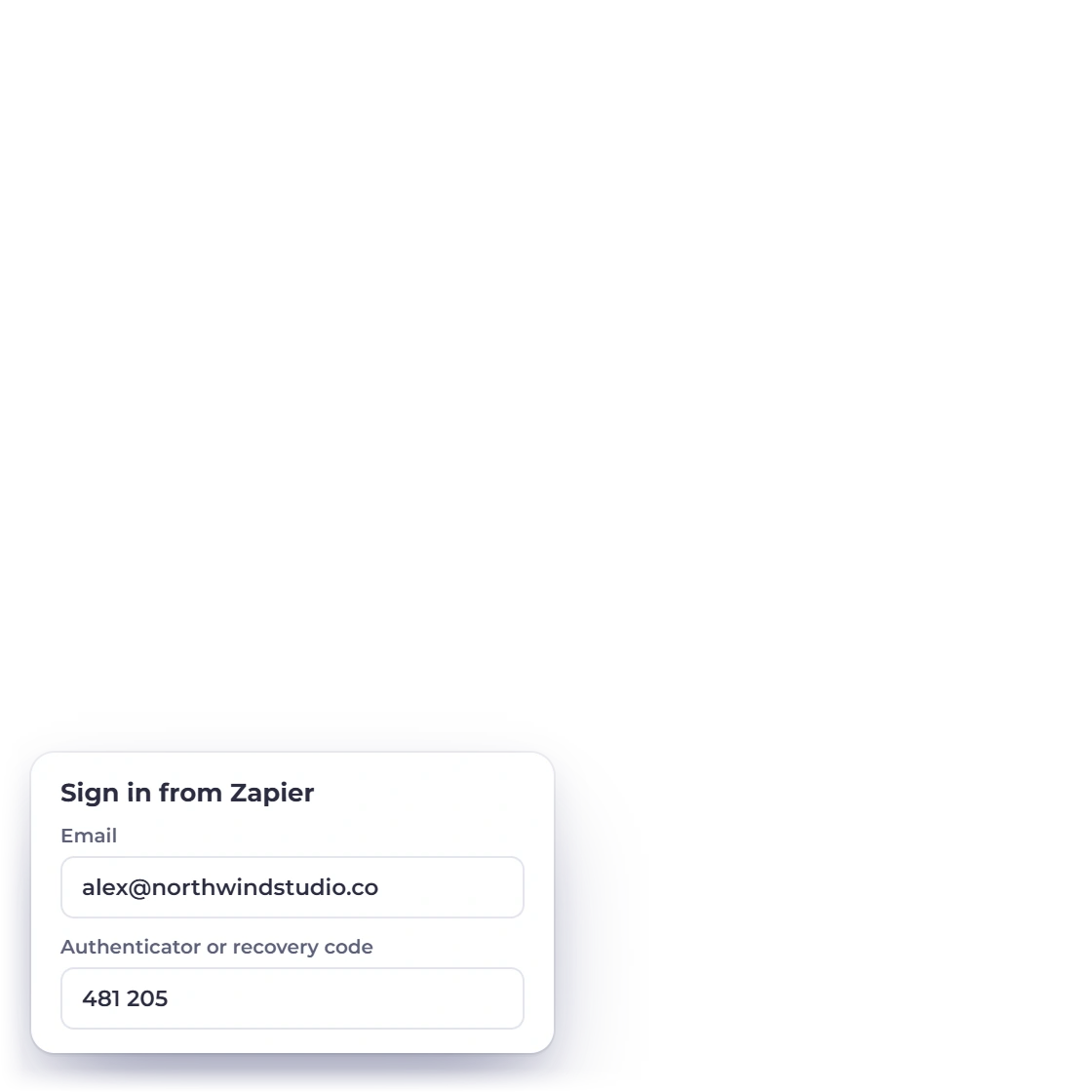
Yes. Use an authenticator code or a recovery code when you connect the account.

What should I test before turning on a workflow?

Run a sample record, confirm the selected business and mapped fields, then check that Invoice Crowd created the result you expected.

Start automating Invoice Crowd with Zapier

Connect your account, choose a trigger or action, map your fields and test the workflow before you turn it on.

  • 6 triggers
  • 6 actions
  • Choose your business