Skip to content

Small business accounting and invoicing that your accountant can work from

A business with staff, suppliers and a tax return needs more than a billing app. Invoice Crowd covers the money coming in and the money going out, and posts both into a double-entry ledger with GST, aged debt and statements on top.

  • Money in and money out
  • GST invoices and a filing report
  • Team members with roles

What is inside

Both sides of the business, in one ledger

Invoices are the visible half. The other half is suppliers, bills, staff and the morning in spring when somebody asks for last year's numbers.

Money in

Sales, tax, and the customers running late

Sales documents with the tax already on them

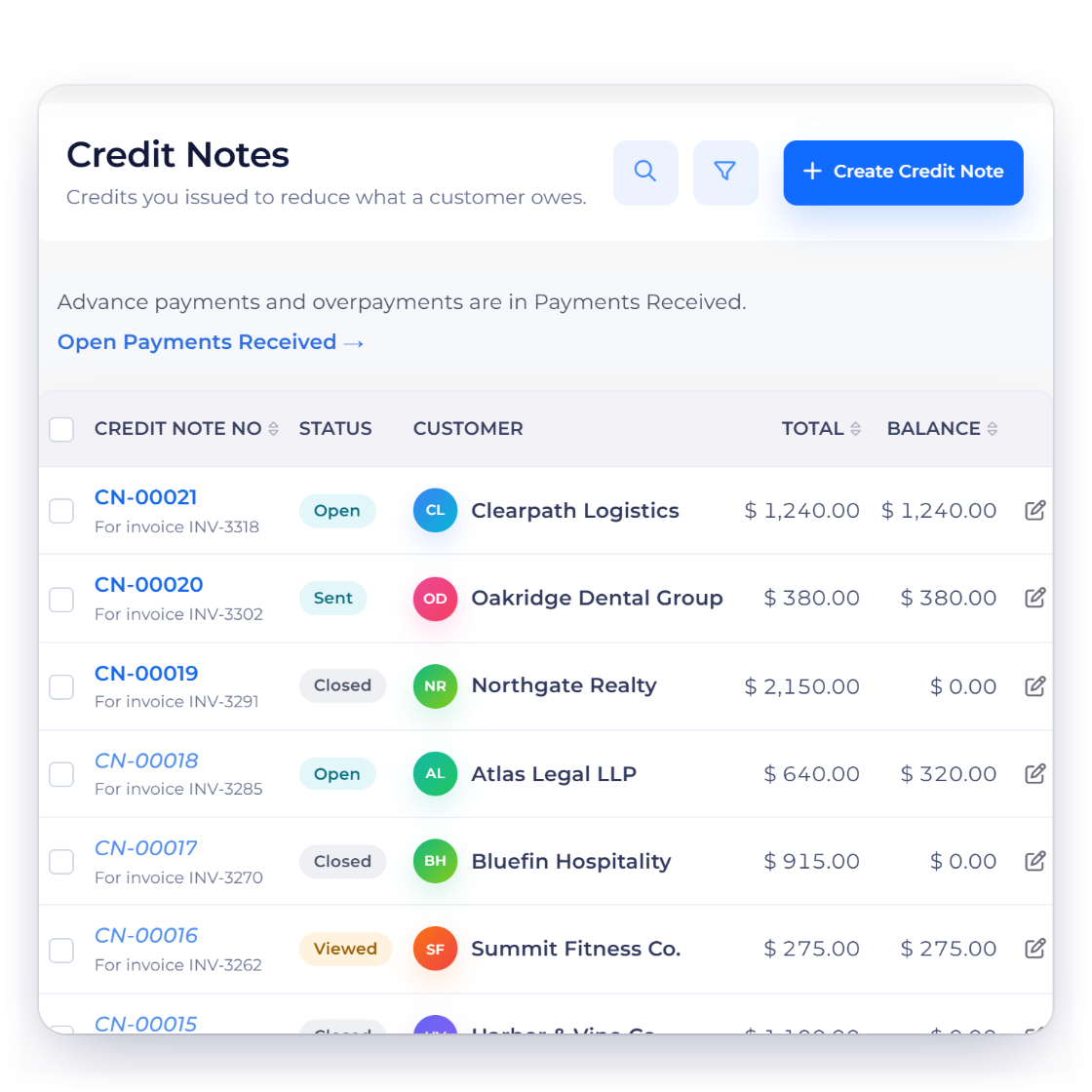
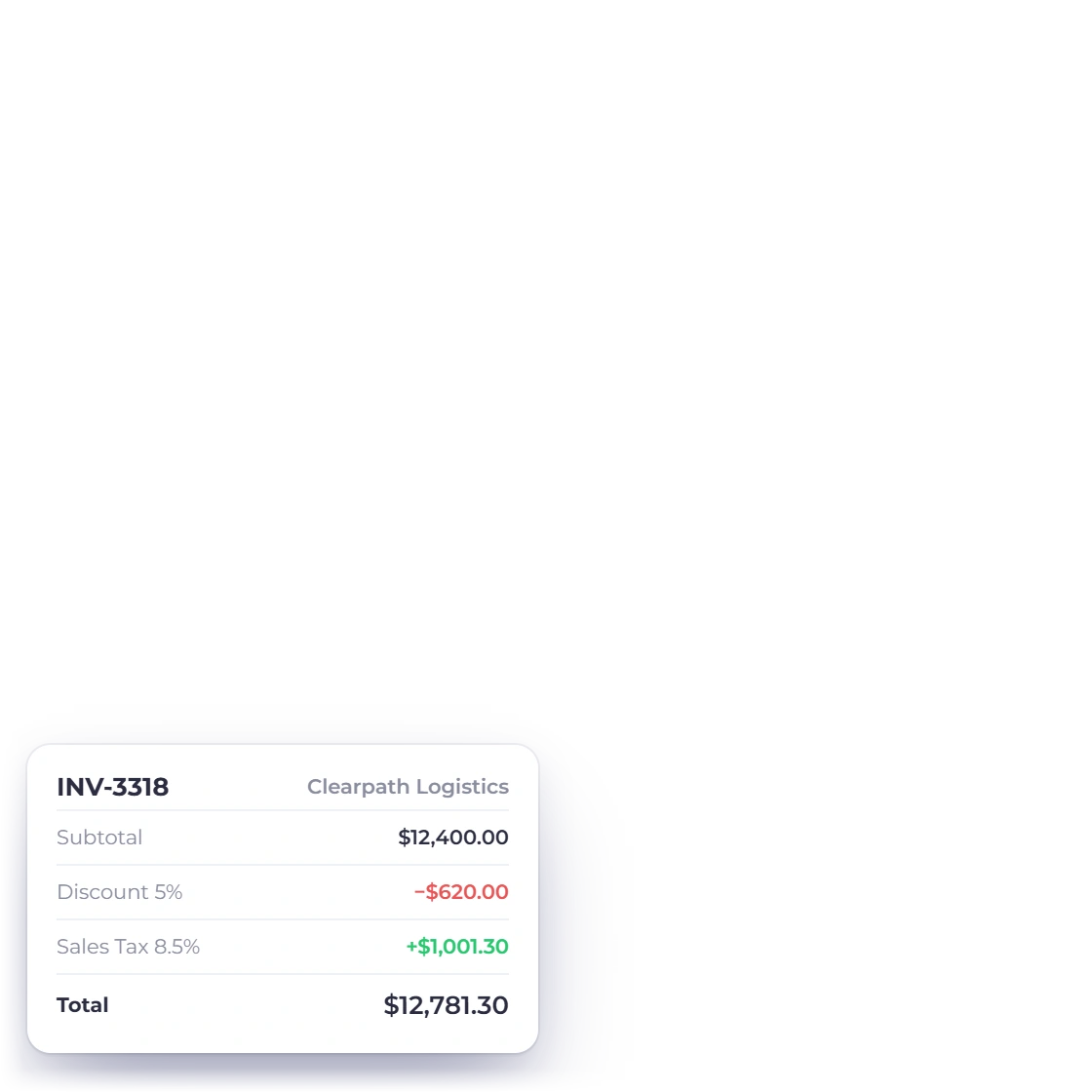
Quote, bill and correct in one flow. An approved estimate becomes an invoice, GST applies where it should and custom tax and discount rates handle the lines that differ, and a credit note reverses an overcharge without deleting the original. Each document belongs to a business profile and posts to that profile's books.

  • GST-enabled invoices with custom tax and discount rates
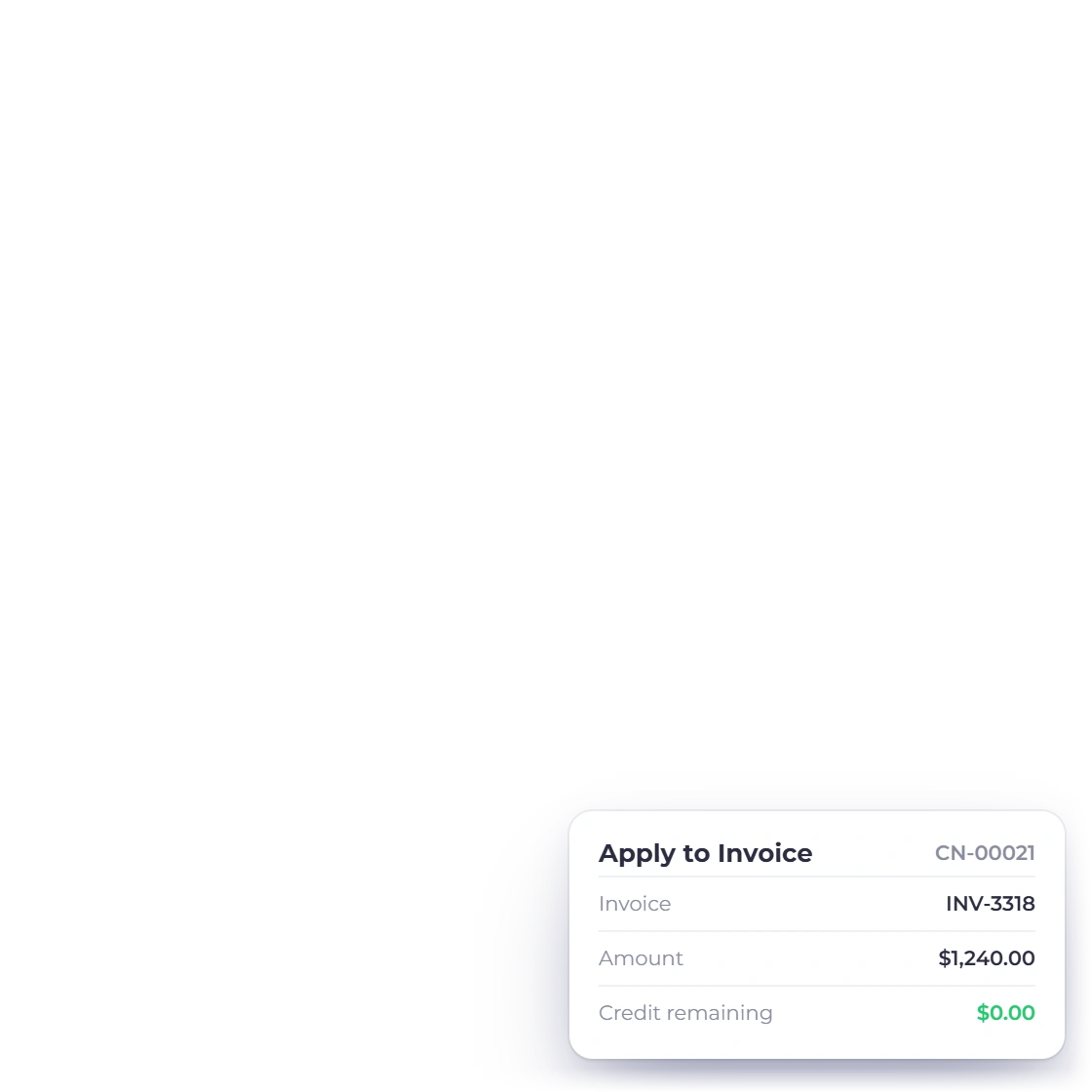
  • Credit notes that reverse rather than erase
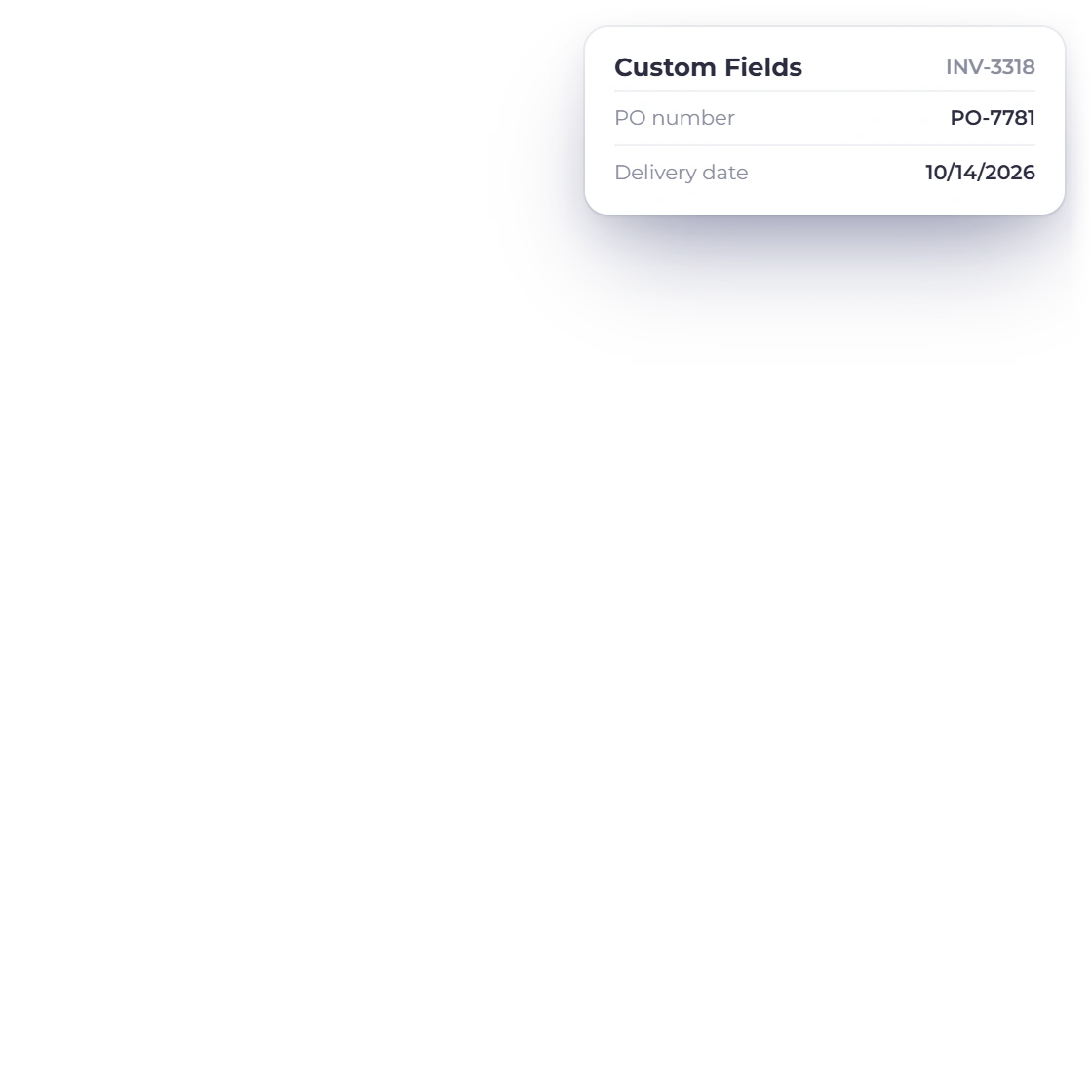
  • Custom fields for the references your trade needs
Invoicing end to end
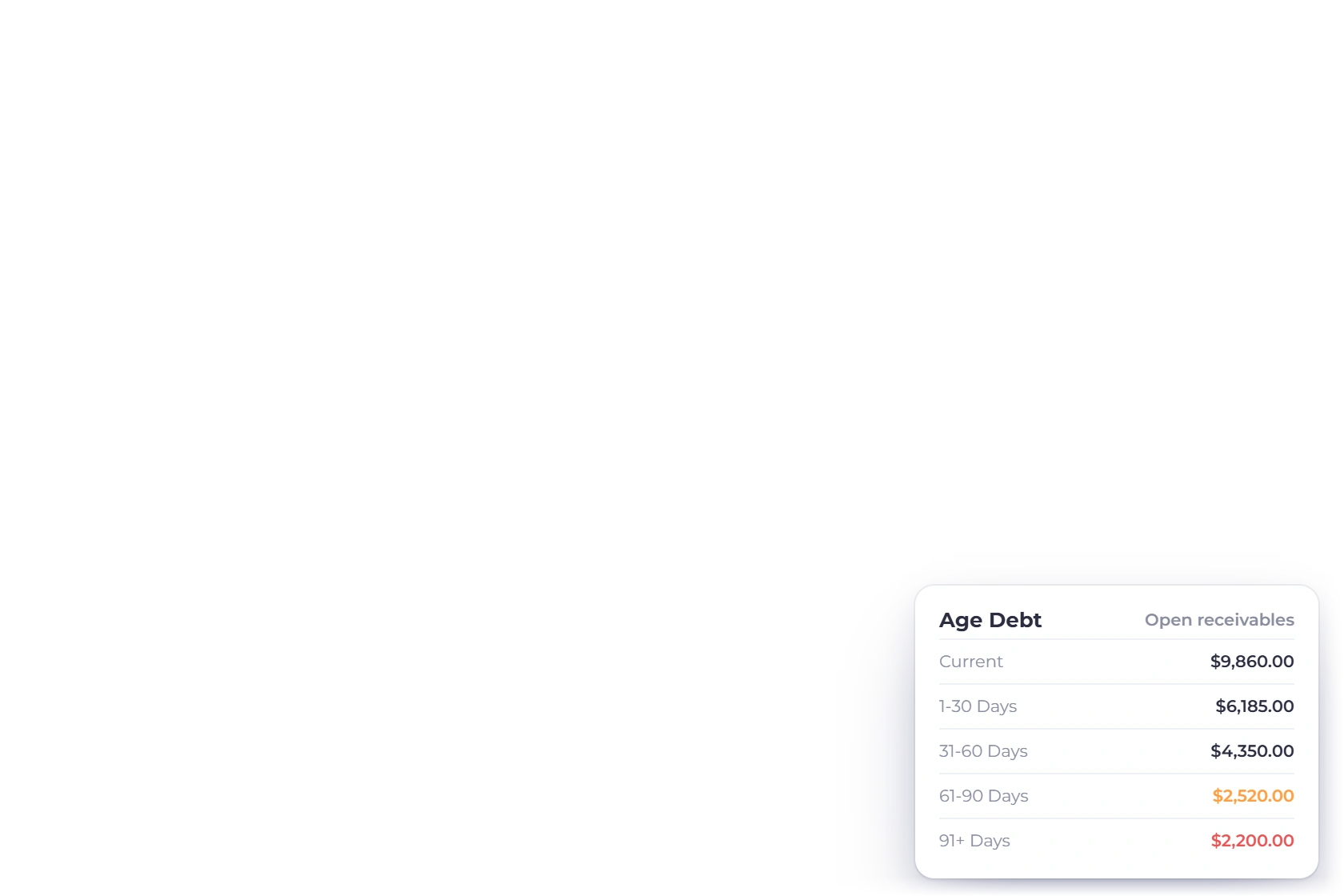
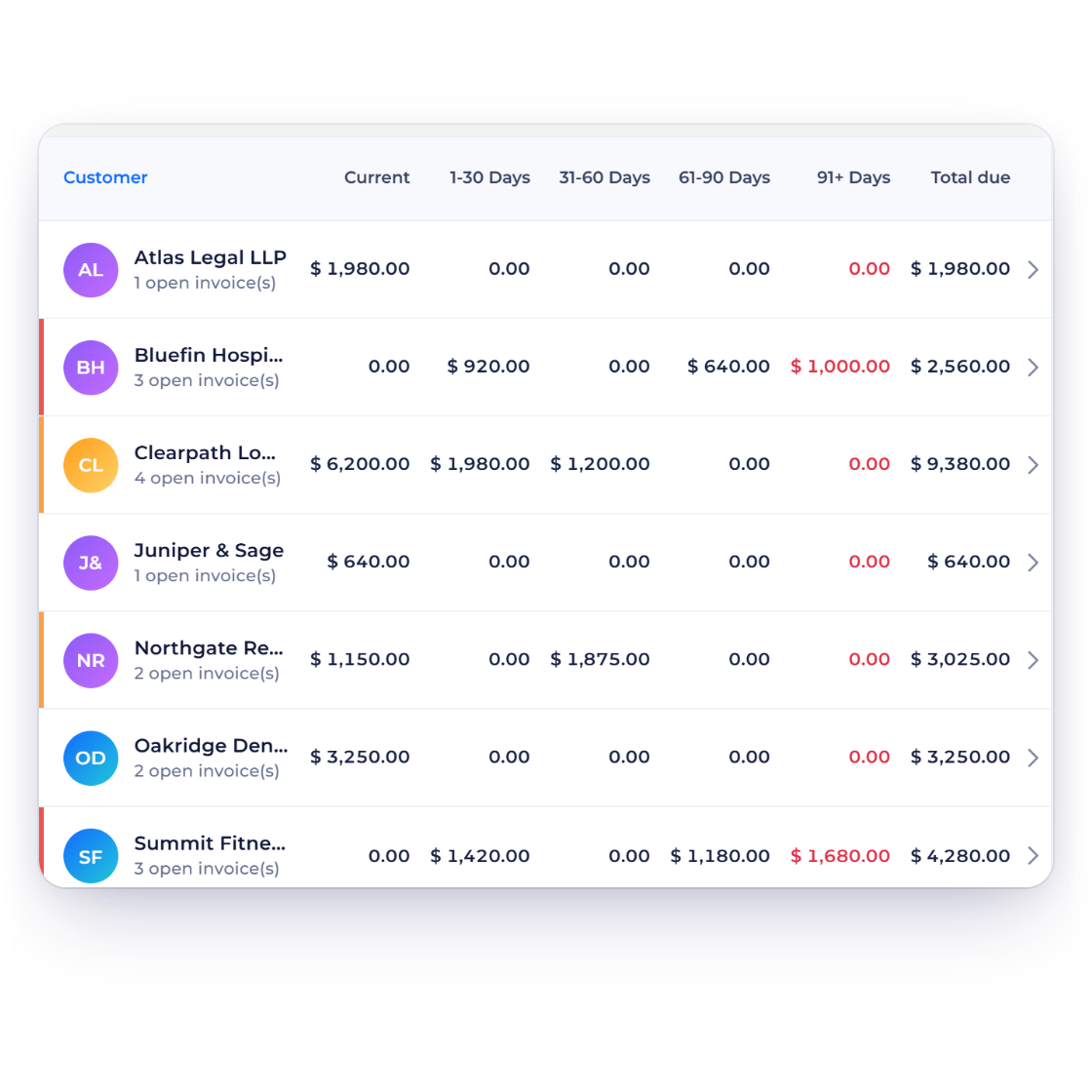
Aged debt report in Invoice Crowd bracketing unpaid customer invoices by age

Aged debt makes chasing a list, not a mood

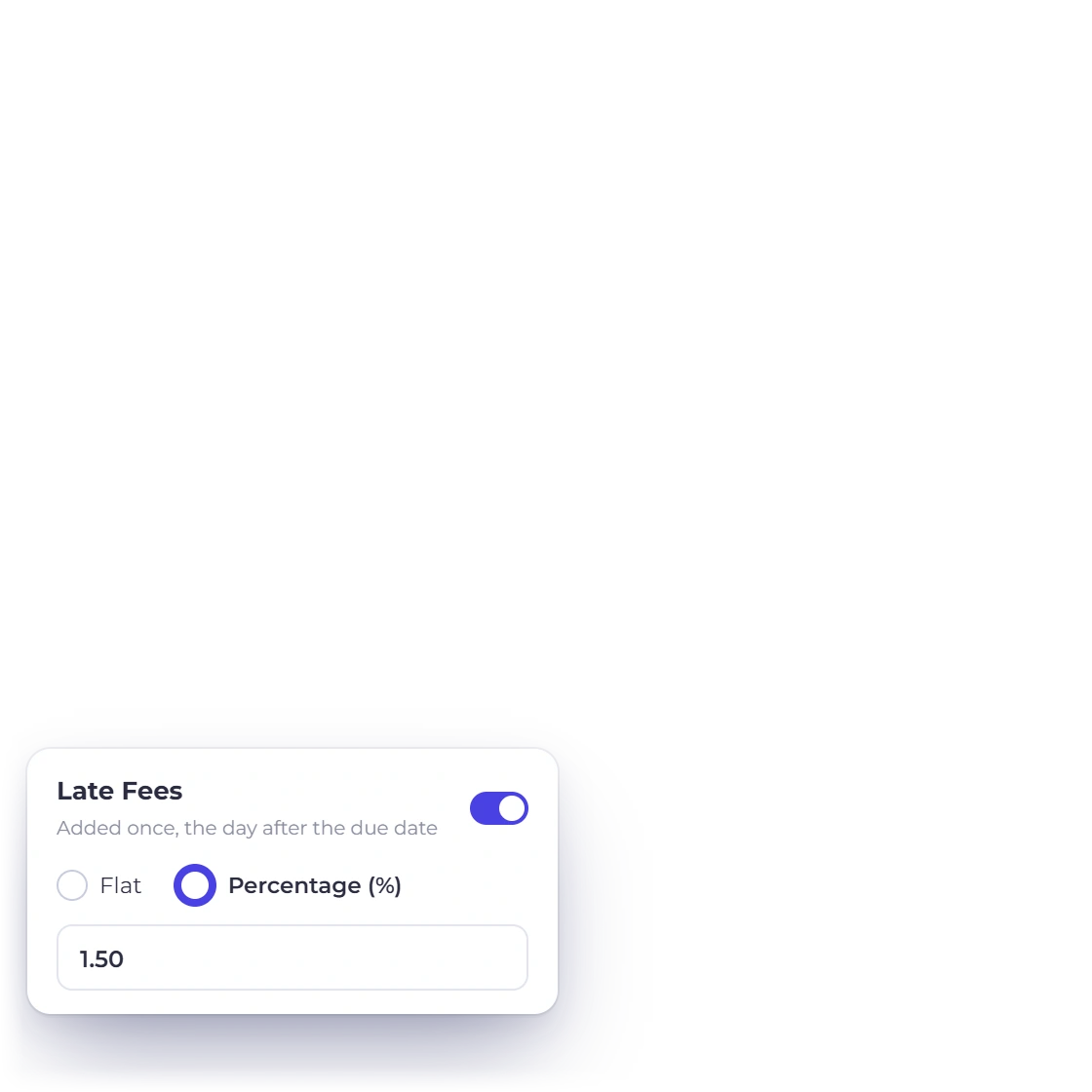
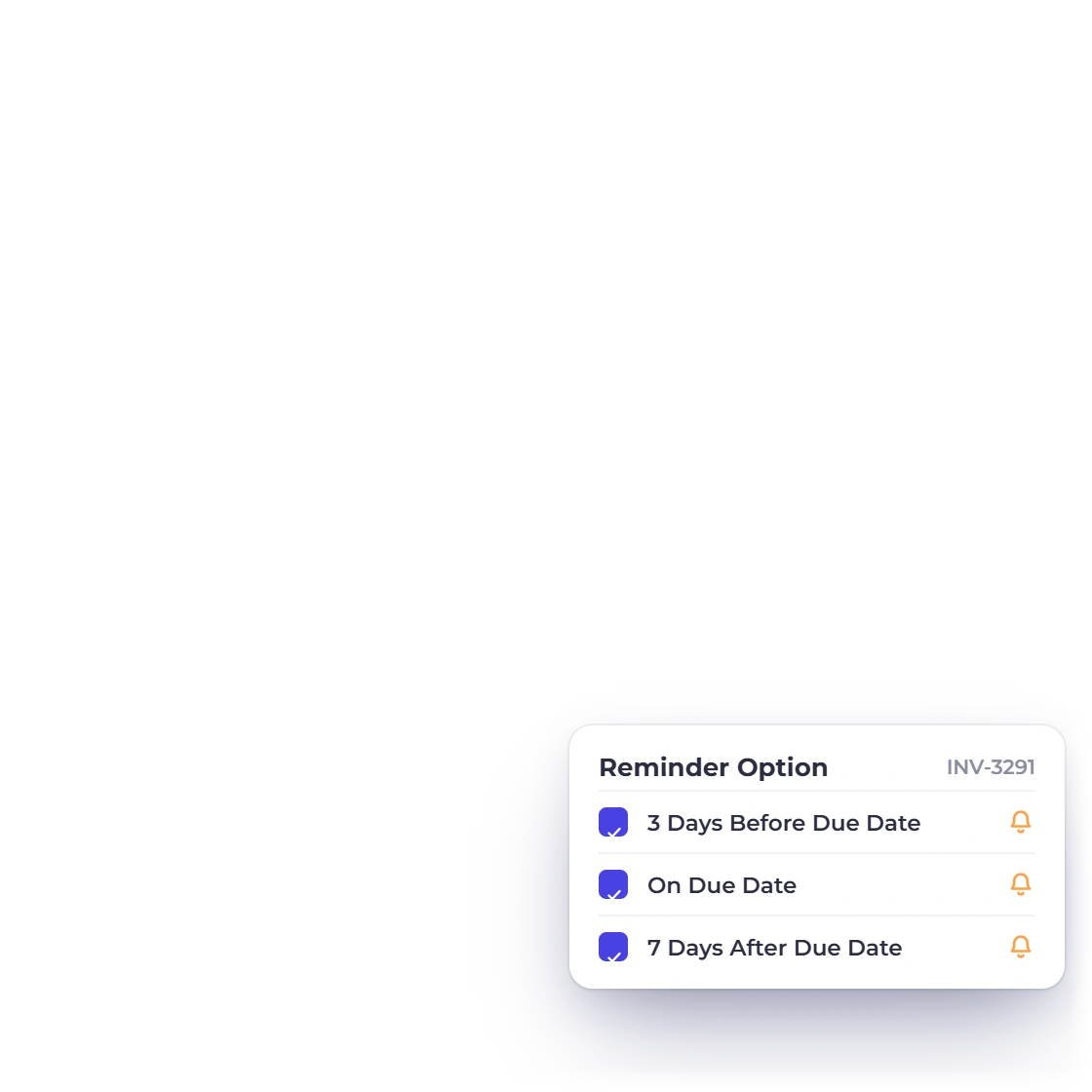
The aged debt report brackets every unpaid invoice by how long it has been outstanding, which turns we are owed a lot into names with amounts and dates beside them. Reminders go out on their own before and after the due date, and a late fee applies when a date passes.

  • Outstanding invoices grouped by how far overdue they are
  • Automatic reminders either side of the due date
  • Late fees as a percentage or a fixed amount
Late fees and reminders

Money out

Suppliers, bills and what the business spends

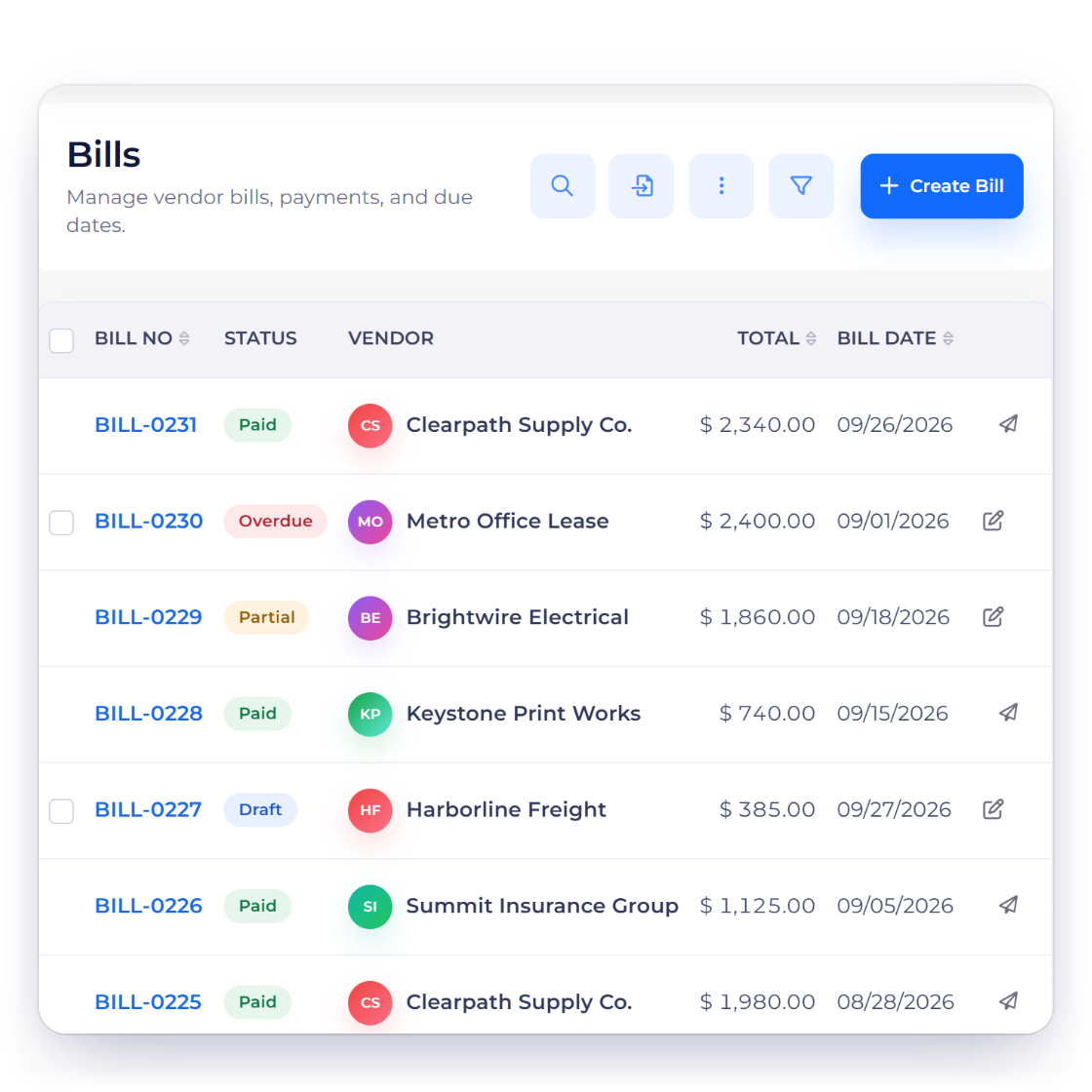
Bills list in Invoice Crowd showing vendor, due date and amount outstanding on each bill

Vendors, bills and purchase orders

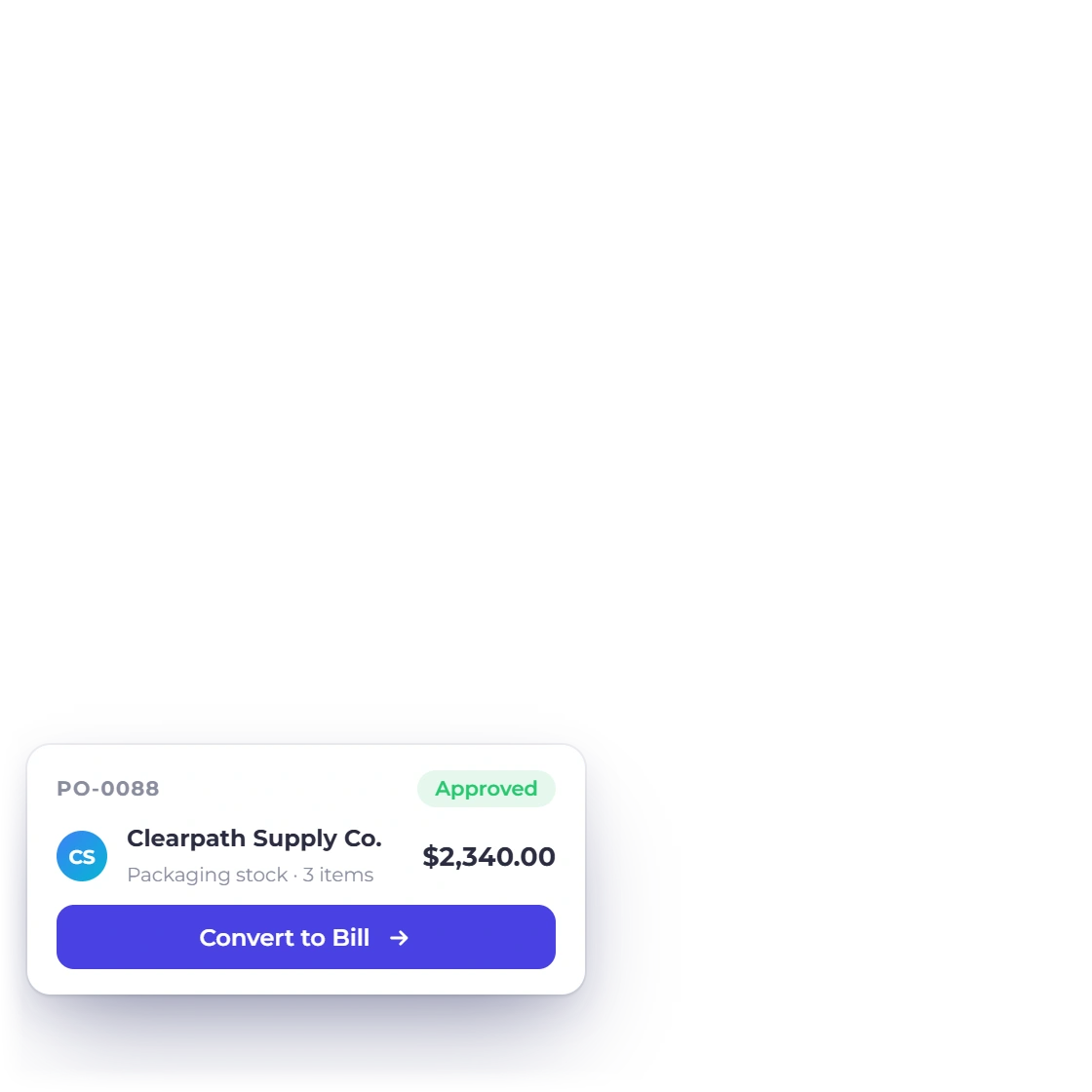
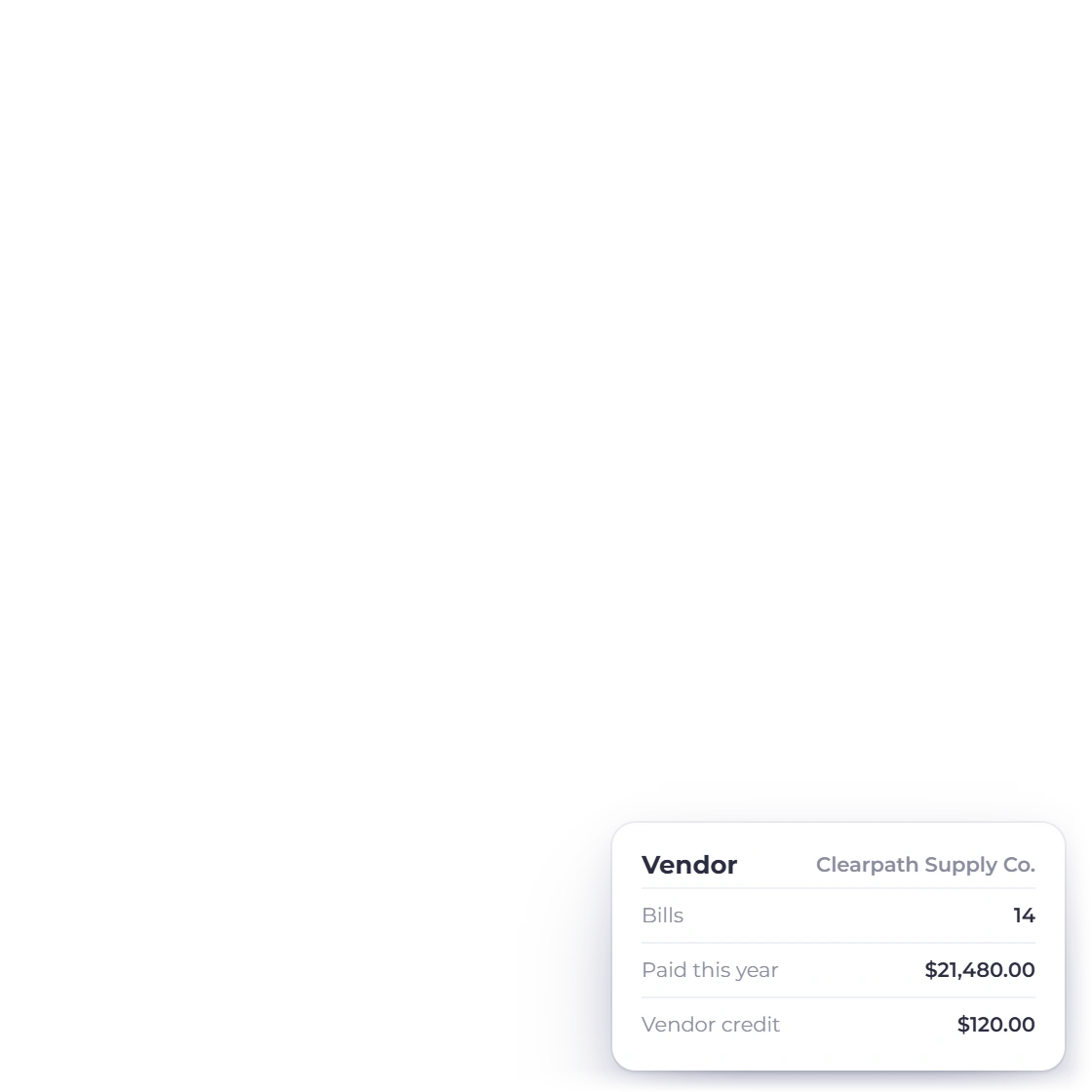
The supplier side has the same shape as the customer side. Keep a record per vendor, raise a purchase order, enter the bill that comes back against it and record what you paid, so payables sit next to receivables instead of in a folder somebody has to open.

  • Vendor records with their own document history
  • Purchase orders and the bills that follow them
  • Payments made and vendor credits recorded against the vendor

Costs categorized the day they happen

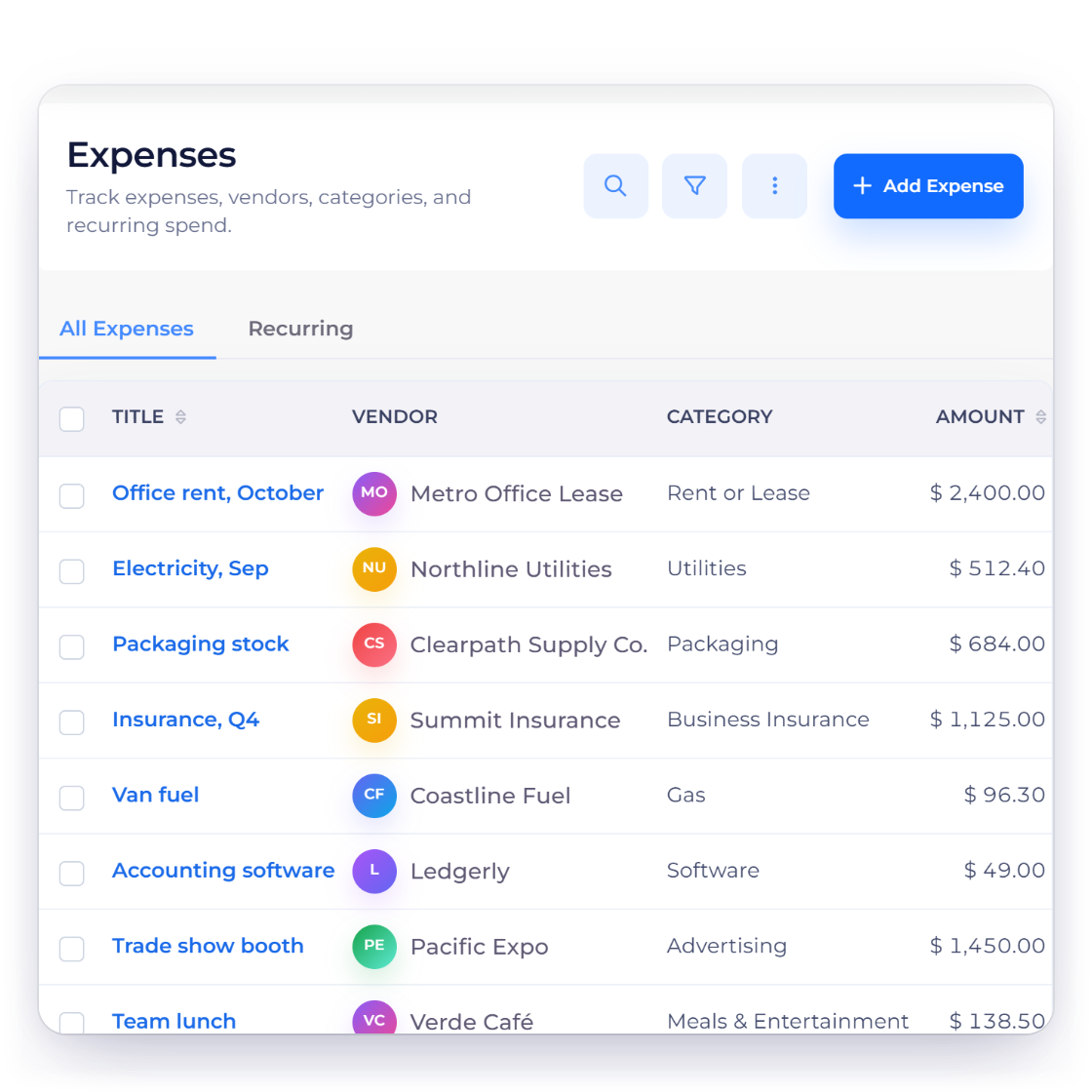
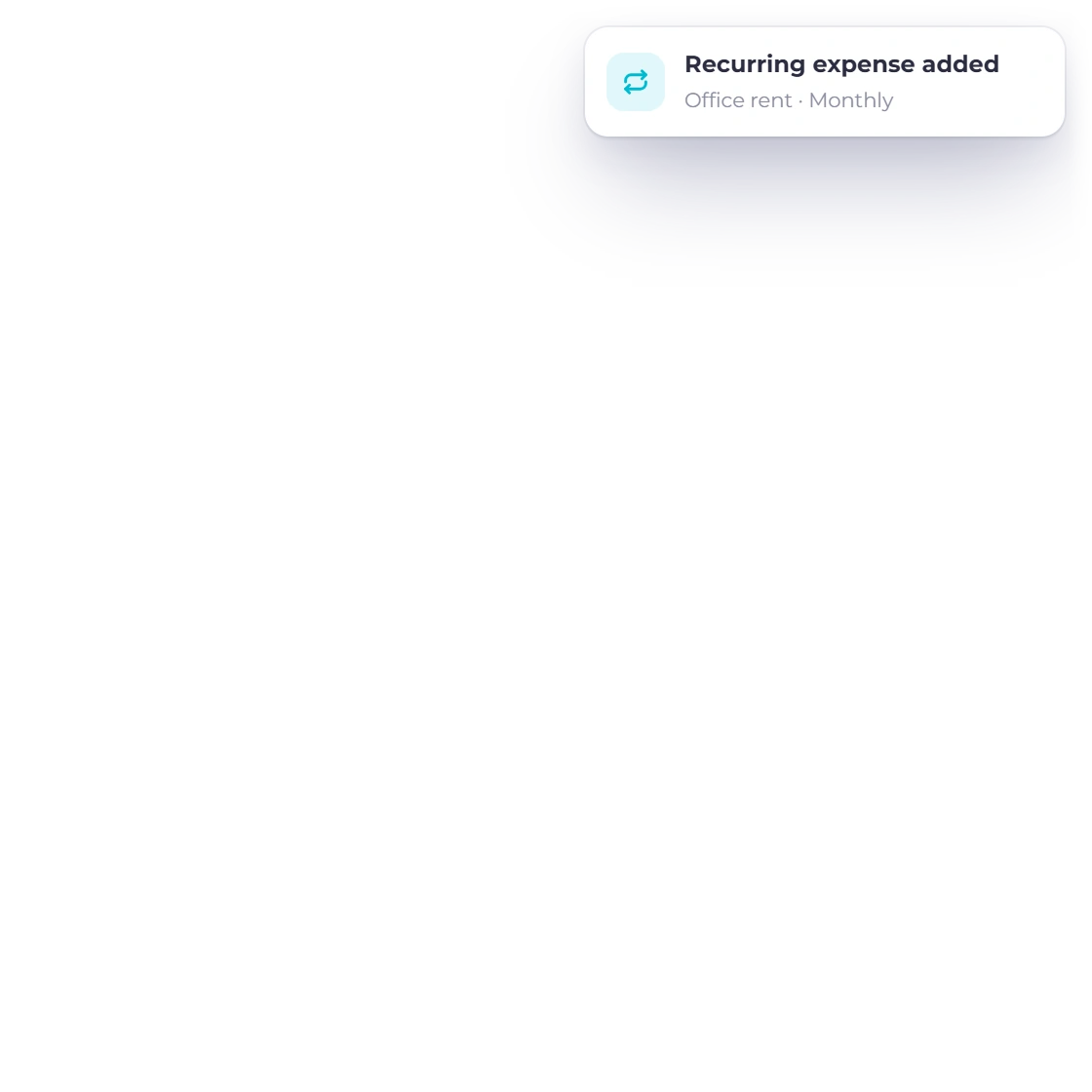
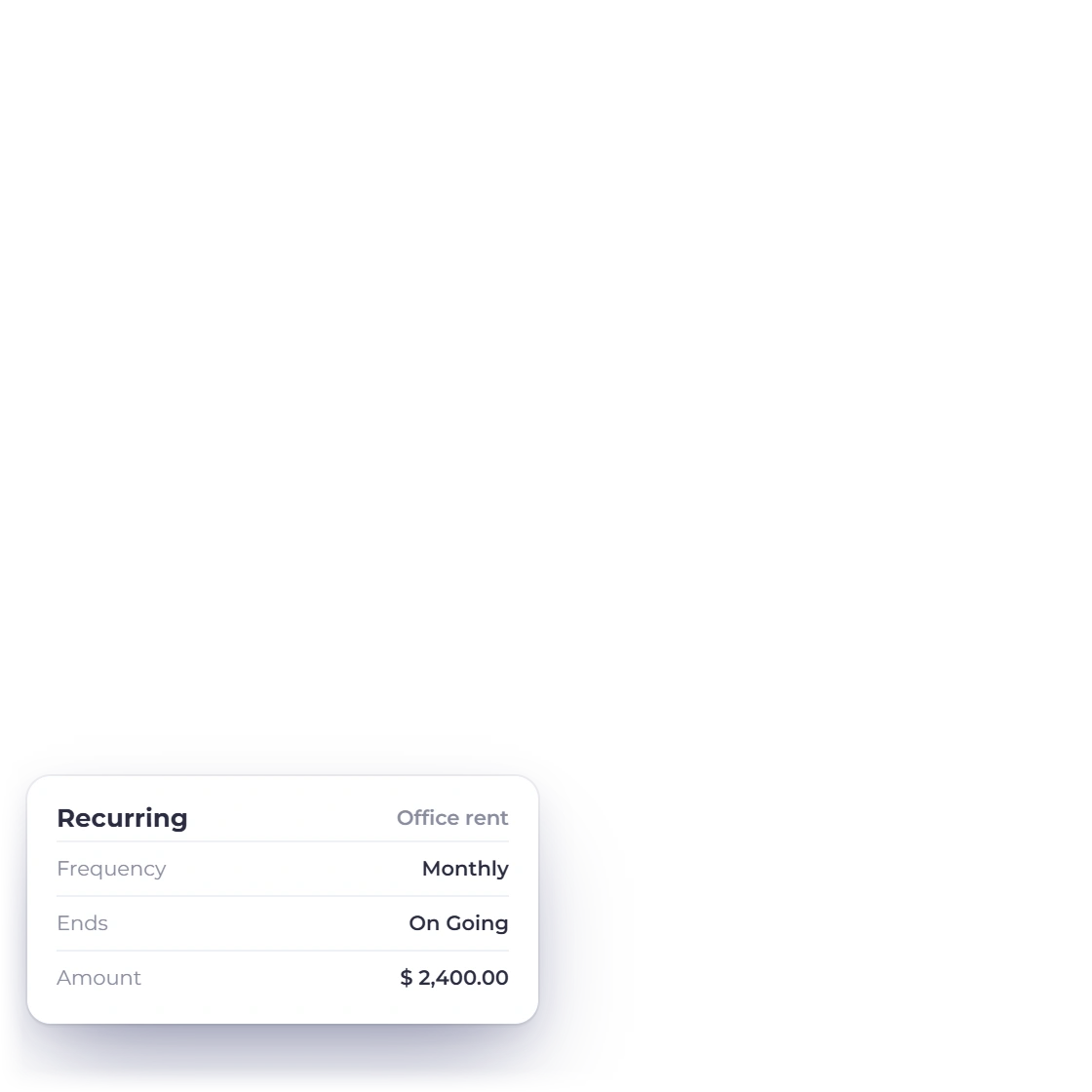
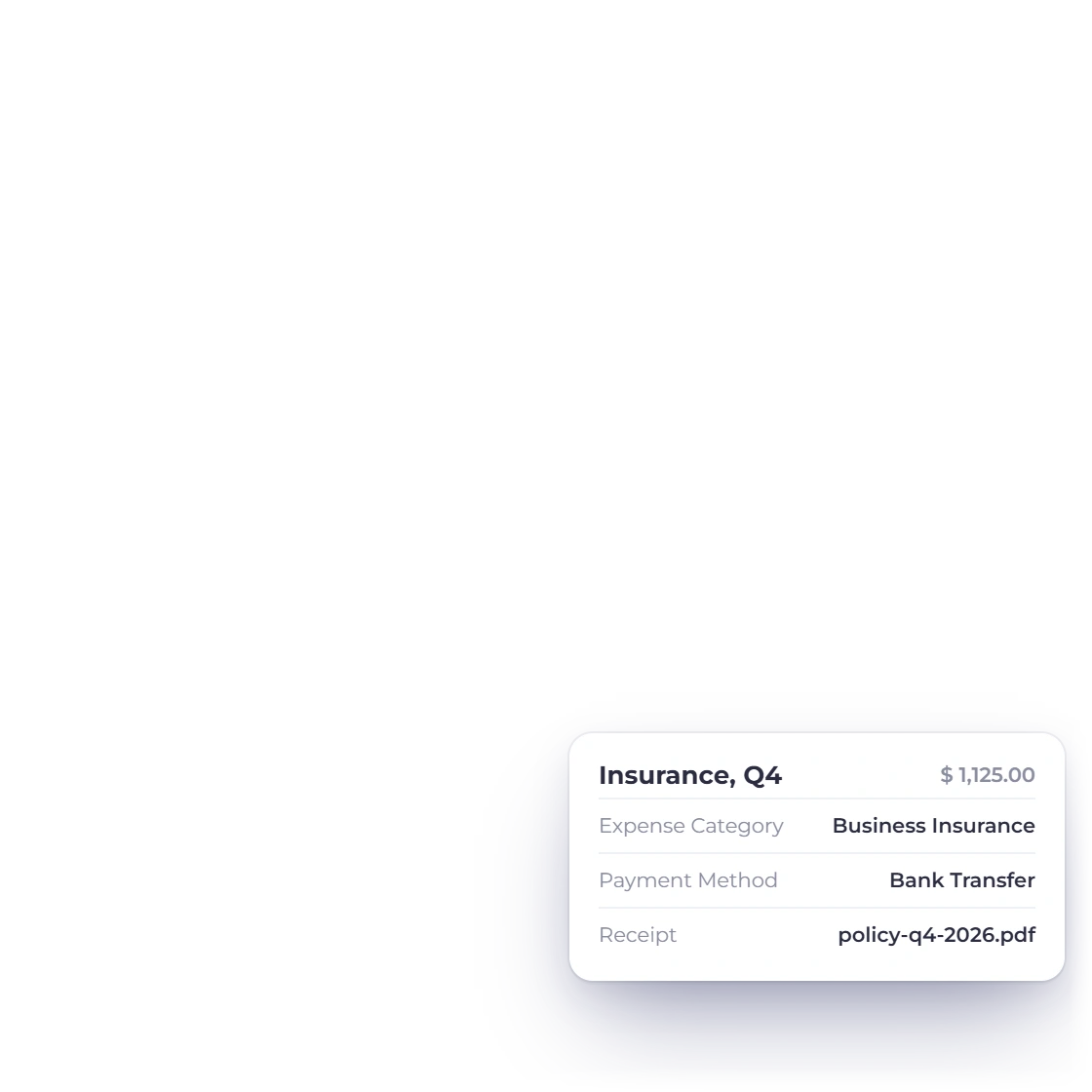
Rent, subscriptions, travel and materials land against one of 103 expense accounts with the receipt attached to the entry, and recurring expenses cover the ones that repeat every month. The cost reaches profit and loss where it belongs, without a second keying into a bookkeeping tool.

  • 103 expense accounts so costs land where the return needs them
  • Receipts held against the transaction they explain
  • Recurring expenses for rent and monthly subscriptions
Expense tracking

The books and the filing

What gets handed over at year end

Statements an accountant recognizes

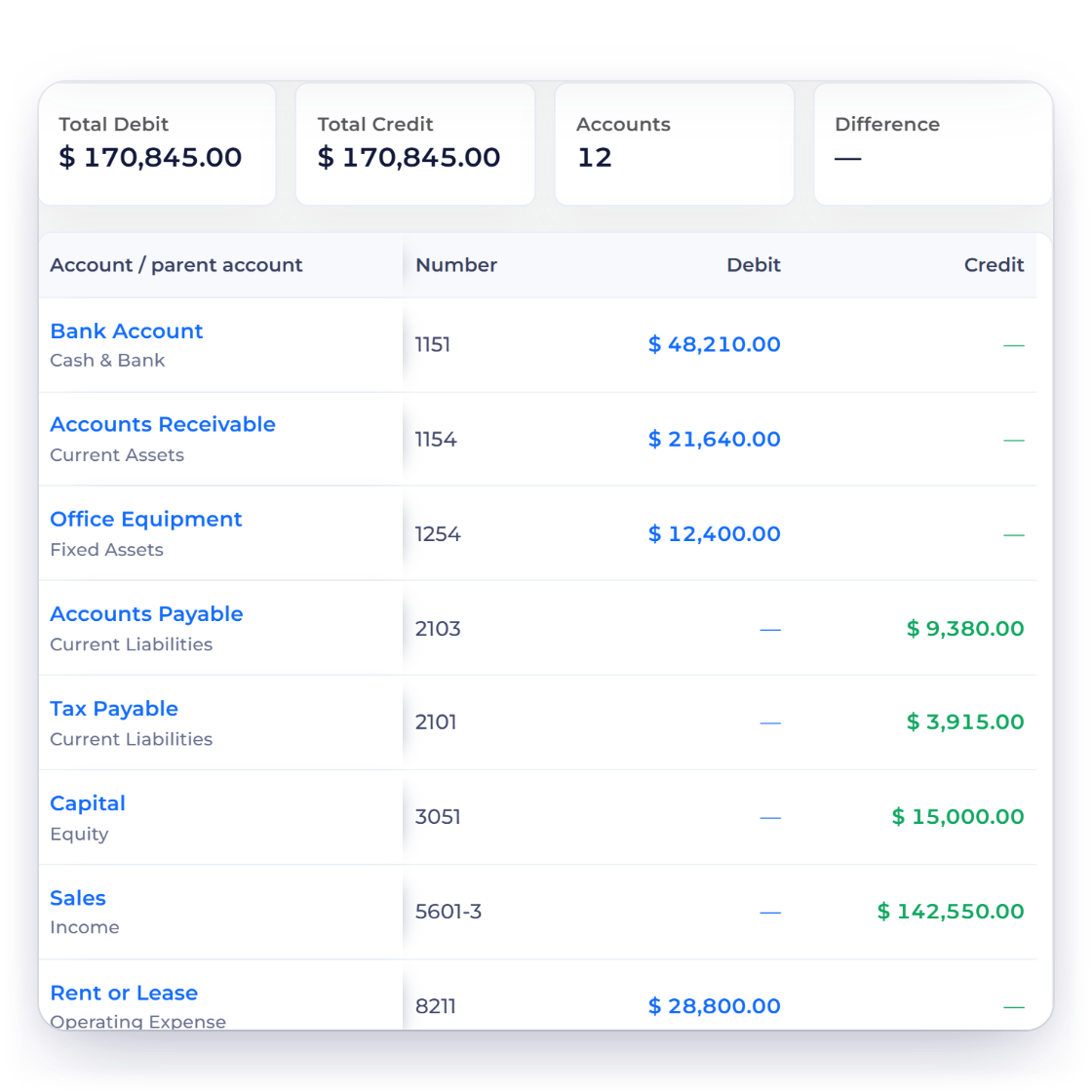
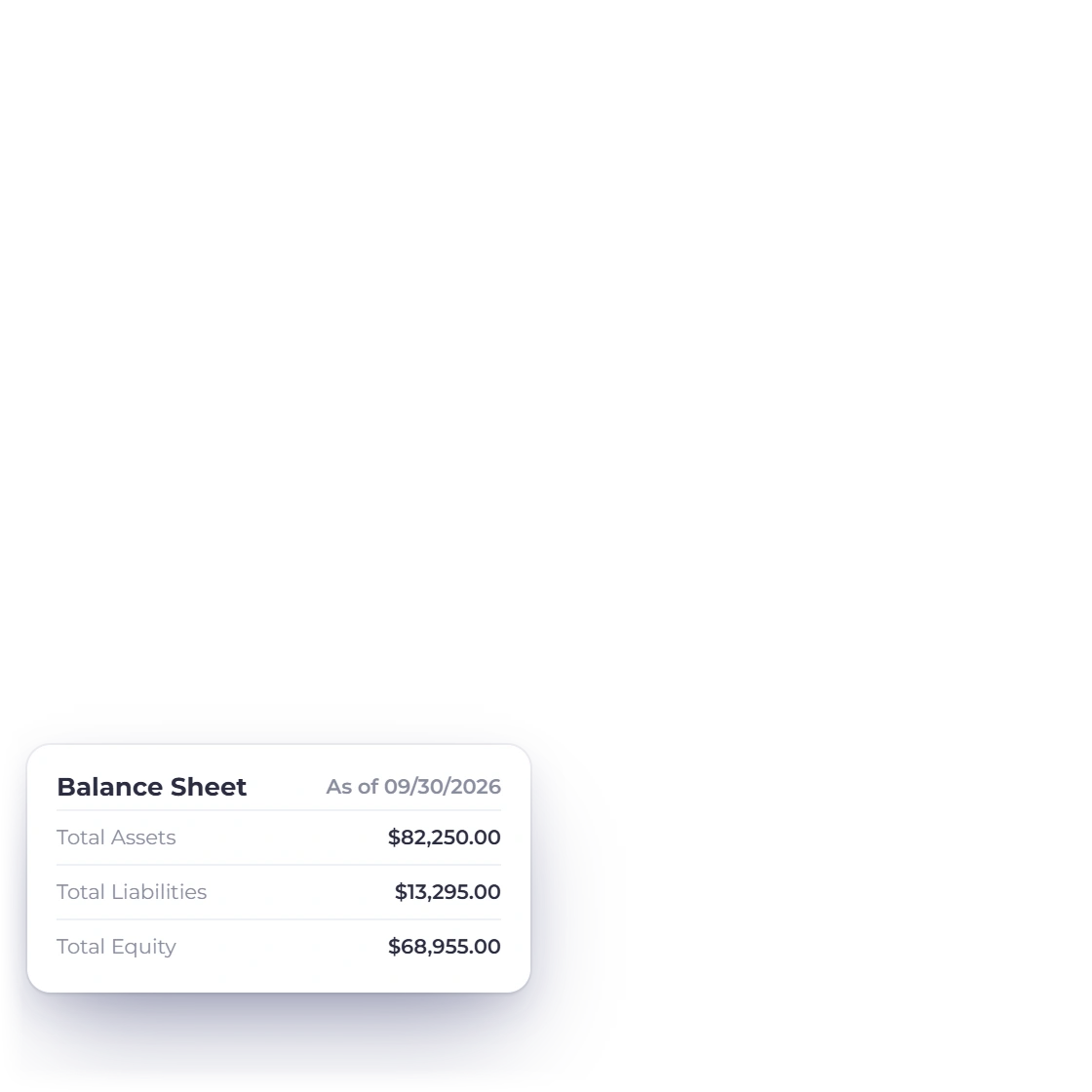
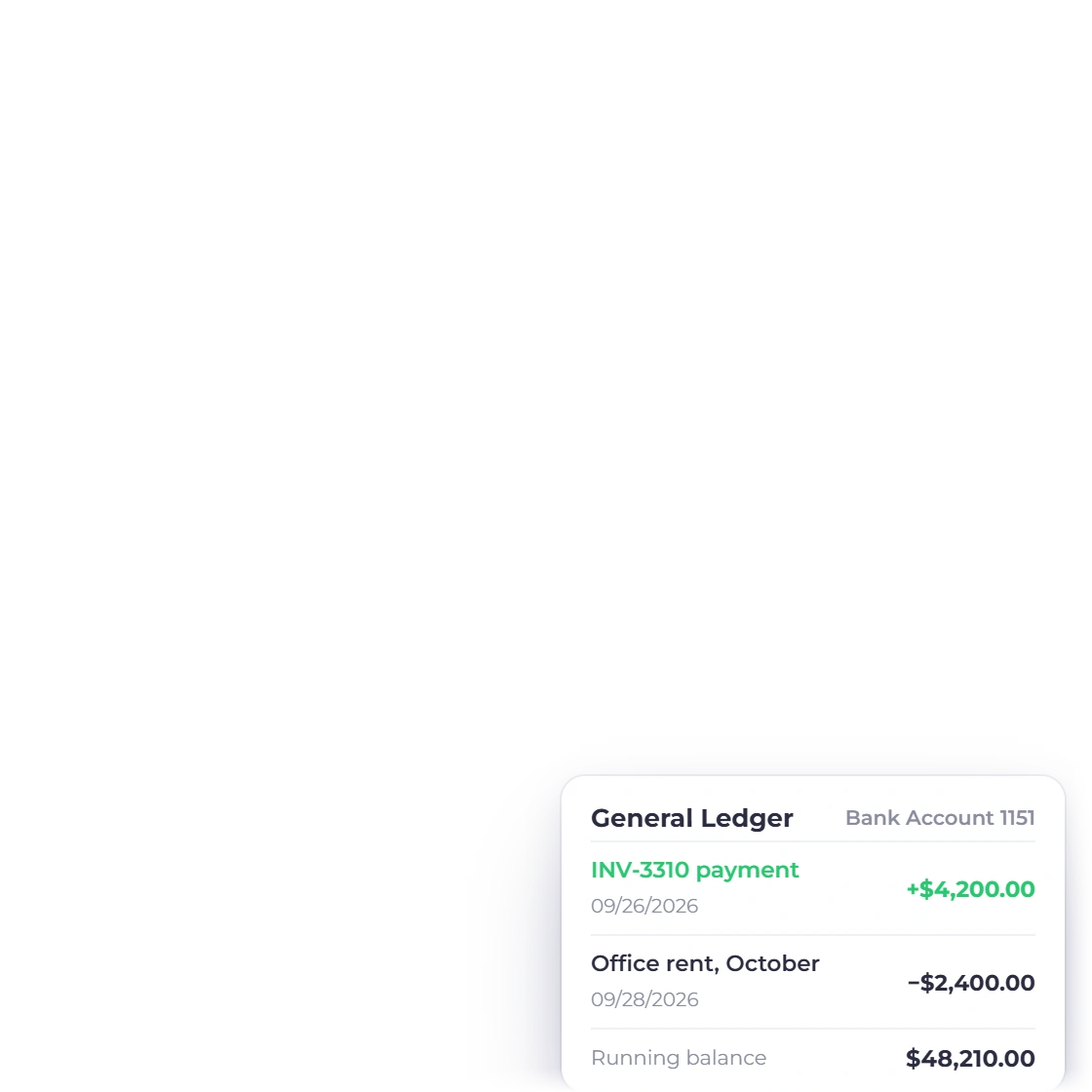
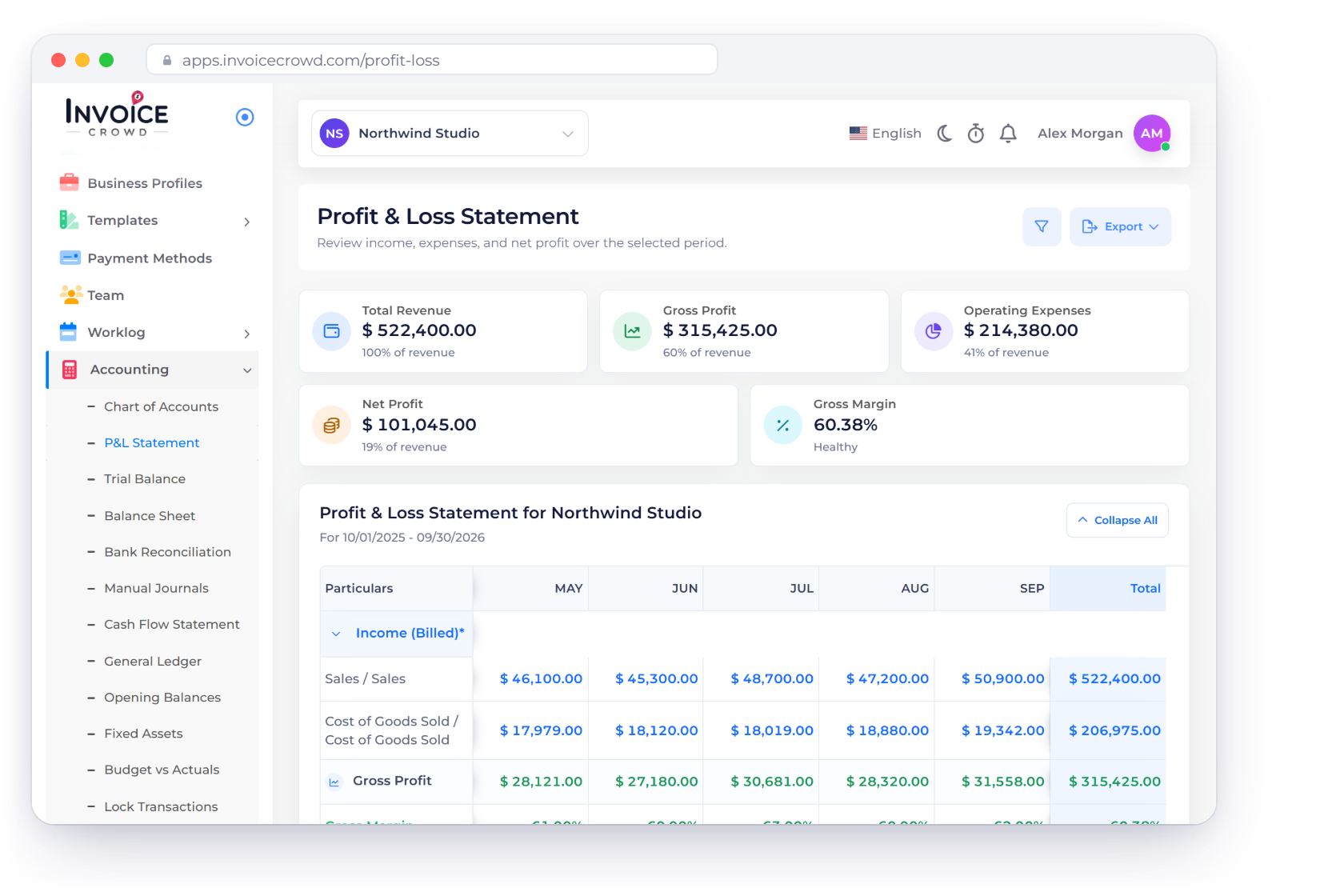
Profit and loss, balance sheet, trial balance, cash flow and the general ledger behind them, all drawn from the postings your invoices and bills already made. Manual journals cover the adjustments no document creates, and opening balances bring in the year you carried across.

  • A chart of 184 accounts, numbered and classified on day one
  • Trial balance and cash flow for closing a period
  • Drill from any balance to the entries that produced it
The accounting module
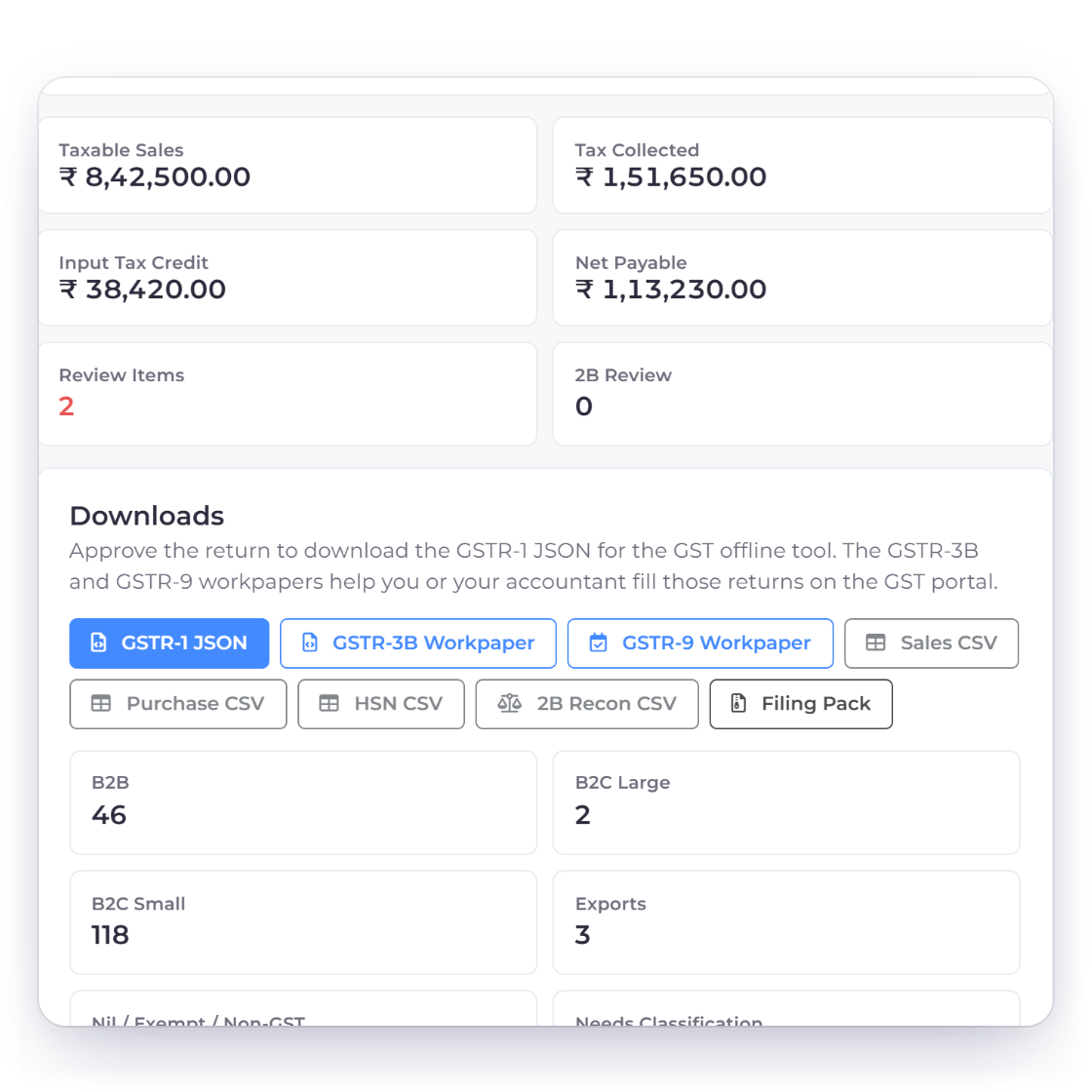
GST filing report in Invoice Crowd showing tax collected and paid for a period

GST filing and the reports around it

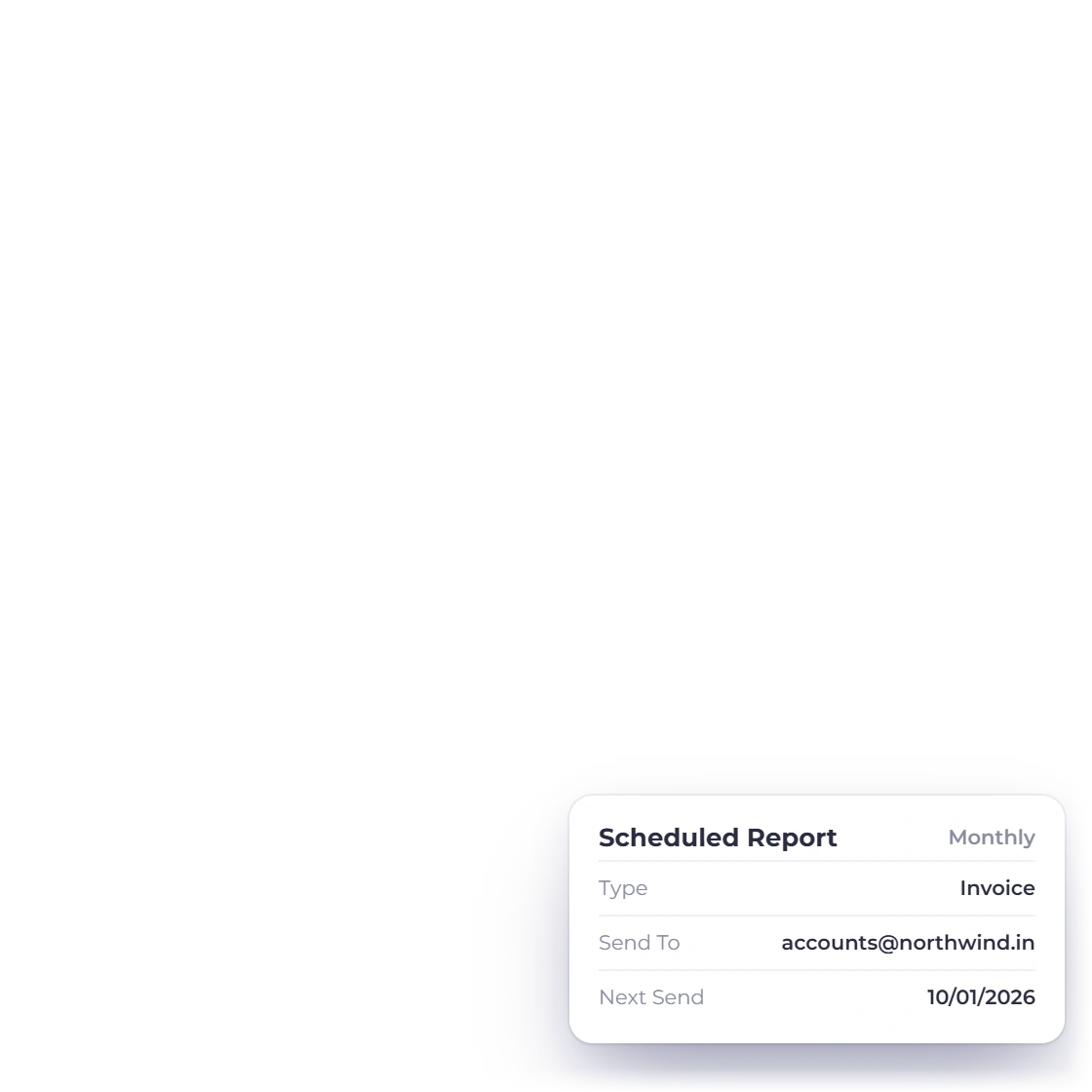
The GST filing report gathers what a return asks for from the tax you actually charged and paid, rather than from a summary somebody re-keyed. Invoice, income and expense reports sit beside it, and any of them can arrive by email on a schedule instead of being remembered.

  • GST filing report built from real postings
  • Invoice, income, expense and inventory summary reports
  • Scheduled reports delivered by email
The report set

Also included

The rest of what a small company needs

All of it is in the same subscription as the invoicing, reading the same customers, vendors and accounts.

  • Team and roles

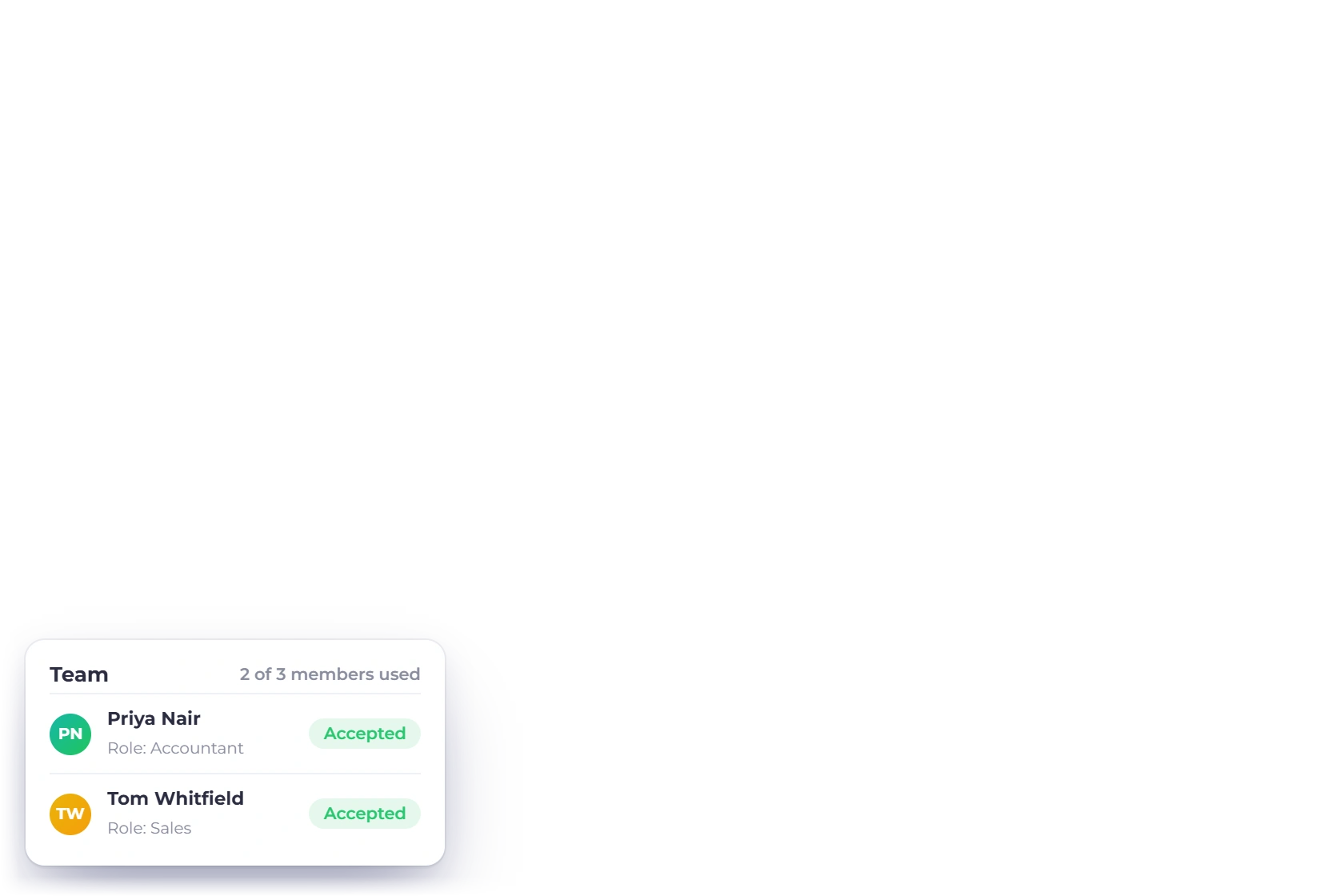
    Two members on TEAM and three on BUSINESS, more at $5 a month, each with the access their job needs.

  • Timesheets and projects

    Hours logged against a project, so billable work is not estimated at the end of the month.

  • Customer portal

    Clients check what they owe and settle it themselves instead of calling the office.

  • Recurring invoices

    Maintenance contracts and retainers raise their own invoice on the cycle you set.

  • Bank reconciliation

    Match what the ledger says against what the bank says, period by period.

  • Budget vs actuals

    Set a budget account by account and watch the variance build as the year runs.

  • Multi-currency reporting

    Sell across borders while every statement totals in the currency you file in.

  • Business profiles

    Separate books and branding for each company you own, still under one login.

  • Zapier and Pabbly

    Connect a CRM, a spreadsheet or a web form to the account through Zapier or Pabbly.

  • 10+ payment gateways

    Customers settle an invoice through PayPal, Stripe, Razorpay, Square, Payoneer, Braintree, Authorize.net, Airwallex, GoCardless, PayFast, PayTabs, Telr, PhonePe or M-Pesa.

  • Fixed asset register

    Record what the business owns as fixed assets and keep their value on the balance sheet.

  • Quotes and proposals

    Send a priced estimate or a proposal the client signs before the first invoice exists.

Questions

Small business accounting, answered

Does Invoice Crowd handle GST?

Yes. Invoices can be GST-enabled, tax rates are set per line where one job carries more than one rate, and the GST filing report gathers what a return asks for from the tax you actually charged and paid rather than a re-keyed summary.

Can I track what I owe suppliers as well as what customers owe me?

Yes. Vendors, purchase orders, bills, payments made and vendor credits are all part of the same account. Raise the order, record the bill when it arrives and settle it, so what you owe and what you are owed are read from one ledger.

Will my accountant accept these reports?

The statements are the standard set: profit and loss, balance sheet, trial balance, cash flow and the general ledger behind them, all from double-entry postings. Each exports to spreadsheet or PDF, and manual journals let an accountant post the adjustments a year end needs.

How many people can I put on the account?

TEAM includes two team members and BUSINESS includes three, with further members at $5 a month each. Every member is given a role, so the person entering expenses does not need the same access as the person closing the books at year end.

Can I keep books for more than one company?

Yes. Each business profile has its own customers, invoice templates, branding and accounts, up to five profiles on TEAM and ten on BUSINESS. A profit and loss for one company never picks up figures from another, although you only sign in once.

What does it cost for a small team?

TEAM is $20 a month, or $18 a month billed annually at $216, and includes two team members, five business profiles, 1,000 customer profiles and 50 proposal sends a month on annual billing. Every paid plan opens with a 30-day free trial.

Put the invoices, the bills and the books together

Raise an invoice, enter a supplier bill, then open the profit and loss and watch both of them already in it. That is the whole case for one account.

  • 30-day free trial, no credit card
  • Payables and receivables in one ledger
  • Statements export for your accountant