Skip to content

Every expense recorded, categorized and posted to the ledger

Expense tracking in Invoice Crowd covers what leaves the business: subscriptions billed every month, one-off purchases, and the vendors behind them. Set a recurring expense once and it records itself on schedule, under a category you defined.

  • Recurring expenses post themselves
  • Costs grouped by vendor
  • Categories you define
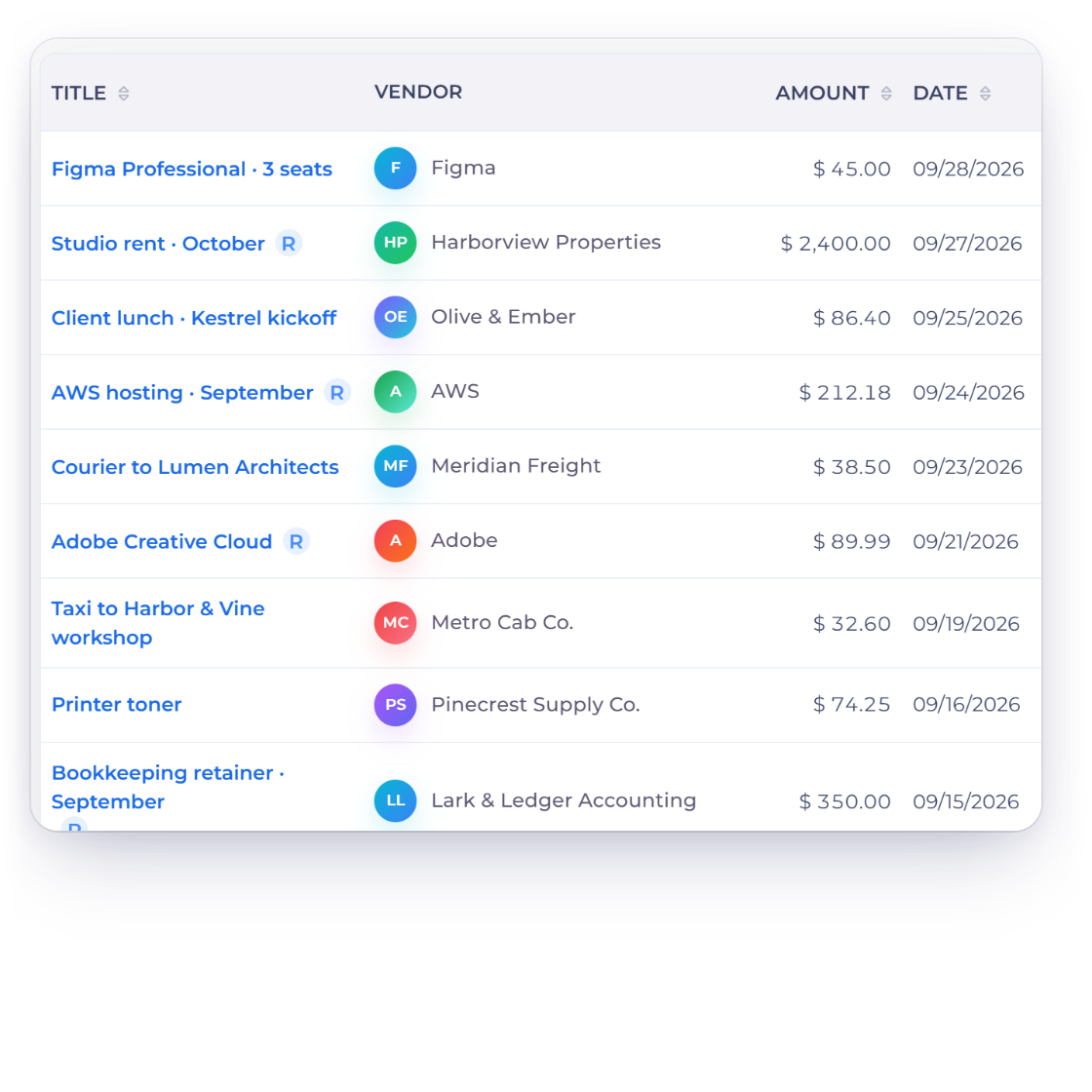
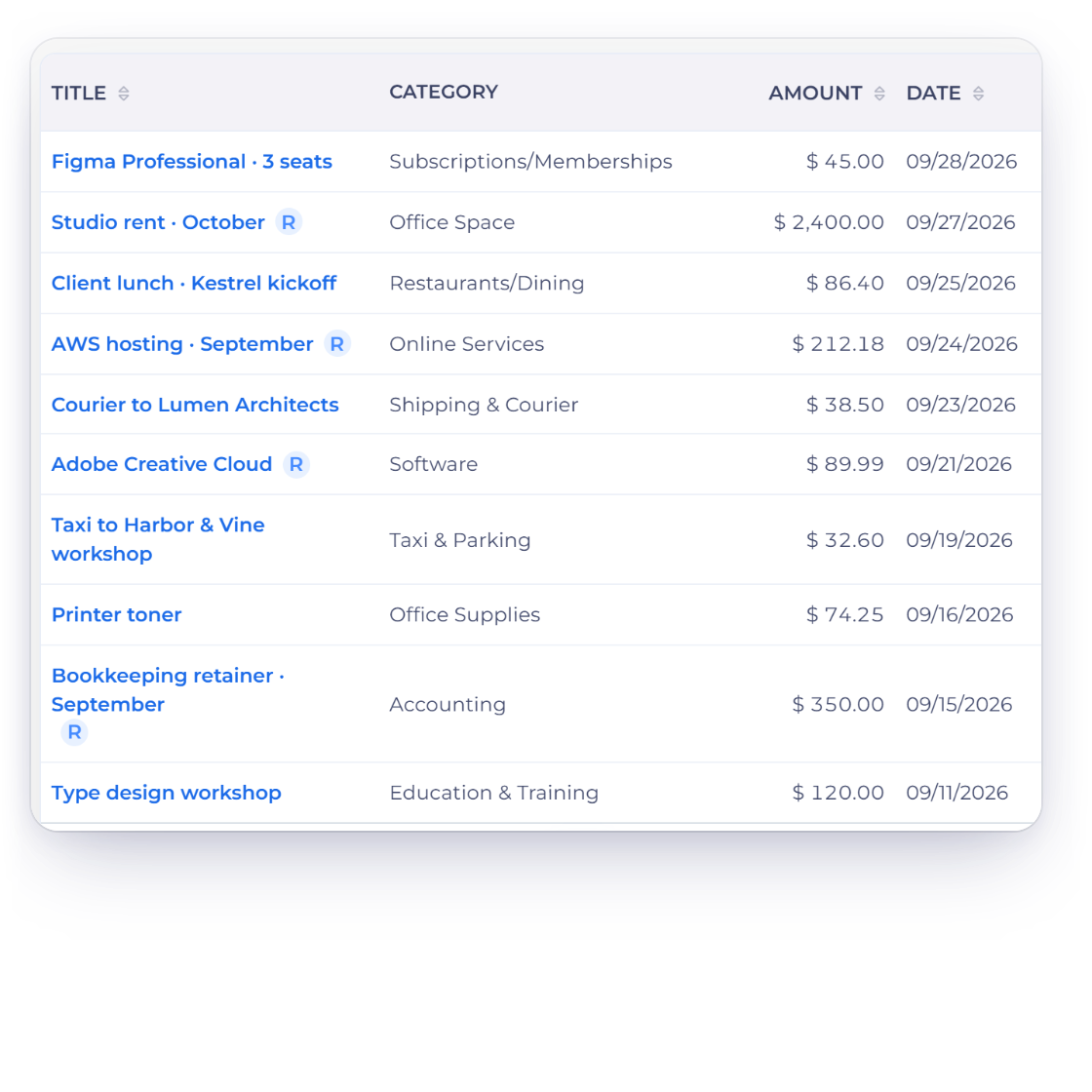
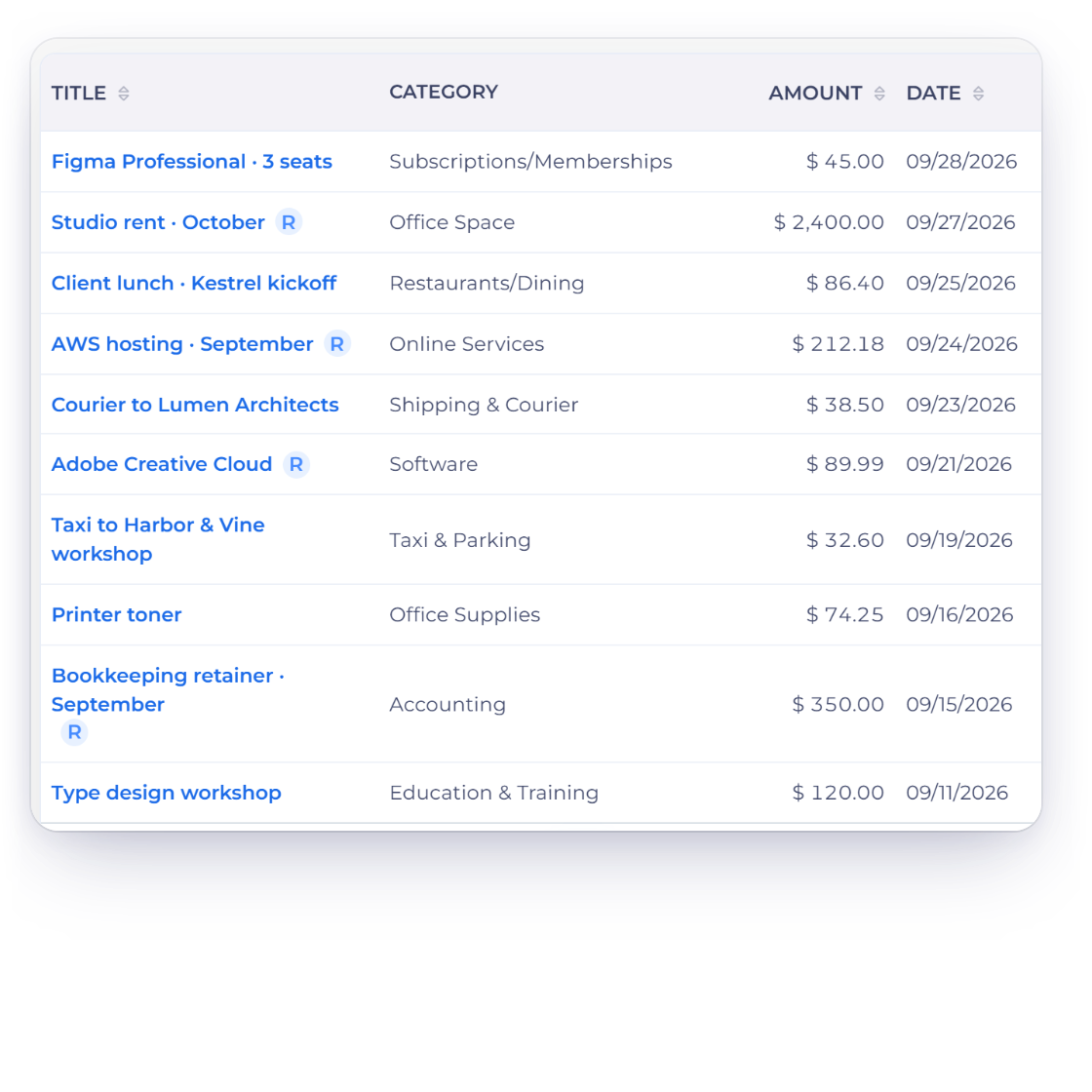
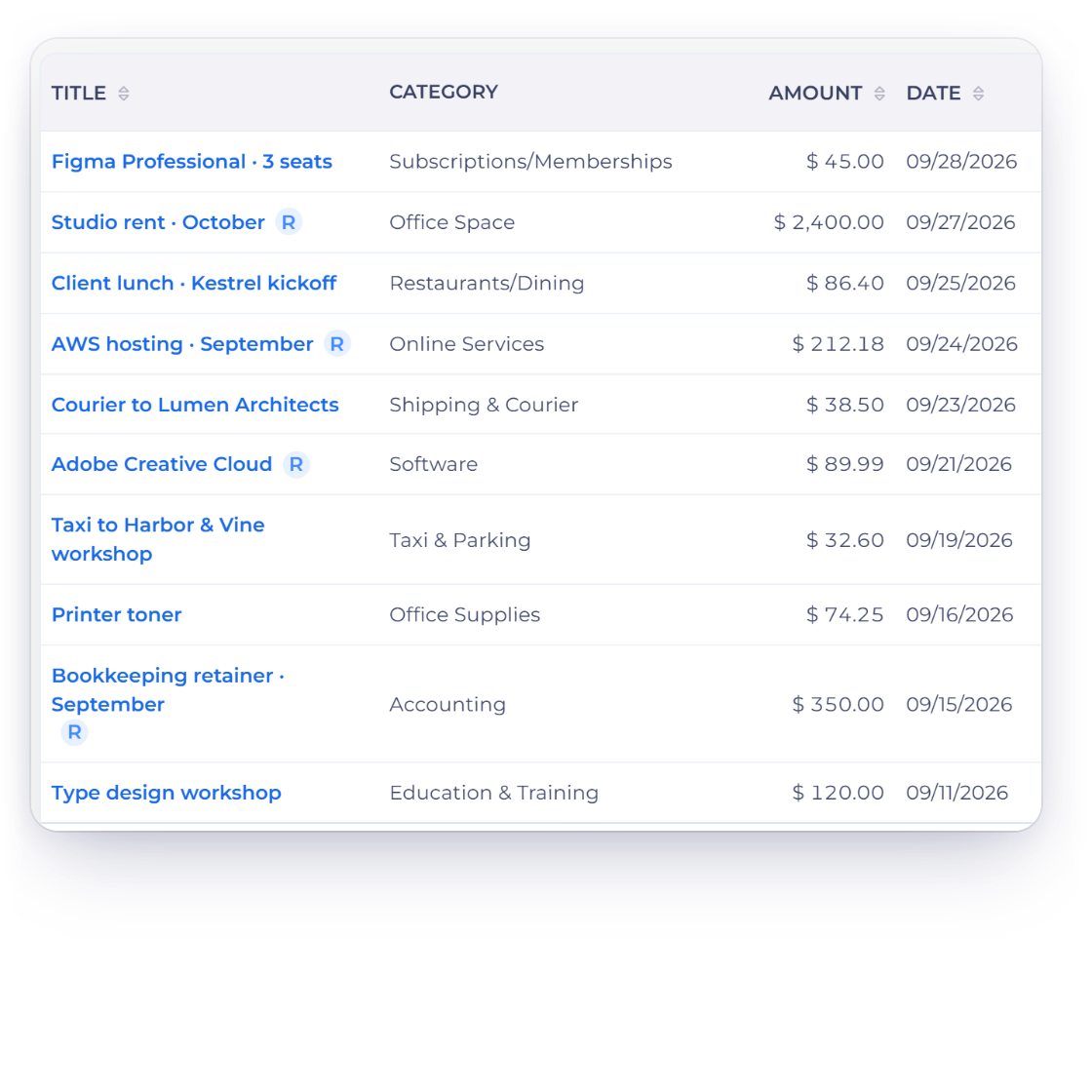
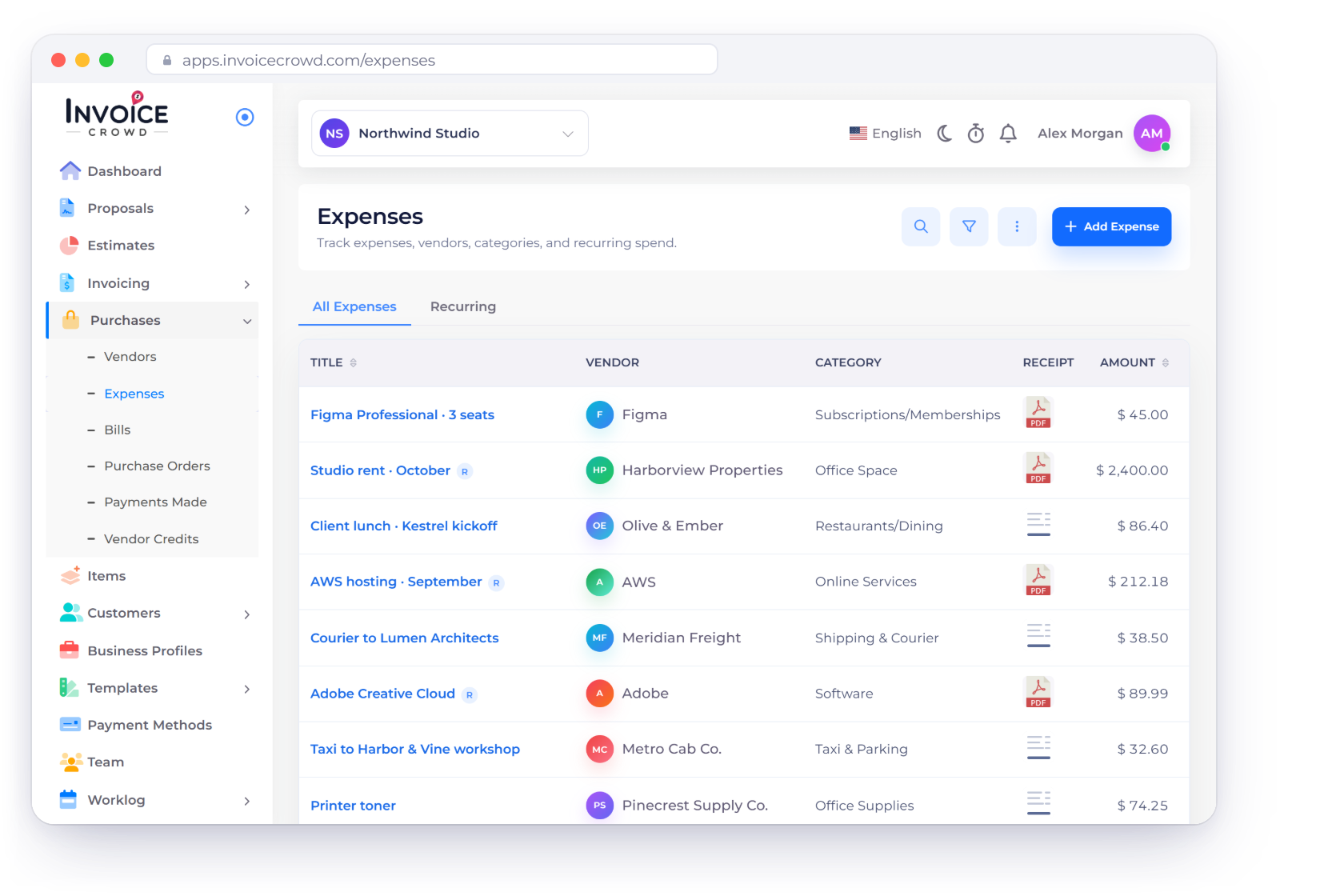
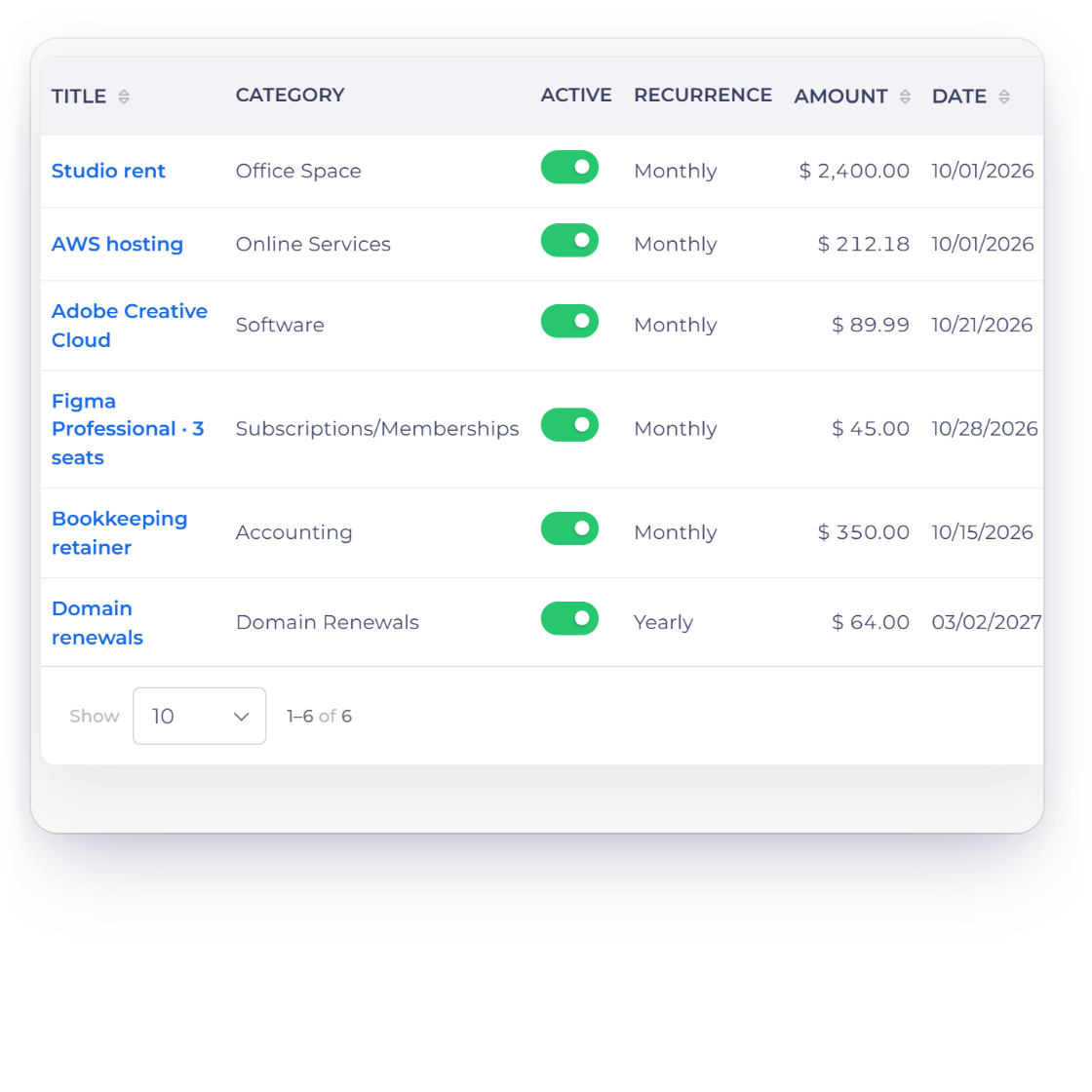
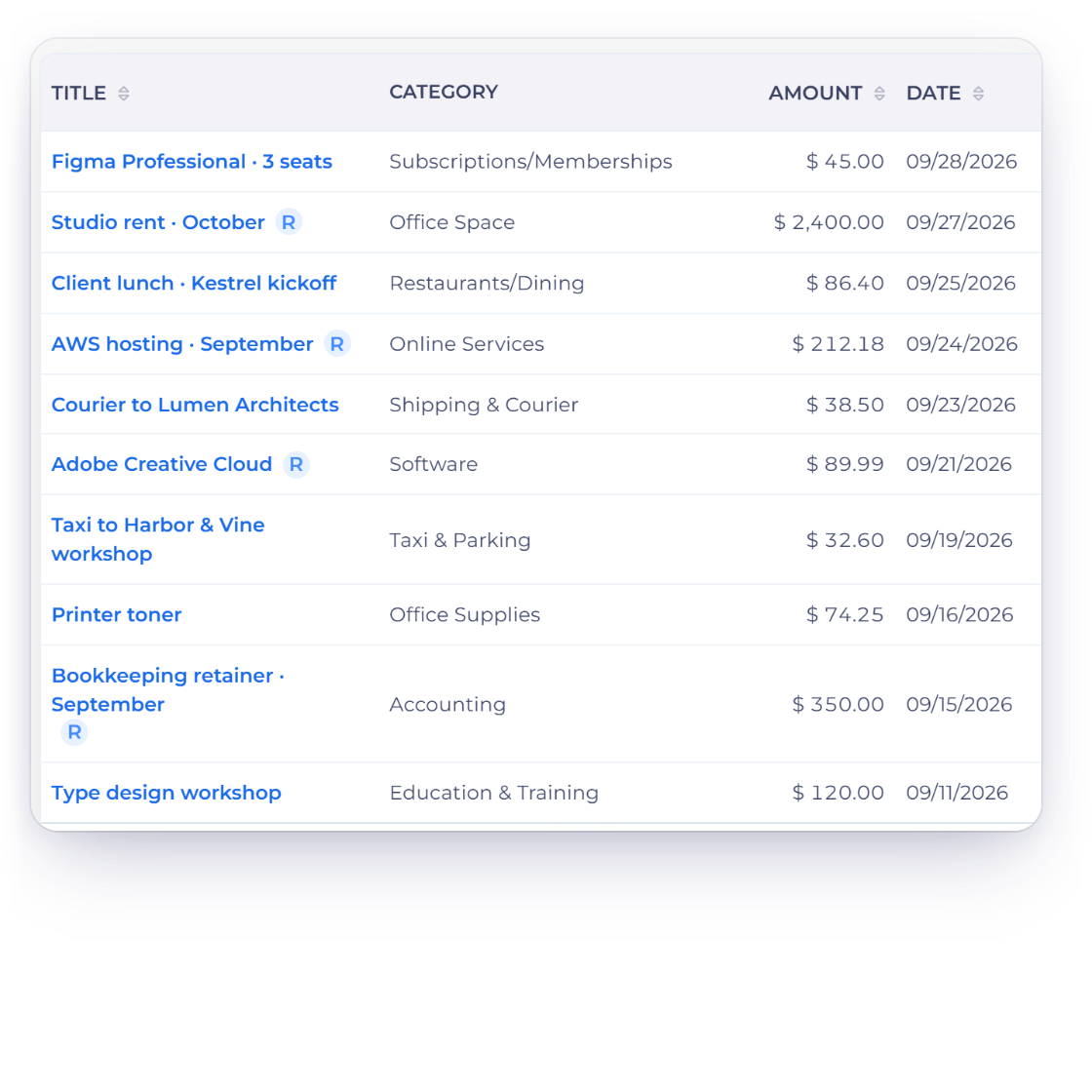
The Expenses screen in Invoice Crowd, showing spend by vendor, category and amount

What is inside

From the first receipt to the ledger entry

Expenses here are not a separate notebook. A cost is recorded once, filed under a vendor and a category, and it turns up in your reports and your accounts.

Recording a cost

Once, or on a schedule

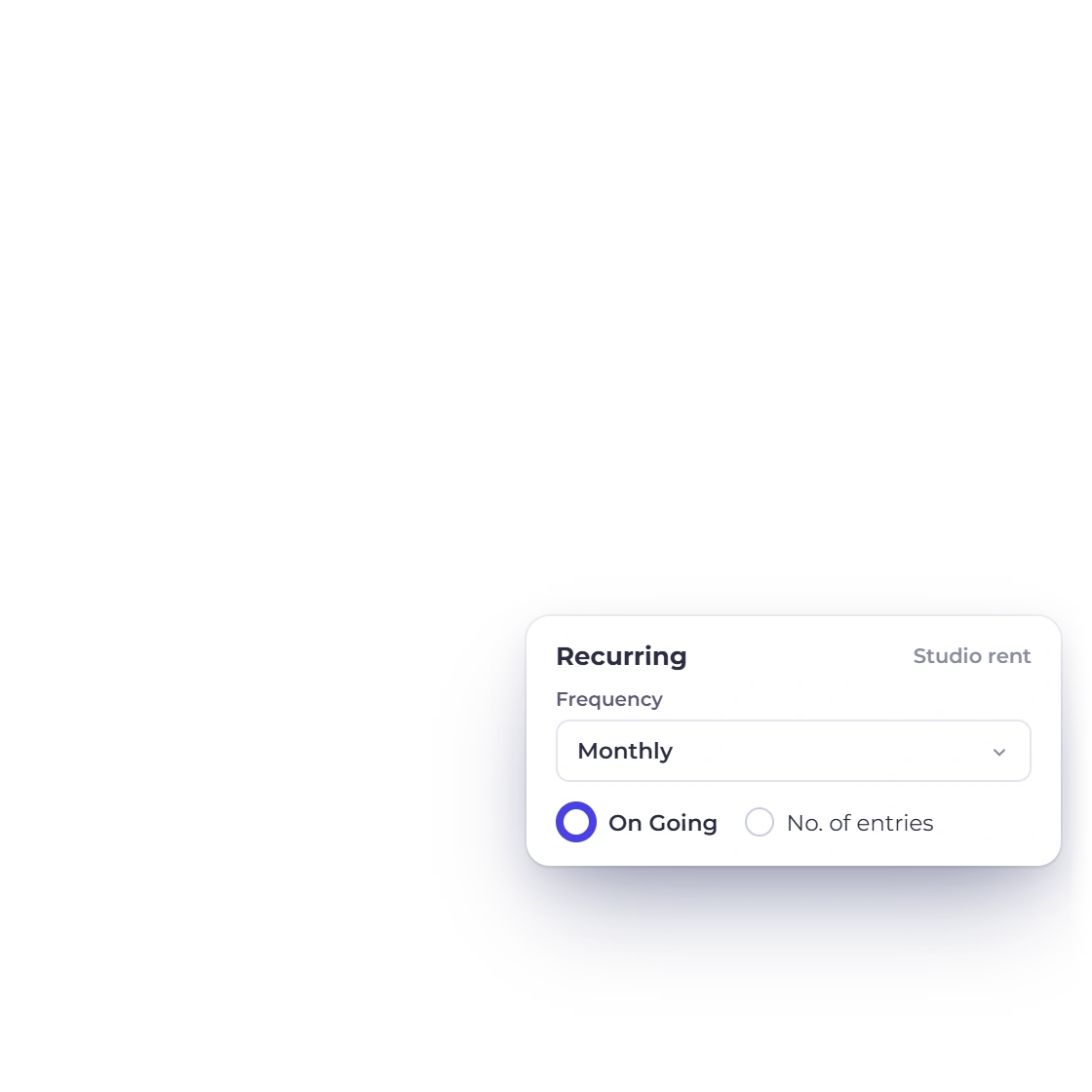
A recurring expense in Invoice Crowd with an amount and a repeat frequency

Recurring expenses that record themselves

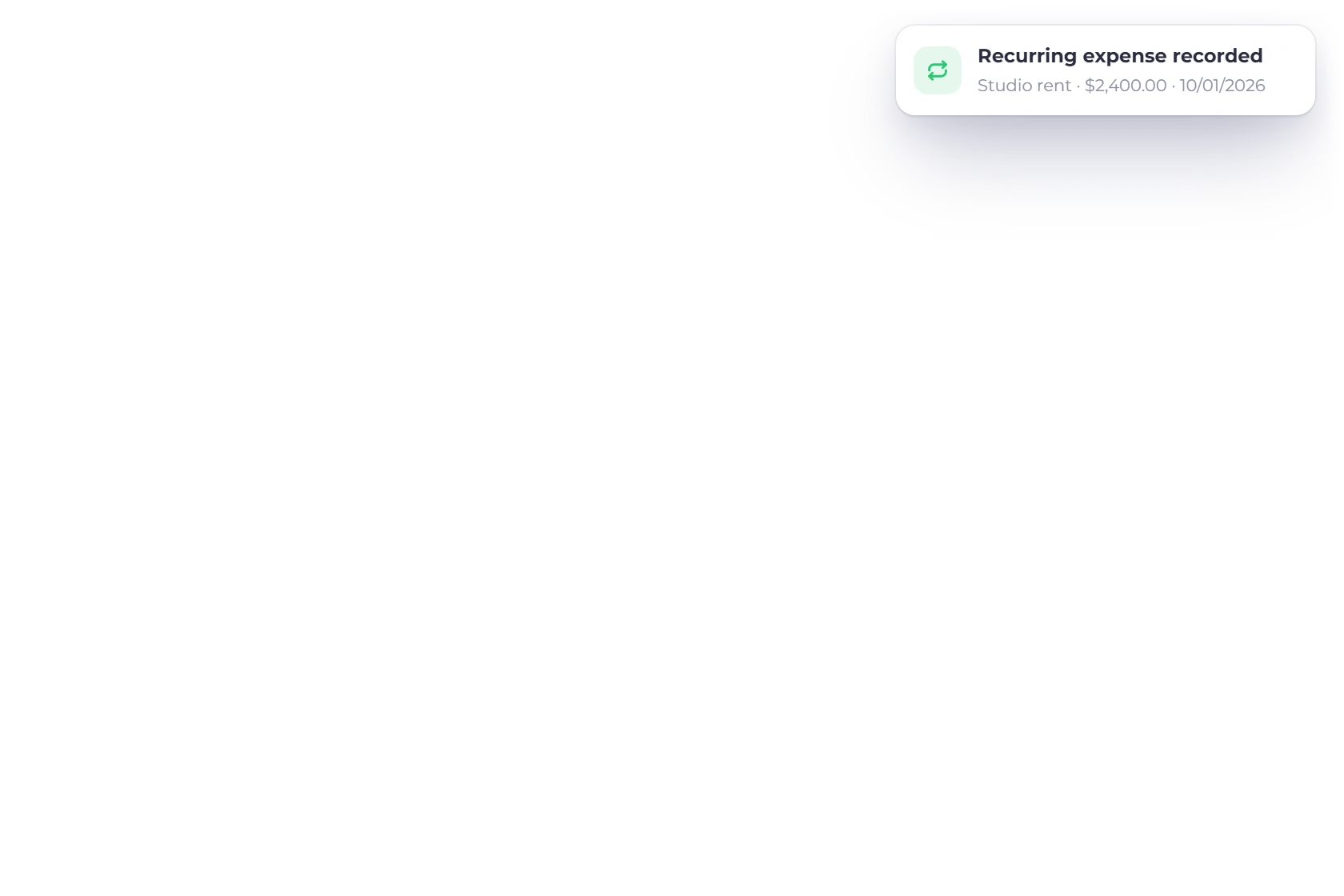
Some costs arrive on the same date every month: hosting, software subscriptions, the accountant's retainer, an annual license. Enter the amount and the frequency once and the expense is written up on each of those dates without you opening the app. Nothing is missed because nobody remembered to type it in.

  • Set the amount and the frequency once
  • Monthly subscriptions and annual fees
  • Each occurrence lands as its own expense
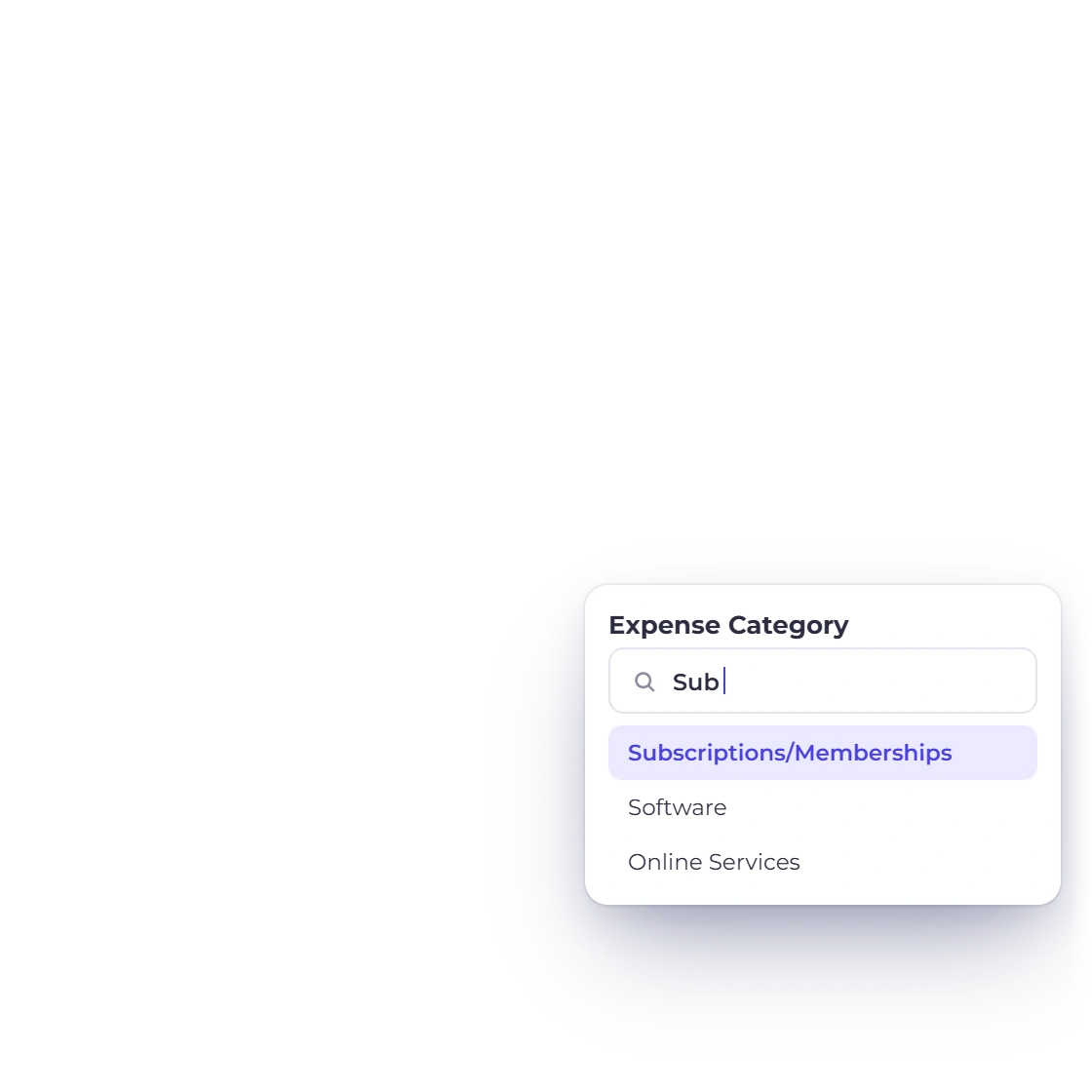
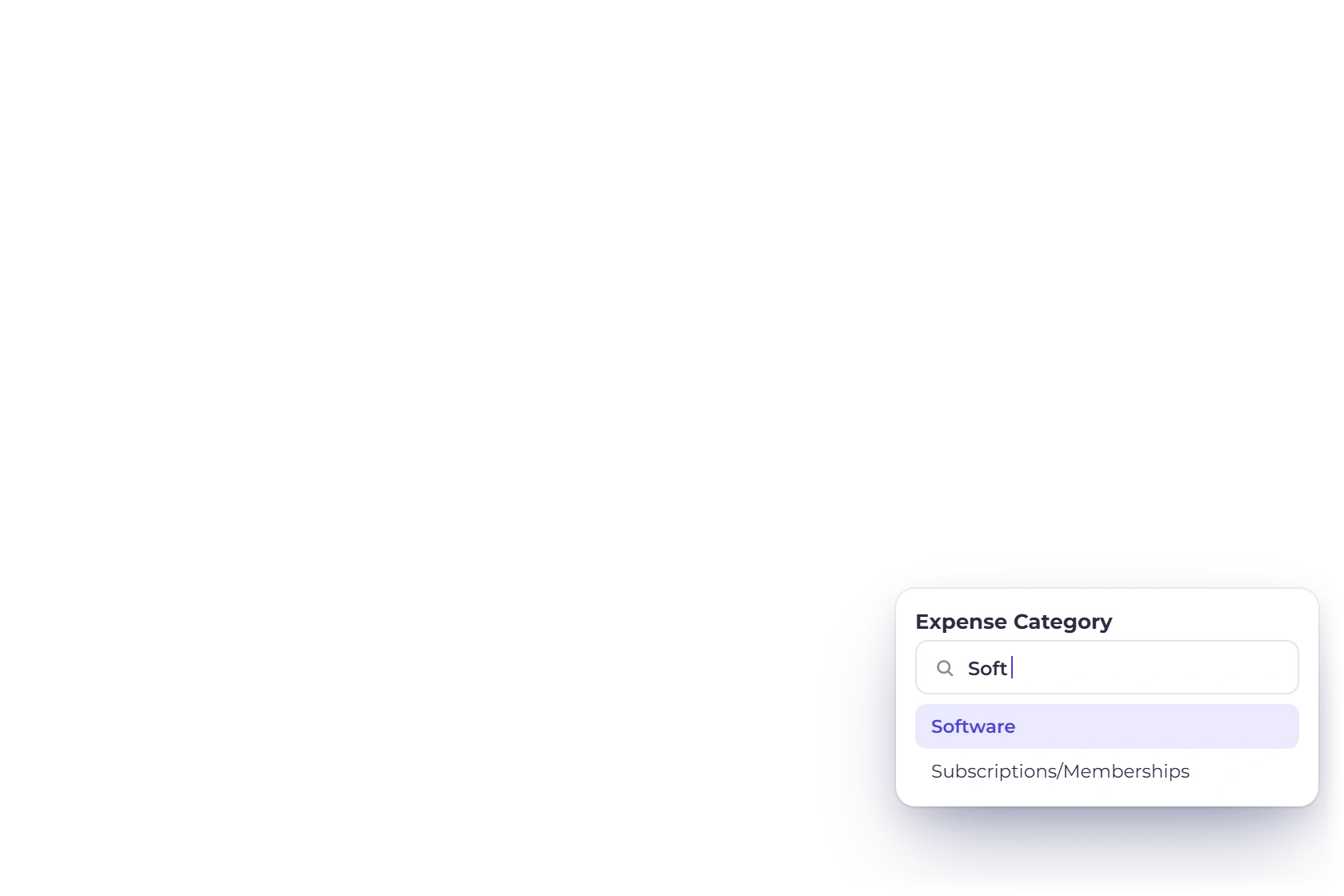
Custom expense categories set up in Invoice Crowd

Categories that match how you spend

Expense categories are yours to define. Marketing, equipment, travel, contractor fees, whatever the business actually argues about at month end. Every cost you record sits under one of them, and that single habit is what makes the reporting worth reading three months later.

  • Name the categories your business uses
  • Assign one to every expense
  • Filter reports by category afterwards

The vendor side

Who you paid, and how much

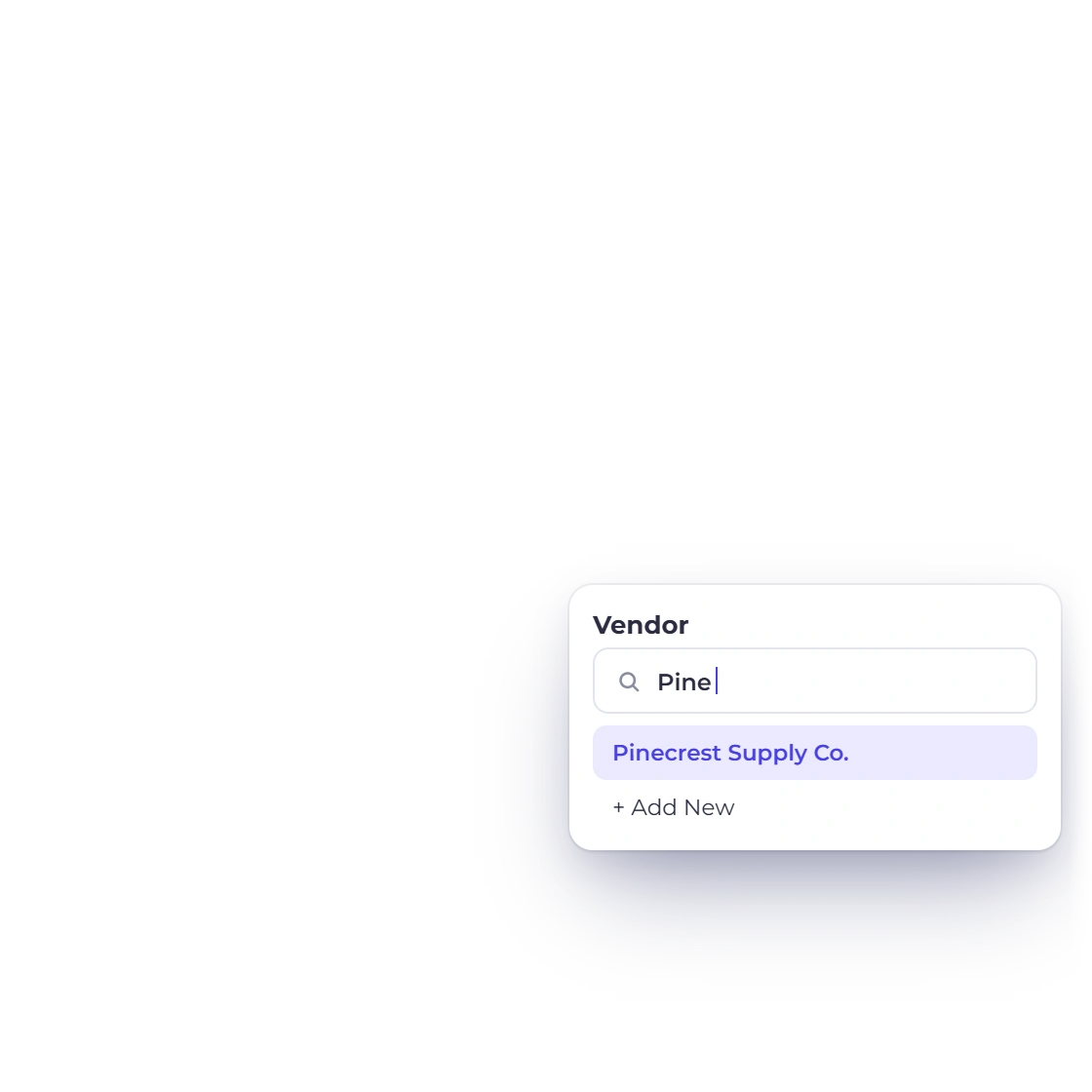
A vendor record in Invoice Crowd listing the expenses assigned to that supplier

Every expense tied to a vendor

Create a vendor once and assign costs to them as the bills come in. The vendor record then holds the full list of what you have spent with that supplier, so a renewal conversation starts with the real number instead of a guess and a search through email.

  • One record per supplier
  • All their expenses in a single list
  • No cap on how many vendors you add

Entries you can correct later

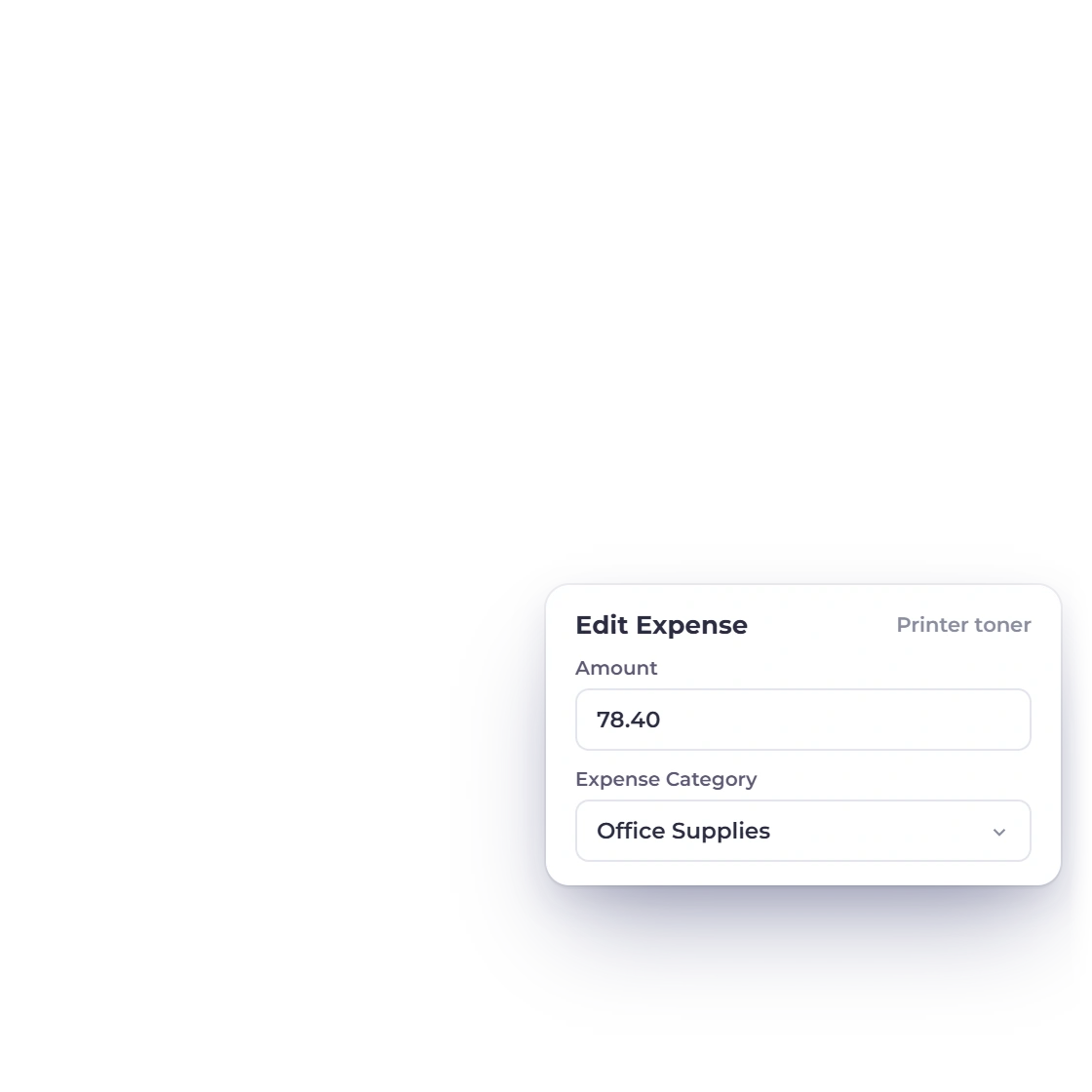
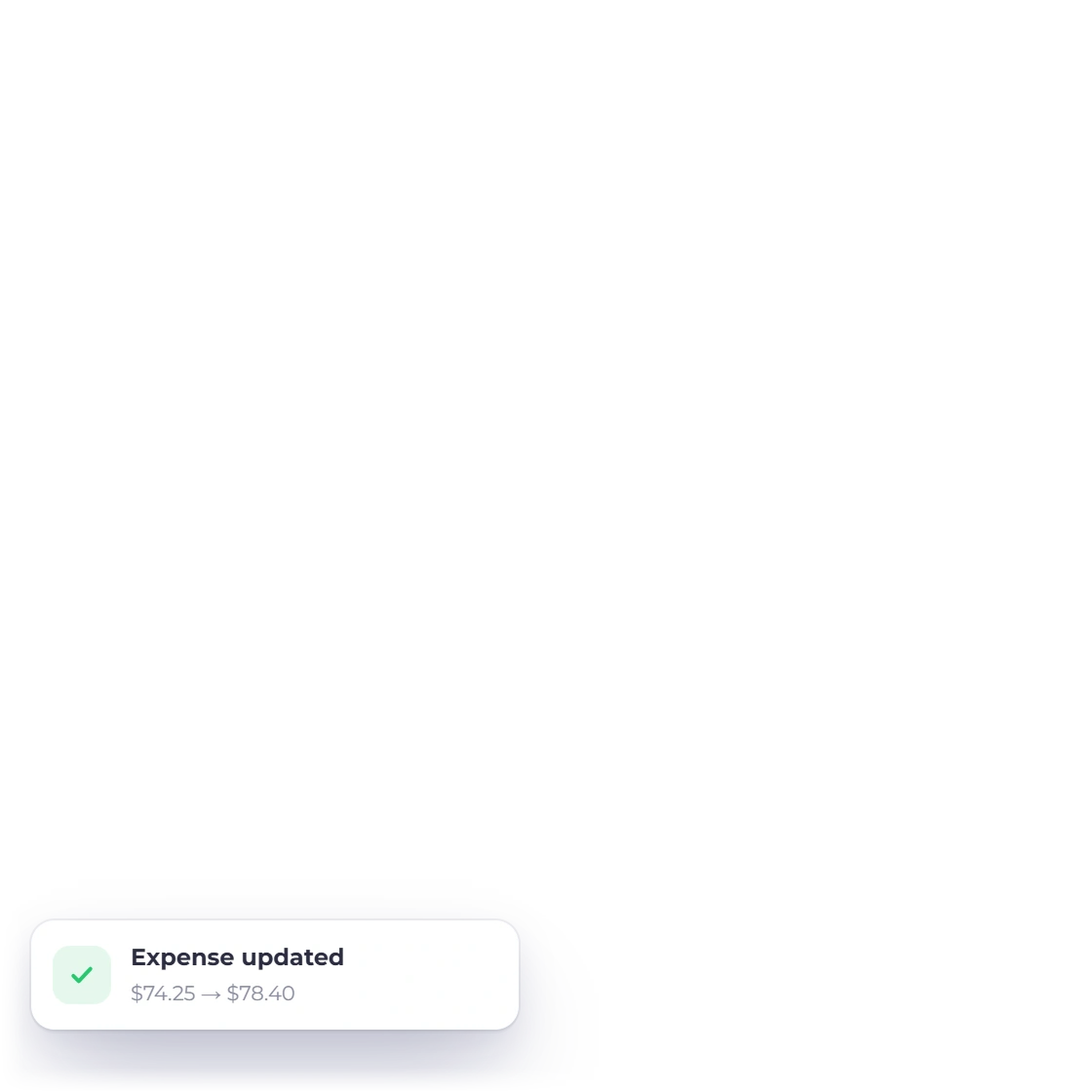
An expense is not frozen the moment it is saved. Change the amount, the date, the vendor or the category when a bill turns out different from the quote, and the correction carries through everywhere the figure appears. Bills, purchase orders and vendor credits sit alongside for buying that needs paperwork.

  • Edit any saved expense
  • Corrections flow through to reports
  • Bills and purchase orders alongside

What it adds up to

Reports and the accounts

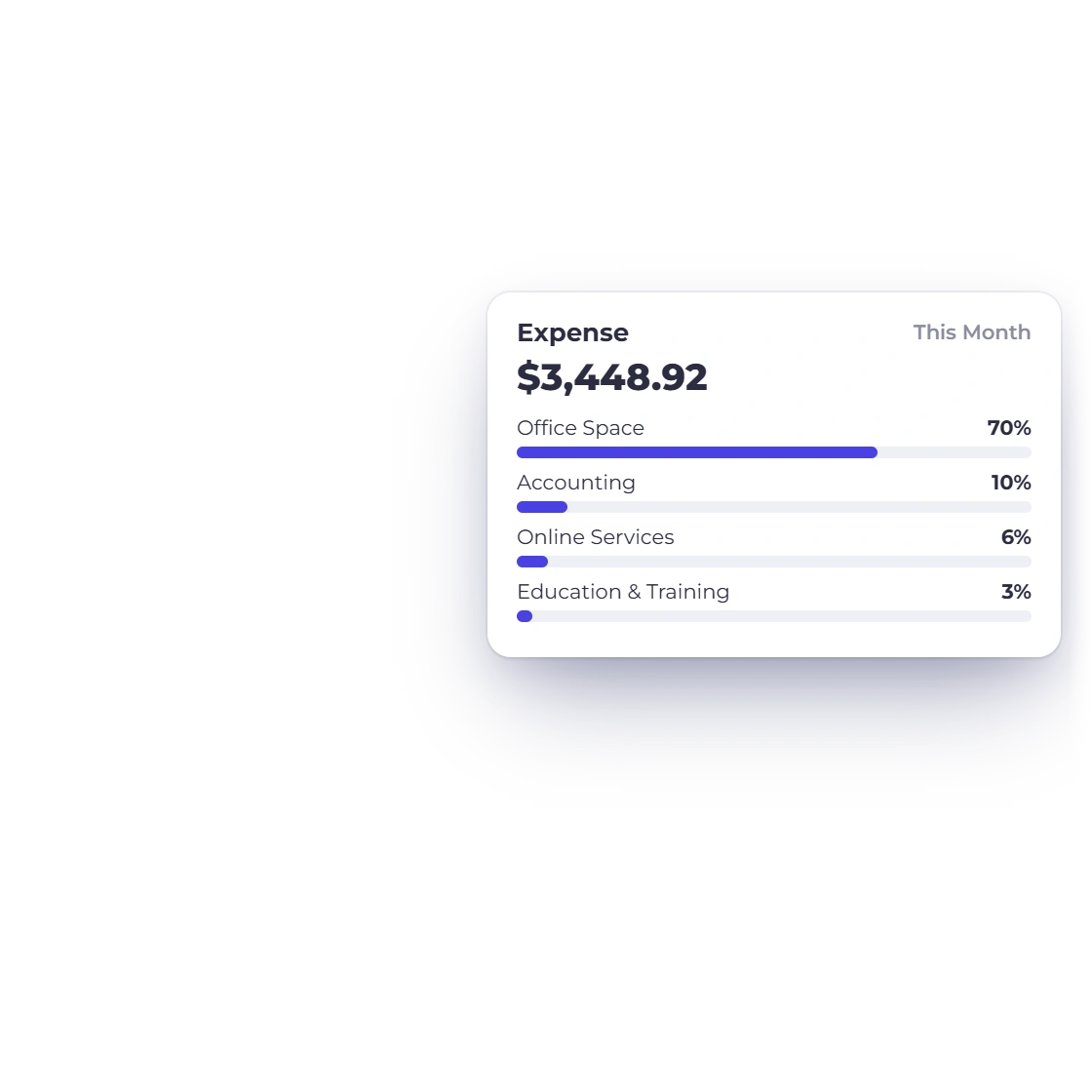
Expense reports by date, vendor or type

Reporting breaks the spending down rather than handing you one number. Pull a period, a single supplier or one category and see where the money went. It runs on the same records as the rest of the account, so the totals agree with your ledger.

  • Break costs down by date
  • Isolate one vendor or category
  • Download a copy to send on
How reports are built

Expenses land in the accounts

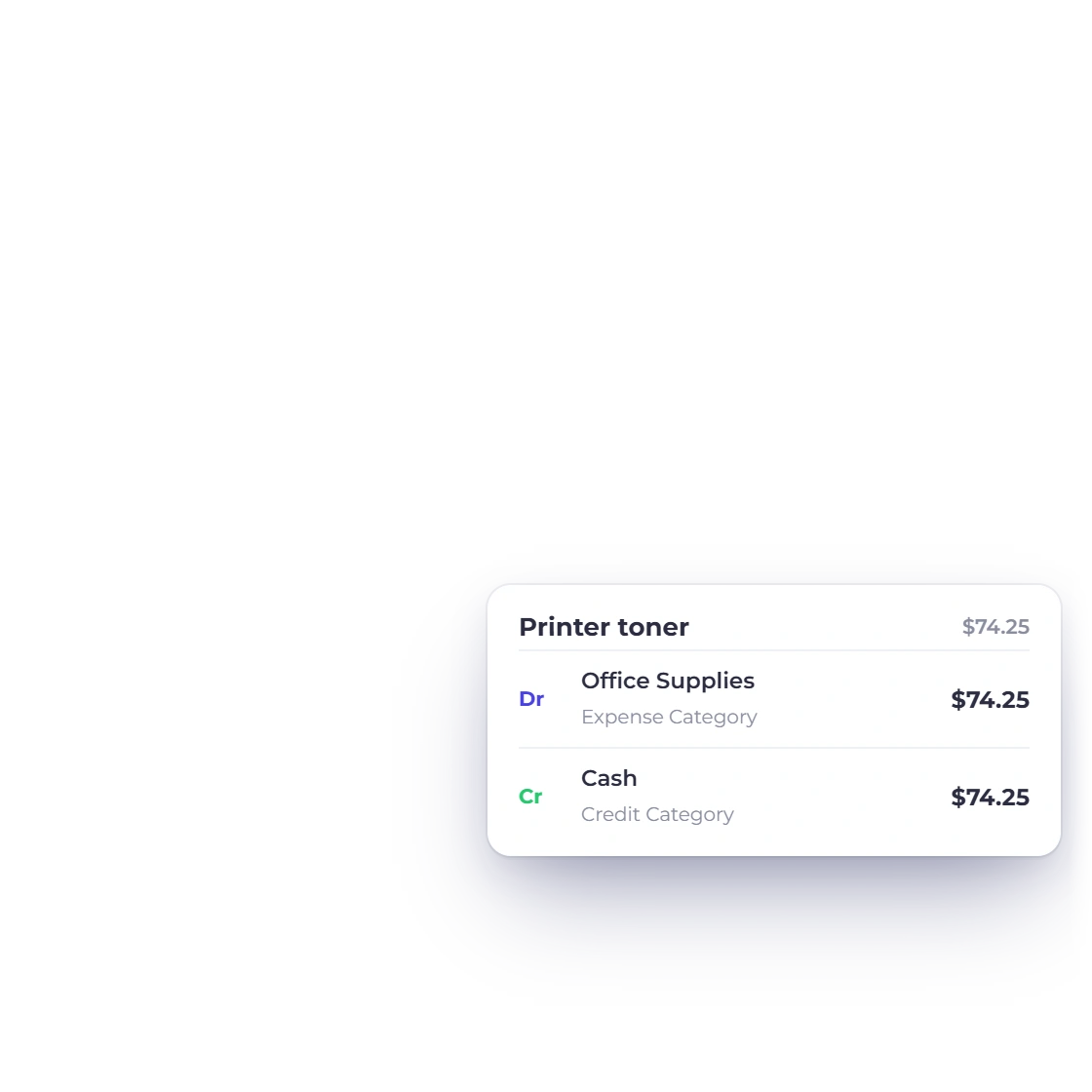
Expense tracking is part of the accounting module rather than a bolt-on beside it. Each cost posts against an account in the chart of accounts, 103 of the 165 being expense accounts, so it shows in the general ledger and on the profit and loss statement without a second entry.

  • Posts to the chart of accounts
  • Shows in the general ledger
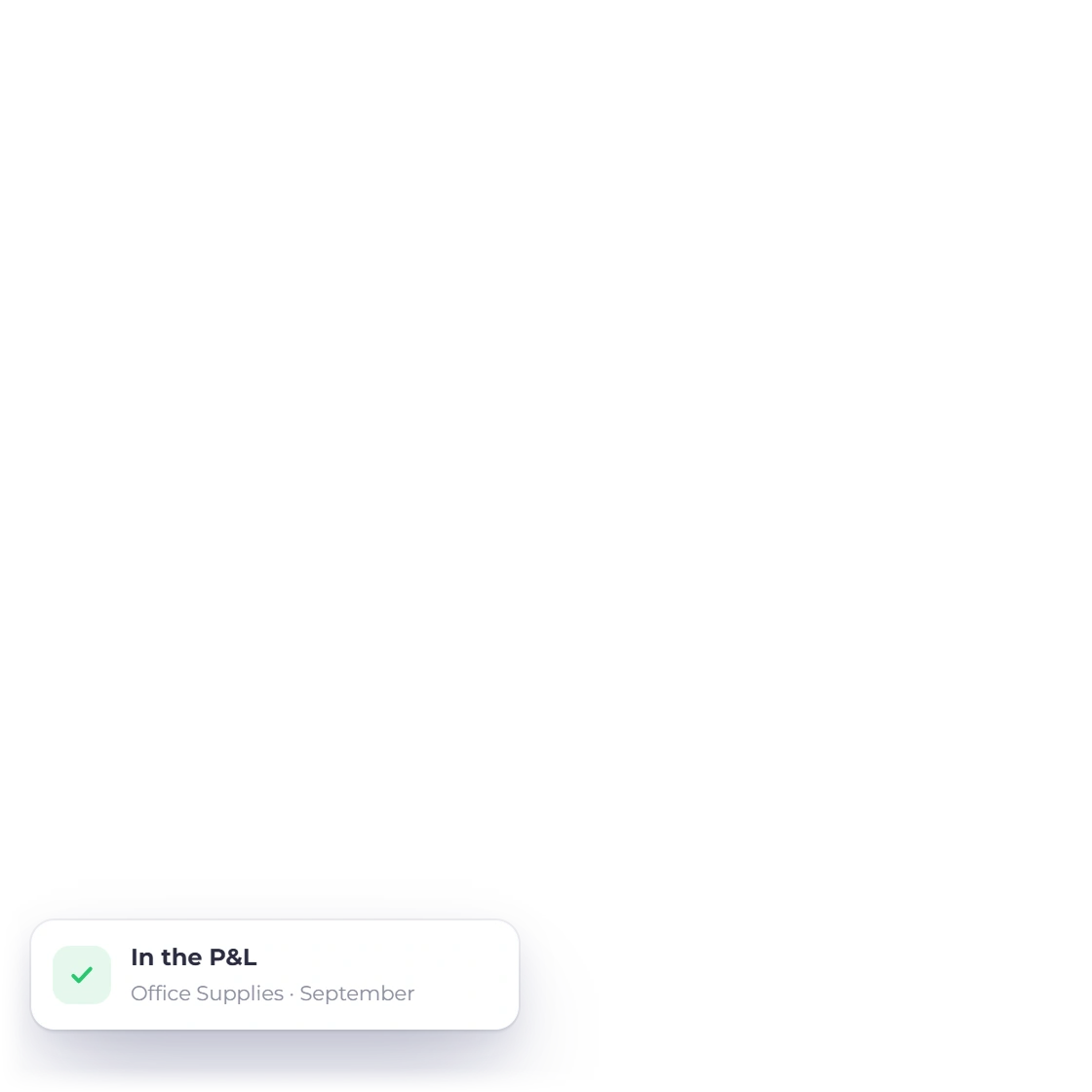
  • Feeds the profit and loss statement
Accounting in Invoice Crowd

Also included

The rest of the spending side

Everything a cost touches sits in the same account: the supplier it came from, the report it appears in, and the books it settles into.

  • Receipts attached

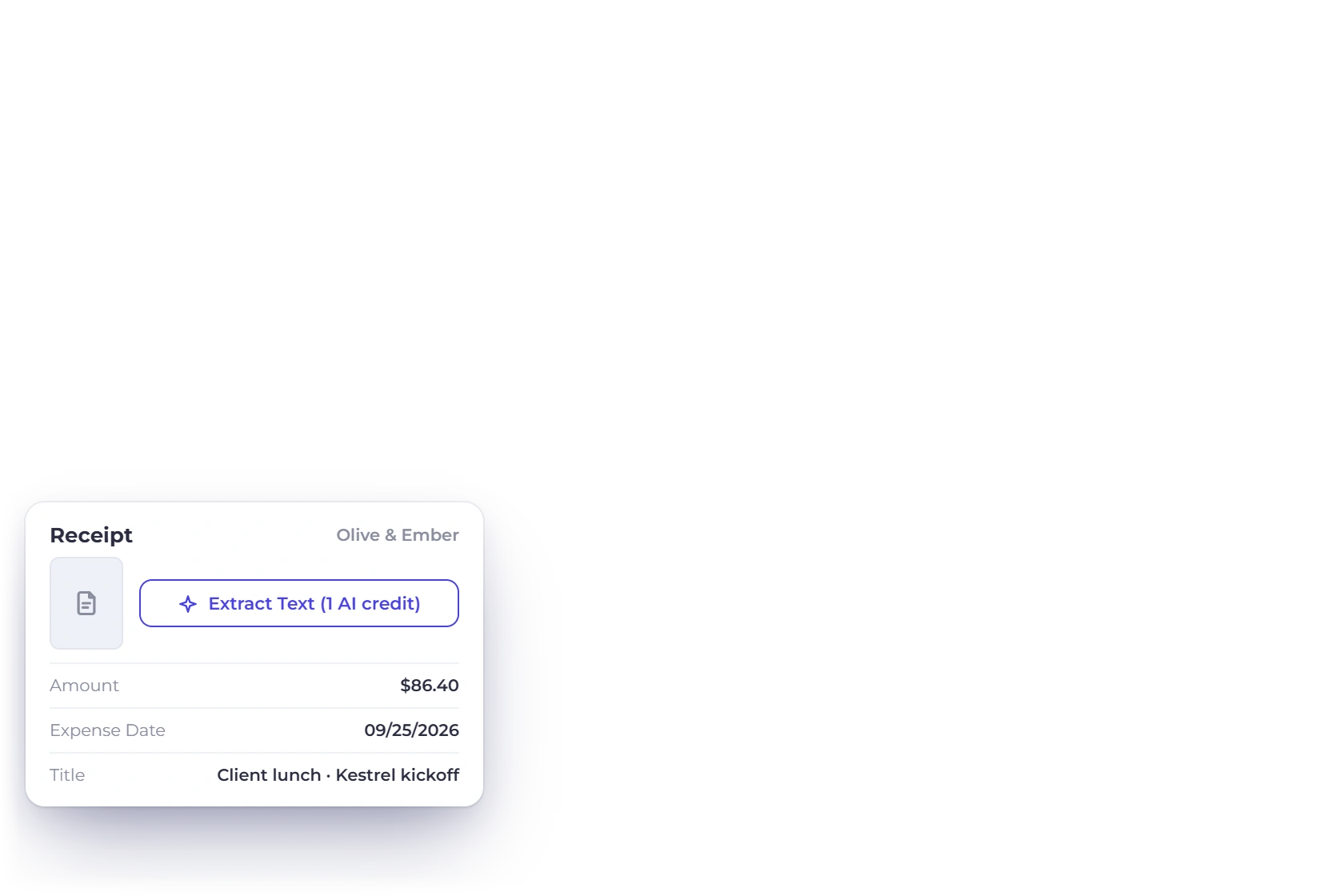
    Keep the receipt on the expense it belongs to instead of in a shoebox or a mail folder.

  • Recurring costs

    Subscriptions and annual fees post on the dates you set, the way recurring invoices bill your clients.

  • Vendor list

    Add as many suppliers as you deal with; each one keeps its own expense history.

  • Bills and purchase orders

    Raise a purchase order, record the bill against it, and track what has been paid out.

  • 184 accounts ready

    Use the configured chart of accounts to categorize costs consistently and keep supporting receipts with their entries.

  • Profit and loss

    What you spend shows against what you earned, month by month, in the P&L statement.

  • Any period

    Look at last month, last quarter or the full year without exporting anything first.

  • Costs in any currency

    Record what you paid in the currency you paid it, and report in your base currency.

  • Team entries

    Team members you invite can record expenses under the role you give them.

  • Several businesses

    Each business profile keeps its own expenses, vendors and accounts under one login.

  • Custom categories

    Group costs the way your business talks about them, not the way a template decided.

  • One login

    Expenses, invoices, customers and the ledger are the same account, not four subscriptions.

Questions

Expense tracking, answered

How do I set up a recurring expense?

Enter the expense the way you would any other, then choose how often it repeats. From that point it is recorded on each scheduled date without further input, which suits monthly subscriptions, annual licenses and any other bill that arrives on a fixed cycle.

Can I edit an expense after saving it?

Yes. Any saved expense can be reopened and changed, including the amount, the date, the vendor and the category it was filed under. The correction carries through to your reports and to the ledger, so you are never left reconciling two versions of the same cost.

Can I record spend against a supplier I have not set up yet?

Yes. Record the expense and add the vendor as you go, or leave it against a category and attach the vendor later. Nothing has to be set up in advance before you can log what you spent.

How does expense tracking connect to the accounting side?

Expenses are part of the accounting module, not a separate tool that needs syncing. Each one posts to an account in the chart of accounts, which is why it appears in the general ledger, the profit and loss statement and the trial balance without being entered twice.

Can I see what I spent on one category?

Yes. Expense reporting filters by date range, by vendor and by category, so you can look at marketing spend for a quarter or everything paid to one supplier this year, then download the result in the usual formats.

Can I keep the receipt with the expense?

Yes. Receipts attach to the expense record itself, so the evidence sits with the entry rather than in an email thread. When an accountant or a tax authority asks what a particular line was, the document is already in the right place.

Start recording what the business spends

Expenses, vendors, categories and the ledger are part of the same account as your invoicing. There is nothing to connect and nothing extra to buy.

  • current trial
  • No credit card required
  • Cancel anytime