Skip to content

Charge a late fee the day an invoice turns overdue

Set the rule once and Invoice Crowd applies it. When an invoice passes the date you chose, the fee is added as its own line, the client is told, and the total you are owed moves with it.

  • Flat rate or percentage
  • Starts on a date you set
  • Itemized on the invoice
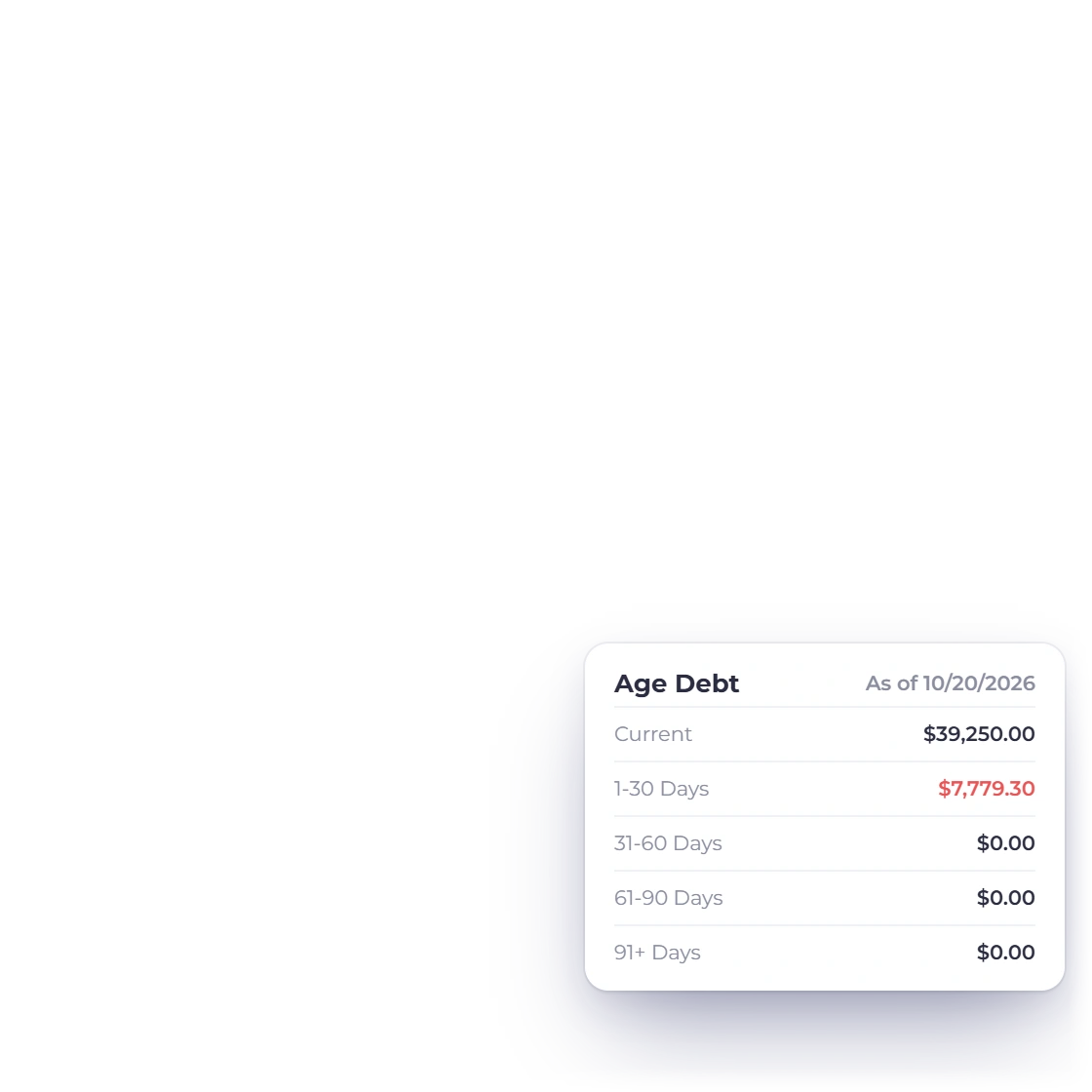
The aged debt report in Invoice Crowd, grouping what is owed by how late it is

What is inside

From the rule to the line on the invoice

Late fees in Invoice Crowd are a rule you write once. The software watches the due date, applies the charge, tells the client, and keeps a record of what has accrued.

Setting the rule

Written once, not per invoice

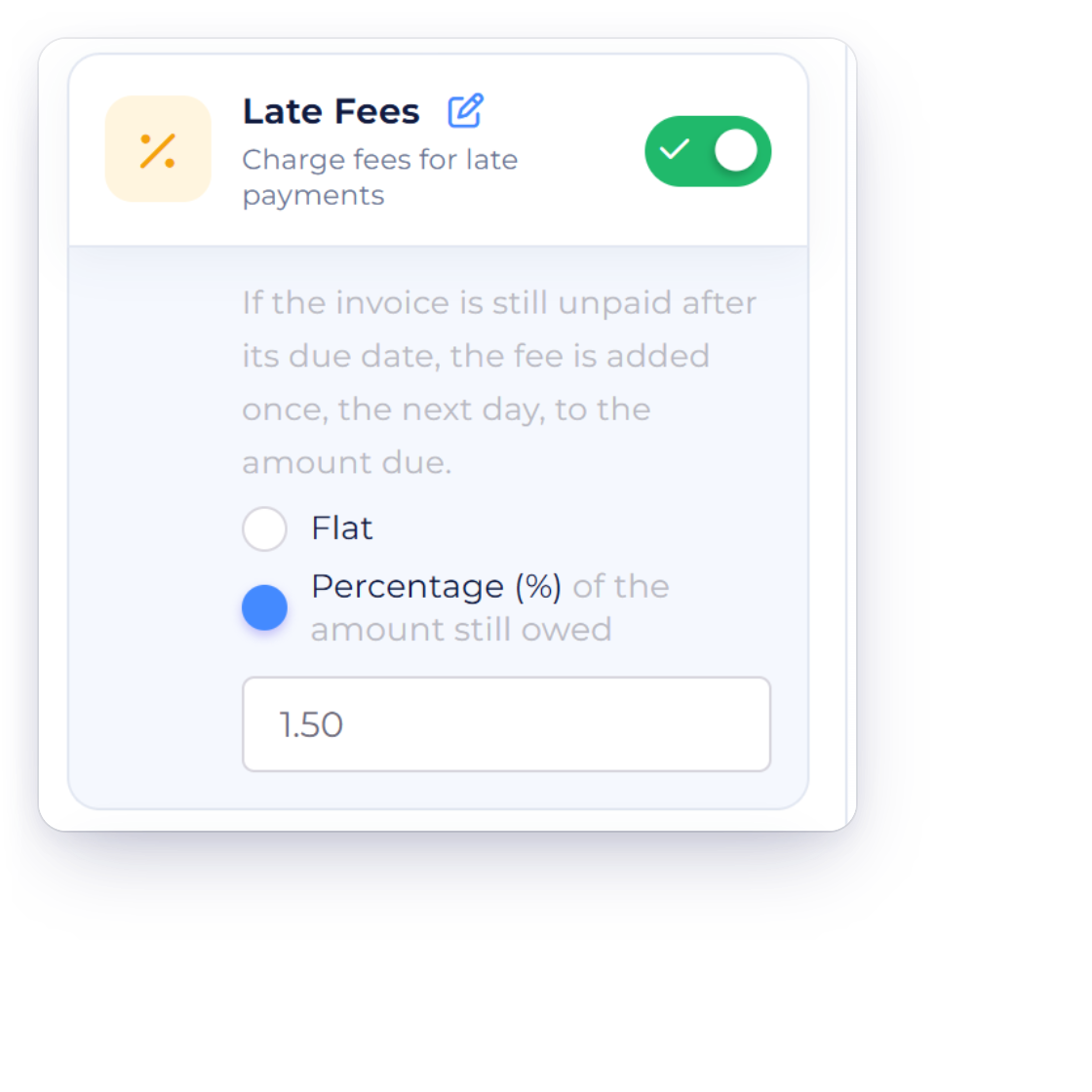
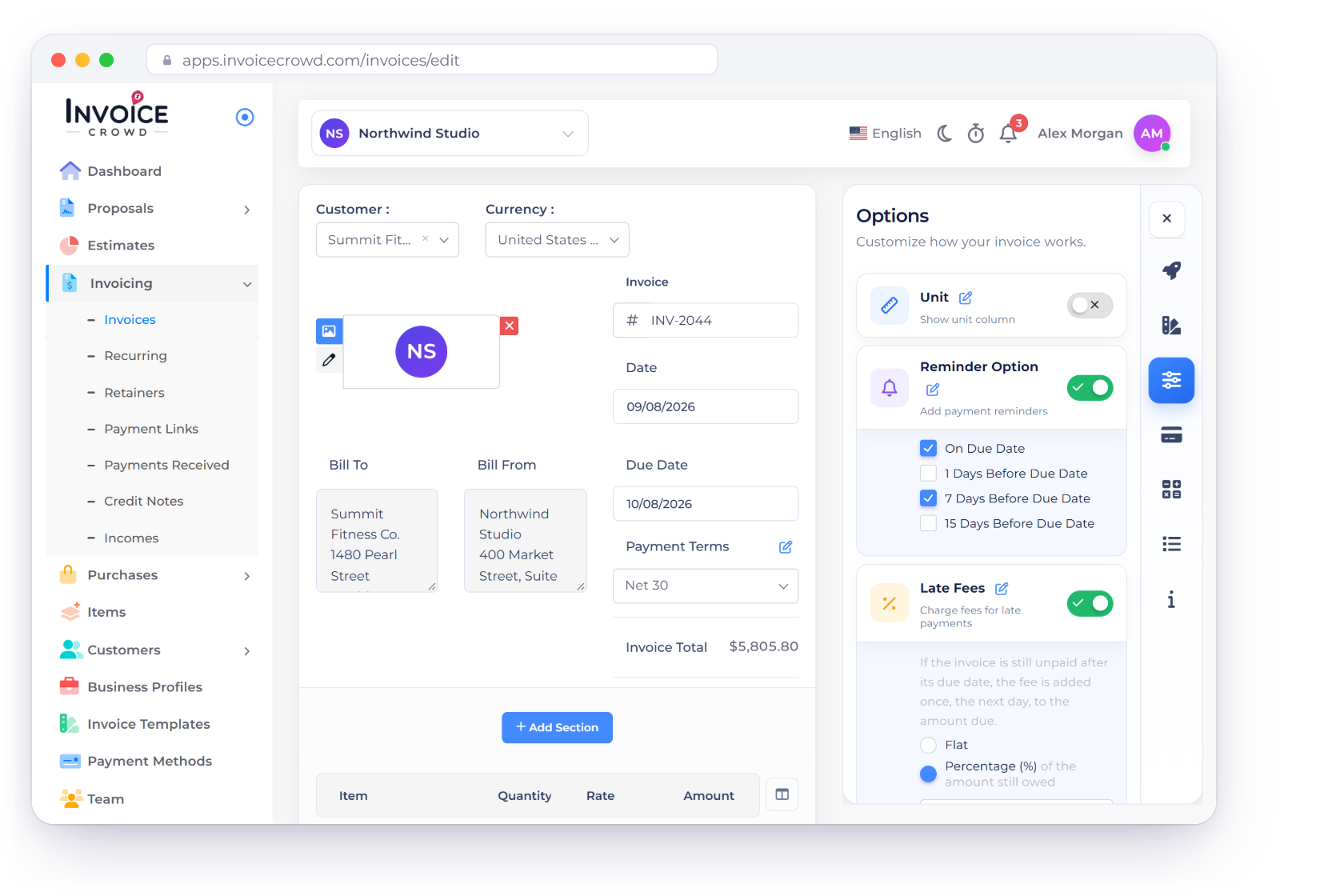
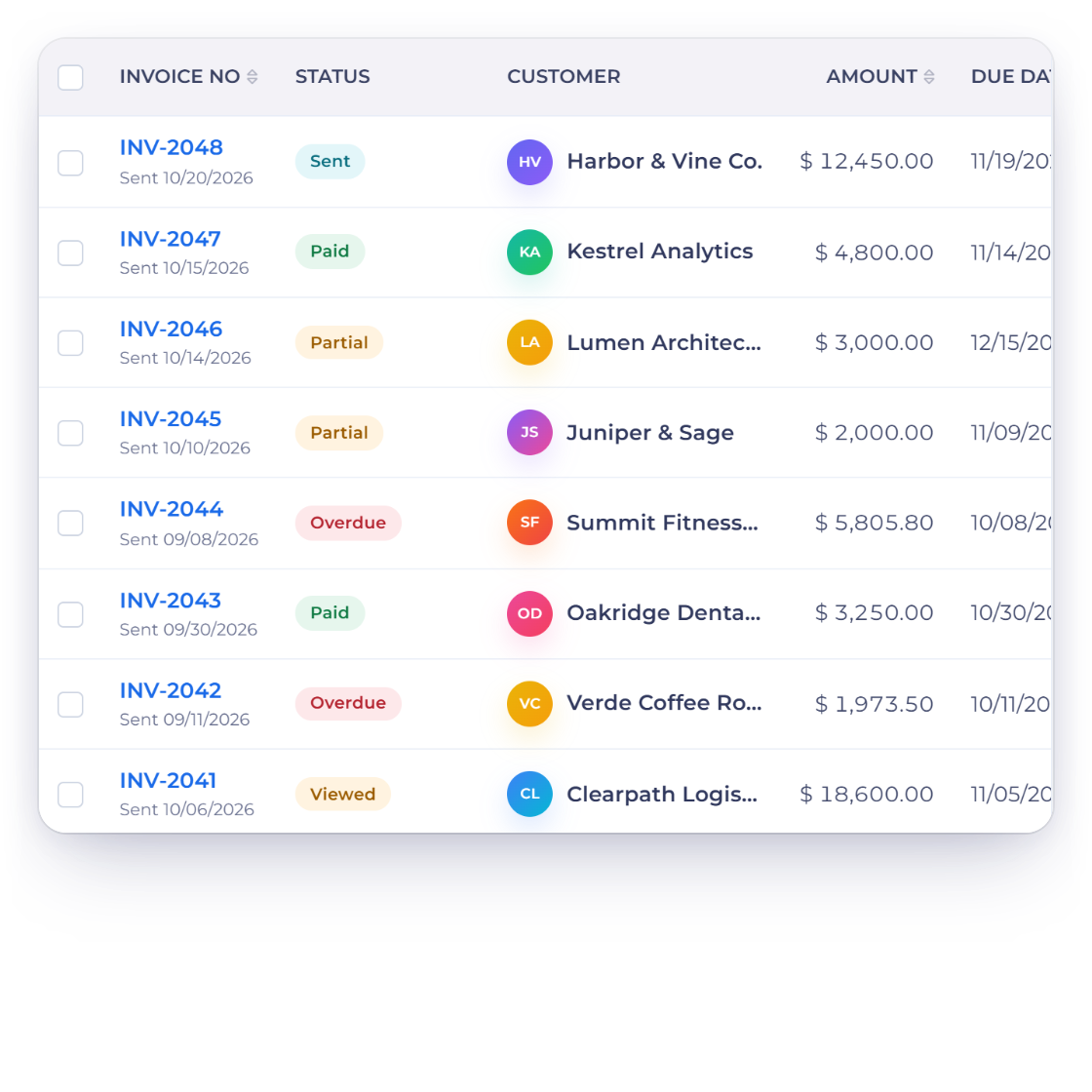
Late fee rules in Invoice Crowd, with the calculated penalty applied to an overdue invoice

Automated late fee calculation

Decide what an overdue invoice should cost and the calculation runs on its own. The moment an invoice passes the date you set, the fee is worked out against that invoice and added to it. Nothing has to be recalculated by hand when the balance changes.

  • Rules set once, applied to every overdue invoice
  • The fee is added without reopening the invoice
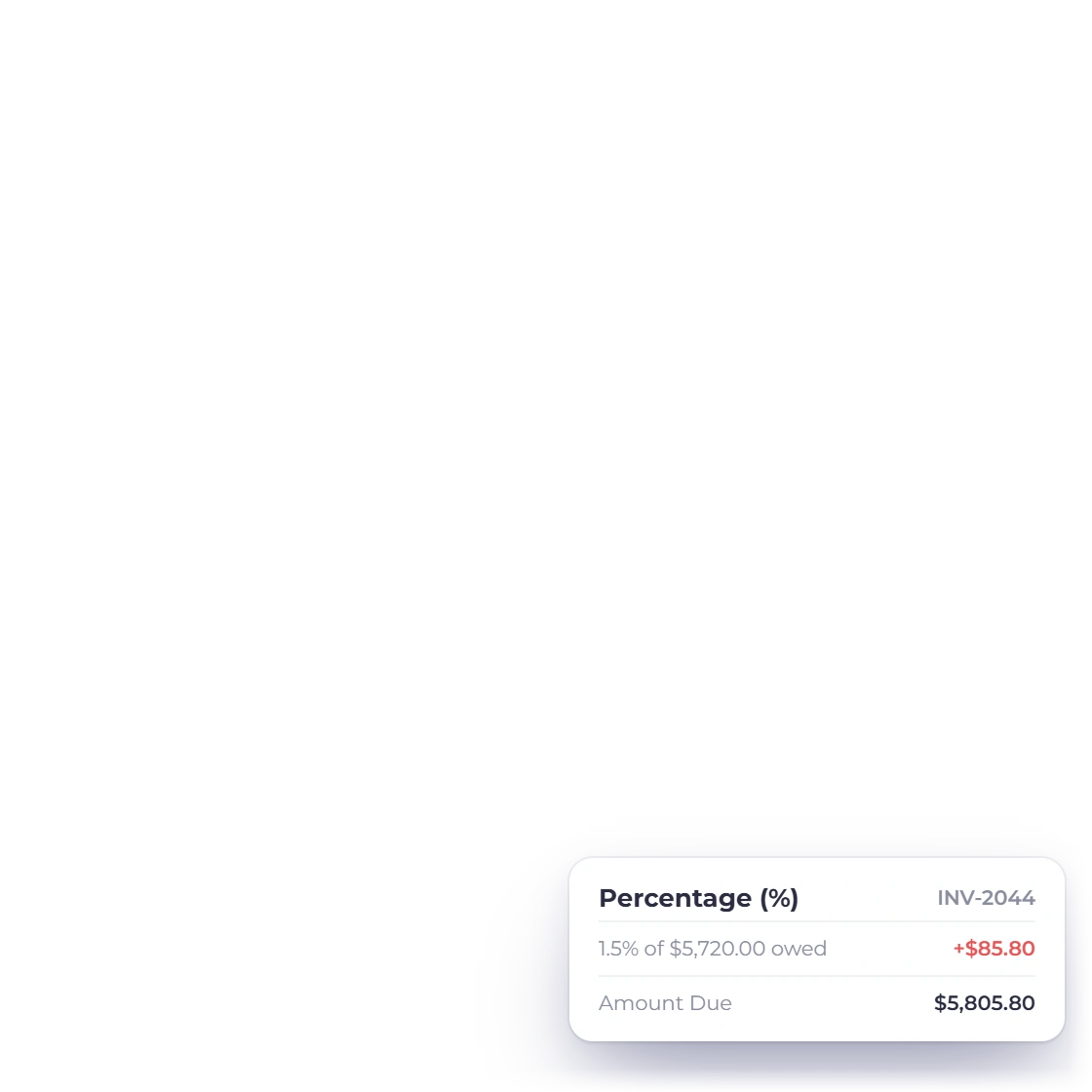
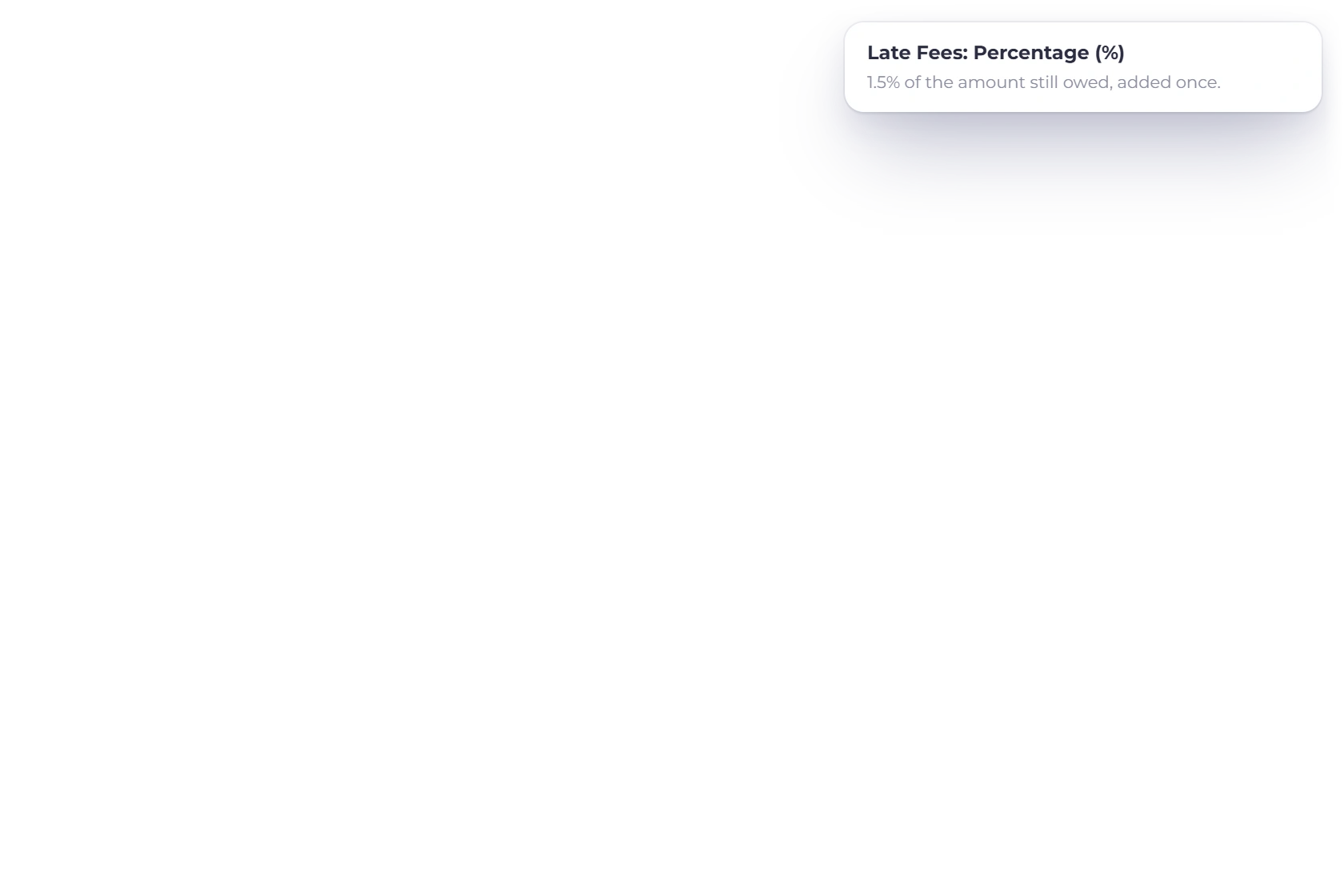
  • Percentage fees work against the amount still outstanding
Choosing between a flat late fee and a percentage-based late fee in Invoice Crowd

A flat rate or a percentage

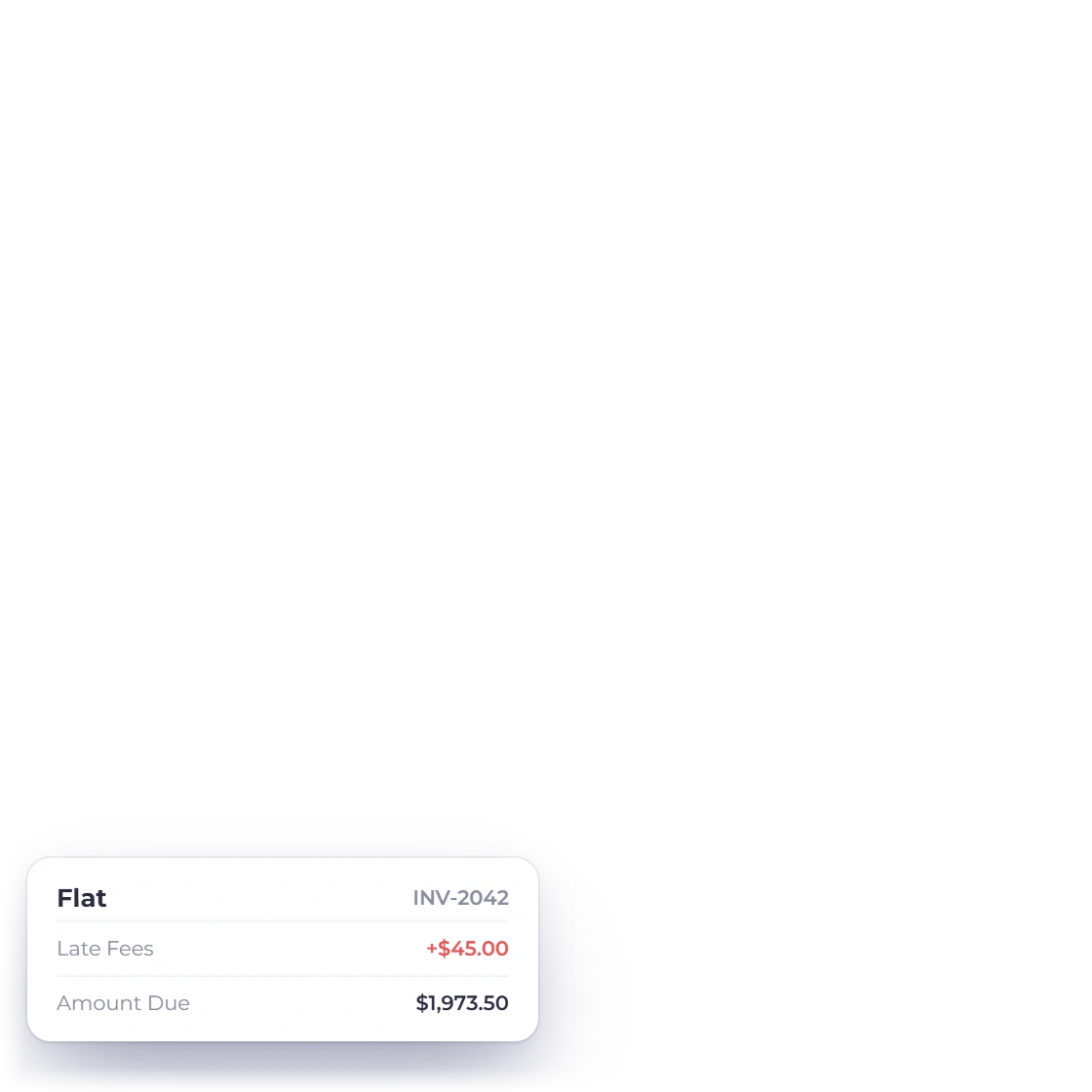
A late fee can be a fixed amount or a percentage worked out from the original invoice total. Pick whichever suits the work you bill for: a flat charge reads clearly on a small invoice, while a percentage stays proportionate on a large one.

  • Fixed amount or a percentage of the invoice
  • Different structures for different services
  • Charged in the currency the invoice was raised in

When it applies

You pick the day, not the software

Late charges on a date you name

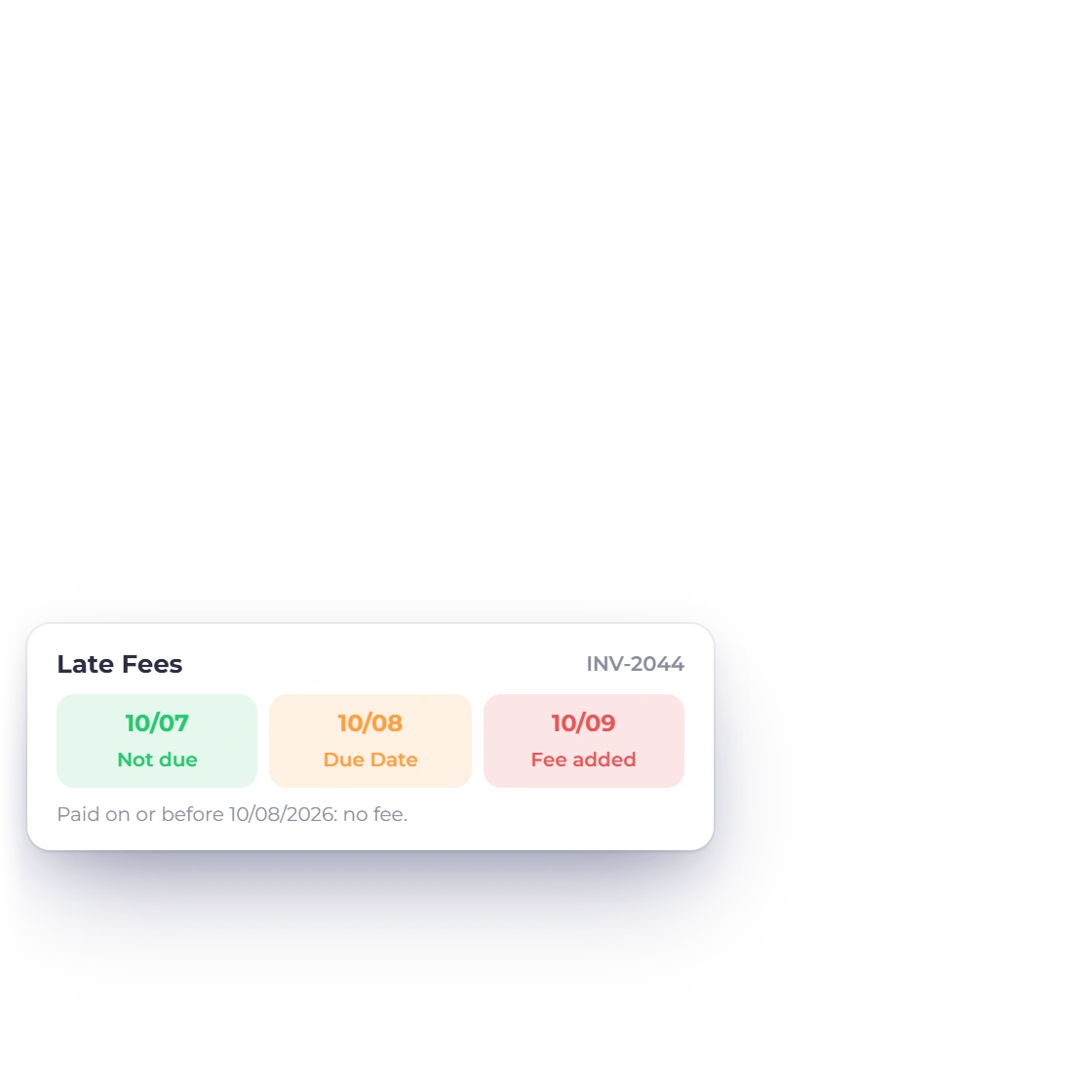
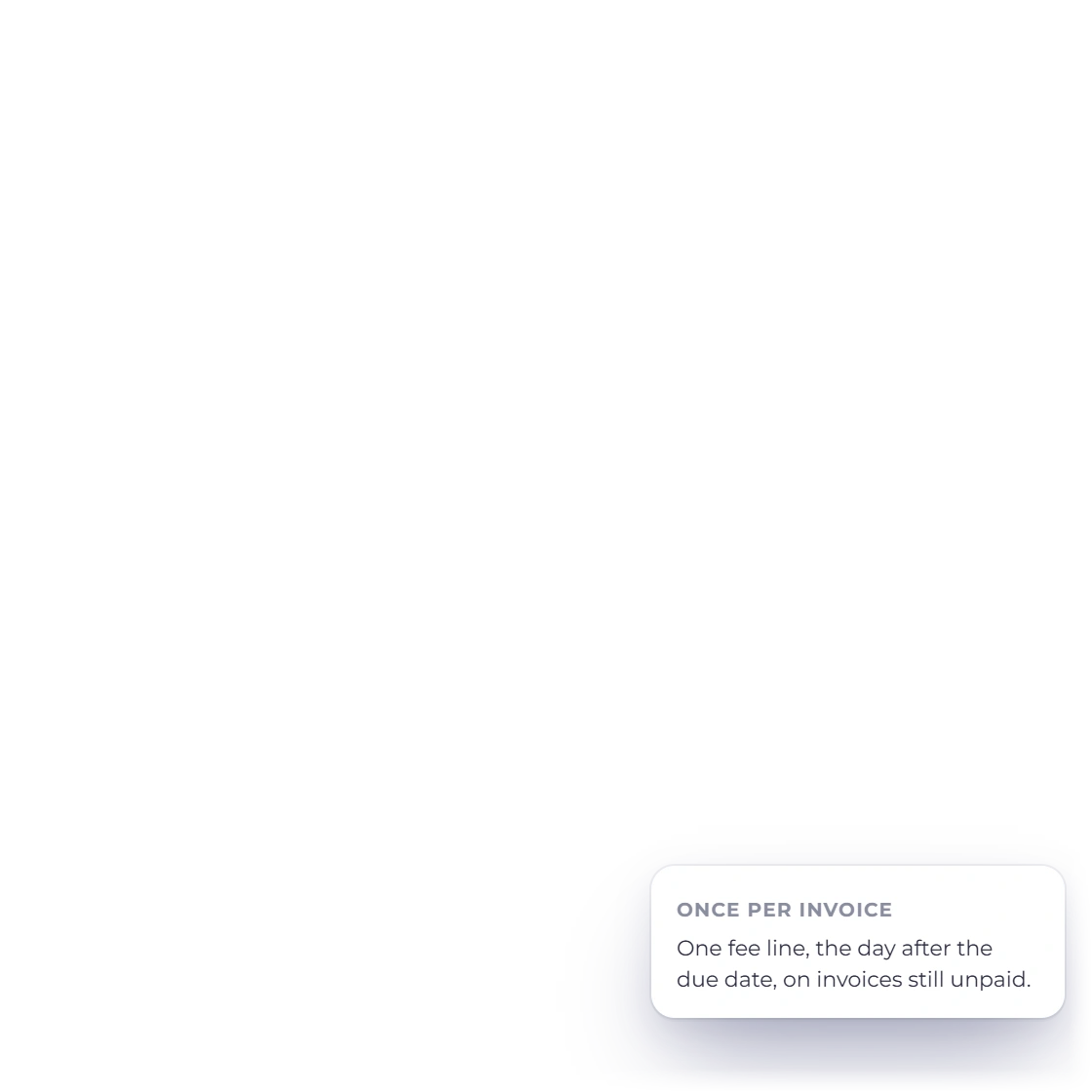
Name the date the penalty starts rather than accepting whatever the due date implies. That leaves room for a grace period, so a client who pays a few days behind is not charged, while an invoice that has gone quiet for a month is.

  • Set the exact date the fee applies
  • Leave a grace period after the due date
  • Different dates on different invoices

Added to the invoice, not tracked on the side

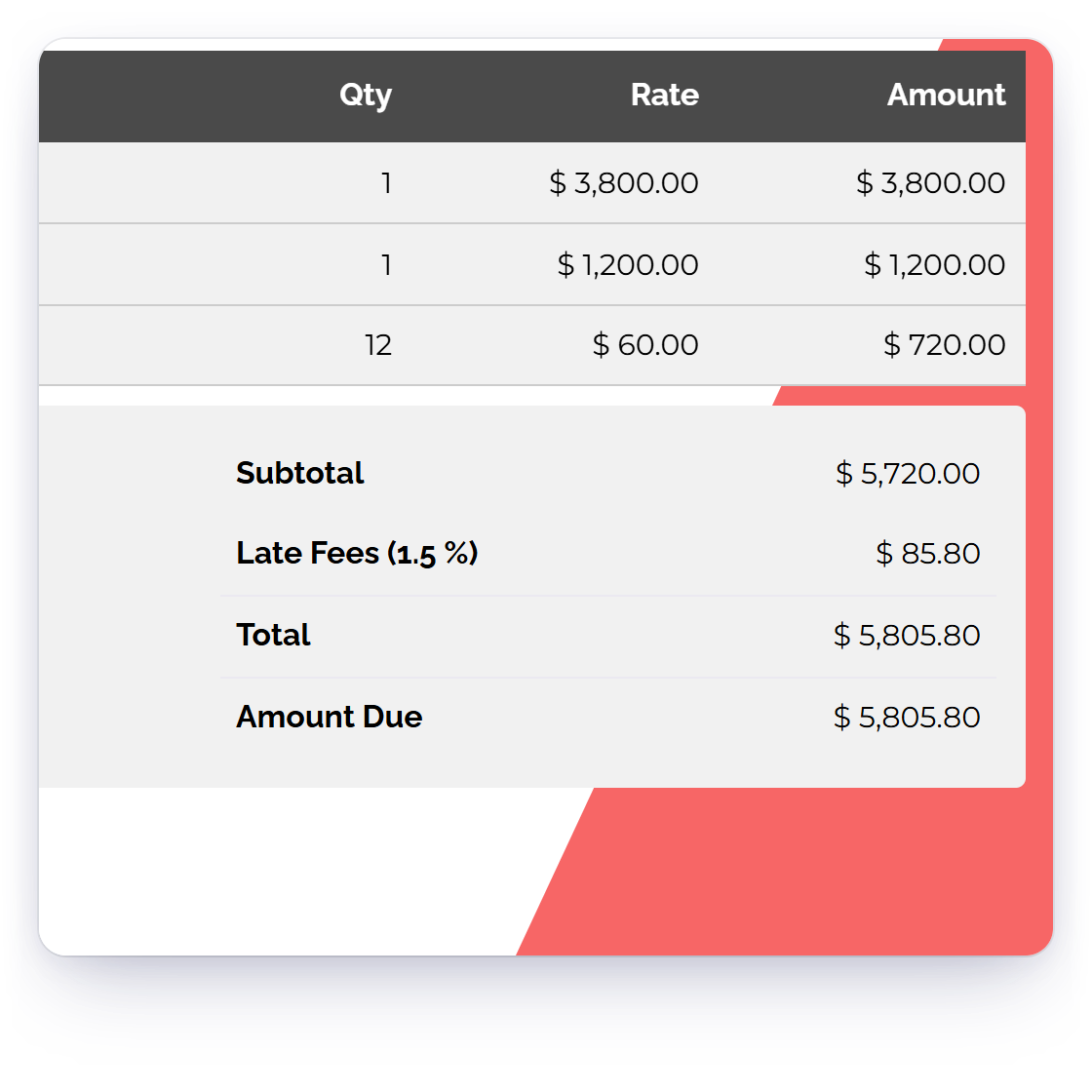
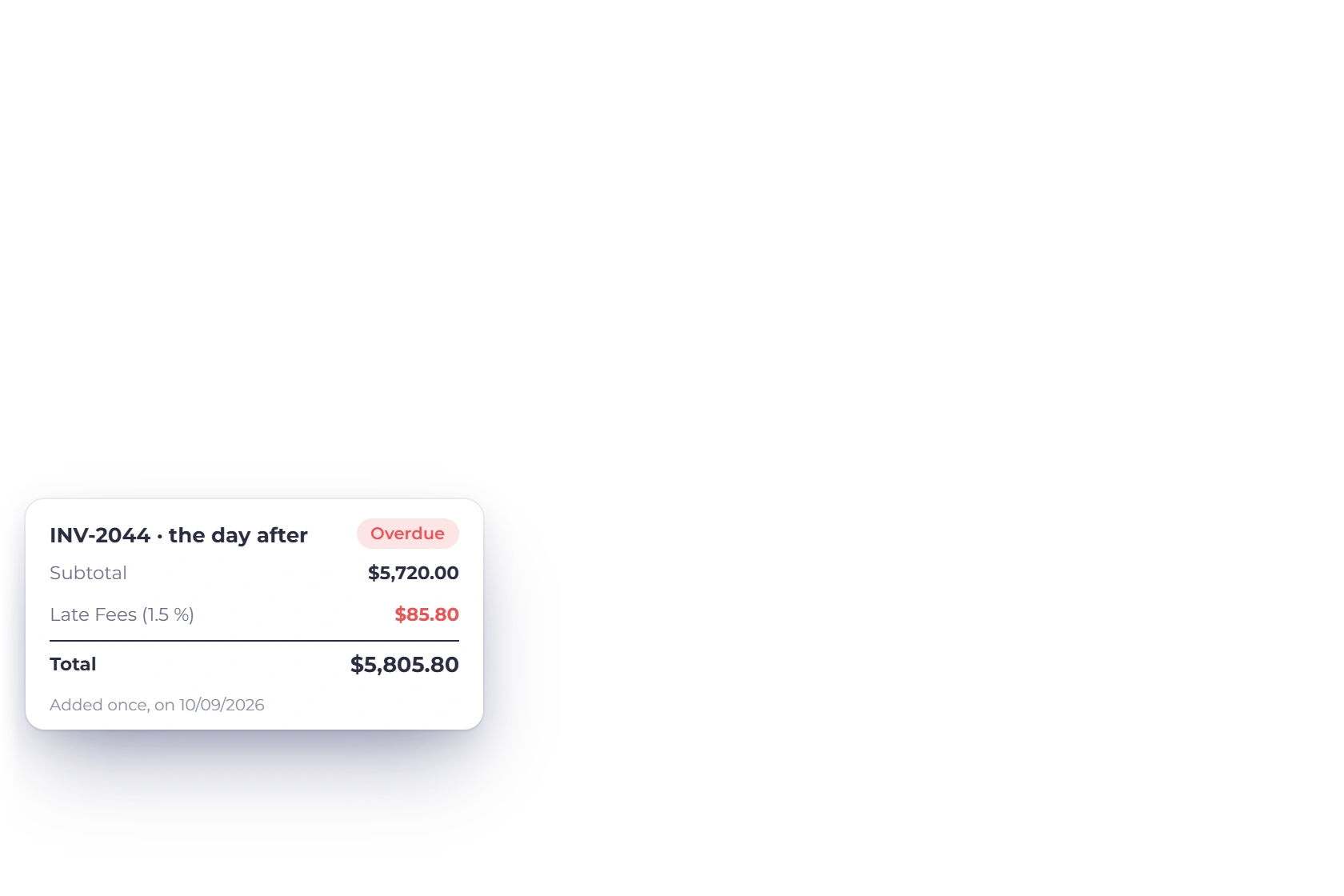
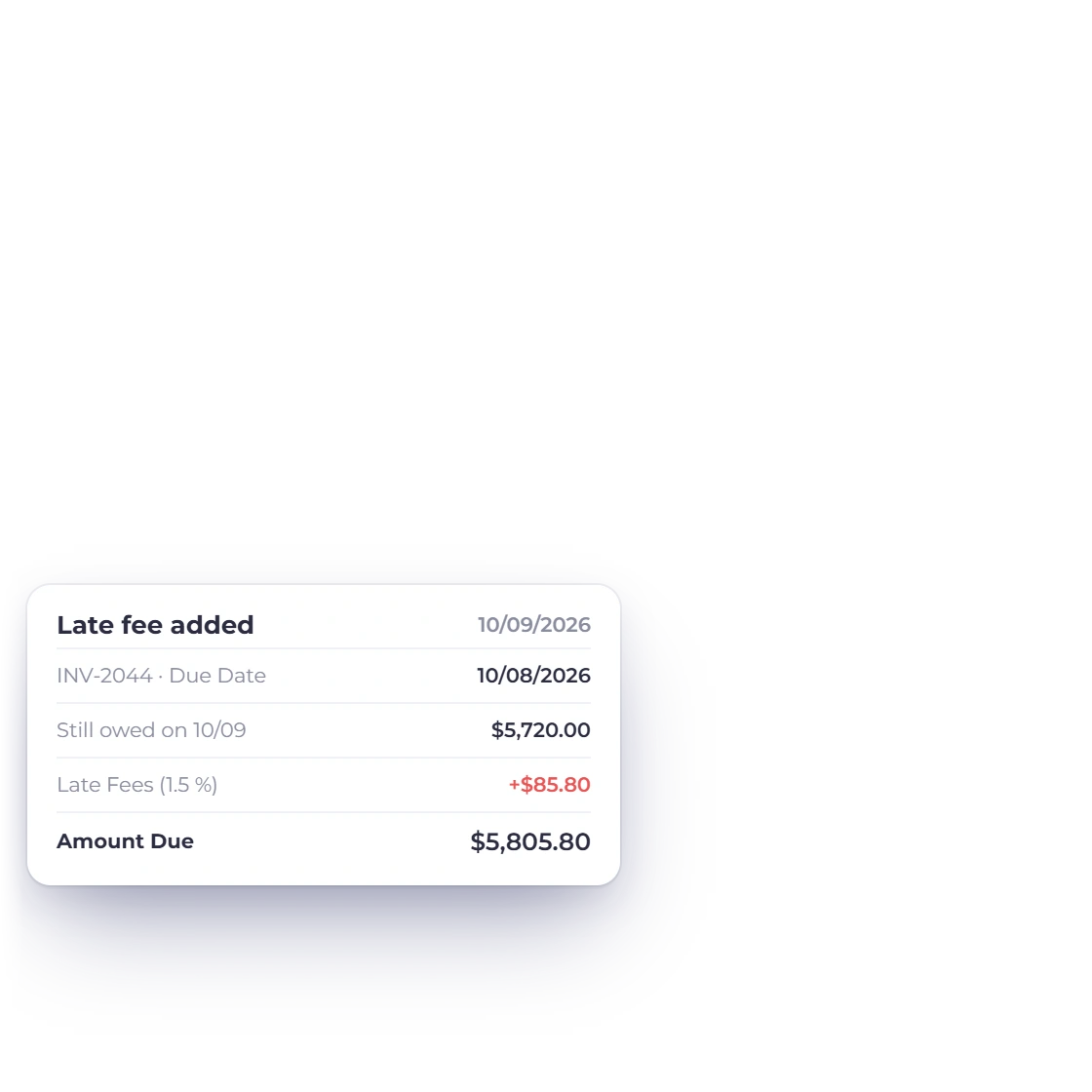
The fee lands on the overdue invoice itself, itemized on its own line beneath the original amount. The client can see what they were billed and what the delay added, and the invoice total is the figure you are owed. There is no separate penalty document to reconcile.

  • Shown as a separate line on the invoice
  • The original amount stays visible
  • Waive or adjust it on any single invoice
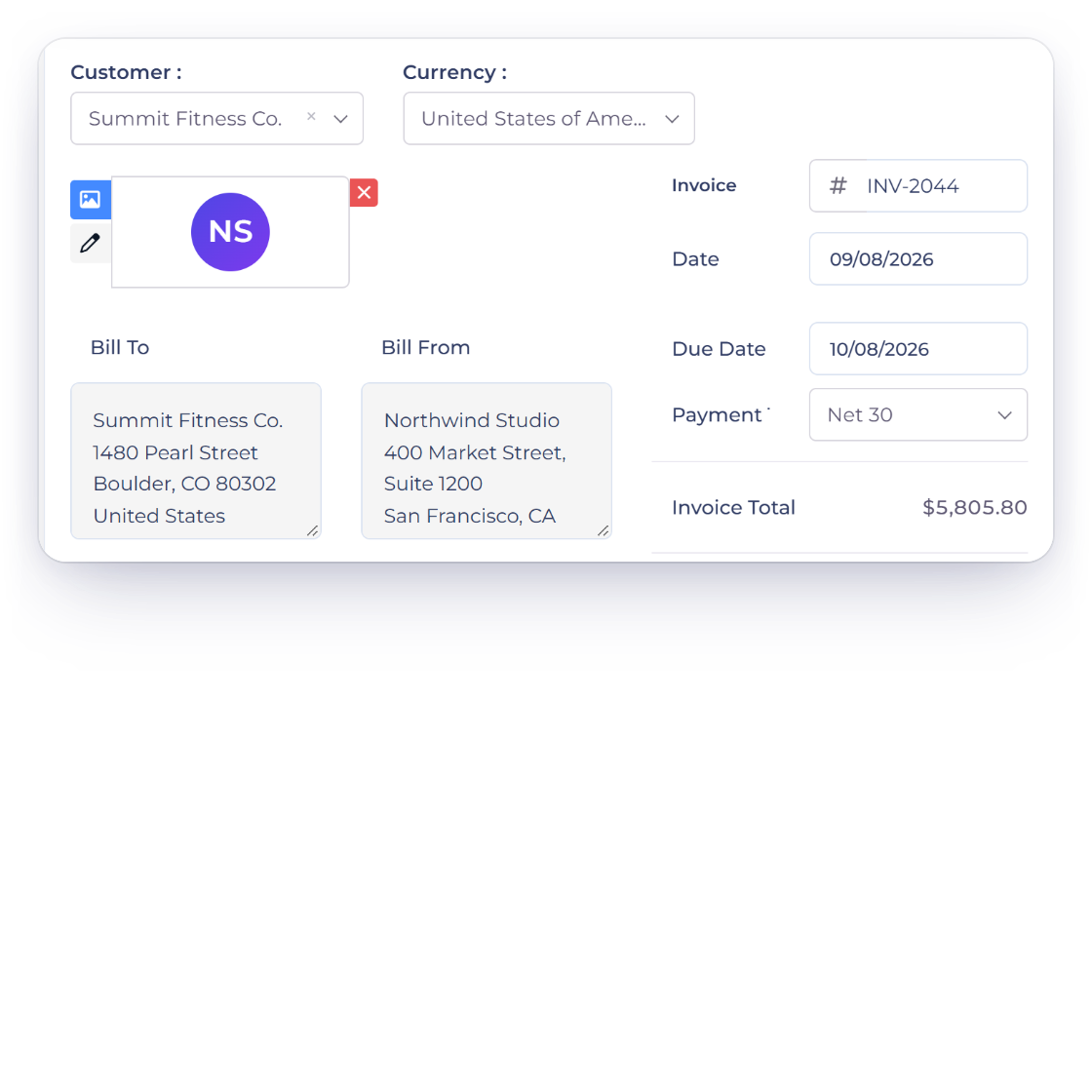
How invoices are built

After it is applied

The client hears about it, and so do your reports

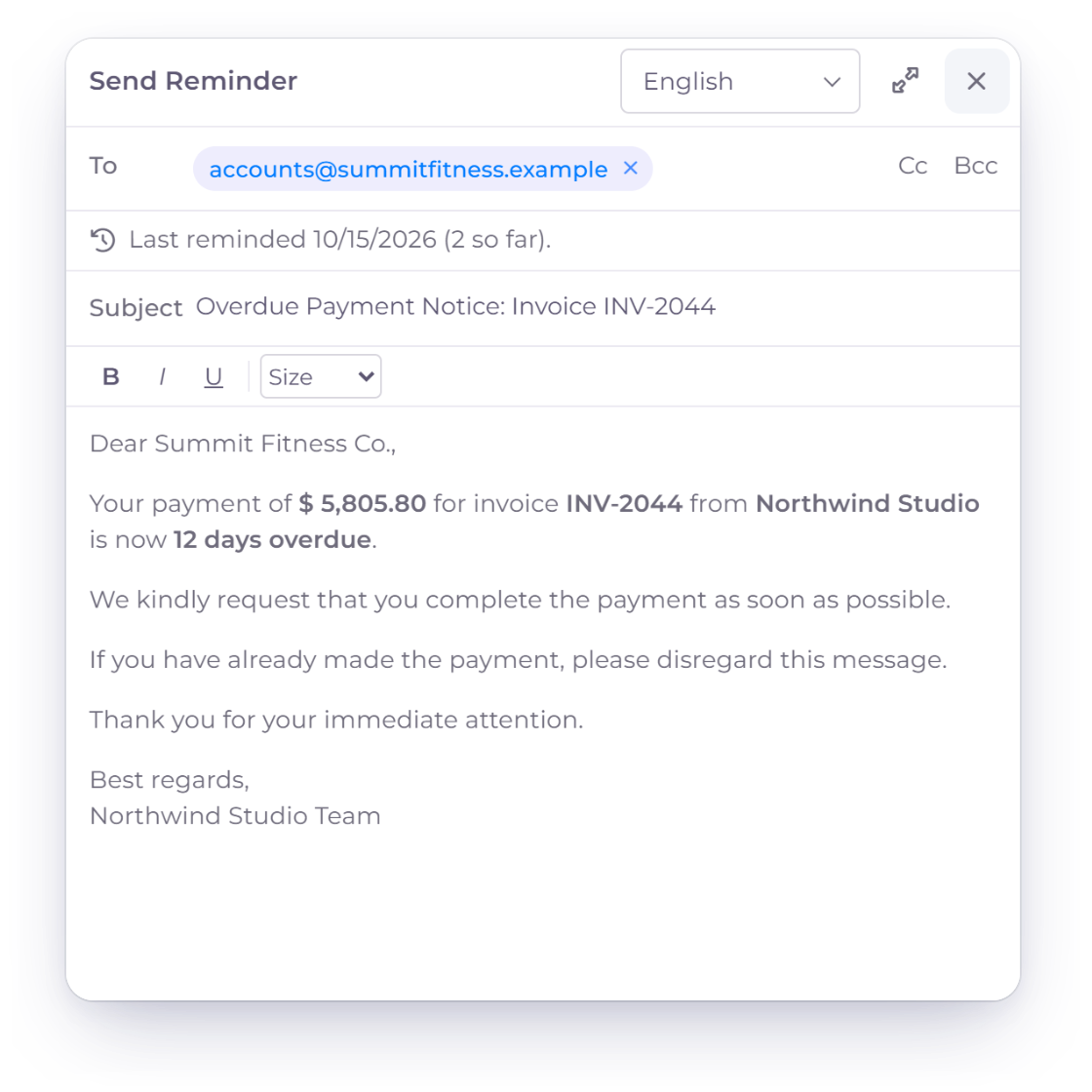
An automatic notification telling a client that a late fee has been added to their invoice

Clients are told when a fee is added

An automatic alert goes to the client when a late fee is applied, so the next thing they see is not a larger total nobody warned them about. Raising it at the point it happens keeps the conversation about the payment rather than about the charge.

  • Automatic notice the moment the fee is applied
  • The client sees the reason and the amount
  • Fewer disputes over a total that changed

Tracking and late fee reports

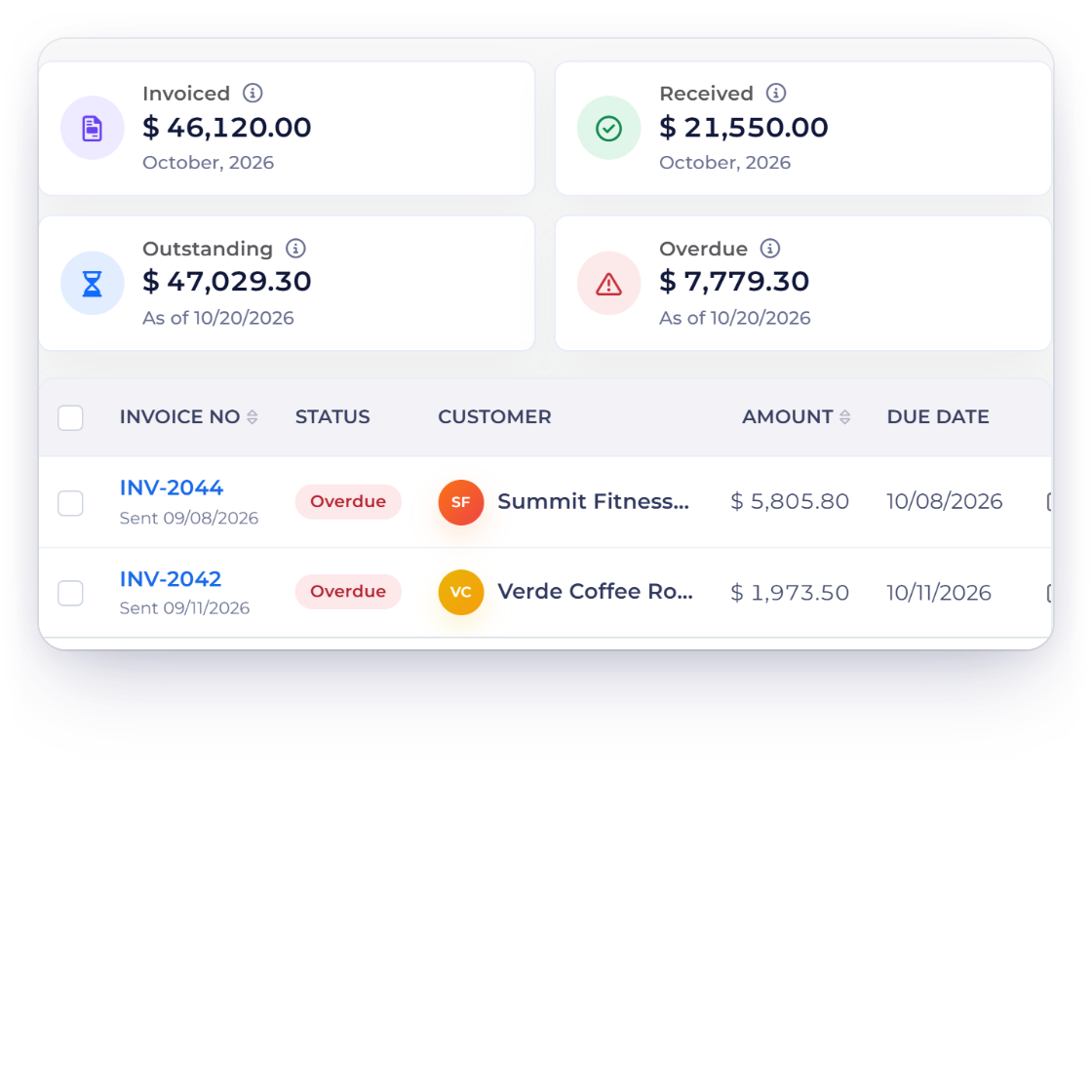
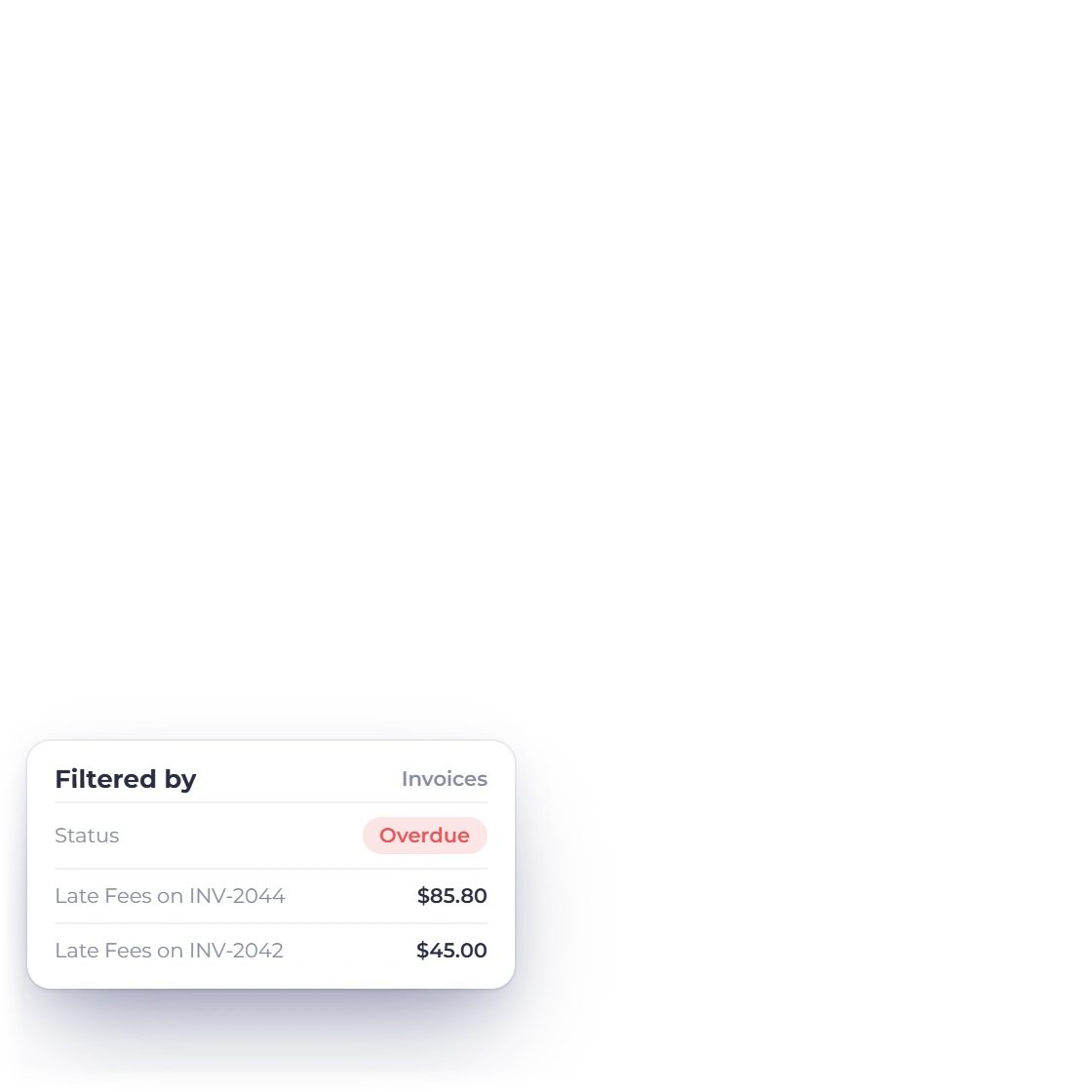
A dashboard view shows which invoices have accrued fees and what those penalties add up to. Reports pull the same information out for a period, so late payment stops being a hunch about certain clients and becomes a number you can plan around.

  • See every invoice currently carrying a fee
  • Totals for a period, not only per invoice
  • Sits with the rest of your financial reports
Reports and exports

Also included

The rest of what late fee handling covers

Late fees are not a bolt-on. They use the same invoices, customers, currencies and gateways as everything else you bill.

  • Client-specific rules

    Set a different late fee arrangement for a client whose contract or history calls for one.

  • Multi-currency fees

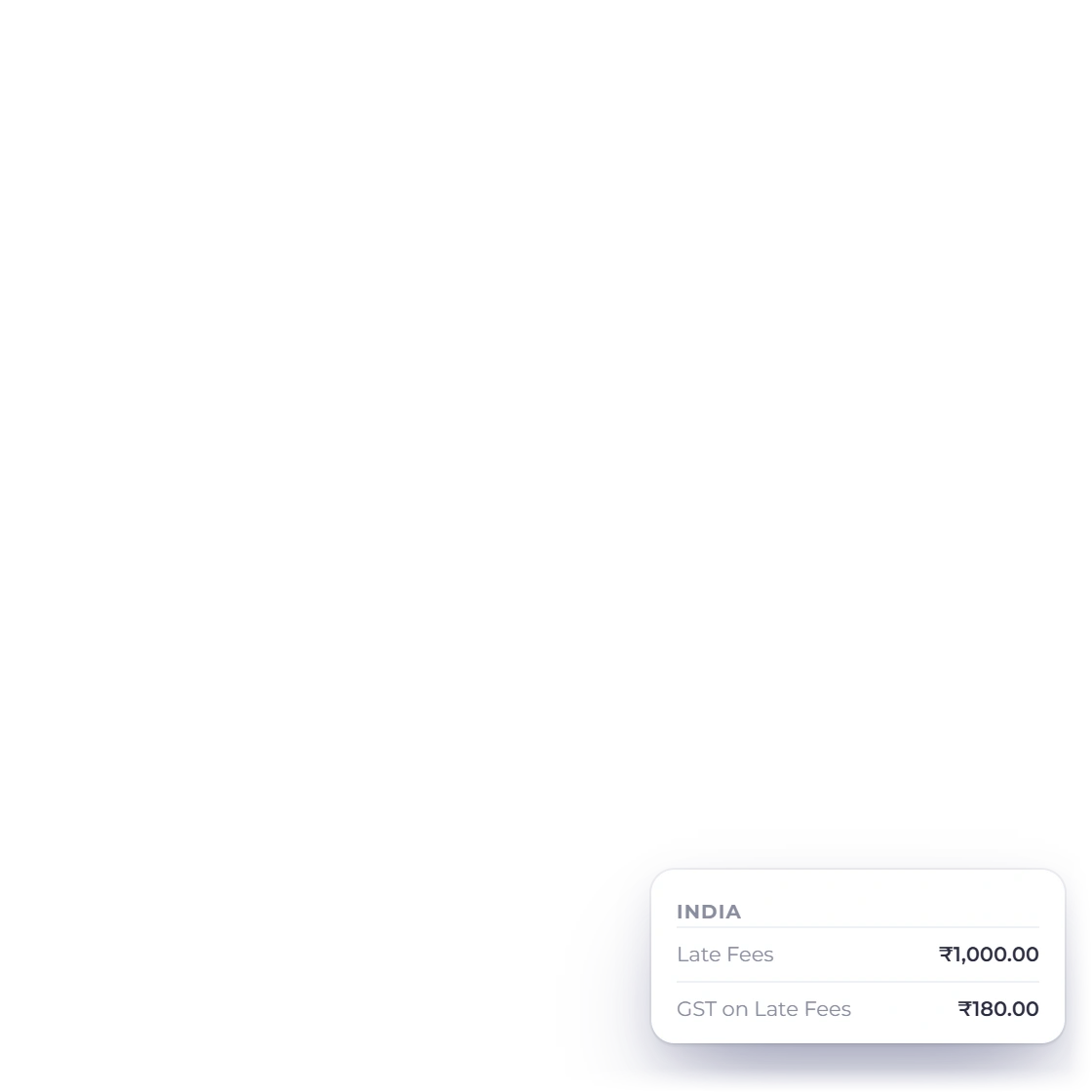
    A fee is charged in the currency of the invoice, so overseas billing stays consistent.

  • Late fee analytics

    Pull the penalties accrued over a period into a report you can file or export.

  • Fees on part payments

    If a client settles some of an invoice, the fee applies to the balance still outstanding.

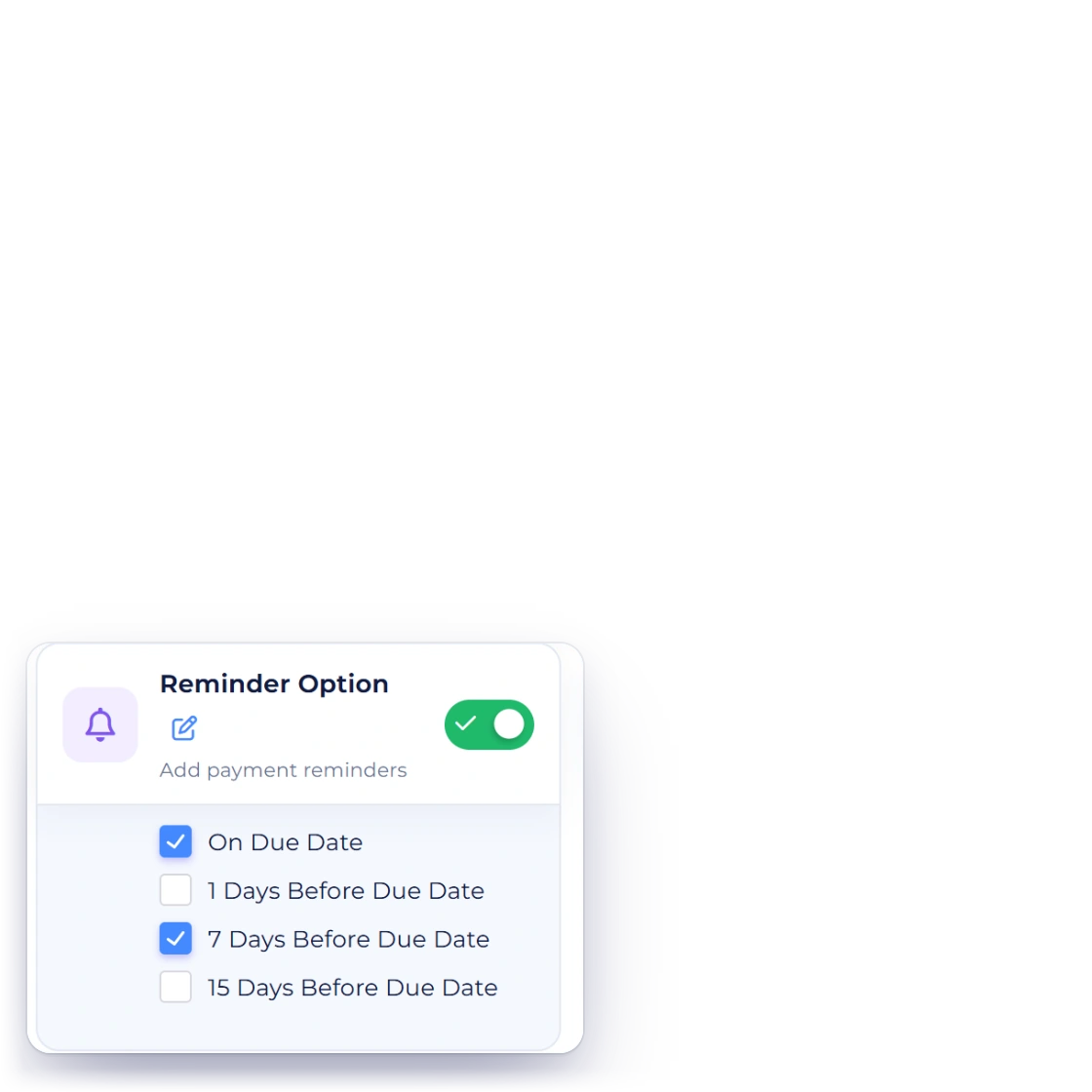
  • Payment reminders

    Reminders go out before the date, so a fee is rarely the first thing a client hears.

  • Scheduled invoices too

    Recurring invoices follow the same overdue rules as the ones you raise by hand.

  • Visible when they pay

    Clients see the revised invoice and the fee line when they sign in to settle it.

  • Waive at any point

    Remove or reduce a fee on one invoice without changing the rule for everybody else.

  • Posts to your accounts

    Fee income lands in the ledger with the invoice it came from, ready to reconcile.

  • Paid through an eligible configured gateway

    The revised total is settled through whichever gateway the client already uses.

  • Itemized every time

    Each fee appears on its own line, so the amount originally agreed is never buried.

  • Grace periods

    Delay the charge by however many days you are comfortable giving a particular client.

Questions

Late fees, answered

Can I waive a late fee for a particular client?

Yes. A fee can be removed or reduced on a single invoice when the situation calls for it, and a client you have a longer arrangement with can be given their own rule rather than the default one.

How does the late fee appear on the invoice?

It is added to the overdue invoice as its own line, below the original amount. The client sees what they were first billed and what the delay added, and the invoice total is updated to the sum of the two.

Do late fees apply if a client has paid part of the invoice?

Yes. When part of an invoice has been settled and the rest is past its date, the fee applies to the amount still outstanding. A percentage-based fee is worked out against that remaining balance rather than the original total.

Can different services carry different late fee rules?

Yes. Fee structures can be set against particular services or products rather than applied uniformly, which matters when you bill both small quick jobs and long projects. A flat charge suits one and a percentage suits the other.

When exactly does the fee get charged?

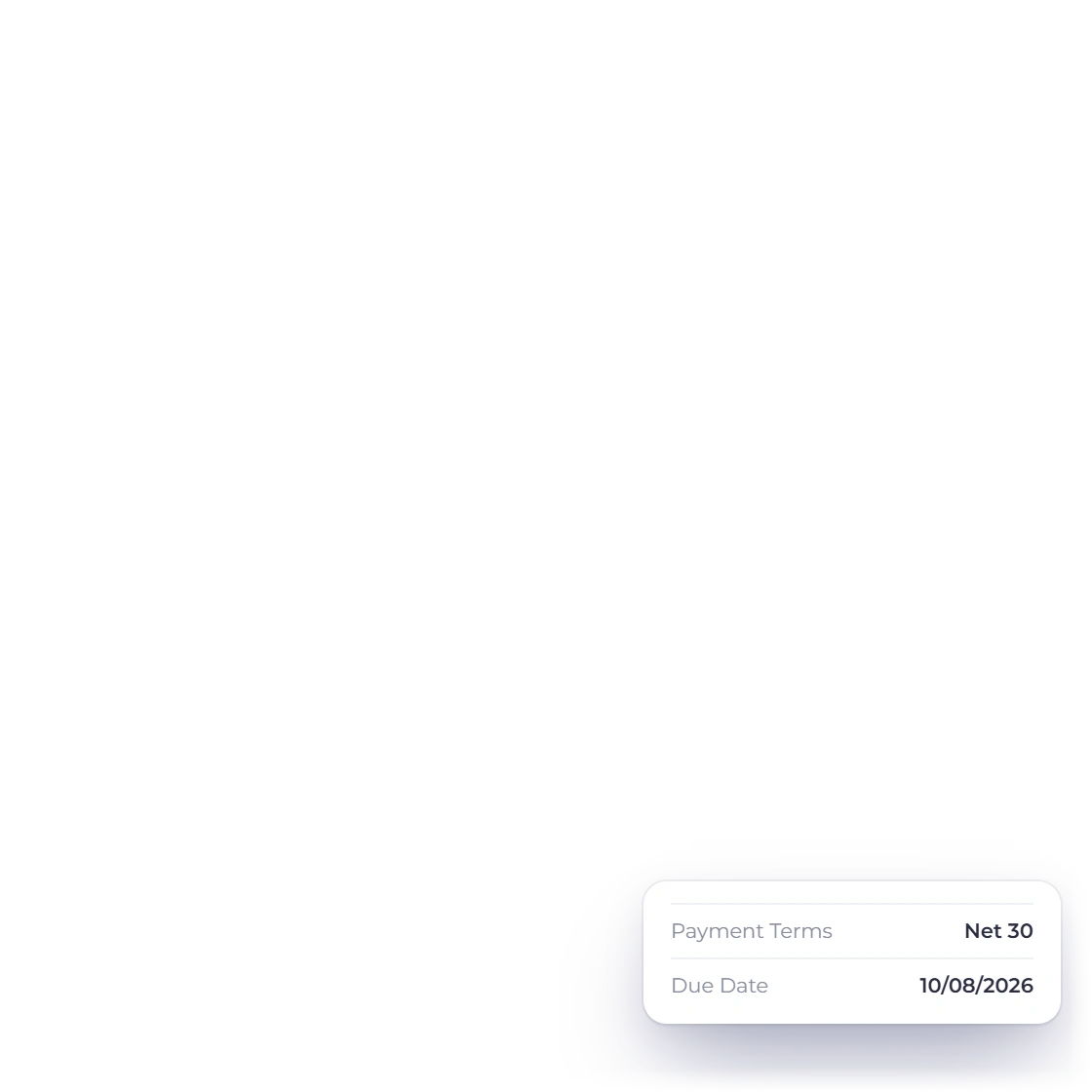
On the date you nominate, which does not have to be the day after the due date. Leaving a few days of grace means a client who is briefly late is not penalized, while an invoice ignored for weeks is.

Does the client know a fee has been added?

Yes. An automatic alert goes out when the fee is applied, so the larger total is not a surprise the next time they open the invoice. That tends to head off the argument before it starts.

Stop absorbing the cost of being paid late

Write the rule, pick the date, and let overdue invoices carry their own penalty. Chasing becomes a report you read rather than a task you do.

  • Review current plan terms before signup
  • No credit card required
  • Works on the invoices you already send