Skip to content

Pabbly Connect integration

Automate Invoice Crowd with Pabbly Connect

Connect Invoice Crowd to Pabbly Connect using your Invoice Crowd sign-in. A workflow can start from a new customer, item, income, expense, invoice or estimate, or create those records from other apps, using picklists of your own customers, categories and accounts.

  • Triggers and actions
  • Picklists from your account
  • Expenses with tax
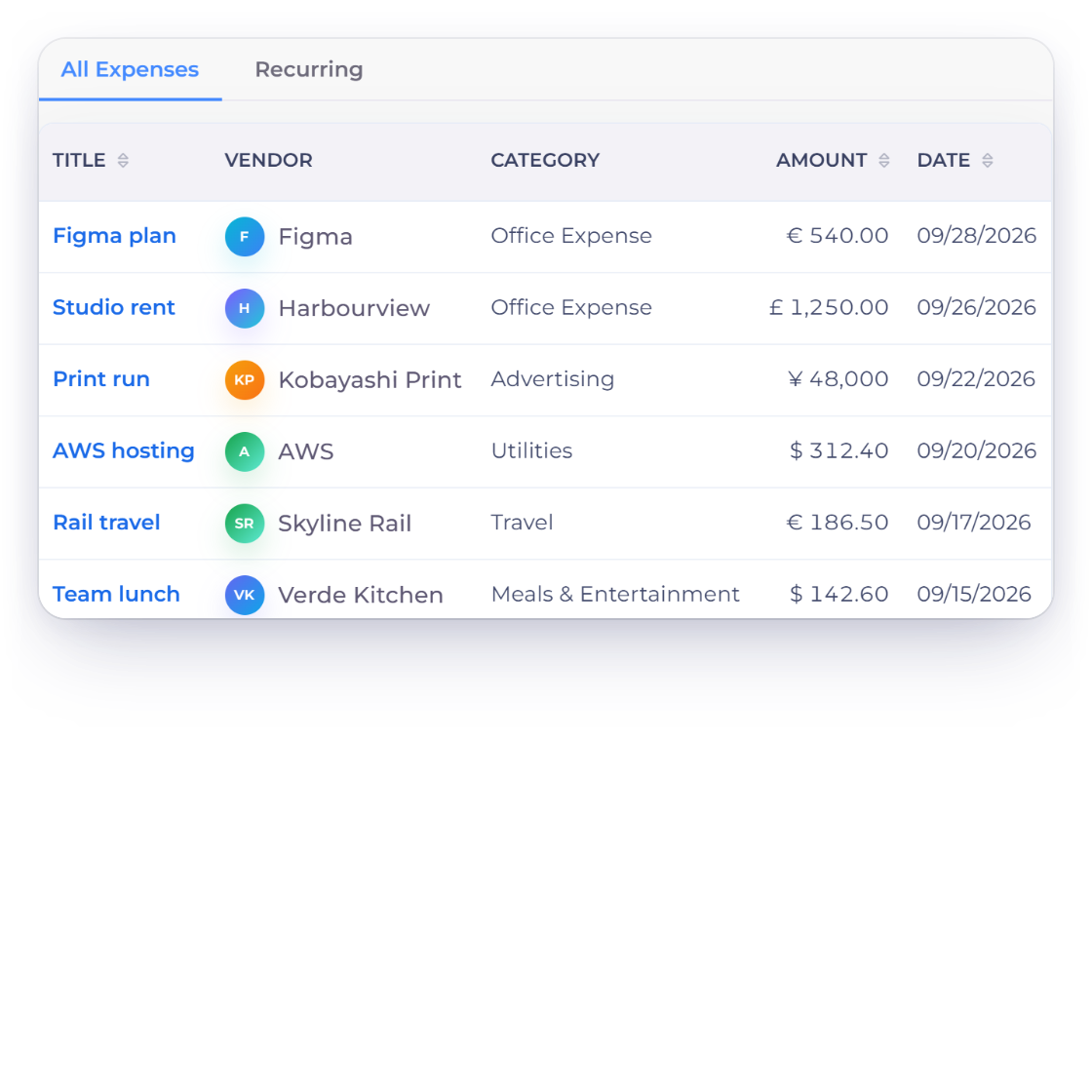
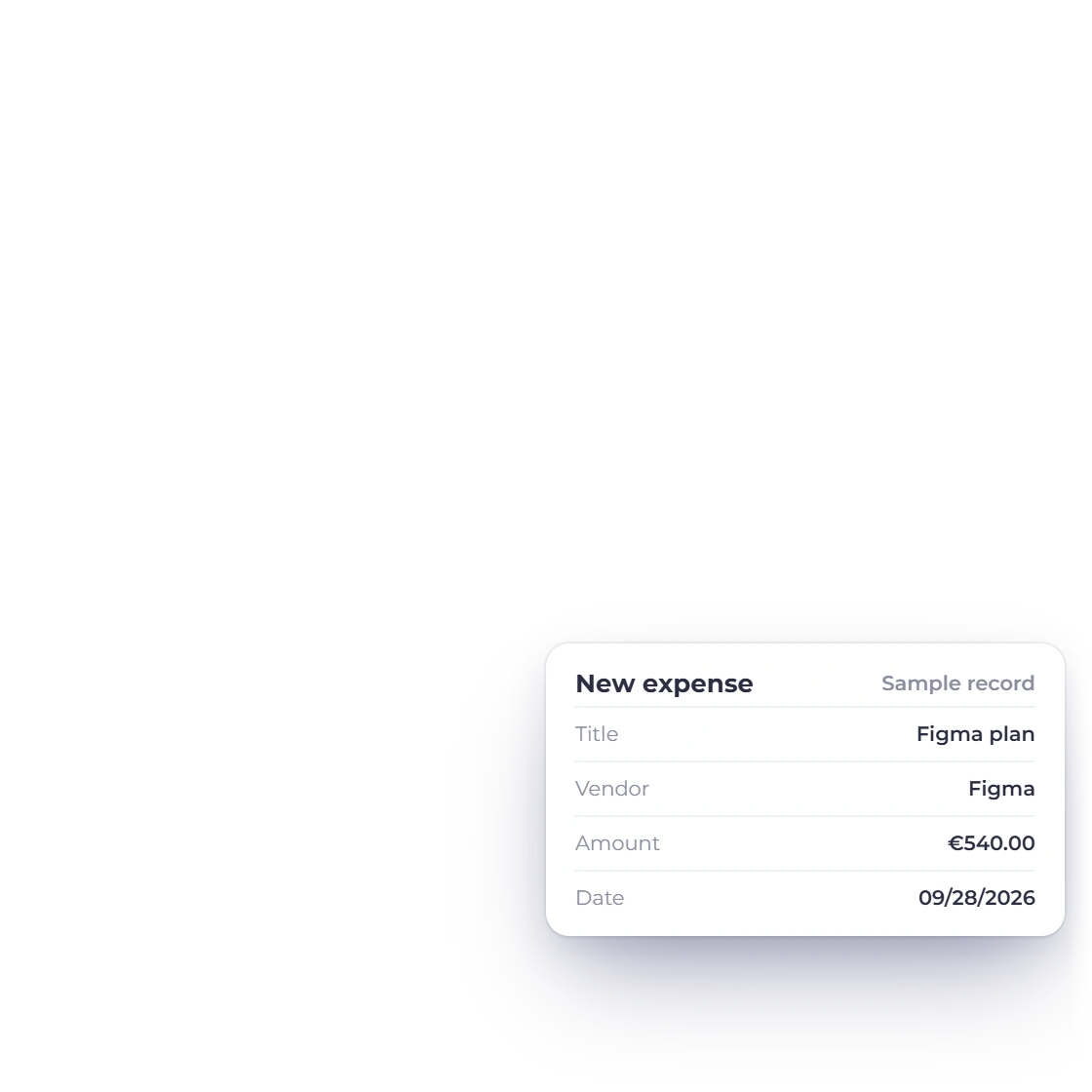
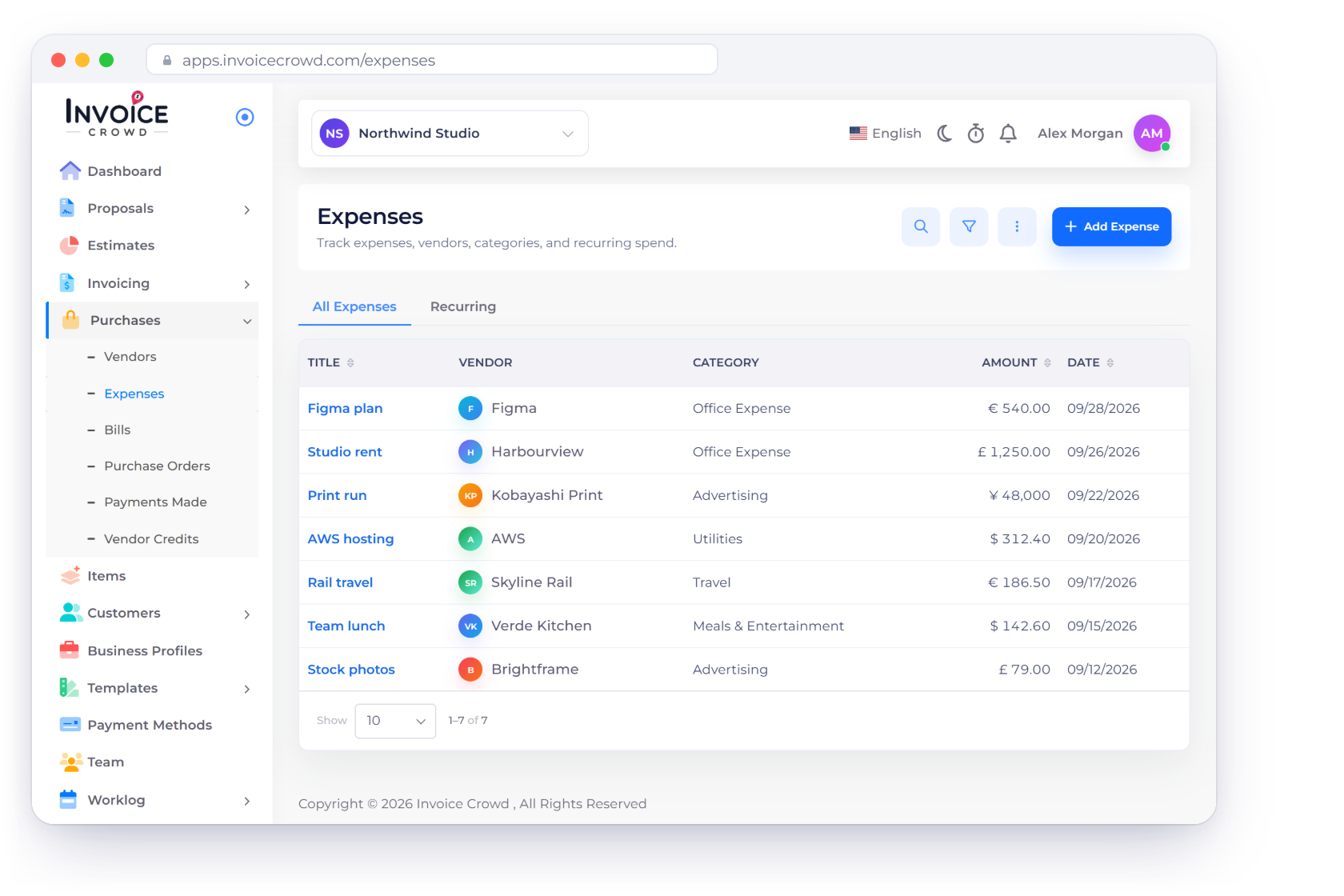
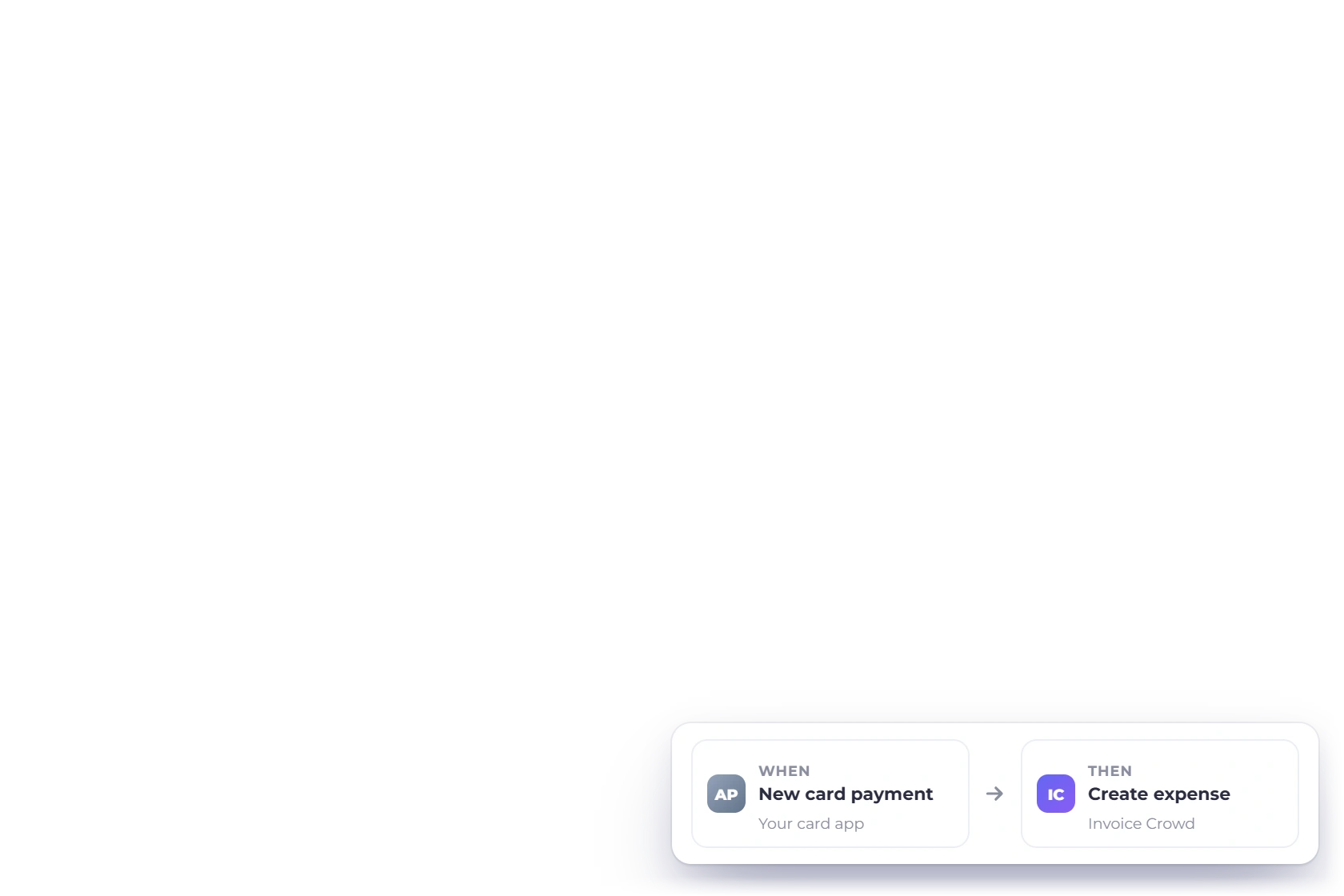
Invoice Crowd expenses list with a Pabbly Connect workflow that creates records in Invoice Crowd, and the six triggers and six actions available

How it works

How a Pabbly Connect workflow uses Invoice Crowd

A workflow starts with a trigger step and runs action steps after it. Invoice Crowd can supply the trigger, receive the action, or both, and every record lands in the business you picked when you connected.

Connect Invoice Crowd

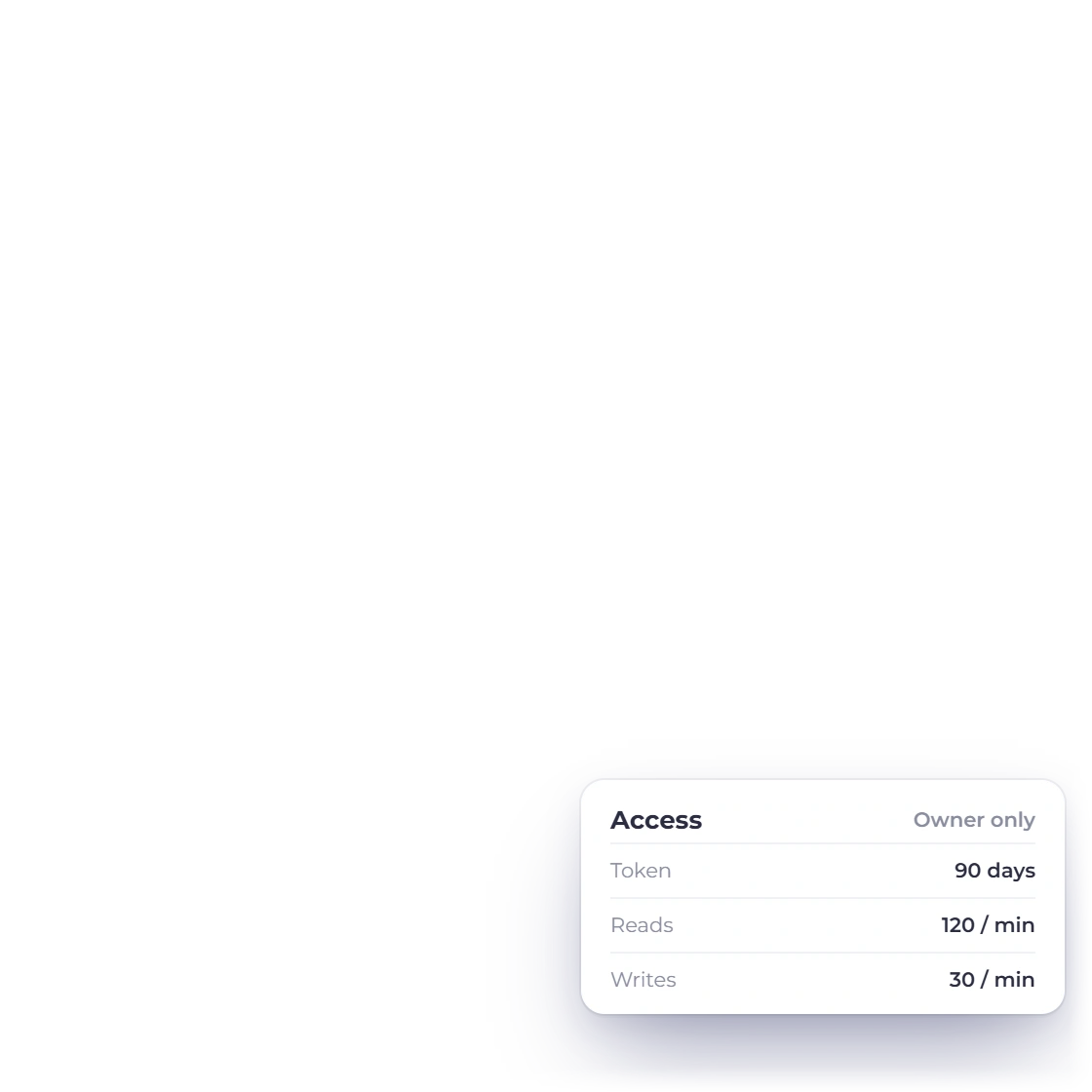
Valid for 90 days

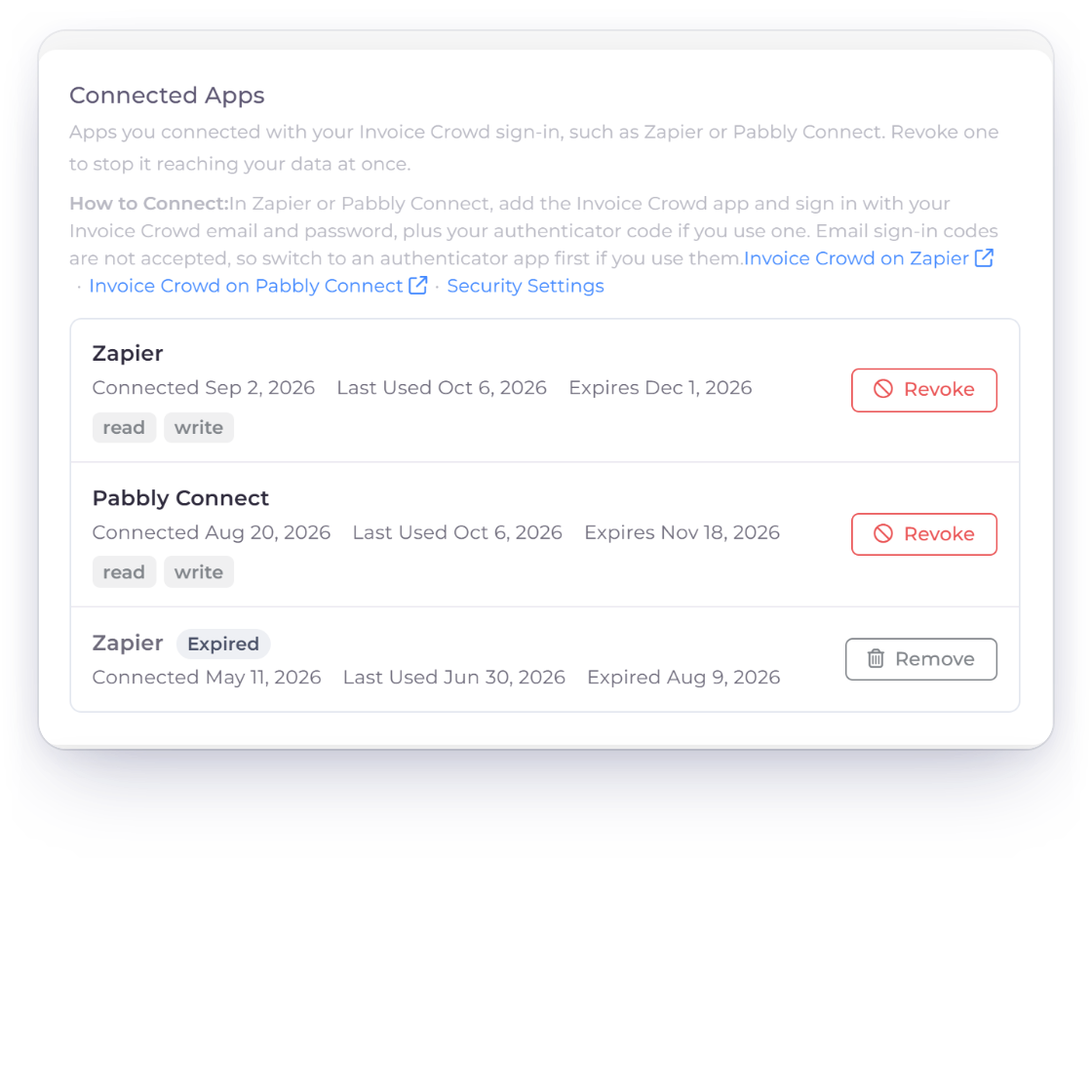
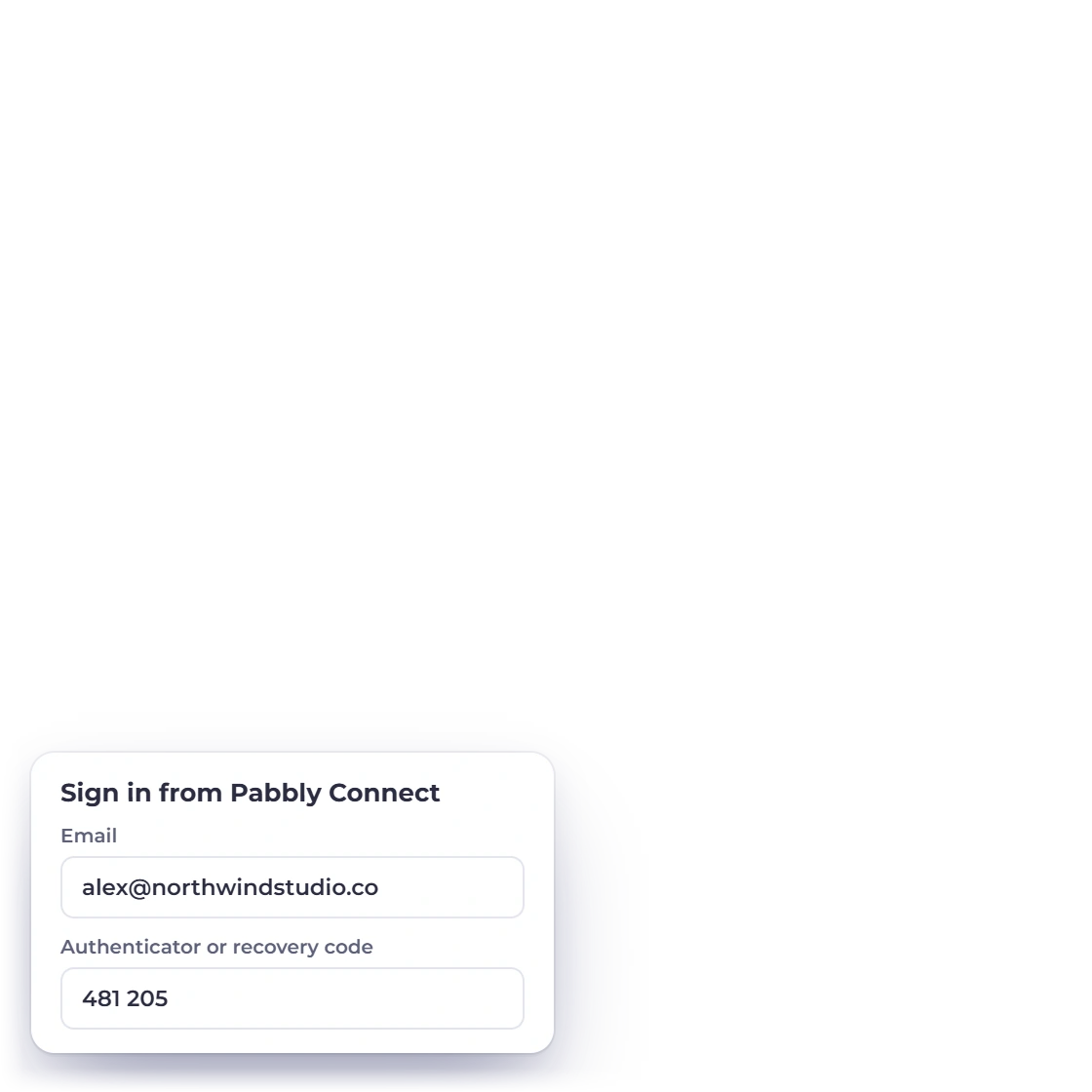
Invoice Crowd Integrations page with Pabbly Connect under Connected Apps, showing when each connection was last used, when it expires and a Revoke button, and the sign-in Pabbly Connect asks for

Add the Invoice Crowd connection in Pabbly Connect

Pabbly Connect asks for the account owner's Invoice Crowd email and password, plus an authenticator or recovery code if two-factor sign-in is on, and the business to use. The connection is valid for 90 days. Changing your Invoice Crowd password ends it, and Connected Apps on your Integrations page lets you revoke it sooner.

  • Connected by the account owner
  • Choose the business to use
  • Revoke anytime

Add a trigger step

Runs on Pabbly Connect's schedule

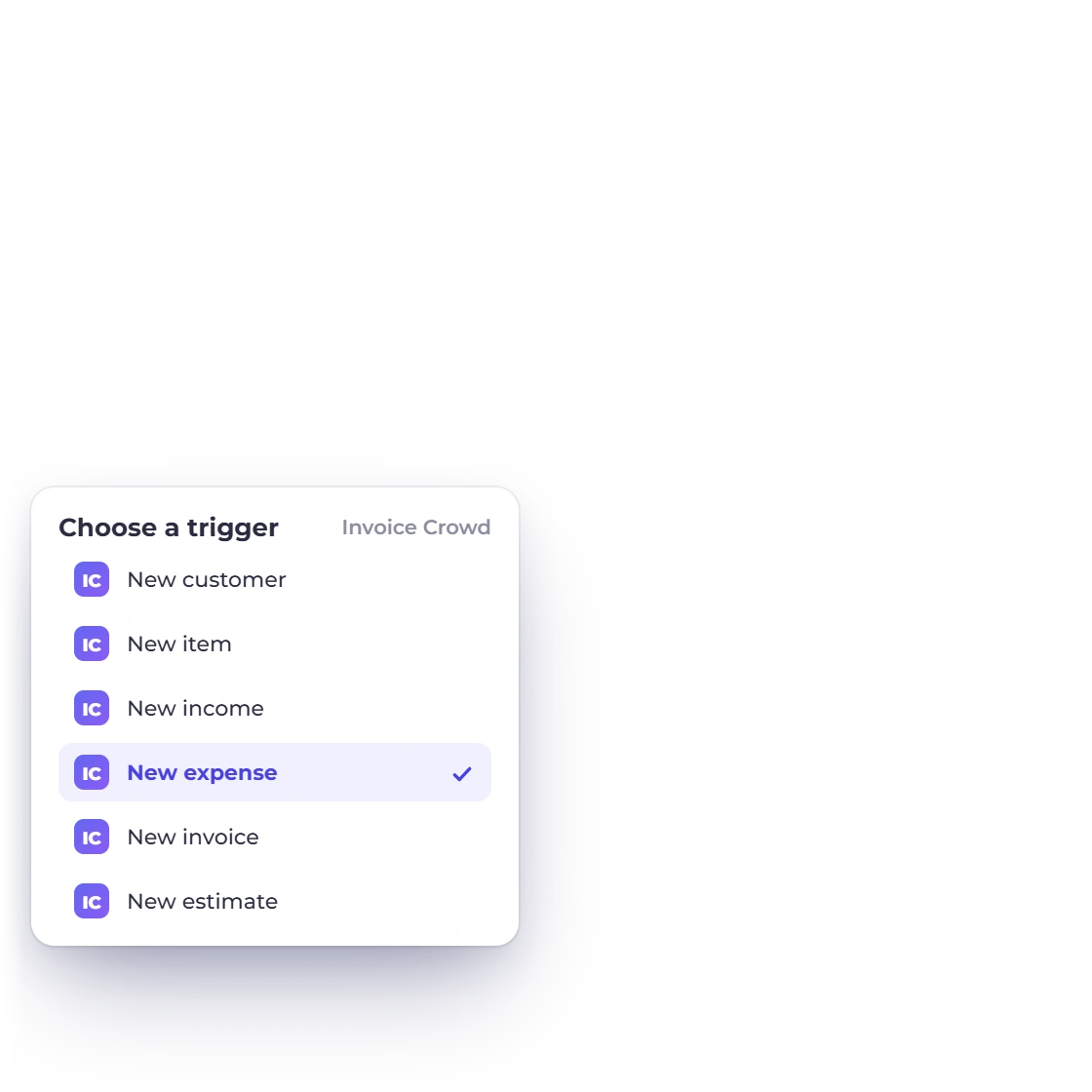
Invoice Crowd expenses list with the six Pabbly Connect triggers and the new expense trigger picked

Start a workflow from a new Invoice Crowd record

Pick a trigger for a new record, such as a new customer, invoice or expense. Pabbly Connect checks Invoice Crowd for new records and passes their fields to the next step, where a Router can branch the workflow or a Filter can narrow it.

  • Triggers for new records
  • Record fields ready to map
  • Use Router and Filter steps after it

Add an action step

Values from your own lists

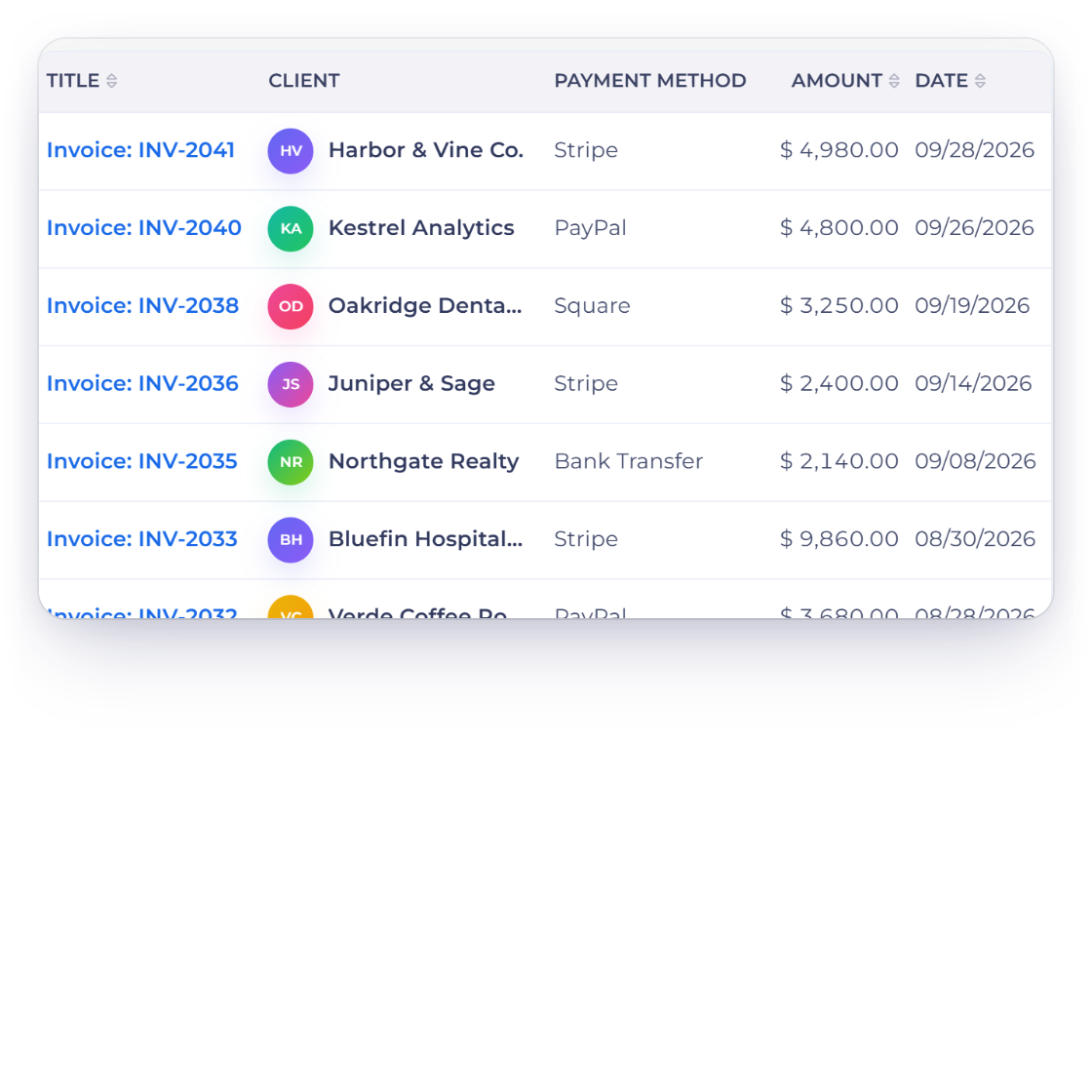
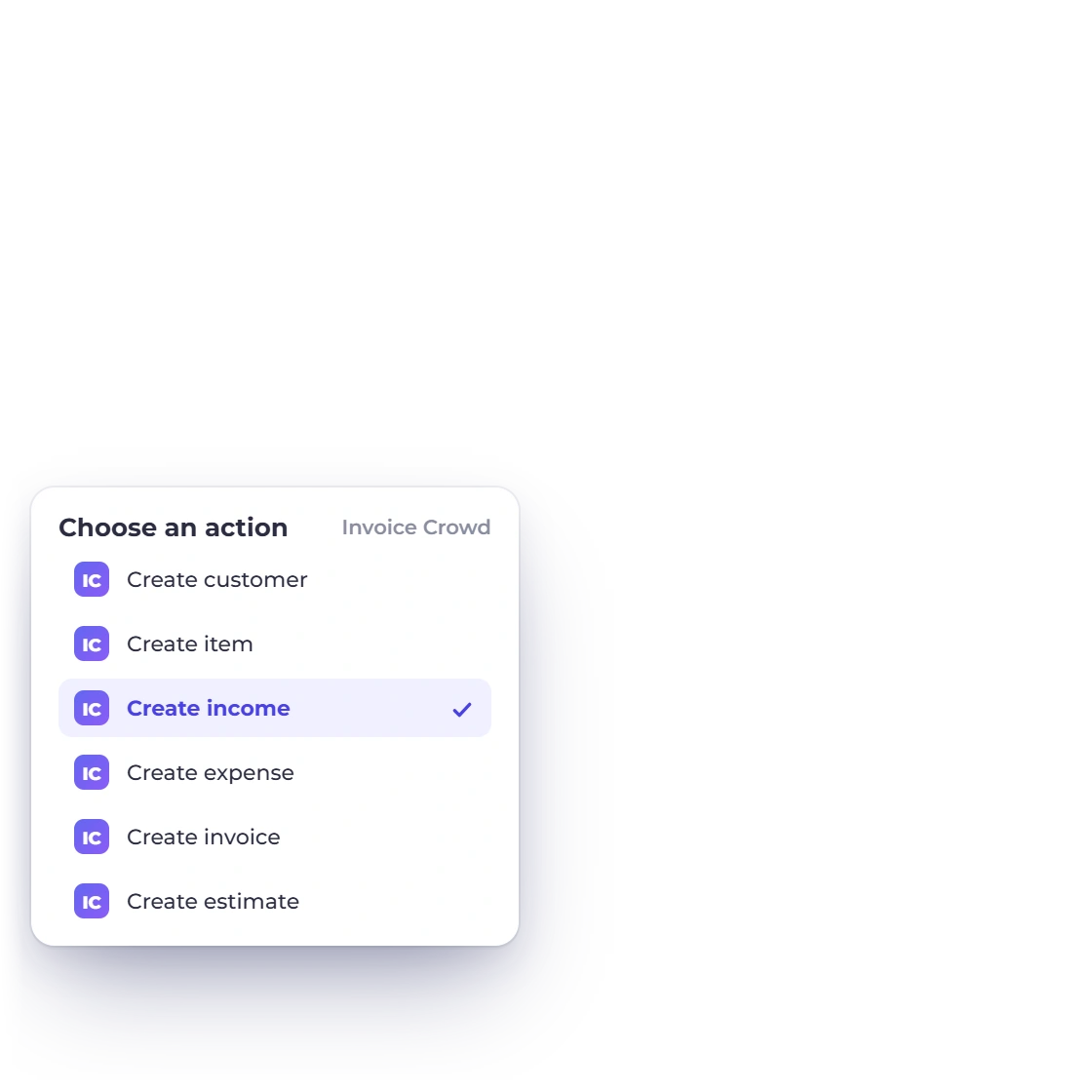
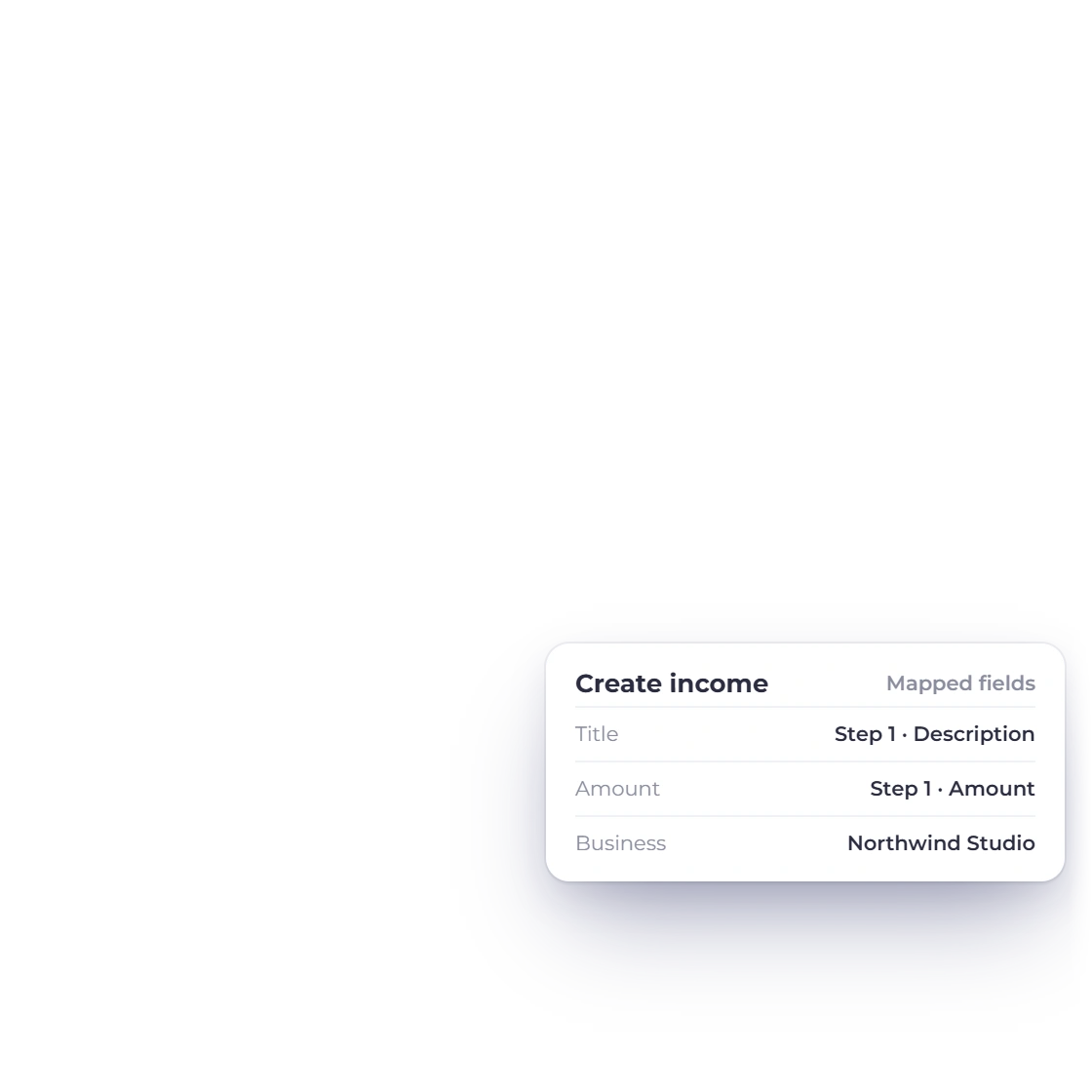
Invoice Crowd incomes list with the six Pabbly Connect actions and the create income action mapped from an earlier step

Create records with values Invoice Crowd supplies

Action steps create a customer, item, income, expense, invoice or estimate. Pabbly Connect can load your customers, categories, payment accounts, templates and payment methods as picklists, so mapped values are ones your account already uses, and an expense can carry your purchase tax.

  • 6 actions available
  • Picklists loaded from your account
  • Expenses tax inclusive or exclusive

Available triggers and actions

Triggers and actions for Pabbly Connect workflows

Triggers fire when a record is added in Invoice Crowd; actions create one from an earlier step. Each card shows a way to use it in a workflow.

  • New customer trigger

    Fires when a customer is added. Send them to a mailing list or a welcome sequence.

  • New item trigger

    Fires when a product or service item is added. Push it to your online store or price sheet.

  • New invoice trigger

    Fires when an invoice is created. A Router step can send large invoices one way and small ones another.

  • New estimate trigger

    Fires when an estimate is created. Log it in a sales tracker or alert the account manager.

  • New income trigger

    Fires when income is recorded. Copy it to a bookkeeping sheet or dashboard.

  • New expense trigger

    Fires when an expense is recorded. Filter by category and notify whoever approves spending.

  • Create customer action

    Creates a customer, with the currency and business picked from lists Invoice Crowd provides.

  • Create item action

    Creates a product or service item with its rate and category.

  • Create invoice action

    Creates a draft invoice for a customer, with the template and payment methods you choose.

  • Create estimate action

    Creates a draft estimate from form or booking data, ready for you to review.

  • Create income action

    Records income against an income category and payment account.

  • Create expense action

    Records an expense with its category, payment account and, if you like, purchase tax.

Questions

Pabbly Connect automation, answered

Does Invoice Crowd work with Pabbly Connect?

Yes. You connect through Pabbly Connect using your Invoice Crowd sign-in. A workflow can start from a new customer, item, income, expense, invoice or estimate, and action steps can create any of those six records.

Which lists can I pick from when mapping fields?

Pabbly Connect can load your customers (searchable), business profiles, currencies, countries, invoice templates, payment methods, item, income and expense categories and payment accounts from Invoice Crowd, so you pick valid values instead of typing IDs. Payment method lists never include your gateway keys.

Can an expense created in Pabbly Connect include tax?

Yes. The create expense action accepts your purchase tax rates and whether the amount includes tax, and the tax is booked as it would be from the Expense form: recoverable tax to Input Tax Credit, the rest in the expense cost.

How quickly does Pabbly Connect pick up new records?

Pabbly Connect checks Invoice Crowd for new records on its regular schedule and starts your workflow when it finds one.

How many records can a workflow create per minute?

By default, up to 30 per connection and 60 across all of your connections each minute, with up to 120 reads a minute. That keeps a looping workflow from flooding your books.

Do customers created by a workflow count toward my plan?

Yes. Pabbly Connect works on every Invoice Crowd plan, including the free plan, and a customer created from Pabbly Connect counts toward your plan's customer limit, the same as one you add by hand.

How do I disconnect Pabbly Connect?

Open Integrations from your avatar menu and revoke the connection under Connected Apps, where you can also see when it was last used and when it expires. Connections last 90 days, and changing your Invoice Crowd password ends them too.

Will a workflow email my customers?

You decide when anything is sent. Invoices and estimates arrive as drafts for you to review and send, and records created through Pabbly Connect send no emails and trigger no webhooks.

Start automating Invoice Crowd with Pabbly Connect

Connect Invoice Crowd in Pabbly Connect, add a trigger or action step, map fields from the lists it loads, and run a test before you turn the workflow on.

  • Picklists from your account
  • Invoices arrive as drafts
  • Choose your business