

Skip to content

Create invoices that carry your brand and your tax rules

An invoice can use the selected business template, identity, currency and configured tax fields. Reminders, late fees, recurring schedules and payment options run only when their current settings and eligibility checks allow them.

  • Your template, your branding
  • Multi-currency and GST ready
  • Late fees and reminders built in
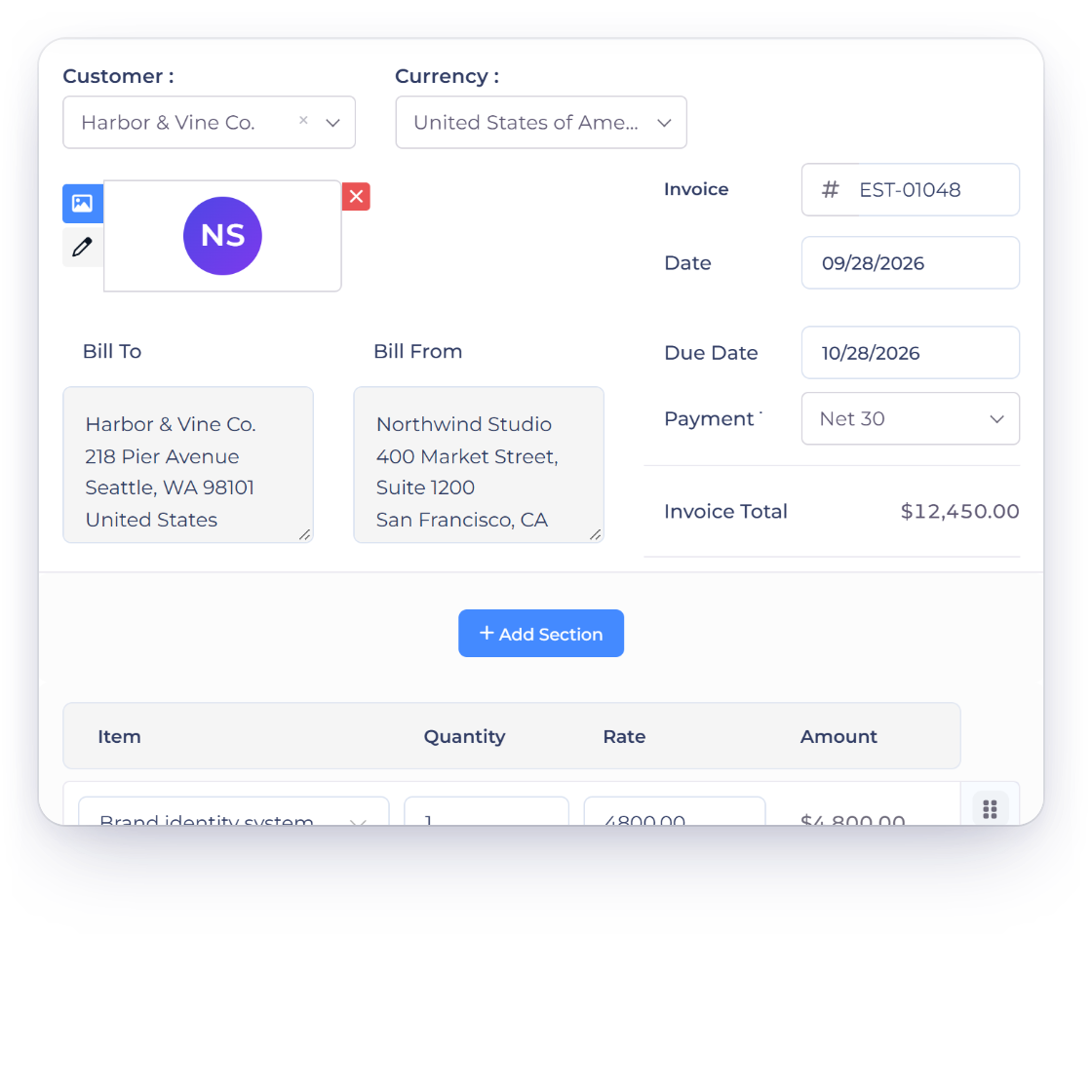
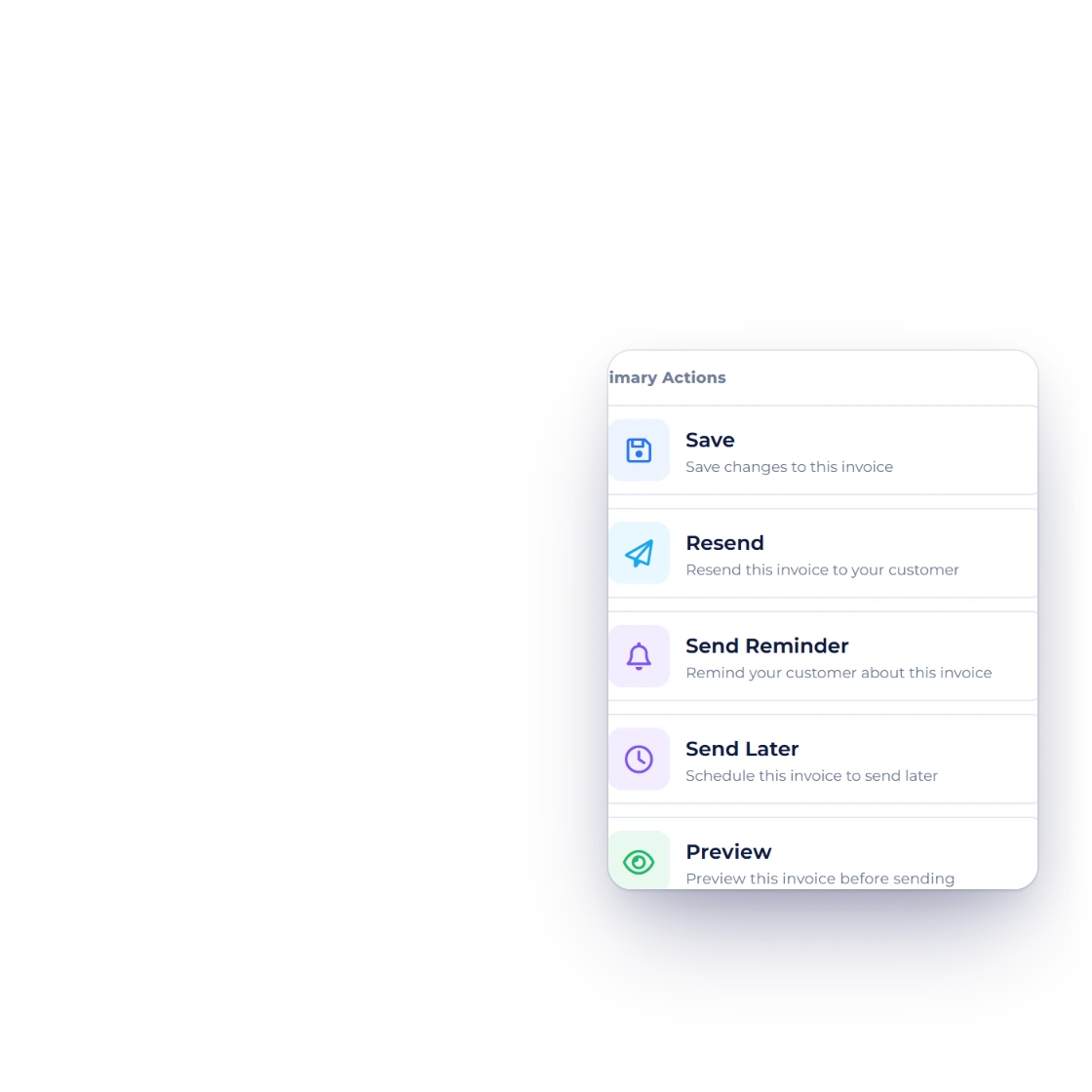
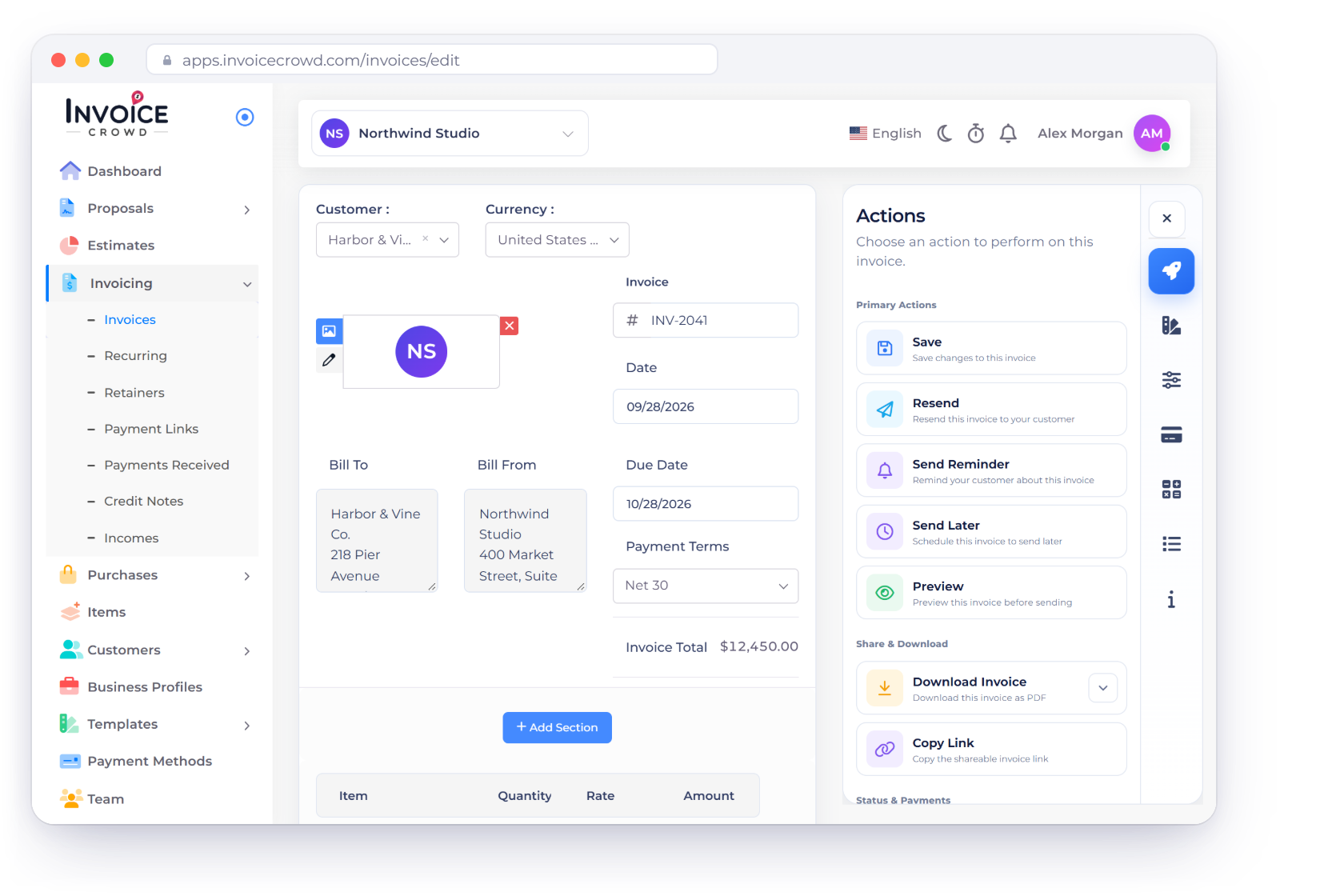
The Invoice Crowd invoice editor for INV-2041 with customer, currency, dates, lines and actions, next to the invoice options for reminders and late fees, the chosen template and a viewed notification

What is inside

From a blank invoice to a paid one

The invoice is the document your client judges you on, so Invoice Crowd gives you control over how it looks, how it is priced and what happens when it is not paid on time.

The document itself

Built once, reused every time

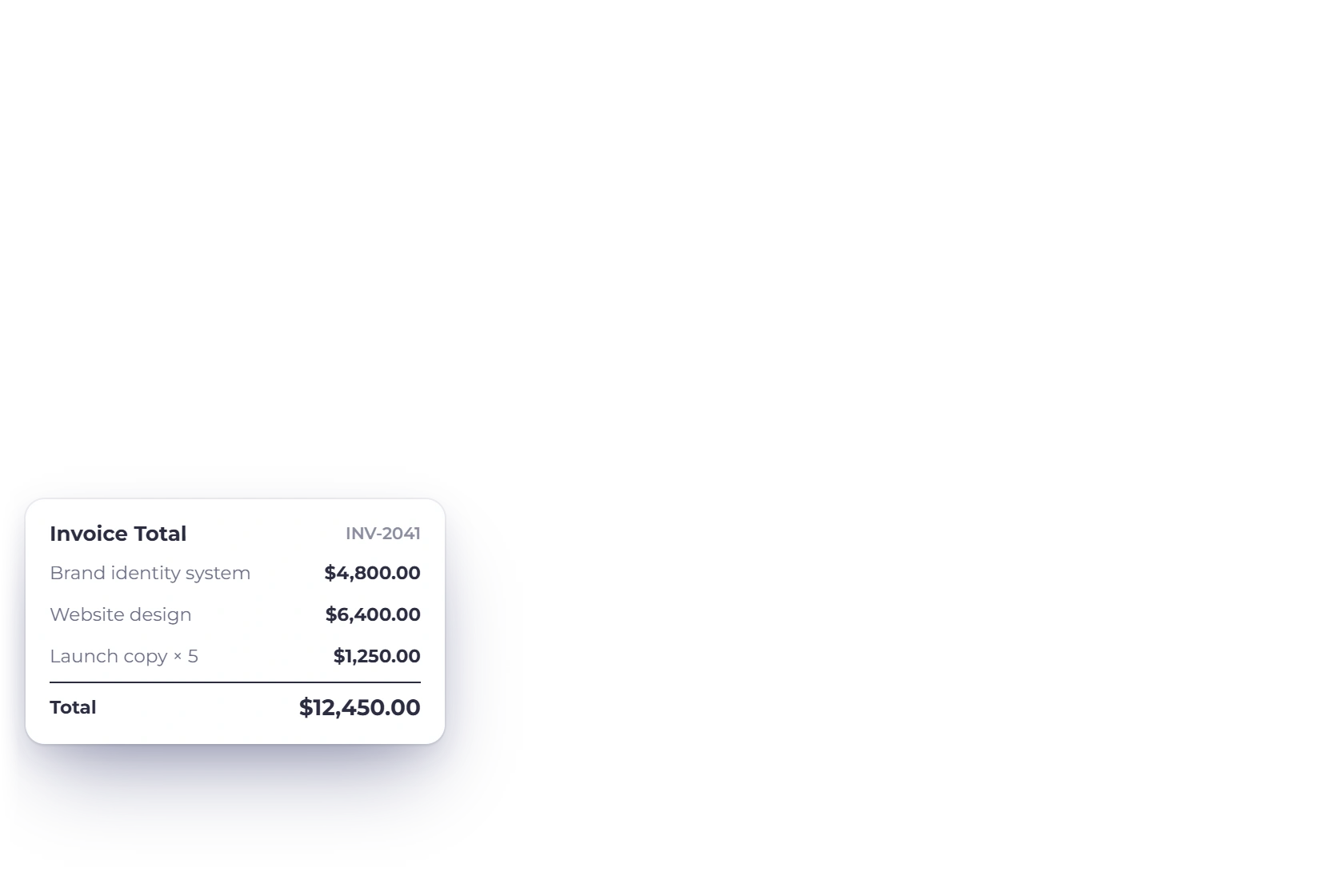
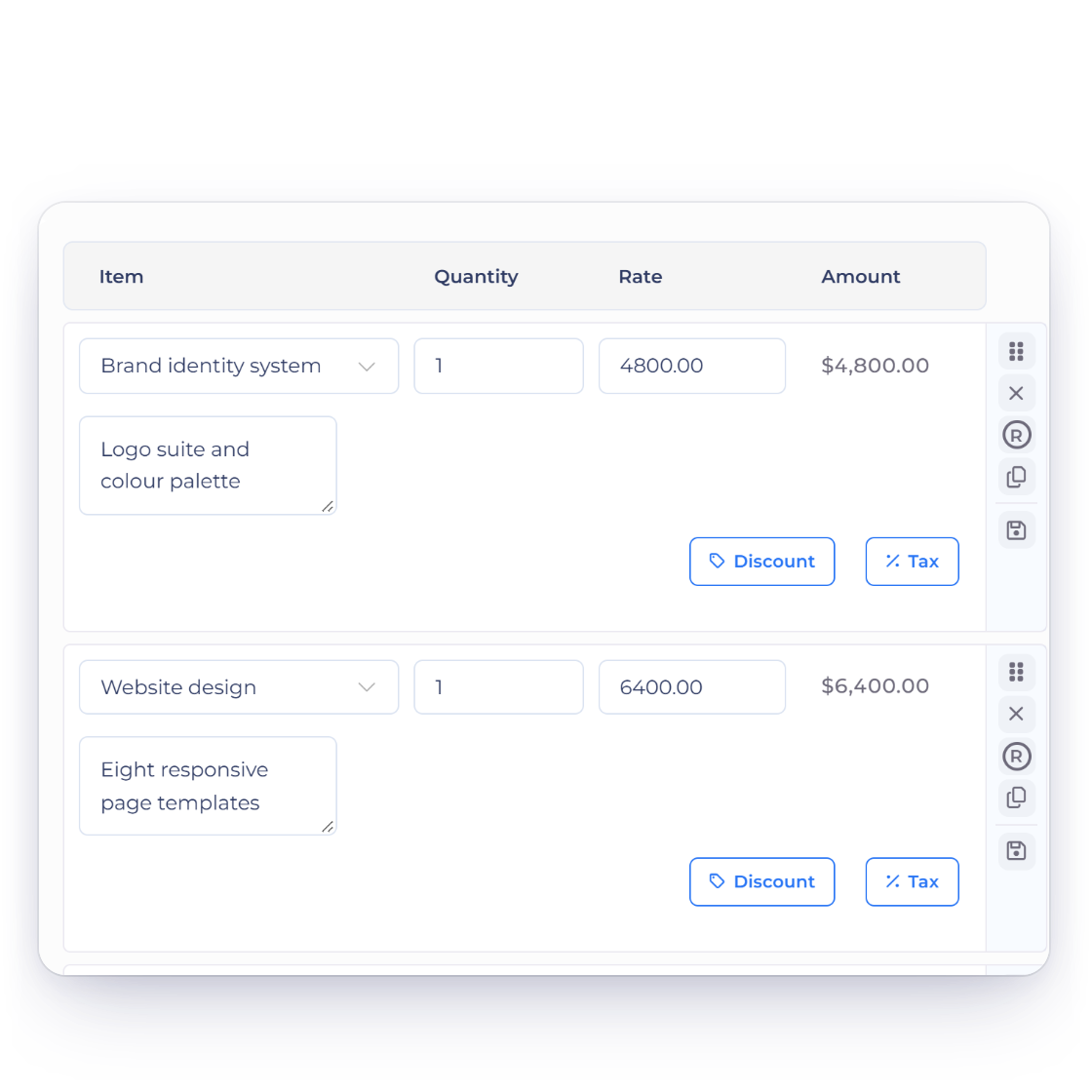
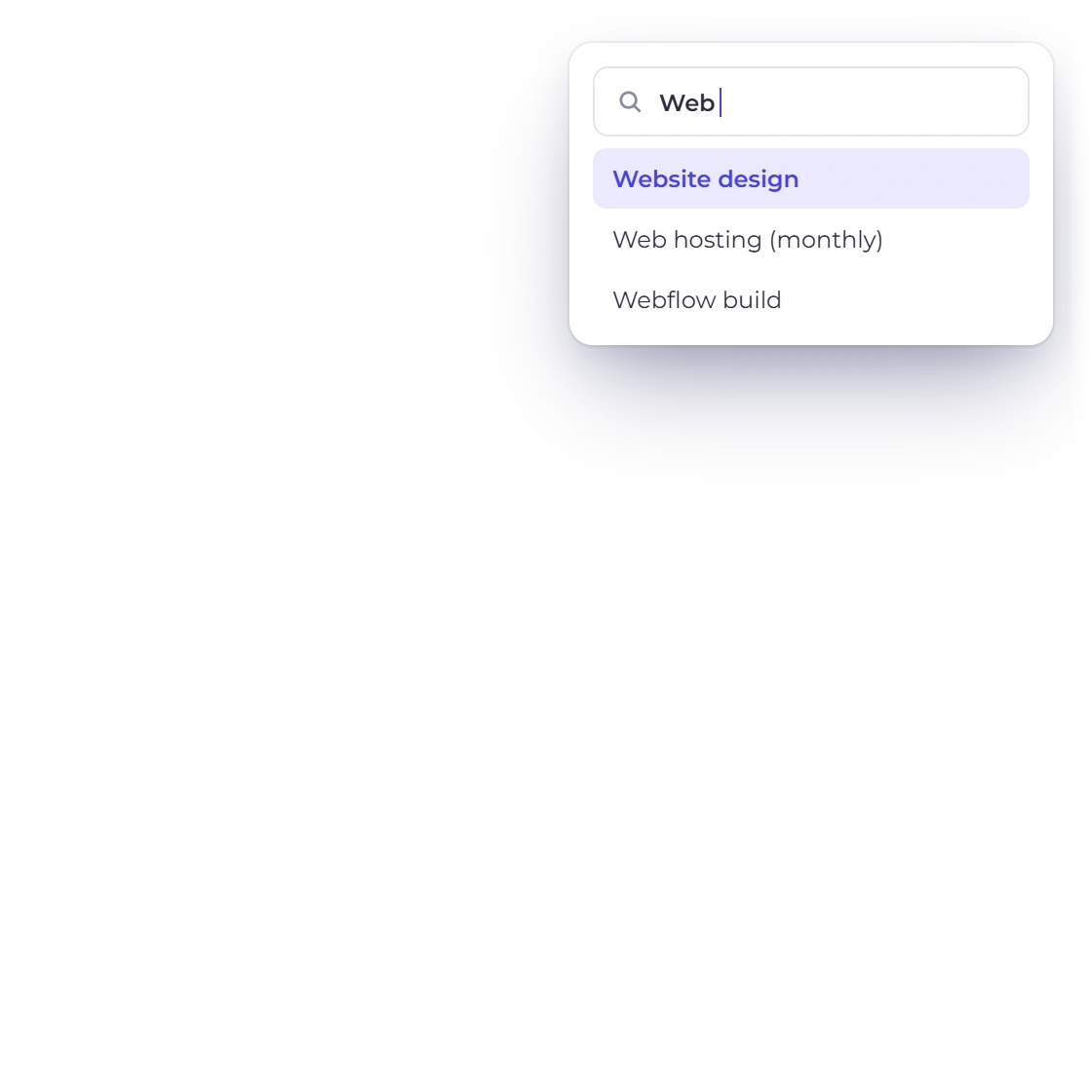
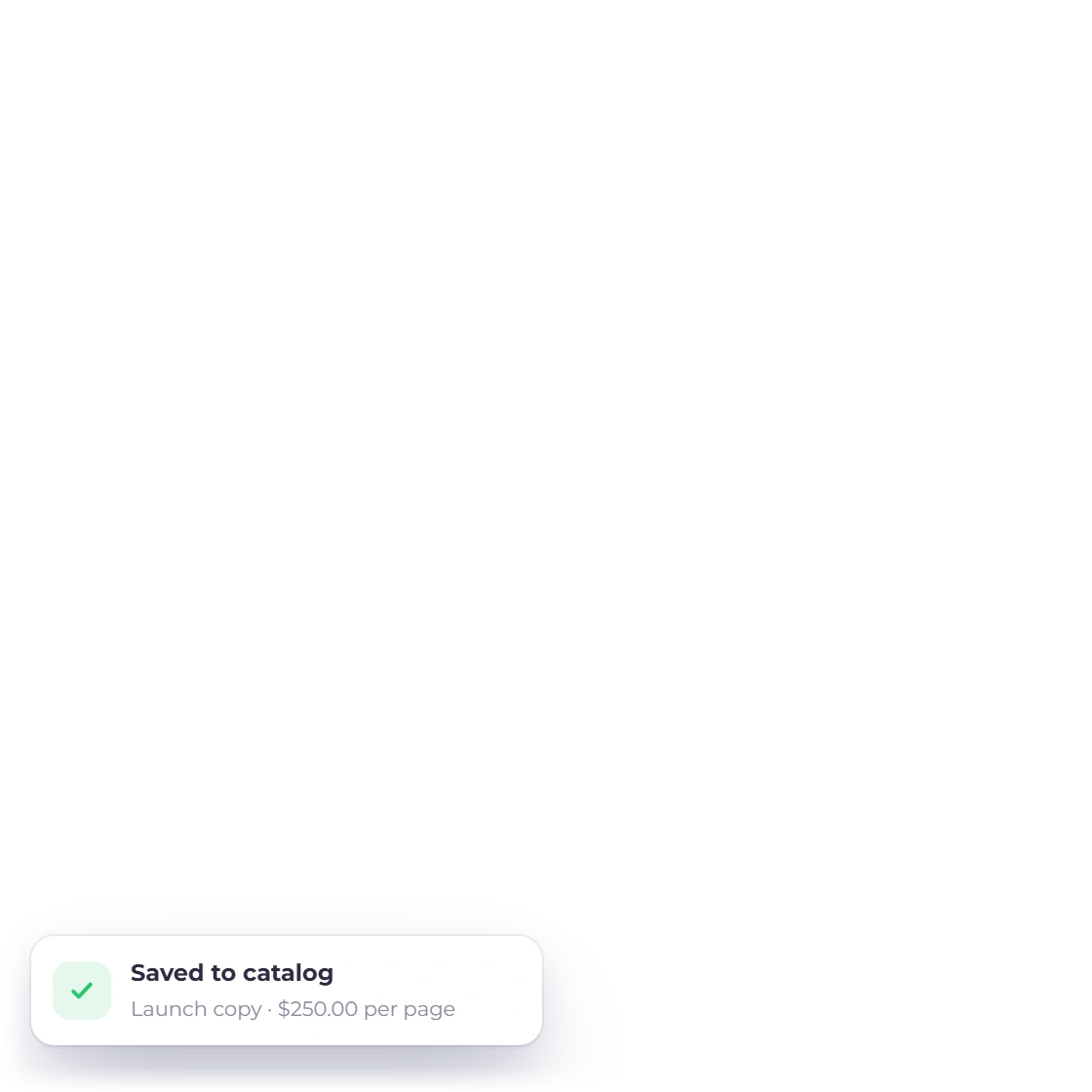
Invoice Crowd invoice editor with three line items, the item list filtered by a search and a line saved to the catalog

Detailed invoices in a few minutes

The invoice generator handles the detail you would otherwise retype: line items pulled from your saved list, more than one tax rate on a line or across the whole invoice, and a discount applied where you need it. What the client receives is itemized enough to approve without a follow-up email.

  • Line items saved and reused
  • Several taxes per line or per invoice
  • Discounts applied at the point of billing
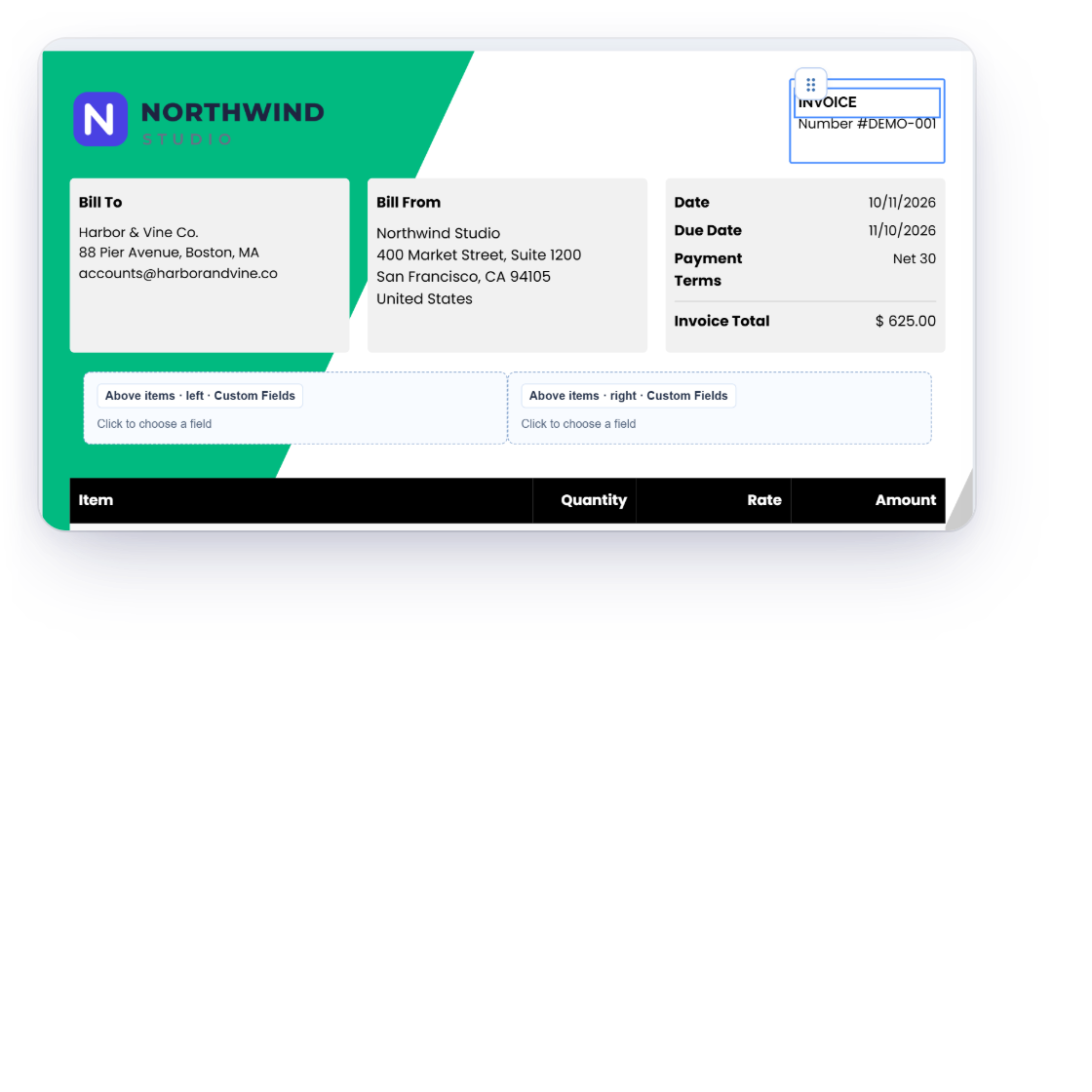
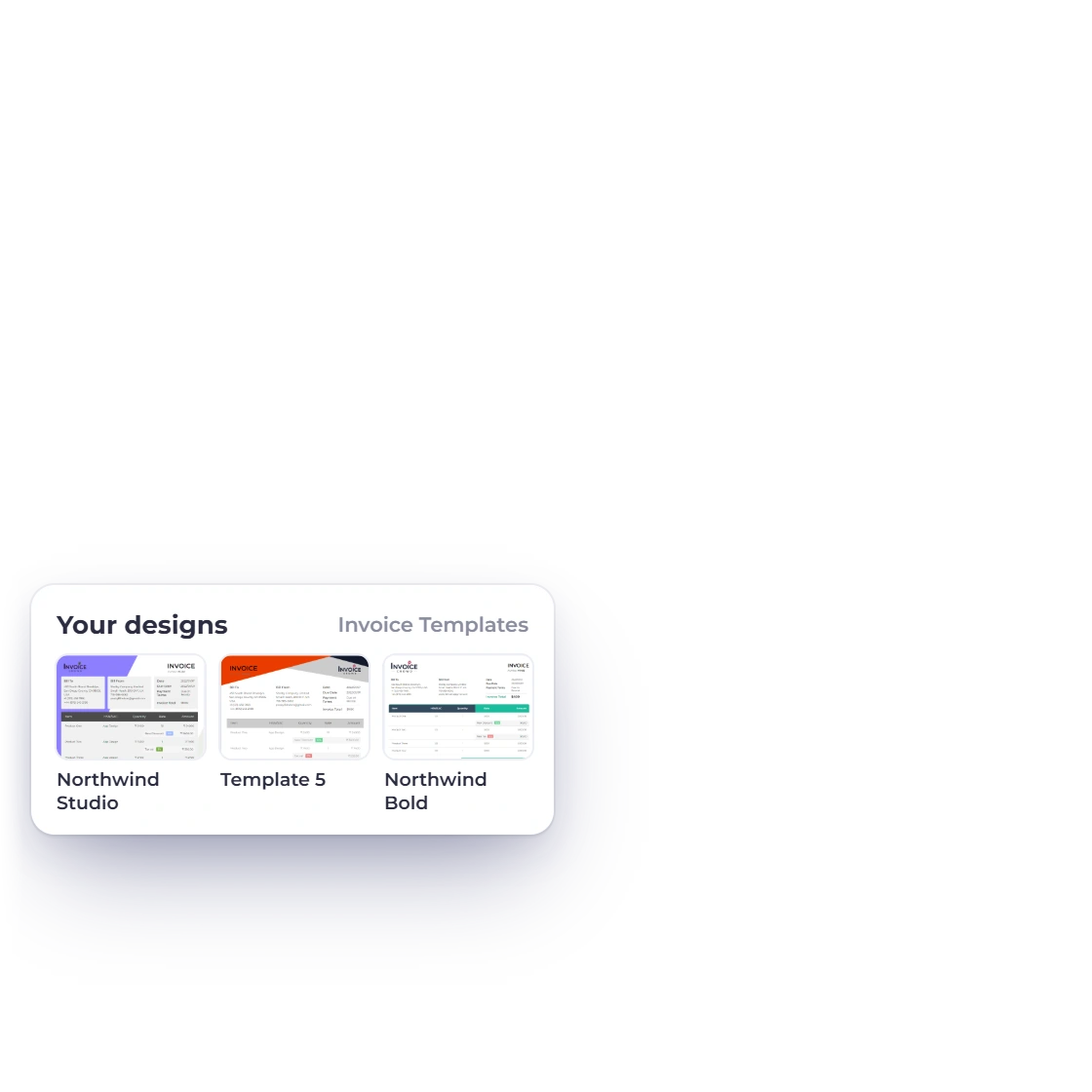
The same invoice rendered in three Invoice Crowd invoice templates, with a design picker and set-as-default option

Templates that look like your business

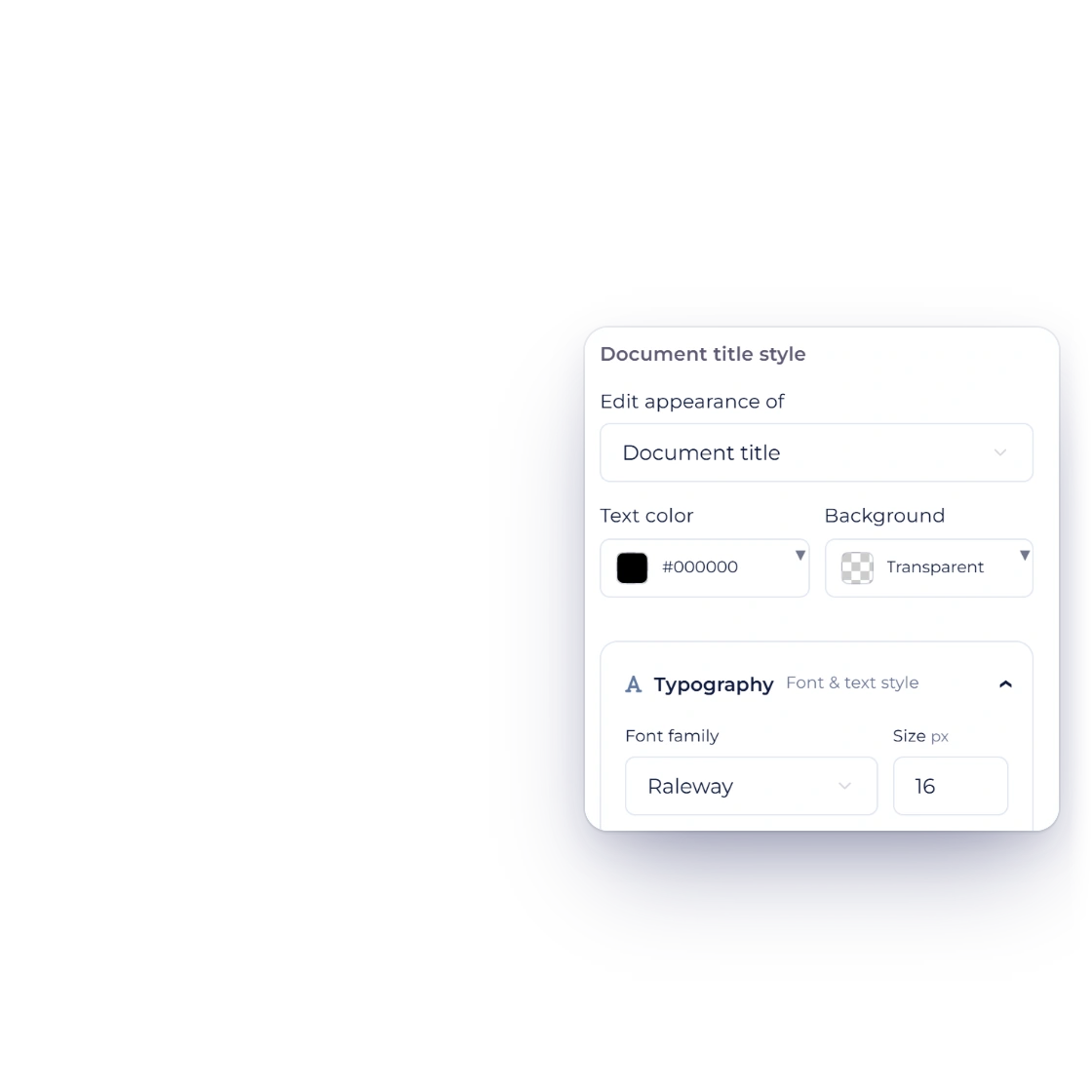
Pick a template, drop in your logo and colors, and rename the labels that appear on the page so they match the words your industry uses. The result is a document a client recognizes as yours before they read the total.

  • Logo and color set once
  • The main labels can be renamed
  • The same look on screen and in the PDF

Currency and tax

Set per client or per invoice

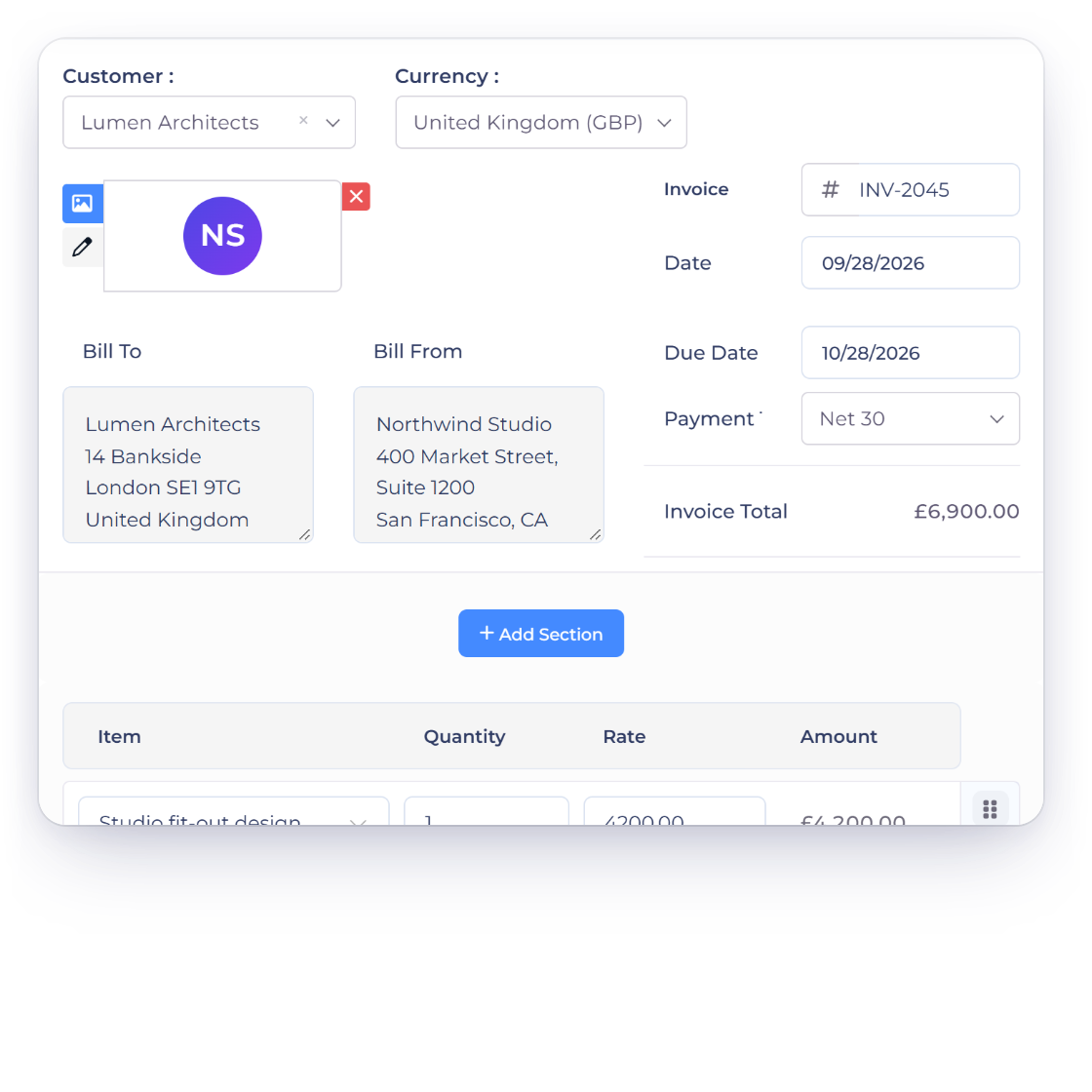
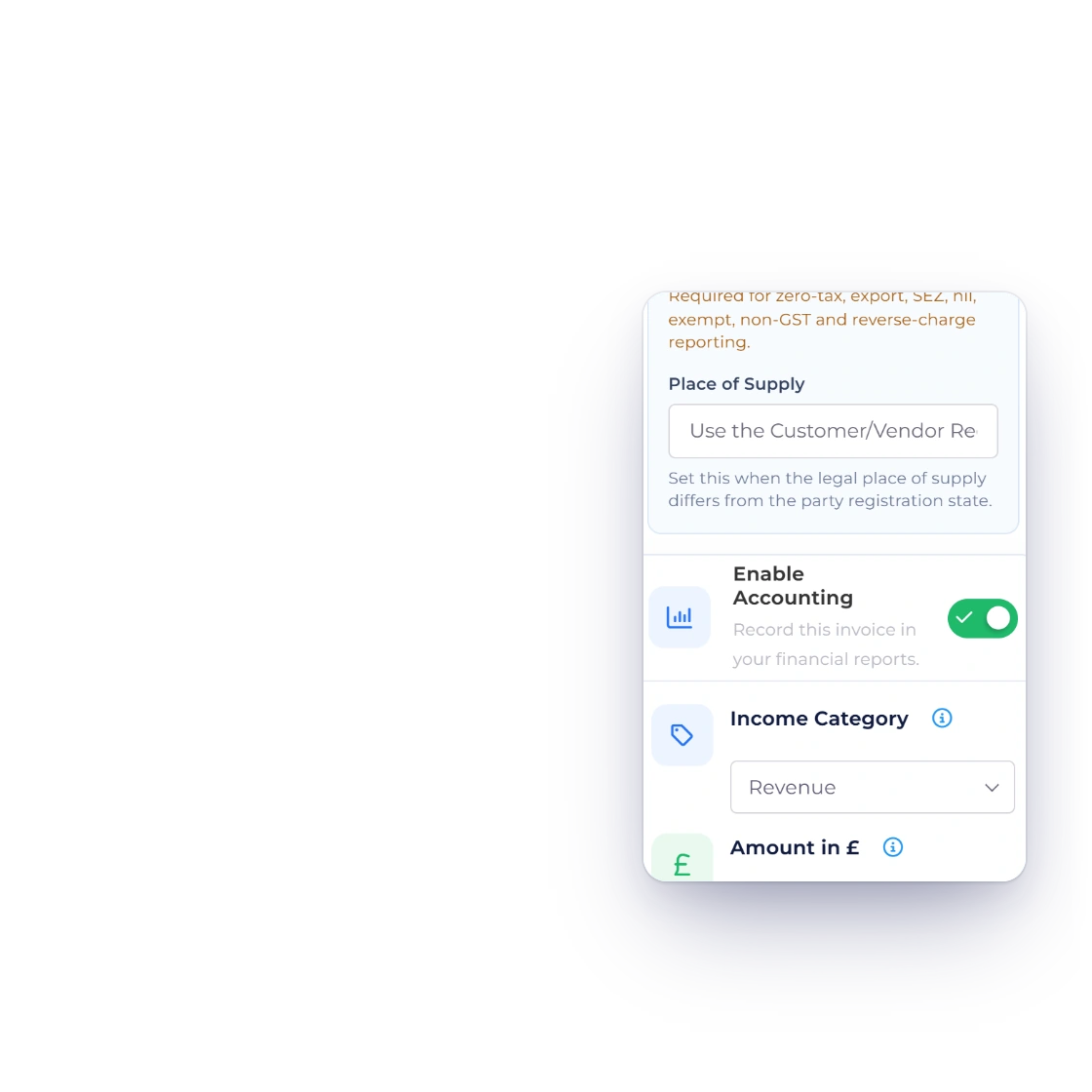
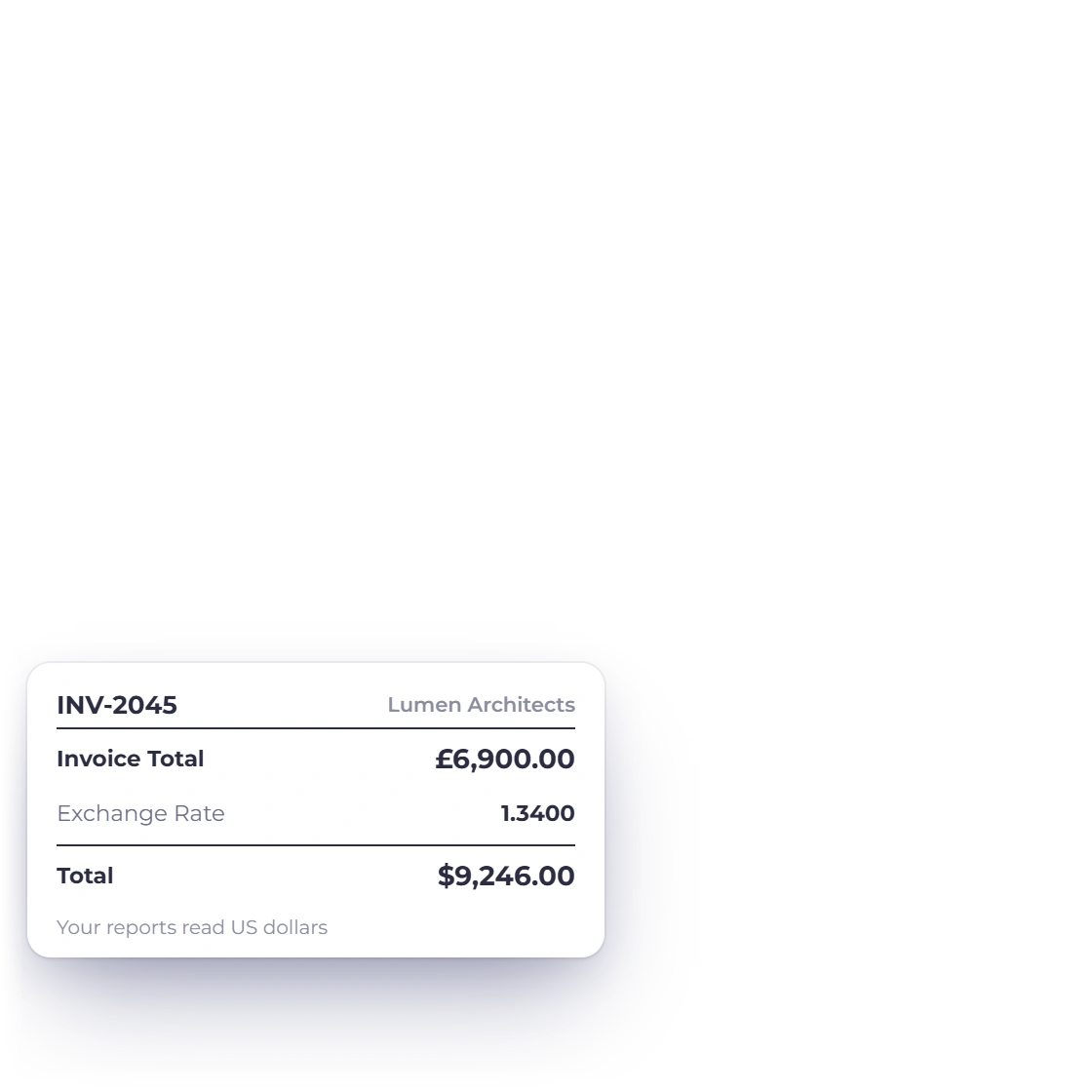
Invoice Crowd invoice editor with an invoice to a London client in British pounds, and the accounting panel converting the amount into US dollars at the exchange rate

Invoice in the currency the client uses

Bill an overseas client in their own currency without keeping a second set of books. The invoice goes out in the money they actually pay with, while your reporting still totals in the base currency you run the business on, so the month adds up either way.

  • The client sees their own currency
  • Reporting converts to your base currency
  • No second ledger to keep
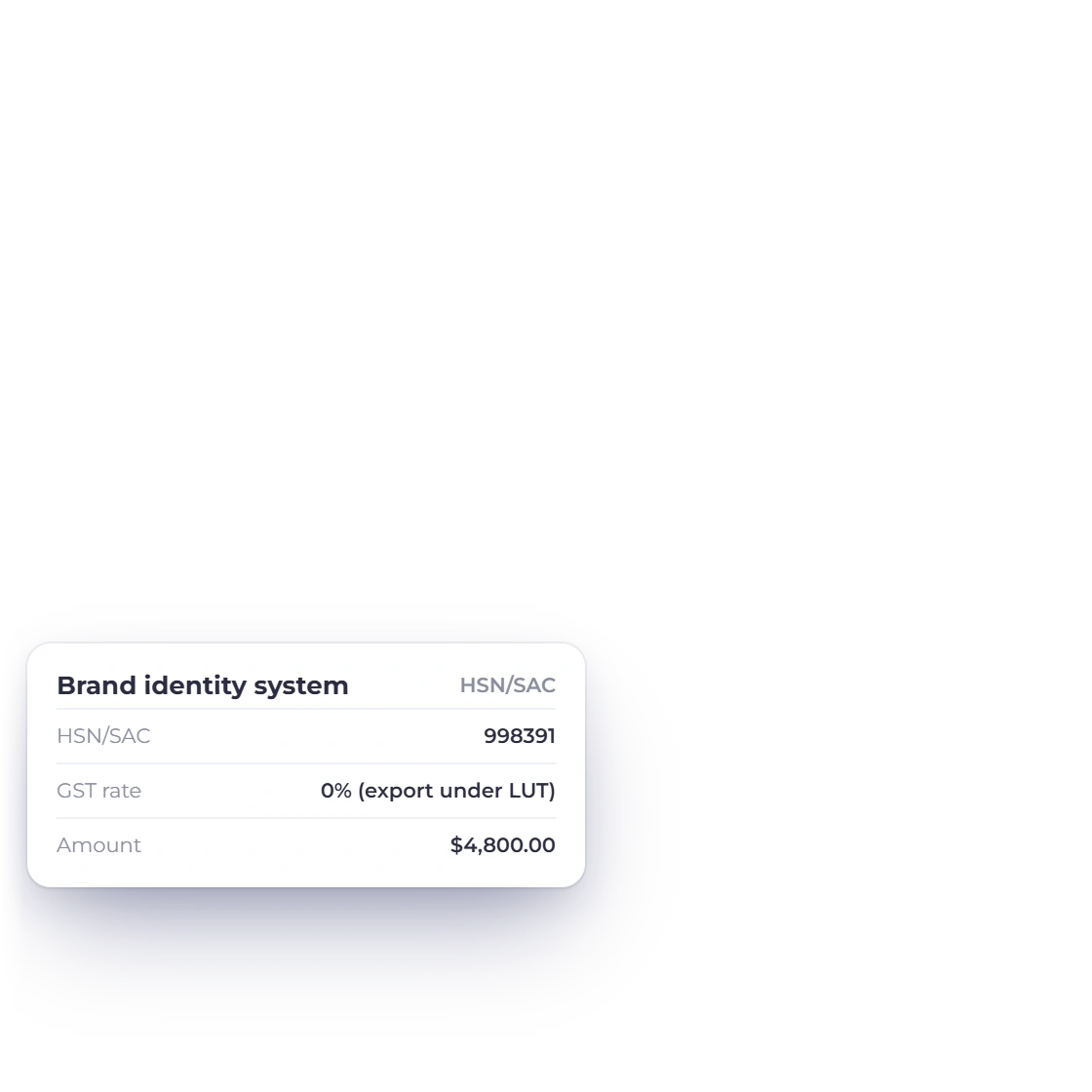
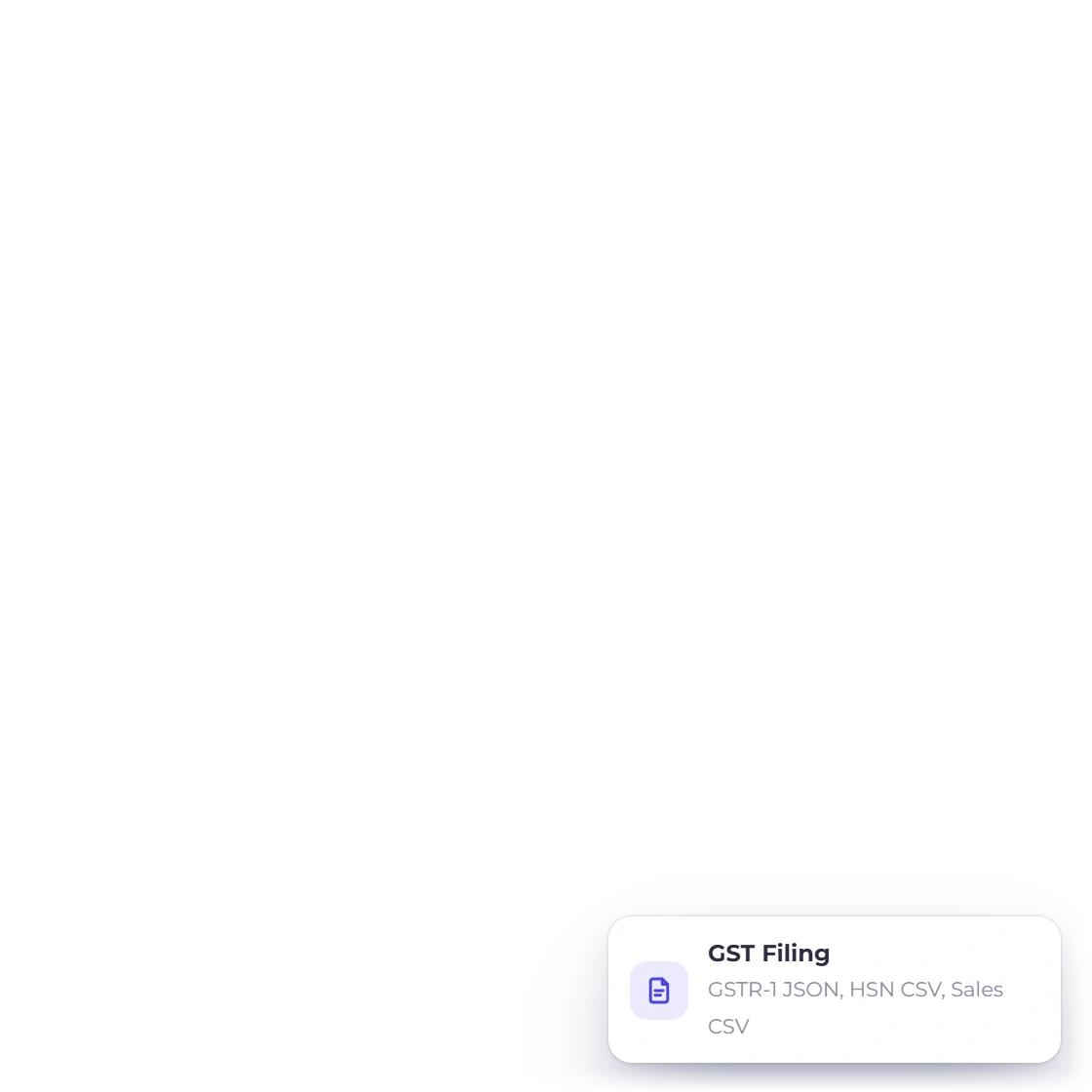
Invoice Crowd invoice editor with the India GST treatment set to export under LUT or bond, a line carrying its SAC code, and the GST filing exports that collect the figures

GST-related fields, HSN and SAC where configured

For businesses filing GST, each line can carry its HSN or SAC number and the rate that applies to that service. The tax is calculated on the invoice rather than in a spreadsheet afterwards, and the totals feed the GST filing report when the return is due.

  • HSN and SAC numbers per line
  • GST rates you define yourself
  • Figures collected for the filing report
GST filing report

When payment is late

The chasing runs itself

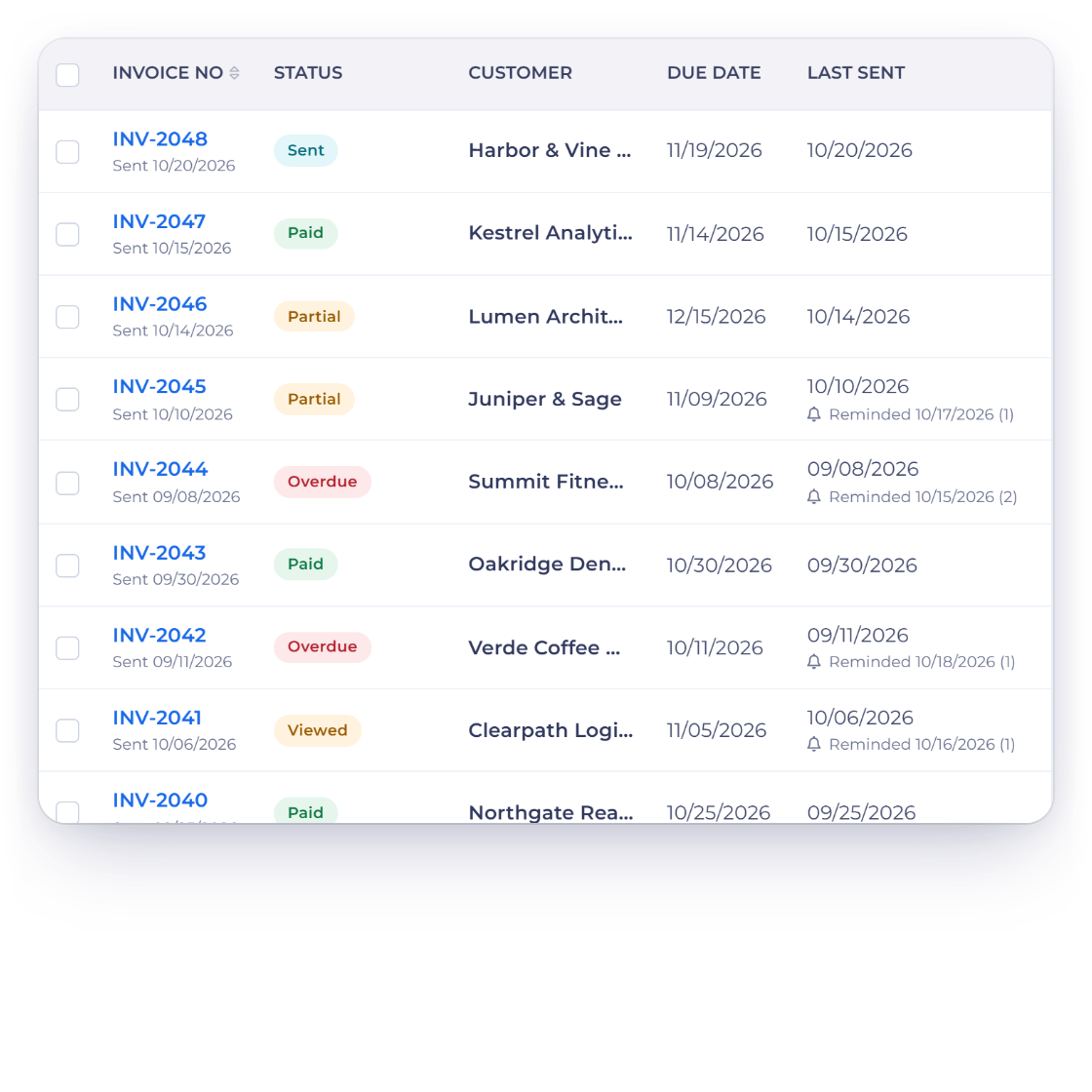
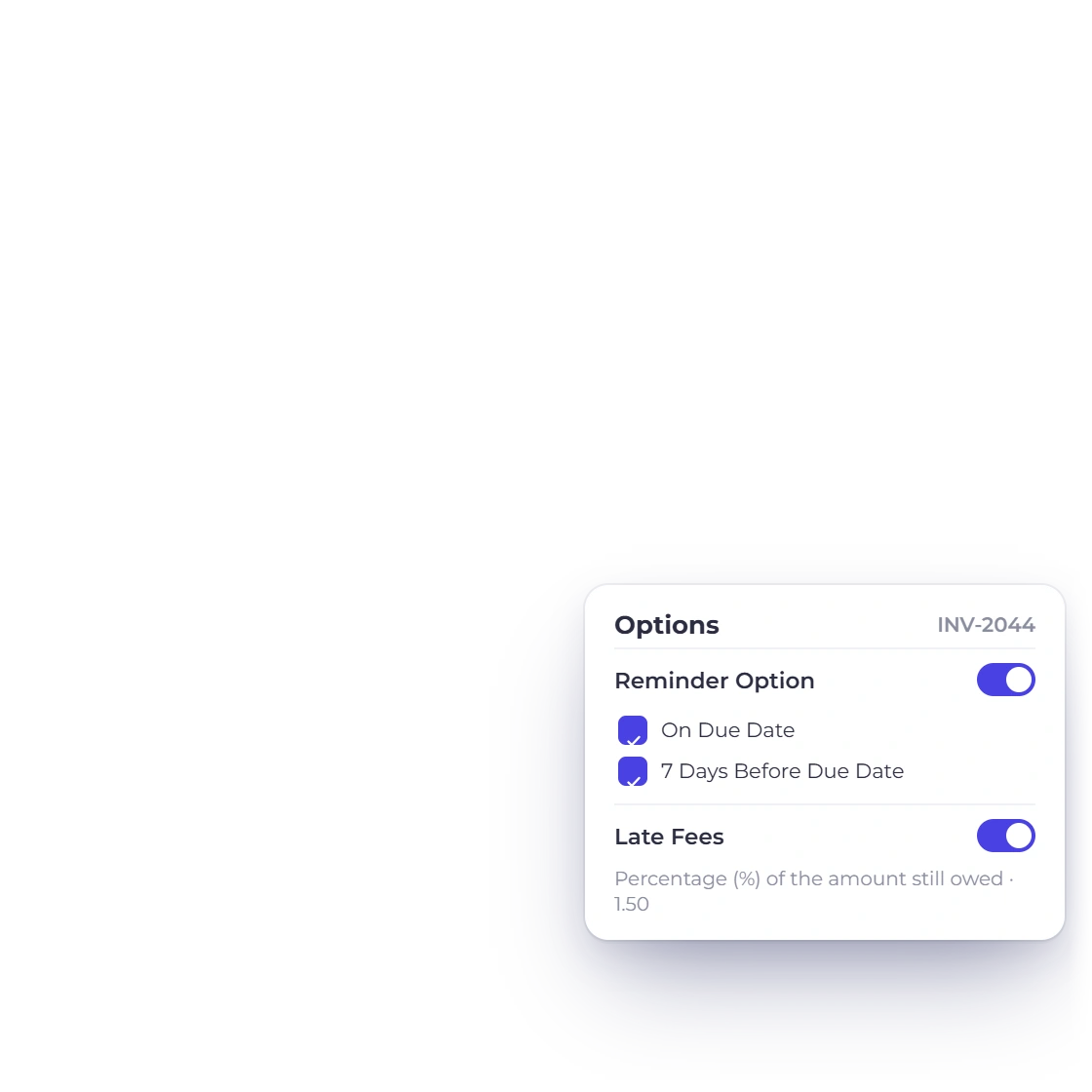
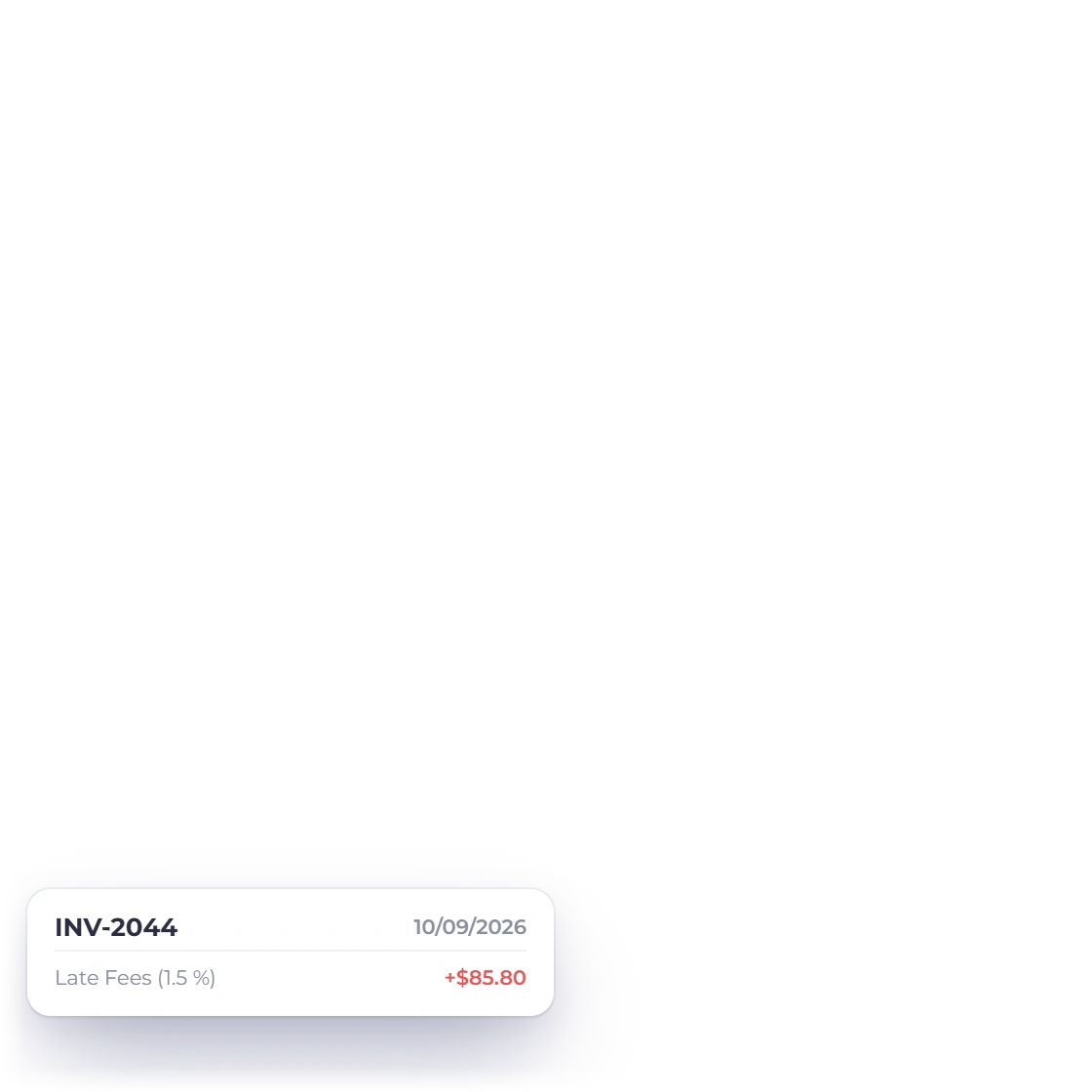
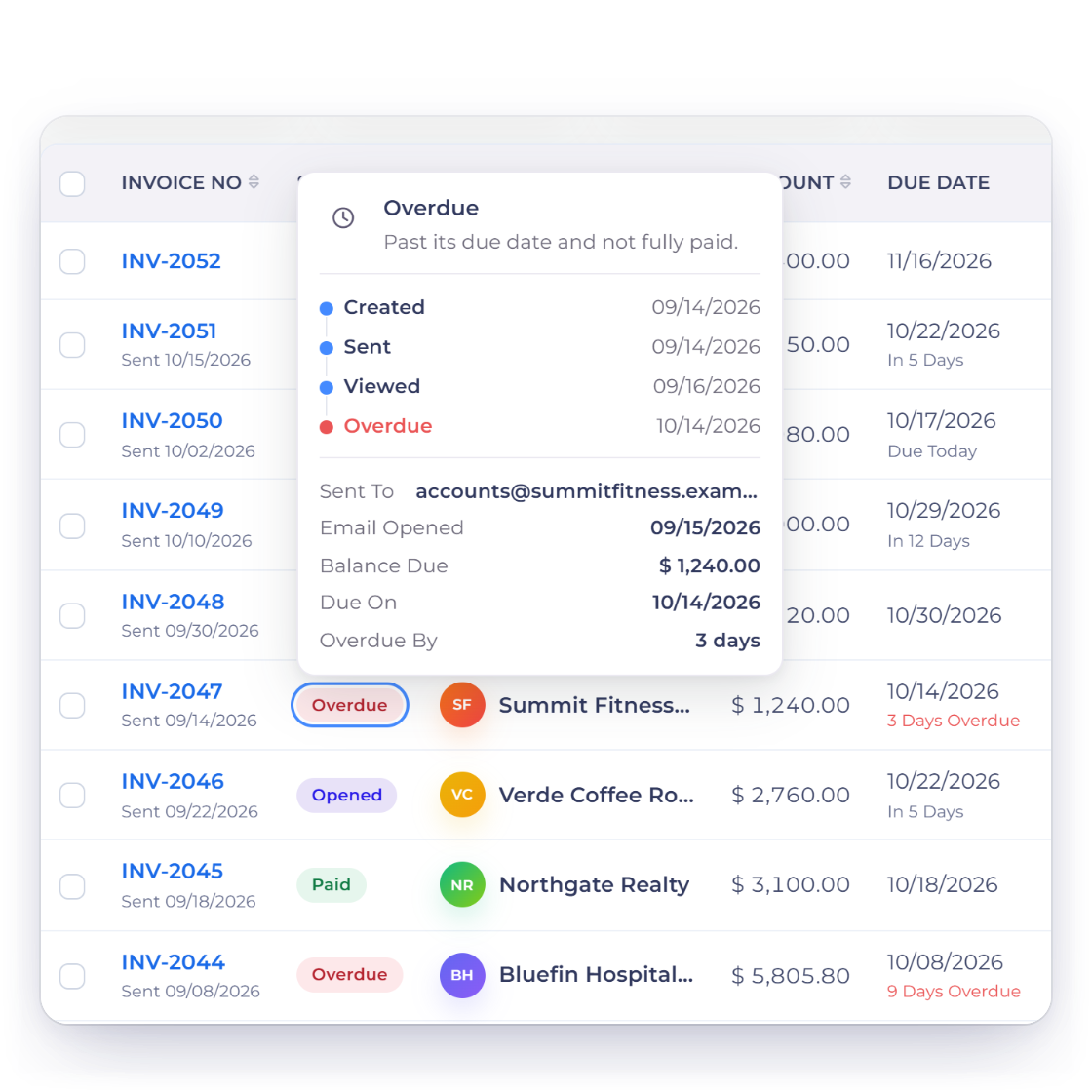
Invoice Crowd invoices list with an overdue invoice, the late fee option set to a percentage and payment reminders before and after the due date

Late fees and automatic reminders

Set a late fee as a fixed amount or a percentage and it applies once the due date passes. Reminder emails go out on the schedule you choose, so an overdue invoice is followed up whether or not you remembered to open the account that week.

  • Fixed amount or percentage
  • Reminders before and after the due date
  • No chasing email left for you to write
How late fees are set
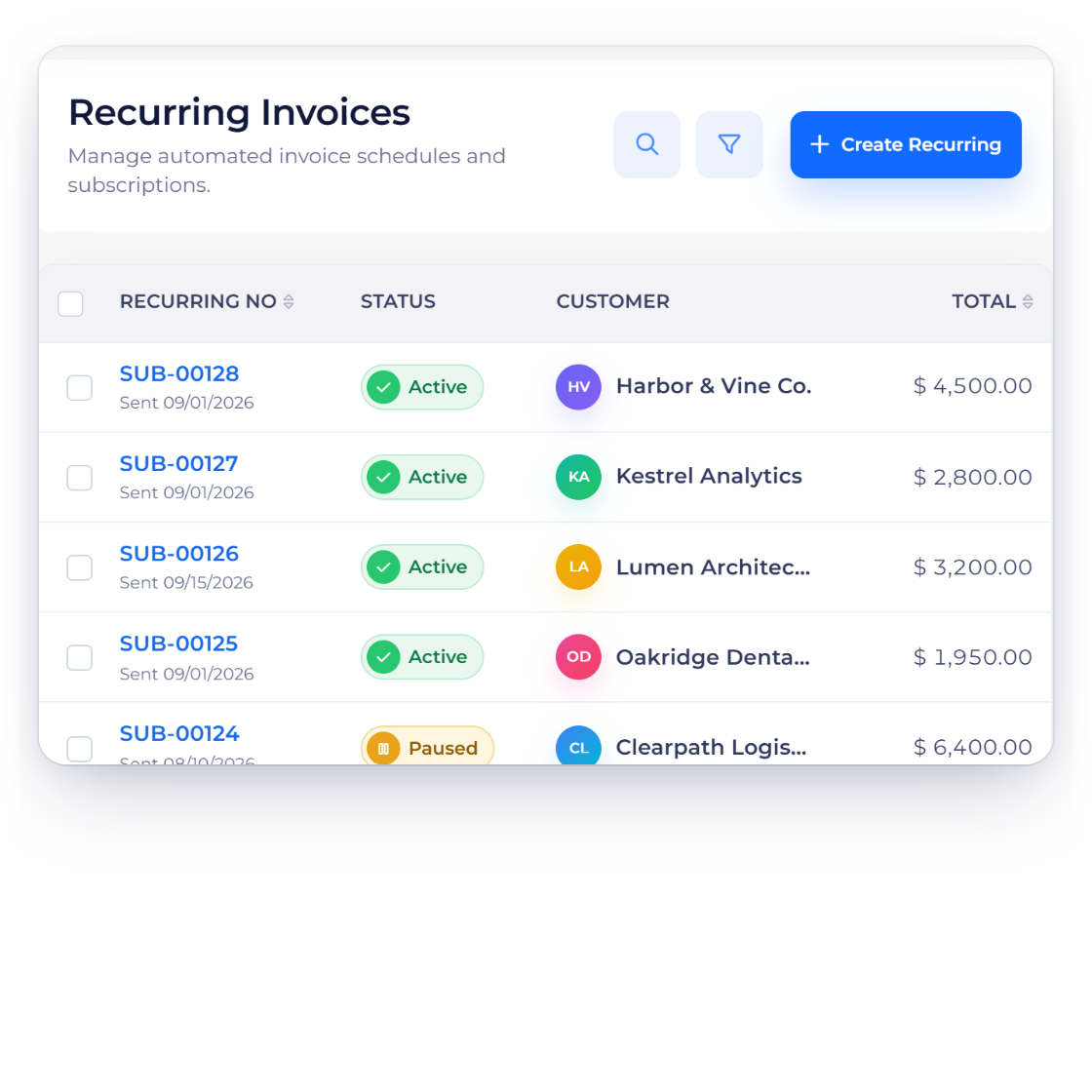
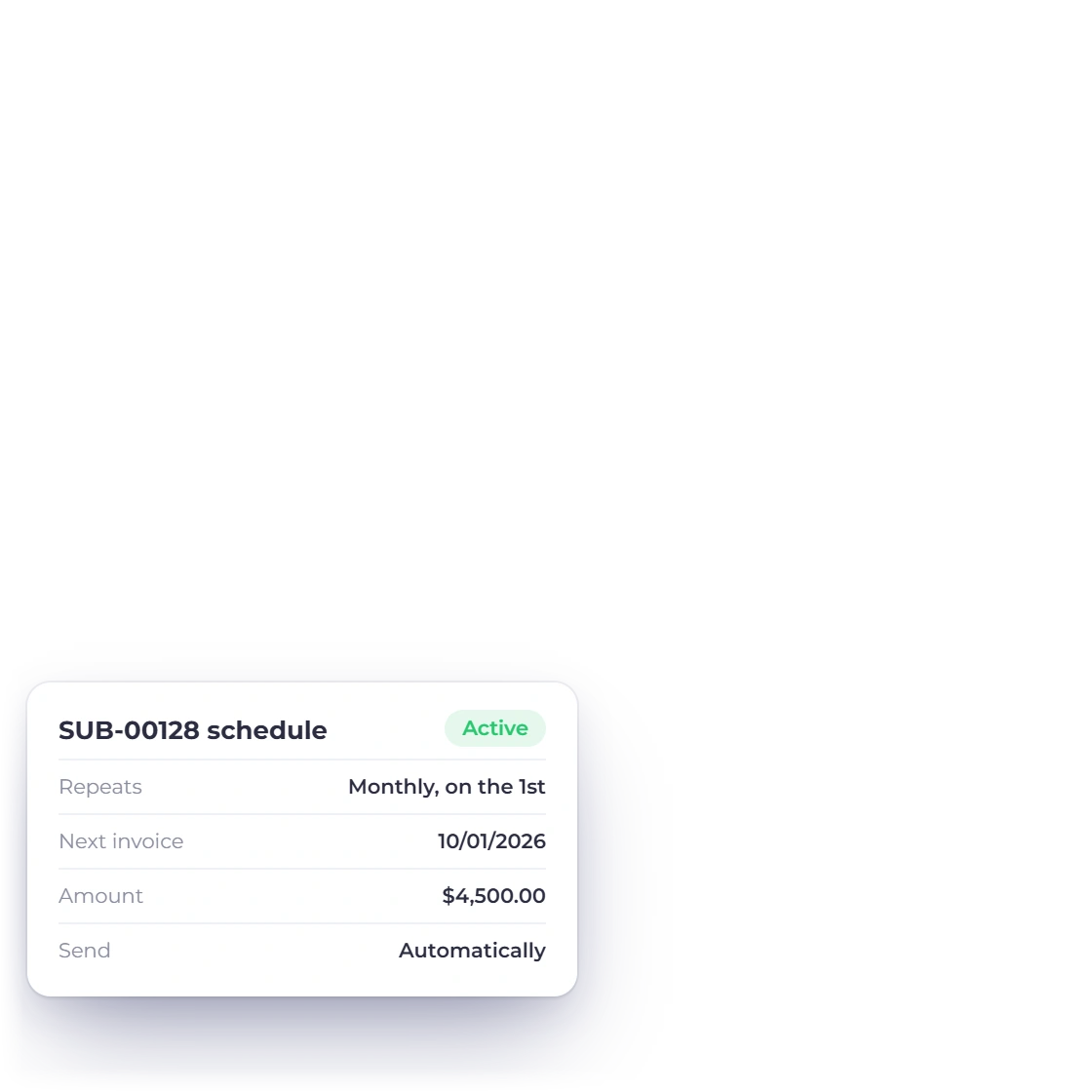
Invoice Crowd recurring invoices list with active and paused schedules and a monthly schedule card

Recurring invoices for regular clients

Retainers and monthly services do not need raising twice. Set the invoice up once with its schedule, and each cycle is generated and sent for you, either approved by you first or fully automatic depending on how much oversight the client relationship needs.

  • Manual or automatic cycles
  • Built from an invoice you already send
  • Scheduled cycles follow the saved configuration
Recurring invoicing

Also included

The rest of the invoice screen

Smaller settings that decide whether an invoice takes two minutes or twenty, and whether the money arrives when it should.

  • Custom fields

    Add the fields a particular client or project needs, such as a PO number or a job reference.

  • Multiple provider integrations

    Clients pay by the method they already use, from PayPal and Stripe to Razorpay and Square.

  • Saved items

    Enter a product or service once and pick it from the list on every invoice after that.

  • More than one tax

    Apply several tax rates to a single line or across the whole invoice when the job needs it.

  • Discounts and offers

    Give a promotion or a loyalty rate from the invoice screen instead of editing the line price.

  • Viewed and paid alerts

    See when an invoice has been opened and when it has been paid, without asking the client.

  • Scheduled sends

    Write an invoice today and have it go out on the date you agreed with the client.

  • Multiple languages

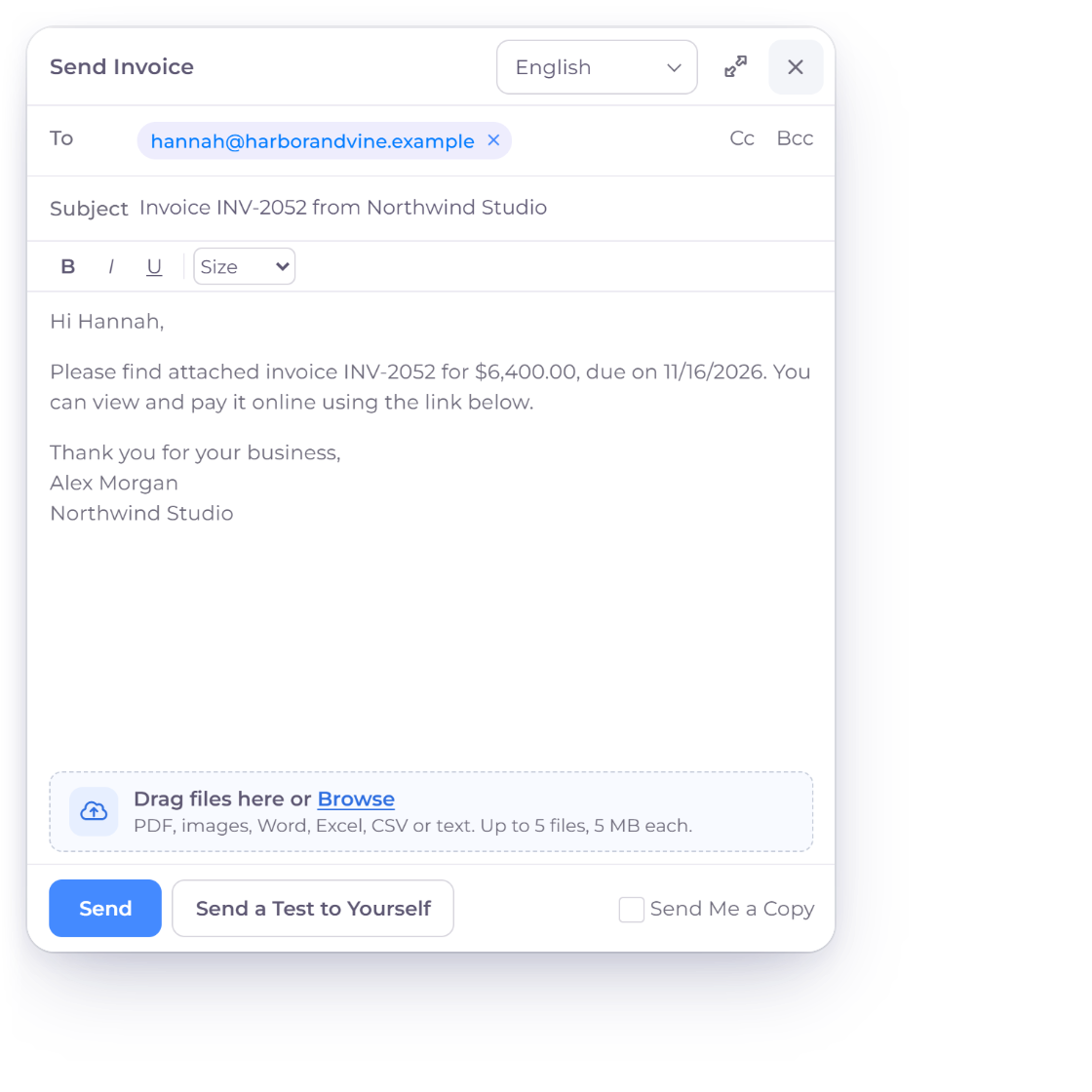
    Write the invoice in the language the client reads, which matters when the client is overseas.

  • Attached documents

    Send the contract, work order or timesheet with the invoice so approval is not held up.

  • Dynamic labels

    The invoice title and the main labels, such as Bill To and Due Date, can be renamed to match how you talk to clients.

  • Money in sooner

    Payment lands as soon as the client pays through the gateway rather than after a bank run.

  • Bill back expenses

    Add the costs you carried on a job as lines on the invoice, so it covers work done and money spent.

Questions

Creating invoices, answered

Does Invoice Crowd support recurring invoicing?

Yes. A recurring invoice runs on the schedule you set, and you choose whether each cycle is sent automatically or held for you to approve first. Weekly, monthly and custom cycles are all handled the same way.

How does the late fee charge work?

Yes. Choose a template, add your logo and colors, rename the title and the main labels on the page, and add custom fields for details a particular client needs. Two businesses on the same plan can send invoices that look nothing alike.

Can I customize how my invoices look?

Yes. Choose a template, add your logo and colors, rename any label on the page, and add custom fields for details a particular client needs. Two businesses on the same plan can send invoices that look nothing alike.

Can I invoice a client in their own currency?

Yes. Pick the currency on the invoice and the client sees the amount in the money they pay with. Your own reporting converts back to the base currency of the business, so you are not reconciling two versions of the same month.

Does Invoice Crowd handle GST?

Yes. Invoices can carry HSN or SAC numbers and the GST rates you define, the tax is calculated as you build the invoice, and the GST filing report collects the figures when the return is due.

How do clients pay an invoice?

Offer only the payment paths eligible for the invoice, merchant account, region, currency and requested flow. A supported provider settlement is recorded after its verification succeeds, including partial collection where that path allows it.

Raise your first invoice today

Set up the template, the tax rates and the reminder schedule once, and every invoice after that is a few lines of typing.

  • current trial
  • No credit card required
  • Cancel whenever you want