Skip to content

Proposal and invoicing software for solopreneurs, with the books included

A solo business is a sales team, a billing department and a bookkeeper worked by the same person. Invoice Crowd holds all three, and holds the second brand beside the first without a second subscription to pay for.

  • Up to 10 business profiles
  • Proposals through to ledger
  • No second bookkeeping tool

What is inside

Everything a business of one has to run

Selling the work, billing for it and booking it are three different jobs, and the same person does all three. These are the pieces that stop each becoming an evening.

One login, more than one business

Separate brands, separate books

Business profiles keep the ventures apart

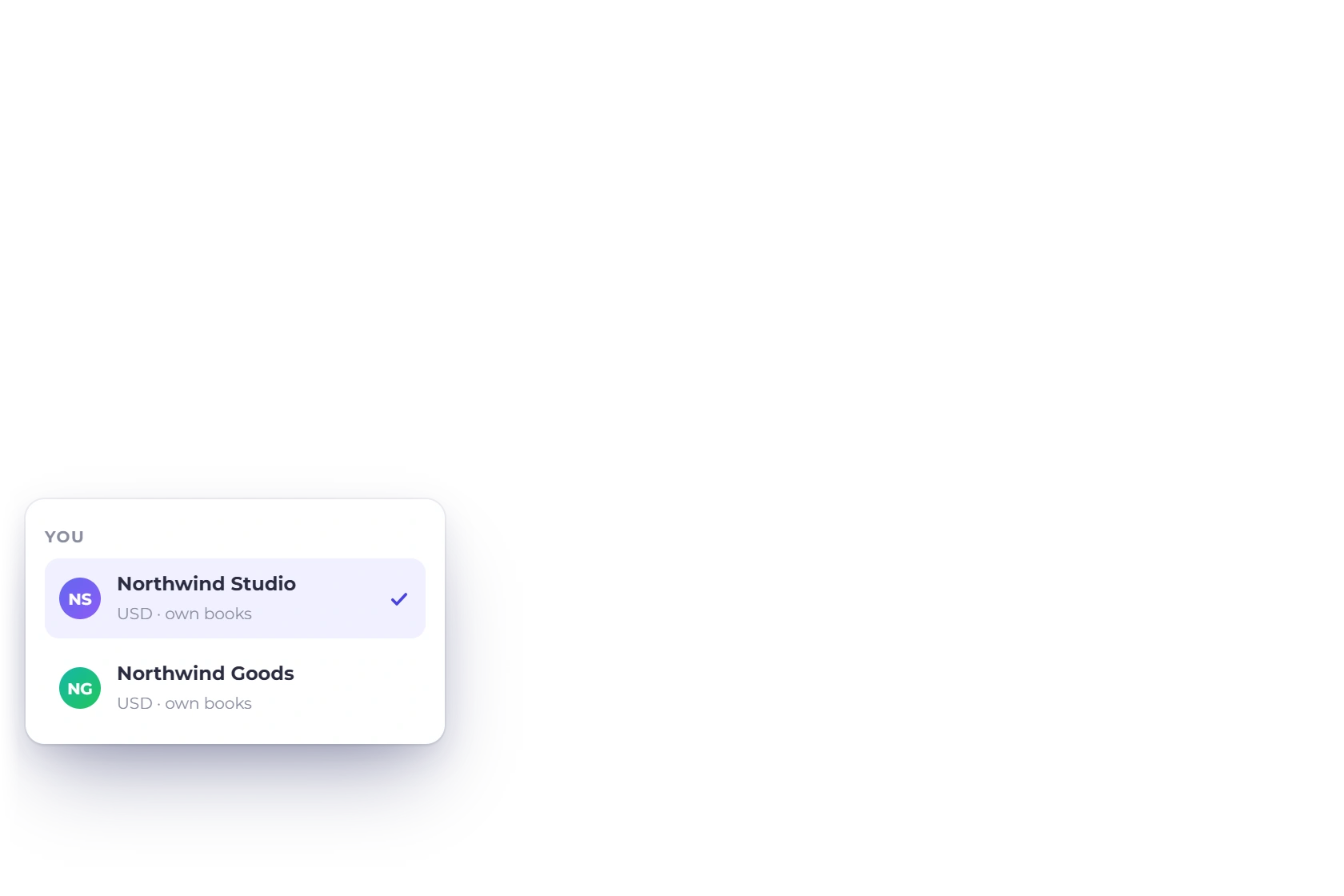
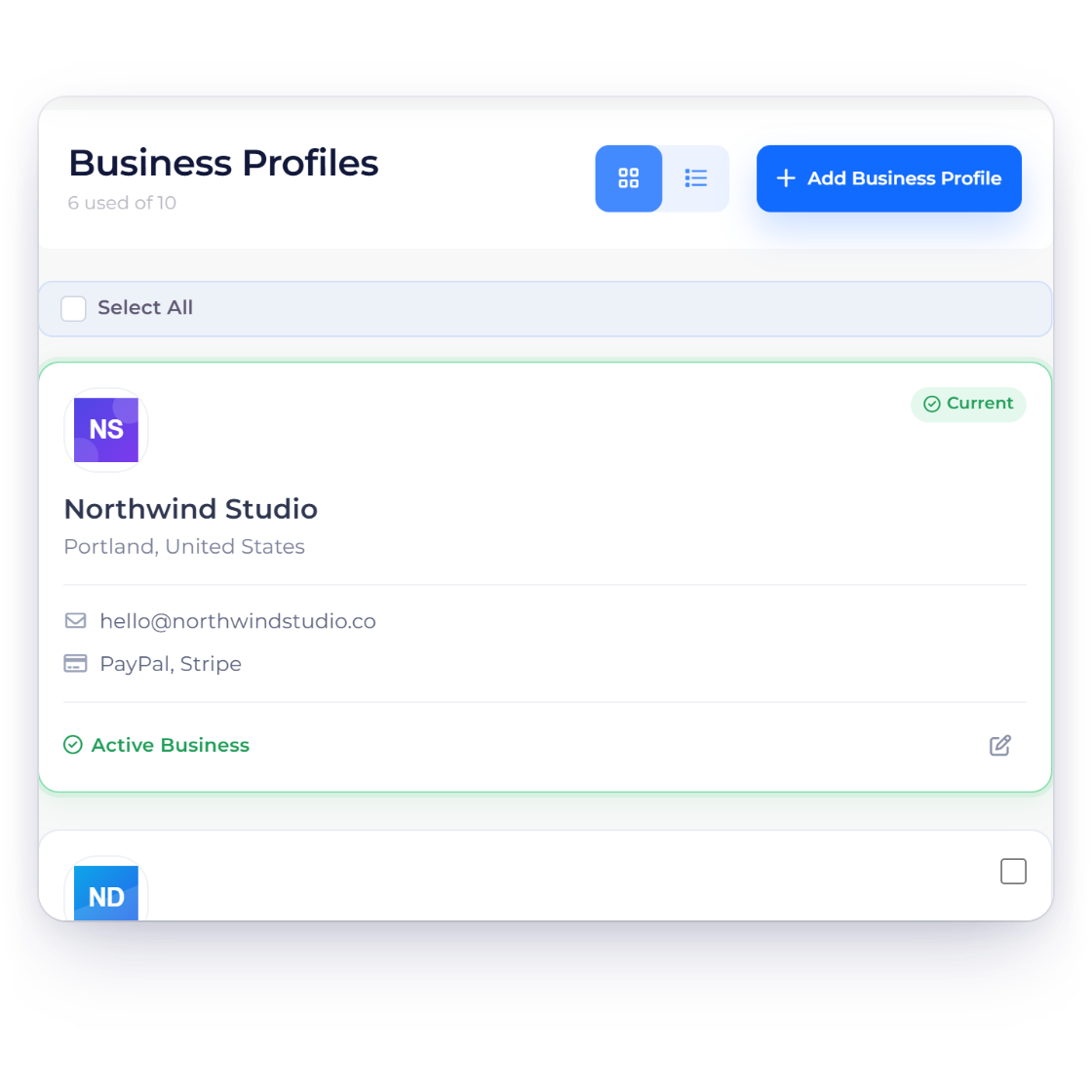
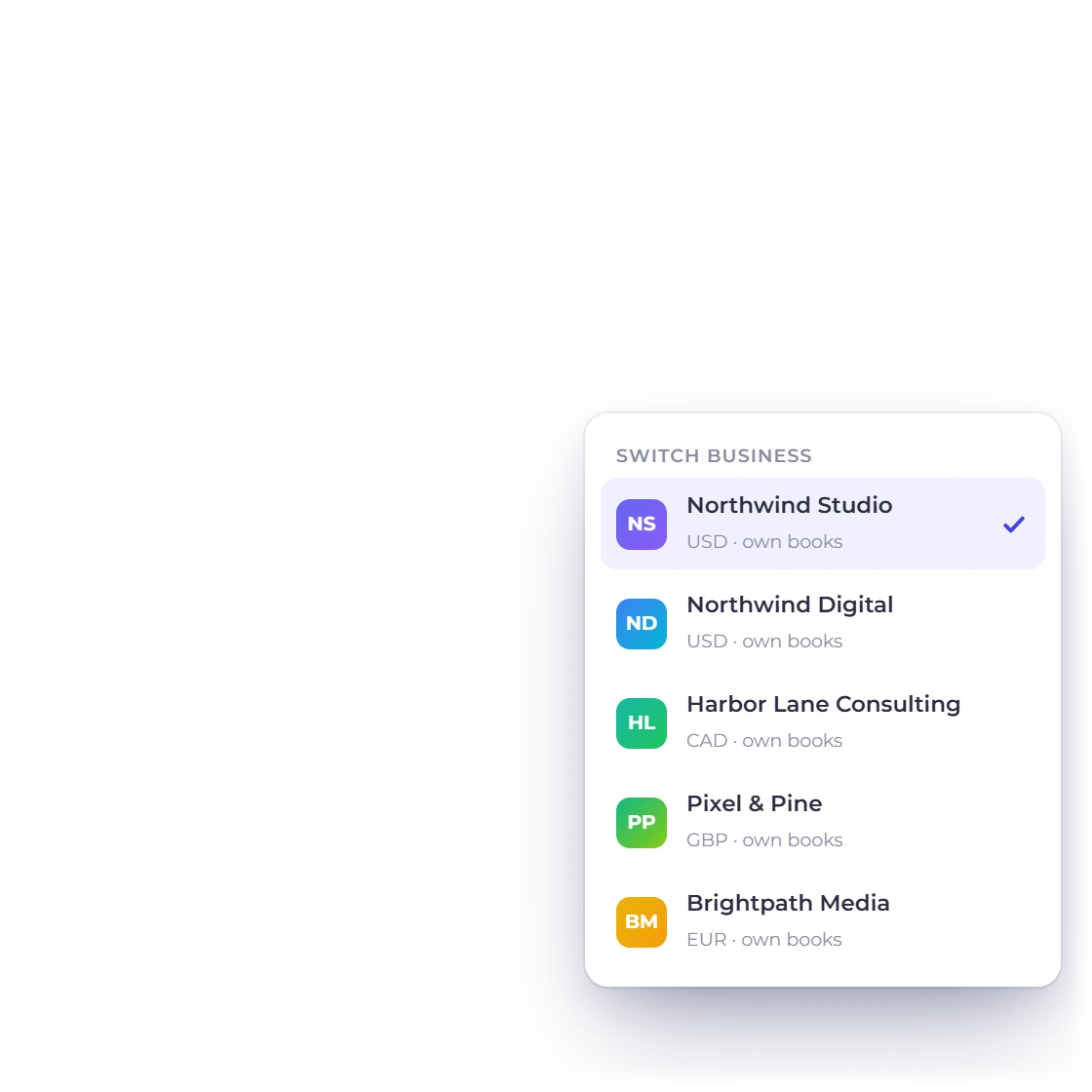
Run the consultancy and the product from the same account without their numbers meeting. Each profile carries its own name, logo, invoice template, customers and set of accounts, so a statement for one venture never quietly picks up revenue that belongs to the other.

  • Profile limits vary by plan
  • Its own branding and invoice template per profile
  • Every invoice and expense is tagged to a profile
Packages screen in Invoice Crowd listing service bundles with the price set for each

Packages instead of pricing from scratch

The three or four things you actually sell can sit as packages: a fixed bundle of services with a price already worked out, ready to drop onto a proposal, an estimate or an invoice. Saved items cover the lines you bill on their own, so nothing gets priced twice.

  • Reusable bundles with a set price
  • Saved items for the lines that recur
  • The same package works on a quote and its invoice
How packages work

Sell it, then bill it

Without typing the same lines twice

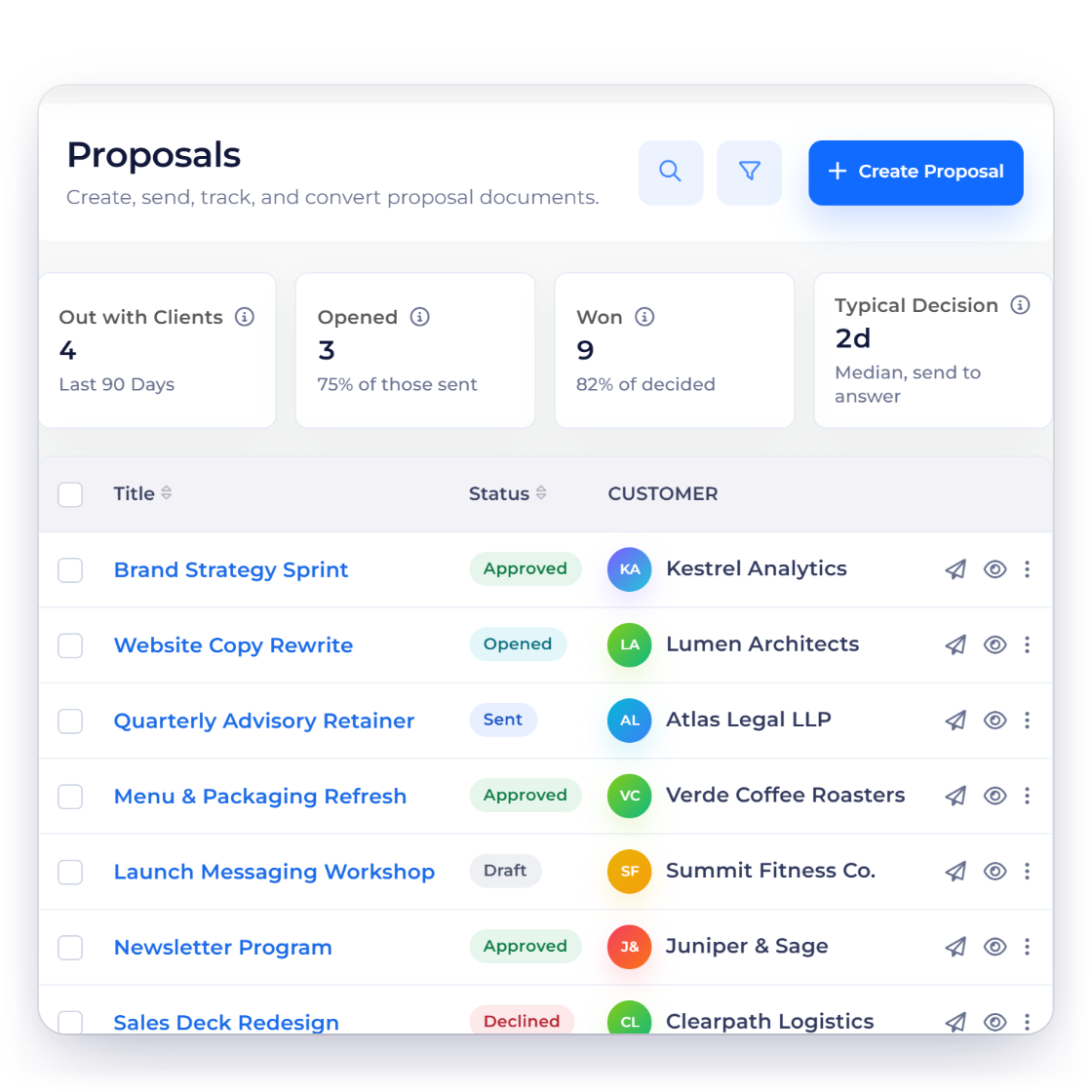
Proposals list in Invoice Crowd showing each proposal with its client and current status

Proposals that come back signed

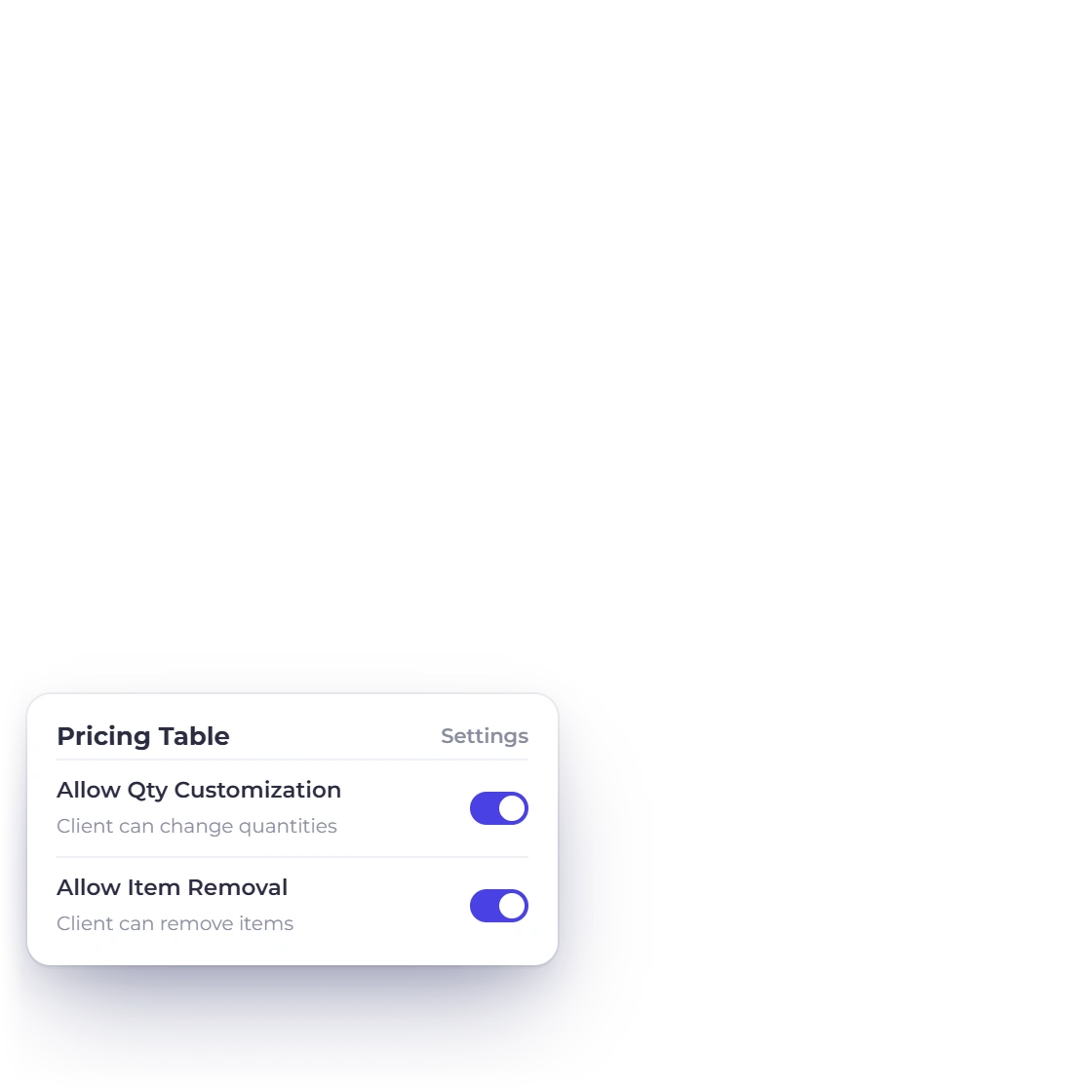
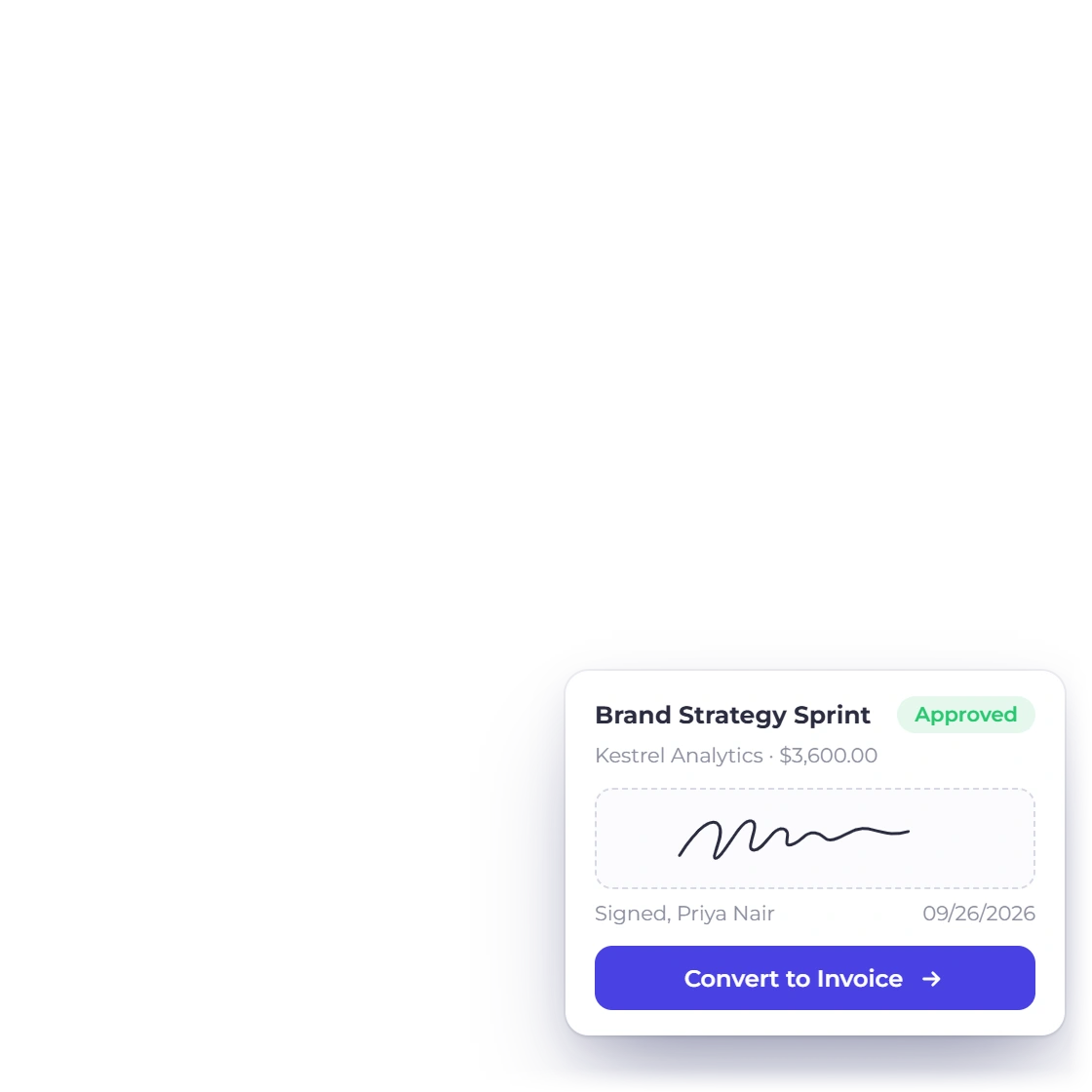
Send a proposal the client signs in the browser, with client-removable line items they can take or leave and quantities they can set where you allow it. What comes back is the version they agreed to, and that version is what converts, so the invoice never argues with the quote.

  • E-signature on the proposal itself
  • client-removable items and client-editable quantities
  • One step from approved document to invoice
client-removable line items

Recurring billing, and the chasing after it

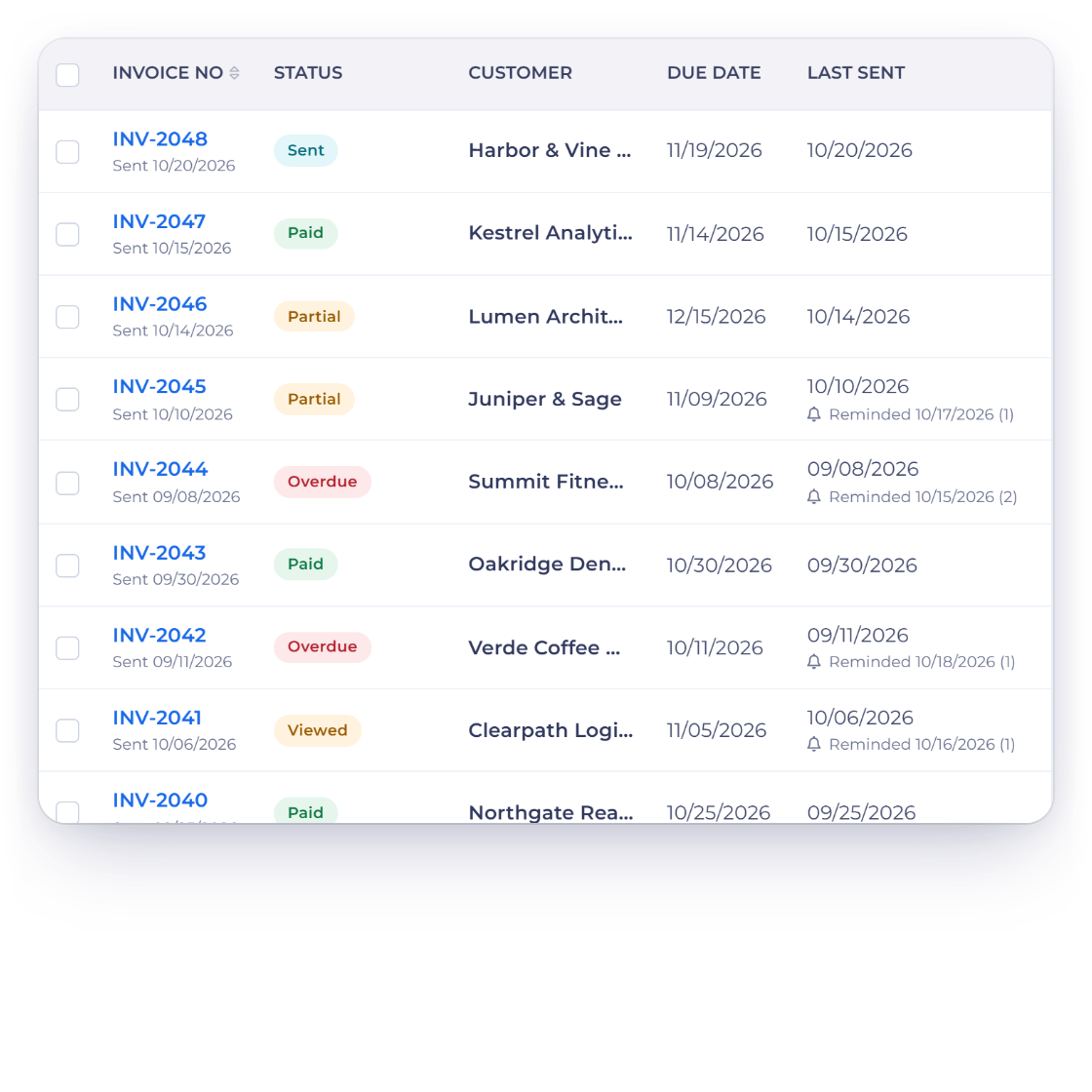
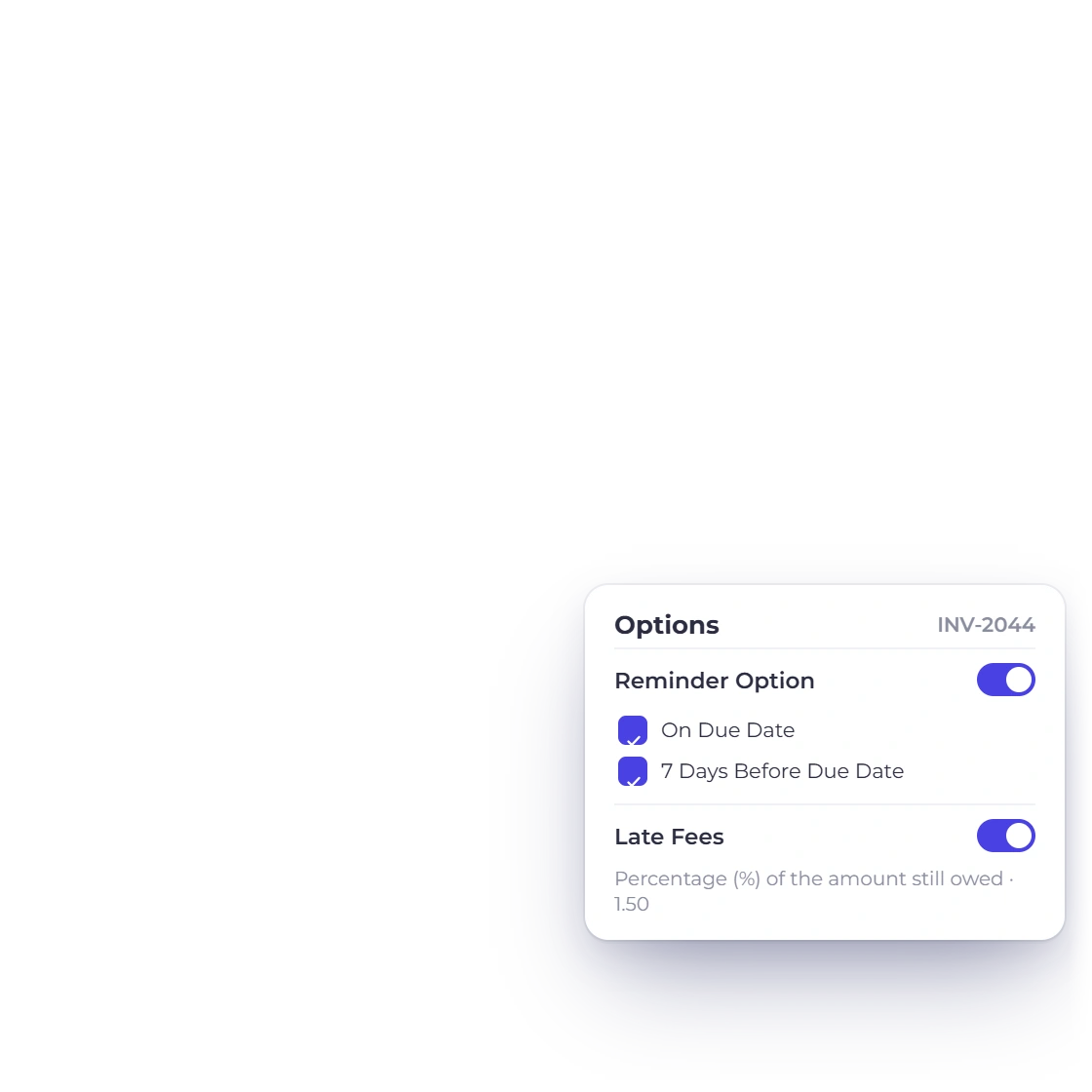
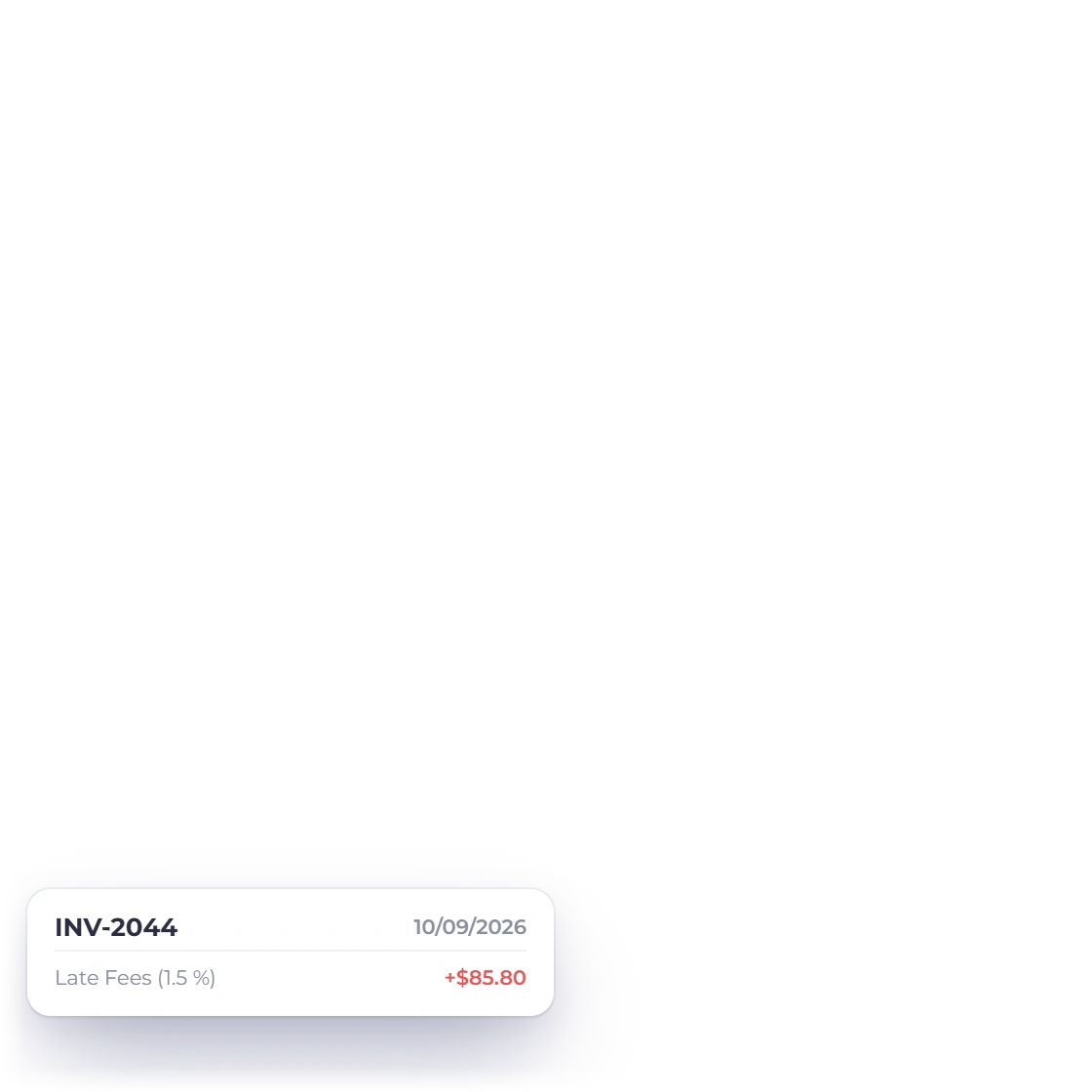
Subscriptions, retainers and maintenance plans run on a cycle you set once, each period raising its own invoice. Reminders go out before and after the due date and a late fee applies itself when a date passes, which is the part a one-person business usually lets slide.

  • A recurring profile per customer and cycle
  • Reminders on both sides of the due date
  • Late fee as a percentage or a flat amount
Reminders and late fees

No second tool for the books

Where the second subscription usually goes

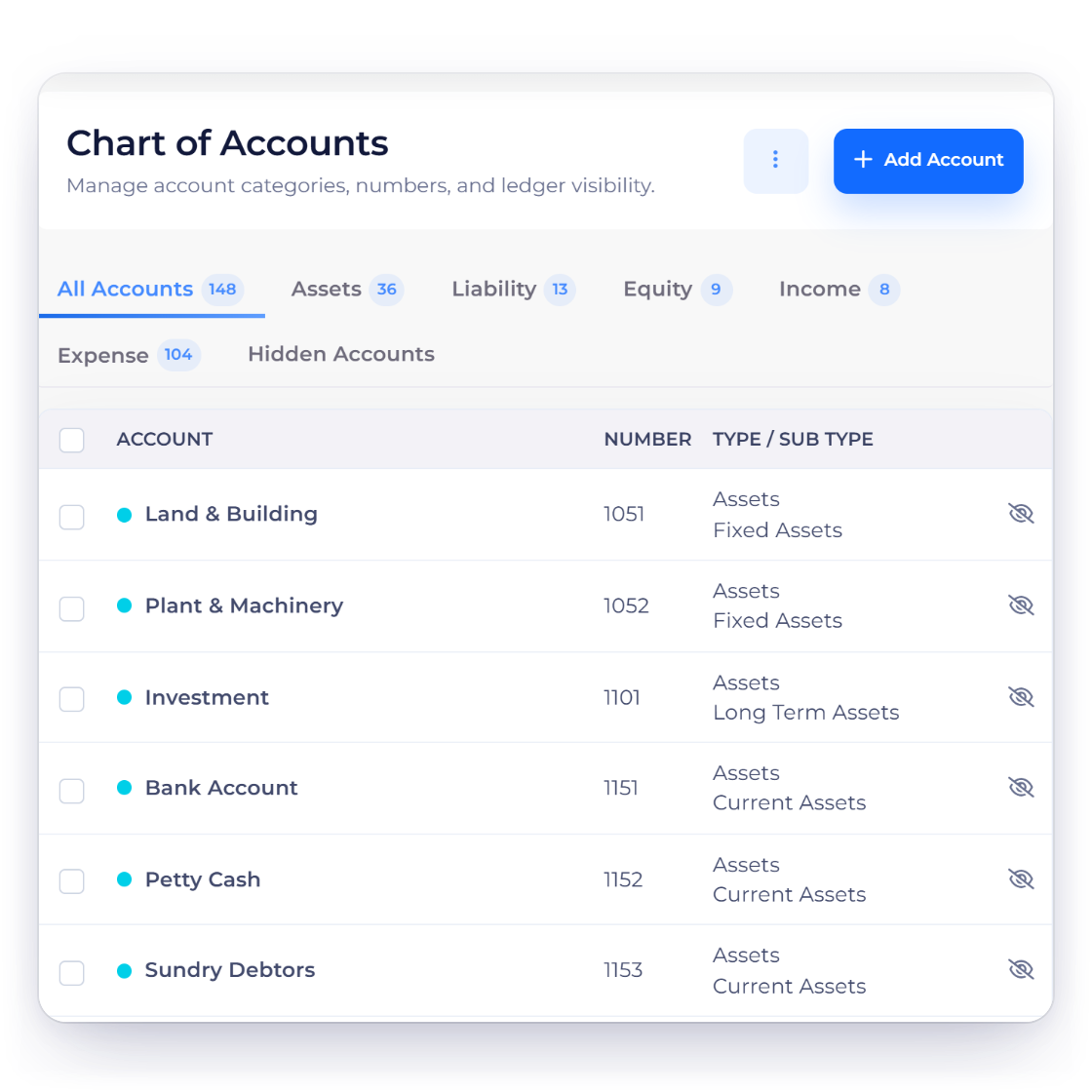
Chart of Accounts in Invoice Crowd listing numbered accounts grouped by type

The accounting is in the same account

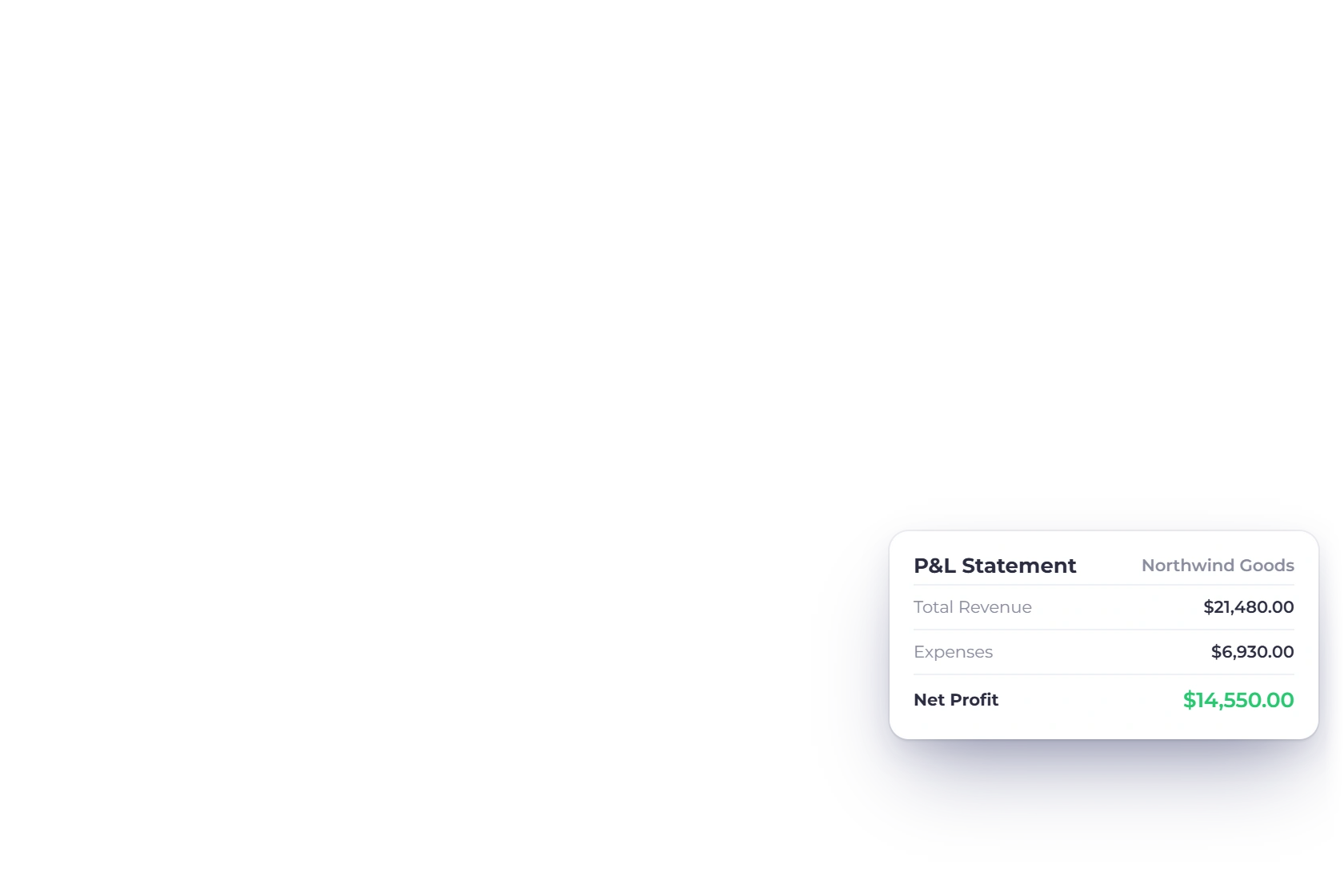
The accounting ledger sits directly under invoicing. Documents and costs use the configured chart of accounts, while the trial balance, profit and loss and balance sheet read the recorded postings.

  • A numbered and classified chart of accounts
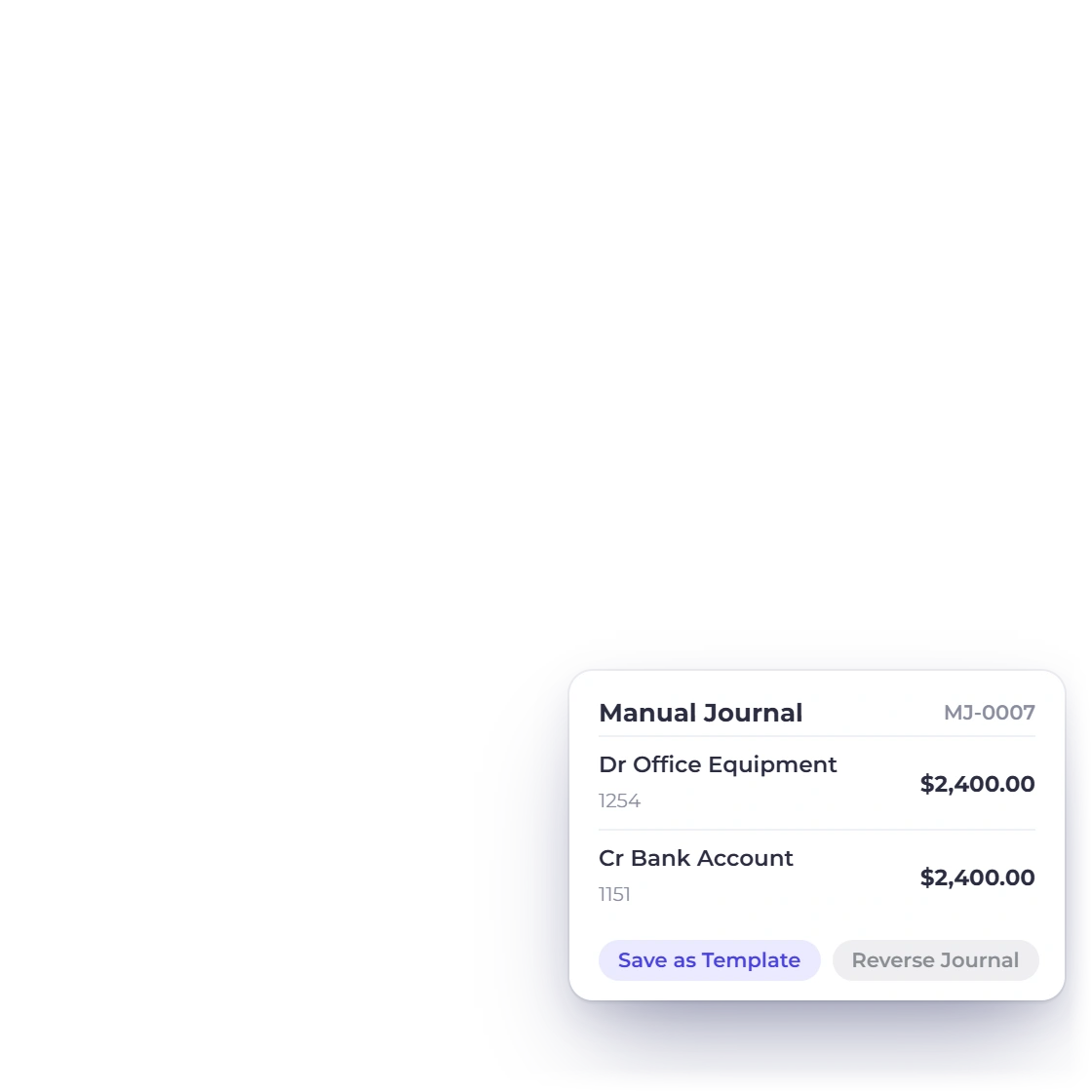
  • Manual journals and opening balances for a mid-year move
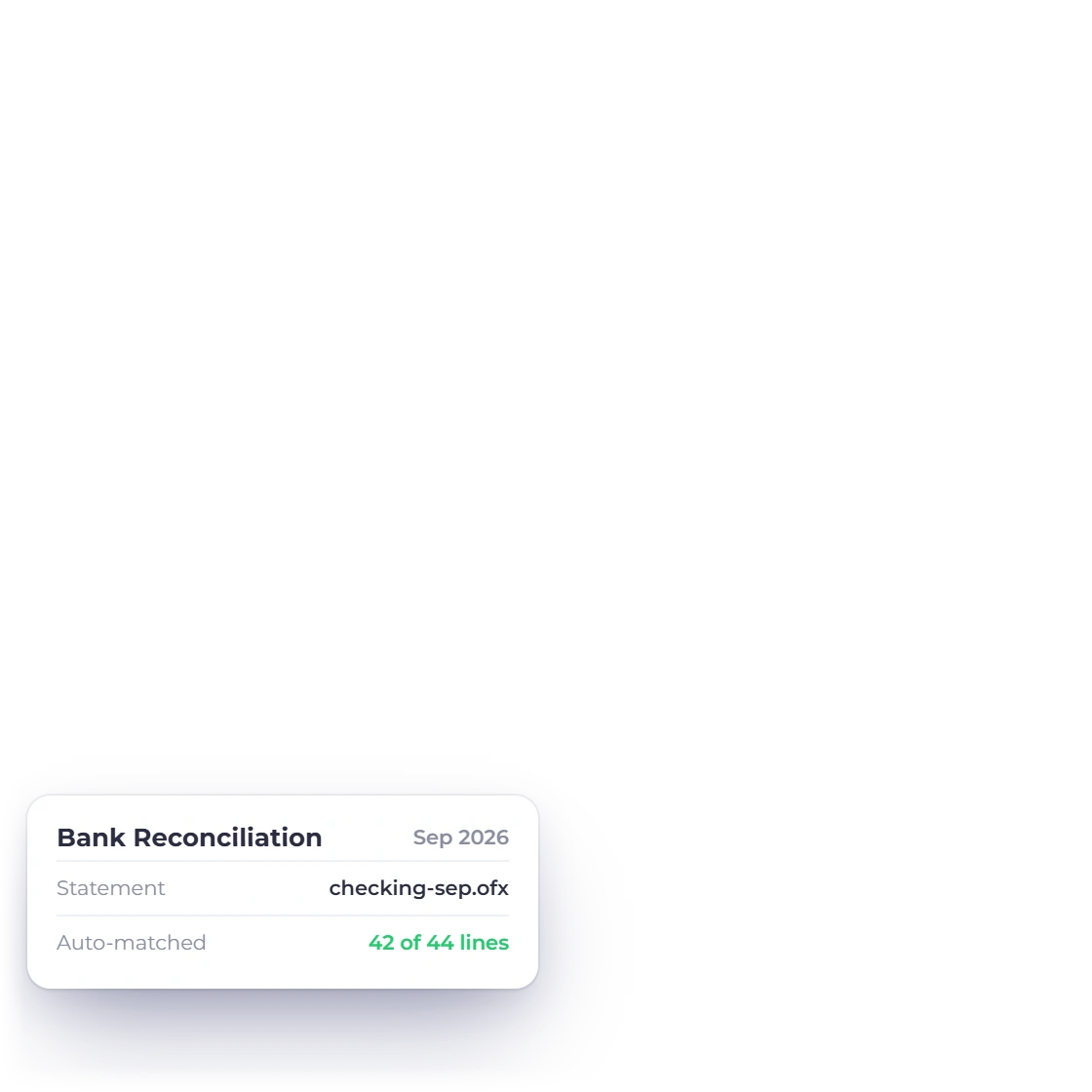
  • Bank reconciliation and a fixed asset register alongside
The full accounting module

Clients answer their own questions

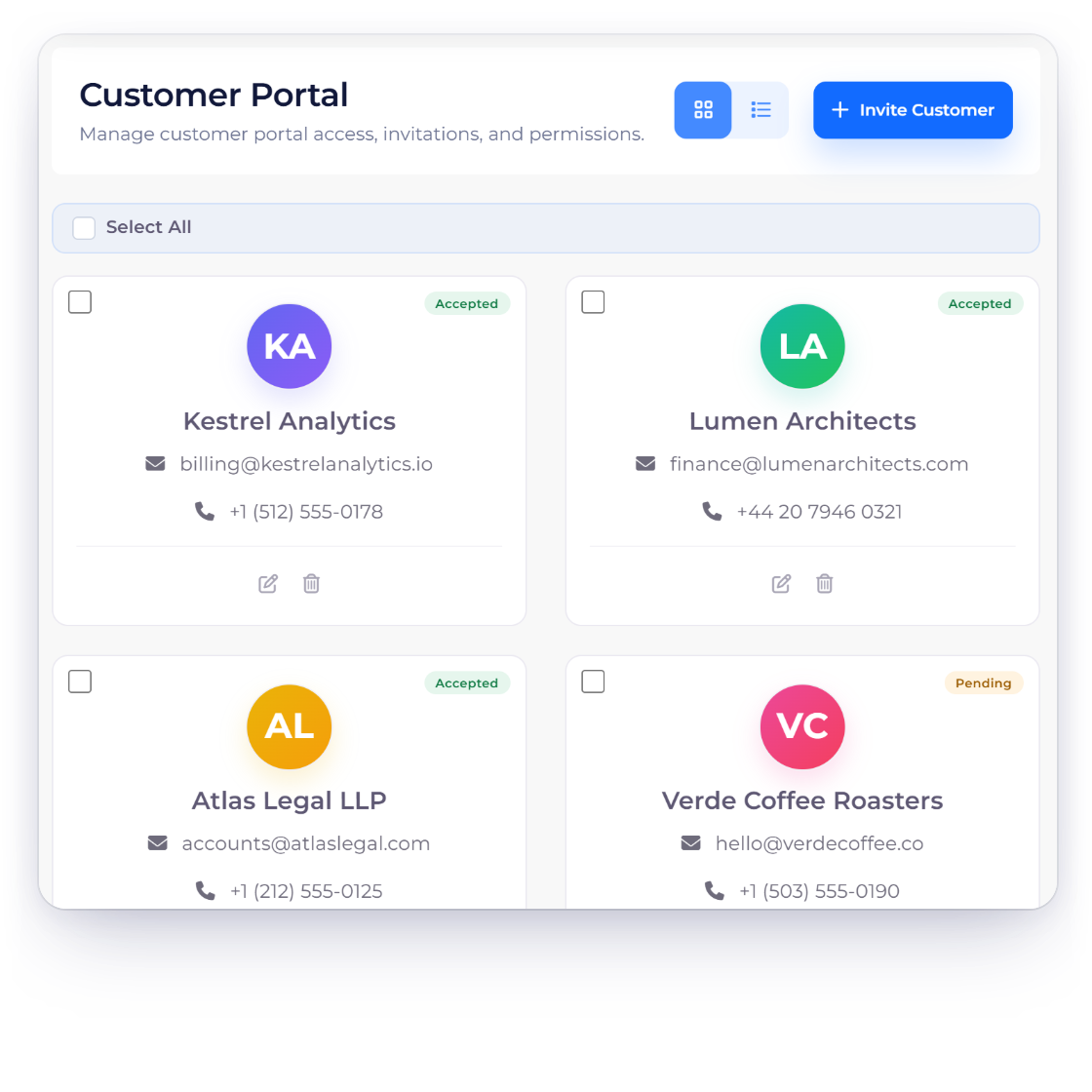
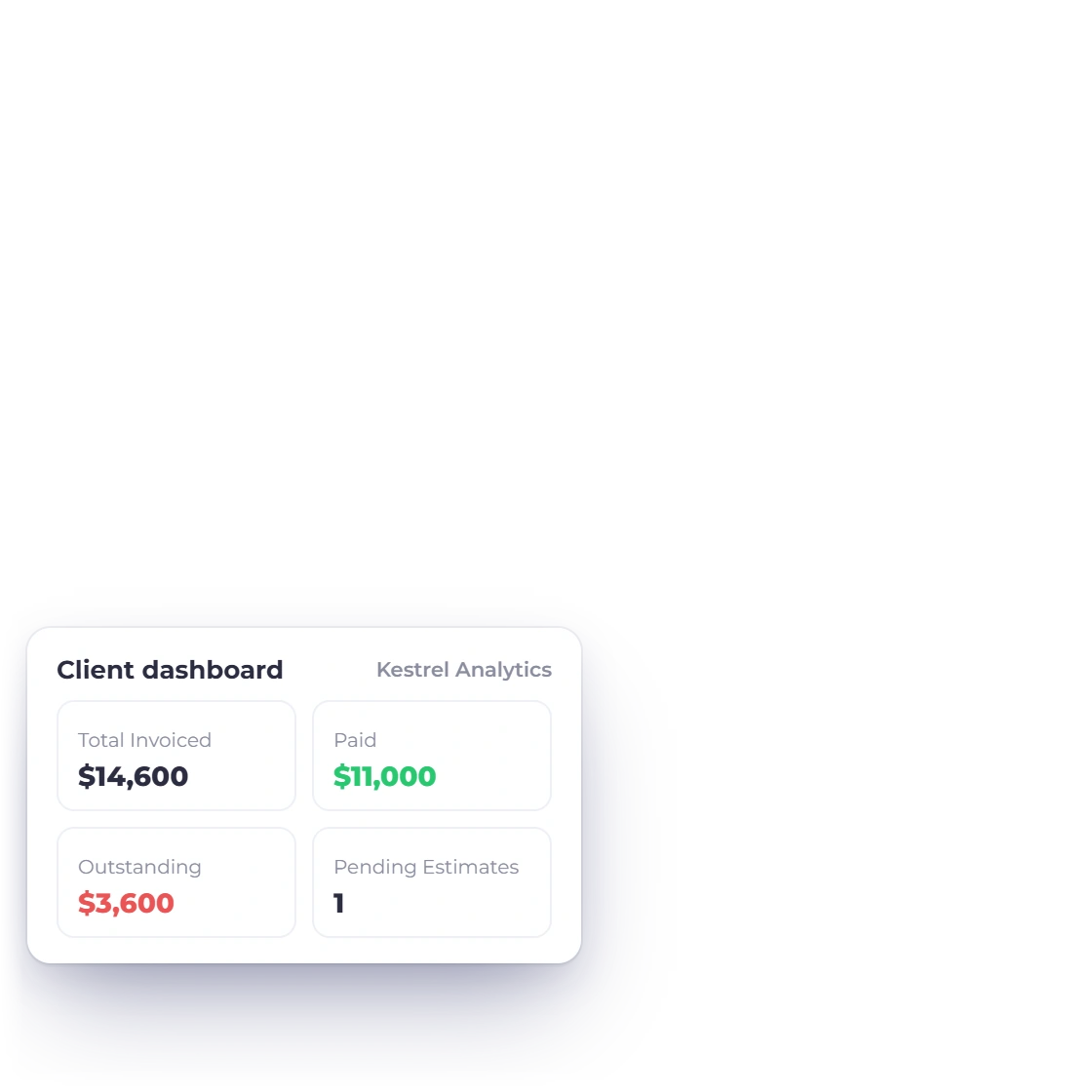
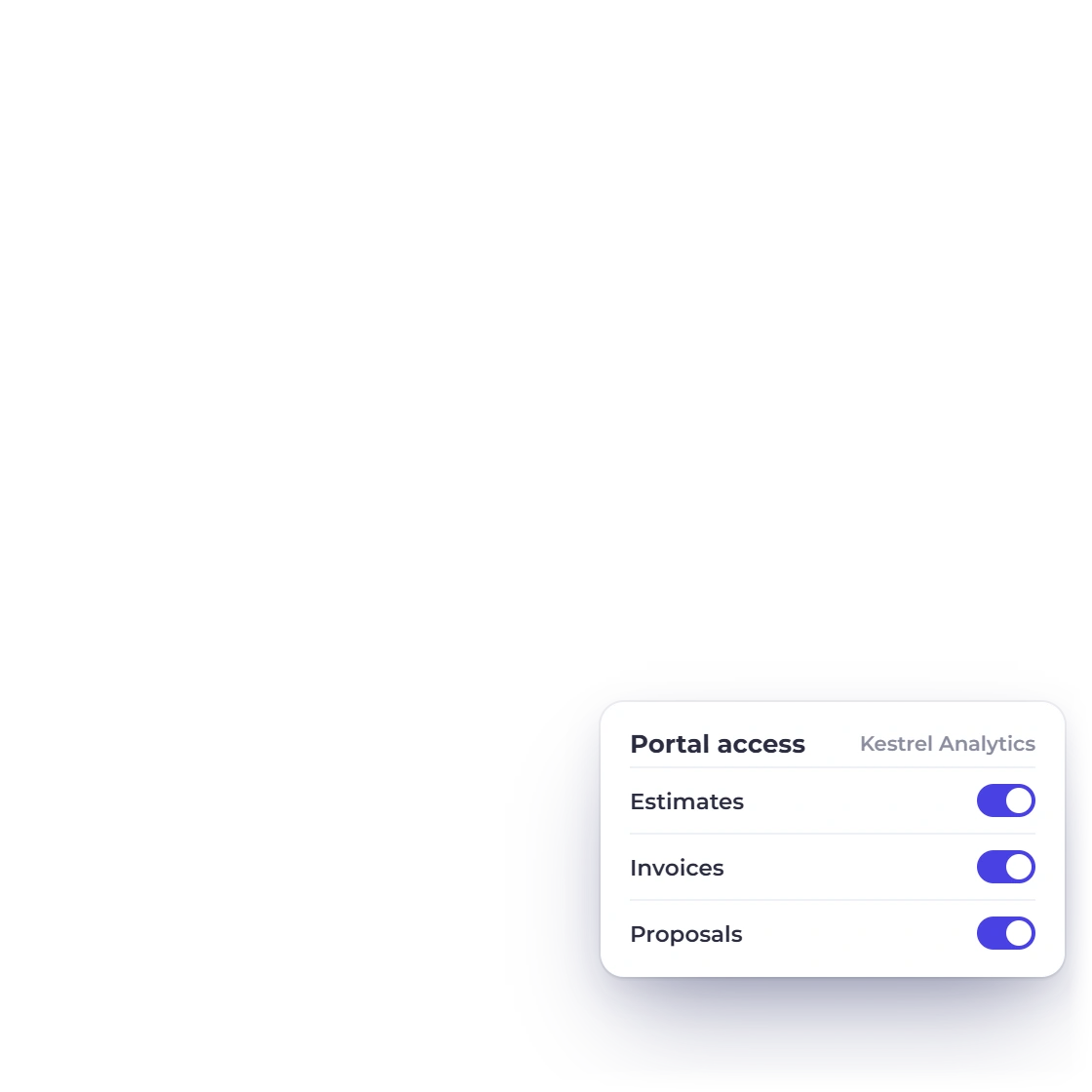
One person cannot also be a support desk. The portal gives each client a sign-in of their own showing the estimates waiting on them, the invoices they owe and the payments they have made, which is where can you resend that invoice stops arriving at nine in the evening.

  • View, download and pay in one place
  • Their whole history with you, not just the last document
  • Approve an estimate without an email thread
The customer portal

One subscription, not four

What a solo stack usually pays for twice

Working alone, every extra tool is another login, another bill and another export to reconcile. These four things are already in the one account.

  • Selling and booking in one place

    The thing that wins the work and the thing that books it are the same subscription, which is exactly where a solo stack normally splits in two.

  • A second brand costs no extra account

    Supported business profiles keep their own customers, branding and statements under one account. Review the Pricing page for current profile limits.

  • Paid however the client pays

    multiple provider integrations connect directly, so a client in another market is never asked to use a payment method that does not work where they are.

  • Clients abroad, one set of books

    A client overseas gets an invoice in their own currency while your statements still add up in the single one you report and file in.

Also included

The rest of what running it alone involves

These sit in the same login as the proposals and the ledger, reading the same customers and the same items.

  • Customer records

    One record per client holding their documents, payments and contact details, filterable by profile.

  • Estimate to invoice

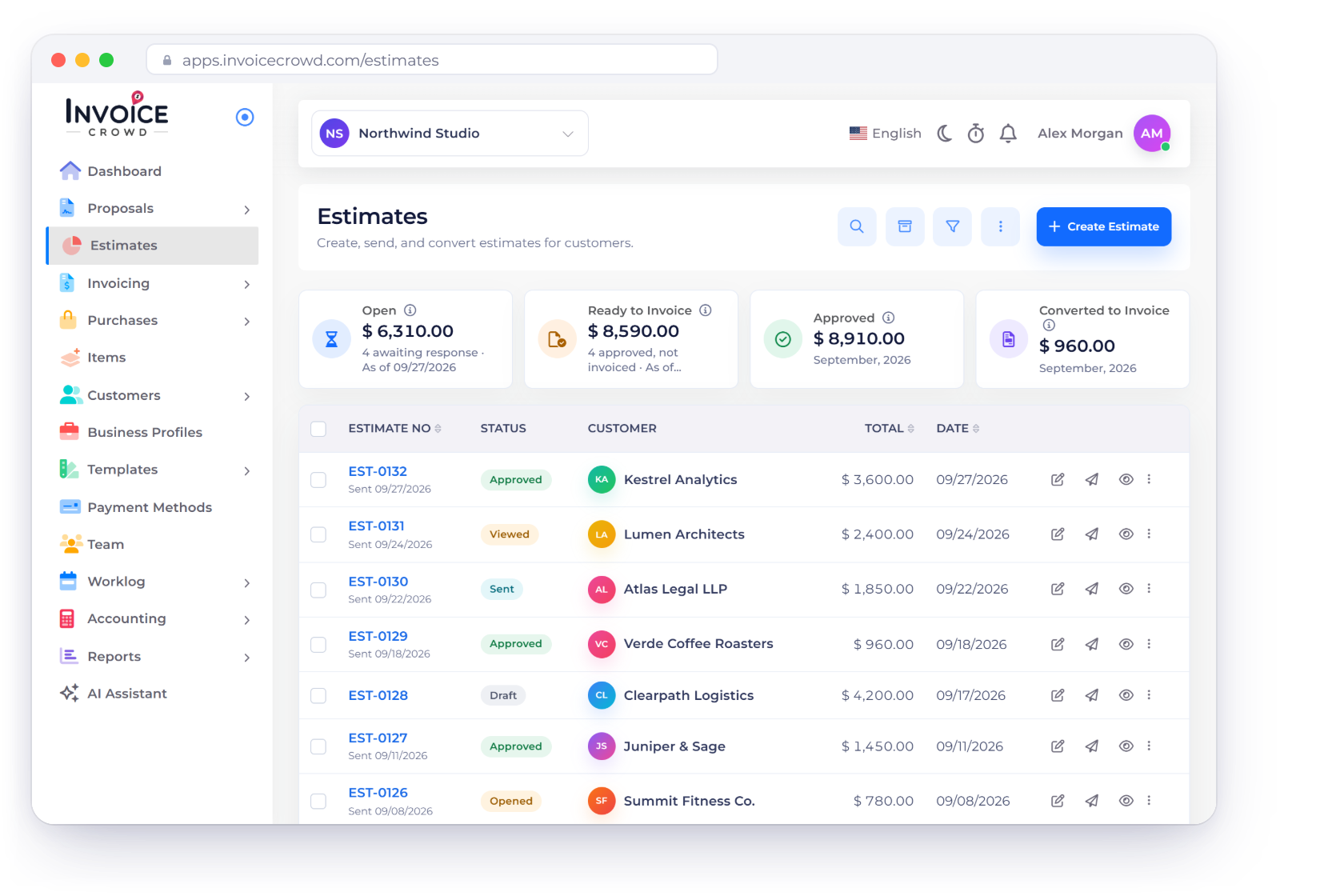
    Turn an approved estimate into an invoice without re-entering a single line of it.

  • Deposits and installments

    Take part of the money up front and bill the rest against the same invoice later.

  • Expense tracking

    Log a cost, keep the receipt on it, and see it reach profit and loss immediately.

  • Scheduled reports

    The reports you actually read arrive by email instead of waiting to be run.

  • Invoice templates

    Pick a template per business profile so each brand bills in its own look.

  • Outbound webhooks

    Automate the handoffs to your other tools through a configured outbound webhook receiver such as Pabbly Connect.

  • Compare current plans

    Review current plan prices, limits, billing options and trial terms before choosing a package.

  • Bills from suppliers

    Record a vendor bill, the purchase order behind it and the payment you made against it.

  • 40+ proposal templates

    Start a proposal from one of more than forty templates rather than from a blank page.

  • GST filing report

    Eligible India GST-enabled businesses can review source records and prepare supported return data and exports in the country-gated GST Filing workspace.

  • Reusable content blocks

    Scope, terms and biography paragraphs live in a content library and drop into the next proposal.

Questions

Running solo on Invoice Crowd, answered

Can I run two businesses from one account?

Yes, through supported business profiles. Each has its own name, logo, invoice template, customers and accounting records, and every document belongs to the profile that raised it. Review the Pricing page for current profile limits.

What is the difference between a package and a saved item?

A saved item is one line you bill often, with its description and price already written. A package is a bundle of those services sold together at a set price. Both drop into a proposal, an estimate or an invoice rather than being typed again.

Do I still need bookkeeping software alongside this?

Usually not. The accounting side includes a chart of accounts, general ledger, manual journals, bank reconciliation, fixed assets, trial balance, cash flow, profit and loss and balance sheet. Because invoices and expenses post into it as you save them, there is no export and match step.

Can clients pay an invoice in parts?

Yes. Split an invoice into installments, or take a deposit and bill the balance on delivery, and the client settles each part through any gateway you connected. The invoice keeps a running record of what has been paid and what is still open.

Which plan fits a one-person business?

Review the current Pricing page for plan limits, proposal allowances, billing options and trial terms. Packaging can change, so this guide avoids repeating prices that may become outdated.

Can I connect it to the other tools I use?

Invoice Crowd can send selected events to a webhook receiver you configure. You can build a customer-managed downstream workflow with a service such as Pabbly, but Invoice Crowd does not provide a native Zapier app or SMS delivery service.

One login, however many ventures you run

Start with a single profile and add the next when the next brand appears. The proposals, the billing and the ledger are already sitting together.

  • Current trial terms on the Pricing page
  • Business profiles from one to ten
  • Accounting included, not an add-on