
Skip to content

Design agency billing that scopes revisions and bills by milestone

Design work goes wrong at the edges: one more round of revisions, a second concept nobody priced, files handed over before the final invoice cleared. A proposal that states the rounds and an invoice schedule tied to milestones keep both sides on the same document.

  • Revision rounds written into scope
  • Optional lines for extra concepts
  • Deposit, milestone and balance

What is inside

Put the argument in the document, before the work starts

Most disputes in a design studio are about scope, rounds or handover, and all three are things a proposal can state plainly and an invoice can then follow.

The scope

What is included, and what is not

Rounds of revision, written down

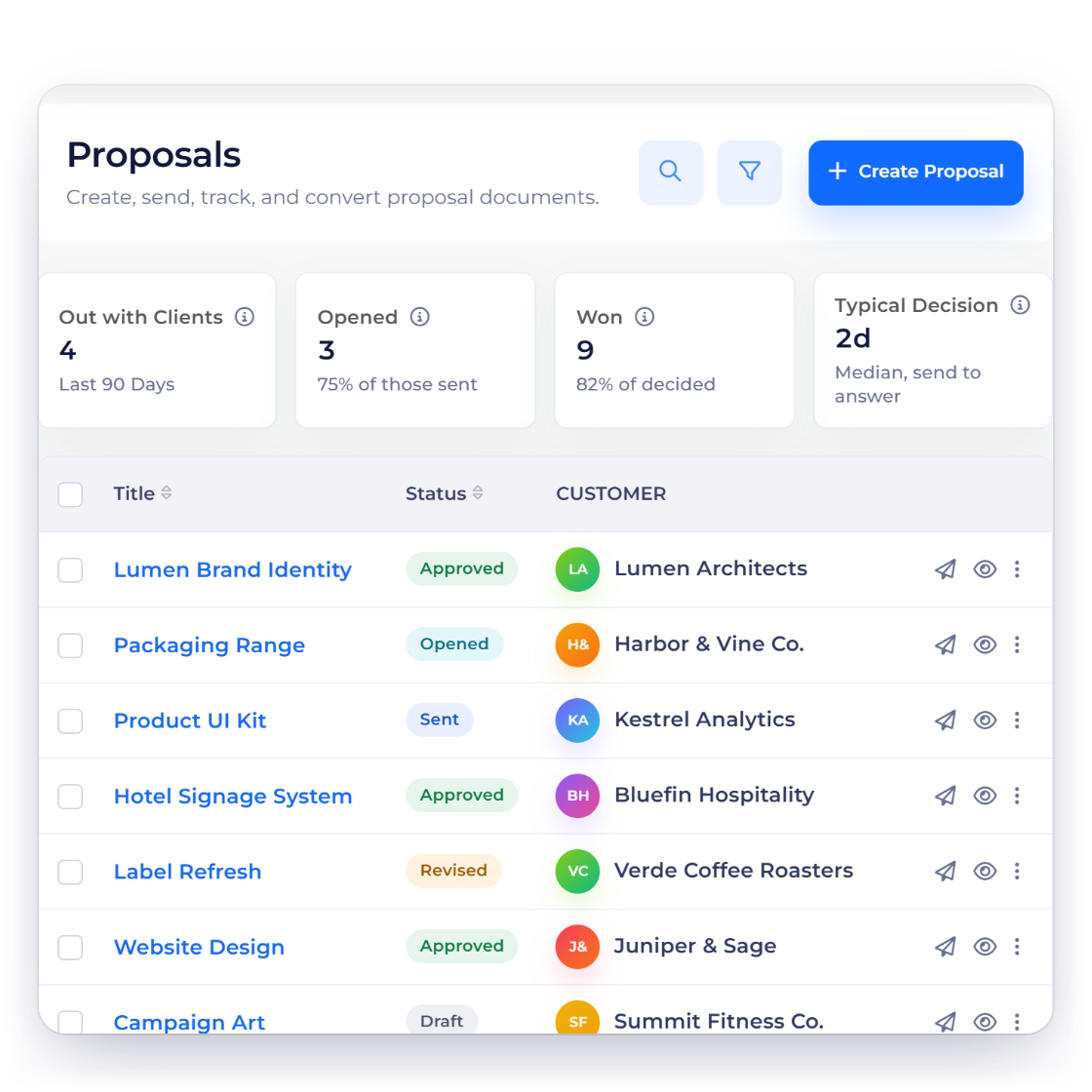
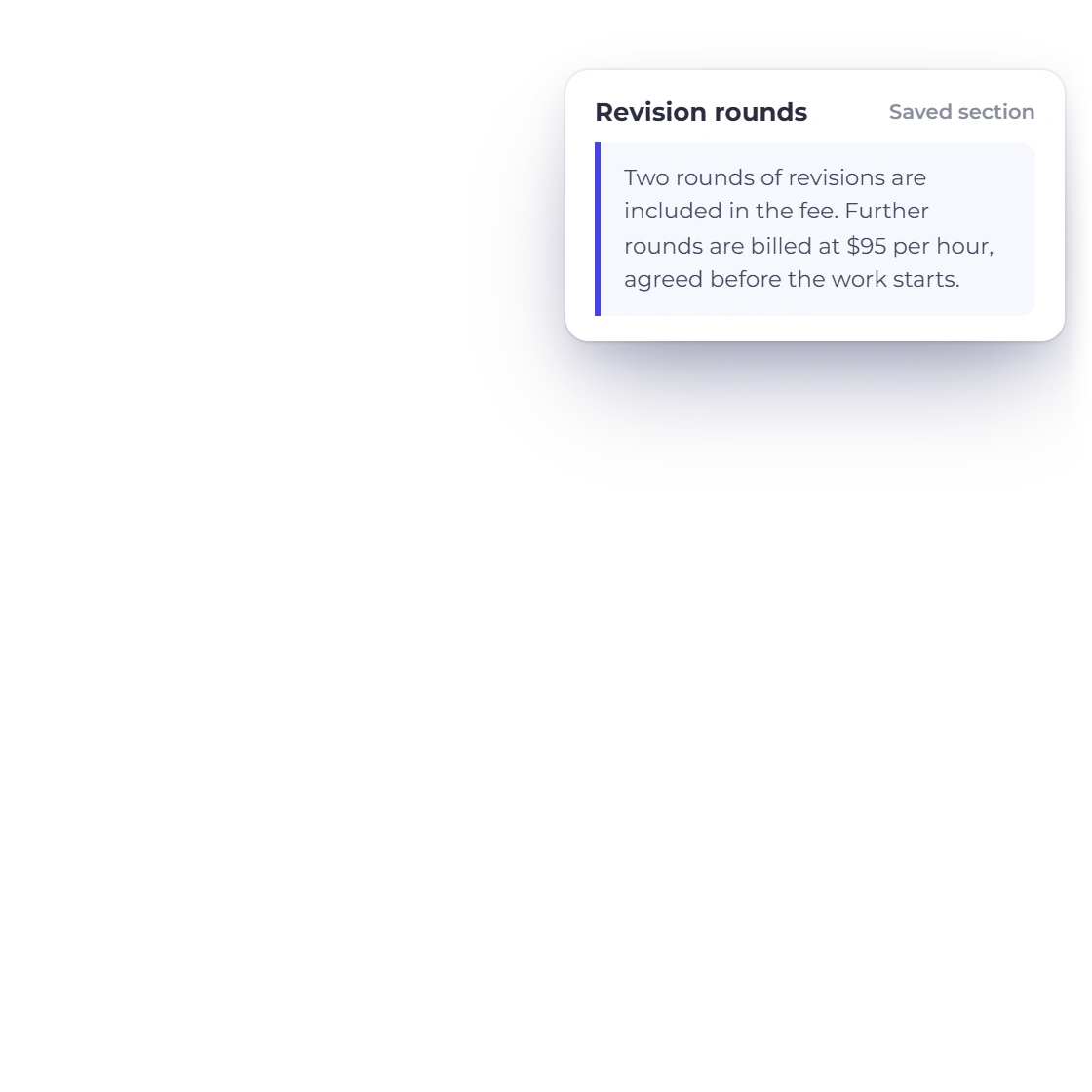
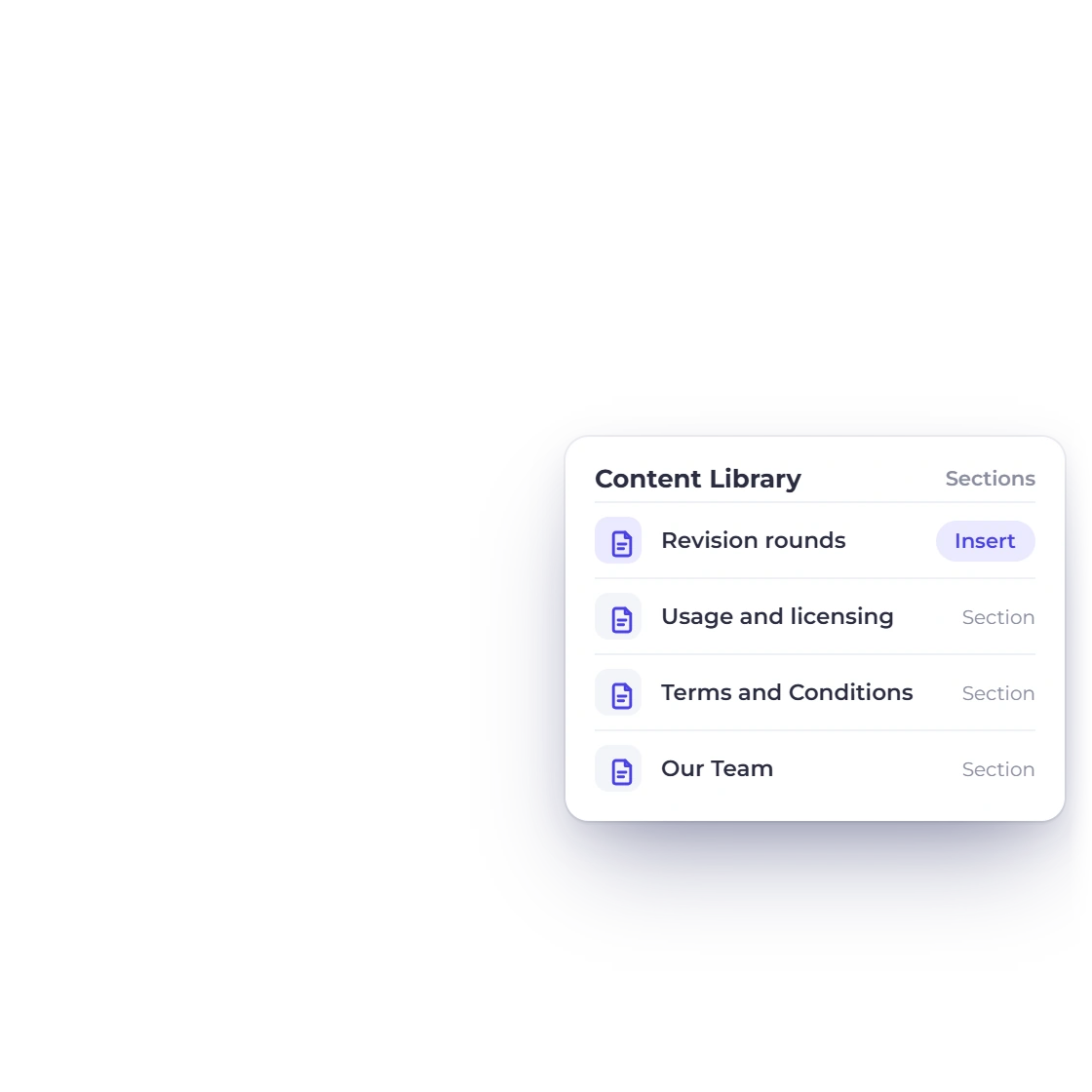
Two rounds included, further rounds charged at a stated rate: the sentence that prevents the argument belongs in the proposal, not in an email six weeks later. Save it once in the content library and it goes out with every document from then on.

  • Terms held in a reusable content library
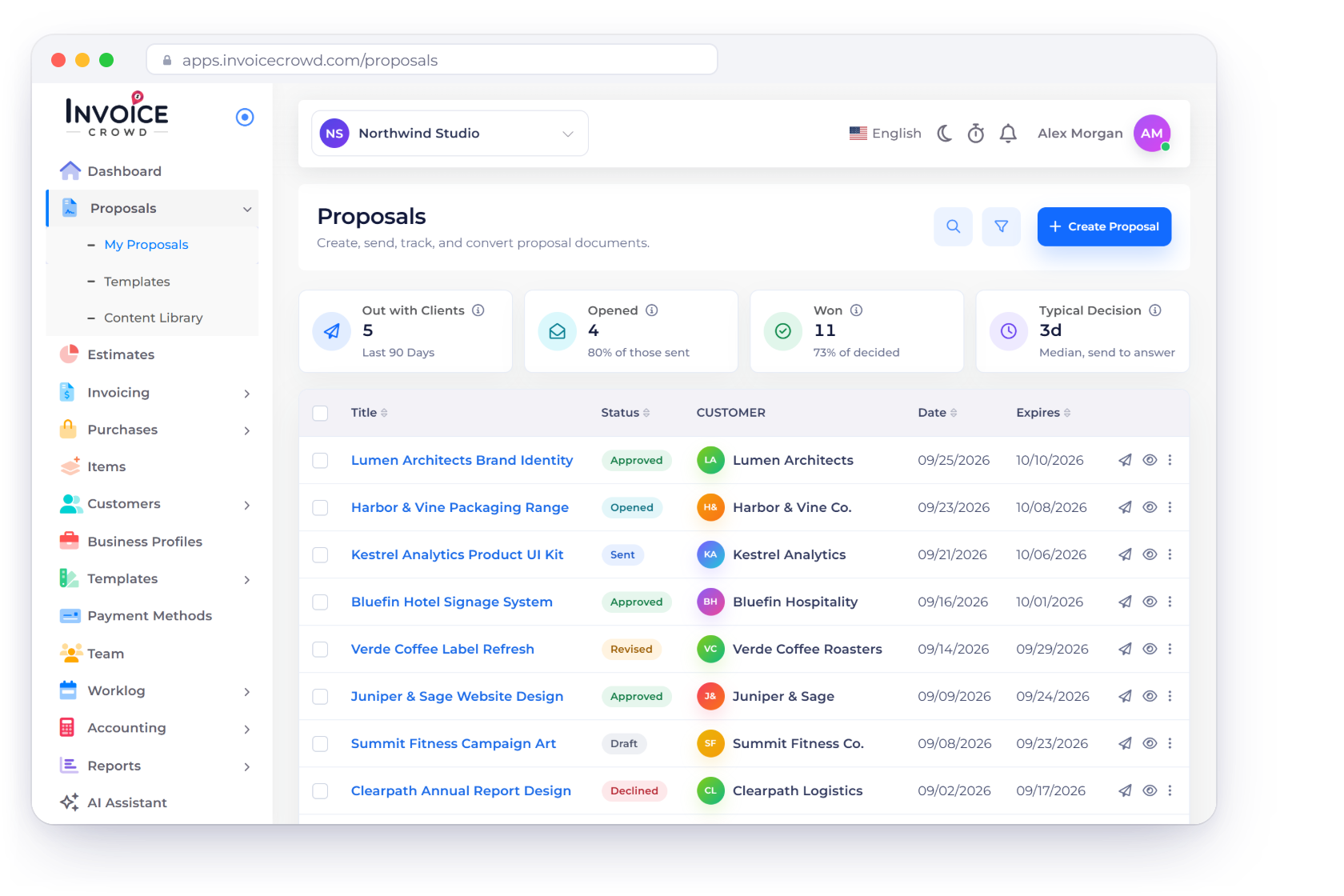
  • 40+ proposal templates to start the document
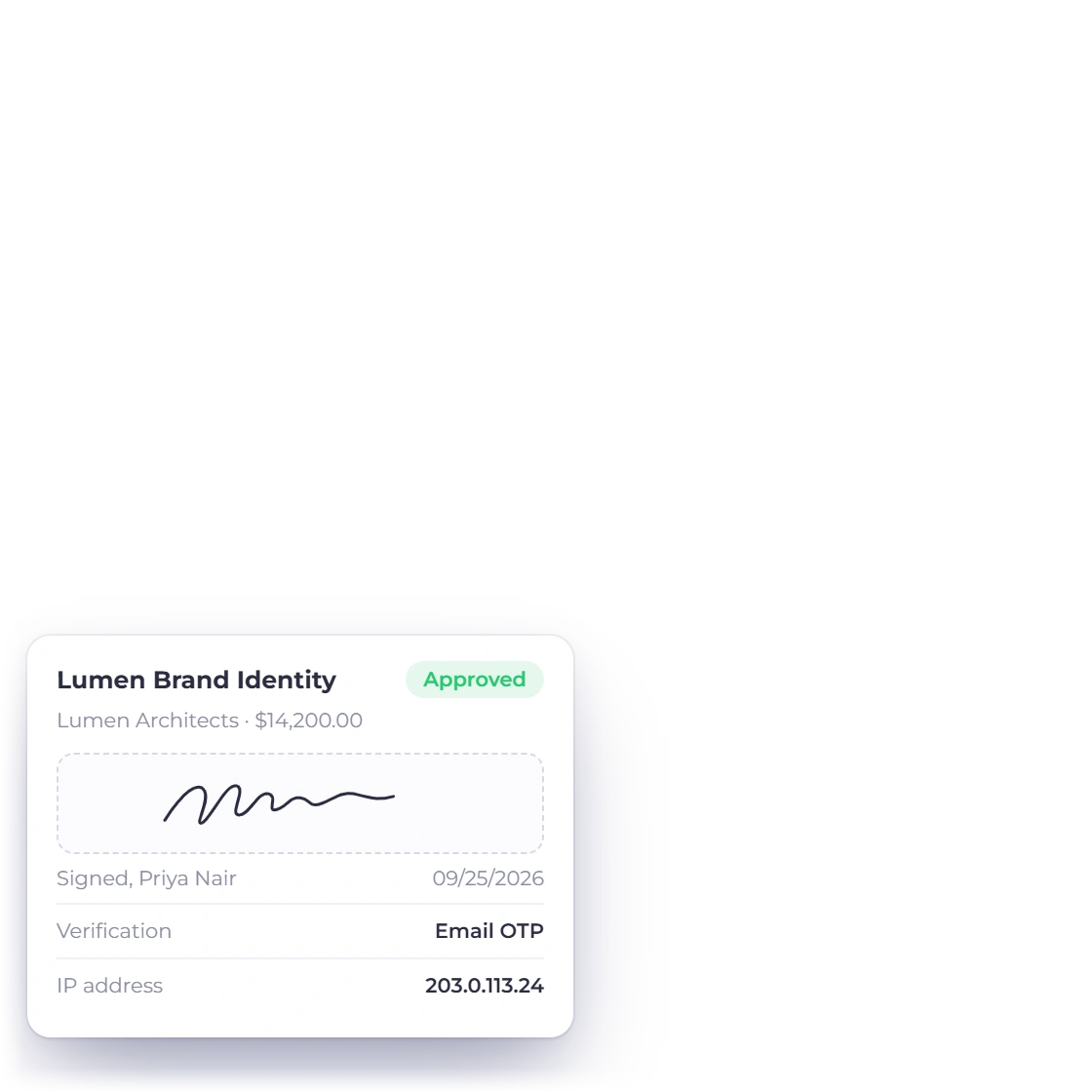
  • Signed in the browser, stored with the proposal
Building the proposal
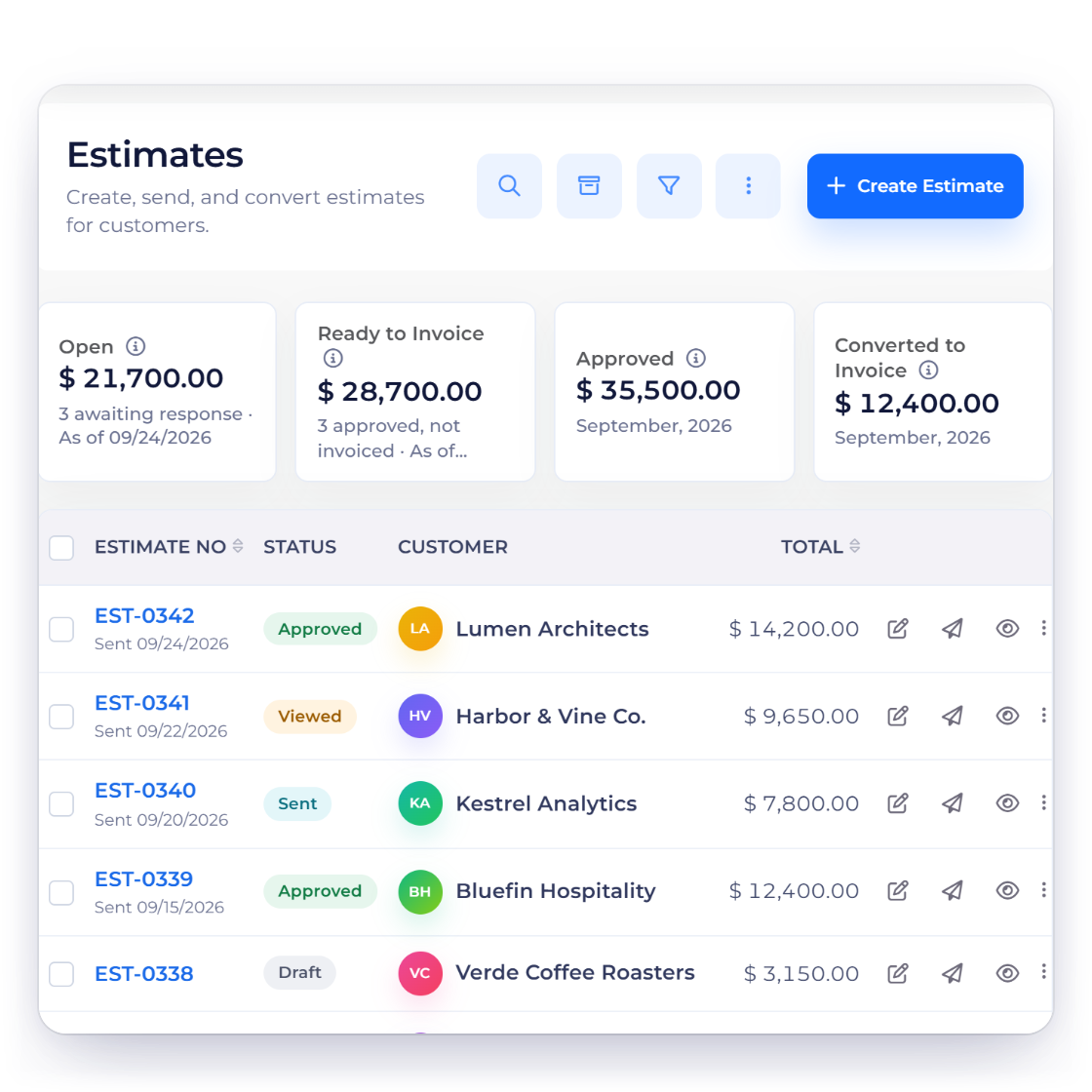
The Estimates screen in Invoice Crowd, showing estimate numbers, draft and approved statuses, customers and totals

Extra concepts as optional lines

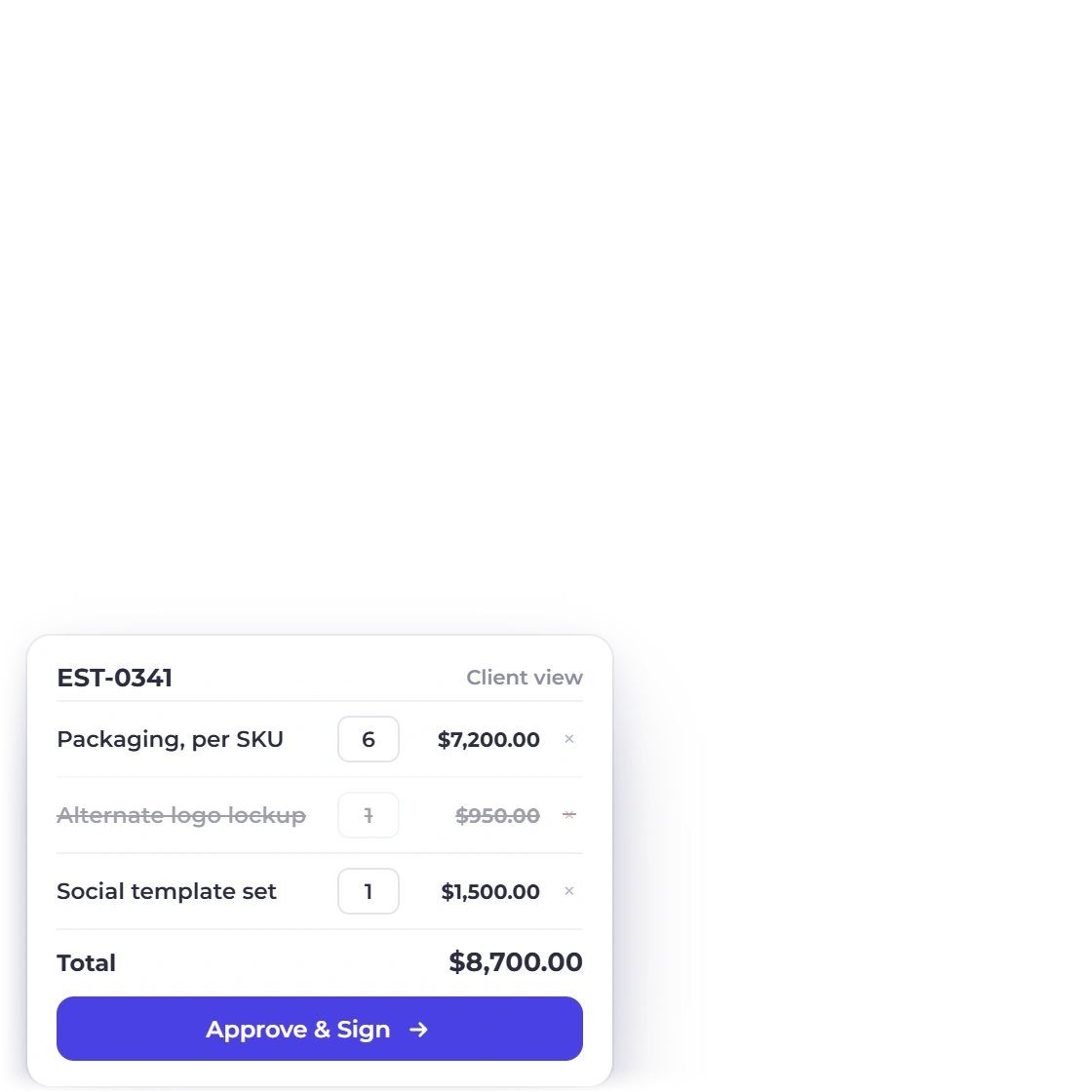
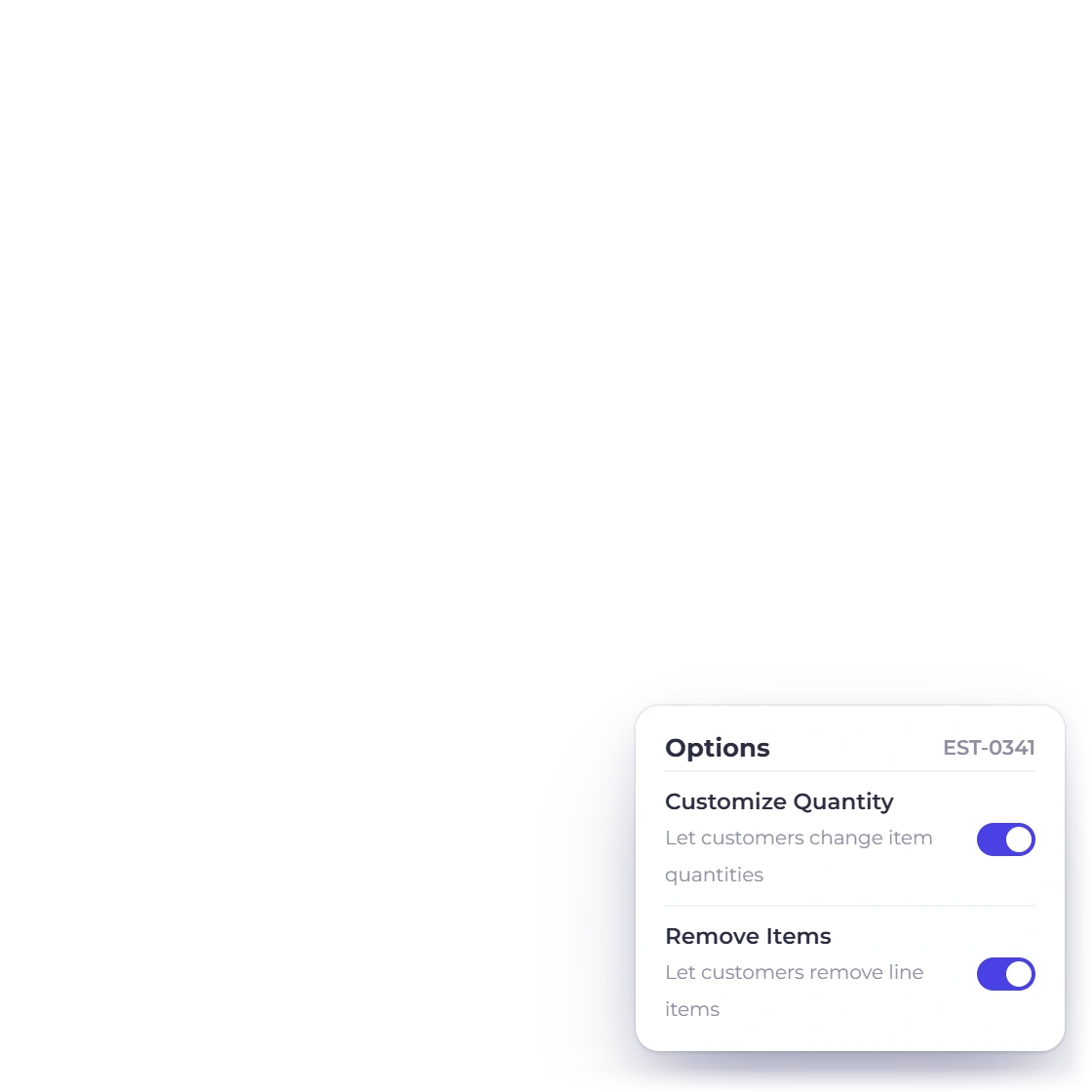
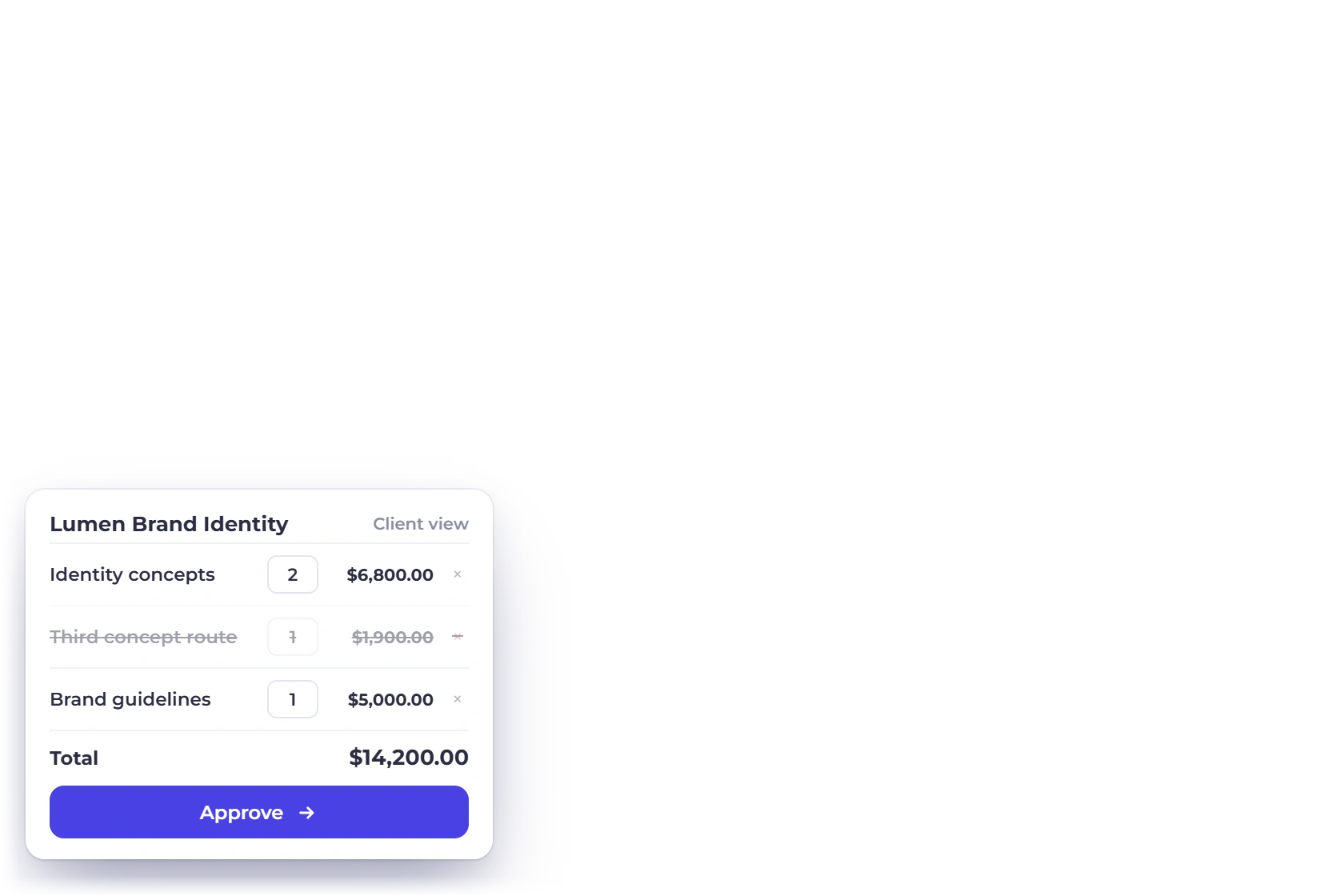
A third route explored, an alternate logo lockup, an extra set of social templates: price them as optional lines the client can accept or decline before signing. Leave the quantity editable when the number of concepts or pages is genuinely the client's call.

  • Optional lines priced but not assumed
  • Client-editable quantities on the document
  • The total moves as the client decides
Optional items

The billing

Money that arrives during the project, not after it

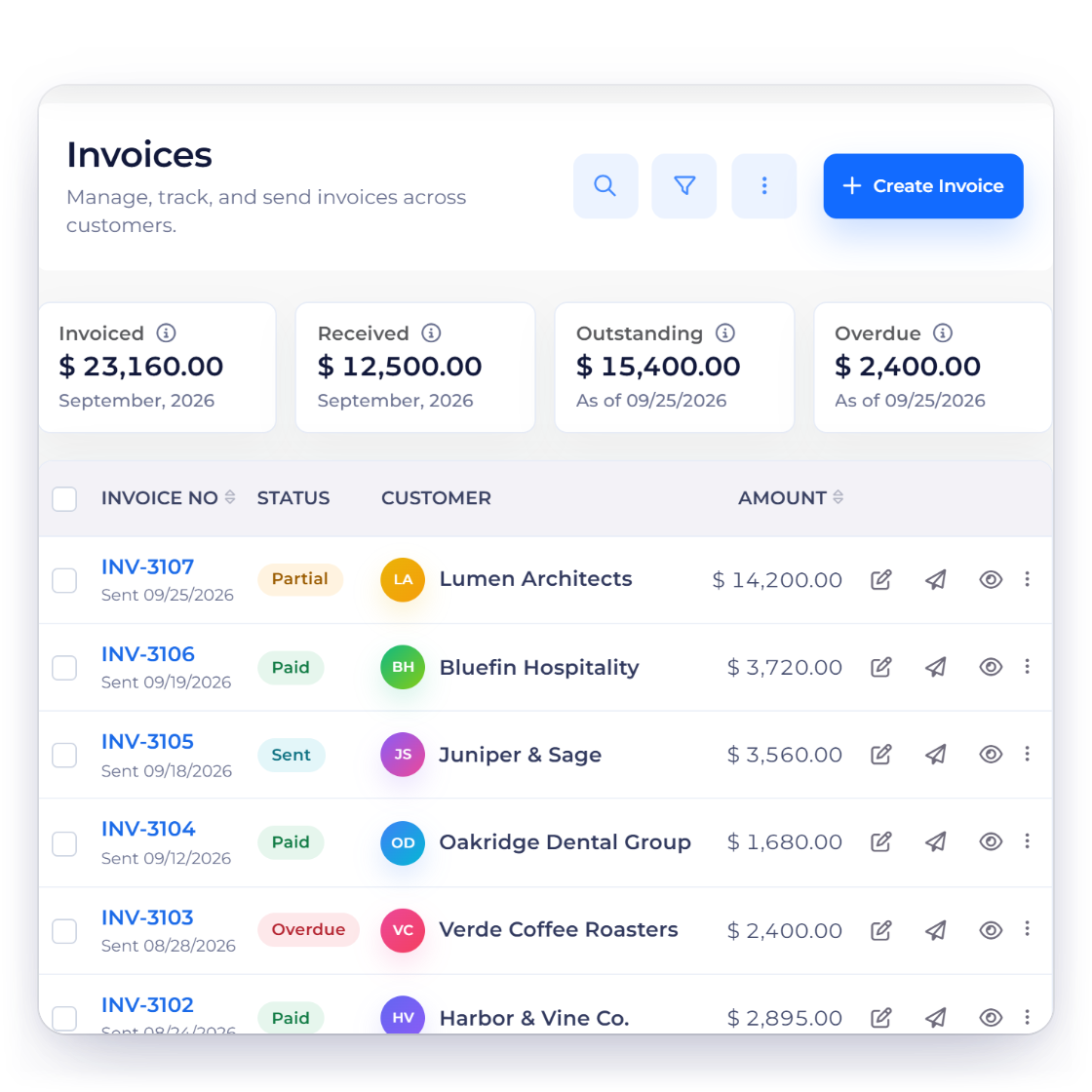
Invoice list in Invoice Crowd showing paid, partly paid and overdue invoices

Deposit first, milestones after

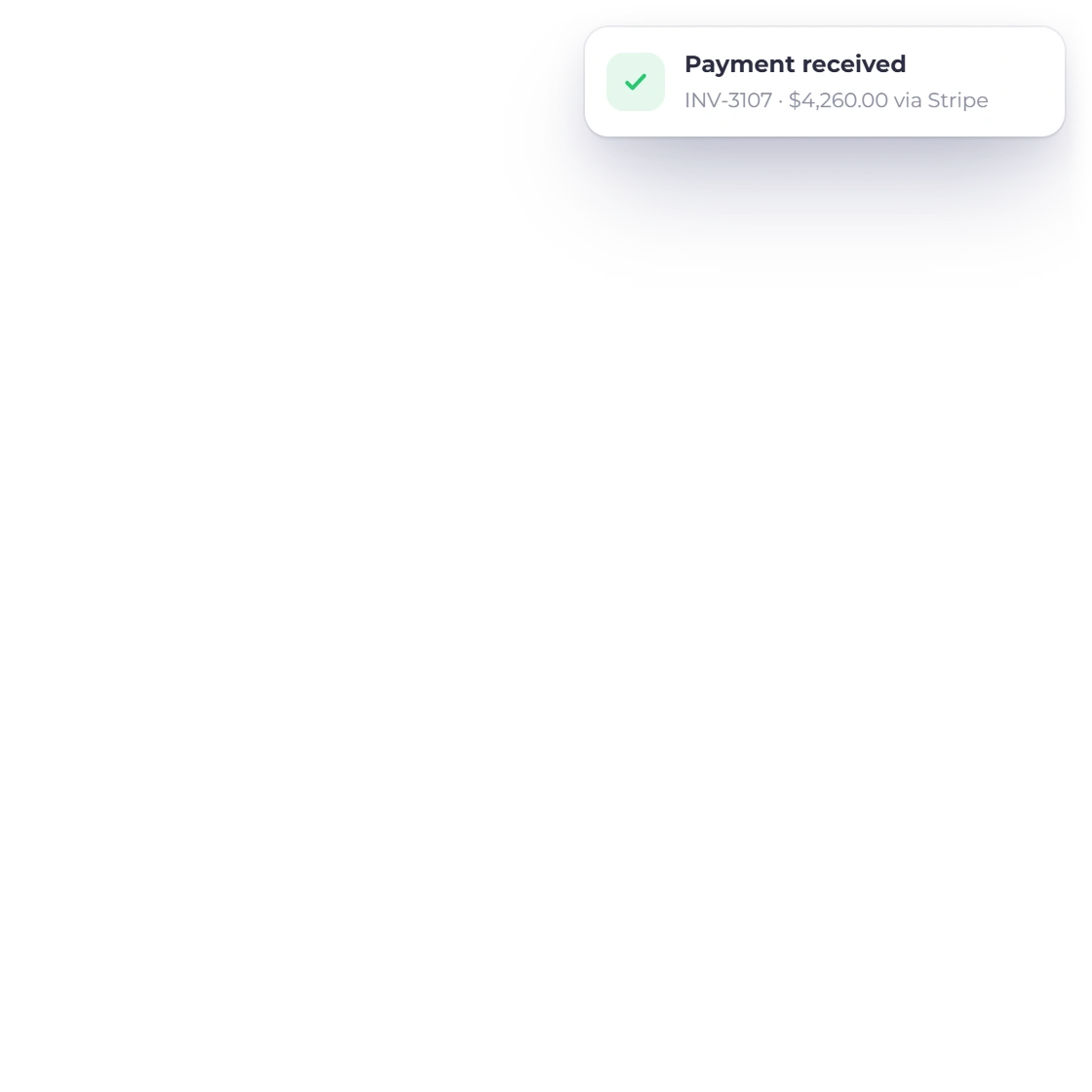
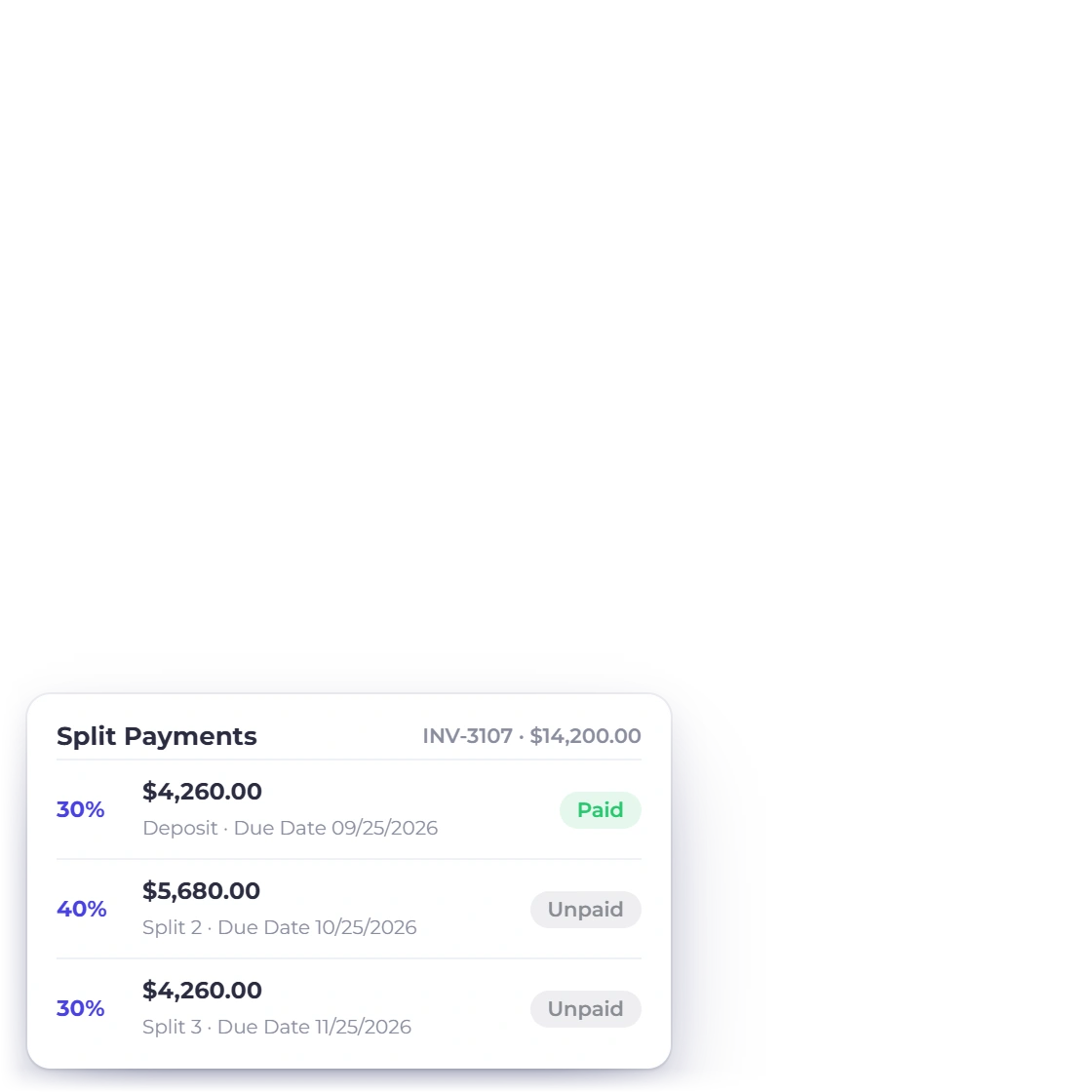
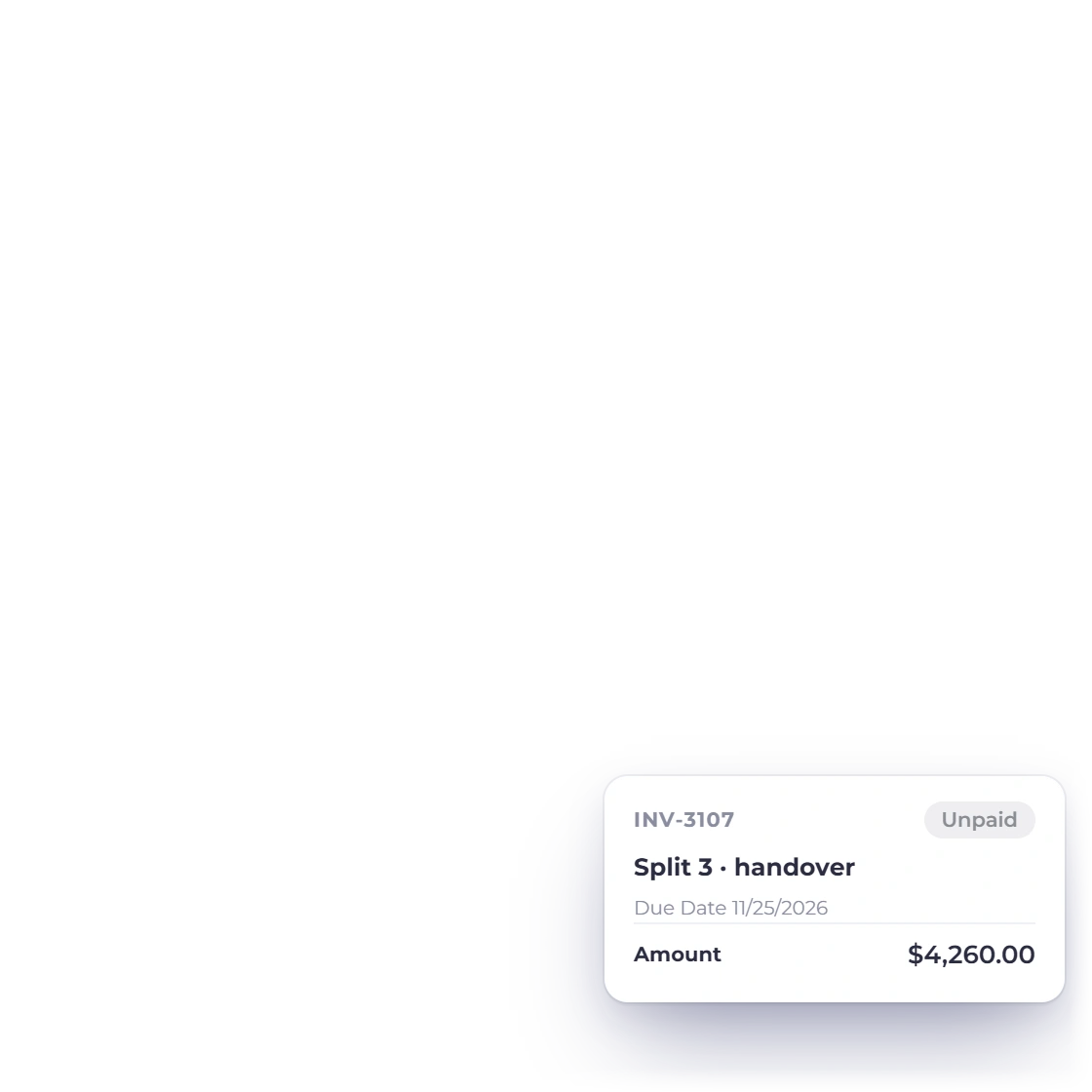
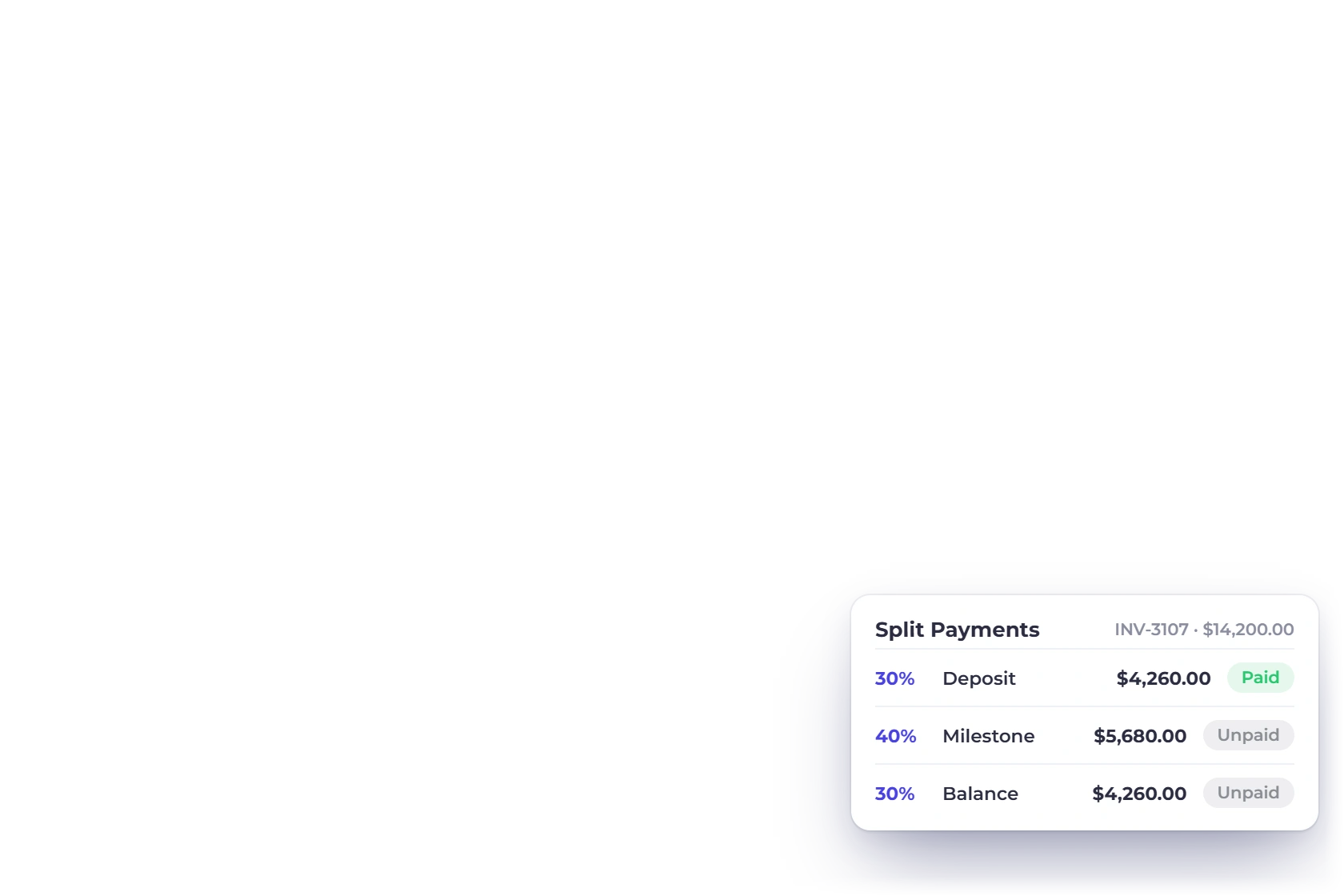
A design project is rarely one payment at the end. Take a deposit before the first concept, invoice again at each agreed stage, and let the client pay part of an invoice now and the rest later, with every payment recorded against the invoice it belongs to.

  • Deposit invoiced before work begins
  • Partial payments against a single invoice
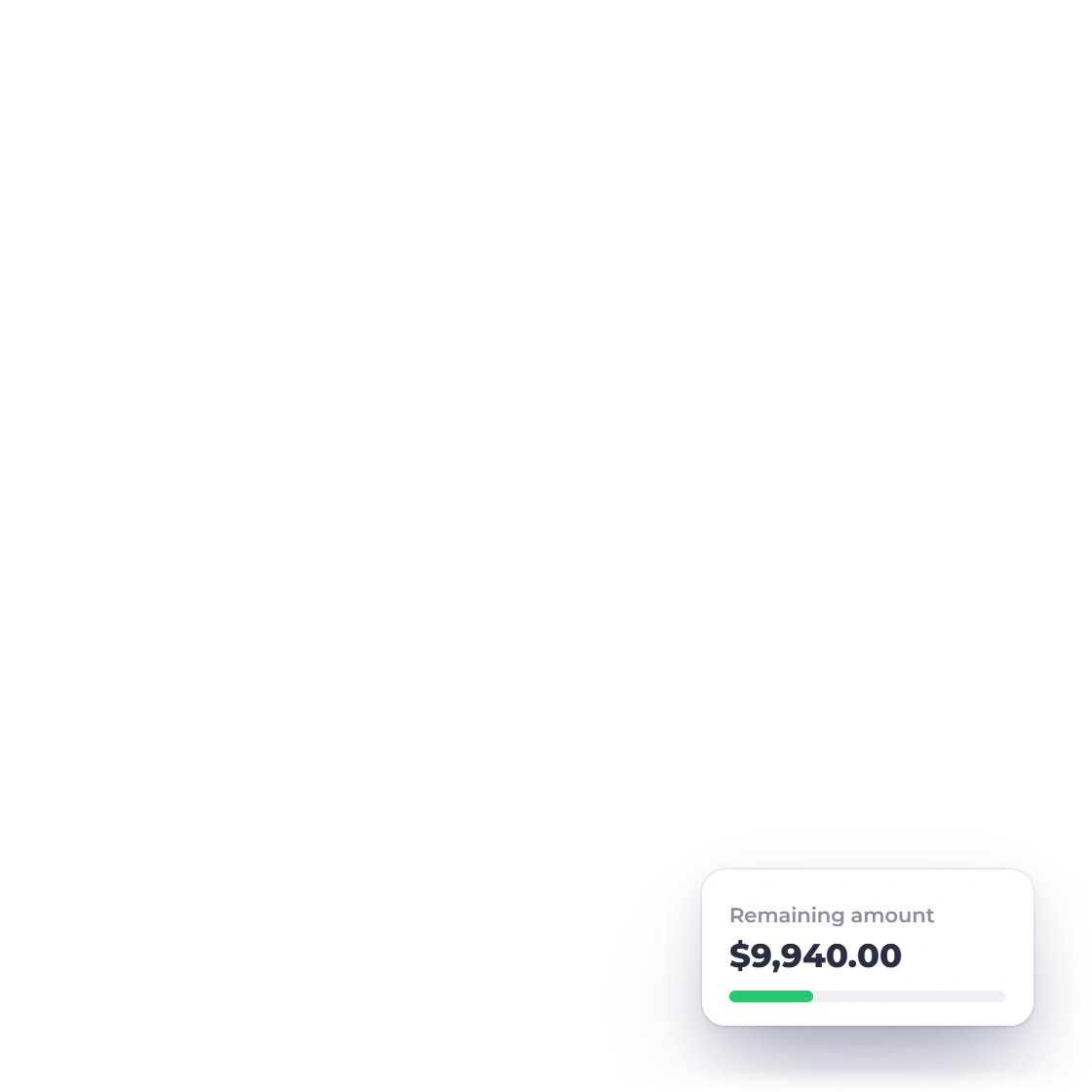
  • Outstanding balance always the current one
Split and partial payments

An invoice that looks like your work

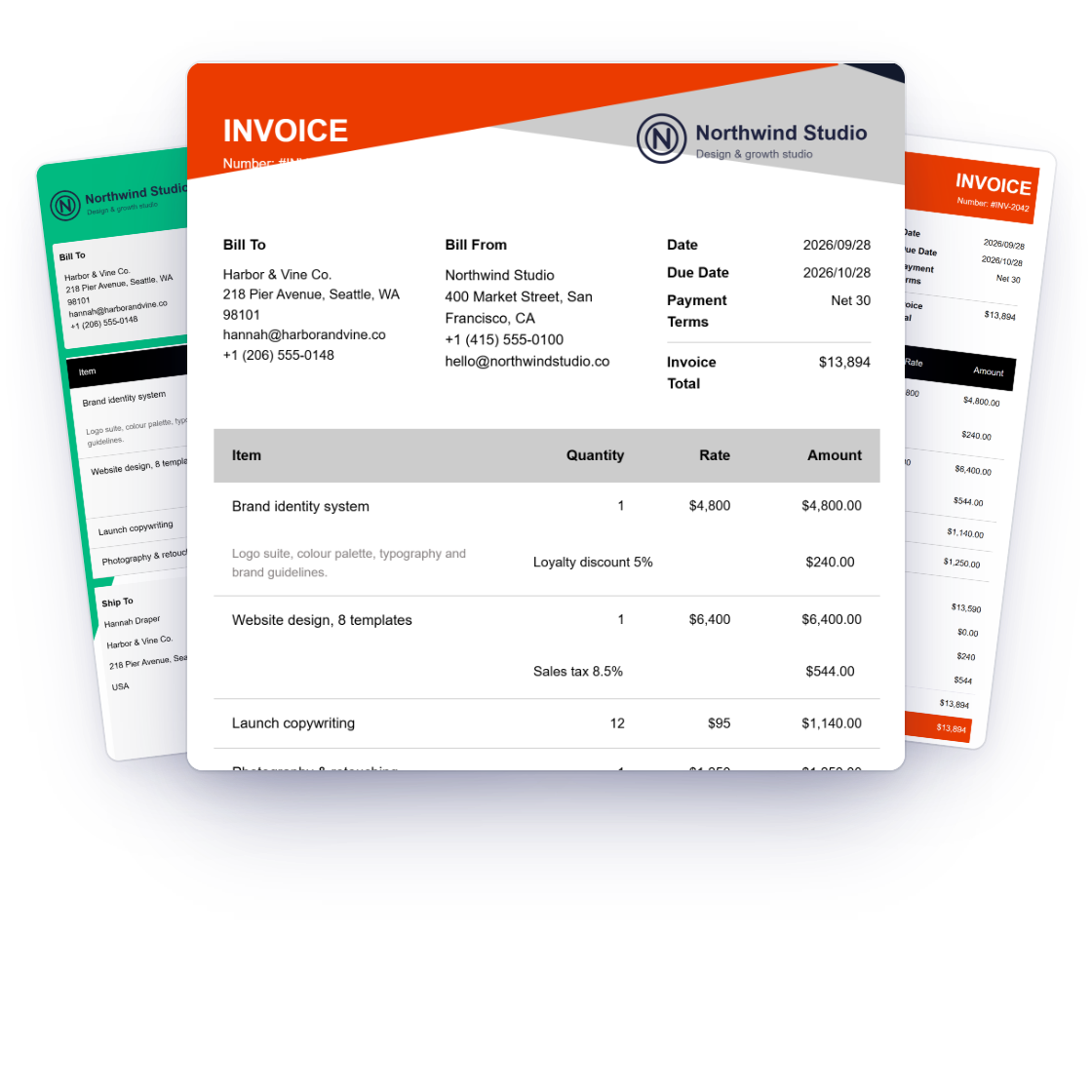
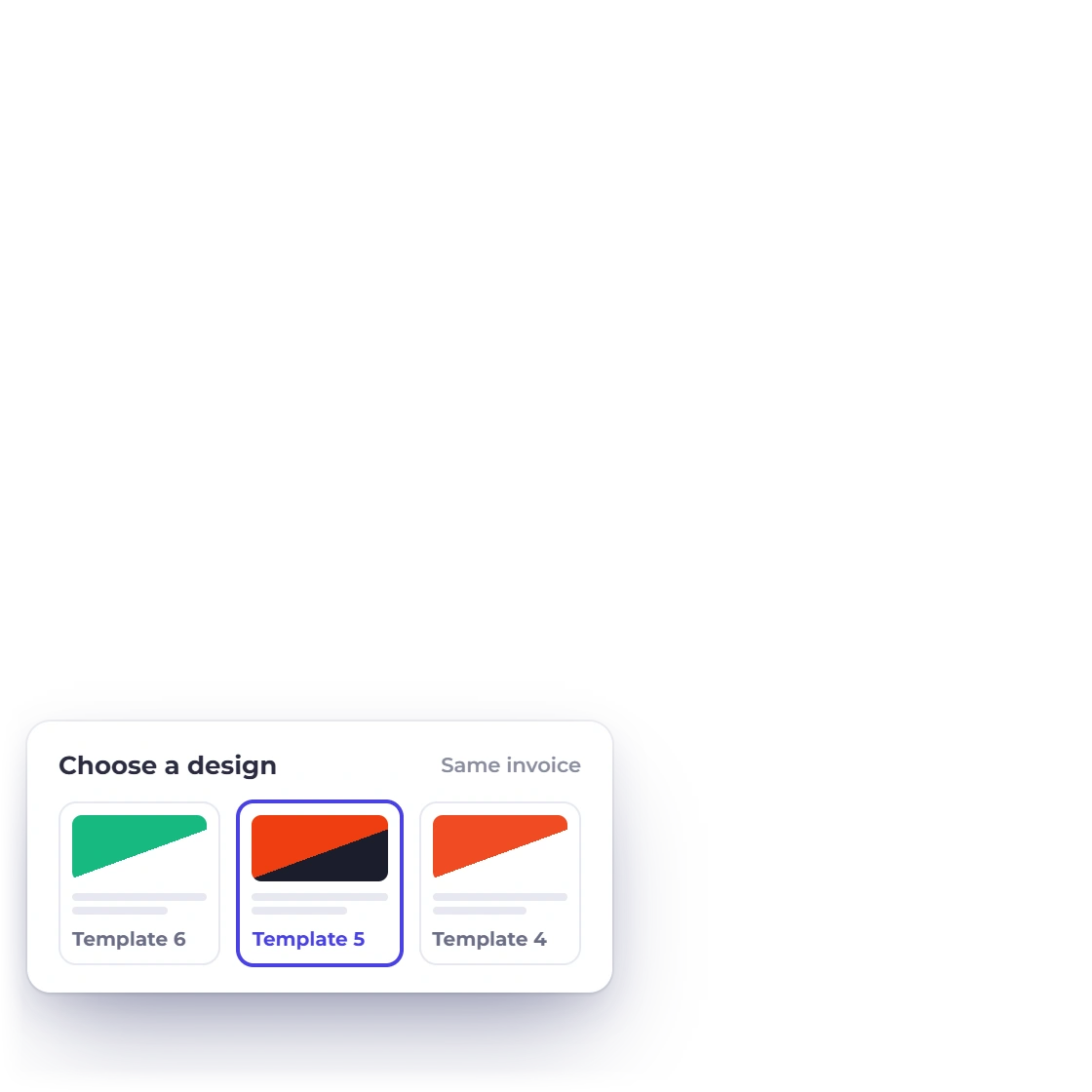
A studio that sells design cannot send a default template. Invoice templates carry your logo, colors and layout, and each business profile keeps its own set, so the document that asks for money looks like it came from the same people who made the work.

  • Branded invoice and proposal templates
  • Separate branding per business profile
  • Custom fields for job numbers and references
Creating an invoice

The handover

The last mile of a design job

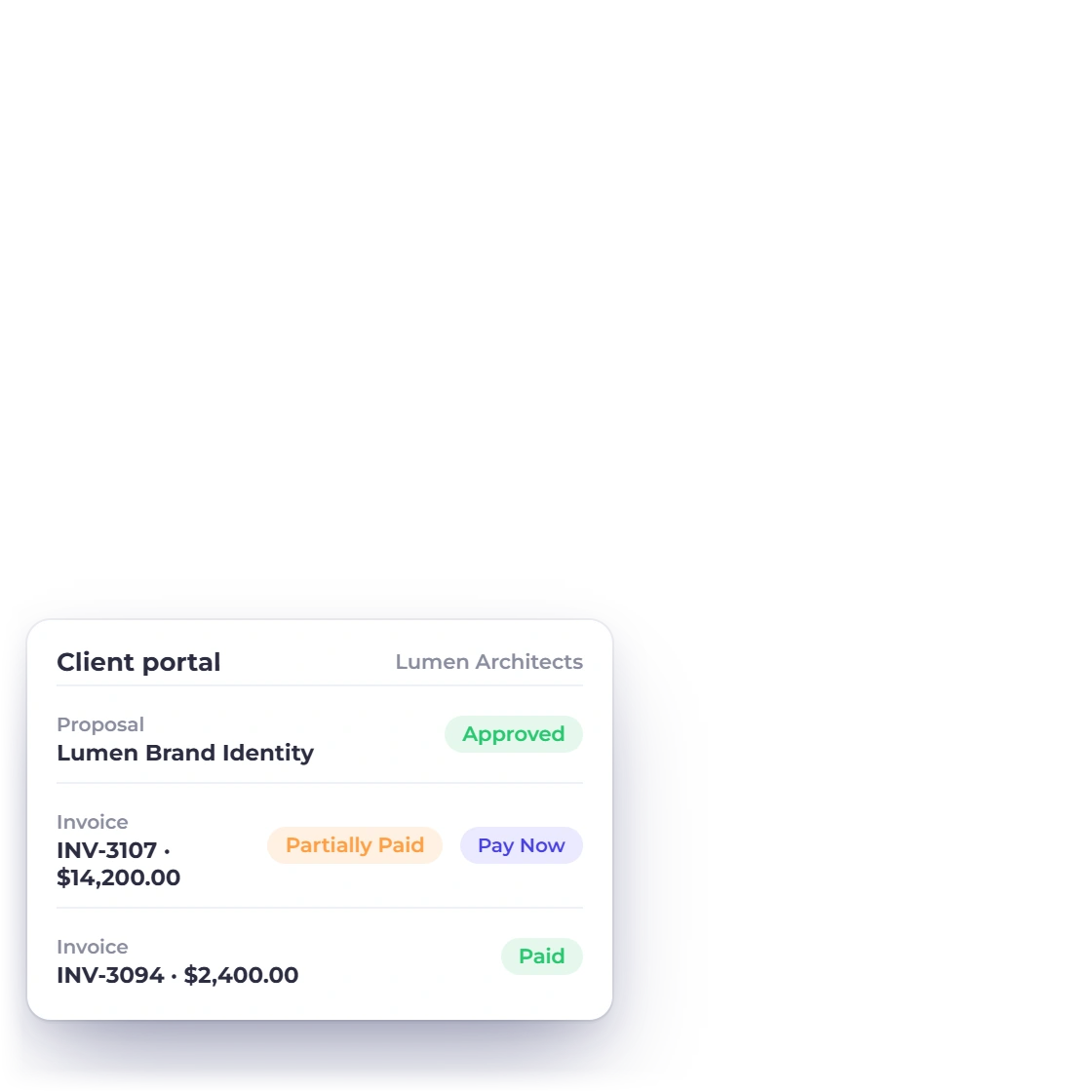
Customer portal in Invoice Crowd where a client reviews and pays a document

One place the client approves and pays

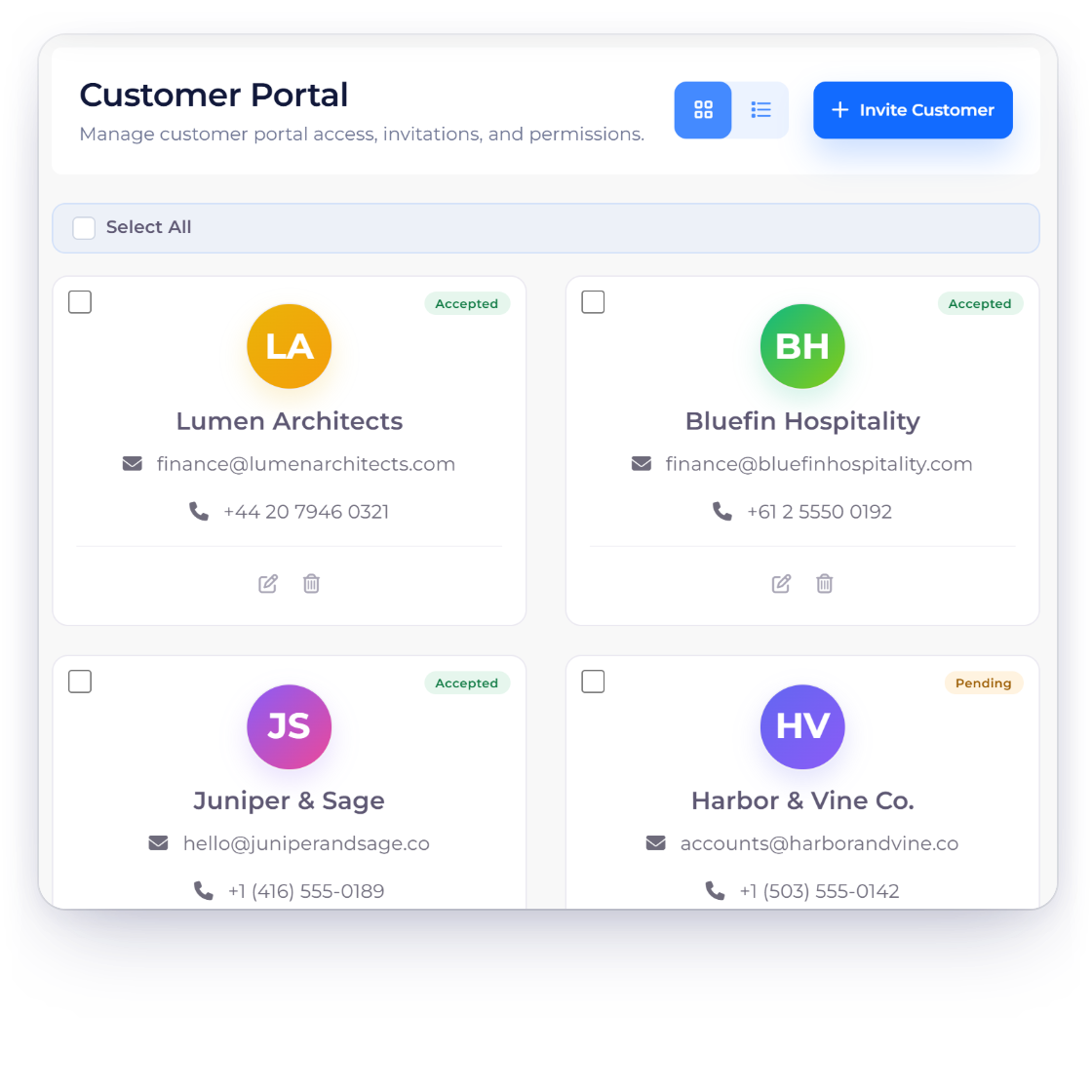
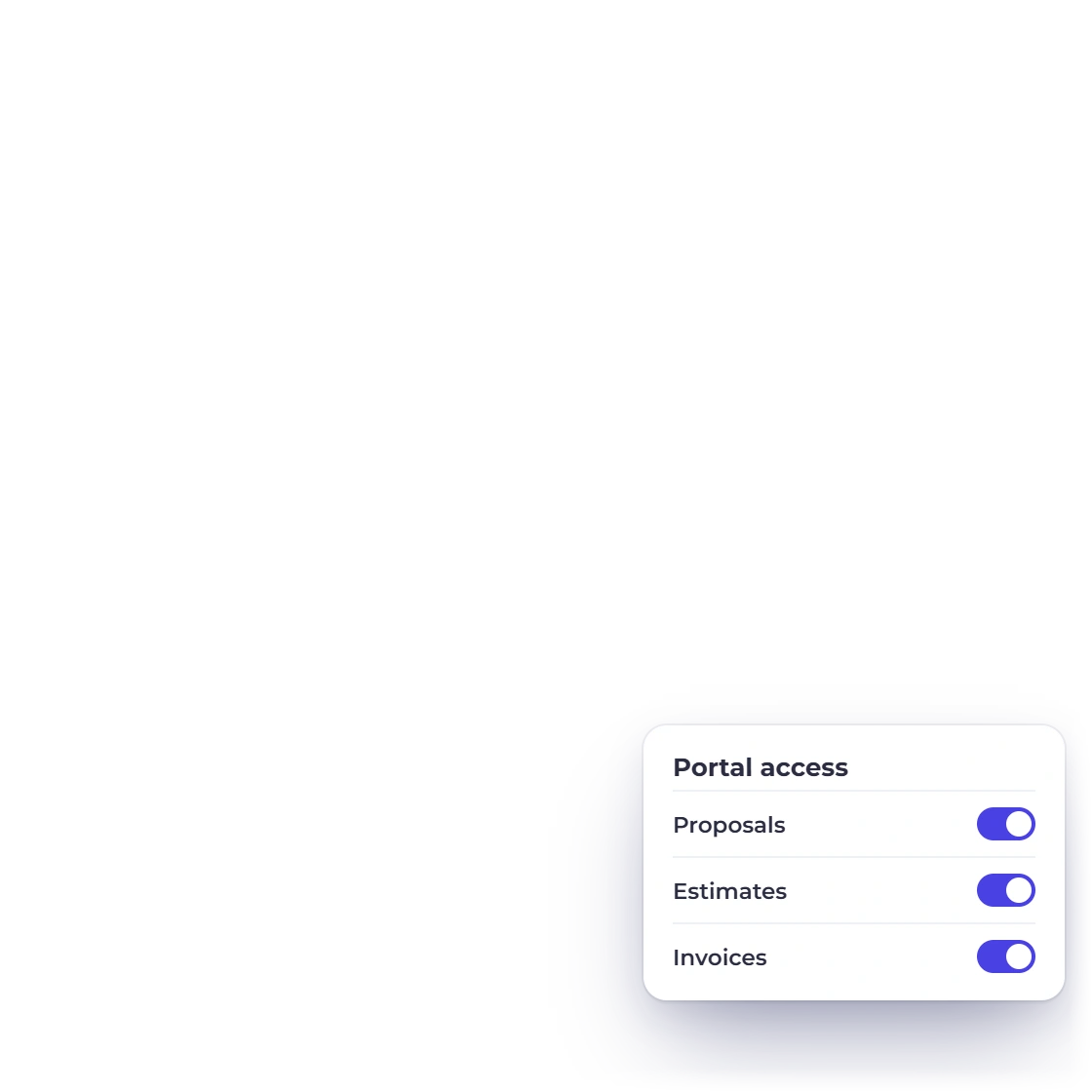
The client opens a link and finds the proposal to sign, the estimate to approve, the invoices to download and the button to pay them. Nothing depends on someone locating the right attachment in a thread that already has forty replies in it.

  • Approve, download and pay from one screen
  • Full document history for the client
  • No attachments to hunt through
The client portal

Licensing and handover terms on the document

Usage rights, the file formats delivered, and whether ownership passes on final payment are terms rather than afterthoughts. Keep the wording in the content library so it appears on every proposal, and let the final invoice and the handover sit on the same agreed sequence.

  • Licensing wording reused on every proposal
  • Signed copy kept with the accepted document
  • Final invoice tied to the last milestone

Also included

The rest of a studio's paperwork

Everything a design business needs between winning the job and closing the year.

  • Signing online

    The client signs a proposal or approves an estimate in the browser, with no printing involved.

  • Approved to billed

    An approved estimate becomes an invoice with the same lines, tax and discount already on it.

  • Retainer work

    Studios on a monthly design retainer can bill it on a schedule that repeats itself.

  • Reusable packages

    Save a brand identity bundle or a website build once and quote it the same way twice.

  • Overdue reminders

    Automatic reminders and a late fee, so chasing a final payment is not a phone call.

  • Studio expenses

    Fonts, stock, printing and freelance illustrators, each logged with its receipt attached.

  • Profit and loss

    See what the studio actually earned after freelancers, software and subscriptions come out.

  • Studio access

    Add designers and a producer with roles that keep the books out of everyone's way.

  • Overseas clients

    Quote and invoice in the client's currency, then read your own totals in your base currency.

  • Hours against a project

    Log studio time on the timesheet against the project it belongs to, then bill from that record.

  • What is still unpaid

    The aged debt report lists open invoices by client and how far each has drifted past due.

  • Connecting other tools

    Zapier reaches 5,000+ apps and Pabbly Connect wires the same records into workflows you already run.

Questions

Design studio billing, answered

How do I stop revision rounds from running past the budget?

State them in the proposal: how many rounds the fee covers and what an additional round costs. Keep that clause in the content library so it appears on every document, and bill extra rounds as a new invoice against the wording the client already signed.

Can a client add a second concept without renegotiating?

Put it on the proposal as an optional line with its own price. The client accepts or declines it before signing and the total adjusts, so the extra concept is a checkbox rather than a conversation about whether it was ever in scope.

Can I bill a design project in stages?

Yes. Raise an invoice at each milestone, or raise one invoice and let the client pay it in parts, including a deposit before work starts. Each payment is recorded against the invoice it settles, so the outstanding balance is always the current figure.

Do the invoices and proposals carry the studio's branding?

Yes. Invoice templates and proposal templates both take your logo, colors and layout, and more than 40 proposal templates are there to start from. If you run a second studio or a side brand, each business profile keeps its own branding under the same login.

How does a client actually accept and pay?

Through the portal. They open a link, read the proposal, sign it in the browser, and later find the invoice waiting with a pay button on it. Payments run through PayPal, Stripe, Razorpay, Square, Payoneer, Braintree, Authorize.net, Airwallex, GoCardless, PayFast, PayTabs, Telr, PhonePe or M-Pesa.

Does it keep the studio's books as well?

Yes. Behind the invoicing there is a double-entry ledger with a chart of 165 accounts, expenses with receipts attached, bank reconciliation and statements including profit and loss and a balance sheet. Studio costs and client revenue sit in the same books.

Write the scope down, then bill against it

Rounds, optional concepts, milestones and handover terms all live on documents the client has already read and signed.

  • Revision terms on every proposal
  • Milestone and deposit invoicing
  • Free for 30 days, no card