Skip to content

Proposals, staged invoices and vendor bills for event planners

Invoice Crowd lets an event planner quote the event, take a booking deposit, raise each staged invoice as the date approaches, and keep every supplier bill in the same account as the fees charged. An event is booked months ahead and paid for in pieces.

  • Staged payments across the lead time
  • Supplier bills in the same account
  • Headcount changes the quantity
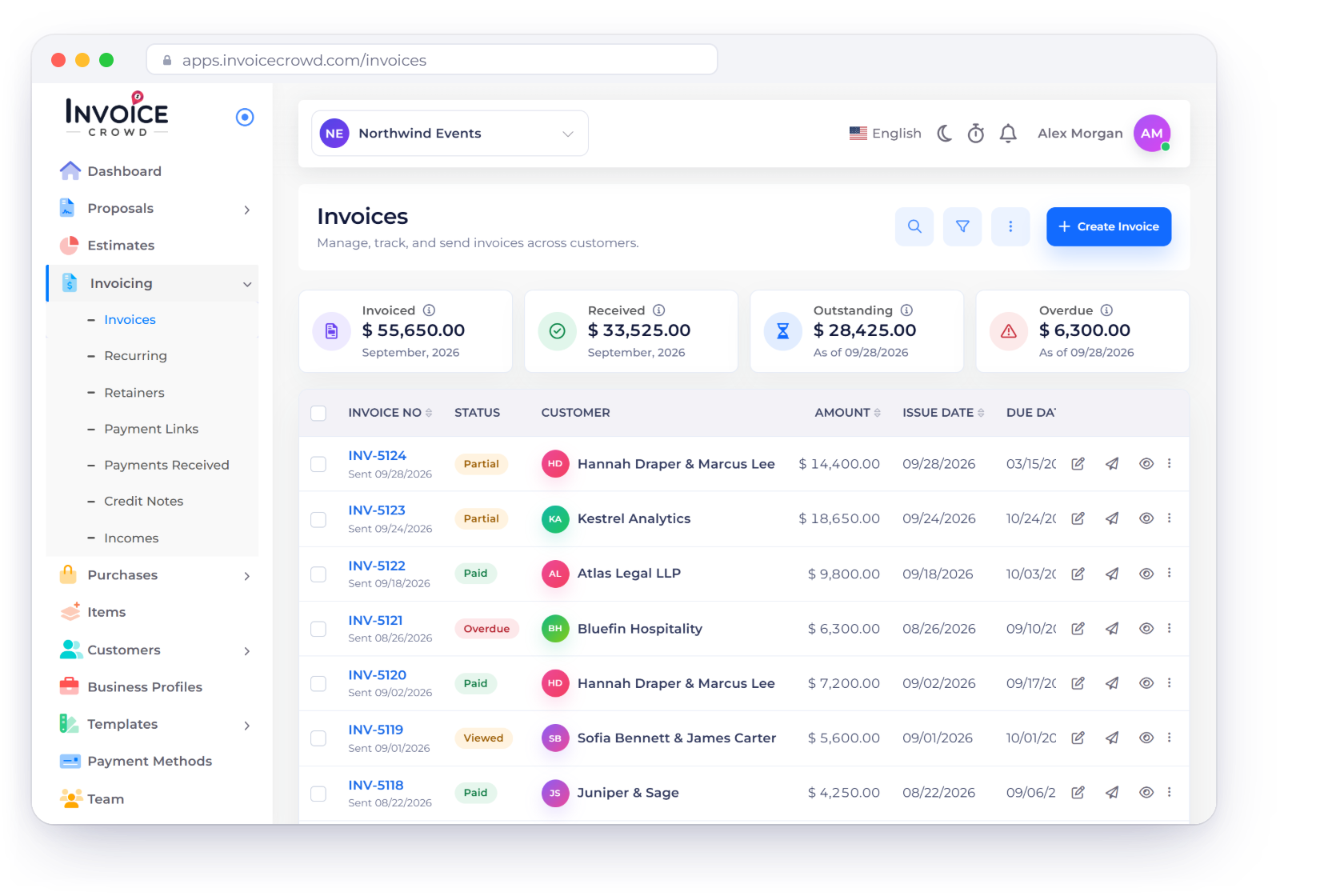
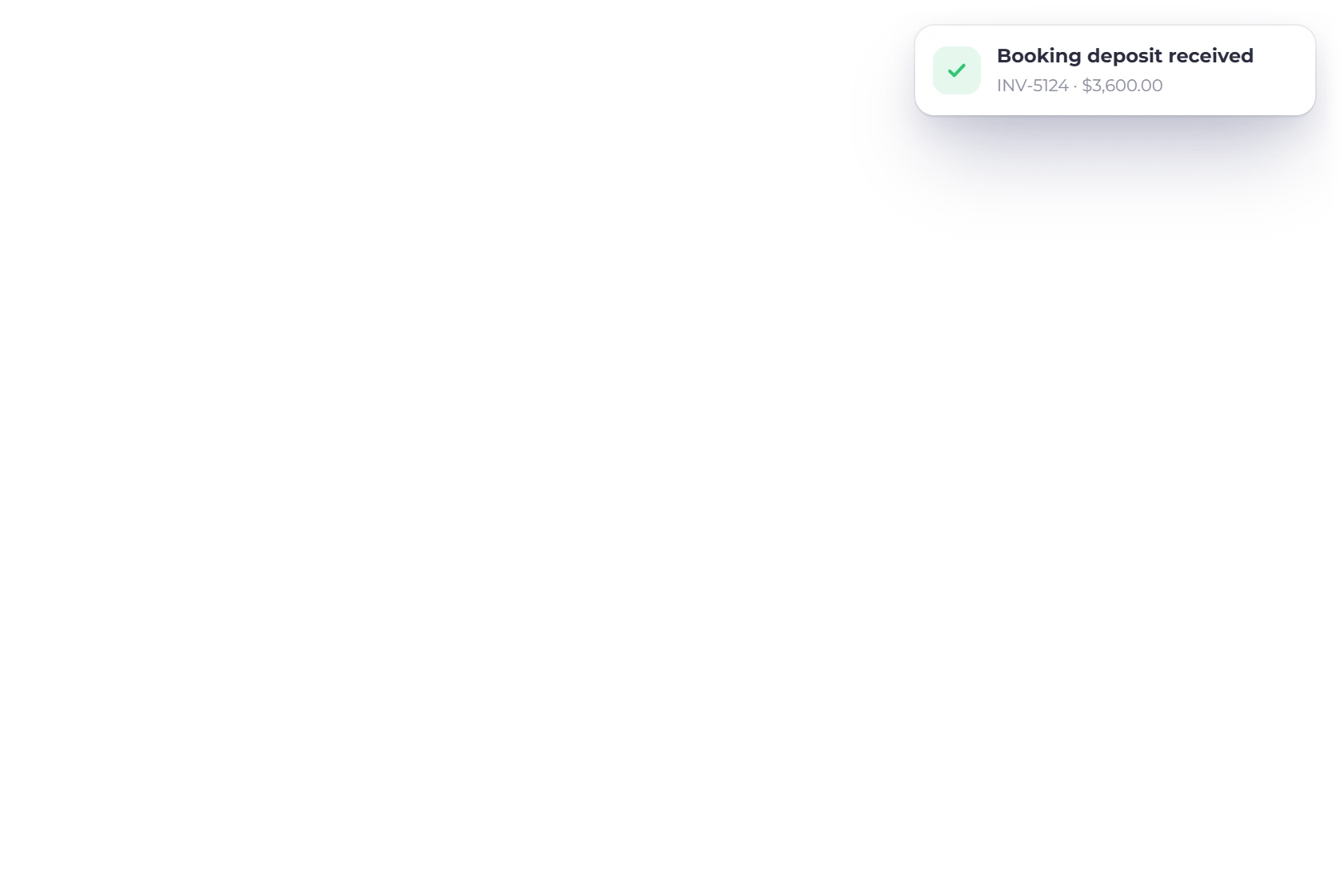
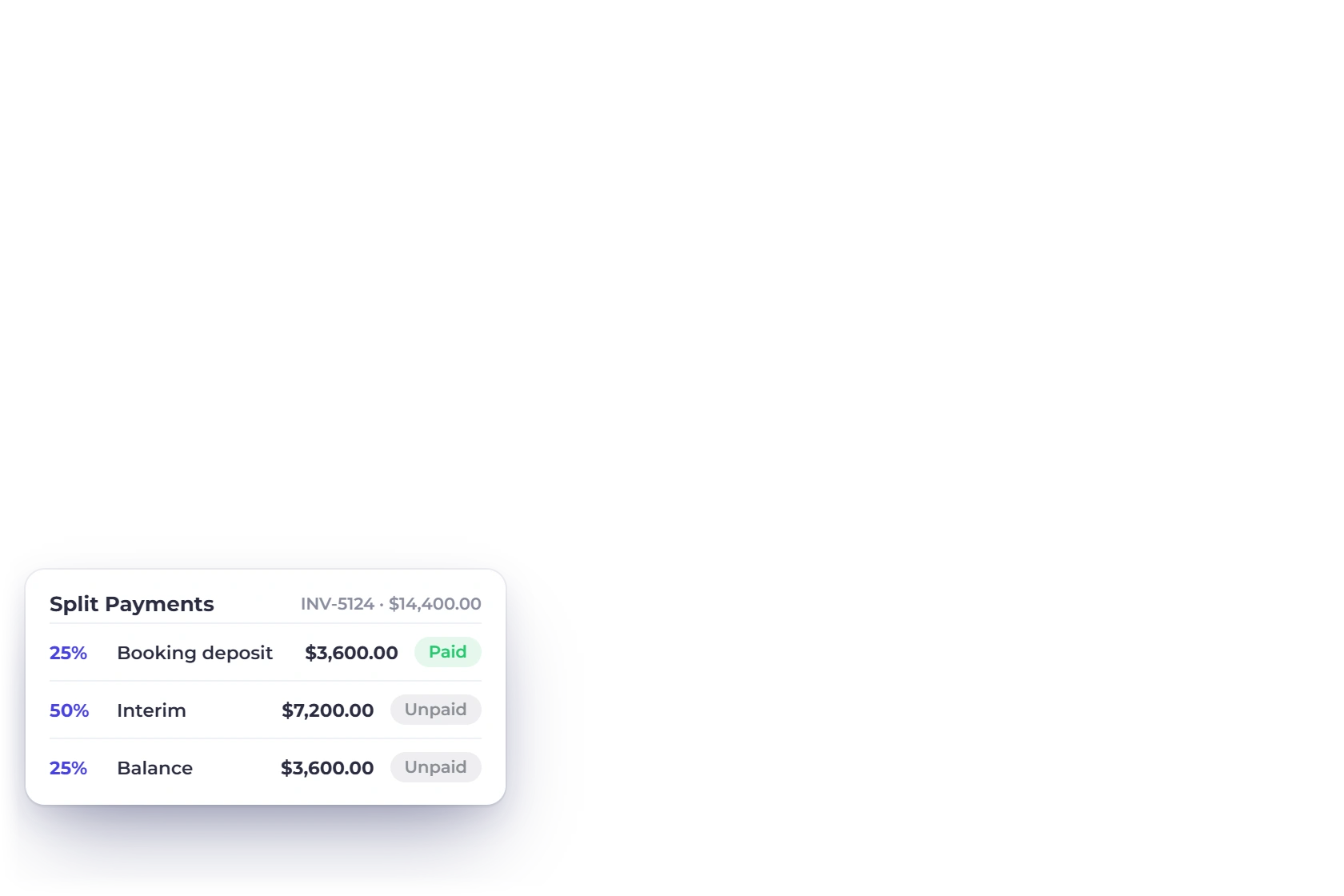
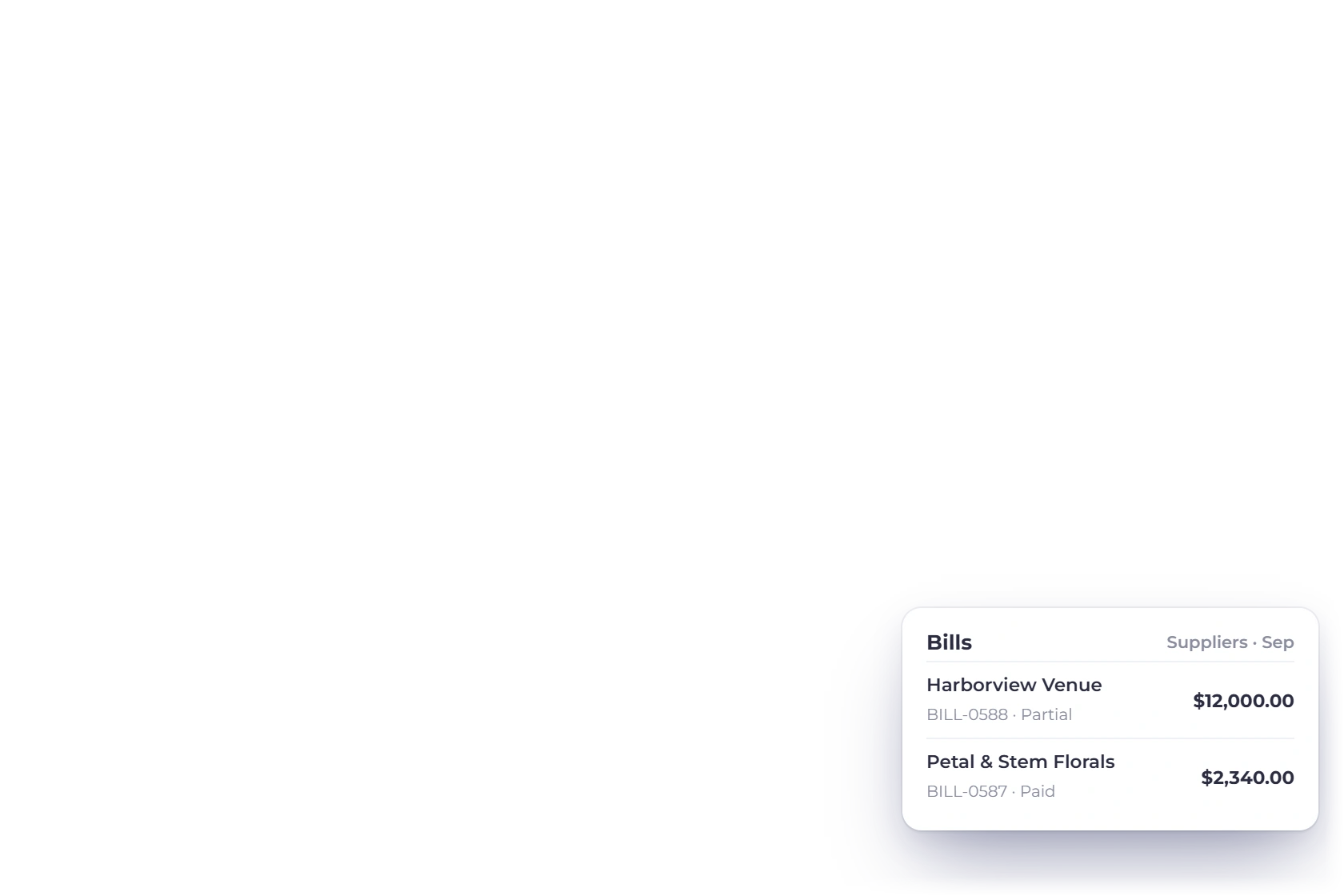
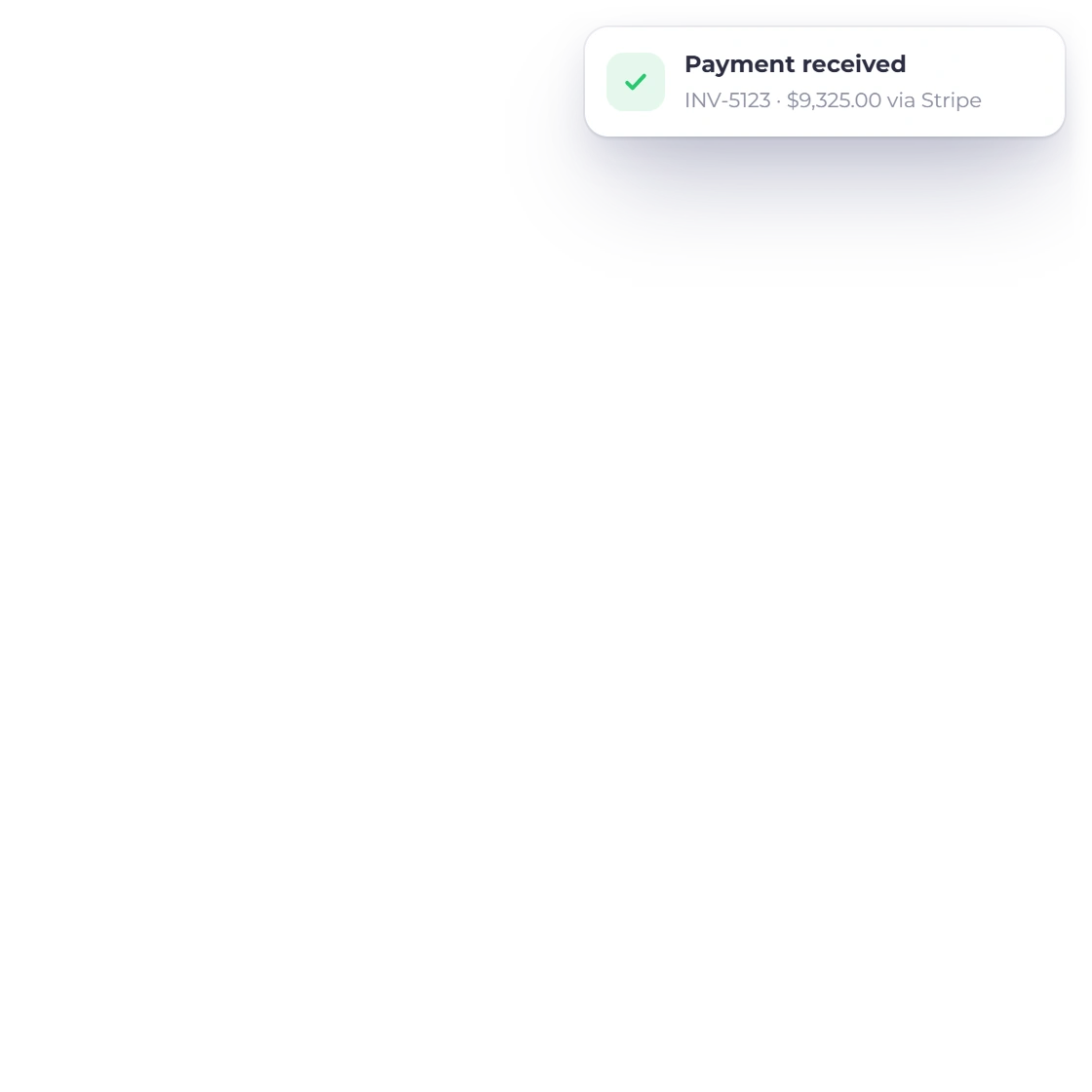
Invoice Crowd Invoices screen for an event planner with wedding and corporate event invoices, a booking deposit notification, a three-stage payment schedule for a wedding and the supplier bills recorded for September

What is inside

Nine months of documents for one afternoon

A wedding or a conference generates a quote, a deposit, several staged invoices, a pile of supplier bills and a final reconciliation. All of it belongs to one client and one date.

Winning the booking

The document the client signs

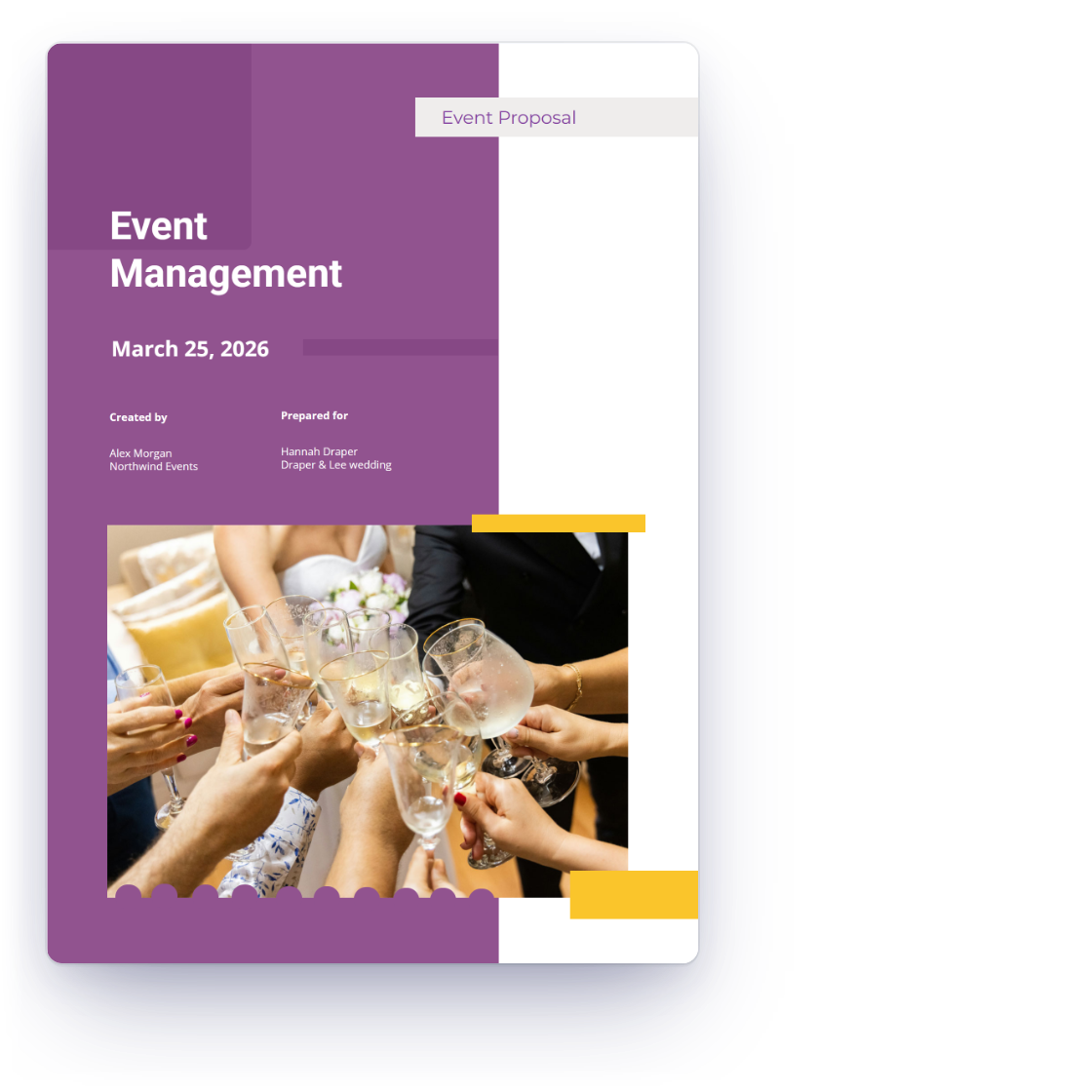
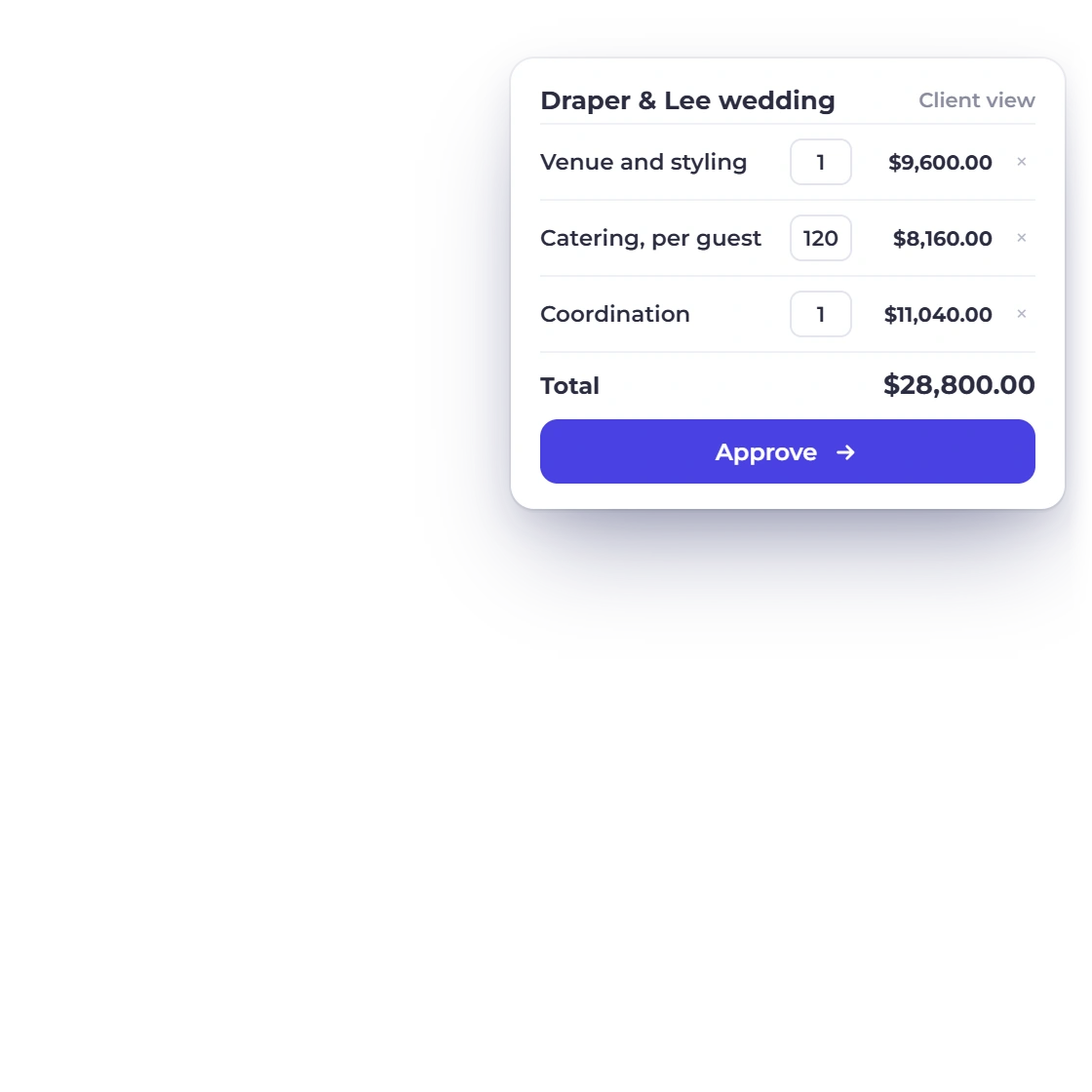
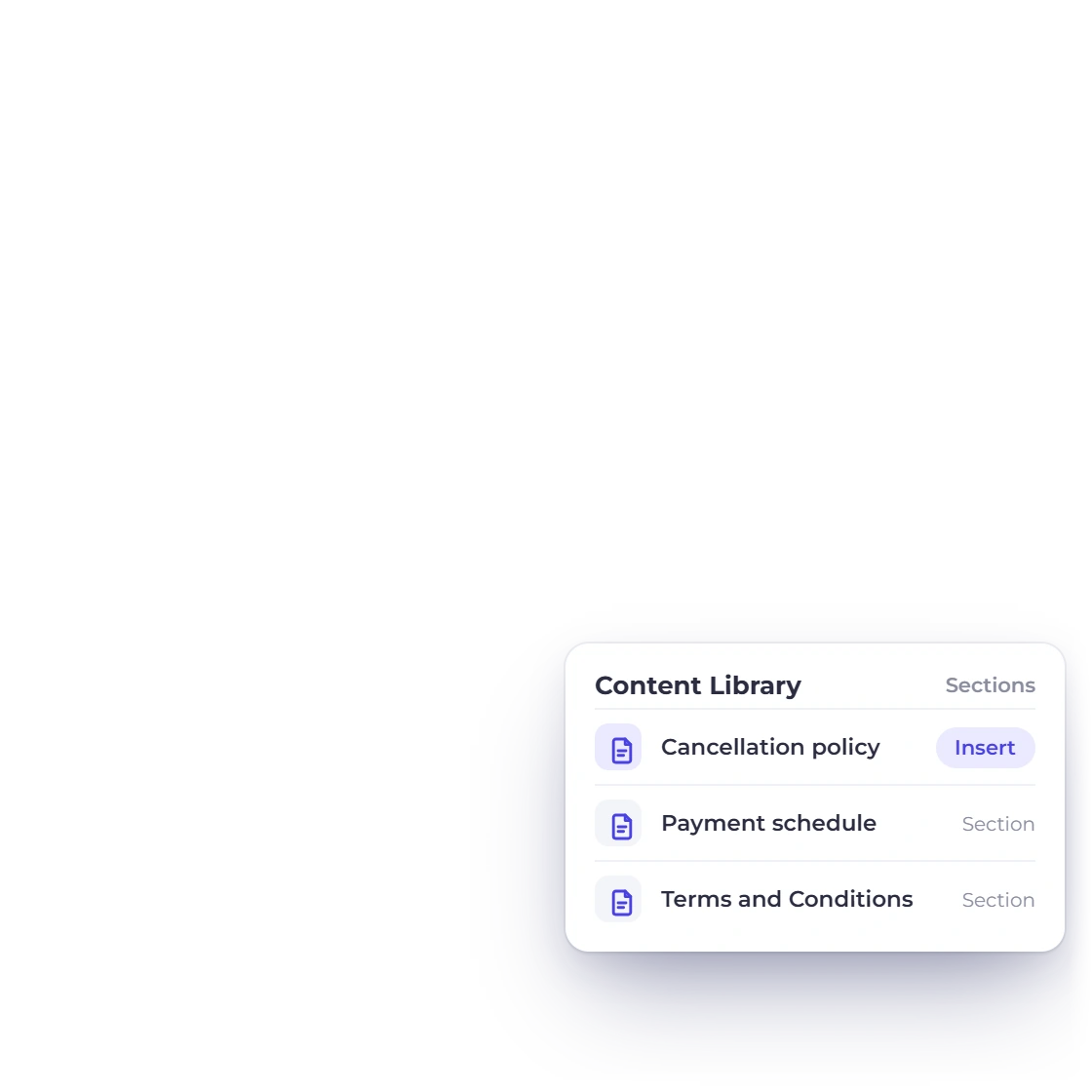
The Event Management proposal template in Invoice Crowd filled in for a wedding, with the budget table as the client sees it and cancellation and payment schedule terms from the content library

Venue, catering and staffing in one document

Event pitches run long: the concept, the run of show, the suppliers, the staffing plan and a budget broken down by category. Build it in sections from a template, price the budget table inside it, and let the client sign in the browser rather than printing a page to scan back.

  • 70+ proposal templates, editable section by section
  • Content library for terms, cancellation and payment schedules
  • E-signature the client adds online
Proposal builder
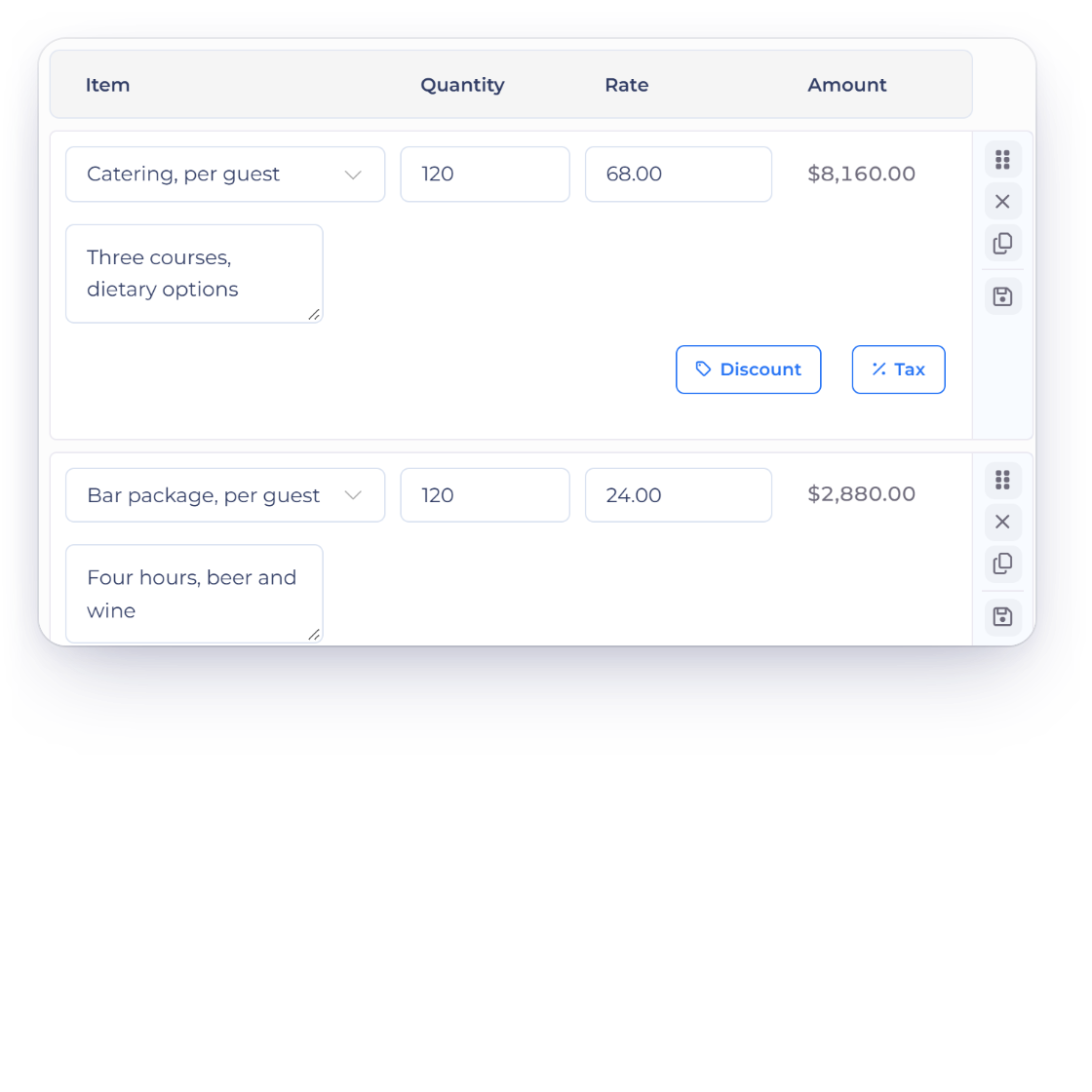
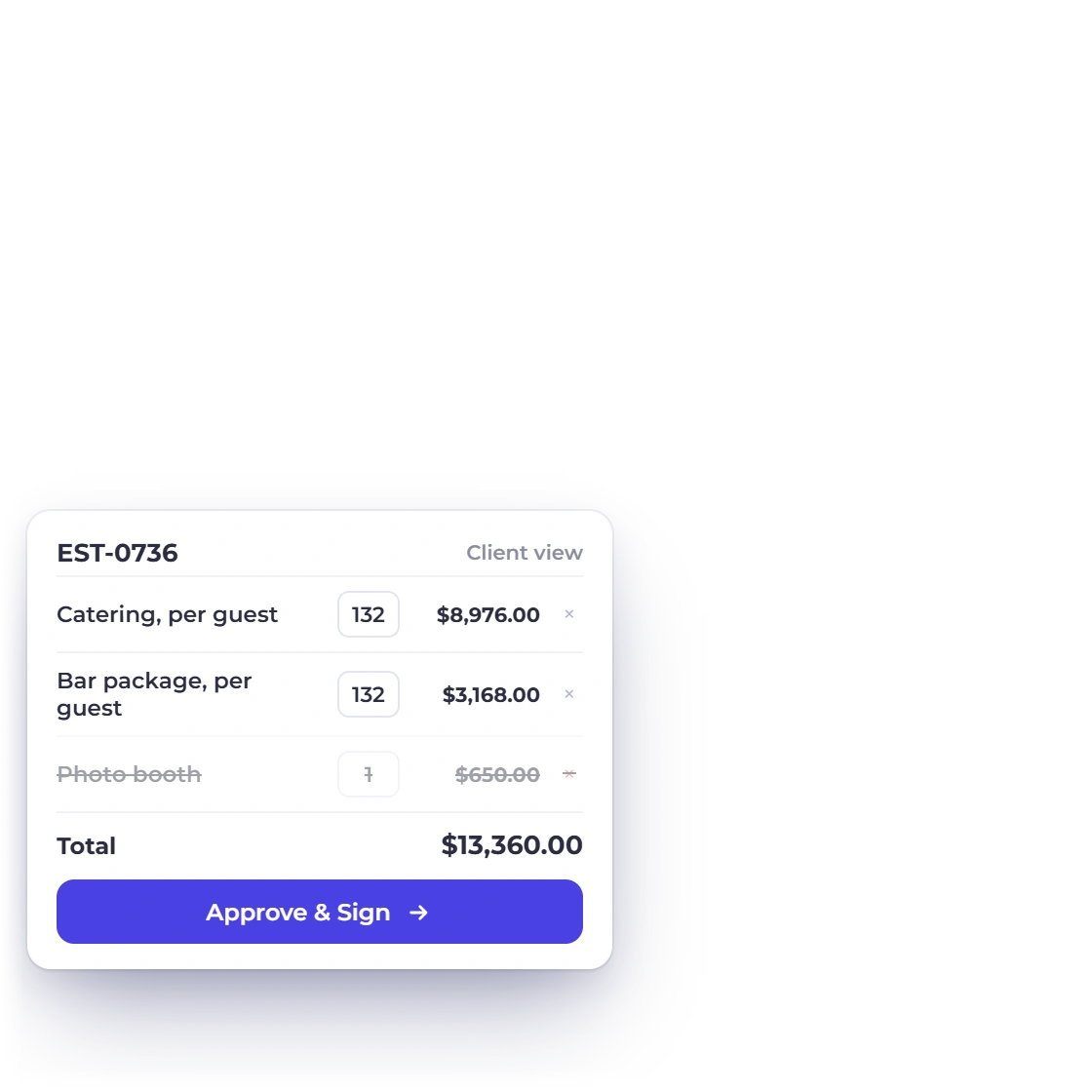
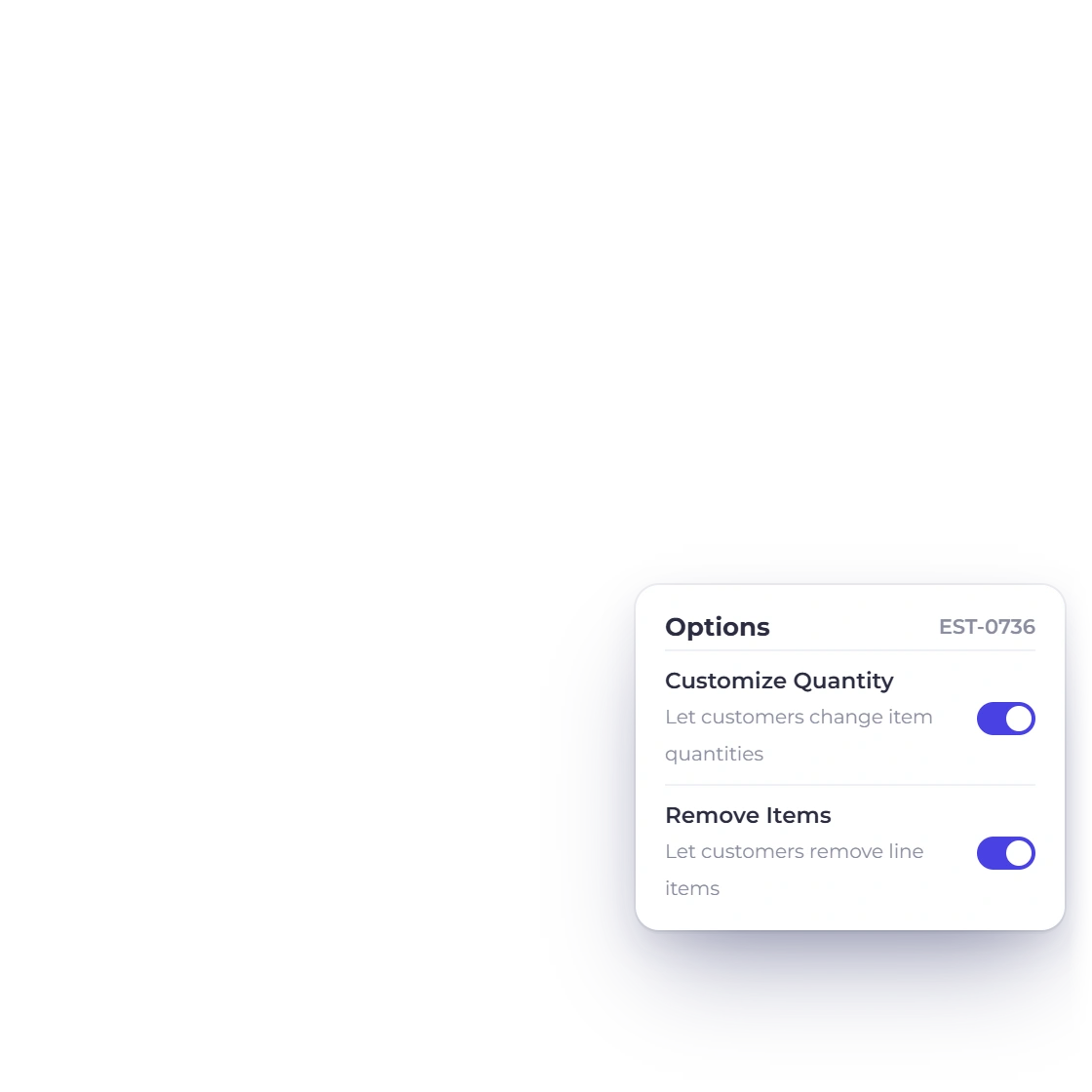
Invoice Crowd estimate editor for a corporate event priced per guest and per staff hour, with the option that lets the client change quantities and the client view where the guest count moved from 120 to 132

Headcount moves, the quantity moves with it

Catering, hire and staffing are priced per head, and that number is rarely final until the week of the event. Let the client edit the quantity on the lines you choose, and the line total and the grand total follow. A revised guest list stops being a rebuilt quote.

  • Client-editable quantities on the lines you allow
  • Client-removable items for the extras they may or may not take
  • Totals recalculate as the numbers change
Change quantity

Paying for it in stages

Deposit, interim, balance

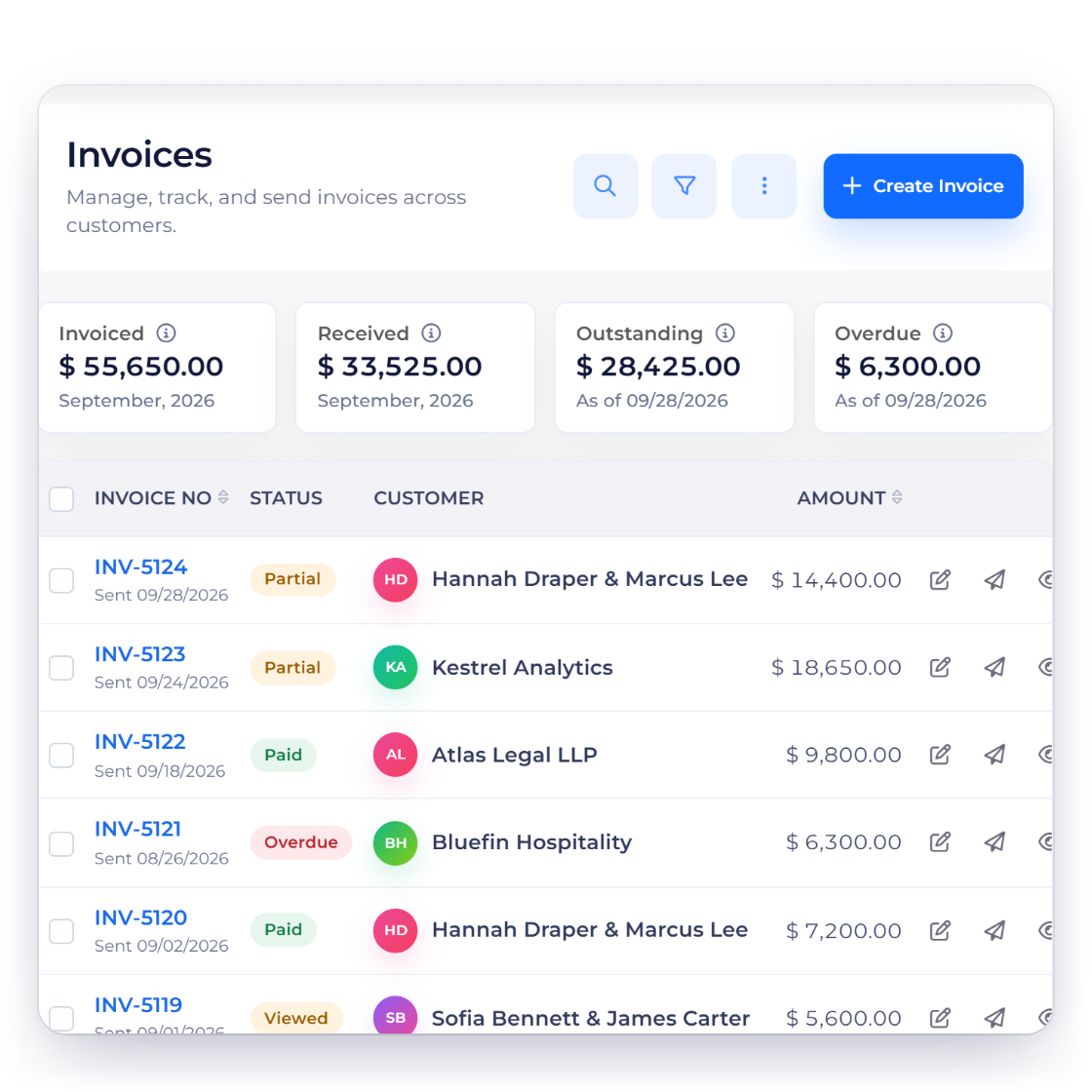
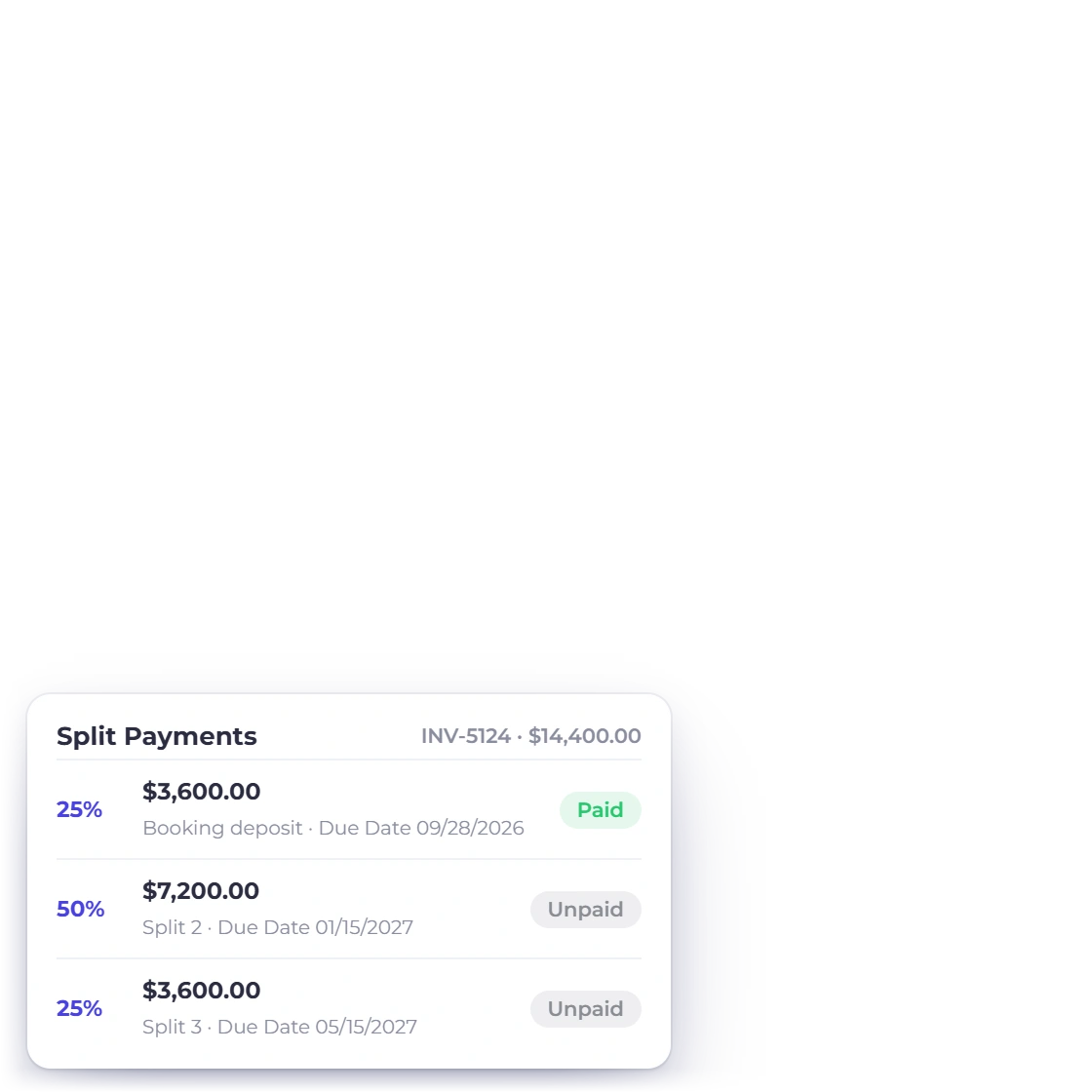
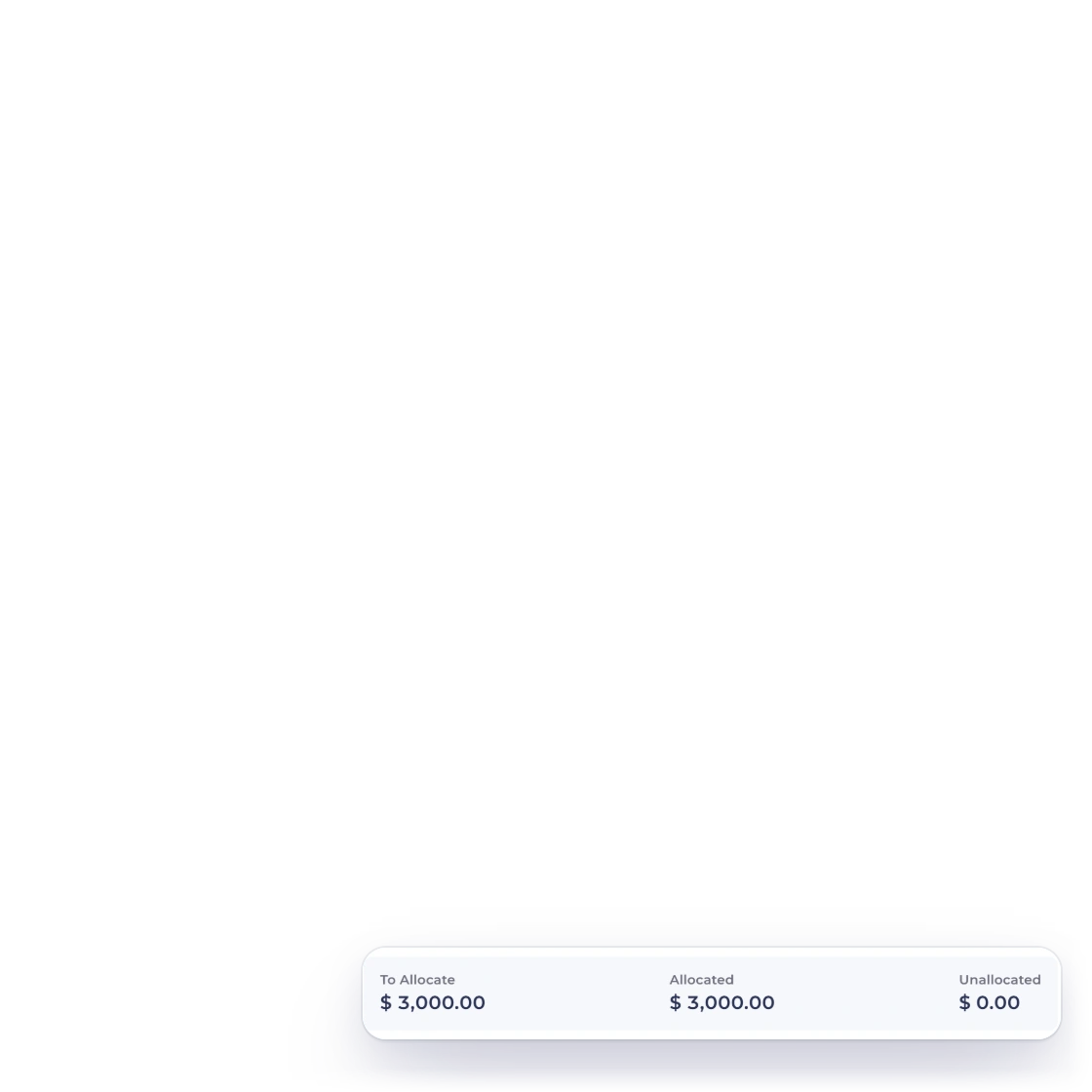
Invoice Crowd invoices list for an event planner with a wedding invoice split into a booking deposit, an interim payment and a balance, and the amount still to pay

Booking deposit now, balance before the date

Most event contracts are settled in three or four moves across a long lead time. Split and partial payments put the deposit and the remaining amount on the same invoice, so a total is never tracked across separate documents and the client can see how much of it is closed.

  • Deposit and balance held against one total
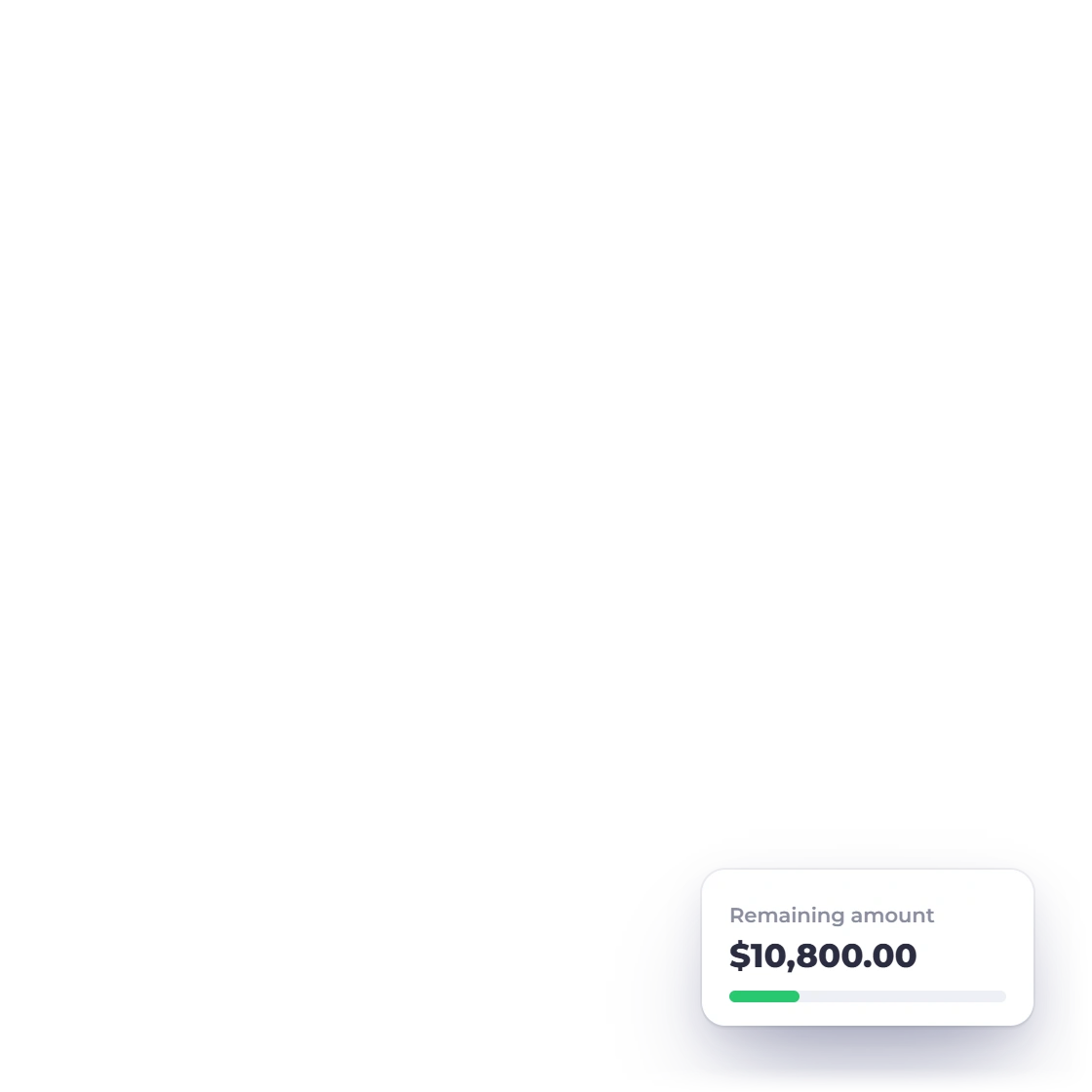
  • The client sees what has been received and what remains
  • Reminders and late fees on the outstanding amount
Split and partial payments
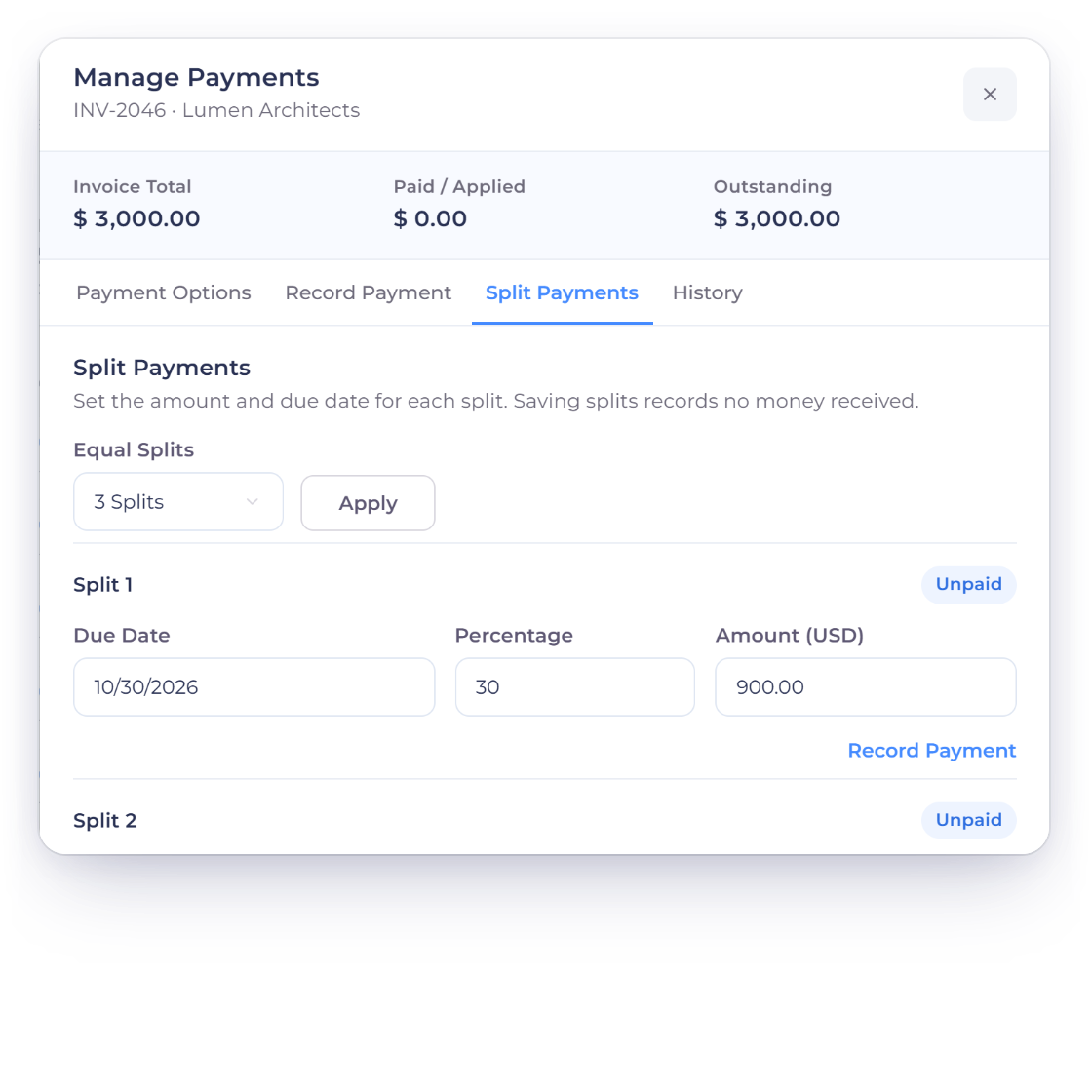
Invoice Crowd Manage Payments window, Split Payments tab, splitting an invoice into a deposit and two instalments, each with its own due date and percentage

Instalments on the dates you agreed

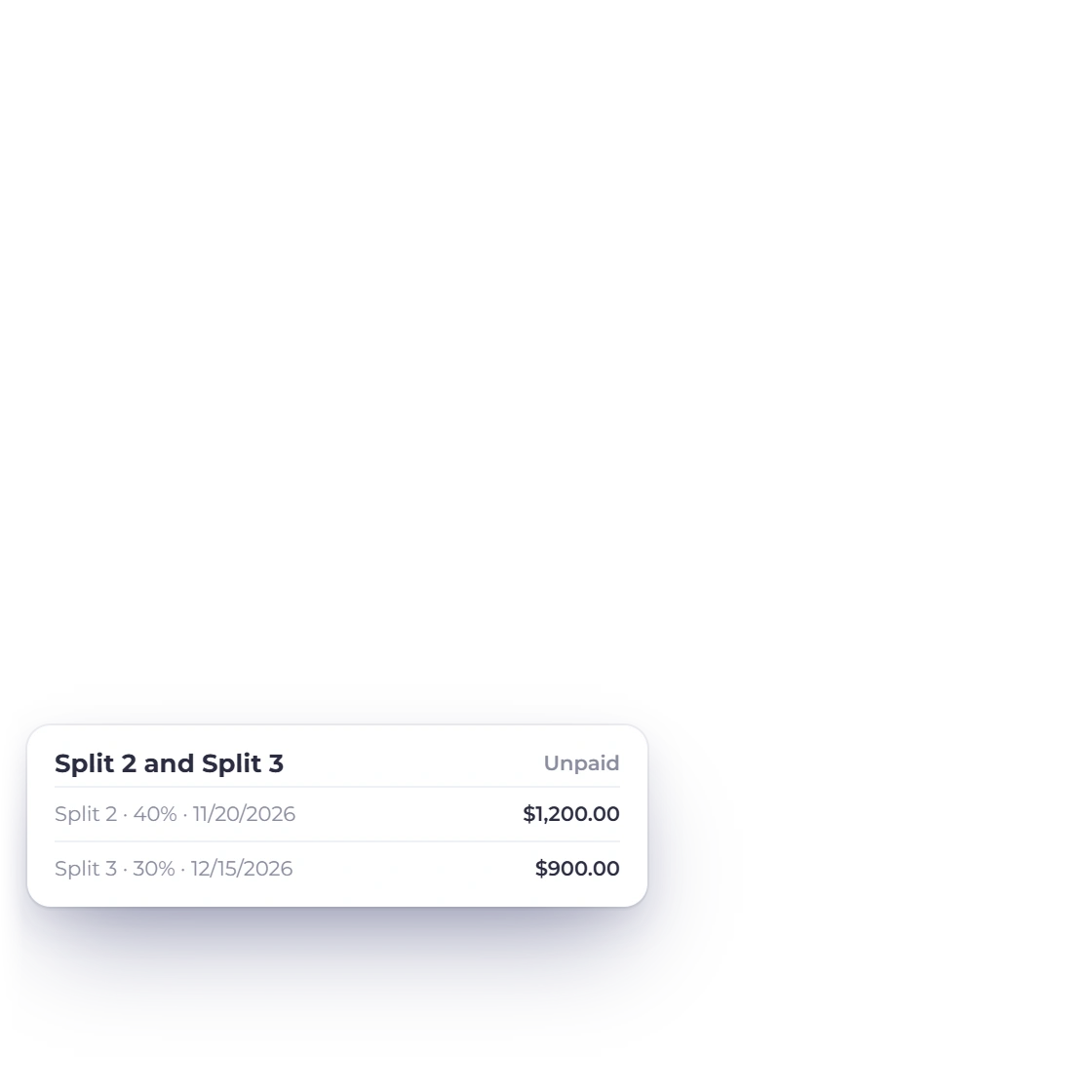
A payment schedule agreed in January should not depend on somebody remembering it in June. Give the deposit and each instalment its own due date on the invoice's payment schedule, or raise each stage as its own invoice when the milestone lands, so every stage is tracked against the customer instead of a line in a planning doc.

  • Deposit and instalments, each with its own due date
  • Automatic reminders before a due date passes
  • Aged debt showing which stage went unpaid
Payment schedules

What the event cost

Suppliers on one side, fees on the other

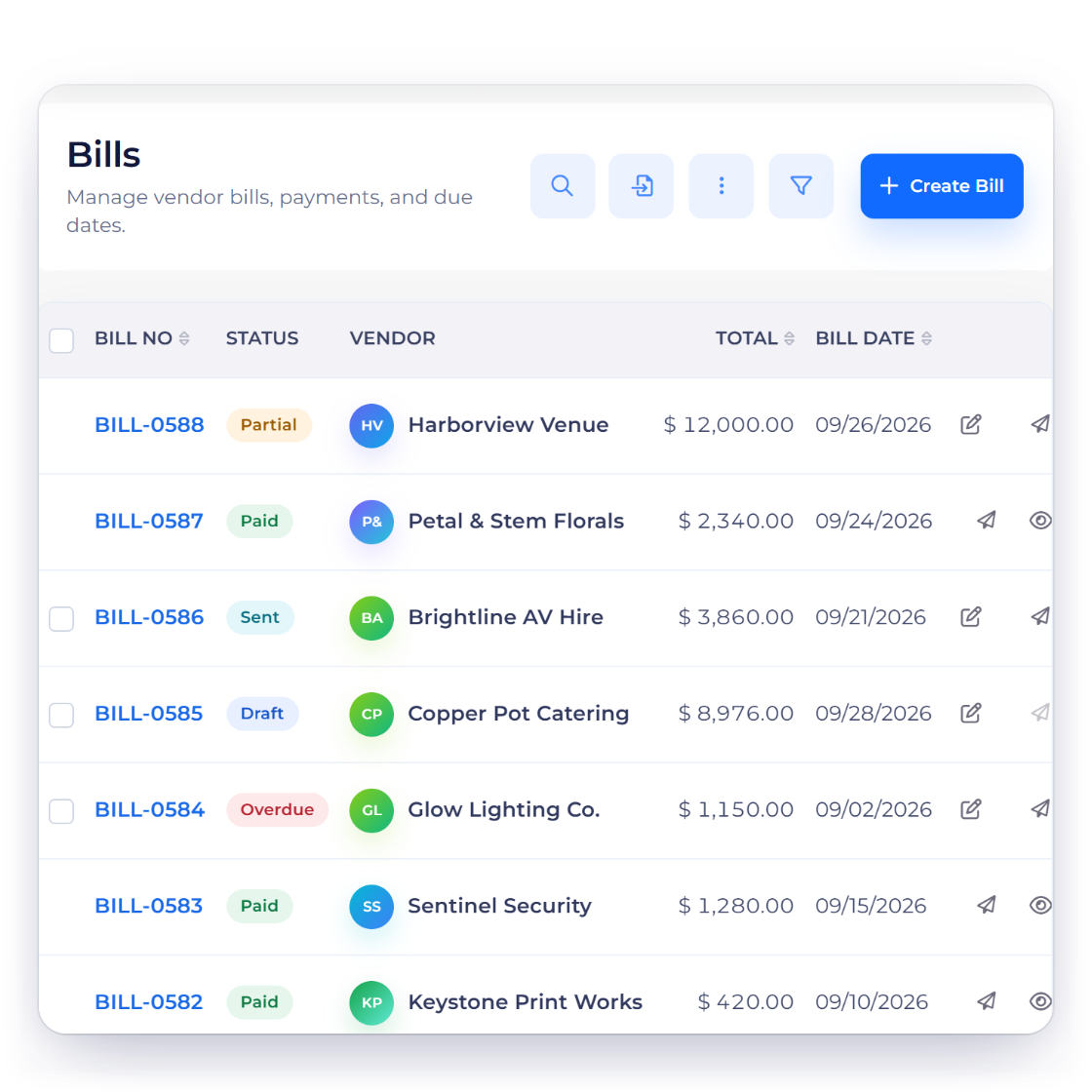
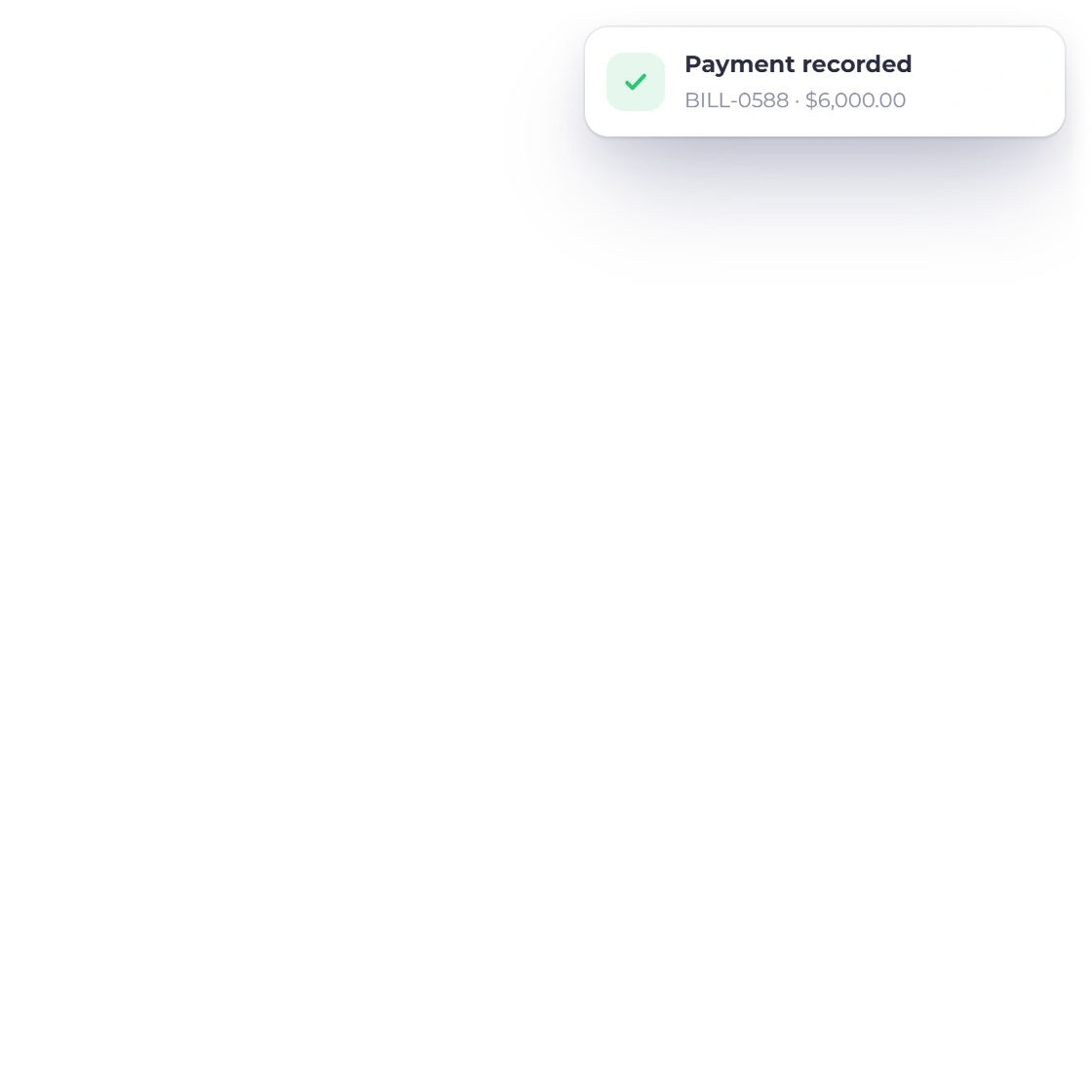
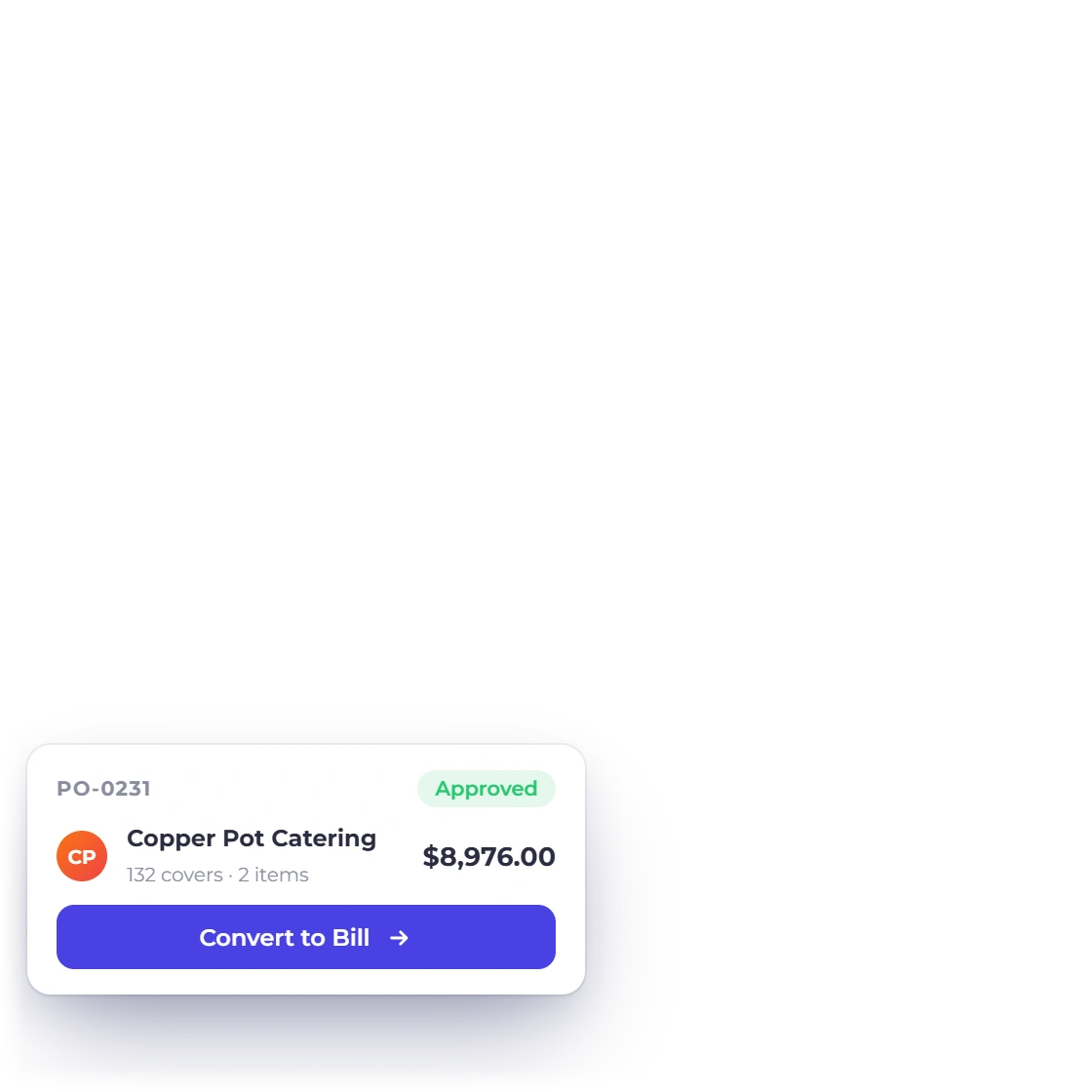
Invoice Crowd bills list for an event planner with venue, florist, AV, catering, lighting and security bills, an approved purchase order ready to convert to a bill and a vendor credit applied to a bill

Supplier bills beside the event's invoices

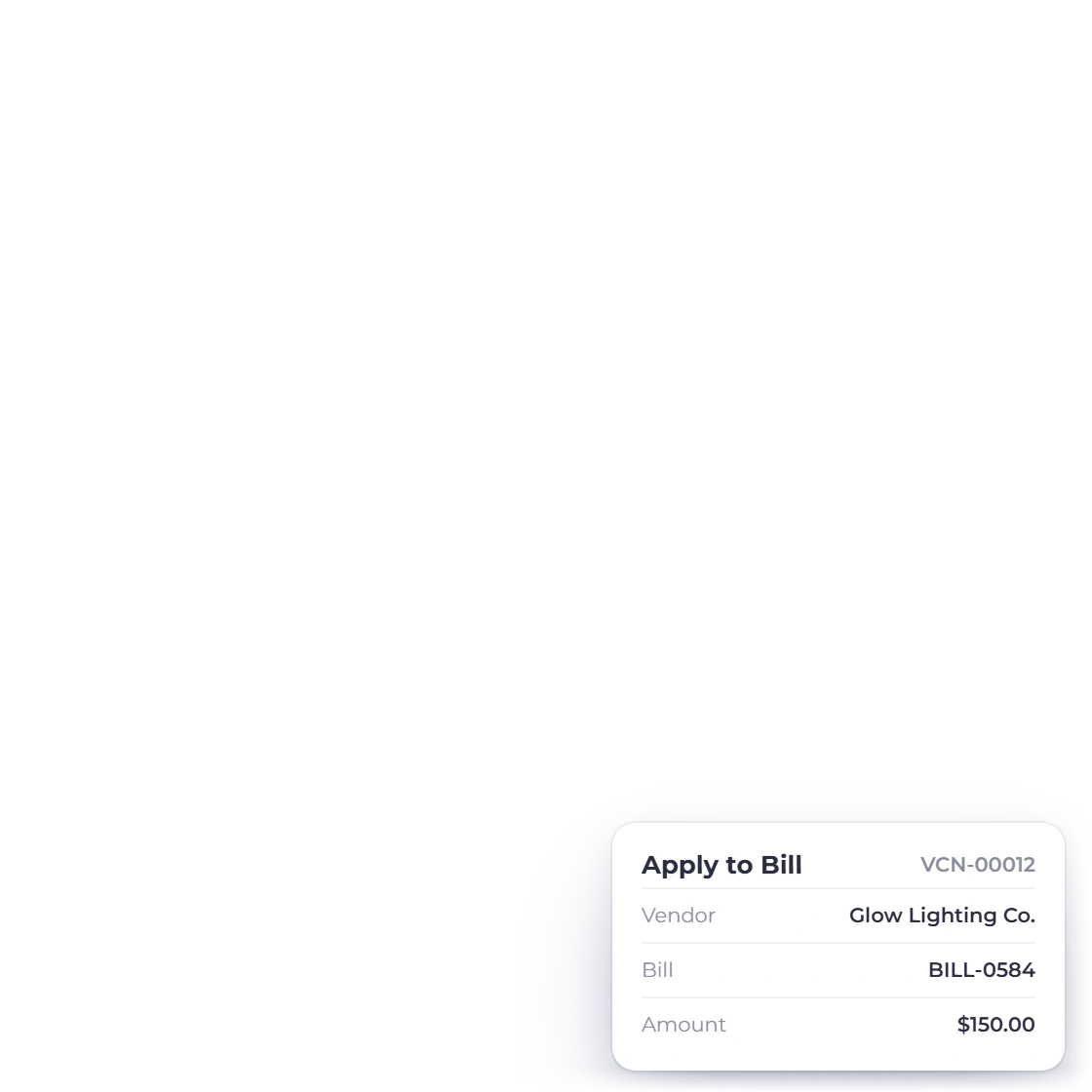
Florists, AV, venue hire, security and catering all invoice you separately and rarely on time. Record them as vendor bills with purchase orders behind them, track what has been paid and what is still owed to whom, and hold it in the account that already has the client's invoices.

  • Vendors, bills and purchase orders in one place
  • Payments made and vendor credits recorded per supplier
  • Expenses carrying the supplier receipt with them
Track expenses
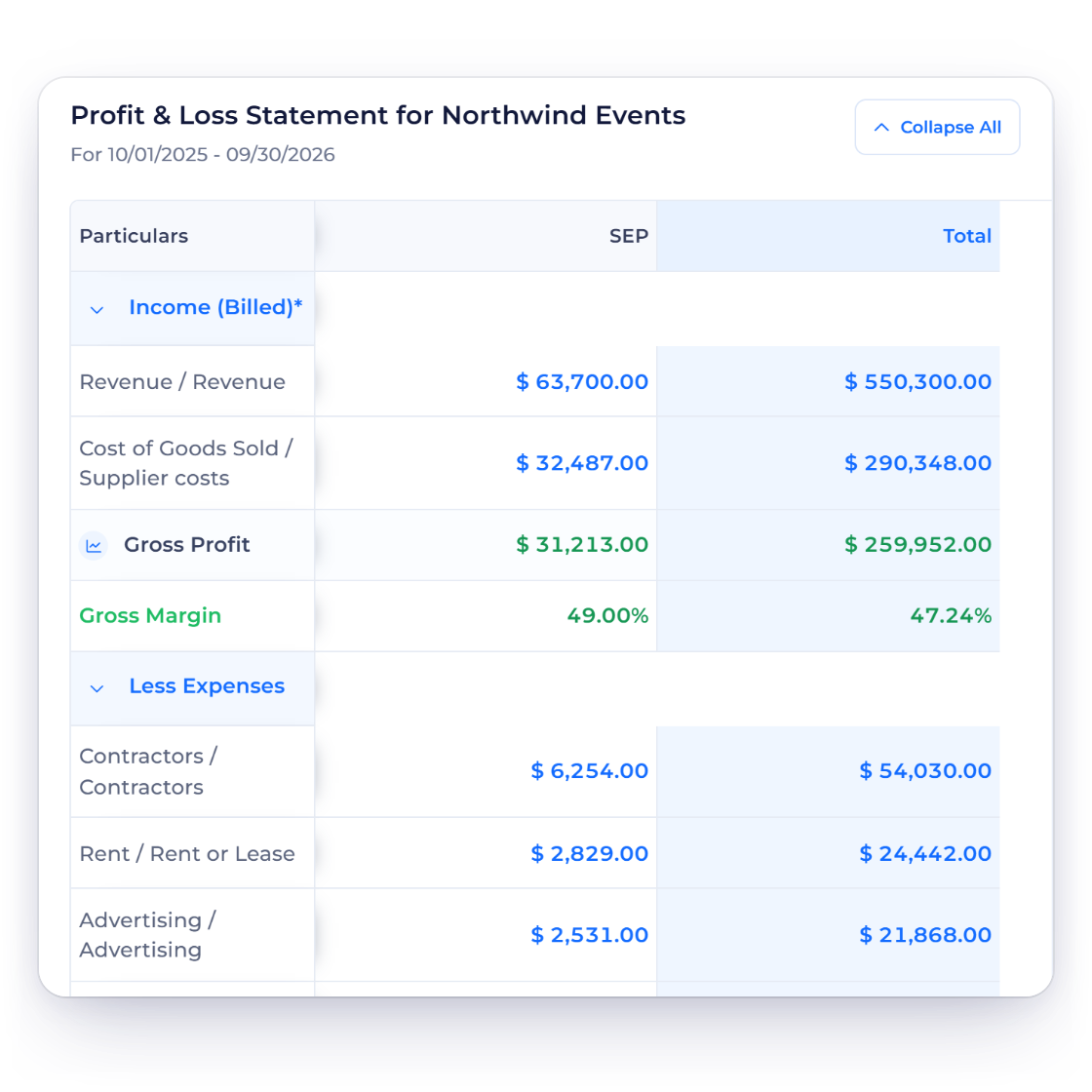
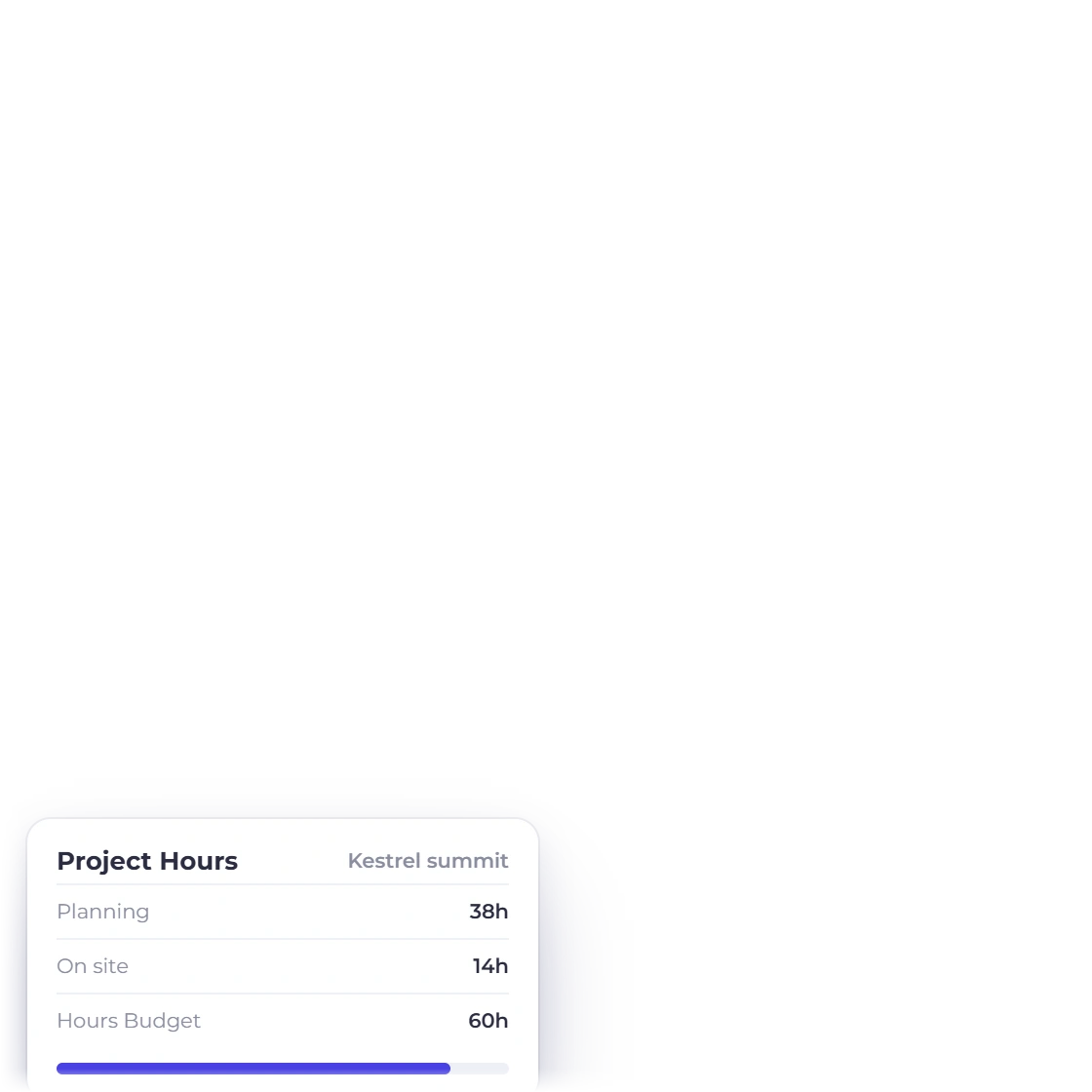
Invoice Crowd Profit and Loss Statement for an event planning business with event revenue, supplier costs, gross profit and expenses by month, and the hours logged on one event project

The fees and the costs read one ledger

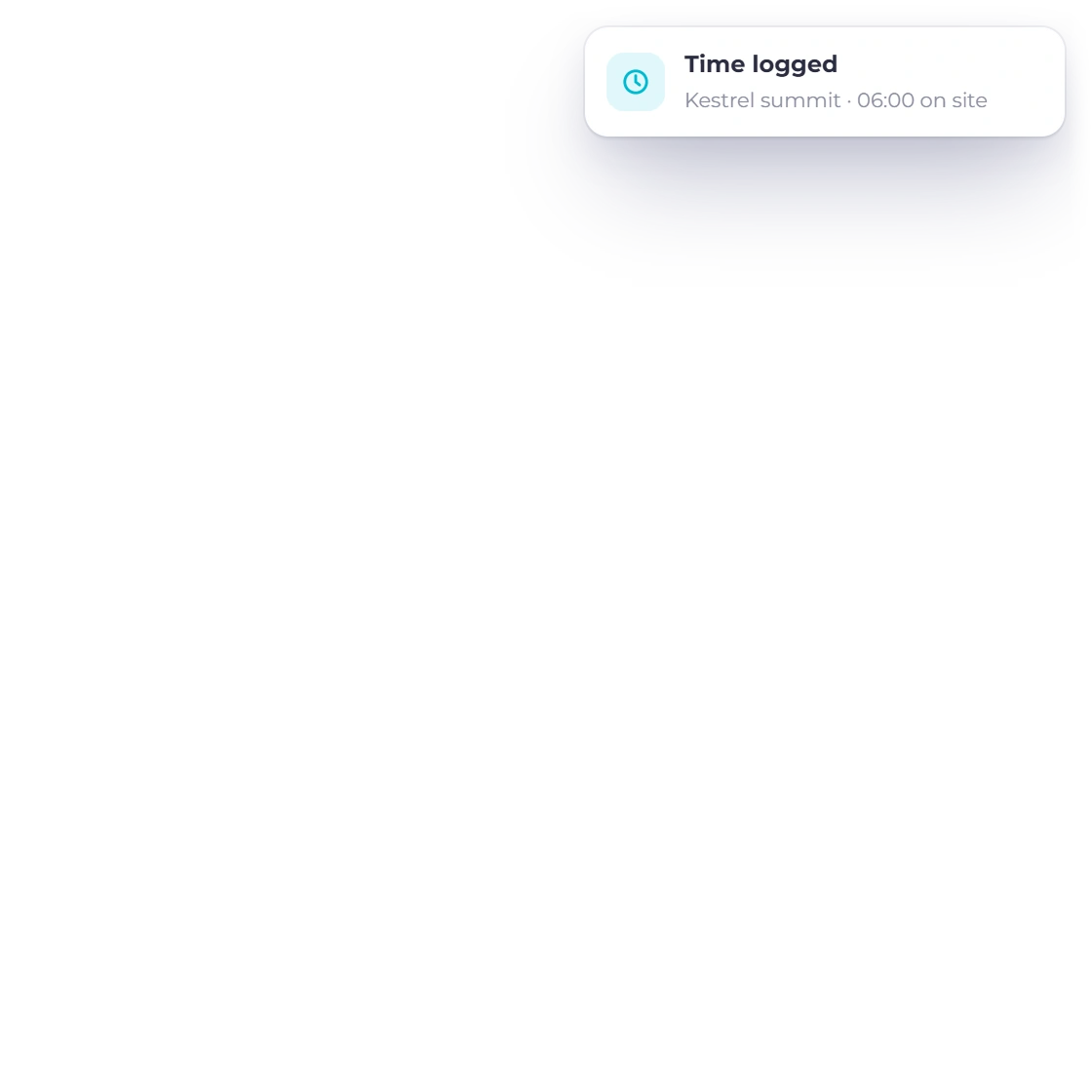
Because invoices, supplier bills and expenses all post into the same double-entry ledger, the income, expense and profit and loss reports are drawn from one set of books. Group the work under a project for the event so the documents and the team's hours stay together, and supplier costs tagged to that project can be re-billed on the client's invoice with your markup.

  • Income and expense reports for any period
  • Profit and loss without a separate bookkeeping tool
  • Projects and timesheets for on-site and planning hours
Profit and loss

The order of documents

One event, from the first quote to the closed books

Long lead times mean the paperwork outlives the planning. Each document hands to the next inside one account, so nothing is rekeyed between the pitch and the final reconciliation.

Start either way

Proposal

For a pitch that has to sell the concept: run of show, suppliers, staffing and a budget the client signs online.

Estimate

For a booking that only needs numbers: priced lines and per-head quantities the client can adjust before approving, and the booking deposit paid as they accept.

  1. Staged invoices

    Approval raises the first invoice, and the deposit and later stages all sit against the same customer and the same date.

  2. Payments in

    The client settles each stage through the portal using a gateway you connected, in full or as a part payment.

  3. Costs and books

    Supplier bills and expenses post beside the fees, so the ledger holds both sides of the event.

Also included

The rest of an event planning practice

Nothing here is an add-on. It is the same subscription the proposals and the staged invoices already live in.

  • Event packages

    Save a ceremony, a reception and day-of coordination as priced items, or as a proposal template, and quote them repeatedly.

  • Lines the client can drop

    Turn on item removal and the client can drop a photo booth or an extra hour of bar service before approving.

  • Client portal

    Couples and corporate clients check documents, balances and payment history without emailing you.

  • 15 payment gateways

    PayPal, Stripe, Razorpay, Square, Payoneer, Braintree, Authorize.net, Airwallex, GoCardless, PayFast, PayTabs, Telr, M-Pesa, PhonePe and Paystack attach to an invoice.

  • Overdue stages

    Reminders go out around each invoice's due date, so a late stage is chased without waiting for a free afternoon.

  • Coordinators on the account

    Add planners as team members, two on the Team plan and three on Business, and use roles to control what each person can open.

  • Destination events

    Invoice a client or a venue abroad in their currency while your reports stay in yours.

  • Aged debt

    See which stage of which event is unpaid and how far past its due date it has drifted.

  • Weddings and corporate

    Run two sides of the business as separate profiles with their own branding and books.

  • Cancellations and refunds

    Raise a credit note when a booking is canceled, or refund an online payment through Stripe, PayPal, Square and five other gateways from the invoice. A sent invoice for a cancelled booking is voided, not deleted.

  • Customer-facing invoice updates

    Clients get each invoice by email with a link to view and pay it, and you see when it is opened. Selected events can also go to a webhook URL you choose.

  • Event reference fields

    Custom fields carry the event date, venue and booking reference onto the documents you raise for that event.

  • Quotes that expire

    An expiry date on the quote stops a client accepting last year's price for this year's date. They can also decline it with a reason.

  • Booking fees

    A booking fee paid before the contract is recorded as an advance with its own receipt, then applied to the first invoice.

  • Profit per event

    Run the event as a project and its Profitability tab takes the fees invoiced, subtracts the team's hours at cost rate and the expenses tagged to it, and shows the margin. Paid plans.

Questions

Billing an event, answered

Can I set up a payment schedule for an event booked a year out?

Yes. The invoice's payment schedule holds a deposit and each instalment with its own due date against one total, and the client pays each part from the same link. If you prefer, raise each stage as its own invoice, and reminders go out around each invoice's due date.

What happens when the guest count changes?

Per-head lines are quantities, so you can let the client edit them on the estimate or proposal and both the line and the grand total follow. Anything they may not take, an extra hour of bar or a second photographer, they can remove themselves when item removal is on.

Can I record what suppliers charge me for an event?

Yes. Vendors, bills, purchase orders, payments made and vendor credits all sit in the same account as the invoices you raise. Attach receipts to expenses, and the supplier side of an event sits beside the fees instead of living in a separate spreadsheet.

Can I see the profit on a single event?

Yes, if you group the event under a project. Its Profitability tab takes the fees invoiced, subtracts the team's hours at cost rate and the expenses tagged to it, and shows the profit and margin. Every fee and cost also posts into one double-entry ledger, so the income, expense and profit and loss reports read the same books.

Do clients get somewhere to check what they have paid?

Yes. The customer portal shows the proposal or estimate they approved, every invoice raised for the event, what has been received and what is still due. They can download a PDF and settle a stage from the same screen through a gateway you connected.

Can I run weddings and corporate events as separate businesses?

Yes, from the Pro plan up. Business profiles give each operation its own branding, documents and accounting records under one login, and every invoice, bill and expense belongs to its profile. Pro holds two profiles, Team five and Business ten.

Book the event, stage the payments, close the file

Quote it once, collect the deposit, raise each stage on time, and keep the supplier bills next to the fees they were spent against.

  • Test the workflow, no credit card
  • Deposit, interim and balance on schedule
  • Client fees and supplier bills in one ledger