Skip to content

Invoicing software for non-profit organizations that track restricted funds

Invoice Crowd bills the sponsors, grant funders and member organizations that pay you, files what you spend against a named expense account, and rolls both into a profit and loss, balance sheet and trial balance your treasurer, board or auditor can work from.

  • Chart of 165 accounts
  • One profile per program
  • Board-ready statements

What is inside

From the funder's invoice to the year-end pack

A non-profit's books have to answer two questions: who still owes you, and what happened to money that was given for a purpose. Both are answered from the same entries.

Money coming in

Sponsors, funders, members and anyone else you bill

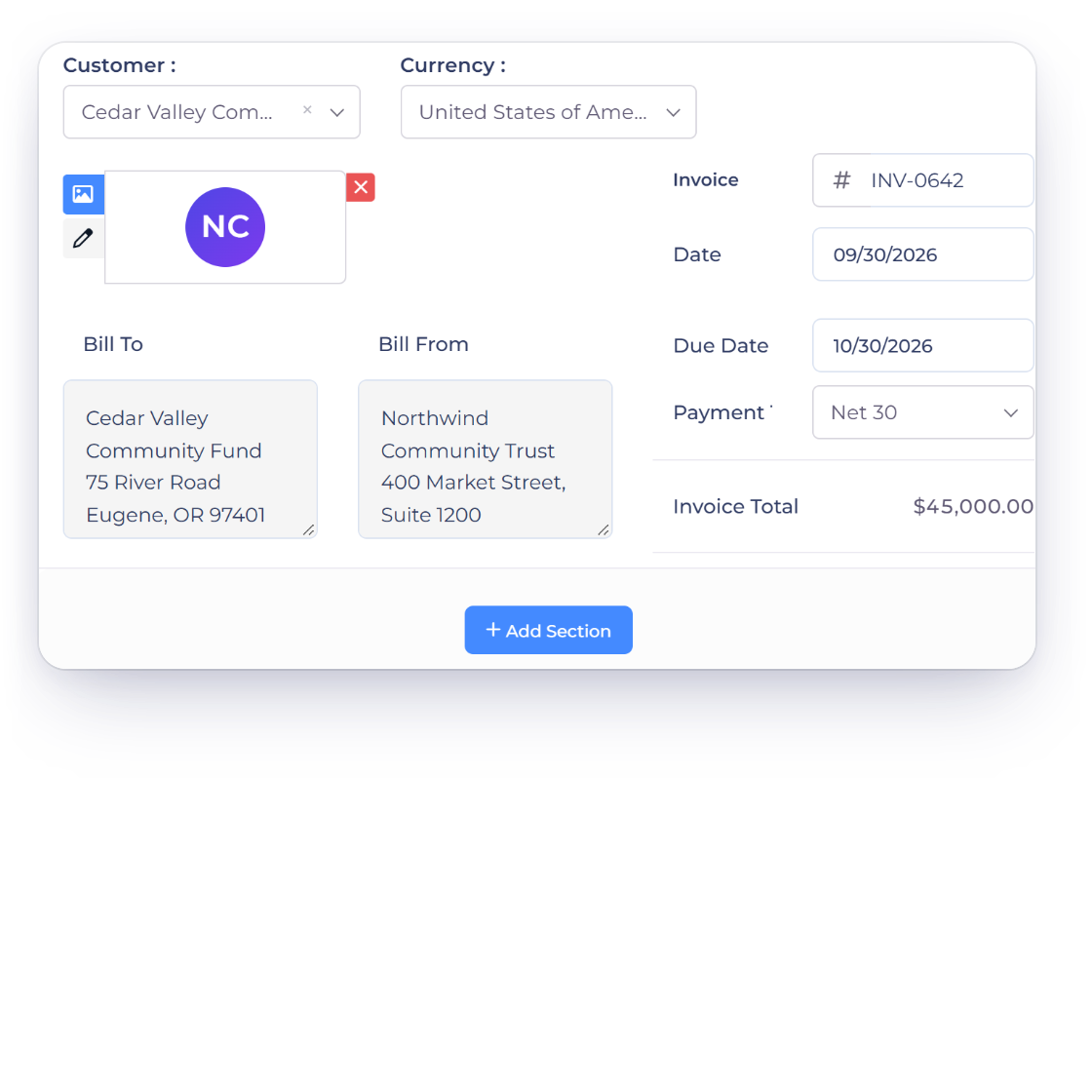
Invoice a sponsor or a grant funder

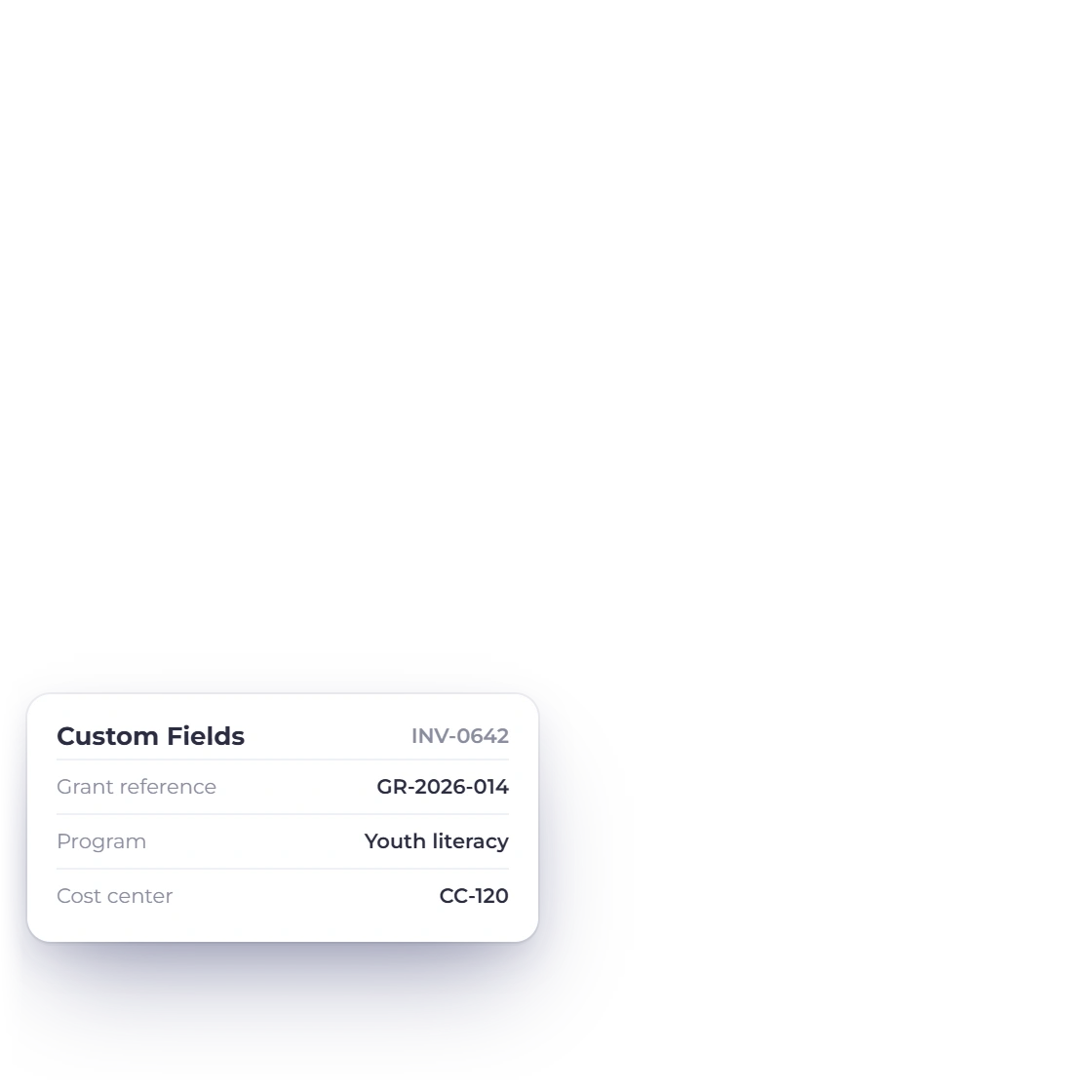
Funders and sponsors are customer records, with their own contacts, currency and payment terms. Bill against a grant reference, a purchase order number or a cost center using custom fields, and the invoice carries your organization's logo and the wording your finance policy requires.

  • Custom fields for grant, program and reference numbers
  • Payment terms and due dates set per funder
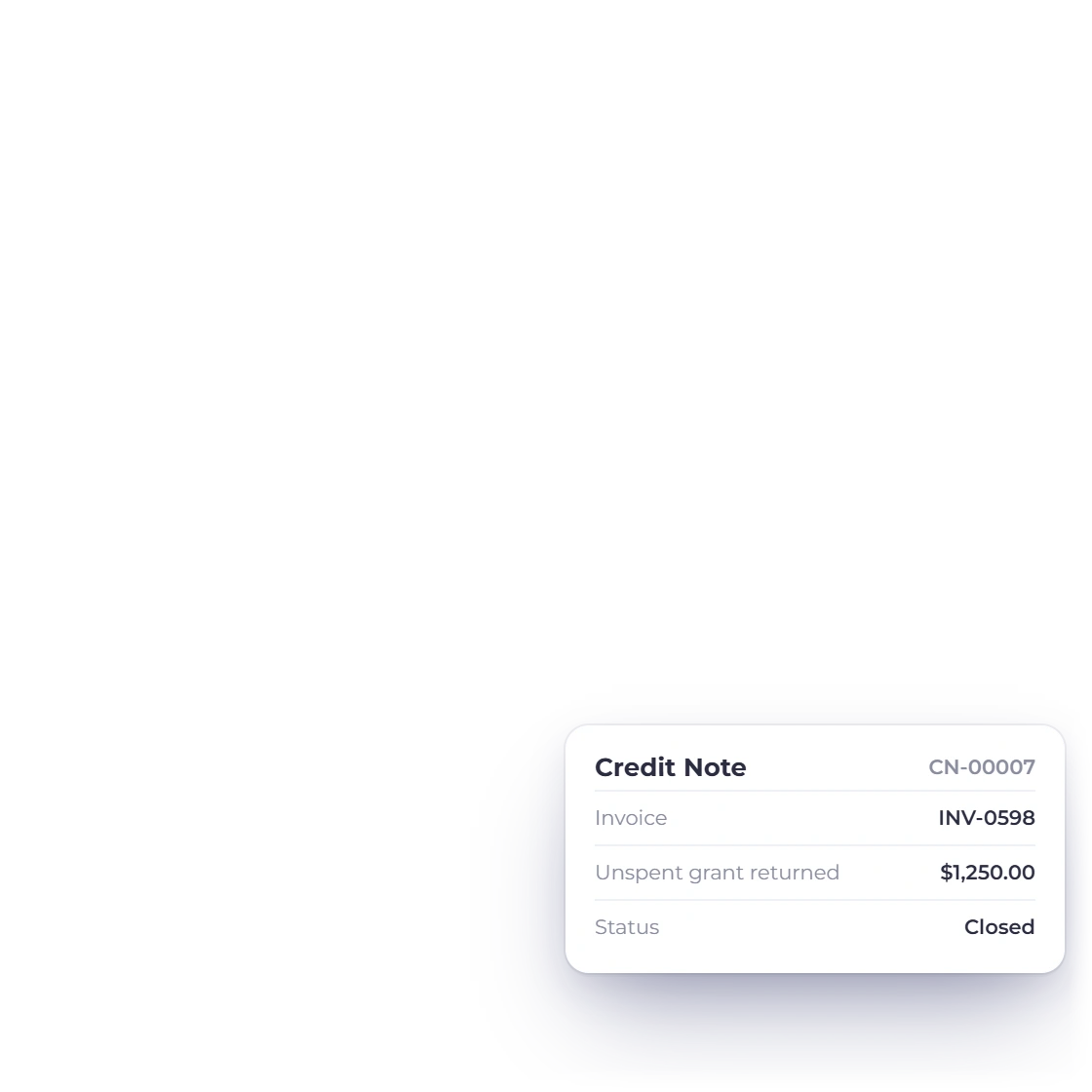
  • Credit notes when an amount is written off or returned
Customer records

Pledges and sponsorships that repeat

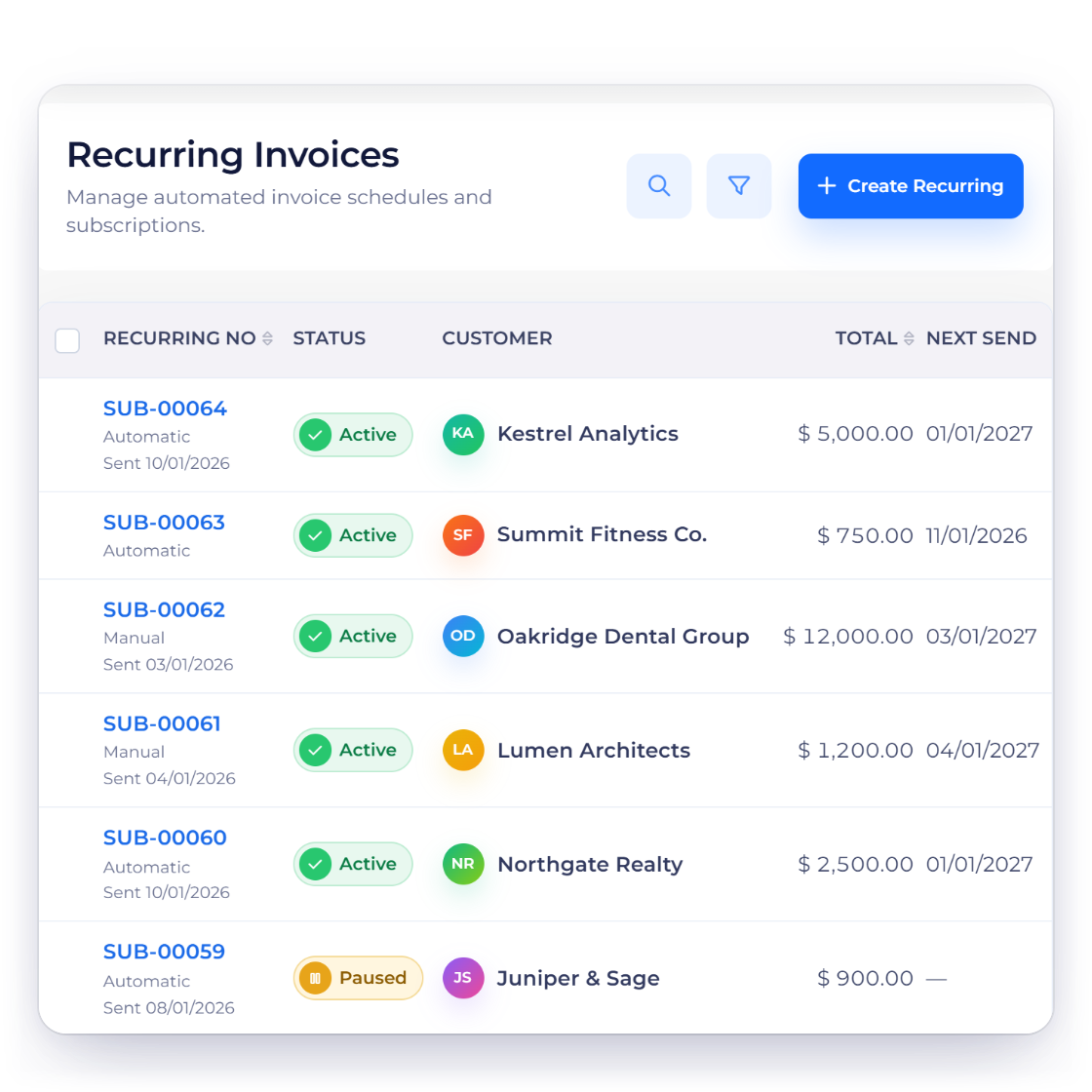
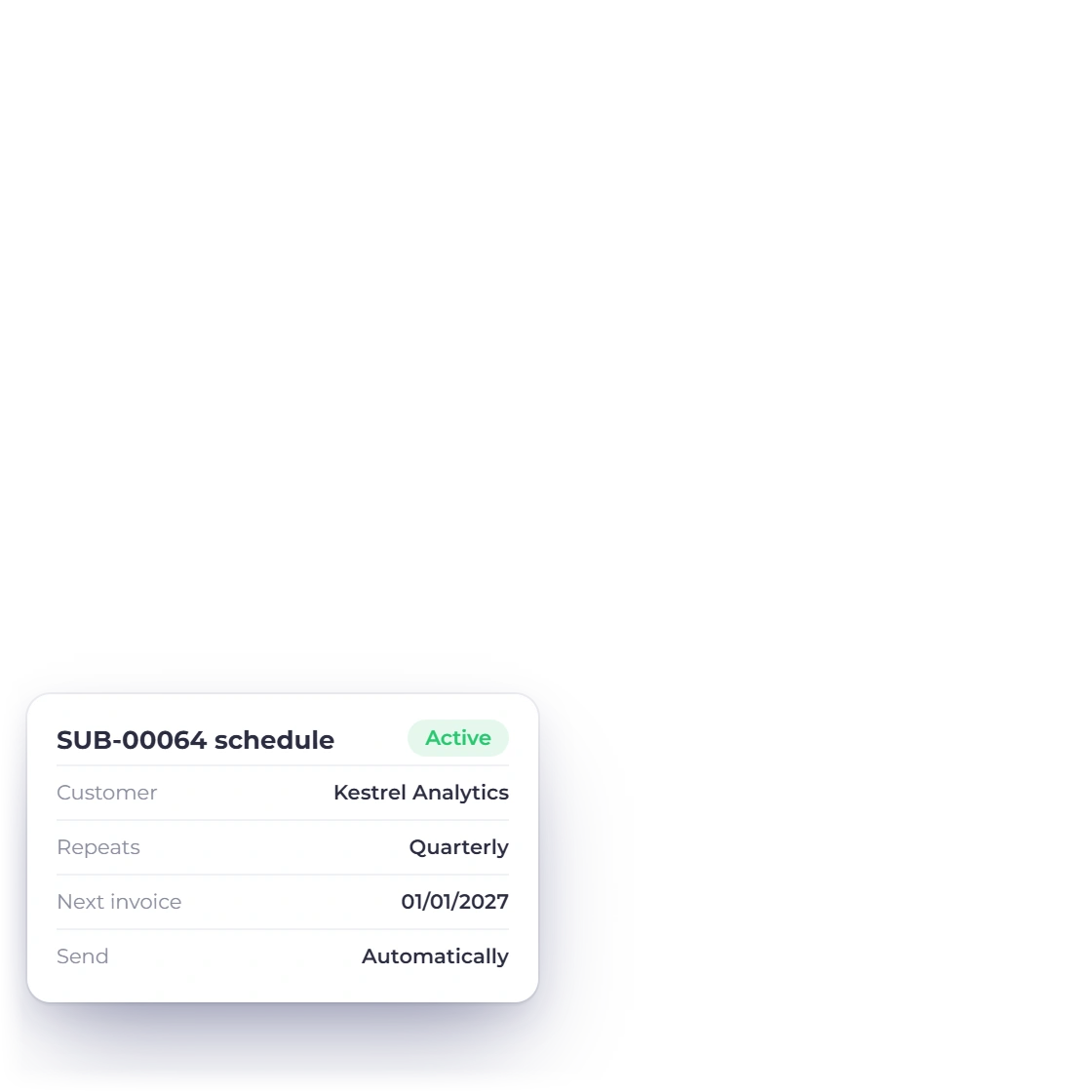
A corporate sponsor paying quarterly, a partner organization on an annual agreement, a service contract billed every month. Set the amount, the schedule and the start date once and the invoice is raised and sent on each date without anyone marking a calendar.

  • Weekly, monthly, quarterly or annual cycles
  • Pause or stop a schedule at any time
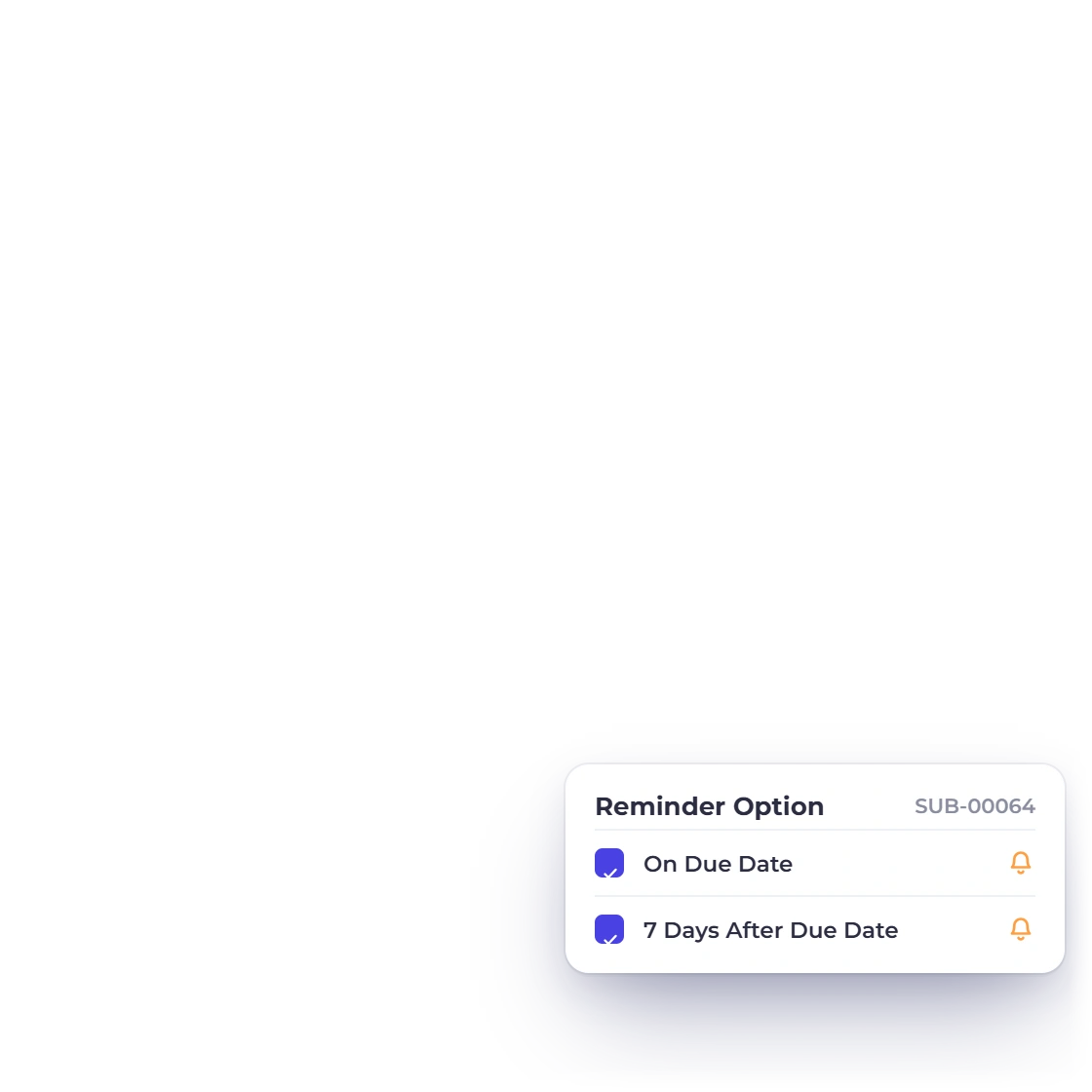
  • Automatic reminders when an invoice goes past due
Recurring invoices

Where the money goes

Filed to an account, not to a memory

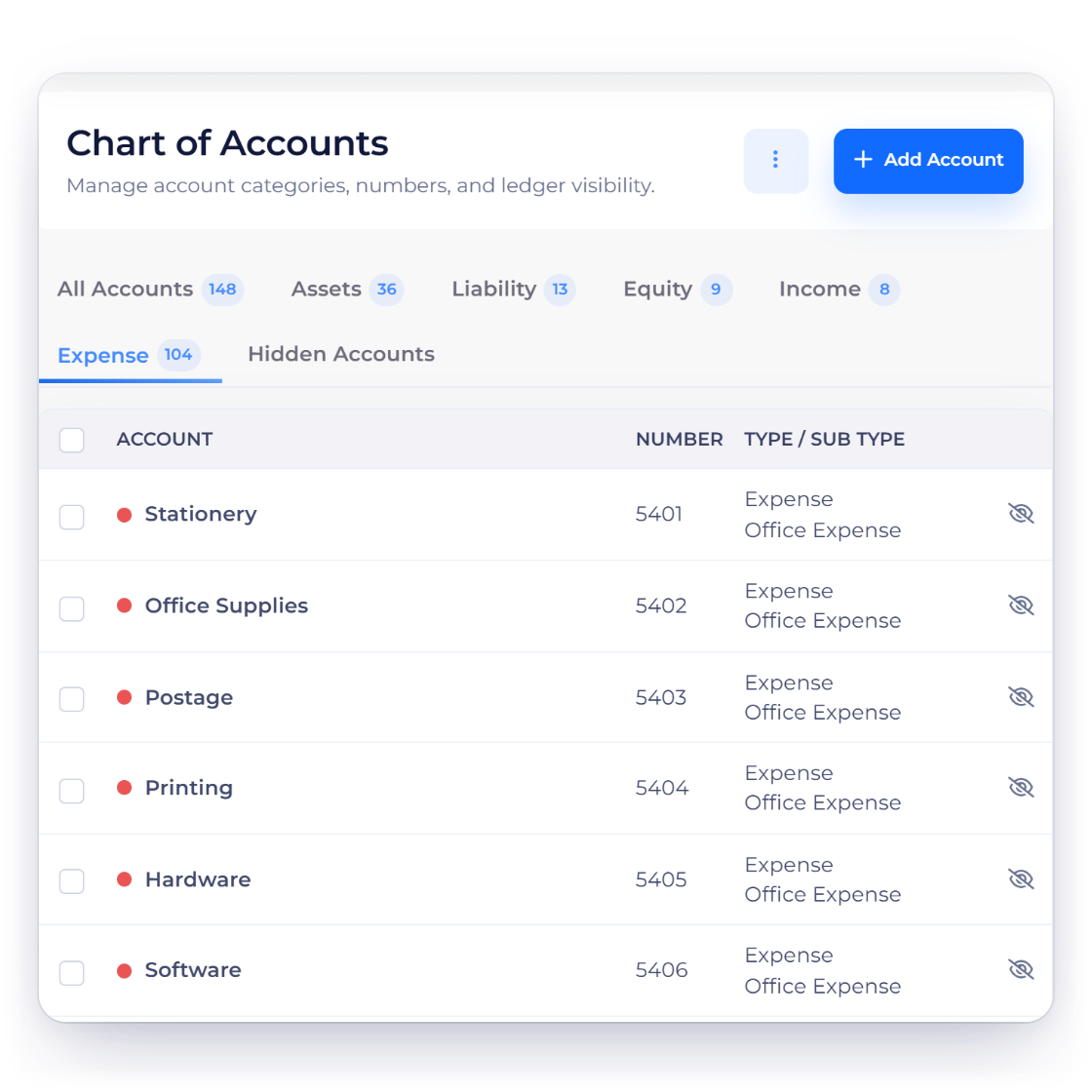
Chart of Accounts in Invoice Crowd listing accounts with numbers, types and sub-types

Restricted spend, filed to a named account

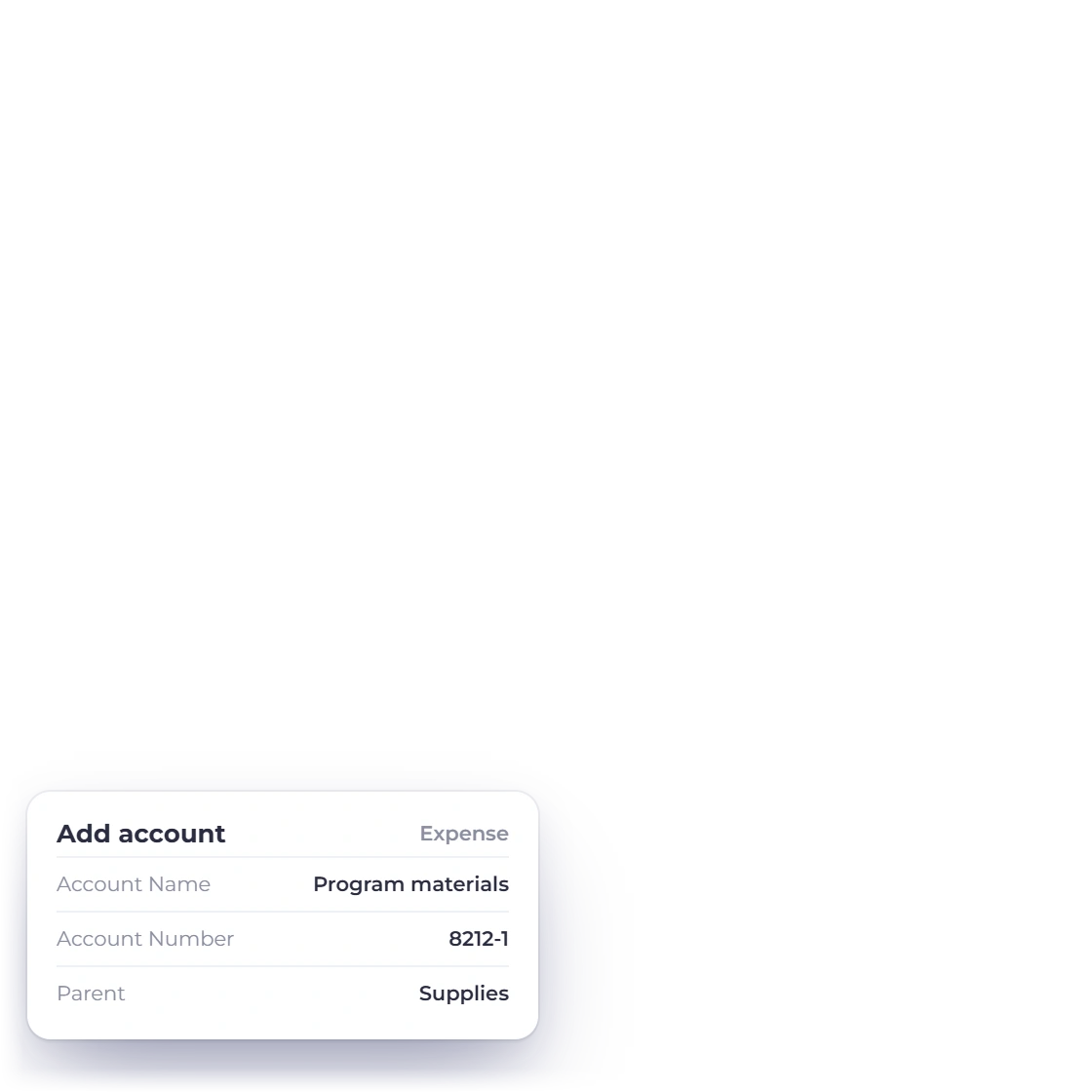
Each payment out is posted to an account from a chart that arrives with 165 of them, 103 on the expense side. Add accounts for the categories a funder asks you to report against, and attach the receipt to the entry so the evidence stays with the figure.

  • Rename or add accounts to match a funder's categories
  • Attach the receipt or supplier invoice to the entry
  • Recurring entries for rent, insurance and subscriptions
Expense tracking
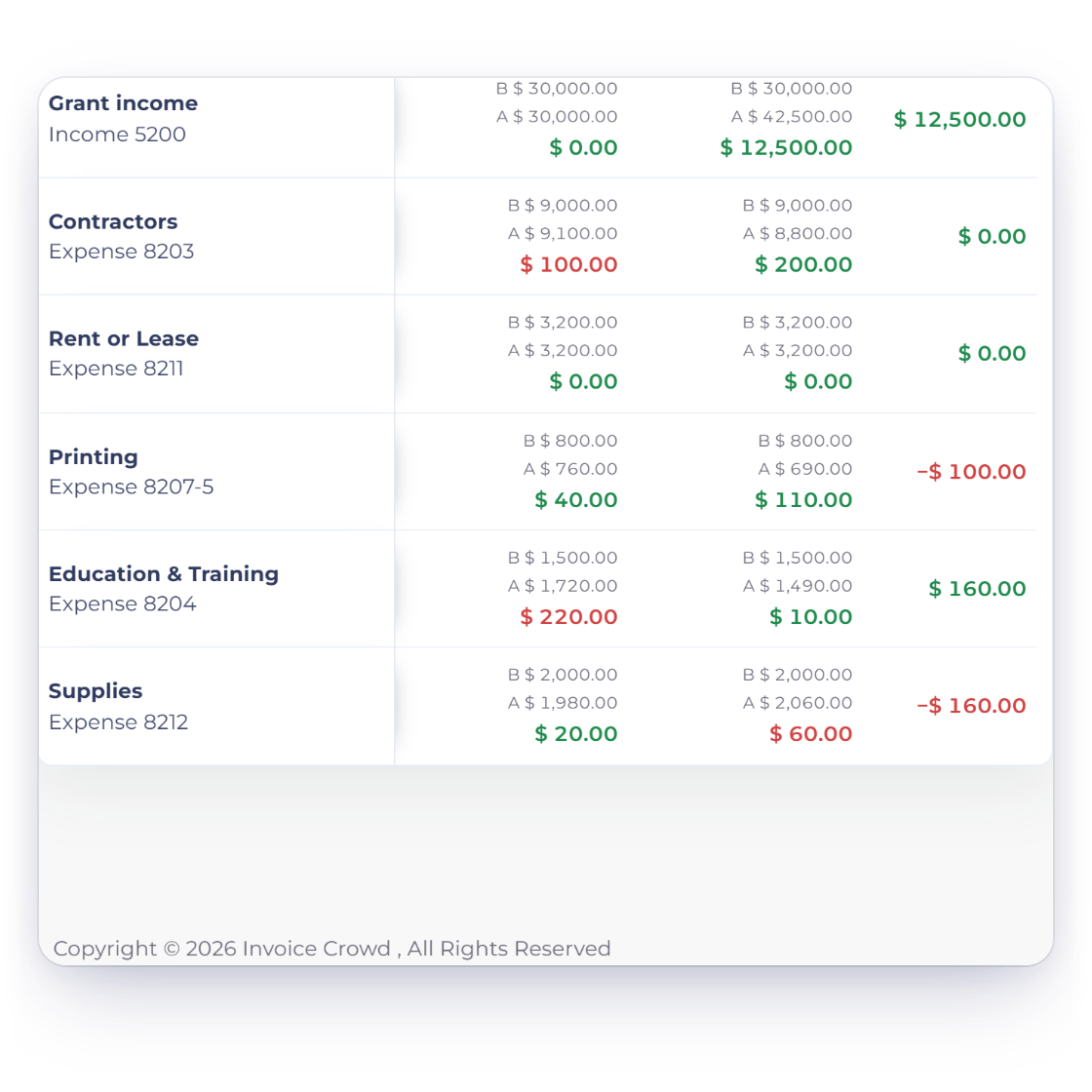
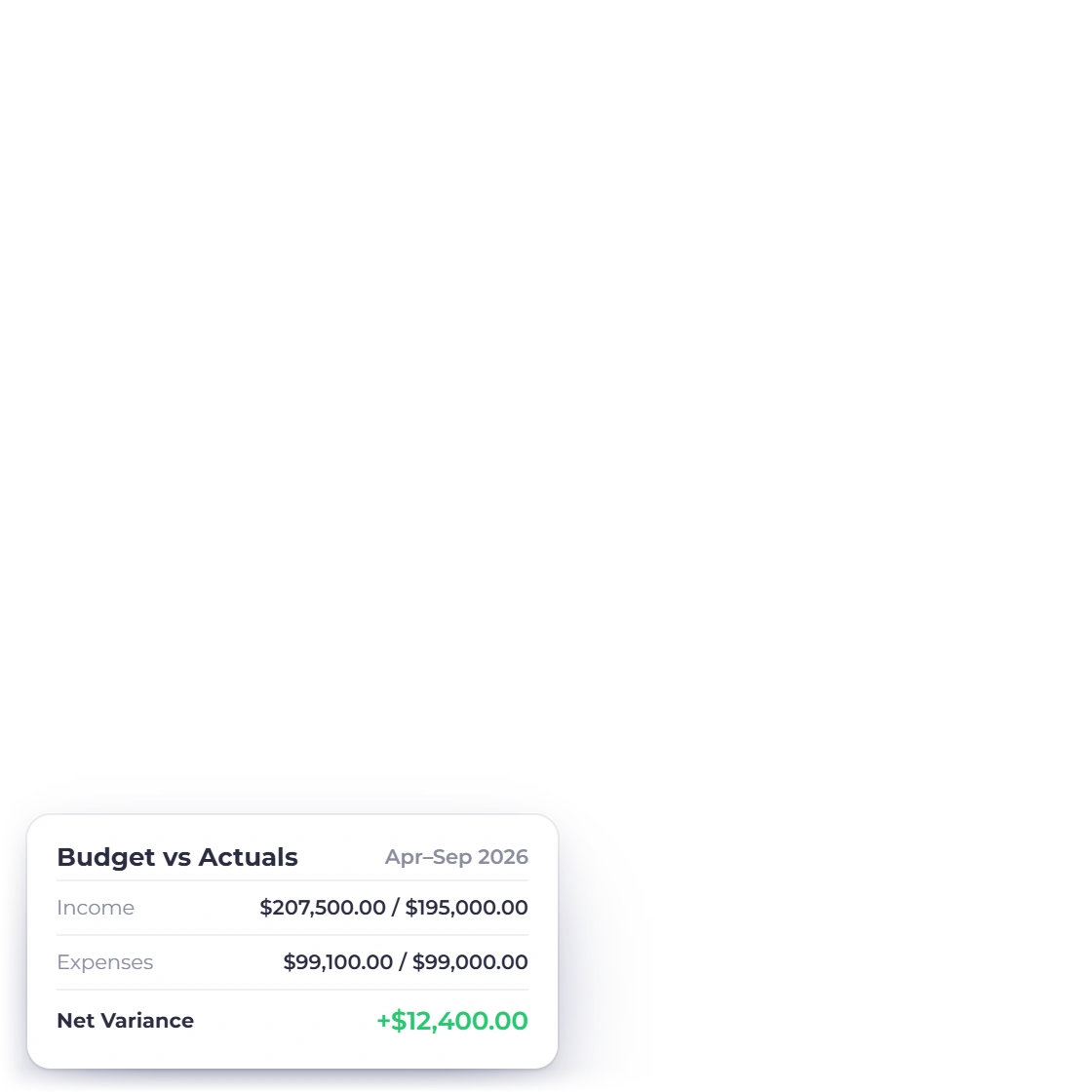
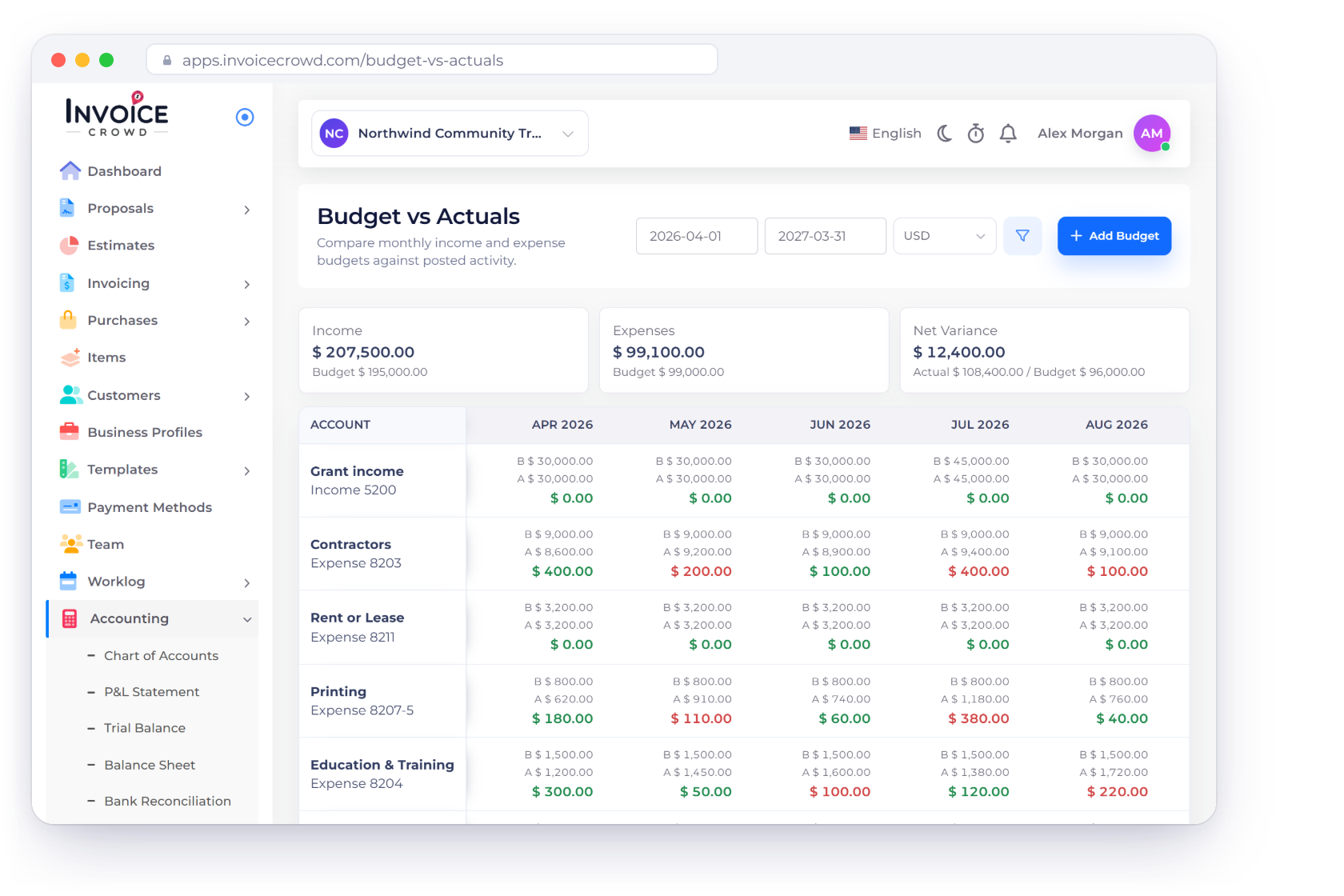
Budget vs Actuals in Invoice Crowd comparing budgeted and actual amounts for each account

A budget per account, checked as the year runs

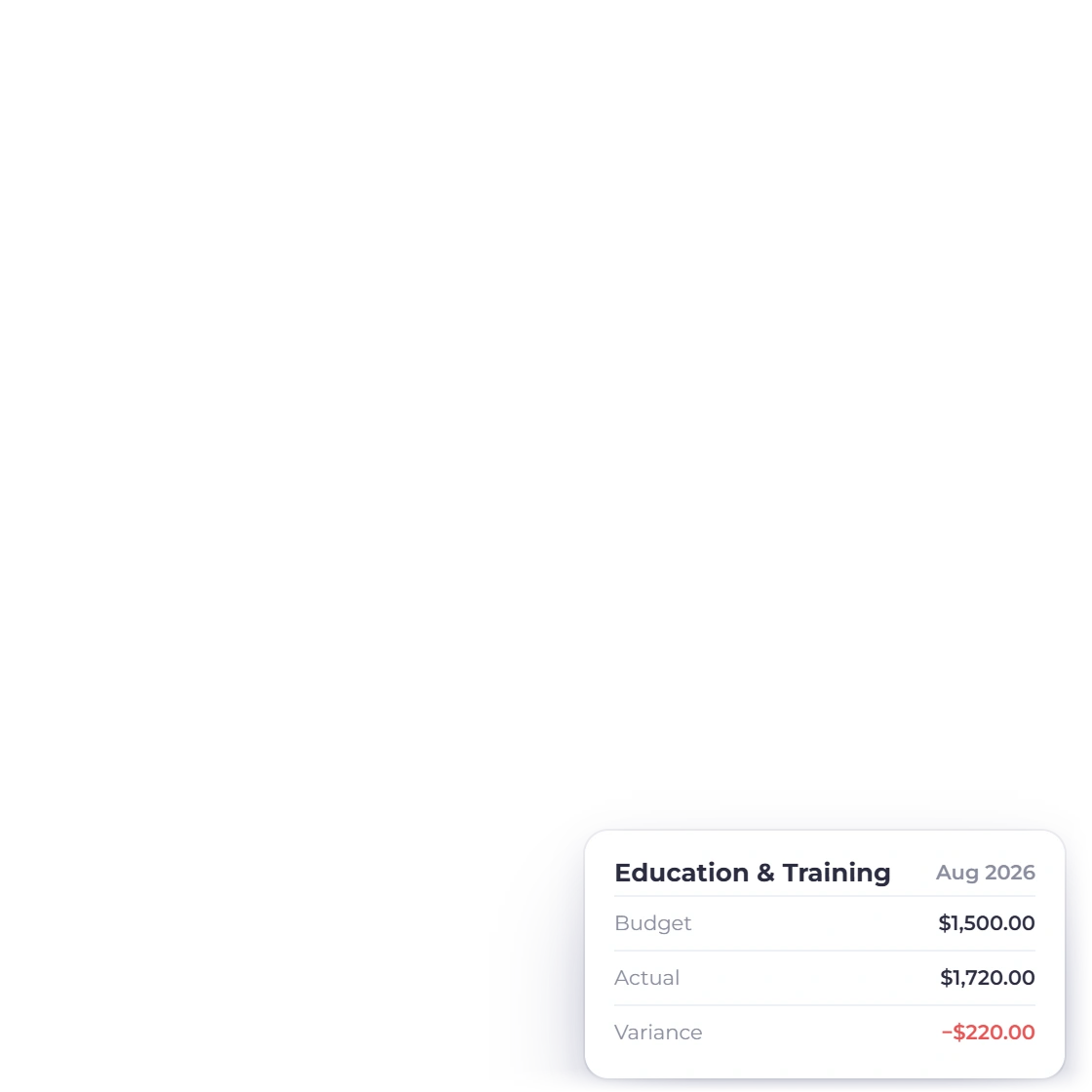
Set what a program is meant to spend on each account and read the variance while there is still time to act on it. Budget against actuals sits next to the ledger it draws from, so the figure a trustee questions can be opened down to the entry that produced it.

  • Budget set account by account
  • Variance visible long before year end
  • Open a total and read the postings behind it

What the board sees

The pack a treasurer or an auditor asks for

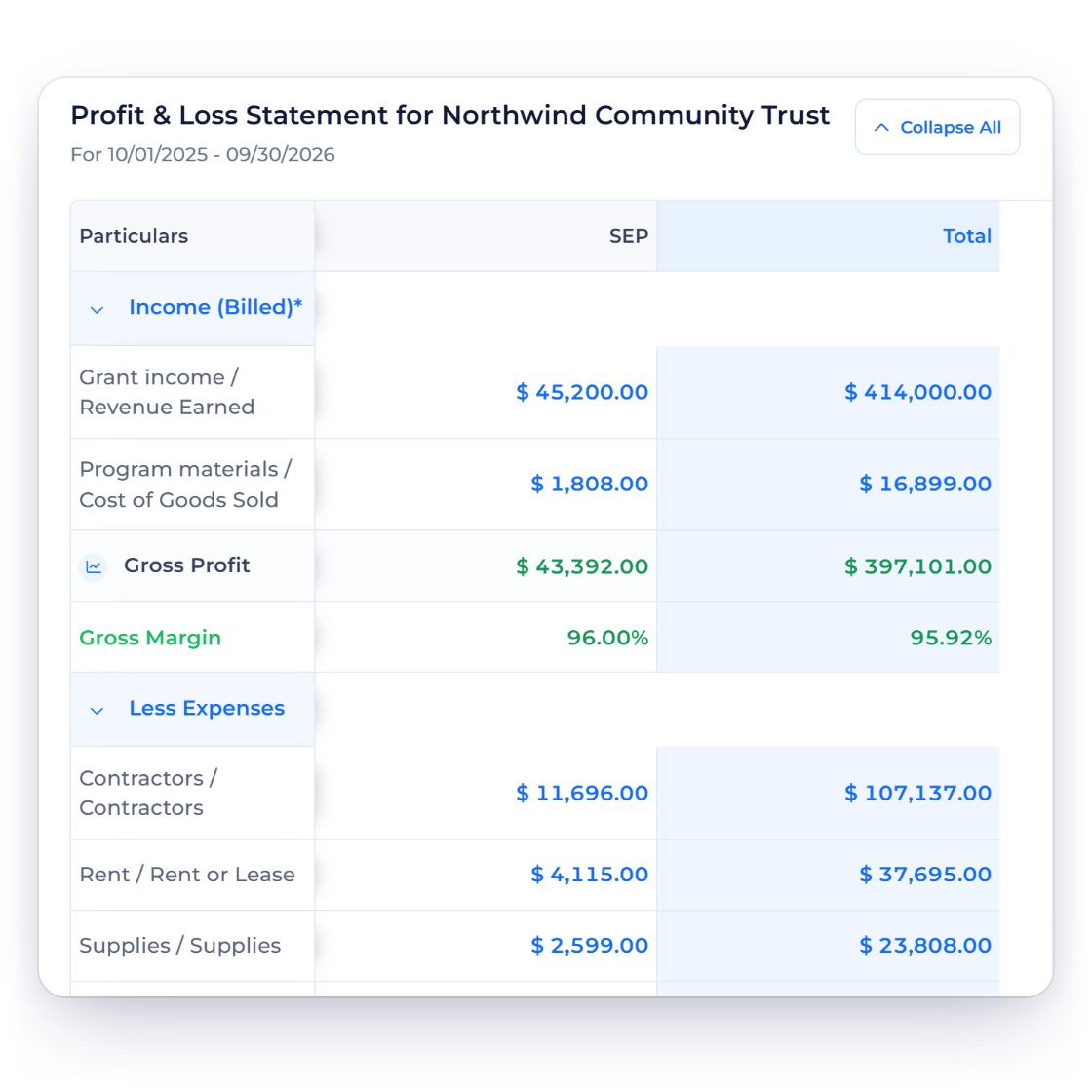
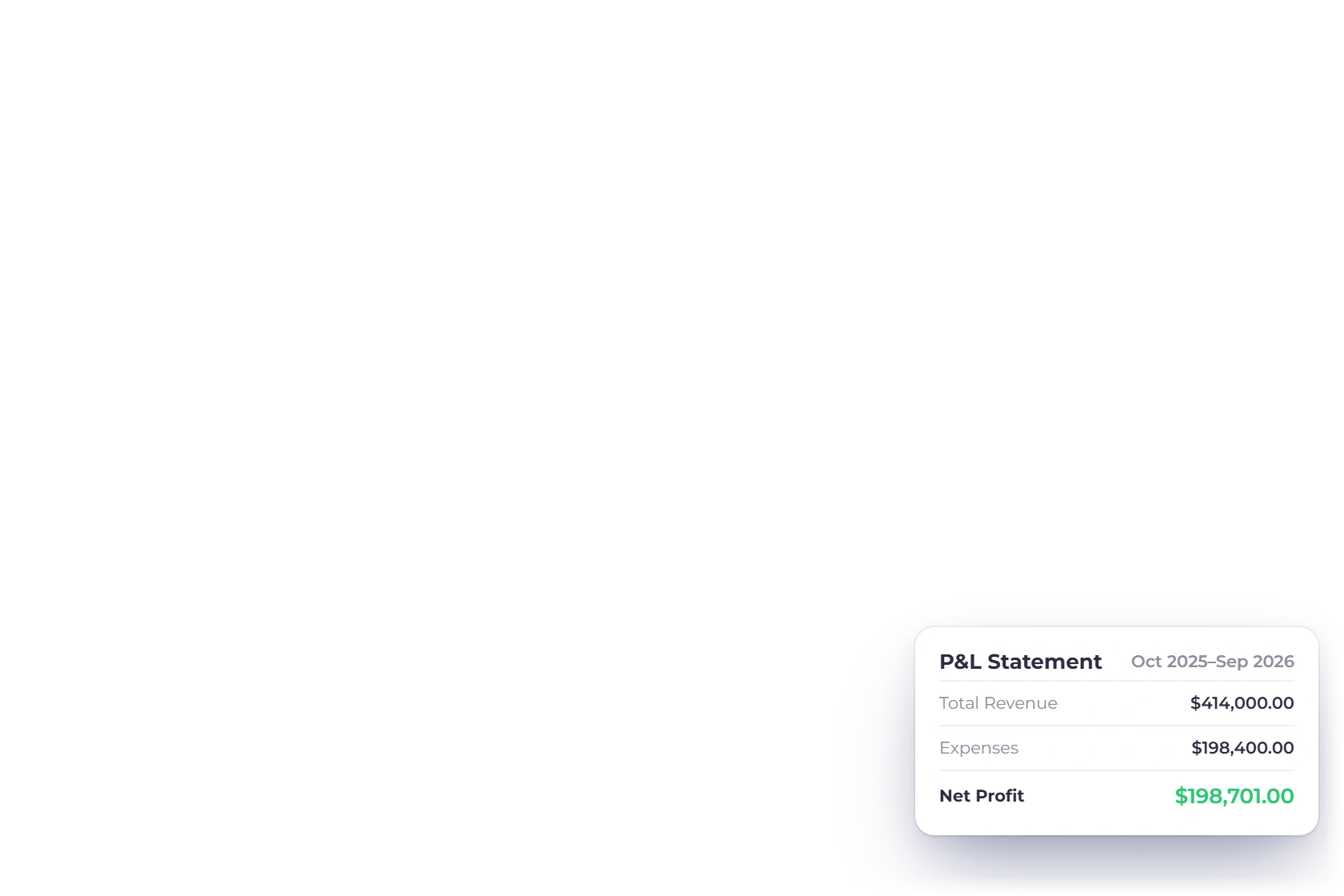
Profit and Loss Statement in Invoice Crowd with income and expense accounts totalled by month

Statements produced from the same entries

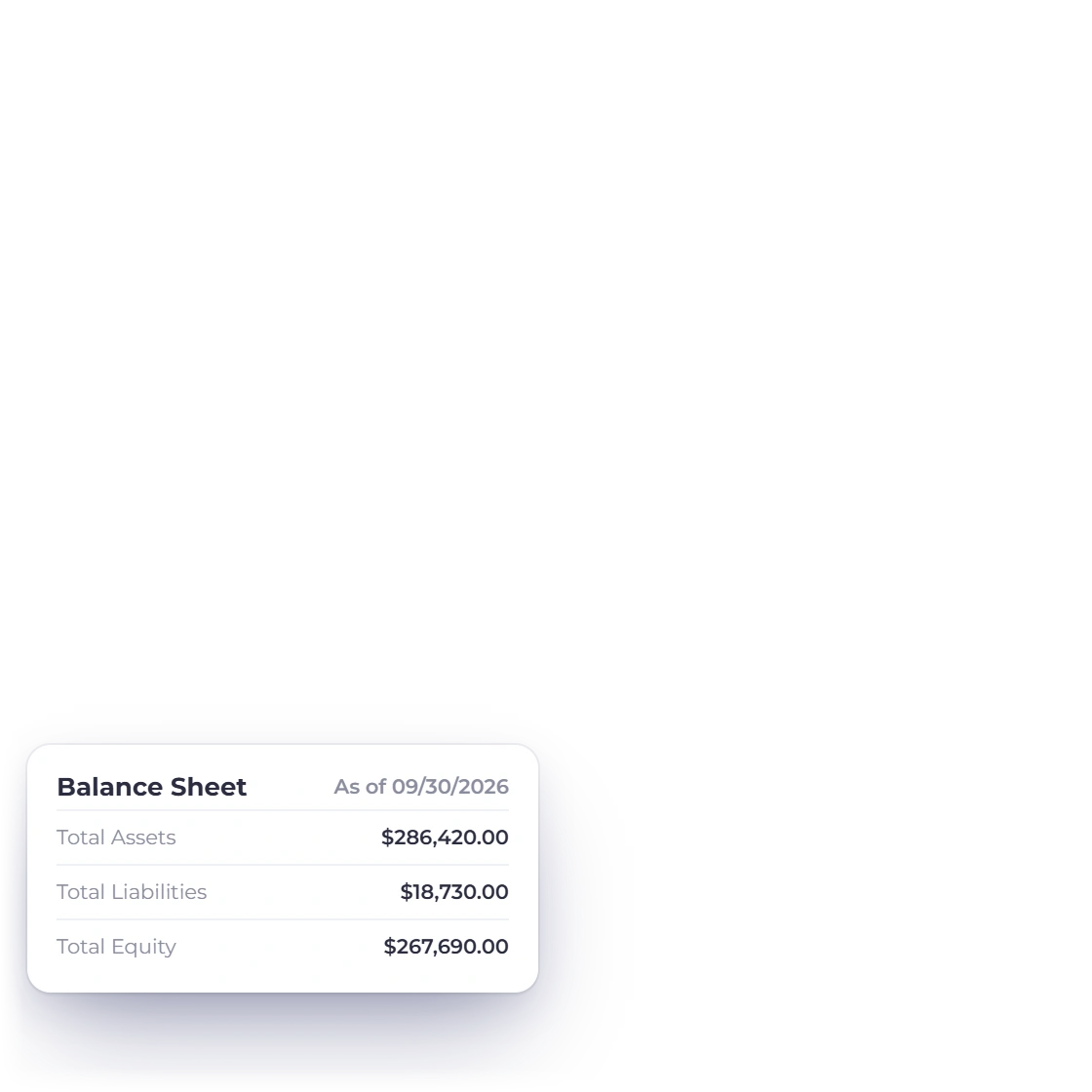
Income and expenditure across the year in monthly columns, a balance sheet as at any date, a trial balance that has to balance, and a cash flow statement drawn from the same postings. Nothing is retyped from a spreadsheet, so a question at a board meeting has an answer underneath it.

  • Balance sheet and trial balance for the auditor
  • Aged debt showing which invoices are still unpaid
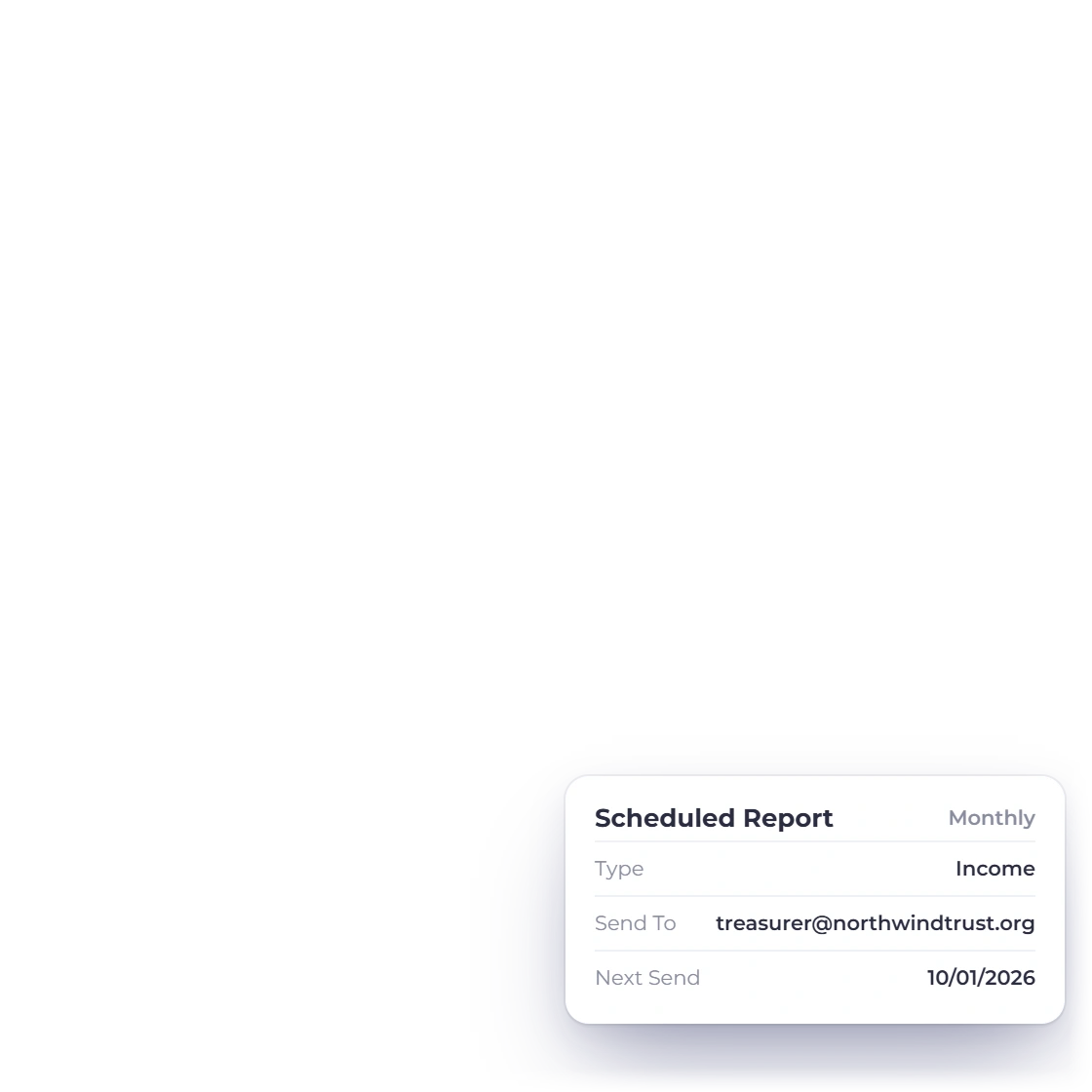
  • Reports emailed on a schedule you set
Profit and loss statement

One business profile per program

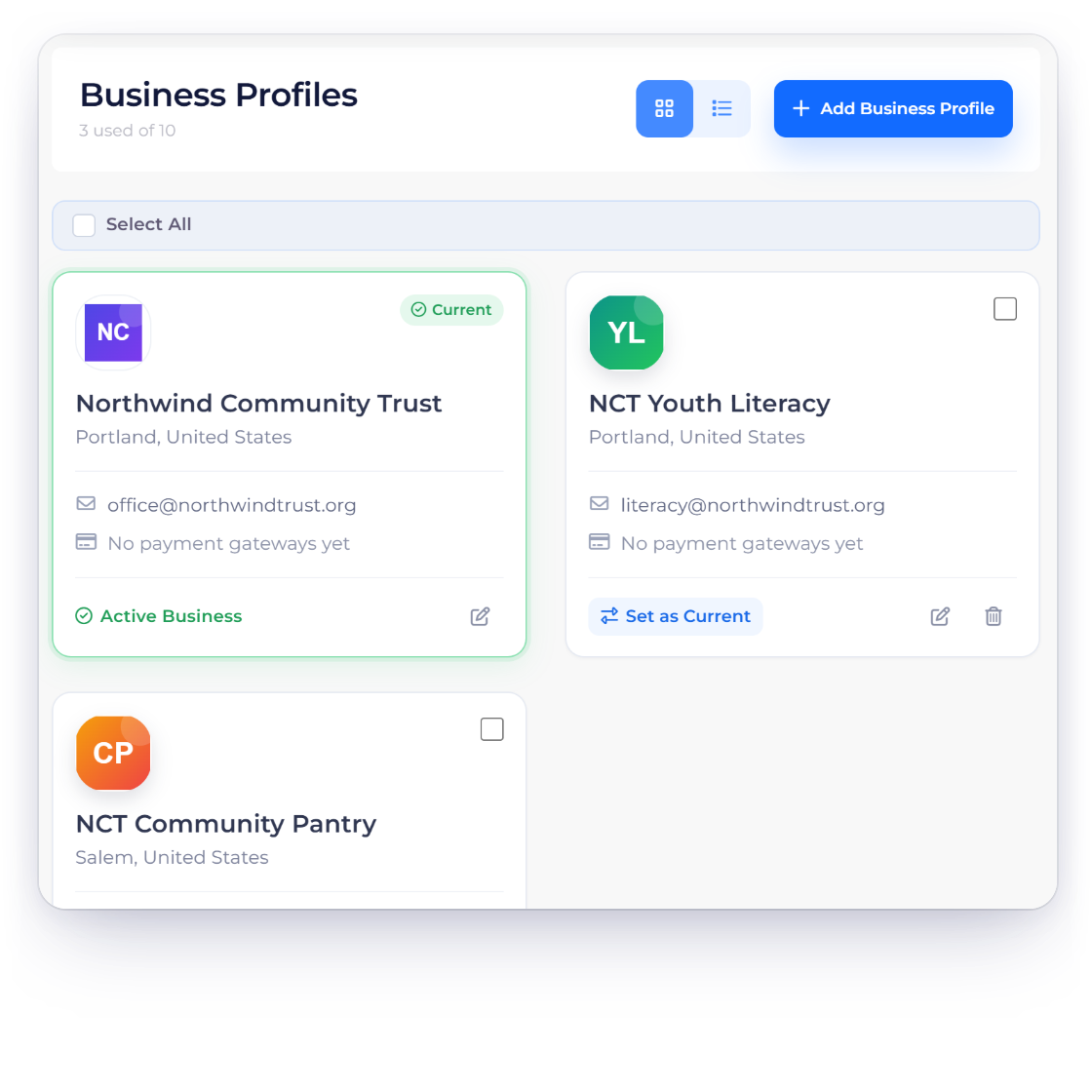
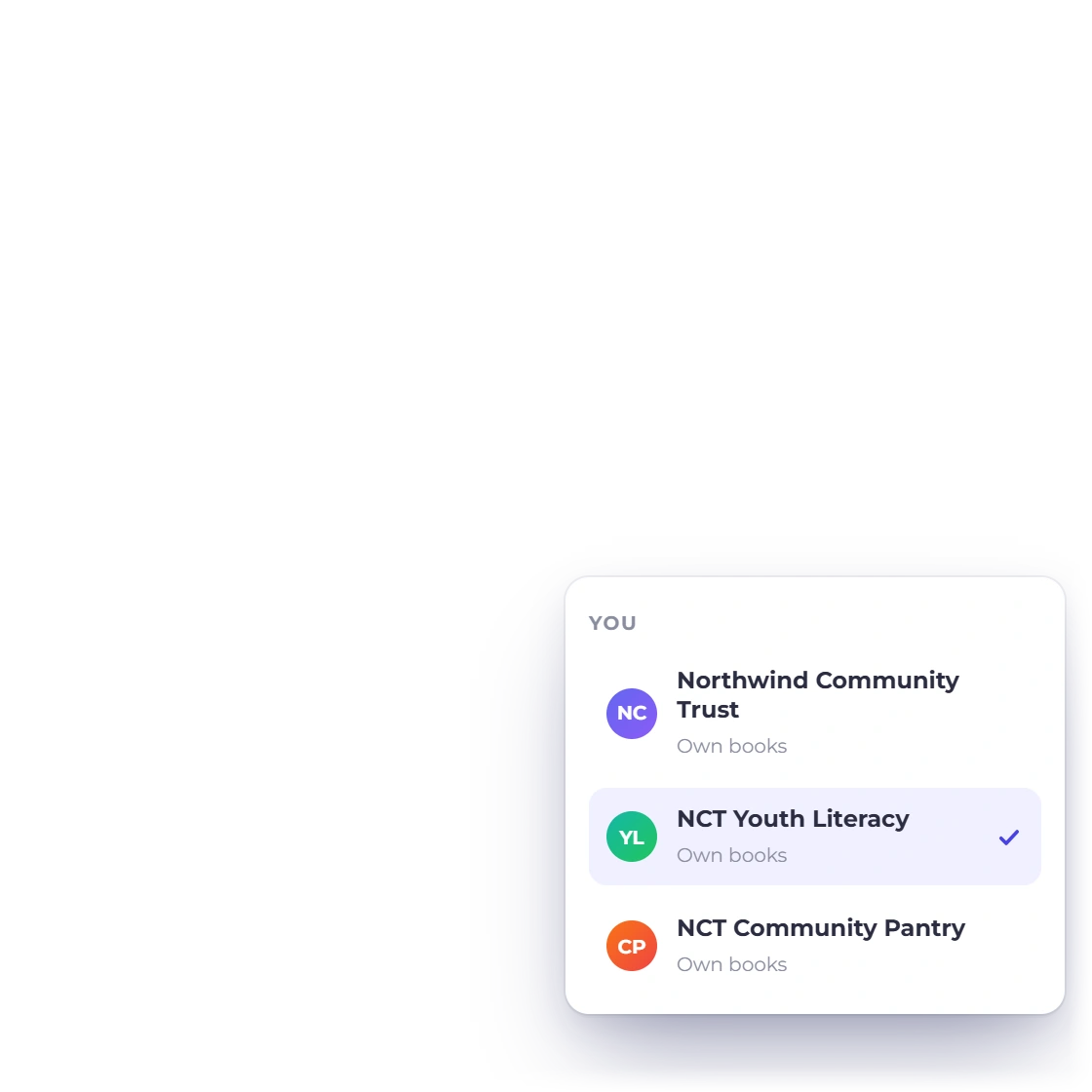
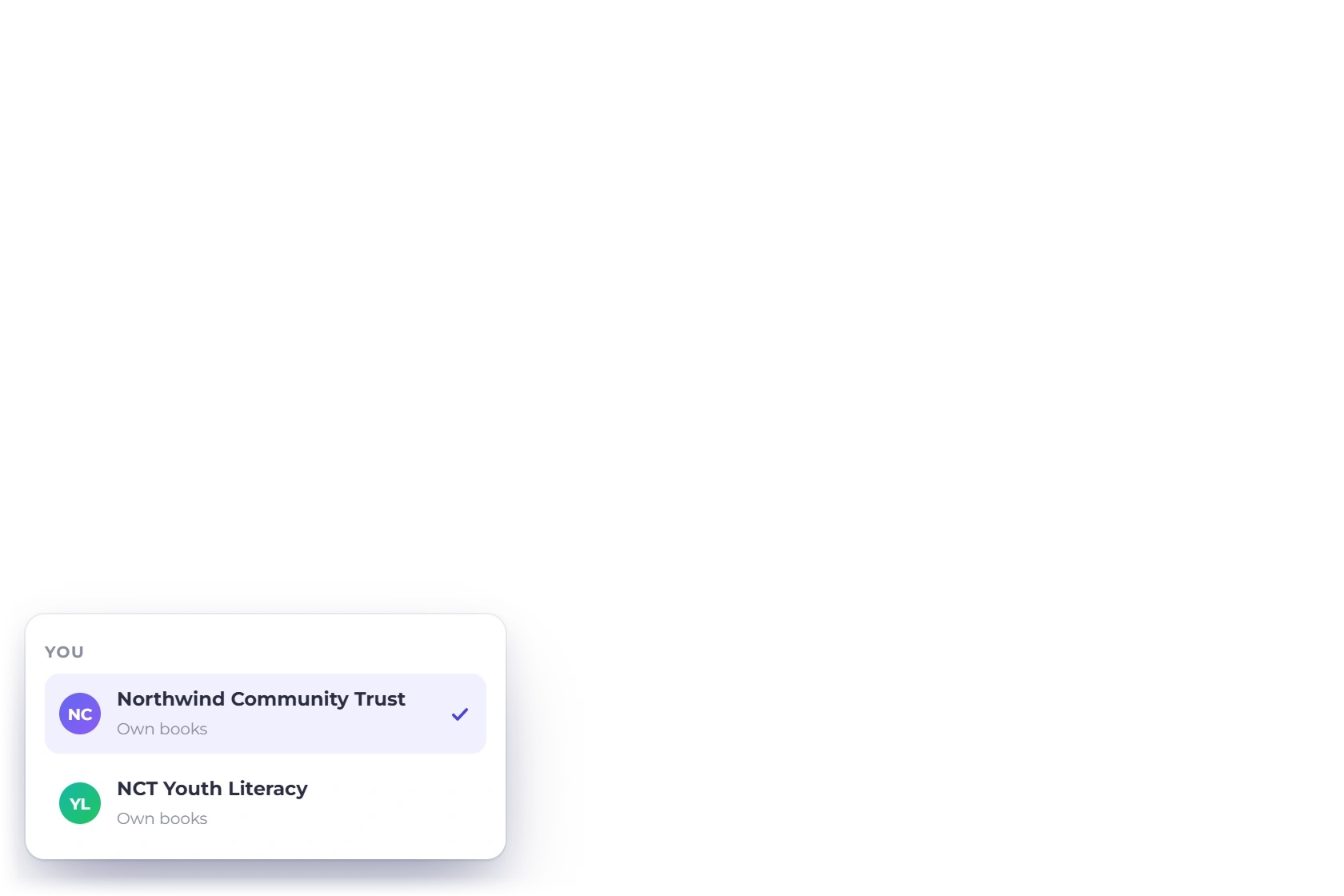
Where a program has to keep its own books, give it a business profile: its own logo on documents, its own invoices, its own accounts and its own statements, all under one login. Plans carry one profile on SOLO up to ten on BUSINESS.

  • Separate books without a second subscription
  • One to ten profiles depending on the plan
  • Team members invited with the role you choose
The accounting module

Also included

The rest of what a small organization needs

All of this is in the same subscription, whether you are a two-person charity or a foundation running several programs.

  • Customer portal

    Funders open, download and pay their invoices in one place instead of asking for a resend.

  • Online payment

    PayPal, Stripe, Razorpay, Square, Payoneer, Braintree, Authorize.net, Airwallex, GoCardless, PayFast, PayTabs, Telr, PhonePe and M-Pesa attach to the invoice.

  • Overseas grants

    Bill an overseas funder in the currency of the grant while reporting in your base currency.

  • Estimates and proposals

    Set out a piece of work for a funder and collect an approval signature online.

  • Team roles

    Invite a bookkeeper, a program lead or a treasurer and give each the access they need.

  • Zapier and Pabbly

    Connect the tools you already run; Zapier alone reaches more than 5,000 apps.

  • Scheduled reports

    Have the month's figures arrive by email before the meeting rather than after it.

  • General ledger

    Open a total and read every posting behind it, back to the invoice or expense.

  • Bank reconciliation

    Tie the ledger to the bank statement period by period, so nothing is missed at year end.

  • Suppliers and bills

    Enter what a supplier charges as a bill, and raise a purchase order first when spend needs approval.

  • Manual journals

    Post an adjustment or a year-end correction directly to the ledger, with both sides of the entry recorded.

  • Opening balances

    Enter what each account held on the day you started, so the first year's statements are complete.

Questions

Non-profit finances in Invoice Crowd, answered

Can Invoice Crowd track donations as well as invoices?

It is invoicing and accounting software rather than a donation platform. Money in is recorded as an invoice or an income entry against an account you choose, so sponsorship, grants, membership fees and service income all land in the same ledger and the same statements.

How do we keep restricted funds separate from general funds?

There are two mechanisms and they work together. Give a program its own business profile when it needs its own books, and use dedicated income and expense accounts within a profile for everything else. Budget vs actuals then shows what each account has left.

What reports can we hand to a board or an auditor?

Profit and loss by month, a balance sheet as at a date, trial balance, cash flow, and the general ledger behind all of them. Alongside those sit aged debt, expense and income reports. Each one exports to spreadsheet or PDF, or arrives by email on a schedule.

Can we run several programs under one login?

Yes. Business profiles keep a program's invoices, accounts and statements to itself, with its own name and logo on documents. The SOLO plan includes one profile, PRO two, TEAM five and BUSINESS ten, so a second set of books does not need a second account.

Do you handle grants paid in another currency?

Yes. An invoice can be raised in the funder's currency while your accounts continue to total in the one currency you report in. That keeps a euro grant and a dollar grant comparable in the same income statement without anyone converting figures by hand.

What does this cost a small organization?

SOLO is $10 a month, or $9 on annual billing, and covers one business profile and 100 customer profiles. Every plan starts with a 30-day free trial and no card. There is also a free forever plan with unlimited invoices, one profile and PayPal.

Put the funding and the accounts in one place

Bill the funder, file the spend, and let the statements assemble themselves from the entries behind them. Thirty days is long enough to run a month of your own figures through it.

  • Chart of 165 accounts on day one
  • A profile for each program
  • Trial for 30 days, no card