Skip to content

Bill the same client on a schedule you set once

Choose the customer, the amount and how often it repeats. The schedule can create its next invoice and notify the client; settlement is recorded only through a supported payment path after its provider evidence is accepted.

  • Daily to quarterly, or custom
  • Pause or stop at any time
  • Provider-verified settlement where supported
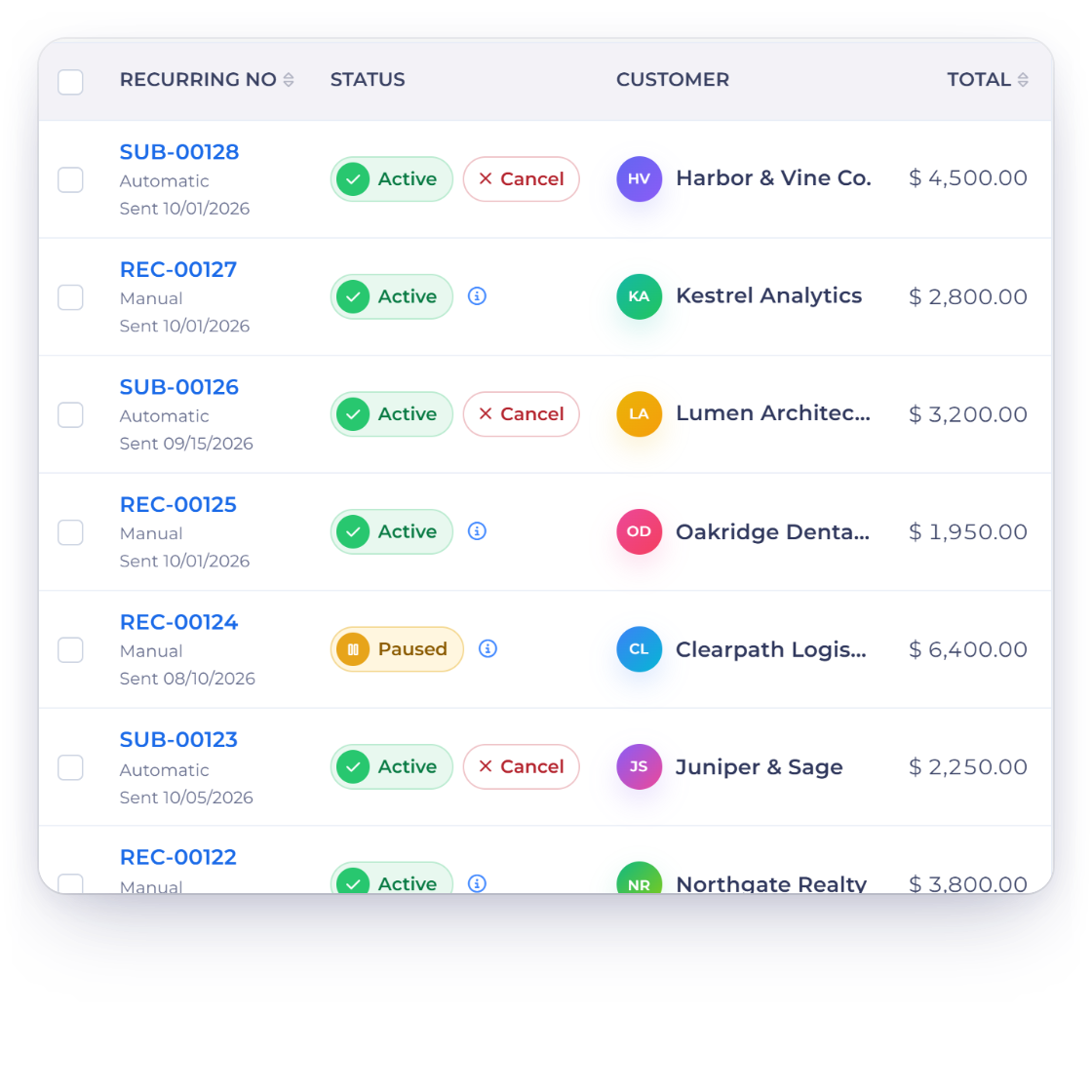
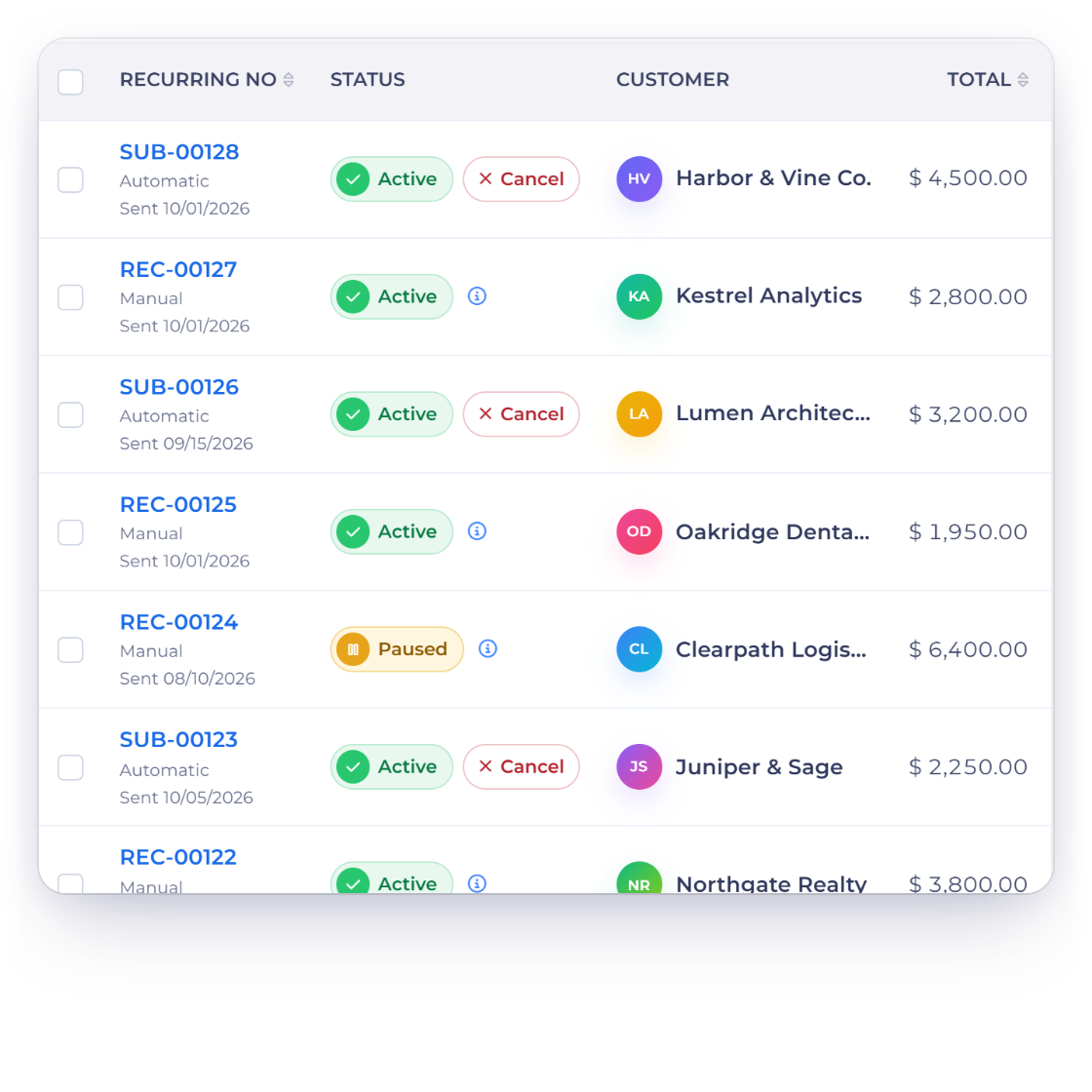
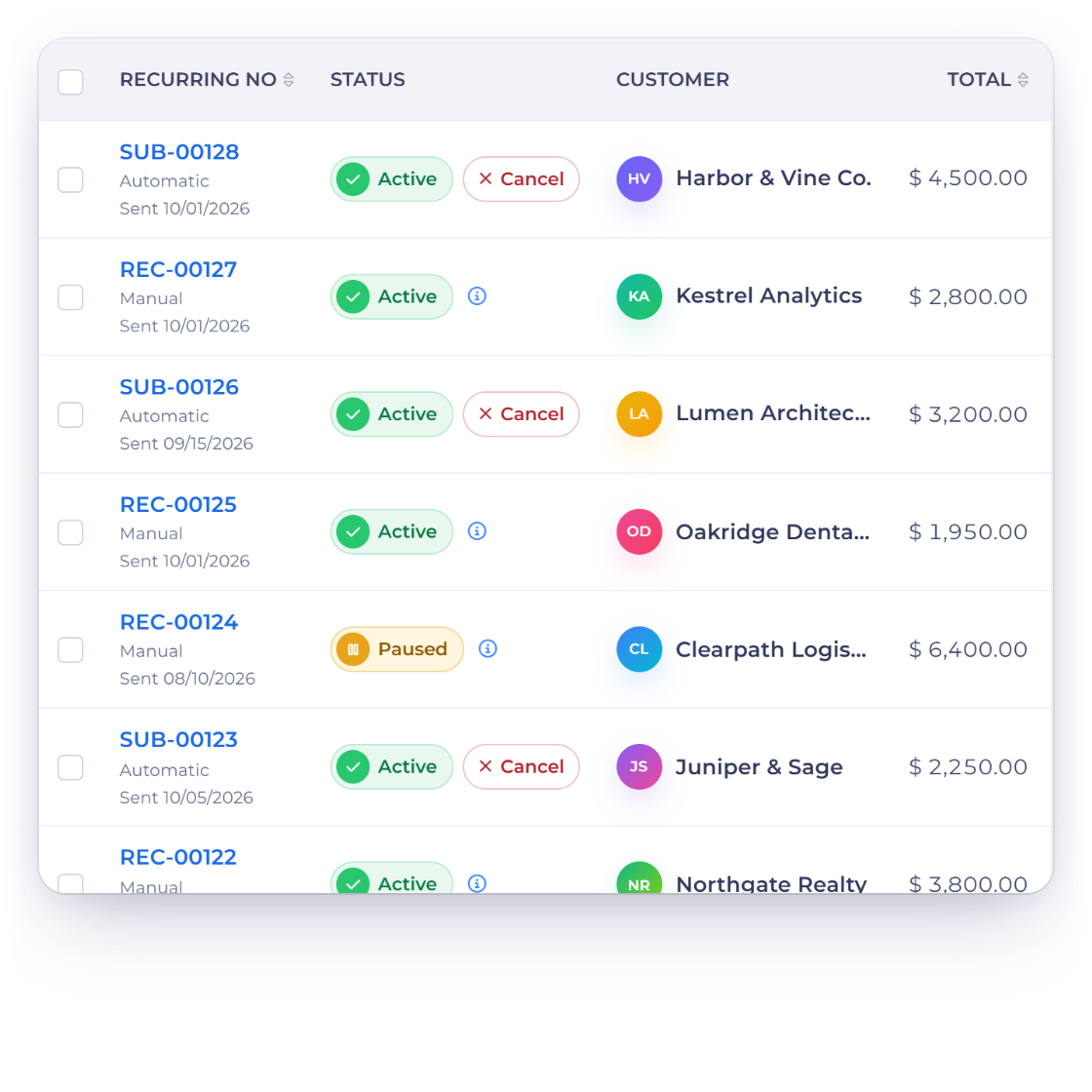
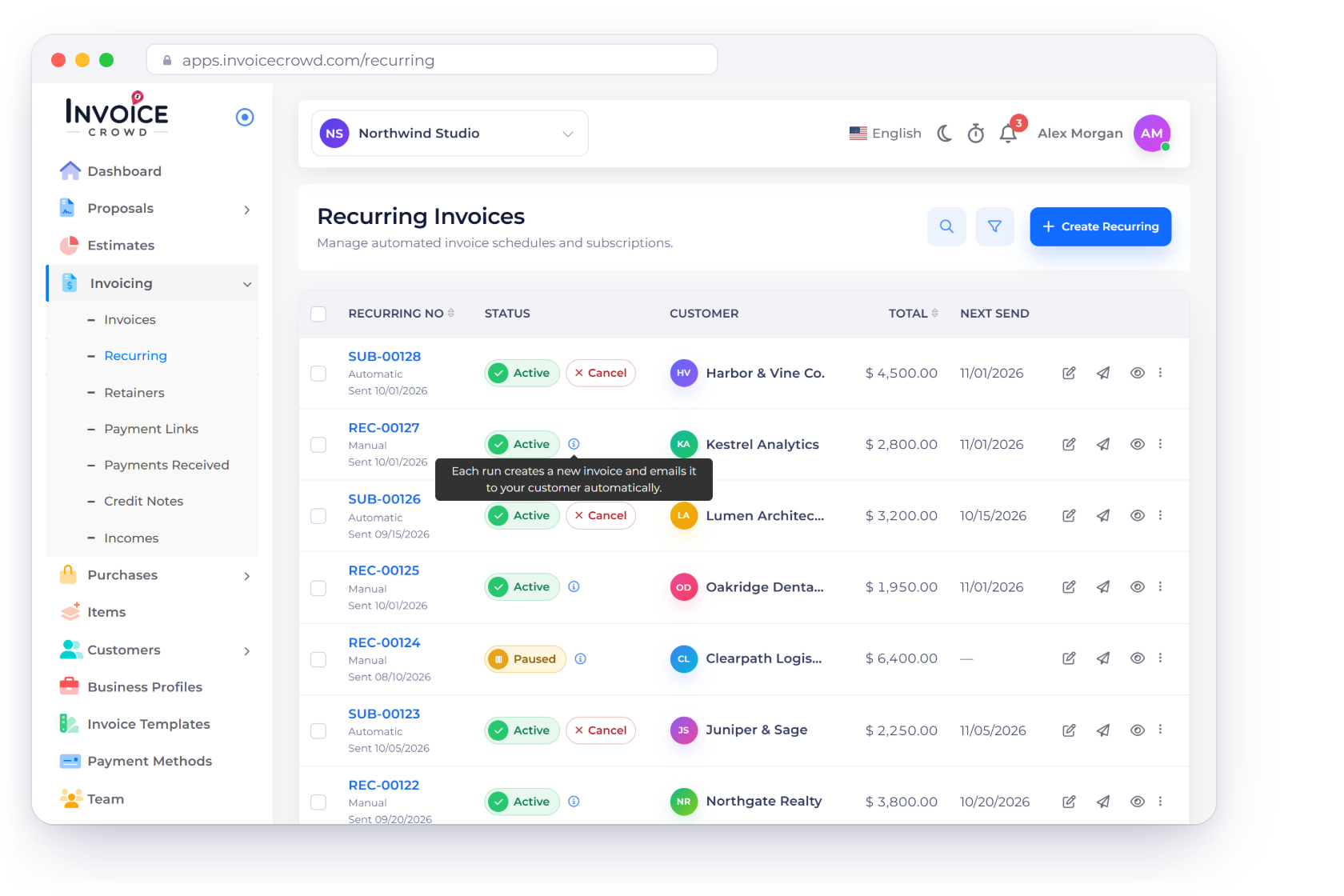
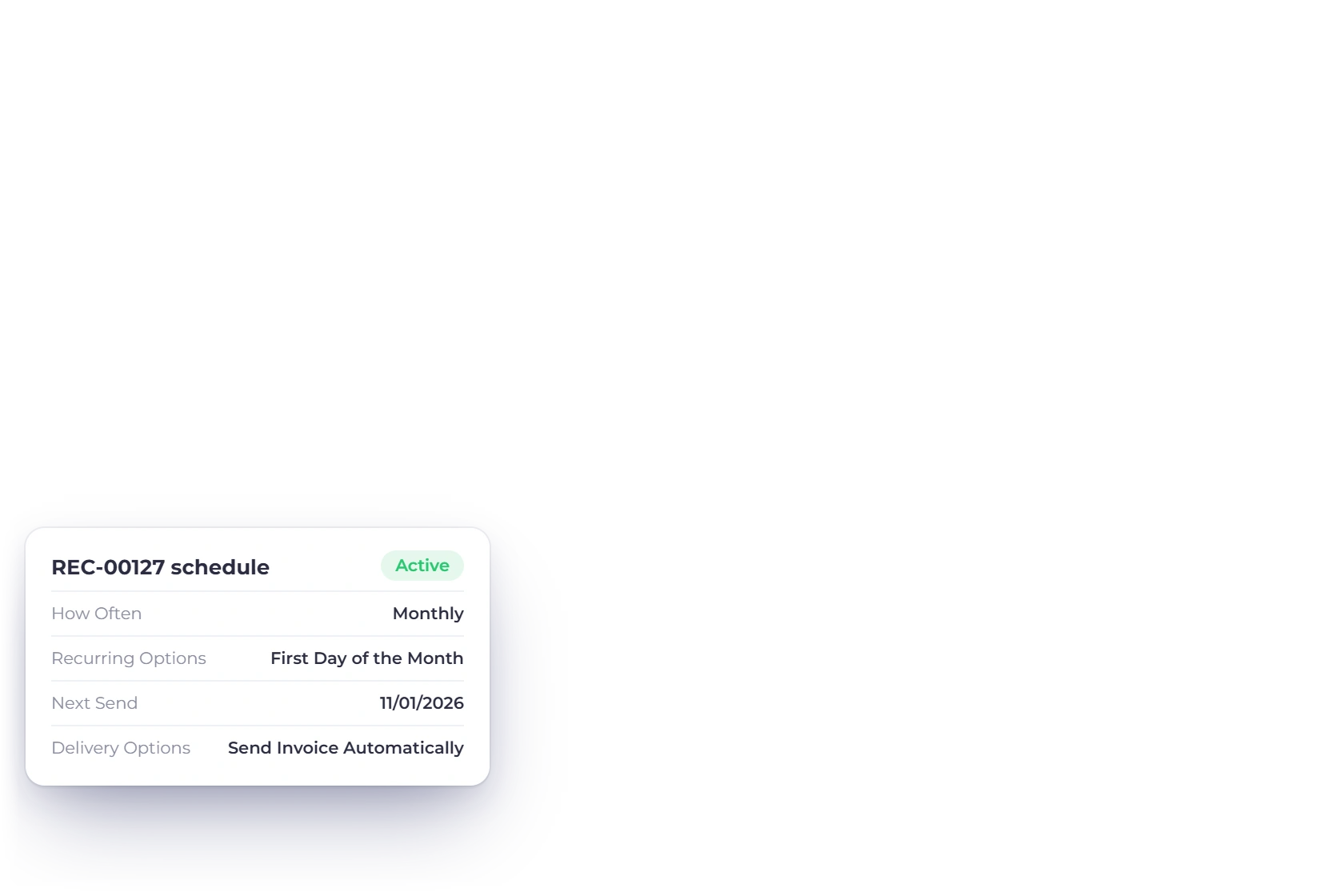
Recurring invoice schedules in Invoice Crowd, with their cadence and next run

What is inside

Set the cycle, then watch it rather than run it

A recurring invoice is a schedule attached to a customer. It decides what goes out, how often, and what happens when the payment arrives, and it can be changed or halted at any point.

Setting the schedule

One setup, then it repeats

Setting the send frequency on a recurring invoice in Invoice Crowd

Scheduled invoicing you set up once

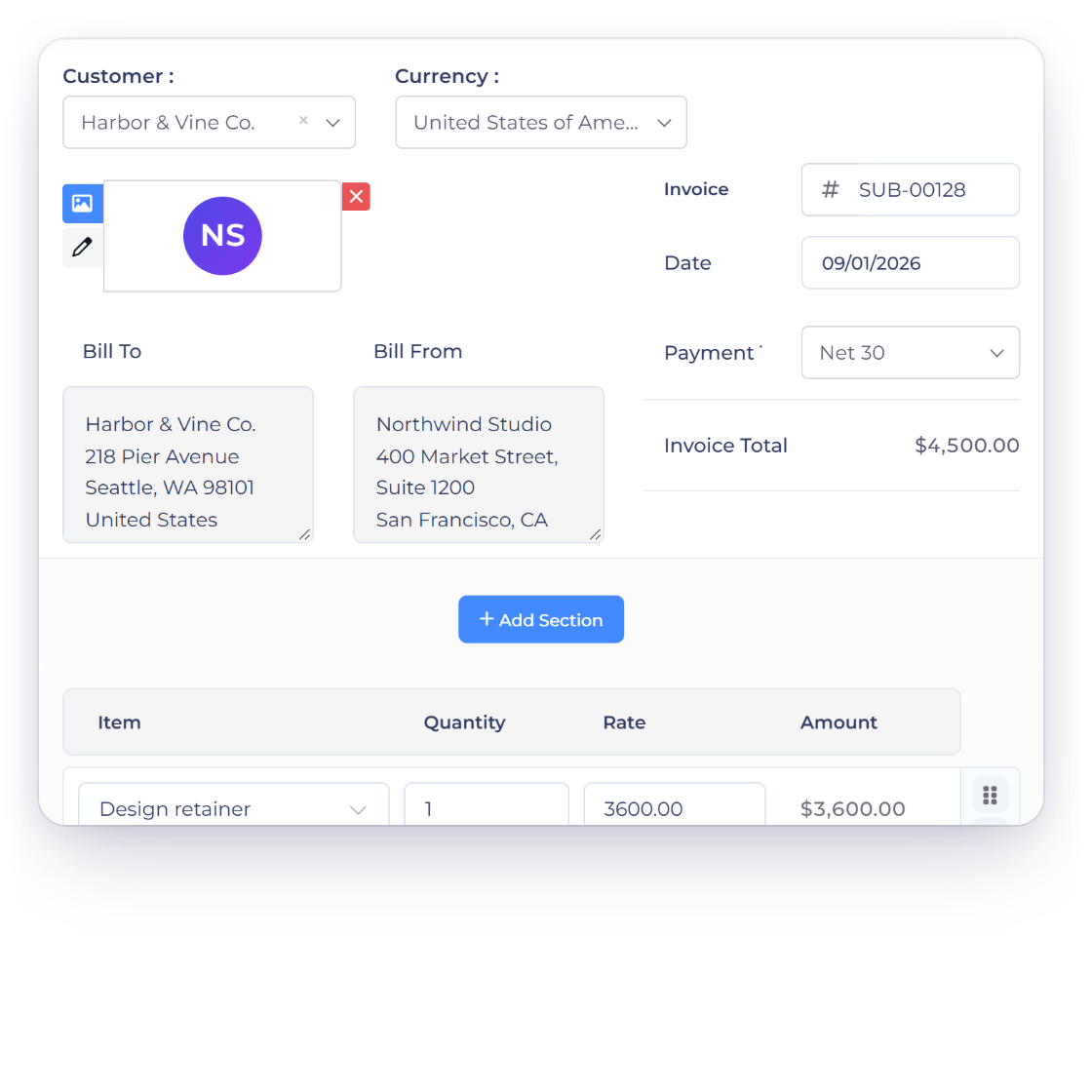
Pick the customer, build the invoice the way you normally would, and set how often it should repeat. Invoice Crowd sends it from then on. The work of remembering which client is billed on which day moves out of your calendar and into the schedule itself.

  • Built the same way as a one-off invoice
  • Sent on the frequency you choose
  • One schedule per customer and agreement
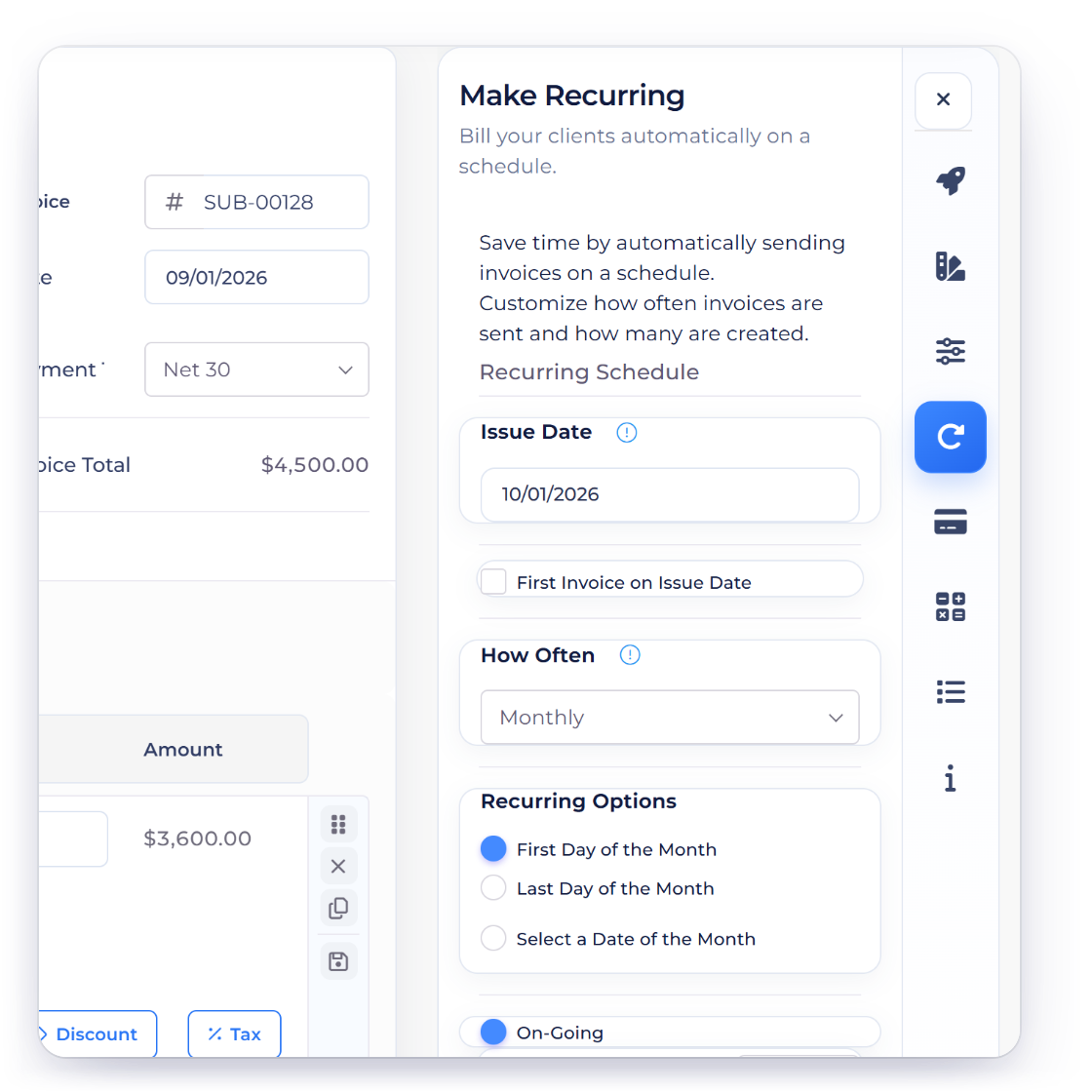
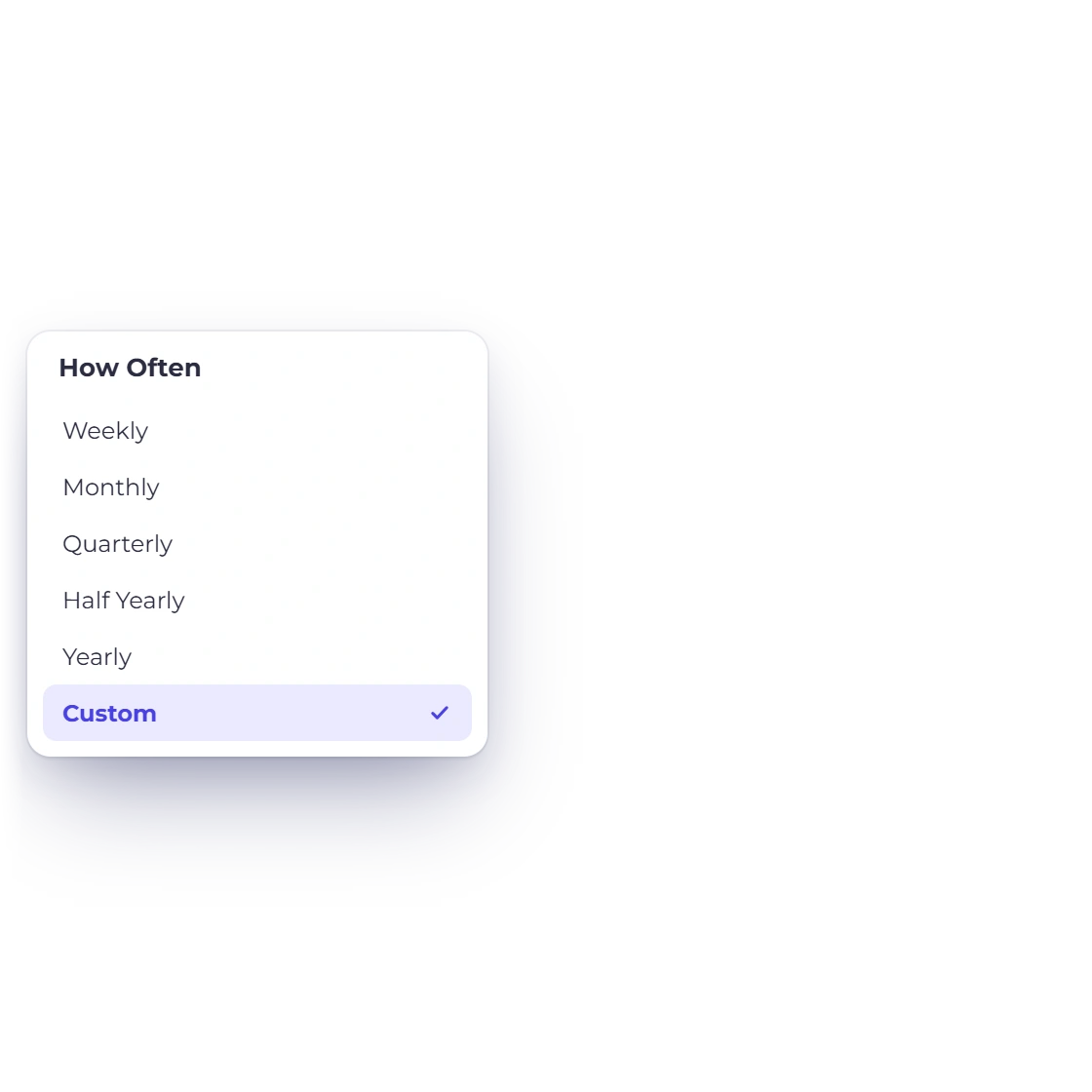
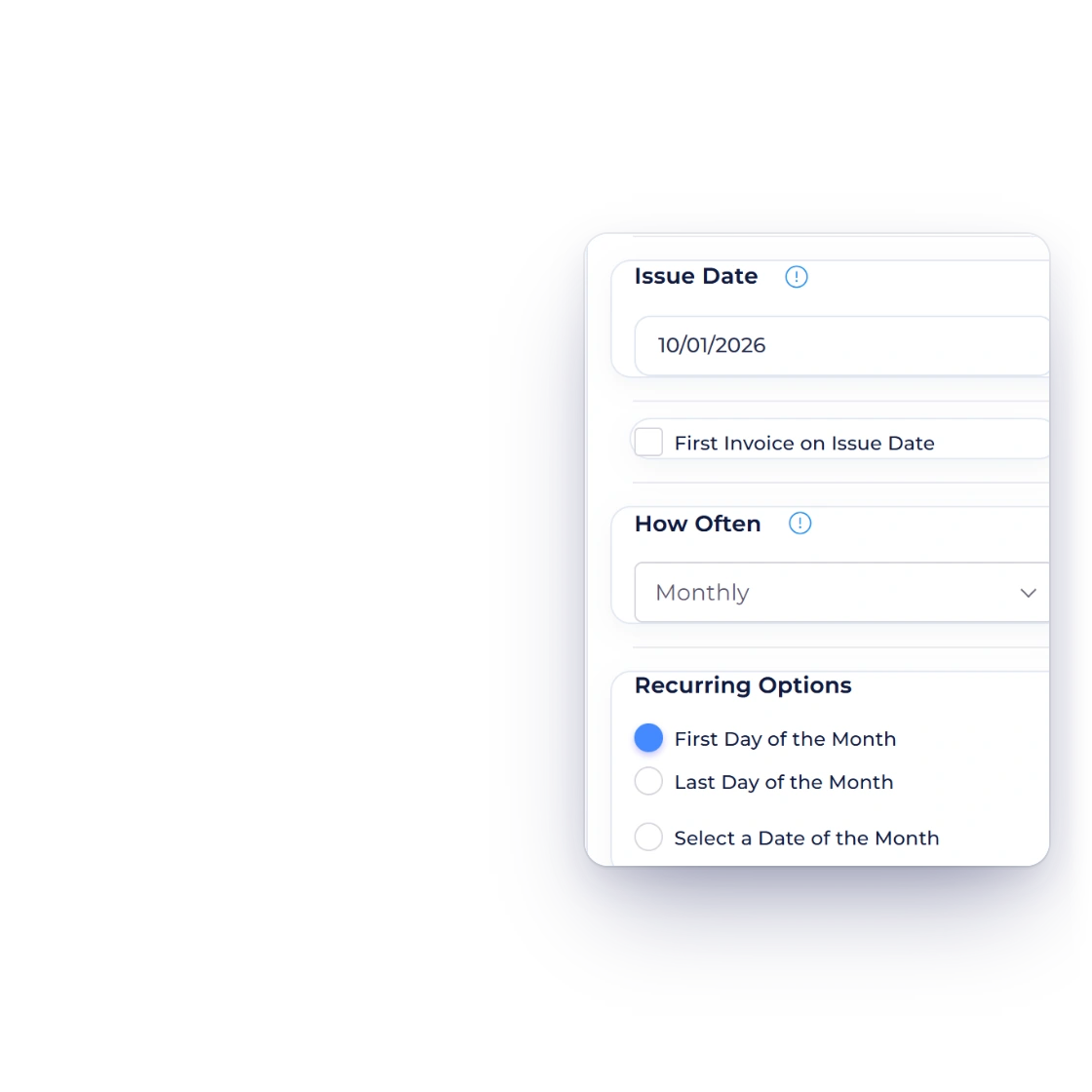
Billing cycle options in Invoice Crowd, from daily through quarterly to a custom recurrence

Daily, weekly, monthly, quarterly or custom

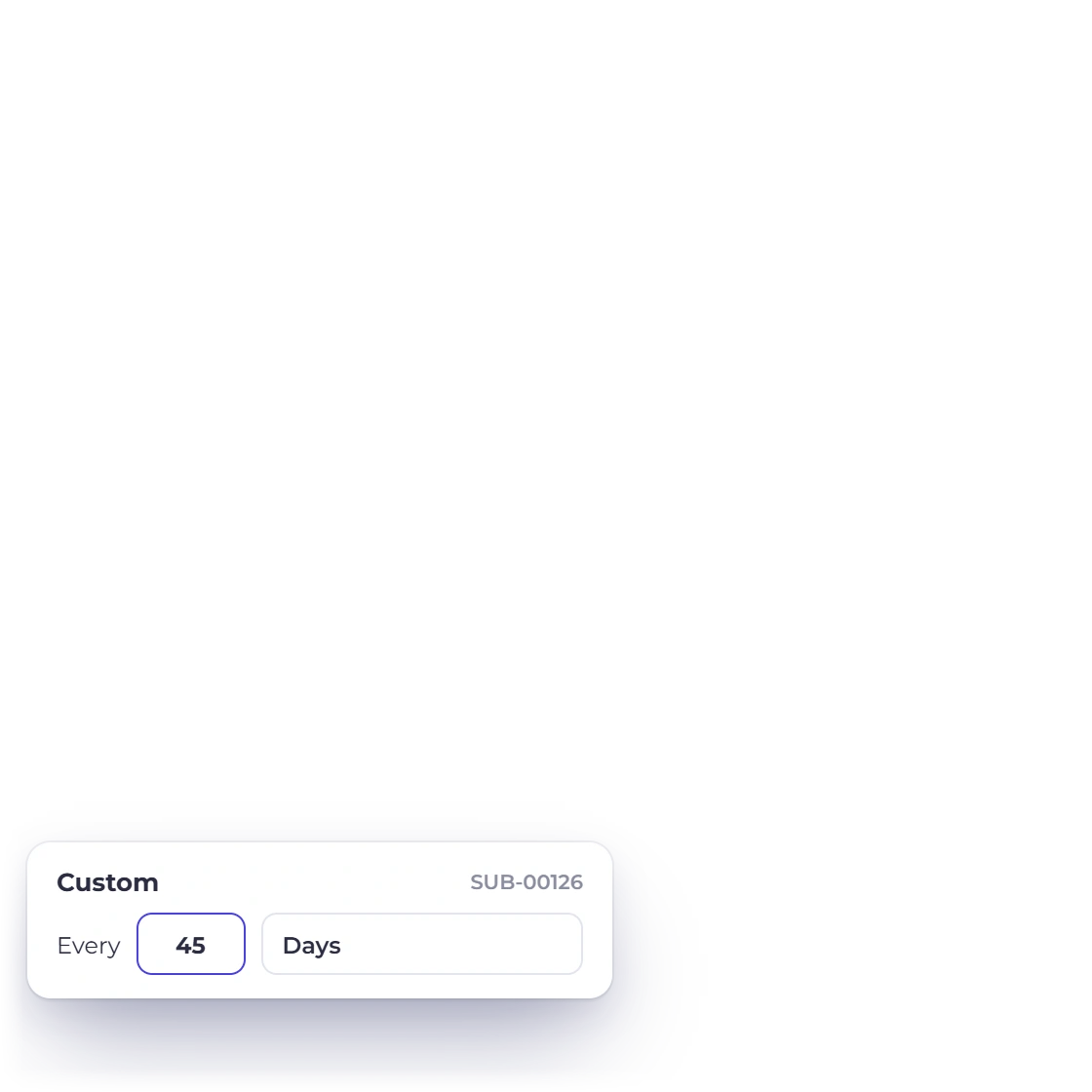
A retainer might run monthly, hosting yearly, a maintenance agreement every six weeks. Standard cycles cover daily, weekly, monthly and quarterly billing, and a custom recurrence handles the arrangements that do not land on a neat interval. The cycle belongs to the schedule, so changing it does not mean rebuilding the invoice.

  • Daily, weekly, monthly or quarterly
  • Custom recurrence for unusual agreements
  • Change the cycle without rebuilding the invoice

While it runs

You hear about it, you do not drive it

Notifications at each step

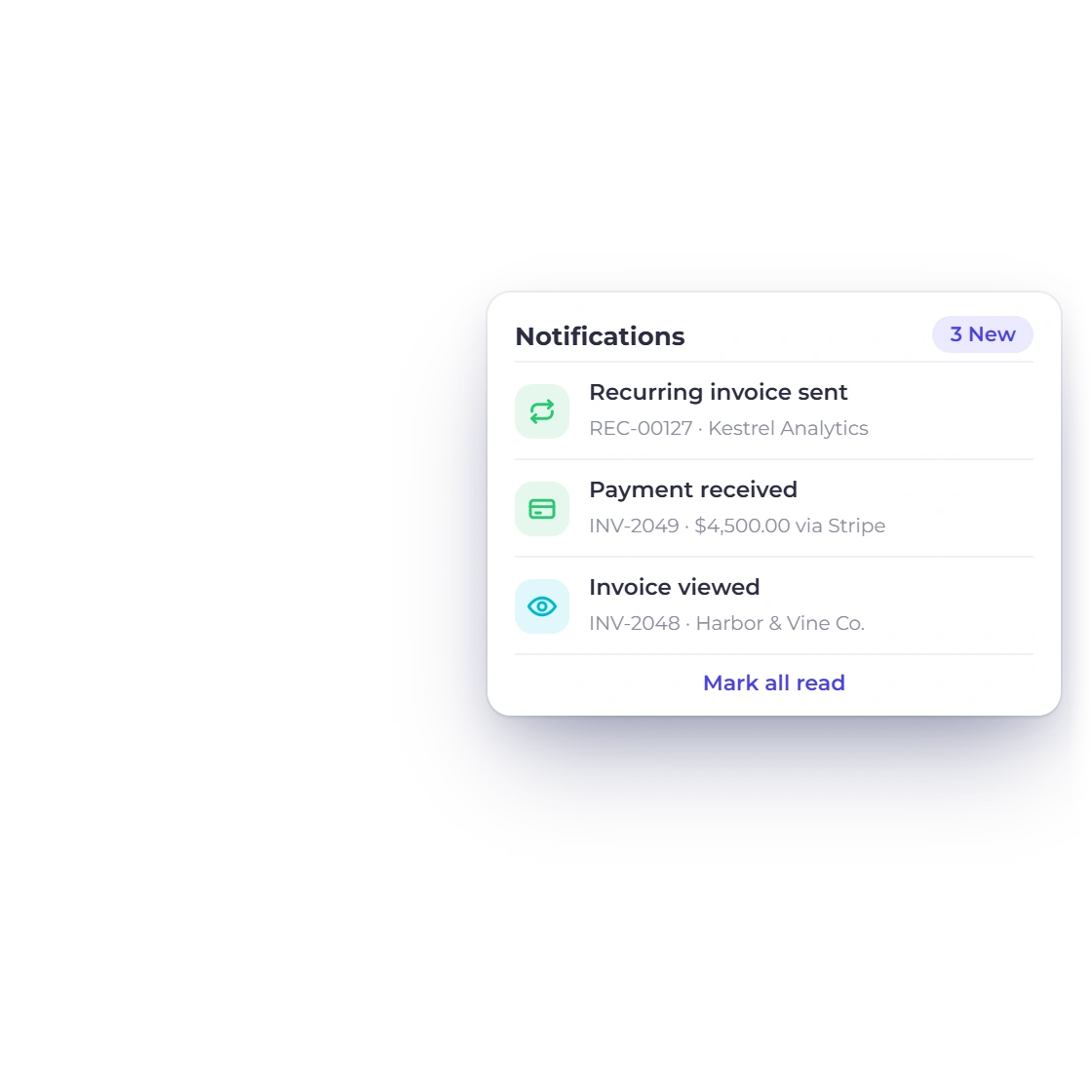
You are told when an invoice in a schedule is sent and when it is paid. That matters more with automated billing than with invoices you raise by hand, because nobody is watching the send button. The notification is how you know the cycle ran and what came of it.

  • Told when a scheduled invoice goes out
  • Told when the payment arrives
  • The same alerts as your manual invoices
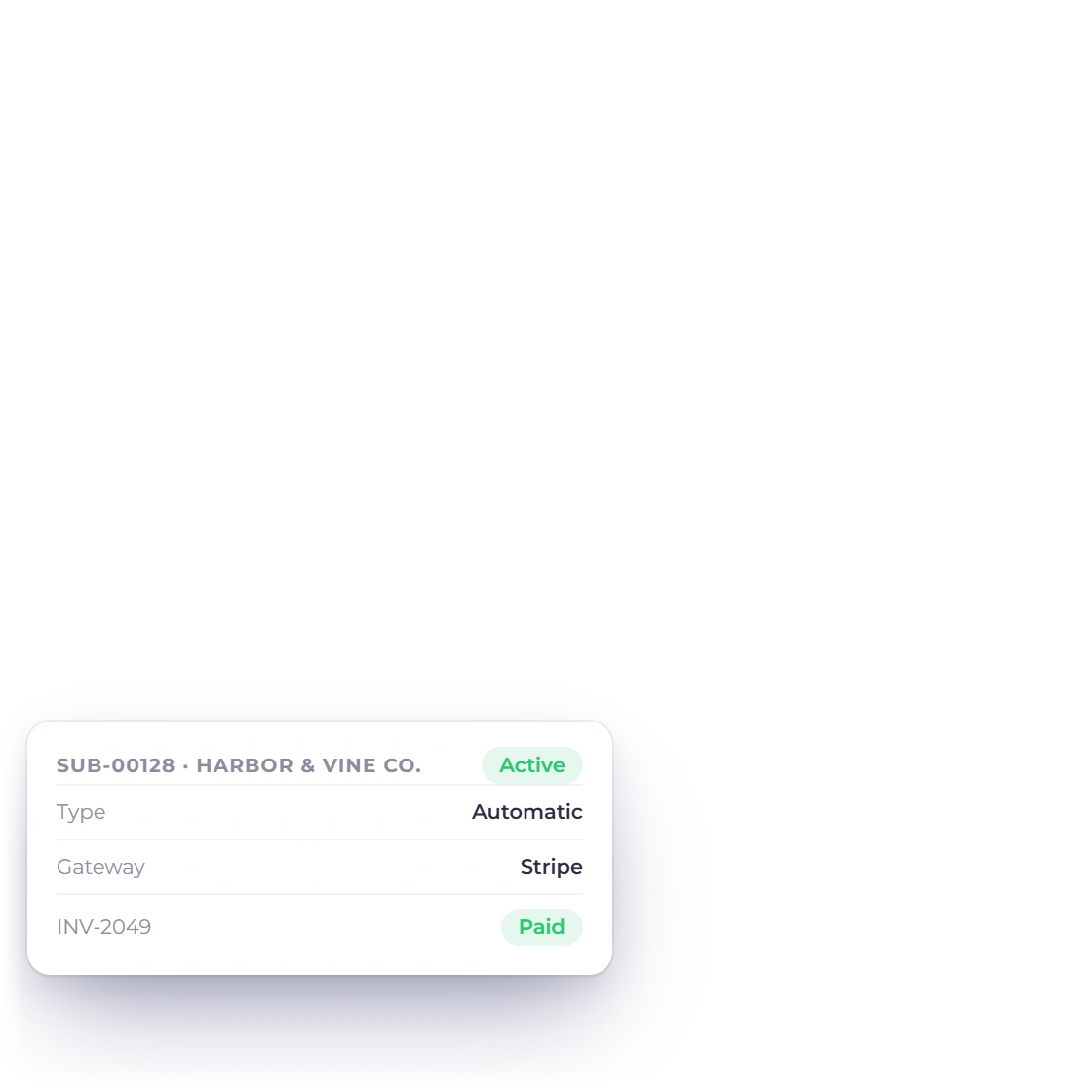
A recurring invoice in Invoice Crowd updated after a supported gateway settlement is verified

Payments recognized as they land

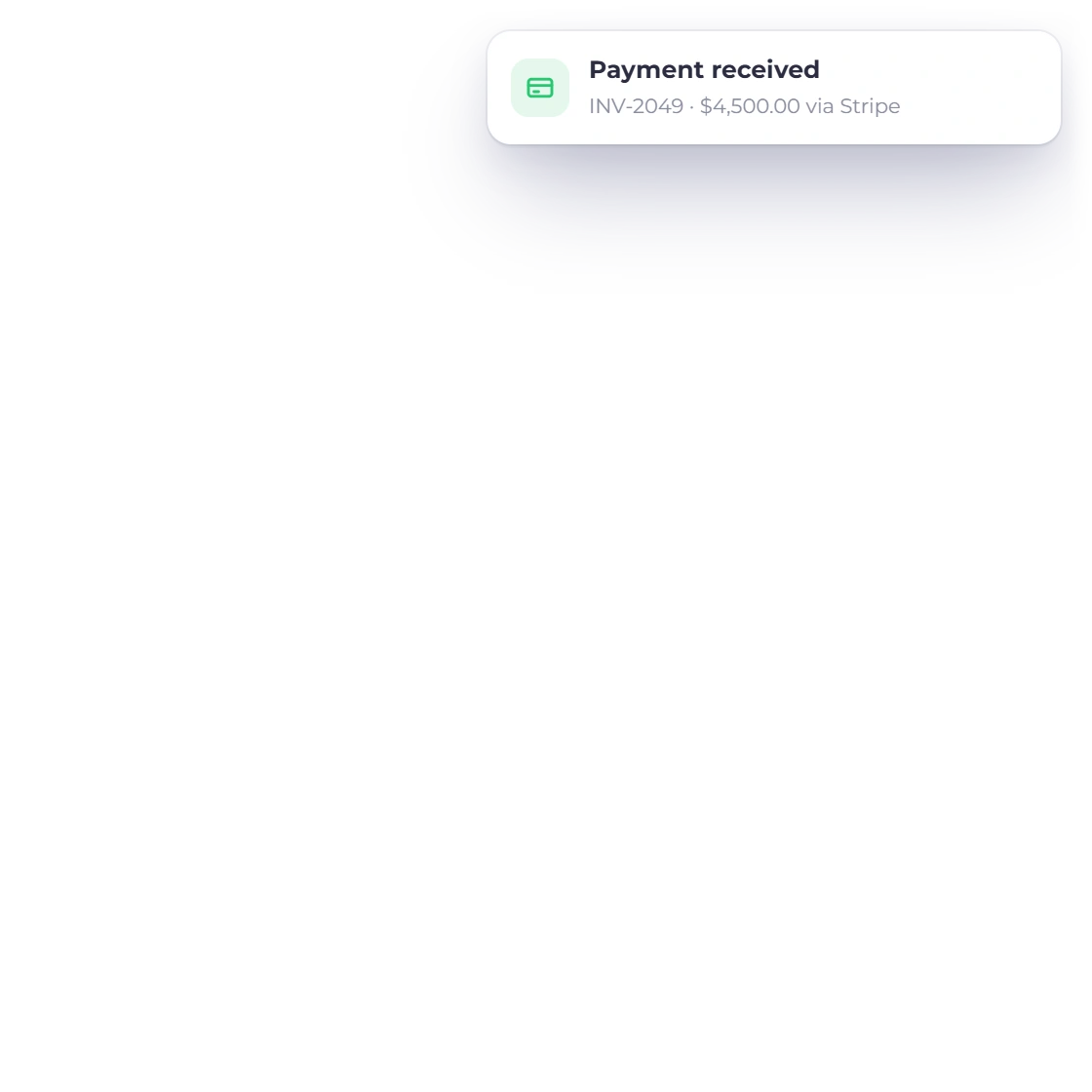
When a supported connected gateway reports and verifies settlement, Invoice Crowd records that payment against the scheduled invoice. You are not working through a list of near-identical invoices at the end of the month trying to establish which one is still open.

  • Verified settlement where supported
  • Works with the gateways you have connected
  • No manual matching at month end
Connected gateways

Staying in control

A schedule is not a commitment

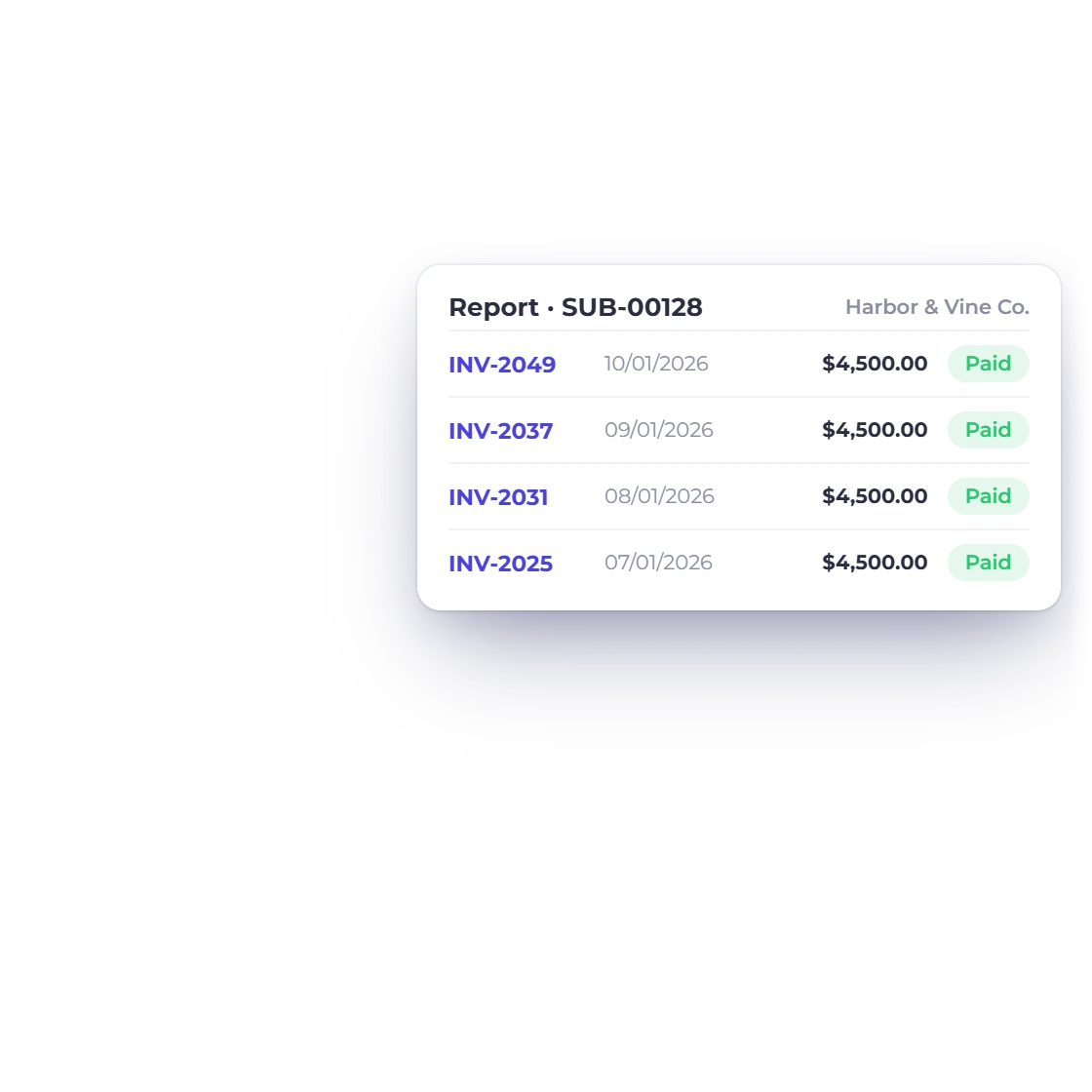
A report for every recurring setup

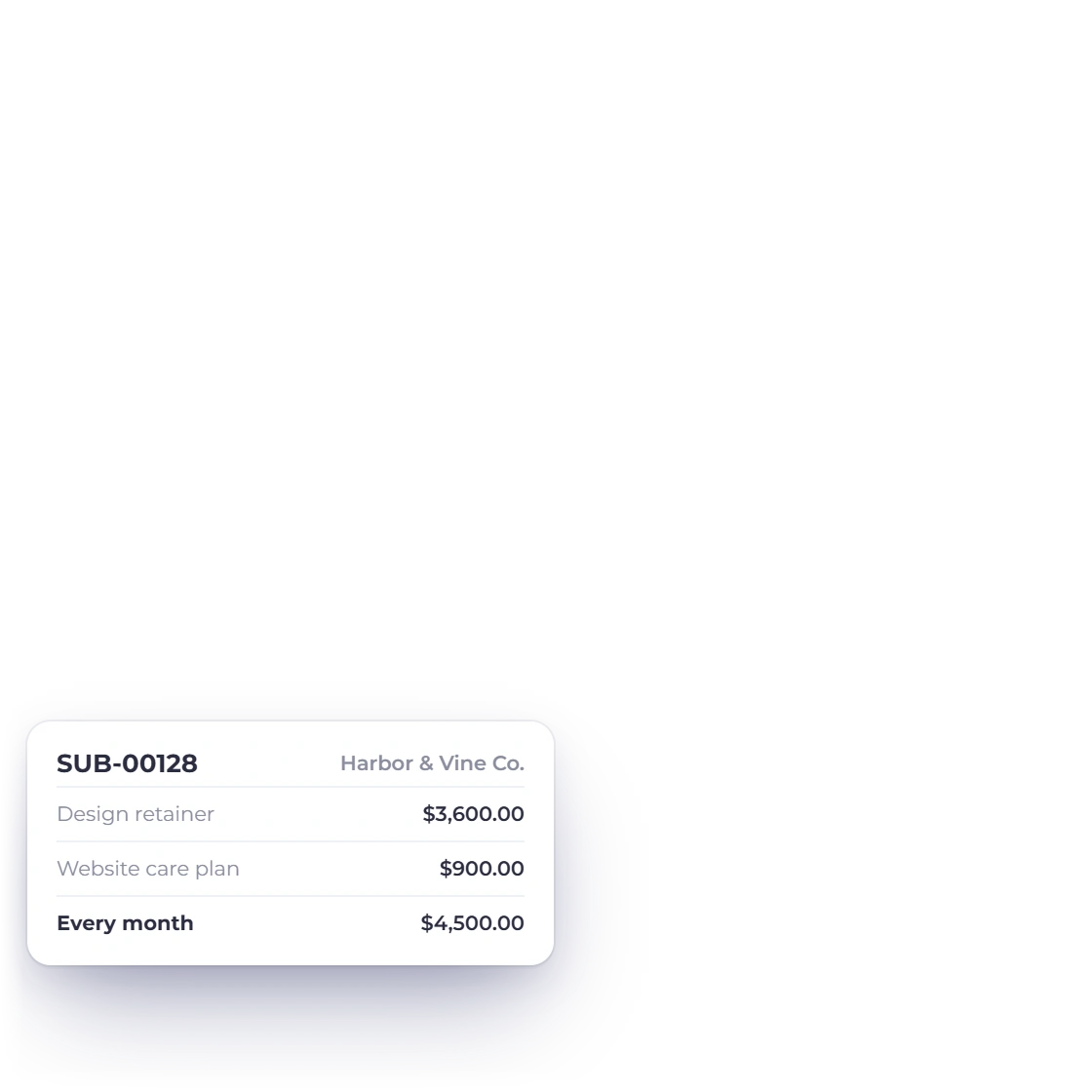
Each schedule has its own report listing the invoices it has produced, with their numbers. When a client asks what they were billed in March, or you want to confirm a cycle is still running, the answer is one list rather than a filter across your whole invoice ledger.

  • Every invoice a schedule has generated
  • Invoice numbers listed against the setup
  • Useful when a client queries a period
All reports

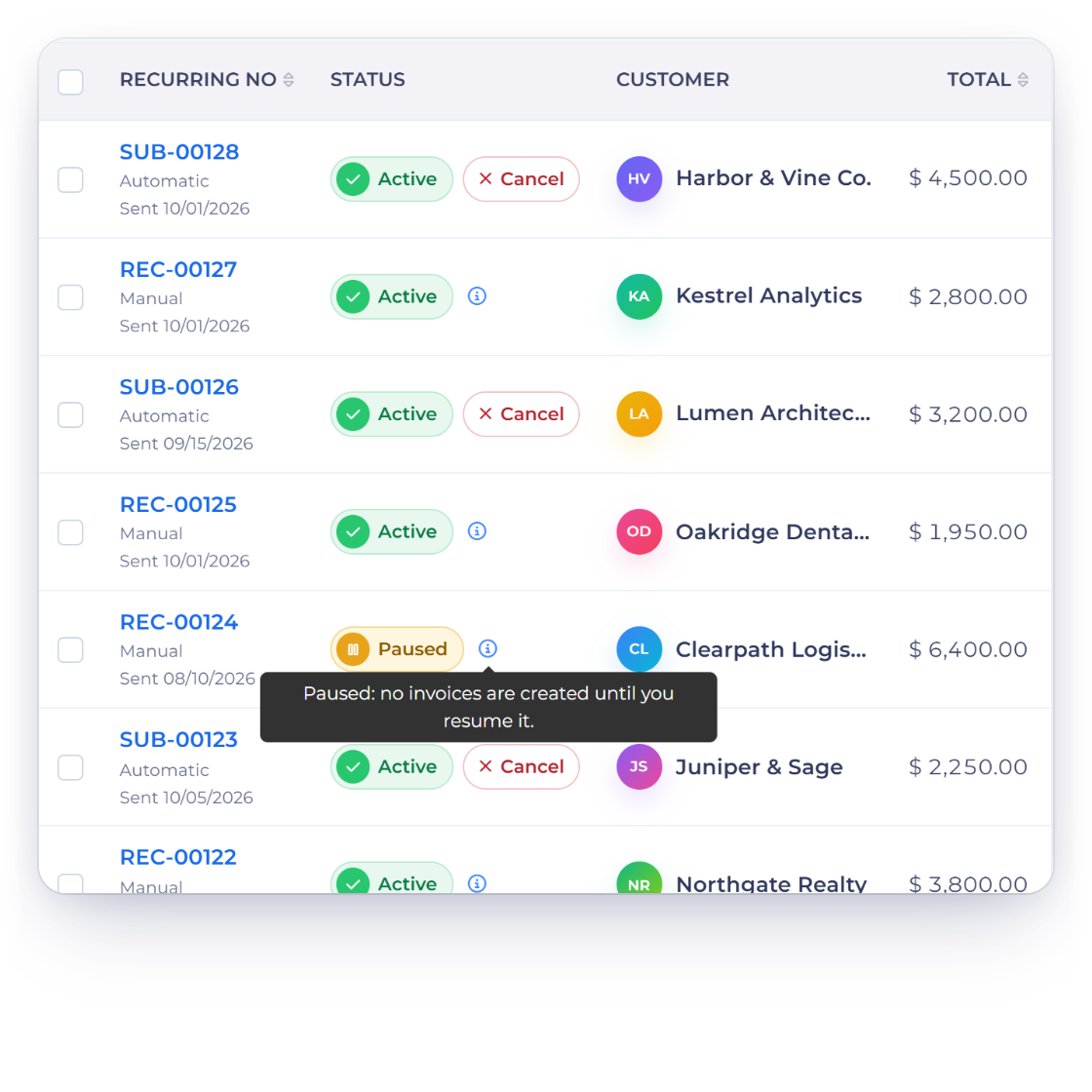
Edit, pause or stop a schedule

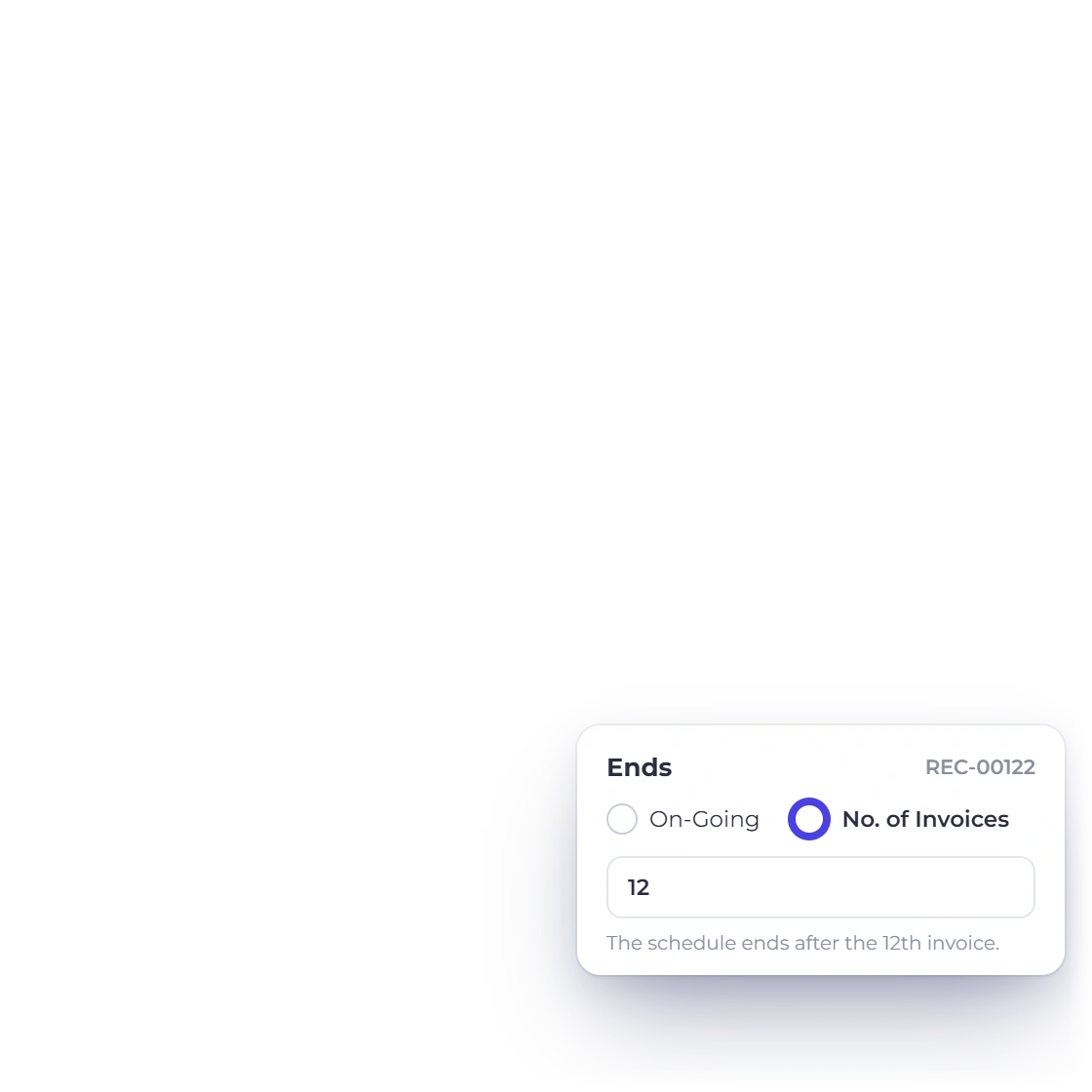
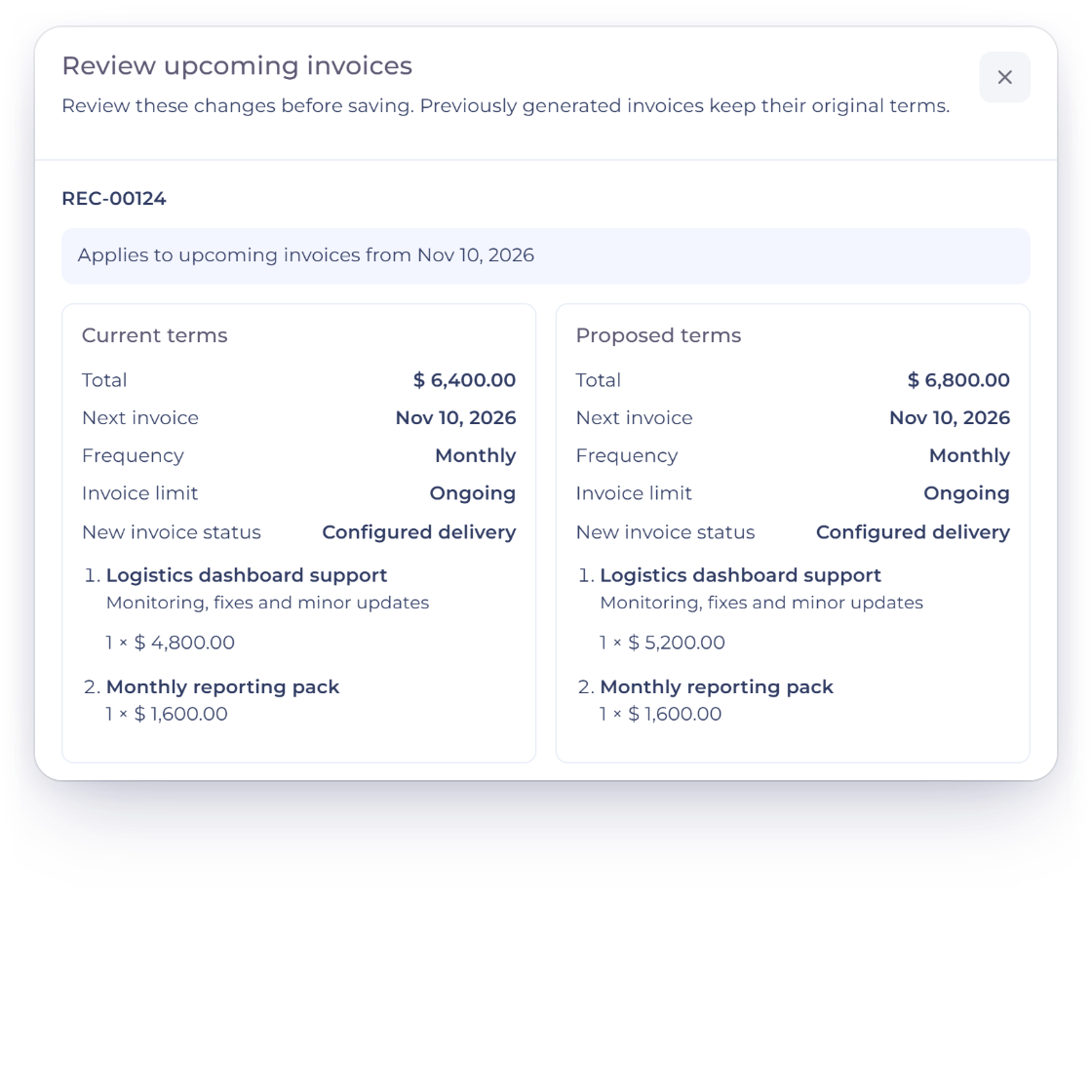
A schedule can be changed after it starts. Adjust the amount, the line items or the frequency and the next invoice reflects it. If a client goes on hold, pause the schedule; if the agreement ends, stop it. Nothing has to be deleted and rebuilt to make a change.

  • Edit a running schedule at any time
  • Pause when a client goes on hold
  • Stop it when the agreement ends

Also included

Why regular billing is worth automating

The argument for a schedule is not only the time saved. Consistency, accuracy and adaptability all come from billing the same way every cycle.

  • Predictable cash flow

    Fixed cycles mean you know roughly what is billed and when, month after month.

  • Less repeat admin

    The invoice you would have retyped twelve times a year is built once.

  • Fewer typing errors

    Every invoice in a schedule matches the one before it, down to the line items.

  • Custom recurrence

    For agreements that do not fall on a weekly, monthly or quarterly boundary.

  • Foreign currency billing

    Bill an overseas retainer in their currency and still report totals in your own.

  • Your templates

    Scheduled invoices carry the same branding and layout as everything else you send.

  • Reminders and fees

    An unpaid scheduled invoice follows the same reminder and late fee rules as any other.

  • Portal access

    Clients sign in to see the run of invoices rather than searching their inbox.

  • Per-customer schedules

    Each customer record shows the recurring agreements attached to it and what they bill.

  • Straight to the ledger

    Recurring income posts to the same accounts as the invoices you raise by hand.

  • Multiple brands

    Run a separate set of schedules under each business profile, all from one login.

  • Settled in stages

    A scheduled invoice can still be paid in parts where the agreement allows it.

Questions

Recurring invoicing, answered

How do I set up a recurring invoice?

Choose the customer, build the invoice the way you would a one-off, and set how often it should repeat. Save it and the schedule takes over from there, sending the first invoice on the date you picked.

Can I change a recurring invoice after it has started?

Yes. The amount, the line items and the frequency can all be edited on a running schedule, and the change applies from the next invoice onward. Invoices already sent stay exactly as they were issued, so your records do not shift retrospectively.

What if a client wants the recurring billing to stop?

A schedule can be paused or stopped whenever you need. Pausing suits a client who is taking a break and expects to come back; stopping ends the arrangement. Neither one removes the invoices the schedule has already produced.

What billing cycles are available?

Daily, weekly, monthly and quarterly are set up as standard options. For an agreement that fits none of them, a custom recurrence lets you define the interval yourself, so an unusual billing arrangement does not have to be raised by hand each time.

How do I see which invoices came from one schedule?

Each recurring setup has its own report listing the invoices it has generated, with their numbers. That is the quickest way to answer a client asking what they were billed over a period, or to confirm a schedule is still running.

How is my invoicing data stored?

Recurring schedules and the invoices they produce stay in the same business-scoped account as the rest of the billing history. Every invoice a schedule has issued stays on record, so pausing or stopping a cycle never removes the history behind it.

Set the schedule and stop retyping the invoice

Regular billing is the part of the month that never changes. Hand it to a schedule and spend the time on the work the client is actually paying for.

  • Review current plan terms before signup
  • No credit card to start
  • Pause or stop a schedule whenever