Skip to content

Write an estimate the client can price and approve

An estimate is the first document a client reads with a number on it. Build it from your saved items, set your own tax and discount rates, let the client adjust what they are buying, then turn the approved version into an invoice.

  • Templates in your branding
  • client-removable items and quantities
  • One click to an invoice
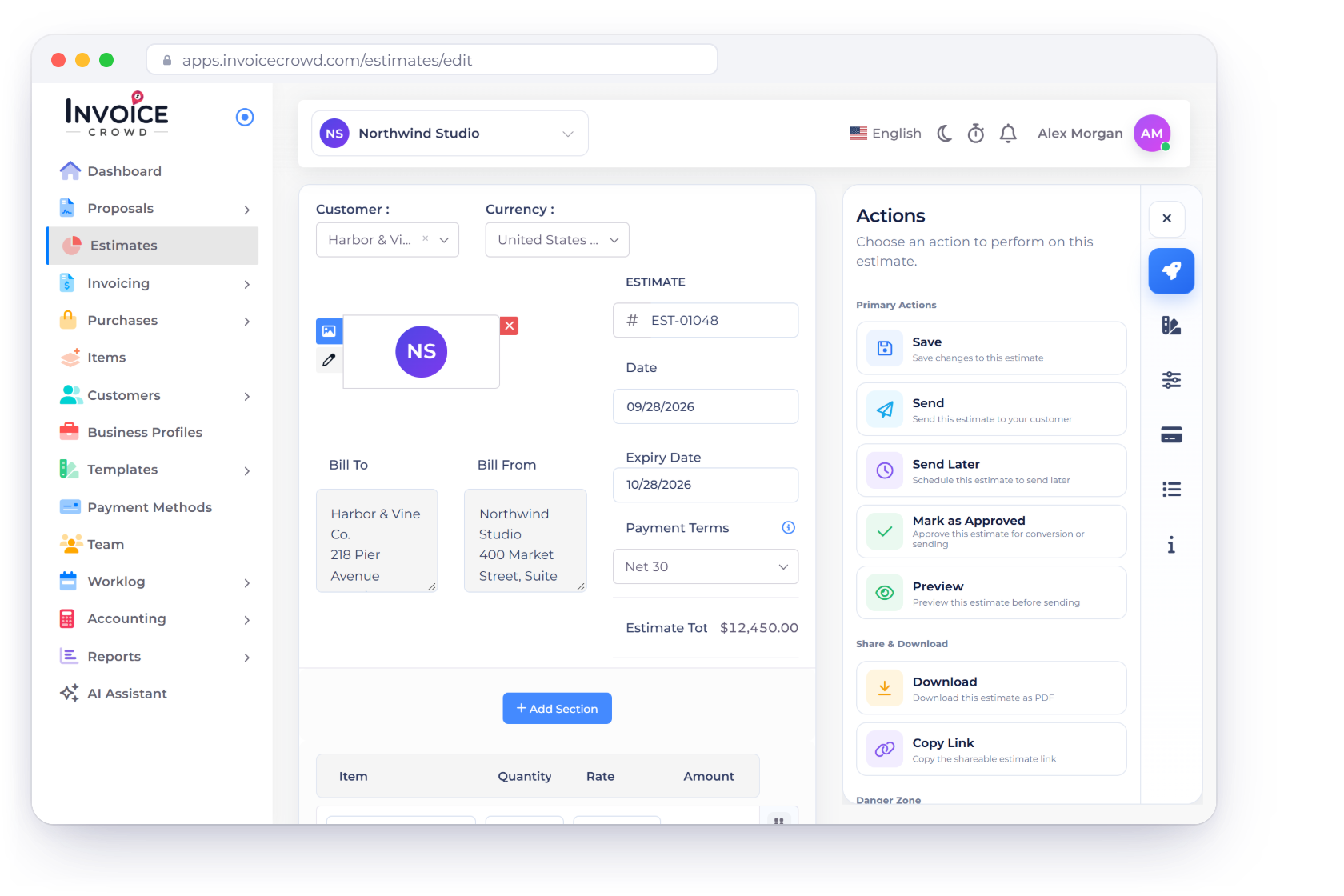
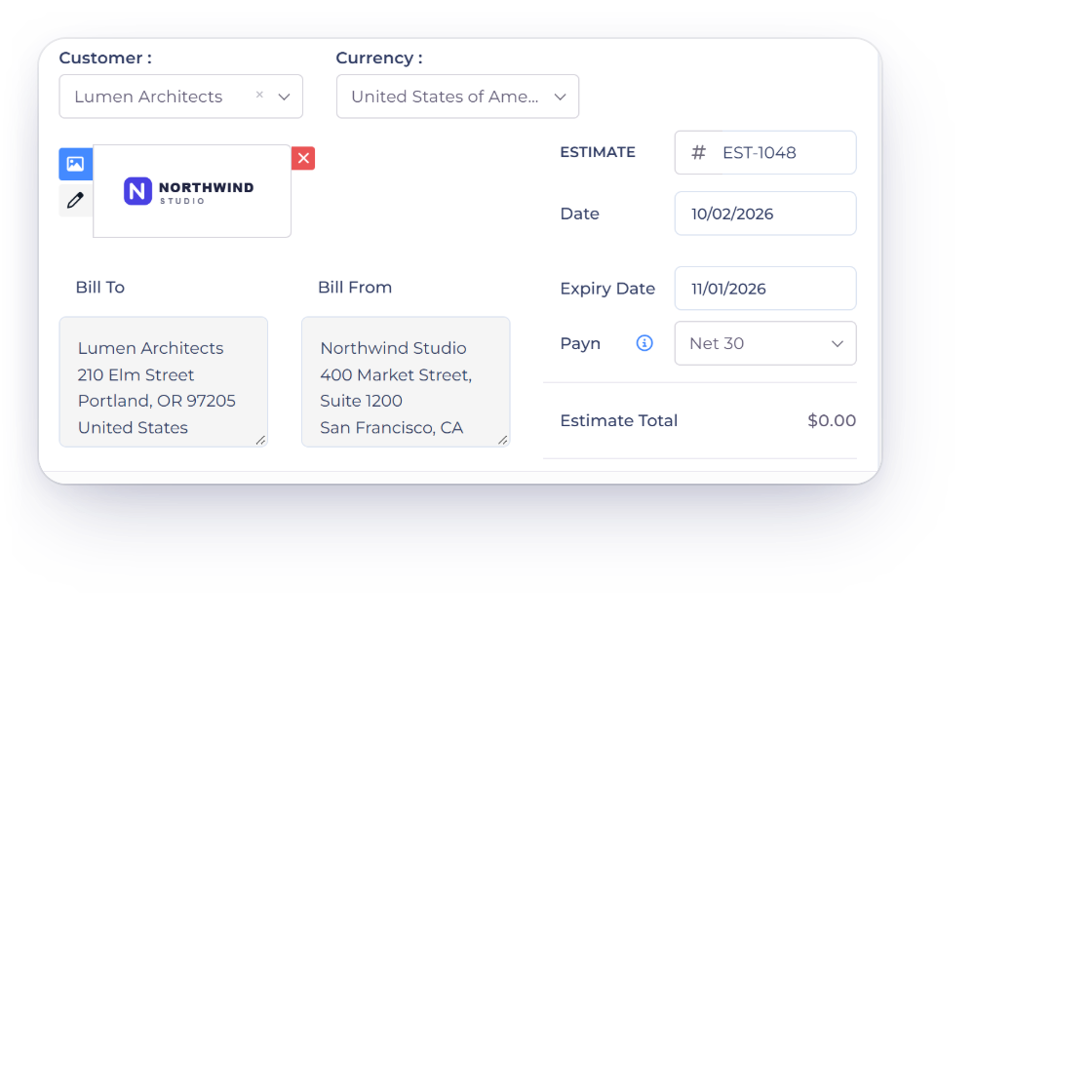
Building an estimate in Invoice Crowd, with priced line items and a validity period

What is inside

From the first quote to the accepted one

Everything on an estimate is meant to be settled before the work starts: what is included, what it costs, what the client wants changed and what happens once they say yes.

Writing it

Most of the content is already saved

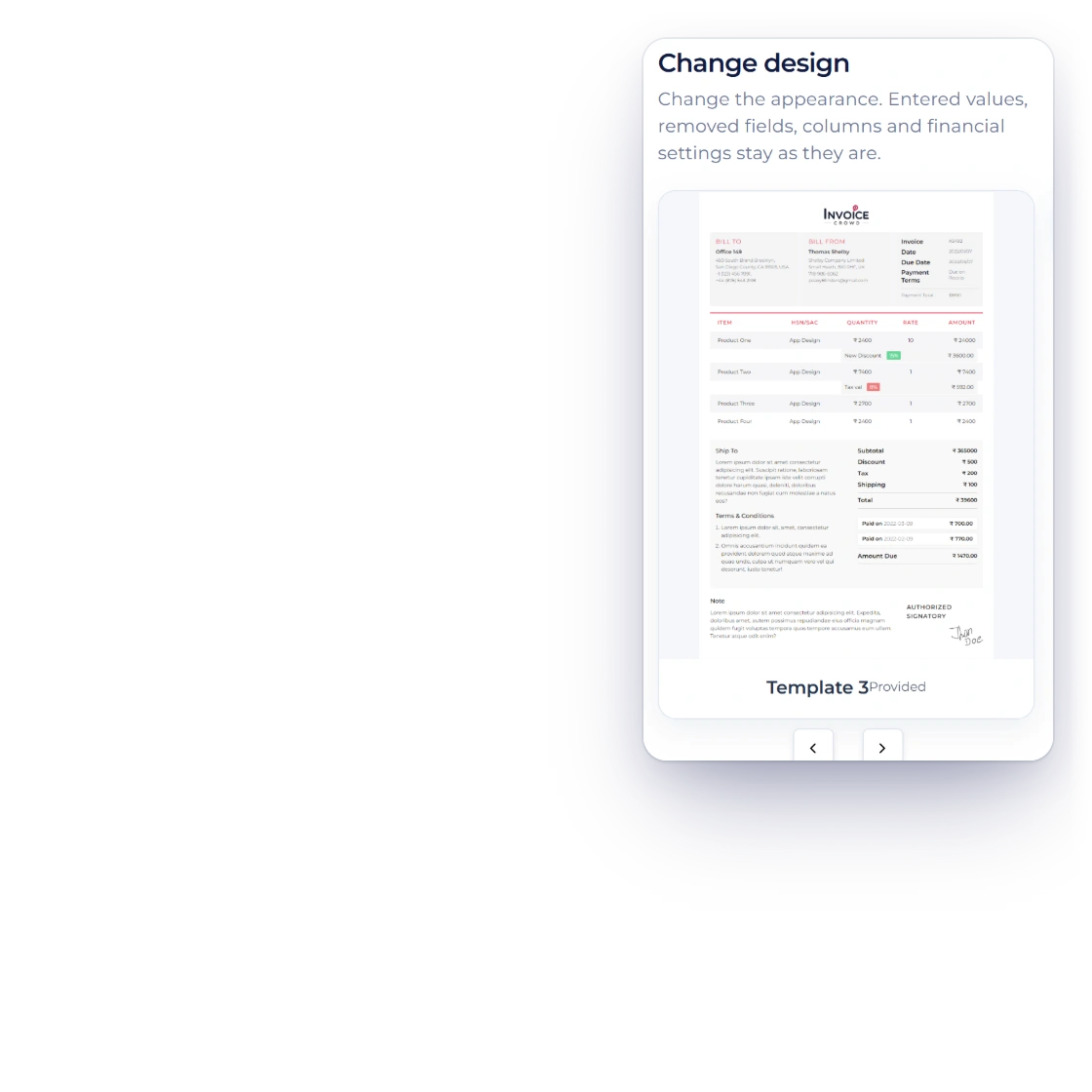
Customizing an estimate template in Invoice Crowd with logo and colors

Estimate templates in your branding

Adjust the colors, add your logo and change the layout until the estimate looks like the rest of your business. A client comparing two quotes remembers the one that arrived looking considered, and the template you settle on is reused on every estimate after it.

  • Colors, logo and layout are yours
  • Set once, applied to every estimate
  • The client sees the same document you do
A catalog of items and services

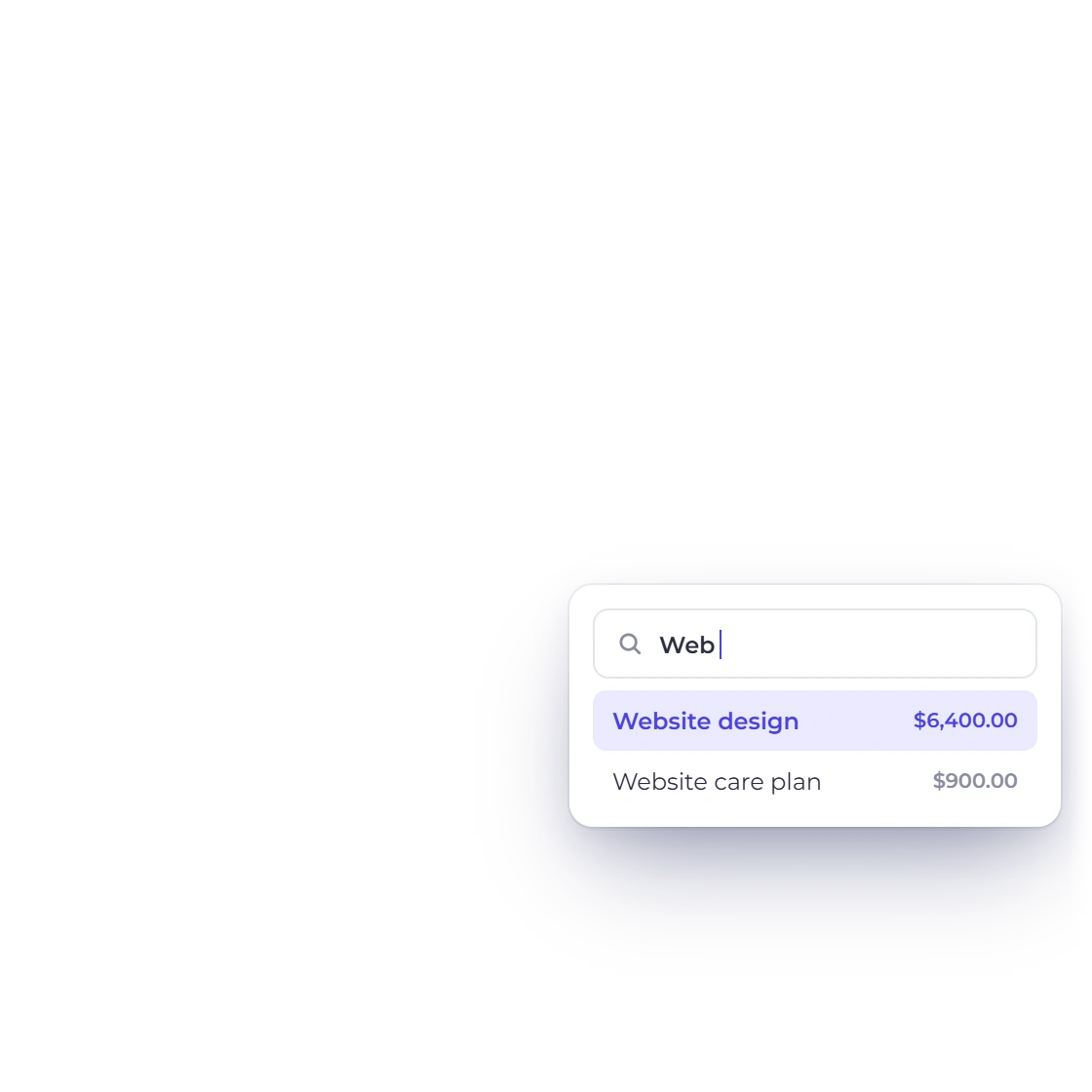
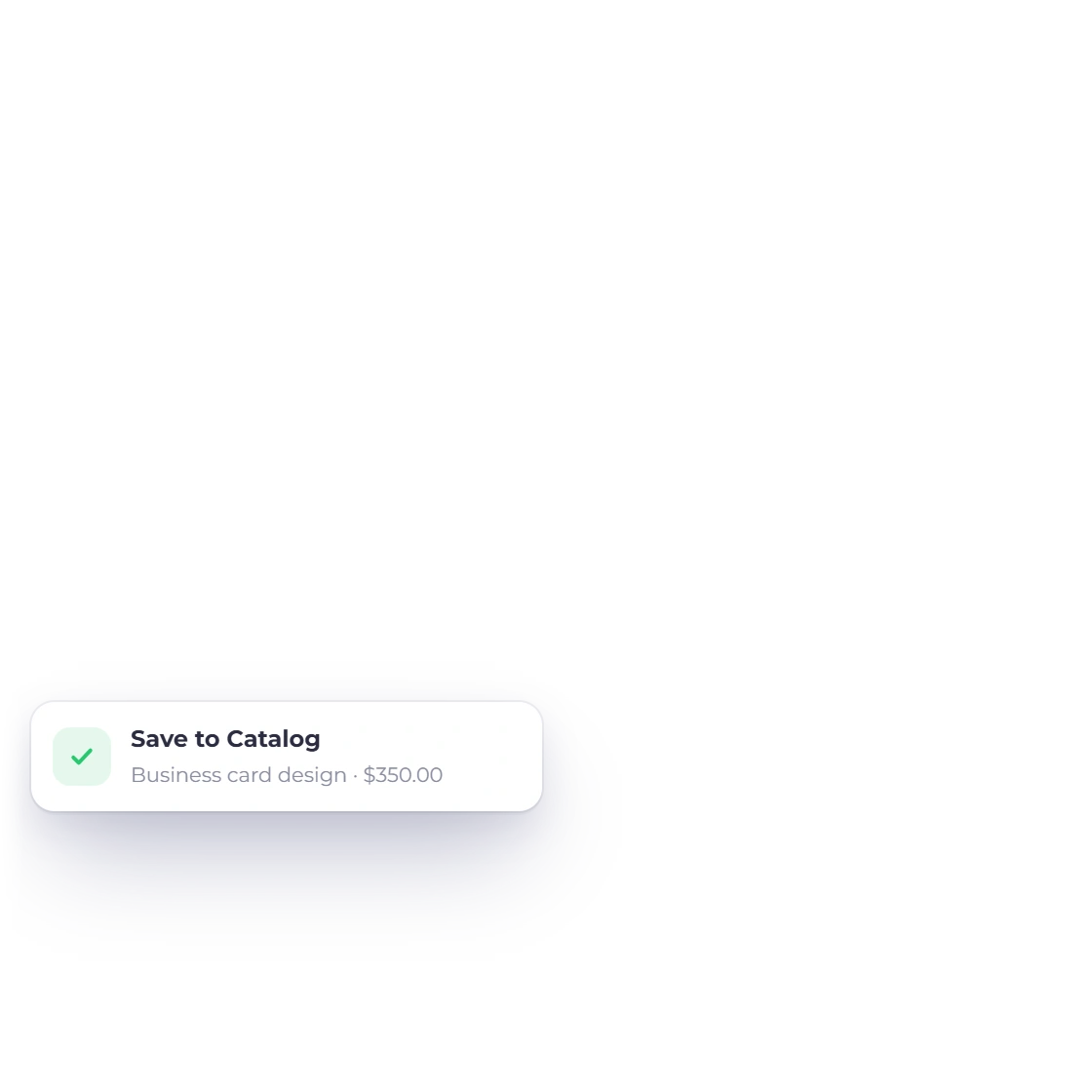
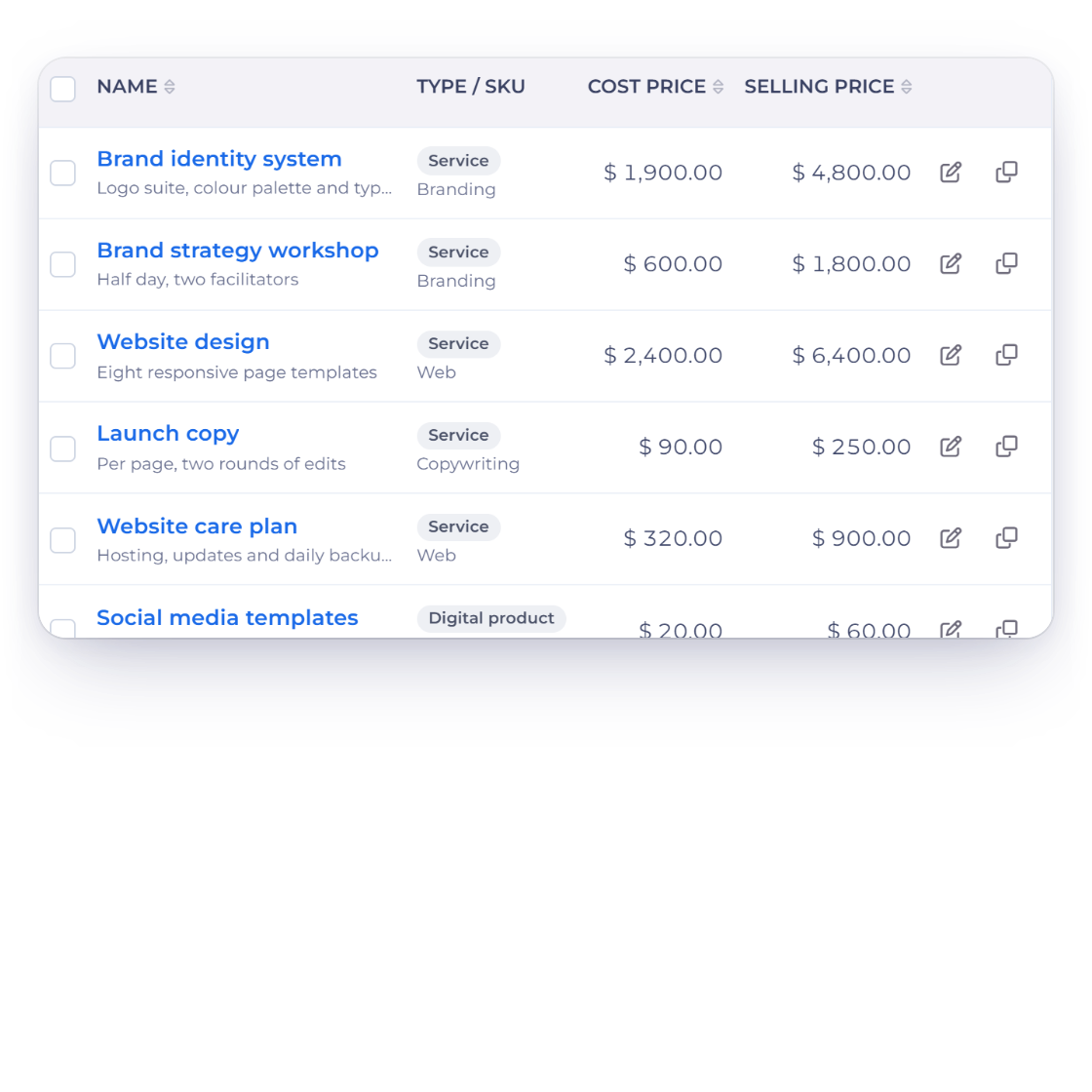
Work you quote often is stored as an item with its description and price, ready to drop into the next estimate. Quoting a familiar job becomes picking lines from a list rather than rewriting the same paragraph for the fourth time this month.

  • Items saved with description and price
  • Shared with your invoices
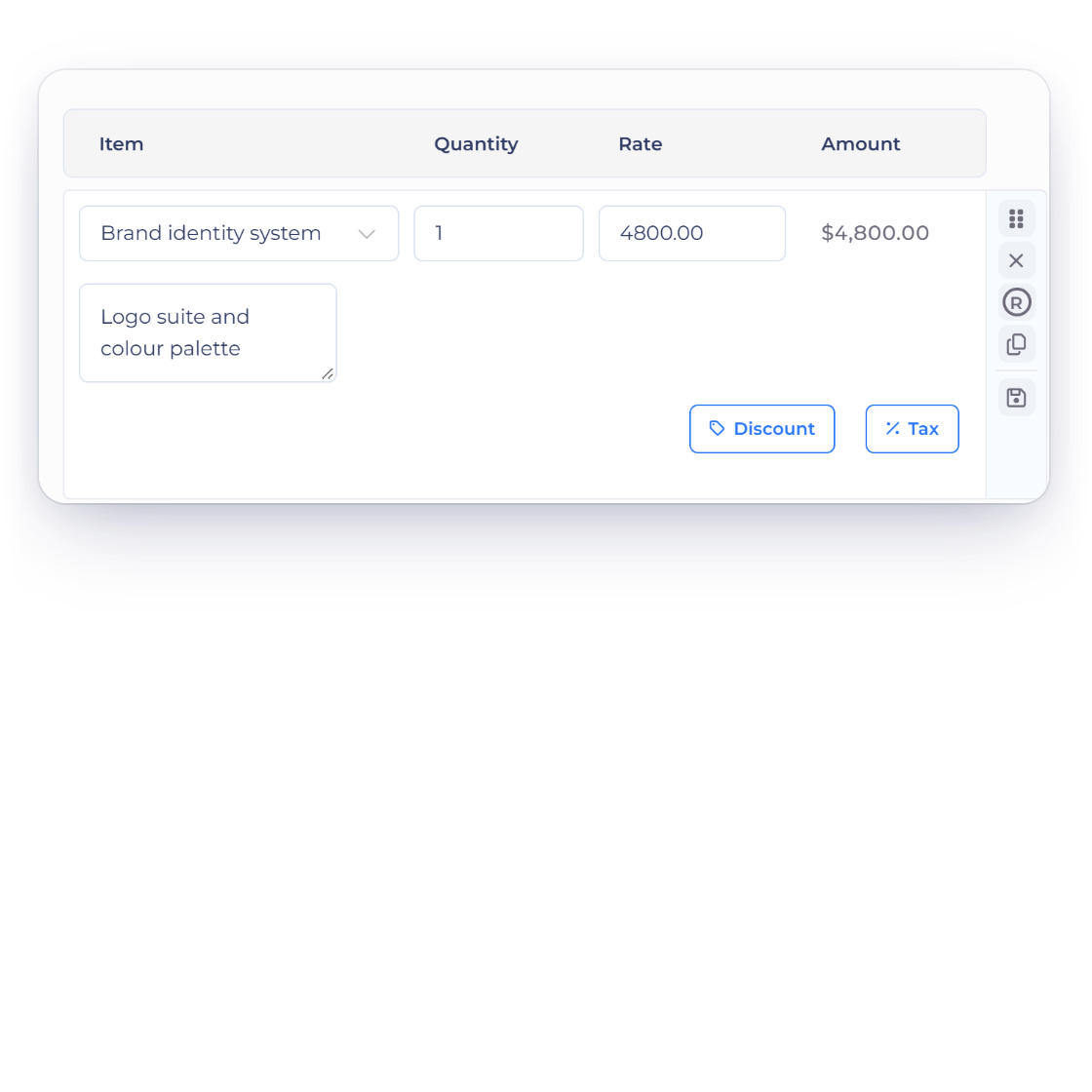
  • Edit a line without changing the saved item

Pricing and choices

The client can shape the number

Tax and discount settings applied to an estimate in Invoice Crowd

Flexible tax and discount options

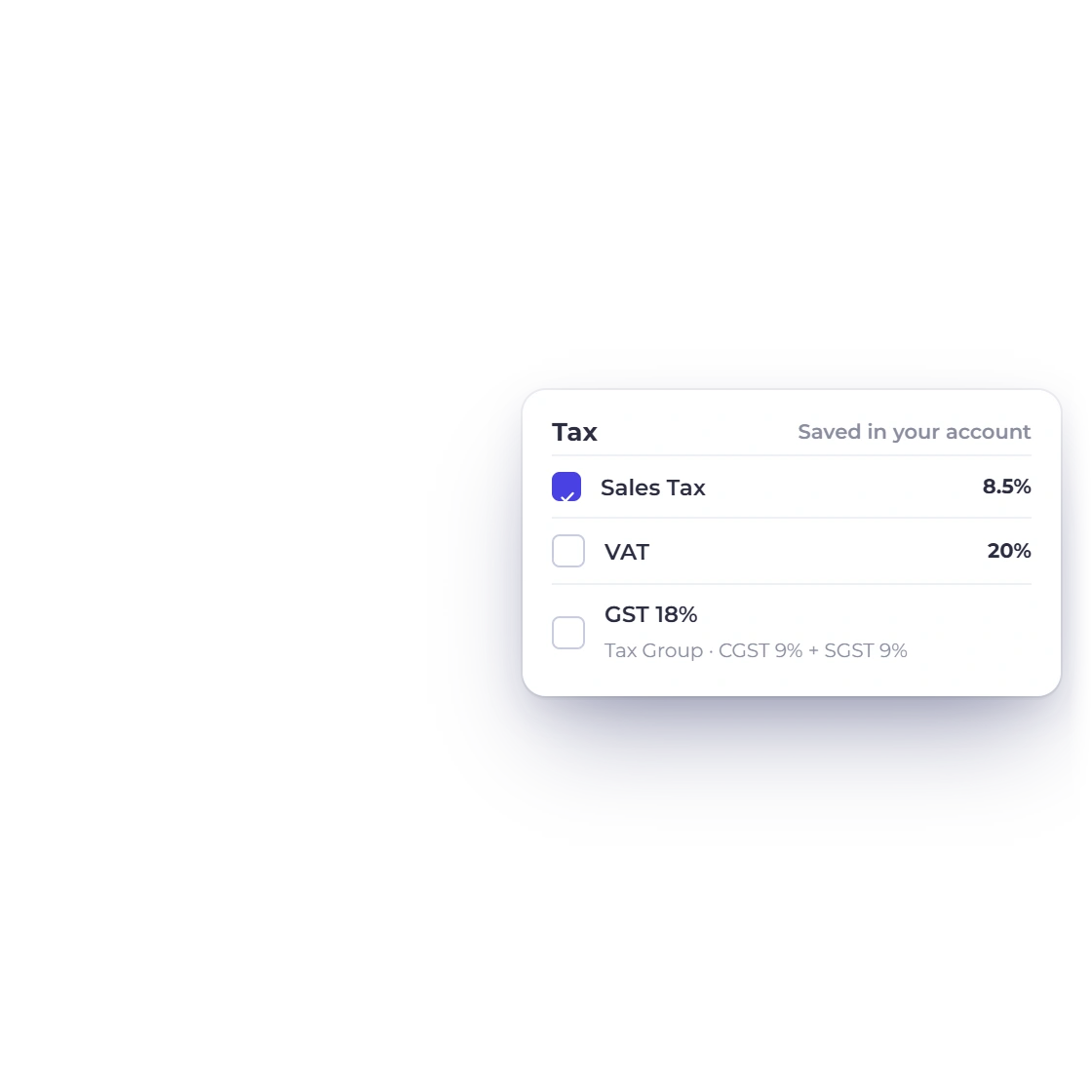
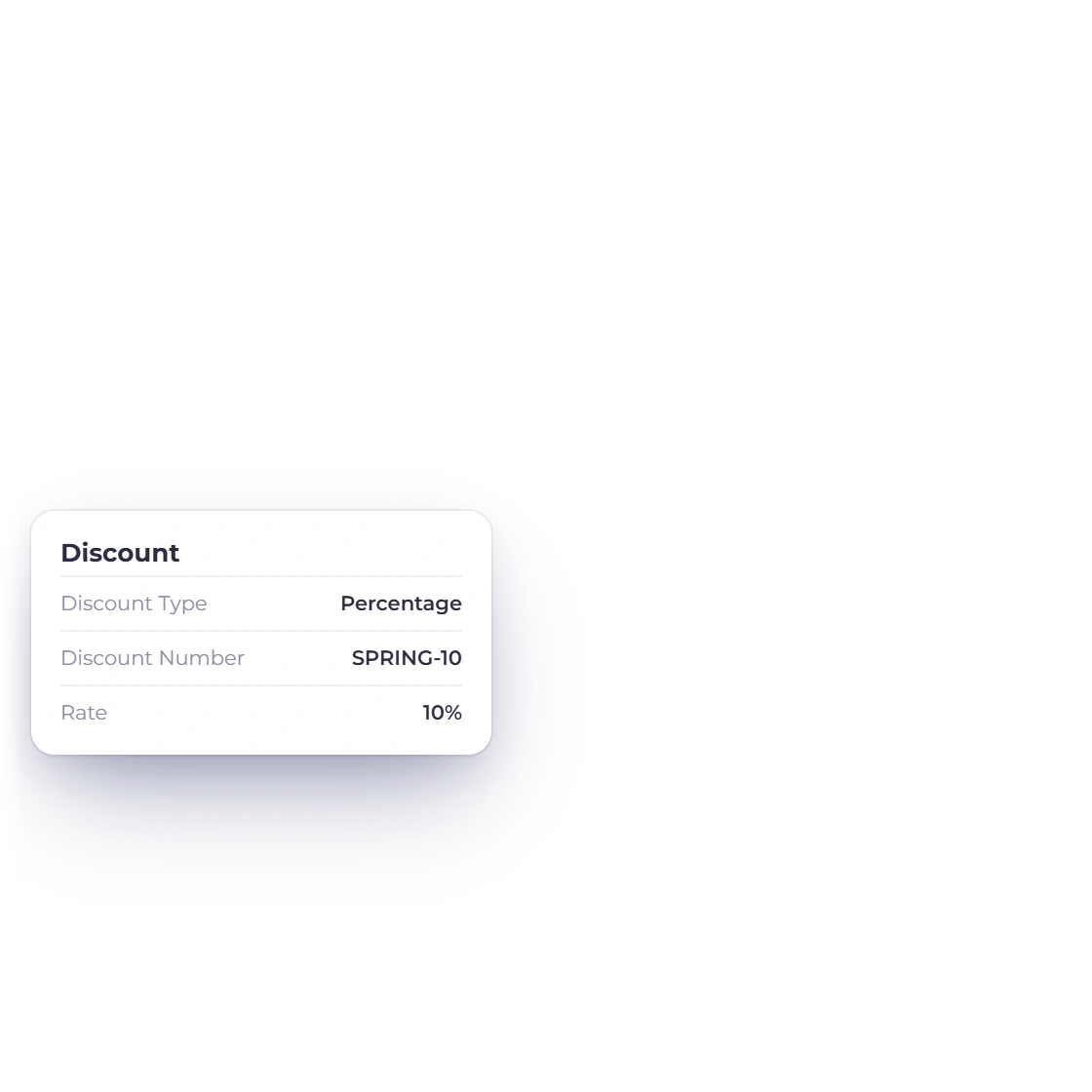
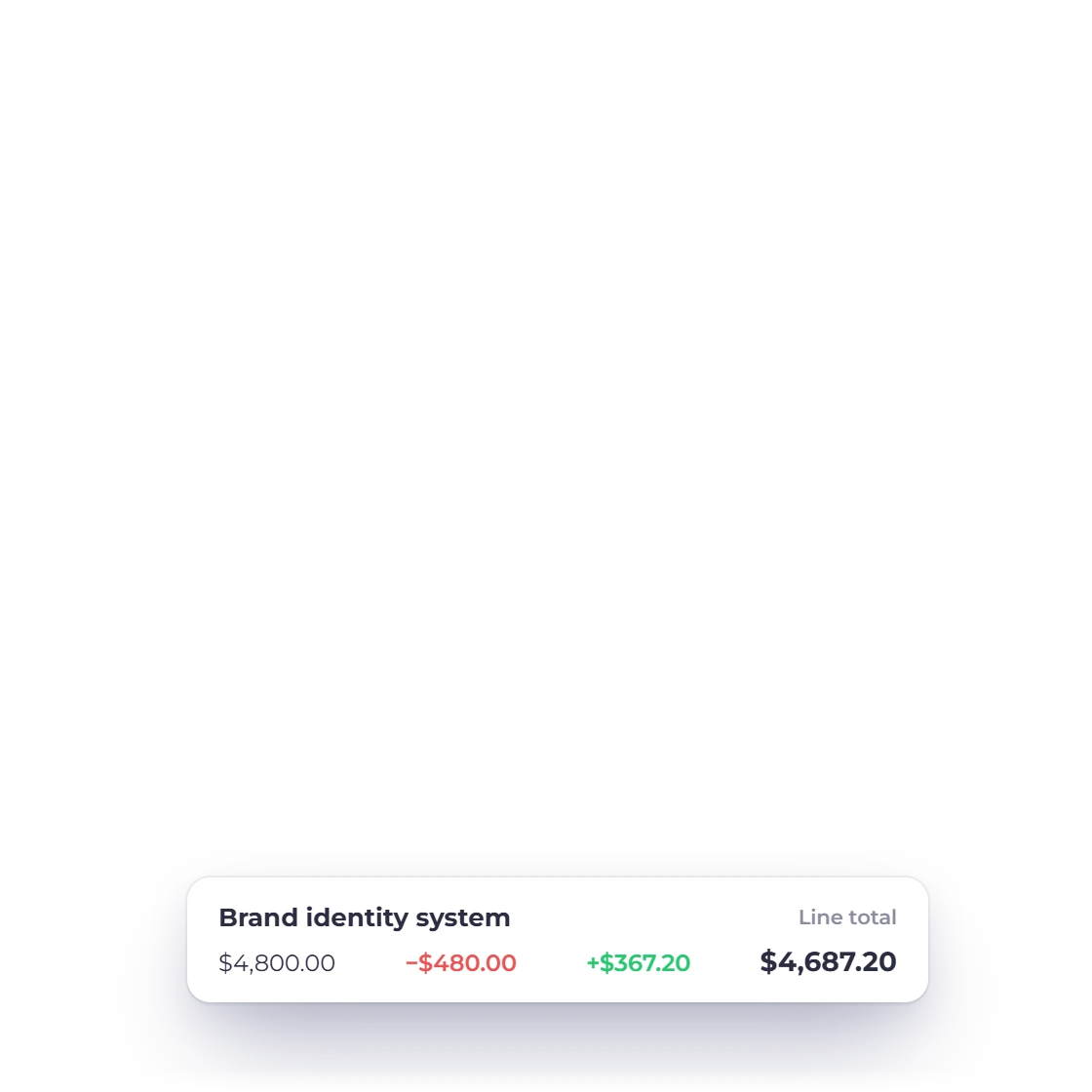
Set the tax rates that apply to the work and the discount you are prepared to offer, on one line or across the estimate. Pricing that would otherwise be negotiated over email is stated on the document, so what the client approves is already the final figure.

  • Your own tax rates, not a fixed list
  • Discounts per line or on the total
  • Totals recalculate as you edit

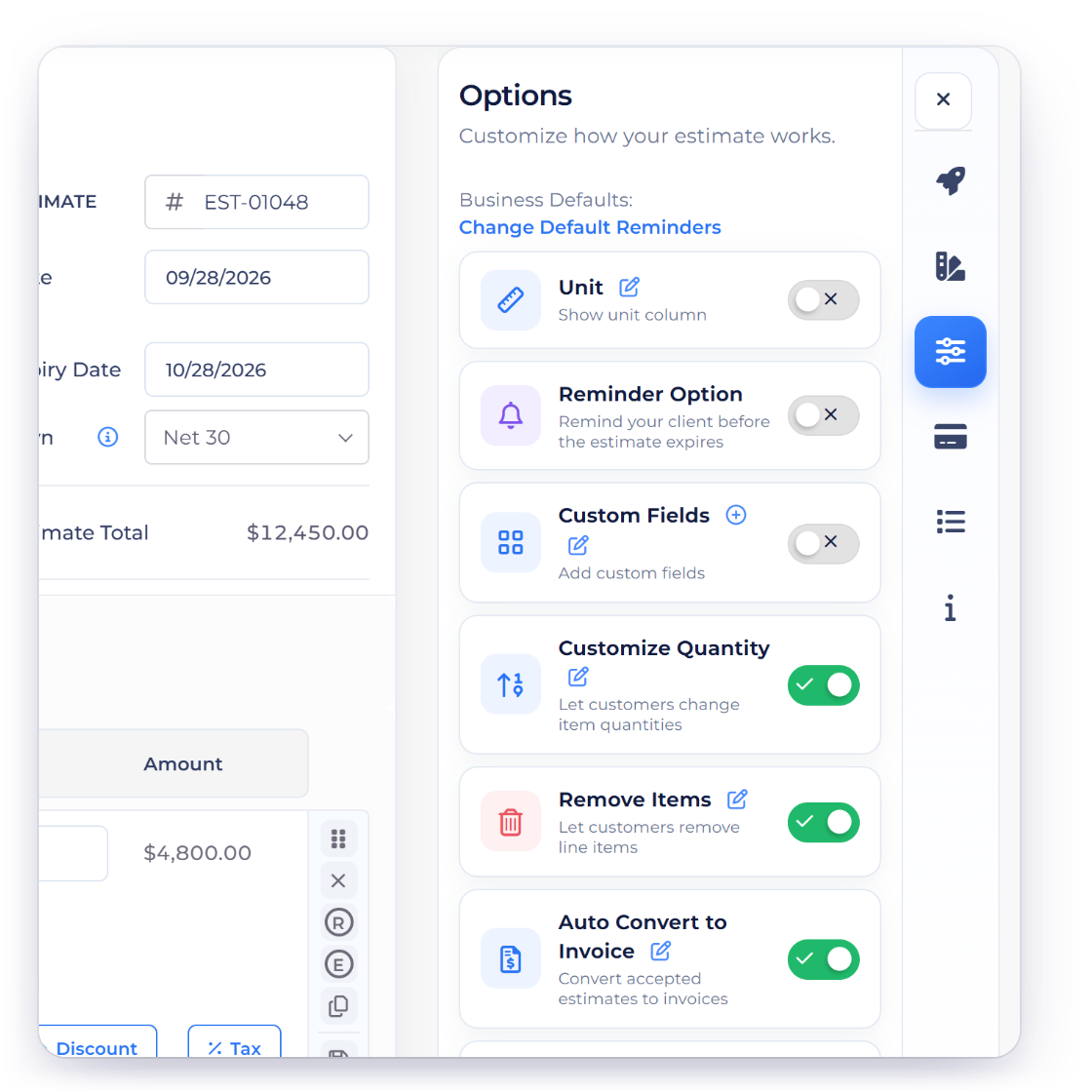
client-removable items and adjustable quantities

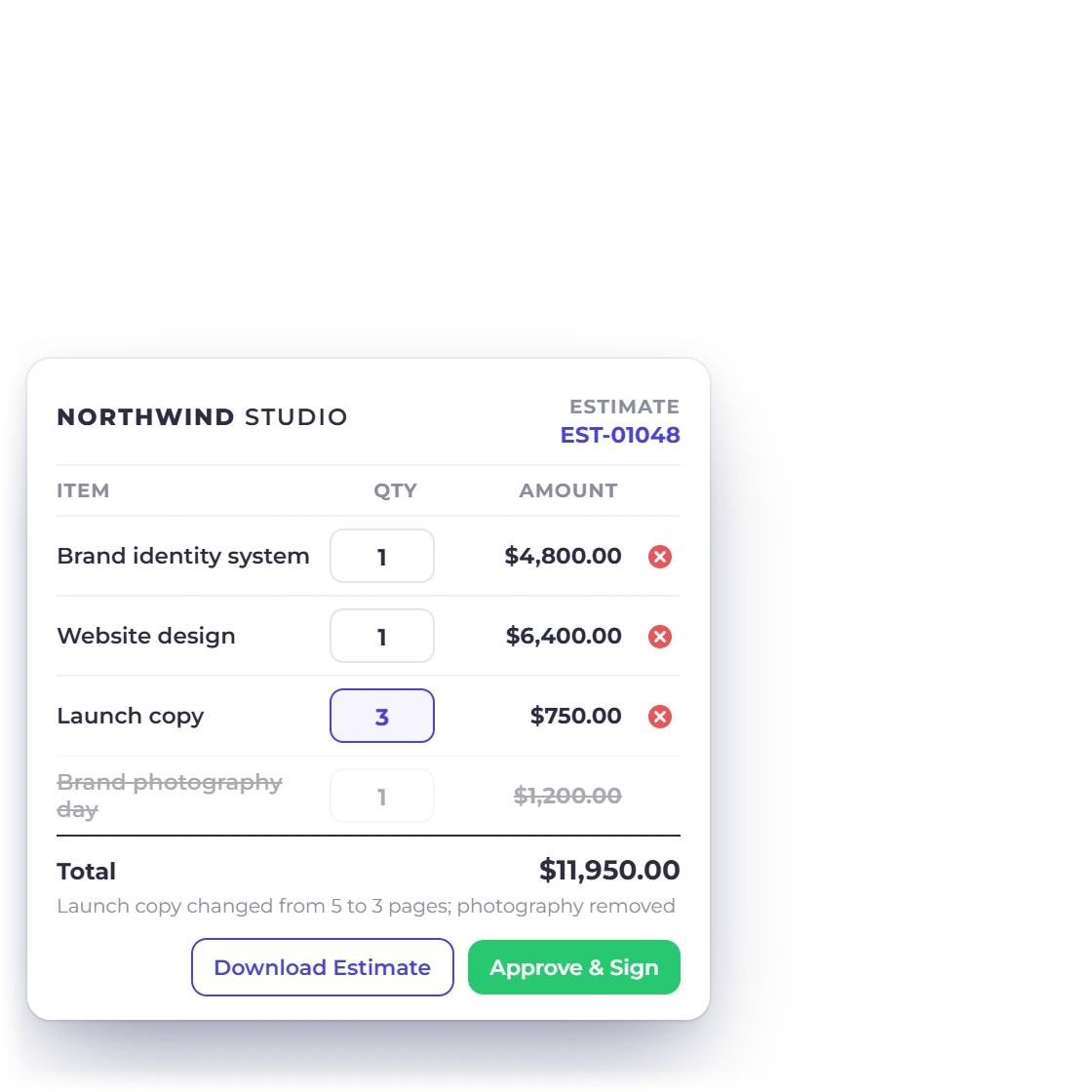
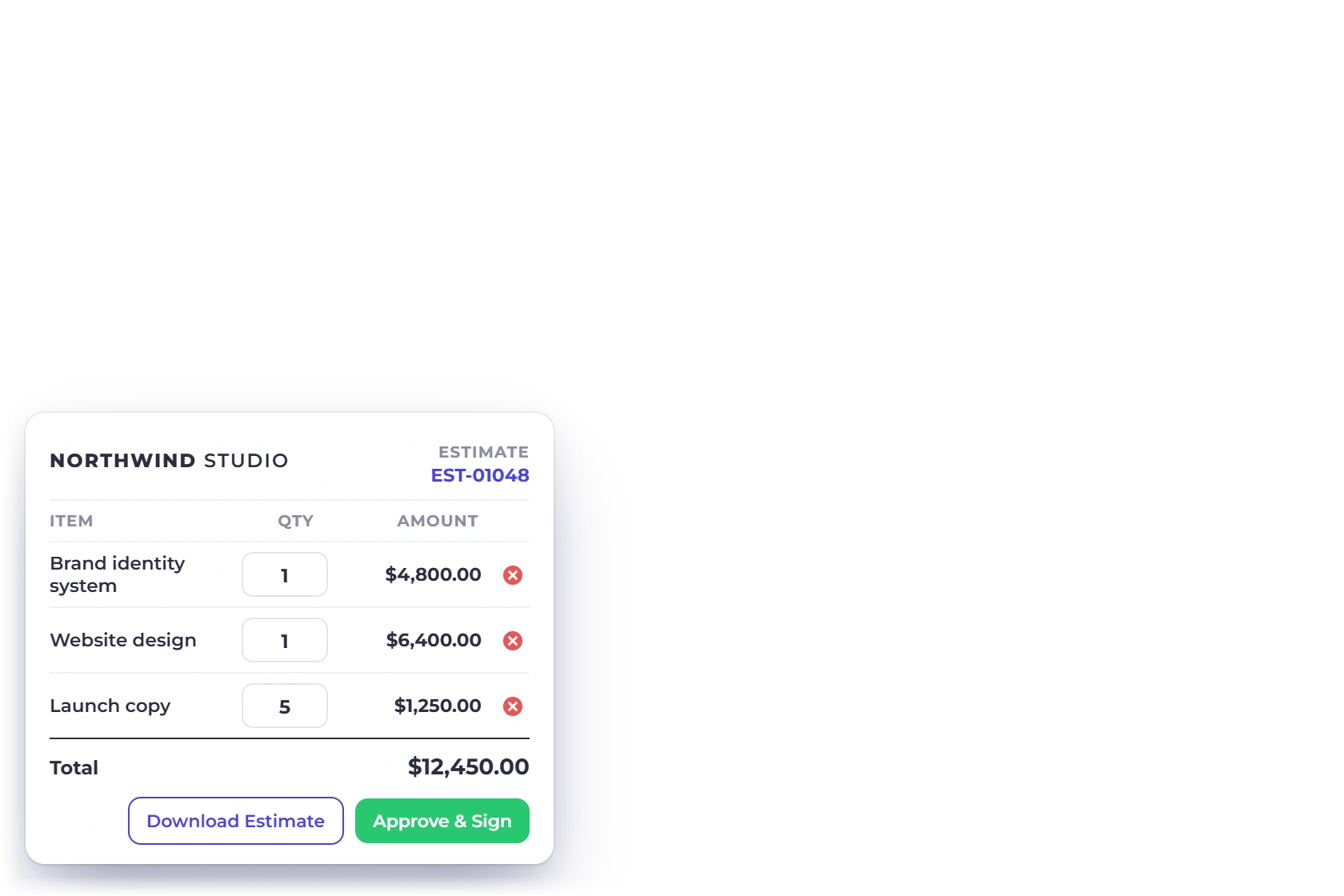
Some lines can be marked optional, so the client keeps or removes them before signing. Others can be left open for the client to set the quantity, which suits work priced per hour, per unit or per seat. The total moves with the choices they make.

  • client-removable lines kept or removed
  • Quantities the client can edit
  • Signed off with their choices recorded
client-removable line items

After you send it

You find out where it stands

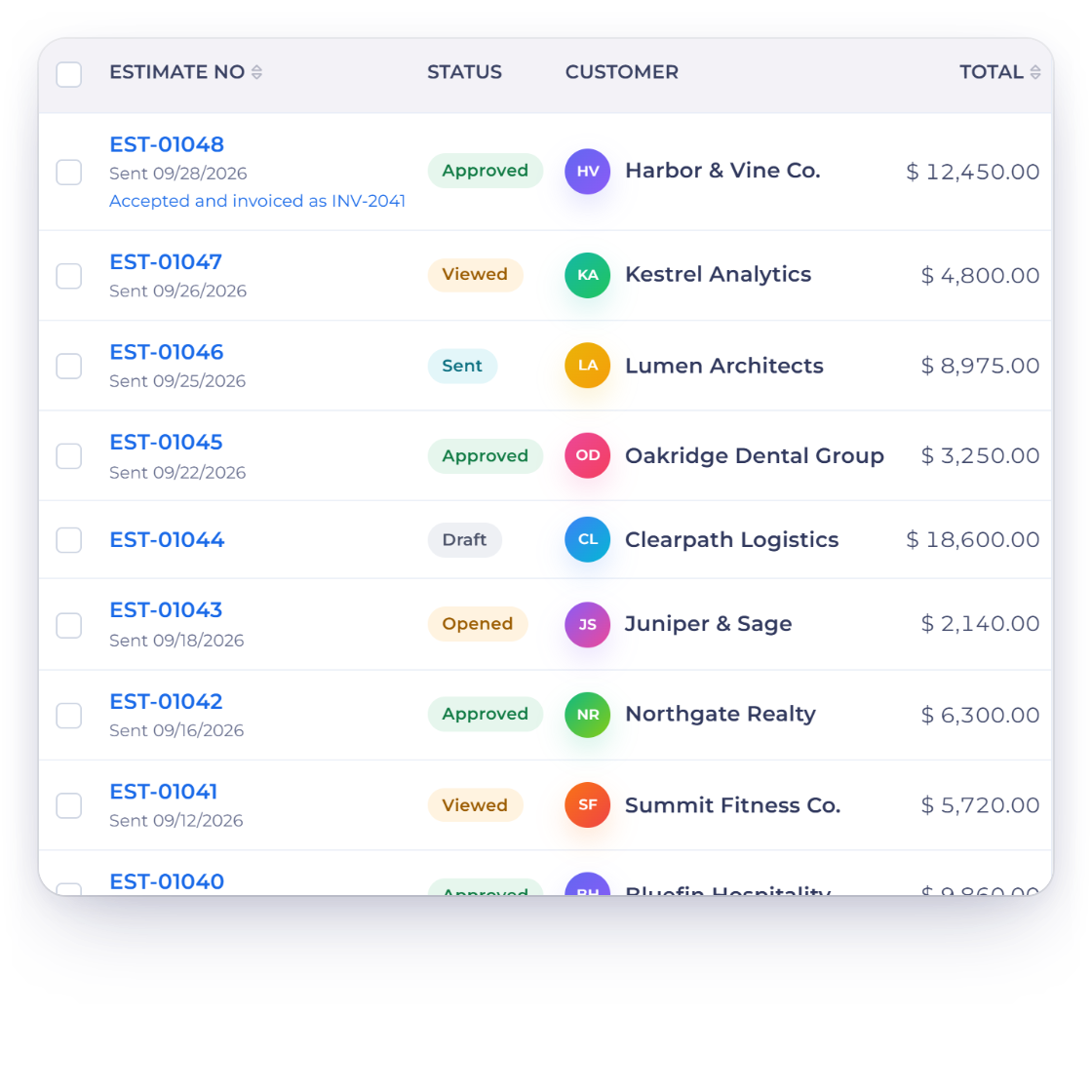
See when an estimate is read

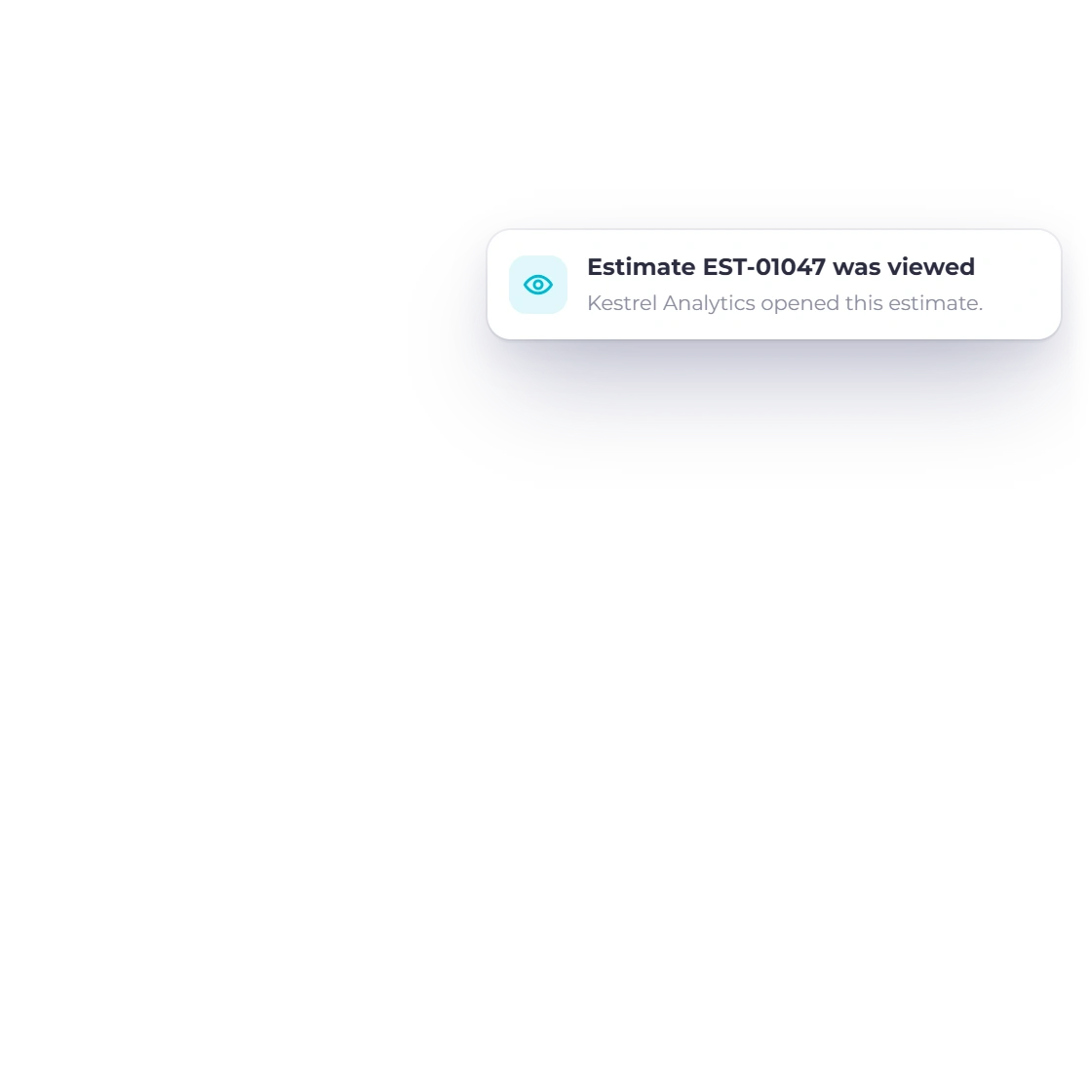
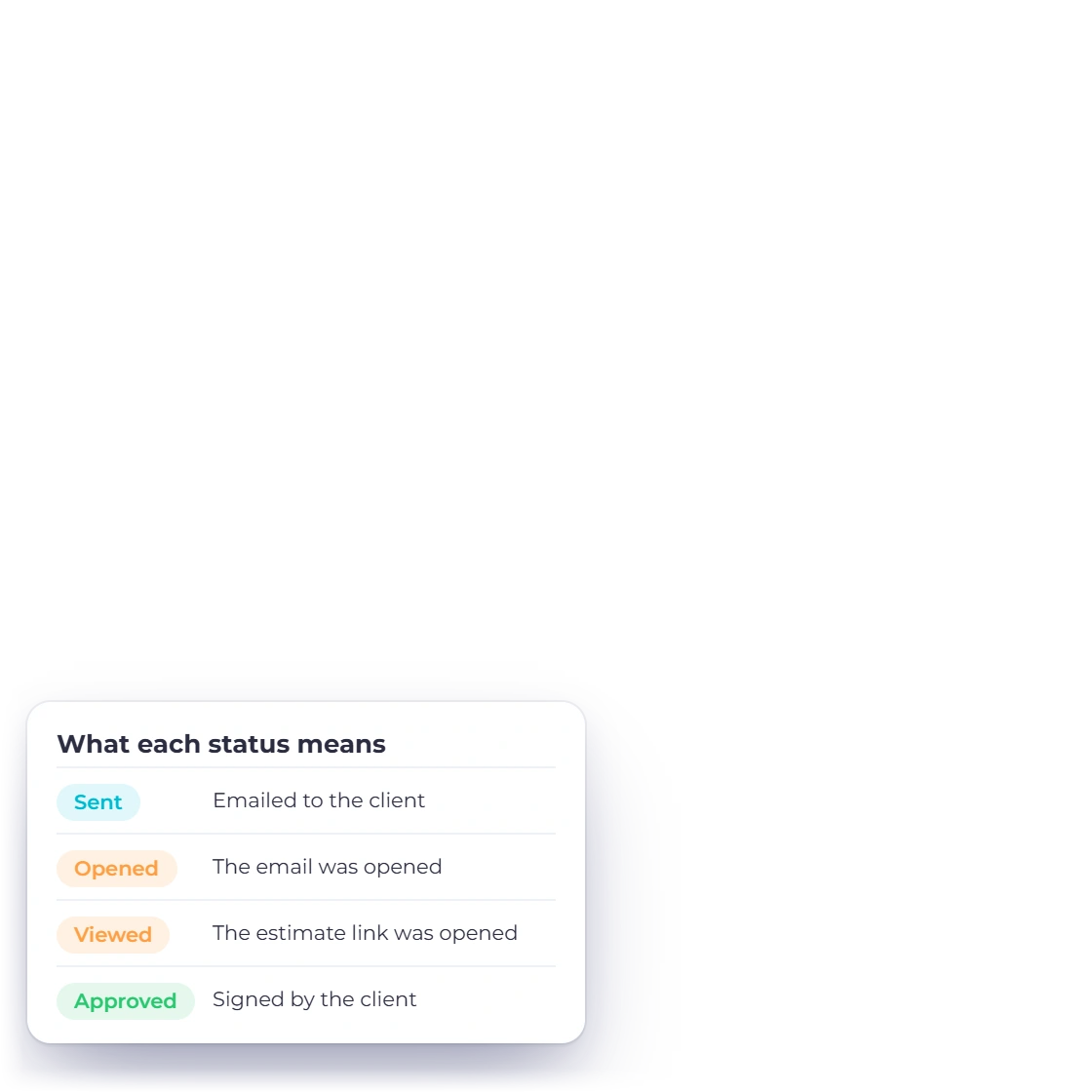
The estimate records when the client opened it, which is the difference between following up at a useful moment and guessing. Clients can also comment or ask for a change from the portal, so a disagreement about scope arrives before the work does.

  • Know when the estimate was viewed
  • Comments and change requests in one place
  • Follow up with something to go on
The client portal
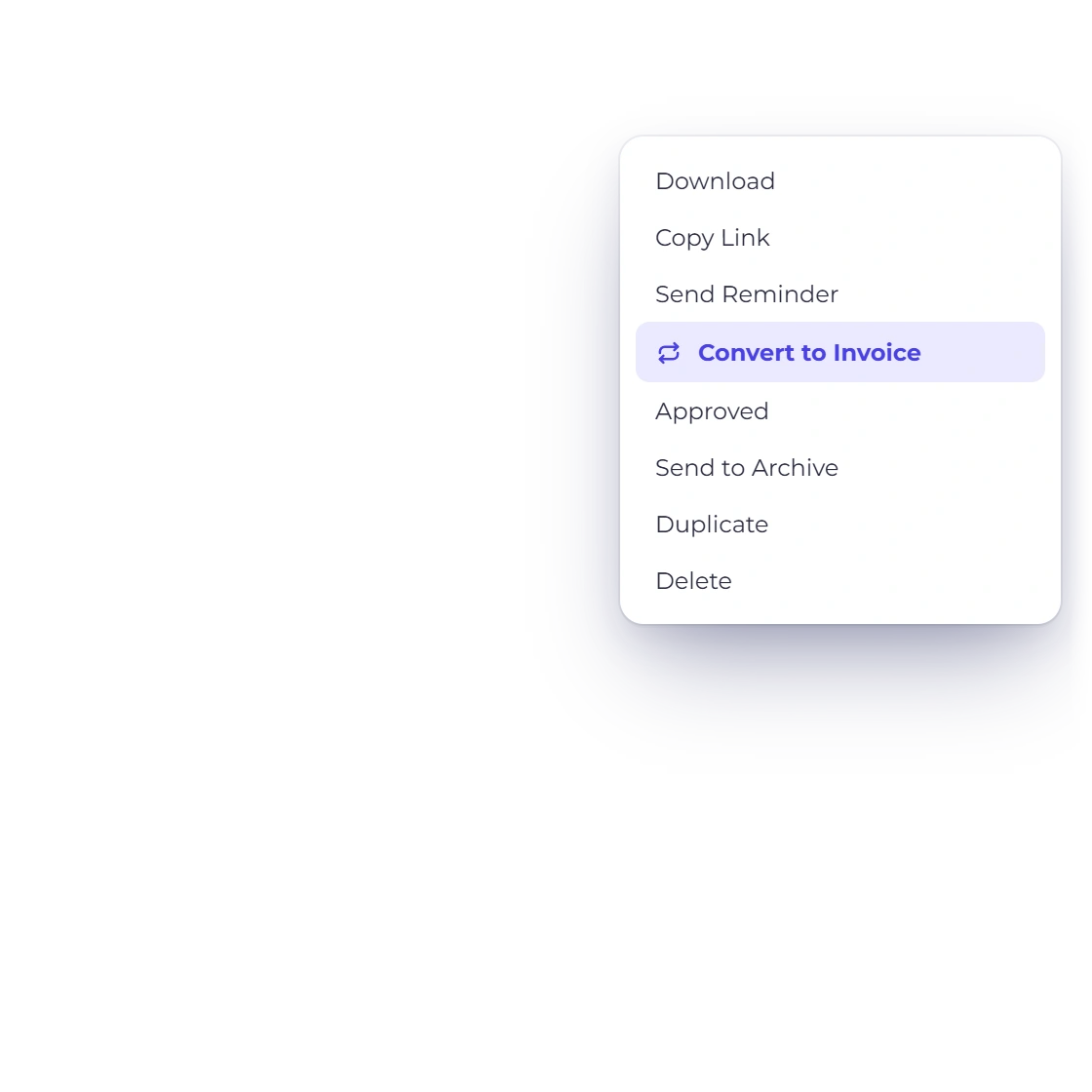
Converting an approved estimate into an invoice in Invoice Crowd

One click from approved to invoiced

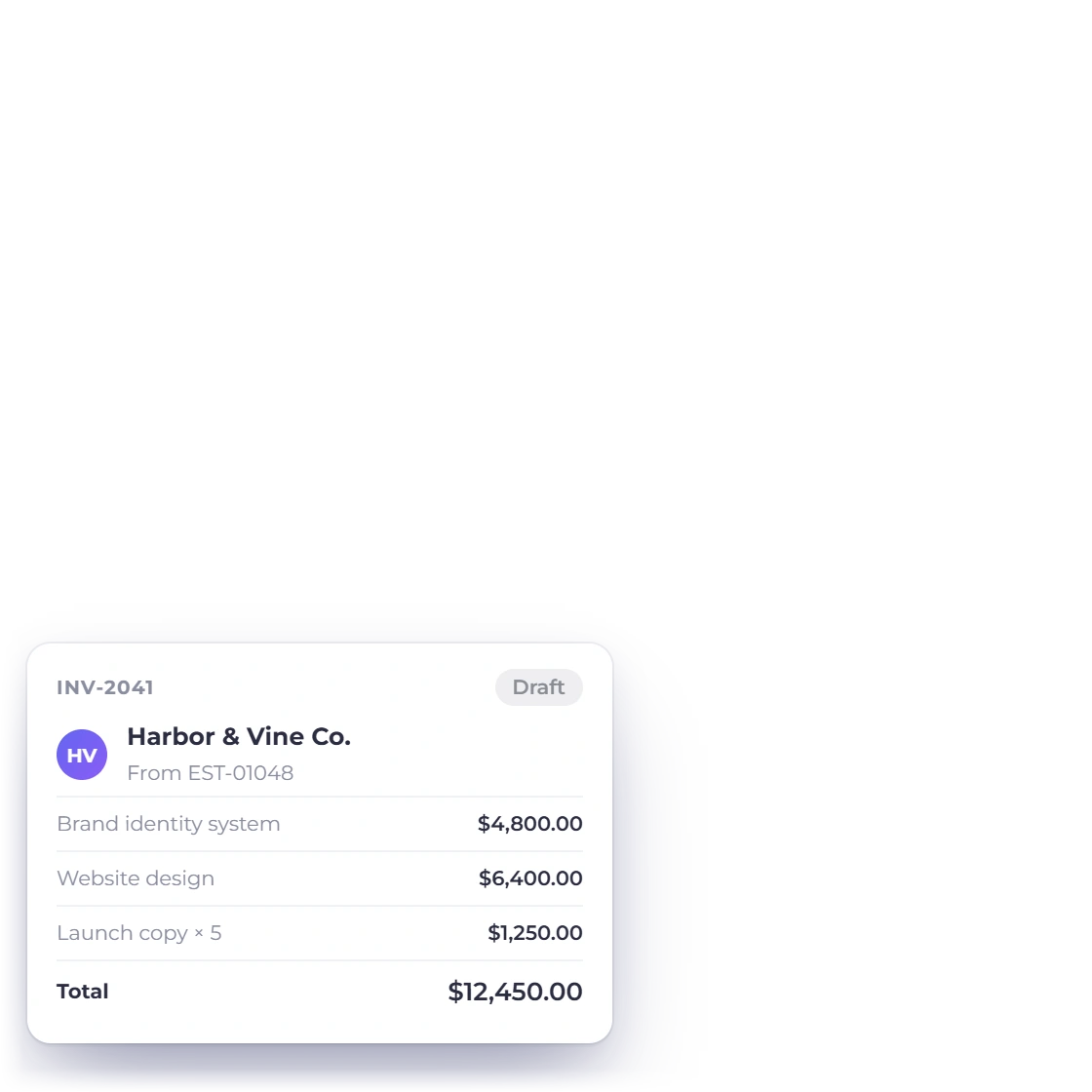
An approved estimate becomes an invoice without retyping. client-removable items the client kept and any quantity they changed carry across, so what you bill is exactly what was agreed rather than the version you first sent. The estimate stays on file beside the invoice it produced.

  • The accepted lines carry over
  • Client changes come with them
  • The original estimate is kept
Estimate to invoice

Also included

More of what an estimate carries

The details that decide whether a quote is approved as sent or comes back with three questions attached.

  • Multiple currencies

    Quote an overseas client in their currency while your own totals stay in the base currency.

  • Client-set quantities

    Let the client raise or lower the quantity on a line before they accept the estimate.

  • Accept and sign online

    The client approves and signs the estimate from the link you sent, with no printing involved.

  • Client portal

    Clients sign in to see every estimate you have sent them and what happened to each one.

  • Comments before approval

    A client can raise a question or suggest a change on the estimate instead of starting an email thread.

  • Logo, colors, layout

    Template customization goes past a logo swap: the colors and the arrangement of the page are yours too.

  • No line-item ceiling

    A short task list and a full project breakdown are handled by the same estimate screen.

  • Saved item catalog

    Items you quote often are kept with their price and description, ready for the next estimate.

  • Estimate history

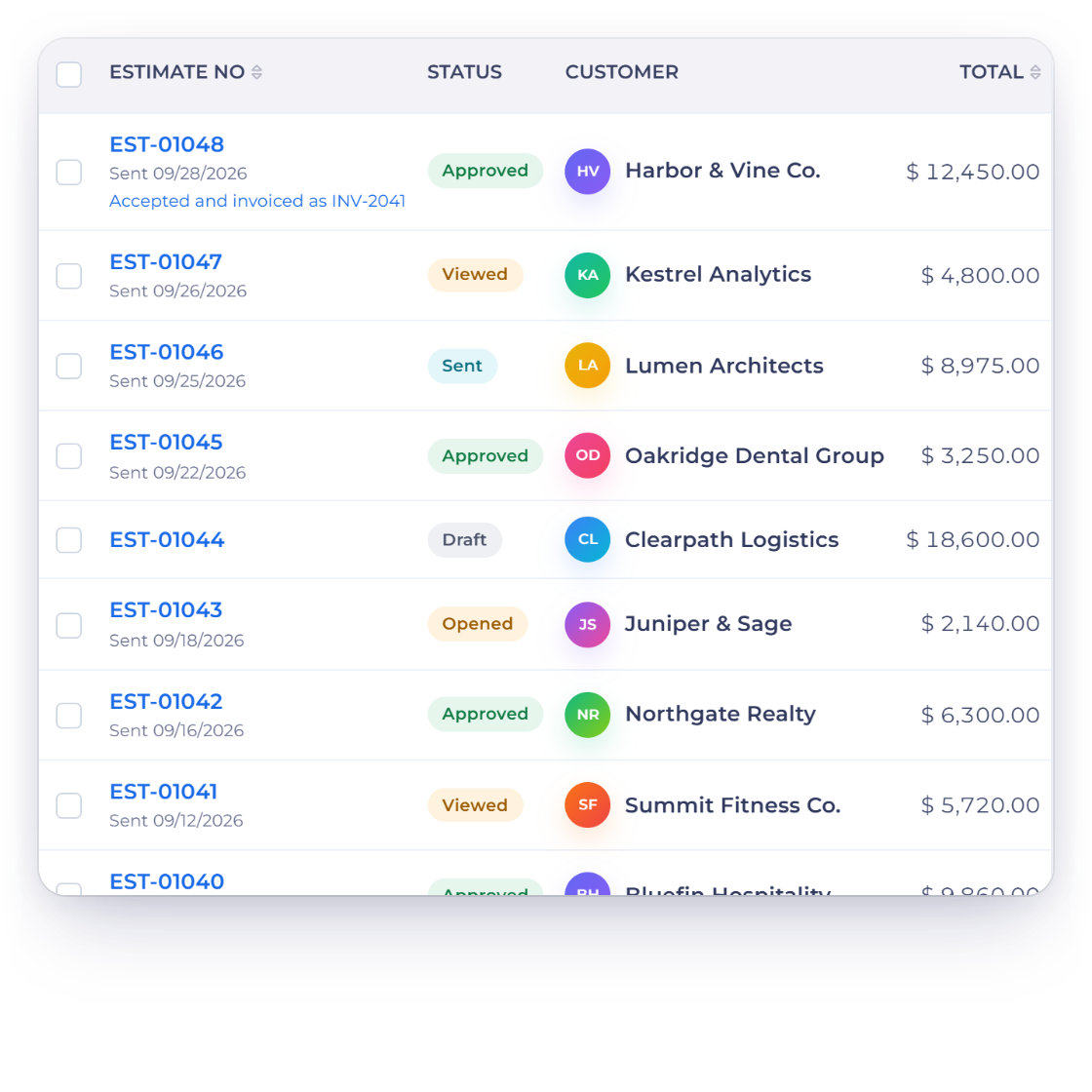
    Every estimate stays in the account with its current status, from sent to kept or removed.

  • Proposals for bigger jobs

    When a quote needs pages of context around it, a proposal carries the estimate inside it.

  • Straight to billing

    An invoice raised from an estimate behaves like any other, including reminders and late fees.

  • What you quoted

    Estimates sit alongside your invoices, so quoted work and billed work are read from one account.

Questions

Creating estimates, answered

How much of the estimate template can I change?

Colors, your logo and the layout of the page. It applies to what the client opens as well as the copy they keep, and the template you settle on is reused on every estimate, so the customization is done once rather than each time you quote.

Is there a limit on how many items an estimate can hold?

No practical limit. A three-line quote and a project broken into dozens of deliverables use the same screen, and long estimates stay readable because each line carries its own description, quantity and price rather than being squeezed into a paragraph.

Can clients comment on an estimate before accepting it?

Yes. The customer portal lets a client view the estimate, ask a question or suggest a change, and see your response. Scope is agreed in the document itself instead of across a chain of emails nobody can find two months later.

How do I turn an approved estimate into an invoice?

One click. The accepted lines, the client-removable items the client kept and any quantity they changed all carry over, and the invoice is ready to send. The original estimate stays on file so you can see exactly what was agreed.

Can a client change what they are buying?

Within the limits you set. Mark lines optional and the client keeps or removes them; leave a quantity editable and they can adjust it themselves. What comes back approved is what they actually want, which means fewer revisions for you.

Can I send an estimate in another currency?

Yes. Choose the currency the client works in and the estimate is priced in it from the start, so the figure they approve is the figure they will pay. Your own reporting still totals in the base currency of the business.

Send an estimate that answers the questions first

A clear estimate states what is included, what is optional and what it costs. Build one from your saved items and let the client approve it online.

  • current trial
  • No credit card required
  • Estimates and invoices in one account