Price it once, then tick the gateways
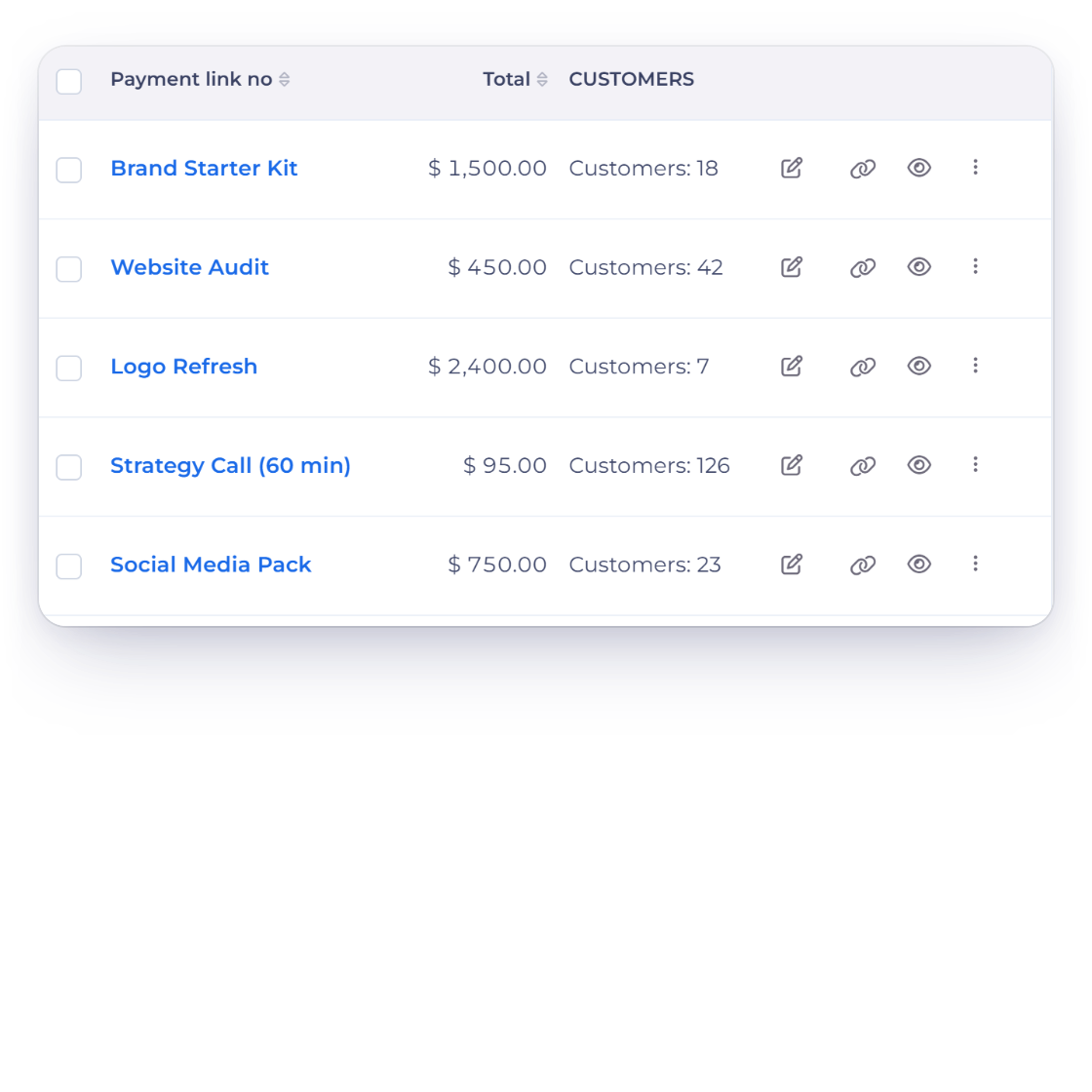
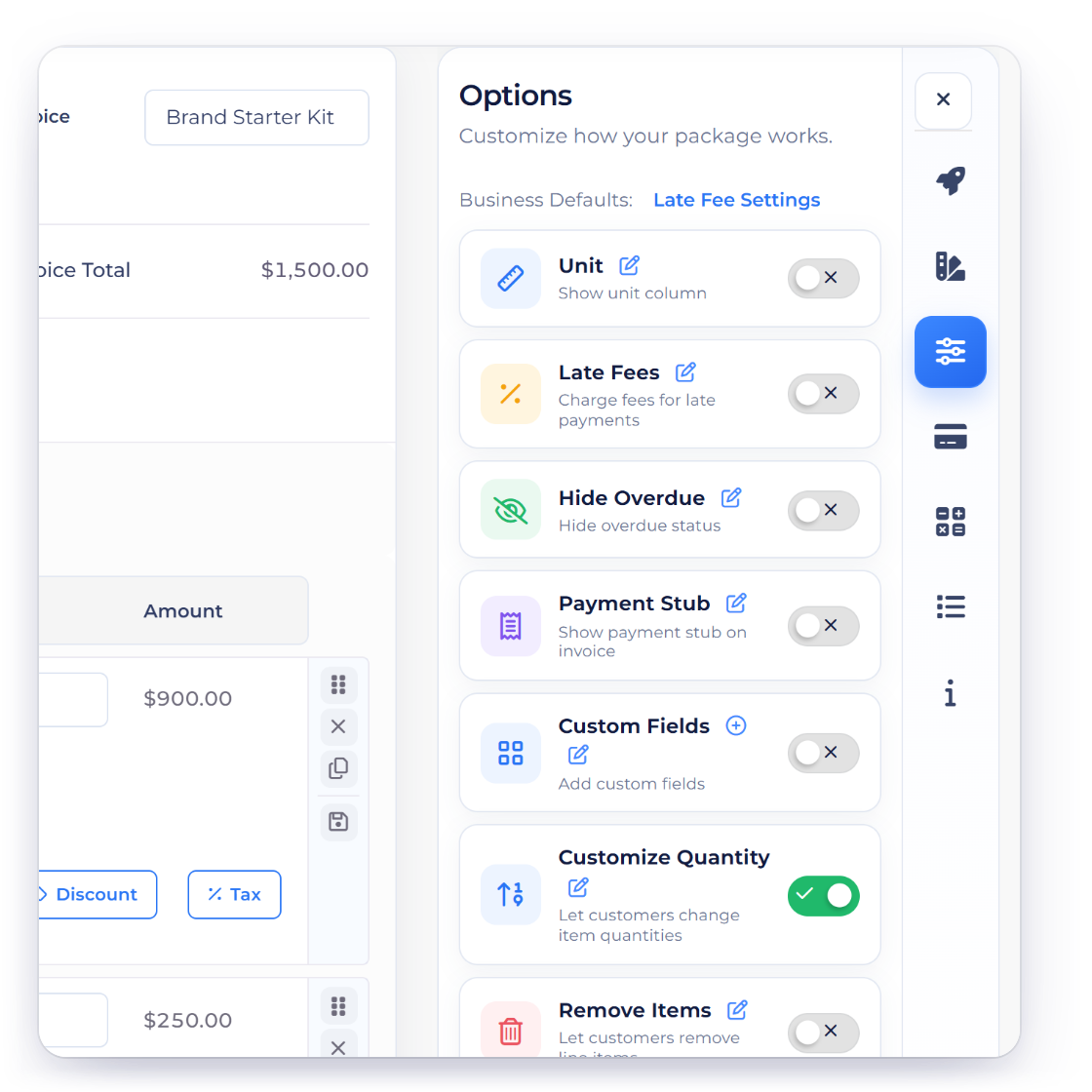
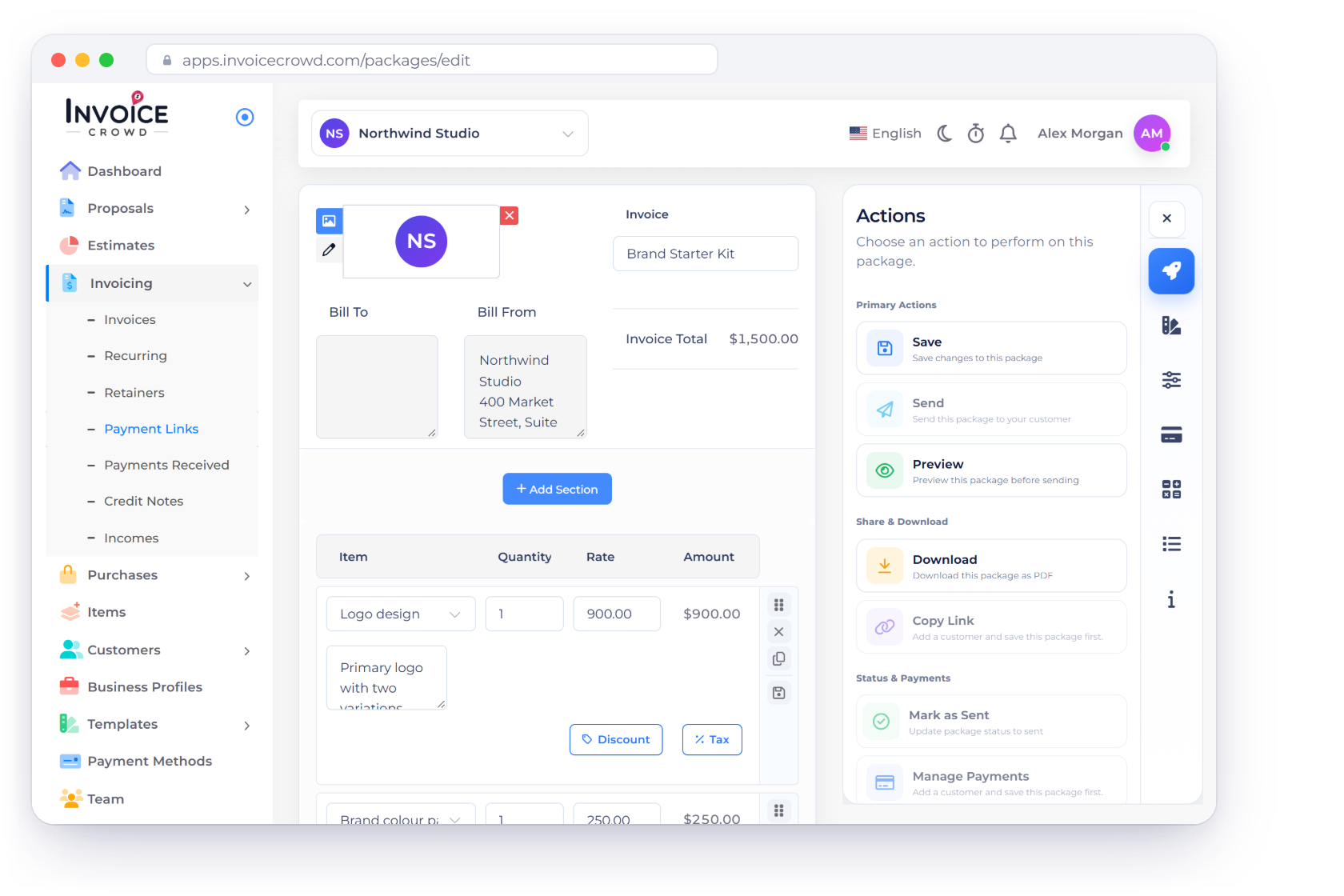
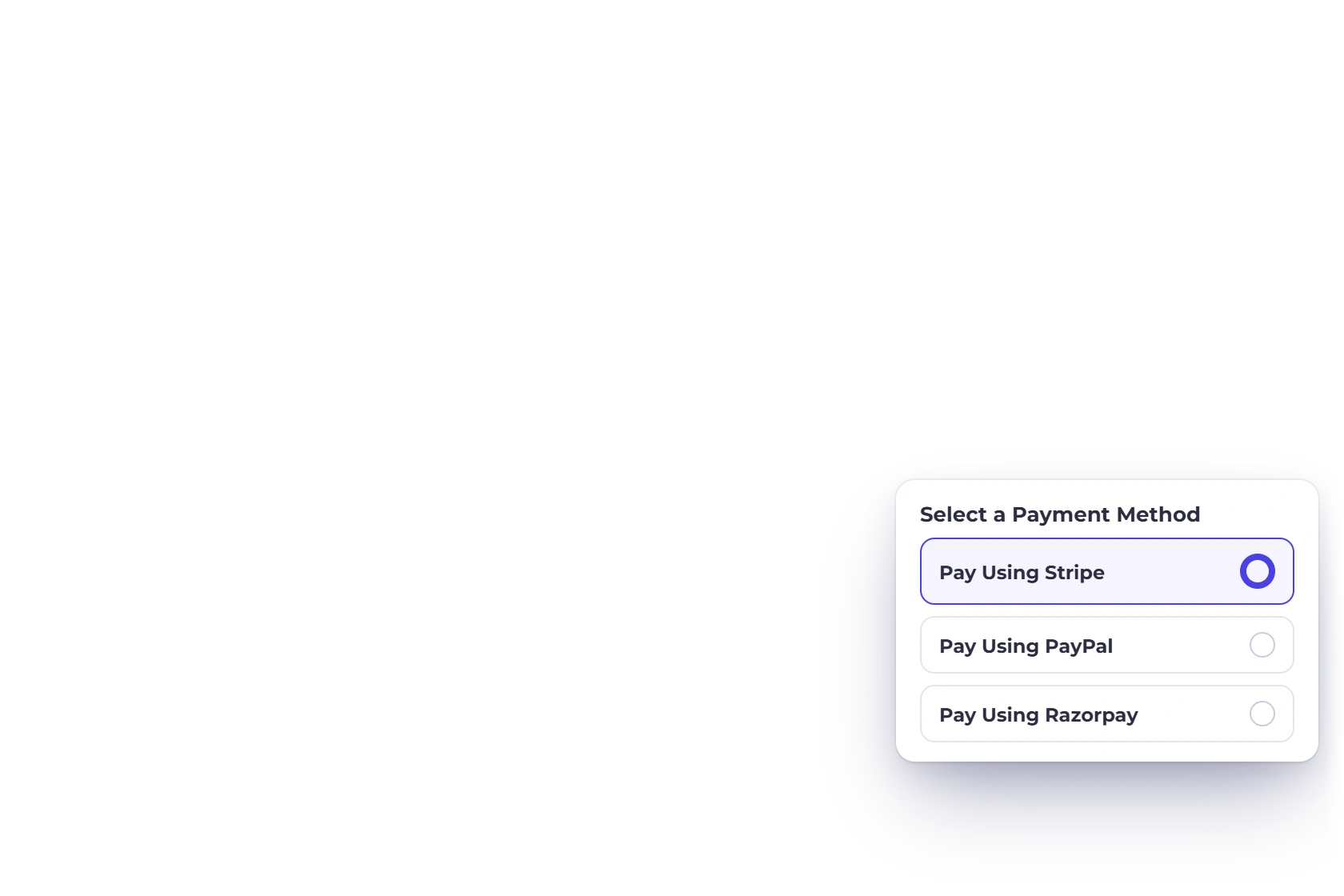
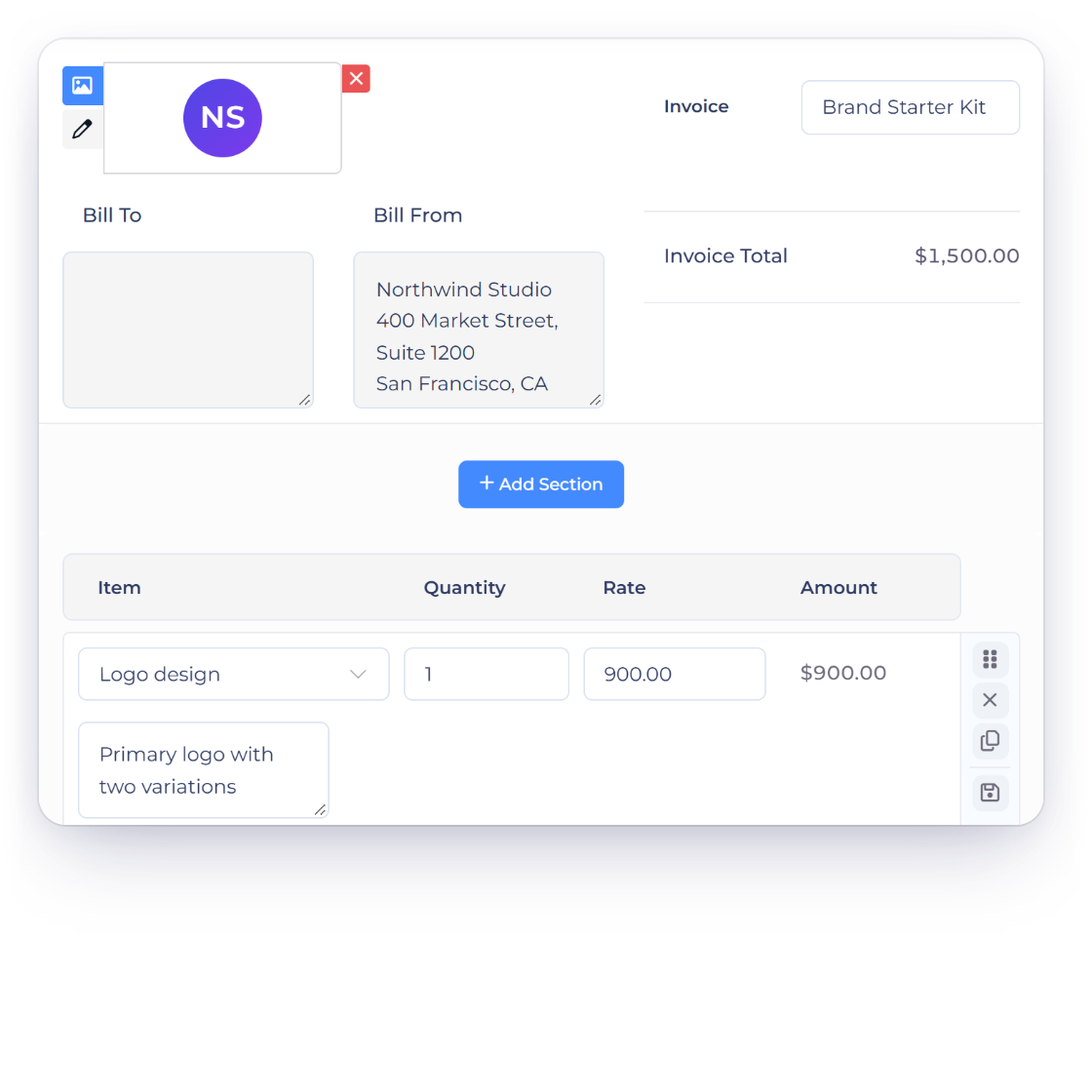
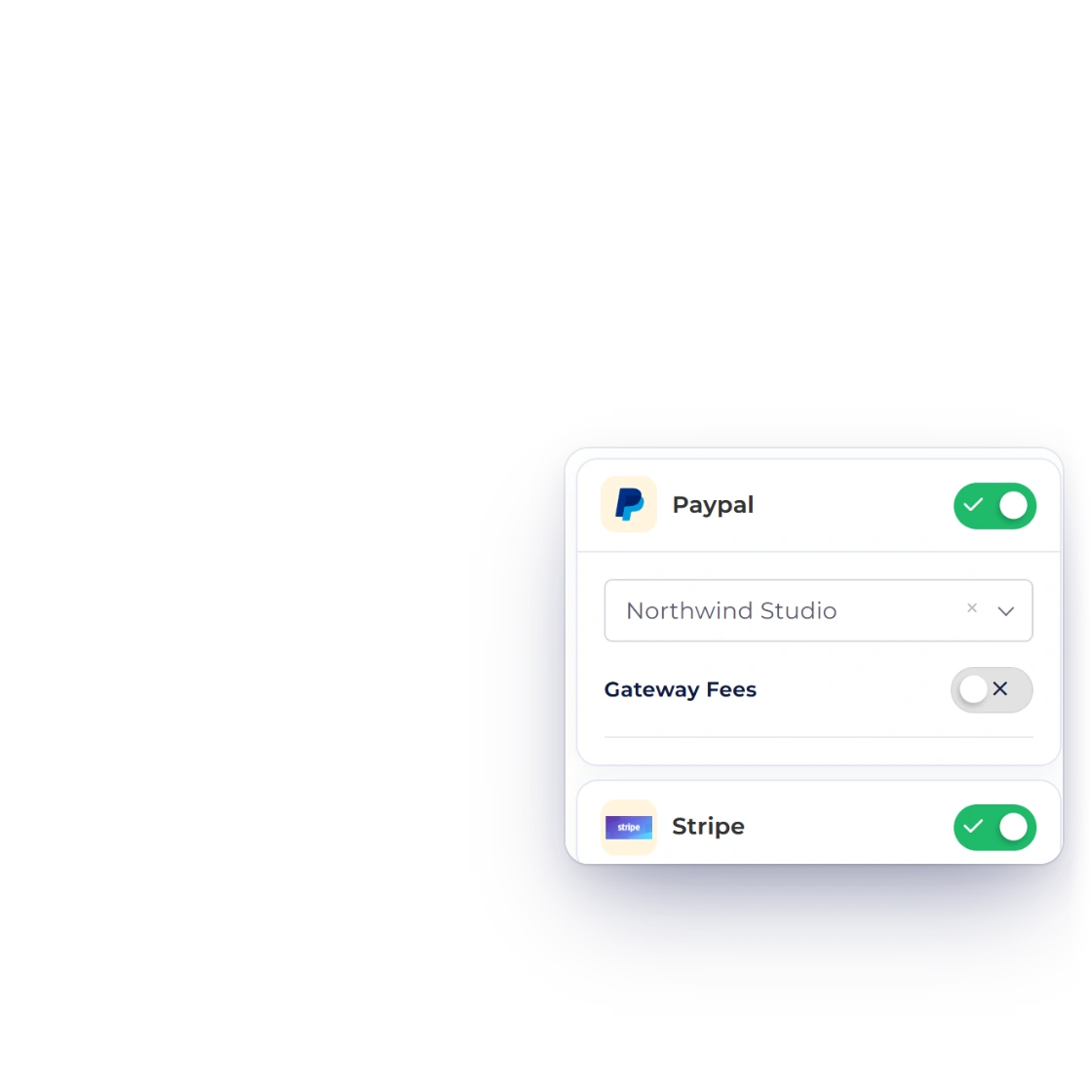
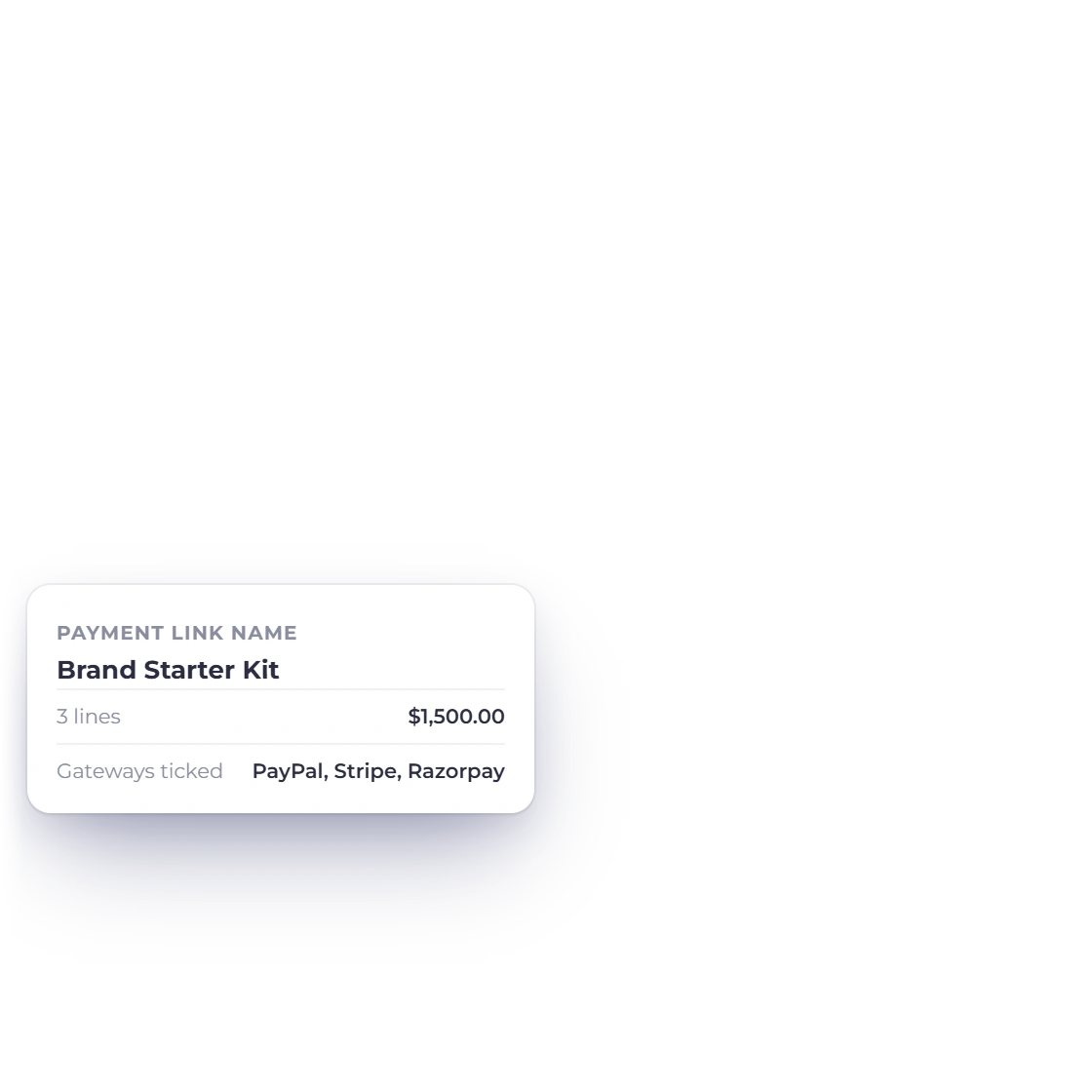
Create Payment Link opens the familiar invoice editor. Give the link a name so buyers know what they are purchasing, then add line items, discounts, taxes, shipping, notes and custom fields. Tick the gateways this link accepts, save, and copy the URL.
- Choose the gateways per link
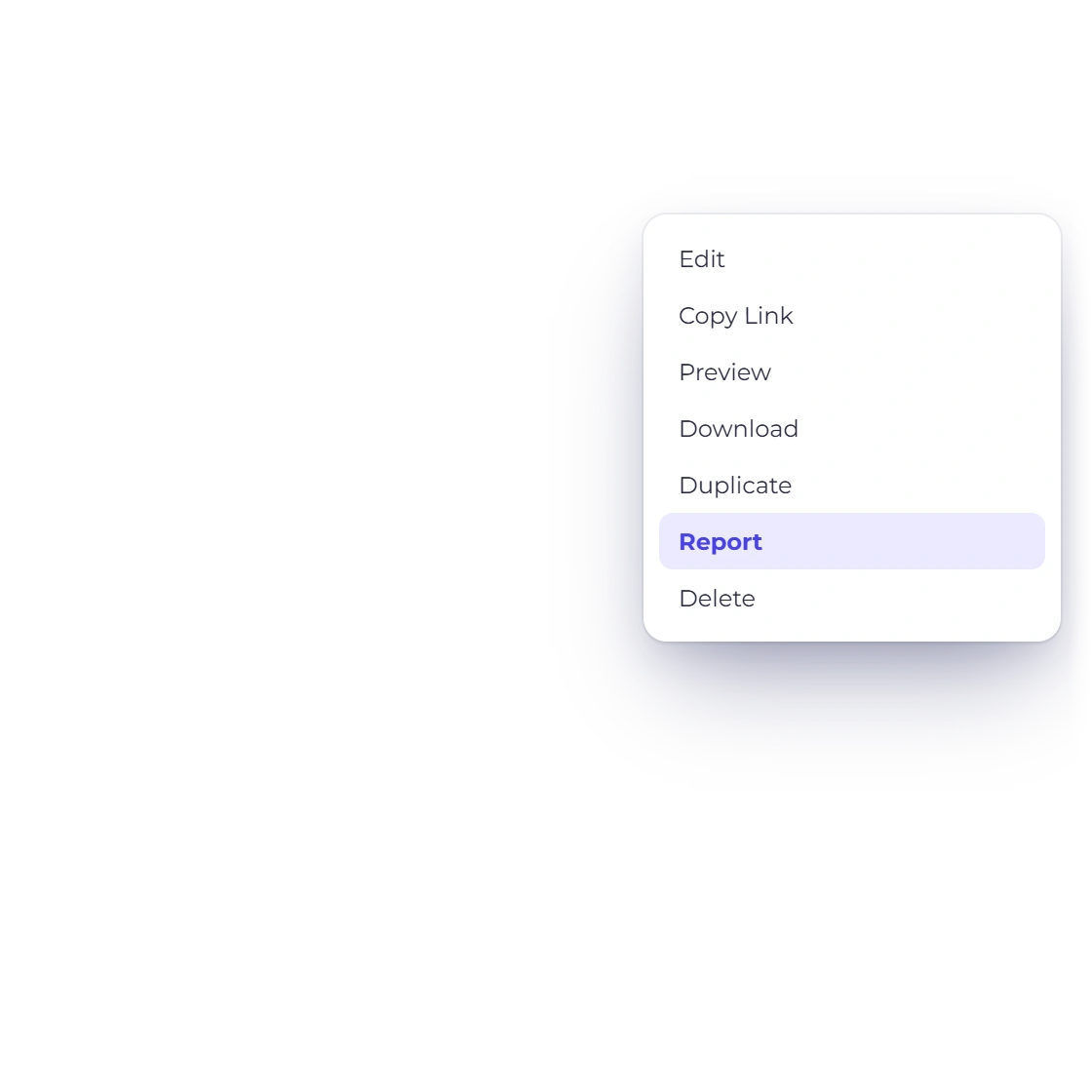
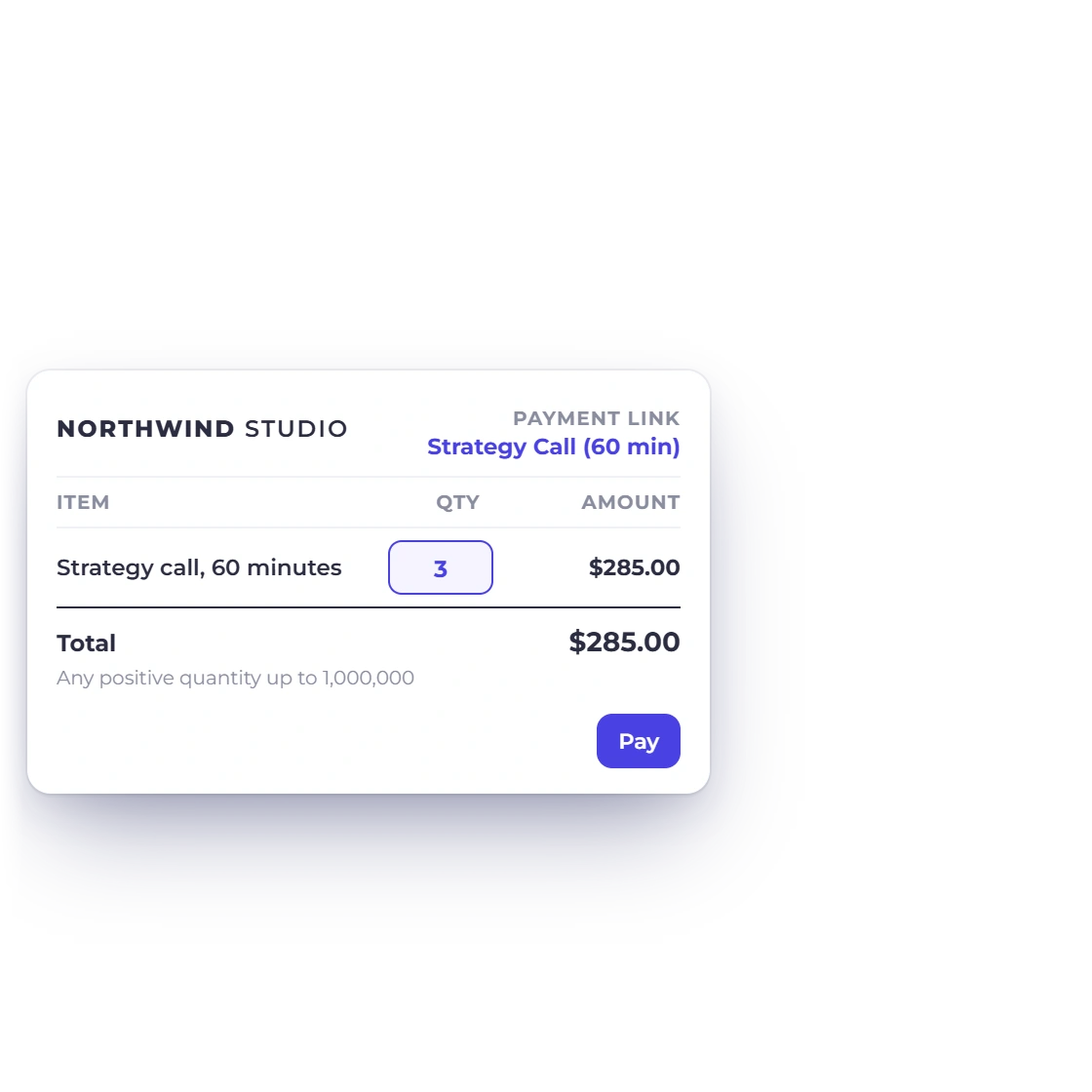
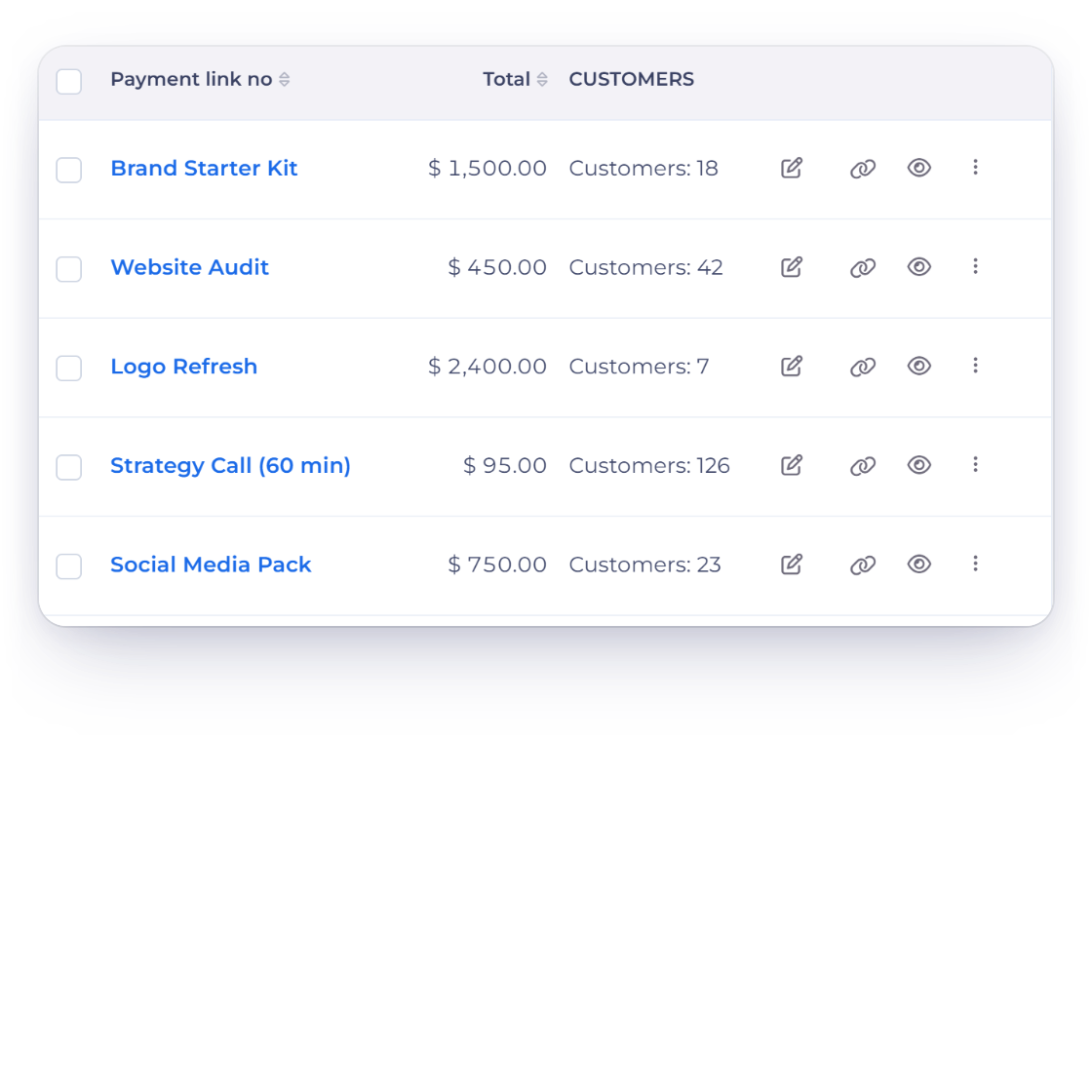
- Preview opens the public page as a buyer sees it
- Copy Link gives you the URL to publish