

Skip to content

The report you need, for the dates and categories you pick

Generate invoice, expense, income and aged-debt views from the records in your account. Use the filters and visible totals as operational evidence, and review source completeness and any report-layer differences before treating a result as accounting, tax or statutory output.

  • Invoices, income, expenses, GST
  • Filter by date and category
  • Download and send on
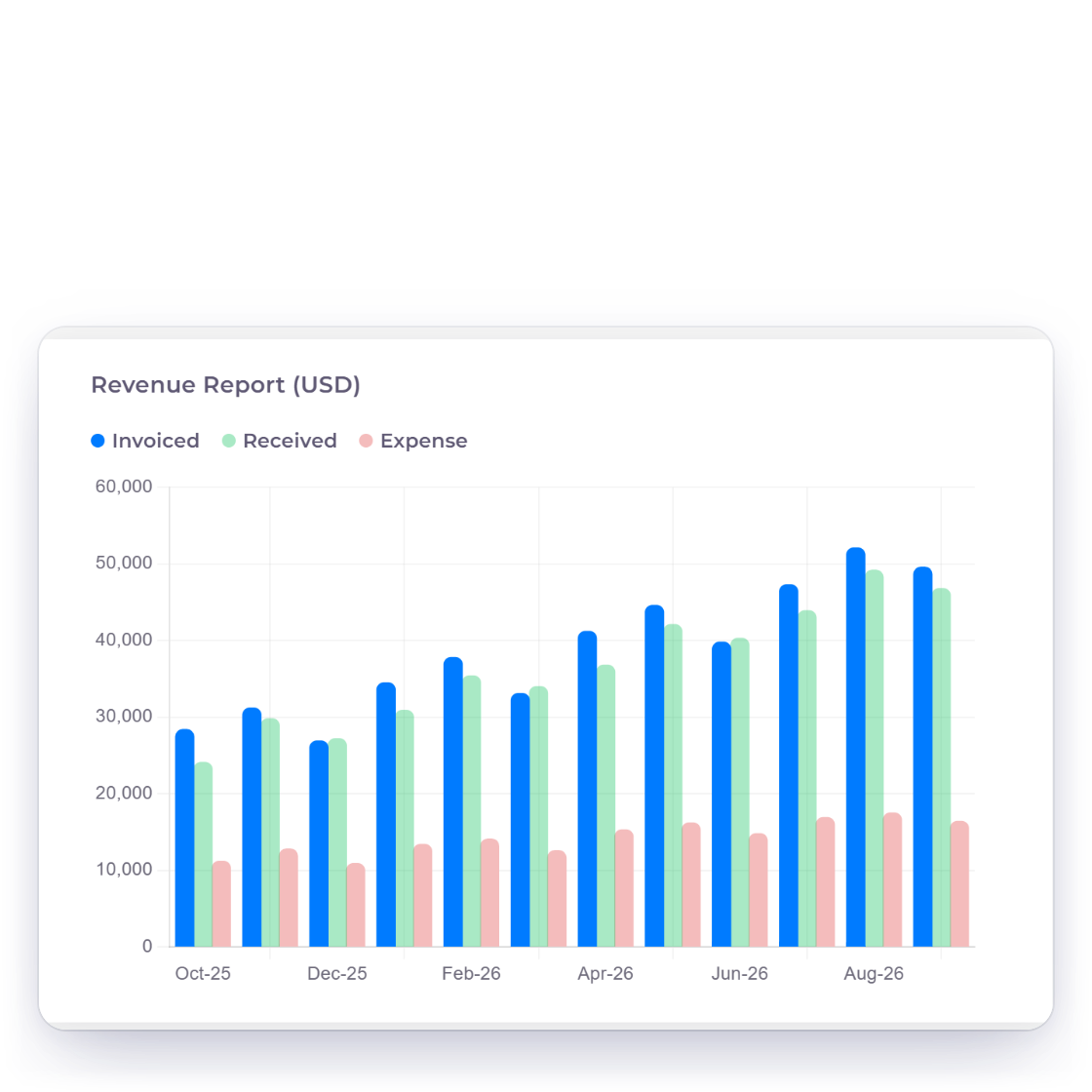
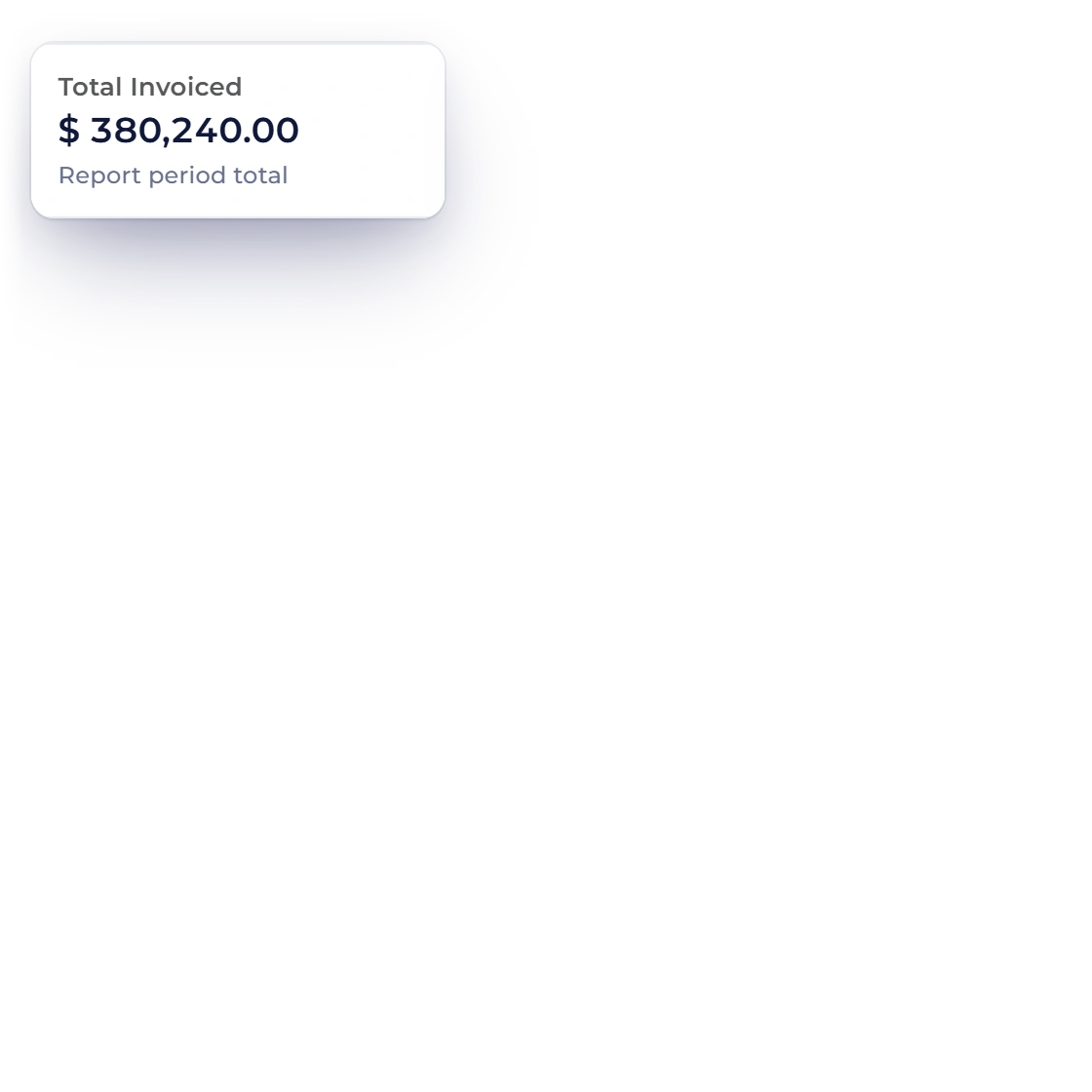
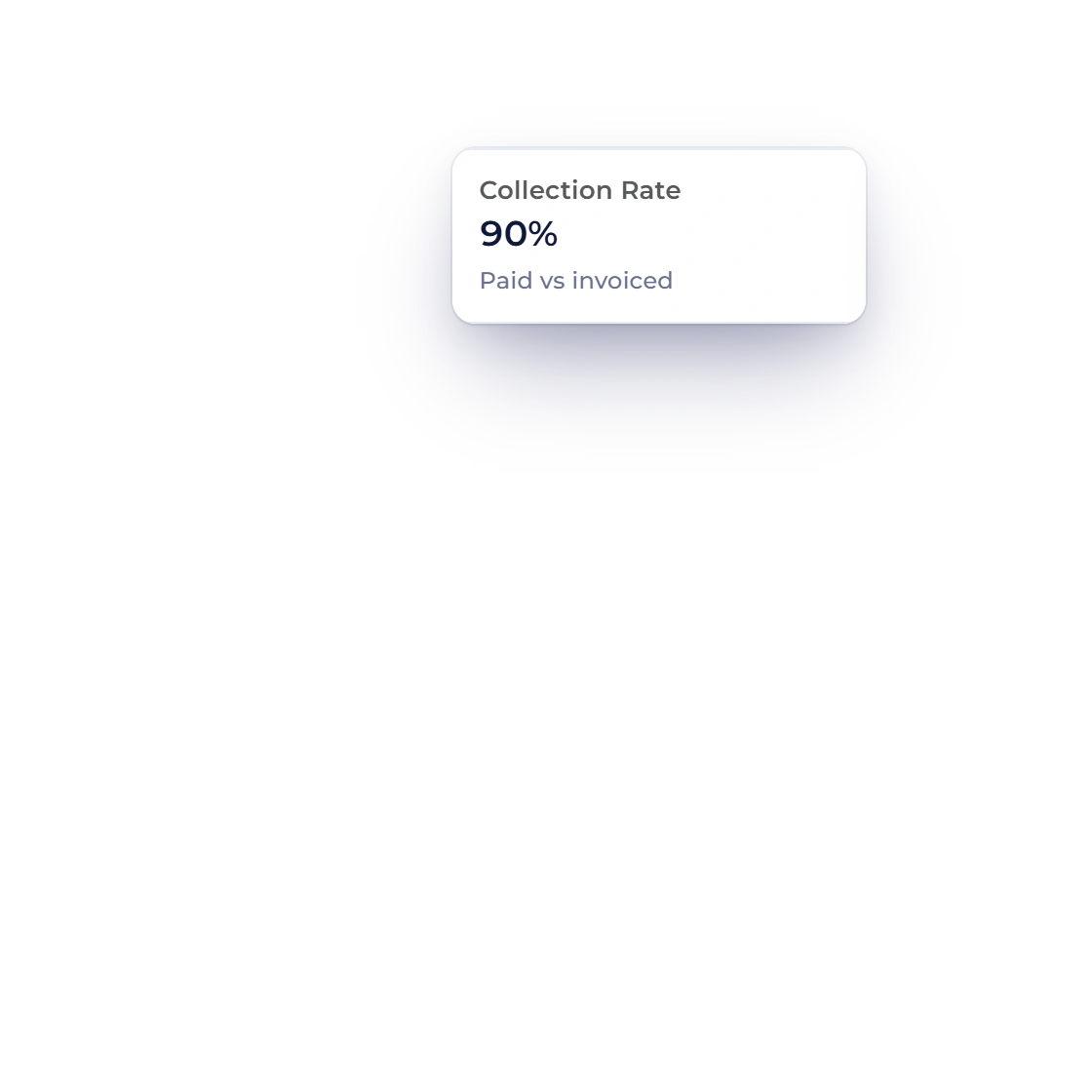
The invoice report in Invoice Crowd, with totals and per-customer breakdowns

What is inside

Choosing a report, then narrowing it down

Reporting sits over the records the account already holds. Pick the type, set the window, add a filter if the question is narrower, then read the result or take it away.

Pick a report

Different questions, different reports

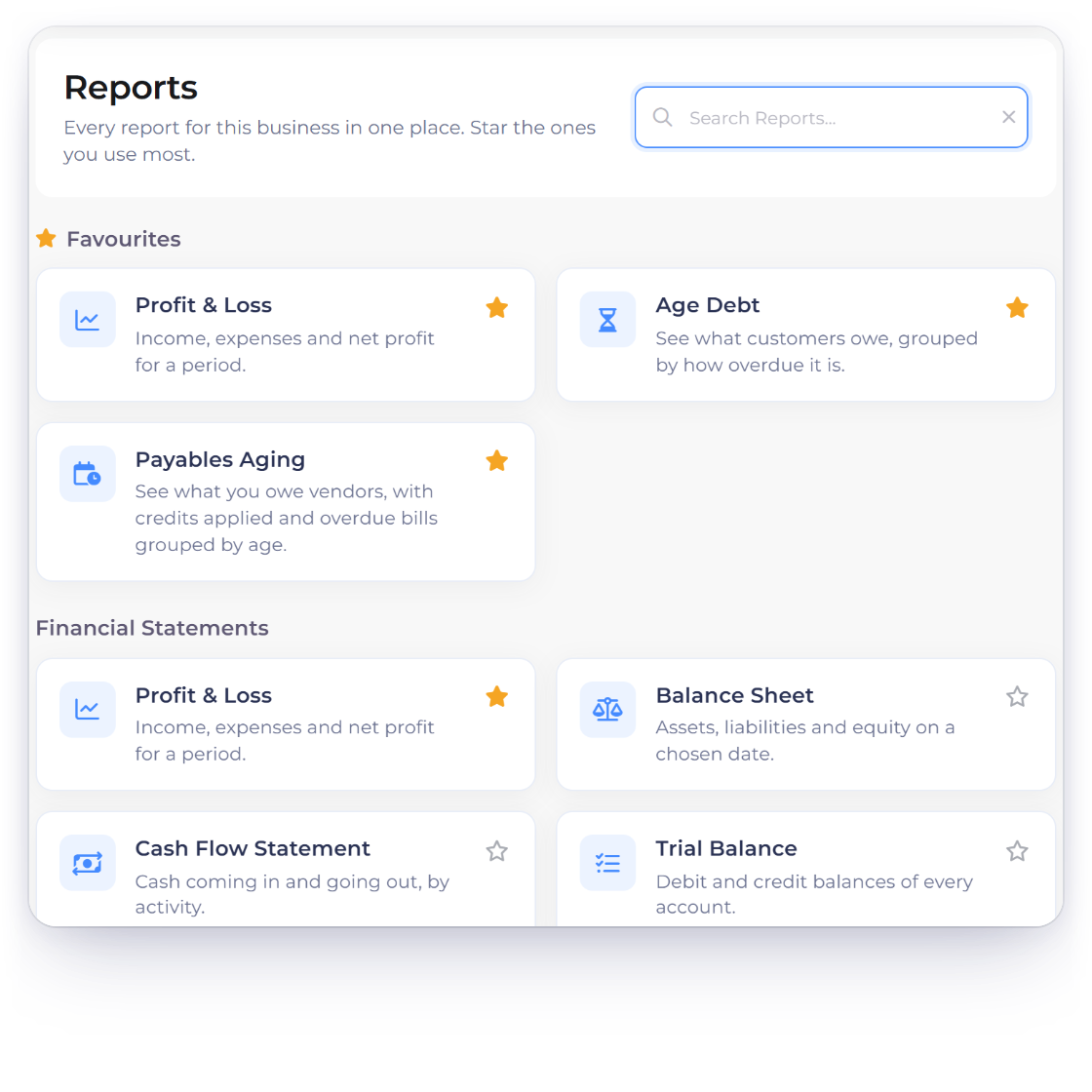
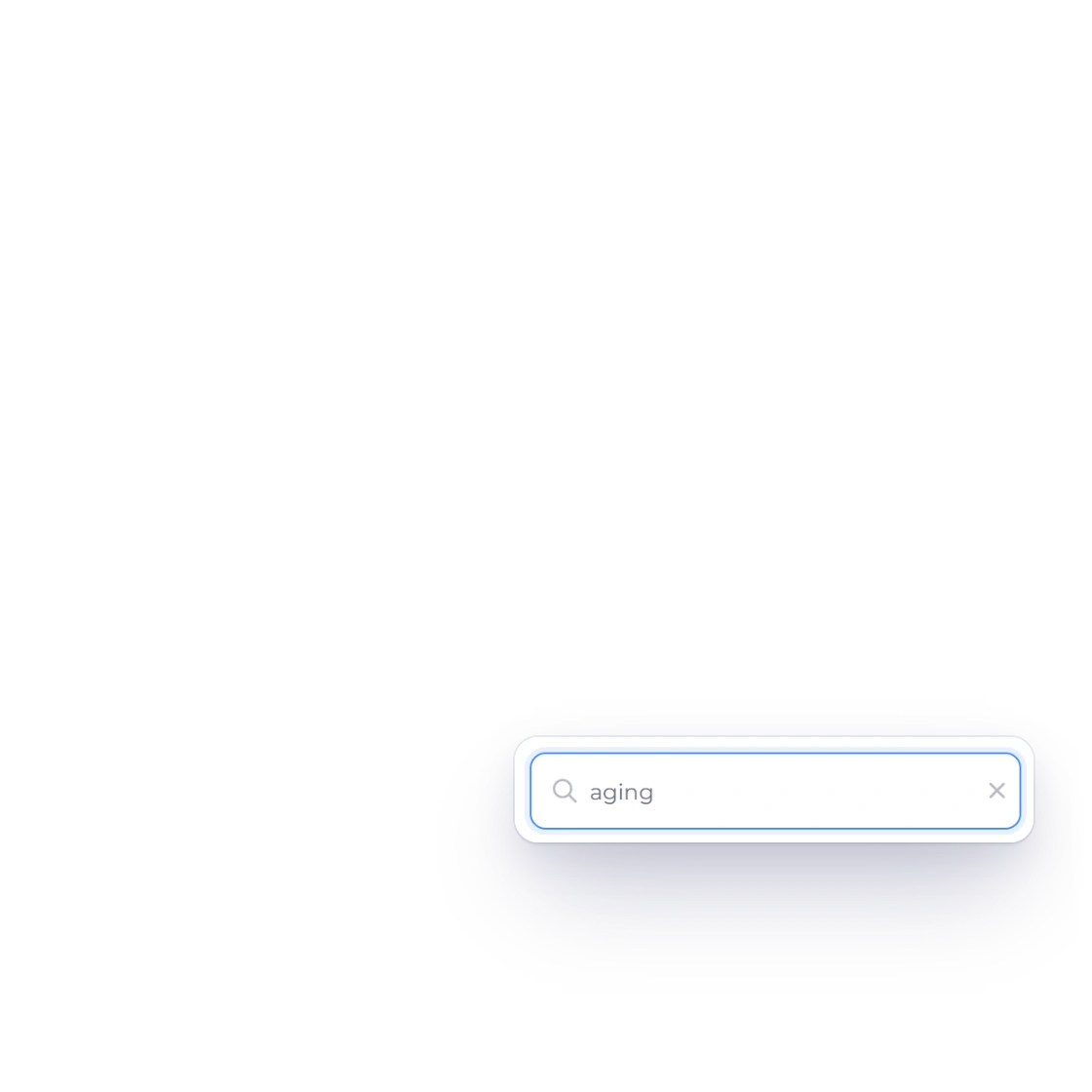
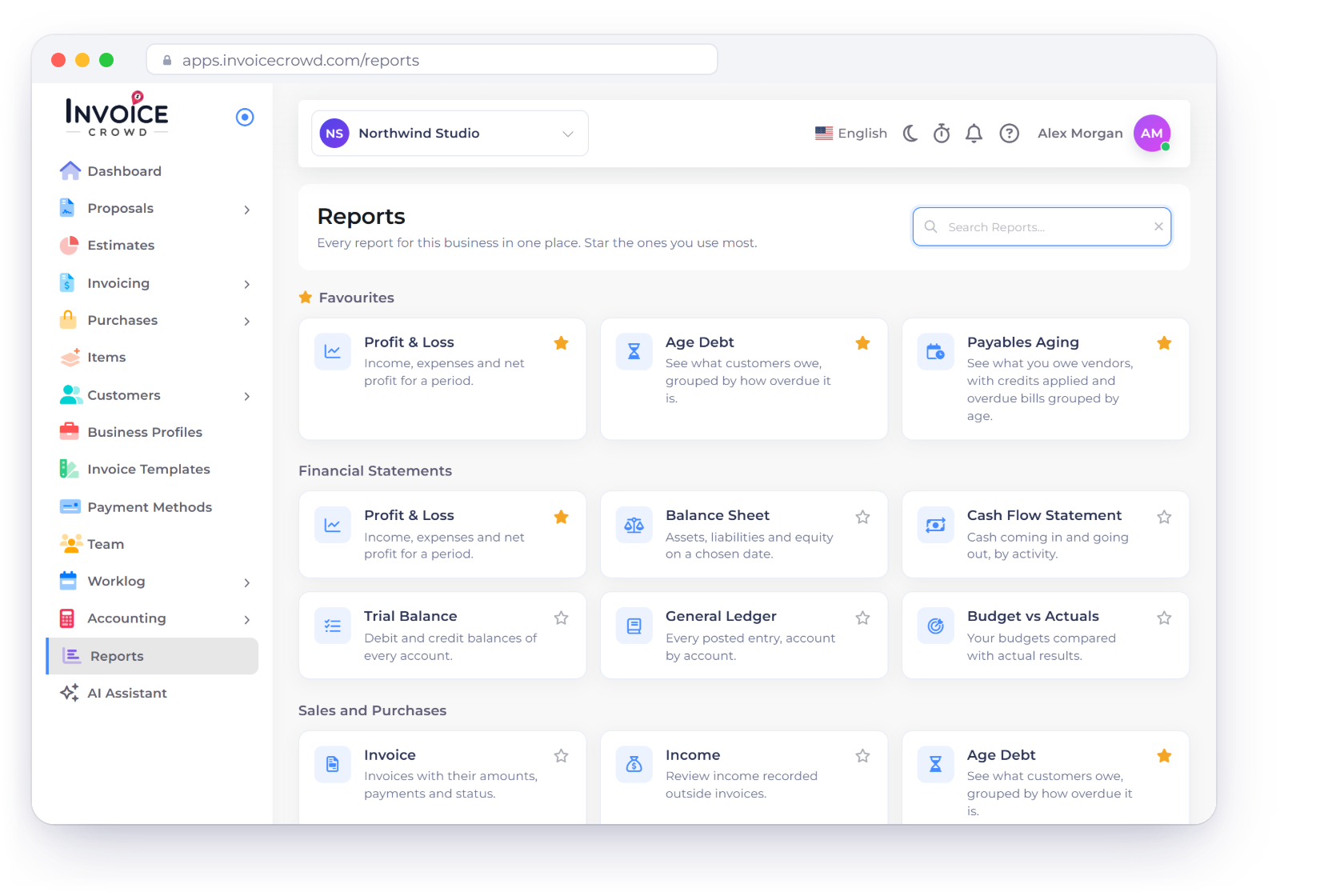
Choosing a report type in Invoice Crowd

A report for each side of the business

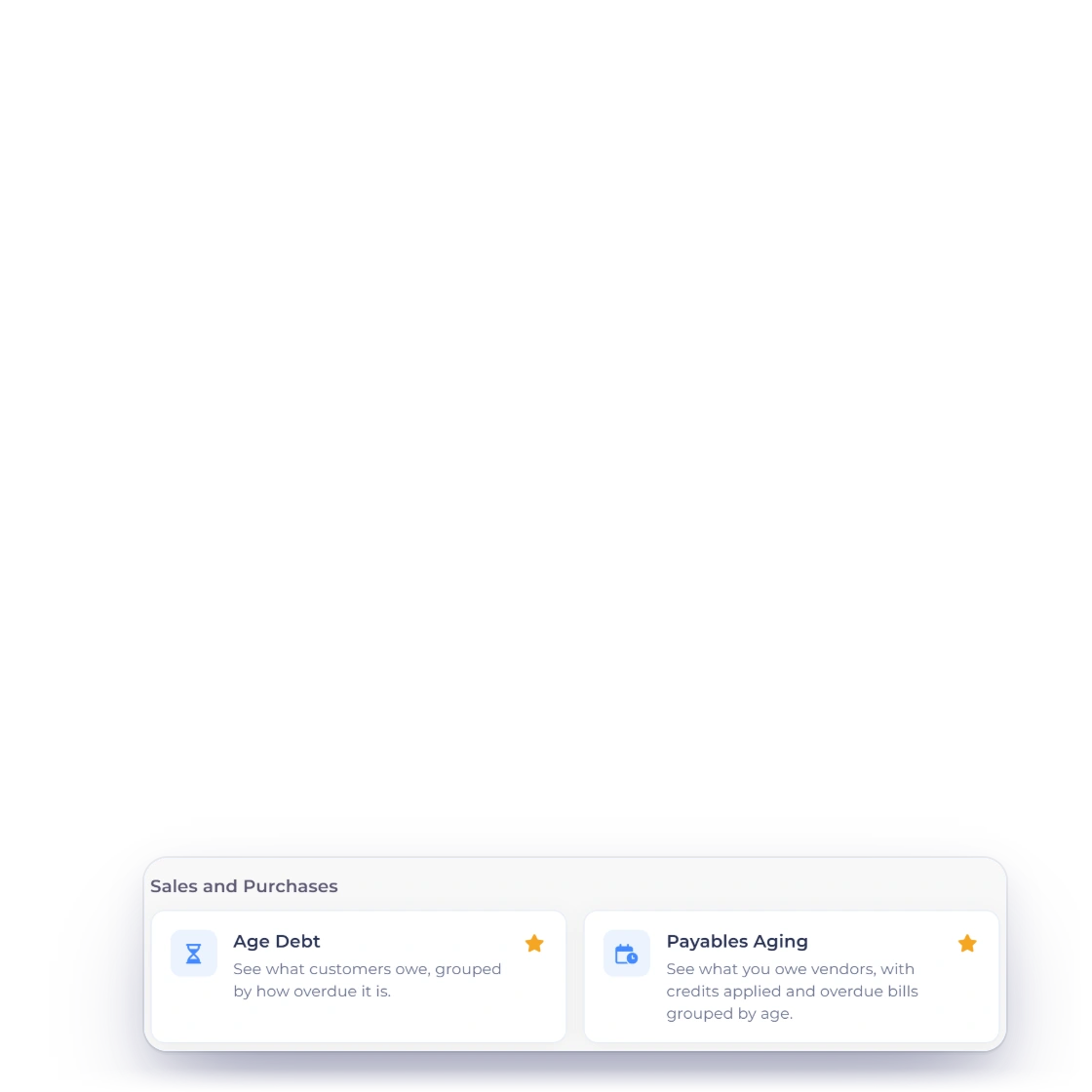
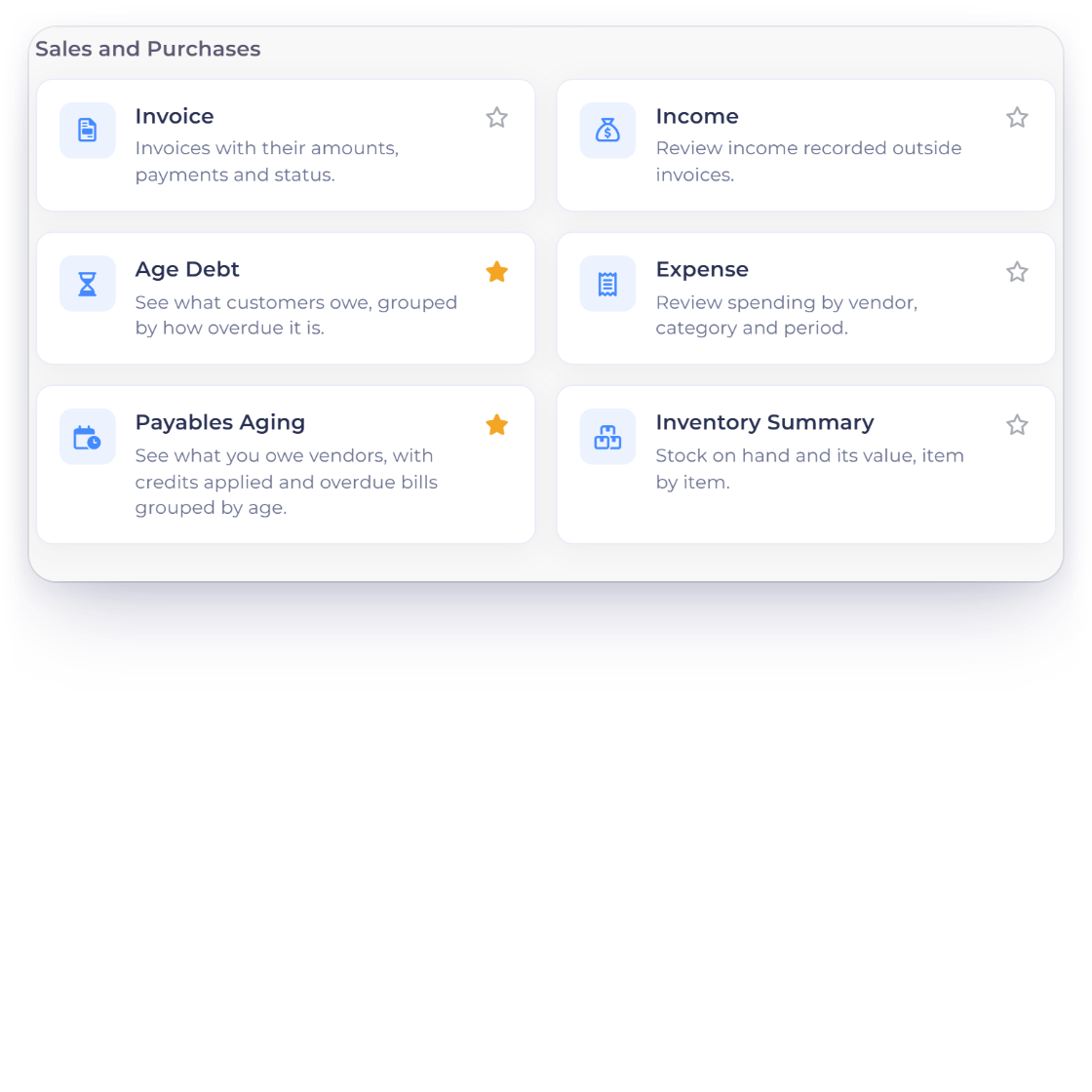
Invoices, aged debt, income, expenses, GST filing and an inventory summary each have their own report. Which one you open depends on the question in front of you: who owes money and for how long, what a category cost last quarter, or what has to go on the next return.

  • Invoice and aged debt reports
  • Income and expense reports
  • GST filing and inventory summary

Figures as current as the account

A report is built at the moment you ask for it, from the records sitting in the account right then. An invoice paid an hour ago is already counted, so there is no refresh to run and no doubt about whether the number in front of you is this week's or last month's.

  • Generated for the requested filters
  • Payments count as soon as they land
  • No export-and-recalculate step

Narrow it

Dates first, then categories

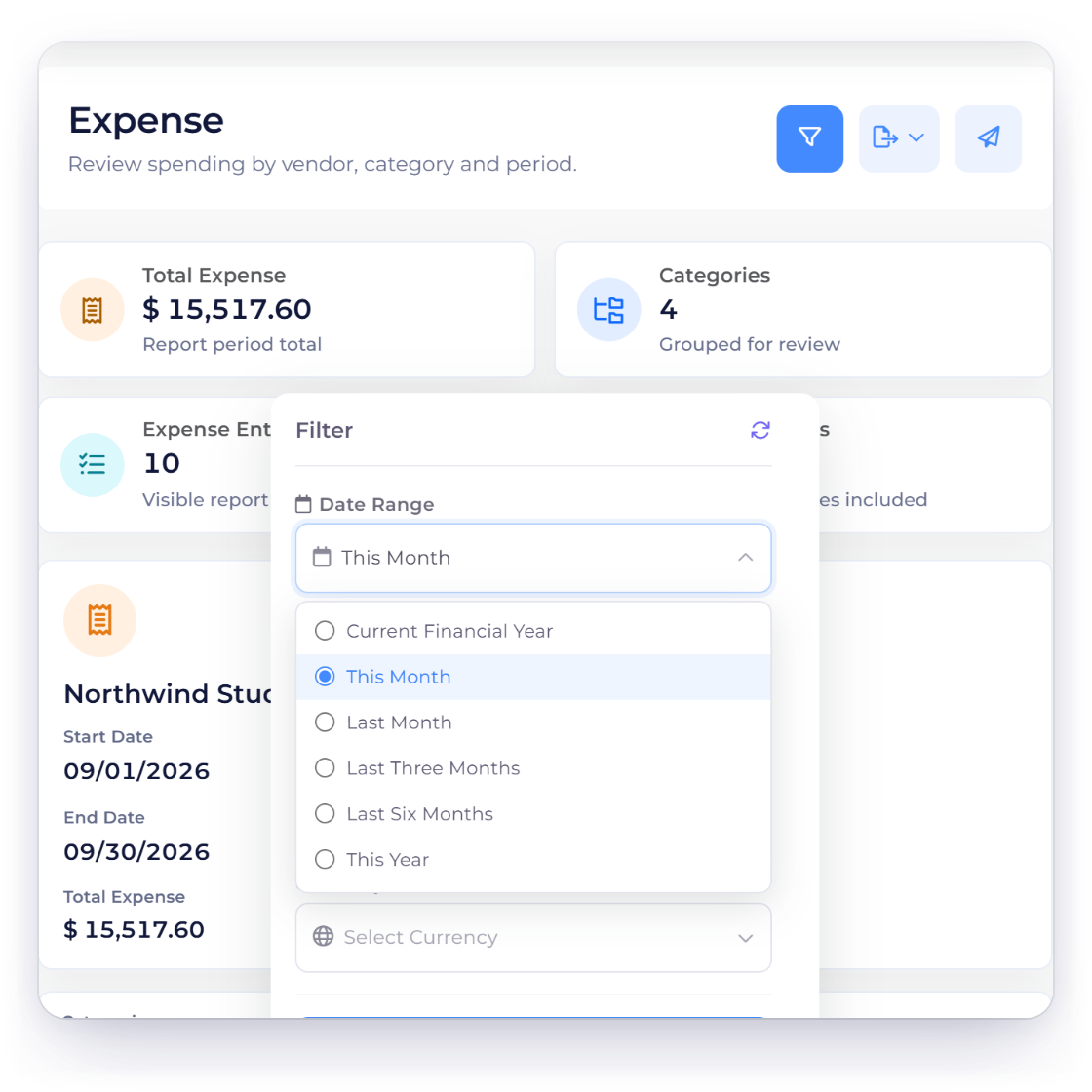
Setting a date range filter on a report in Invoice Crowd

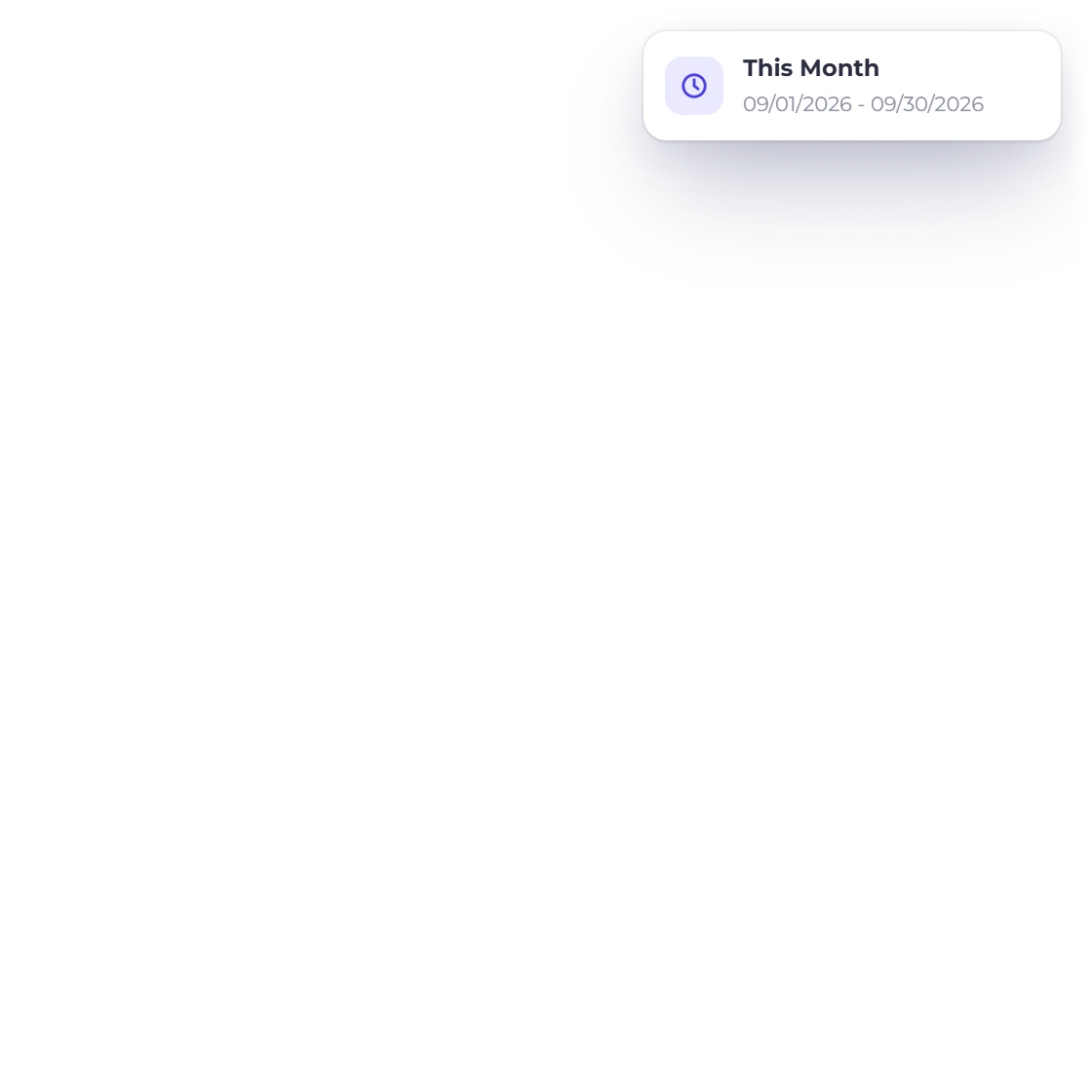
The selected date window

Set a start and an end date and the report covers exactly that span: a month for a management meeting, a quarter for a return, a year for the accountant. The same report answers an entirely different question once the dates move.

  • Monthly, quarterly or annual
  • Custom start and end dates
  • Rerun with new dates in seconds
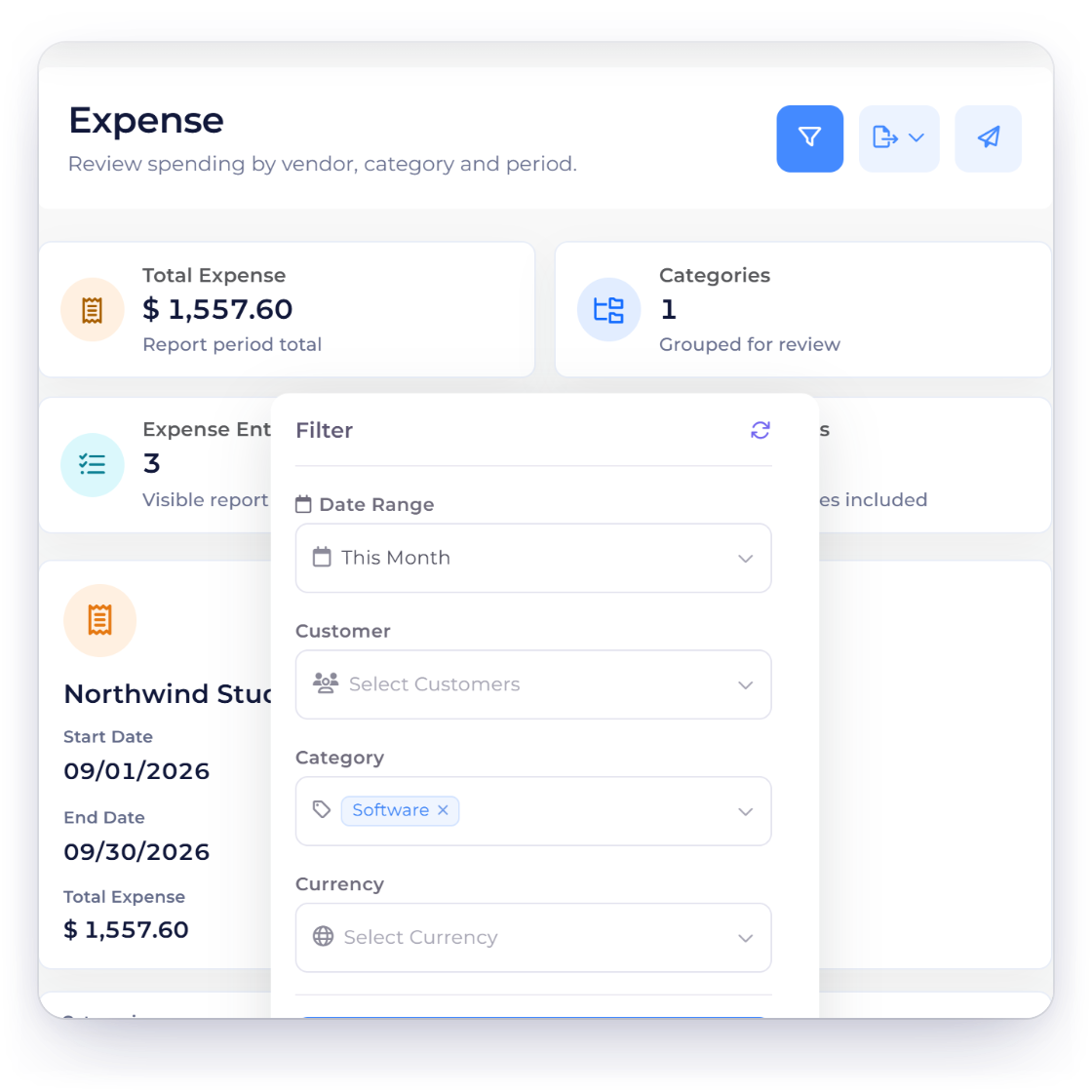
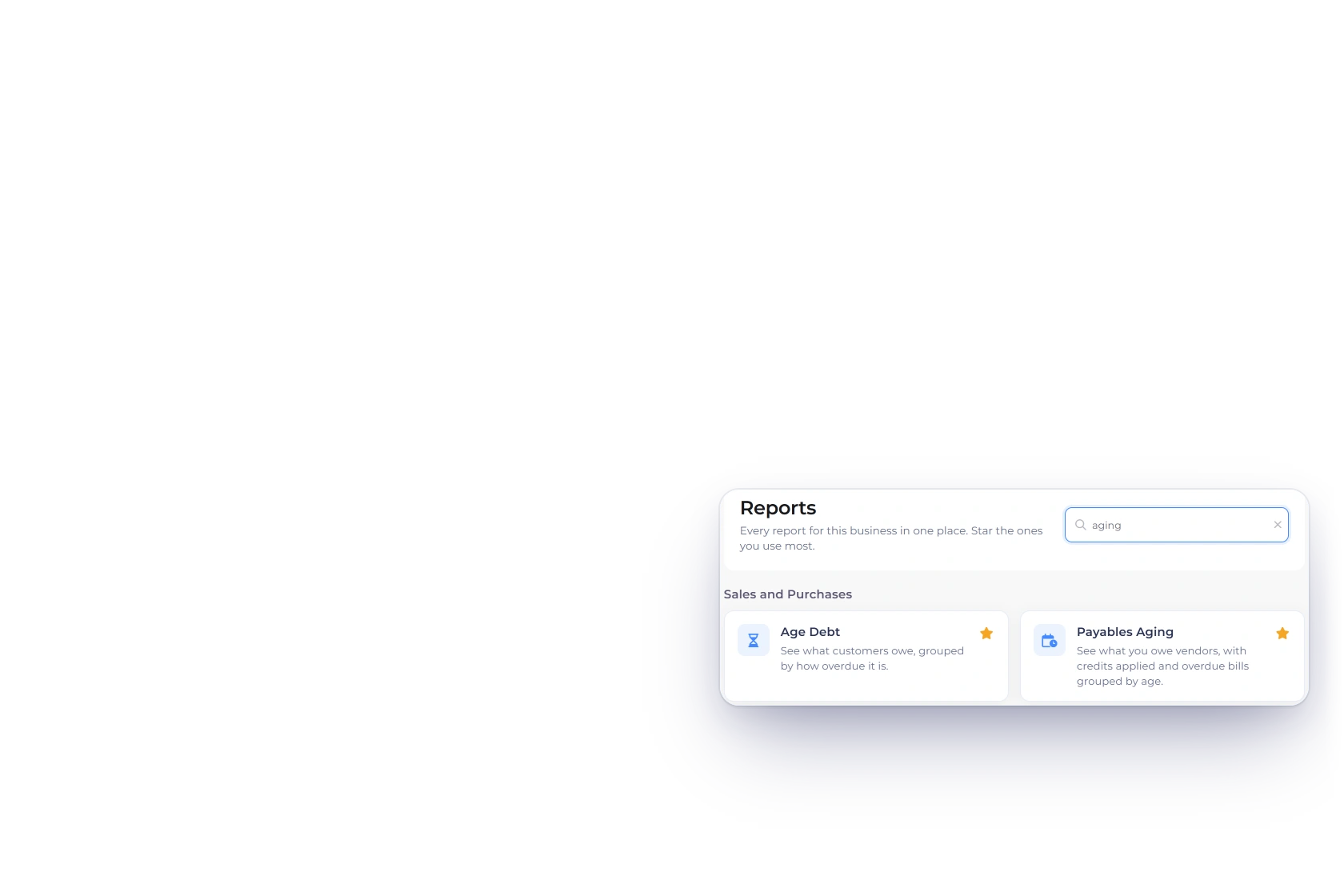
Filtering a report by income and expense category in Invoice Crowd

Filter down to one category

Past the dates, a report can be limited to a particular income or expense category, and the filters stack rather than replacing one another. One quarter, one category, one supplier turns a long list into the answer you were actually after.

  • Income or expense categories
  • Several filters applied at once
  • Narrow first, download afterwards

Take it away

Out of the app, into the meeting

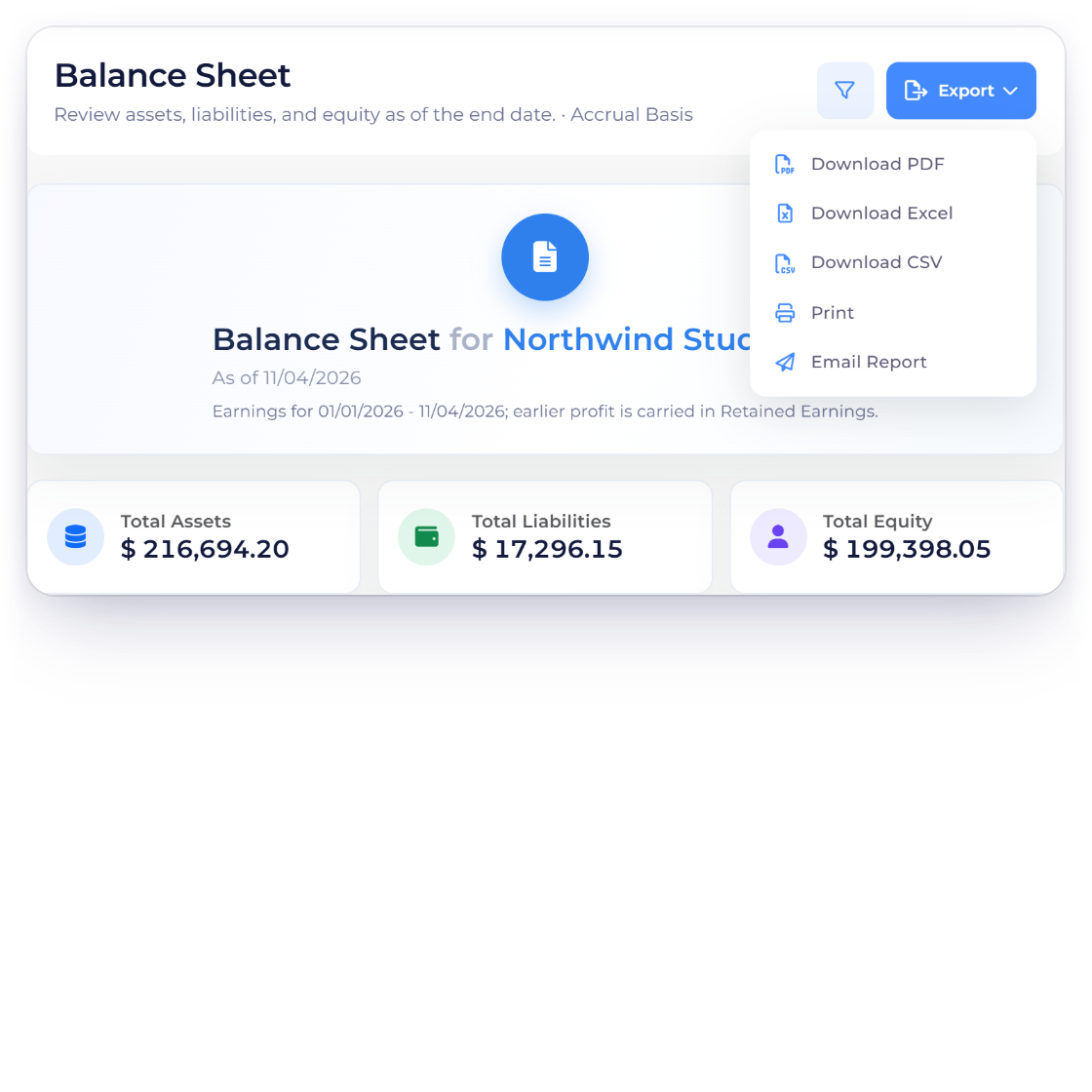
Download in the usual formats

Reports come out in the formats people already work in, which matters when one is heading to an accountant, into a board pack, or into the folder you keep for the tax year. Nothing has to be copied off a screen and retyped.

  • Common file formats
  • Fit to share or to archive
  • Download after the filters are set

Reports that arrive on their own

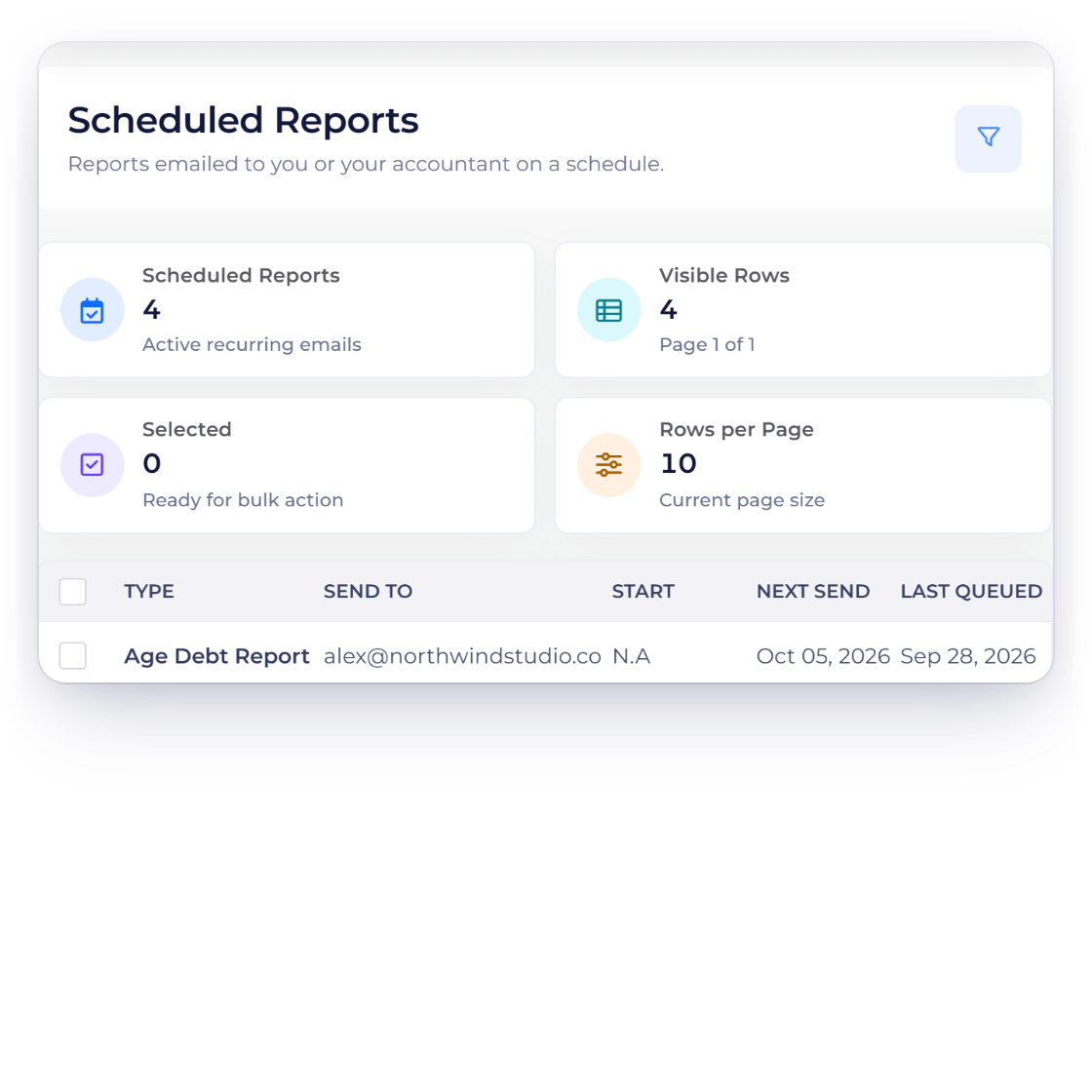
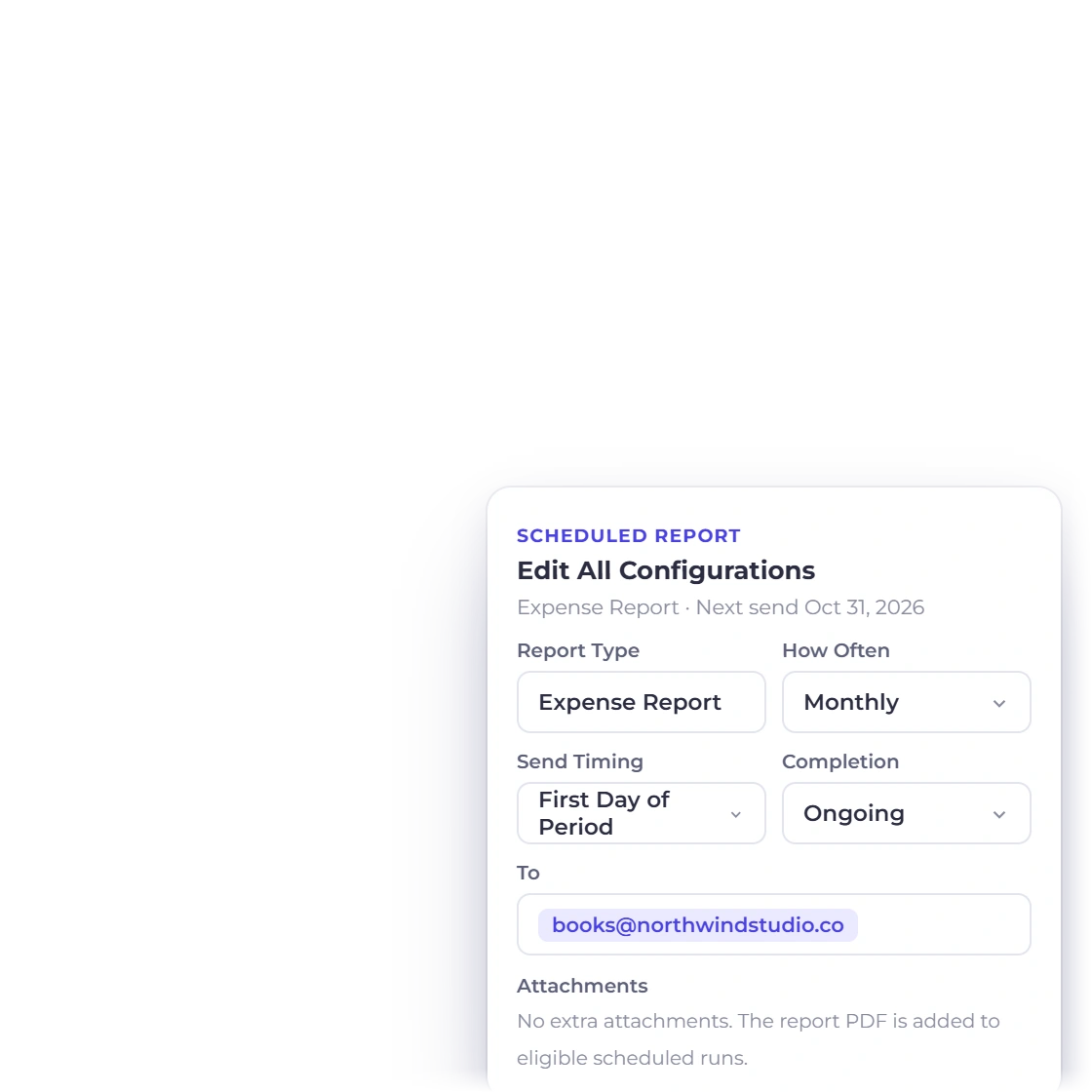
A report can also be scheduled, so the one you check every Monday is sent by email rather than remembered. It keeps the people who only need the summary out of the app, and it means a monthly figure still reaches you in a busy month.

  • Set a report to send on a schedule
  • Delivered by email
  • Useful for a weekly or monthly summary

Also included

What you can actually report on

Each report reads the documents and entries already in the account, so nothing has to be assembled before a question can be answered.

  • Invoice report

    Every invoice raised in a period, with what has been paid and what has not.

  • Aged debt

    How long each unpaid invoice has been sitting there, grouped by how old it is.

  • Expense report

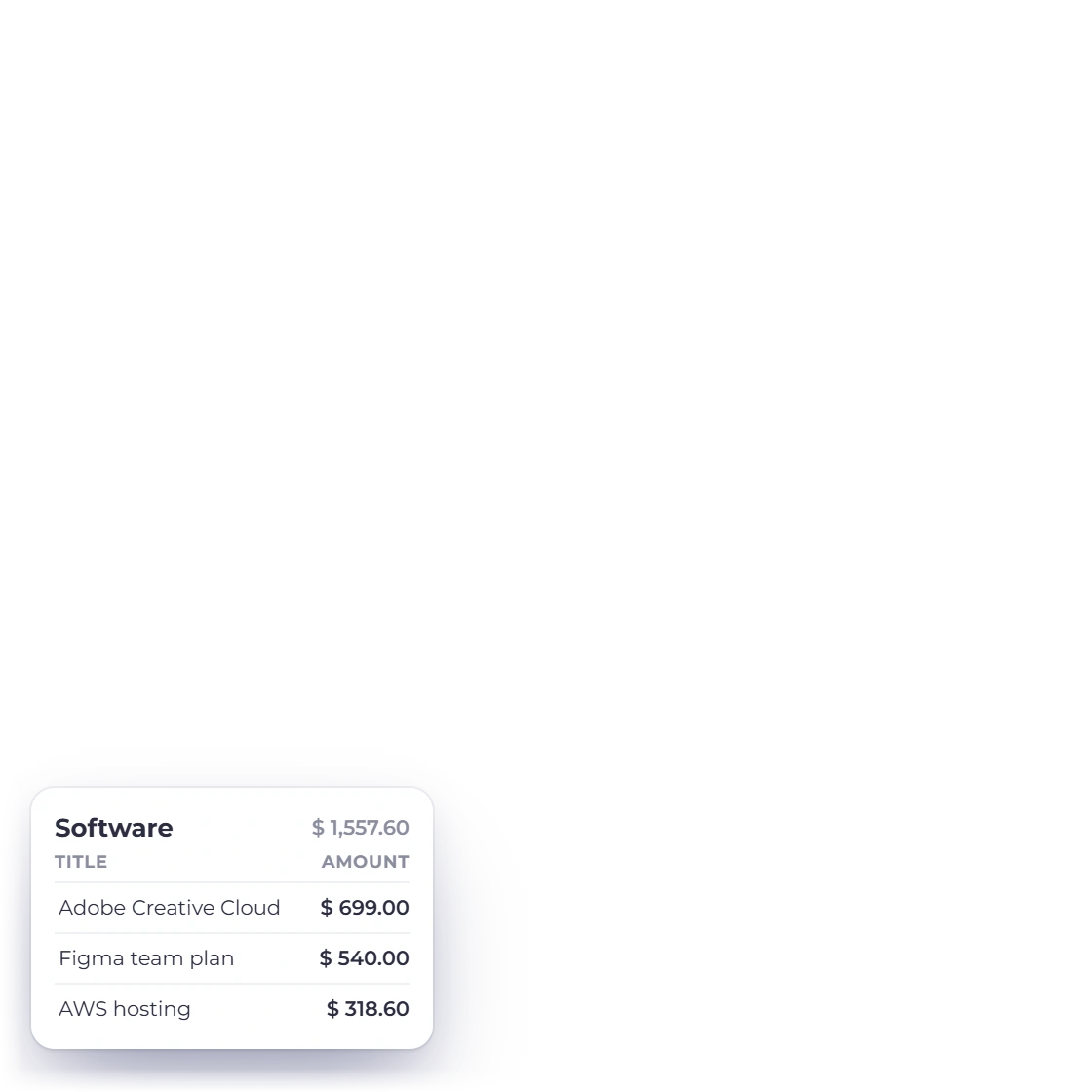
    Costs by date, vendor or category, drawn straight from what expense tracking recorded.

  • Income report

    What came in over the period, grouped by the category it was booked to.

  • GST filing

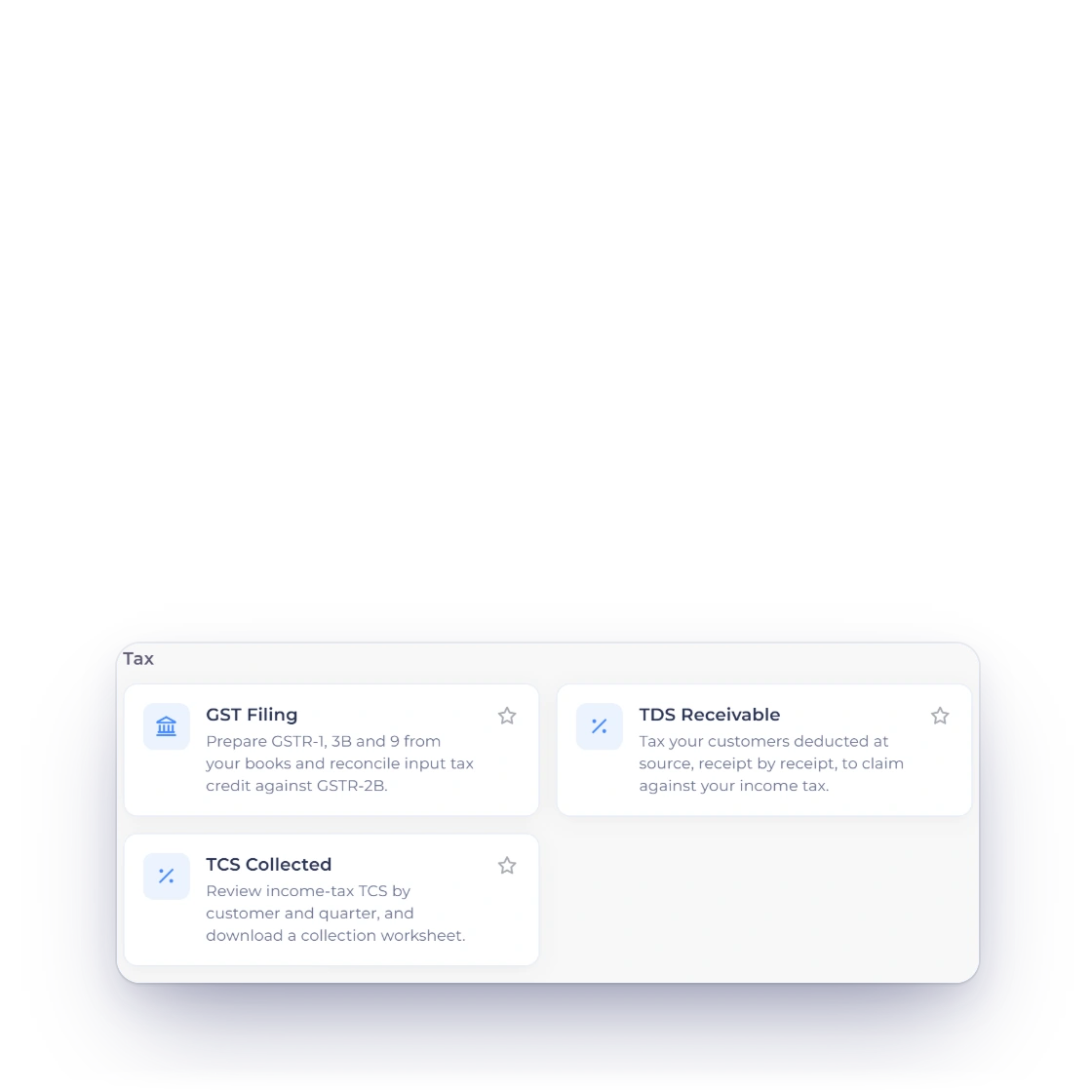
    The figures a GST return needs, taken from the GST-enabled invoices you sent.

  • Inventory summary

    What you hold and what it is worth, without running a separate stock tool.

  • Scheduled sends

    Set a report to go out by email weekly or monthly and stop running it by hand.

  • Accounting statements

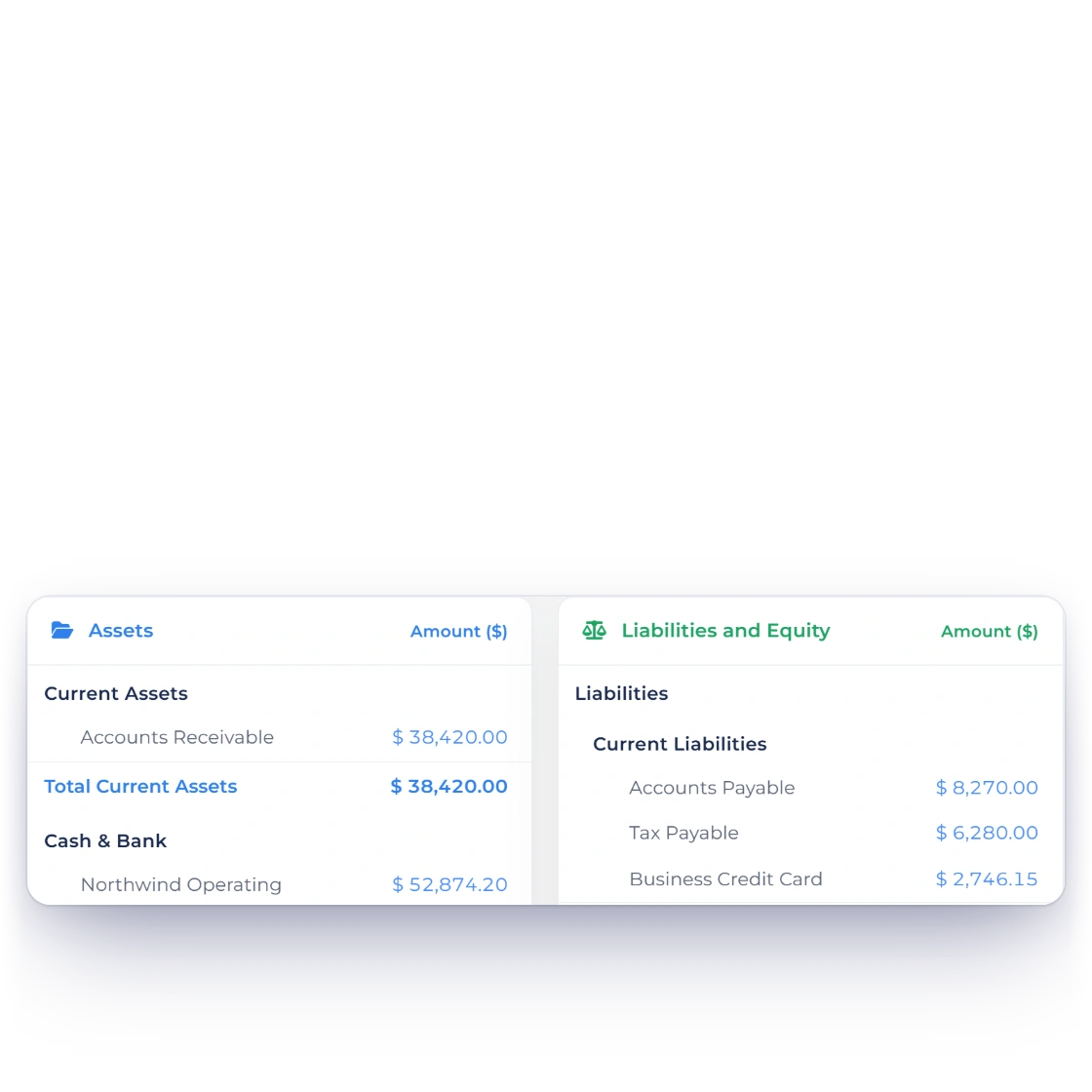
    The P&L, balance sheet and trial balance sit next to the reports, over the same ledger.

  • Stacked filters

    Combine a date range, a category and a report type in a single pass.

  • Per business profile

    Reports are scoped to the business profile you are in, so two companies never blur together.

  • Team access

    Team members can pull the reports their role allows without asking you for a copy.

  • Included, not an add-on

    Report access follows the current plan, permissions and active business context.

Questions

Reporting, answered

How do I run a report for one category?

Open the report you want, choose the income or expense category from the filter options, and generate it. The result covers that category alone for the dates you set, which is usually faster than reading a full list and adding up the lines yourself.

What formats can I download reports in?

Reports come out in the commonly used file formats, so a copy can be sent to an accountant, dropped into a presentation or filed for the tax year. What you download matches the report as you filtered it on screen.

Can I combine more than one filter?

Yes. Date range, category and report type work together rather than one at a time, so you can ask for a single expense category across one quarter and get exactly that. Narrowing the report before you download it saves editing afterwards.

How current is the data in a report?

It is built when you request it, from the records in the account at that moment, so the newest invoice, payment or expense is already included. There is no overnight batch and no separate sync to wait for before the figures are right.

Which reports are available?

Invoices, aged debt, income, expenses, GST filing and an inventory summary, plus scheduled versions of them. The accounting module adds the profit and loss statement, balance sheet, trial balance, cash flow statement and the general ledger behind all of them.

Can a report be sent to me automatically?

Yes. Scheduled reports go out by email on the cycle you choose, so the monthly summary reaches you whether or not anyone remembers to open the app. It suits the reports you want to see regularly rather than the one-off questions.

Ask the account a question and read the answer

Every invoice, payment and expense you record is already reportable. Pick the report, set the dates, narrow it if you need to, and take the result with you.

  • current trial
  • No credit card required
  • Review current report access