Skip to content

Send unlimited invoices, starting on the free plan

Invoice Crowd bills for products and services, in your tax rates and your currency, with the payment options your clients expect. The free plan carries unlimited invoices, one business profile and five customer profiles, so the first invoice costs nothing.

  • Unlimited invoices, free plan
  • Partial and split payments
  • 10+ payment gateways
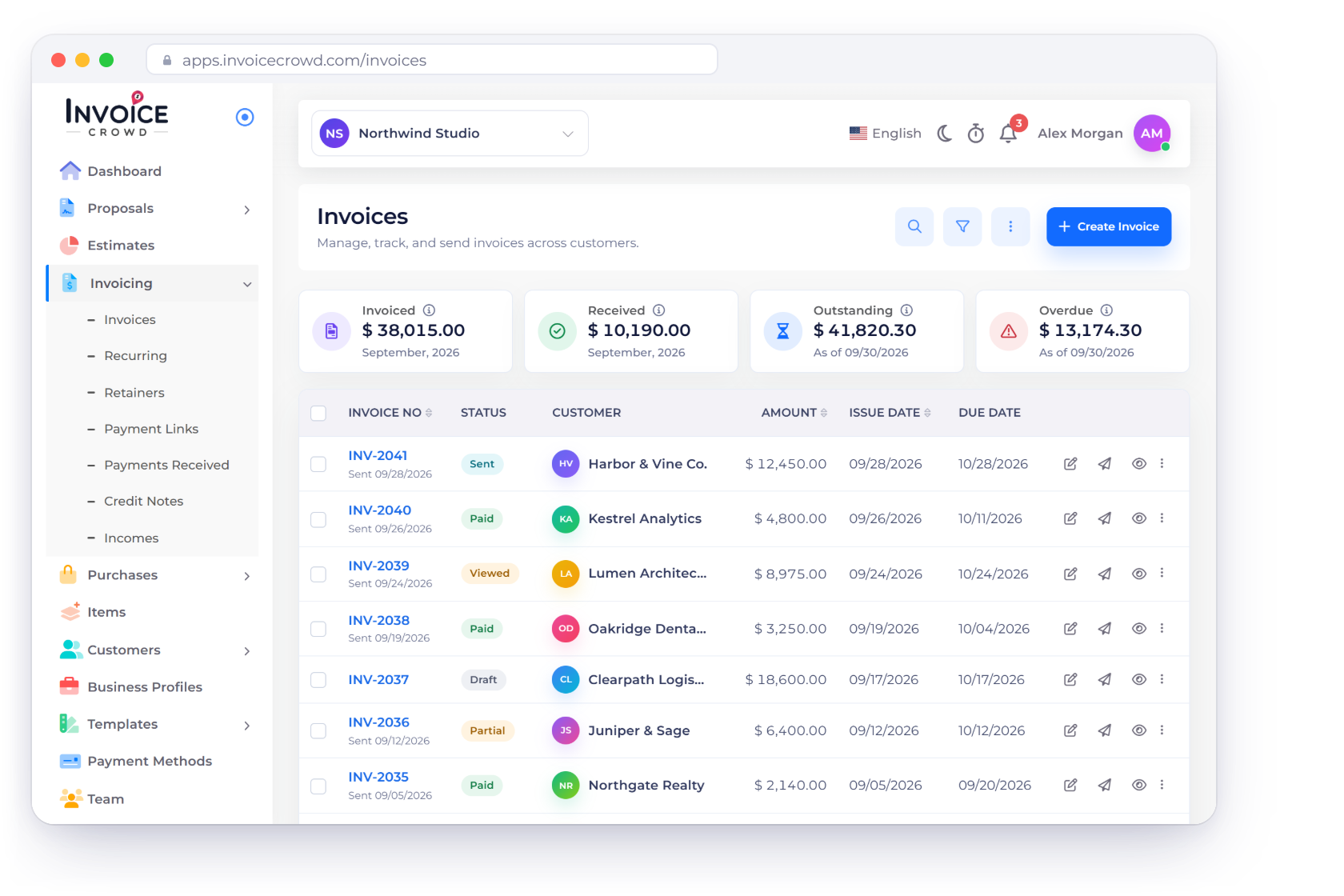
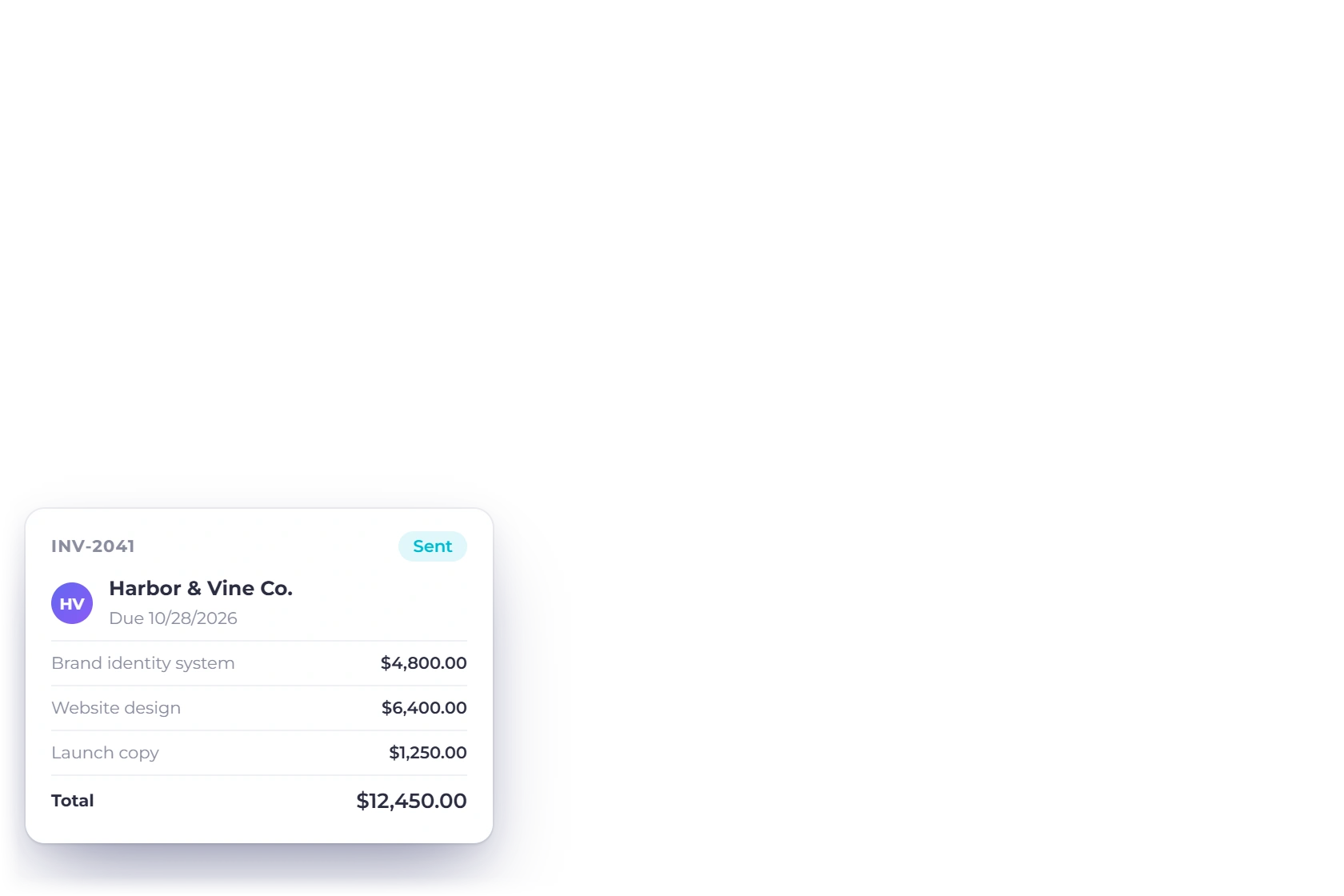
The Invoices screen in Invoice Crowd, showing invoice numbers, statuses, customers, amounts and due dates

What is inside

What the invoicing screen already does

Invoicing is the same handful of decisions repeated every month: what to charge, what tax applies, how the client pays and what happens if they do not pay on time.

Putting the invoice together

Fewer keystrokes each time

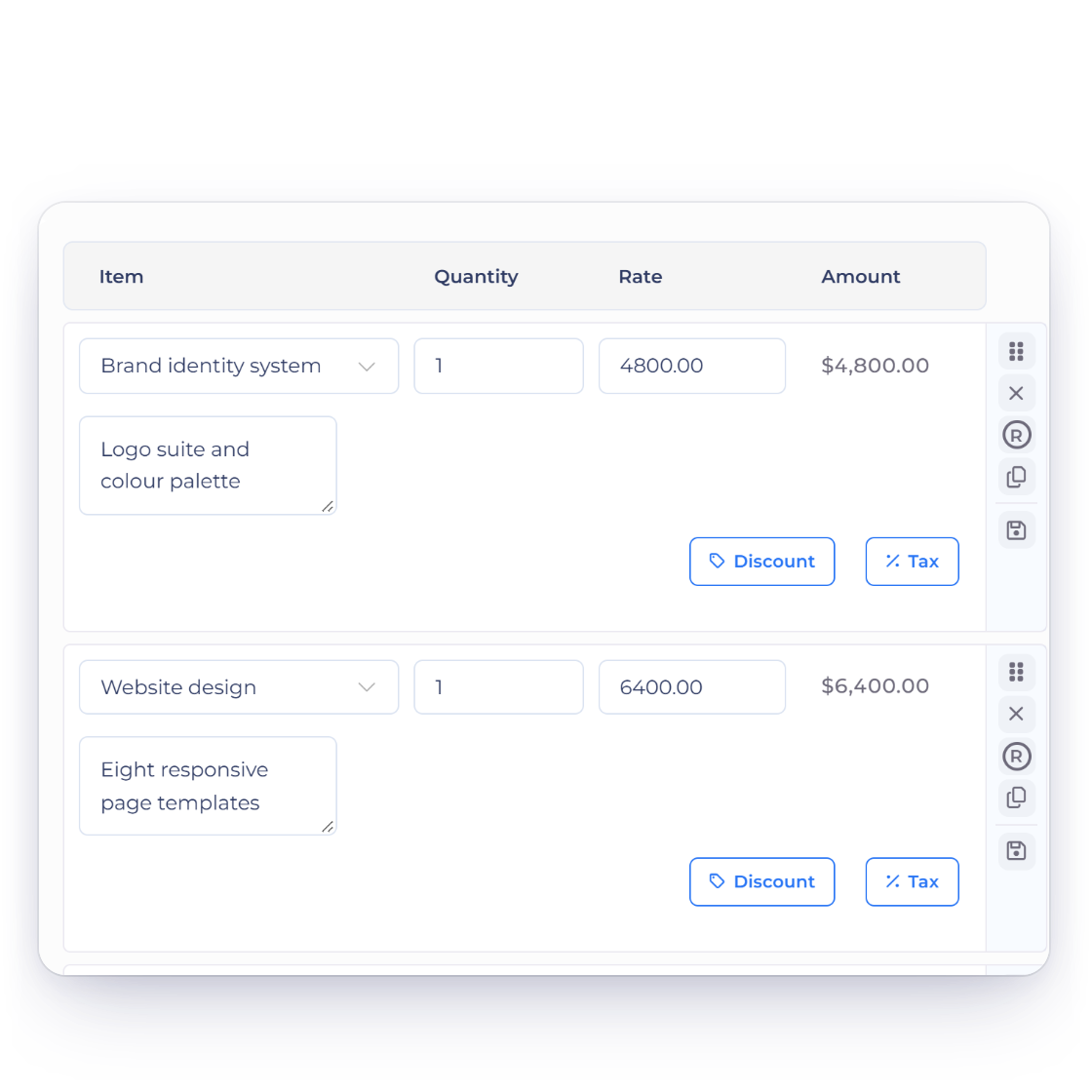
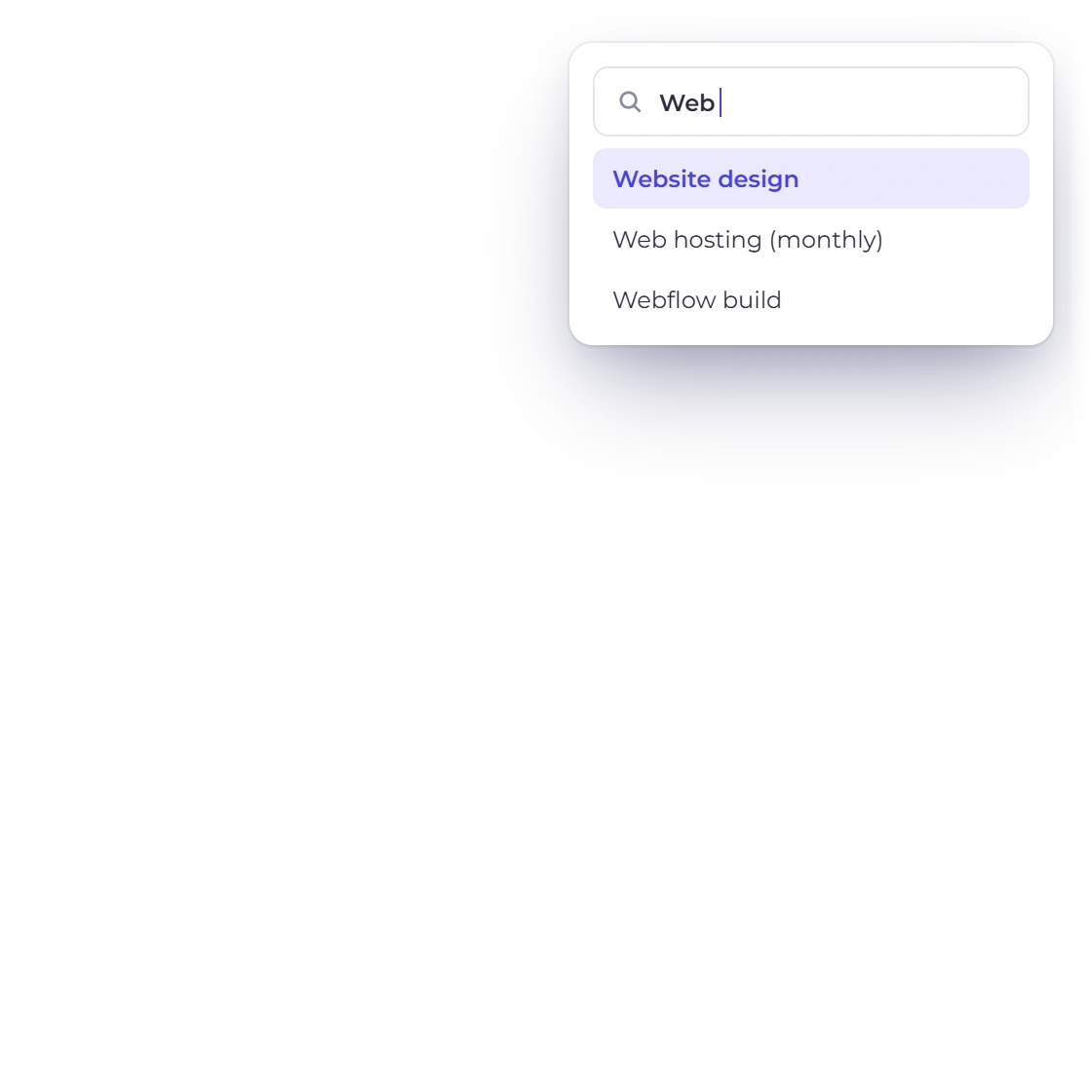
Adding a line item to an invoice in Invoice Crowd from the saved item list

Create or pick items as you go

Type a new line item when the work is one-off, or pull one from the list of items you have billed before. Anything entered once is available on the next invoice, which removes most of the typing for a business that sells the same handful of things.

  • New items created on the invoice
  • Previously used items picked from a list
  • Descriptions and rates come with the item
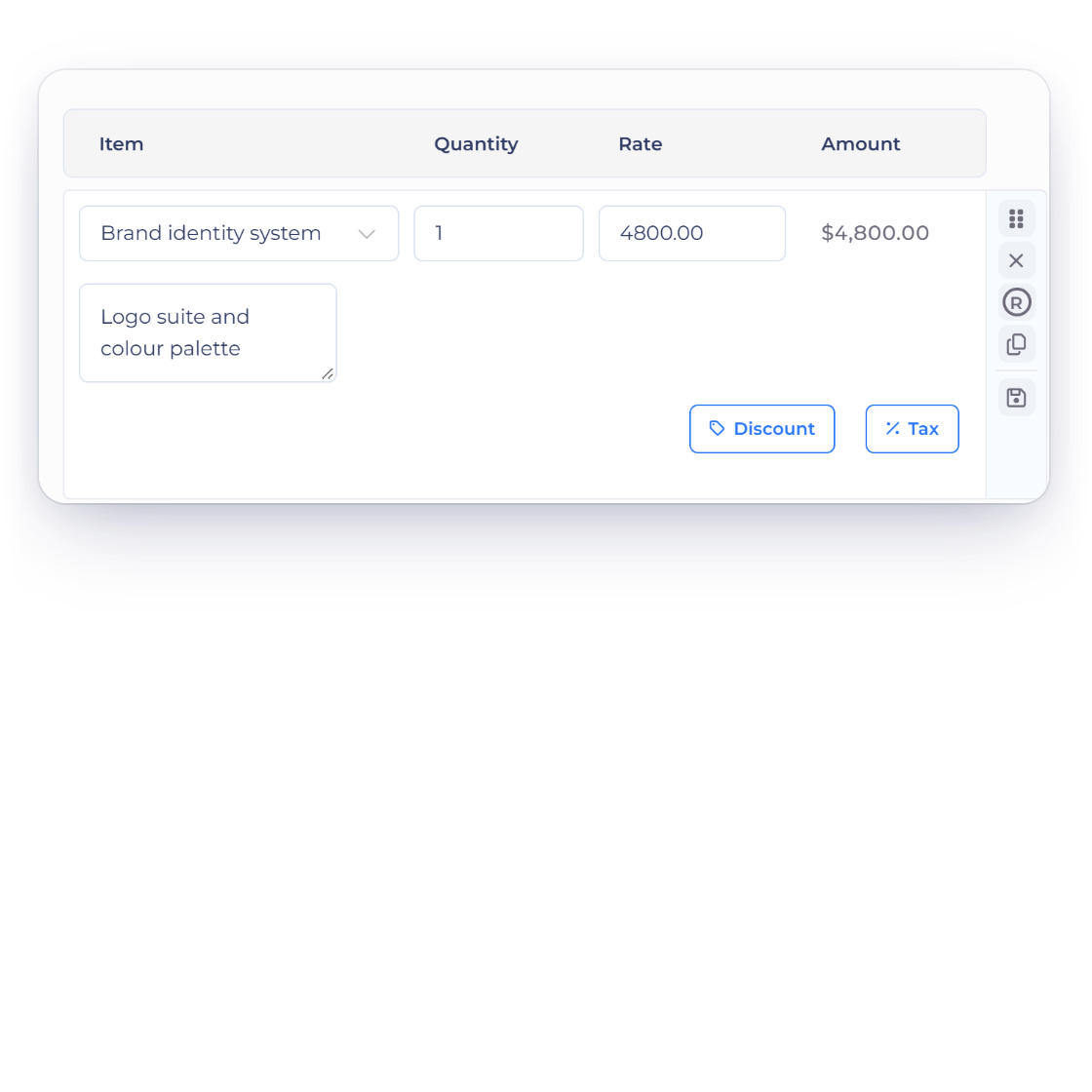
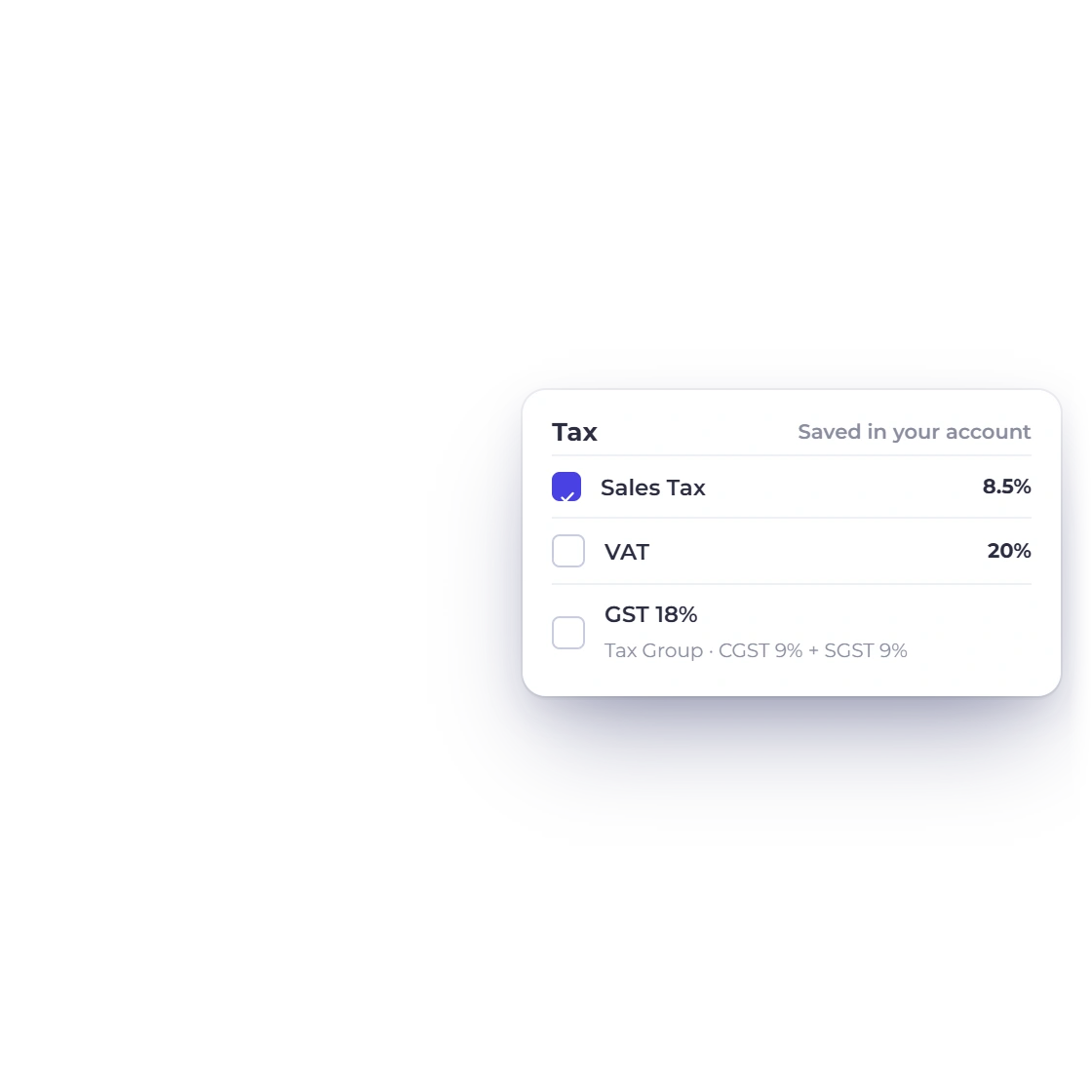
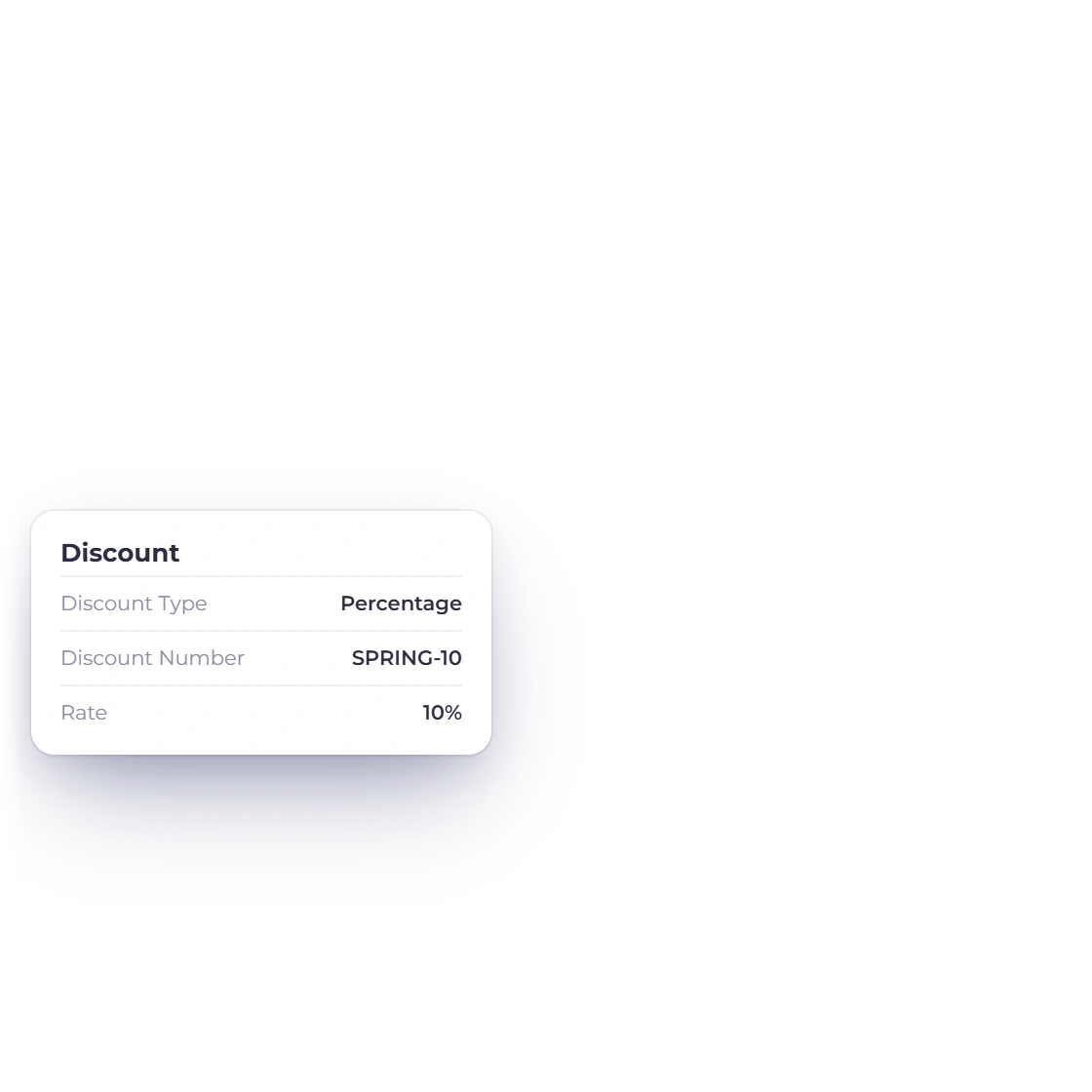
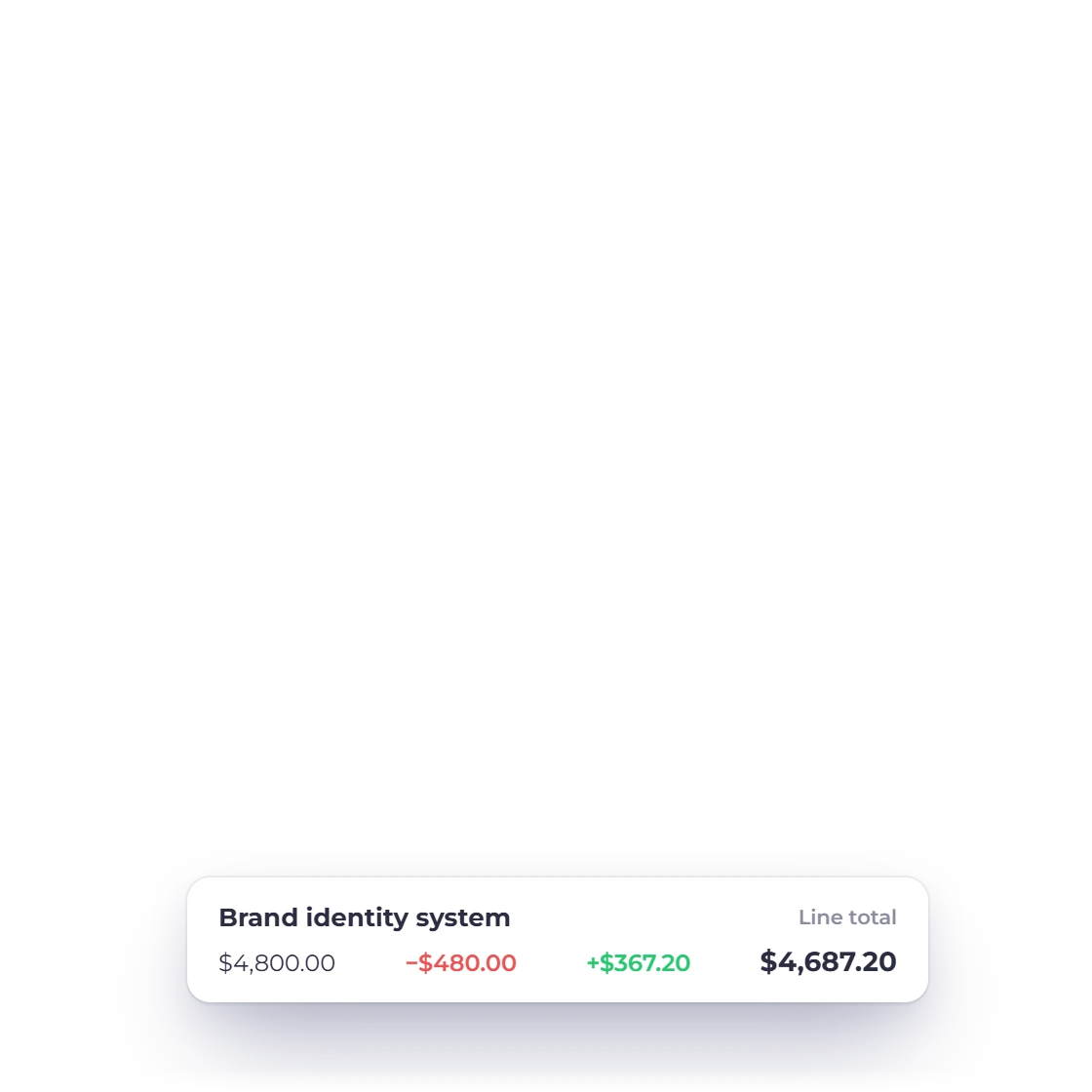
Defining custom tax and discount rates on an invoice in Invoice Crowd

Your own tax and discount rates

Define the tax rates your country requires and the discounts you actually offer, then apply either per line or to the whole invoice. Rates are worked out as you build the document, so what the client sees is the amount you meant to charge and the tax your rules expect.

  • Rates you define, not a fixed list
  • Applied per line or per invoice
  • Built to match your country's tax rules

How the client can pay

Not every invoice is settled in one go

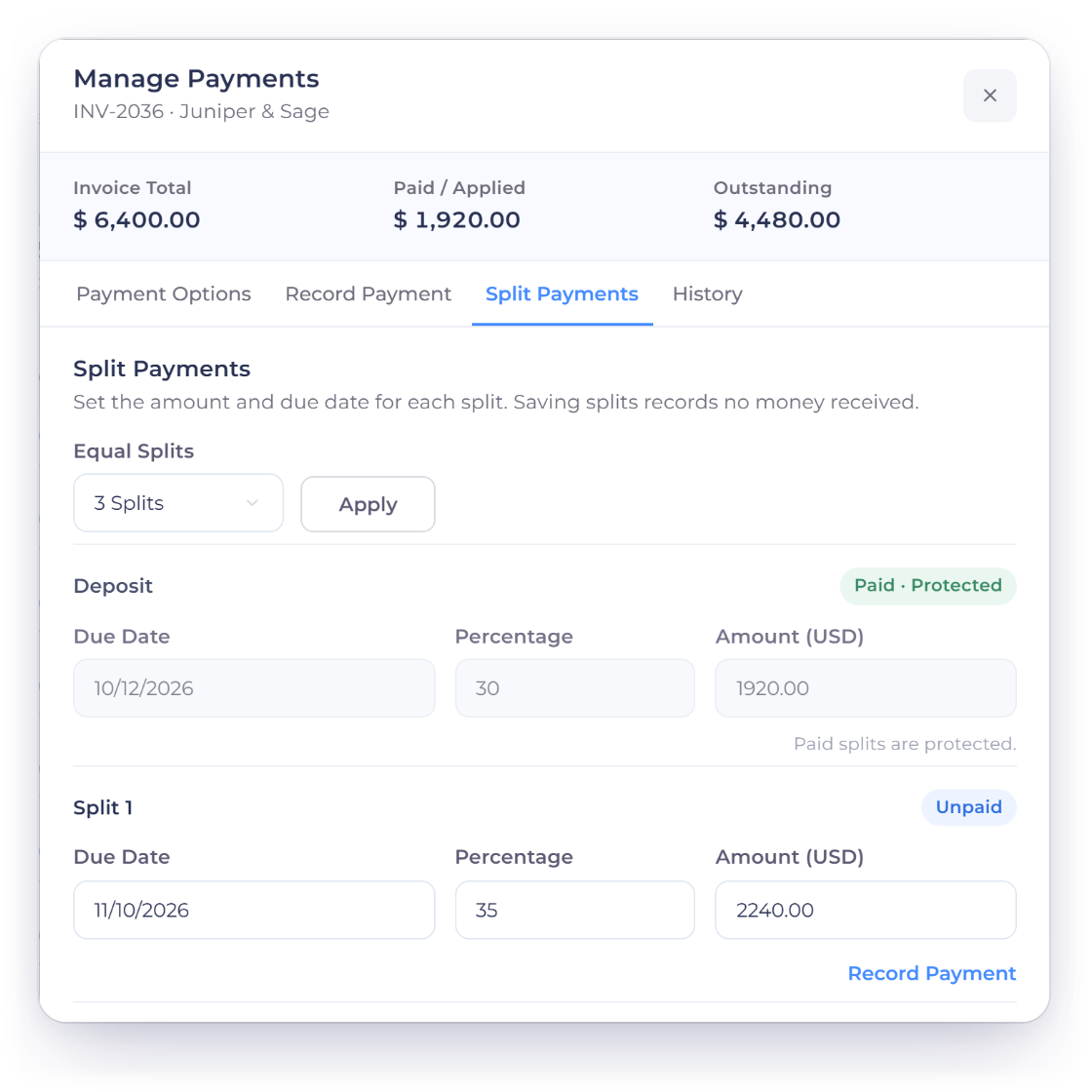
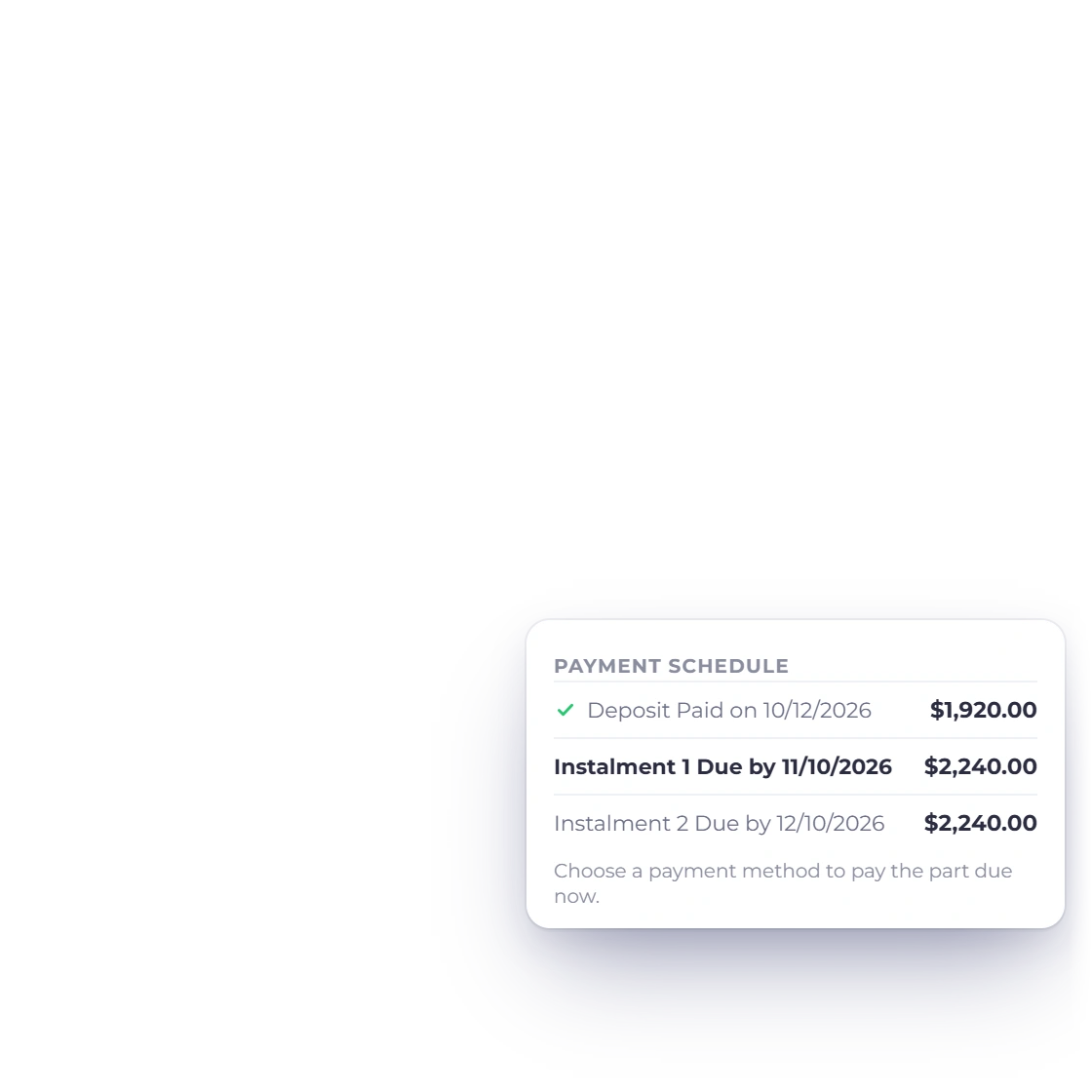
An invoice in Invoice Crowd split into part payments with the balance remaining

Partial and split payments

A client paying in installments does not need a separate invoice for each stage of the job. Record a deposit as it arrives or split the total across the dates you agreed, and the invoice keeps its own running balance until the final payment lands.

  • Deposits recorded against the invoice
  • The total split across agreed dates
  • Outstanding balance always visible
Split and partial payments

A range of payment gateways

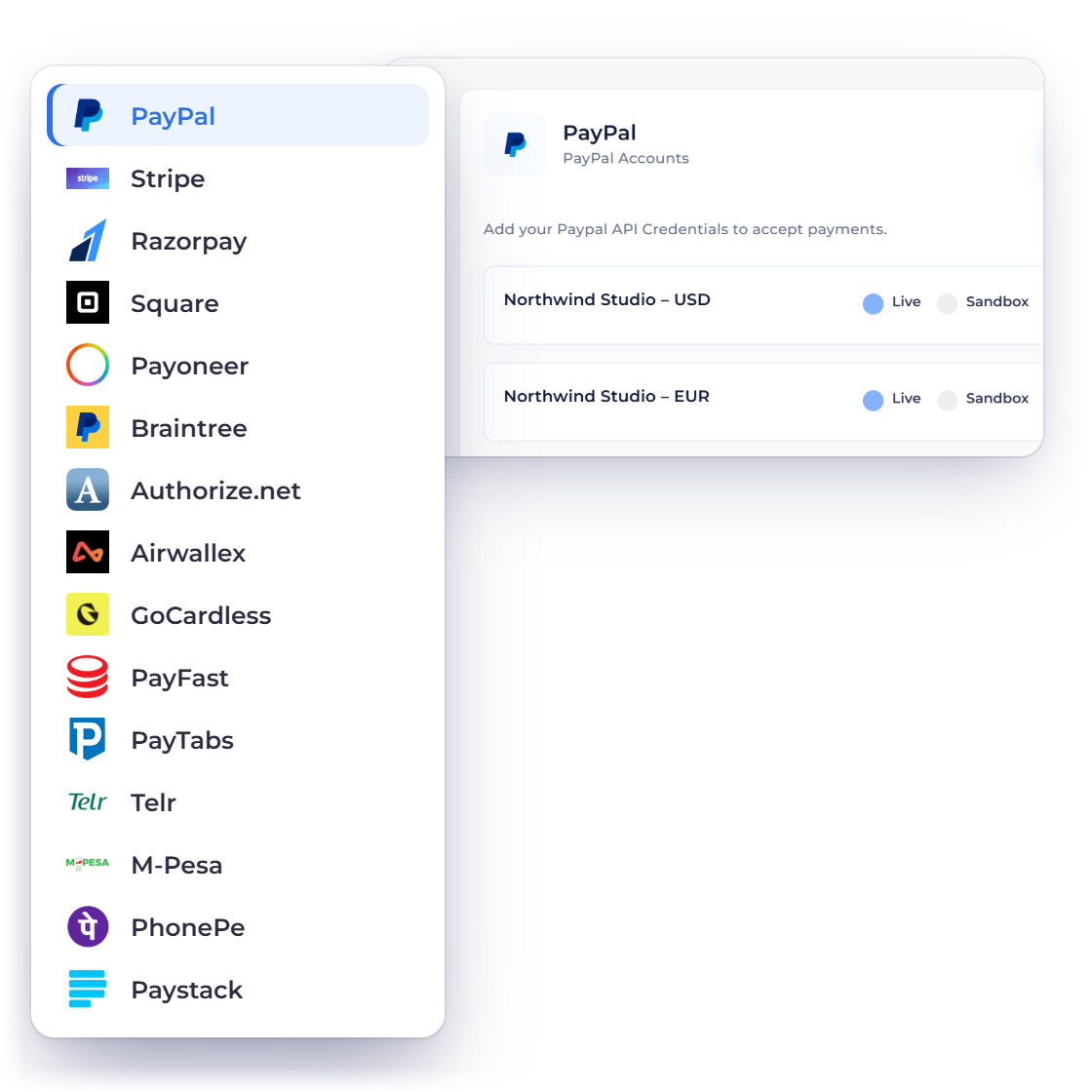
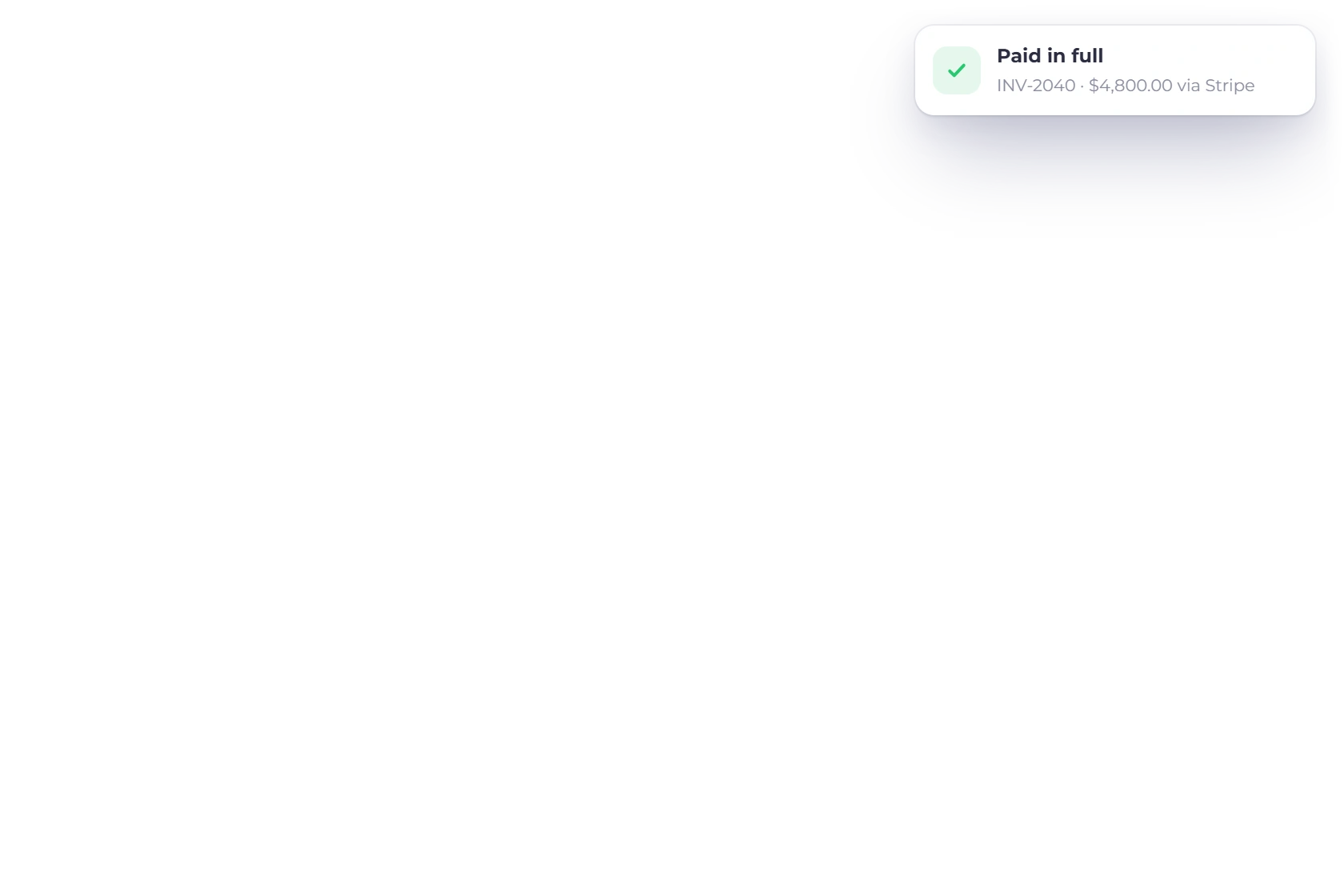
PayPal, Stripe, Payoneer, Razorpay, Authorize.net, Braintree, Square, Airwallex, GoCardless, PayFast, PayTabs, Telr, PhonePe and M-Pesa all connect to the account, and you decide which of them appear on a given invoice. Clients pay with whichever one they already trust, so nobody is asked to open a new payment account just to settle a bill.

  • 10+ gateways to choose from
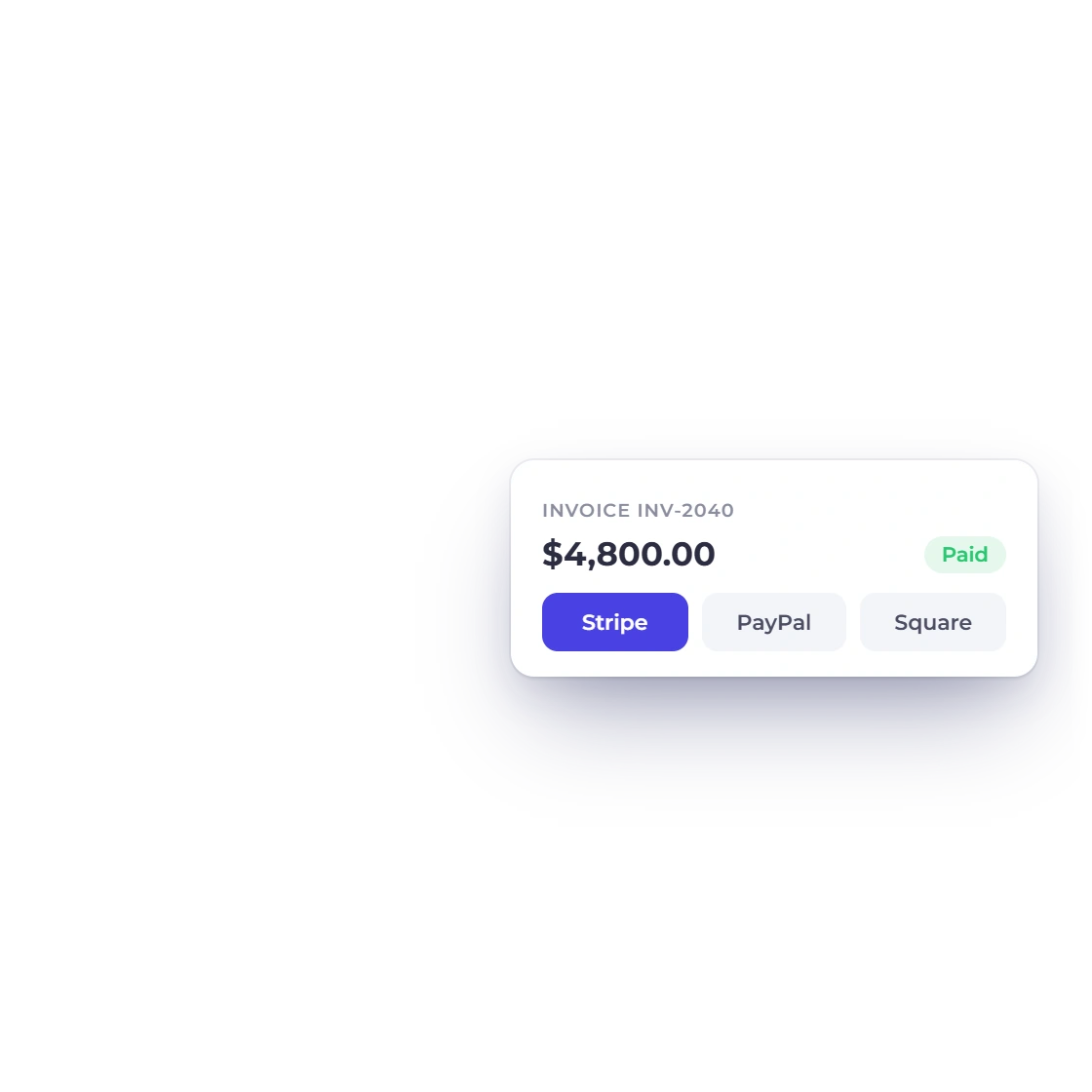
  • Offer more than one on the same invoice
  • Payment recorded against the invoice it settles
Every gateway

Billing that keeps running

Set the rule, then leave it

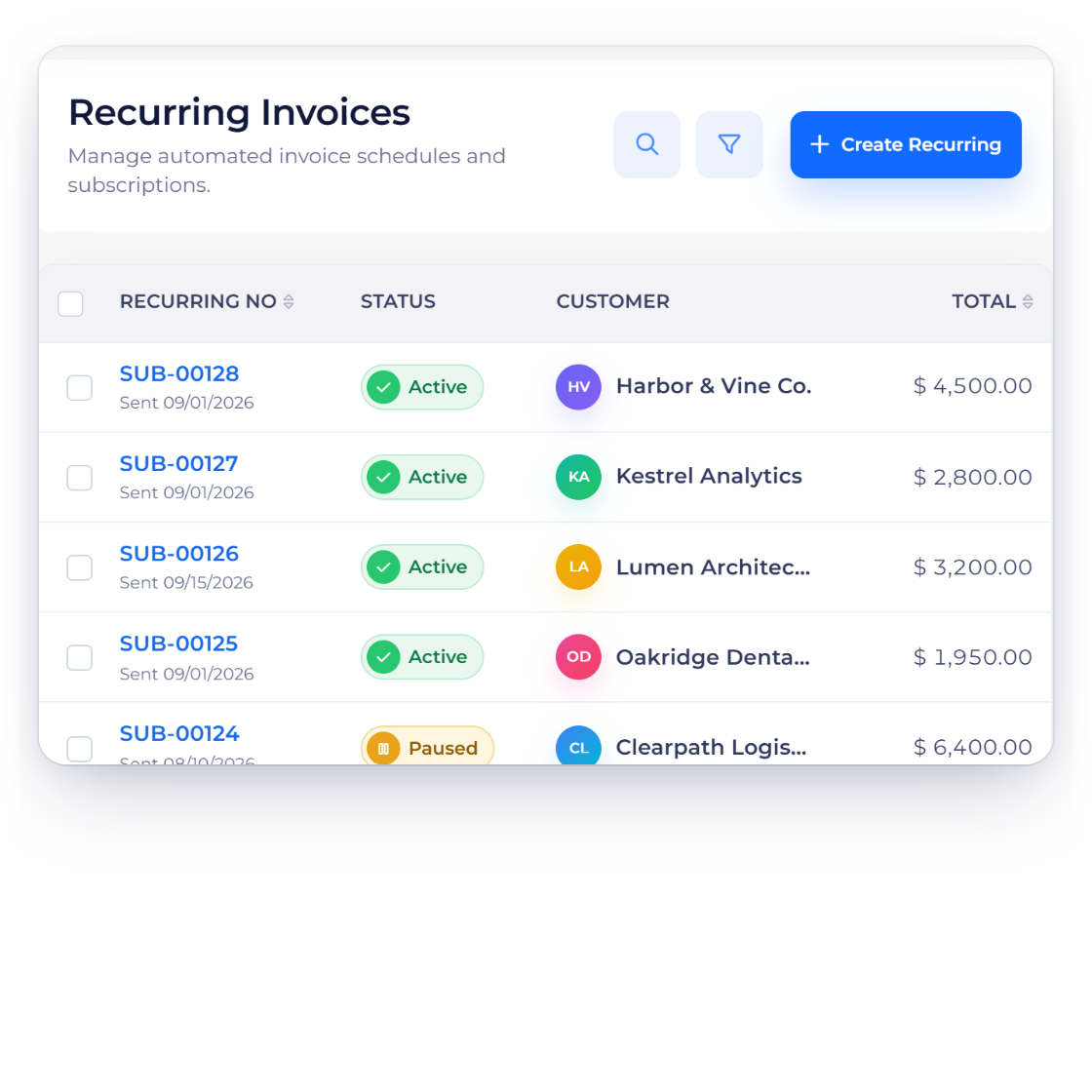
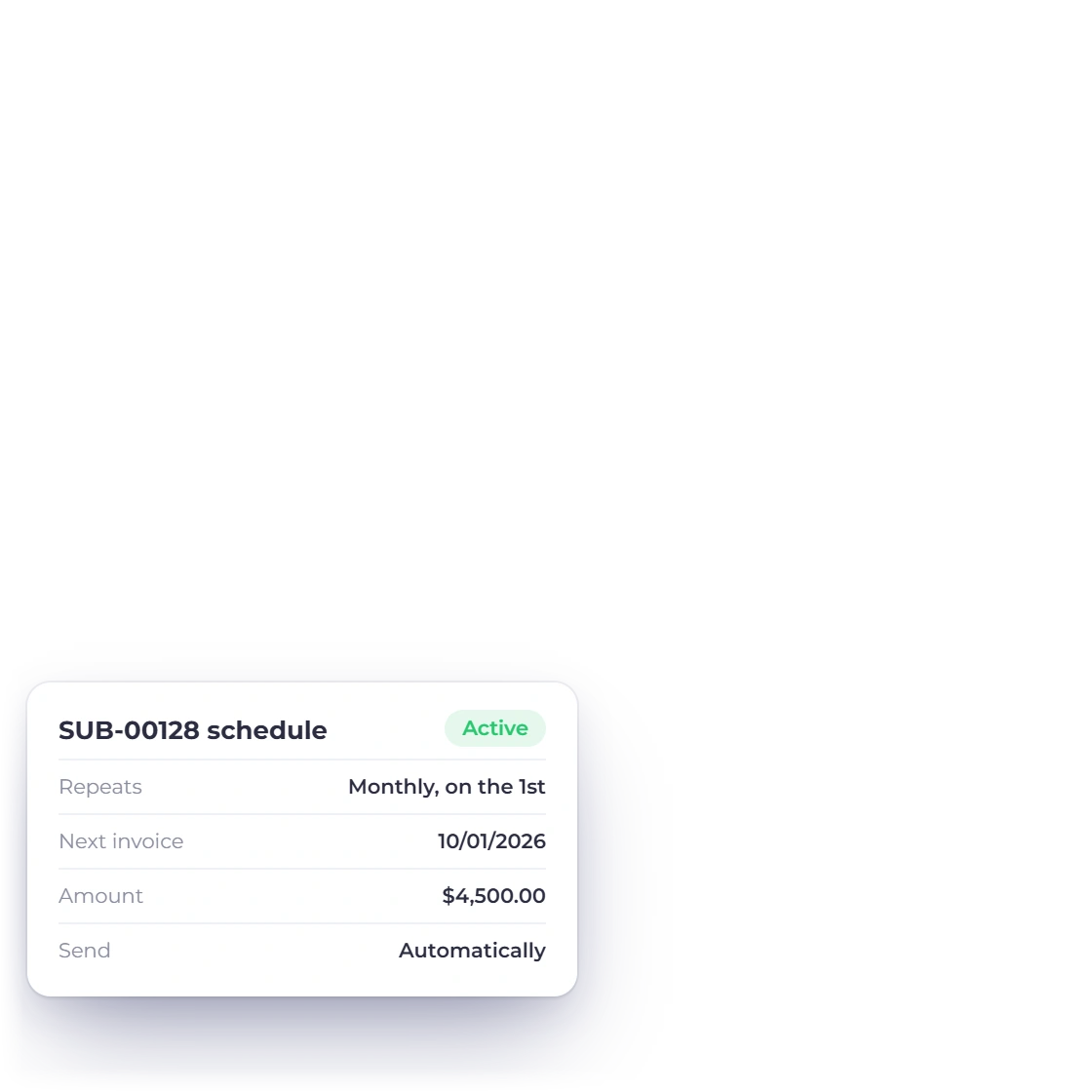
Recurring invoices on a schedule

Work you deliver every month can be billed every month without starting from scratch. Set the invoice and its cycle once, and each one is raised on time, which matters most on retainers where a forgotten month is simply a month you were not paid for.

  • One setup, every cycle after that
  • Suits retainers and subscriptions
  • The same items, tax and template each time
Recurring invoices

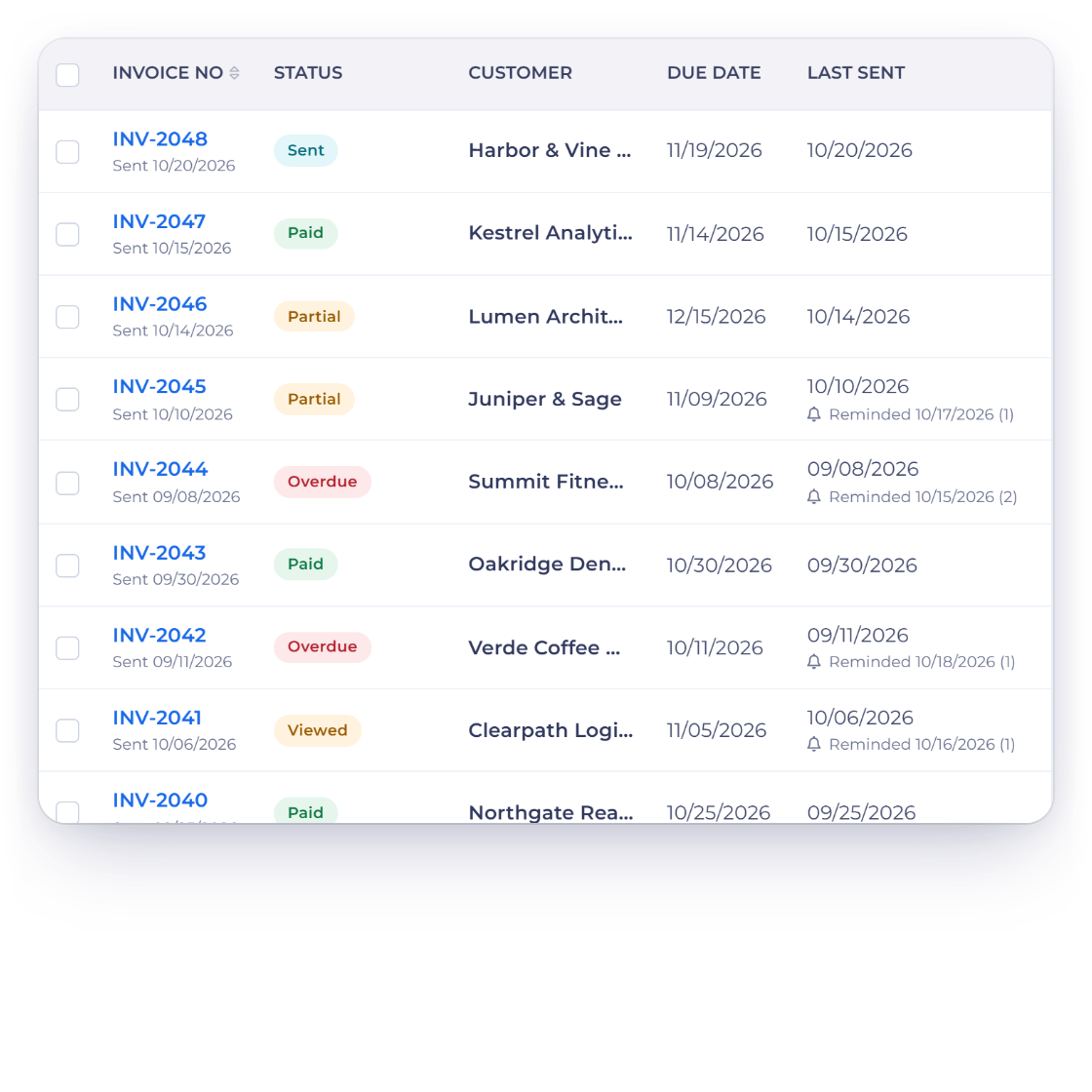
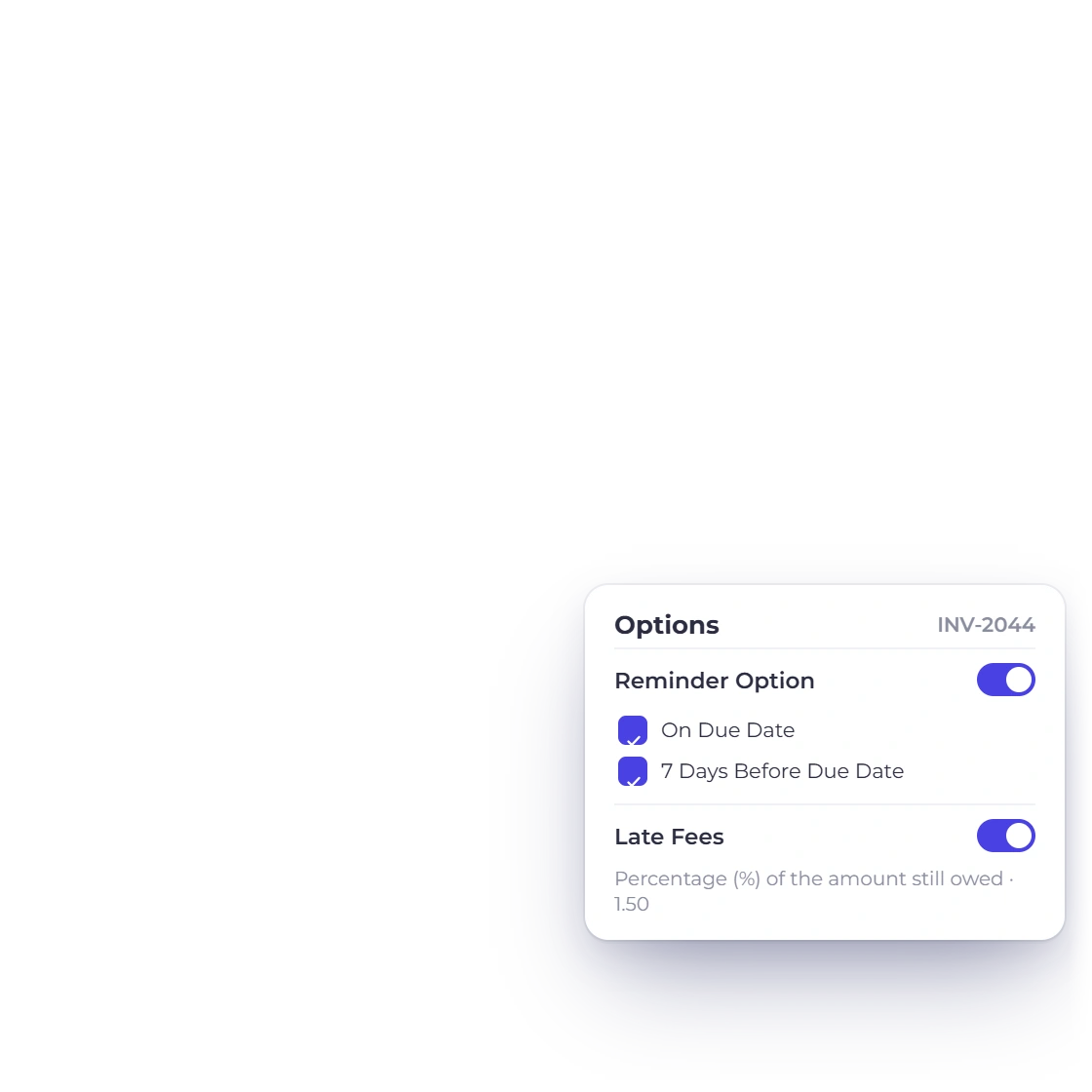
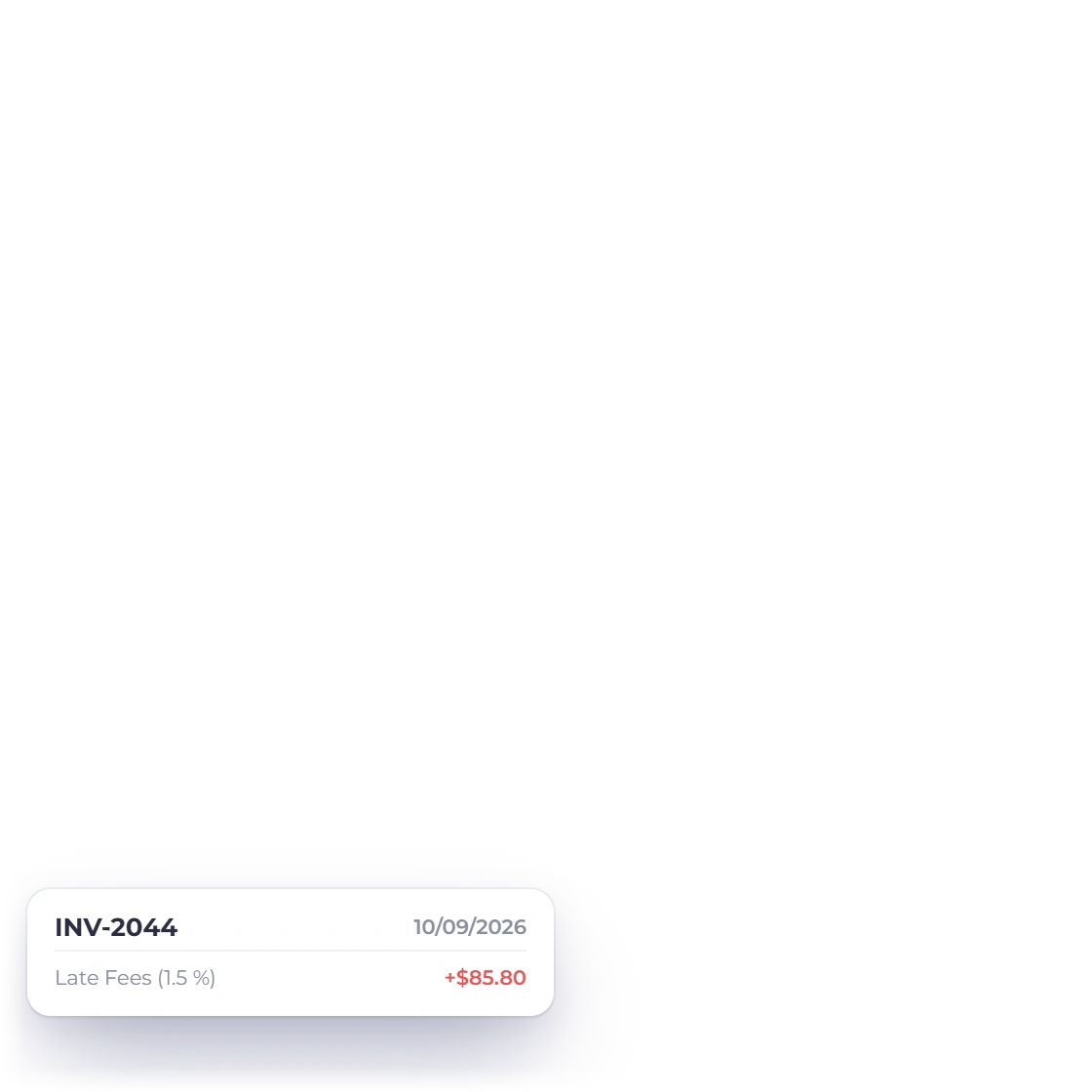
Late fee and late reminder

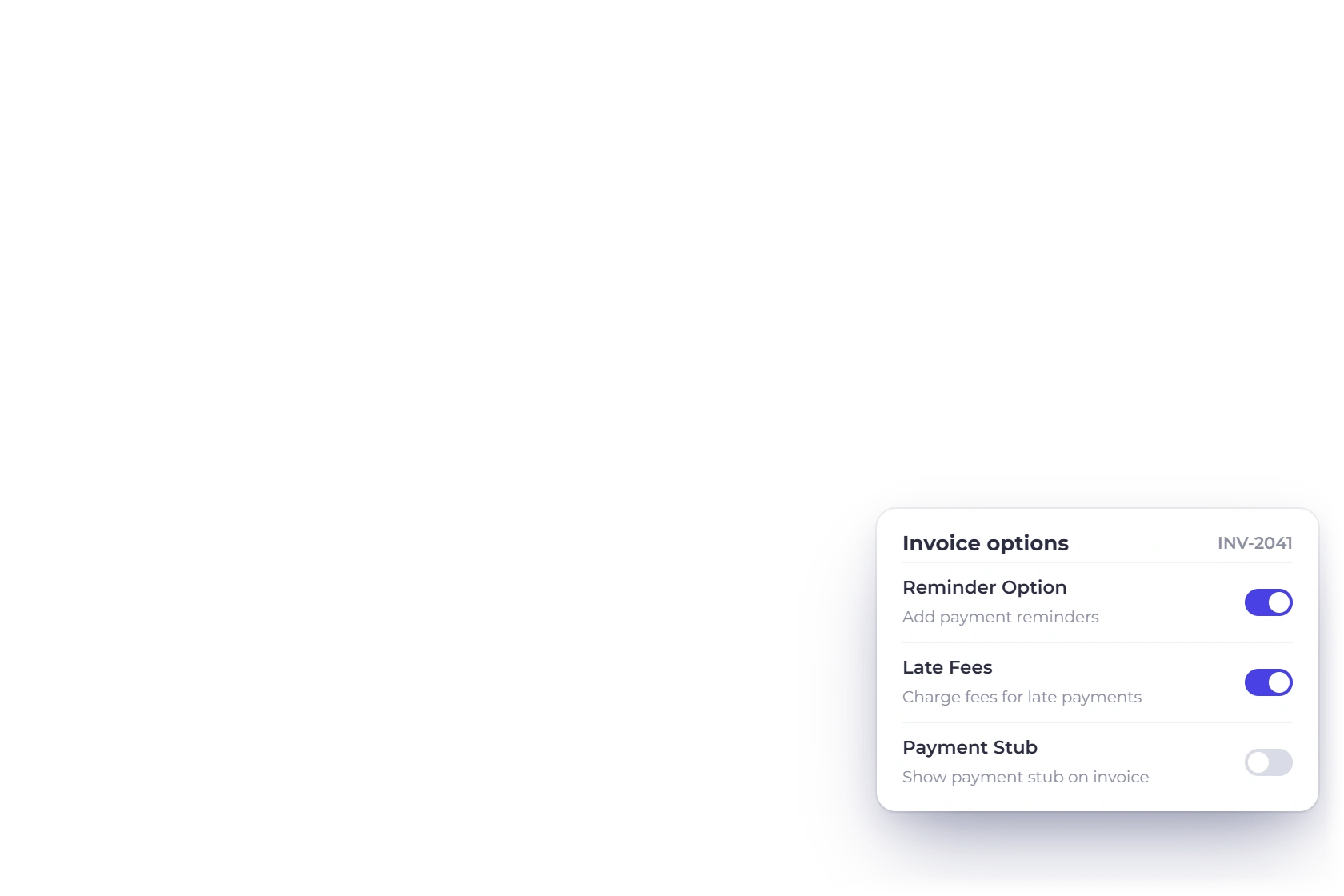
Charge a fee on invoices that pass their due date, and have reminder emails sent automatically before and after it. The follow-up happens on its own, which is usually the difference between an invoice being paid late and it not being paid at all.

  • A fee on invoices past their date
  • Automatic reminders on your schedule
  • No awkward chasing email to compose
Late fees and reminders

Also included

And the powerful parts around it

The rest of what comes with invoicing, from the tax figures through to where the invoice ends up in the books.

  • Payment links

    Send a link for a fixed-price product or service and let the client pay without an invoice first.

  • Custom fields

    Add any extra detail an invoice needs, from a project code to a client reference number.

  • GST-enabled invoices

    Raise GST invoices at the rates you define and file from the report when the return is due.

  • Automatic tax totals

    Taxes are worked out as the lines go in, so nothing is added up by hand at the end.

  • Products and services

    Bill for goods, for hours, or for both on the same invoice without changing how you work.

  • Full invoice history

    Every invoice you have sent stays in the account with its status, from draft to settled.

  • Print and download

    Print an invoice or save the PDF when a client wants a copy for their own records.

  • Your logo and colors

    Invoices carry your branding rather than ours, on the free plan as well as the paid ones.

  • Drag-and-drop lines

    Reorder the line items by dragging them until the document reads the way you want it to.

  • Straight into accounting

    Each invoice posts to the ledger as it is raised, so the books are not a separate job.

  • Duplicate an invoice

    Copy last month's invoice for a repeat job instead of typing the same lines again.

  • Payment tracking

    See what is paid, part paid and overdue across every client from a single screen.

Questions

Invoicing, answered

Is invoicing really free?

The free plan includes unlimited invoices with one business profile, five customer profiles and two invoice templates, and takes payment through PayPal. Paid plans from $10 a month add more profiles and templates and open the other seven gateways.

Can a client pay an invoice in installments?

Yes. Split the total across agreed dates, or record a part payment when it arrives, and the invoice tracks what is still outstanding. This suits staged project work where the full amount is never paid in one transfer.

Which payment gateways can I connect?

PayPal, Stripe, Razorpay, Square, Payoneer, Braintree, Authorize.net, Airwallex, GoCardless, PayFast, PayTabs, Telr, PhonePe and M-Pesa. You can offer more than one so a client picks the method they already use, and each payment is recorded against the invoice it settles without you marking it off.

Can I set my own tax and discount rates?

Yes. Create the rates your country's tax rules require, including GST, and save the discounts you offer regularly. Apply either to one line or to the whole invoice, and the totals recalculate as you go rather than at the end.

What happens when an invoice goes overdue?

A late fee can be applied once the due date passes, and reminder emails continue on the schedule you set. The invoice moves into the overdue part of the list, so what is outstanding is visible without you compiling it yourself.

Do invoices reach my accounts on their own?

Yes. A raised invoice posts to the chart of accounts, so income and tax appear in the ledger and the reports without a second entry. Bank reconciliation and the profit and loss statement then work from the same figures.

Start invoicing without paying for it first

Create an account, add your items and tax rates, and send an invoice today. Move to a paid plan only when you need more profiles, templates or gateways.

  • Unlimited invoices on the free plan
  • 30-day trial on every paid plan
  • No credit card to start