



Skip to content

Invoicing software for digital agencies with retainers and projects

A digital agency bills two ways at once: a monthly retainer that should never need chasing, and project work that has to be scoped, tracked and invoiced. Invoice Crowd runs both from one account, with the ledger underneath.

  • Recurring retainer billing
  • Time logged against projects
  • Team roles and permissions
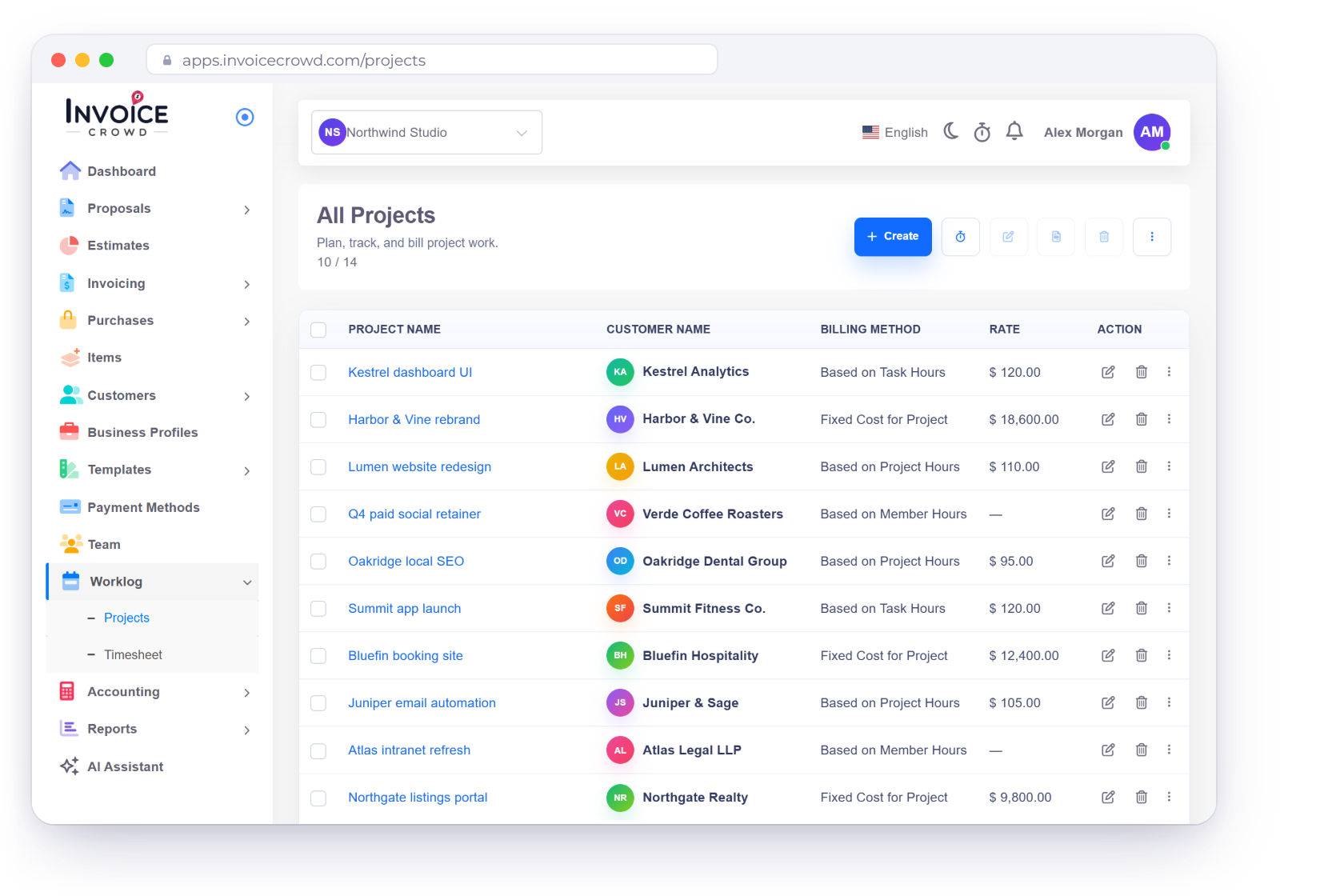
Invoice Crowd Projects screen for a digital agency with fixed-cost and hourly projects per client, a running timer, a monthly retainer schedule and the hours logged against a project budget

What is inside

Two revenue models, one account

Retainer income should arrive without anyone raising it. Project income has to be quoted, staffed and tracked. The same account handles both, and the books keep up with each.

Recurring revenue

Set the schedule once, then stop touching it

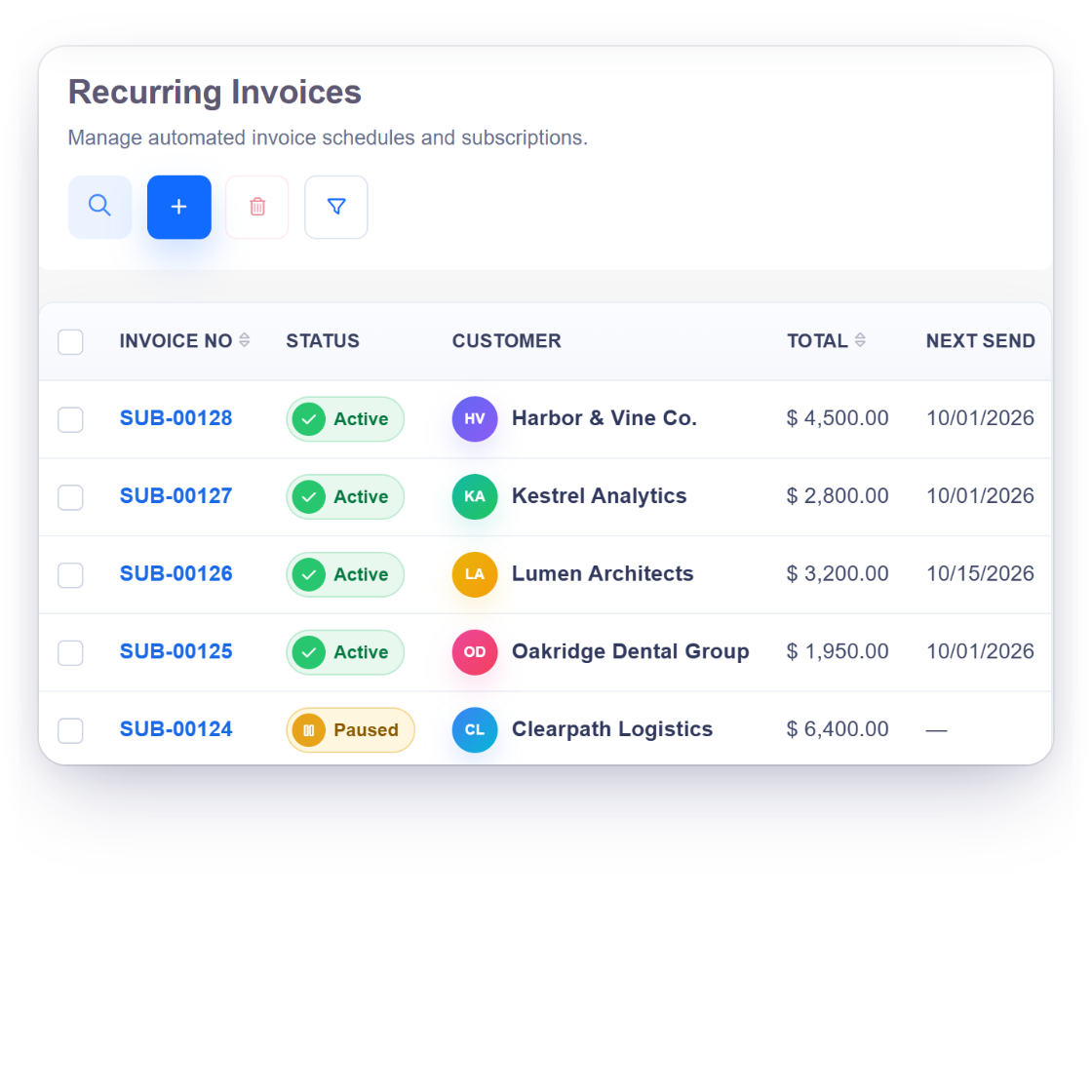
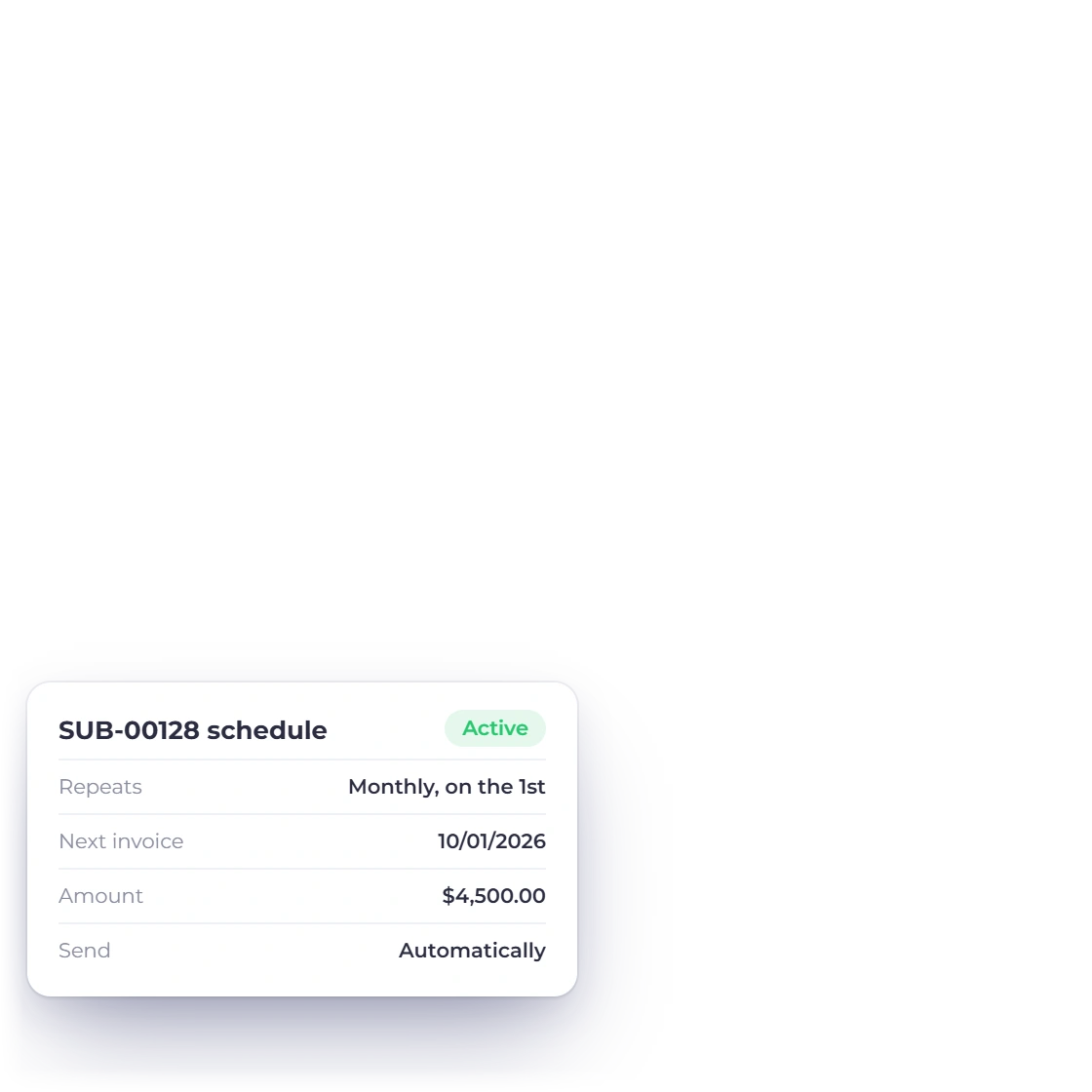
Invoice Crowd recurring invoices list with active and paused schedules and a monthly schedule card

Retainers that raise themselves

Set a recurring profile per client, with its own amount, currency, cycle and start date, and the invoice goes out on schedule whether or not anyone remembers it. Reminders chase what is unpaid and late fees apply on the terms you set, so a retainer that slips is caught before it becomes a quarter.

  • One profile per client, running on its own cycle
  • Reminders before anyone writes an awkward email
  • Late fees applied on the terms you already agreed
Recurring invoices
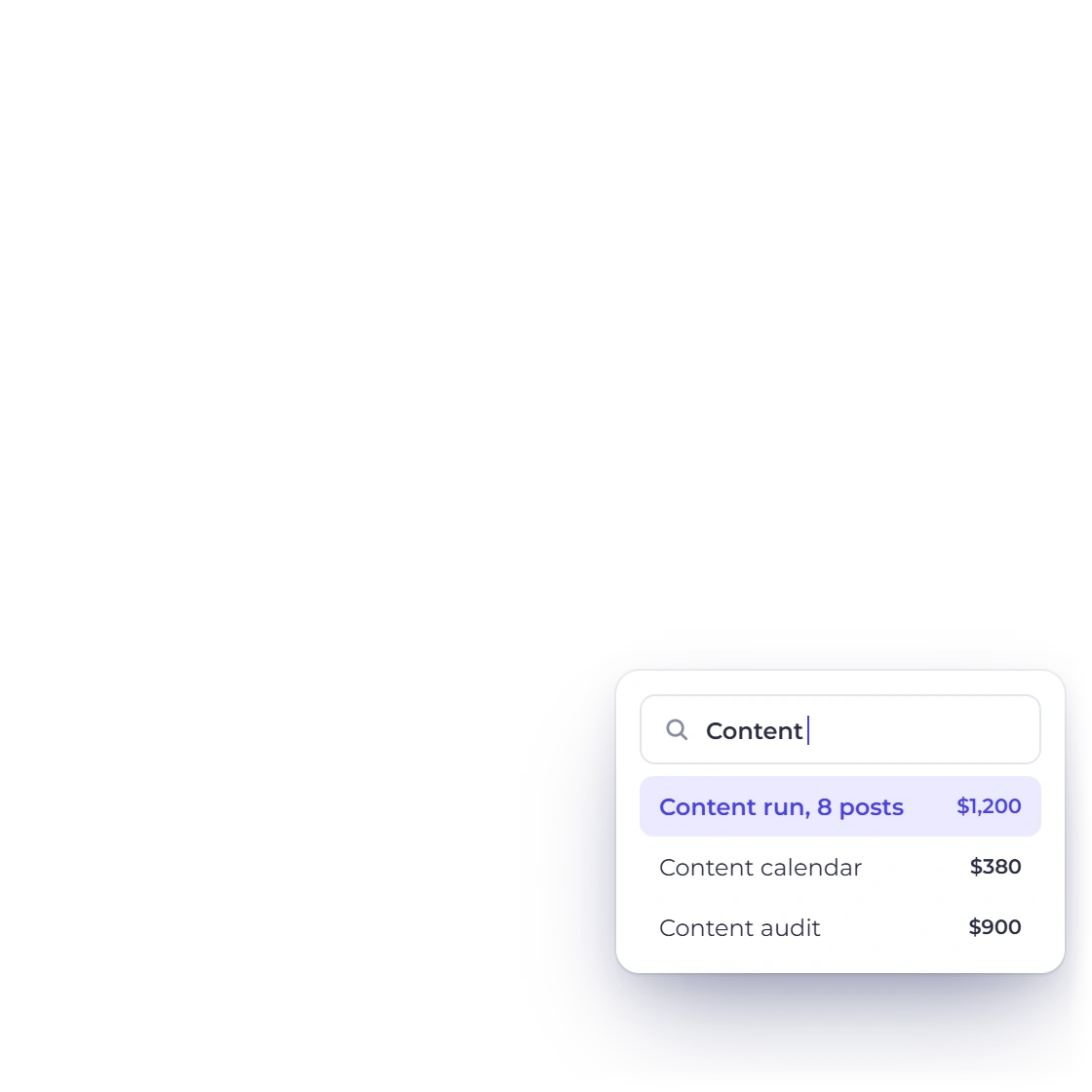
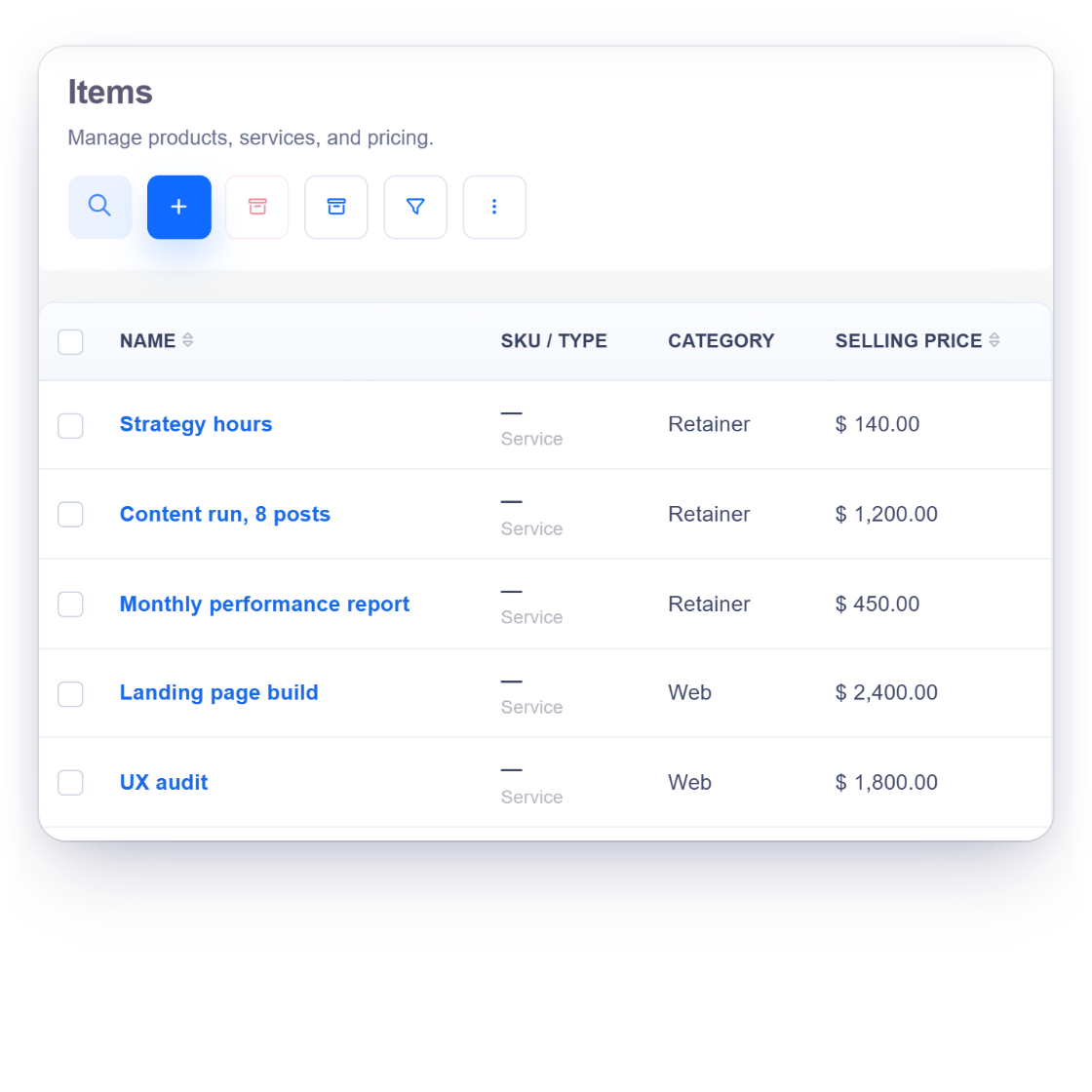
Invoice Crowd items list with an agency retainer broken into saved services, the same items on a recurring retainer invoice and the item search used to add them

Saved items for the retainer bundle

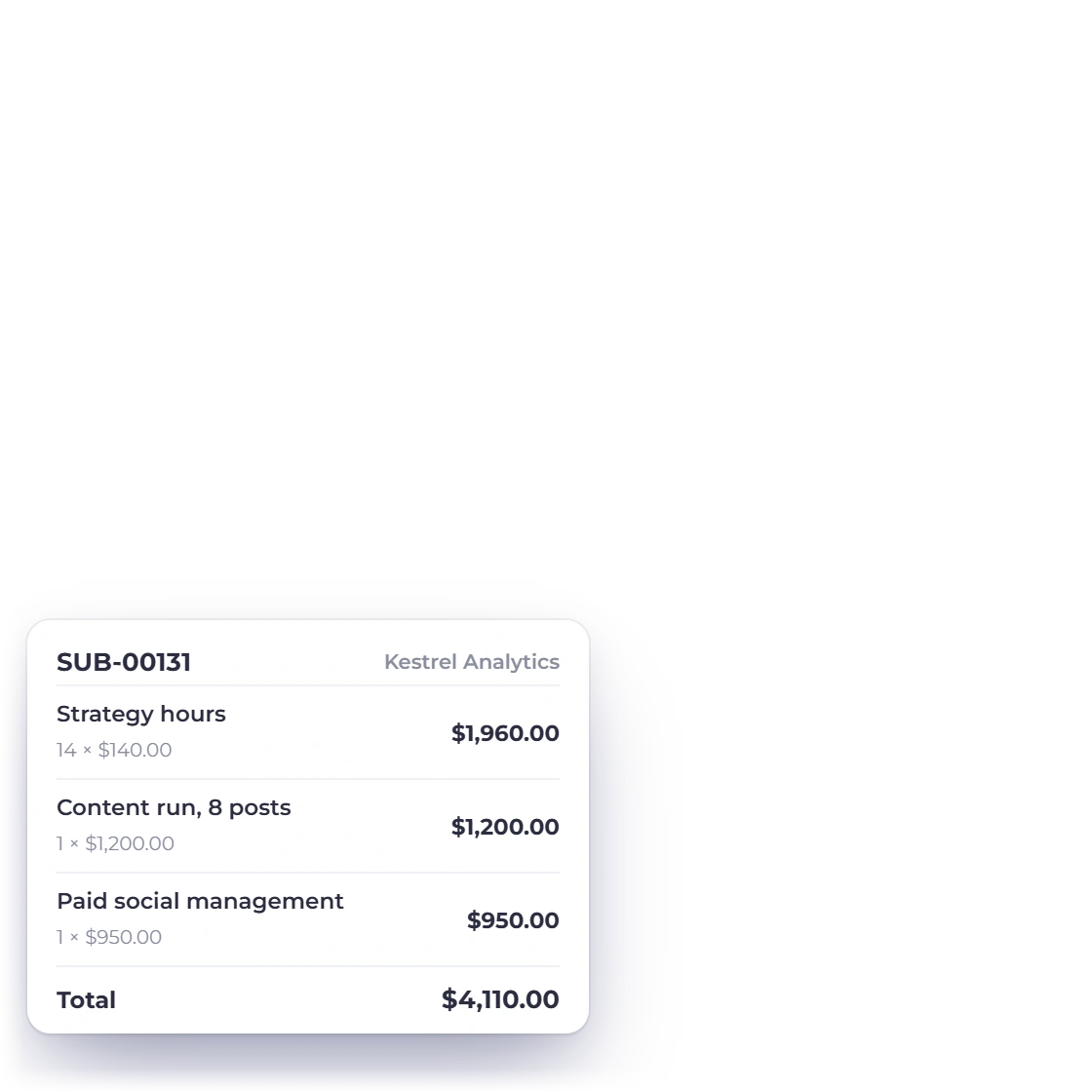
Most agency retainers are a fixed bundle: so many hours of strategy, a content run, a reporting call. Save each part as an item with its own rate and description, then add the same items to the estimate, the invoice or the recurring profile, priced the same way for every client on the same tier.

  • Save the services you sell over and over as items
  • Pull the saved items onto an estimate or an invoice
  • Update an item's rate once for the next document
Packages

Project work

From the pitch to the last hour logged

Three branded Invoice Crowd proposal templates, Software Maintenance, Advertising Agency and Affiliate Program, with an e-signed approval and a proposal opened notification

Scope it in a proposal, bill what was signed

New project work starts as a proposal: scope, phases, price and terms, signed in the browser rather than printed. What the client accepts is what carries into the invoice, so the number on the first bill matches the number they agreed to.

  • More than 40 proposal templates to start from
  • E-signature on the document itself
  • Accepted pricing carries into the invoice
The proposal builder
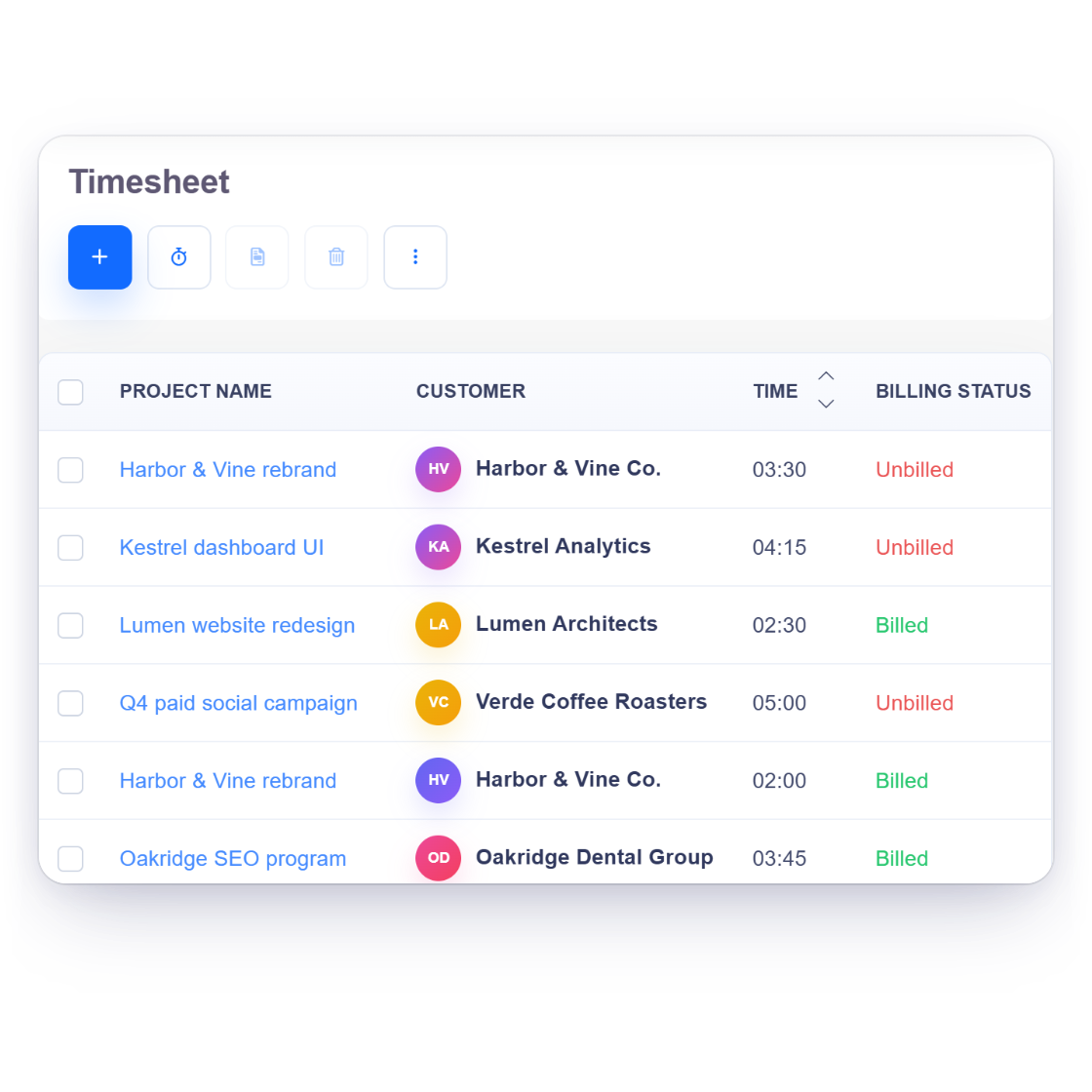
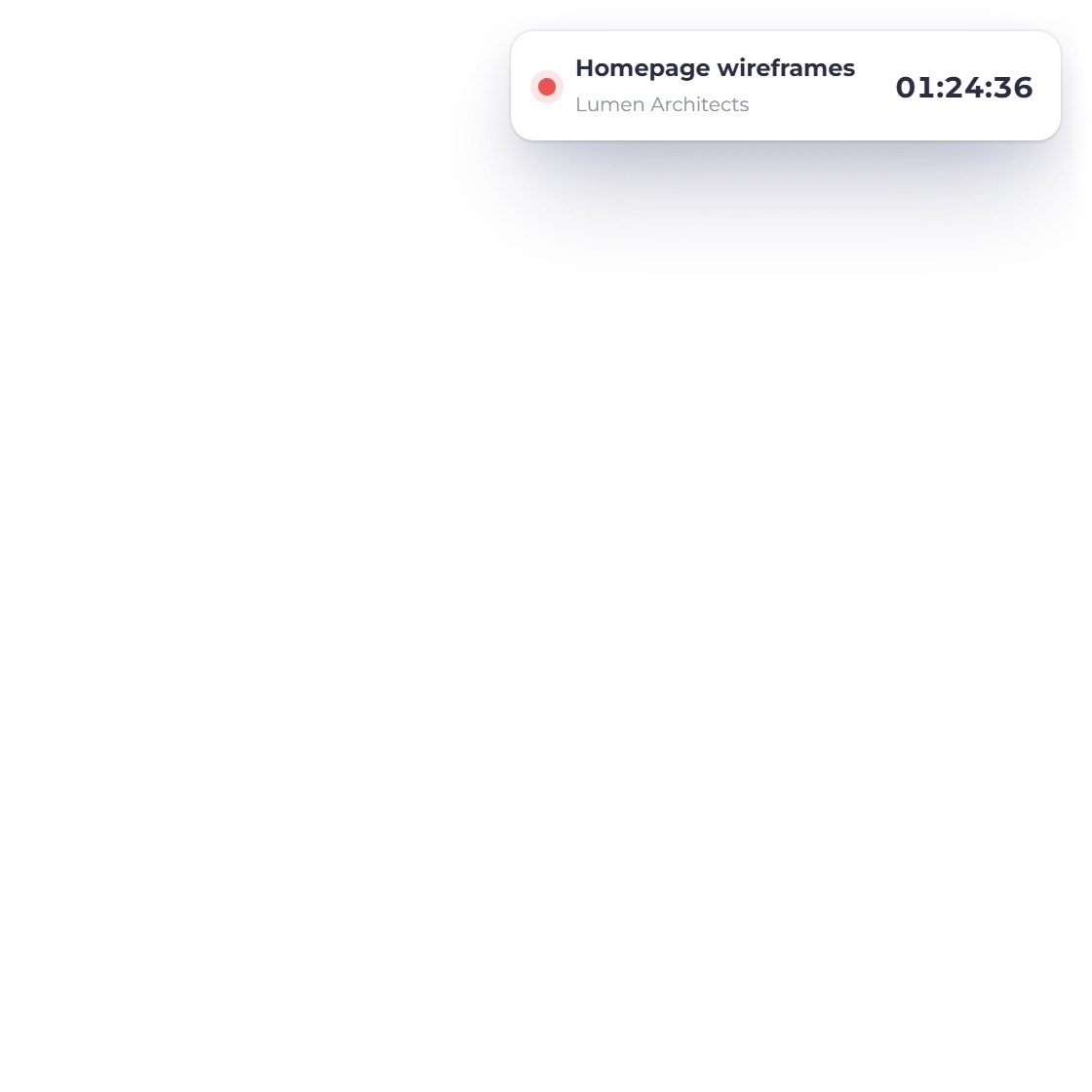
Invoice Crowd timesheet with time logged per project, a running timer and weekly billable hours ready to invoice

Time logged against the right project

Projects hold the work and the timesheet holds the hours. Team members log time against the project they are on, so when a client asks what the retainer actually covered last month there is a record rather than a reconstruction from calendars and memory.

  • Projects and timesheet in the same account
  • Hours attached to a project, not a spreadsheet tab
  • A record to answer a scope question with

The team and the books

Who can open what, and what it all adds up to

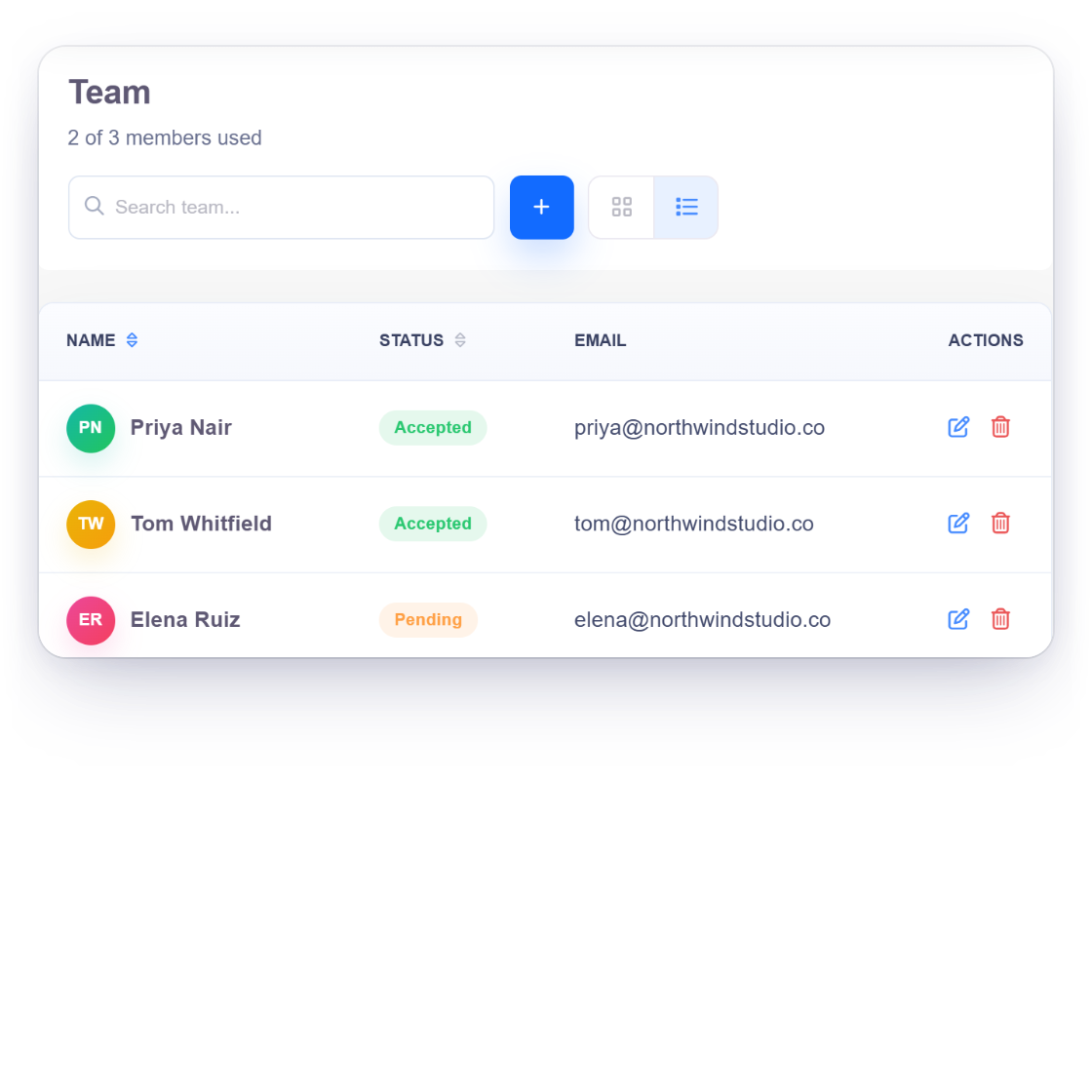
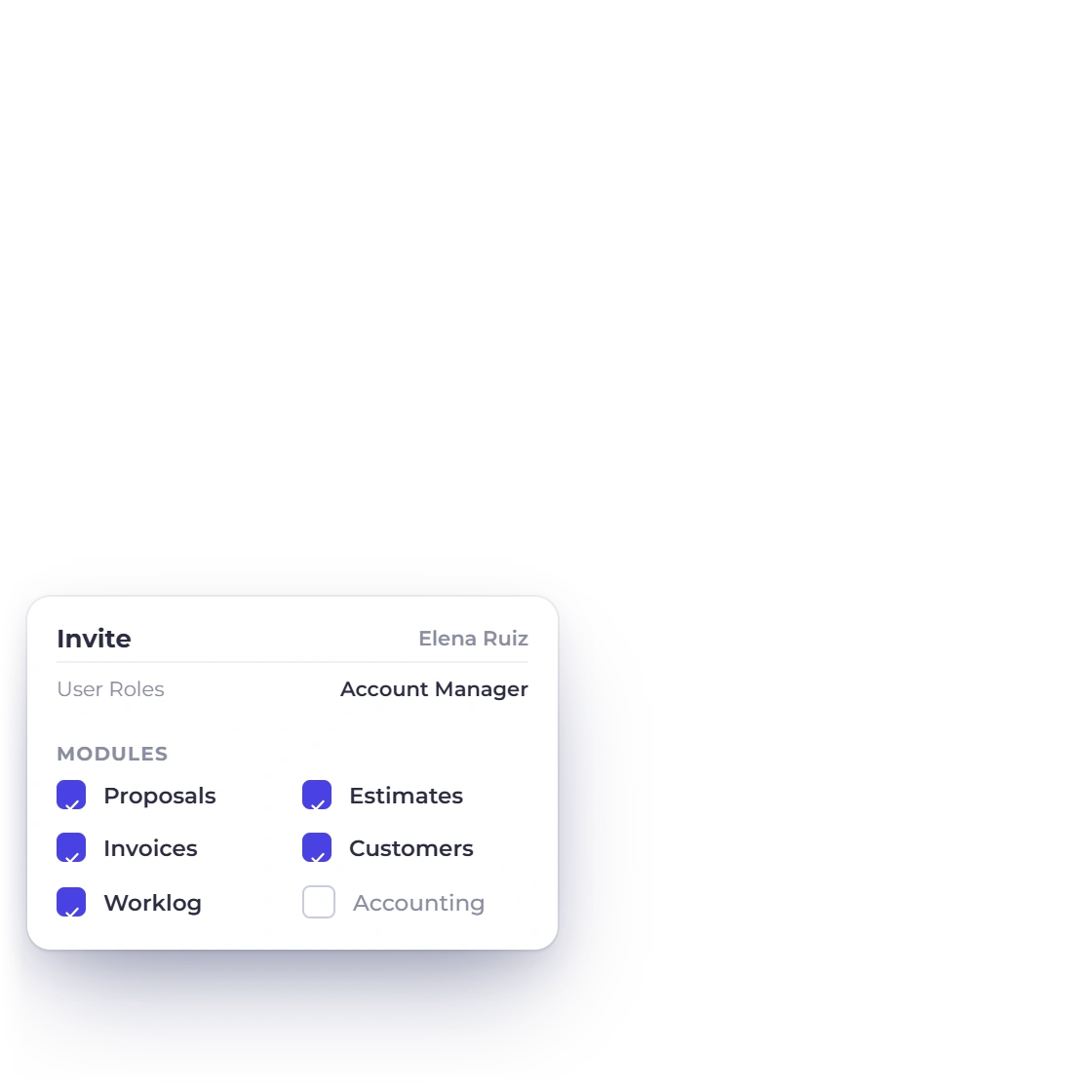
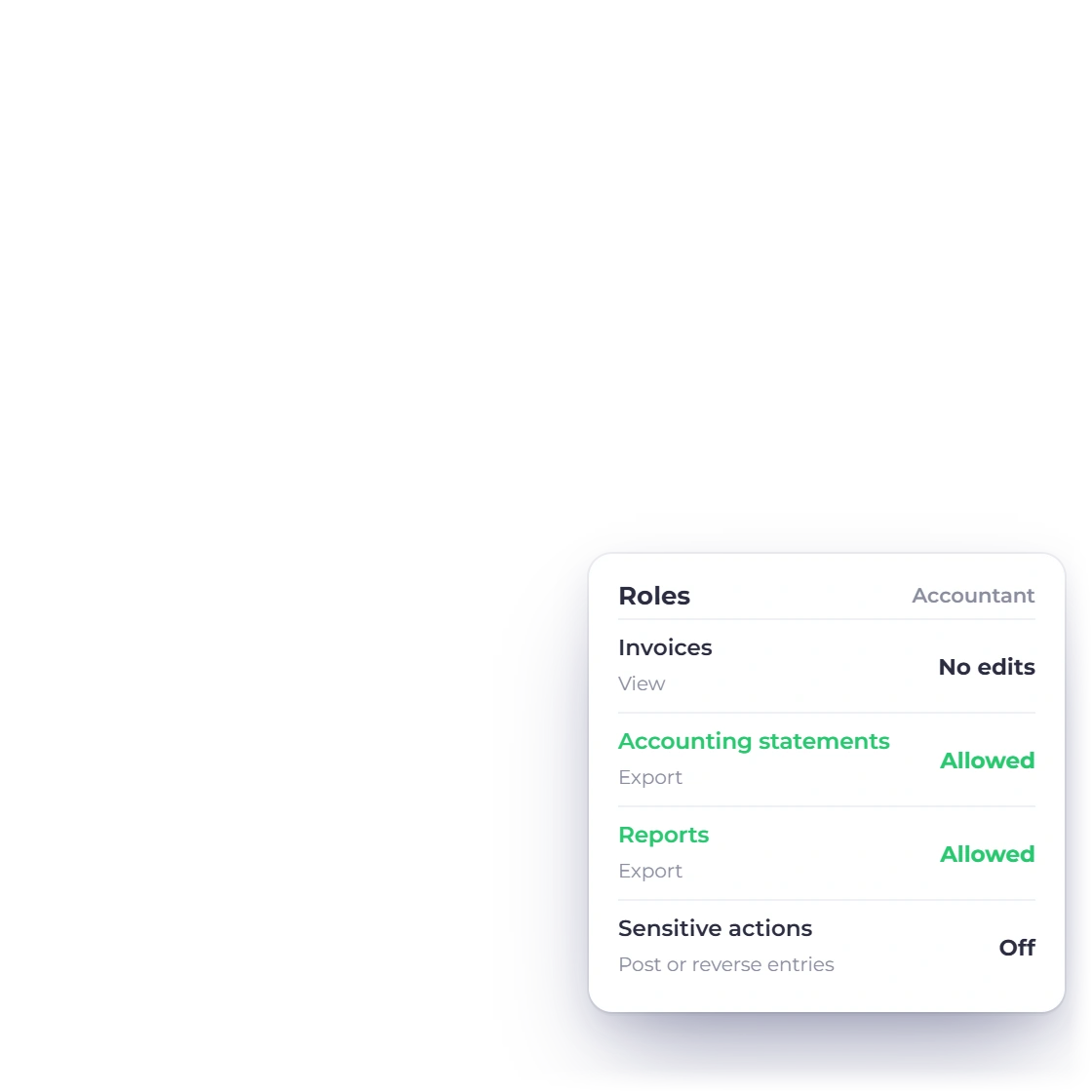
Invoice Crowd Team screen with invited agency members and their status, the invite panel with a role and module access, and the Accountant role limited to viewing and exporting

Team members with roles, not shared logins

Bring account managers, designers and a bookkeeper into the same account and give each person a role that limits what they can open and change. Team-member availability and limits depend on the current plan.

  • A role per person instead of one password
  • Two members on TEAM, three on BUSINESS
  • Role-based access for supported team members
What each plan includes
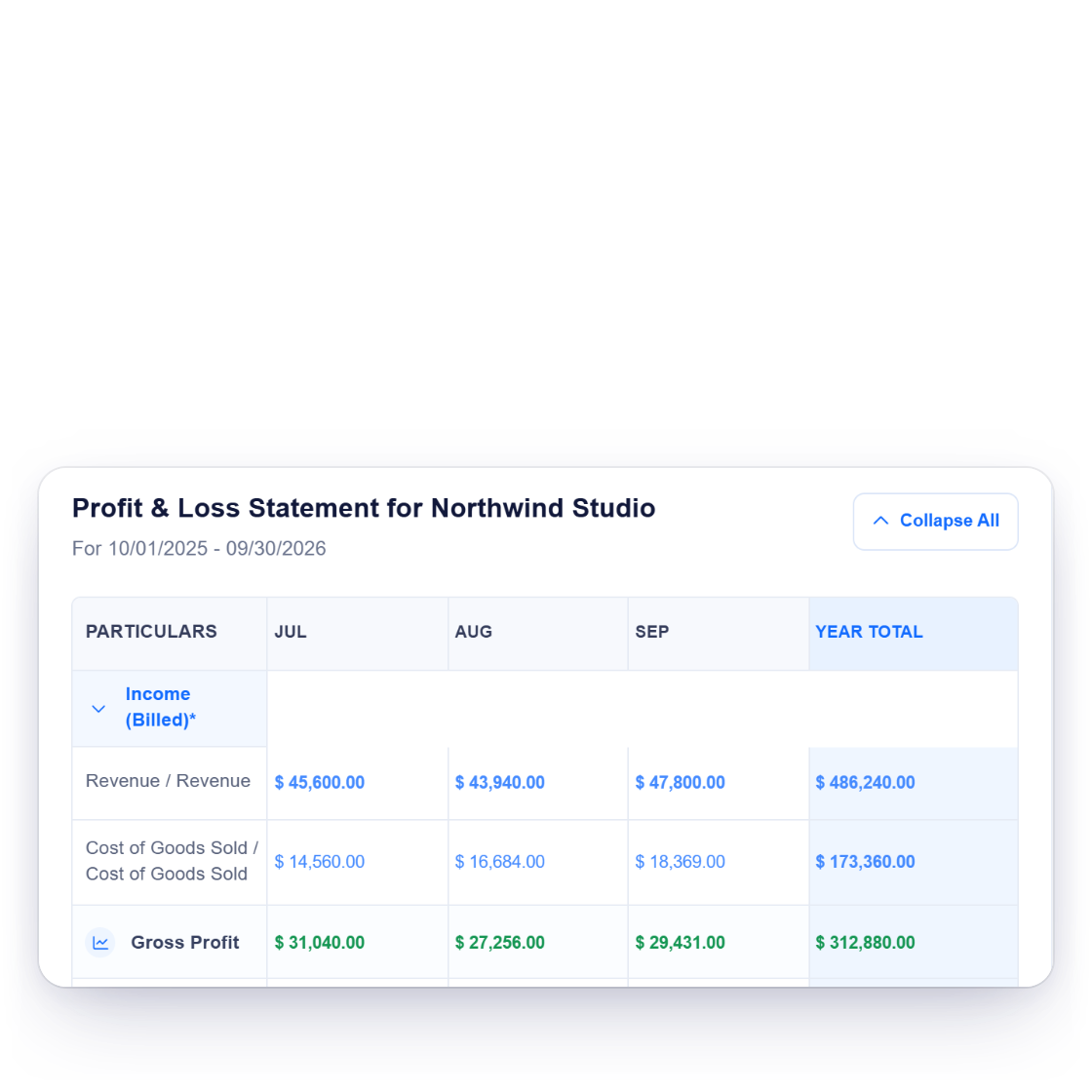
Invoice Crowd profit and loss statement with monthly revenue and gross profit, and the chart of accounts

Agency numbers, not just invoice totals

Under the invoicing sits accounting records and report views with visible integrity checks with a chart of 148 accounts already built. Contractor bills, software subscriptions and studio costs post into it alongside the revenue, so profit and loss shows the agency's real position rather than a sum of what was billed.

  • 148 accounts ready before you post anything
  • Costs and revenue in the same set of books
  • Profit and loss, balance sheet and cash flow
The accounting module

Why agencies consolidate

One account from the pitch to the balance sheet

Agencies usually end up with a proposal tool, an invoicing tool and a bookkeeping tool, plus somebody whose afternoon goes on moving numbers between them.

  • Proposals, invoices and books together

    The document you pitched with, the invoice it became and the ledger entry behind it are three views of one record, not three exports to reconcile.

  • Sub-brands and side ventures

    Business profiles keep separate branding, customers and books under one account. The number of profiles available depends on the current plan.

  • However the client wants to pay

    PayPal, Stripe, Razorpay, Square, Payoneer, Braintree, Authorize.net, Airwallex, GoCardless, PayFast, PayTabs, Telr and M-Pesa, with split and partial payments when a project is billed in stages.

  • Clients abroad, reporting at home

    Bill an overseas client in their currency and still read the agency's revenue in yours, because the ledger holds base-currency values.

Also included

The rest of what an agency runs on

The parts of agency admin that usually end up in a spreadsheet, a shared drive or somebody's inbox.

  • Client portal

    Clients approve proposals, download invoices and pay in one place instead of a mail thread.

  • Estimate to invoice

    Approve an estimate and the invoice writes itself from the same lines, taxes included.

  • Payment gateways

    Multiple provider integrations so the client pays on the invoice rather than through a bank transfer form.

  • Split payments

    Bill a project in stages: deposit up front, balance on delivery, both against one invoice.

  • Reminders and late fees

    Chase an overdue retainer automatically and apply the late fee your contract already allows.

  • Expense tracking

    Log contractor invoices and software costs with the receipt attached to the transaction.

  • Vendors and bills

    Record what freelancers and suppliers charge you as bills, and tag the related expenses to the project they belong to.

  • Outbound webhooks

    Push invoice, customer and expense events to a webhook URL you choose, or automate through Pabbly Connect.

  • Reports and exports

    Review aged debt, income and expense reports on screen, use the India-only GST Filing workspace when eligible, or configure supported reports for scheduled email delivery.

  • Client records

    One record per client holds the contacts, currency, terms and every document ever raised against them.

  • Budget against actuals

    Set a spend budget per ledger account, then read it against what the agency actually posted.

  • Proposal templates

    A content library keeps reusable sections, and 40+ proposal templates give the document a starting shape.

Questions

Running an agency on Invoice Crowd, answered

Can I bill retainer clients automatically every month?

Yes. A recurring profile holds the client, the amount, the currency and the cycle, and raises the invoice on that schedule without anyone opening the app. Reminders go out if it is unpaid, and late fees apply on the terms you set.

How many people can work in the account?

Supported plans can add team members with roles, so you decide who can open accounting records and who only sees the work their permissions allow. Review the Pricing page for current team limits.

Can I track time against a project?

Yes. Projects and a timesheet are part of the same account, so hours are logged against the project they belong to rather than in a separate tracker. That leaves you a record of what a retainer month actually contained when a client asks.

Does it handle a client who pays in another currency?

Yes. Invoice in the client's currency while financial reports use the business profile's accounting currency. India GST Filing is a separate, country-gated review and export workspace for eligible GST-enabled businesses; it is not presented as government submission.

Can two agency brands run from one subscription?

Yes, through business profiles. Each profile keeps its own branding, customers and accounting records, and you switch between supported profiles from one login. Review the Pricing page for current profile limits.

Is there a trial before we move the whole agency across?

Thirty days, with no credit card. That is long enough to run a full retainer cycle: raise the recurring invoices, send a proposal, log some hours and see what the reports look like at month end. Paid plans start at ten dollars a month.

Put the retainers on a schedule and the projects on record

Set the recurring profiles up once, scope the project work in a proposal, and let the ledger keep pace with both.

  • Retainers billed without a reminder
  • A role for every team member
  • Thirty-day trial, no card needed