Skip to content

Purchases

Record a vendor payment and show exactly how much was used against the bill

Payments Made records an outgoing payment to a vendor and can allocate part or all of it to an open bill. The form keeps the payment number, method label, date, reference, receipt and currency evidence together; it records the event but does not initiate a bank transfer.

  • Exact bill allocation and unused amount
  • Receipt and reference evidence
  • Create retries are idempotent

Last updated:

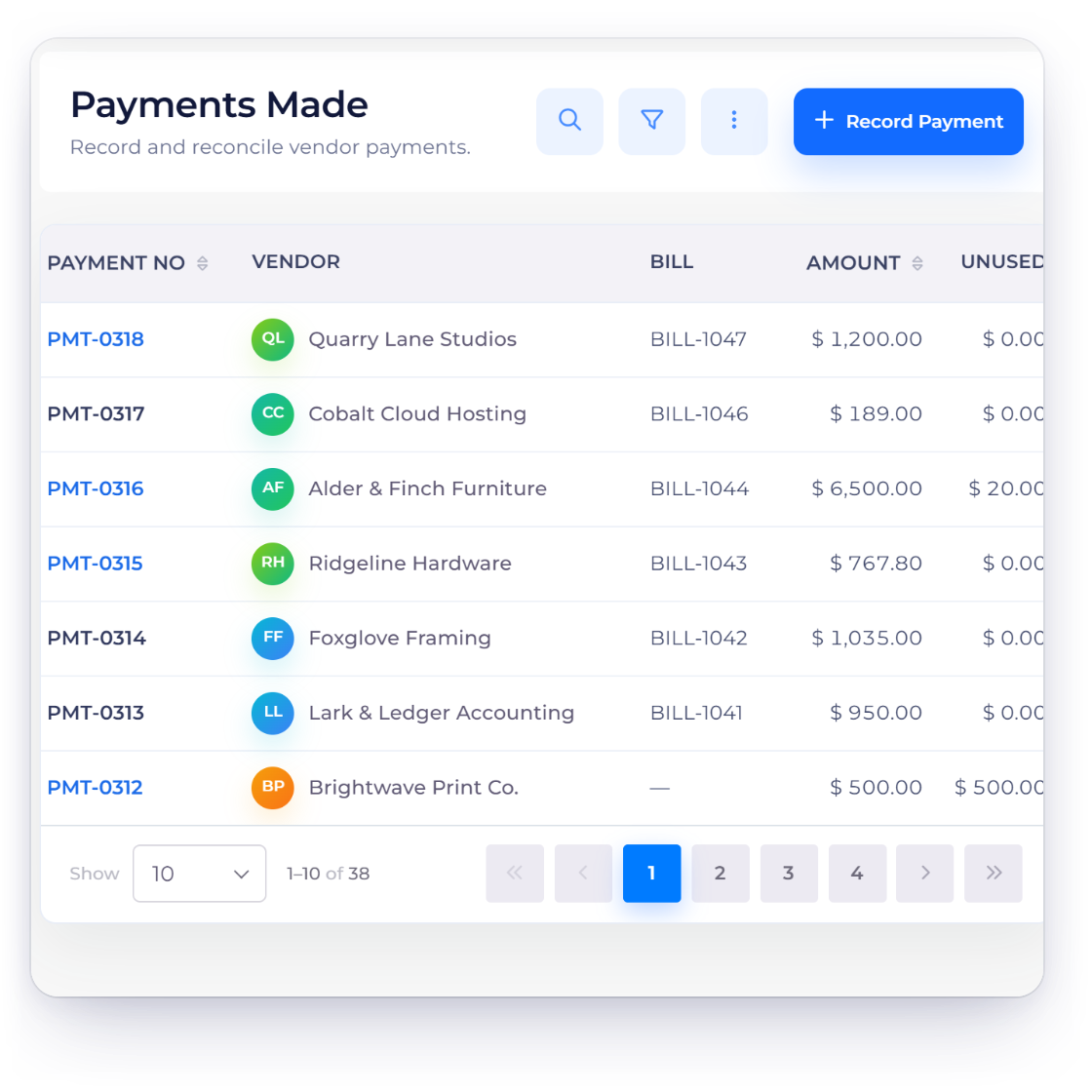
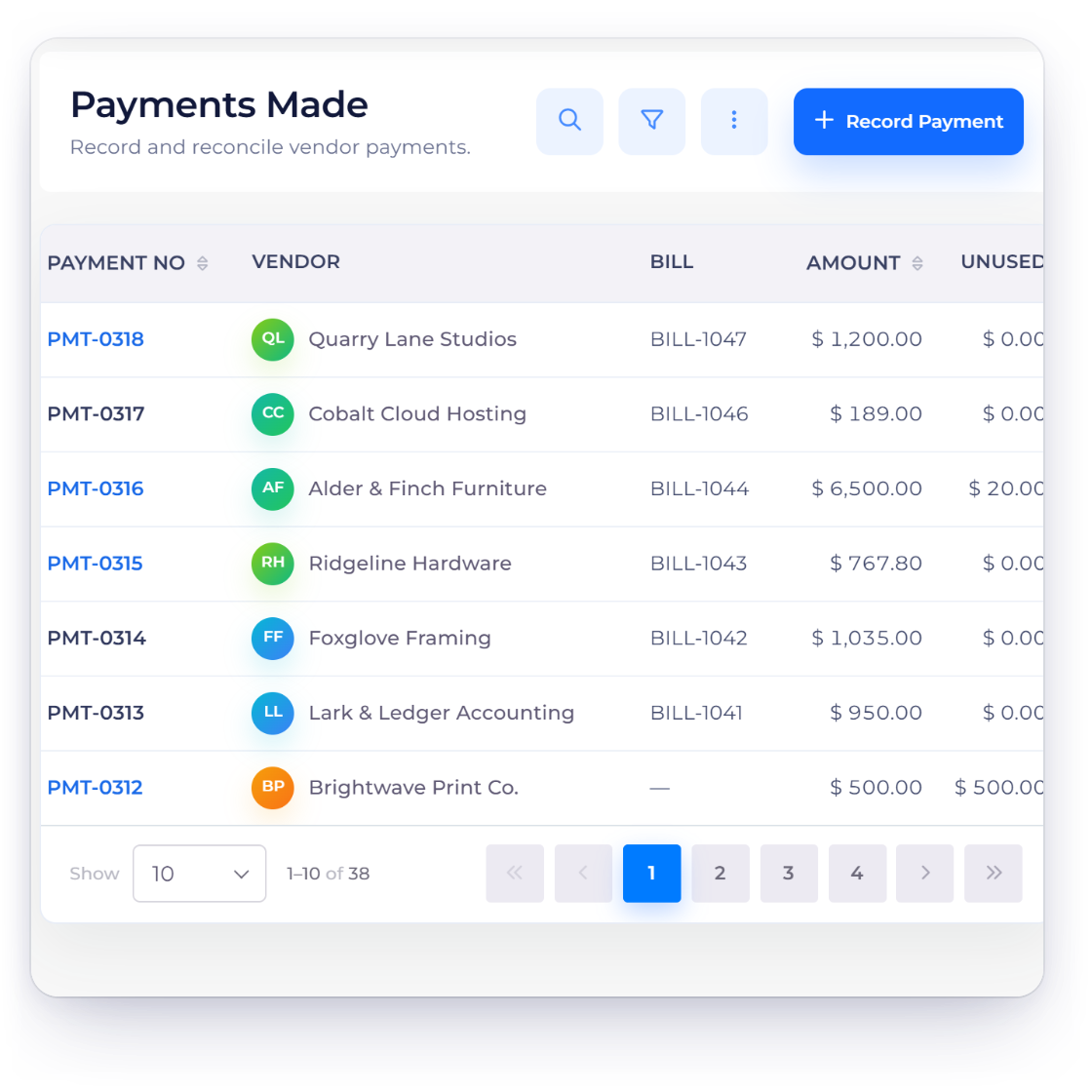
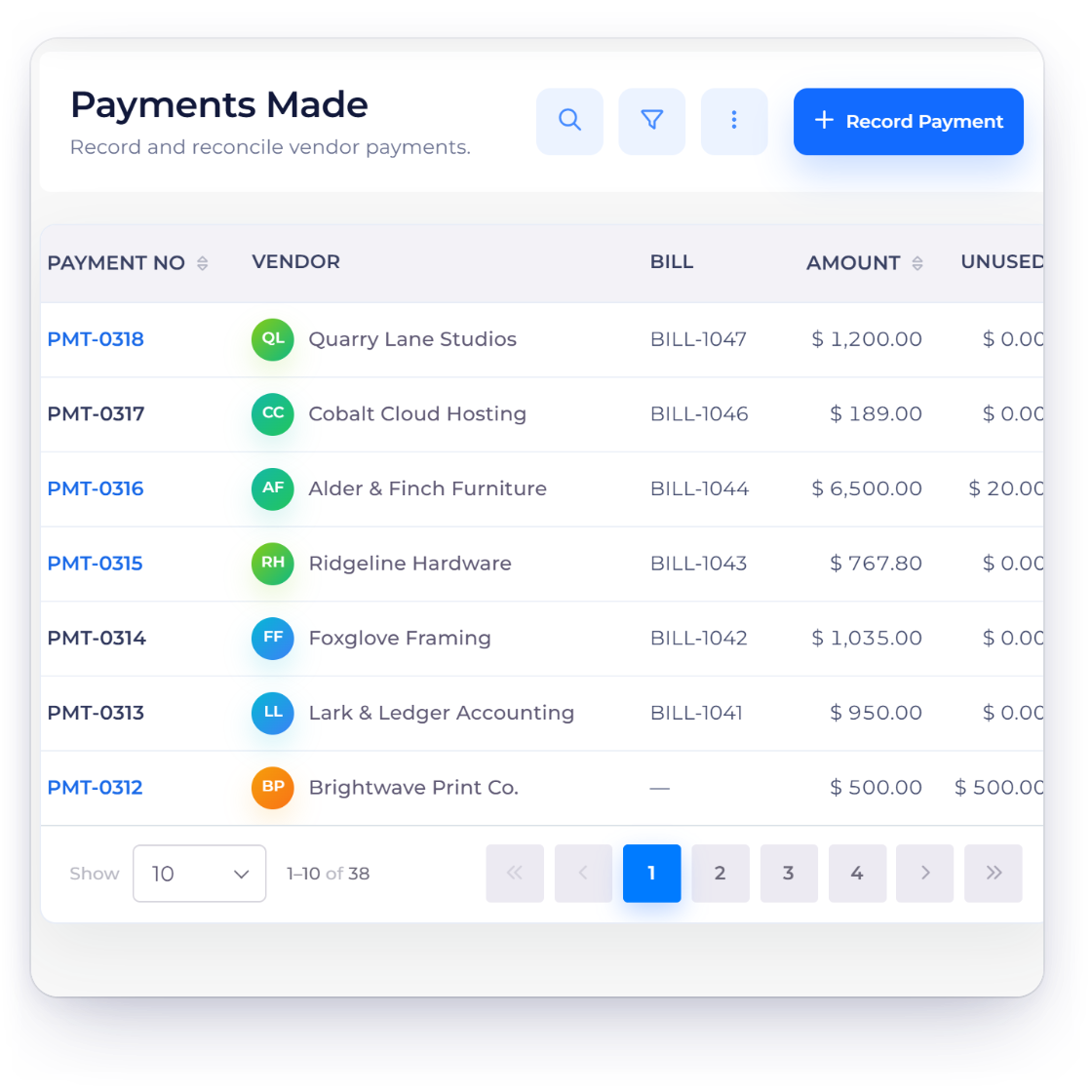
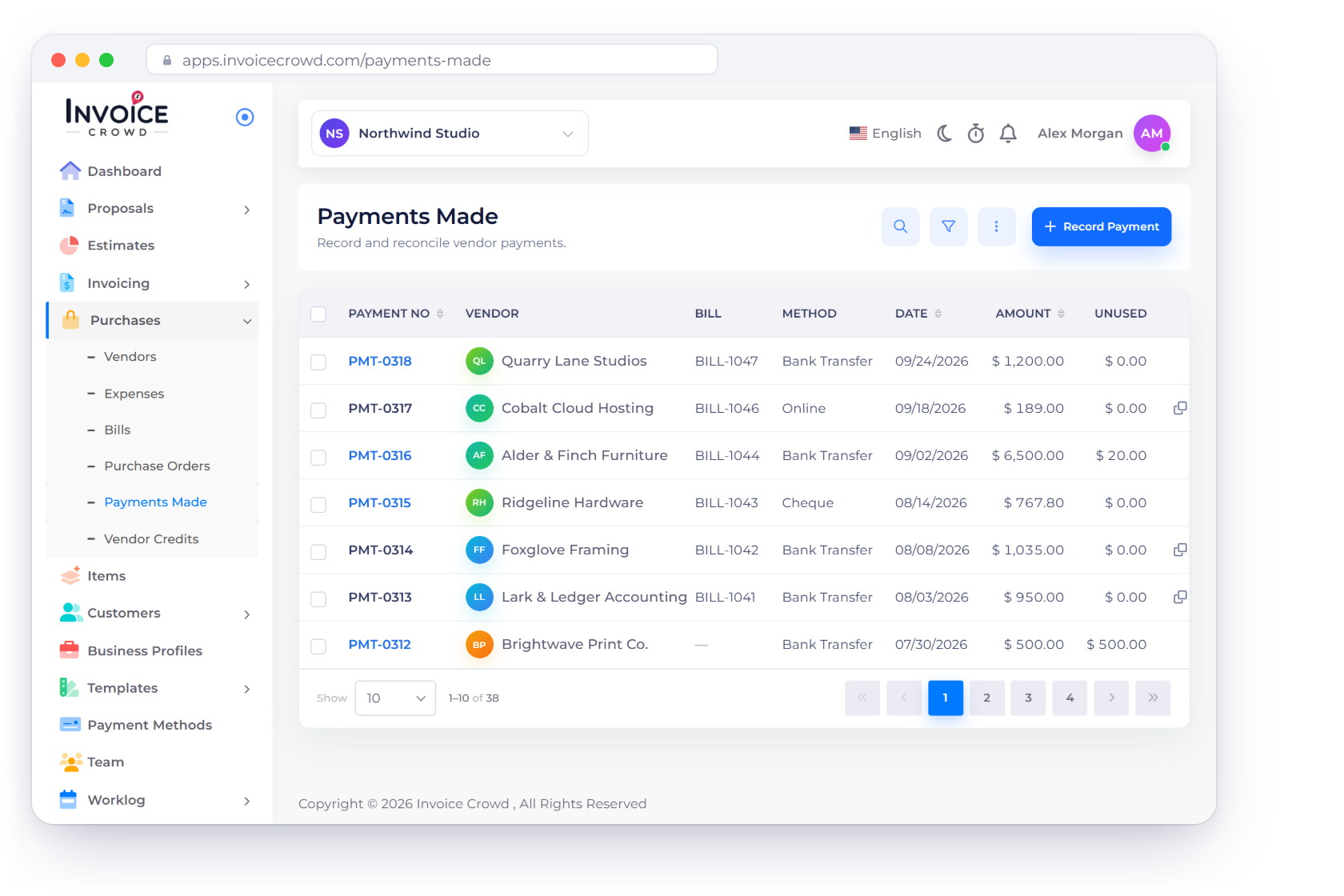
The Invoice Crowd Payments Made list showing payment number, vendor, bill, payment method, amount and unused amount.

How it works

One record for the payment, its bill allocation and its evidence

Select a vendor and optional bill, enter the positive amount and date, and let the server derive the amount used against the bill. An overpayment stays visible as unused value instead of disappearing.

Record the payment

Vendor, bill, account, method label and evidence.

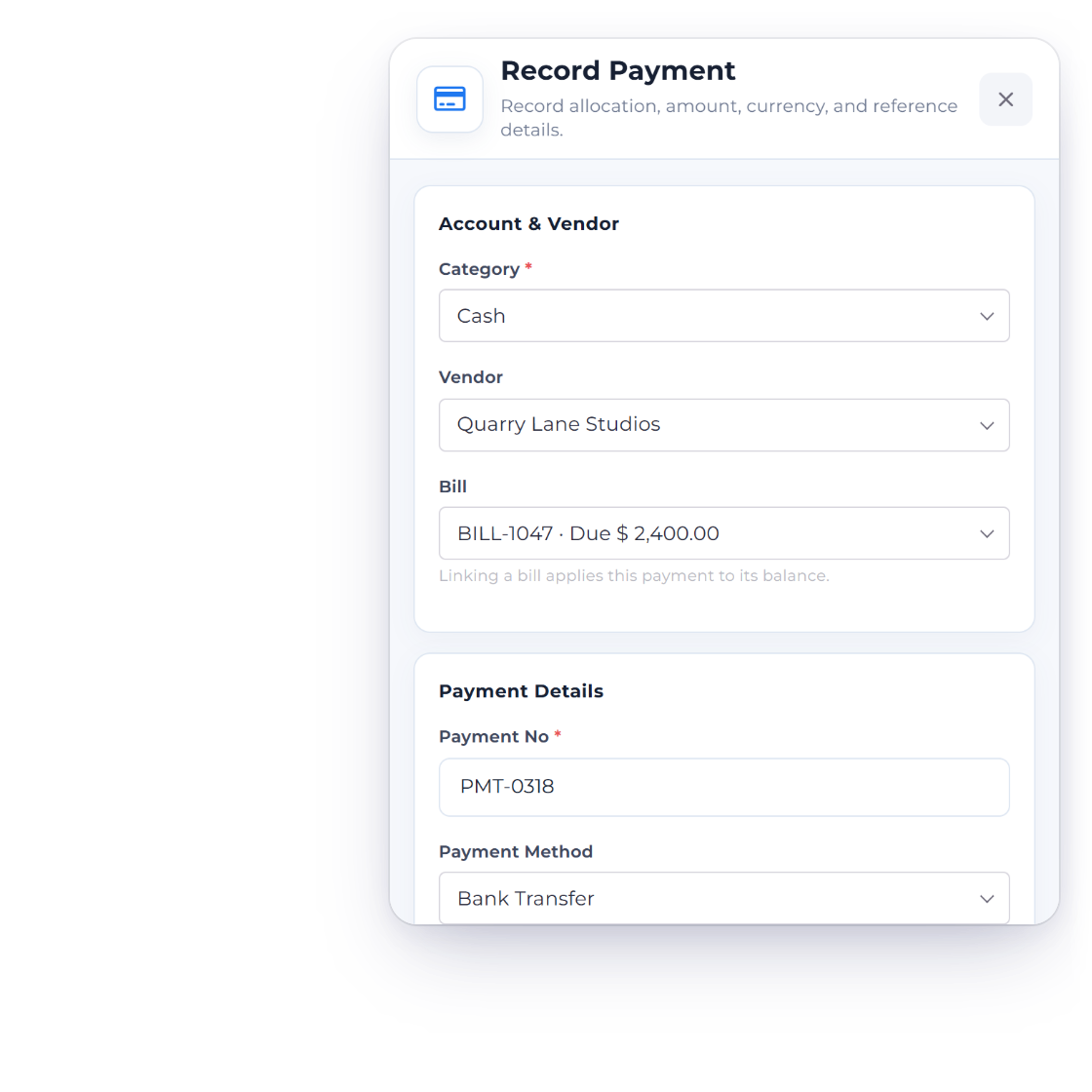
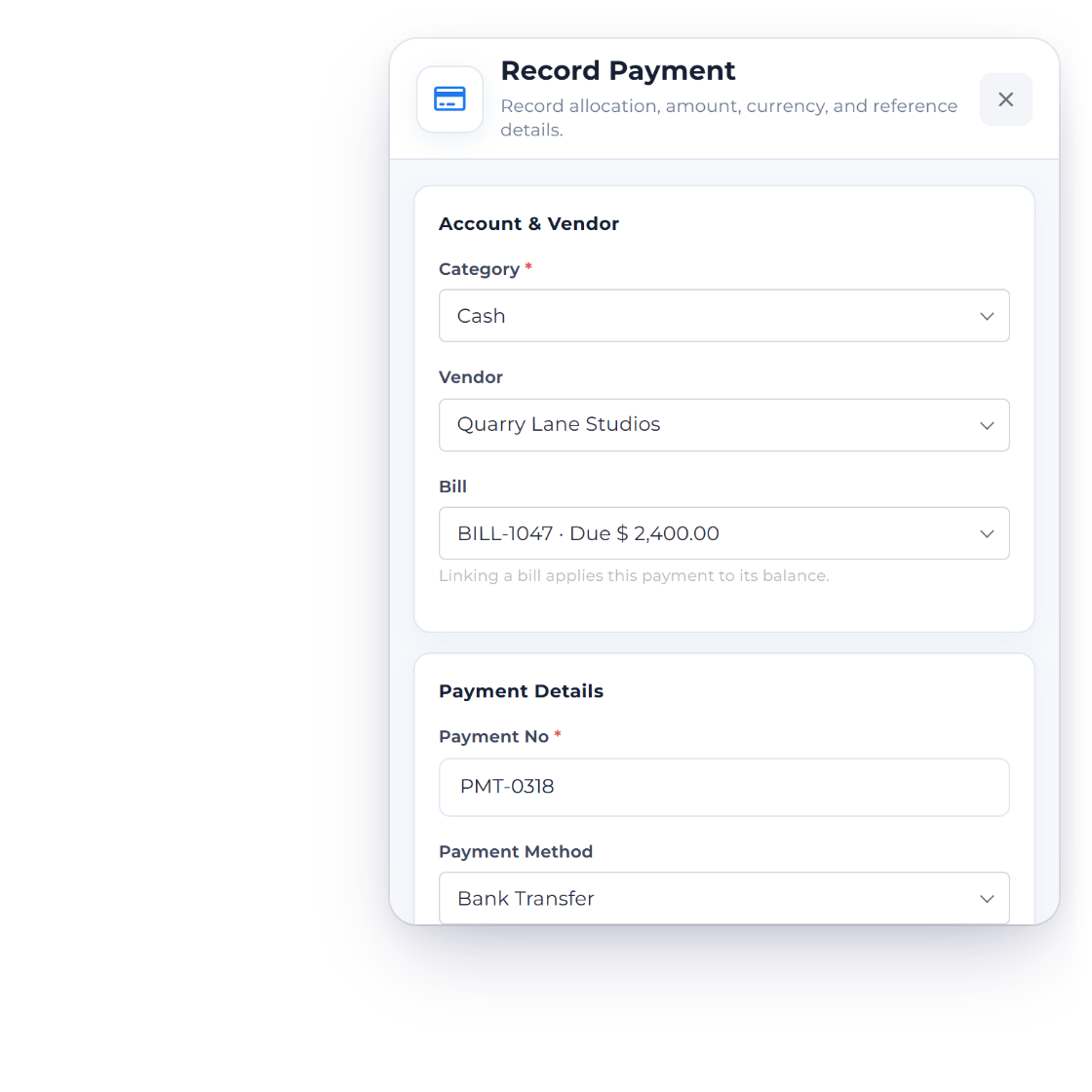
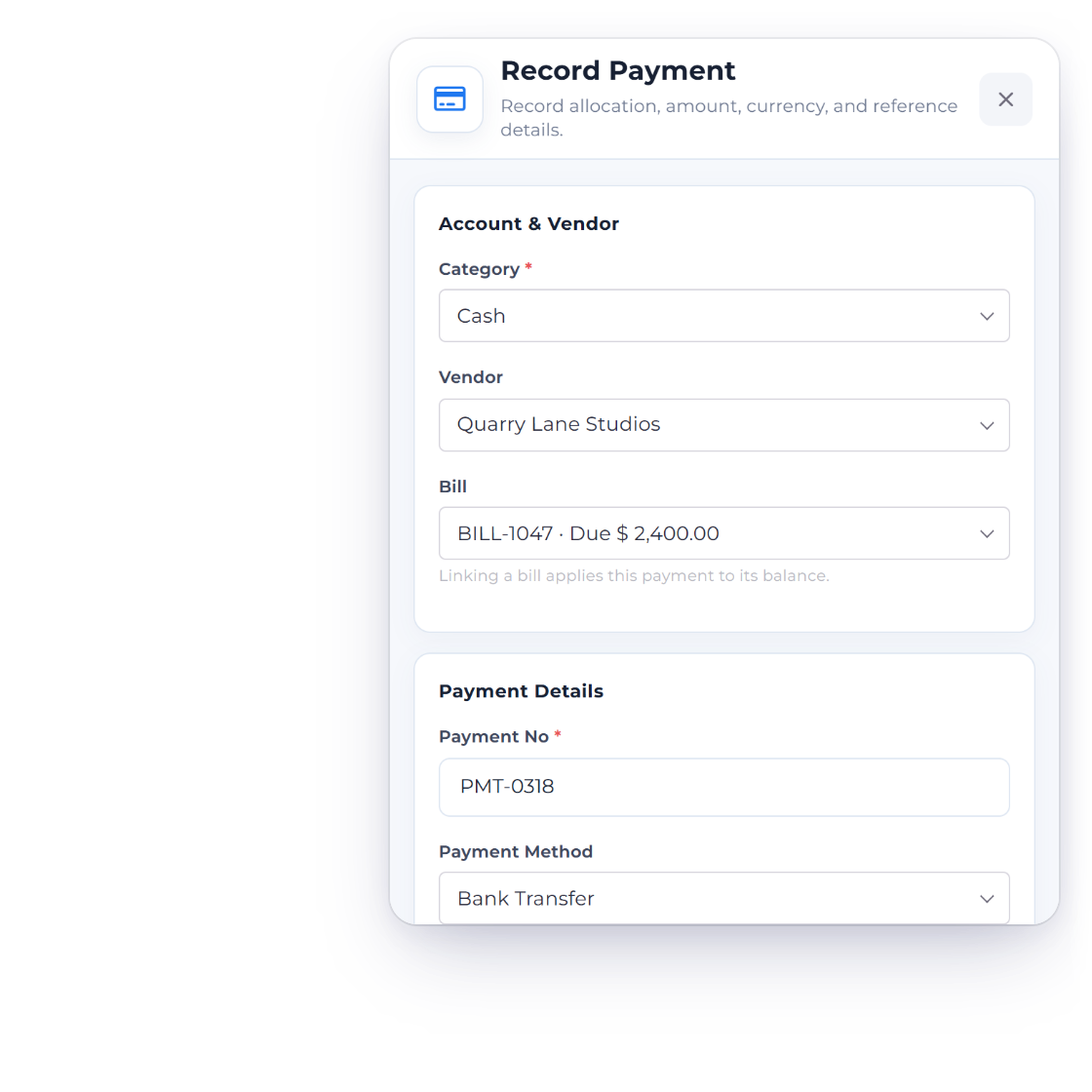
The Invoice Crowd Payments Made editor with vendor, bill, amount, method, date and receipt fields.

Capture the payment details in one side panel

Choose the accounting category, vendor and optional bill, then enter payment number, method, amount, currency, date, notes and reference. A receipt image or PDF can stay attached to the record.

Use a vendor payment without calling a gateway

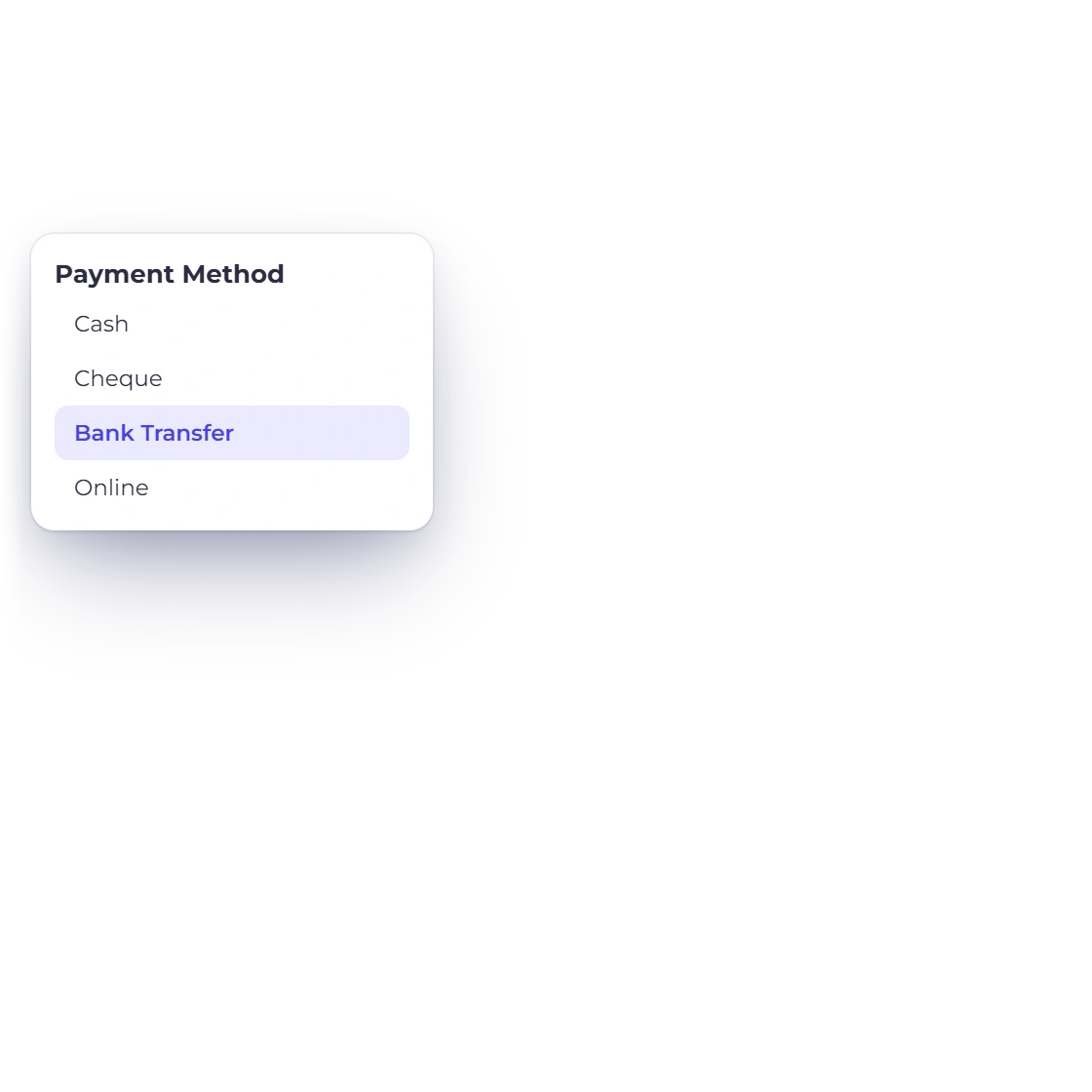
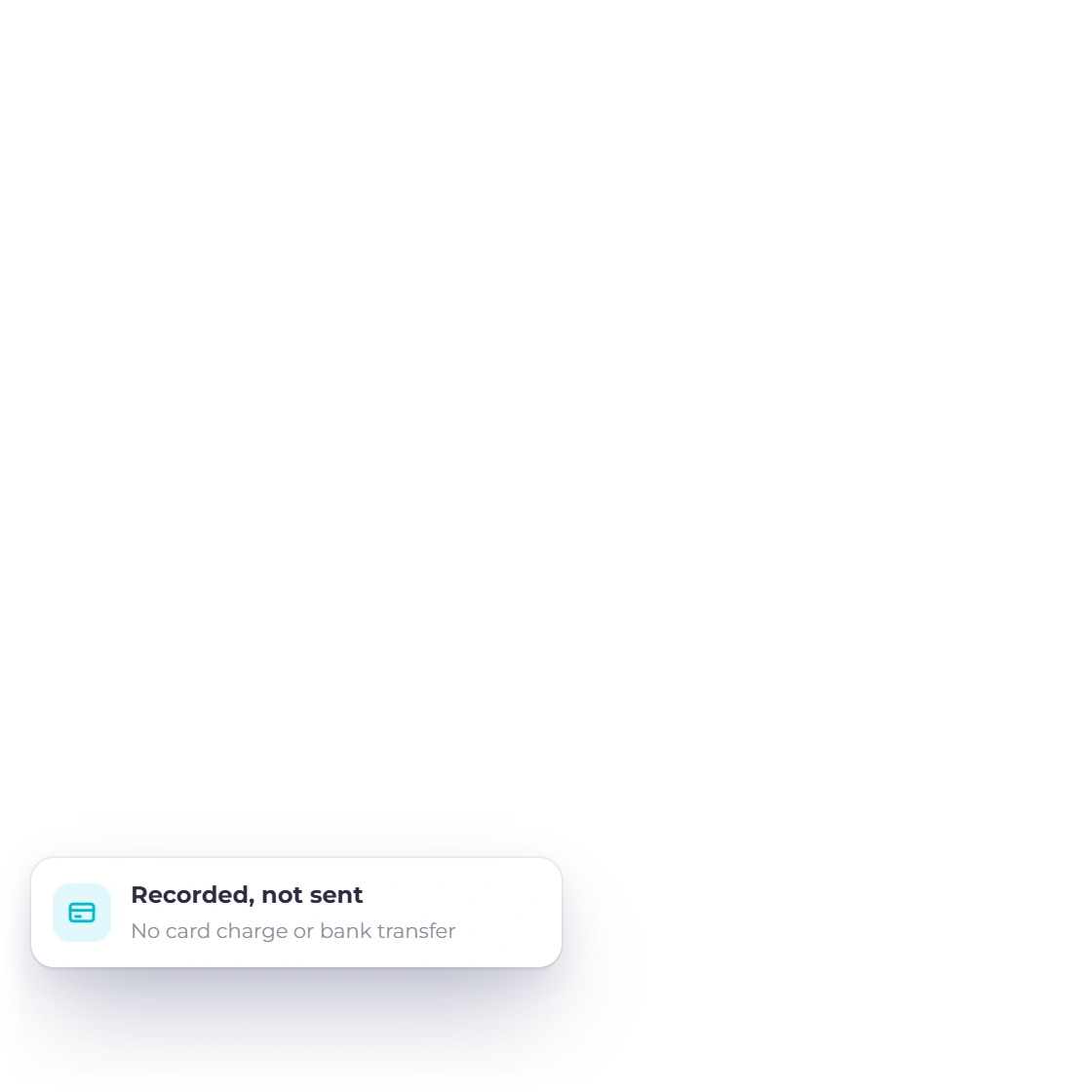
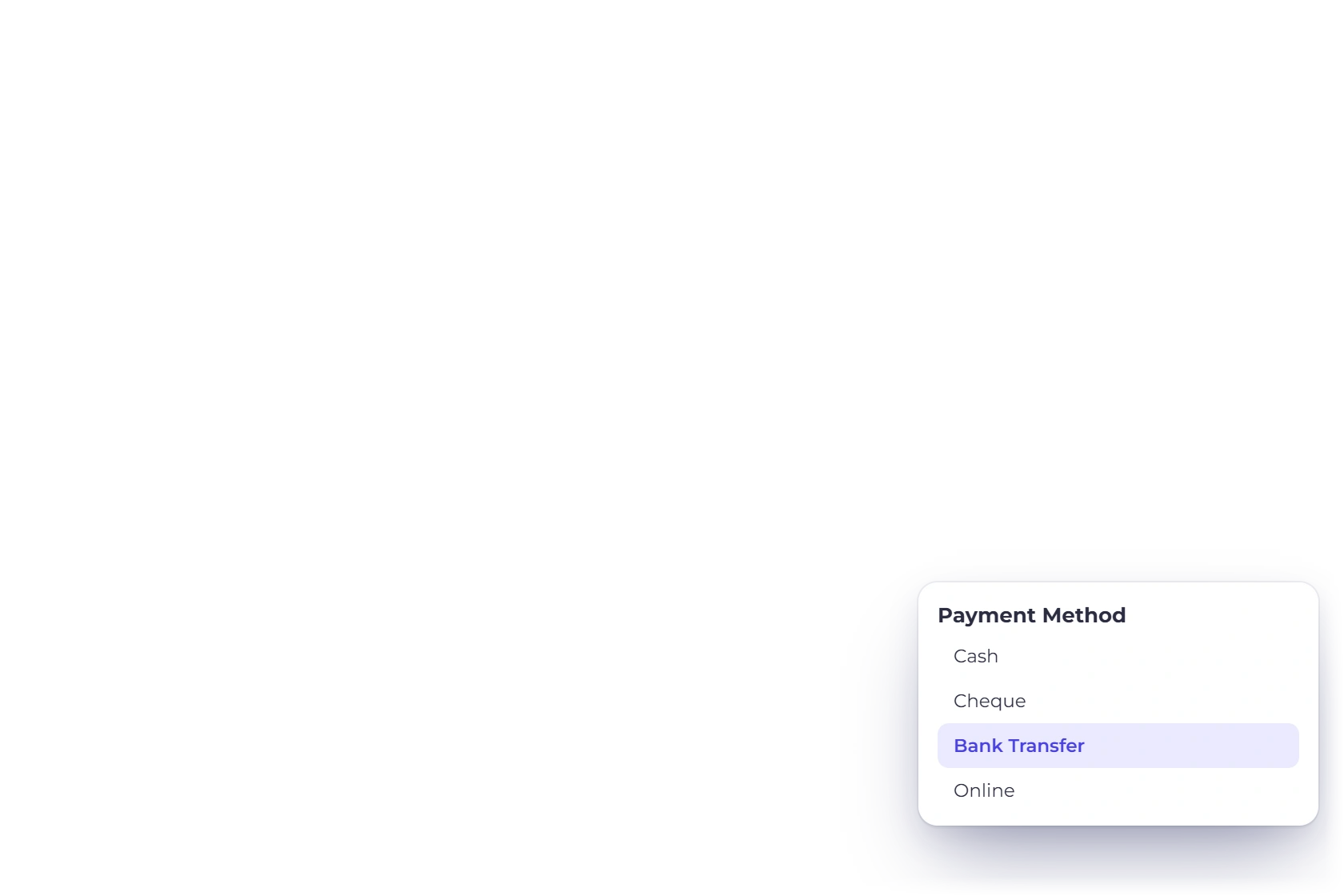
The selected payment method is a label describing how the transfer happened. Saving the record does not charge a card, initiate a bank transfer or call an external payment provider.

Allocate to a bill

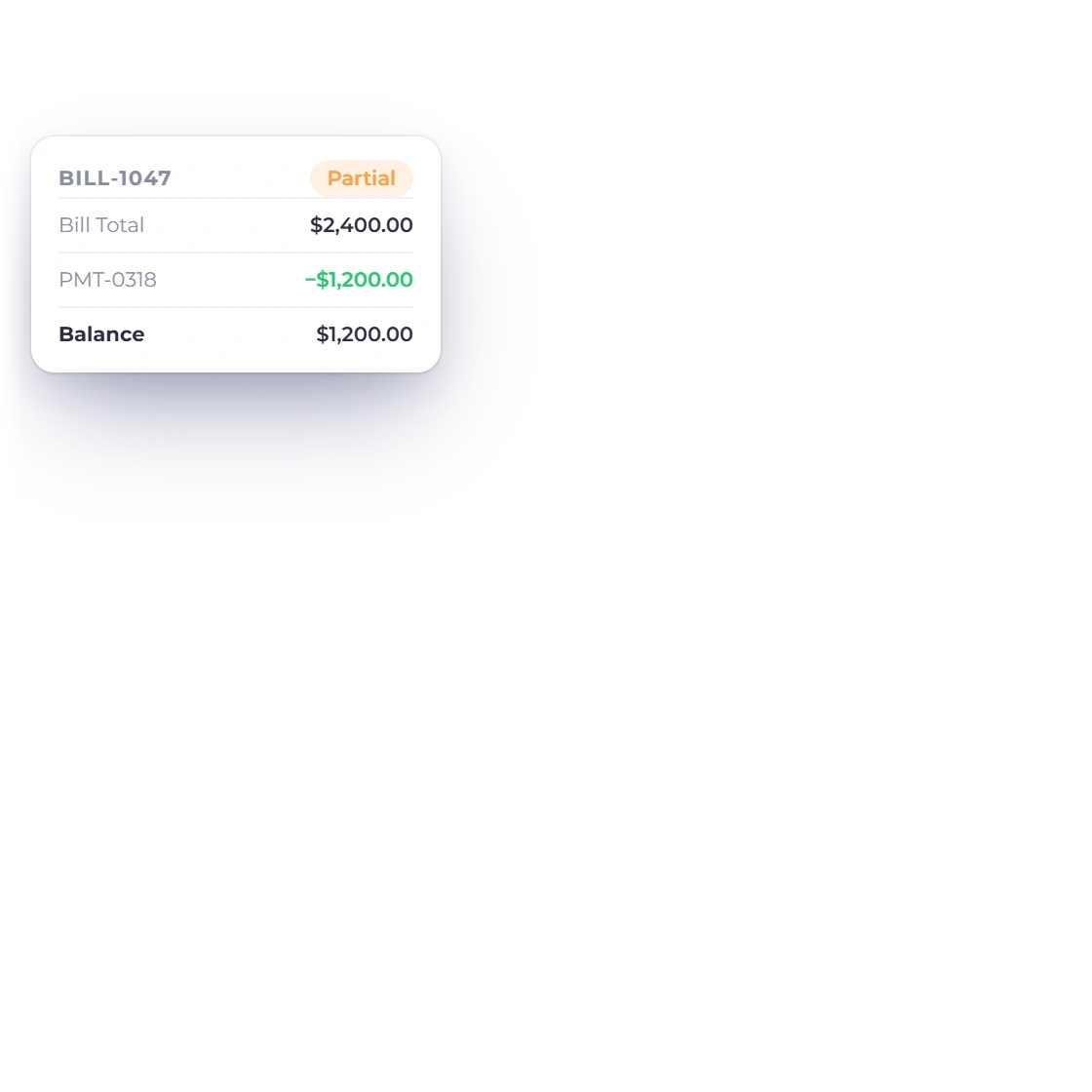
The used amount belongs to the live bill balance.

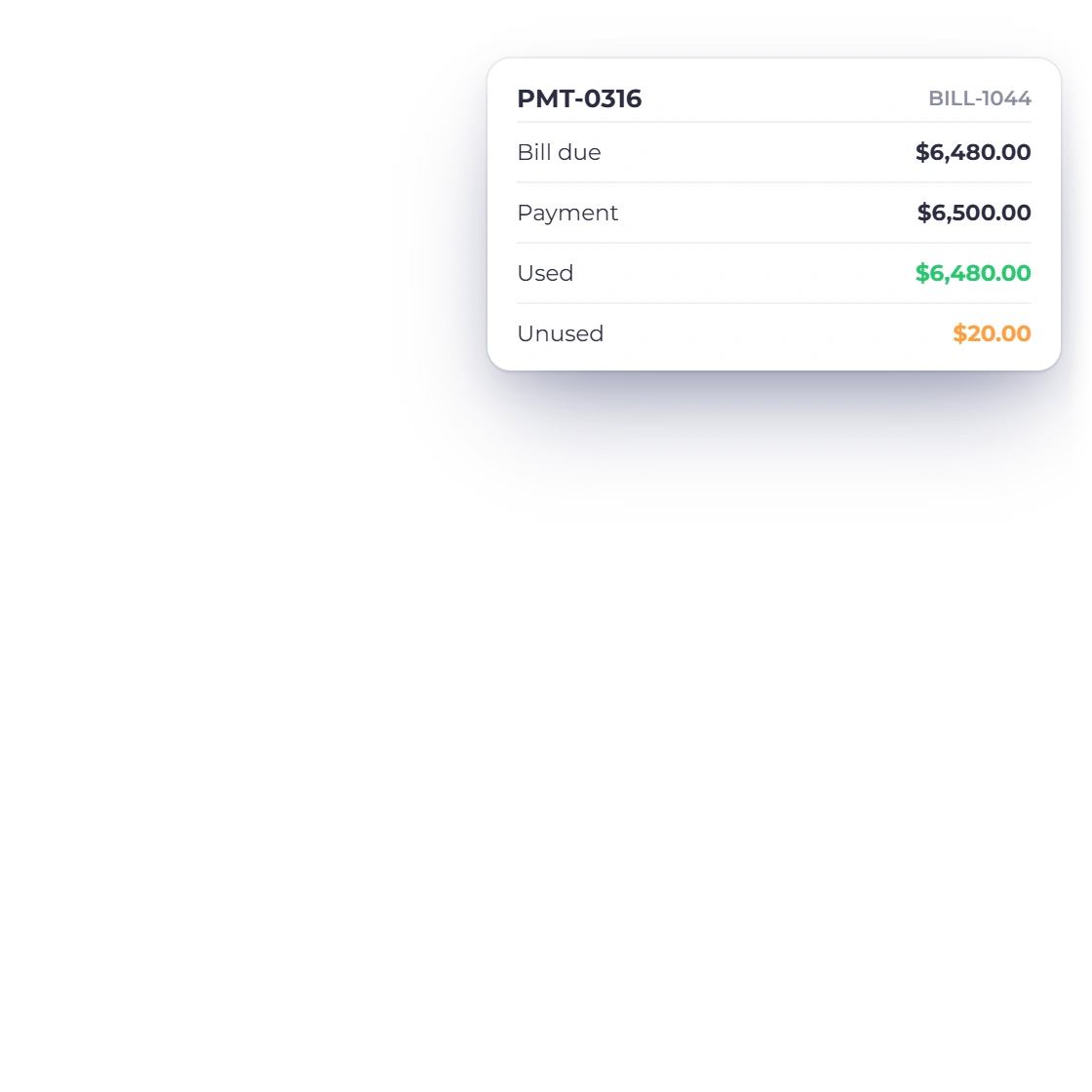
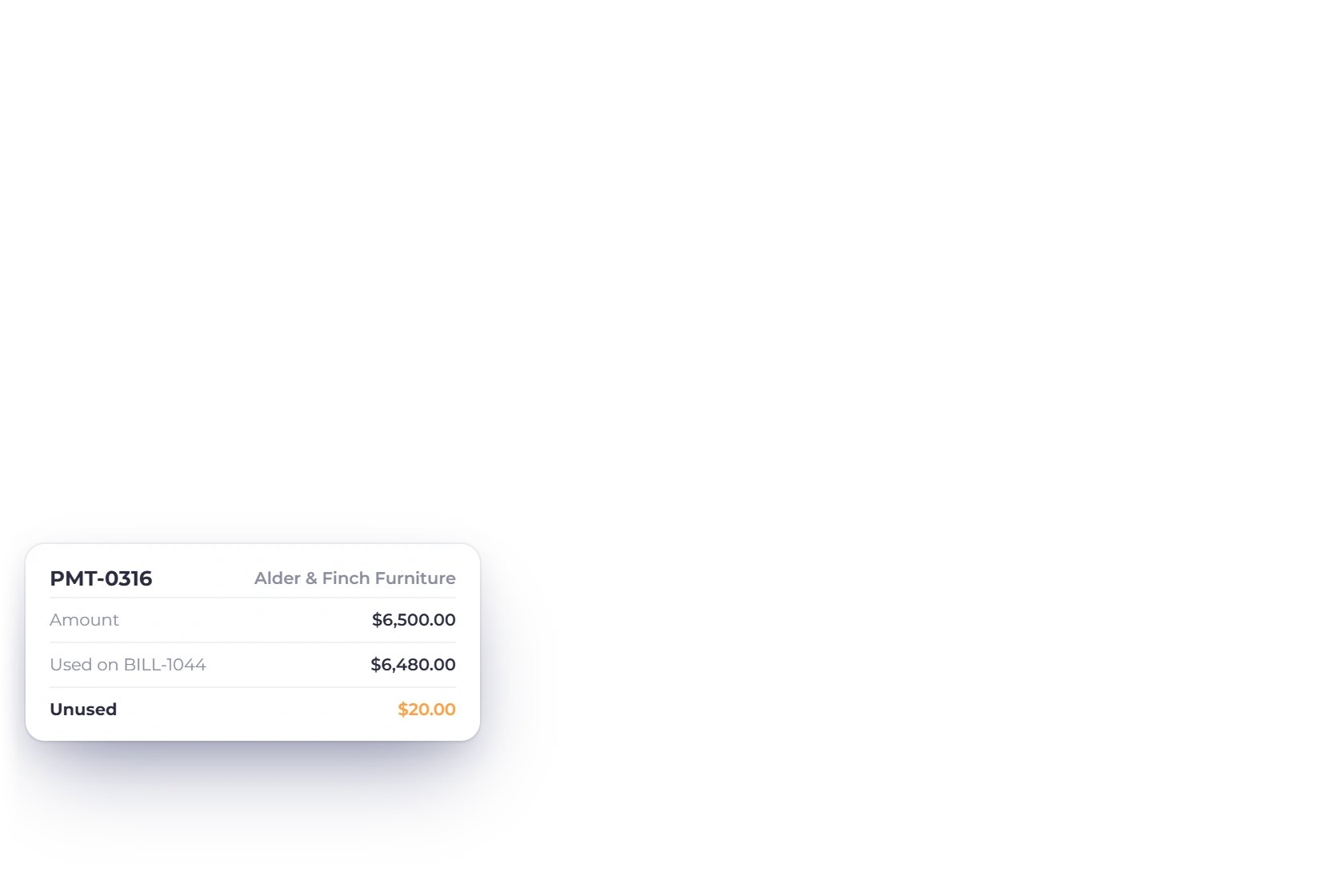
Invoice Crowd payment allocation showing amount used against a bill and the remaining unused amount.

Apply only the amount the bill can use

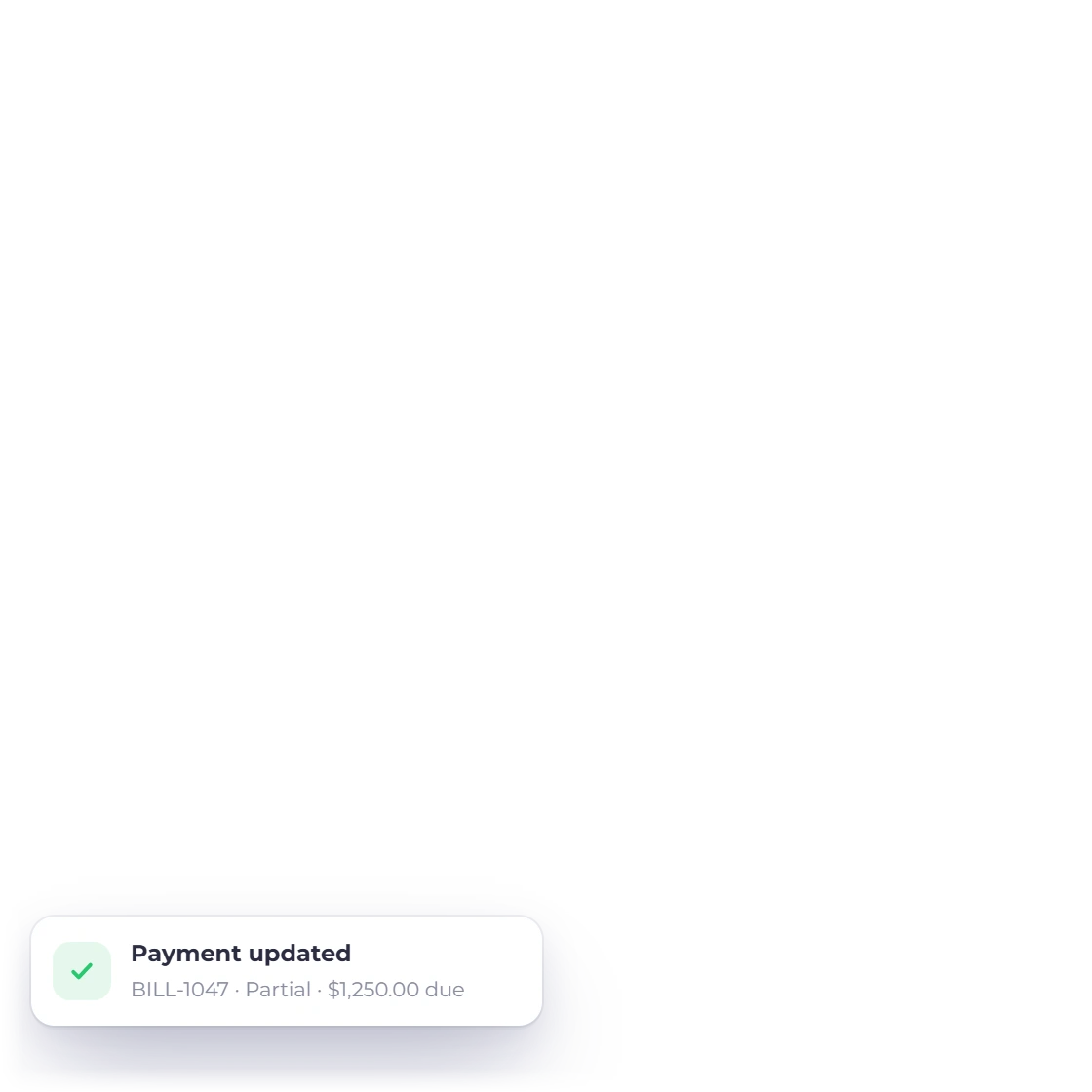
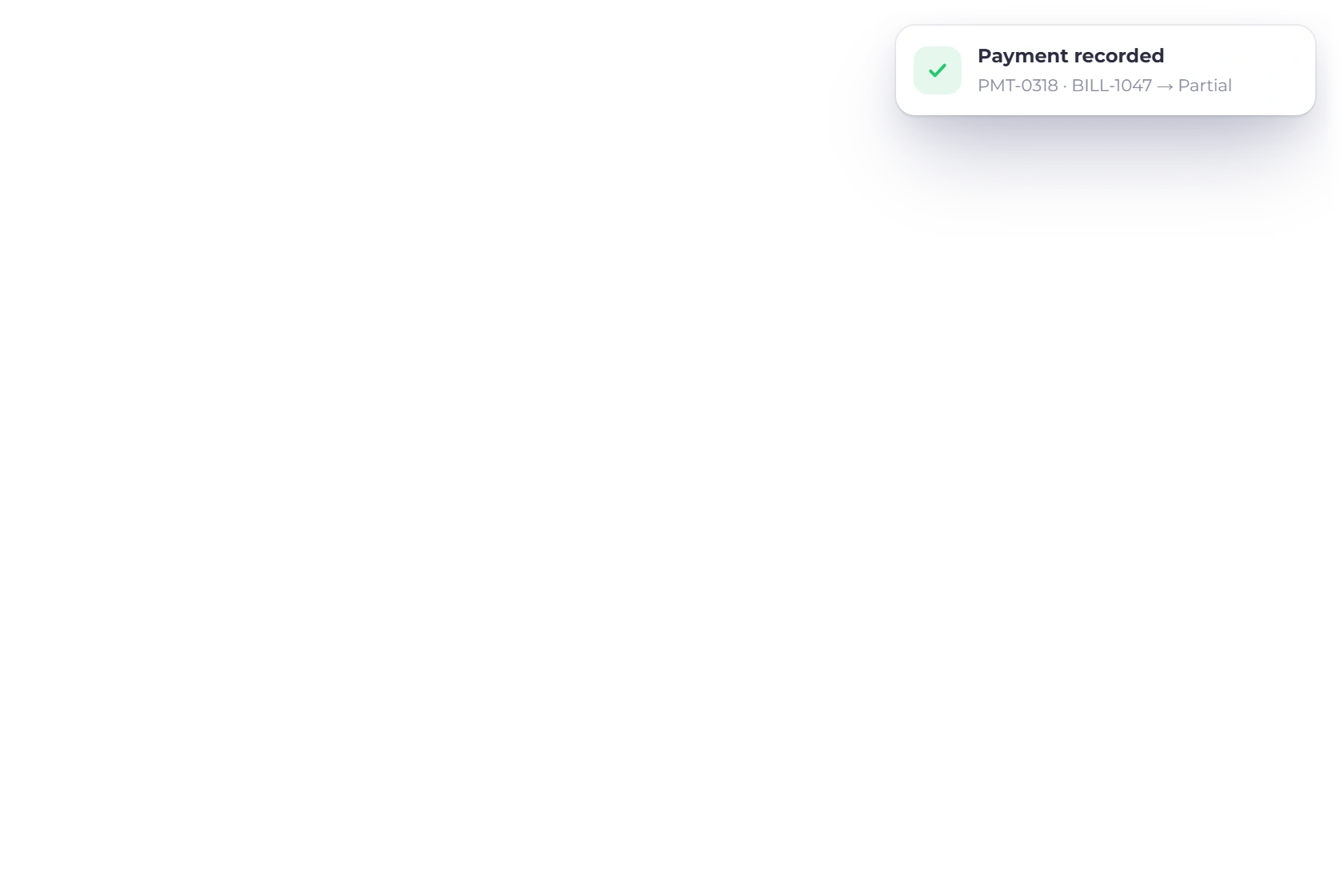
The server derives used amount as the smaller of the live bill due and the payment amount. The bill becomes partial or paid, while any excess remains the payment's unused amount.

Edit through an exact reversal and reapply

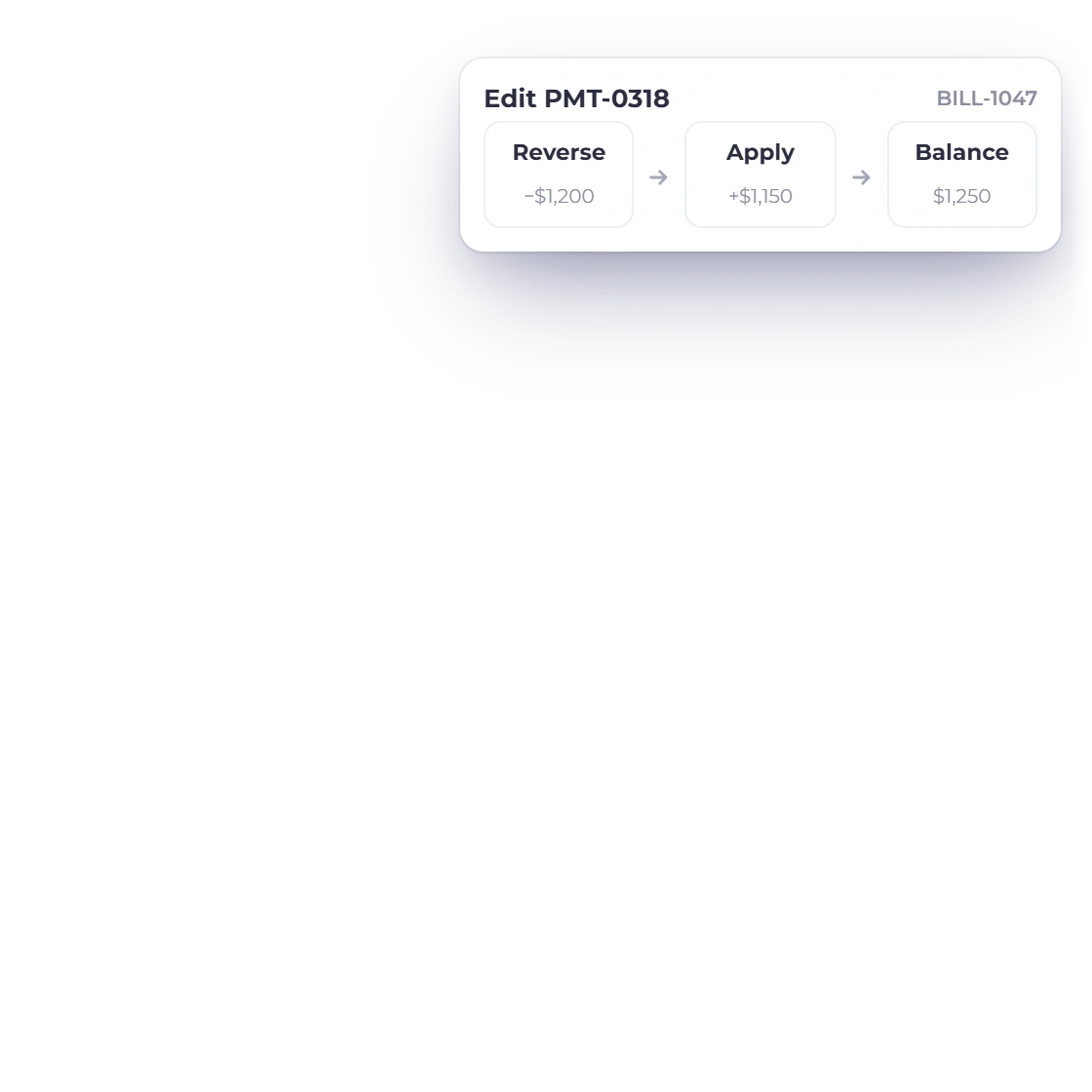
Current create, edit and delete paths run transactionally. An edit reverses the old known allocation before applying the replacement so the bill does not accumulate repeated reductions.

Retry and currency rules

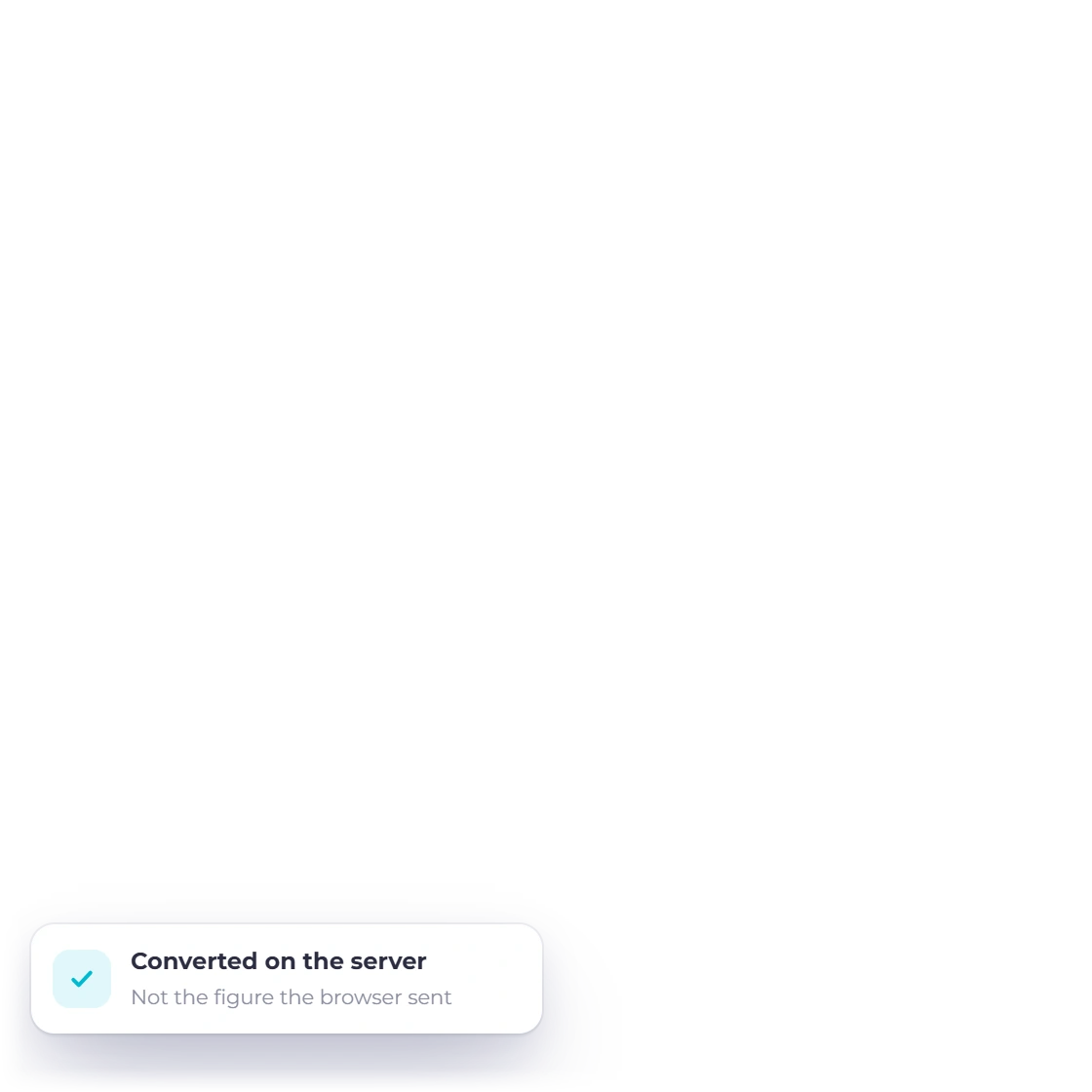
Derived totals belong to the server, not the browser.

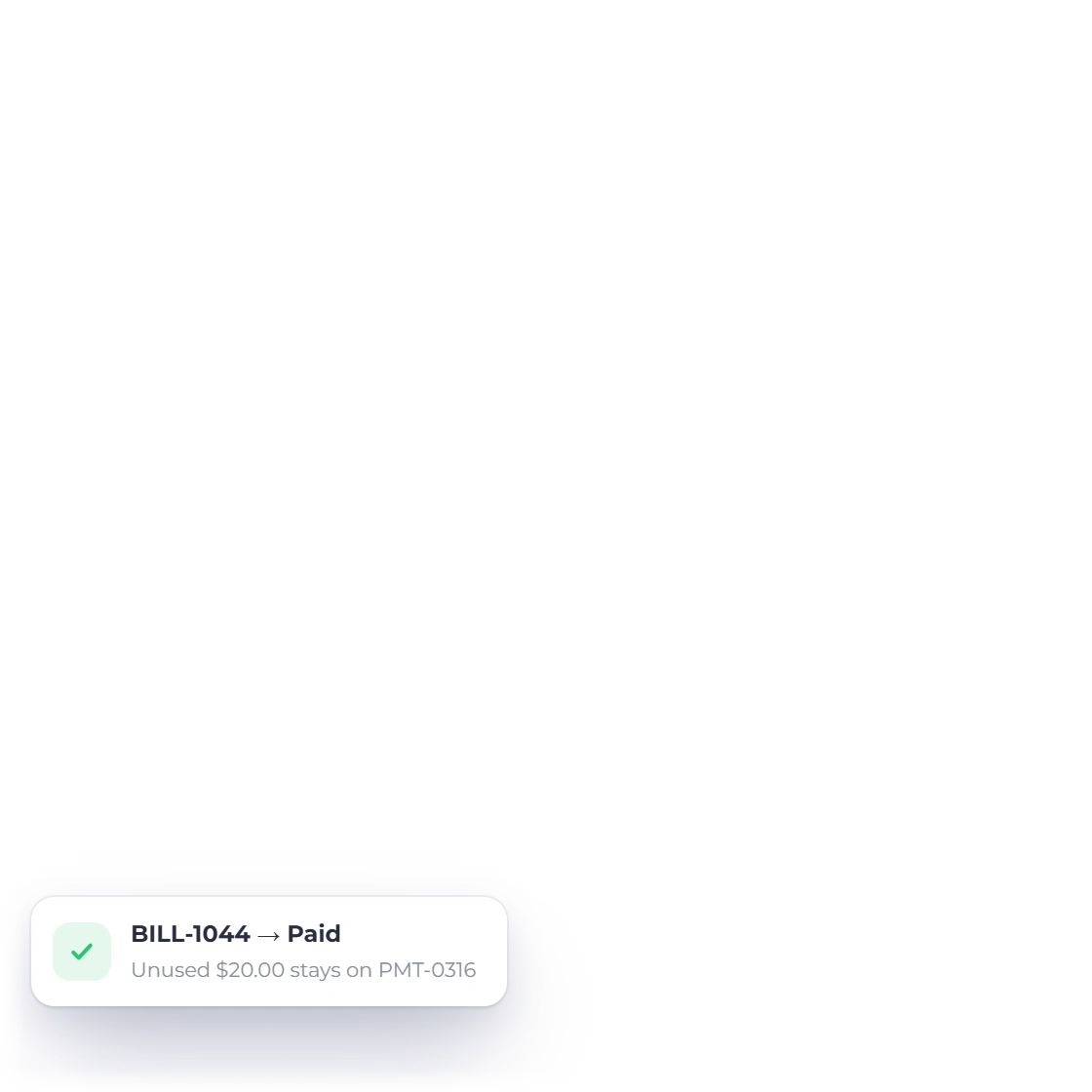
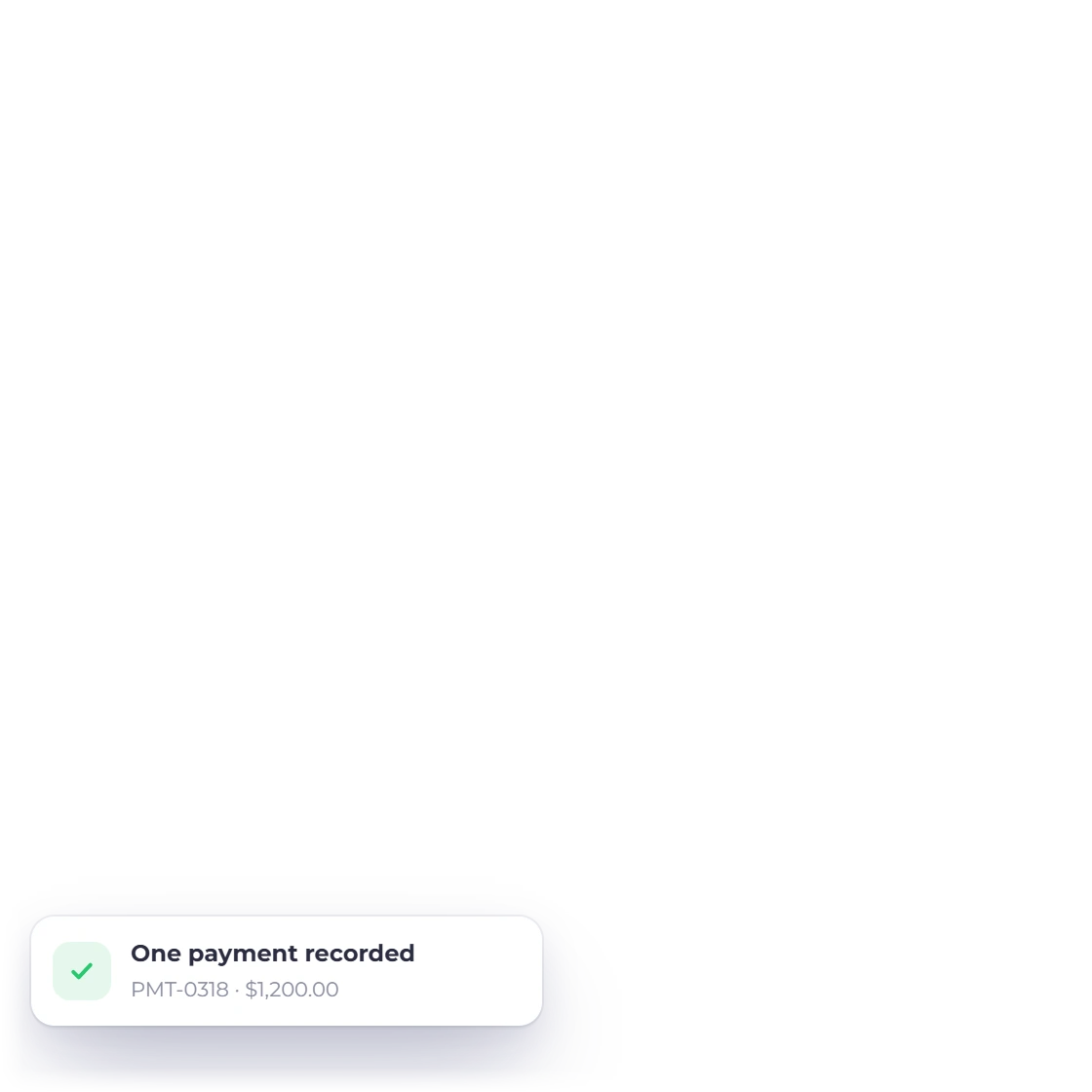
Invoice Crowd Payments Made success state showing a replay-safe transaction reference.

Replay a timed-out create safely

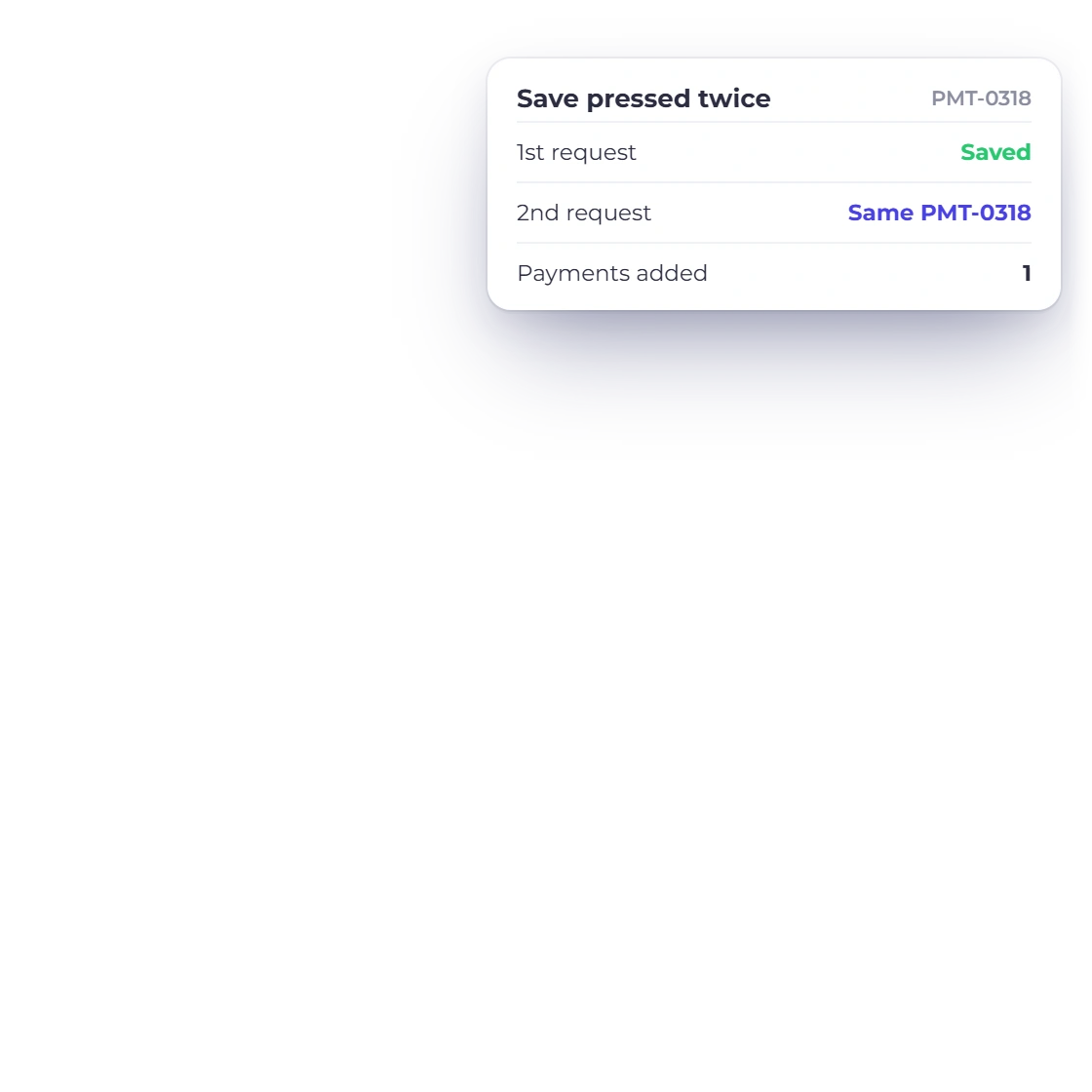
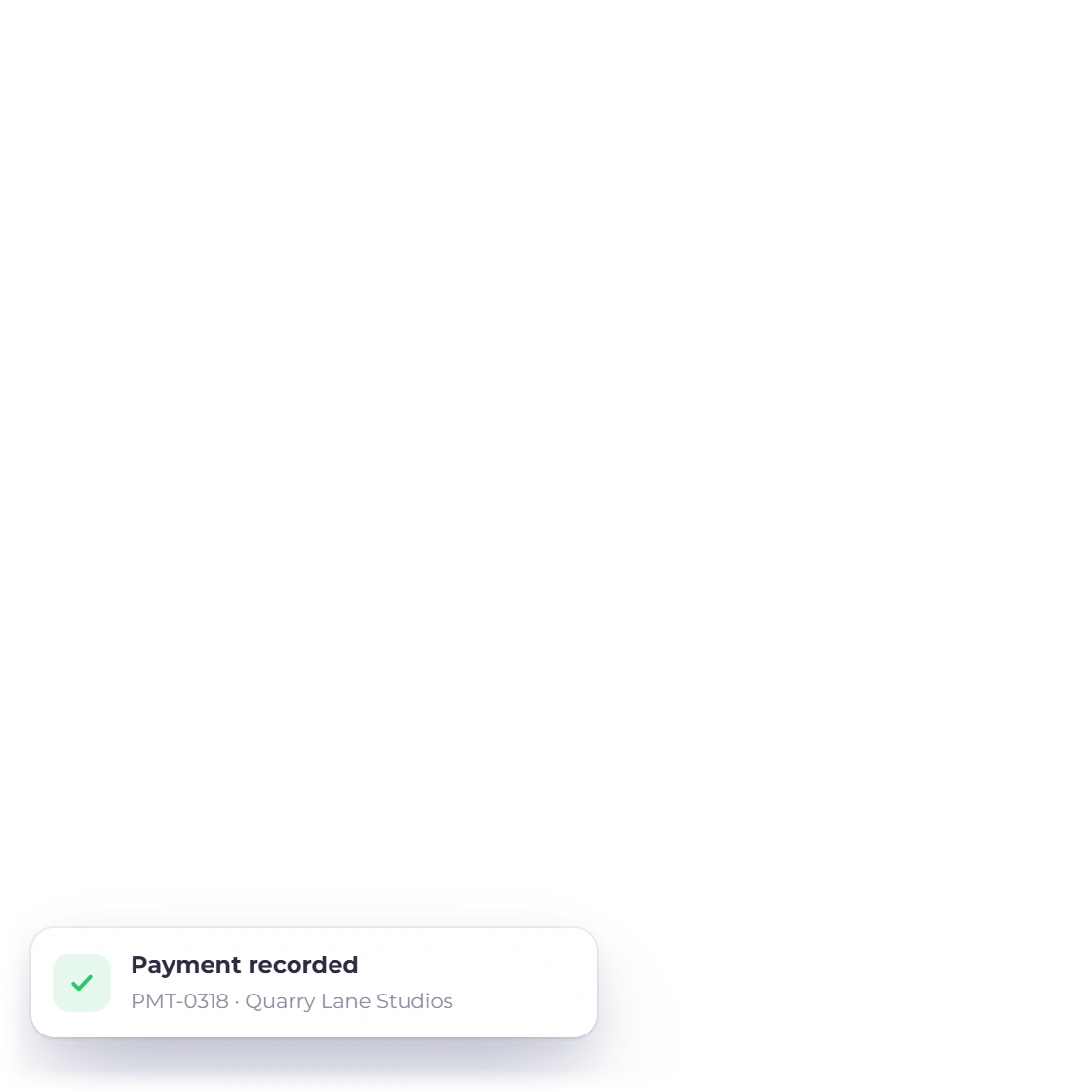
The SPA retains one UUID across retries and the database unique key is scoped to owner and business. A successful repeated create returns the committed result instead of making another payment.

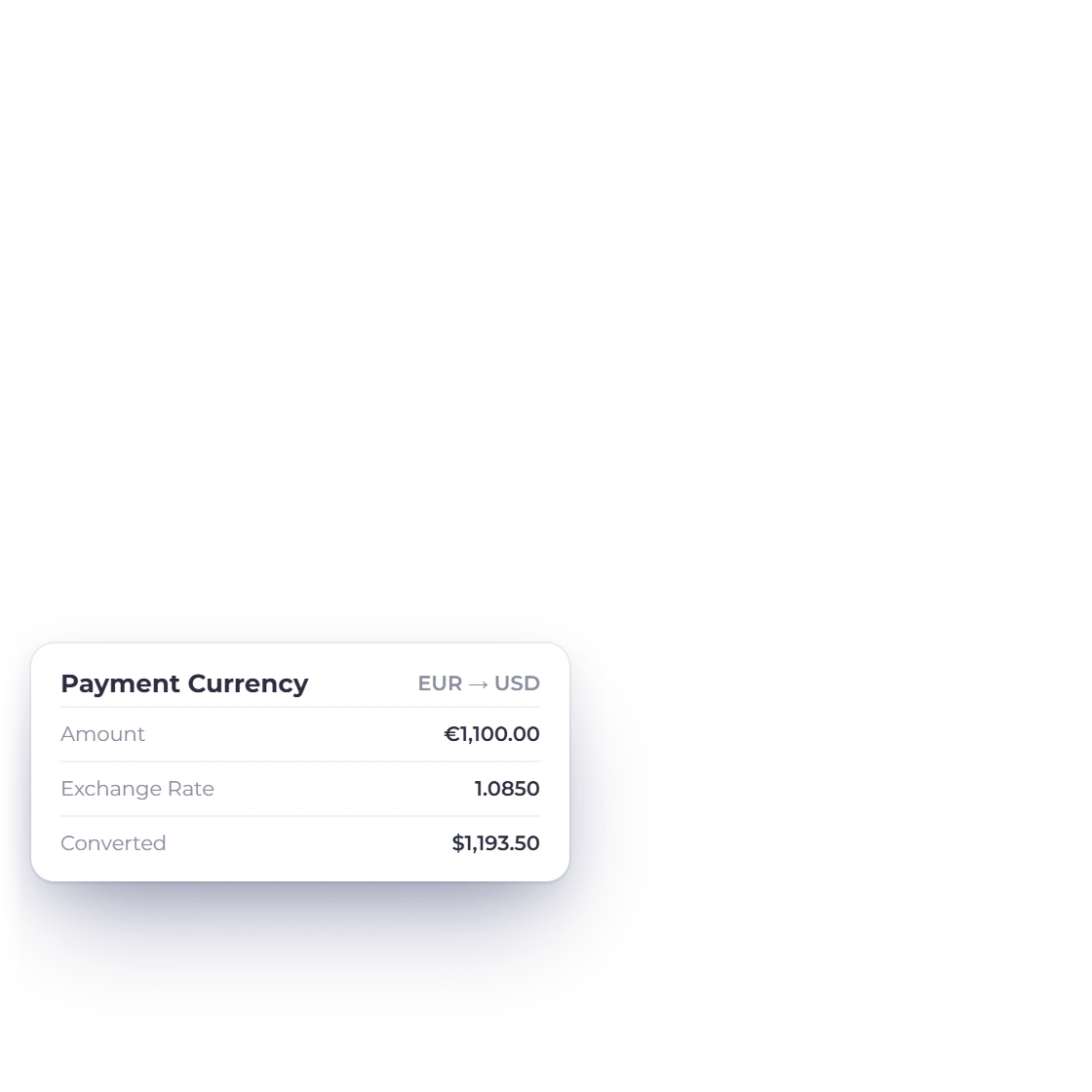
Store the reviewed exchange context

A payment can carry its payment currency, accounting currency, accepted rate, converted amount and explicit adjustment. Derived converted totals are recomputed by the server instead of trusting a browser value.

Built in

What the Payments Made workflow keeps together

Settlement allocation, currency context, attachments, lifecycle rules and the boundary between recording a payment and moving real money.

  • Capture the payment details in one side panel

    Choose the accounting category, vendor and optional bill, then enter payment number, method, amount, currency, date, notes and reference. A receipt image or PDF can stay attached to the record.

  • Use a vendor payment without calling a gateway

    The selected payment method is a label describing how the transfer happened. Saving the record does not charge a card, initiate a bank transfer or call an external payment provider.

  • Apply only the amount the bill can use

    The server derives used amount as the smaller of the live bill due and the payment amount. The bill becomes partial or paid, while any excess remains the payment's unused amount.

  • Edit through an exact reversal and reapply

    Current create, edit and delete paths run transactionally. An edit reverses the old known allocation before applying the replacement so the bill does not accumulate repeated reductions.

  • Replay a timed-out create safely

    The SPA retains one UUID across retries and the database unique key is scoped to owner and business. A successful repeated create returns the committed result instead of making another payment.

  • Store the reviewed exchange context

    A payment can carry its payment currency, accounting currency, accepted rate, converted amount and explicit adjustment. Derived converted totals are recomputed by the server instead of trusting a browser value.

  • Used amount

    The portion allocated to the selected bill.

  • Unused amount

    Any payment value not consumed by that bill.

  • Receipt

    Attach a supported image or PDF.

  • Soft removal

    Current removal retains audit evidence and reverses known allocation.

  • Bills

    Record and manage the bills being paid.

  • Vendor Credits

    Apply supplier credits separately from cash payments.

Questions

Payments Made, answered

Does Payments Made send money to a vendor?

No. Invoice Crowd records an outgoing vendor payment and how it was allocated. The Payment Method field is descriptive; saving does not call a gateway or initiate a bank transfer.

How much of a payment is applied to a bill?

Invoice Crowd derives the used amount as the smaller of the live bill due and the payment amount. The remainder stays visible as unused amount on the payment.

What happens when the payment is smaller than the bill?

The bill remains partially paid, its due amount is reduced by the used allocation and the linked partial-settlement record preserves the connection to the vendor payment.

Can I attach a receipt to a vendor payment?

Yes. Invoice Crowd supports a receipt attachment through the media library alongside payment number, reference, notes, date and currency context.

Can a retry create the same vendor payment twice?

The current create flow keeps one idempotency UUID across retries and scopes its unique key to the owner and selected business. An exact committed retry replays the first result.

Can I edit a bill-linked payment from the list?

The current UI deliberately hides edit and delete actions for bill-linked rows. Ordinary detached payments can expose those actions when the user's permissions allow them.

Keep the transfer, bill allocation and receipt in one record

Record what left the business, show what the bill used, and keep any unapplied value visible for the next decision.

  • No card required to start
  • Your data stays yours
  • Cancel anytime