Skip to content

Accounting

A clear balance sheet, connected to every record

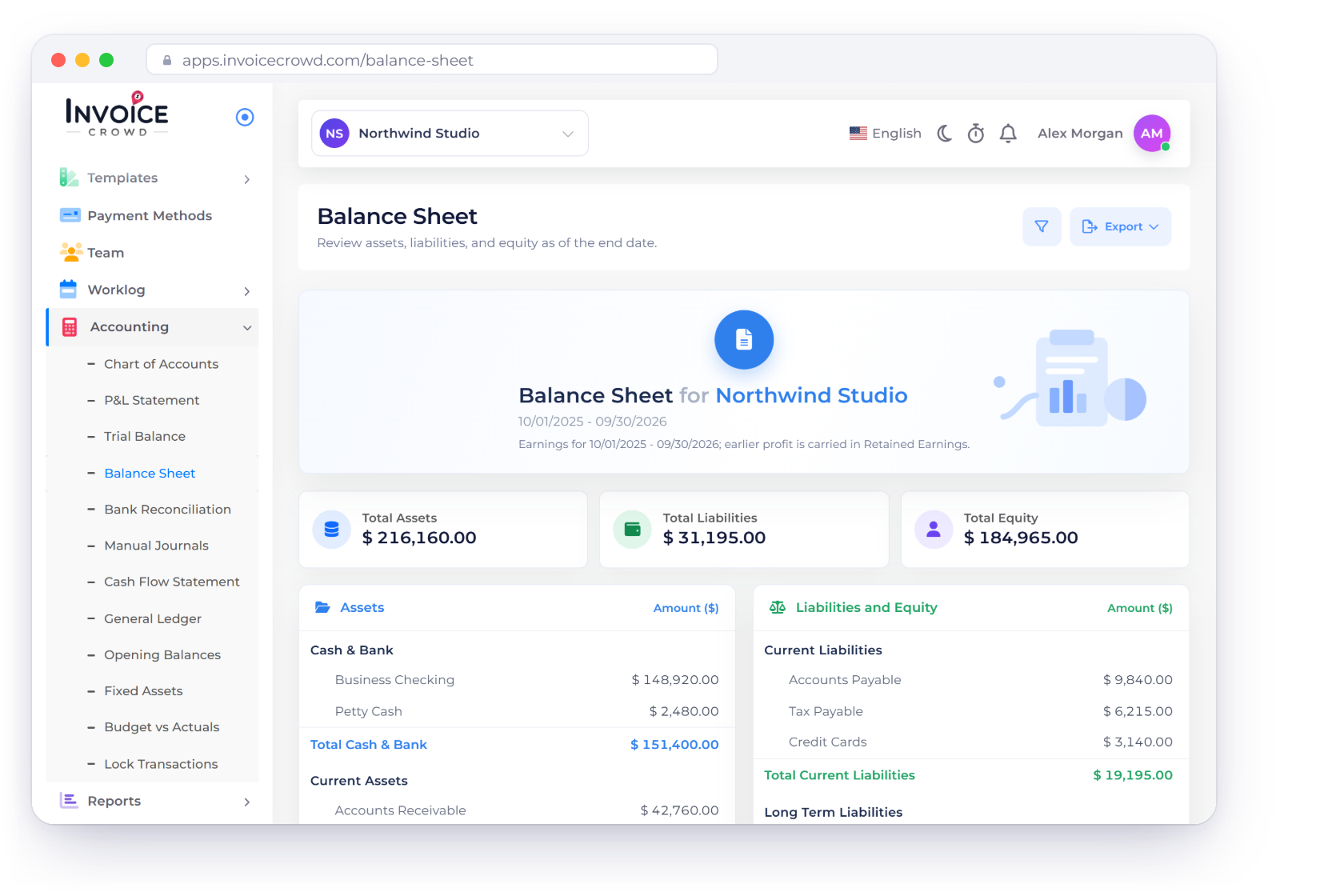
See Assets, Liabilities and Equity as of any date, with earlier profit in Retained Earnings, then trace any balance through the ledger to the records behind it.

  • Assets, Liabilities and Equity
  • Traceable to every source
  • PDF and Excel export
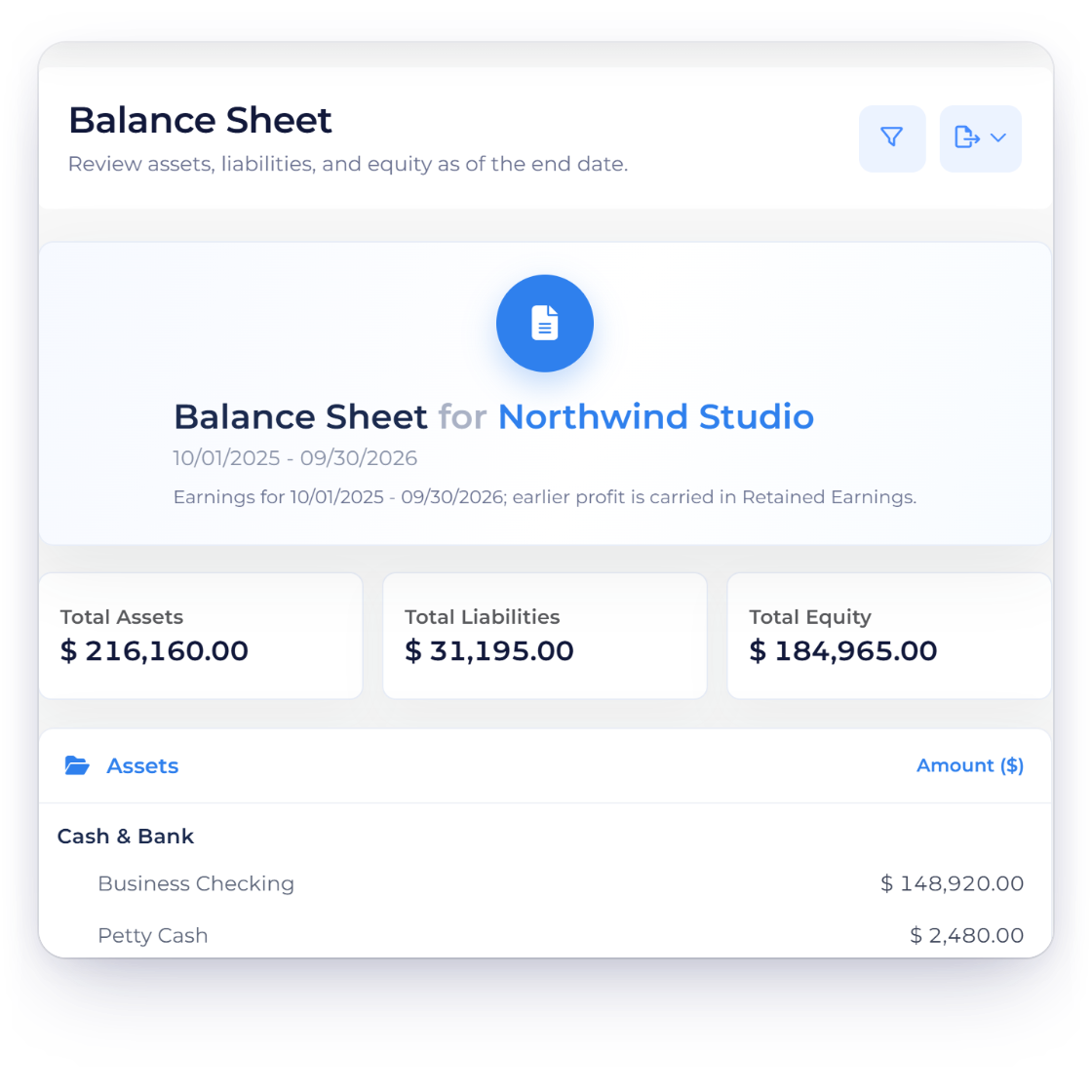
Invoice Crowd Balance Sheet for Northwind Studio with total assets of $216,160.00 matching total liabilities and equity, and the export buttons

How it works

A clear view of assets, liabilities and equity

Balances grouped by account family, earlier profit in Retained Earnings and this period's earnings in Equity, all ready to review alongside the General Ledger and Trial Balance.

Read the statement

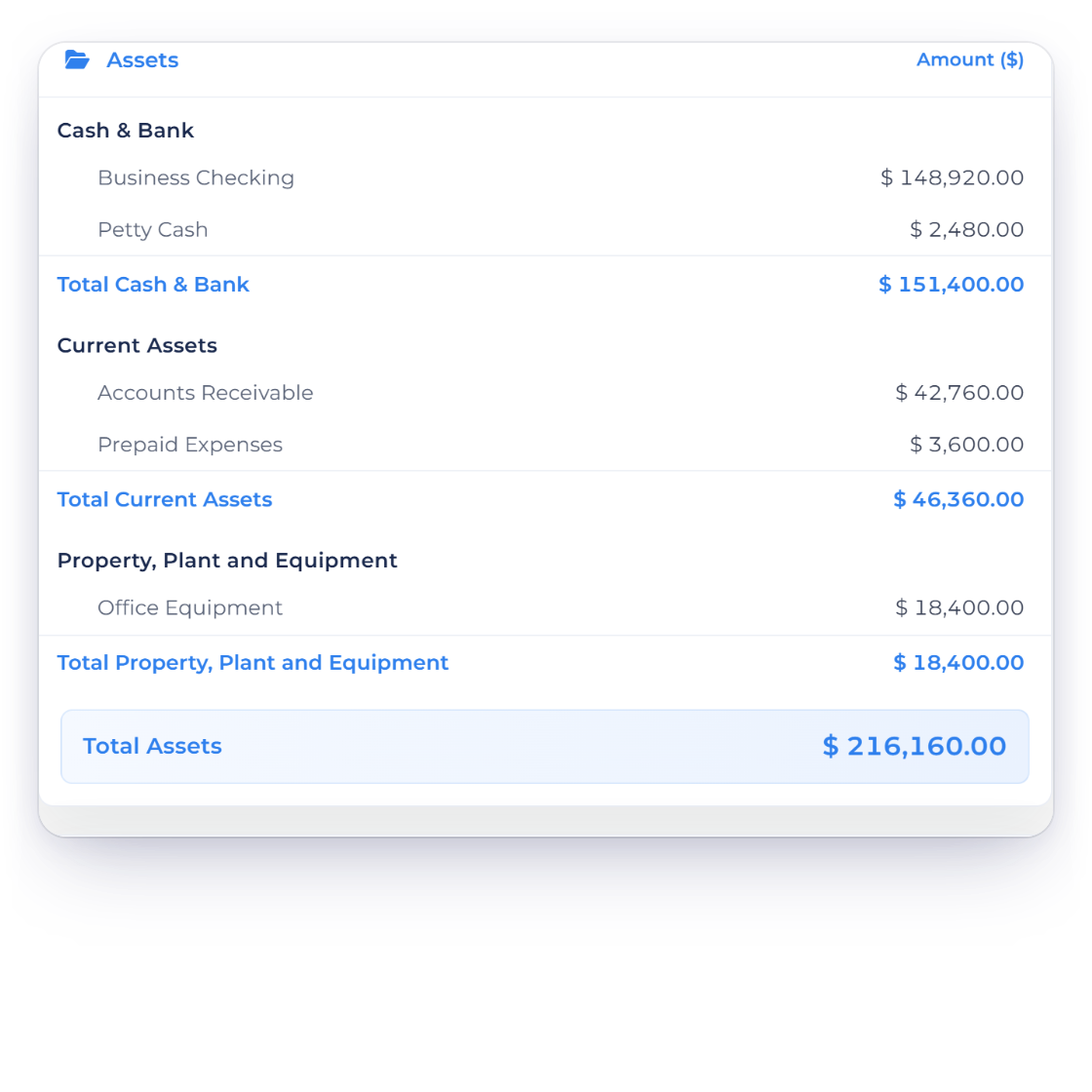
Every account family in one statement.

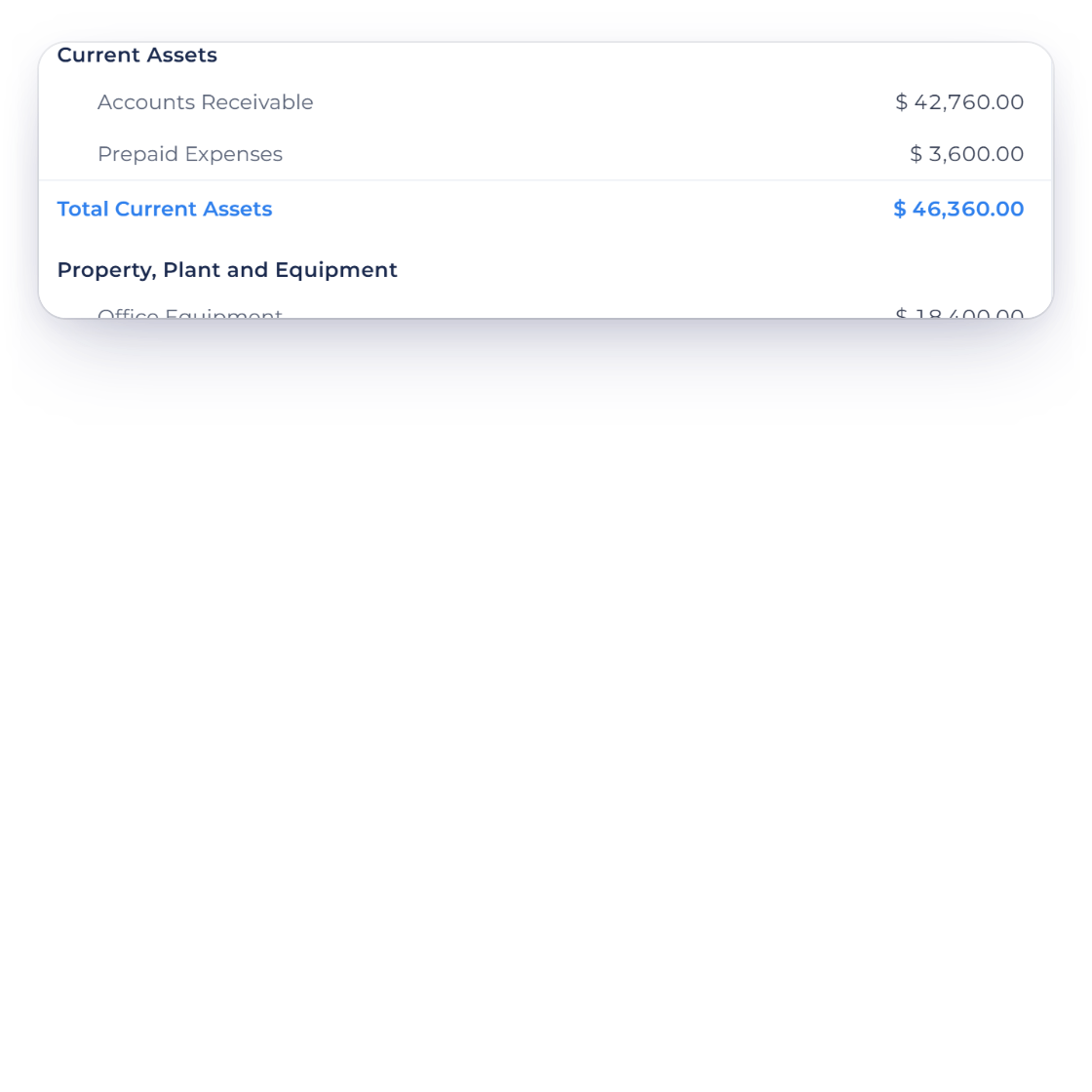
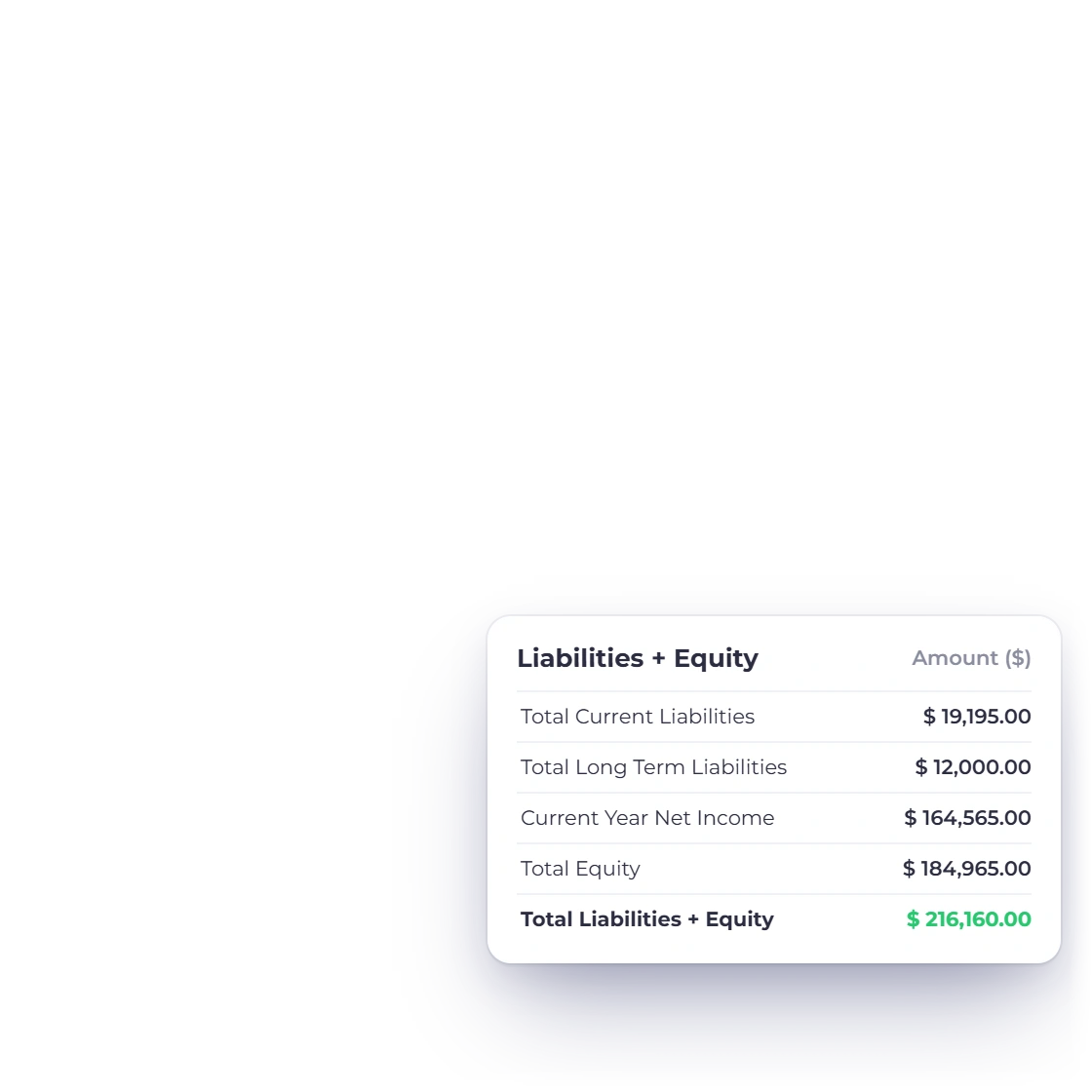
Invoice Crowd Balance Sheet assets section with cash, receivables and equipment totalling $216,160.00, matched by liabilities and equity including current year net income

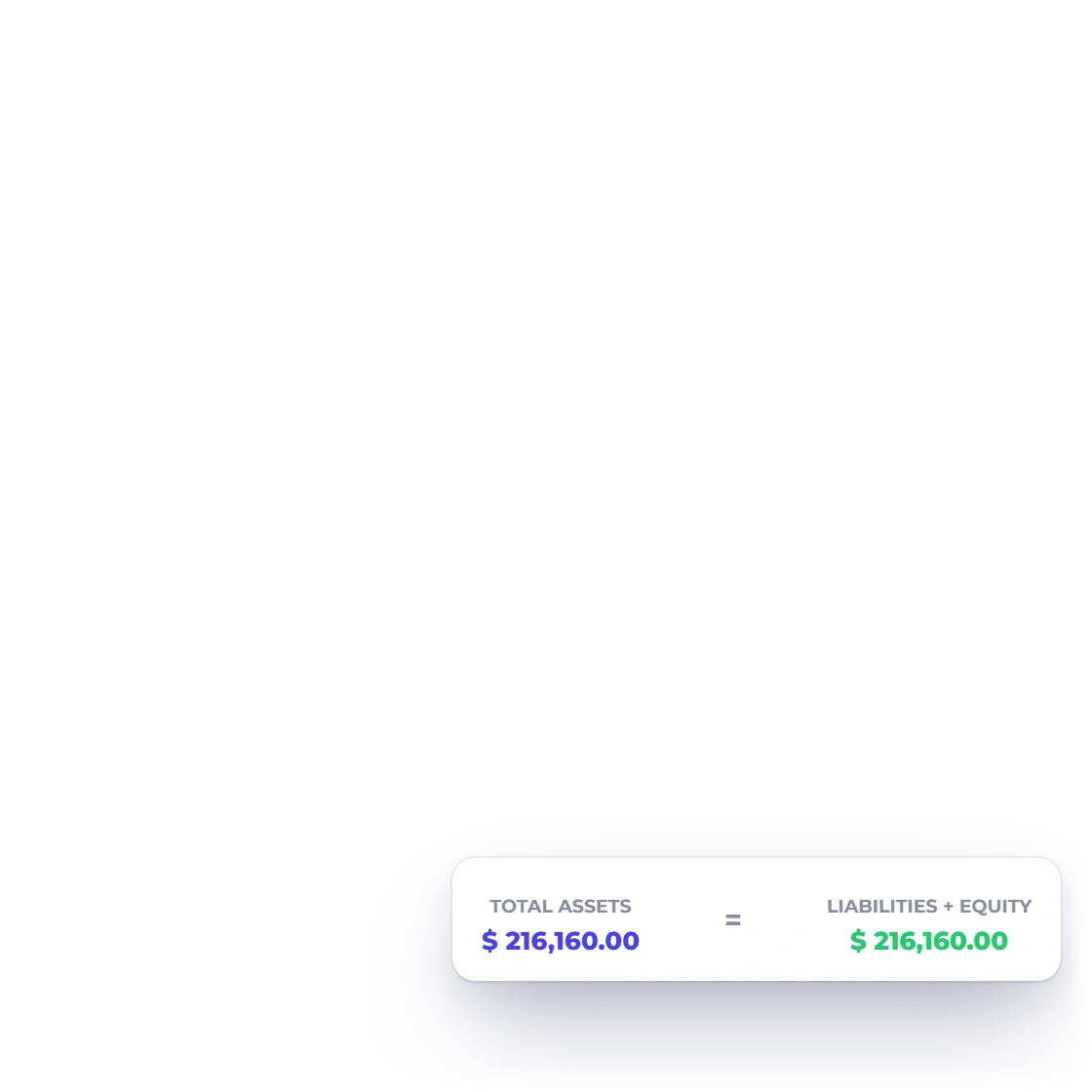
See Assets against Liabilities and Equity

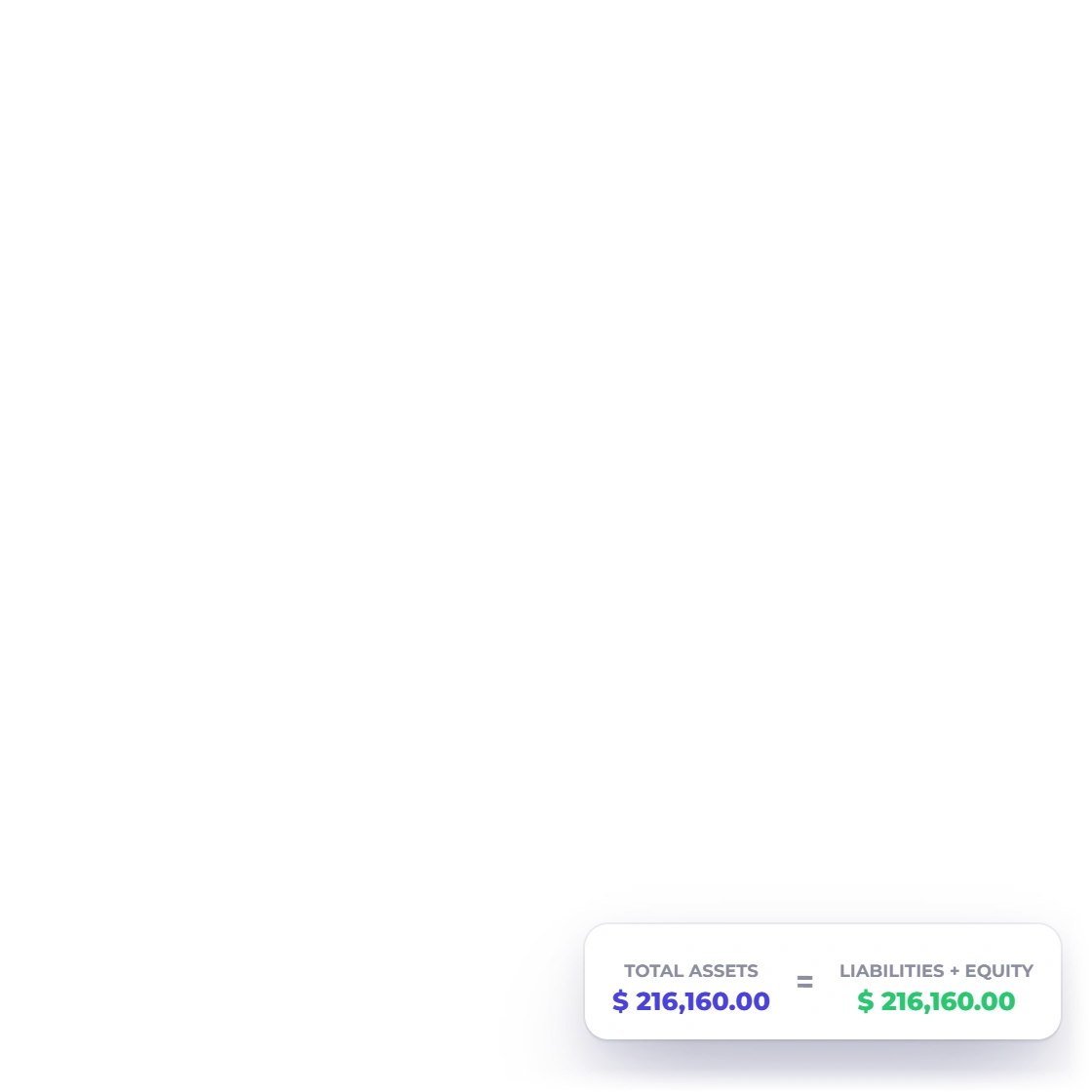
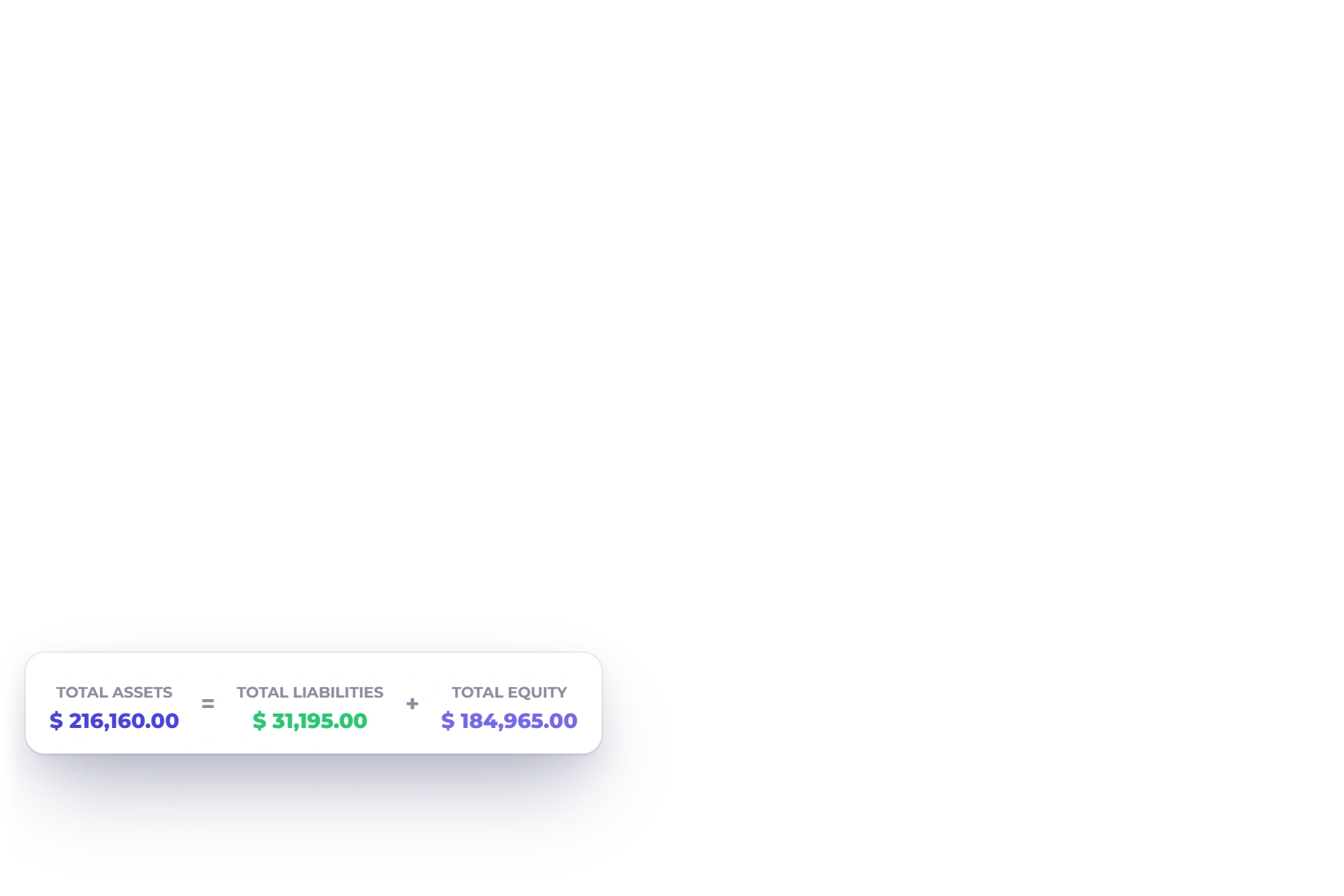
Each account's balance is grouped by family, with Retained Earnings and this period's earnings added to Equity. Total Assets and Total Liabilities & Equity sit side by side, so you can confirm they agree at a glance.
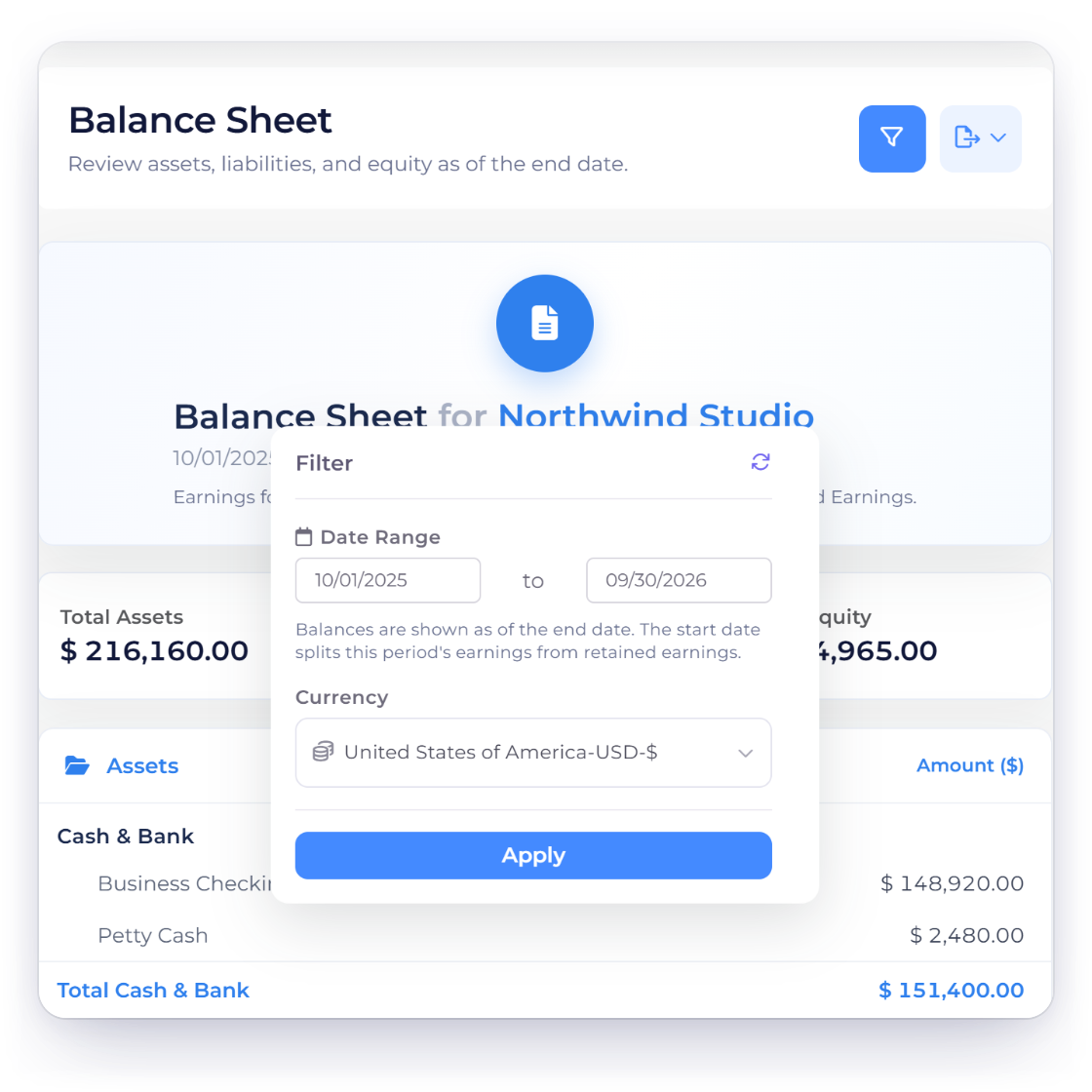
Invoice Crowd Balance Sheet filter with the date range and report currency for the selected business

Choose the business, date and currency

Balances are shown as of the end date, and the start date sets which earnings count as this period's. Pick the report currency to see the statement the way you need it.

Export and inspect

Share the statement in the format you need.

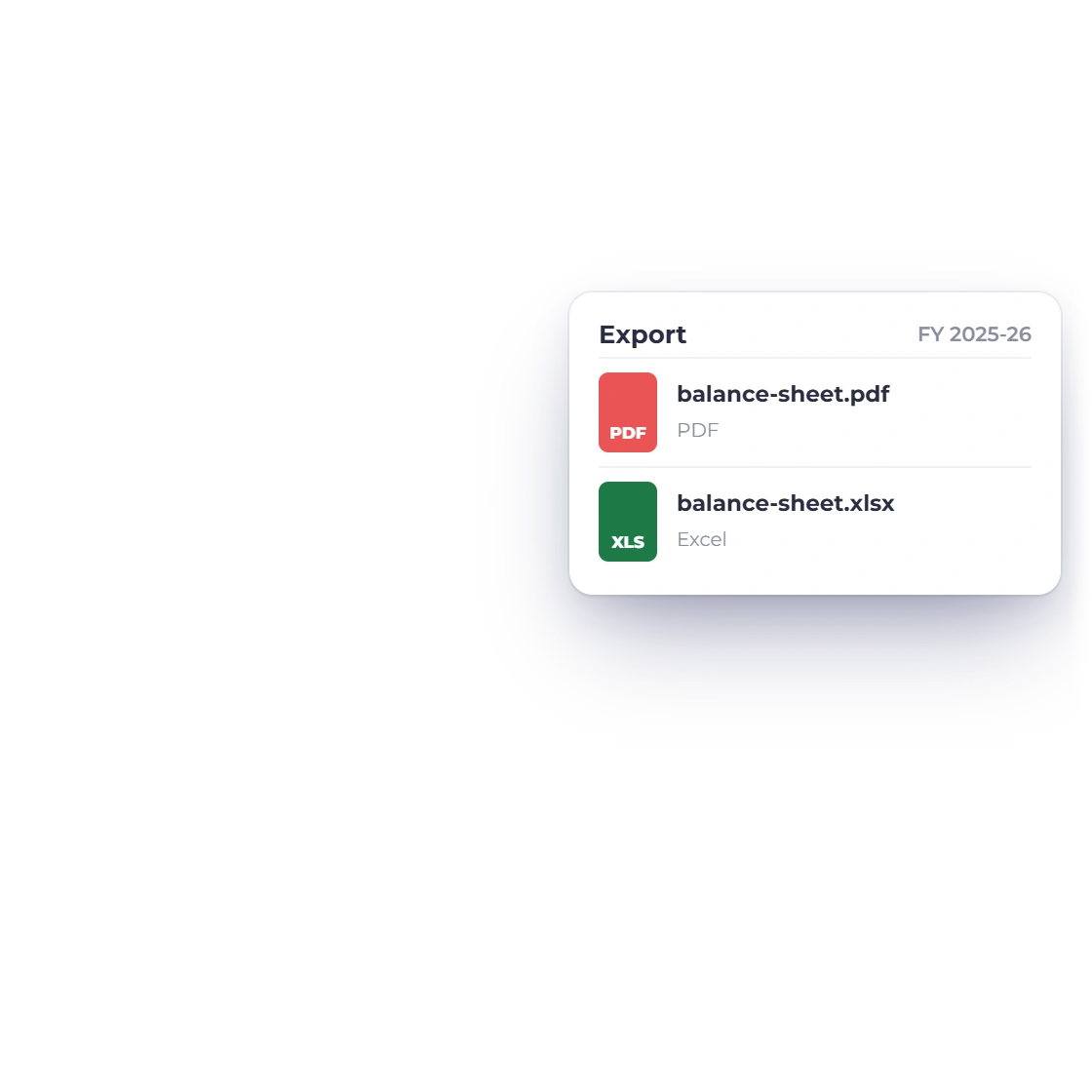
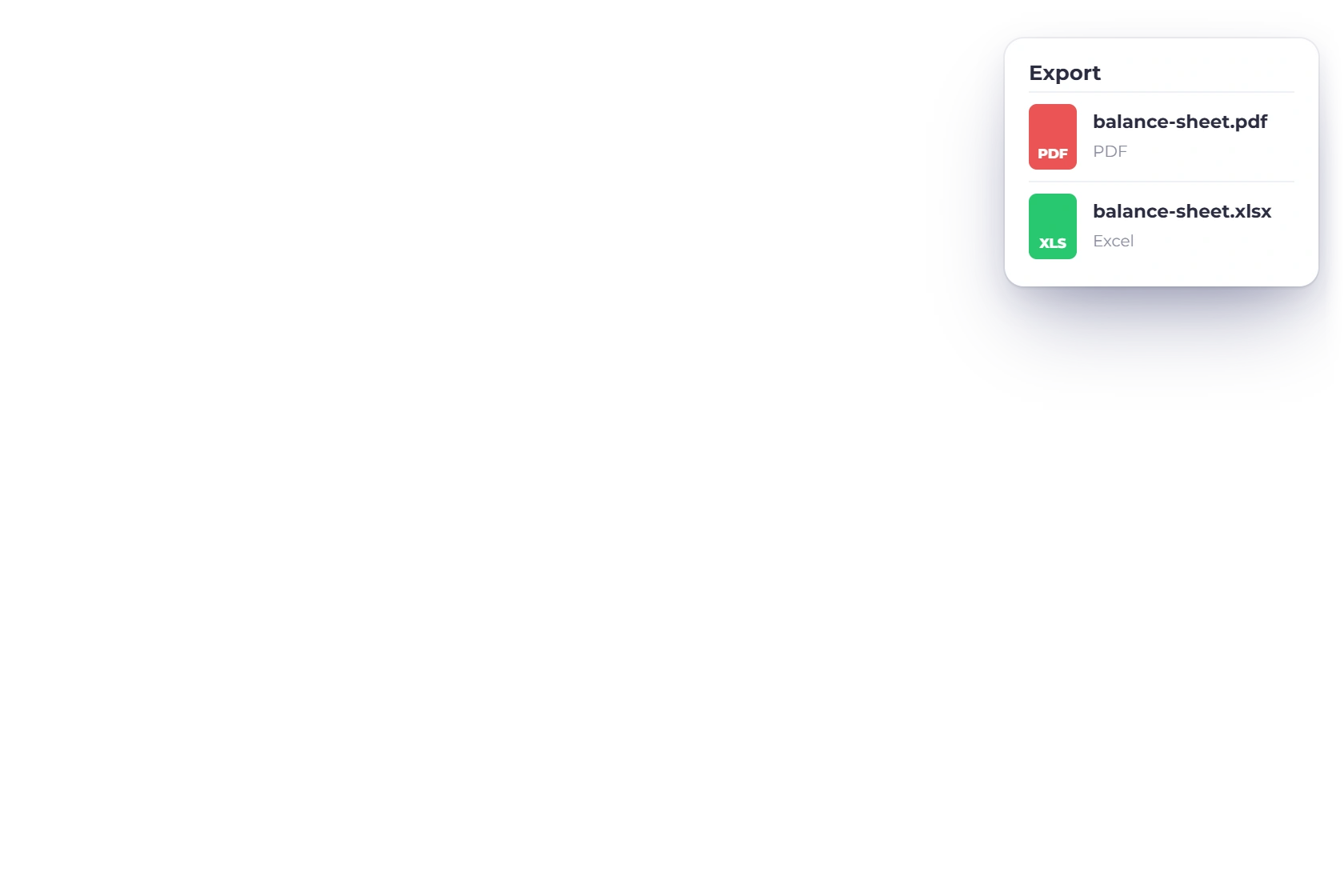
Invoice Crowd Balance Sheet Export menu with the statement saved as PDF and Excel files

Download PDF or Excel

Export the Balance Sheet as a PDF or an Excel file, with the same dates and currency you see on screen. The PDF carries your letterhead and page numbers.

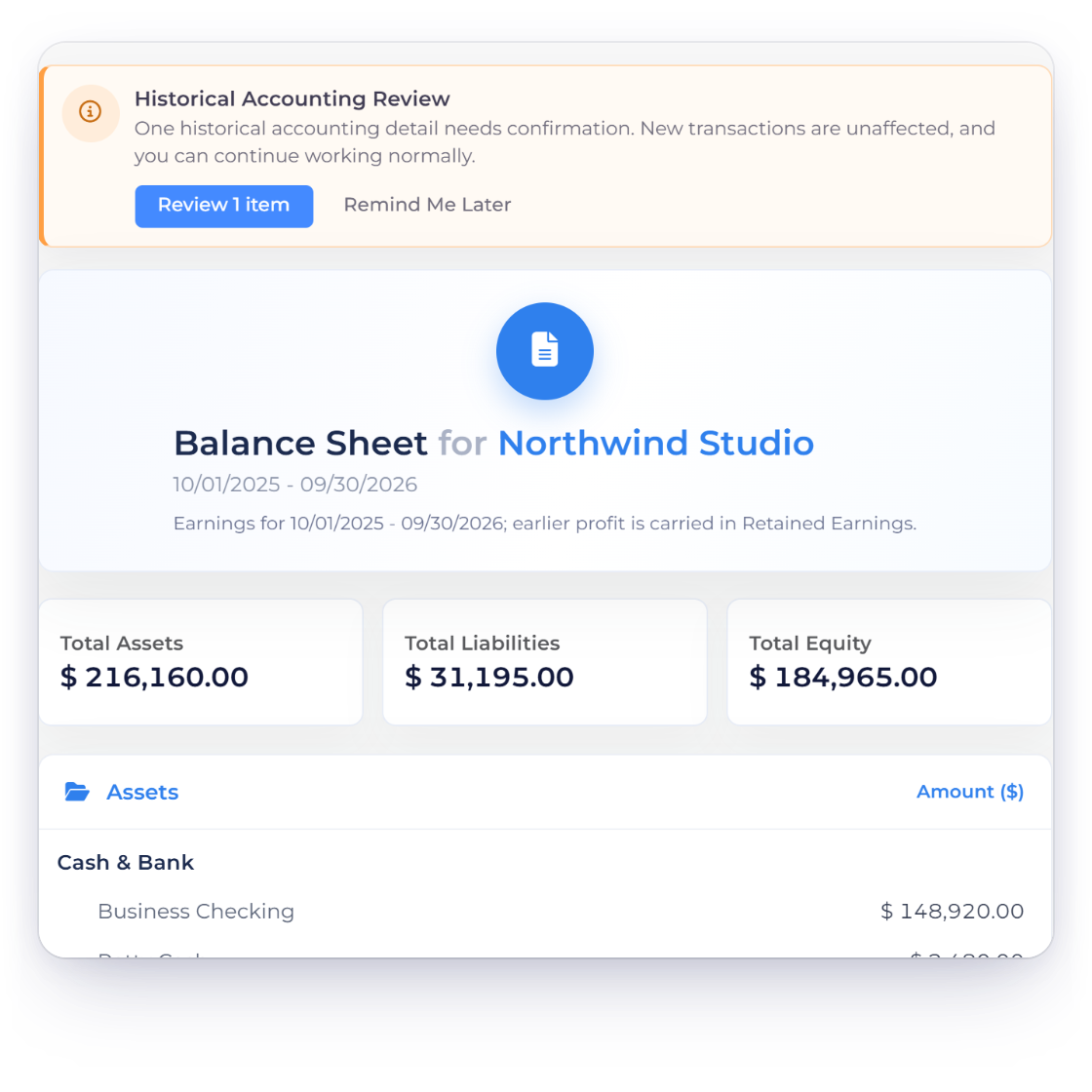
Invoice Crowd Balance Sheet with the historical accounting review notice above the statement, and assets equal to liabilities plus equity

Spot and fix any difference

If the statement is ever out of balance, it says by how much and offers Review and Fix, so you can find the cause and correct it at the source.

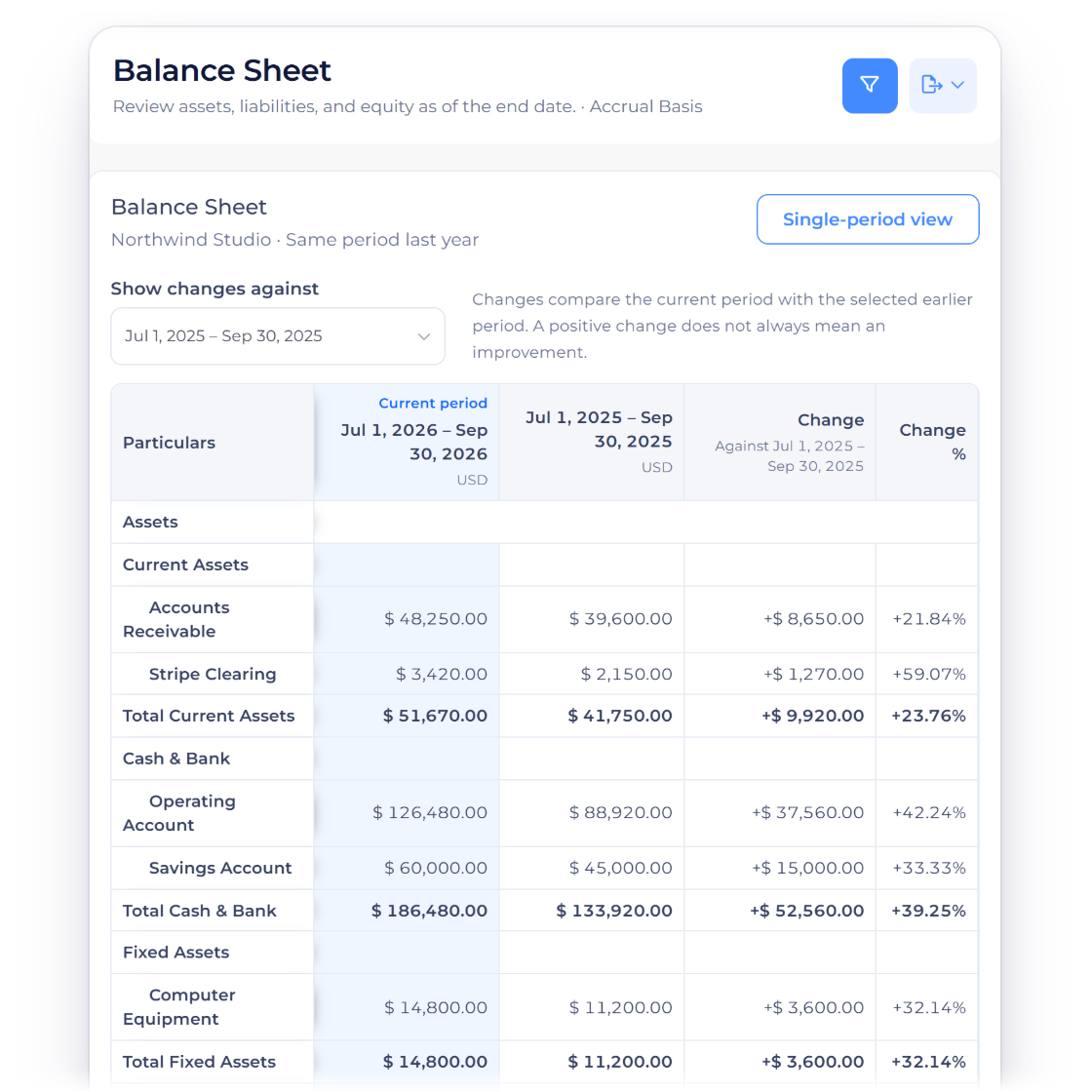
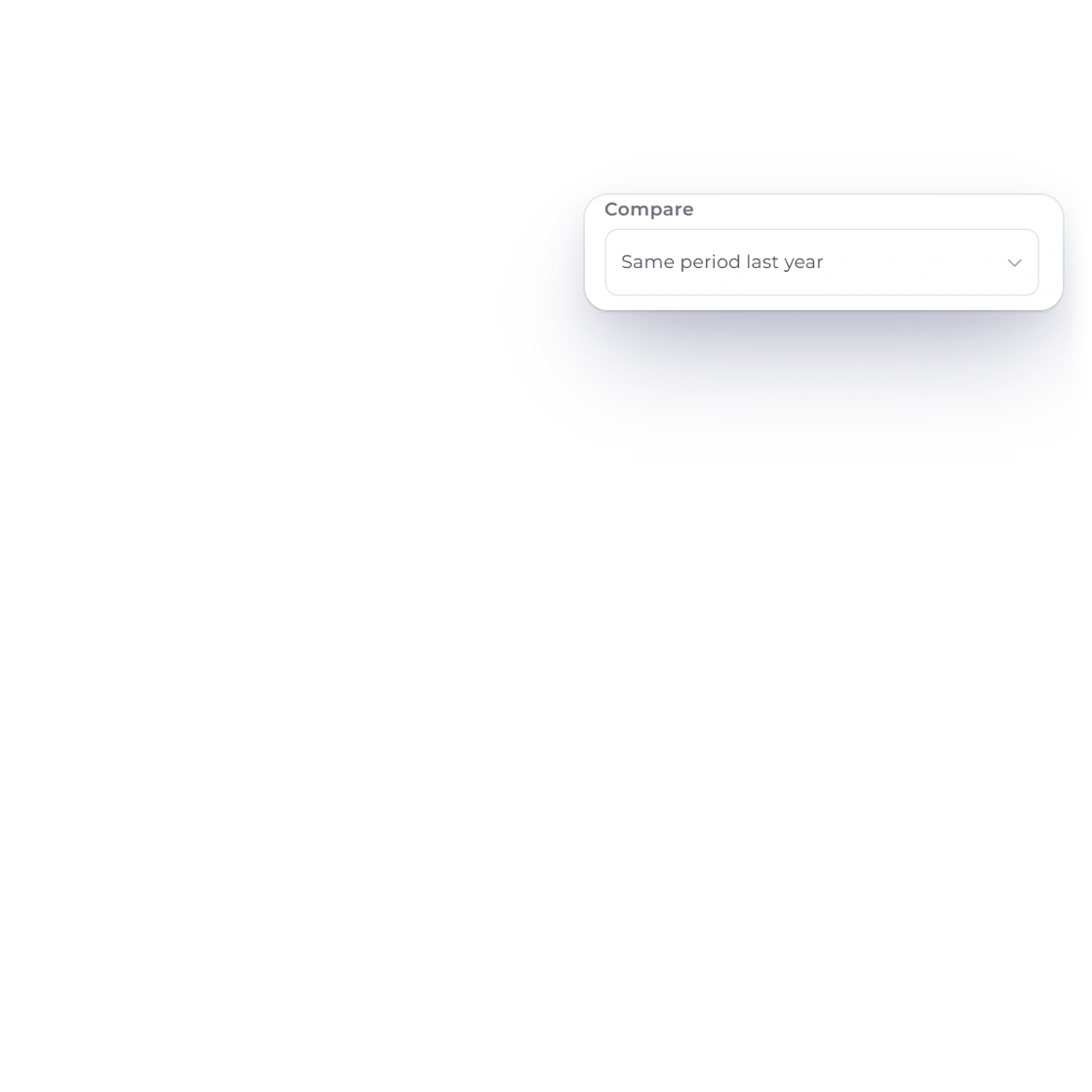
Invoice Crowd Balance Sheet at 09/30/2026 compared with the same date in 2025 on the Accrual basis, with the Change and Change % beside each account from Accounts Receivable to Total Assets, and the filter set to Compare: Same period last year

Compare dates, on cash or accrual

Compare sets the Balance Sheet beside the Previous period, the Same period last year or the Last 12 months, with up to three earlier periods and the change on every line. Accounting Basis shows the position on an Accrual or a Cash basis, and the comparison downloads as a PDF or an Excel file.

Review with confidence

Every figure is grounded in your recorded activity.

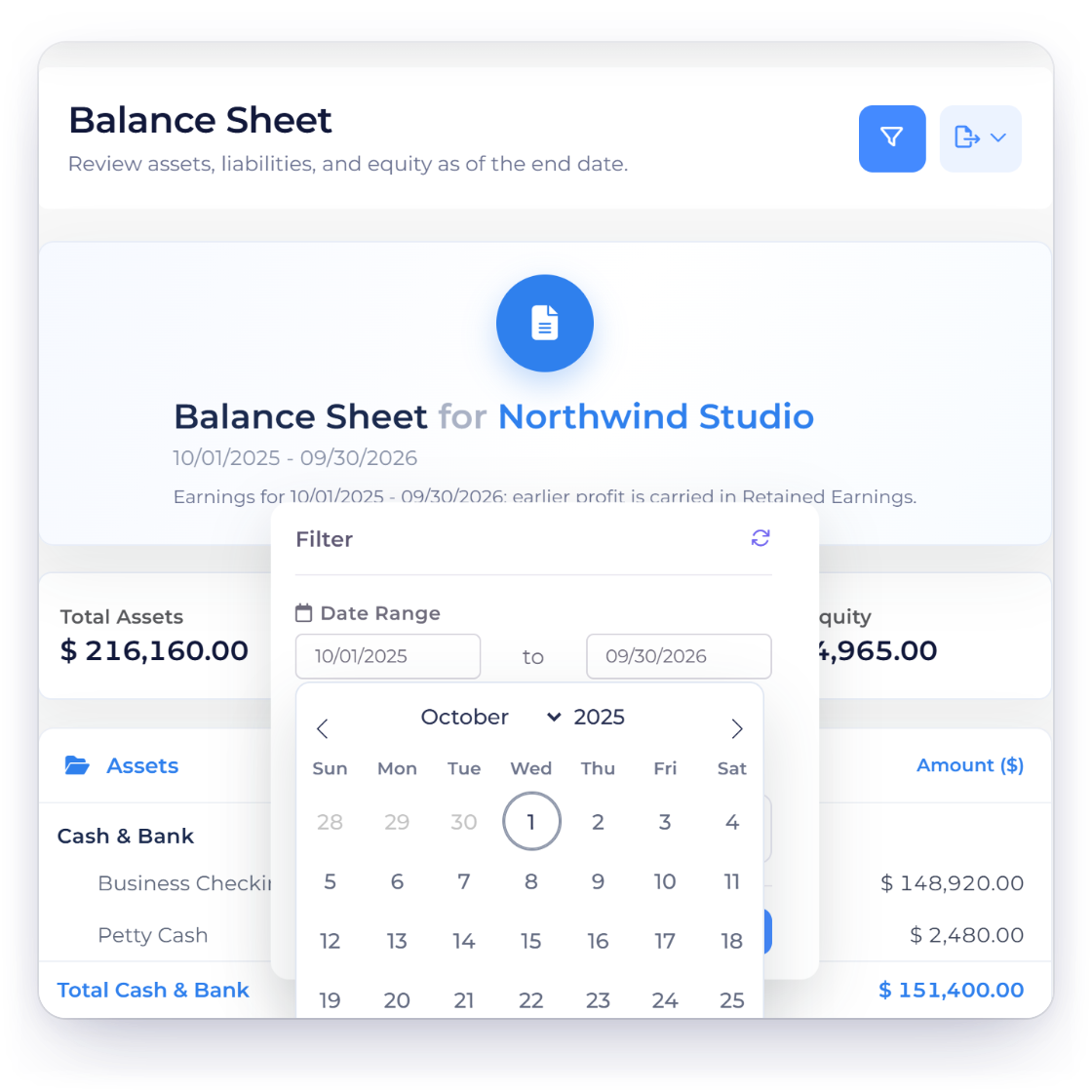
Invoice Crowd Balance Sheet date range picker set to the fiscal year starting 10/01/2025

Set the period that matters

The end date sets the position the statement shows, and the start date sets which earnings count as this period's. Open the ledger to see the activity behind any total.

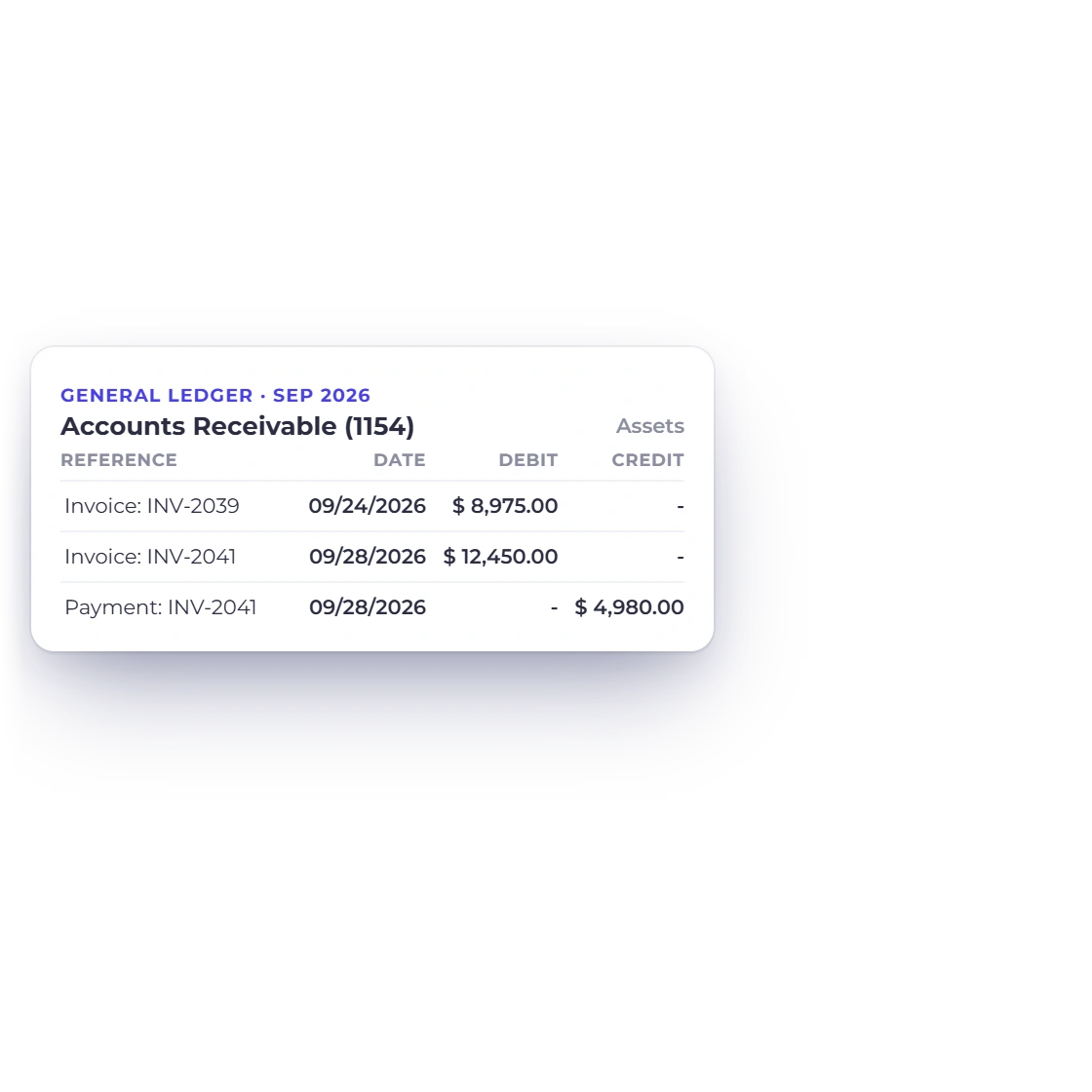
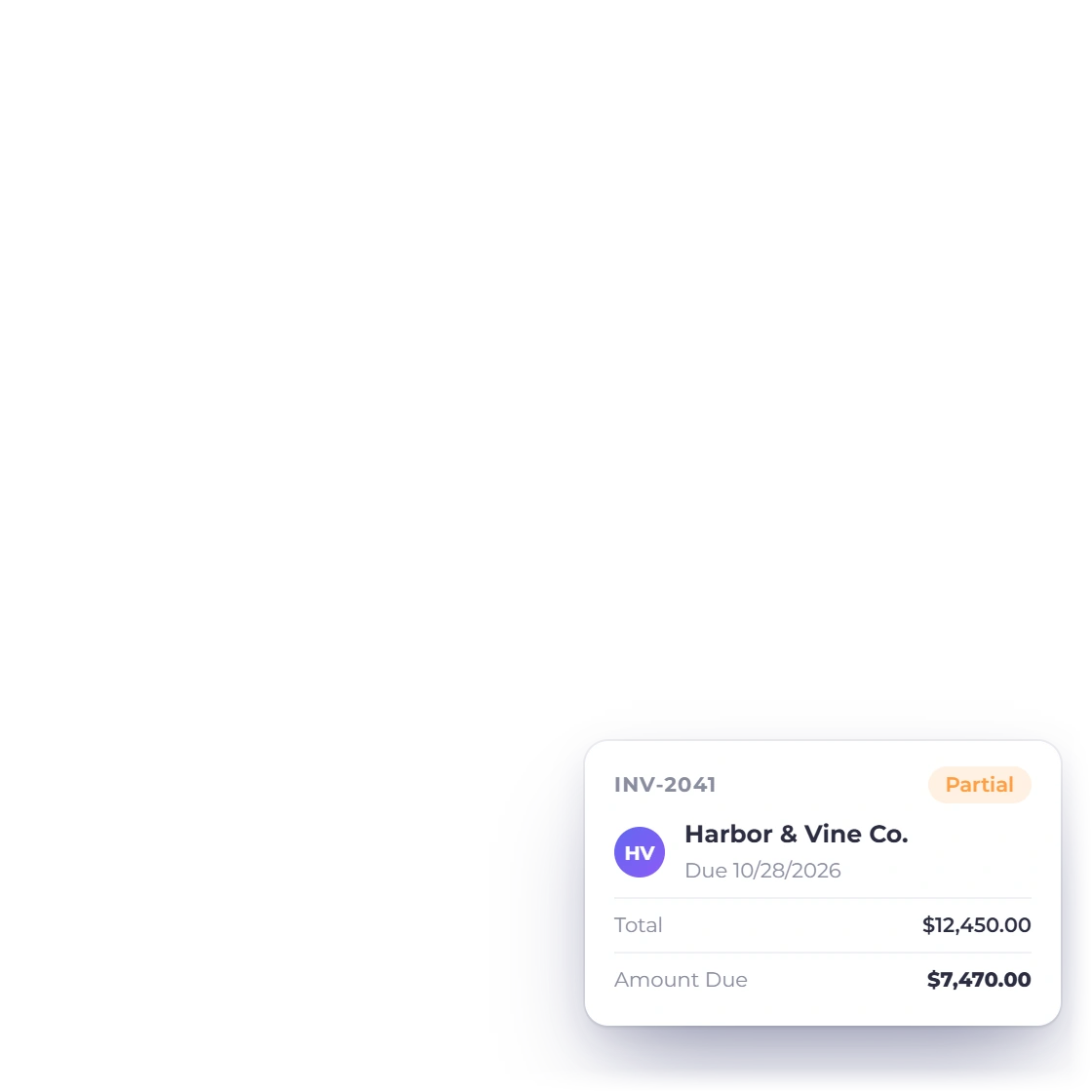
Invoice Crowd Balance Sheet receivables traced into the Accounts Receivable ledger and on to the open invoice behind it

Trace any balance to its source

Follow a balance into the General Ledger and on to the invoice, bill or journal behind it, then correct the original record if anything needs to change.

Built in

Inside the Balance Sheet

Sections, filters and exports built for a clear month-end review.

  • Assets against Liabilities and Equity

    Totals side by side, with this period's earnings carried into Equity.

  • Business, date and currency

    Run the statement for any business, as of any date, in the currency you choose.

  • Download PDF or Excel

    Export a PDF on your letterhead or an Excel file for further analysis.

  • Retained Earnings handled

    Earlier profit rolls into Retained Earnings automatically.

  • Any reporting period

    Month end, year end or a custom range, with earnings split correctly.

  • Trace to the source

    Follow any balance through the ledger to the document behind it.

  • Cash or accrual basis

    Read the position on an Accrual or a Cash basis, with the basis printed on the PDF.

  • Compare earlier dates

    Set the statement beside the previous period, the same date last year or the last 12 months.

  • Equity

    Equity accounts plus Retained Earnings and this period's earnings.

  • Review and Fix

    Any difference is shown with the exact amount and a way to resolve it.

  • Trial Balance

    Compare debit and credit movement by account.

  • General Ledger

    Open the transactions behind any account.

Questions

Balance Sheet, answered

Is Invoice Crowd's Balance Sheet a point-in-time statement?

Yes. The Balance Sheet shows cumulative balances from the start of your books to the end date you choose, and it opens at today's position. Earlier profit is carried in Retained Earnings, and the start date only decides which earnings show as this period's.

What sections appear on the Balance Sheet?

Invoice Crowd groups the report into Assets, Liabilities and Equity, with Retained Earnings and a Current Year Earnings line inside Equity. Total Assets and Total Liabilities & Equity are shown side by side, so you can confirm they agree.

What if my Balance Sheet is out of balance?

The statement shows the exact difference and offers Review and Fix. Use the General Ledger and Trial Balance to find the entry behind it and correct the original record, so your books stay accurate at the source.

Can I export the Balance Sheet?

Yes. The Export menu downloads the Balance Sheet as a PDF or an Excel file for the date and currency you have on screen. The PDF carries your logo, business details and tax number, the period, basis and currency, and page numbers.

Can I compare balance sheets or see one on a cash basis?

Yes. In Filter Report, Compare sets the Balance Sheet beside the Previous period, the Same period last year or the Last 12 months, with up to three earlier periods and the change on every line, and Accounting Basis switches between Accrual and Cash. Comparisons download as a PDF or an Excel file, and the PDF prints the basis you chose.

Does opening the report change accounting data?

No. The Balance Sheet is read-only. Opening or exporting it leaves your documents, journals and exchange rates exactly as they are.

Where can I inspect the entries behind a balance?

Open the General Ledger to see every transaction by account and period, then correct any source record through its normal workflow.

Know your financial position on any date

Review balances as of the date you choose, export the statement and follow any figure back to its source.

  • No card required to start
  • Your data stays yours
  • Cancel anytime