Connect GoCardless in a few fields
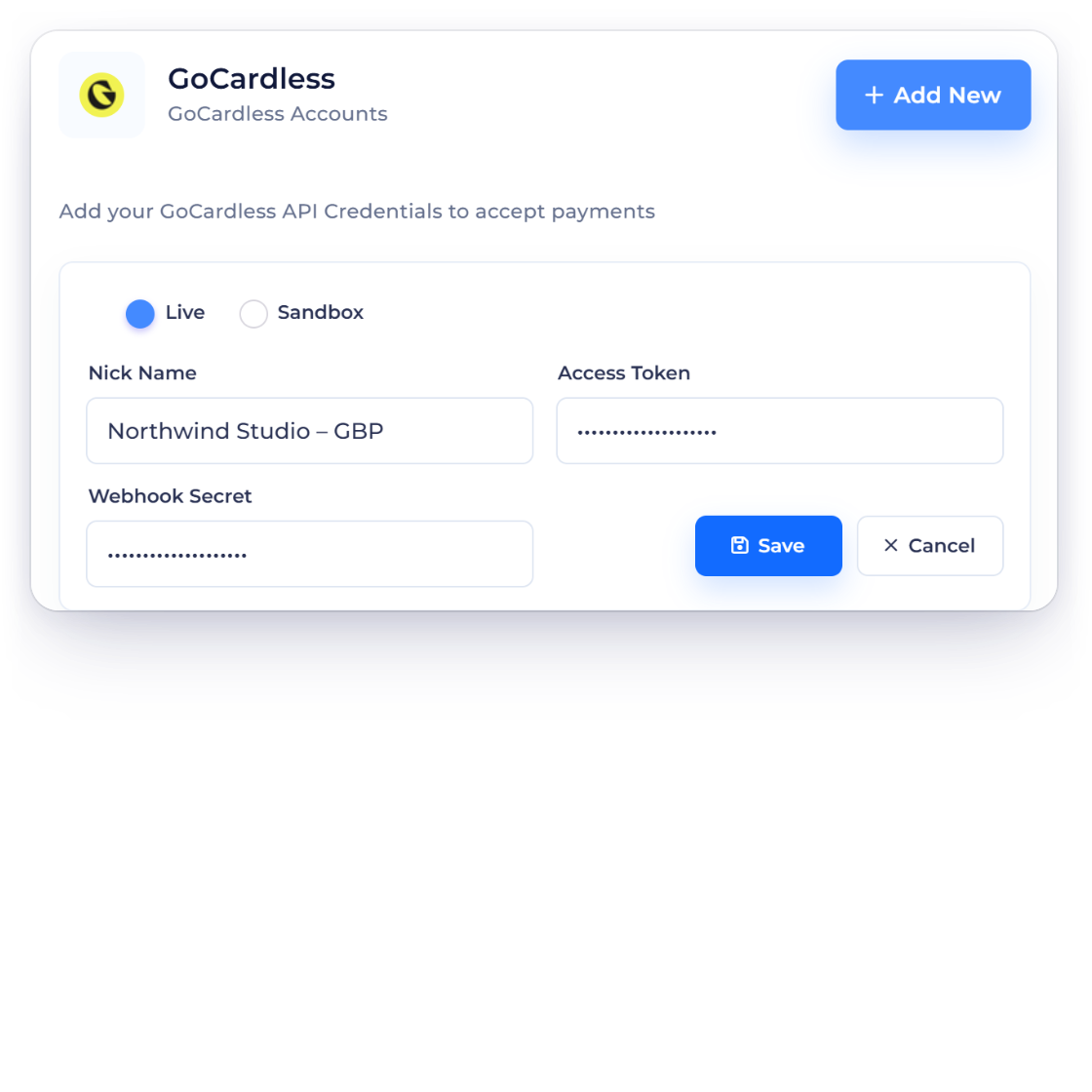
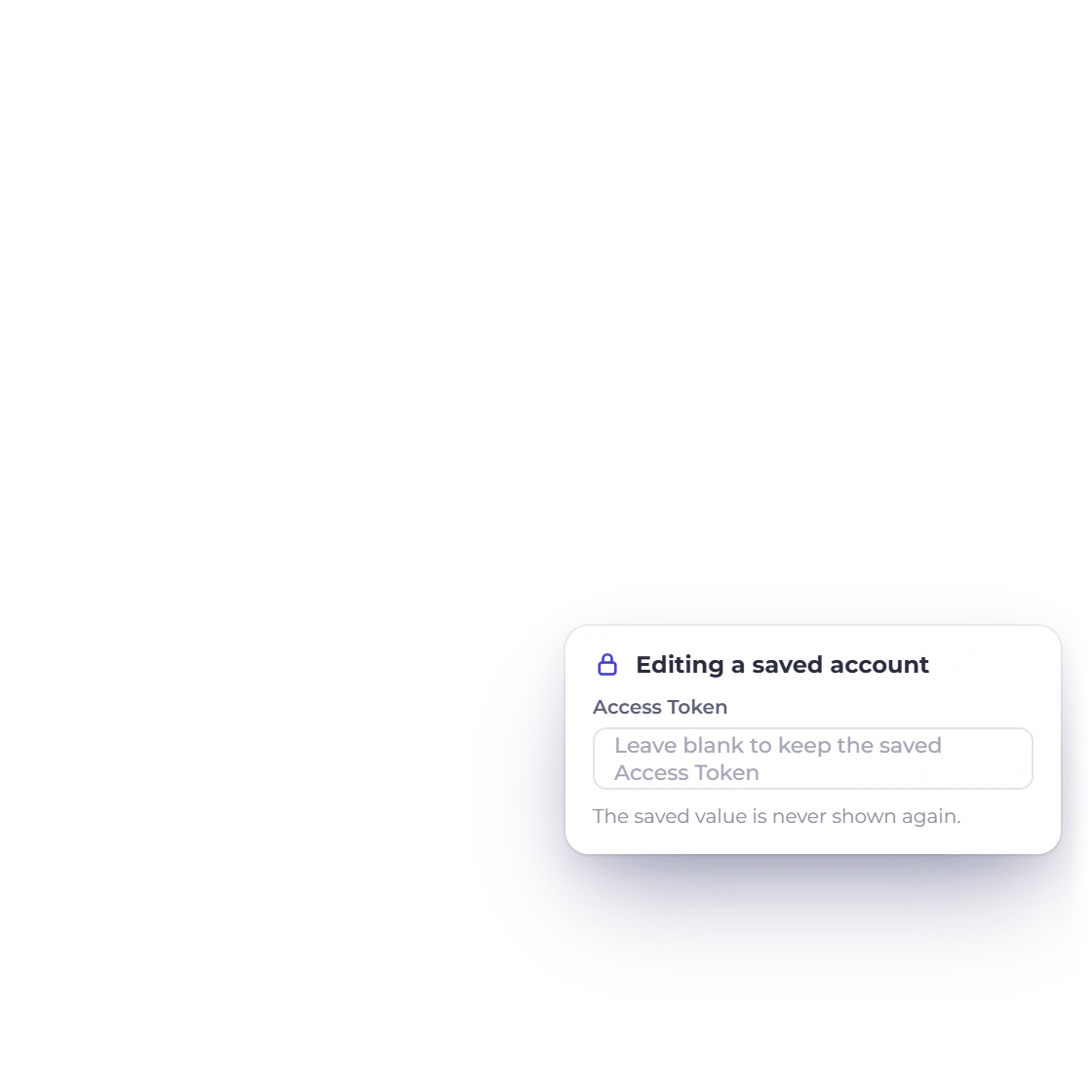
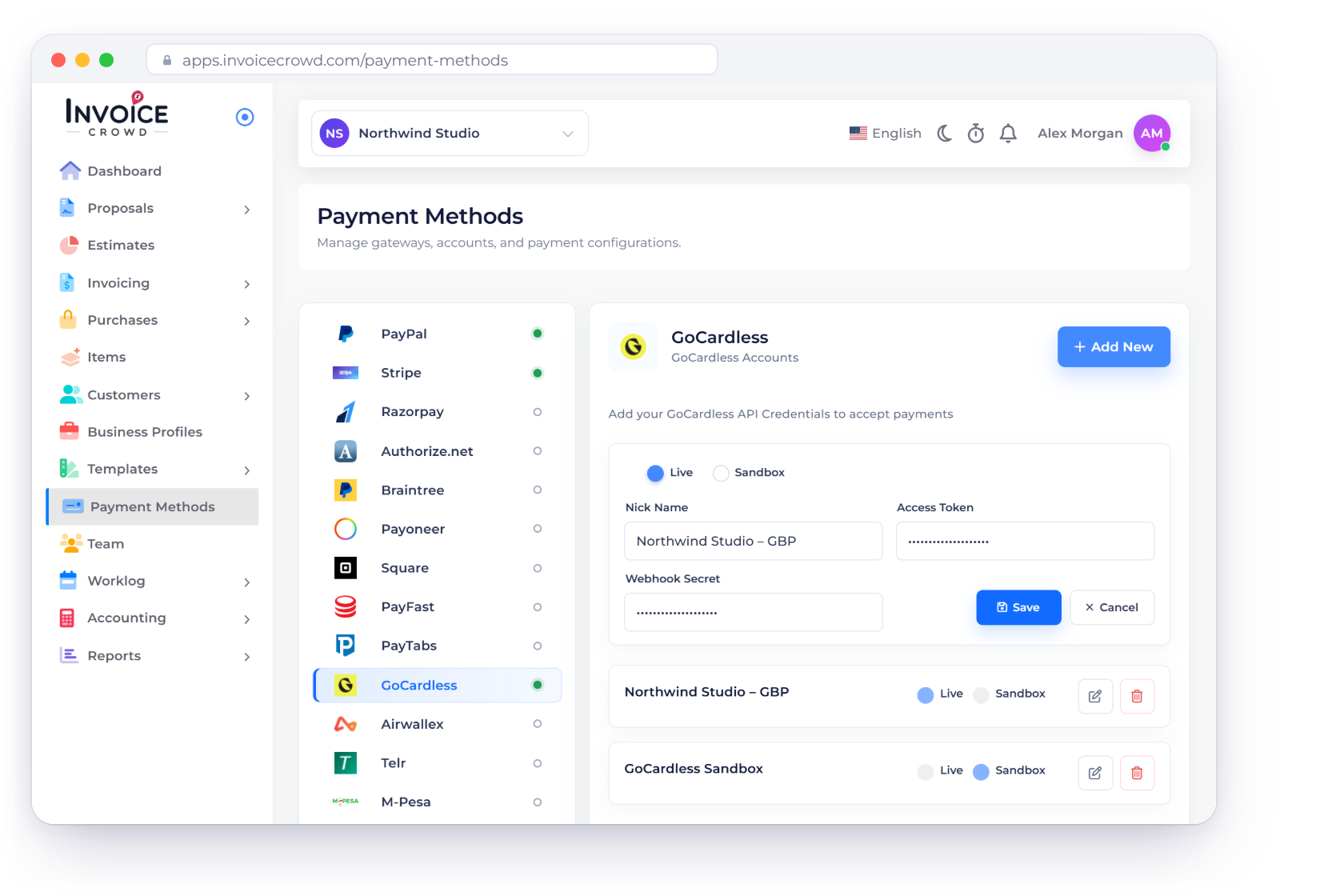
Add your GoCardless API credentials and choose Live or Sandbox for the business profile. Credentials are saved securely and never shown again.
- Per business profile
- Live and Sandbox modes
- Secret keys stay hidden
Payment integration
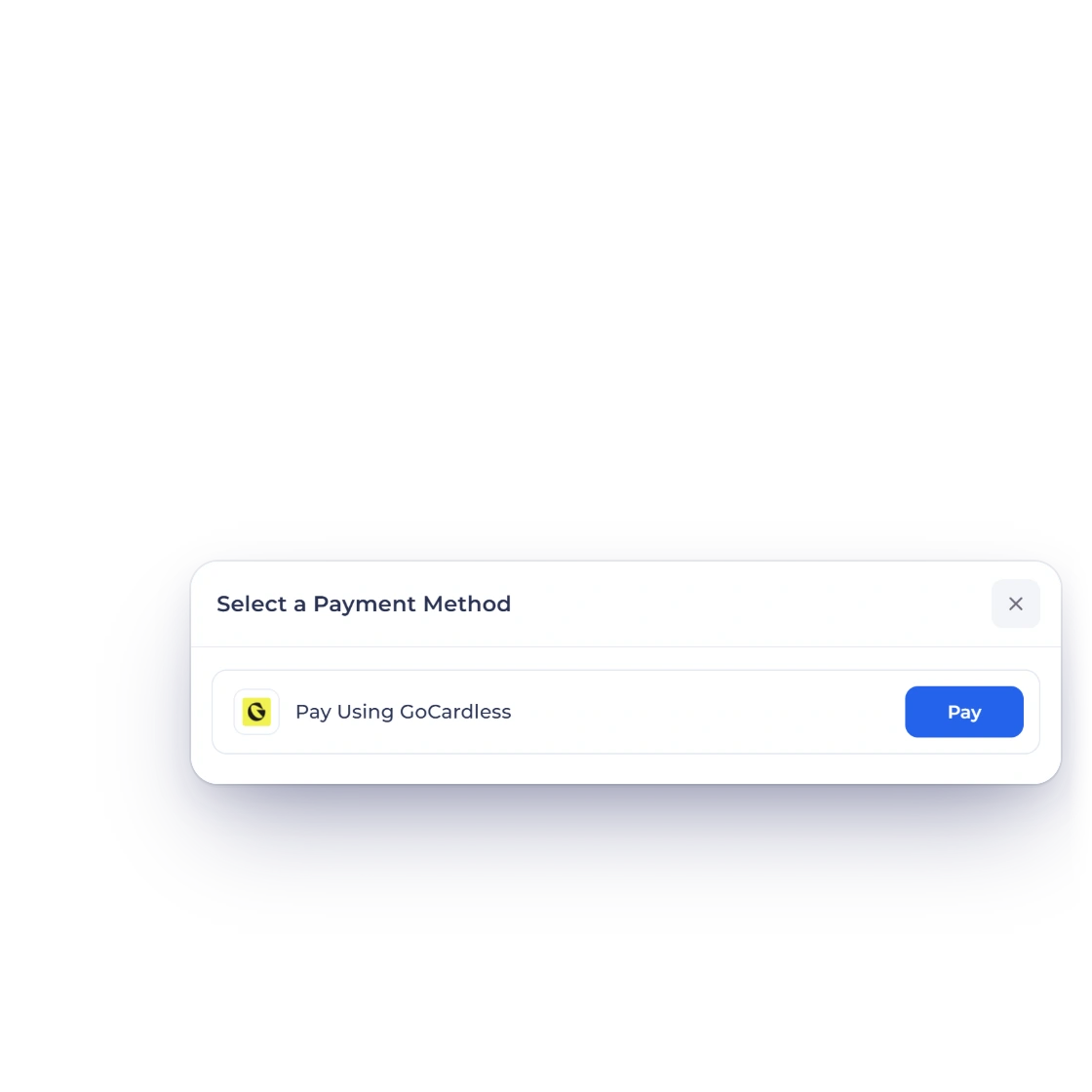
Collect invoice payments by direct debit from your customer's bank account with GoCardless, for one-off invoices and recurring billing. Each payment is recorded once GoCardless confirms it, and refunds go back through GoCardless from the invoice.
From setup to paid
Connect your GoCardless account once and every invoice can offer it. Each payment is confirmed with GoCardless before it reaches your books.
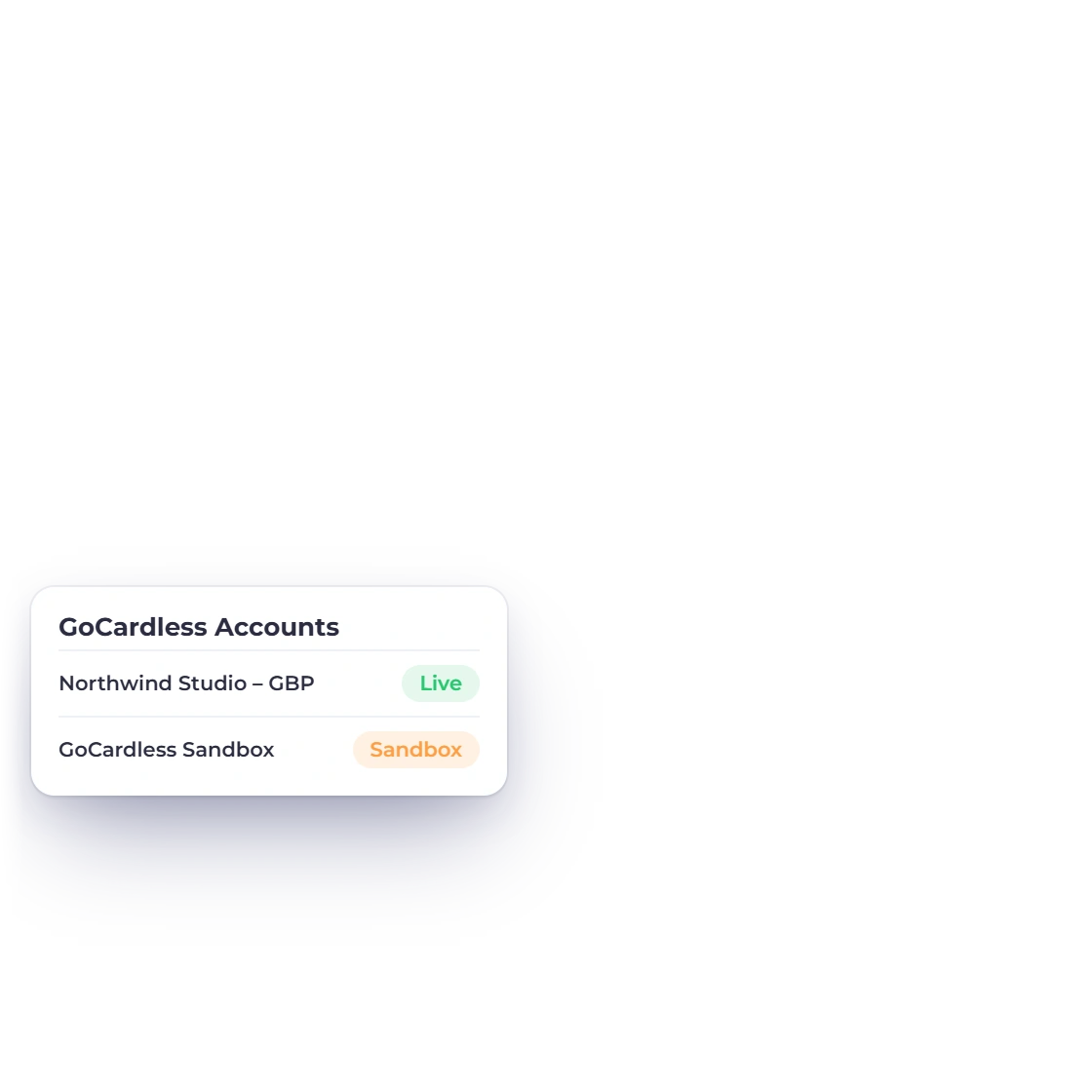
Each business profile uses its own GoCardless account, in Live or Sandbox mode.
Add your GoCardless API credentials and choose Live or Sandbox for the business profile. Credentials are saved securely and never shown again.
Customers pay into your own GoCardless account, on your existing GoCardless pricing. Availability depends on your GoCardless account and region.
Customers see only the payment options that suit their invoice.
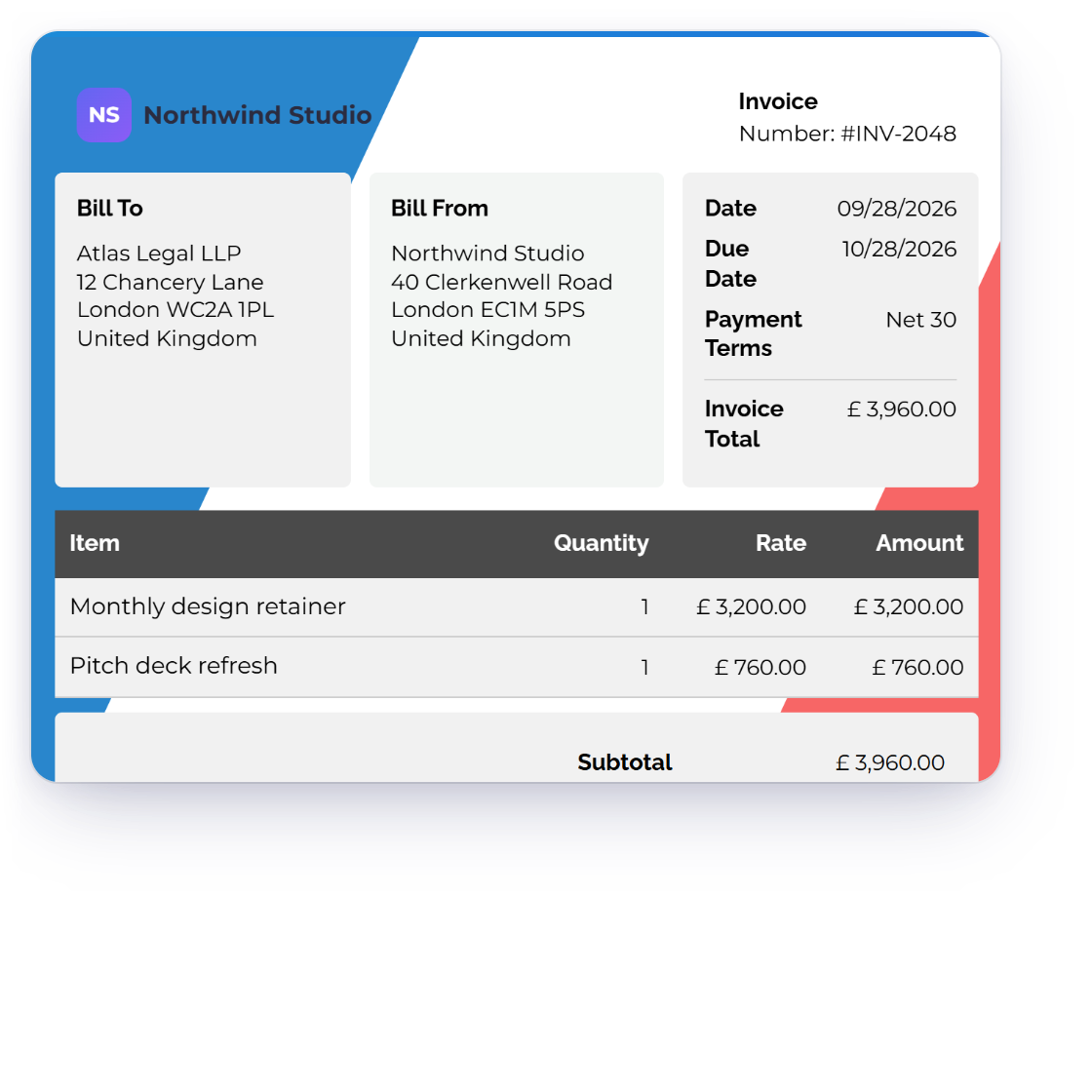
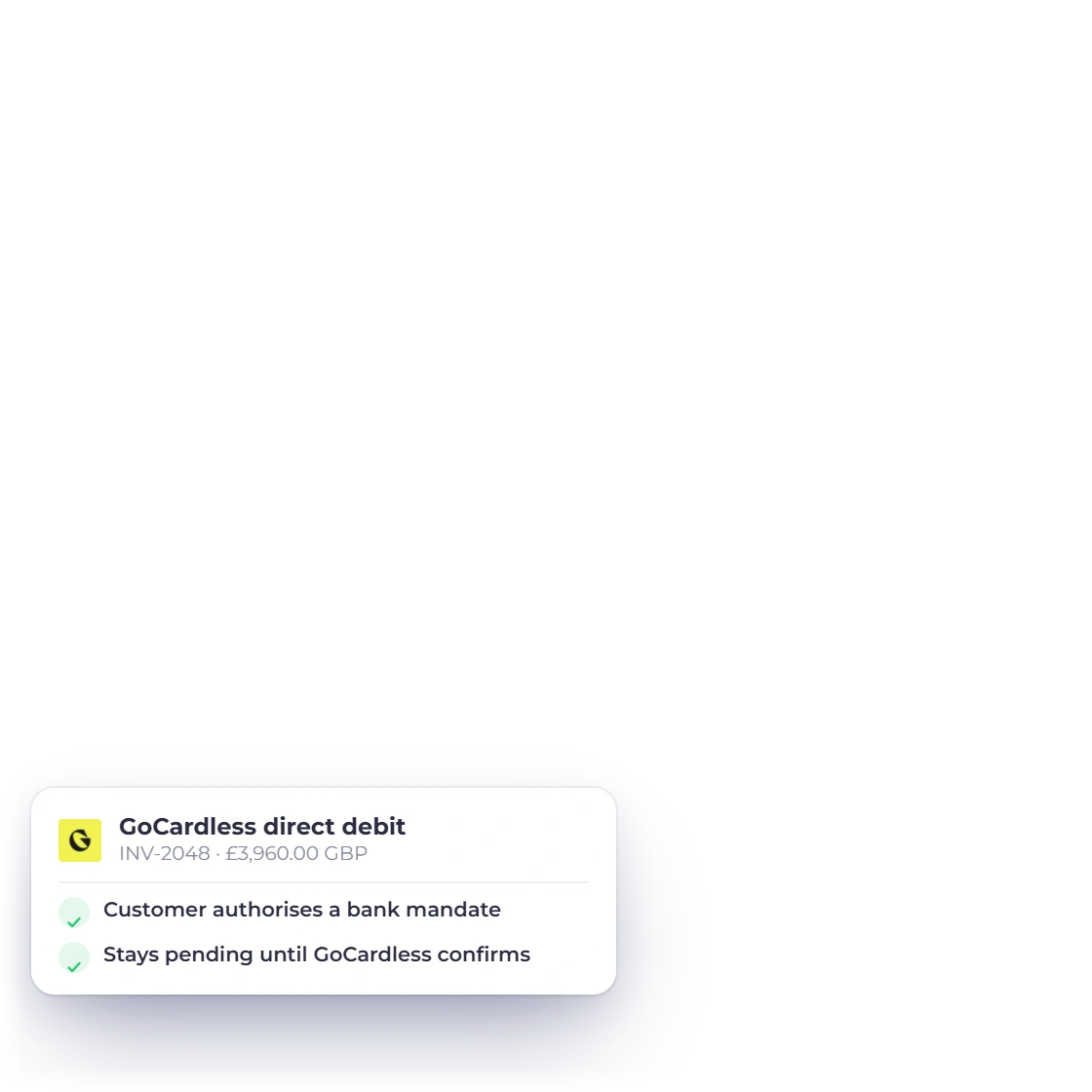
Your customer sets up a direct debit mandate through GoCardless, tied to your business and that customer. The payment is collected from their bank and recorded once GoCardless confirms it.
Bill recurring customers through GoCardless. Each collection is matched to the customer, mandate and subscription, and recorded once GoCardless confirms it.
An invoice is marked paid once GoCardless confirms the payment.
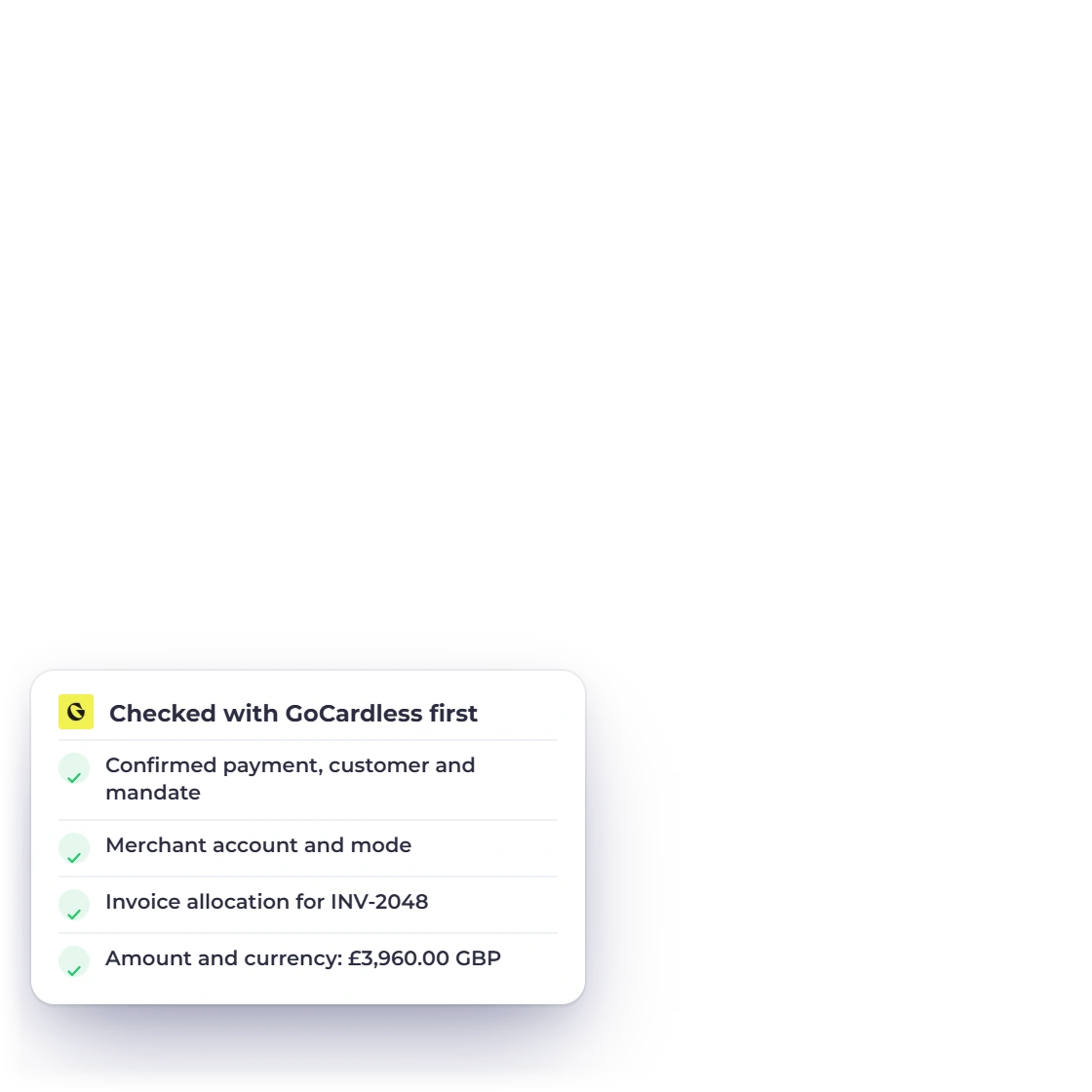
Invoice Crowd checks the payment, the customer, the mandate, the amount and the currency with GoCardless before marking the invoice paid.
Direct debits take time to clear. A pending collection stays pending in Invoice Crowd until GoCardless confirms it, so your balances are always accurate.
At a glance
Get paid online, keep every payment matched to its invoice, and keep your books in step without extra work.
Collect invoice payments straight from your customer's bank account.
GoCardless sets up the mandate with your customer, tied to your business and that customer.
Bill recurring customers by direct debit, with each collection recorded once GoCardless confirms it.
Add your GoCardless API credentials, choose Live or Sandbox, and you're ready to collect.
Each payment is checked with GoCardless against the customer, the mandate, the amount and the currency.
Payments go to your own GoCardless account, on your existing GoCardless pricing.
A collection stays pending until GoCardless confirms it, so your balances are always accurate.
Each payment gets its own receipt PDF, attached to the customer's payment confirmation email.
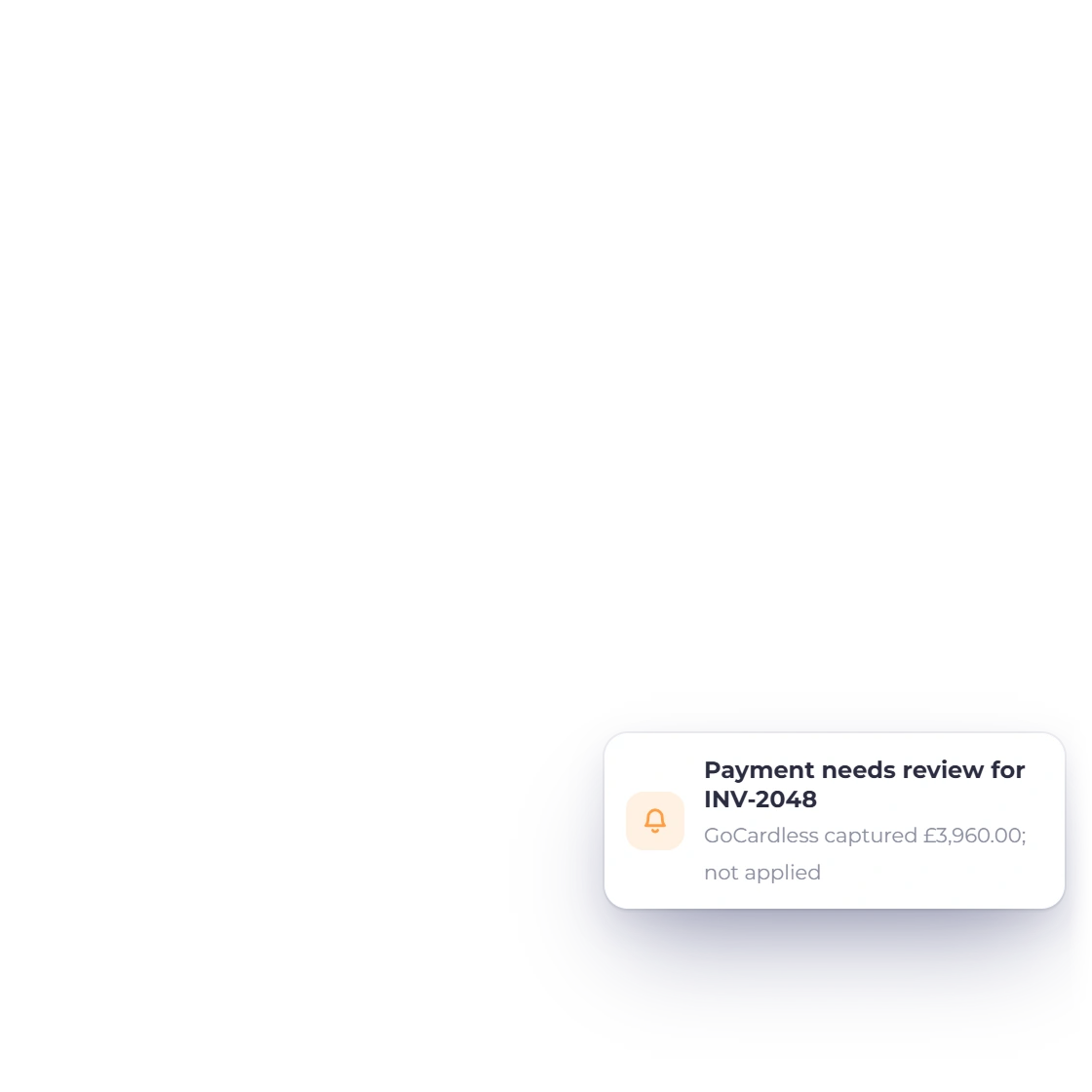
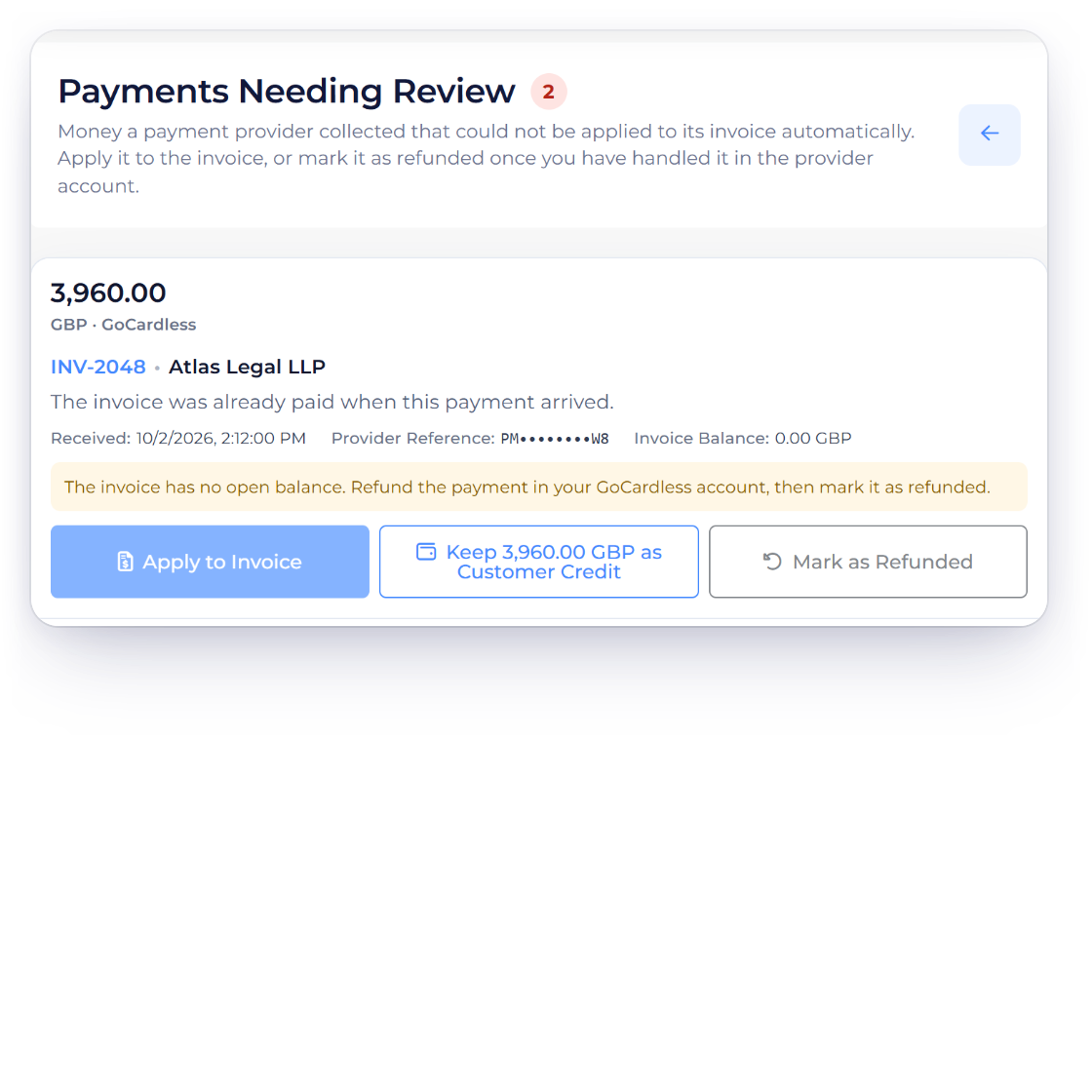
If an invoice changes after checkout starts, the payment waits in Payments Needing Review for you to apply, keep as credit or refund.
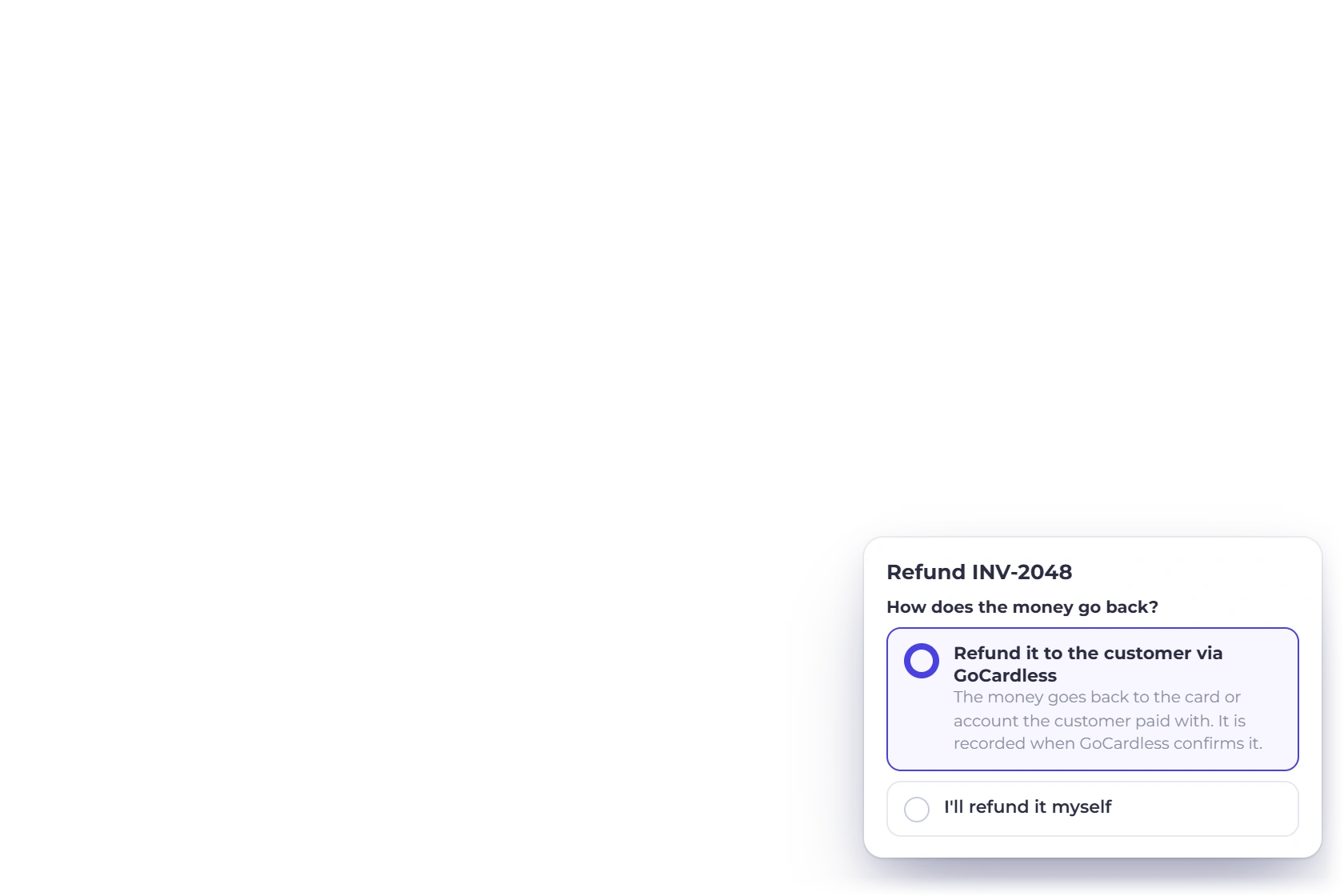
Choose Refund on the invoice and the money goes back through GoCardless, booked once GoCardless confirms it.
Add a gateway fee for GoCardless if you choose, shown to the customer as Gateway Fees on the invoice.
Switch on other gateways alongside GoCardless and customers choose the one they prefer.
Questions
Yes. Connect your GoCardless account and customers pay by direct debit from their bank account. GoCardless sets up the mandate, and Invoice Crowd records each payment once GoCardless confirms it.
Your GoCardless API credentials, a direct debit account enabled with GoCardless, and a choice of Live or Sandbox mode for the business profile. GoCardless is included on paid plans; the free plan includes PayPal.
Your customer sets up a direct debit mandate through GoCardless, tied to your business and that customer. GoCardless collects the payment from their bank, and Invoice Crowd records it once GoCardless confirms it.
Yes. Recurring direct debits through GoCardless are supported, with each collection matched to the customer's mandate and subscription and recorded once GoCardless confirms it.
Invoice Crowd checks the payment, the customer, the mandate, the amount and the currency with GoCardless, and a pending collection stays pending until GoCardless confirms it. If a confirmed payment can't be applied, for example because the balance changed, it waits in Payments Needing Review for you to decide.
GoCardless sets its transaction fees, exchange costs and payout timing under your GoCardless agreement, separate from your Invoice Crowd plan. You can pass a processing fee on to customers with the gateway fee setting.
Yes. Choose Refund on the invoice, from the invoice list, the editor or Manage Payments, then pick Refund it to the customer via GoCardless. The refund is booked once GoCardless confirms it. Refunds from the invoice cover one-time payments made on the invoice page.
Connect GoCardless in Sandbox mode, pay a sample invoice, then switch to Live when you're ready.