
Clear, detailed alerts
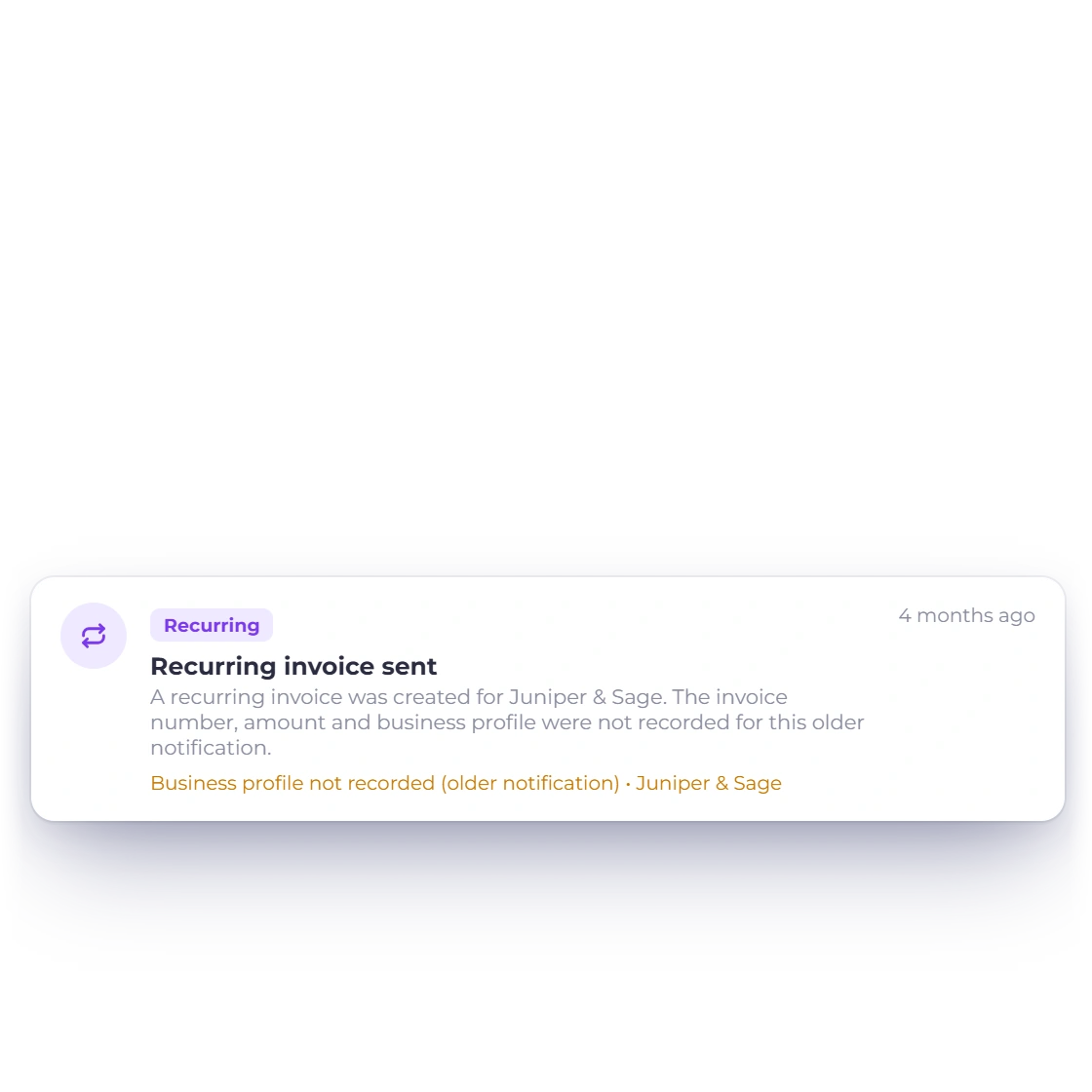
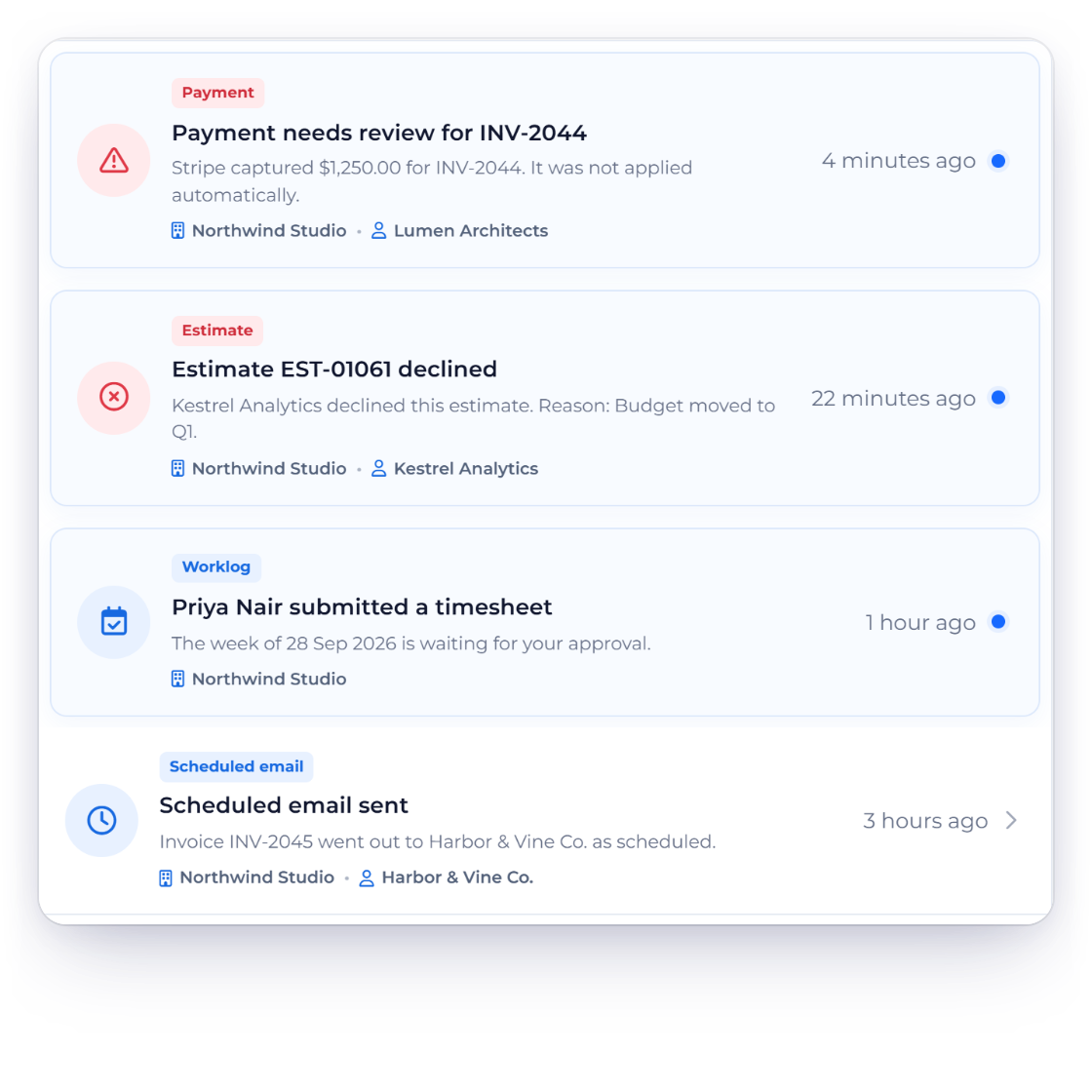
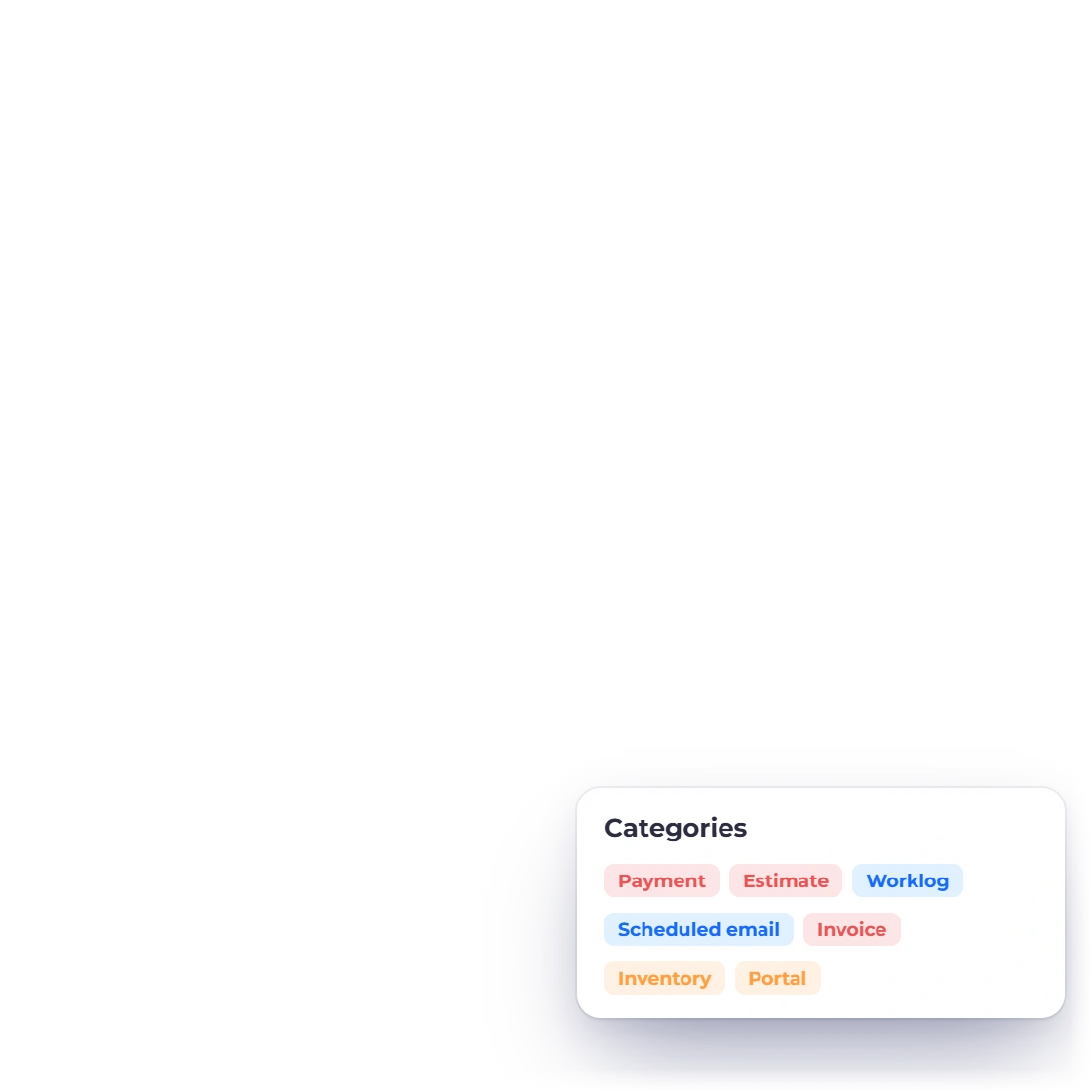
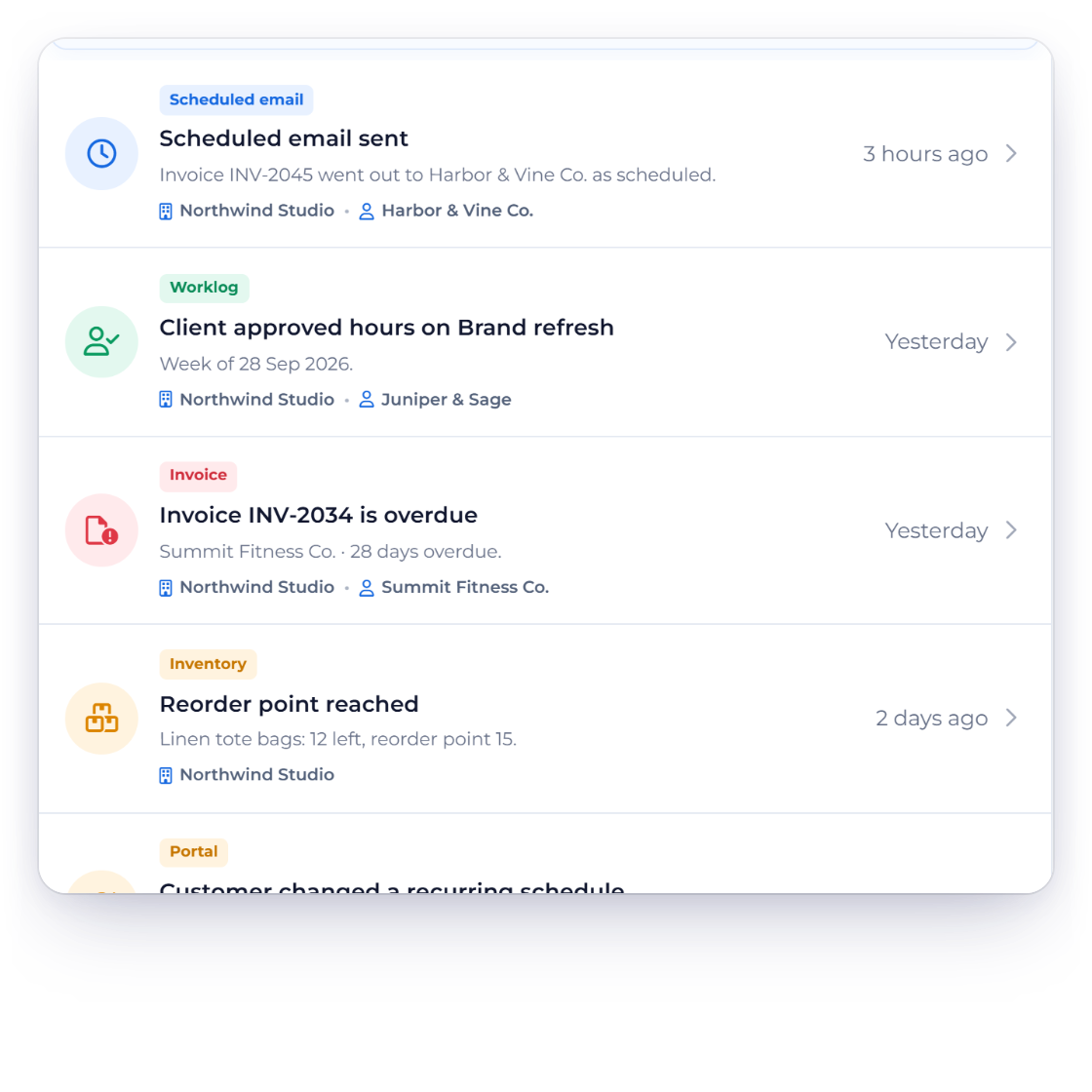
Each alert has its own icon and category, with the business, document and customer details that matter.
- Icon, category and title
- Business and customer details
- Time and unread status
Workflow awareness
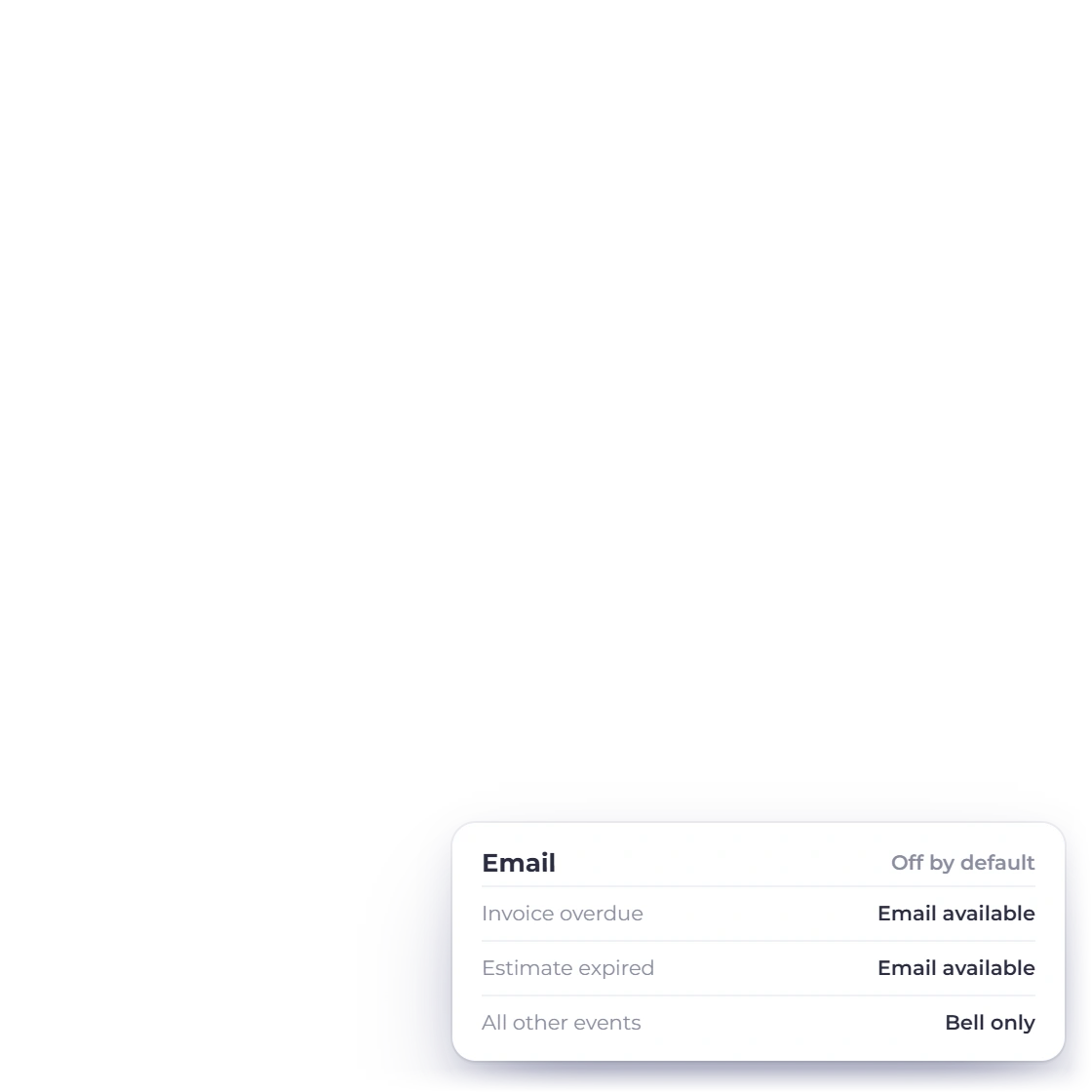
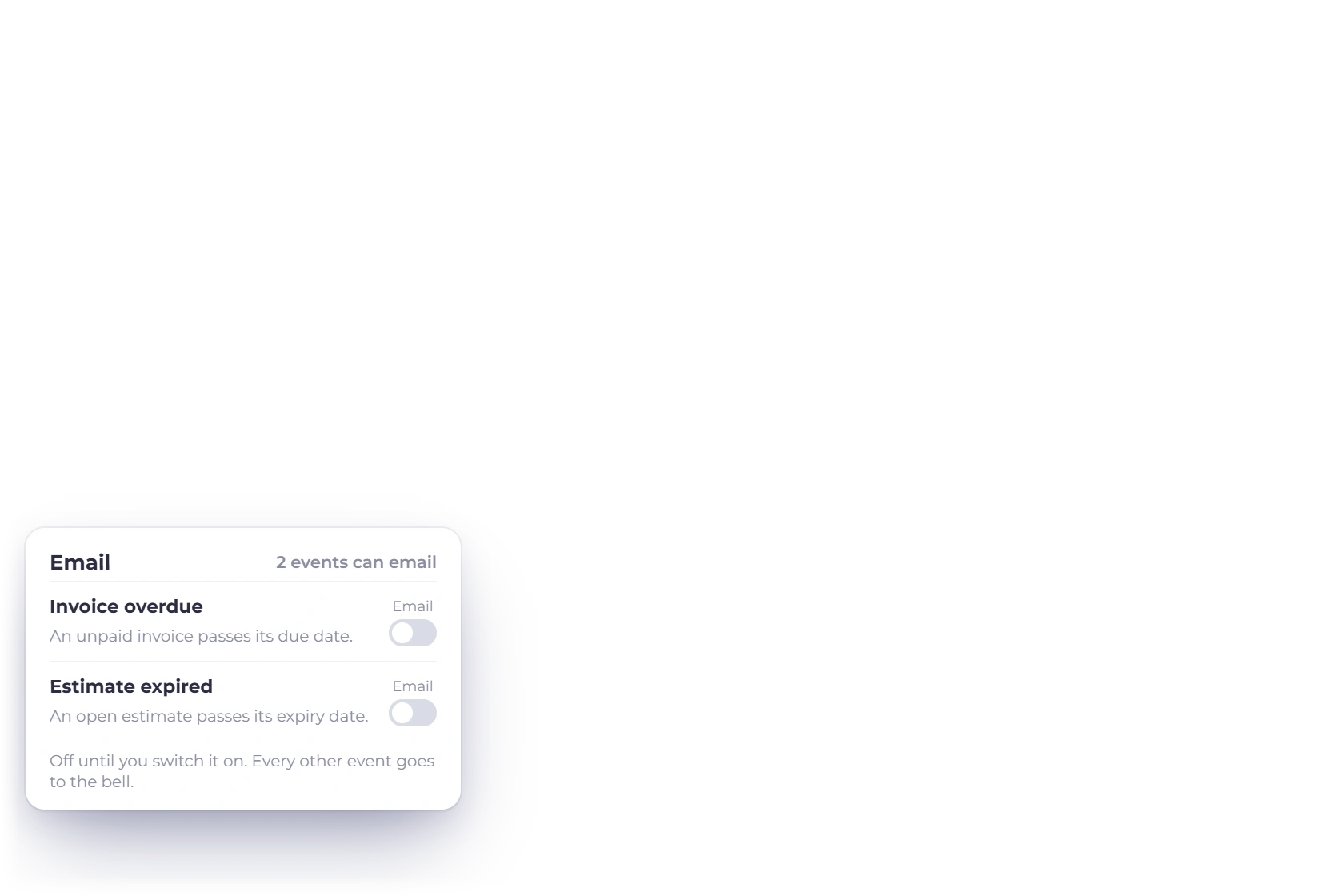
Invoice Crowd notifications appear in the bell in the top bar and in a full notification center, each with its business, a link to the record and an unread marker you can clear with Mark All Read. Choose which events reach the bell, and have overdue invoices and expired estimates emailed to you as well.
How it works
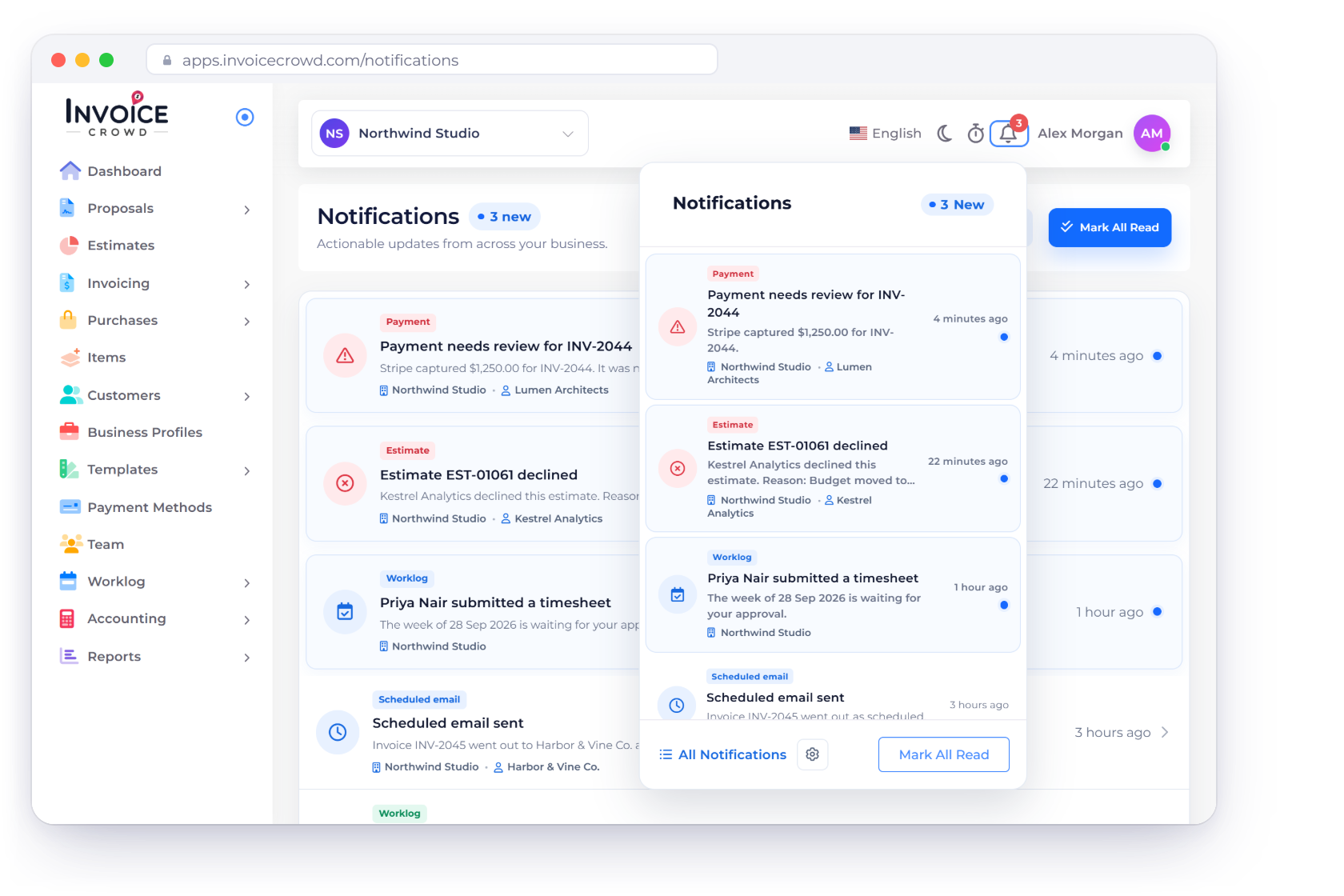
Every notification shows what happened, which business it belongs to, when it happened and a link straight to the record, in the bell and the notification center alike.
Recent alerts in the bell, full history in the notification center.
Each alert has its own icon and category, with the business, document and customer details that matter.
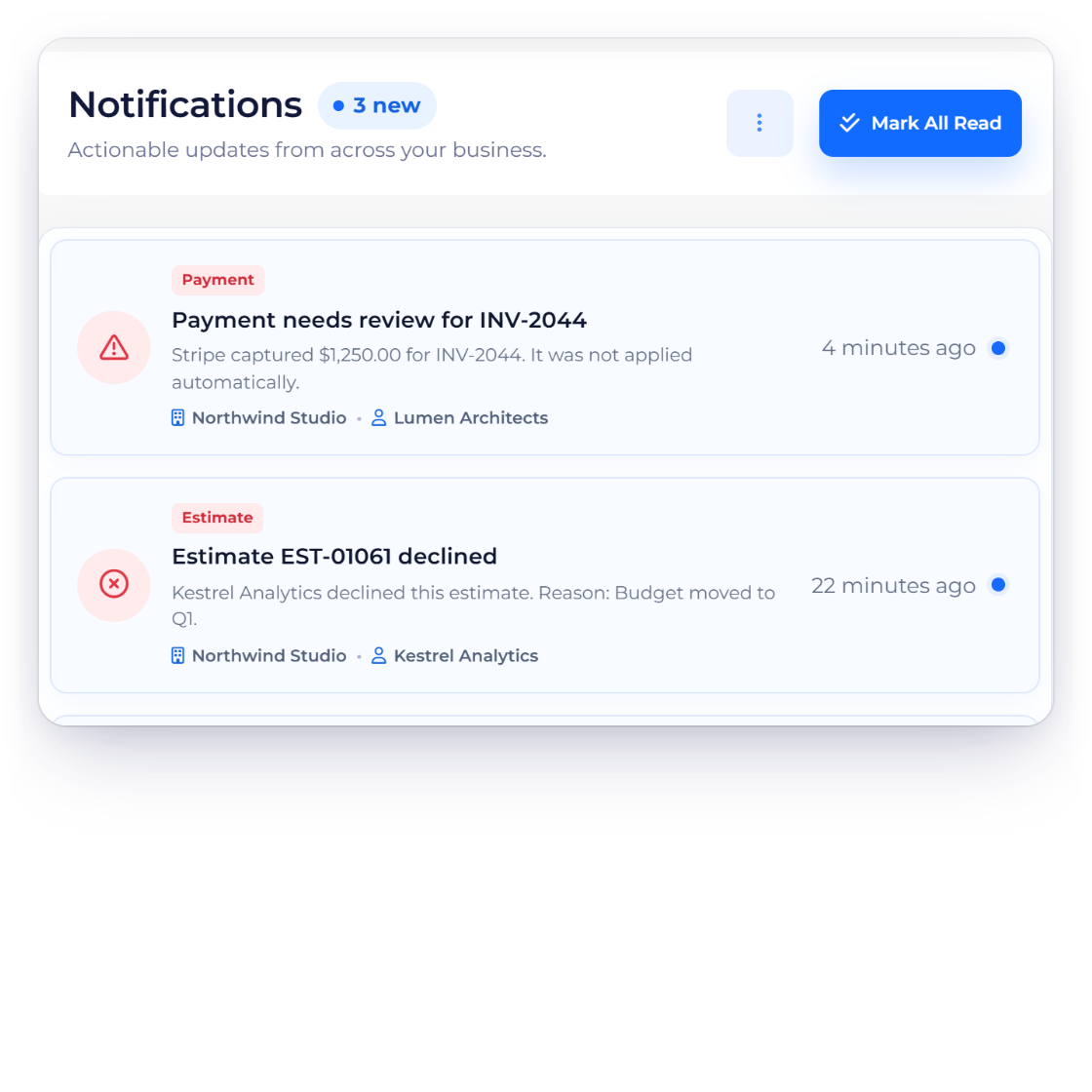
The notification center shows how many items are new, marks each unread item with a dot, and lets you mark one item or use Mark All Read. The bell panel's footer links to All Notifications and to Notification Settings.
One click from alert to record.
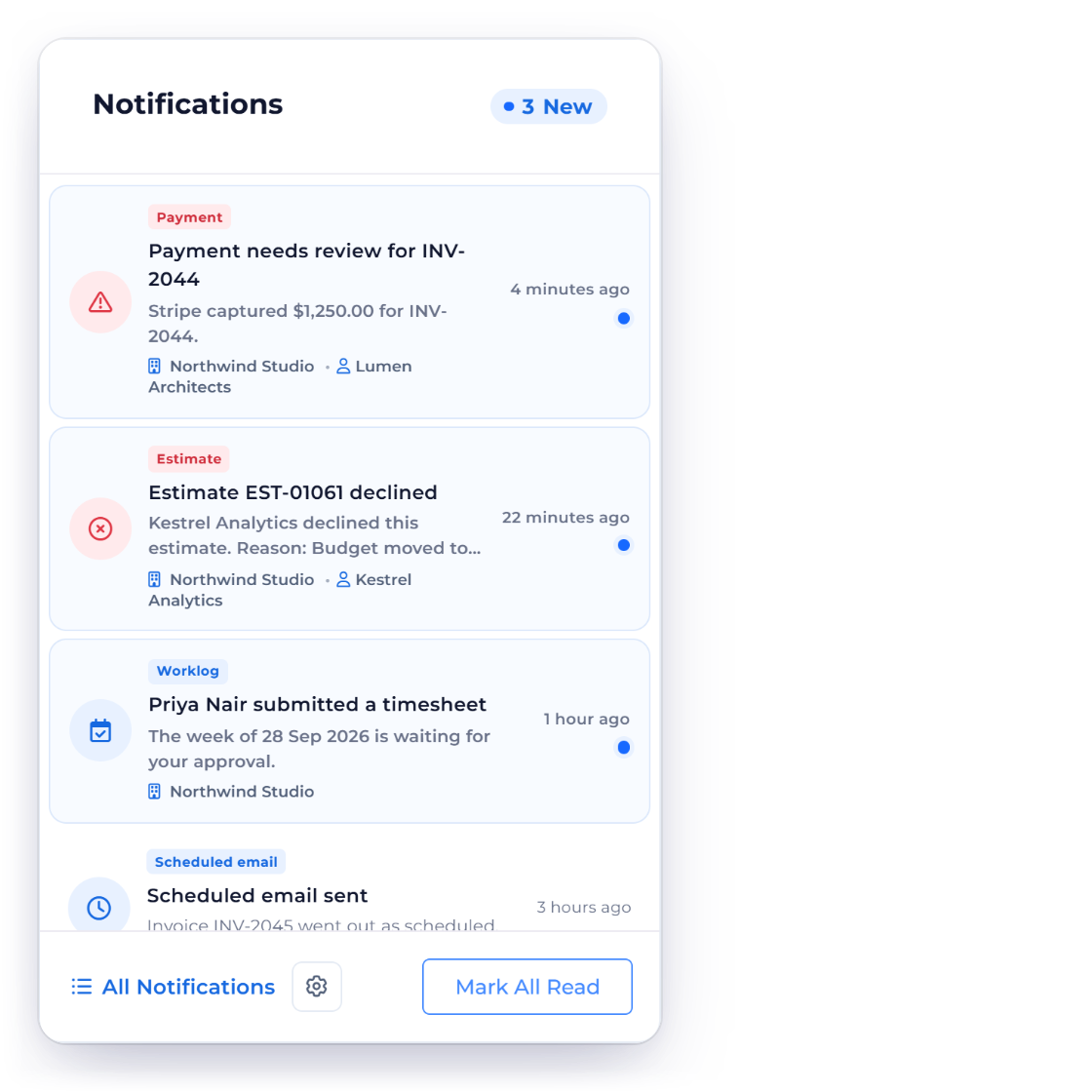
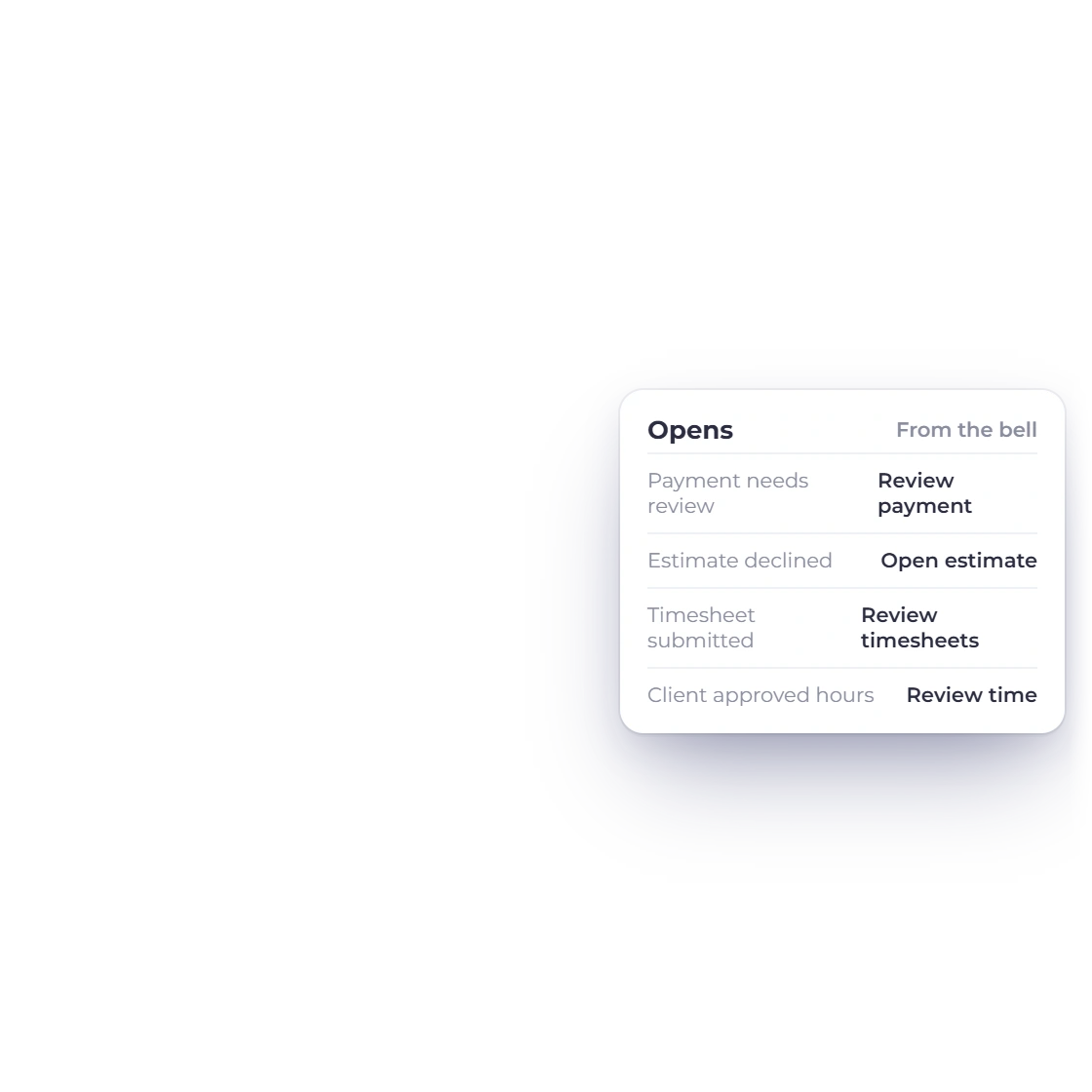
Click an alert to open the invoice, estimate, proposal, project, worklog, expense, inventory, import, subscription or AI credits it is about.
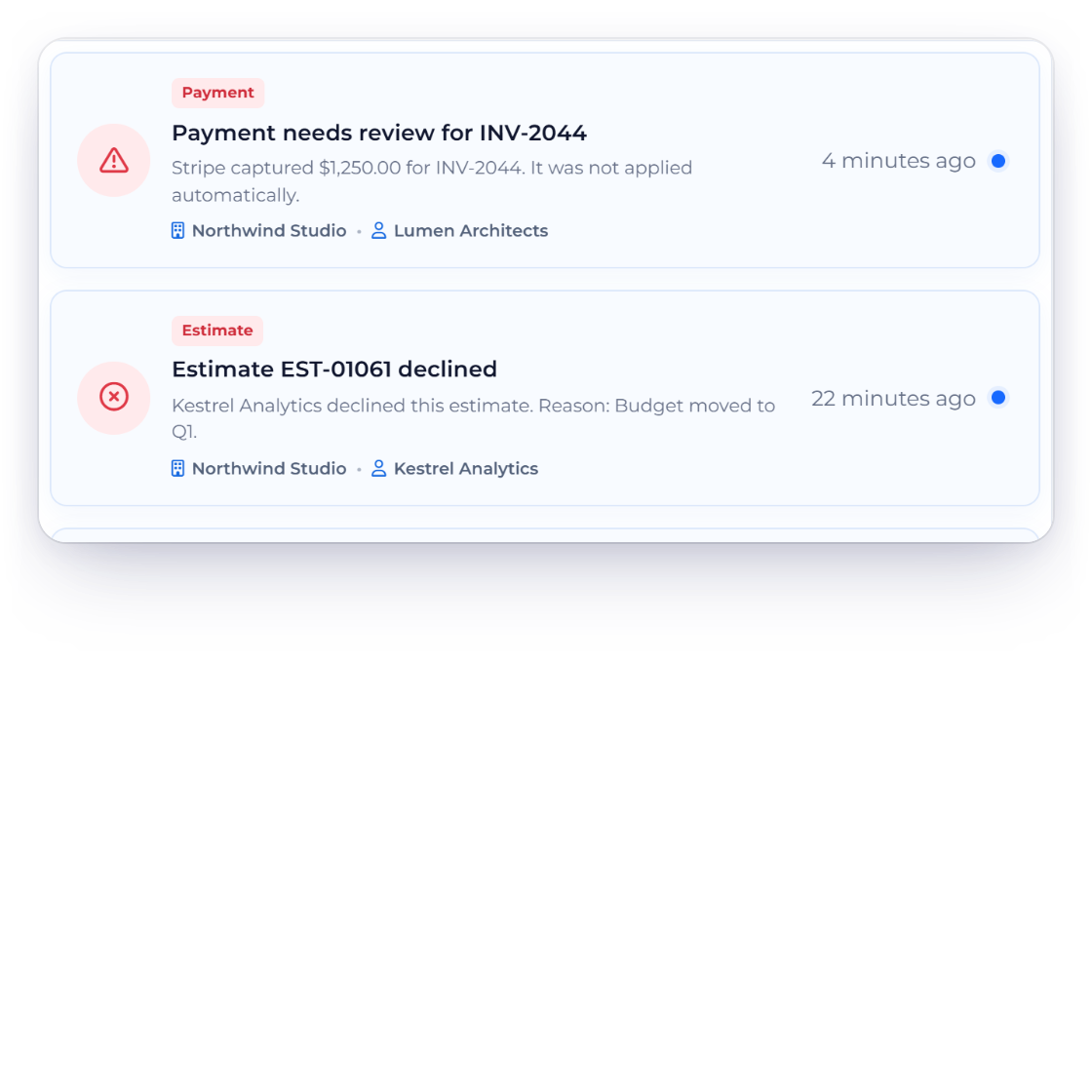
Older notifications stay readable and useful, showing every detail that was recorded at the time.
Choose your alerts; the essentials stay on.
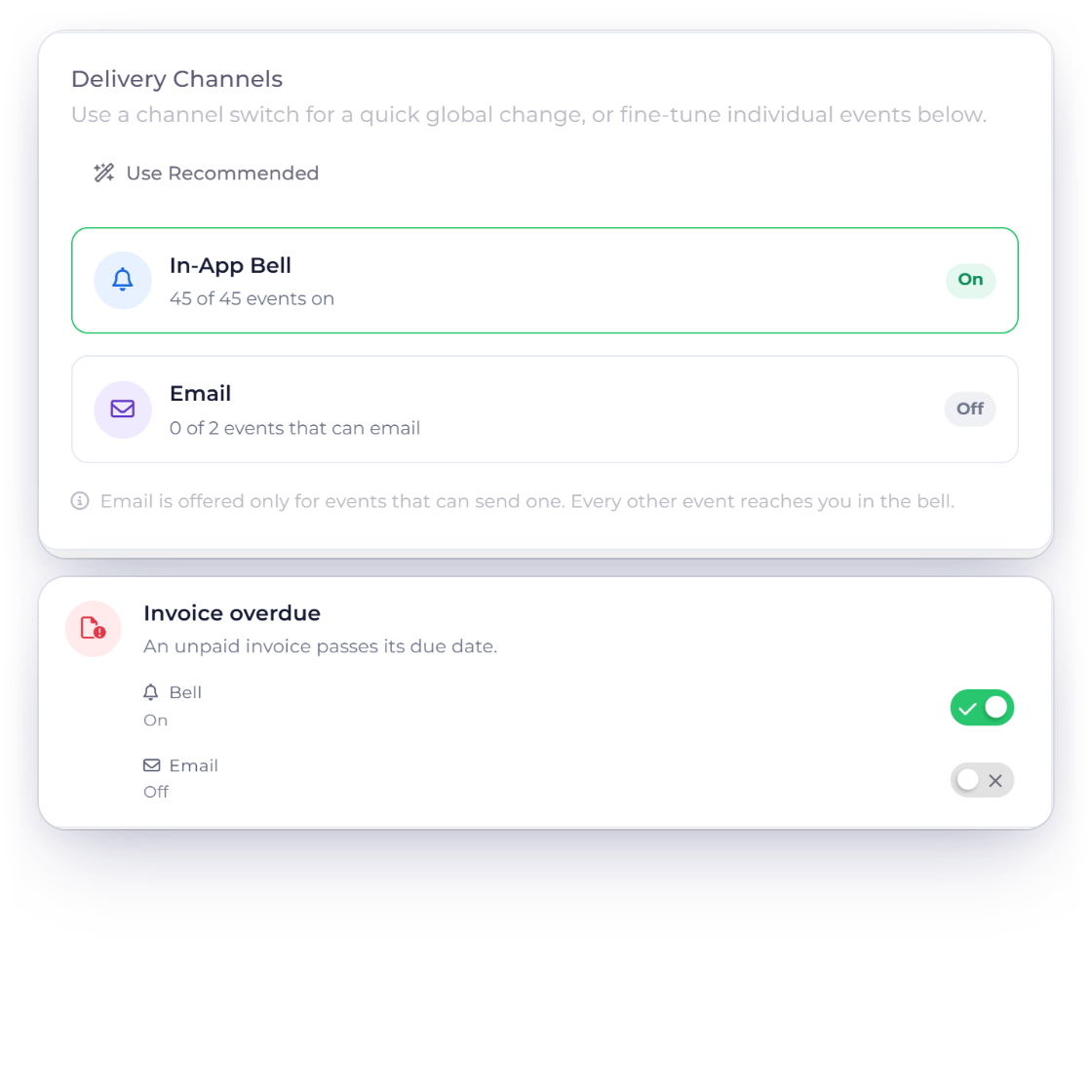
Start with sensible defaults, then switch each event's bell alert on or off. Overdue invoices and expired estimates can also reach your inbox when you switch email on.
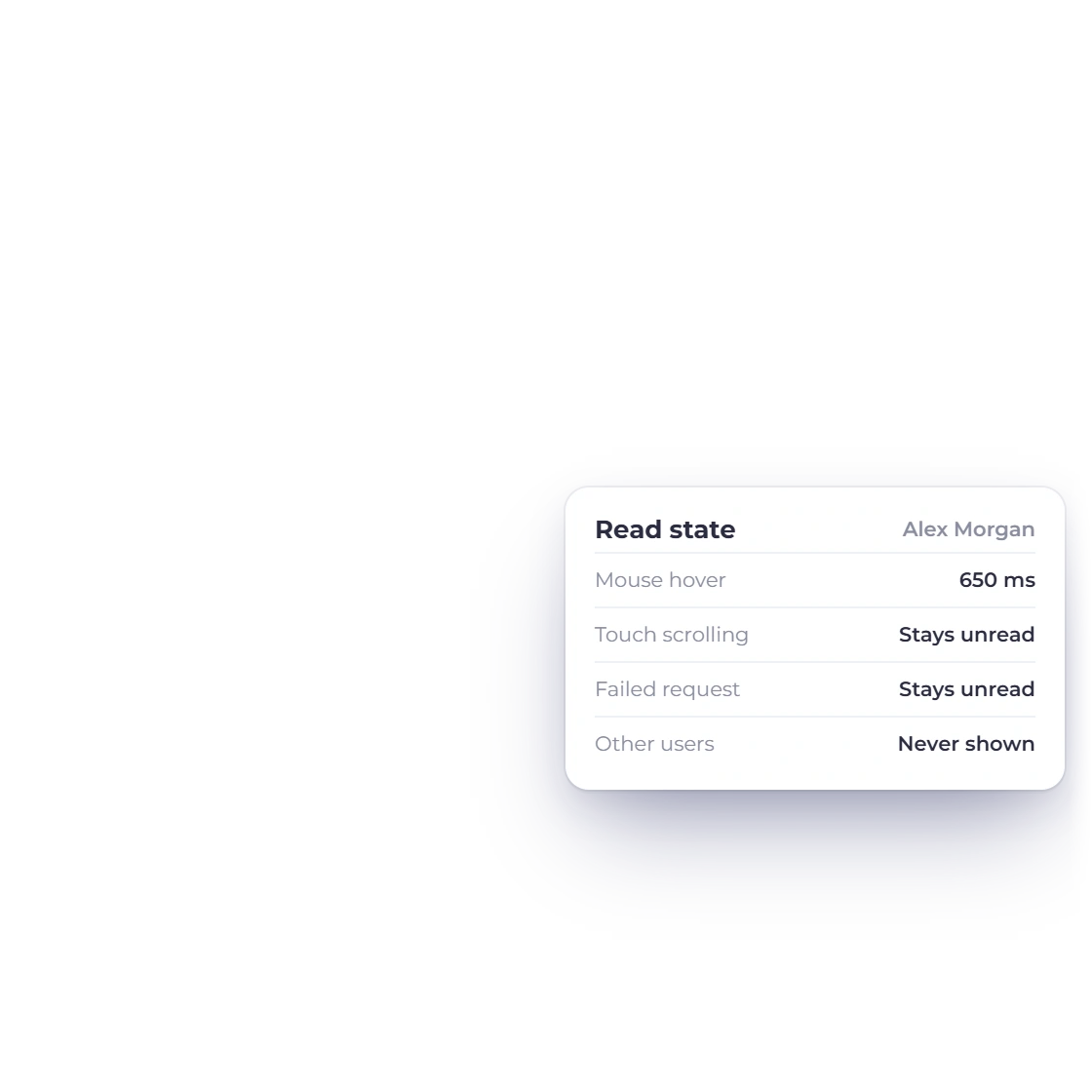
Each person sees their own notifications. An alert is marked read only when you deliberately open it or rest your pointer on it, so nothing slips past unnoticed.
Coverage
Alerts cover invoicing, estimates, proposals, projects, inventory, accounting, team activity and more.
Know when an invoice is sent, viewed, paid or overdue, when a recurring invoice goes out, and when a payment needs review.
Know when an estimate is sent, viewed, accepted, declined or expired.
Follow each proposal from sent and viewed to accepted, declined or expiring.
Assignments, time entries, budgets, long-running timers, submitted and approved timesheets, and hours a client approved or disputed.
Know when an invoice or estimate is created from logged work.
Get a bell alert when an item reaches its reorder point, once you switch it on in your inventory settings.
Recurring income and expense entries, Questions for you about your books, and an alert whenever an entry needs fixing.
Team, customer-portal and vendor-portal join events, and a customer stopping or restarting a recurring schedule.
Know when an import finishes or needs your attention.
Your subscription renewal reminder, plus timely alerts about customer subscriptions on your payment gateways.
A heads-up when your AI credits are running low.
Overdue and payment-review alerts leave the bell once they are handled, and All Notifications keeps your recent history.
Questions
In the bell at the top of every page. It shows every unread alert plus everything from the last 7 days, and its footer links to All Notifications, the full notification center where new items are marked, and to Notification Settings through the gear. Mark All Read clears the unread markers.
Yes. Click a notification to open the invoice, estimate, proposal, project or other record it is about, or the list it belongs to.
Yes, for overdue invoices and expired estimates, which can also be emailed to you once you switch email on. Every other event arrives in the bell, and Notification Settings, opened from the gear in the bell panel, lets you choose which ones.
Yes, a few that you should not miss: Accepted estimate not invoiced, Timer stopped automatically, Entry not saved, Customer subscriptions on paid gateways and Business SMTP not delivering. They always arrive in the bell, so you never miss them.
Yes. In Invoice Crowd, an overdue-invoice alert clears itself once that invoice is paid or voided, and a Payment needs review alert clears once the payment has been handled, so the bell lists only what still needs you. When everything is done, the bell says You're all caught up. All Notifications keeps read alerts for 30 days and unread alerts for 90 days.
Start with the recommended bell alerts, and switch on email for overdue invoices and expired estimates when you want them in your inbox.