


Skip to content

Features

Bill in the customer's currency and keep the books in yours

Invoices, expenses and incomes can carry two currencies: the one the money moved in, and the one your books are kept in. When they differ, Invoice Crowd converts at save time and stores the result on the record. On an expense or income it also keeps the rate date and whether the rate came from the provider or was entered manually, so the entry still explains itself later.

  • Eight-decimal rates, frozen on save
  • ISO 4217 precision per currency
  • One accounting currency per profile

Last updated:

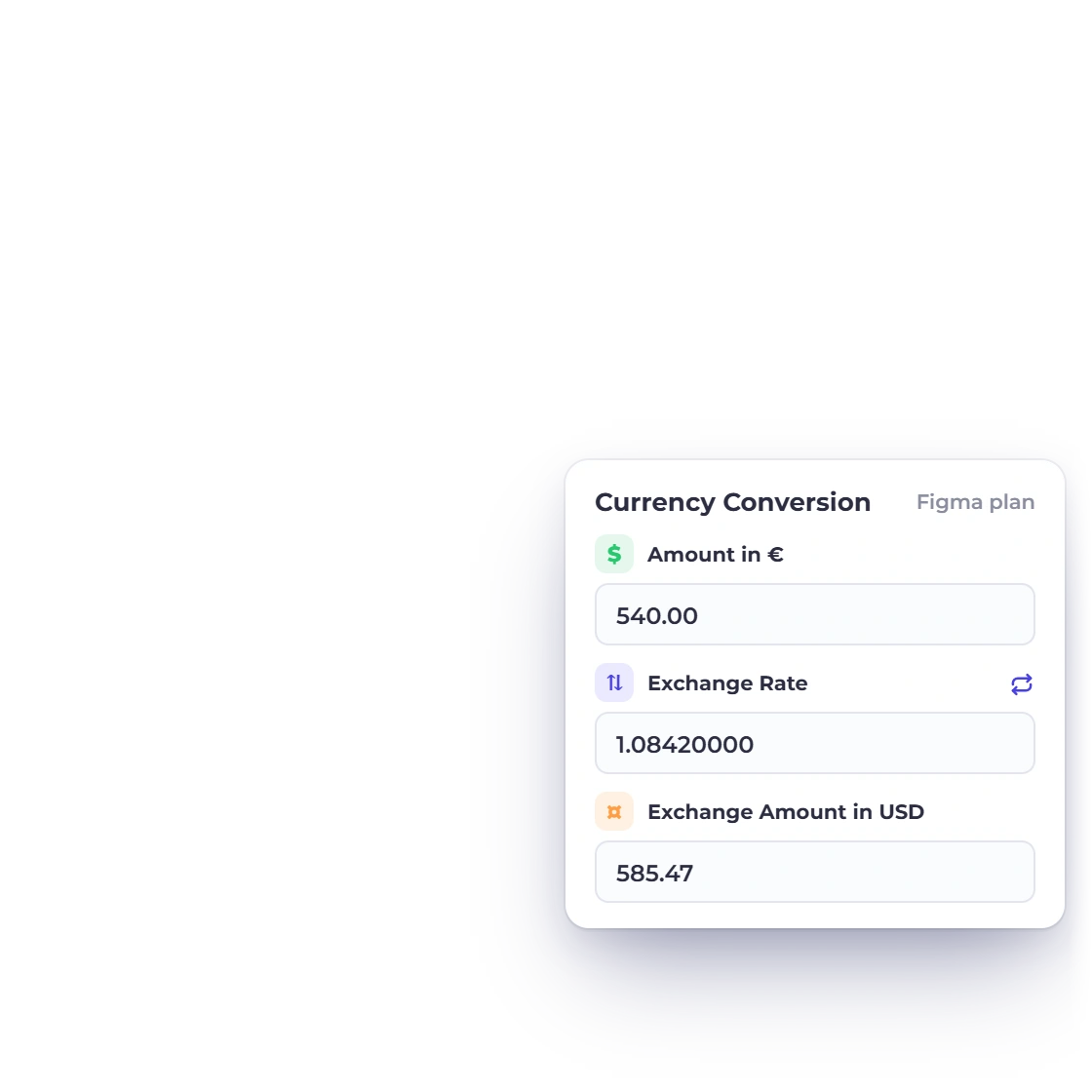
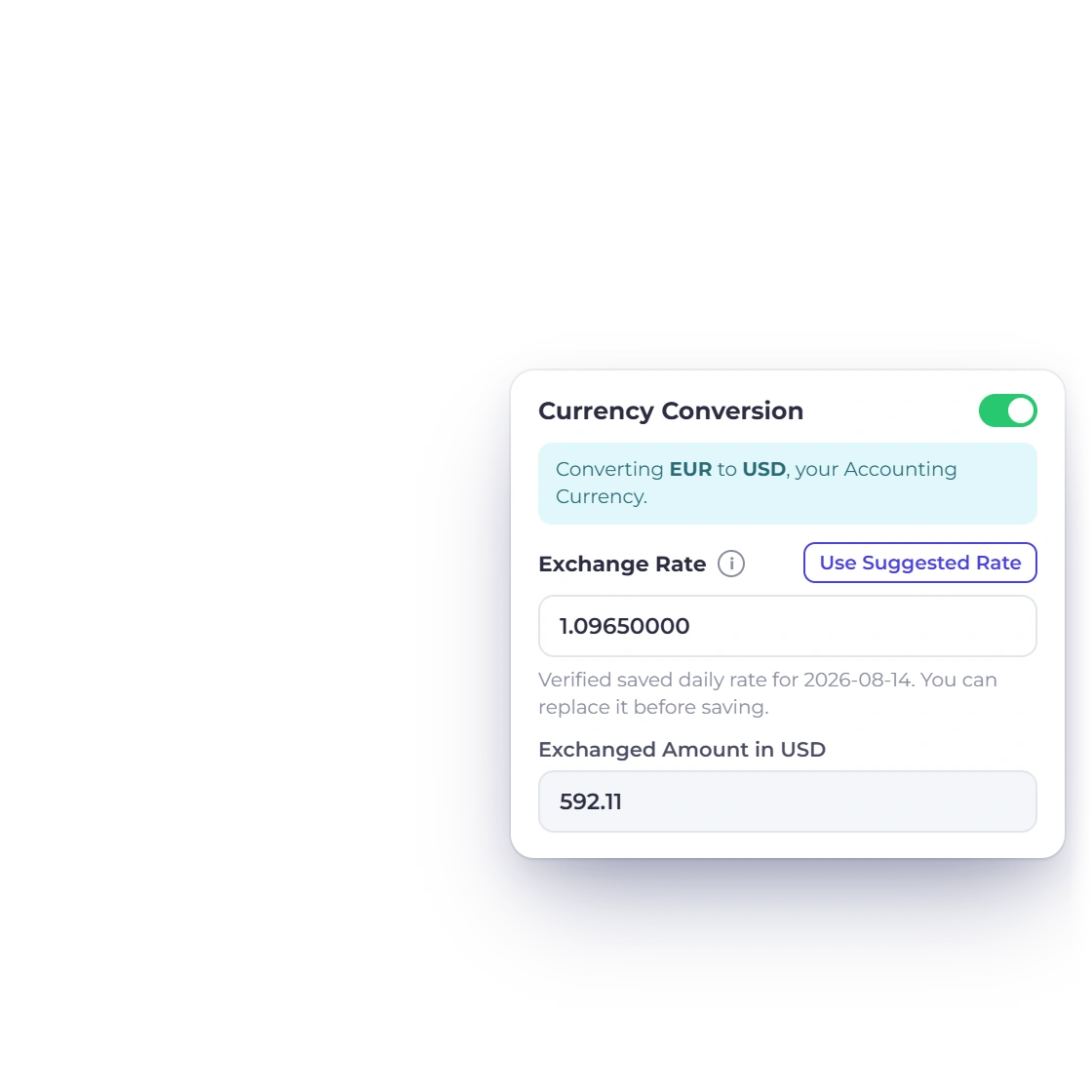
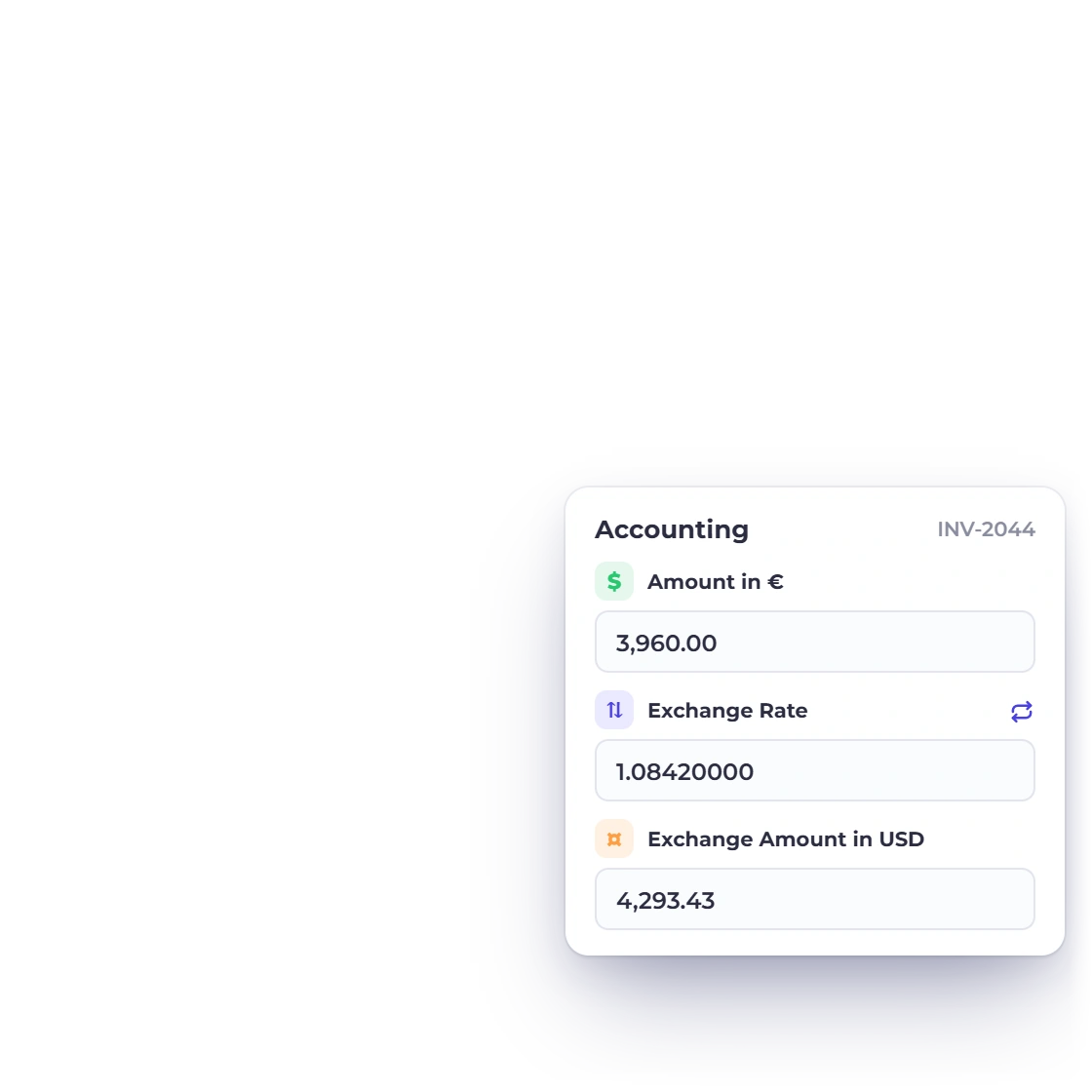
Recording a foreign-currency expense in Invoice Crowd, with the exchange rate and the converted amount in the accounting currency on the same panel.

What is inside

Convert once, record the evidence, read one set of books

Multi-currency runs the whole length of a record: the amount as it was billed or paid, the rate that converted it and the date that rate proves, and the single currency your ledger and reports are read in.

Recording it

Two currencies, one record

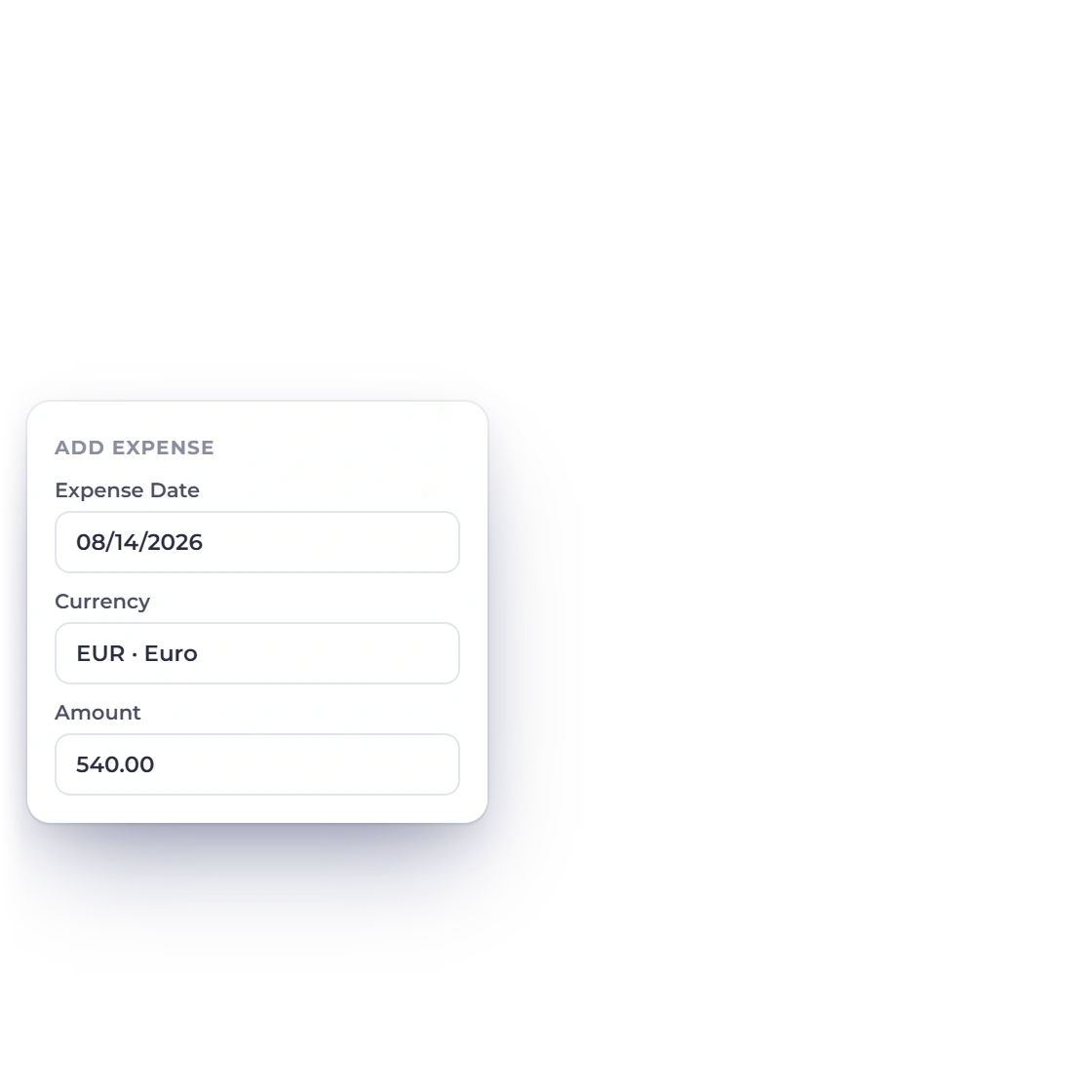
Entering an Invoice Crowd expense in one currency while the converted amount beneath it is labelled with the business's accounting currency.

Two currencies on every money record

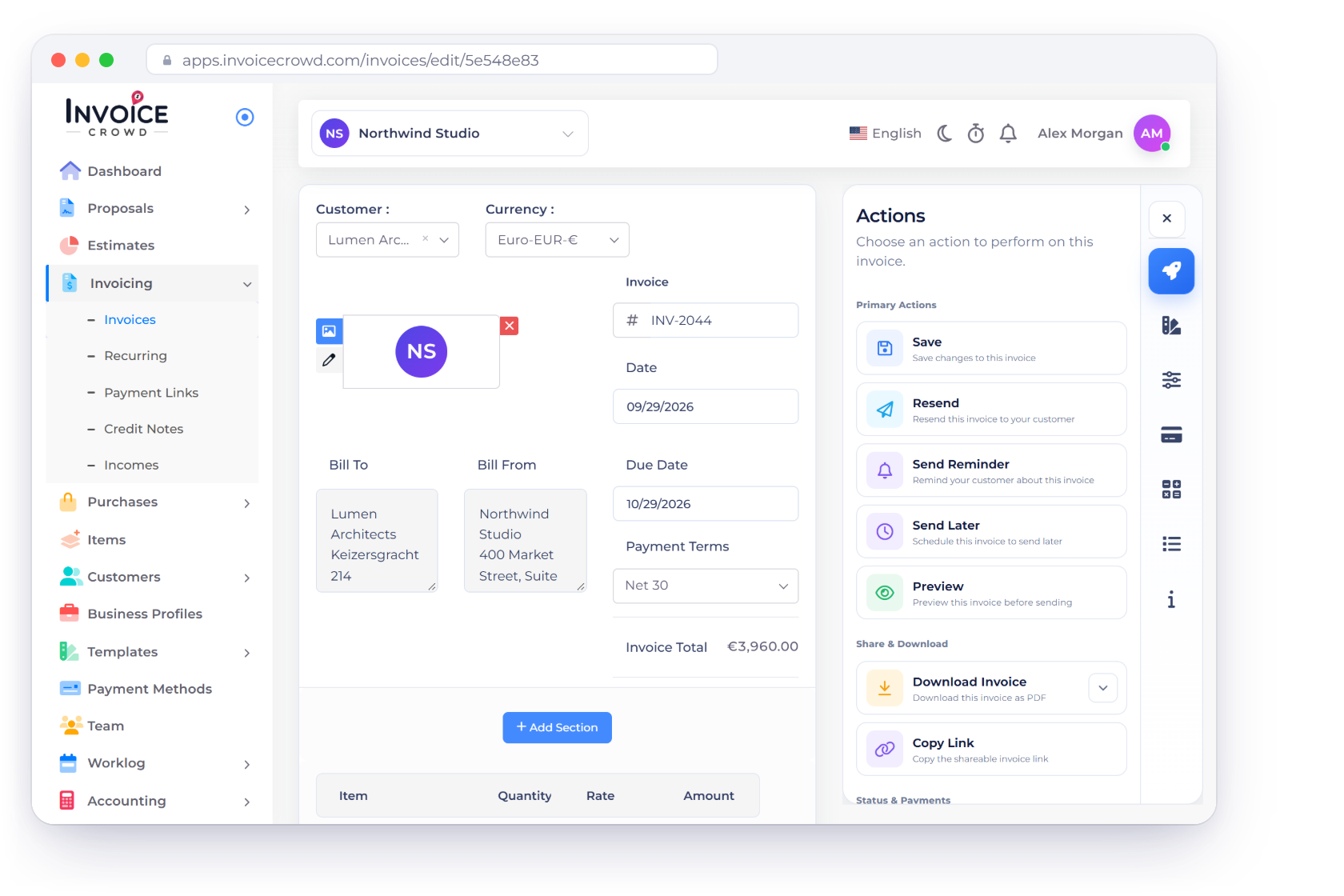
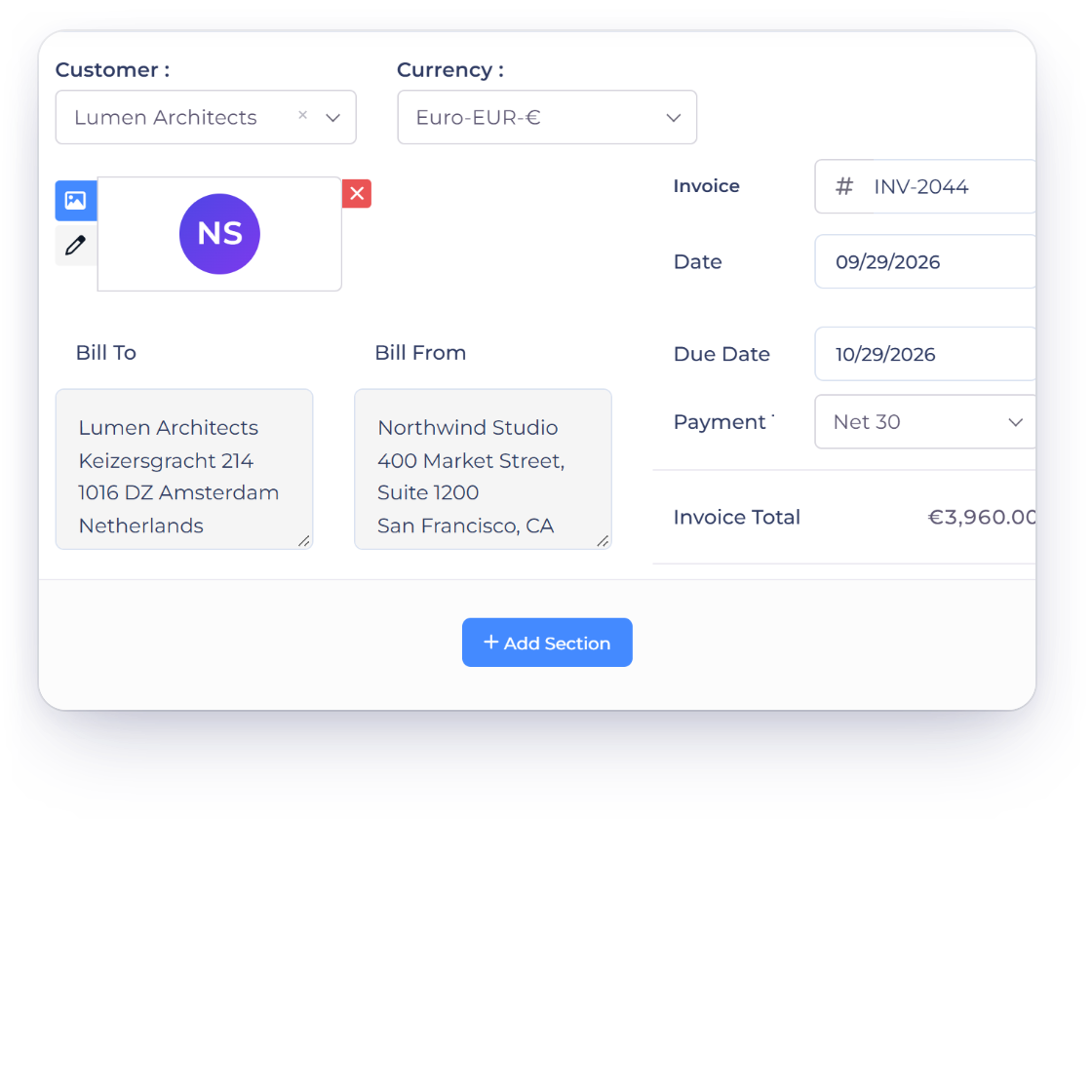
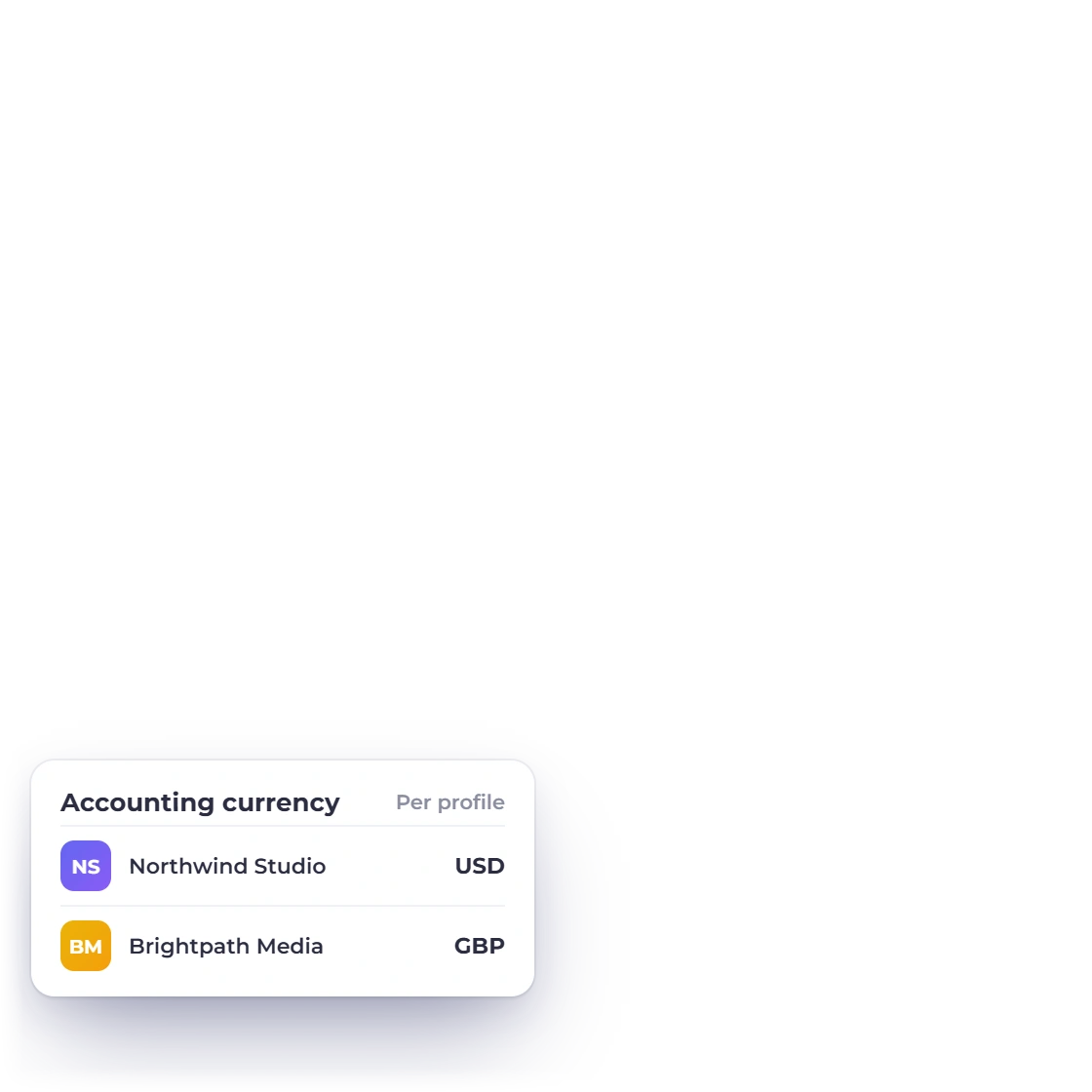
Every invoice, expense and income carries two currencies: the one the money moved in, and the one your books are kept in. The transaction currency holds the line amounts, totals, amount due and amount paid. The accounting currency belongs to the business profile rather than to any one document, so two companies under one login can keep one set of books in euros and another in dollars.

  • Amounts, totals and payments in the transaction currency
  • One accounting currency per business profile
  • The converted amount is what reaches the ledger
Decimal places that follow the currency

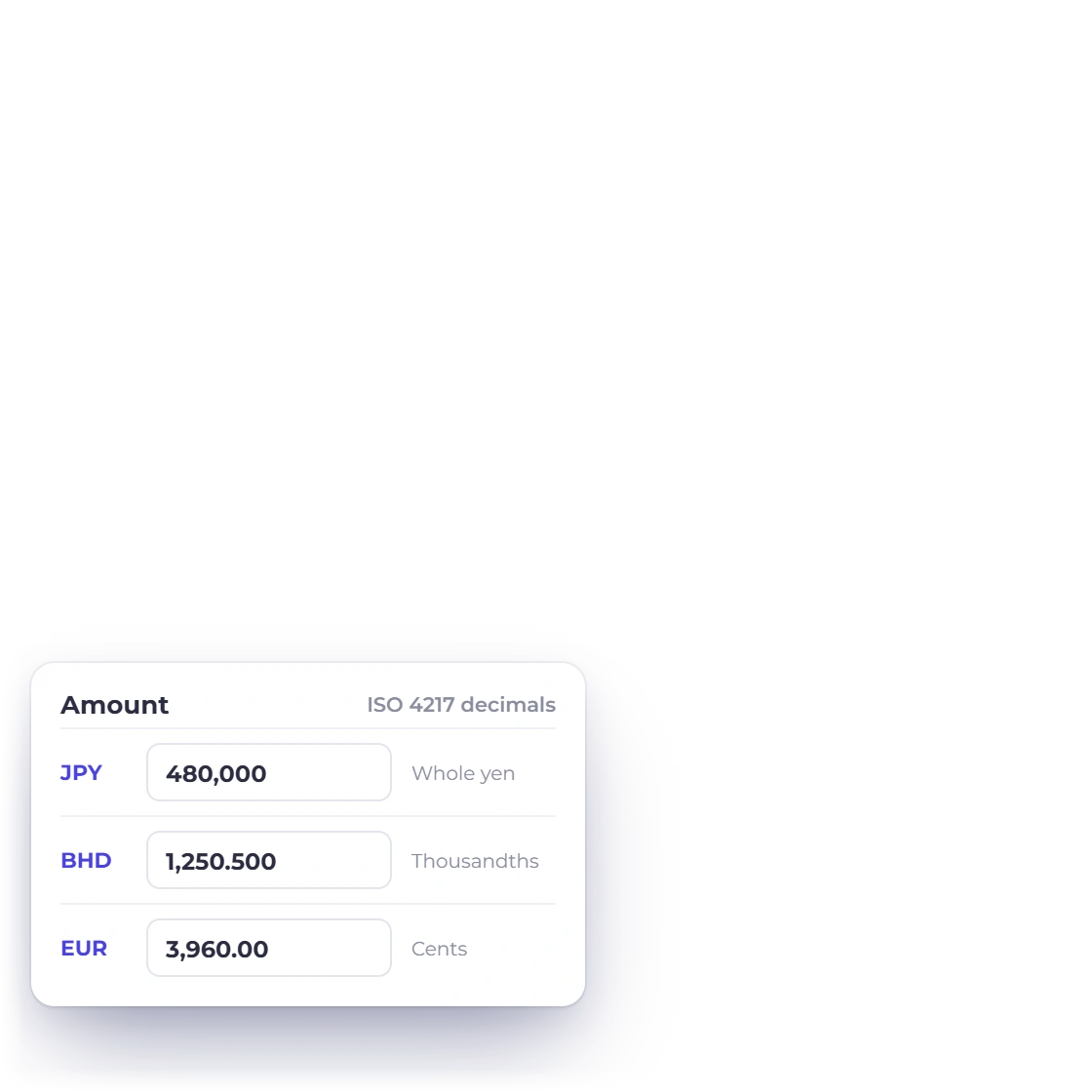
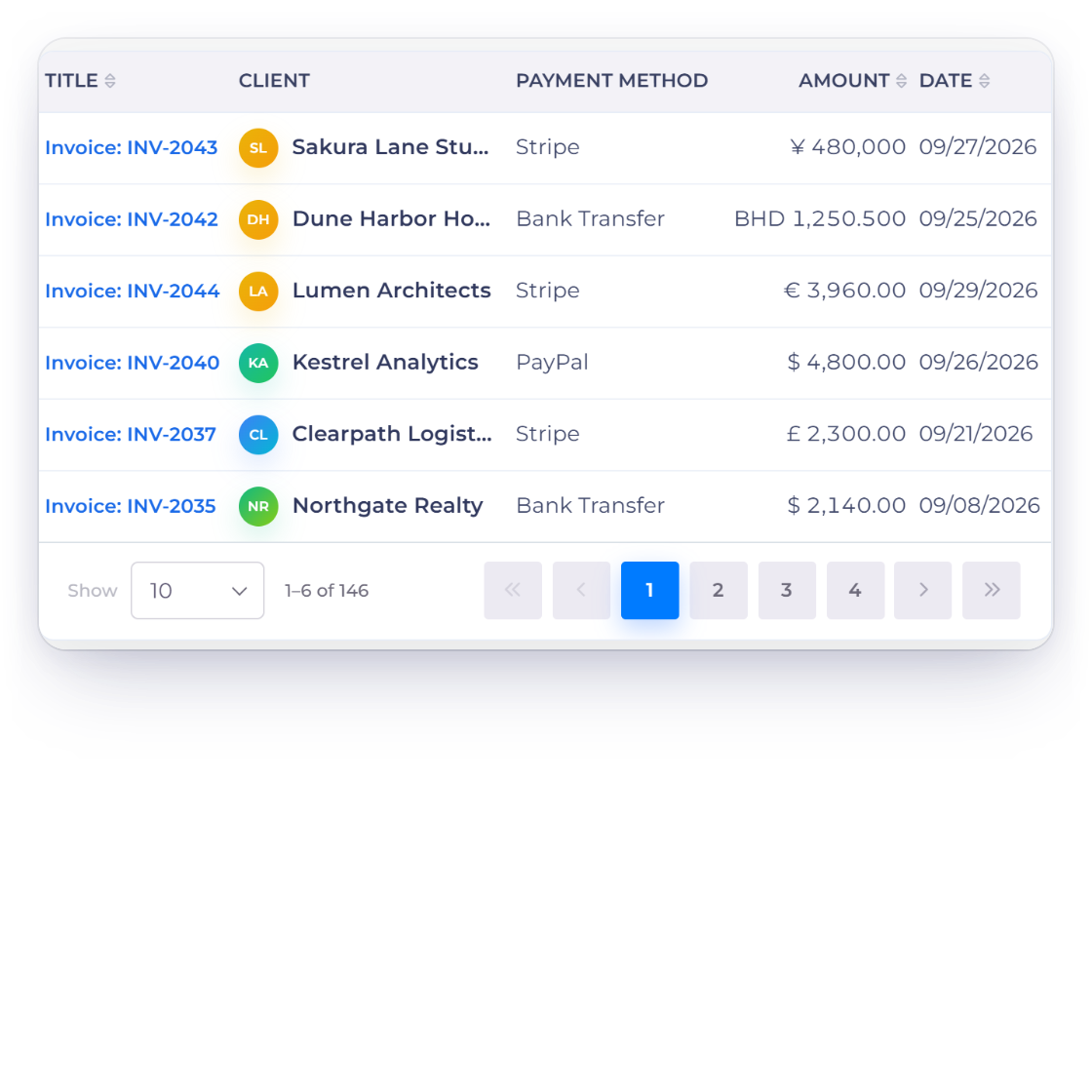
Precision follows ISO 4217 rather than a two-decimal assumption. Sixteen currencies are handled with no decimal places at all, seven with three and two with four. Everything else uses two. A new expense form reads the selected business's currency and sets the amount field's step from it, so a JPY field moves in whole yen and a KWD figure keeps its third decimal.

  • Sixteen currencies with no decimal places
  • Seven with three, two with four
  • The amount field steps at the right unit

Fixing the rate

Frozen at save time

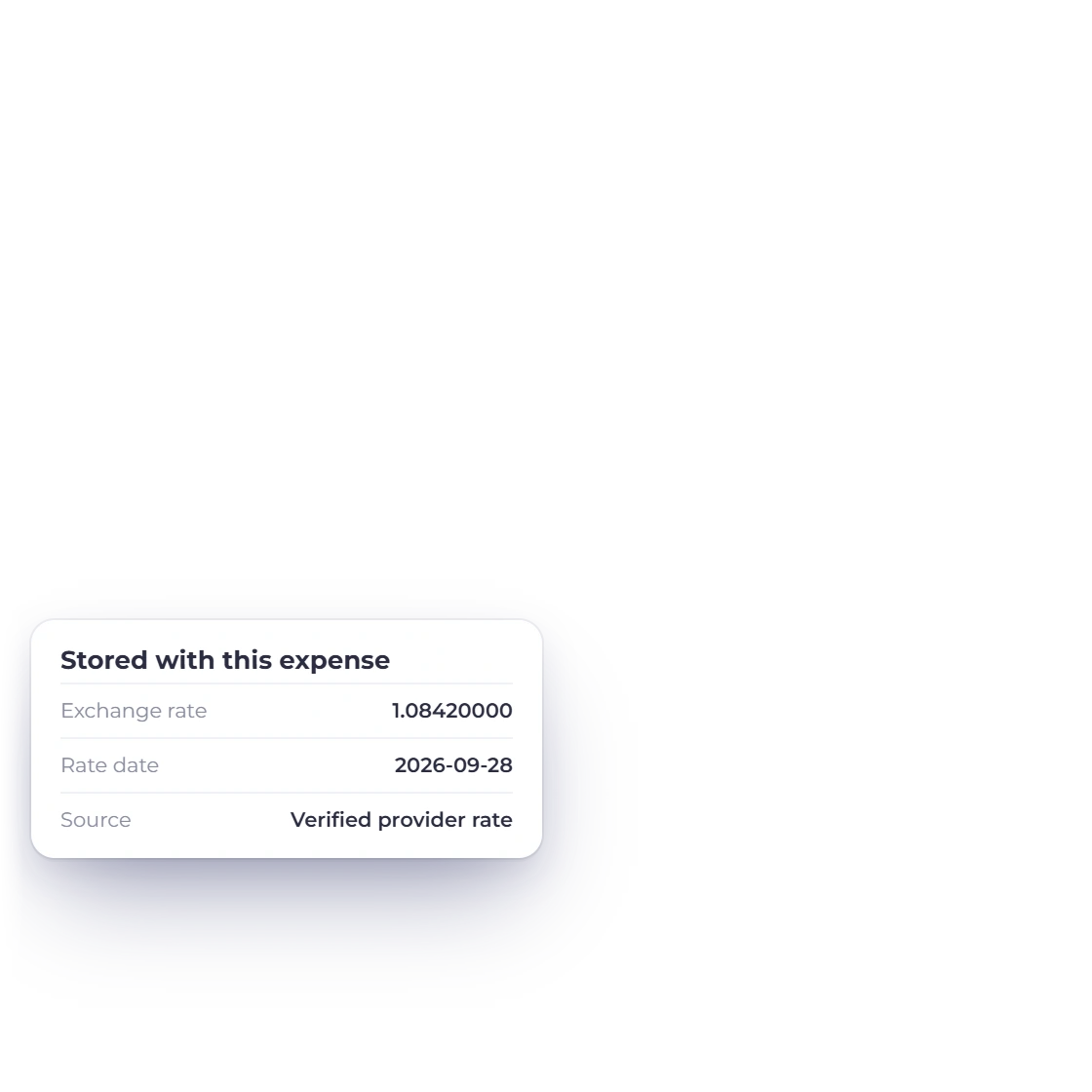
The saved exchange rate on an Invoice Crowd expense alongside the date it is evidence for.

Converted once, then frozen on the record

When the transaction currency differs from the accounting currency, Invoice Crowd converts once, at save time, and stores the result. On an expense or income three facts stay together: the rate, the date that rate is evidence for, and whether it came from the provider or was entered manually. Re-opening the entry does not re-price it, and later market movement does not rewrite it.

  • The saved rate stays with the transaction
  • The rate date and its origin are stored with it
  • Document and ledger entry written together

A backdated entry says which rate it used

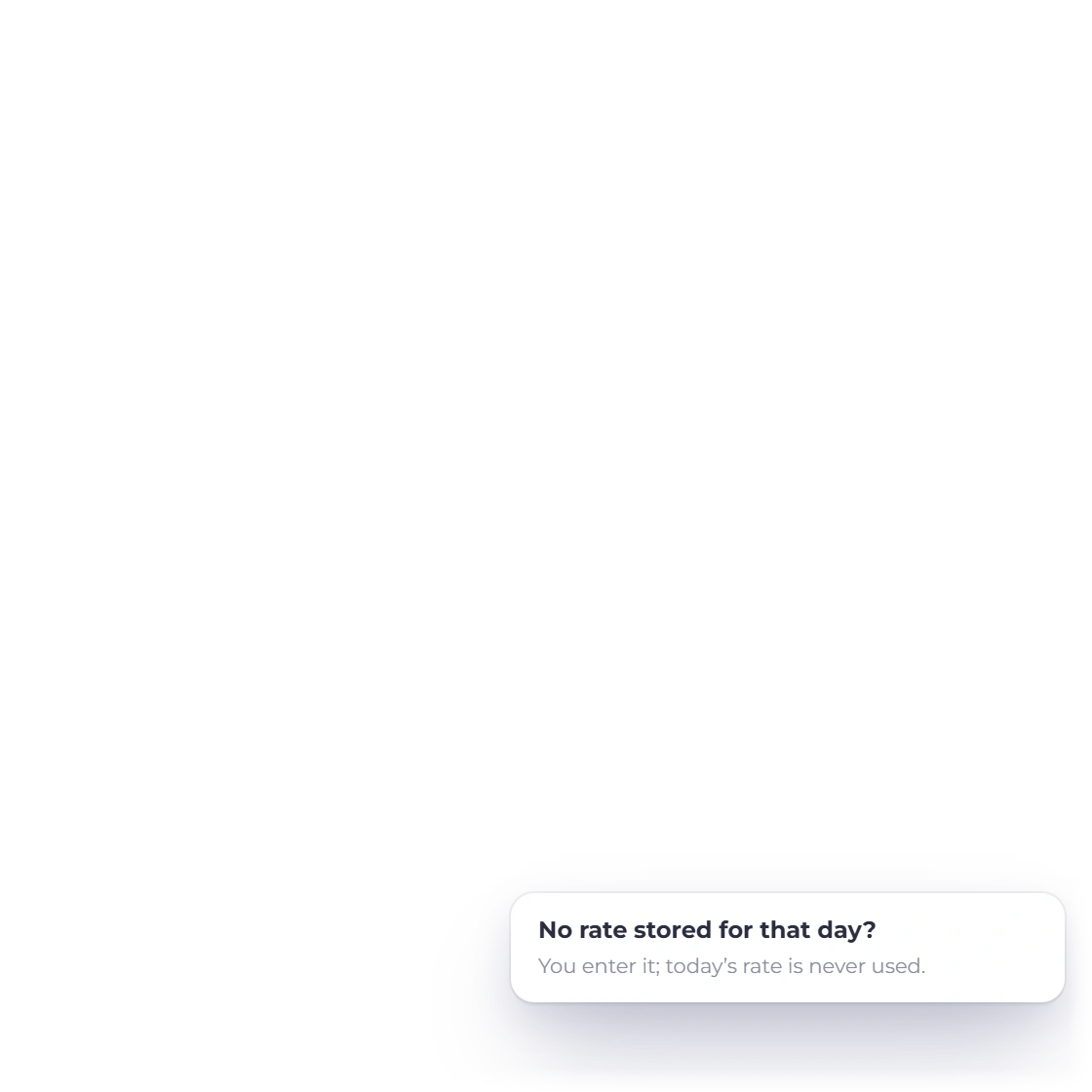
The rate provider serves current rates only, so there is no historical rate to look up for a past date. An expense dated last month is converted at today's verified rate, and a dialog titled Confirm current exchange rate names both dates before saving. Save with current rate records that choice. Review rate puts the cursor in the Exchange Rate field so you can type your own.

  • Save with current rate, or Review rate
  • Transaction date and rate date stay separate
  • Rates cached per pair per day

Reading the books

One currency, no restatement

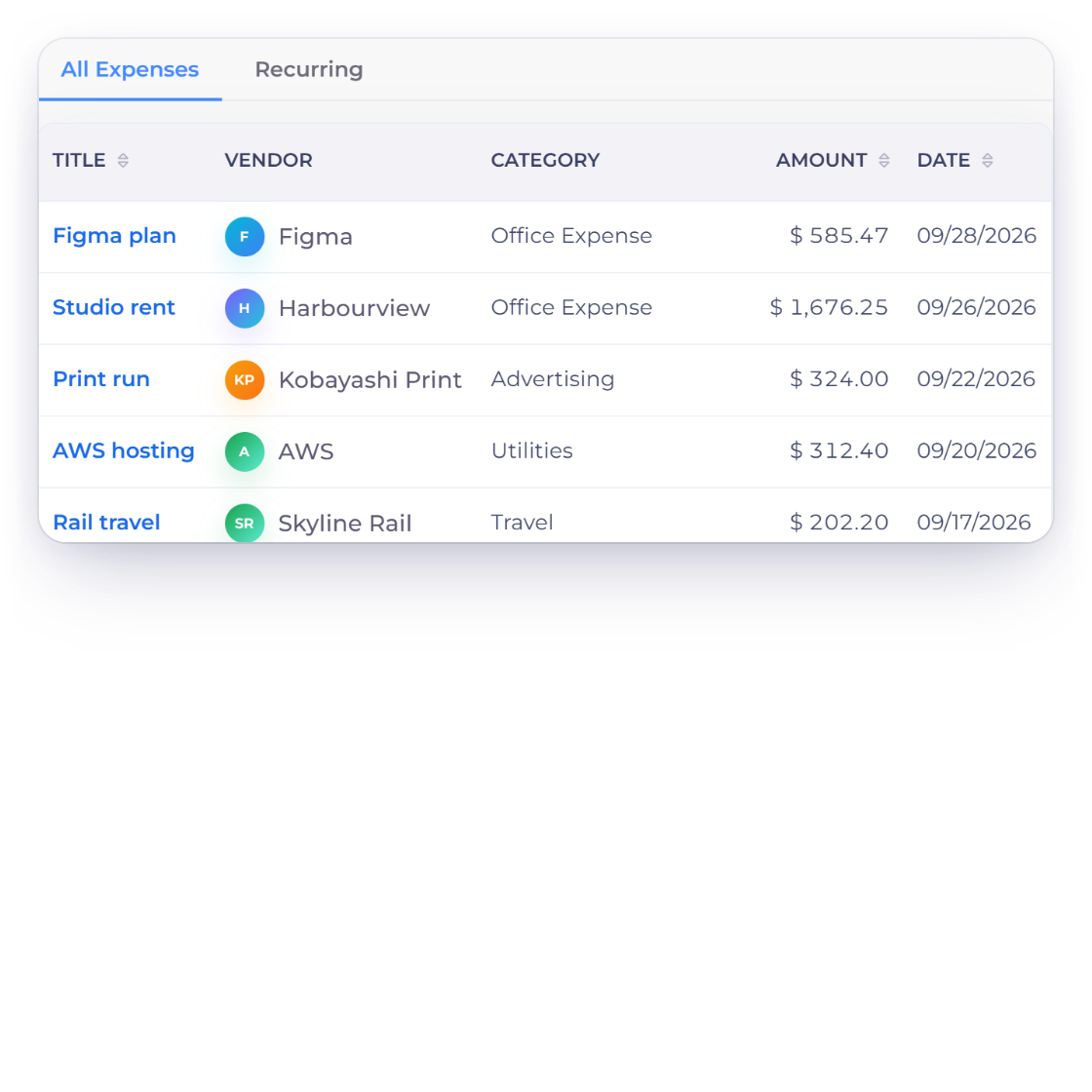
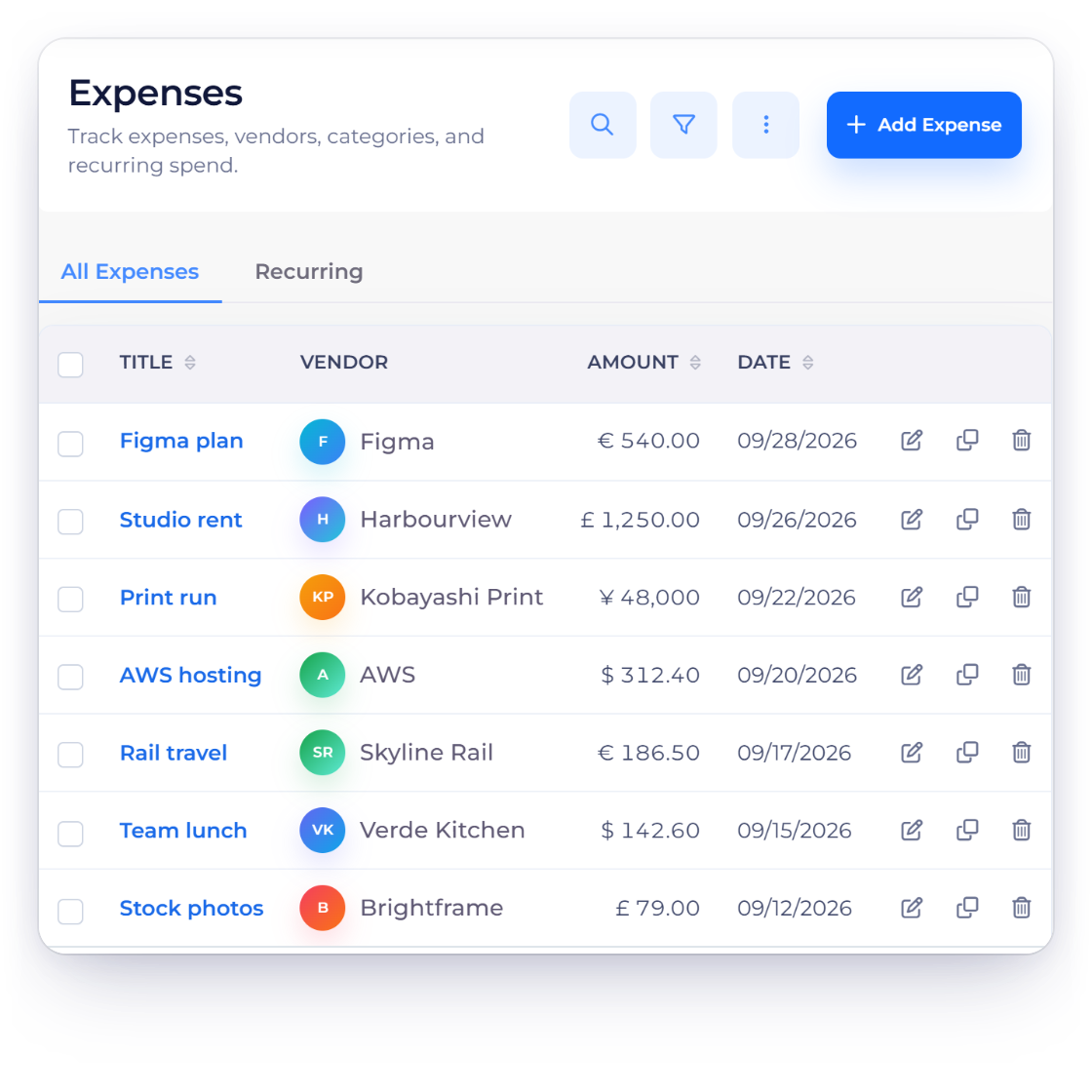
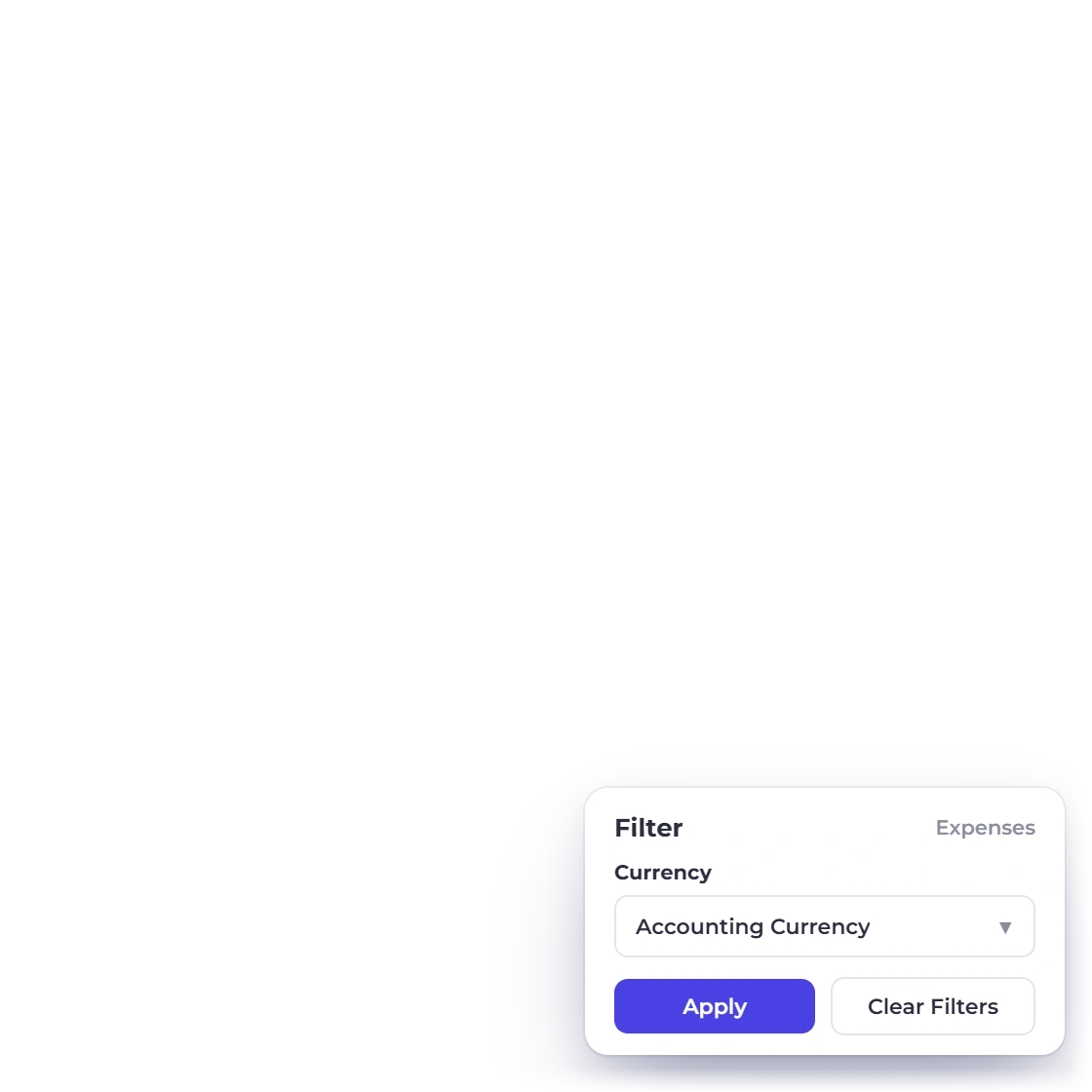
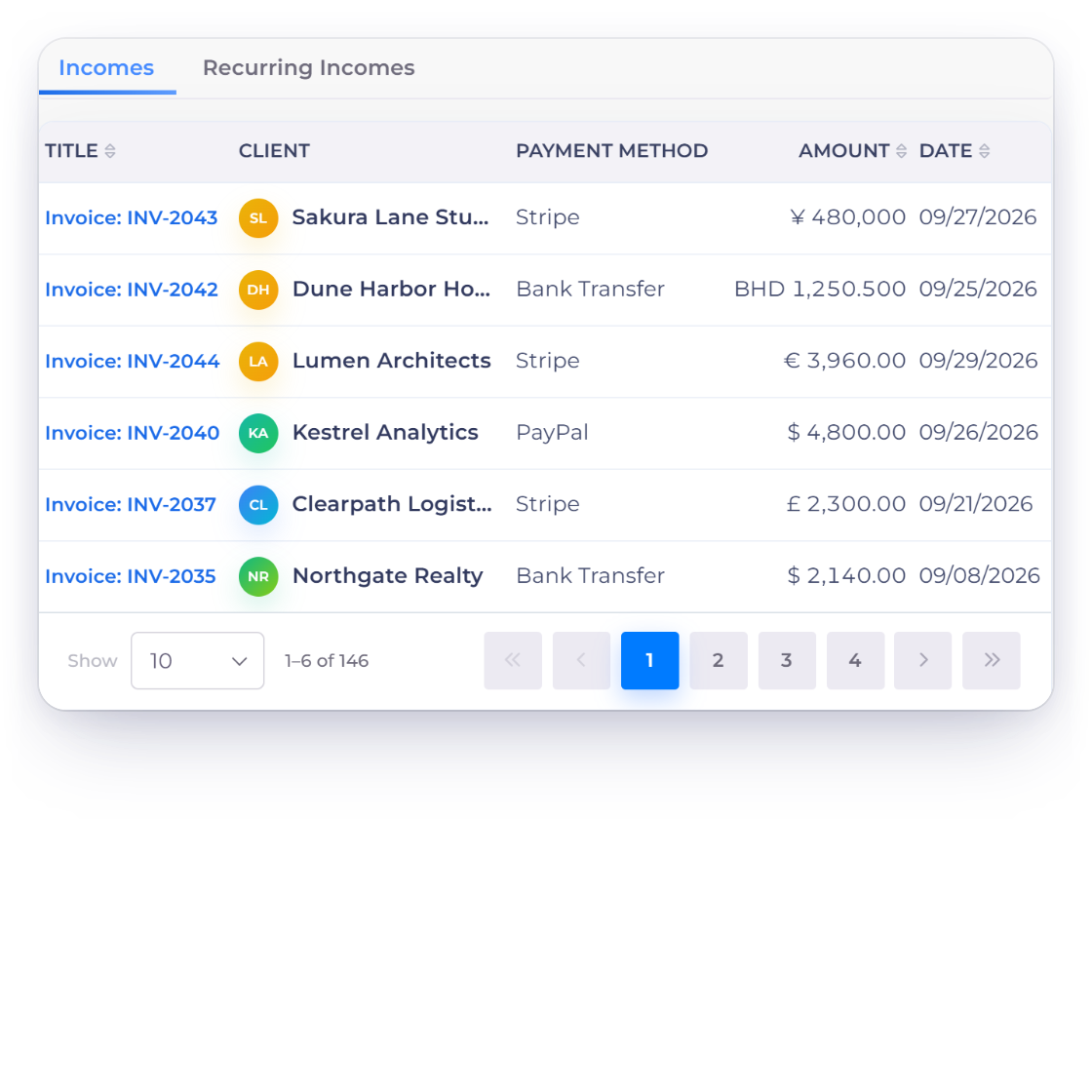
Switching the Invoice Crowd expenses list between each row's own currency and the business's accounting currency.

The ledger and the reports read one currency

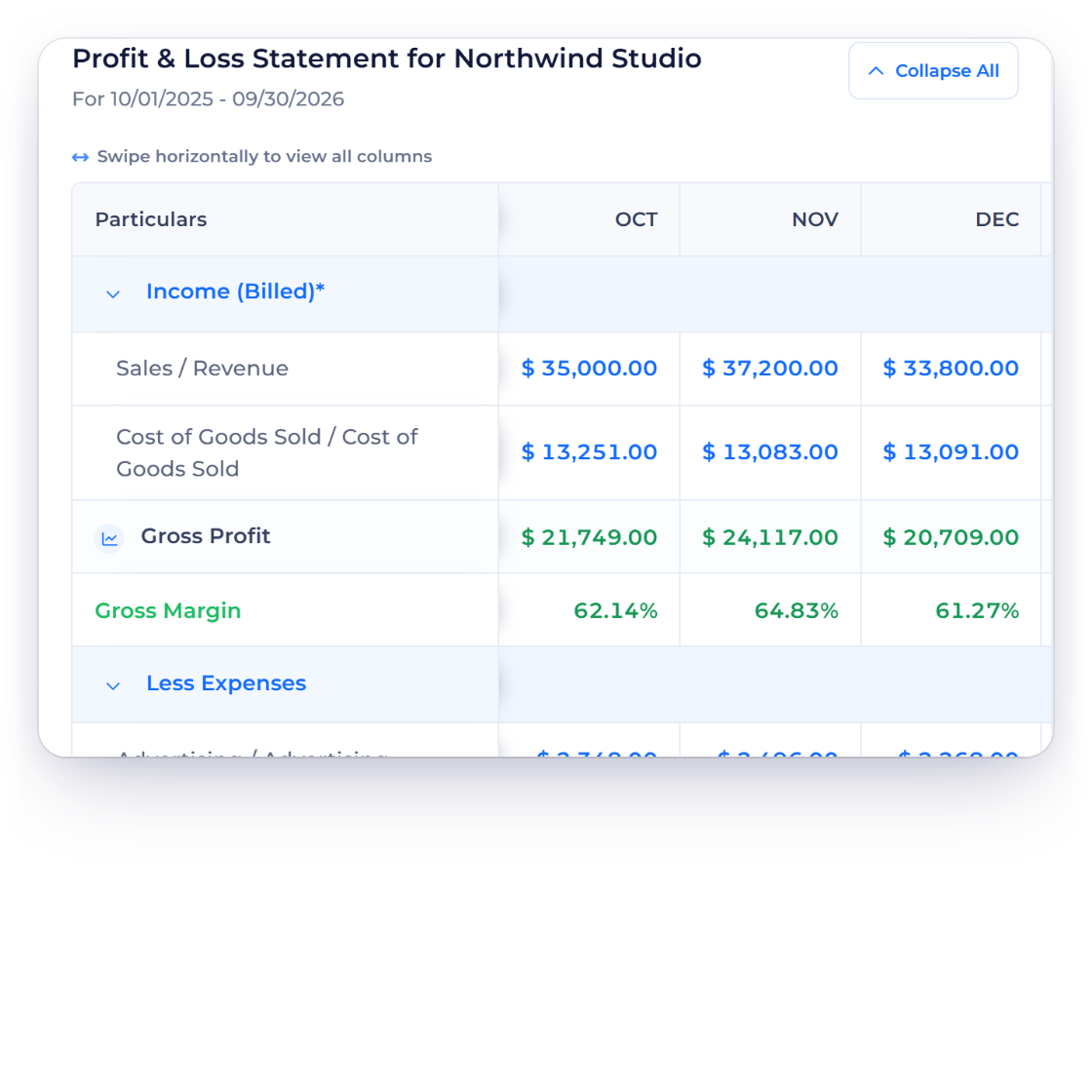
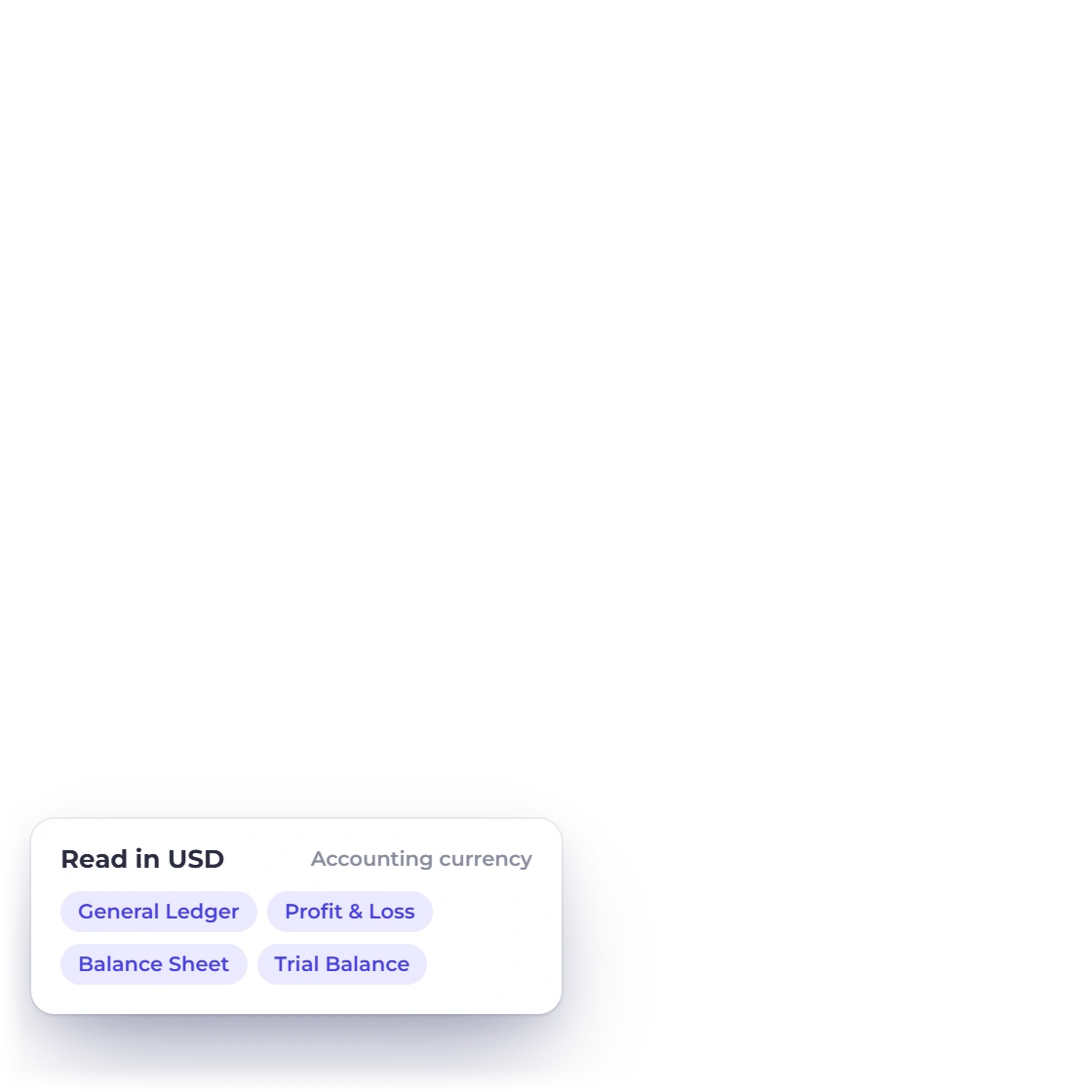
Converted amounts reach the ledger in your accounting currency, and the general ledger, profit and loss statement, balance sheet and trial balance are all read in it. The transaction currency stays on the record, so you never lose sight of what was actually billed or paid. The Expenses and Incomes lists add a currency-view filter that switches the Amount column between the two.

  • General ledger, profit and loss, balance sheet, trial balance
  • The Amount column uses each row's frozen rate
  • A row with no stored rate reads N/A

What it will not guess at

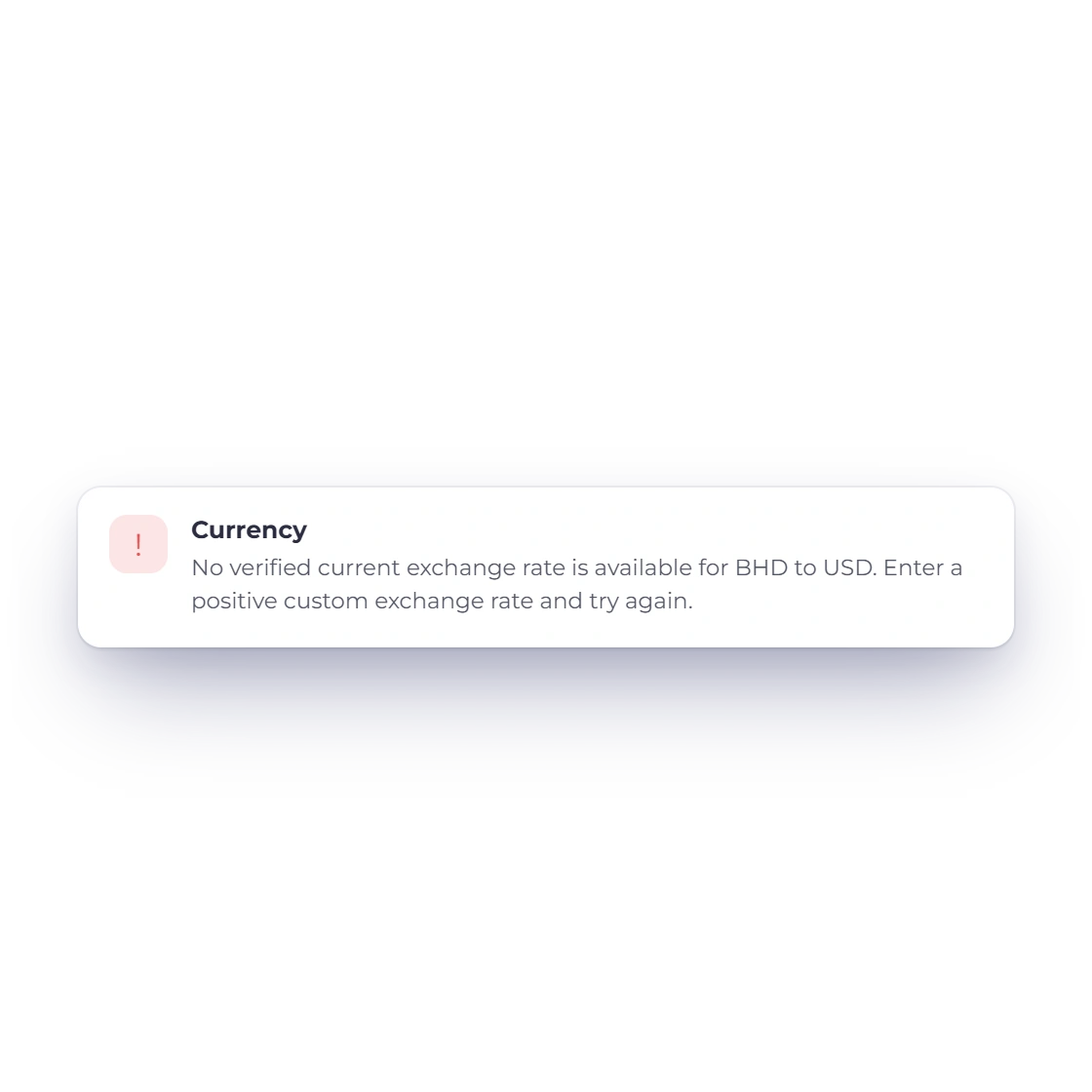
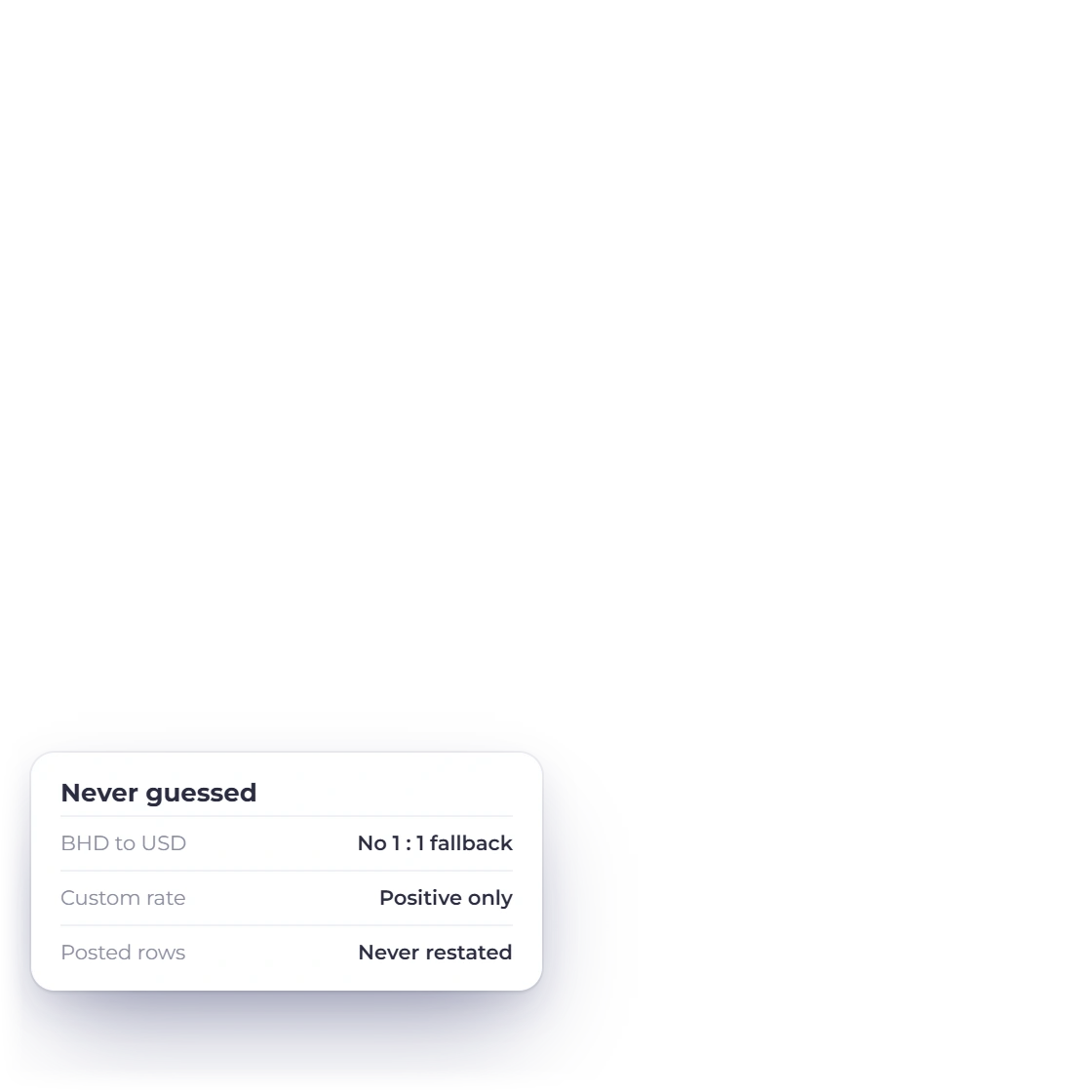
Multi-currency here is a bookkeeping mechanism, not a treasury system. It converts, records and shows which rate it used. With no verified rate available for a pair, the save is refused and names both currencies, rather than posting 1 to 1 between two different currencies on a guess. Changing your accounting currency governs what is recorded from that point on, not what is already posted.

  • No verified rate means the save is refused
  • Two base currencies means two business profiles
  • Posted rows are never restated

Built in

The rest of the currency handling

The smaller decisions that settle whether a converted figure can still be trusted a year later: which rate was used, how it was checked before it was written, and where the boundaries sit.

  • Same currency, no lookup

    When the record's currency already matches your accounting currency, the rate is 1 and no provider call is made at all.

  • Today's verified rate

    An entry dated today takes the provider's current verified rate, and that figure is the one frozen onto the record.

  • Backdated and future-dated

    Both record today's rate as a fallback, flagged as such, because it is neither the rate that applied on the day nor a forecast.

  • A rate you type

    Enter your own figure and it is used exactly as entered, provided it is positive, and recorded as a custom rate.

  • Stored evidence kept

    A typed rate that matches one already stored for that date keeps the original evidence. Older records carry the rate they were saved with.

  • Checked before it saves

    The server re-checks both currency codes, the transaction date, that the rate is positive and that its origin is one it recognises.

  • ISO codes, not symbols

    The conversion panel names your accounting currency by its ISO code rather than a symbol several currencies share. Older two-letter entries read as ISO.

  • Correct minor units

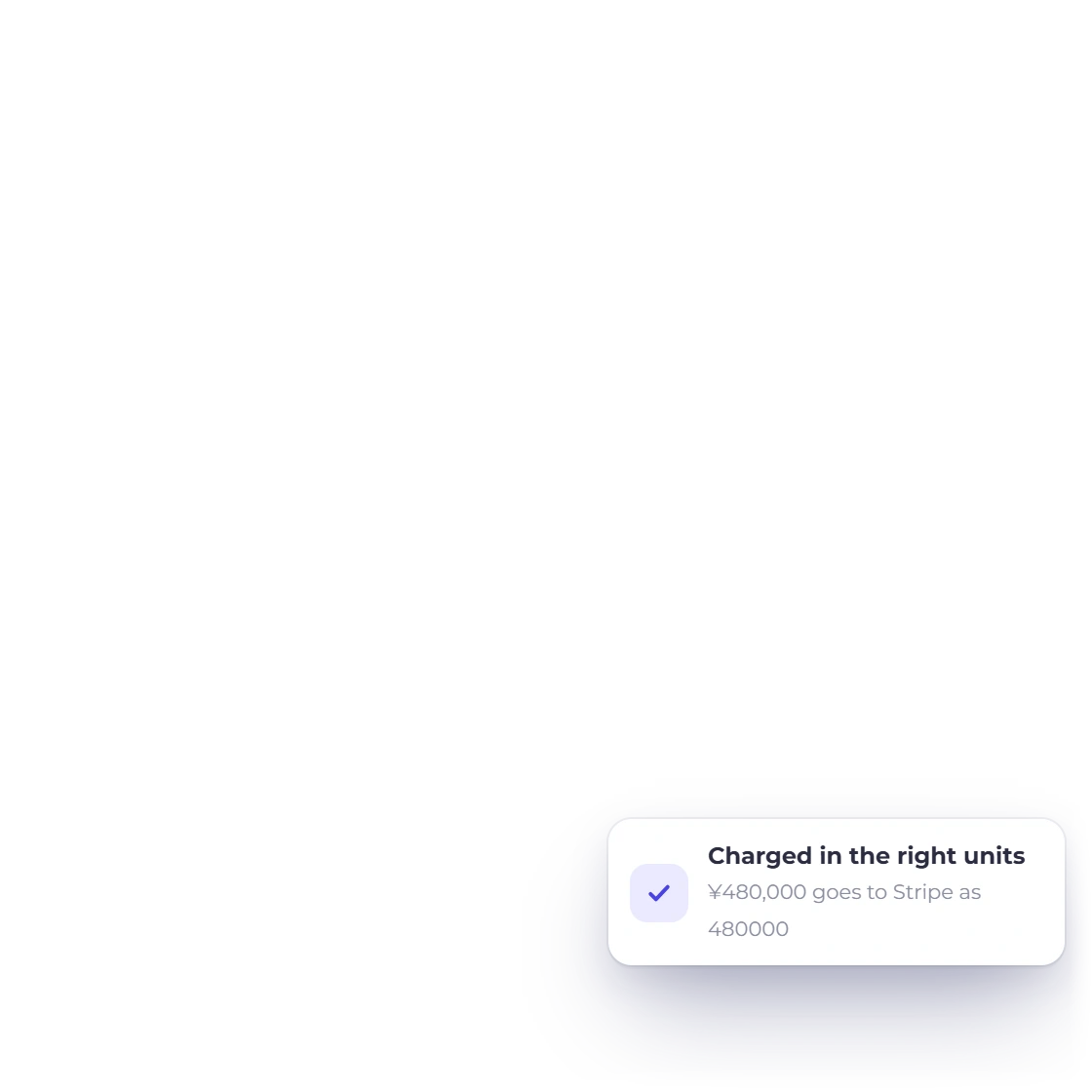
    A JPY charge goes to the payment provider in whole yen and a KWD charge in thousandths, not everything multiplied by a hundred.

  • Invoice editor arithmetic

    Line, tax and total arithmetic runs in the browser at two decimals. Validation, rounding and charging follow ISO precision.

  • Report roll-ups

    Each posted row and the Amount column use that row's own stored rate. Grouped report roll-ups are not recomputed row by row.

  • Bank statement matching

    Reconciliation compares exact amounts, so a converted line stays in the Uncategorized Transactions tab rather than matching an imported statement line.

  • Lifetime Free boundary

    The Expenses and Incomes screens send Lifetime Free accounts to billing. See plans and pricing for what each plan covers.

Questions

Multi-Currency, answered

Does Invoice Crowd do multi-currency invoicing?

Yes. An invoice can be billed in the customer's currency while the business's books stay in a single accounting currency, set once per business profile. Expenses and incomes work the same way: you record what you actually paid, and the converted amount is what reaches the ledger. Both currencies stay on the record, so the original figure is never lost.

What exchange rate does Invoice Crowd use?

Invoice Crowd converts at save time using the current rate returned by its configured provider, then stores that rate on the record. On expenses and incomes it also stores the rate date and whether the figure came from the provider or was entered manually. The first lookup for a currency pair on a given day can be reused for later entries made on that date.

Can I enter my own exchange rate in Invoice Crowd?

Yes. The Exchange Rate field on an expense or income is read-only until you click Edit Exchange Rate, and a positive rate you type is used as entered. It is recorded as a custom rate, so anyone reading the entry later can see that the figure did not come from the provider.

What rate is used for an expense dated last month?

Today's verified rate, and Invoice Crowd says so before saving. Its rate provider serves current rates only, so there is no historical rate to look up for a past date. A backdated entry raises a dialog titled Confirm current exchange rate that names both the rate's date and the transaction's date, then offers two buttons: Save with current rate, or Review rate to type your own. The entry records which one you chose.

Does Invoice Crowd re-convert old entries when the exchange rate changes?

No. Each expense, income and invoice keeps the accounting currency code, the exchange rate and the converted amount that were frozen on it at save time. Later market movement does not rewrite them, and neither does changing your accounting currency, which governs what is recorded from that point on. Re-opening an entry shows the recorded rate unchanged until you deliberately replace it.

How does Invoice Crowd handle currencies with no decimal places, like JPY?

Precision follows ISO 4217 rather than a fixed two decimals. Sixteen currencies including JPY, KRW, VND, ISK and CLP are handled with no decimal places, seven including KWD, BHD and OMR with three, and CLF and UYW with four. Amount fields step at the right unit, converted figures are formatted at the target currency's precision, and payment providers are charged in the correct minor units.

Can I change my accounting currency later in Invoice Crowd?

Yes. The accounting currency is set at Business Profile > Currency > Accounting Currency and can be changed there. Changing it governs what is recorded from that point on. It does not restate entries already posted, which keep their accounting currency code, rate and converted amount frozen on them. Running genuinely separate books in a second base currency is done with a second business profile.

Bill in their currency, keep the books in yours

Set your accounting currency once, record what you actually paid, and let Invoice Crowd freeze the rate it used so the entry still explains itself a year from now.

  • No card required to start
  • Your data stays yours
  • Cancel anytime