Separate operating, investing and financing activity
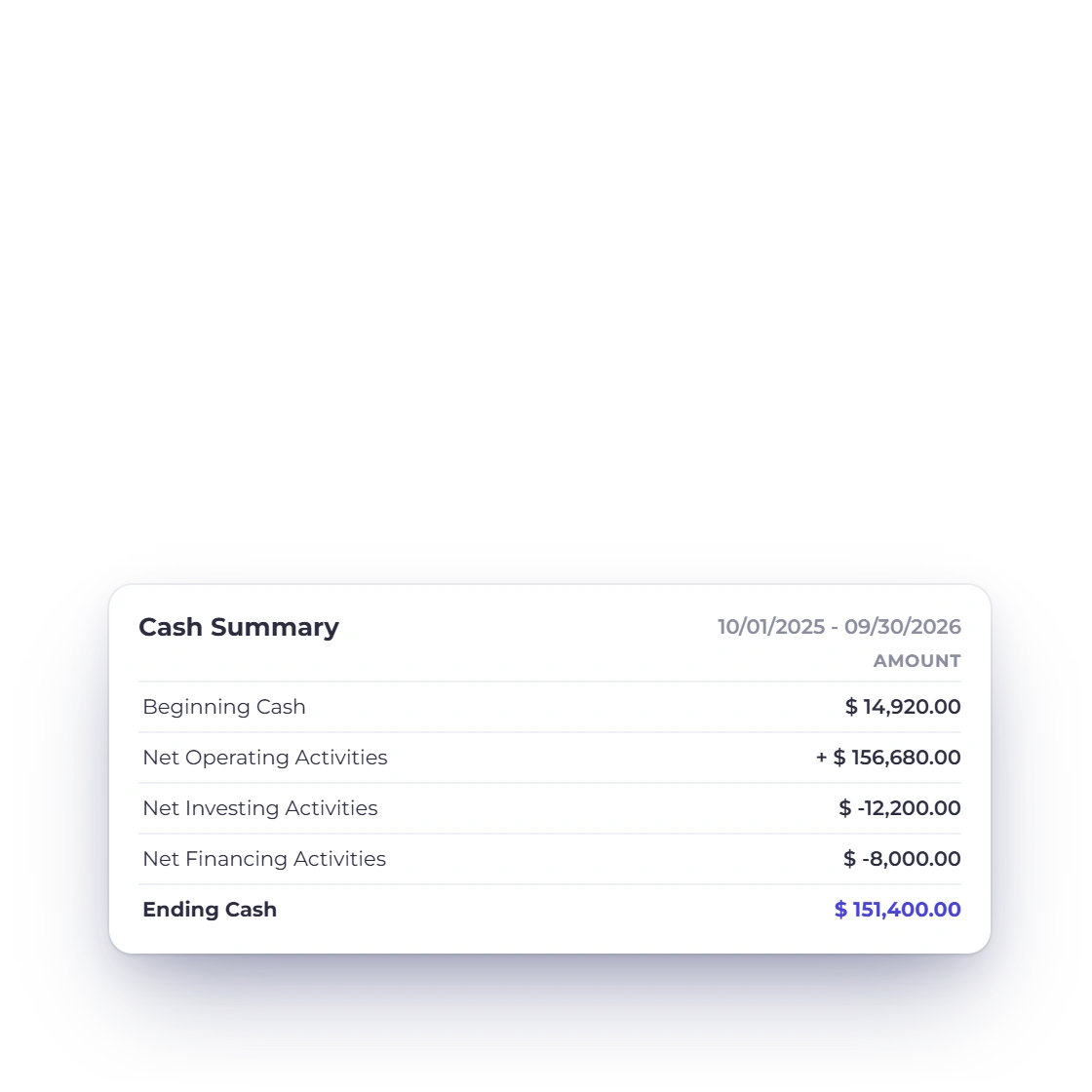
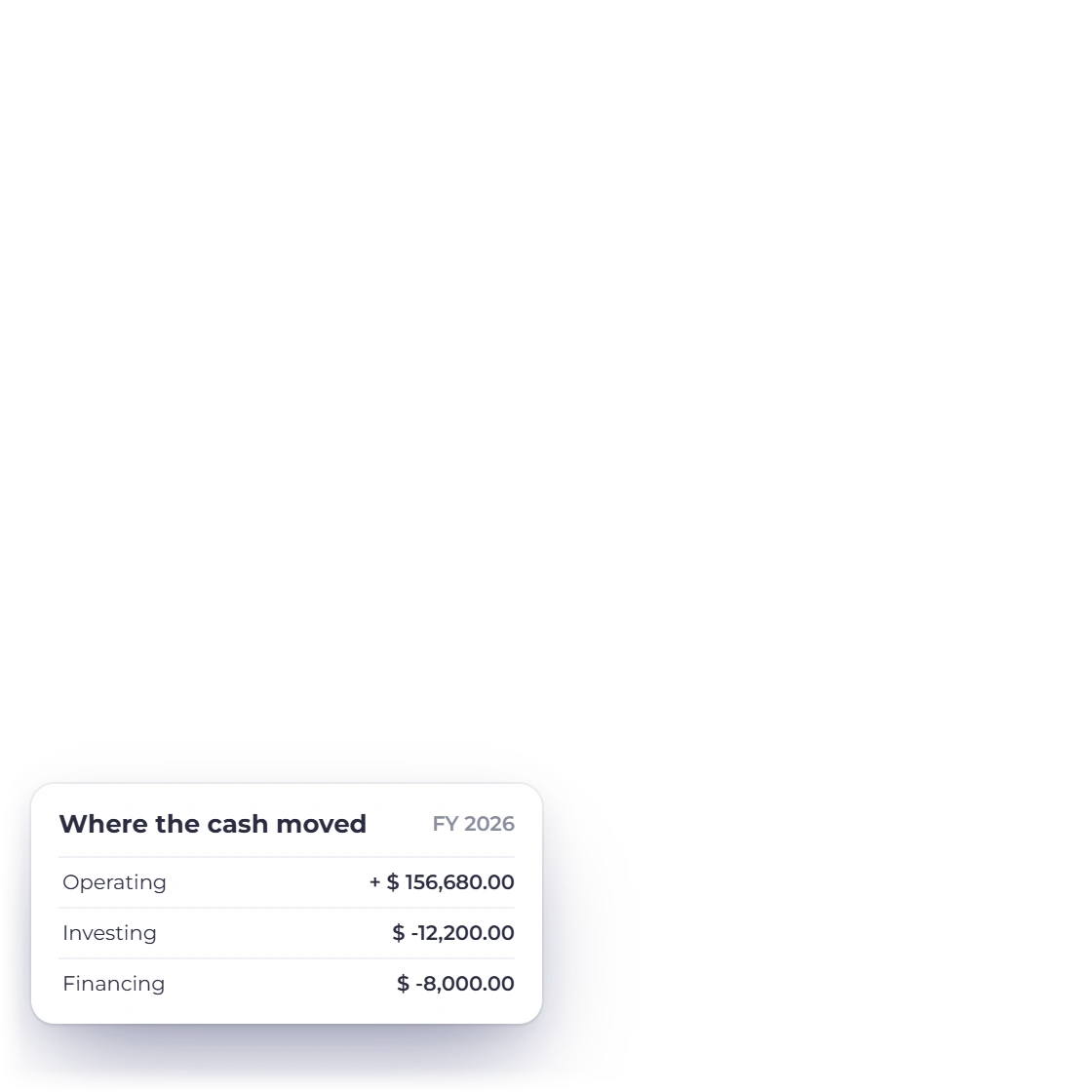
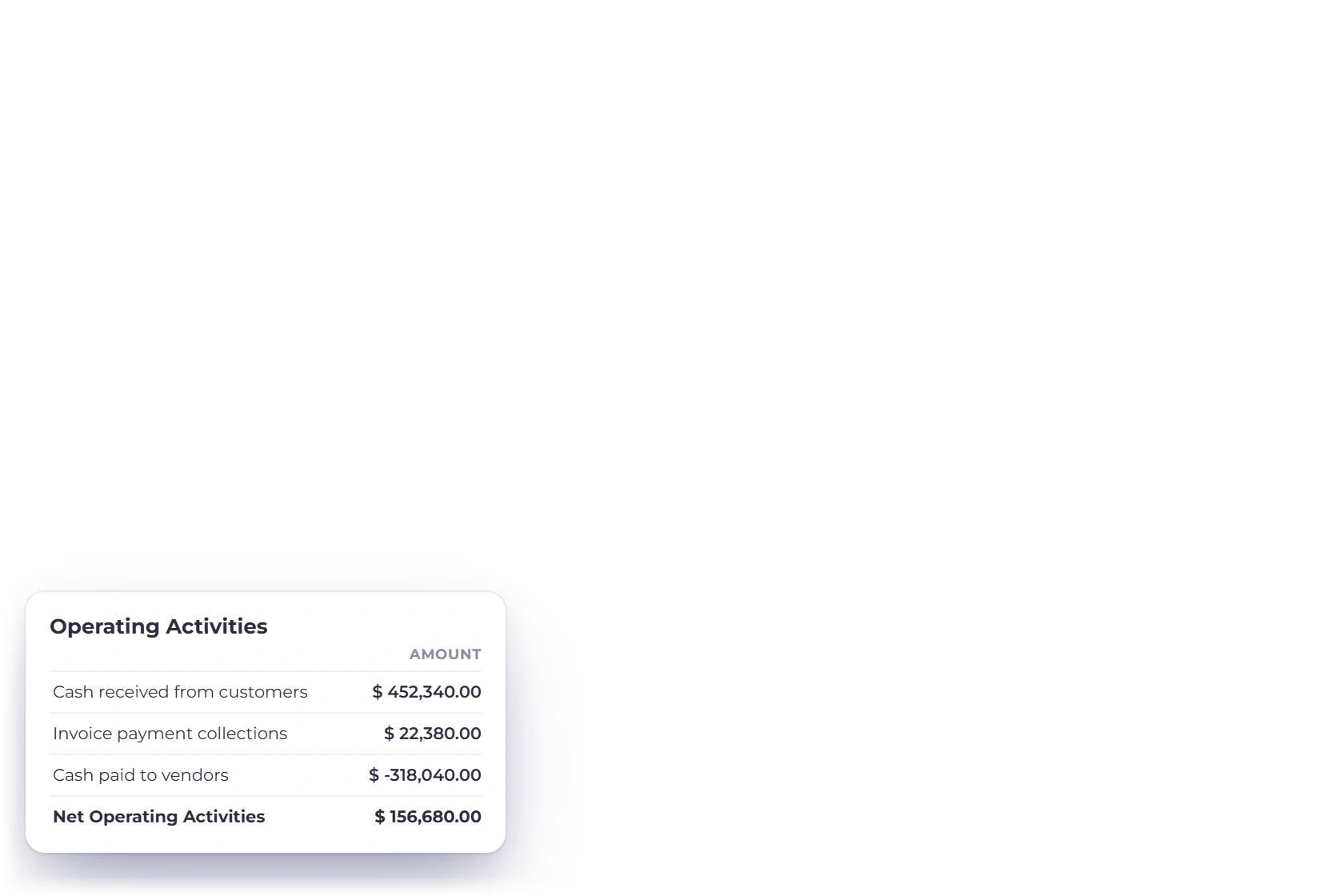
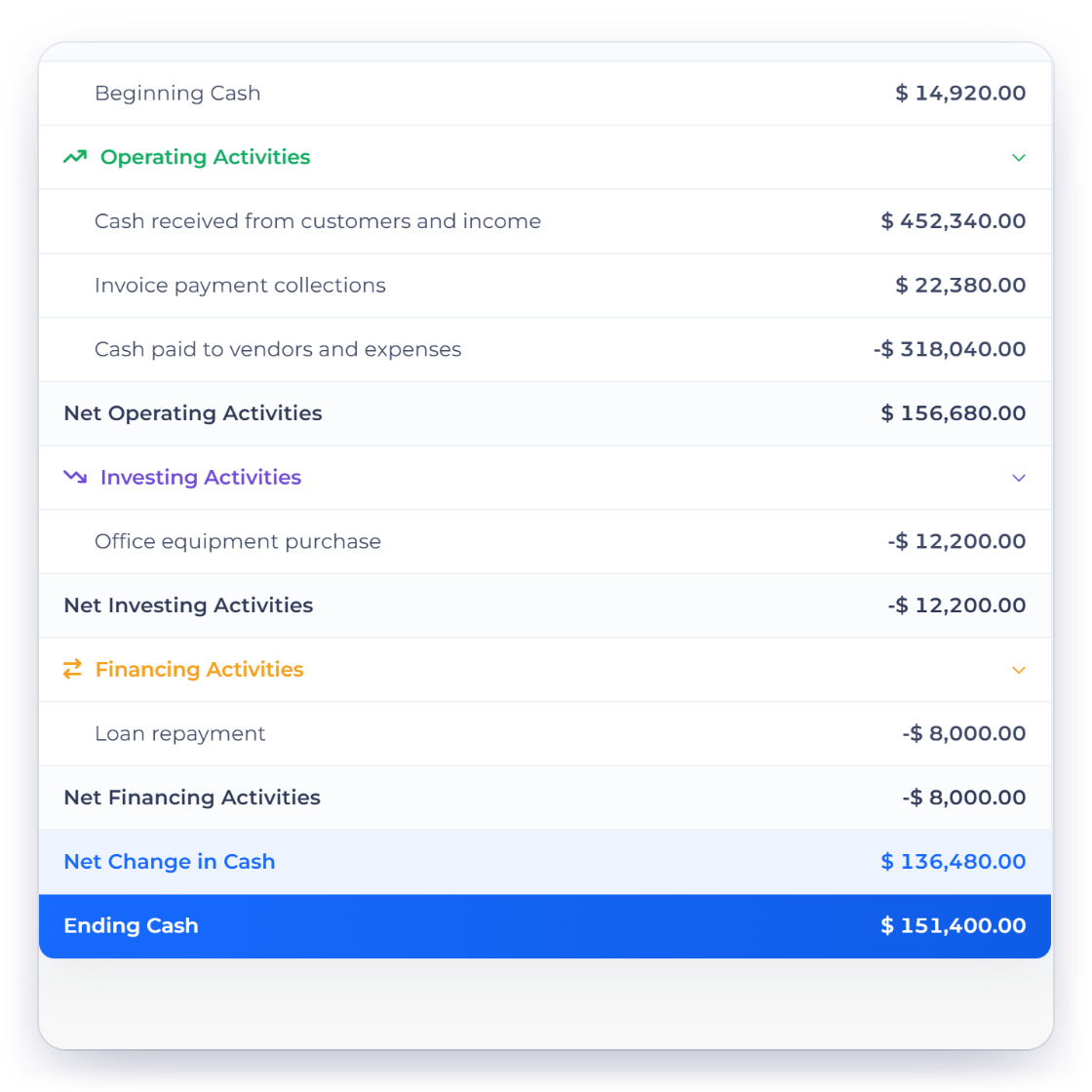
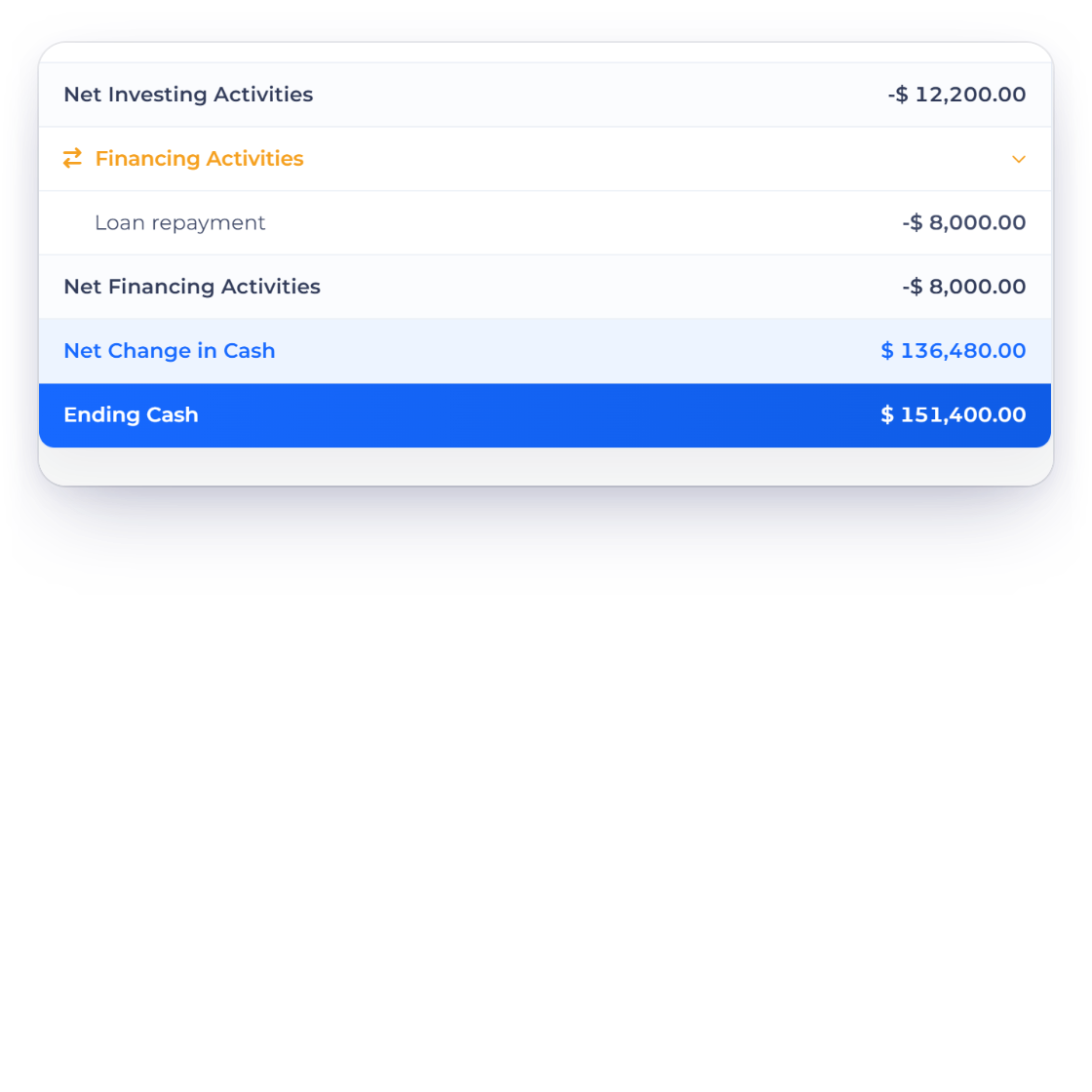
Cash movement is grouped into the three familiar activity sections, so you can see exactly what changed your cash position in the period.
Accounting
Follow cash through operating, investing and financing activities, from beginning to ending cash, for any period you choose.
How it works
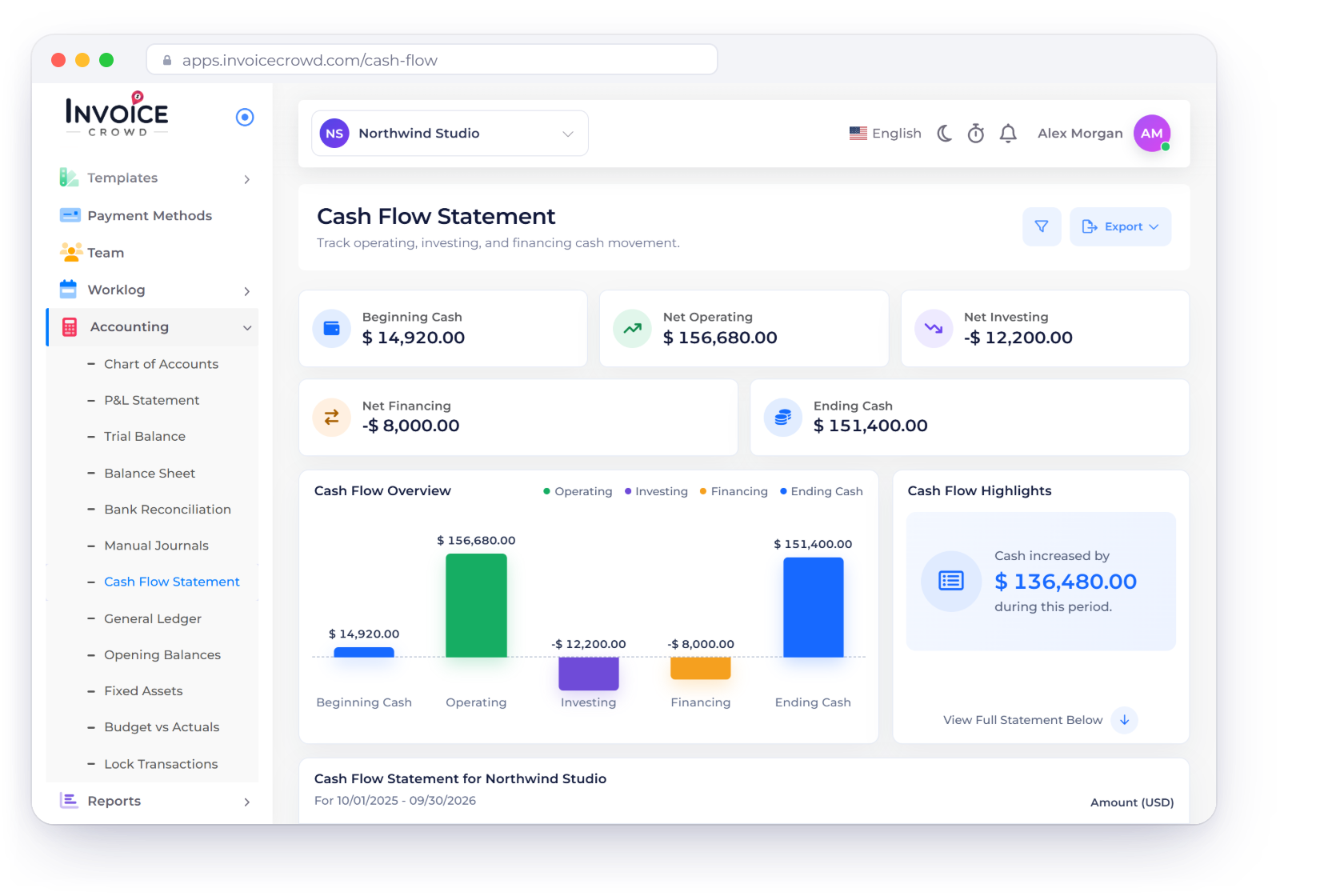
KPI cards, an overview chart and a detailed statement show at a glance what changed your cash position, built from the accounts and entries you've recorded.
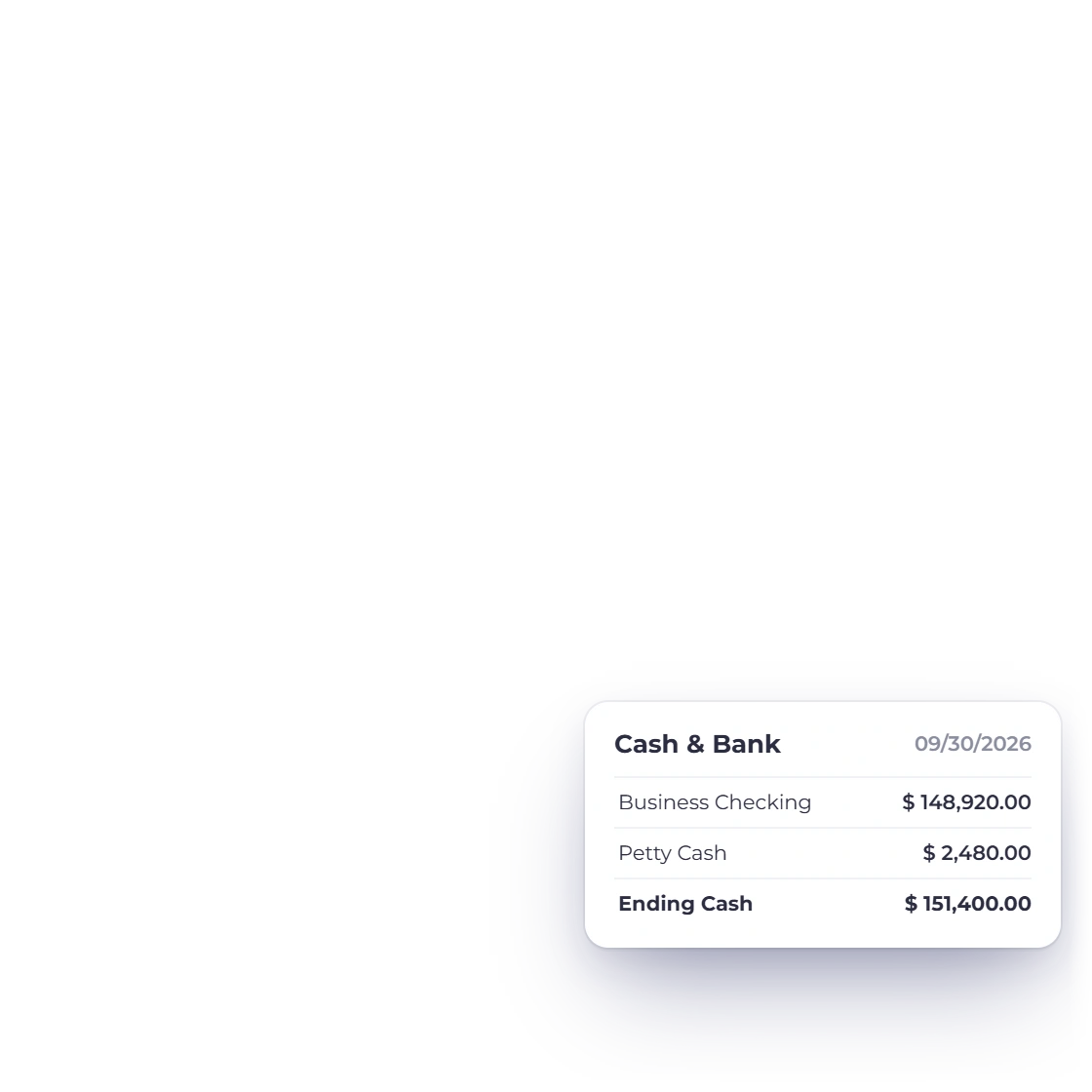
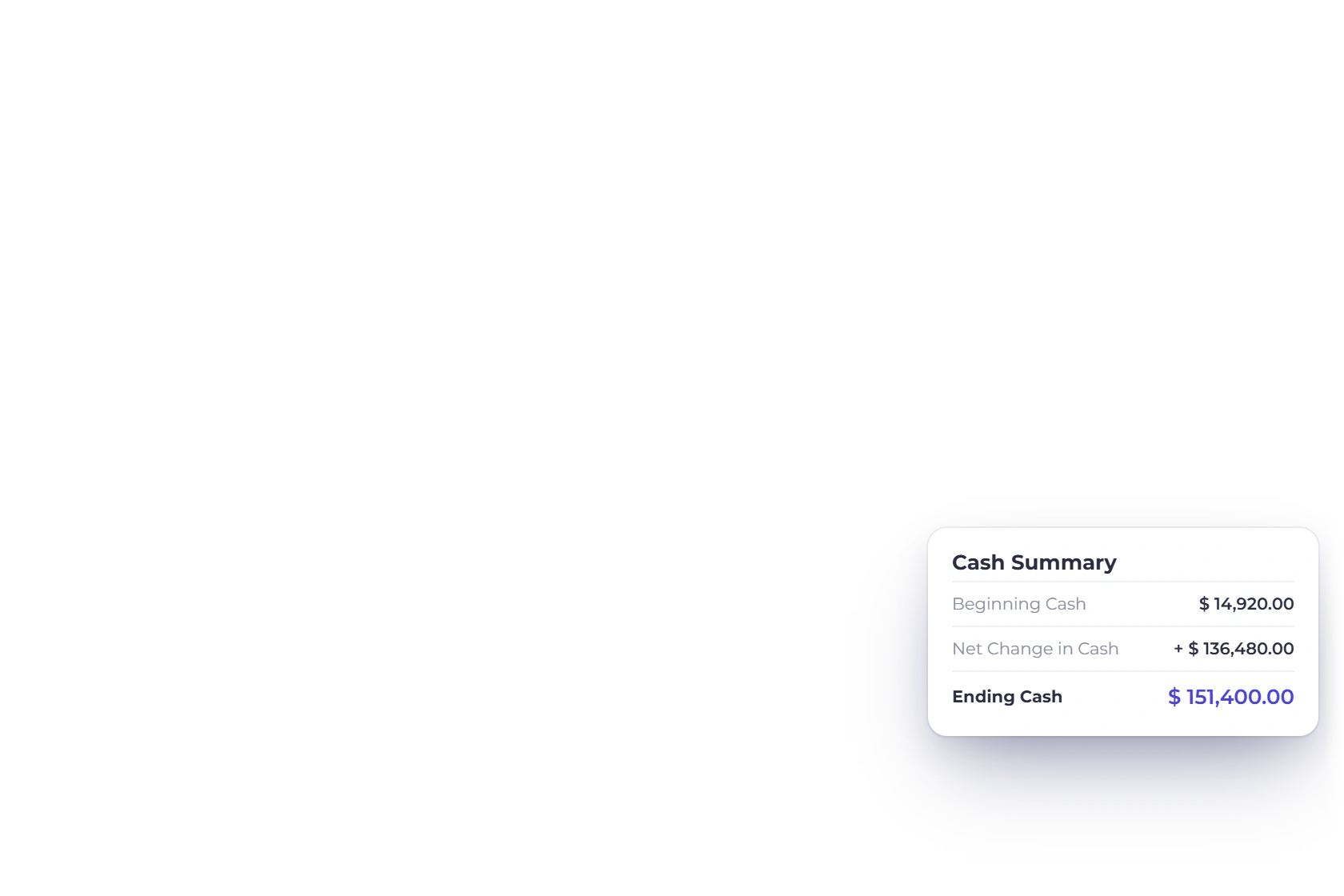
Opening cash, activity and the resulting ending cash.
Cash movement is grouped into the three familiar activity sections, so you can see exactly what changed your cash position in the period.
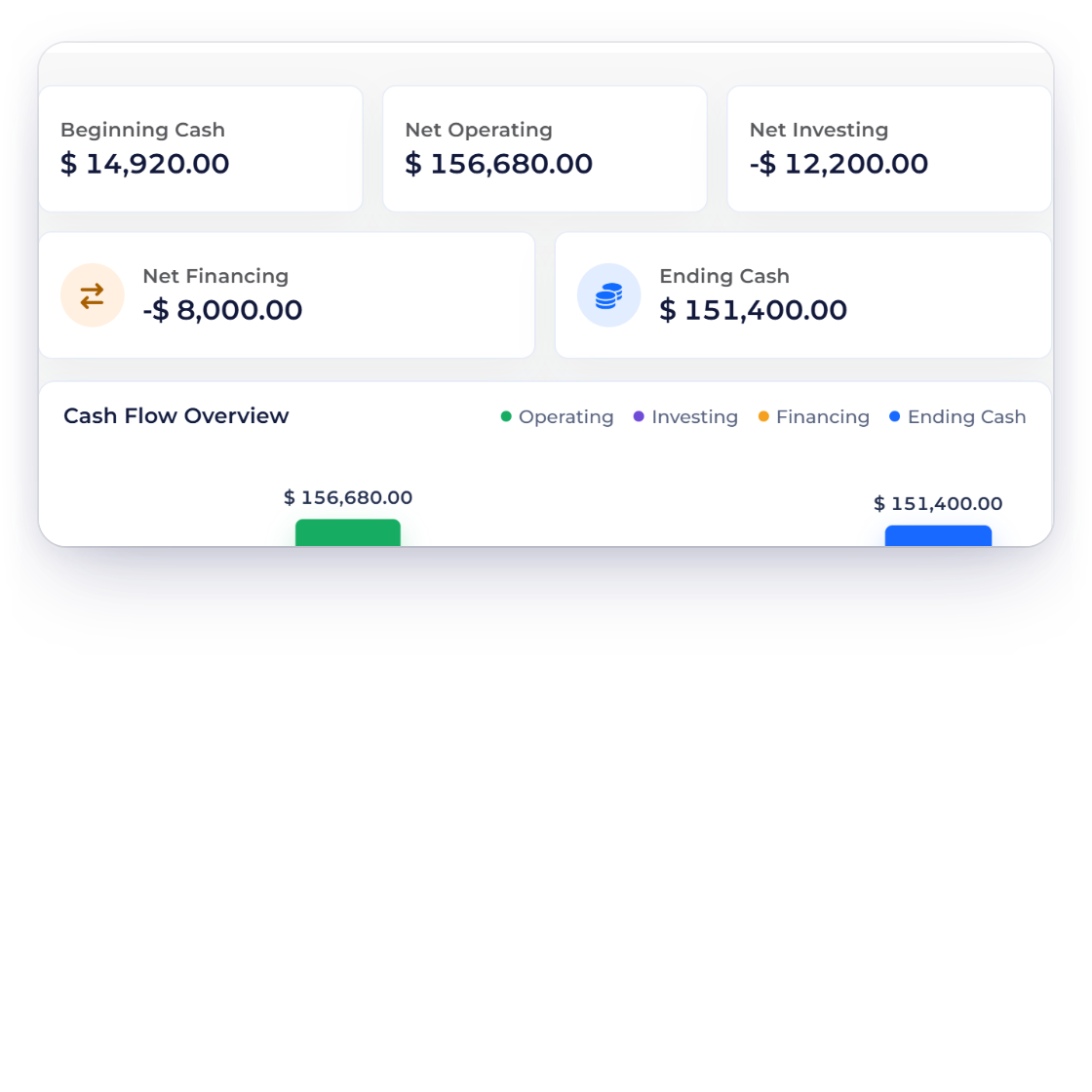
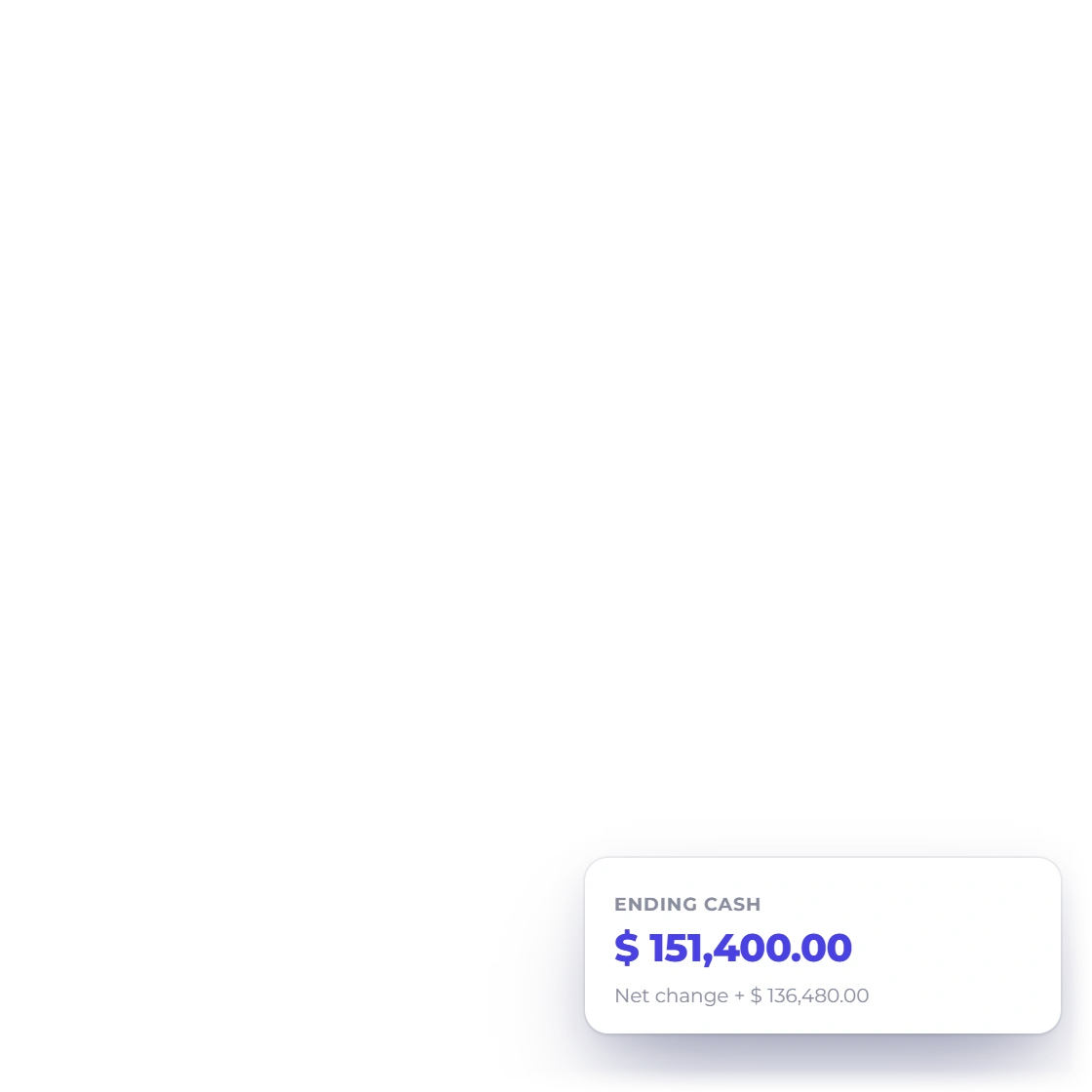
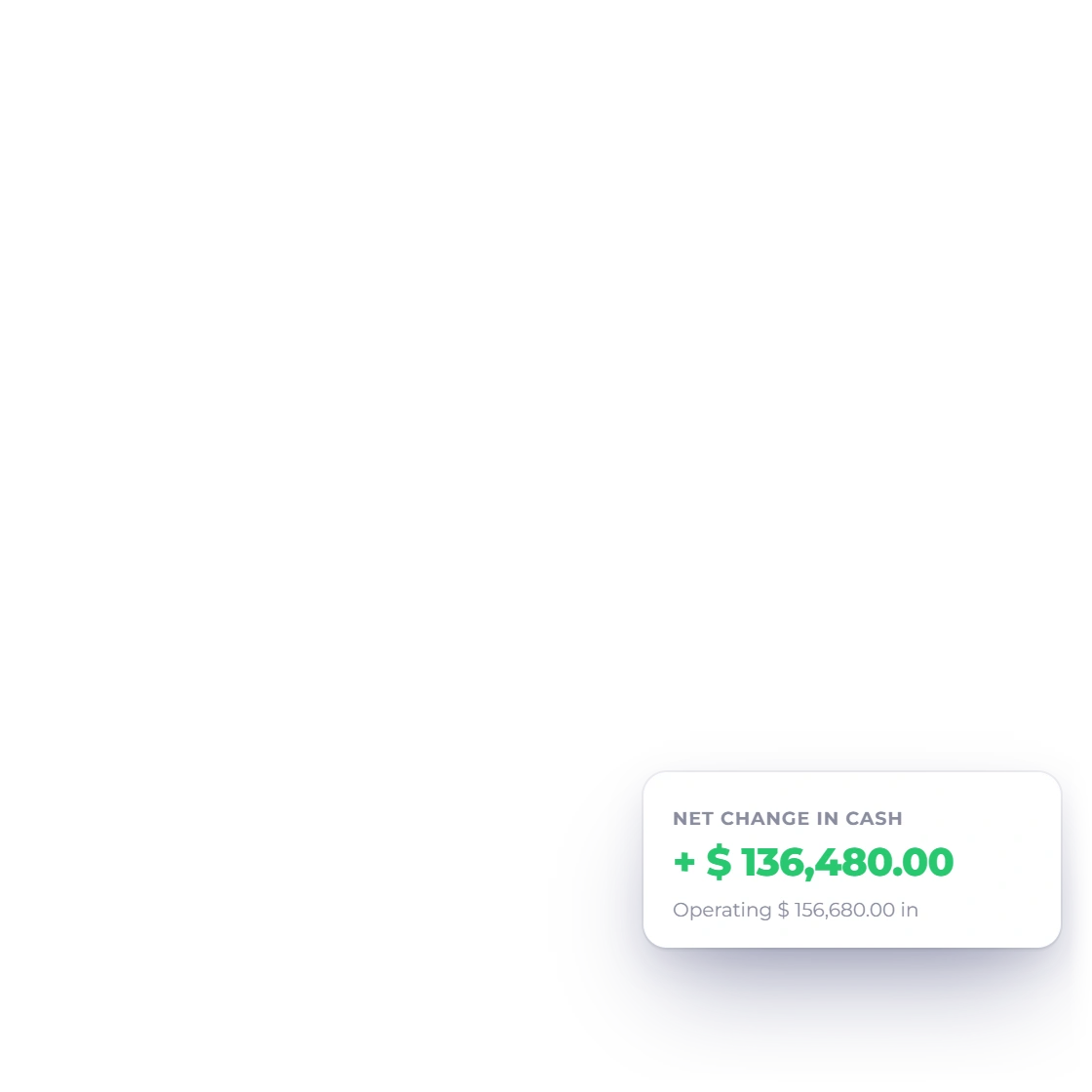
Summary cards and the statement total make the bridge from opening cash through net movement to ending cash easy to follow.
Filter freely; your books stay untouched.
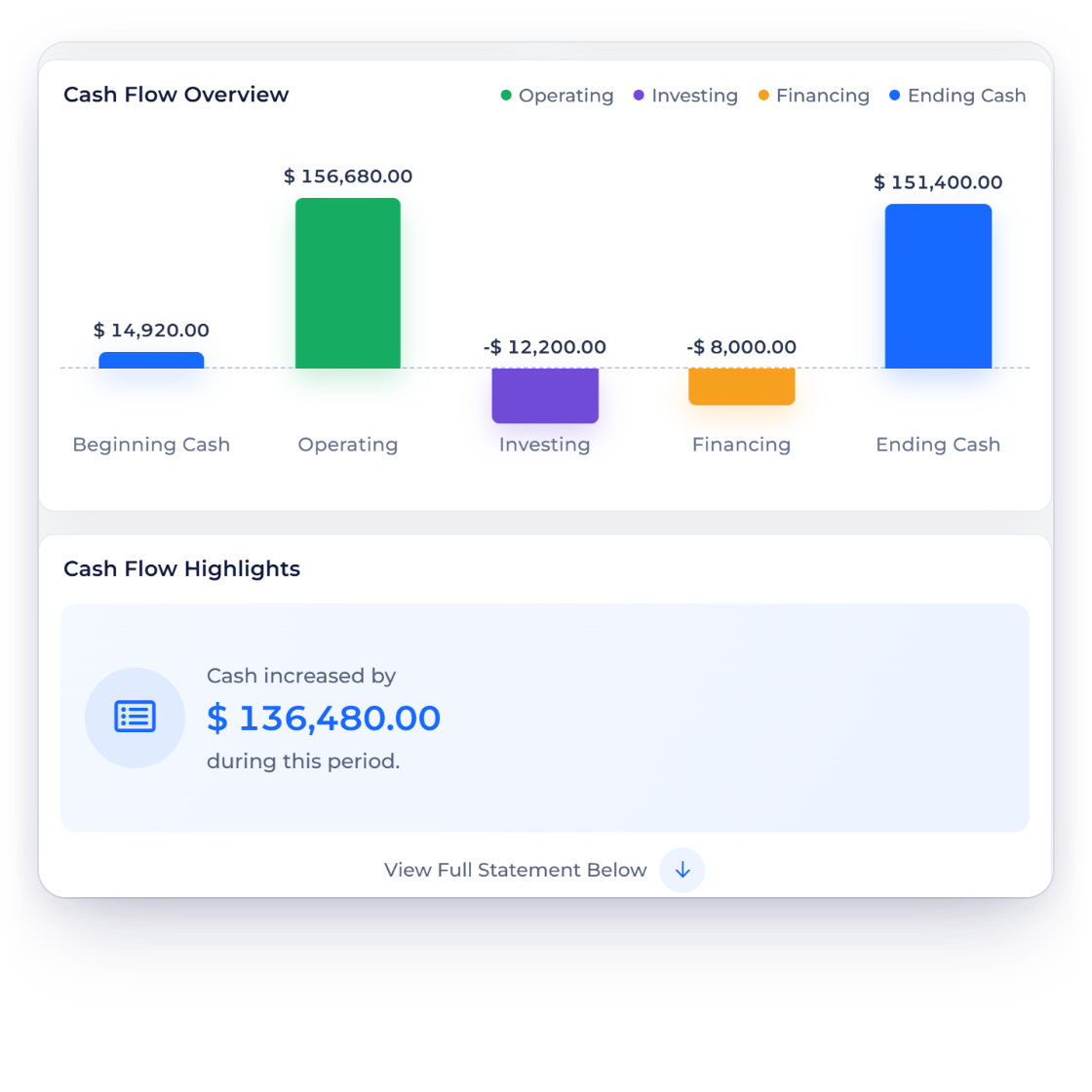
KPI cards and a chart sit above the detailed statement, with clear colors in both light and dark modes.
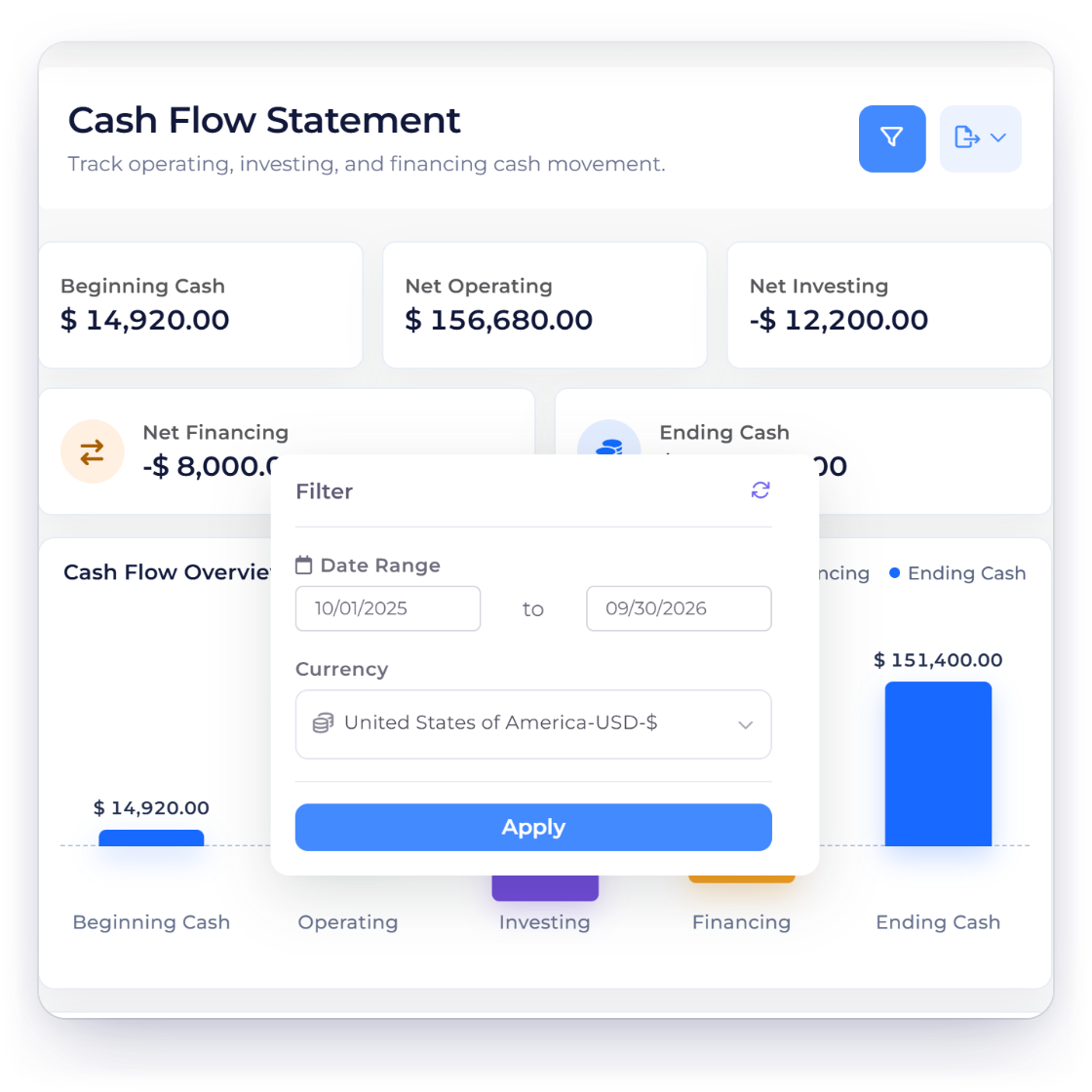
Choose the business, date range and currency, and the report and its exports follow your selection exactly.
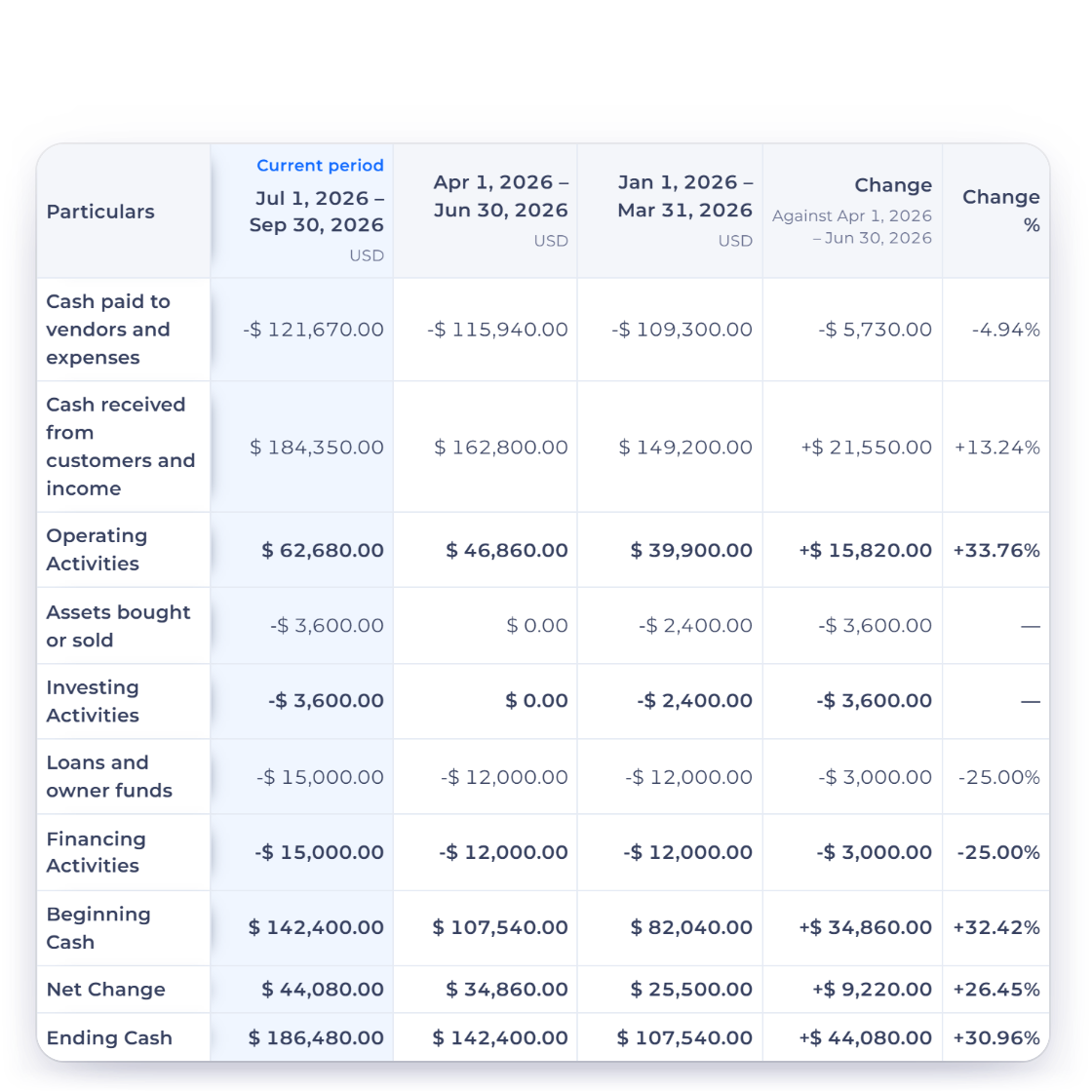
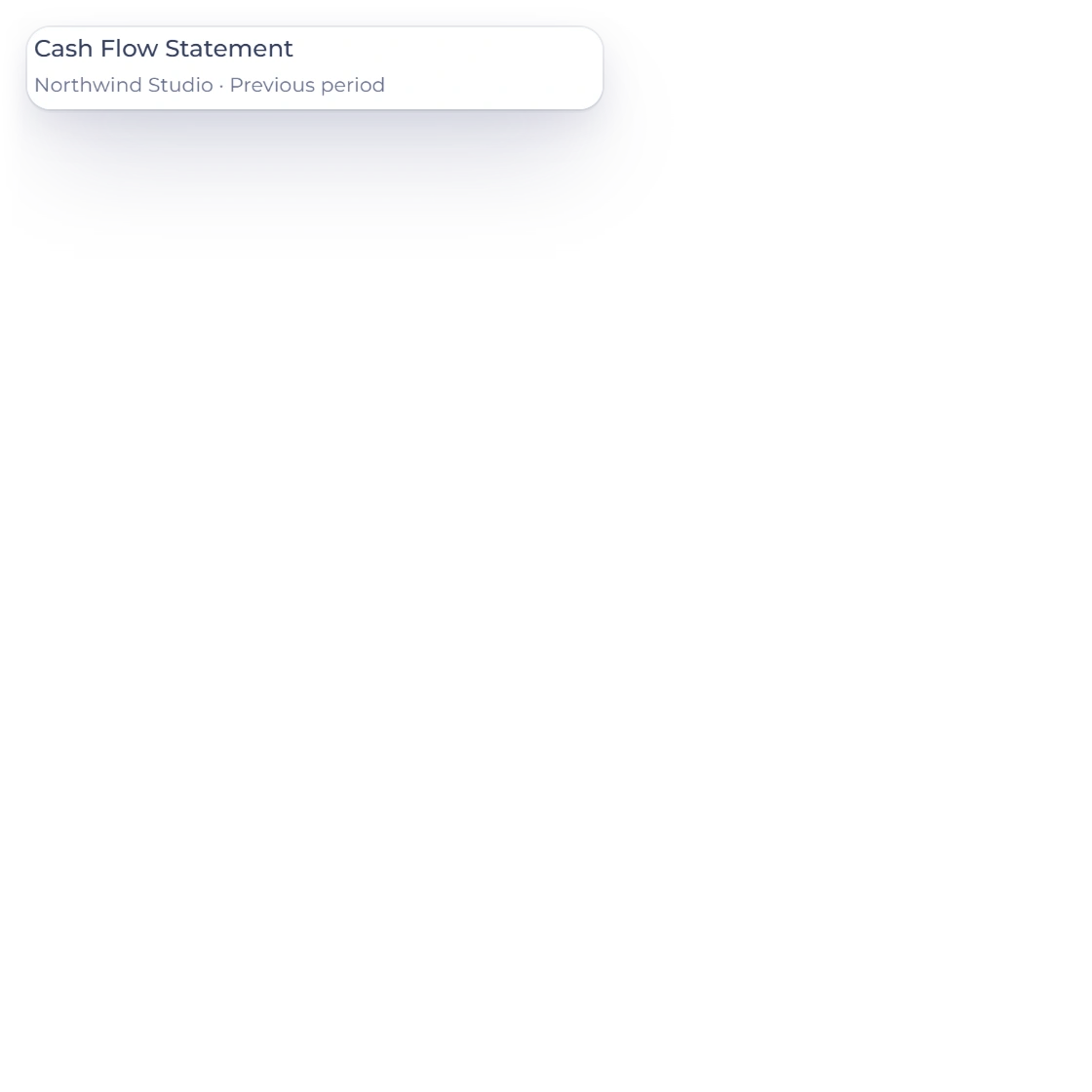
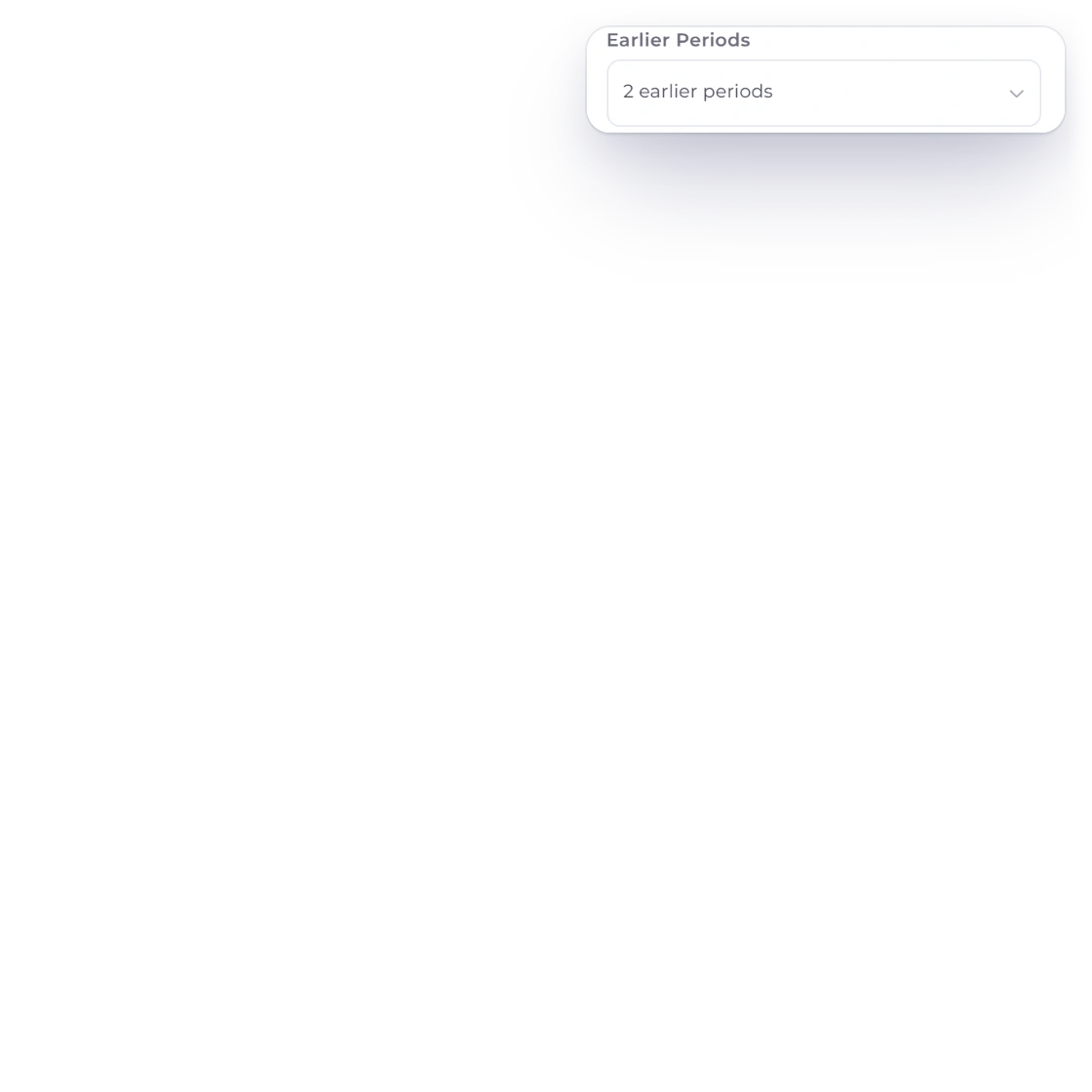
Compare sets the Cash Flow Statement beside the Previous period, the Same period last year or the Last 12 months, so a quarter's operating cash sits next to the one before it. Up to three earlier periods line up with the change on every line, and the comparison downloads as a PDF or an Excel file.
Built from the activity you've already recorded.
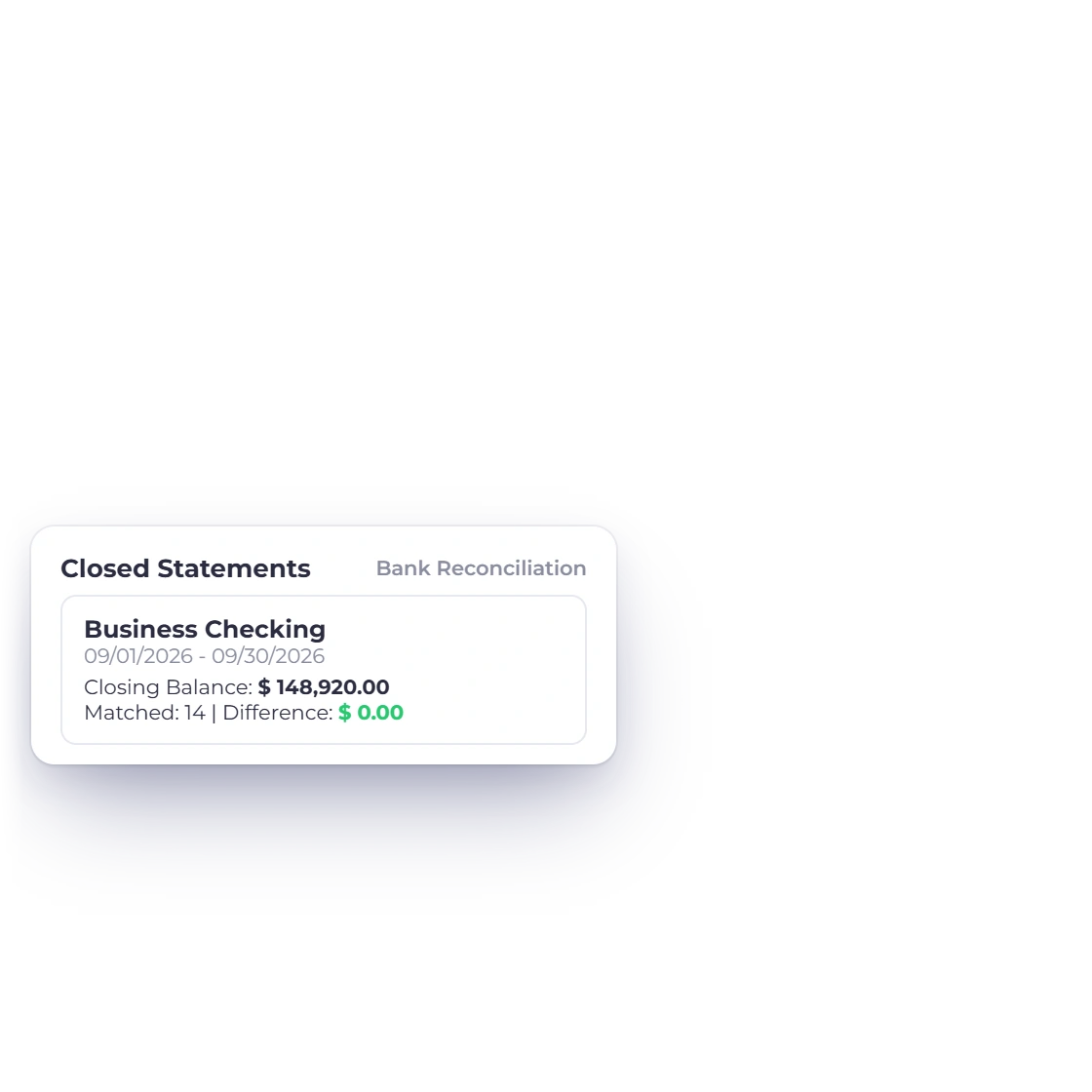
Reconcile each bank statement to zero, and Cash Flow reports from the same ledger, so you can review ending cash with confidence.
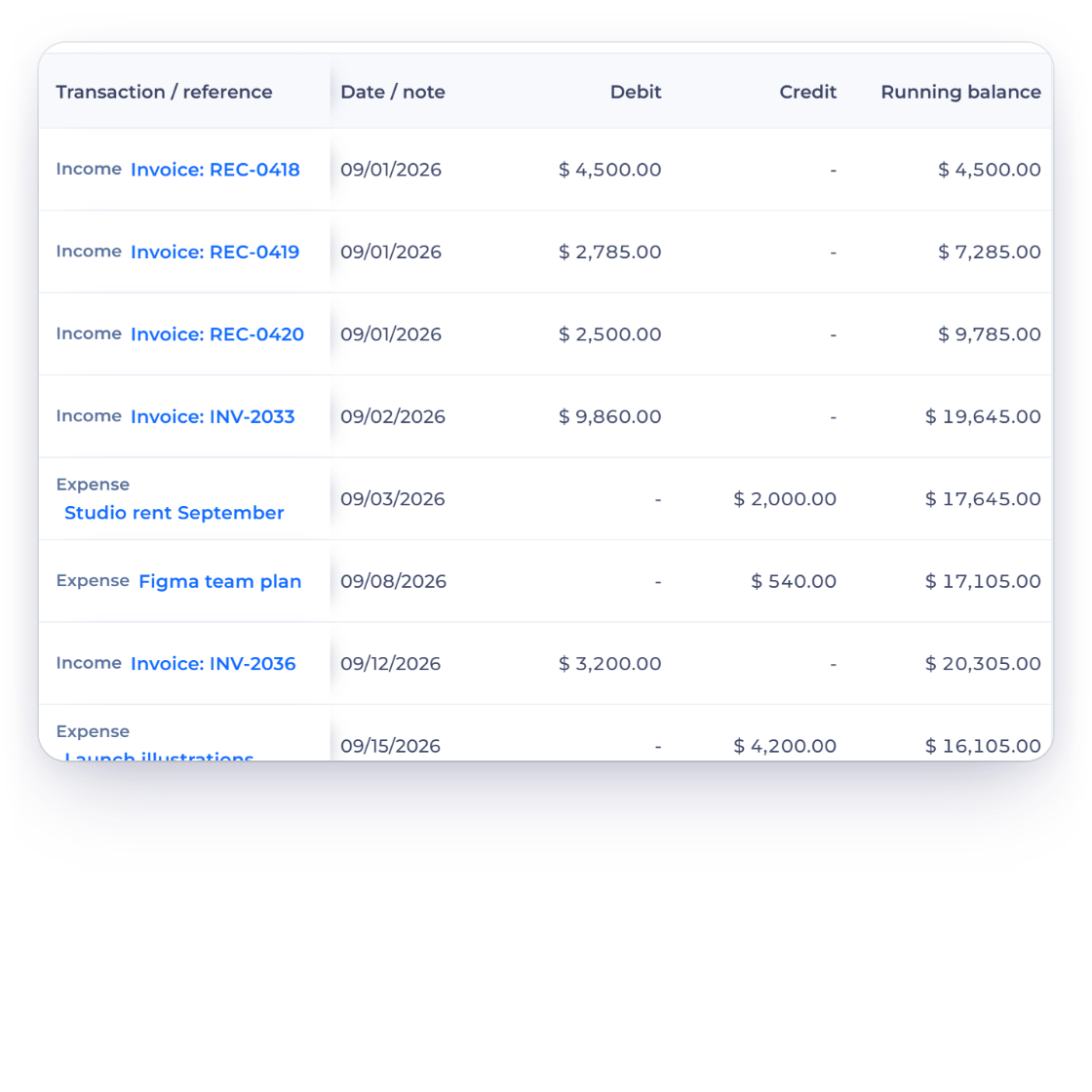
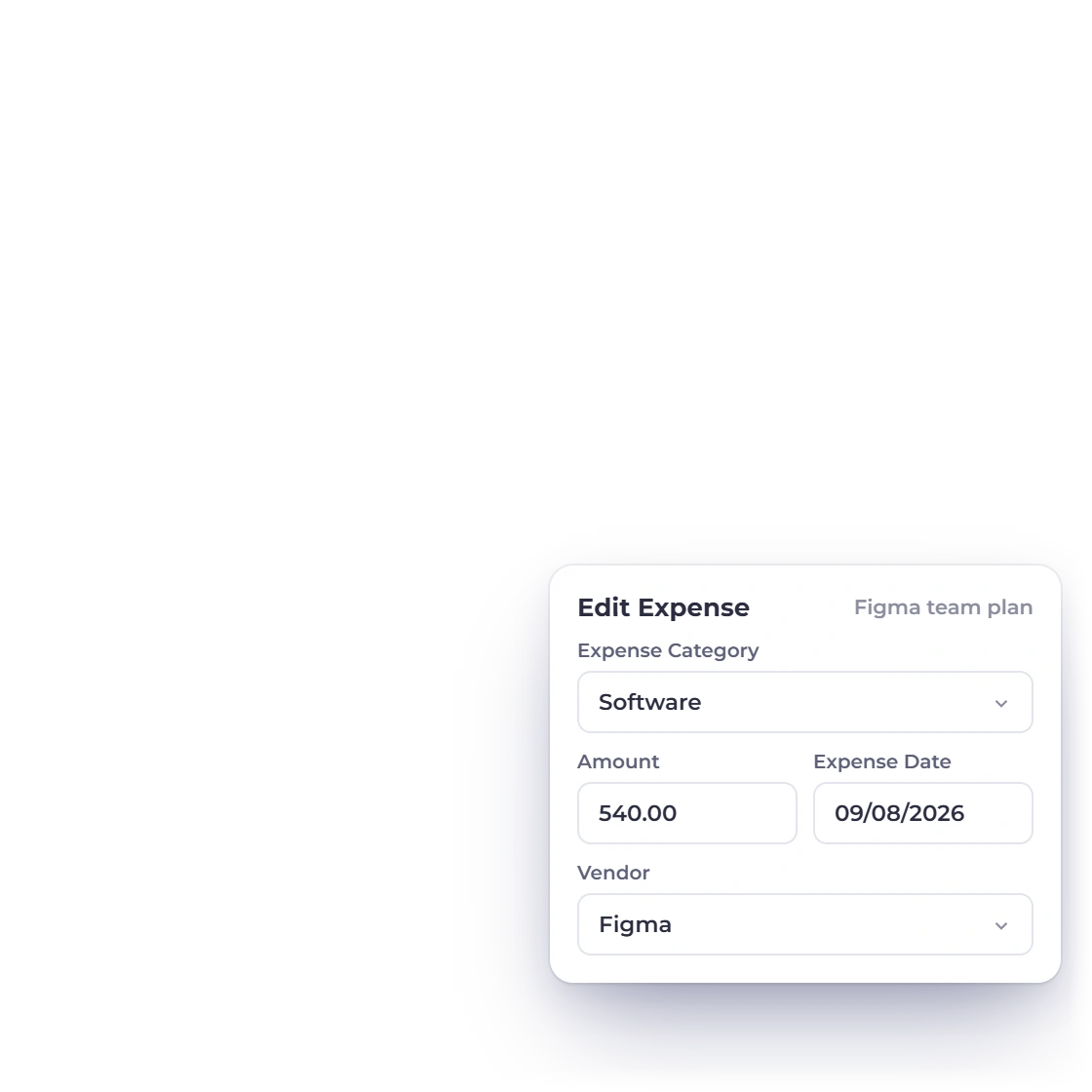
Opening or exporting Cash Flow leaves your documents, accounts and exchange rates exactly as they are, and every entry links back to its source in the General Ledger.
Built in
Activity groups, totals, filters and exports in one clear report.
Operating, investing and financing, each with its own subtotal.
Follow the bridge from beginning cash through net movement to ending cash.
KPI cards and an overview chart above the detailed statement.
Run the report for any business, date range and currency.
Reconcile your bank and review cash flow from the same ledger.
Every movement links back to the entries behind it in the General Ledger.
Cash movement from ordinary business activity.
Set this period beside earlier ones and download the comparison as a PDF or an Excel file.
Cash movement from financing activity.
Opening cash plus the period's net movement.
Match statement lines and close a bank period.
See every transaction, account by account.
Questions
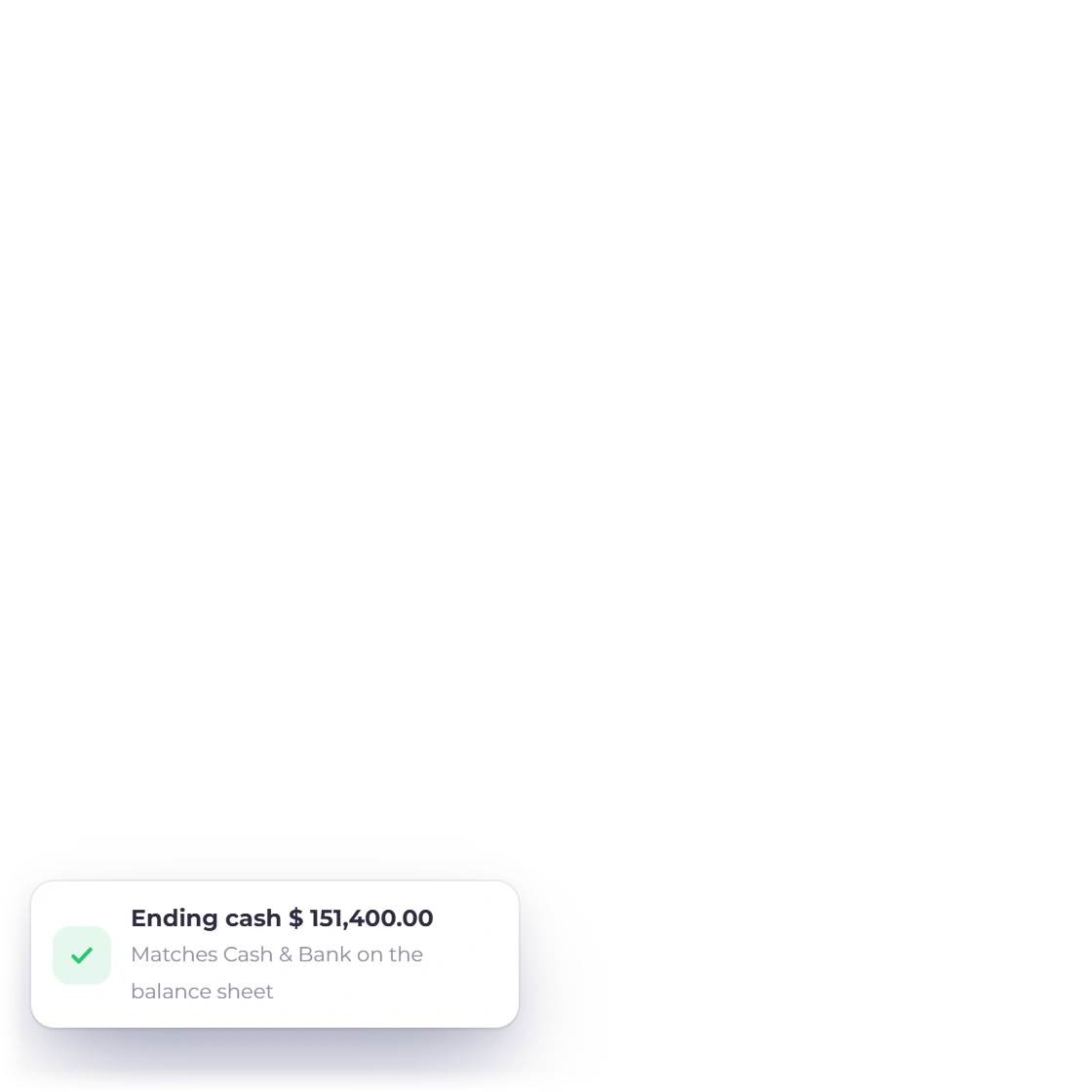
Invoice Crowd groups recorded cash movement into operating, investing and financing activities and shows the beginning cash, net change and ending cash for the selected period. Beginning and ending cash come from the same ledger as the Balance Sheet, so ending cash matches the Balance Sheet's cash.
Yes. The report runs for the selected business, date range and currency, and its exports use exactly the same selection.
Yes. In Filter Report, Compare offers Previous period, Same period last year and Last 12 months, and Earlier Periods adds up to three columns. Every line shows its change, and Export downloads the comparison as a PDF or an Excel file; a single period exports as PDF, CSV or Print.
No. The Cash Flow Statement is read-only, so your transactions stay exactly as they are. Its Export menu offers PDF, CSV and Print.
Open the account in the General Ledger to see each entry's date, description and source, then correct the original record in its own editor.
They work together. Bank Reconciliation matches your recorded entries to the bank statement and closes each month at zero; the Cash Flow Statement then summarizes that same activity into operating, investing and financing movement.
See the three activity sections, follow the bridge to ending cash and trace any movement back to its source.