
Skip to content

Accept payments online, directly from the invoice

Invoice Crowd Payments lets a client settle an invoice the moment they open it. Pick the payment options you want to offer, connect your account, and every transaction is written back against the invoice and kept in your records.

  • Pay from the invoice itself
  • Set up in three steps
  • Every transaction on record
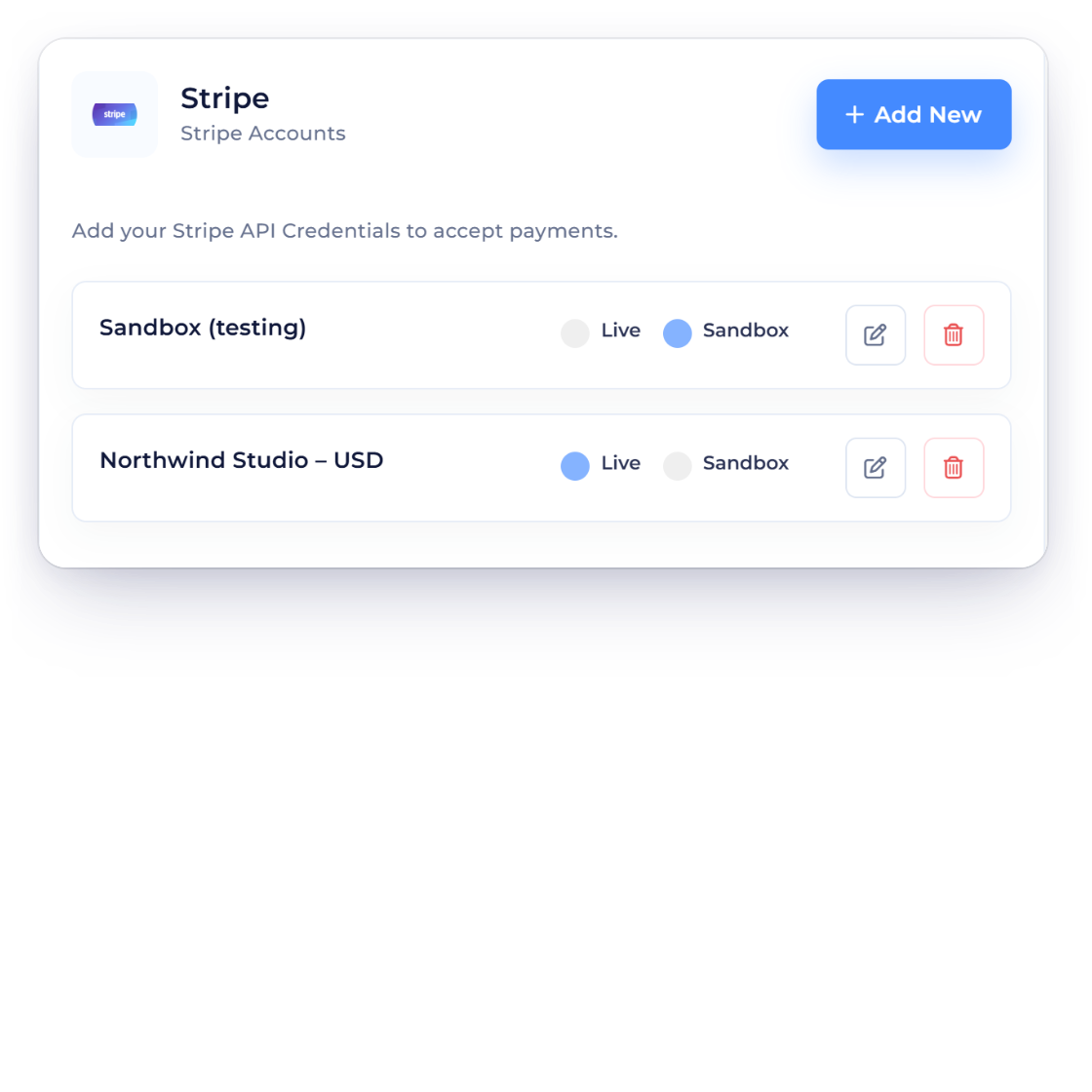
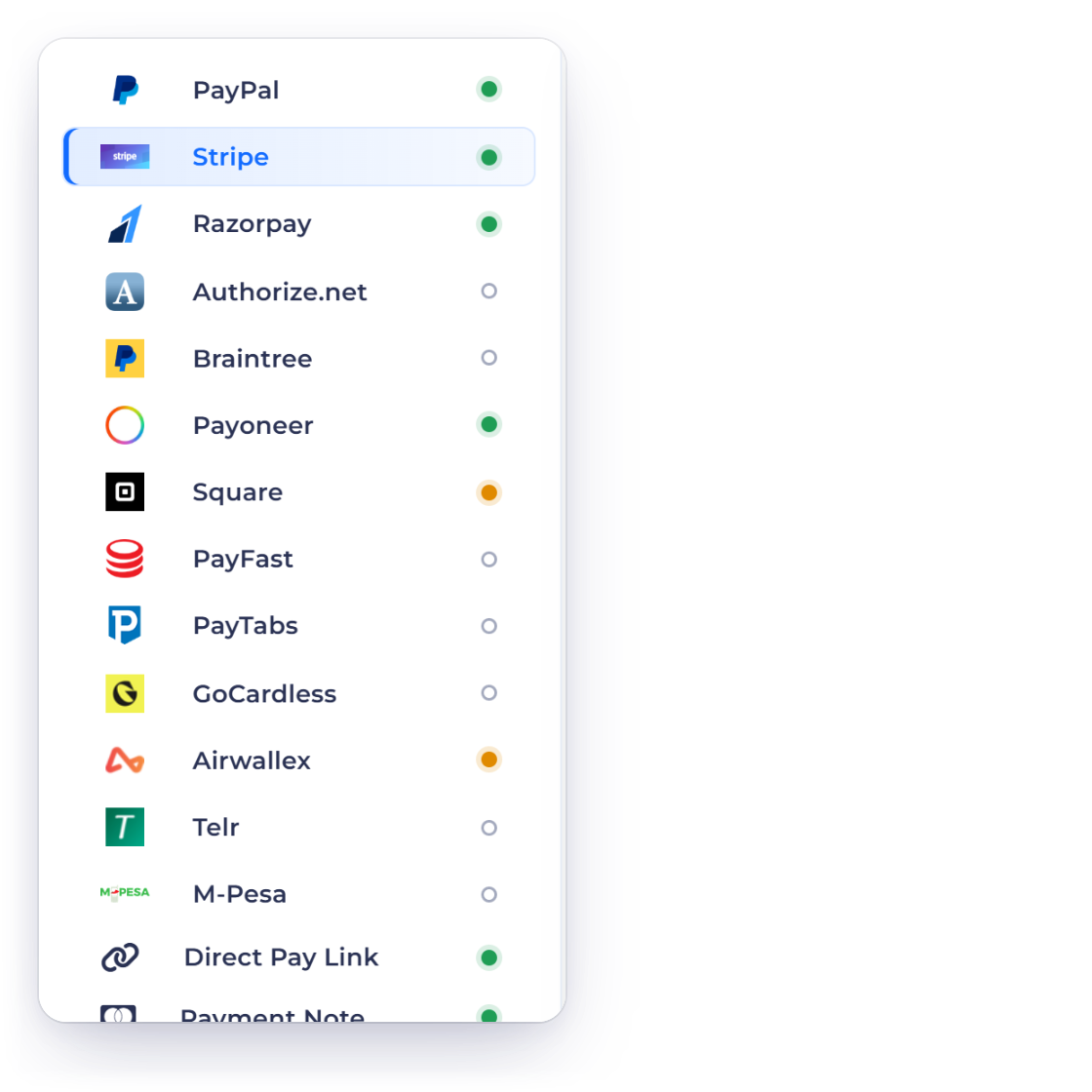
Payment methods connected in Invoice Crowd, ready to attach to a document

What is inside

Setting it up once, then getting paid on every invoice

Online payment is a setting on your account rather than a separate service. Choose what you accept, connect it once, and the option appears on every invoice you send.

Three steps to getting paid

Choose, connect, collect

Choose the payment options you offer

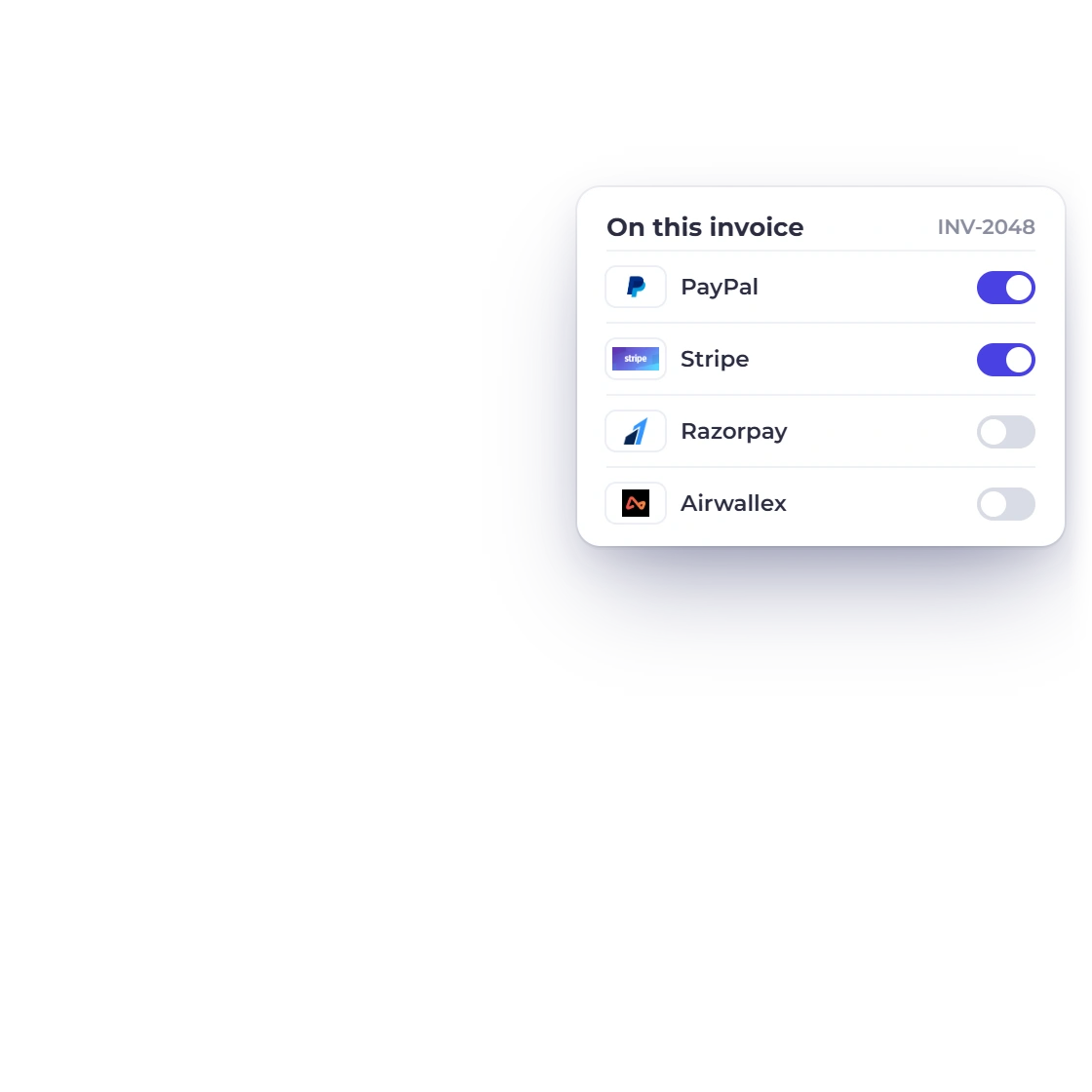
Start by deciding how you want to be paid. PayPal, Stripe, Razorpay and Airwallex are all available, and you can offer one of them or several. Whatever you switch on is what a client sees when they open an invoice, so the choice stays yours rather than the processor's.

  • PayPal, Stripe, Razorpay and Airwallex
  • Offer one option or all of them
  • The same options across every invoice
The full gateway list
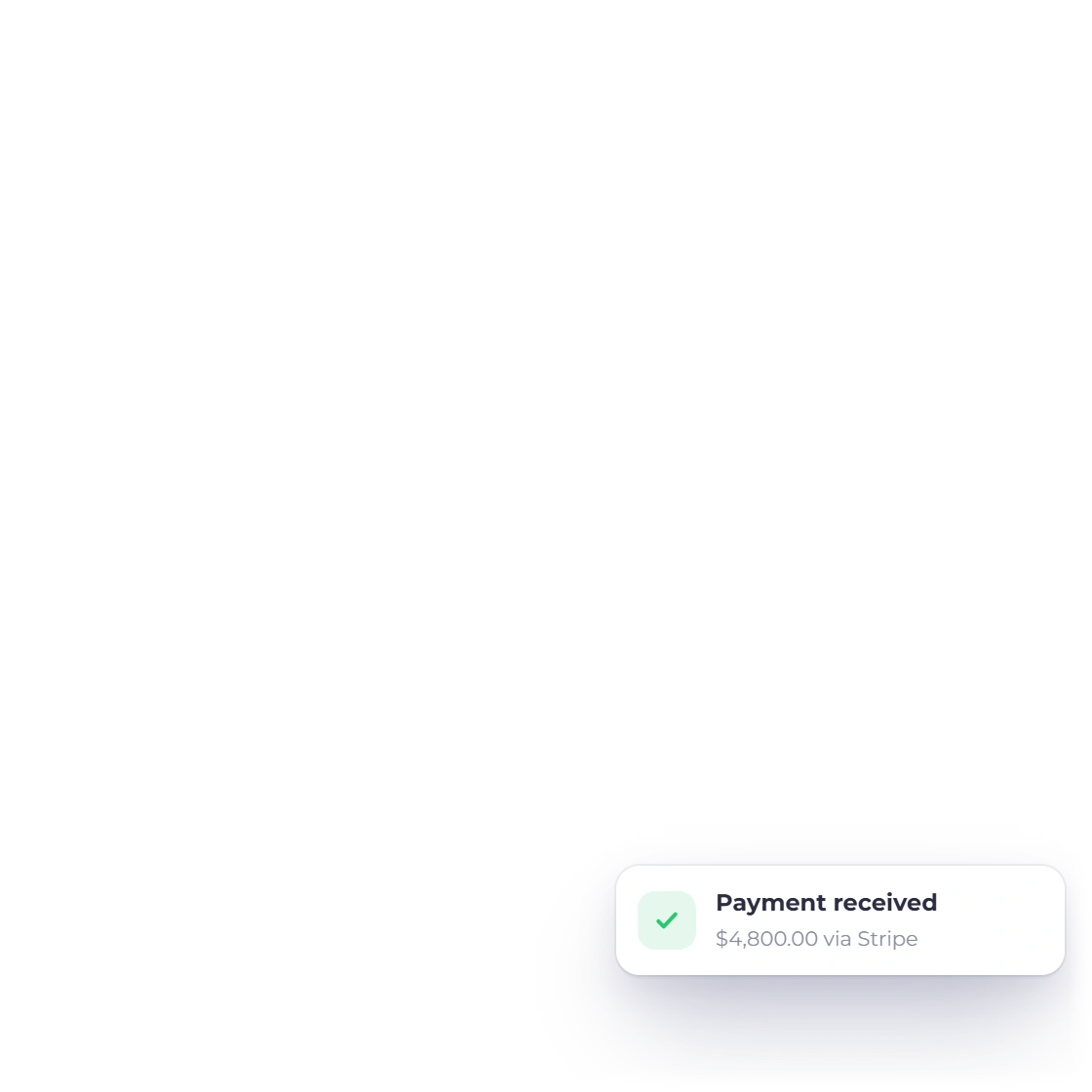
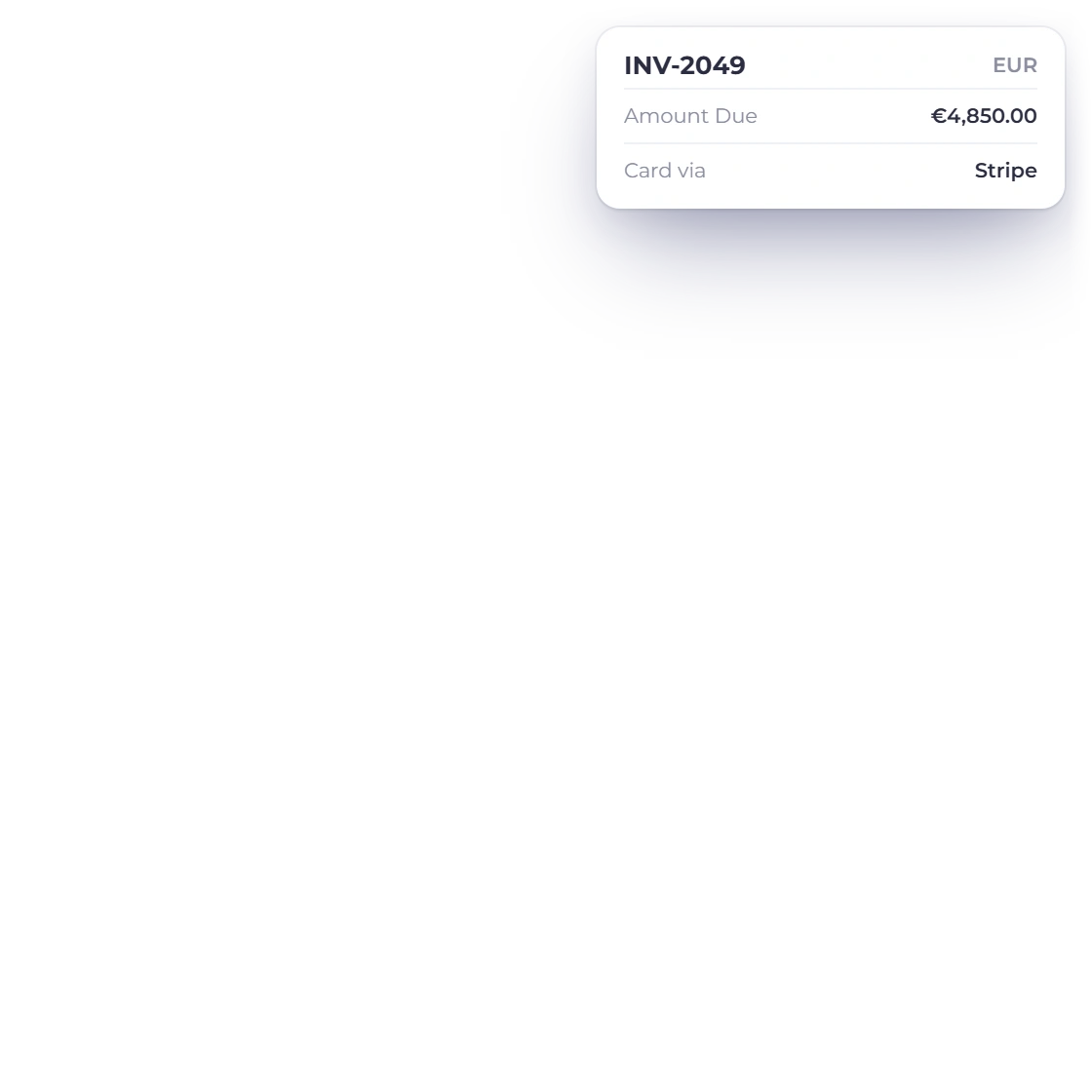
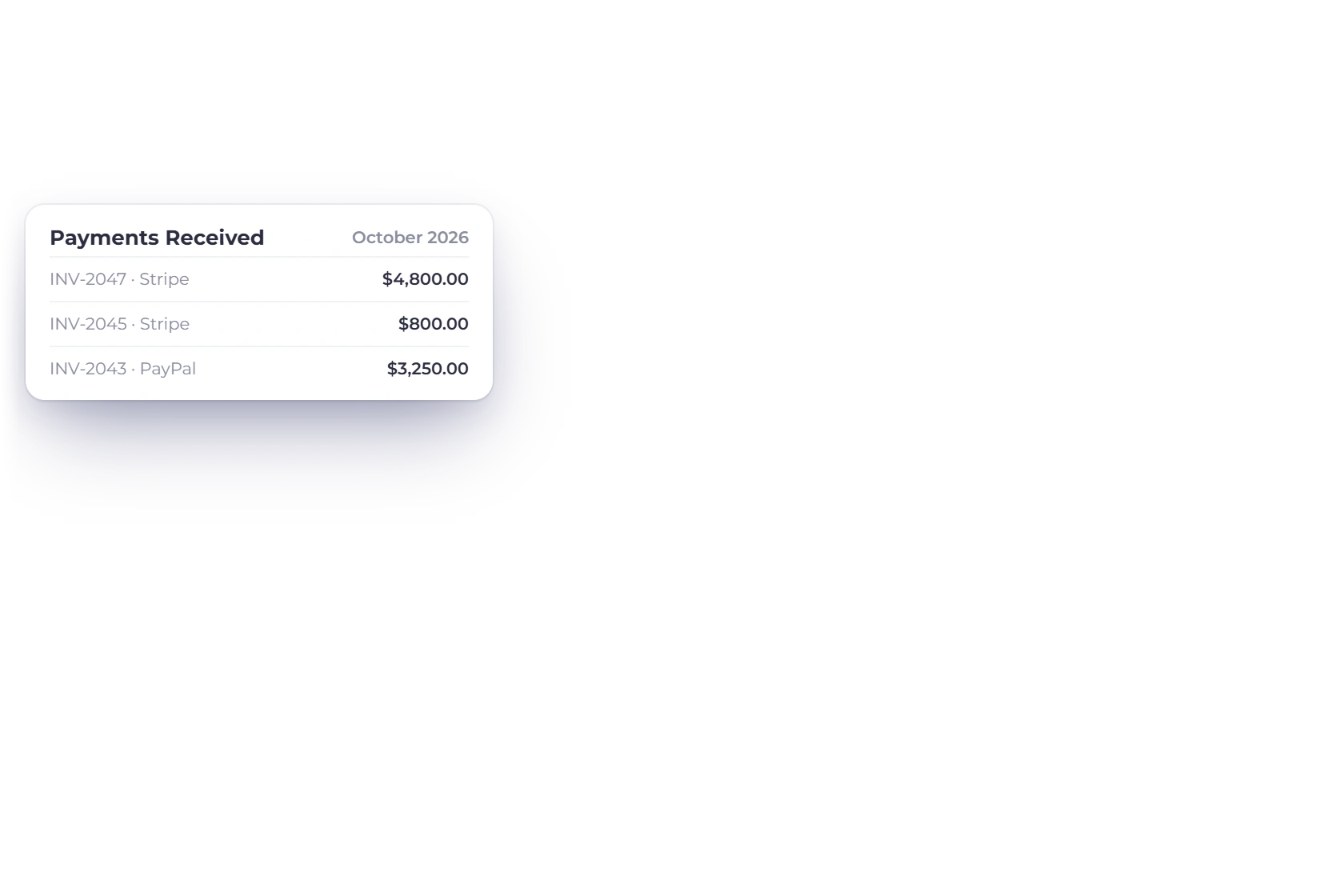
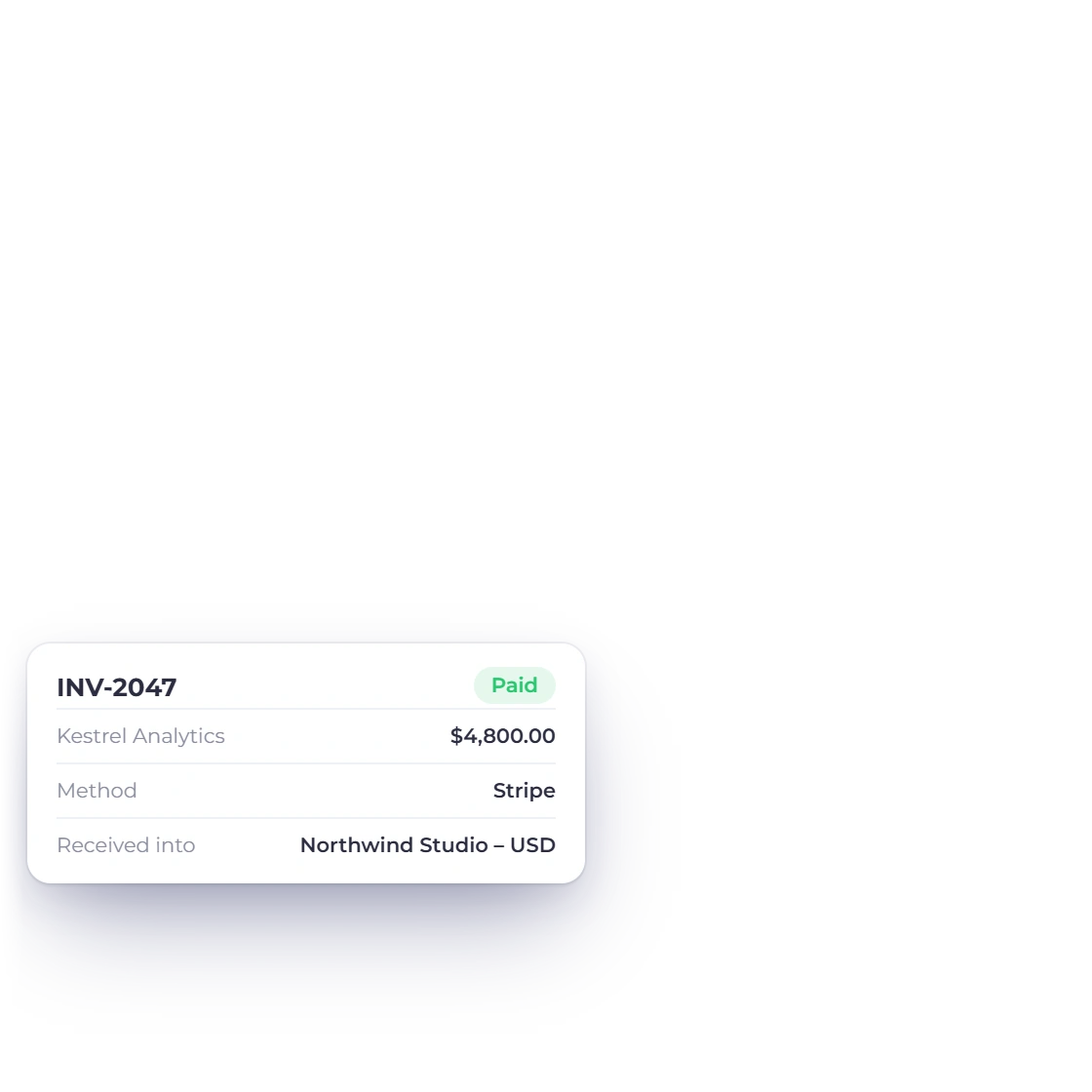
A payment recorded against an invoice in Invoice Crowd

Add your details and get paid securely

Connecting a processor is a matter of adding your own account details in settings. From then on the money moves between your client and your merchant account; Invoice Crowd records the payment and marks the invoice as settled. Funds reach your bank on the processor's usual payout schedule.

  • Your own merchant account, your own rates
  • The invoice updates the moment it is paid
  • Deposits land on the processor's schedule

Paying from inside the invoice

Nothing for the client to install

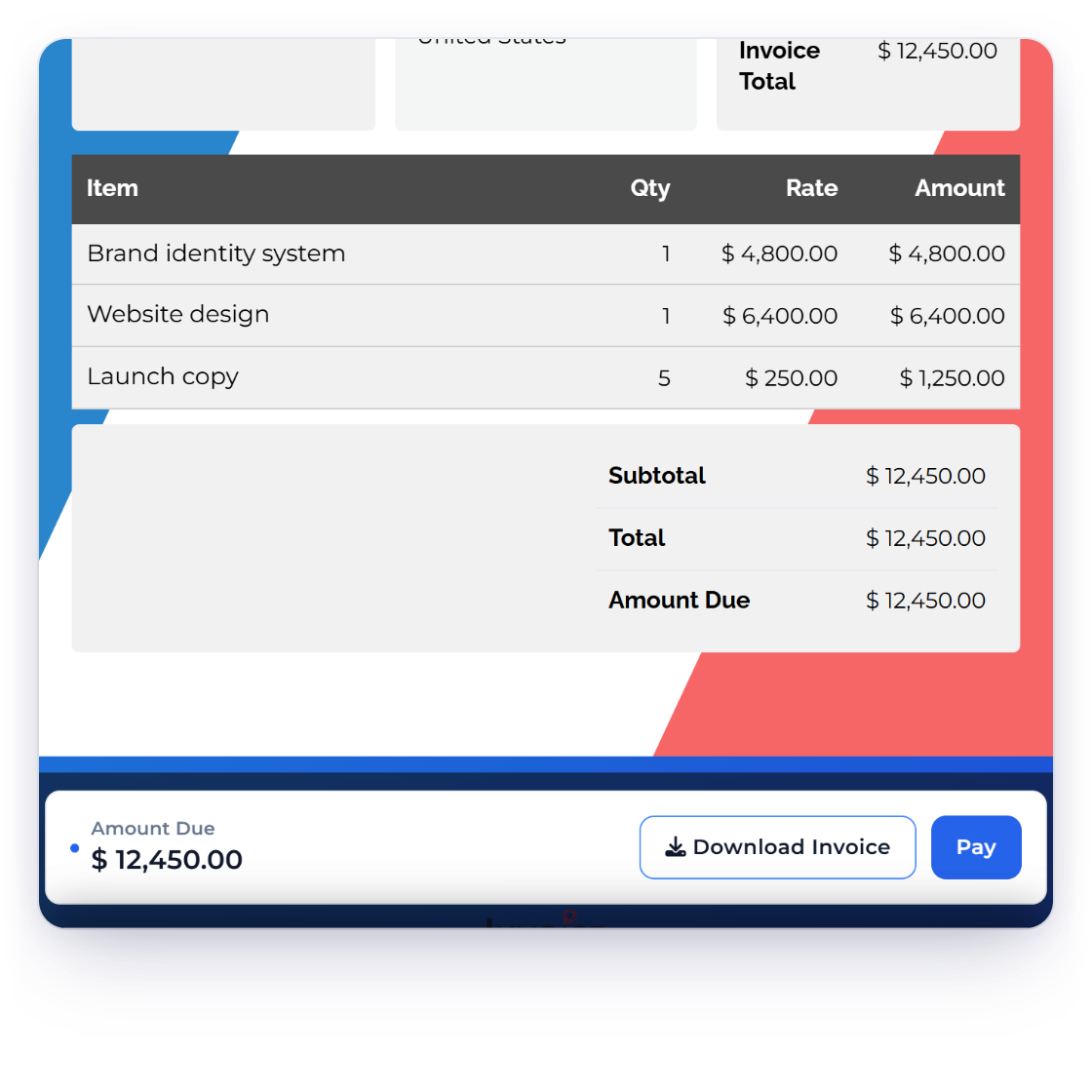
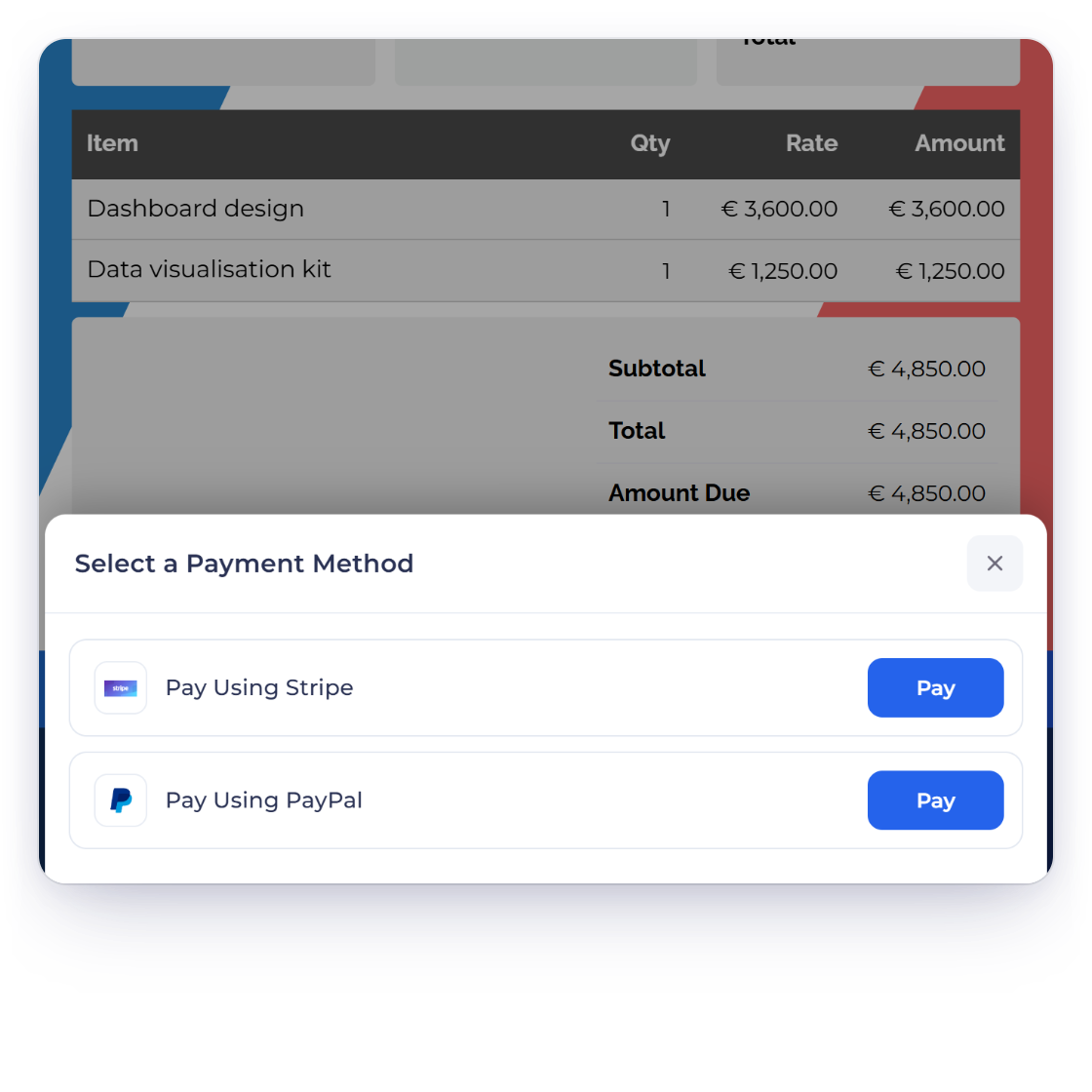
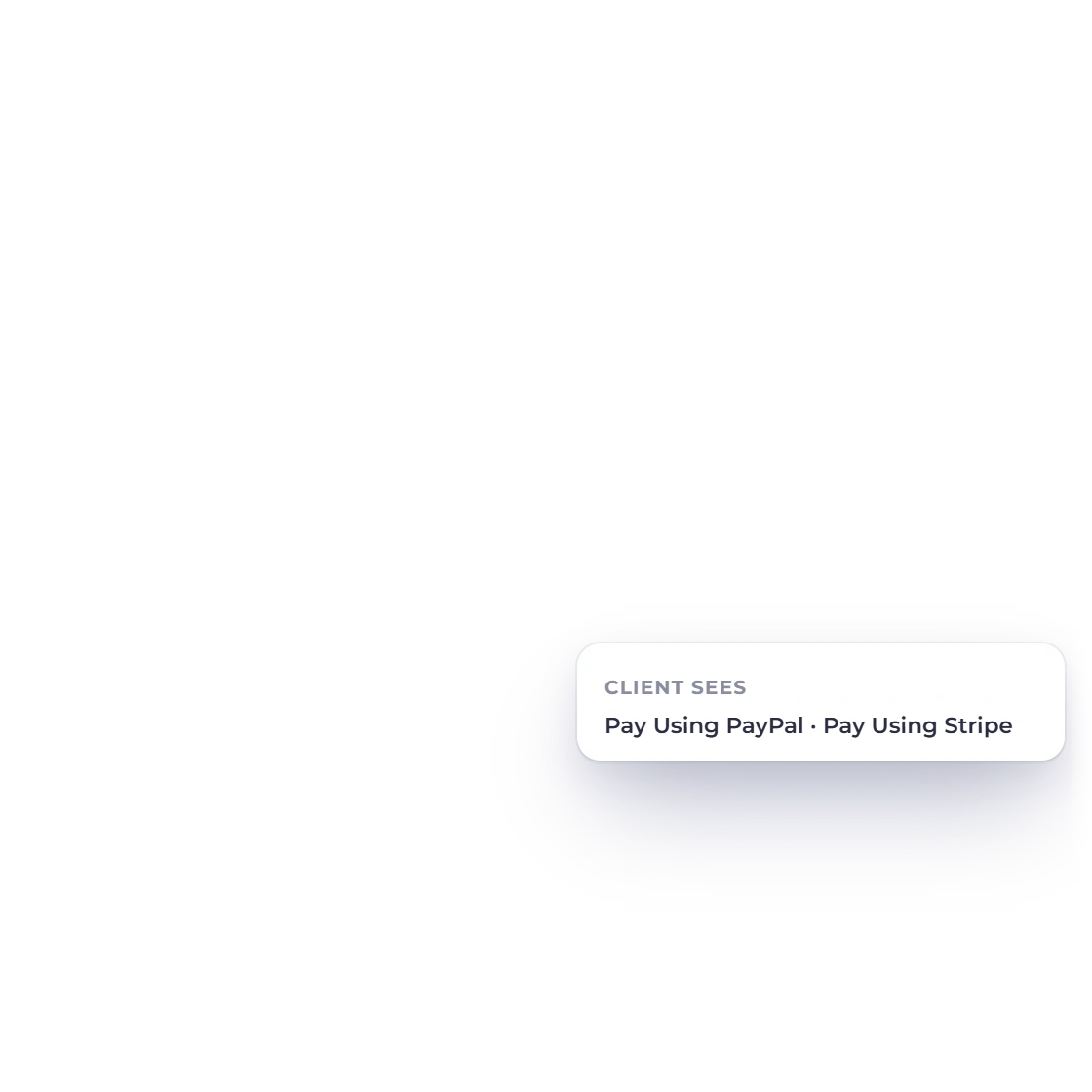
An Invoice Crowd invoice as the client receives it, with the pay option in the document

Payment built into the document

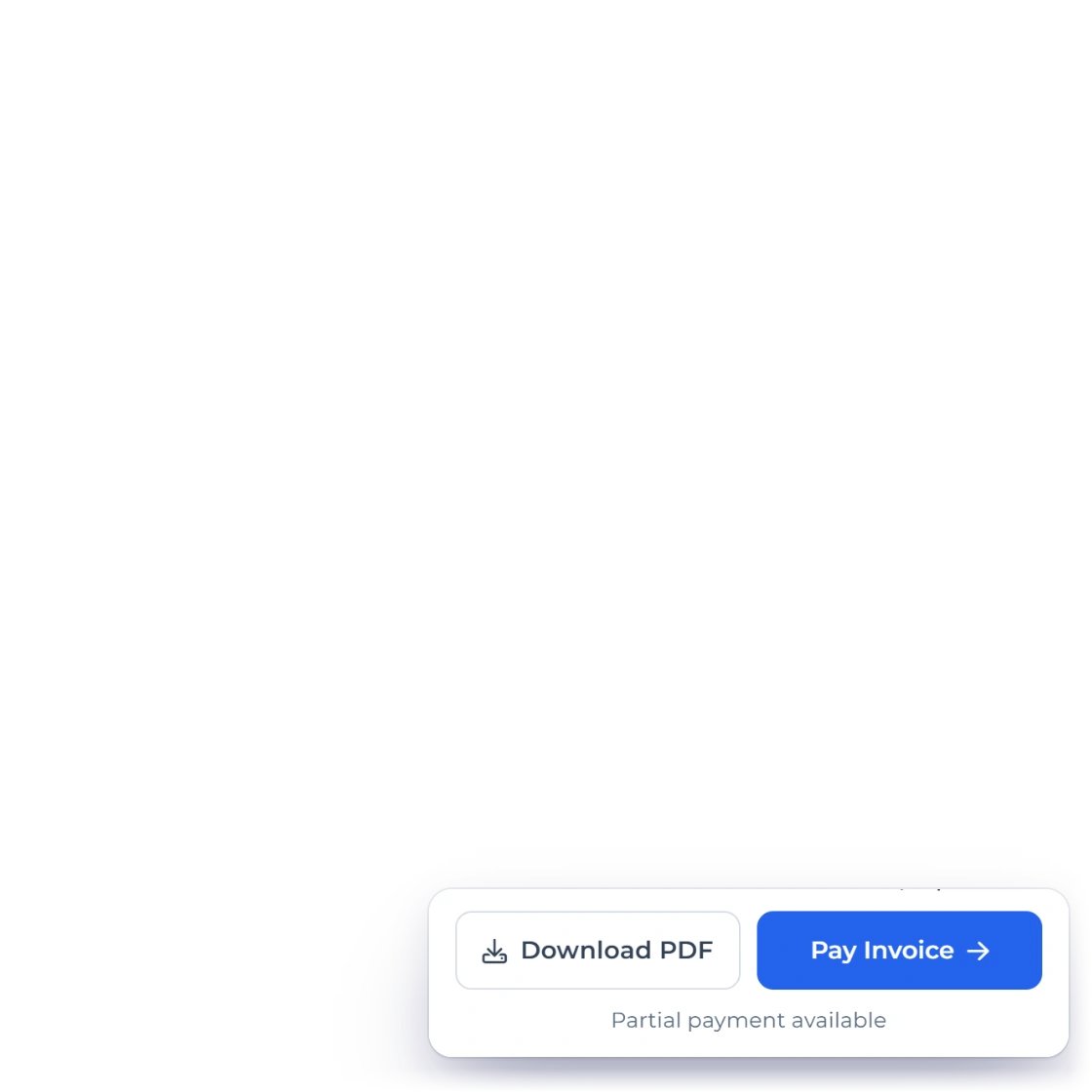
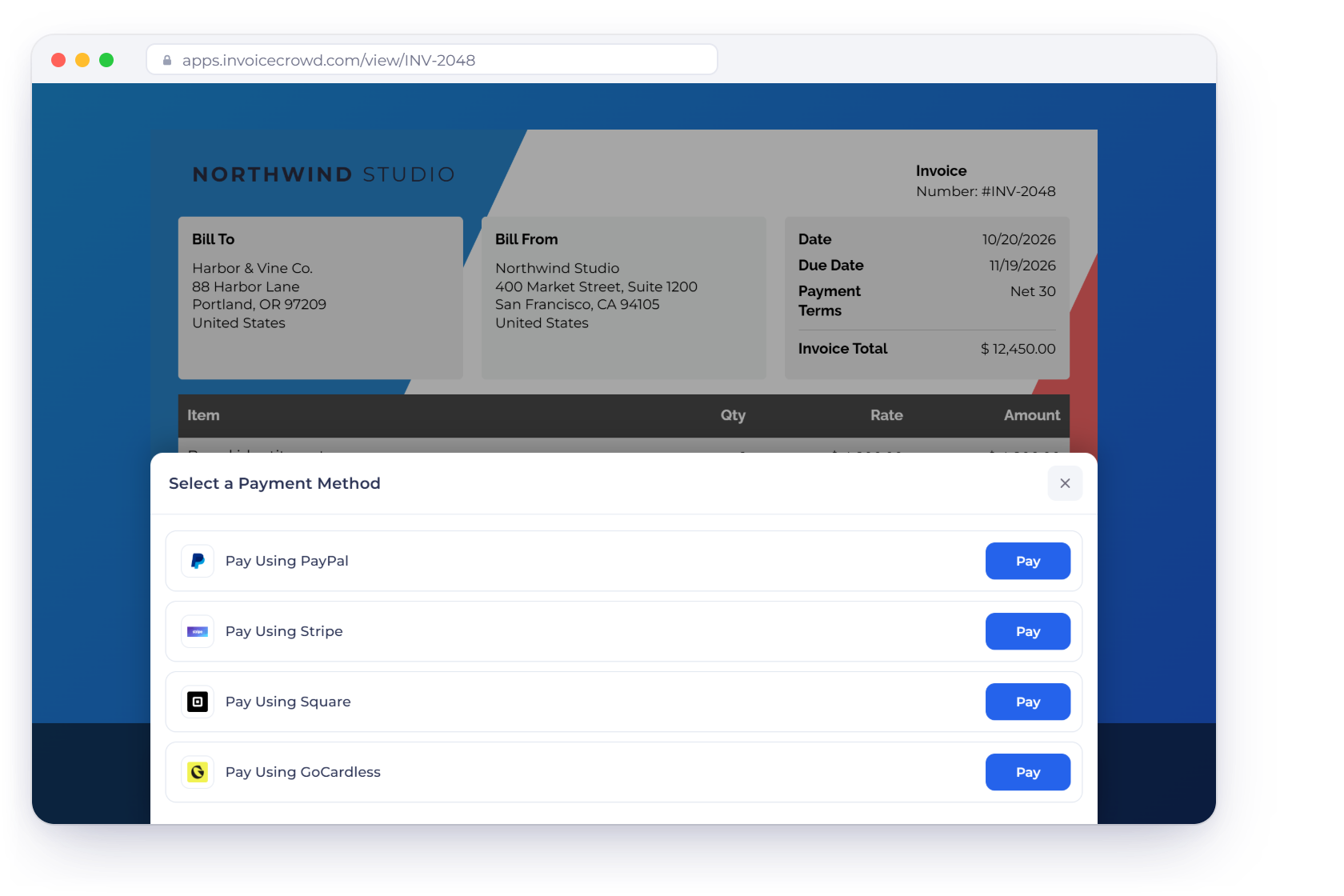
The client does not get sent somewhere else to pay. The invoice they receive carries the payment option inside it, so reading the bill and settling it are the same action. Card details go to the processor, not to you, and never sit in your invoicing account.

  • No separate checkout page to visit
  • Card details handled by the processor
  • Works from the emailed invoice or the portal
The client portal

Card brands your clients already carry

Behind the processors sit the cards people actually use, Visa and Mastercard among them. Invoice Crowd adds nothing on top of what your processor charges, so the fee you pay is the one you agreed with them and the amount on the invoice is the amount your client owes.

  • Visa and Mastercard through the processors
  • No charge added by Invoice Crowd
  • Multi-currency invoices for overseas clients

Once it is running

The chasing happens without you

Put the follow-up on auto pilot

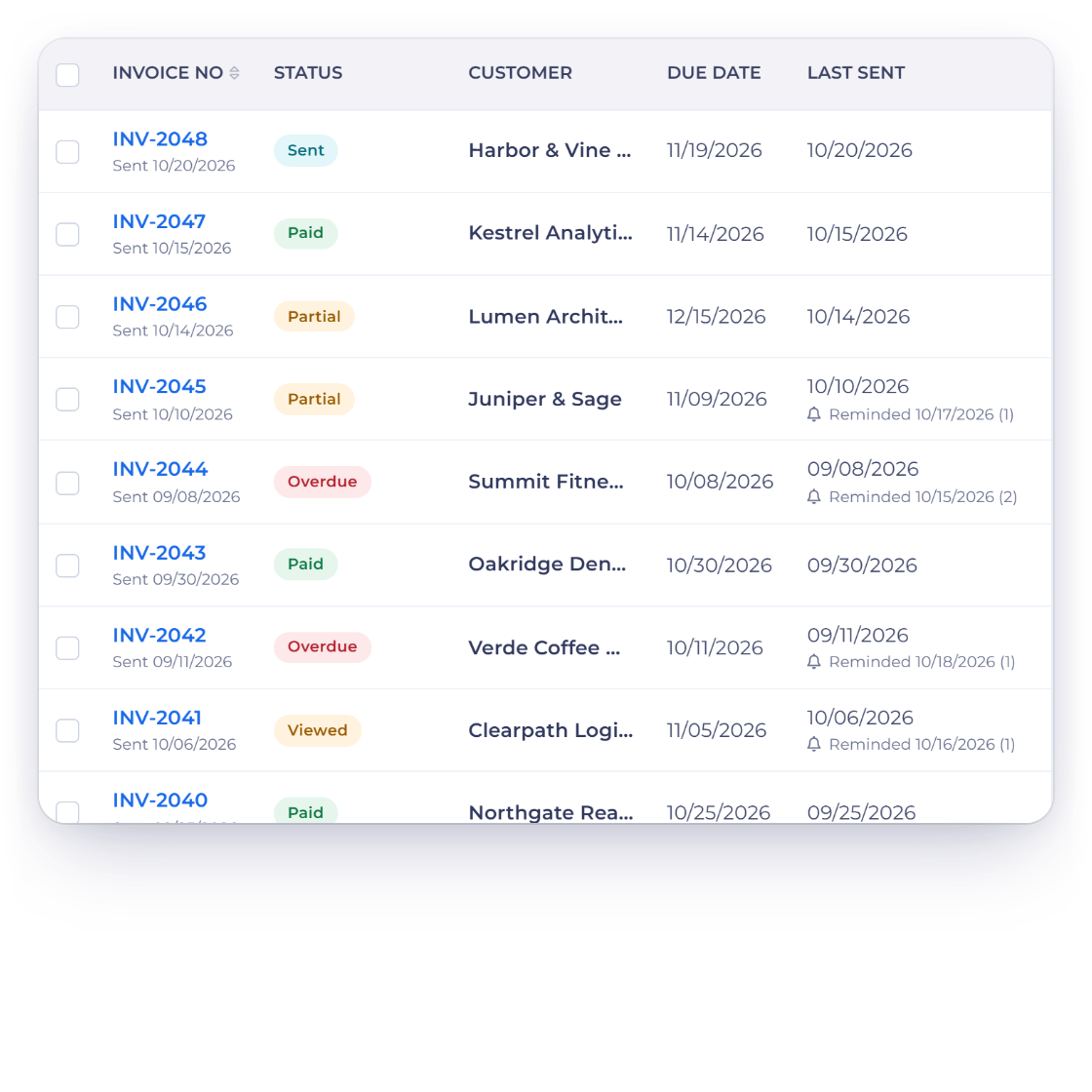
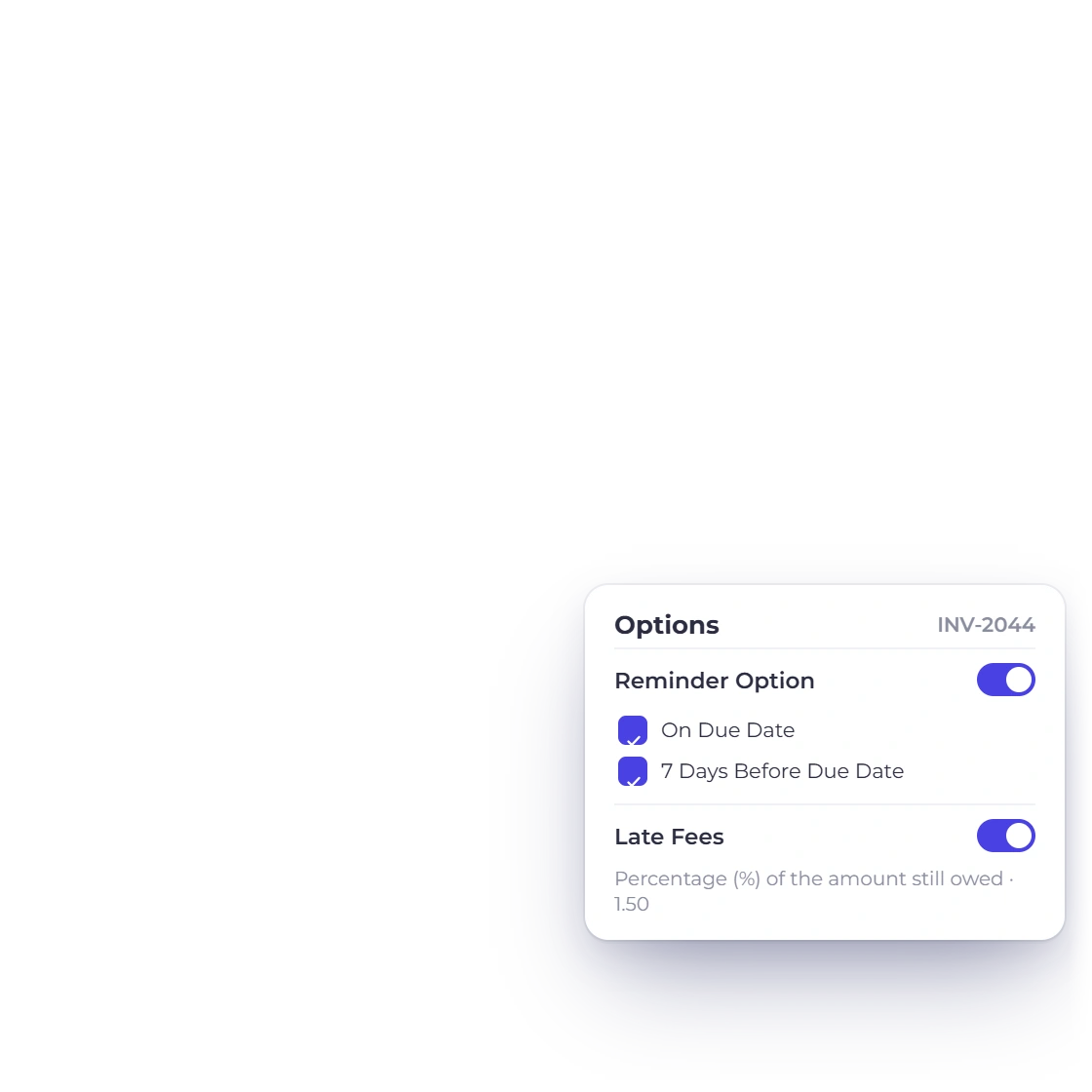
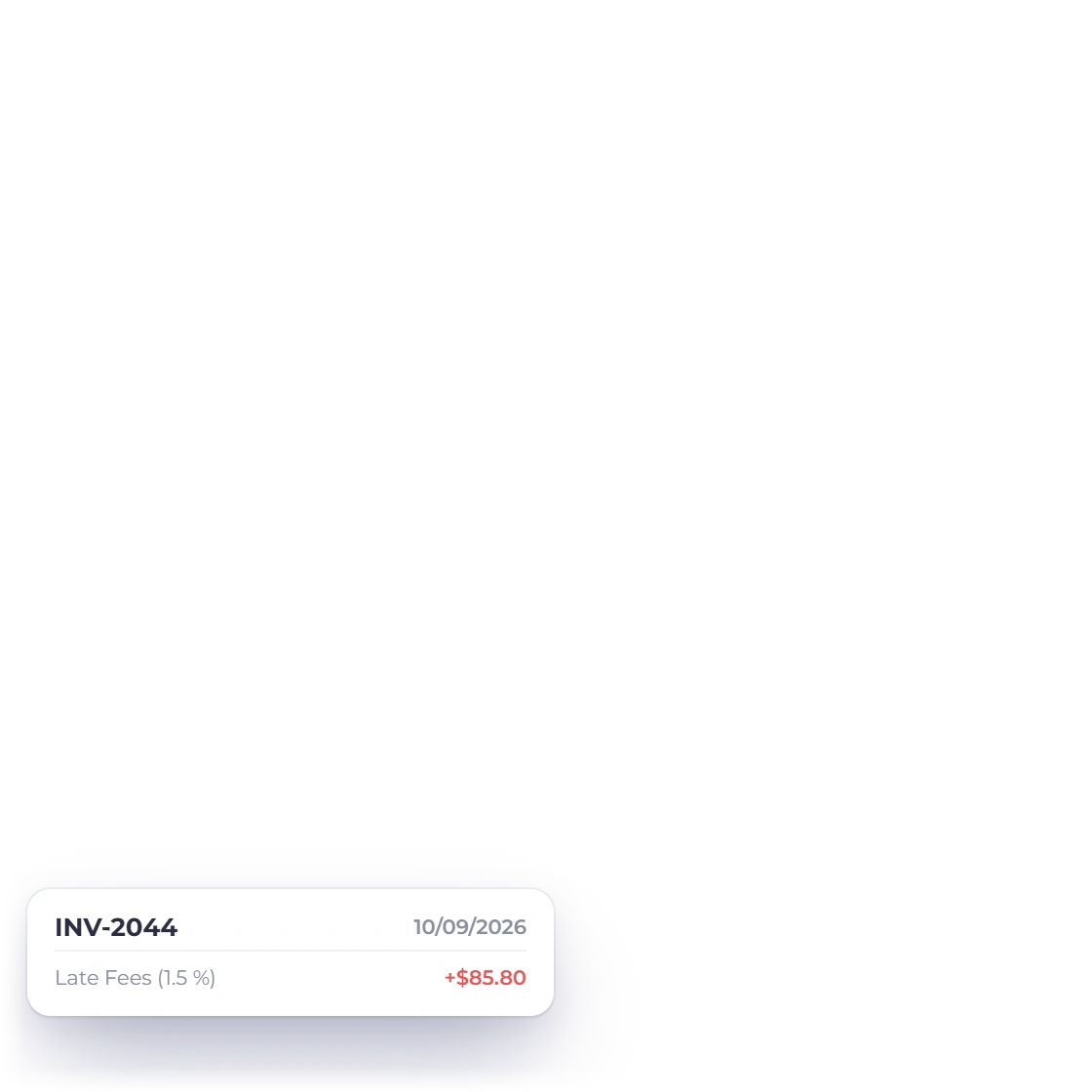
Reminders go out on a schedule you set, before the due date and after it, and a late fee can be applied automatically when a bill goes past due. Recurring invoices raise and send themselves. You choose how much of this runs on its own and how much you do by hand.

  • Reminders before and after the due date
  • Late fees applied to overdue invoices
  • Recurring invoices sent on a schedule
Reminders and late fees

A record of every transaction

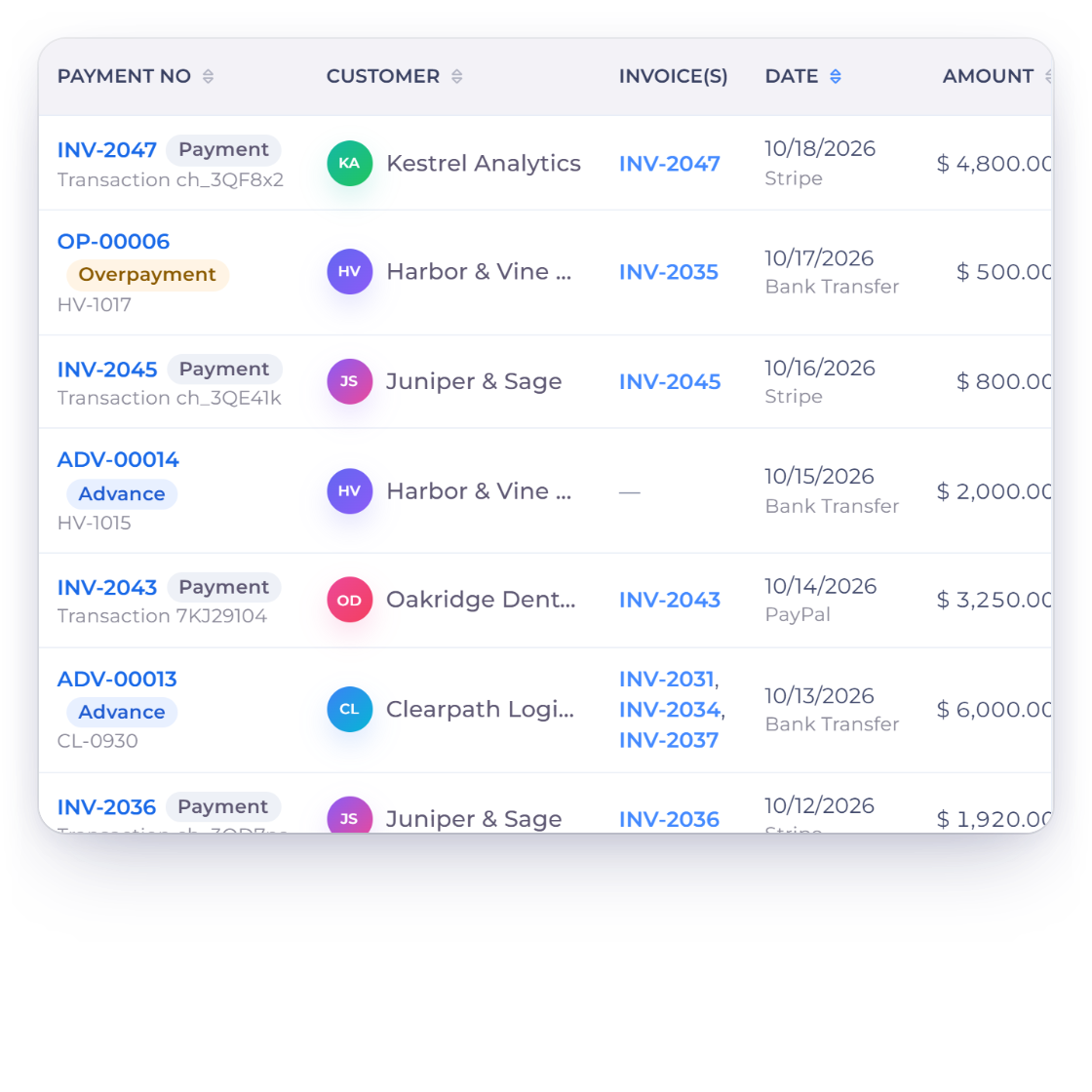
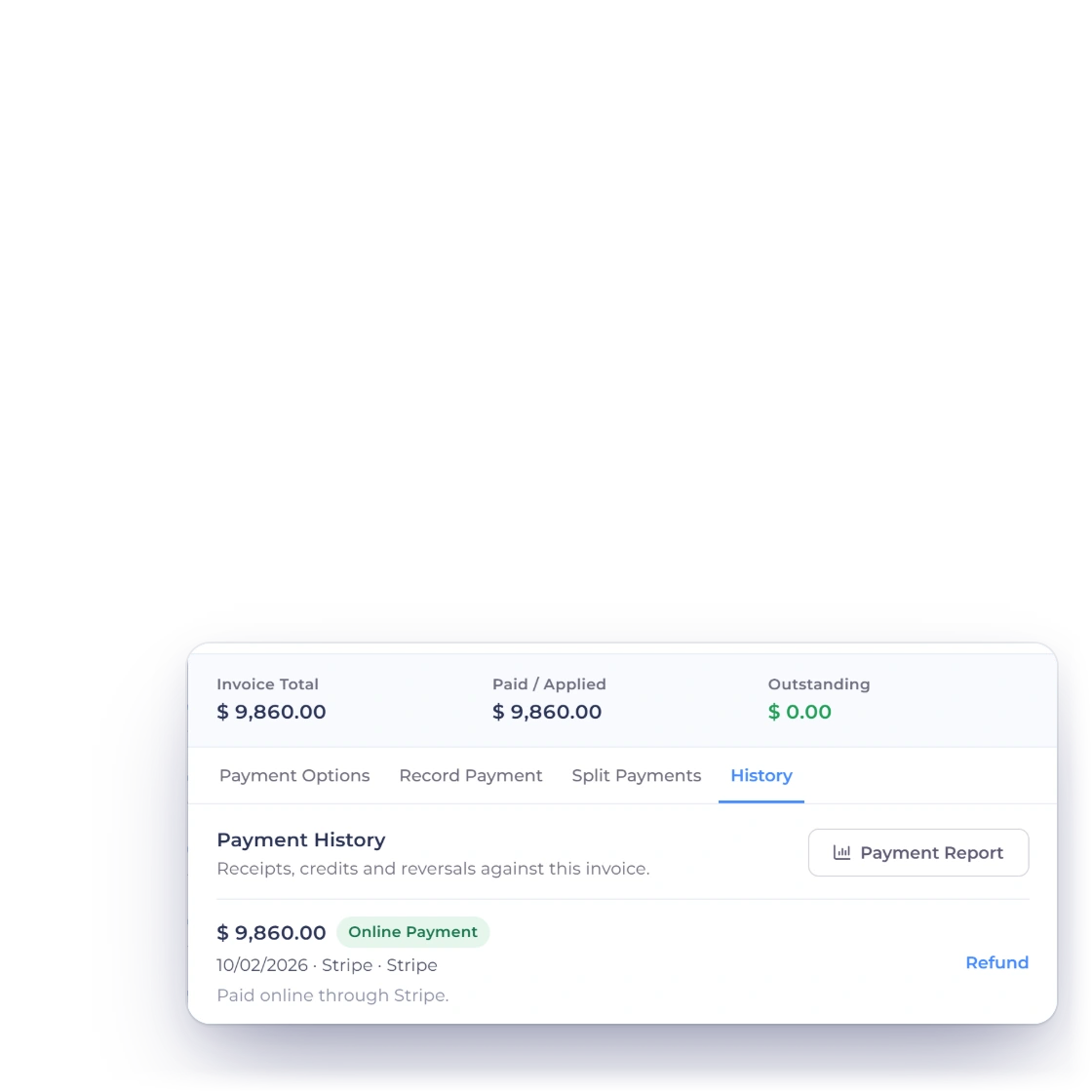
Each payment is written against the invoice it settles and kept in the account, so the history of what was paid, when and through which processor is there months later. The same entries feed your income reports and your ledger, which means the books do not need a second pass.

  • Amount, date and method against each invoice
  • Feeds the income and aged debt reports
  • No re-keying into the accounts
Payments in the ledger

Also included

The rest of what comes with online payment

None of this is charged as an extra. It sits in the same account as the invoices, the clients and the books.

  • Payment scheduling

    Set when each amount falls due so a long job is billed in stages rather than one lump.

  • Bank deposits

    Money collected through your processor settles into your bank account on its normal payout cycle.

  • Visa and Mastercard

    The major card brands are accepted through the processors you connect to your account.

  • 10+ gateways

    Connect any of the 10+ supported processors, from PayPal and Stripe to Payoneer and Braintree.

  • Recurring billing

    Invoices that repeat on a cycle collect payment the same way a one-off invoice does.

  • Automatic reminders

    Nudges go to the client before a due date and again once an invoice is overdue.

  • Multiple currencies

    Bill a client in their currency while your own reporting stays in your base currency.

  • Client portal

    Clients sign in to see what they owe, what they paid and download receipts.

  • Payment links

    Sell a product from a shareable link when there is no invoice to attach it to.

  • Income reporting

    Payments received feed the income and aged debt reports without any re-keying.

  • Handled by the processor

    Card data goes to the payment processor; your invoicing account never stores it.

  • Invoice history

    Every invoice keeps the payments made against it, so the balance is never in doubt.

Questions

Online payments, answered

How do my clients pay an invoice online?

They open the invoice you sent and pay from it. The payment option you switched on is shown inside the document, so there is no separate checkout to find and no account for them to create first.

Which payment methods can I accept?

PayPal, Stripe, Razorpay and Airwallex are the ones most accounts start with, and Square, Payoneer, Braintree, Authorize.net, Airwallex, GoCardless, PayFast, PayTabs, Telr, PhonePe and M-Pesa are supported too. Between them they cover the major card brands, including Visa and Mastercard. You decide which of them appear on an invoice.

Does Invoice Crowd take a cut of the payment?

No. You connect your own merchant account, and the only transaction fee is the one your processor charges you. Invoice Crowd is billed as a subscription, from $10 a month, with a 30-day free trial to start.

What happens to the invoice once a client pays?

The payment is recorded against that invoice straight away and the outstanding balance drops by the amount received. You are notified, the client gets confirmation, and the entry carries through to your income reports and ledger without being typed again.

Can I automate the chasing?

Yes. Reminders can be scheduled before and after the due date, late fees can be applied to overdue invoices at a rate you set, and recurring invoices go out on their own cycle. Turn on as much or as little of it as suits you.

How safe is paying an invoice this way?

The transaction is handled by the processor you connected, not by Invoice Crowd, so card numbers are entered on their side and are never stored in your invoicing account. What comes back is the record of the payment: amount, date and method.

Give every invoice a way to be paid

Connect a processor once and the option travels with every invoice you send, along with the reminders, the receipts and the record in your books.

  • 30-day free trial
  • No card needed to try it
  • Your own merchant account