


Skip to content

For photography businesses

Invoicing software for photographers, from estimate to final balance

Scope the shoot, document the price, take a supported partial payment and keep expenses beside the final invoice. Invoice Crowd handles the financial workflow while your gallery and calendar stay in specialist tools.

  • Proposals and estimates
  • Partial payment support
  • Project expense records

Last updated:

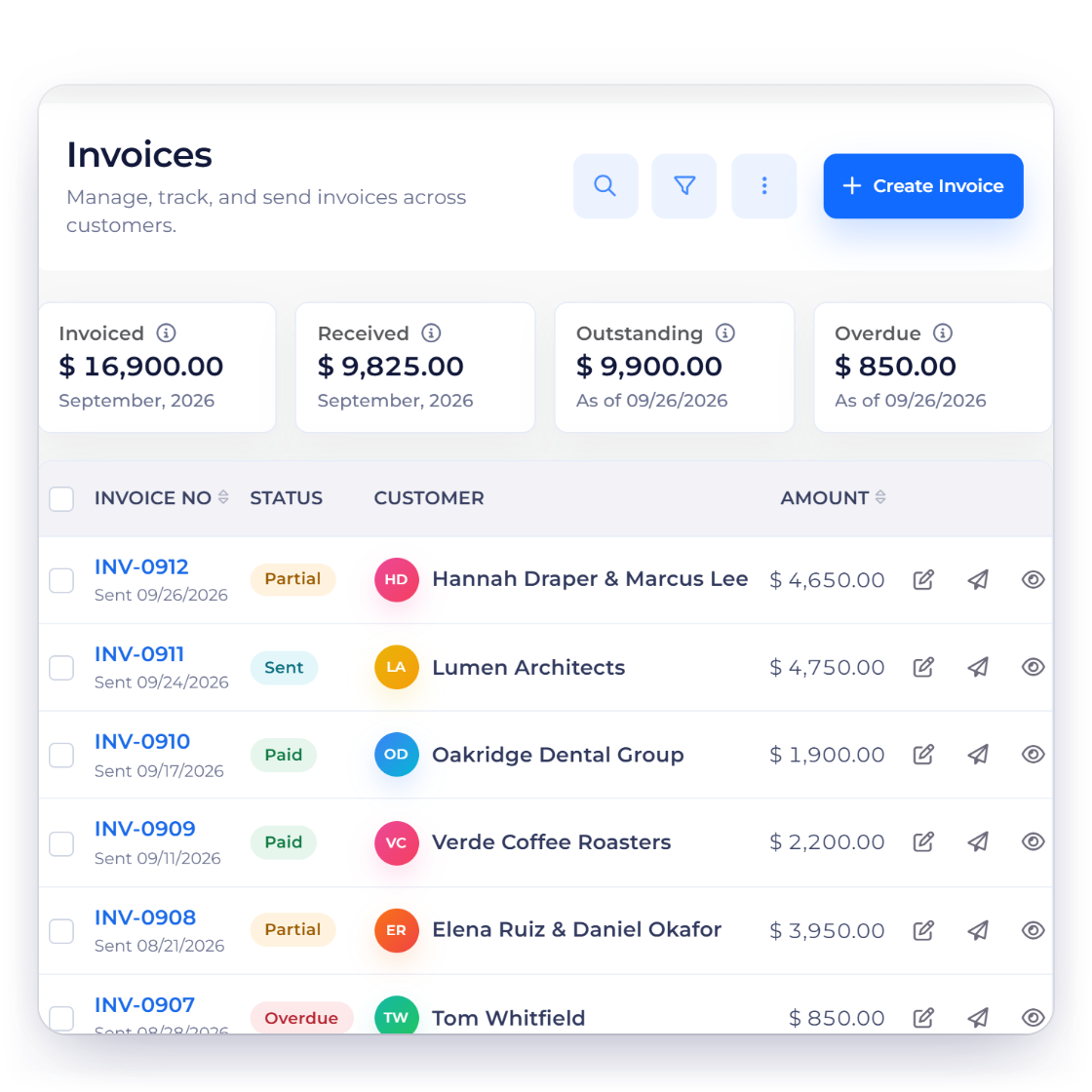
Invoice Crowd estimate and invoice screens with fictional photography package and client records.

The workflow

A clearer money path for every shoot

Photography billing begins before the camera comes out. These three workflows keep the package, payment stages and business costs visible without claiming to replace studio operations.

Scope the work

Make the package and price easy to understand

Invoice Crowd proposals screen with fictional wedding and brand photography proposals.

Present packages in a proposal or estimate

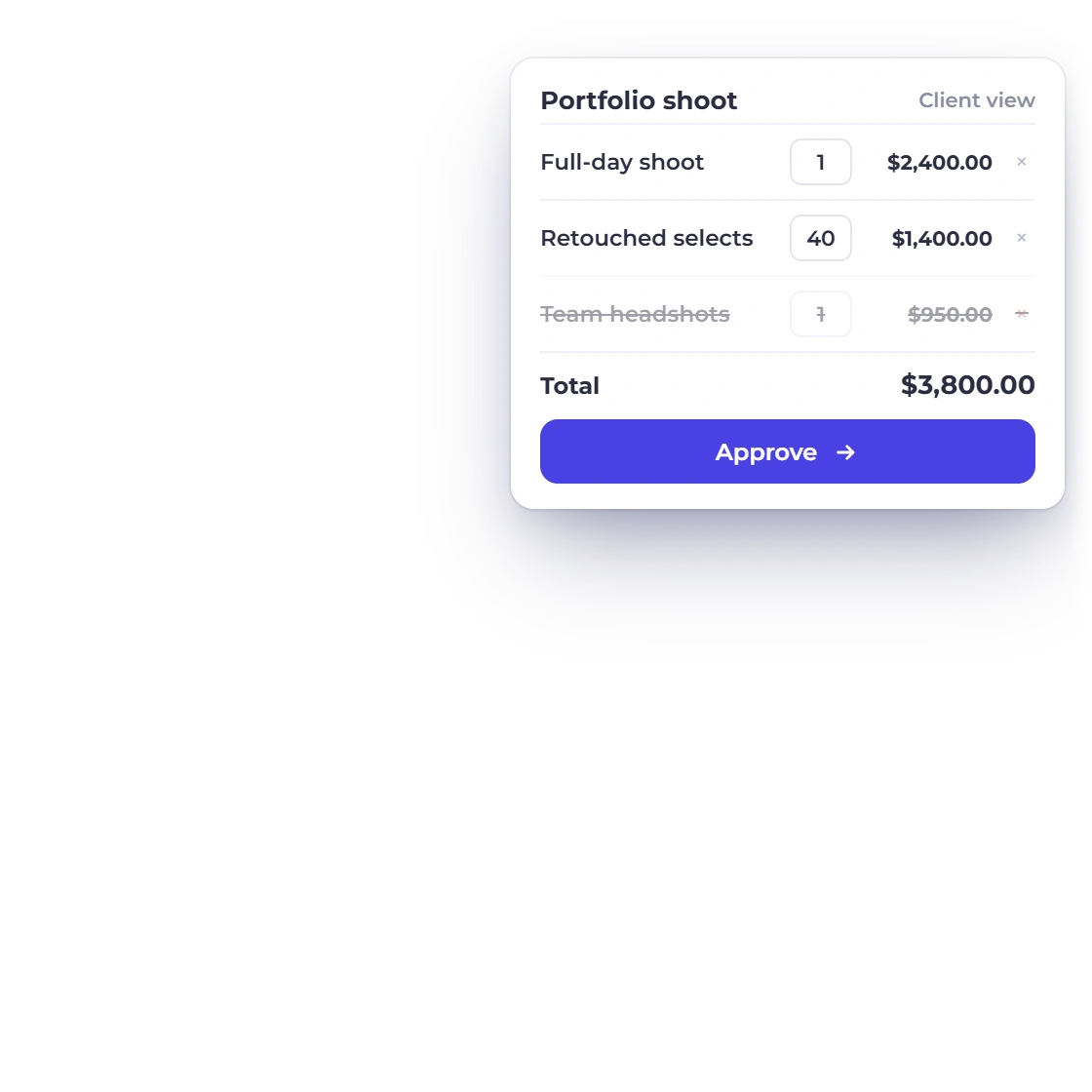
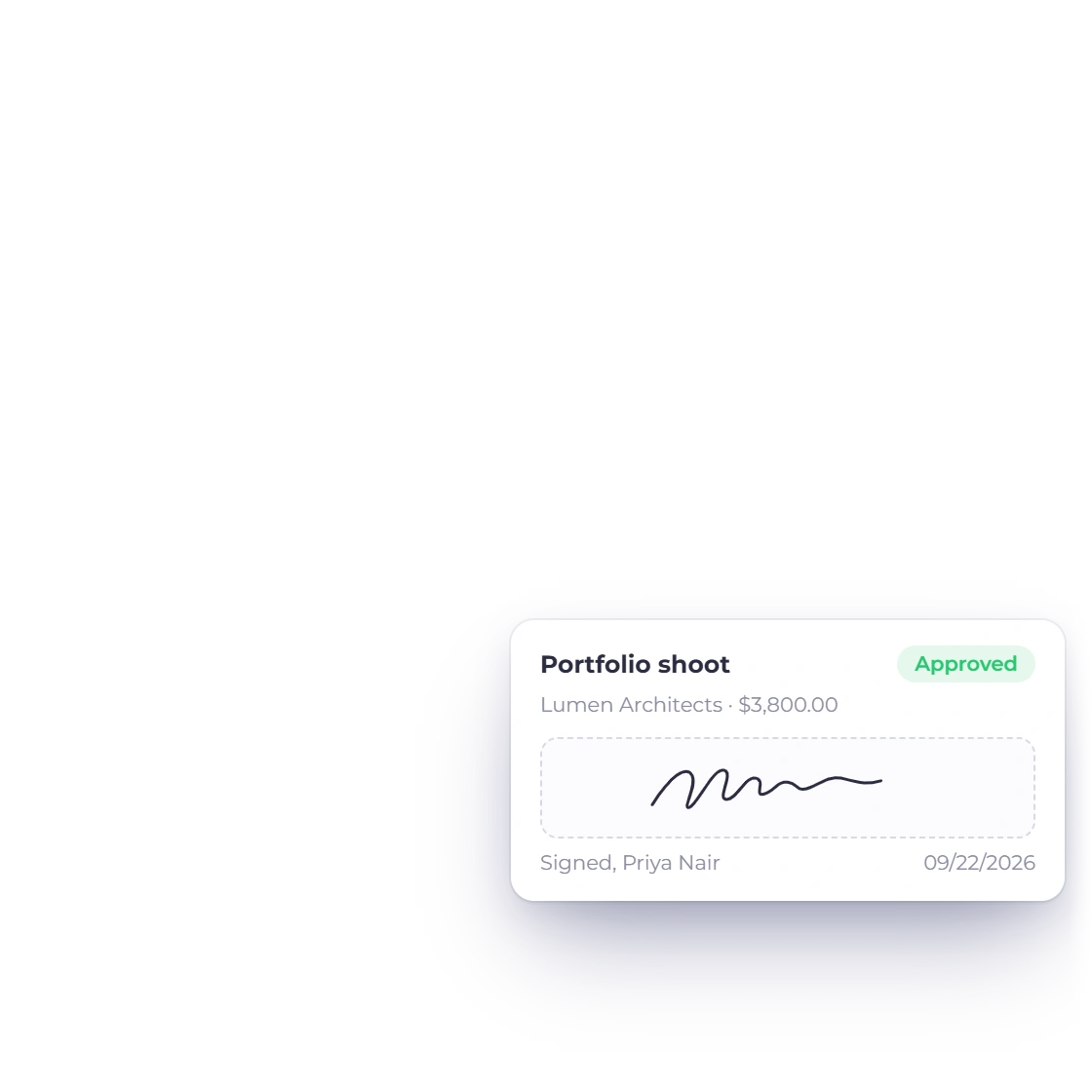
Describe the session, deliverables, usage terms and price in a client-facing document. Proposals support browser approval and signature; estimates can carry eligible optional lines when the client should choose part of the scope.

  • Clear package and deliverable descriptions
  • Browser-based proposal approval and signature
  • Eligible optional estimate lines stay explicit
Explore proposals

Stage the billing

Keep the accepted scope and payment stages connected

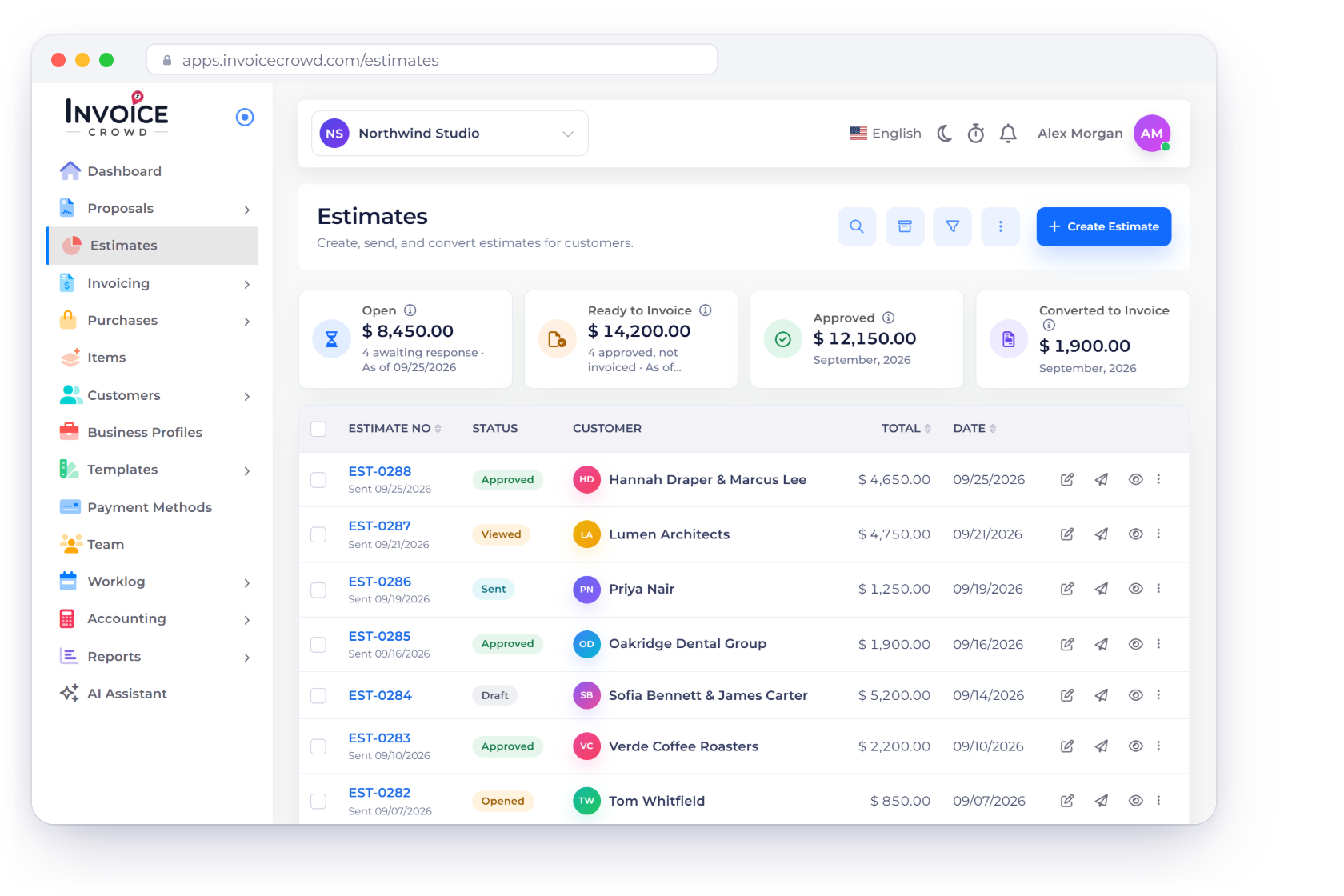
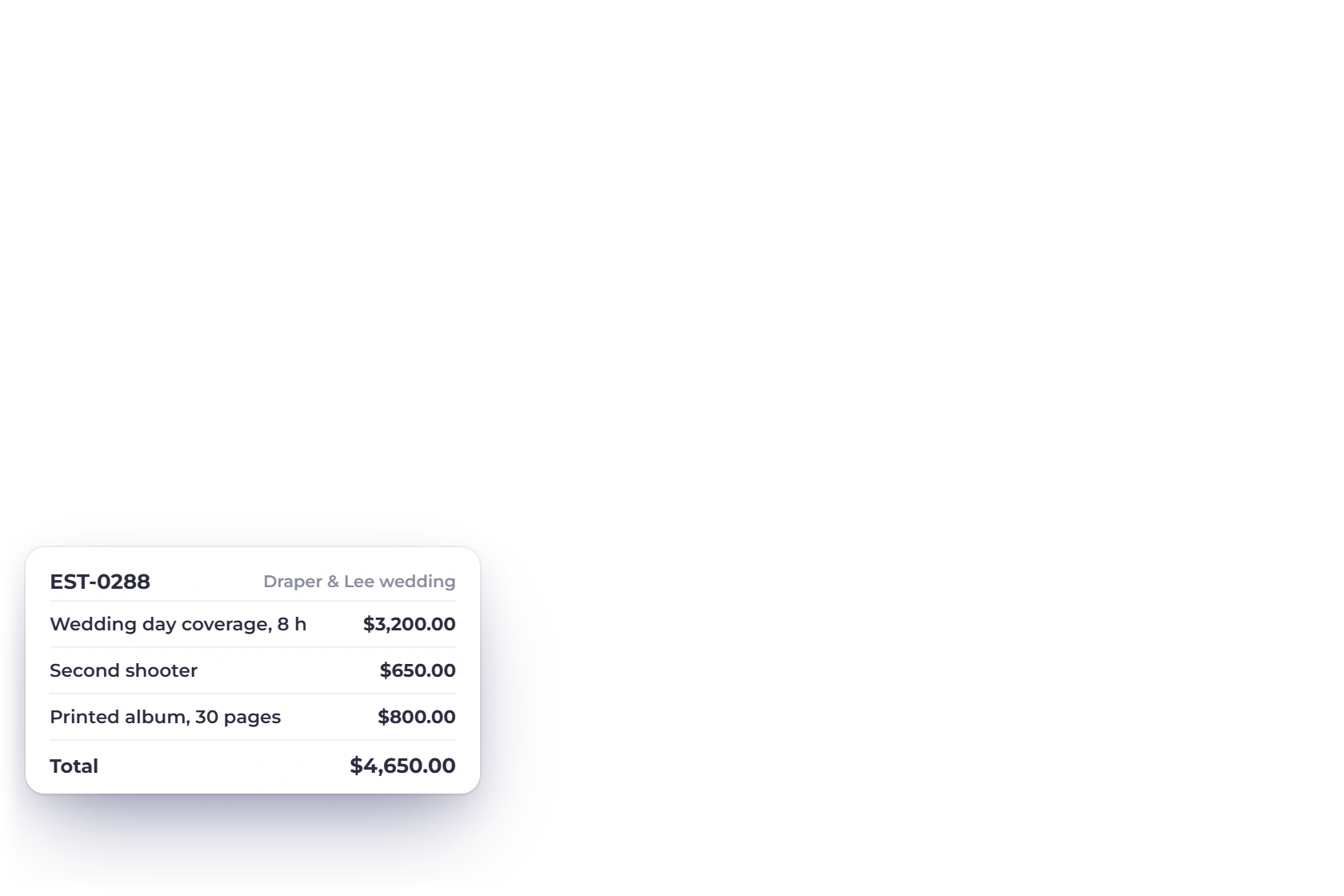
Invoice Crowd estimates screen with fictional photography package totals and statuses.

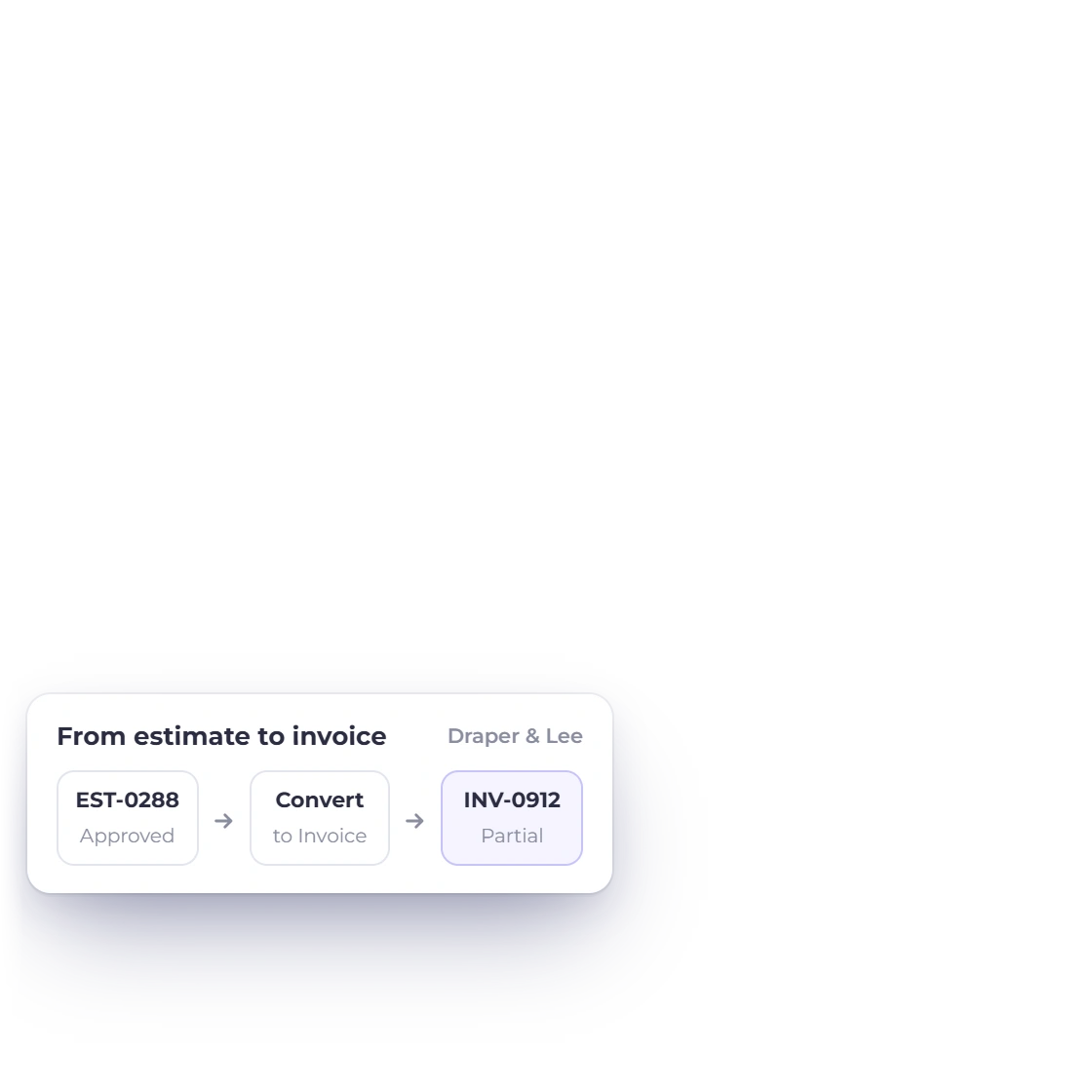
Move from an accepted estimate to the invoice

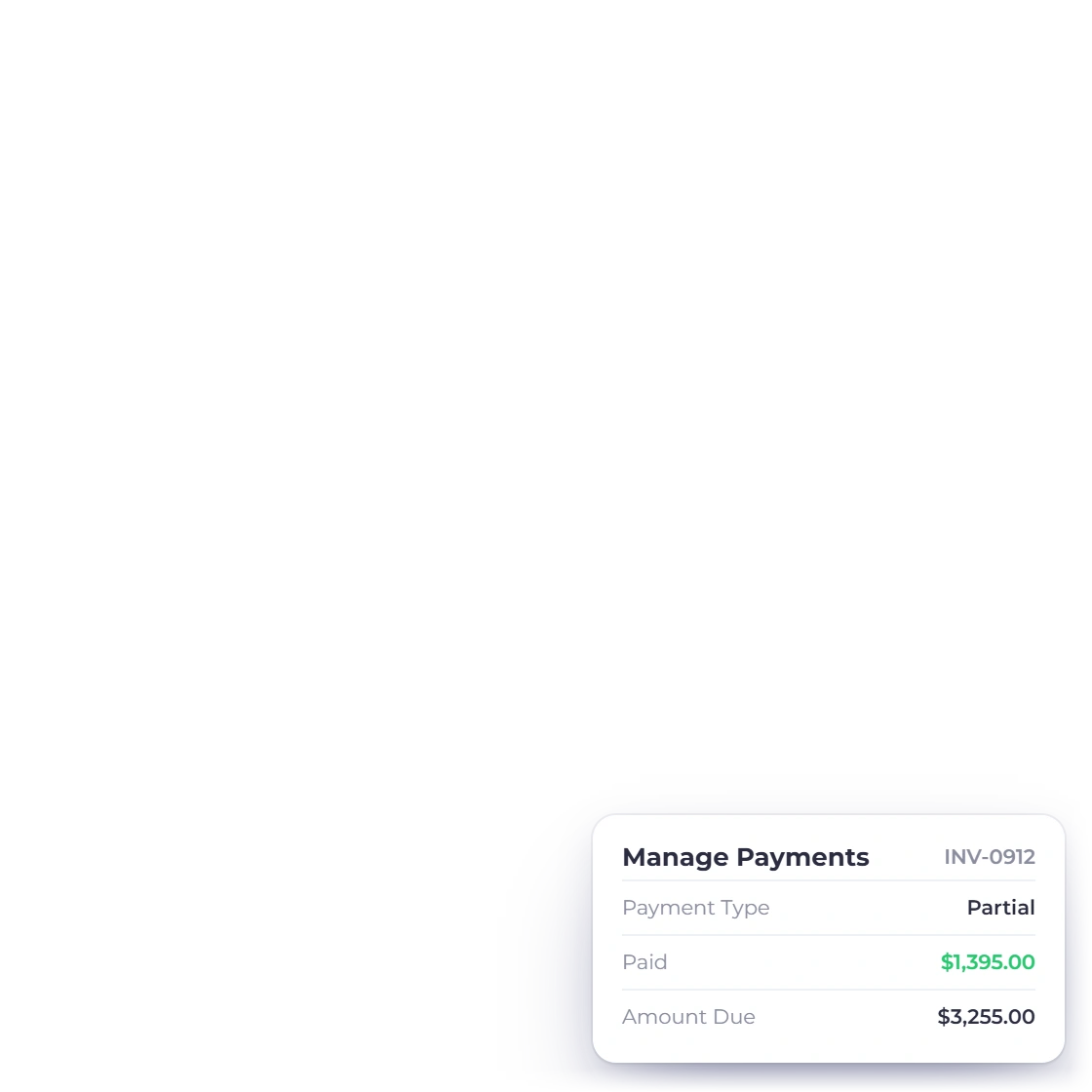
Convert the agreed estimate into an invoice instead of rebuilding it. When a supported partial-payment setting is enabled, the client can pay part of the invoice and the remaining balance stays visible in the record.

  • Accepted amounts carry into invoicing
  • Supported partial payments preserve the balance
  • Customer history keeps documents together
See partial payments

Know the business cost

Record what the project consumed

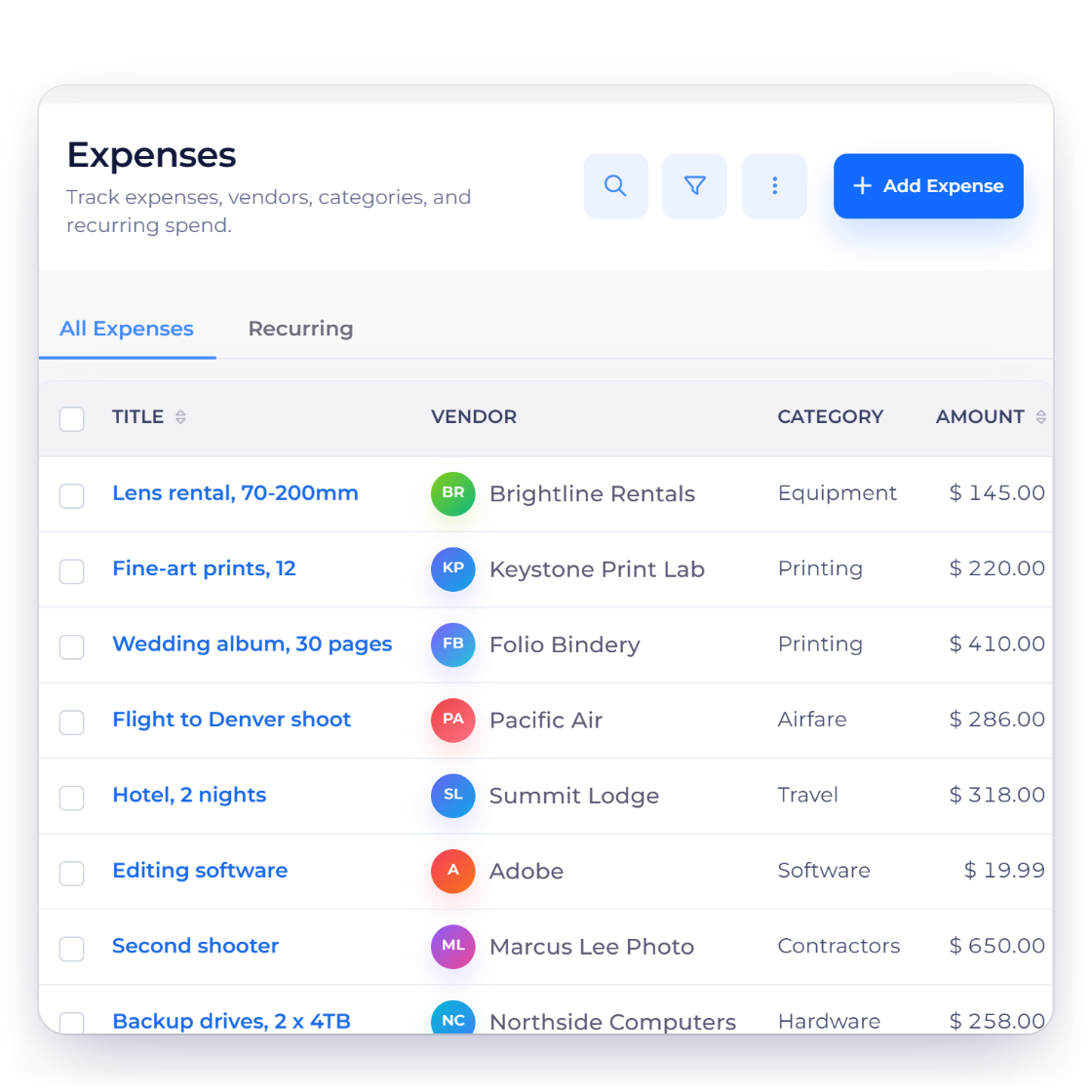
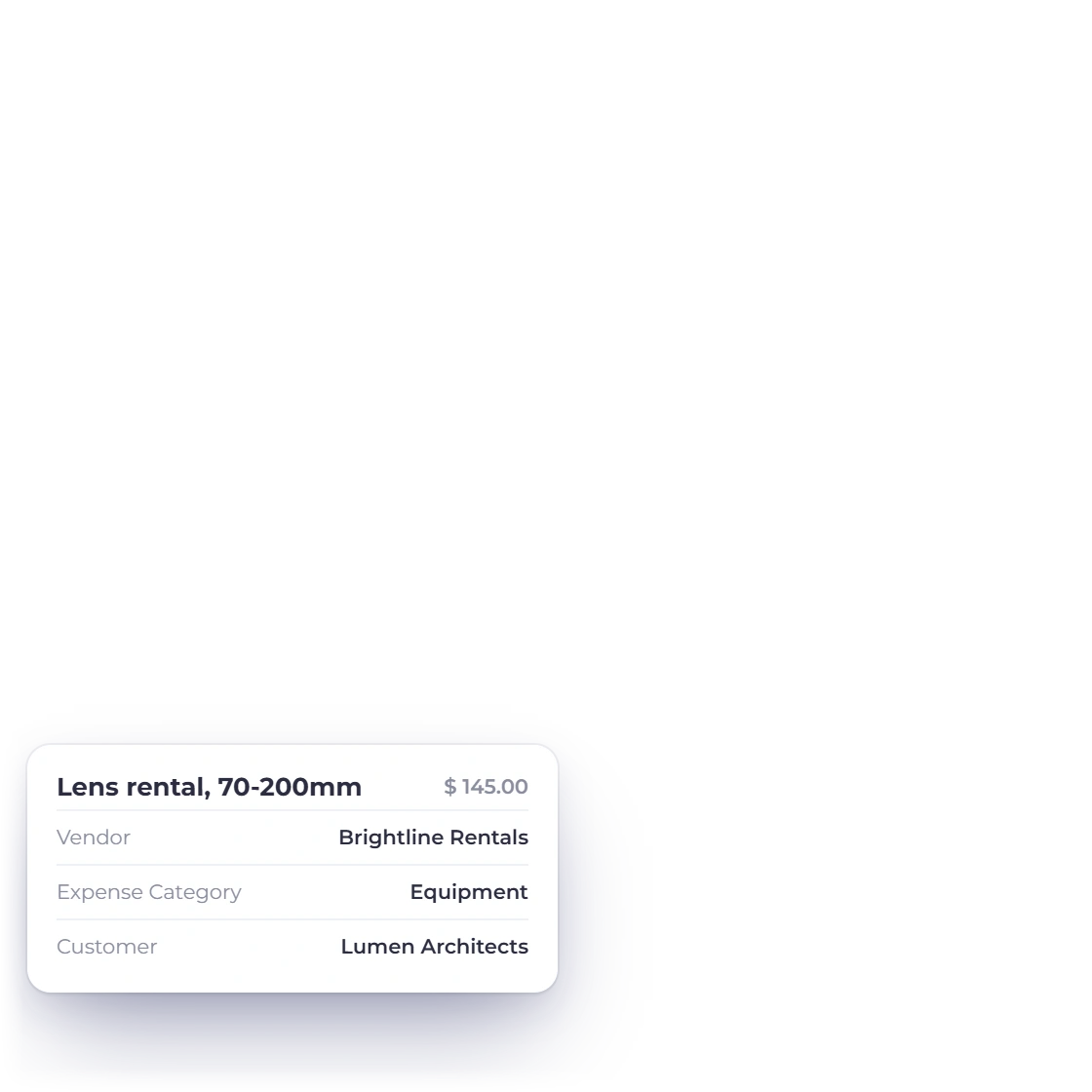
Invoice Crowd expenses screen with fictional lens rental and print production costs.

Keep rentals, travel and production expenses visible

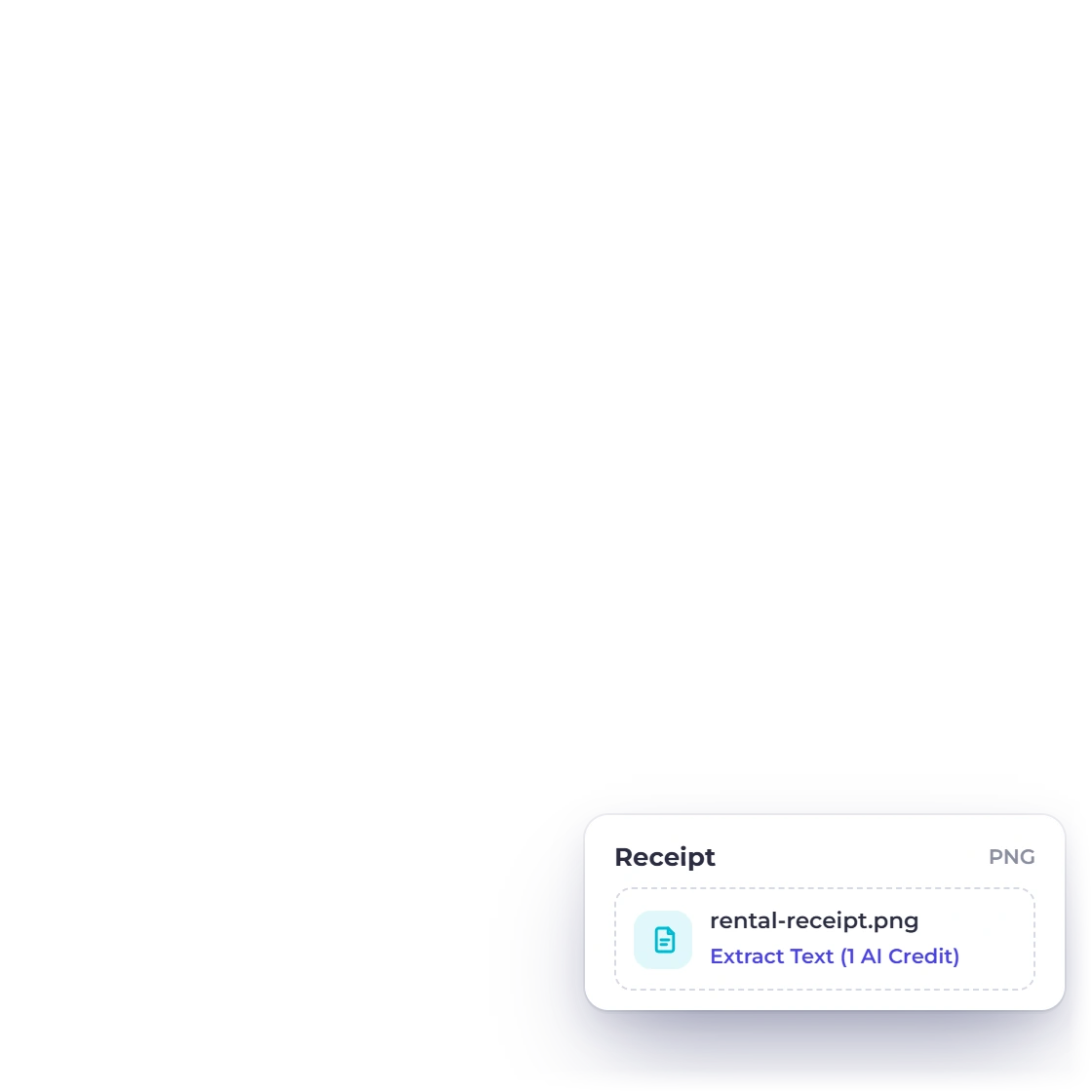
Record business expenses such as equipment hire, travel and print production with their vendor, category, amount and receipt evidence. Those records belong in the financial workflow even when image delivery happens elsewhere.

  • Vendor and category context
  • Receipt support for the expense record
  • Costs remain separate from client-facing gallery data
Track expenses

The financial layer

Connected records, clear product boundaries

Invoice Crowd keeps the commercial and financial trail together while leaving specialist delivery work in the system designed for it.

  • Commercial records stay connected

    The proposal or estimate, invoice, payment and financial history describe the same client relationship instead of becoming separate retyped files.

  • Customer context follows the document

    Supported customer records provide the billing identity, document history and balance context without becoming a specialist delivery CRM.

  • Payment choices stay explicit

    Eligible payment methods depend on the provider accounts you configure and the settings enabled for the record; provider terms, fees and settlement still apply.

  • Cross-border documents keep rate context

    Supported records can use the agreed currency while retaining relevant exchange-rate context for the financial workflow.

A quick fit decision

Use it for finance; pair it for operations

The strongest setup is the one that keeps each kind of record in the right system and still gives the client a coherent money path.

  • Use Invoice Crowd for

    Photography billing begins before the camera comes out. These three workflows keep the package, payment stages and business costs visible without claiming to replace studio operations.

  • Pair it with the right specialist tool

    Invoice Crowd is not a photography studio calendar, proofing gallery, image-delivery system or print-fulfilment platform. Keep those experiences in the specialist tool you already trust.

  • Keep sensitive delivery data separate

    Keep private image proofs, model releases and creative drafts out of invoice notes. The finance record only needs the commercial description required to support the charge.

  • Test the actual payment path

    Connect only the provider you intend to use, preview an eligible invoice and confirm fees, settlement, geography and client experience with that provider.

  • Run a representative sample first

    Build one package with a priced optional album, convert the accepted estimate and record a partial payment before choosing any invoicing system.

  • Compare like with like

    This page explains the Invoice Crowd workflow. The broader vendor comparison has separate listicle intent and is scheduled to publish in the blog without creating a broken pre-publication link.

Questions

Photographers invoicing, answered

Can photographers create proposals and estimates in Invoice Crowd?

Yes. You can create client-facing proposals and estimates with scope, pricing and terms. Proposals support browser approval and signature, and eligible estimate lines can be marked optional.

Can I collect a photography deposit?

Invoice Crowd supports partial and split-payment workflows on eligible invoices. The payment methods available to a client depend on the providers you have configured and the settings enabled for that invoice.

Does Invoice Crowd deliver photo galleries?

No. Gallery proofing, file delivery, print fulfilment and studio scheduling belong in photography-specific software. Invoice Crowd focuses on the proposal, billing, payment and financial record.

Can I record equipment rental and travel expenses?

Yes. Expense records can include vendor, category, amount and supporting receipt information, which helps keep photography business costs visible.

Can I invoice international photography clients?

Invoice Crowd supports multi-currency documents and stores the exchange-rate context used for supported records. Payment availability and settlement remain subject to the provider and account you configure.

Is there a client history for photography customers?

Customer records keep billing documents and balances connected. The customer portal is for supported financial documents and does not expose image galleries or creative files.

Test your real client workflow

Create one representative client, document the scope and follow it through to an invoice before deciding whether the workflow fits.

  • No card required to start
  • Use fictional data while testing
  • Keep specialist workflows separate