
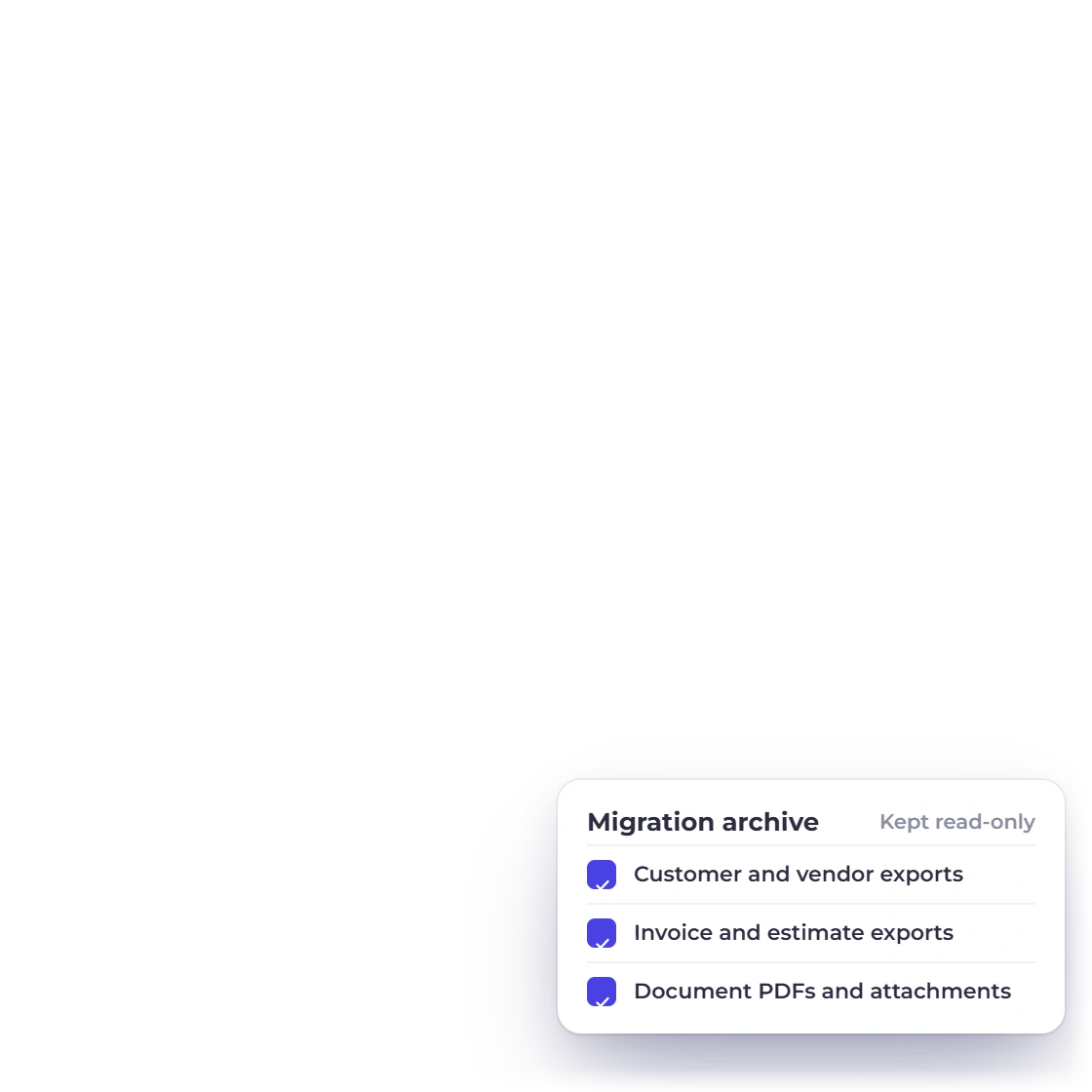
Build an archive of your old records
Keep dated exports, document PDFs, attachments, financial reports and access to your old account for history, tax, contract and audit needs.
- Dated original exports
- PDFs and attachments
- Source access retained
Migration center
Plan your move to Invoice Crowd: keep your original exports, map your CSV or Excel files, run a test import and check your totals before you switch.
A safe switch
A safe move keeps your original records, brings your working records across with mapping you have reviewed, and checks the totals before your team switches over.
Your old account remains the record of your history.
Keep dated exports, document PDFs, attachments, financial reports and access to your old account for history, tax, contract and audit needs.
Choose which records you will work with in Invoice Crowd and which stay in your archive. Note the switch date, who owns each step and how long records must be kept.
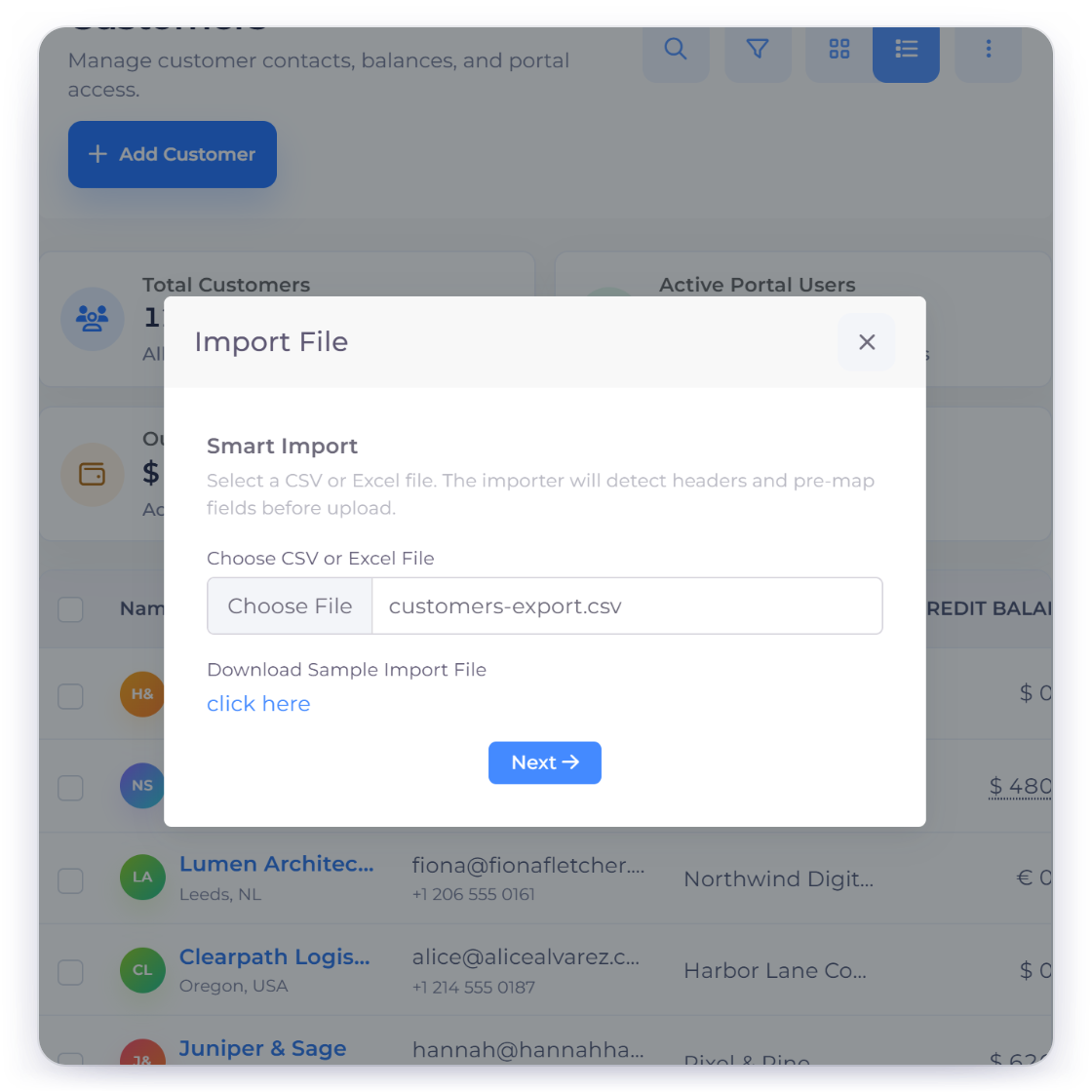
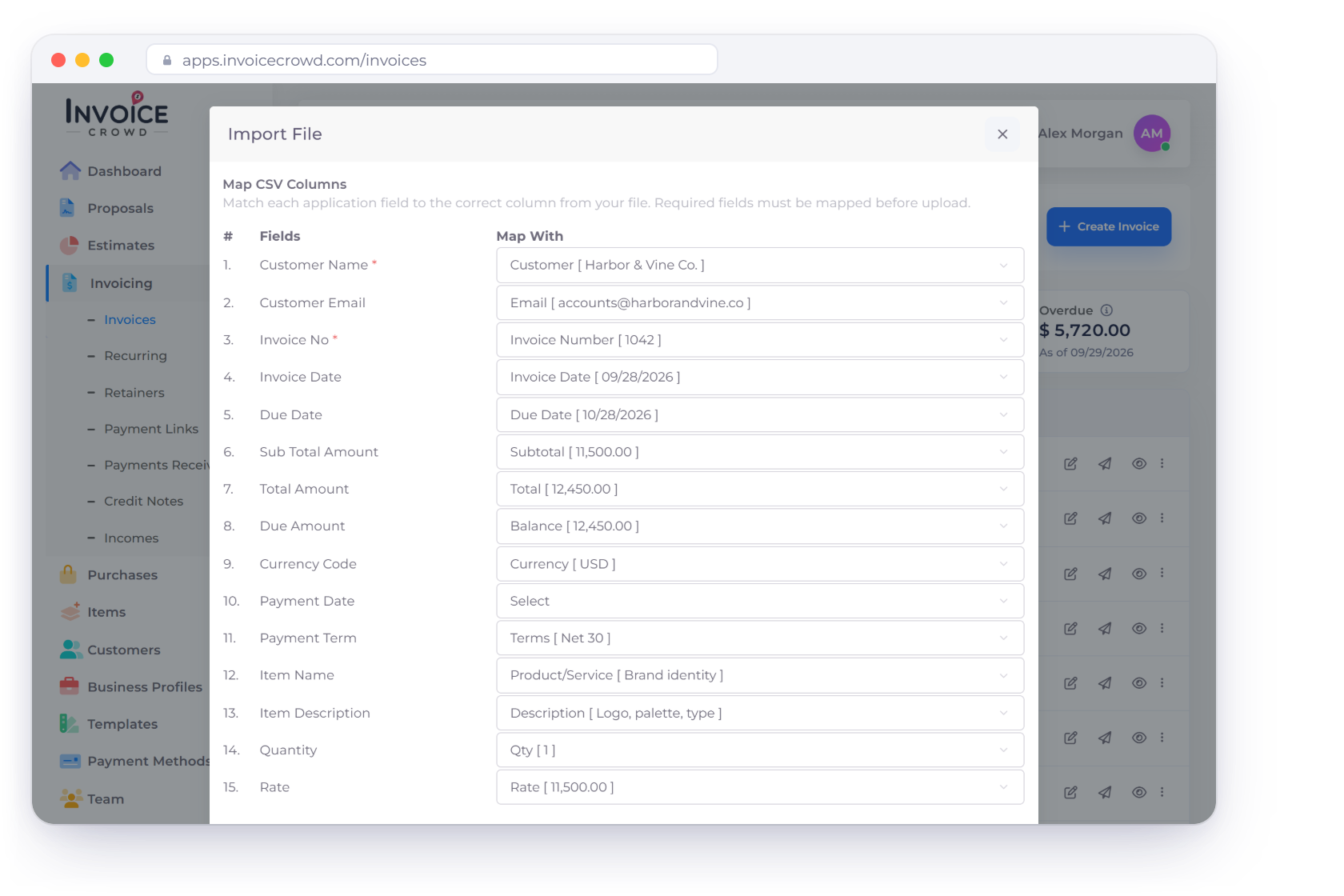
Invoice Crowd reads CSV, TXT, XLS and XLSX files and suggests the column mapping.
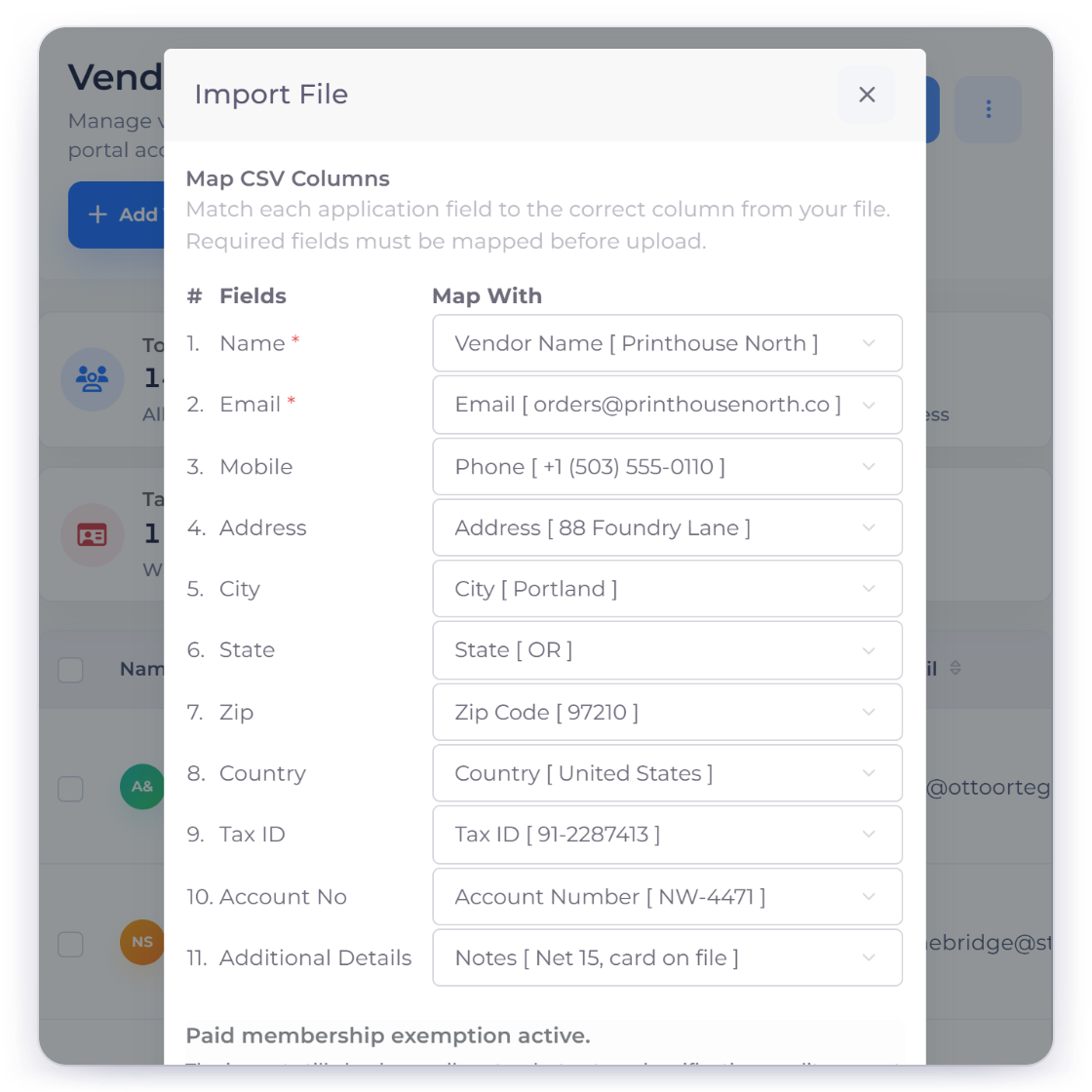
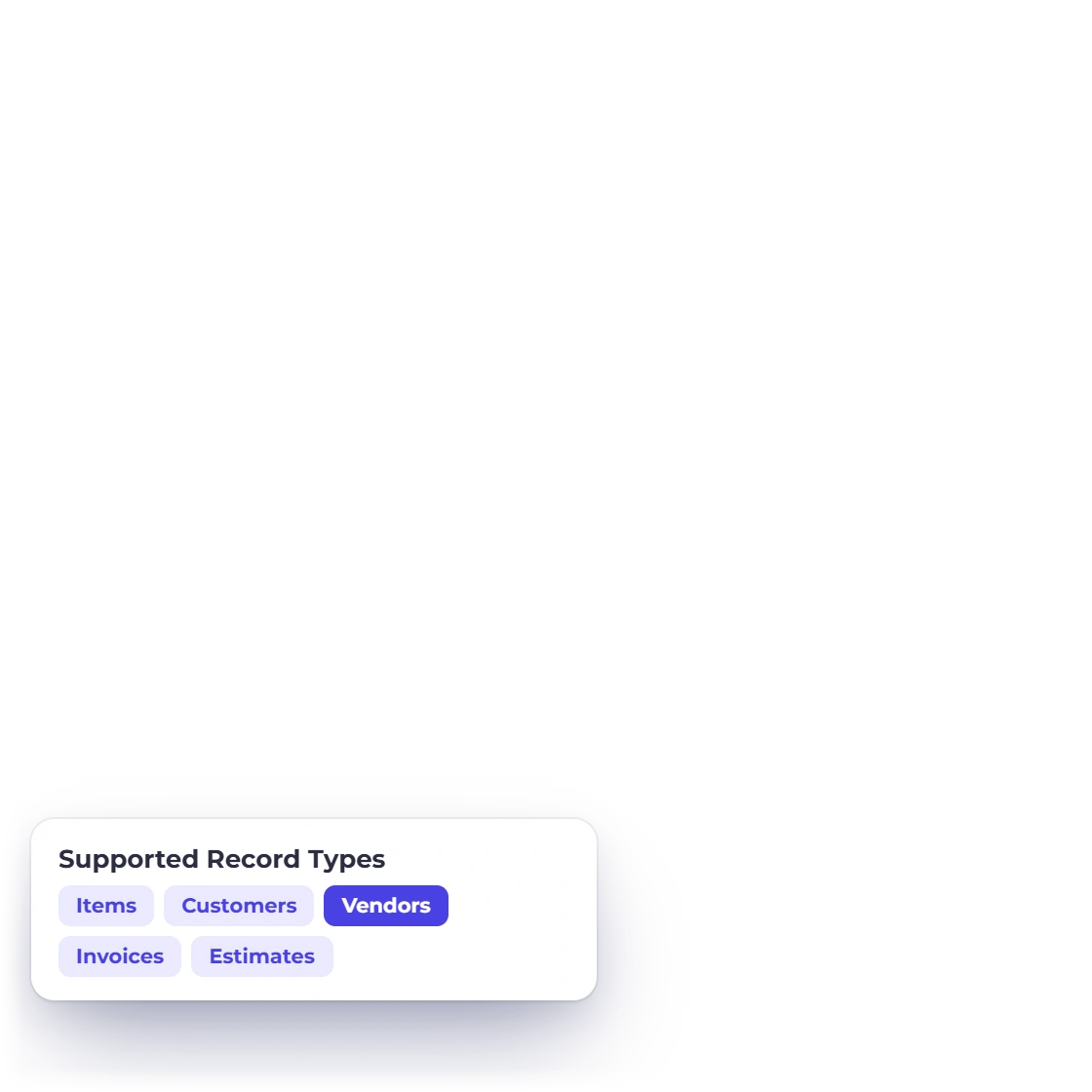
Import items, customers, vendors, invoices and estimates. Invoice Crowd suggests the columns, and you review required fields and warnings before anything is imported.
Include duplicate names, foreign currencies, taxes, discounts, long descriptions and open documents. Then check the preview and the skipped rows to see exactly what came through.
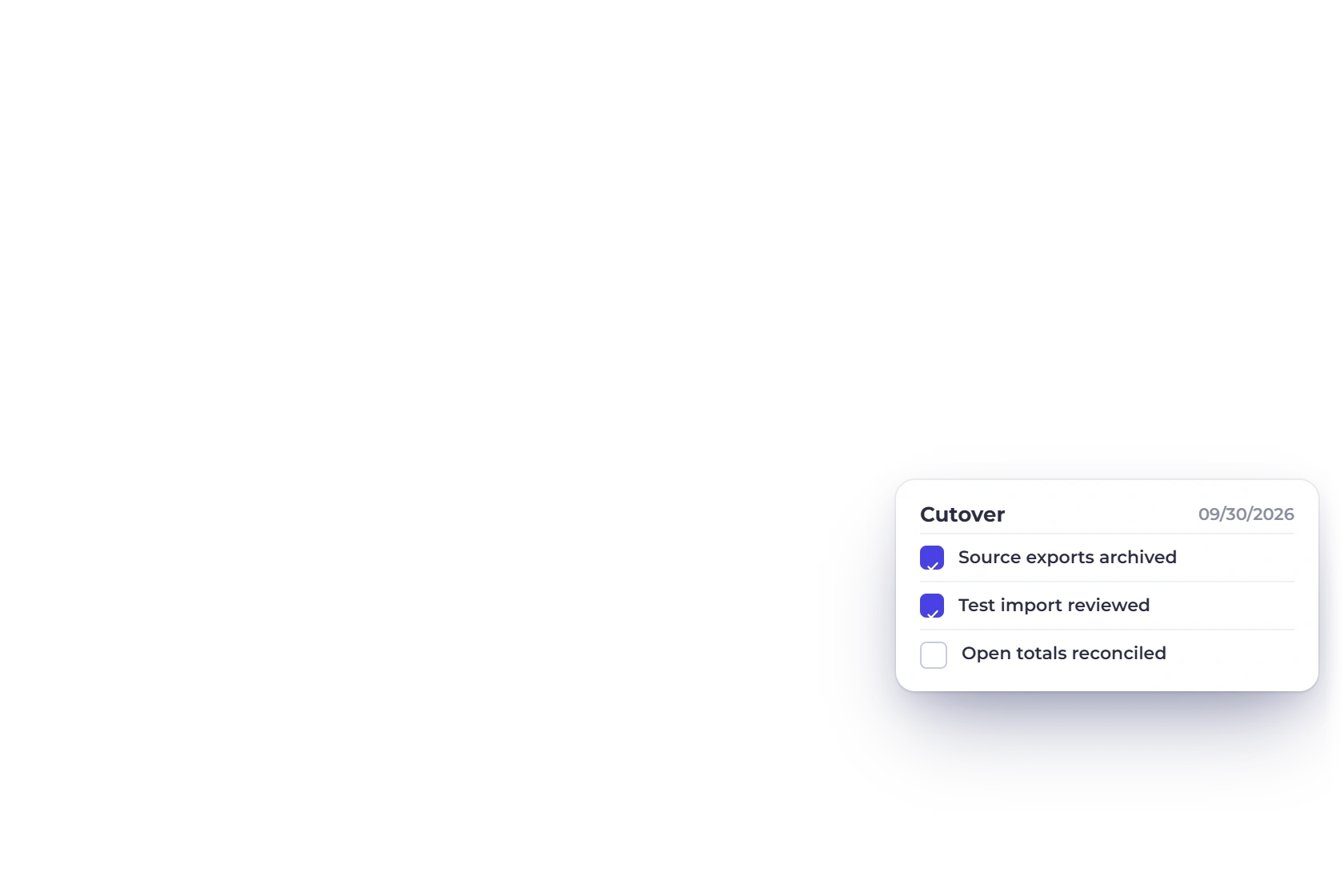
Switch once the totals agree and each step has an owner.
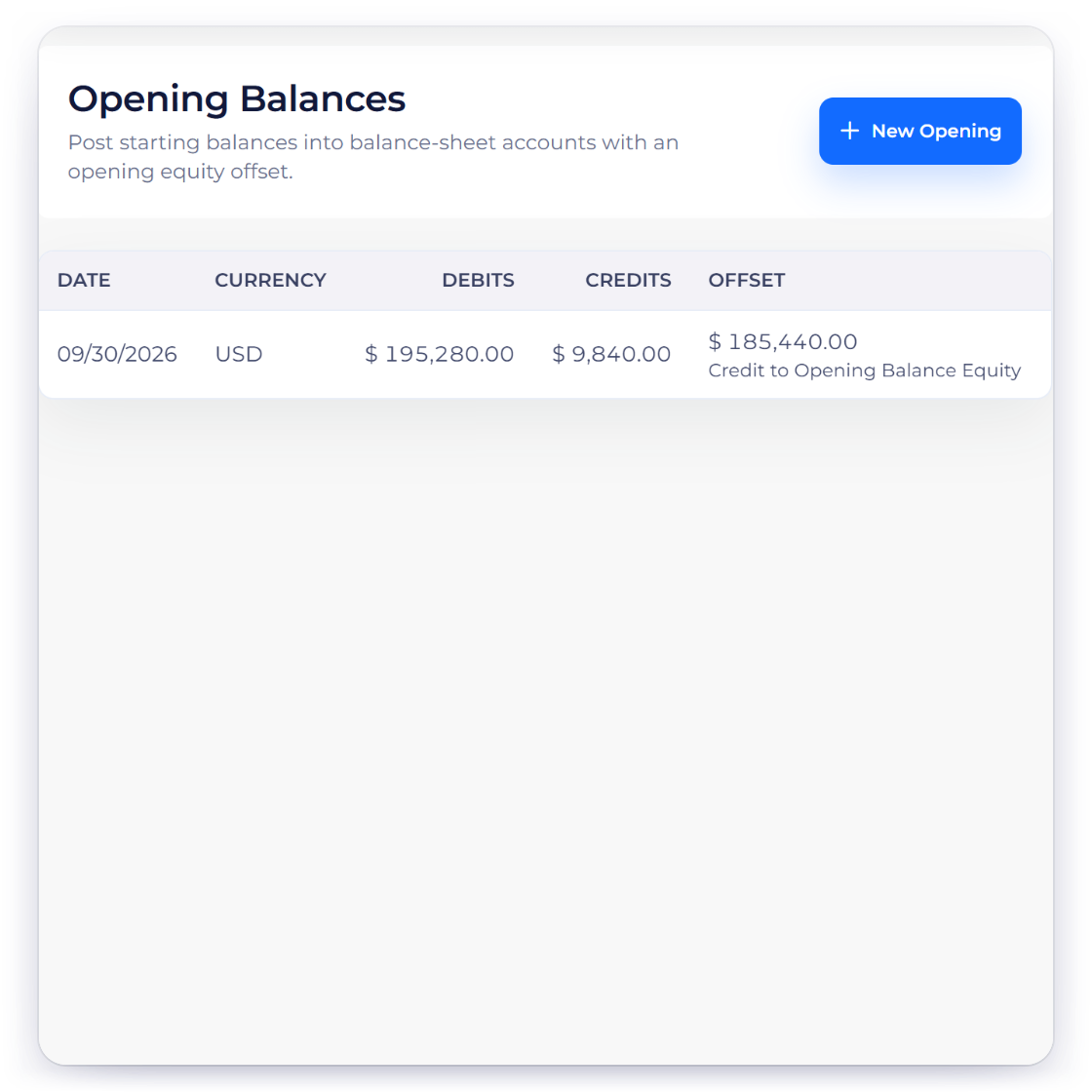
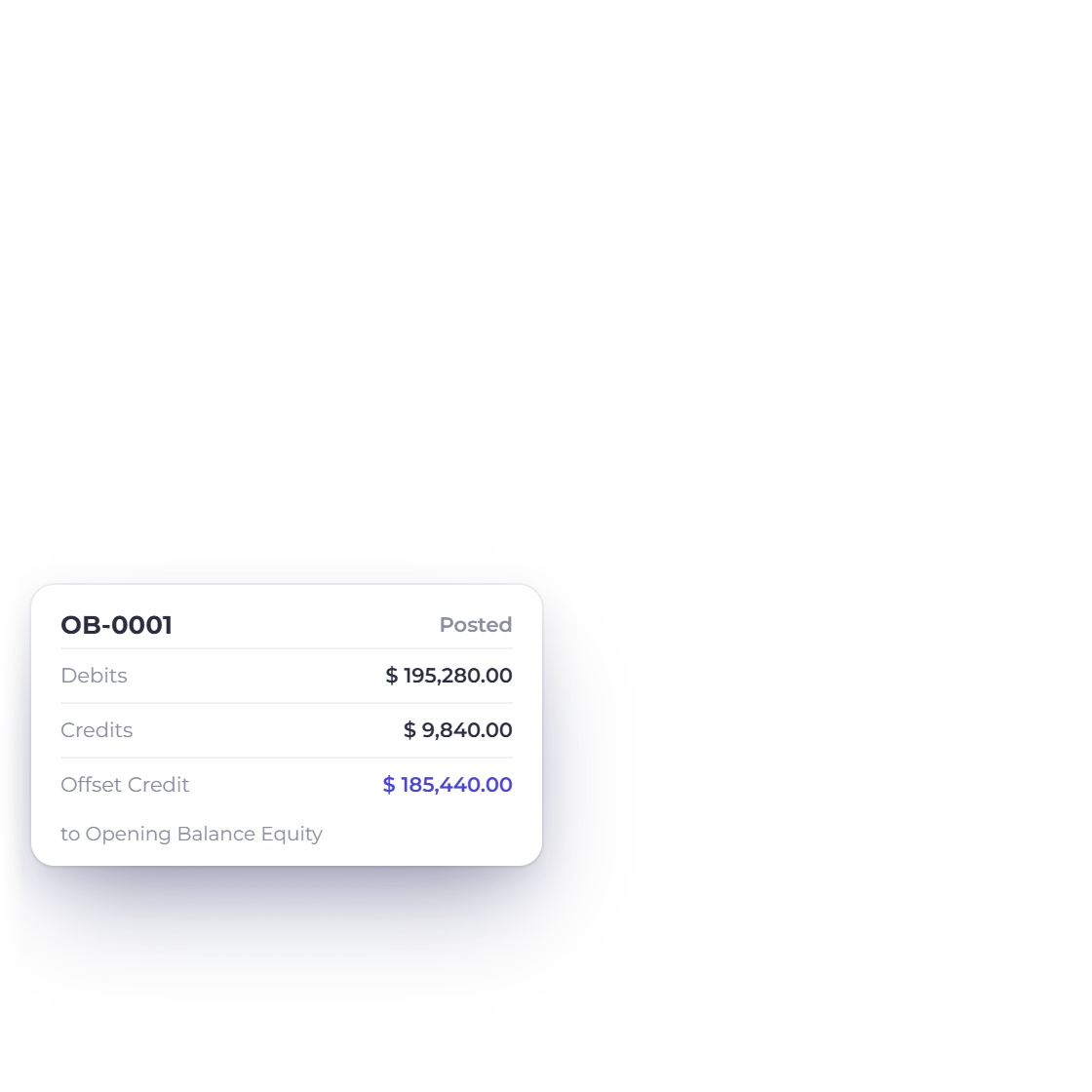
Decide how to handle accounting history, payroll, reconciliations, automation and attachments from your old system. Keep them in your archive and start from opening balances you have approved.
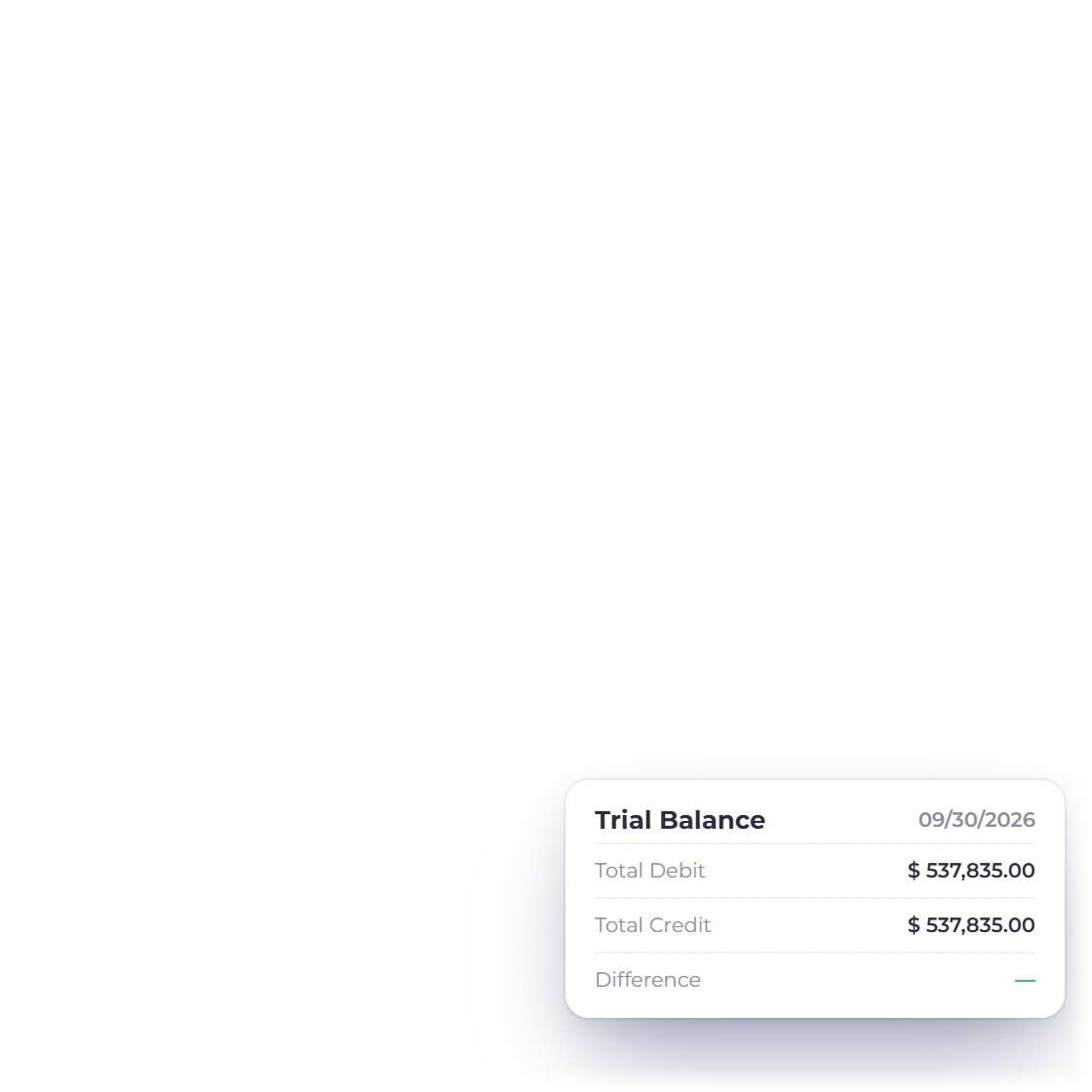
Pause new entries in your old system and take final exports. Import the last changes, check opening and open-invoice totals, and keep a fallback plan before you invite the wider team.
Migration checklist
Work through this checklist with the people who handle your bookkeeping, operations, record keeping and customer communication.
Keep dated copies of your exports and access to your old account.
Use CSV, TXT, XLS or XLSX files within the upload size limit.
Map customer names, contact details and required fields.
Map supplier names and contact details.
Map product and service fields with care.
Preserve document number, dates, customer, currency, lines, tax, discounts and totals.
Bring across the quote number, dates, customer and line details.
Review detected headers, suggested mapping, required fields and sample rows.
Fill in missing required fields before you run the import.
Download and review any rejected records.
Match open documents, customer balances and approved opening totals.
Note what stays in your old system and why.
Questions
Export your data from your old system as CSV or Excel files and import them into Invoice Crowd, which takes items, customers, vendors, invoices and estimates. Keep older history in your archive, or rebuild what you still need.
Invoice Crowd imports CSV, TXT, XLS and XLSX files within the upload size limit.
Invoice Crowd imports items, customers, vendors, invoices and estimates. Bank reconciliation has its own import.
Not straight away. Keep your old account and exports until your financial, tax, contract and audit record-keeping needs are covered and every significant balance has been reconciled.
Check the field mapping, warnings, imported rows, a sample of documents, open balances, currencies, taxes and opening totals. When these agree with your old system, the migration has worked.
Note it in your migration plan, then keep it in your archive, attach it to the record in Invoice Crowd, or rebuild it by hand.
Create your archive, prepare a test file, check warnings and skipped rows, and reconcile the result before you switch.