Proposal
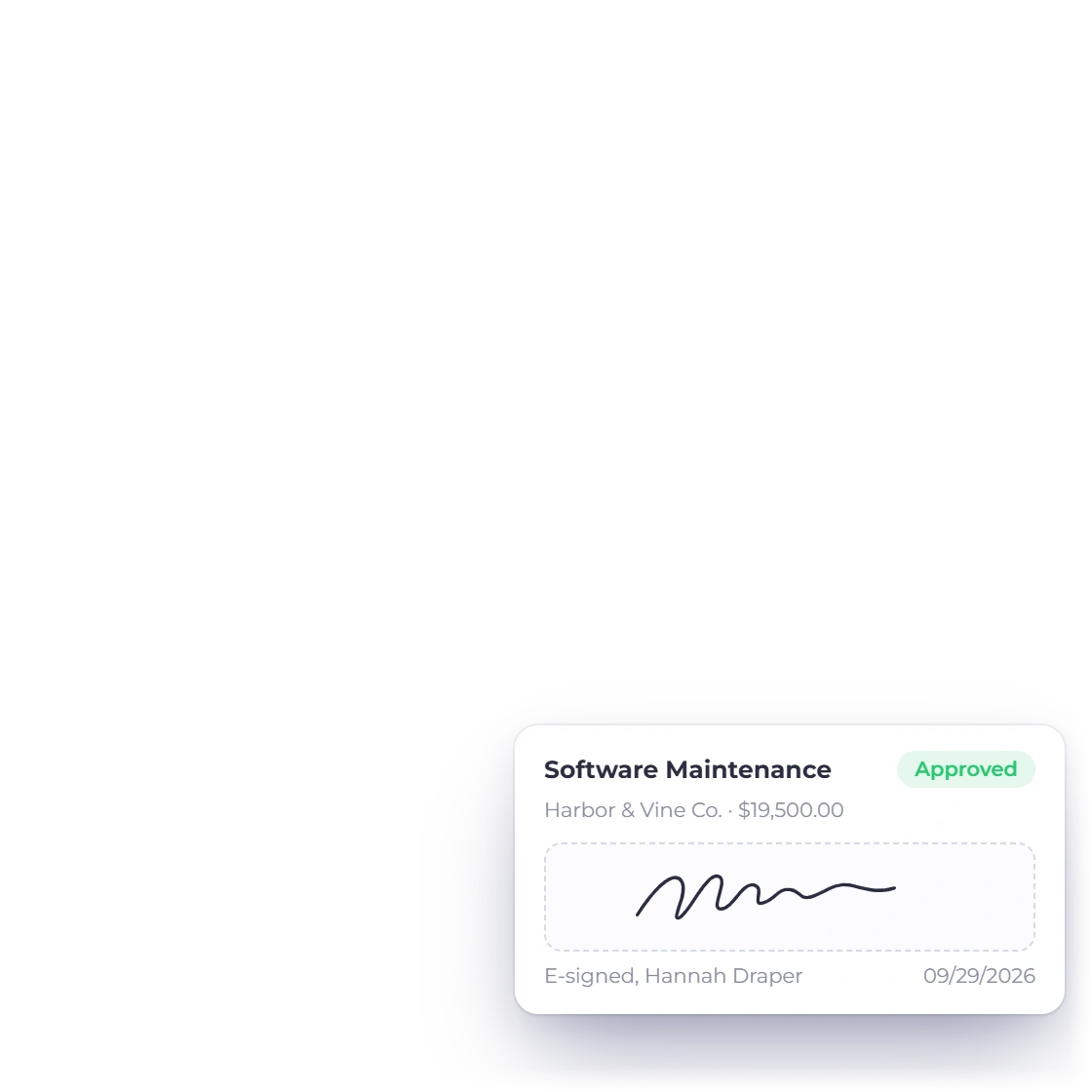
A designed document with sections, a pricing table and a signature field the client fills in on screen.
Create proposals, invoices and estimates with AI, or build them yourself. Invoice Crowd connects sales, payments, purchasing, time tracking and accounting in one account, with AI Connections for Claude, ChatGPT and other MCP apps.
How the work moves
Customers, items and documents carry through from proposal or estimate to invoice, payment and report, so nothing is typed twice.
A designed document with sections, a pricing table and a signature field the client fills in on screen.
A priced quote with lines, tax and recipient choices, approved online instead of by a countersigned PDF.
Approval carries the same lines into an invoice, with a deposit up front if that is how the job is staged.
The client settles it from the portal through whichever gateway you connected, in one payment or several.
Each document and payment posts to the ledger, so the statements are already written when you go looking.
The three jobs
Three stages, one connected account. Each one below links to its own page for the full detail.
Estimates and proposals, two ways to open the same deal
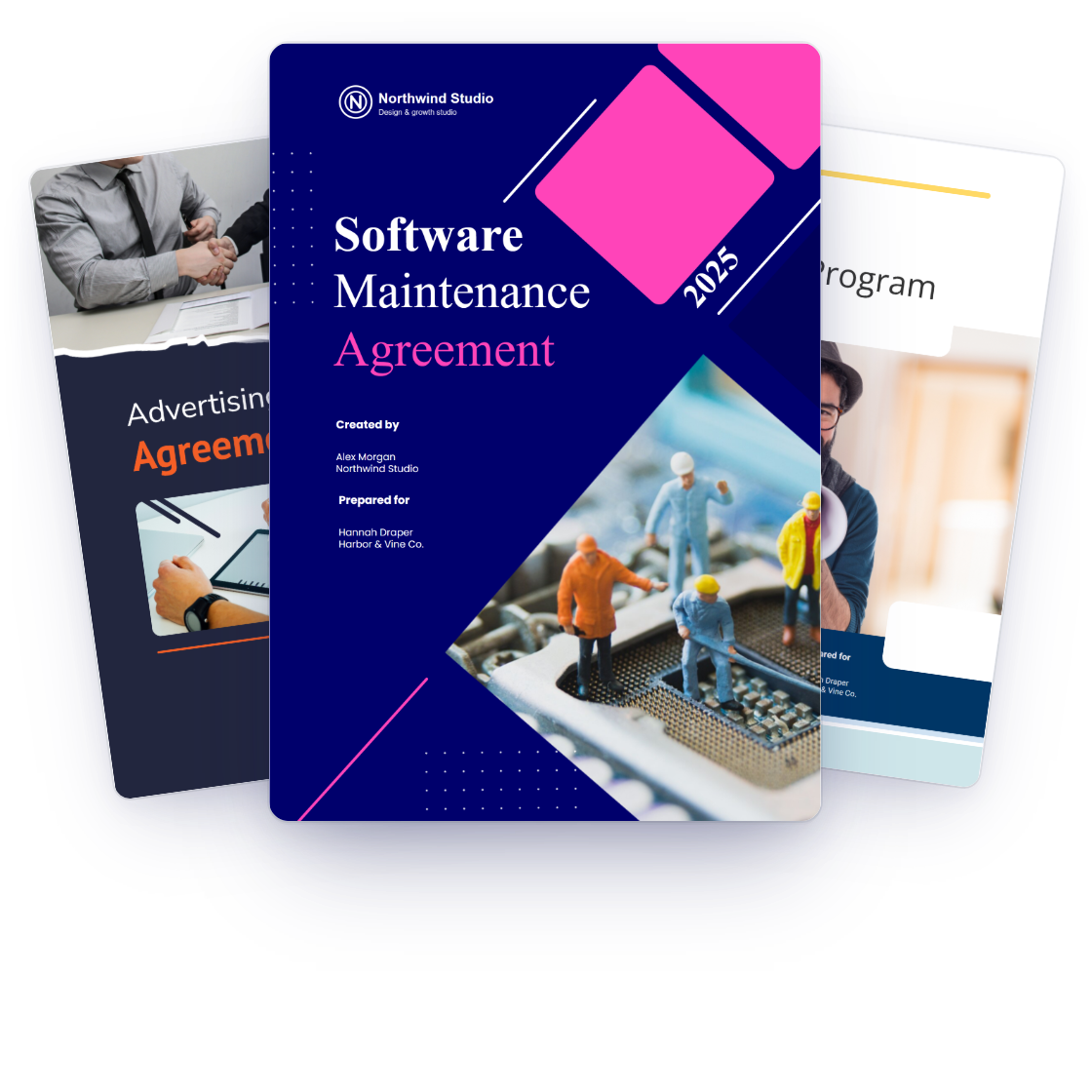
Build a branded proposal from 70+ templates, or let Create with AI write the first draft from a short brief, then send it to your client and track their response. Clients can review the proposal and sign online.
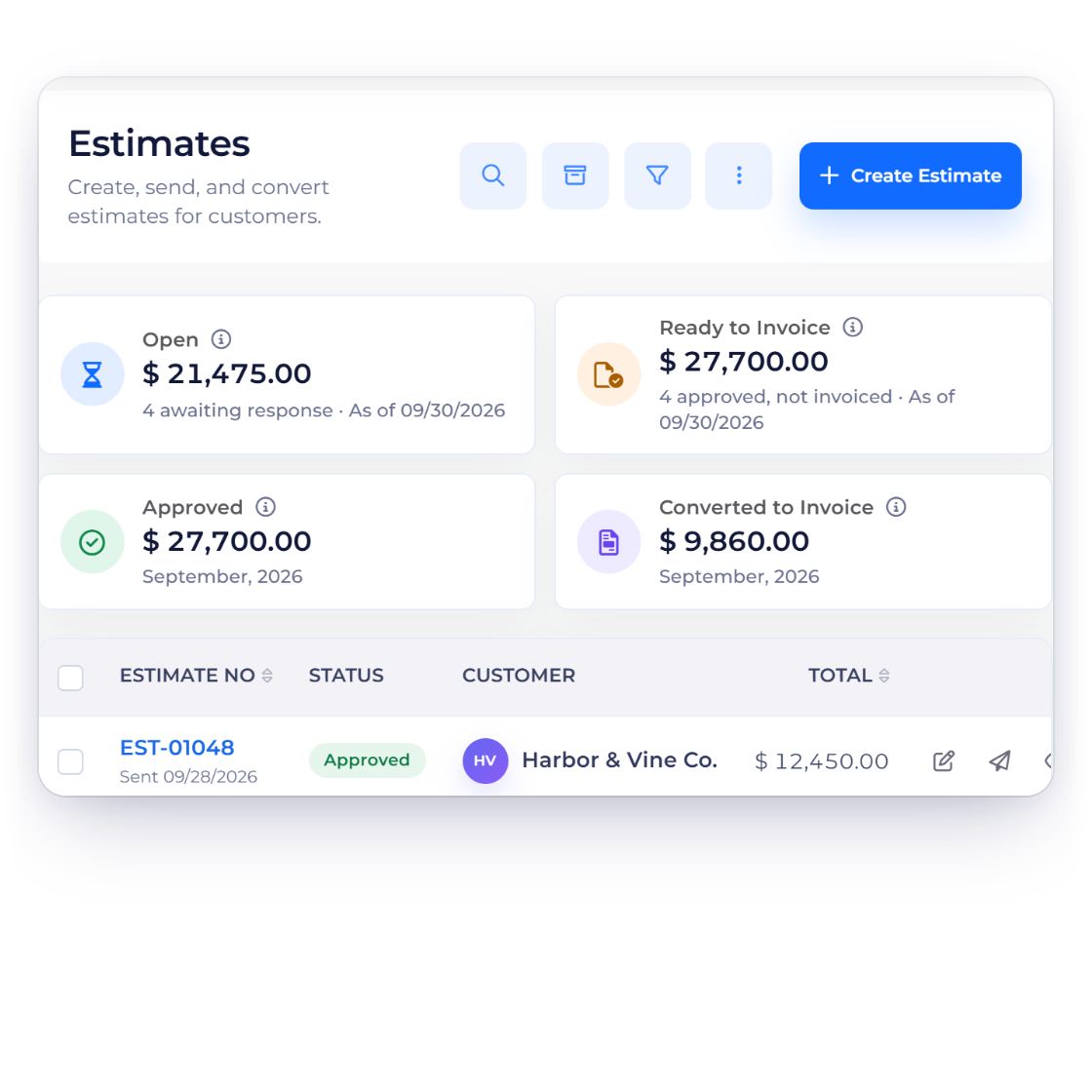
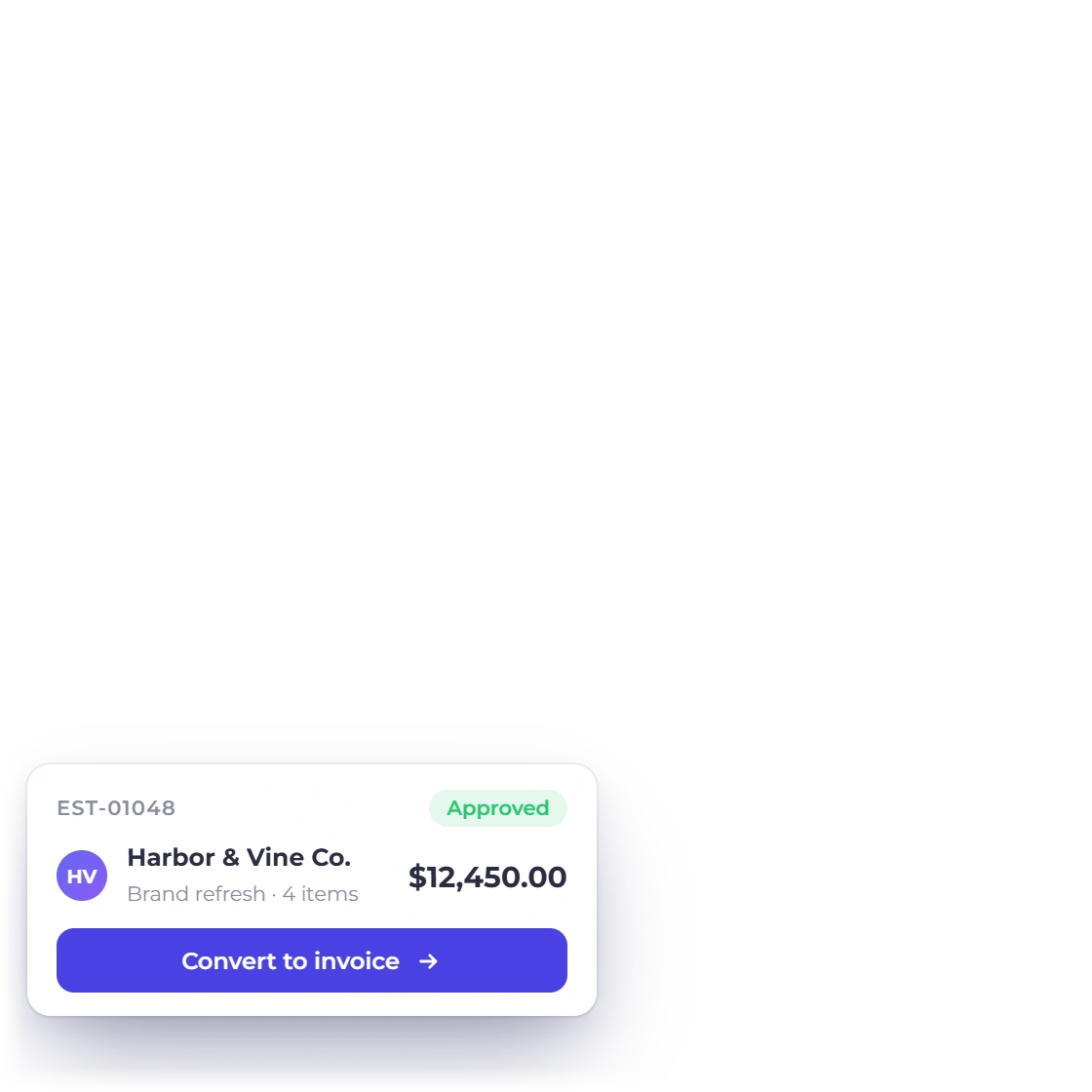
The lighter sibling of a proposal. Reuse your item catalogue, quote in the client's currency, get approval online, and convert straight to an invoice.
From the approved document to money in the account
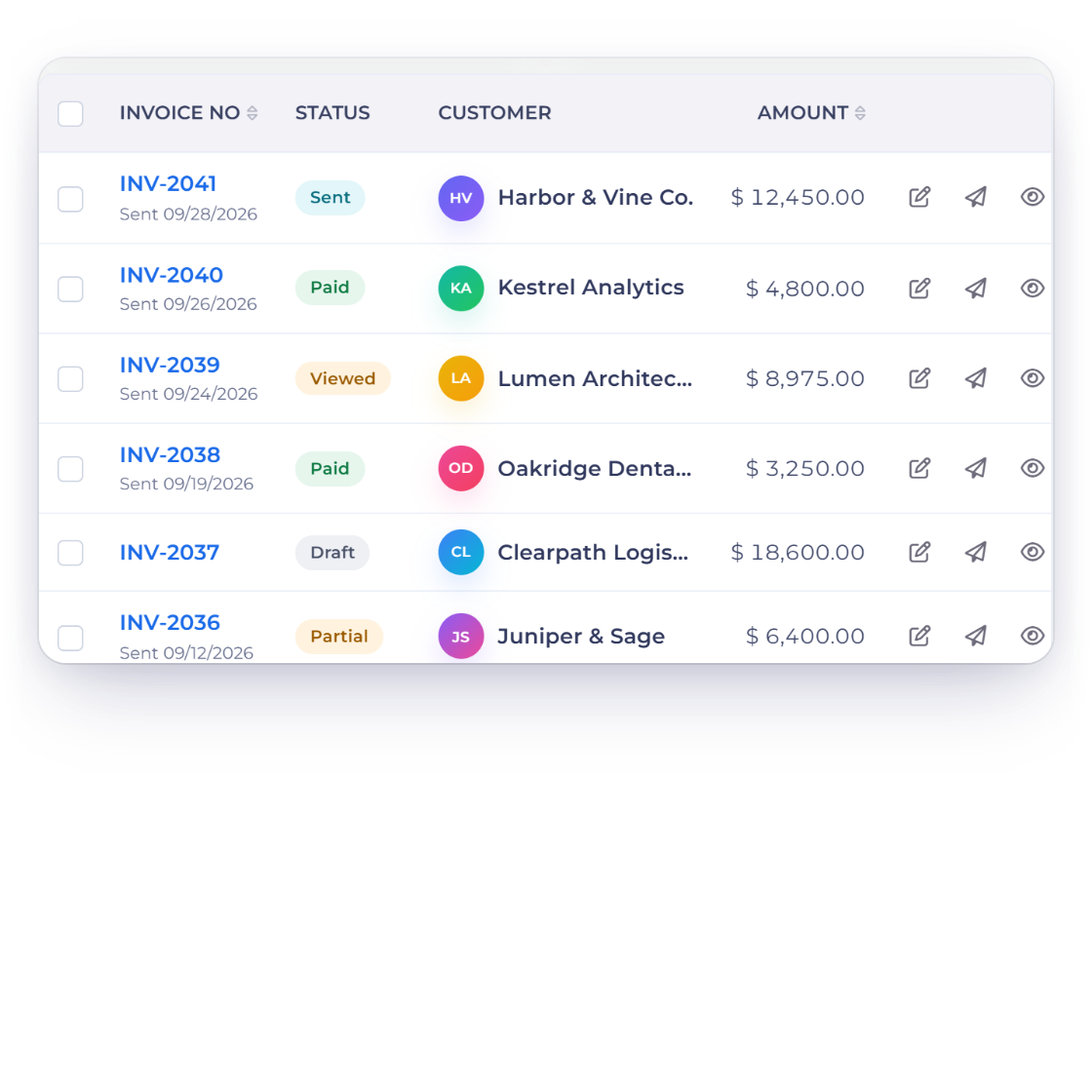
Customisable templates, multi-currency, GST and regional tax rules, payment stubs, custom fields and your own terms. All per document, all remembered.
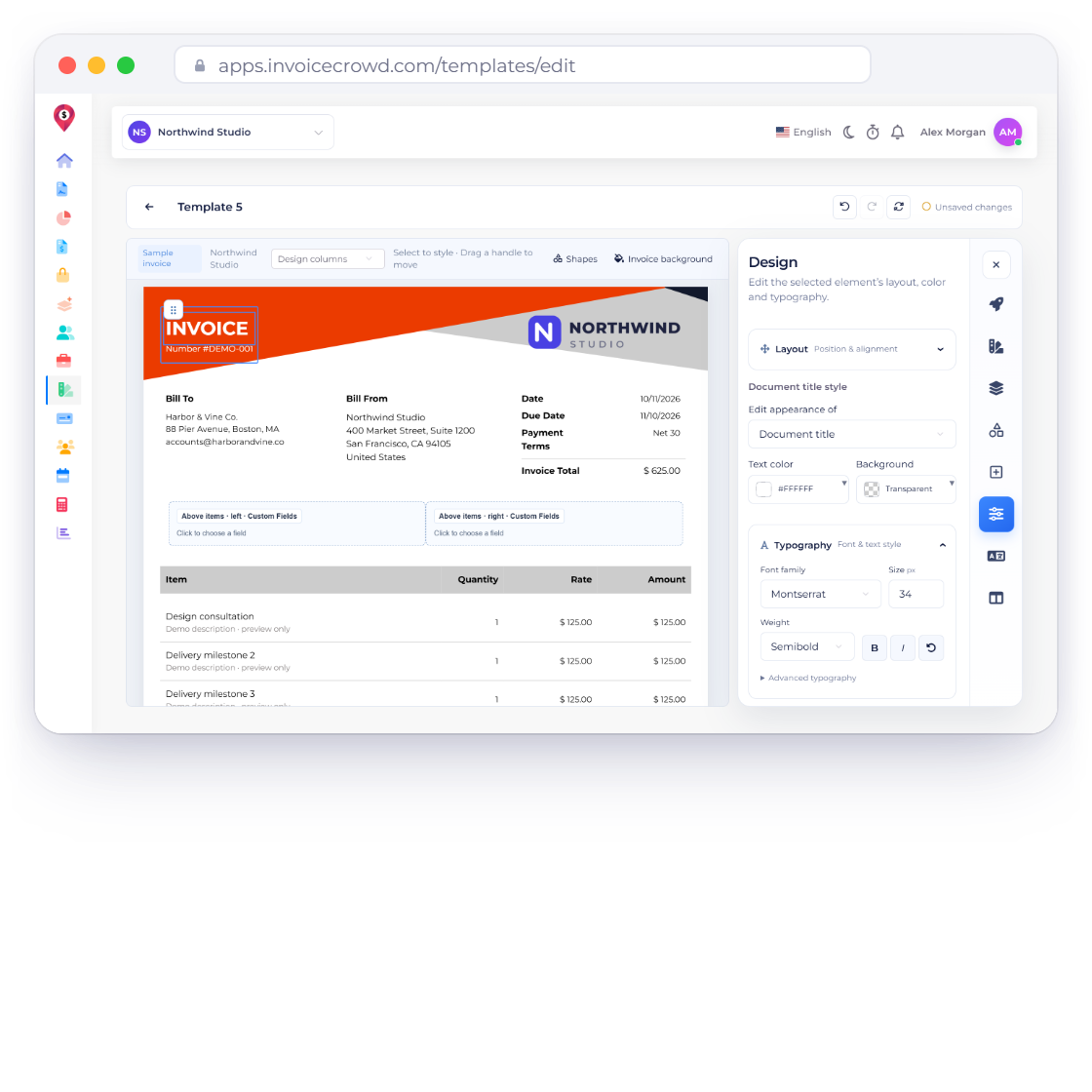
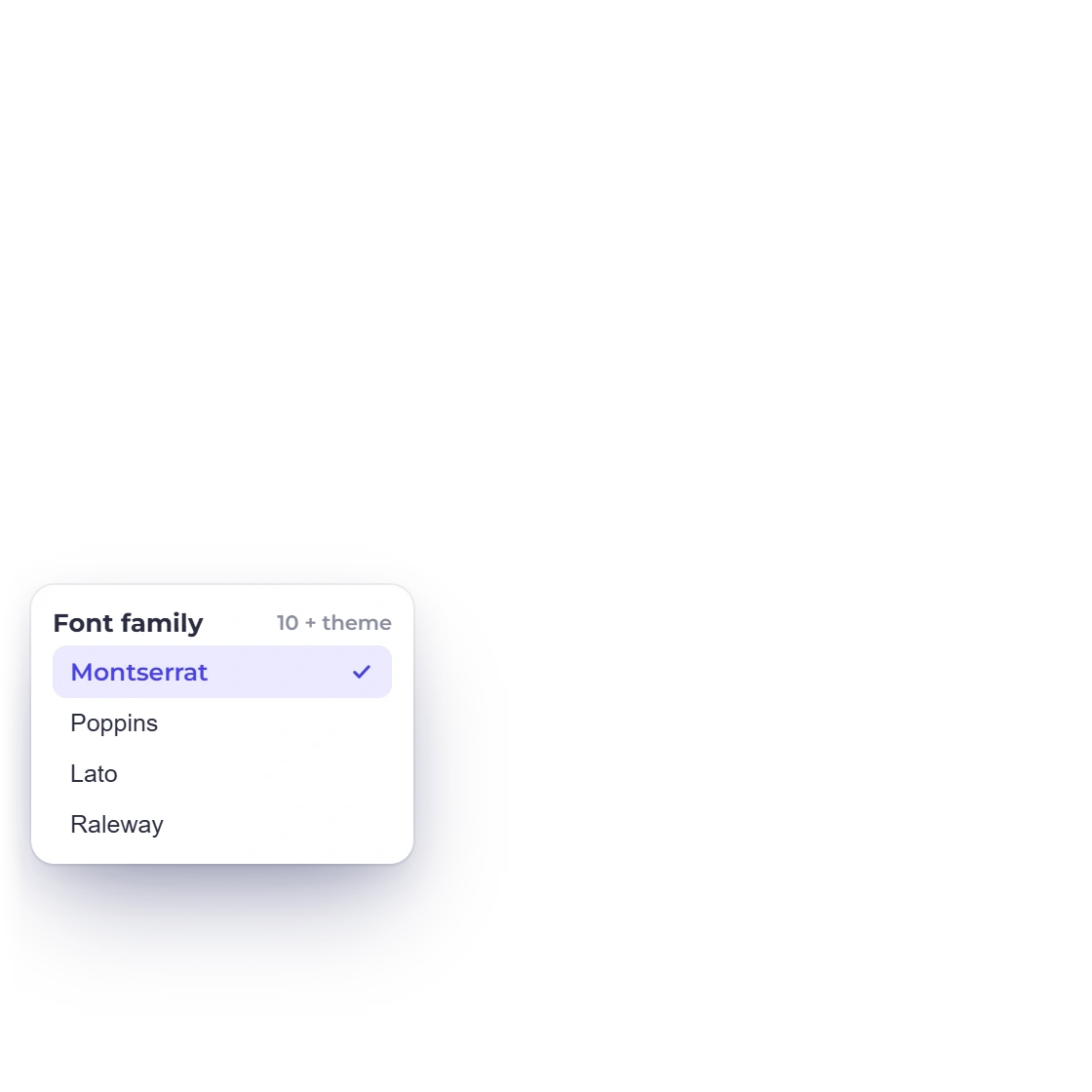
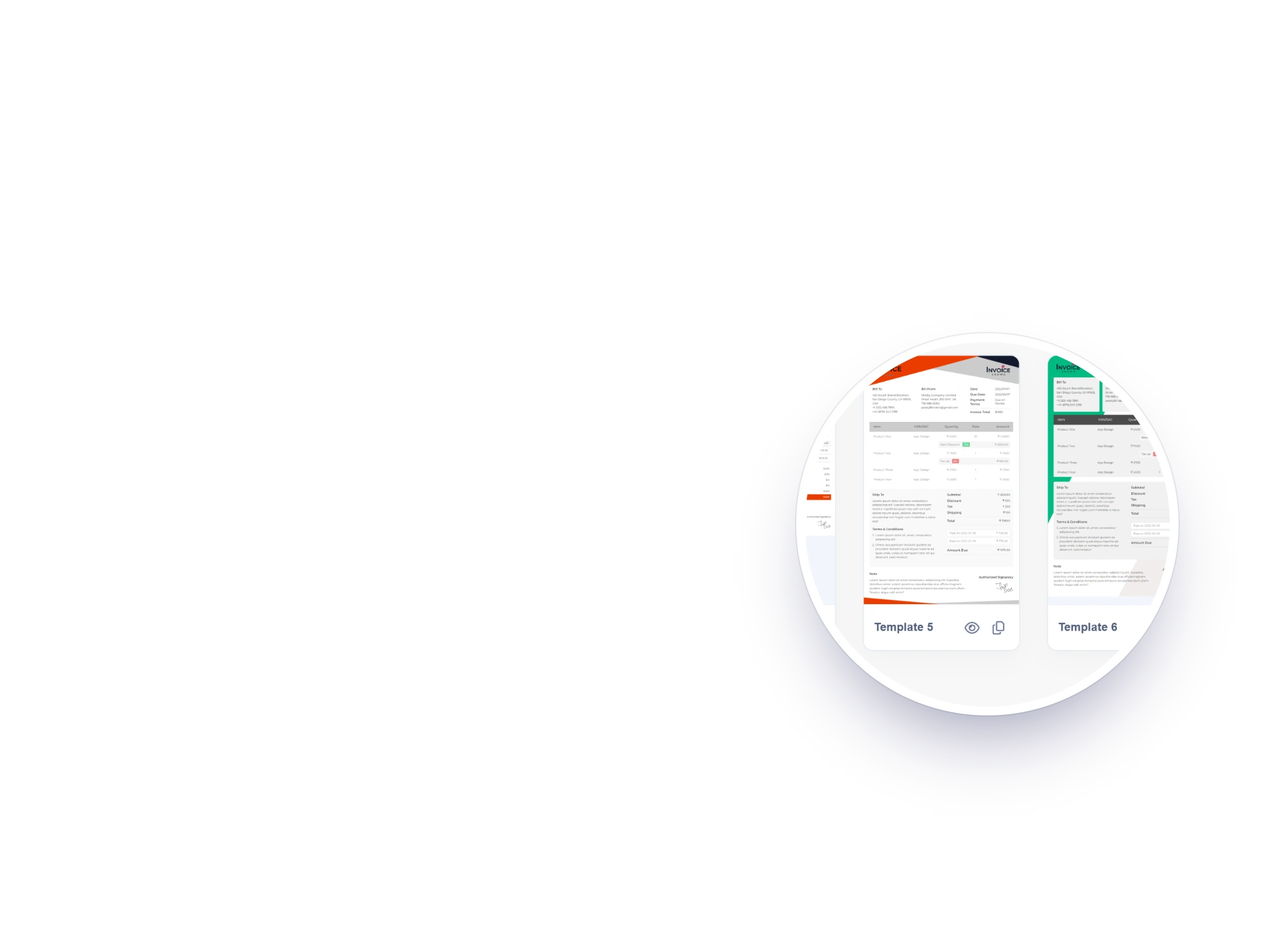
Start from eight provided designs and make one yours in the drag-and-drop template builder: fonts, colours, background shapes, logo size, labels, table columns and the order of its sections. The invoice your client opens looks like it came from your studio. Saving a customised design is included on paid plans and in the 30-day free trial.
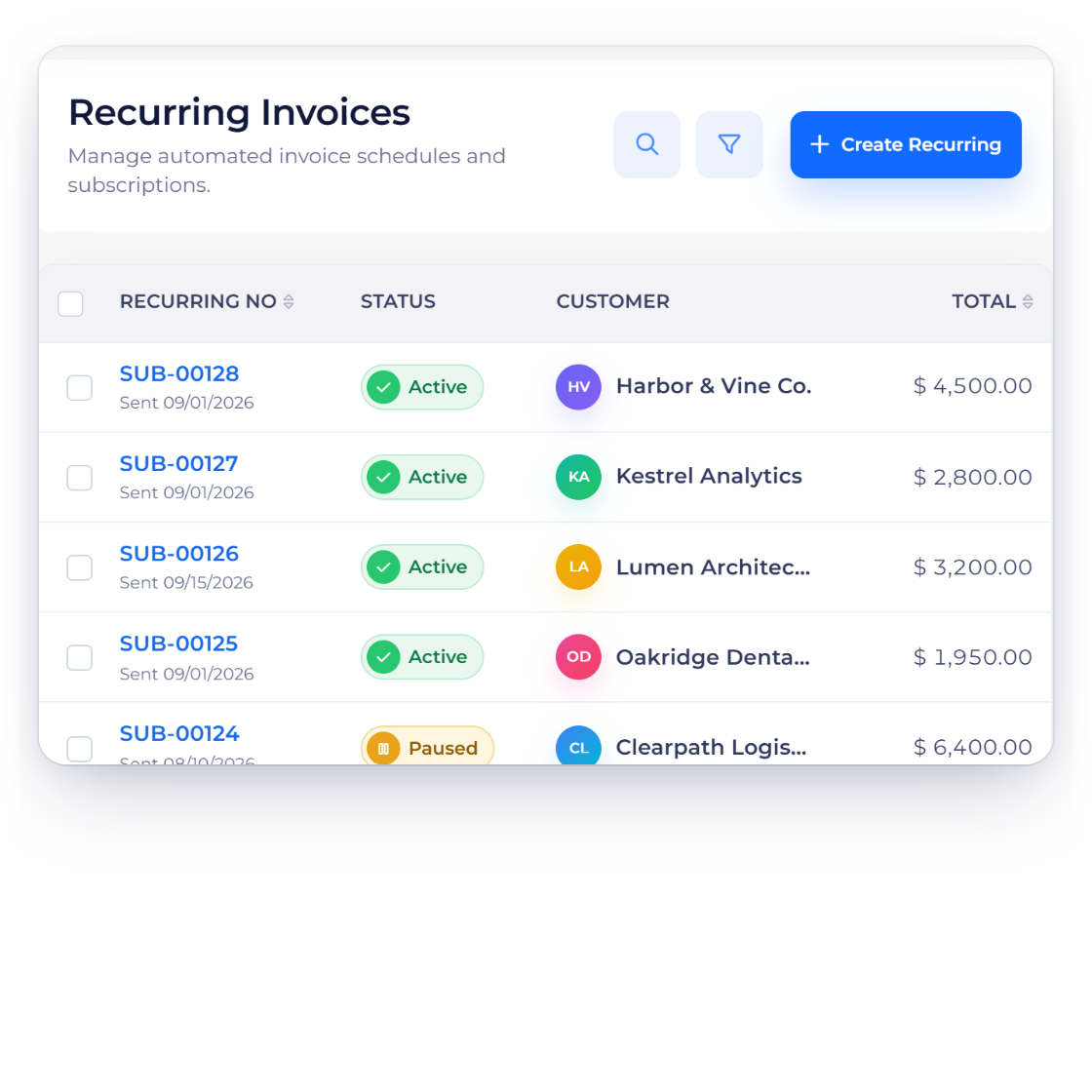
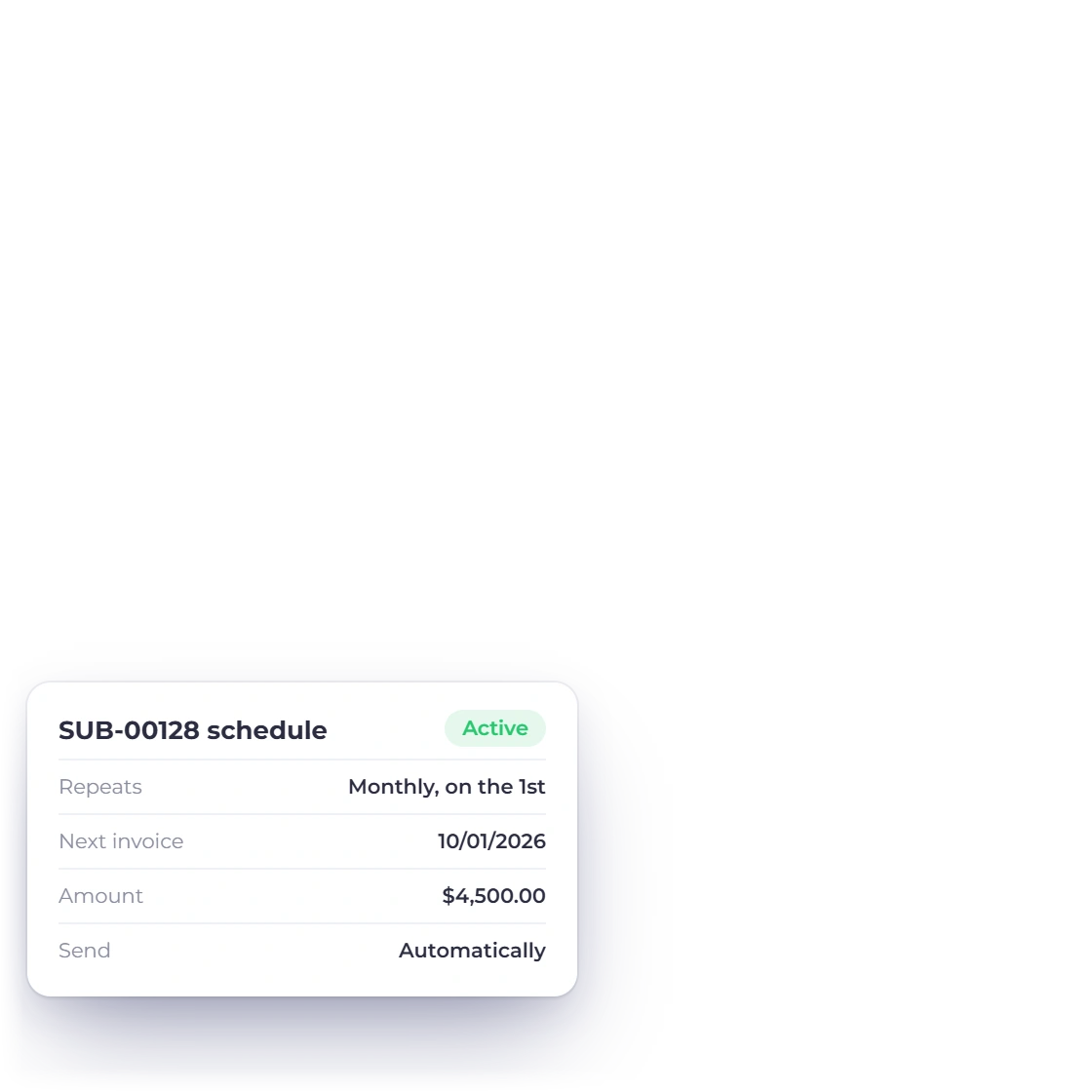
Set the cadence once and Invoice Crowd issues and sends each invoice, with reminders on your schedule. Pause, resume or edit a schedule without rebuilding it, or run a retainer with hours included each month. Recurring billing is on paid plans.
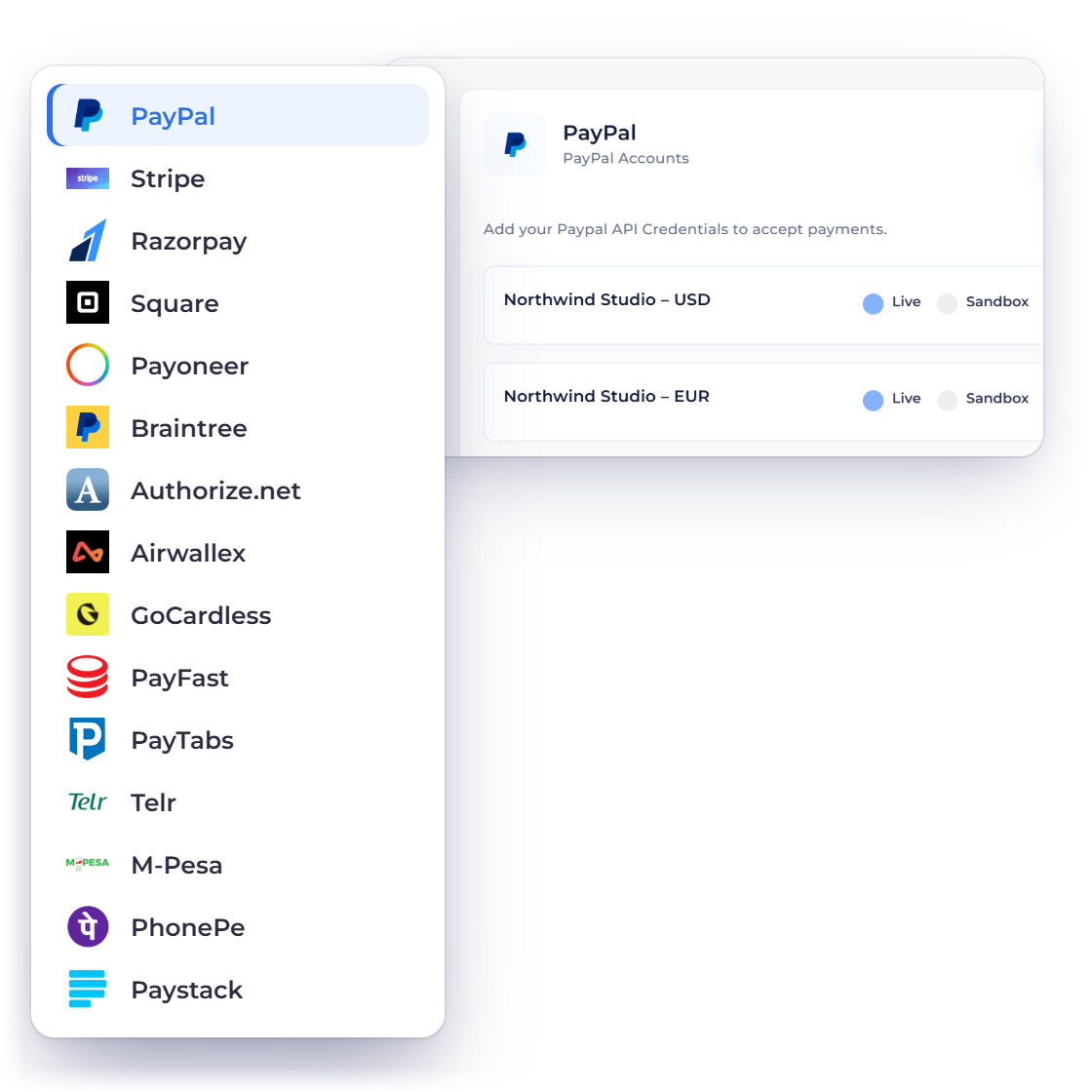
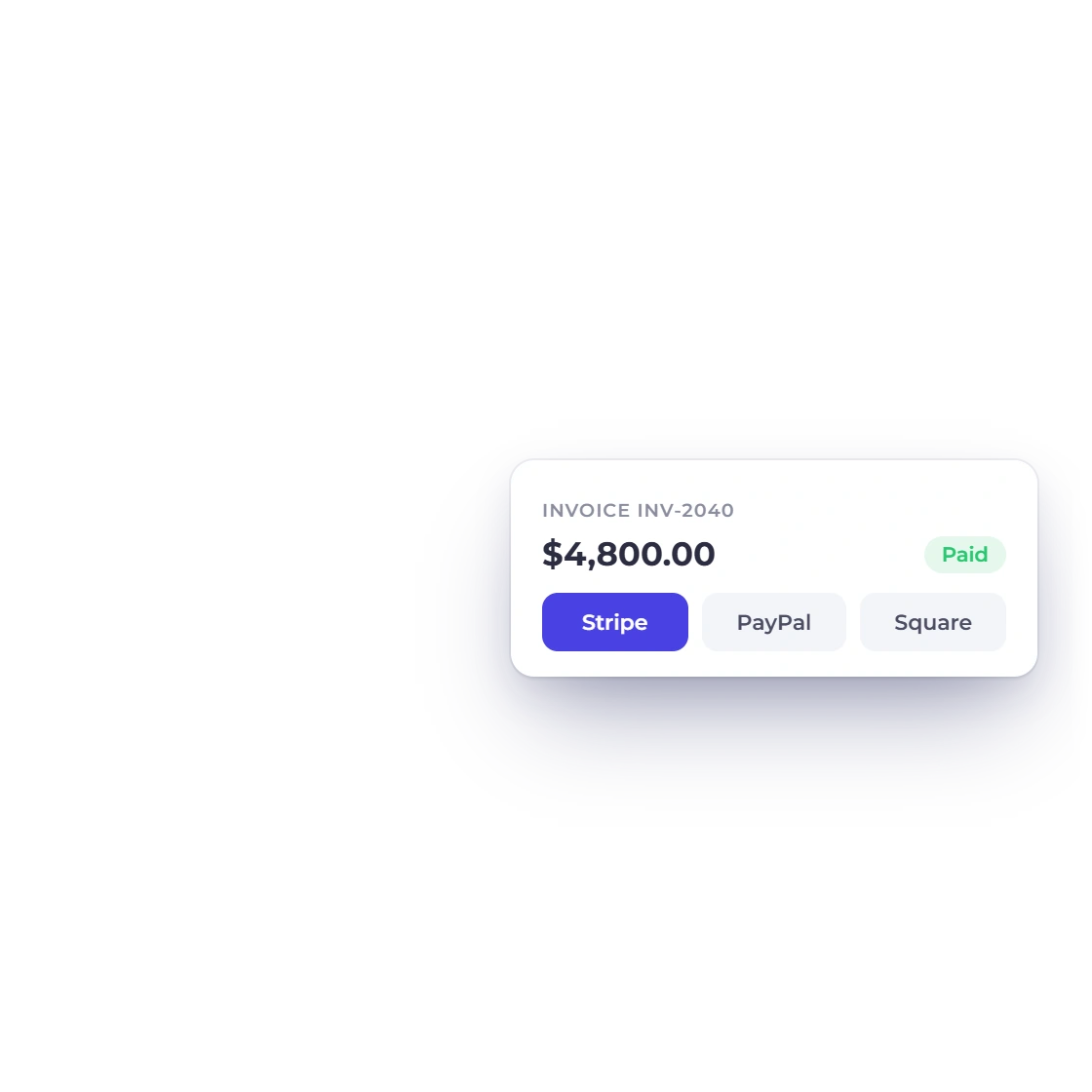
Connect Stripe, PayPal, Razorpay, Square, Payoneer, Authorize.net, Braintree and eight more with your own merchant keys. Share a payment link, payment confirmations go out by themselves, and refunds for nine gateways go back through the provider from the invoice.
Where the work, the money and the reporting meet
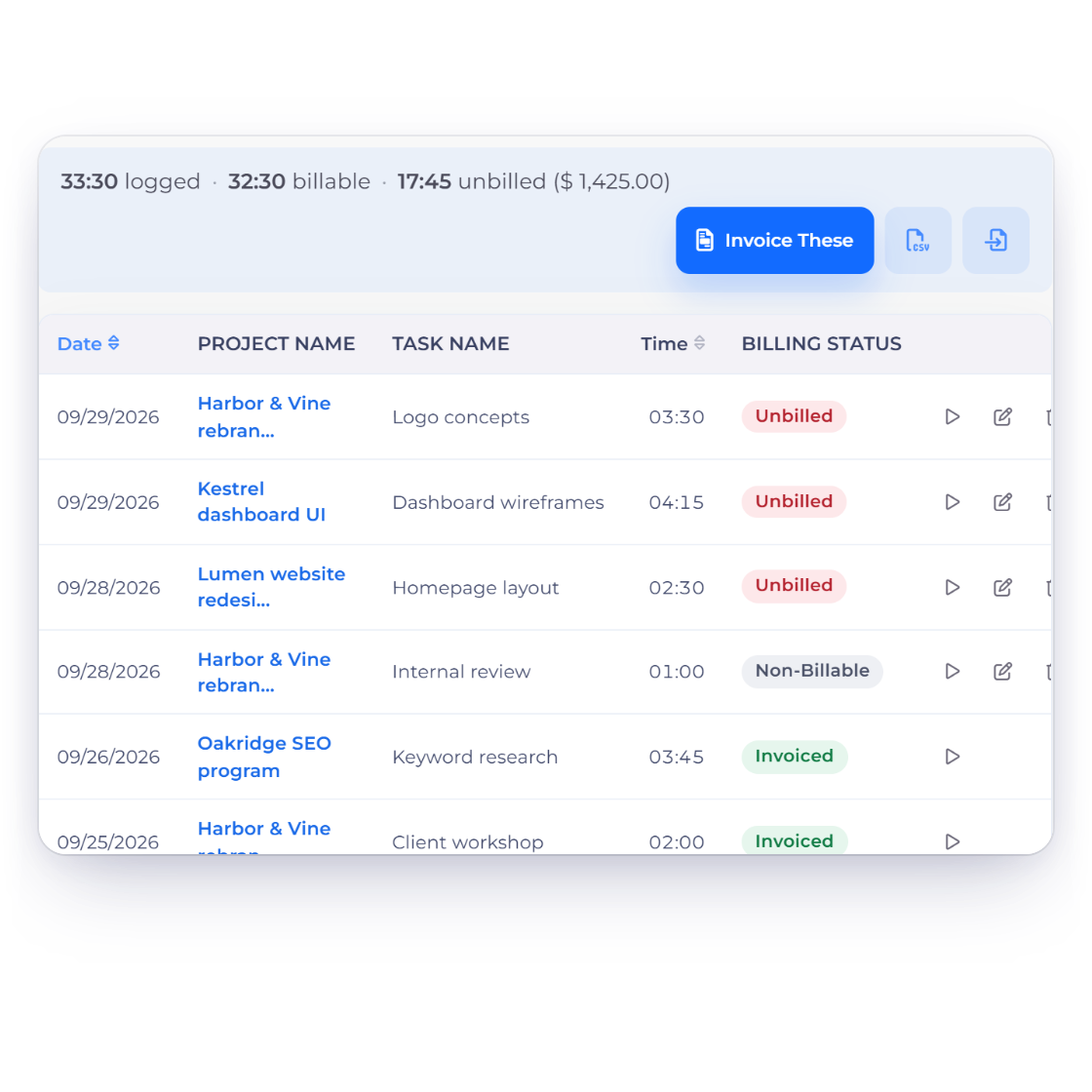
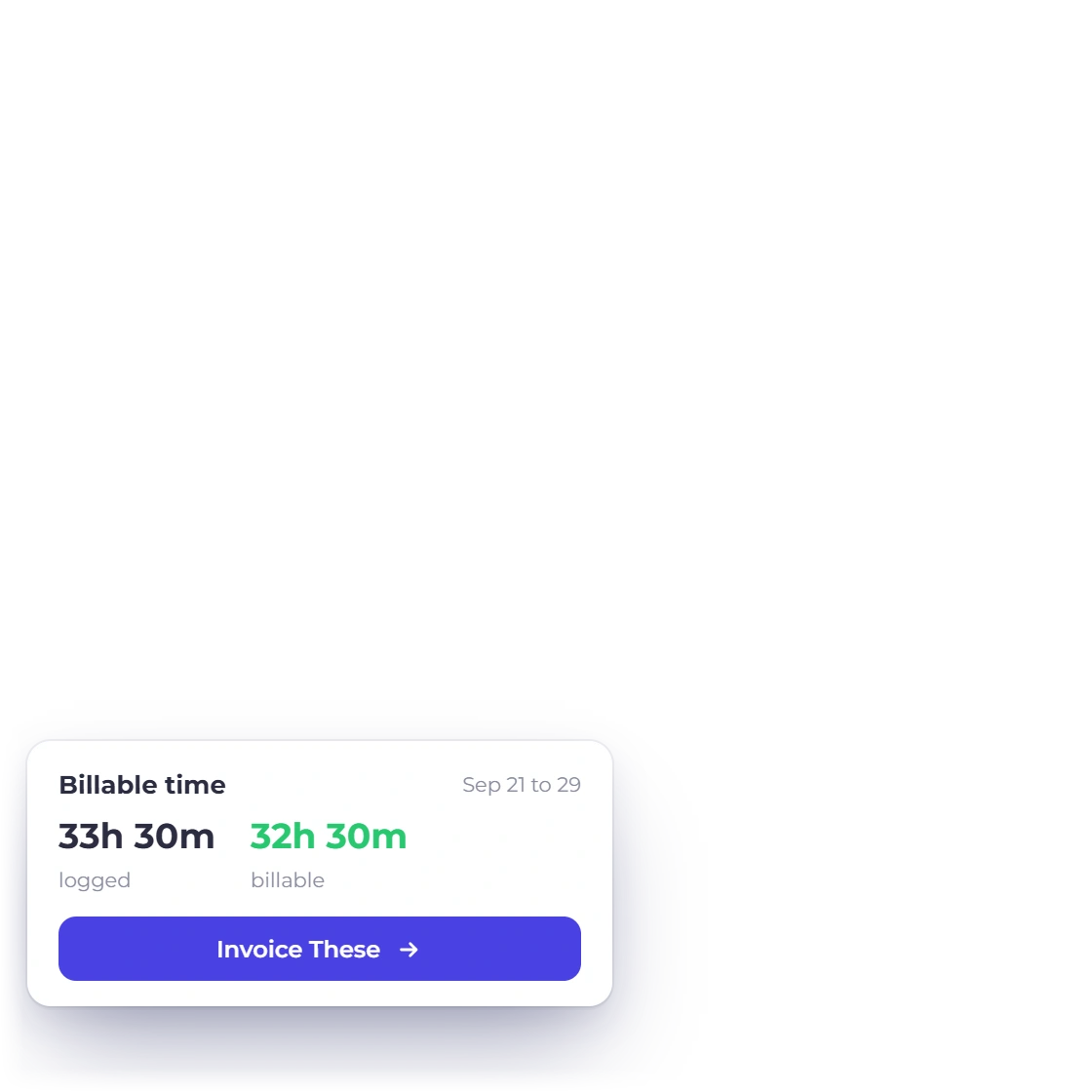
Log time against projects and tasks in a weekly timesheet, approve each week, see what each member of the team has delivered and what each project earns, and pull the billable hours straight onto the next invoice.
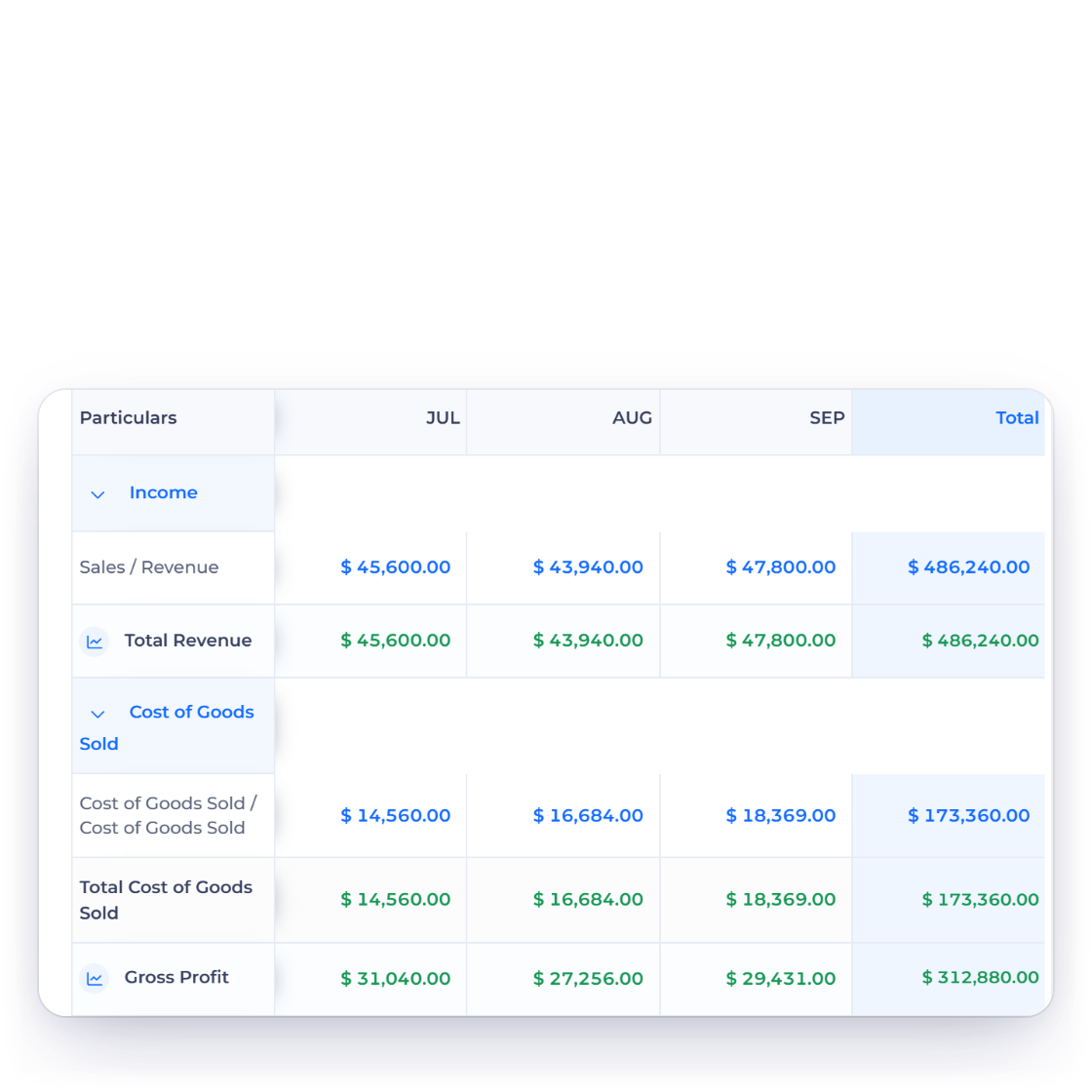
A real chart of accounts, purchases and expenses beside income, a profit and loss that is always up to date, and Lock Transactions to keep closed periods closed.
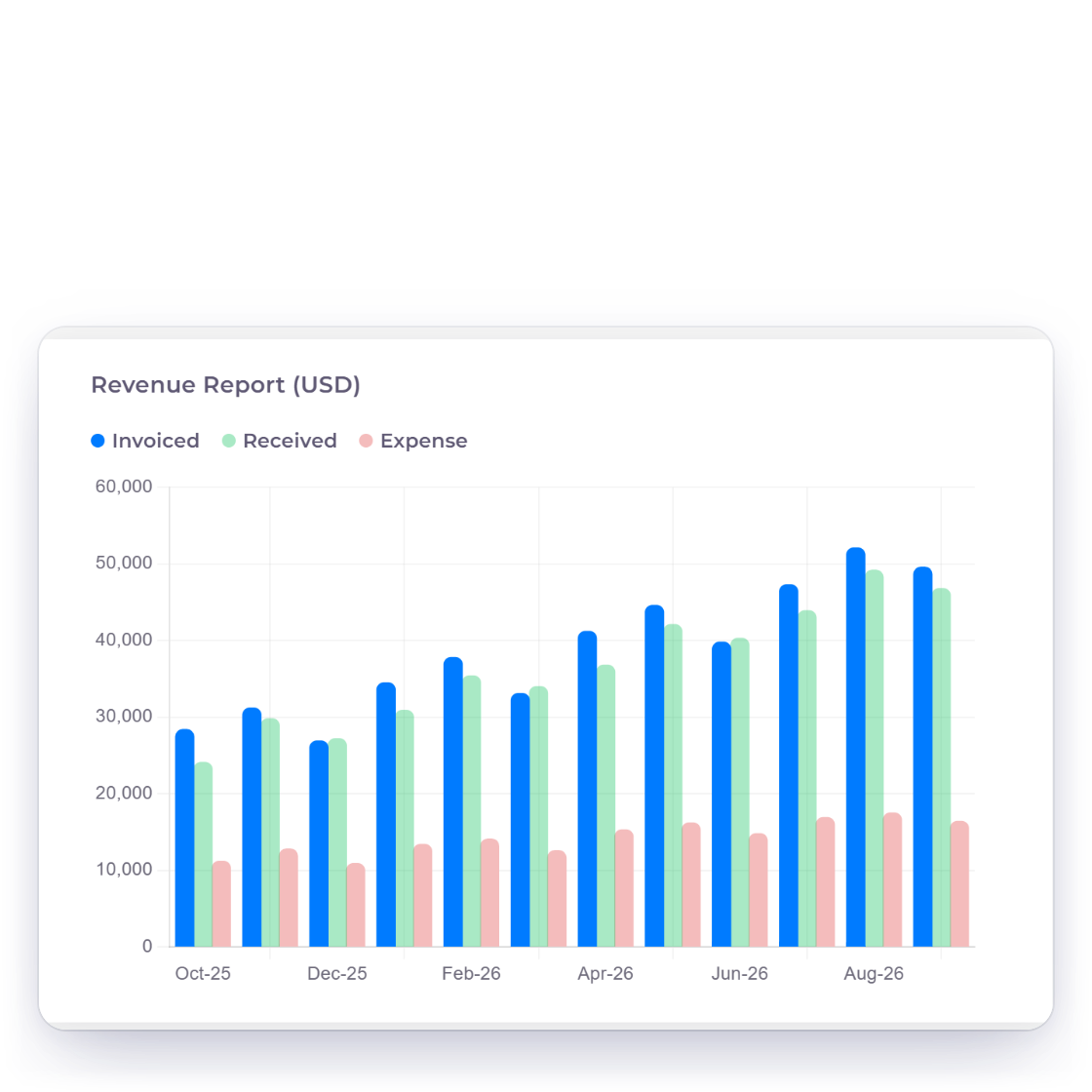
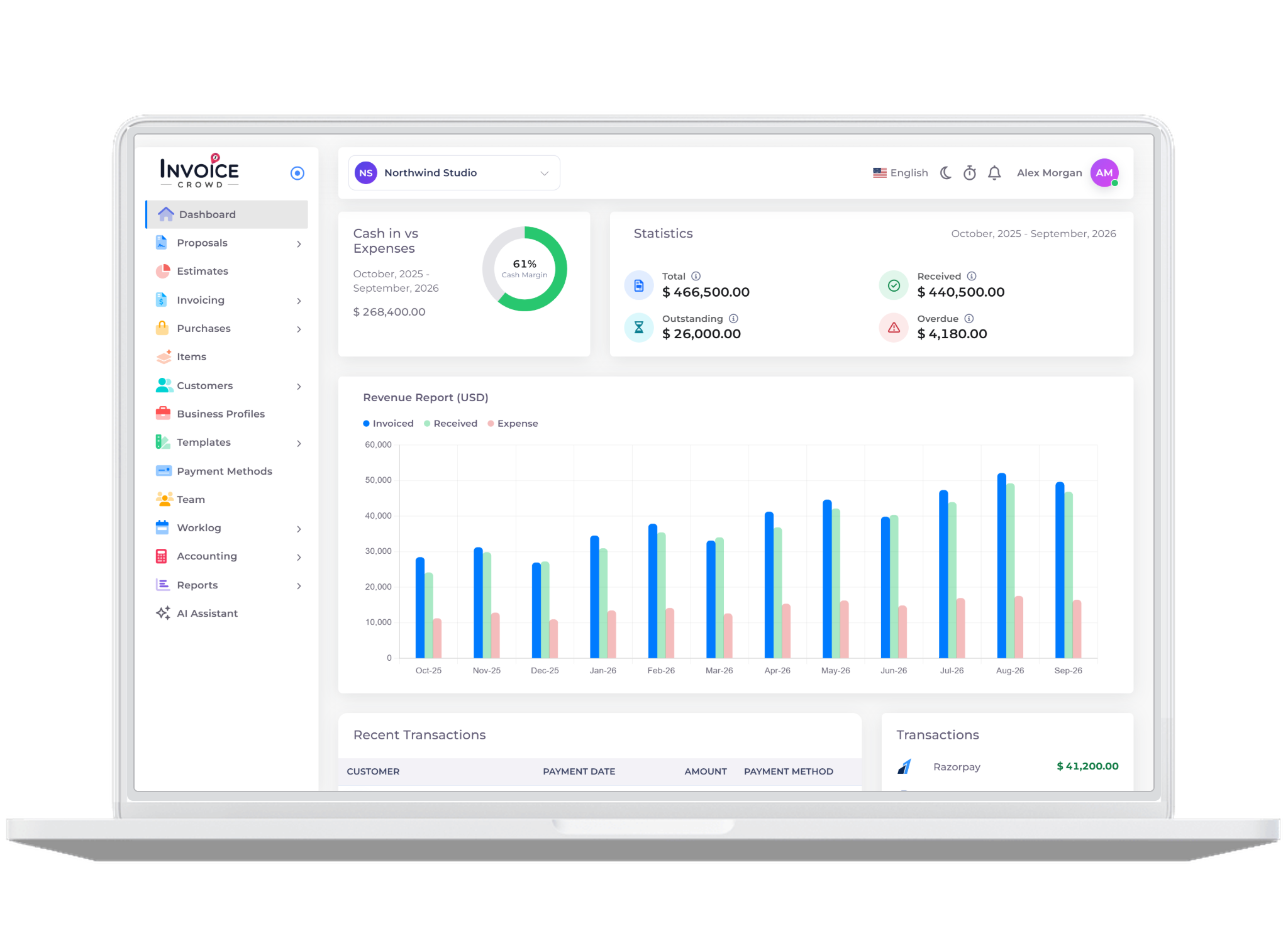
Invoiced versus received, expenses and income by period, and who owes you what by age. The numbers you would otherwise rebuild in a spreadsheet.
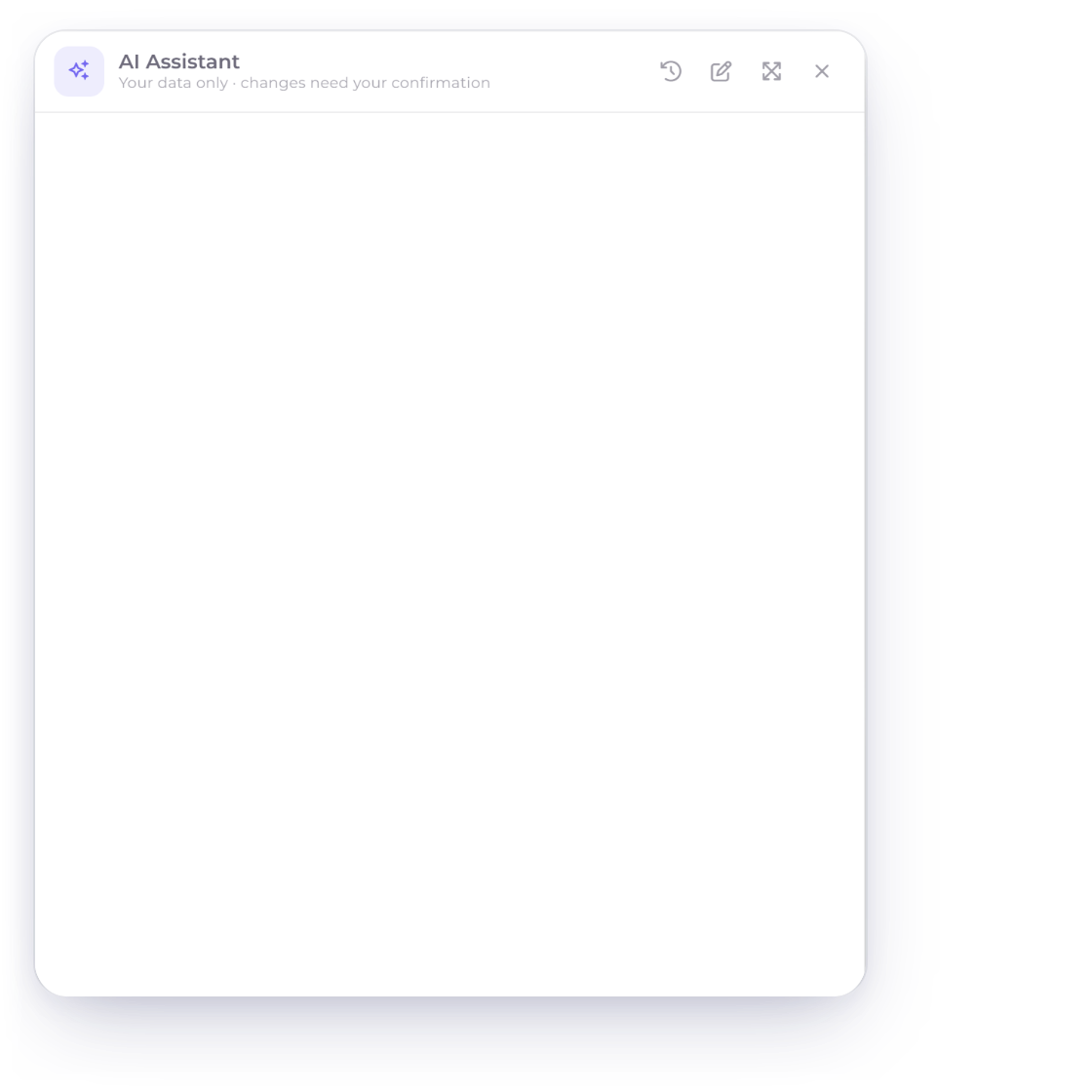
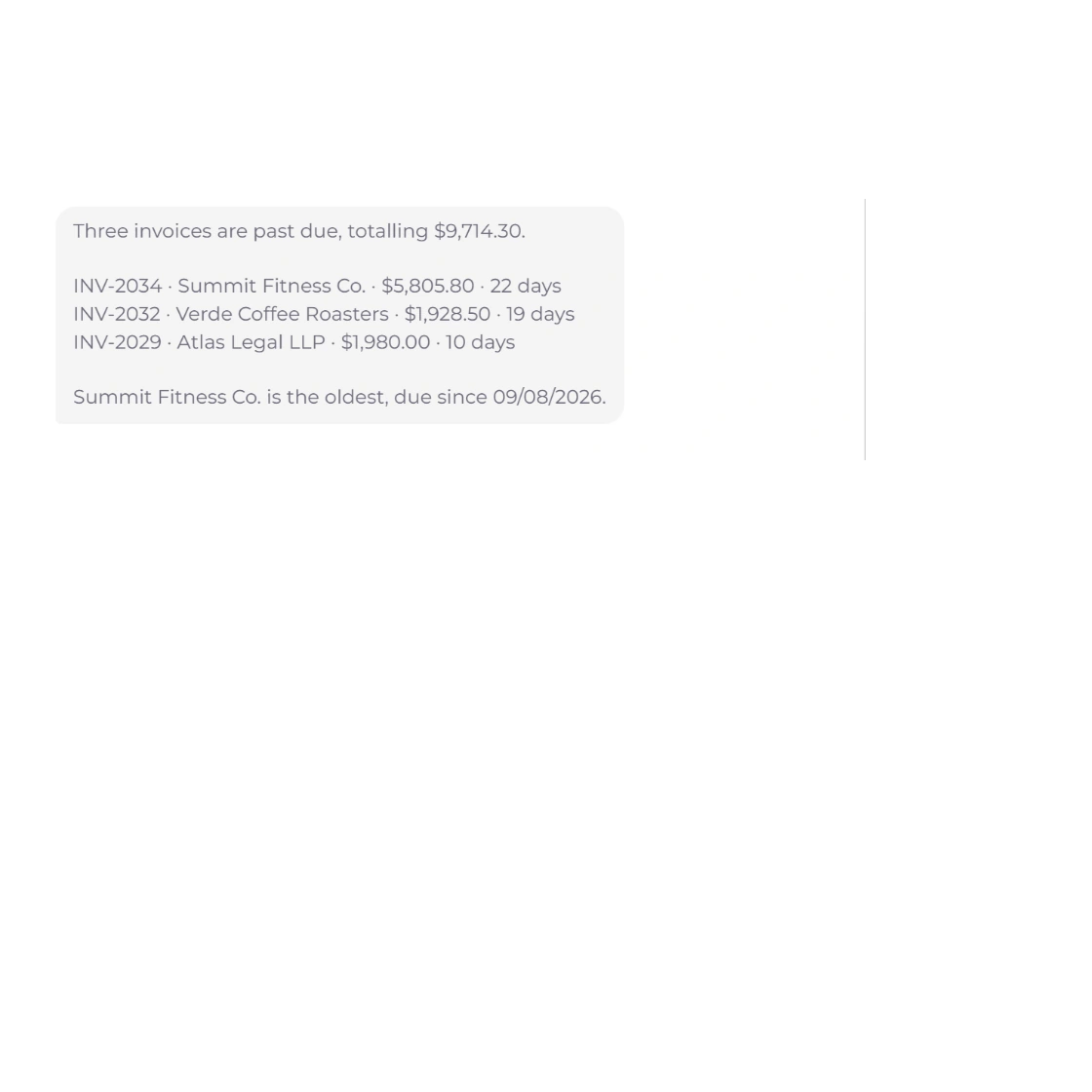
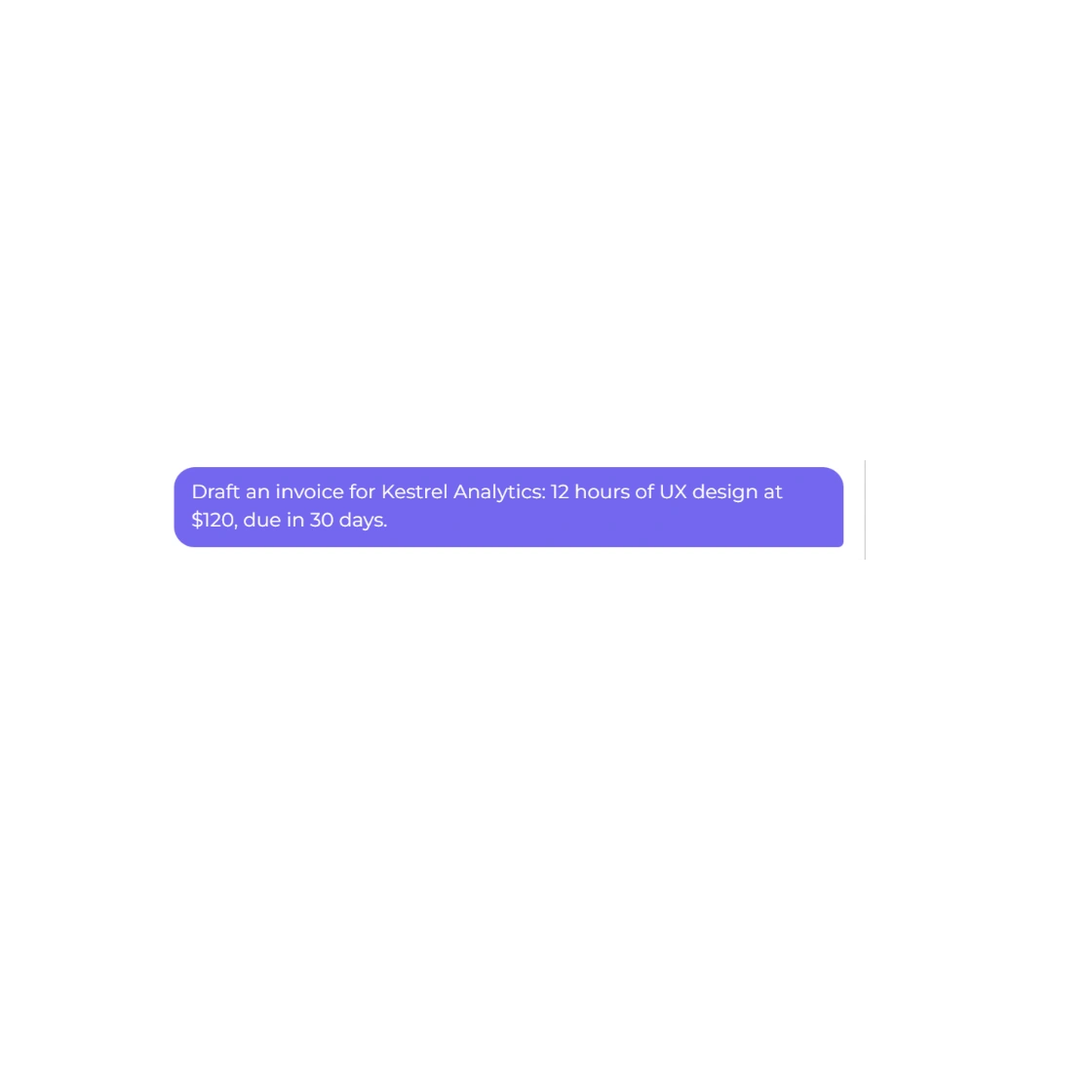
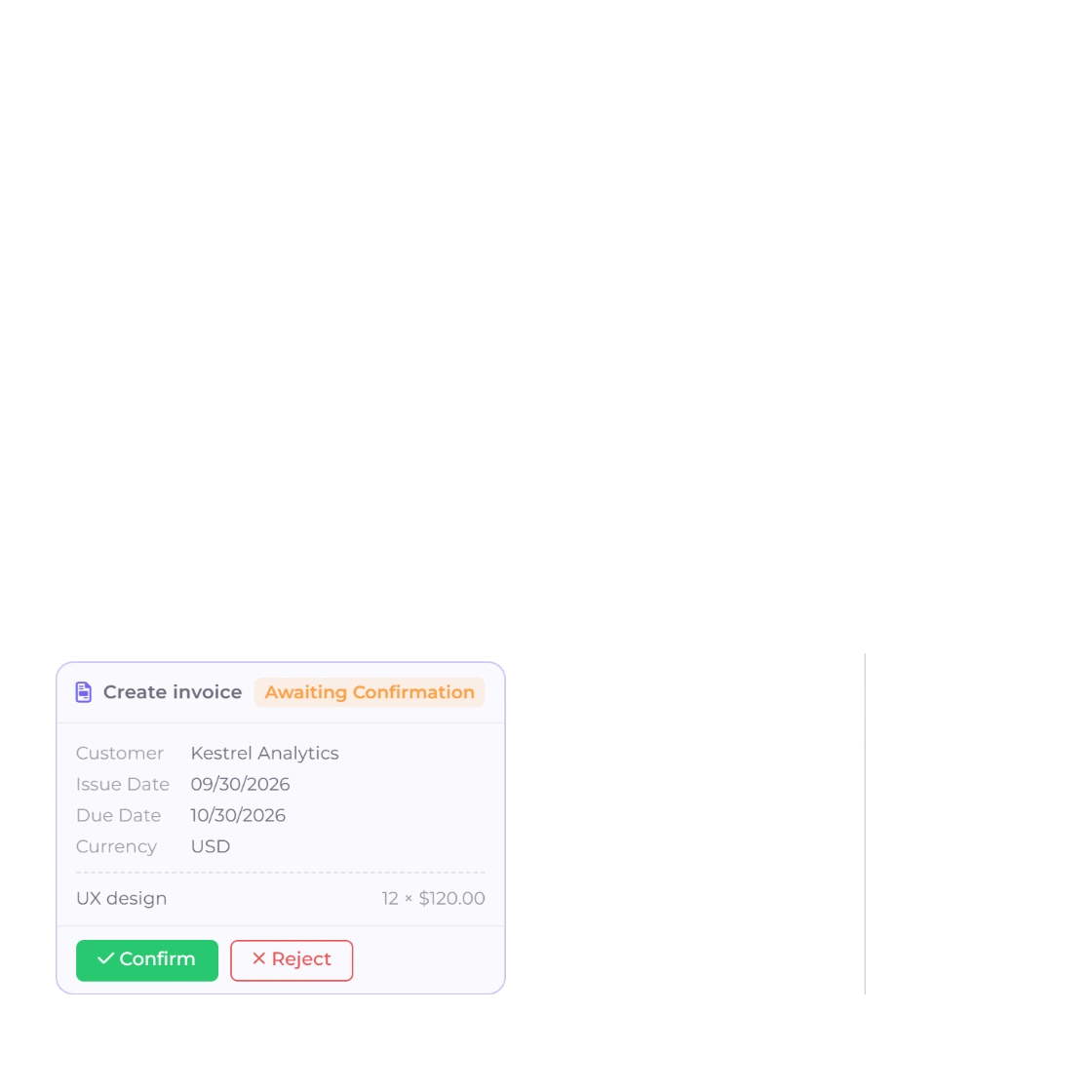
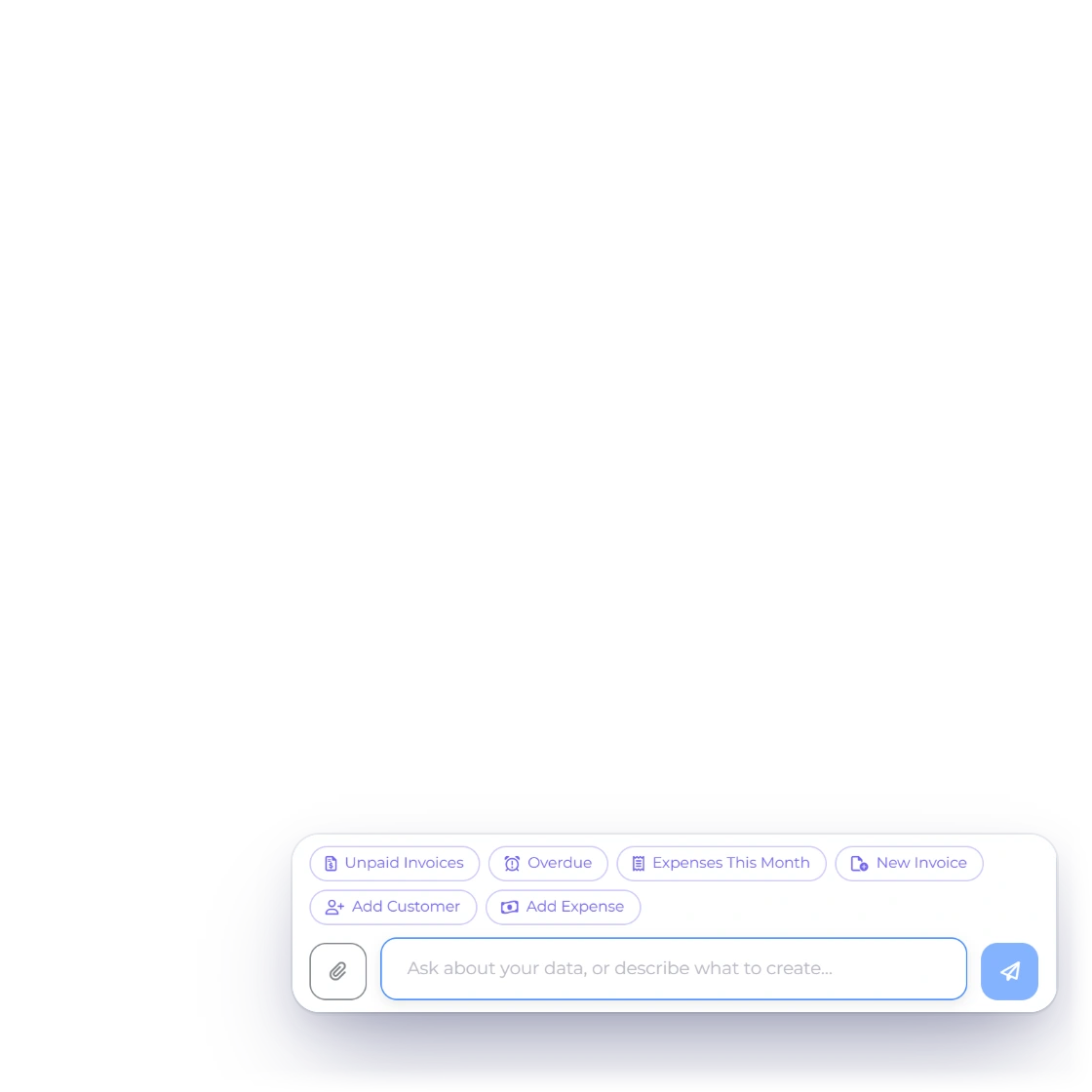
Ask what is unpaid, what you spent last month or which customer still owes you, and it answers from your own records. Describe an invoice, estimate, customer or expense and it drafts it, asking for anything missing, then waits for you to confirm.
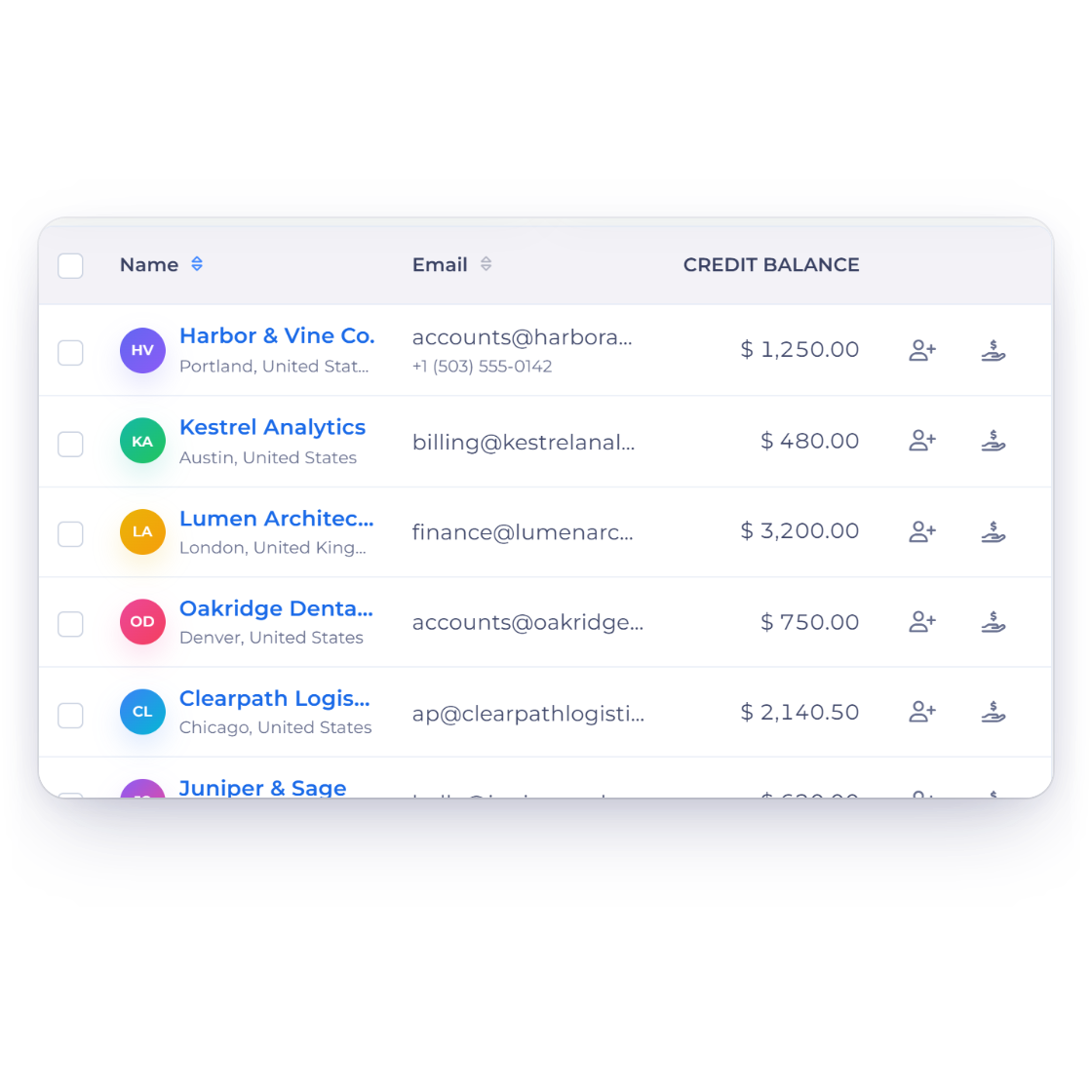
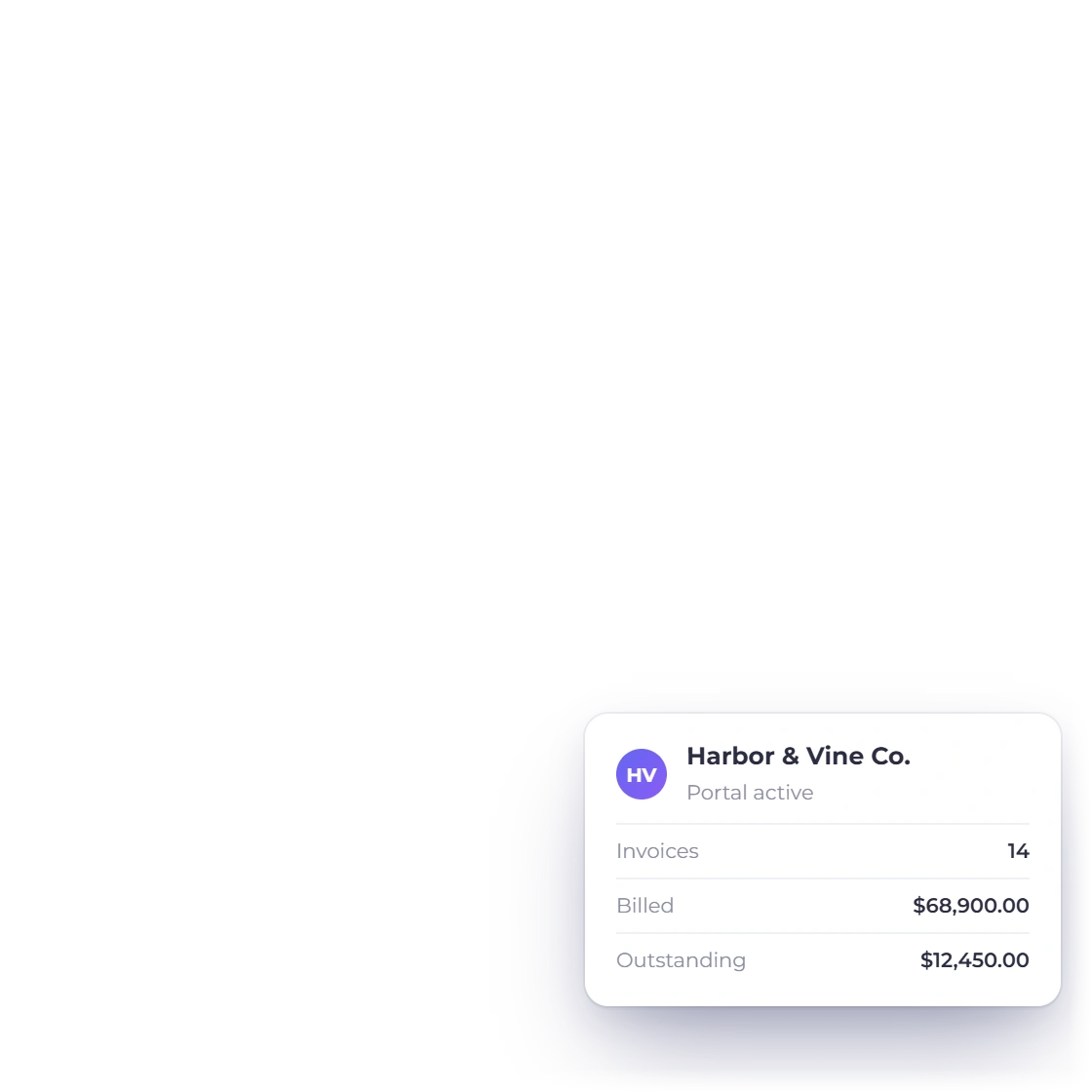
One record per client with their invoices, payments, files and portal login, plus a Statement of Account PDF whenever they ask what they owe, so nobody has to dig through email to answer a billing question.
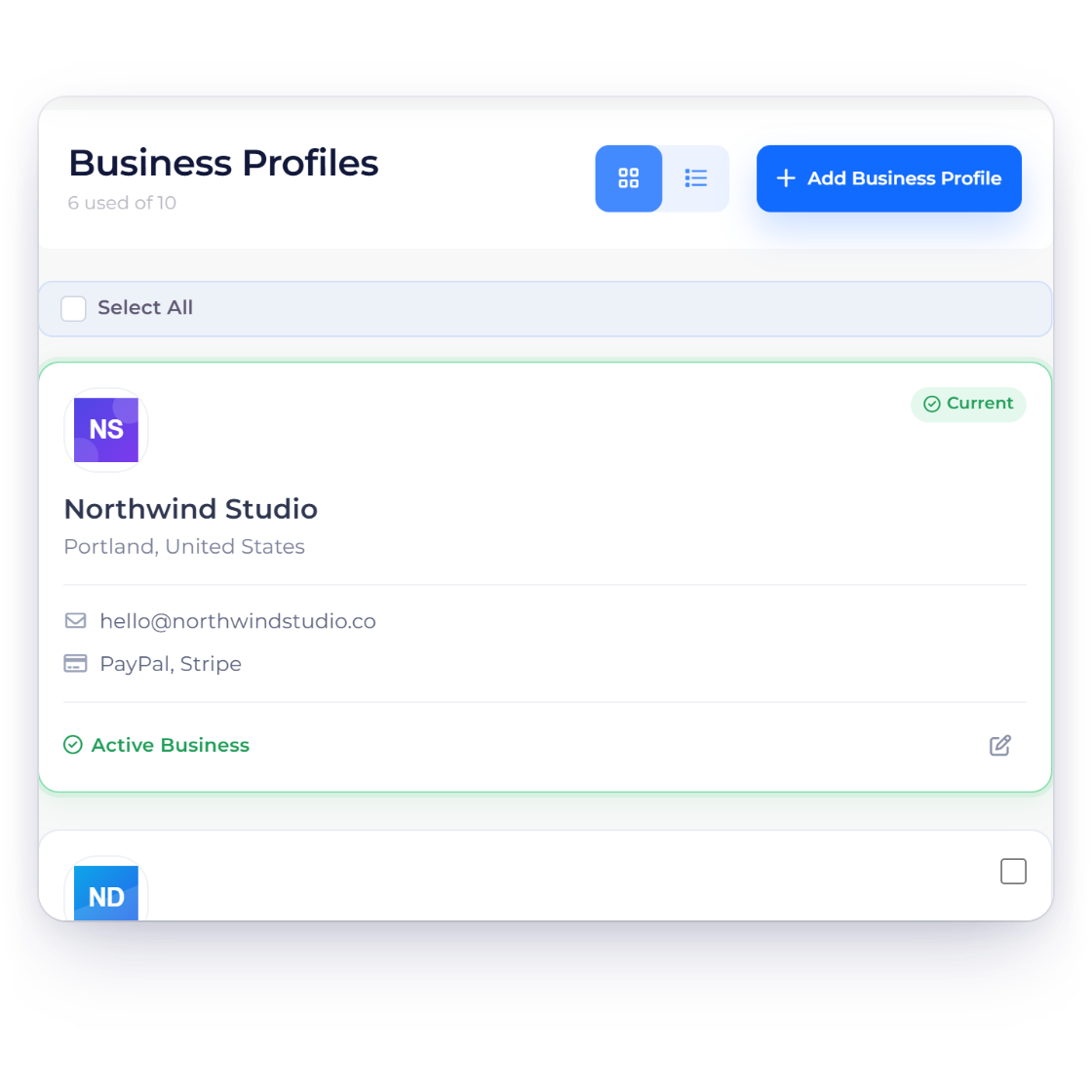
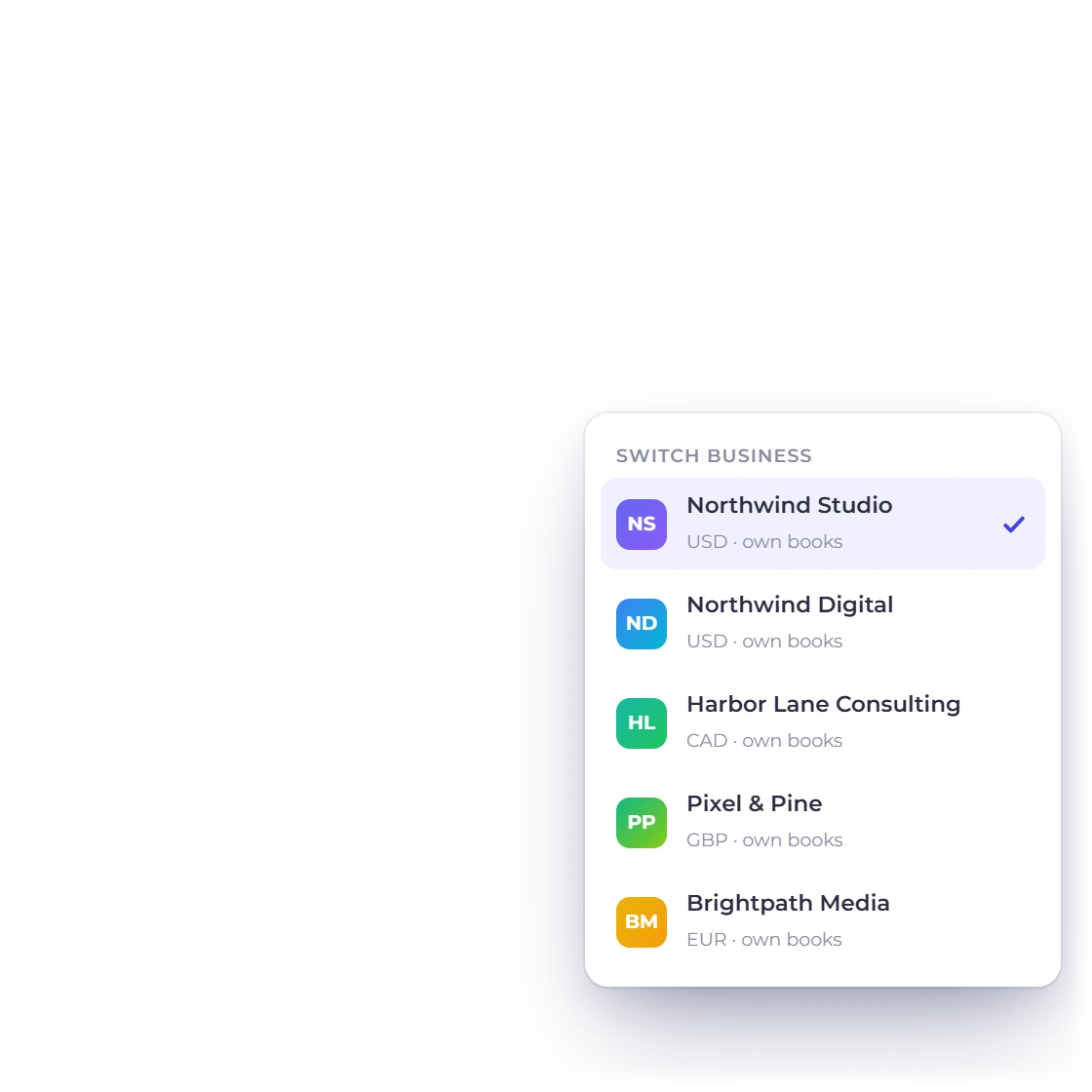
Each business profile carries its own logo, tax identity, currency, templates, payment accounts and books, and you switch between them from the same dropdown.
One subscription
Most businesses juggle a proposal tool, a billing tool, a payment page and a bookkeeping package. Invoice Crowd brings all four into one account.
Proposals, estimates, invoicing, payments, worklog and accounting are the same product, not integrations you maintain.
Each profile keeps its own logo, tax identity, currency, templates, gateways and books, all on one subscription rather than one bill per company.
Connect Stripe, PayPal, Razorpay, Square, Payoneer and more, and payments land straight in your account. Card details stay with your payment provider.
Quote and invoice in your client's currency, with GST and regional tax rules handled per document, so an overseas client is never a special case.
Quoting and billing
Each card is a feature with a page of its own, laid out in the order a job usually moves through them.
Price the lines, add custom tax and discount rates, then send it out for approval online.
Turn on Remove Items and clients can drop saved lines before approving, with the totals updating as they go.
Let the client set how many hours or units they are agreeing to buy before approving.
An approved estimate becomes an invoice with the same lines, by hand or on its own.
Build an invoice line by line with tax, discounts, custom fields and the design you chose.
Share one reusable link for a fixed-price service, and each buyer pays online and gets their own invoice.
Bill on a repeating schedule and let each cycle raise its own document. Included on paid plans.
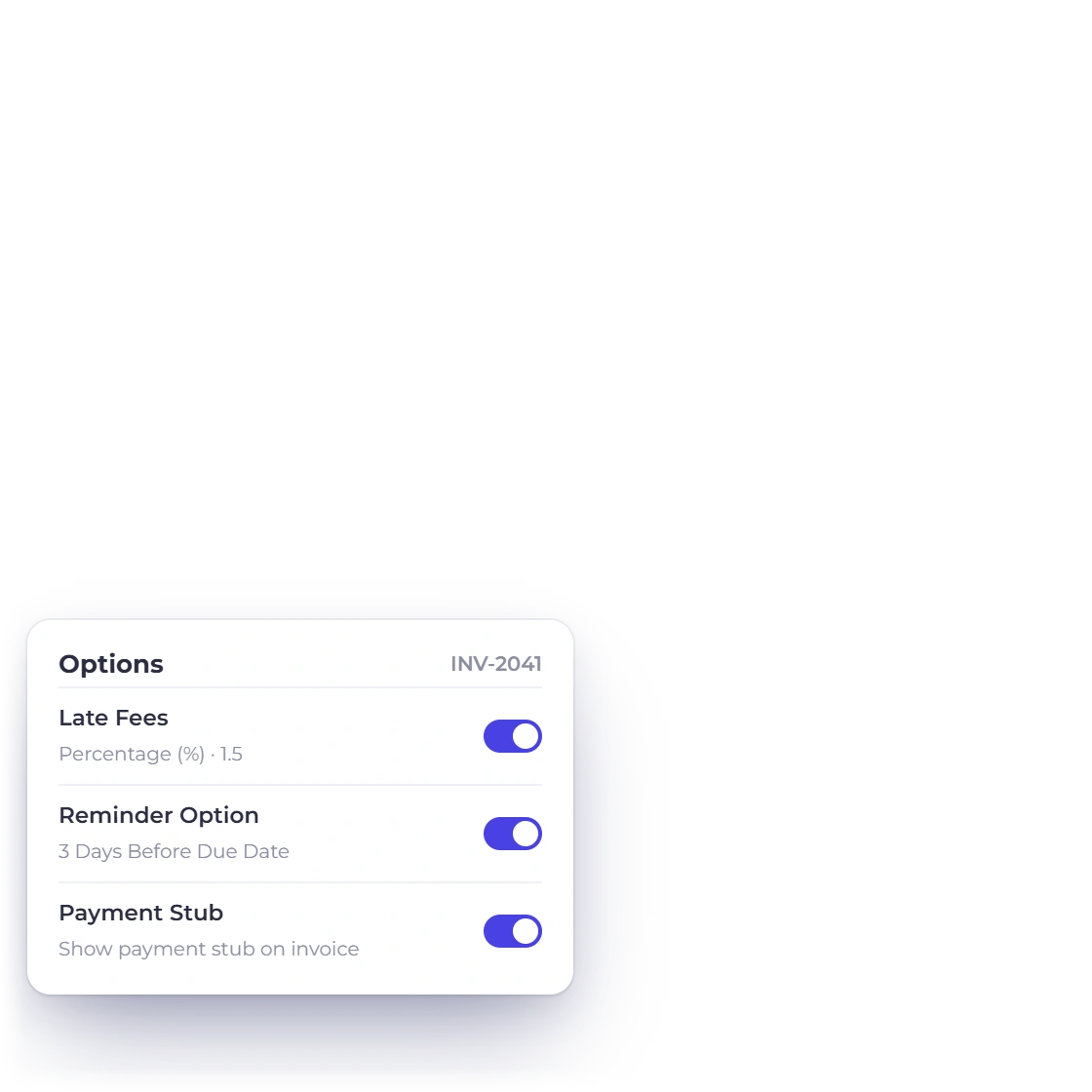
Add one flat or percentage fee the day after an unpaid invoice's due date, with a notice on the invoice beforehand.
Clients sign in to read, approve, download and pay without an email thread in between.
Stack text, image, table and pricing blocks into a document the client reads and signs in the browser.
Every quote in one list with its status, its history and the invoice the approval produced.
Follow a bill from draft through sent, part paid and settled, with credit notes for corrections.
The rest of the account
The parts that keep working after a document has been sent, and the connections out to tools you already run.
Connect any of 15 payment gateways with your own account and choose which of them each document offers.
Take a deposit up front and collect the balance in stages, each with its own date.
Record a cost against the right account and business profile, with the receipt attached.
Read income against expenses for any period, straight from the ledger invoices post to.
One record per client with their invoices, payments, files and portal access, and a Statement of Account PDF on request.
Connect through Zapier using your Invoice Crowd sign-in, start Zaps from new invoices, estimates or customers, and create records from other apps.
Connect through Pabbly Connect using your Invoice Crowd sign-in if that is where your automations already live.
Get an in-app alert when an invoice is viewed, a payment arrives or an estimate is accepted, and an optional email when an invoice goes overdue or an estimate expires.
Compare plans, prices and allowances, and choose the one that fits your business.
A chart of 148 accounts, a general ledger, manual journals and a trial balance behind them.
Every report and financial statement on one Reports page, with search and Favourites, and invoice, aged debt, income, expense and payables reports emailed on a schedule you set.
Record suppliers, enter the bills they send, raise purchase orders and hold vendor credits against them.
Design, payments, time and control
Pages for designing your documents, recording what customers paid, billing time, connecting AI apps and keeping closed periods closed.
A monthly invoice with a bank of hours: unused hours carry over or expire, and extra hours go on the next invoice. Paid plans.
Every invoice payment, advance and overpayment credit in one list, with one receipt able to pay several invoices, oldest first.
Refund through Stripe, PayPal, Razorpay, Square, Braintree, Authorize.net, Airwallex, GoCardless or Paystack, recorded once the provider confirms.
Reminder emails before and after the due date, a manual Send Reminder, and a per-customer opt-out you set.
Lock invoicing, purchases, accounting or everything up to a date, with partial unlocks and a lock history. Owner only, paid plans.
Log time in a list or a week grid, approve submitted weeks, check utilisation, and turn the hours into an invoice. Paid plans.
Revenue minus labour cost and expenses for each project, shown as profit and margin on the project's Profitability tab.
GSTIN, HSN and SAC, place of supply, TDS on payments and GSTR-1, GSTR-3B and GSTR-9 preparation in the GST Filing report.
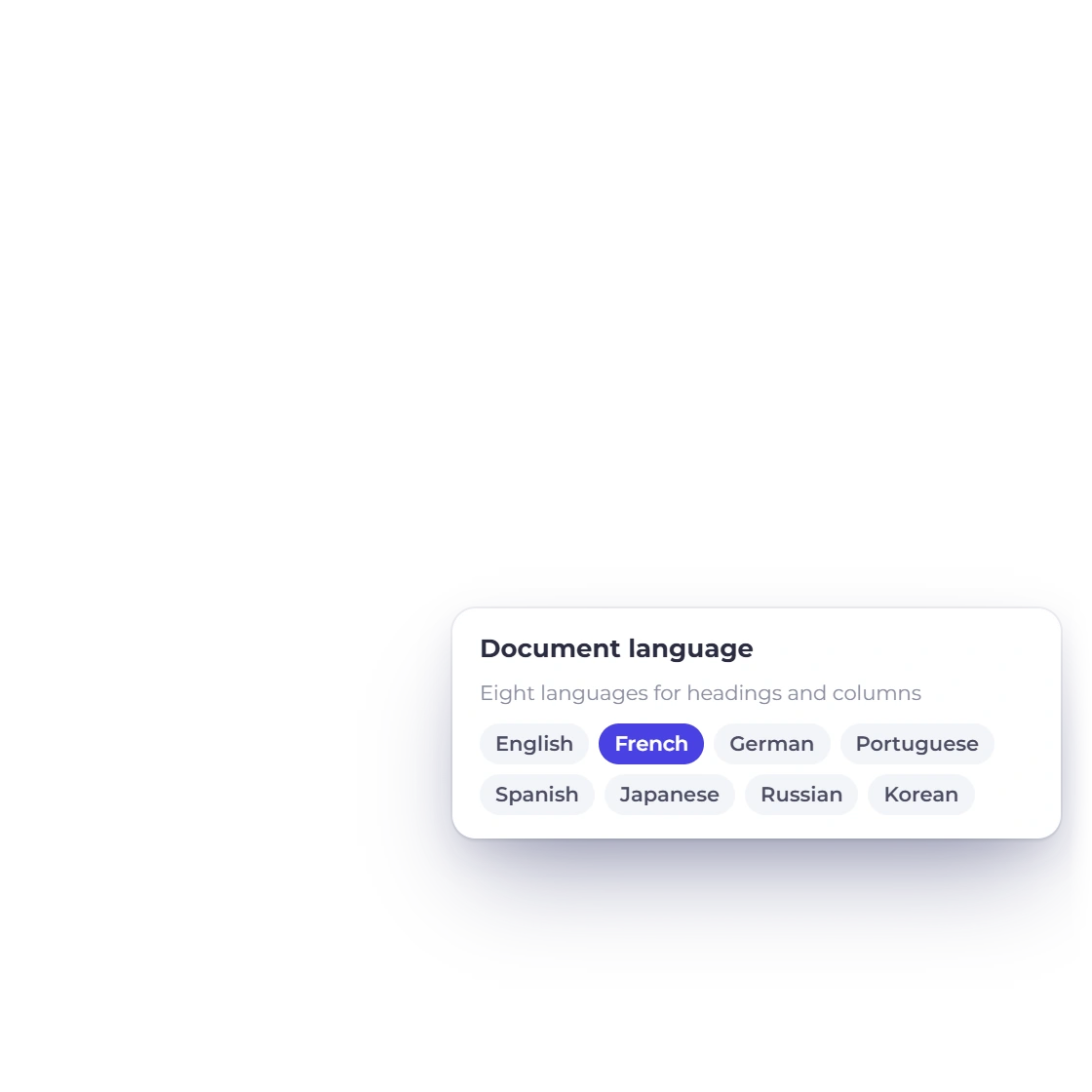
Change a design's fonts, colors, shapes, logo size and columns, with document labels in eight languages. Saving a customized design is included on paid plans and in the 30-day free trial.
Add a PO number or project code above or below the items, or fill it in from the customer's record.
Download a Statement of Account PDF for any customer: every invoice and payment, or only what is still outstanding.
Connect Claude, ChatGPT or another MCP app to one business, and approve the changes it prepares in Invoice Crowd. Paid plans.
Questions
Invoice Crowd includes proposals with Create with AI and e-signature, estimates, invoices, recurring invoices, retainers, payment links, payments received and credit notes on the sales side. Customers, a client portal, vendors, expenses, bills and purchase orders sit around them. Underneath is double-entry accounting with 148 accounts and transaction locking, plus one Reports page for every report and statement, Worklog time tracking, an AI Assistant, Ask AI for product help, AI Connections for Claude and ChatGPT, a Developer API, team roles and notification settings.
Yes. Start with invoicing alone, and add proposals, estimates or accounting whenever you are ready. The modules you skip stay quietly out of the way, and a bookkeeper can take care of the accounting screens.
Plans differ by profile, proposal and team allowances, and many features are included on paid plans: recurring invoices and retainers, accounting, bills, purchase orders, expenses, incomes, credit notes, payment links, Worklog, the AI Assistant, AI Connections, the Developer API, team members, the customer portal, Lock Transactions and every payment gateway beyond PayPal. The pricing page sets out each plan's allowances.
Nothing at all. Invoice Crowd runs in your browser at apps.invoicecrowd.com, so your laptop, desktop and phone all reach the same account, always up to date. Clients simply open their documents from a link.
Through shared records rather than exports. An estimate converts into an invoice carrying its own lines, the payment attaches to that invoice, and both post to the ledger. The customer record shows their invoices and payments, and a Statement of Account PDF answers what a client has had and owes.
Start with a 30-day free trial, then choose the plan that fits. The pricing page sets out prices, billing intervals, included business profiles and payment integrations.
Write a proposal, turn the approval into an invoice, take the payment, then open the ledger and read what it recorded. That is the entire product in an afternoon.