
Invite a vendor and choose the portal areas
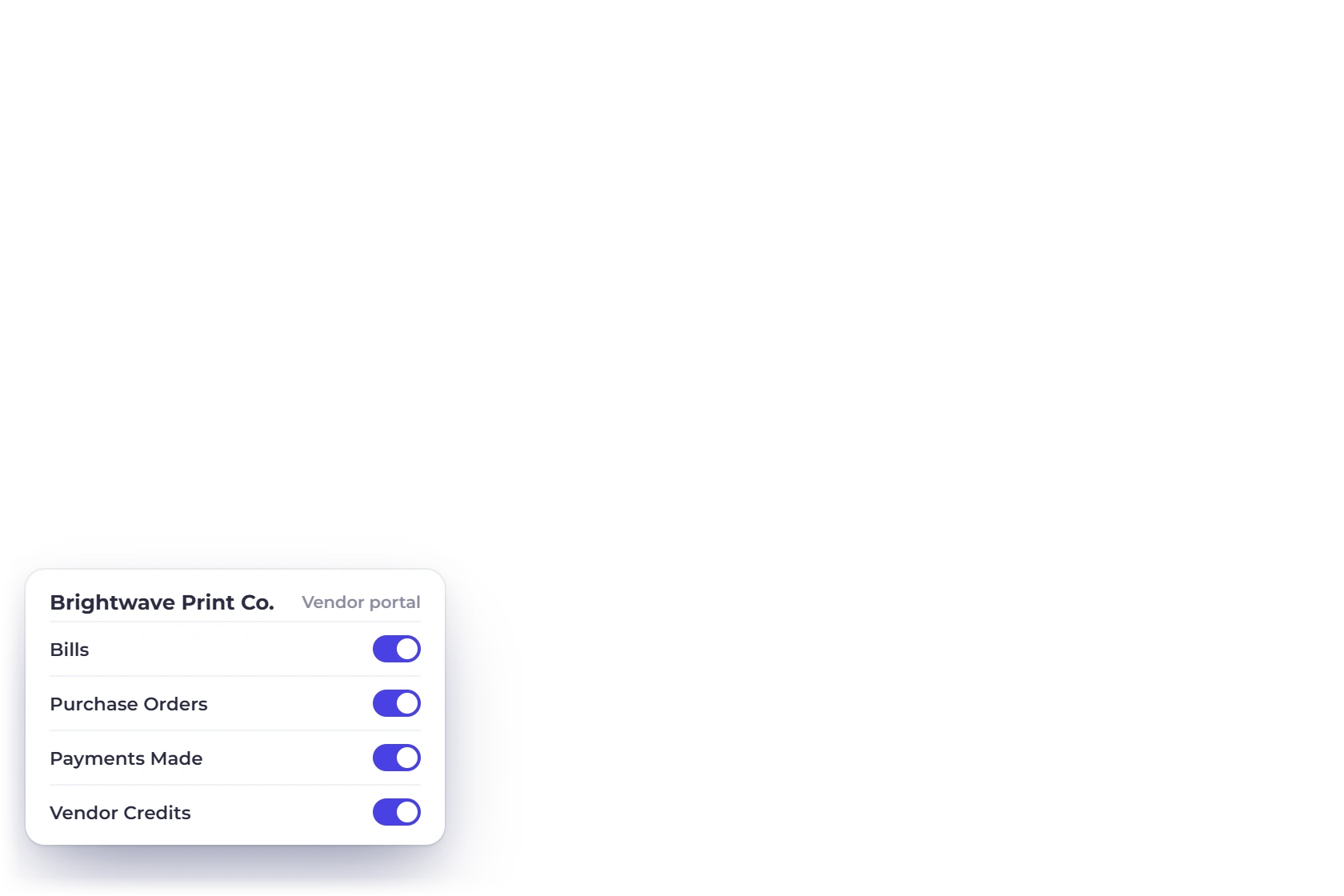
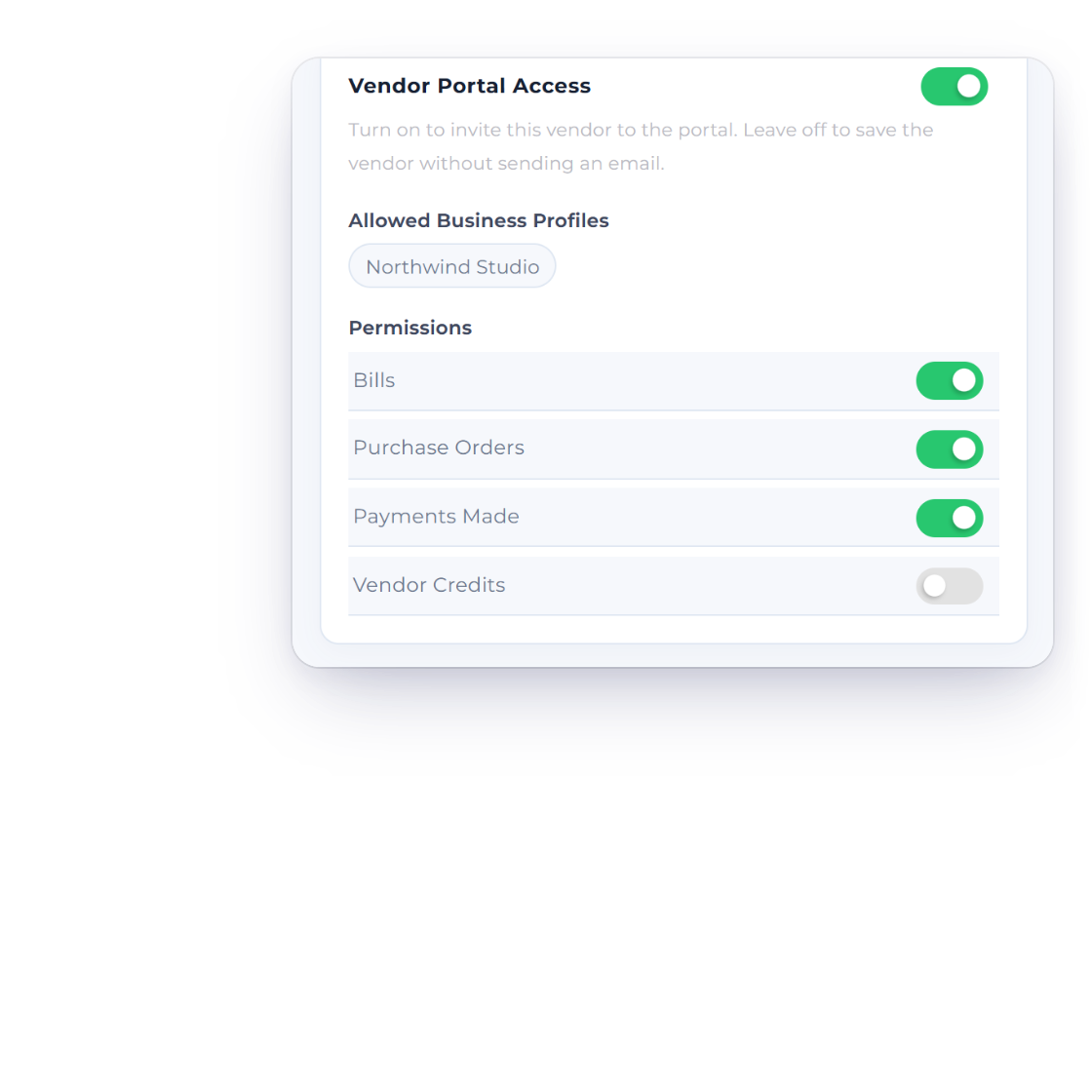
Choose which areas the supplier can see on their vendor record and send the invitation. Once they accept, they sign straight into their own portal for your business.
Purchases
Invite a supplier to sign in and see the bills, purchase orders, vendor credits and payments made you choose to share. They view and download their documents, and your books stay in your hands.
How it works
Once a vendor accepts your invitation, every list shows only their own documents for your business, ready to preview and download.
One login per supplier, for your business.
Choose which areas the supplier can see on their vendor record and send the invitation. Once they accept, they sign straight into their own portal for your business.
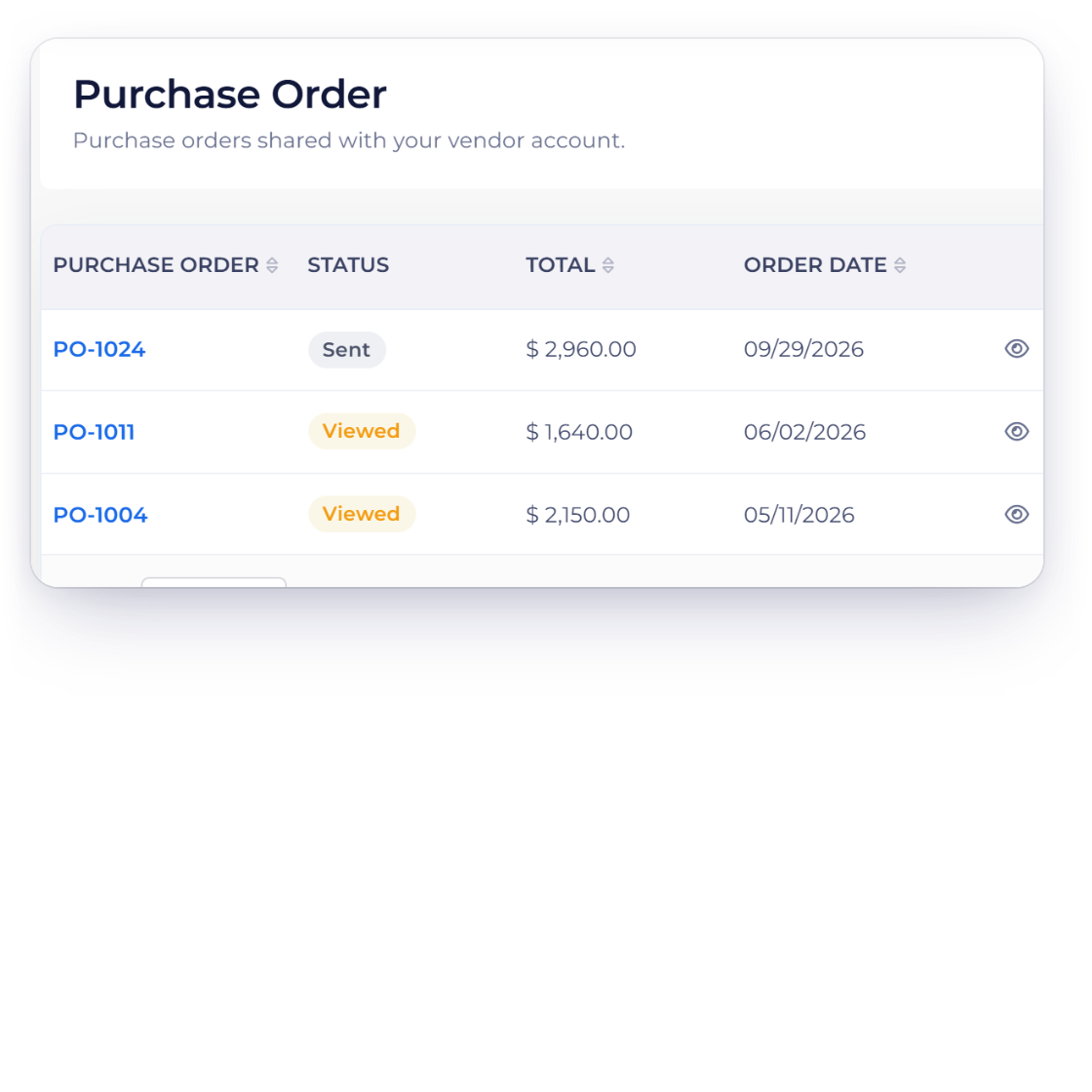
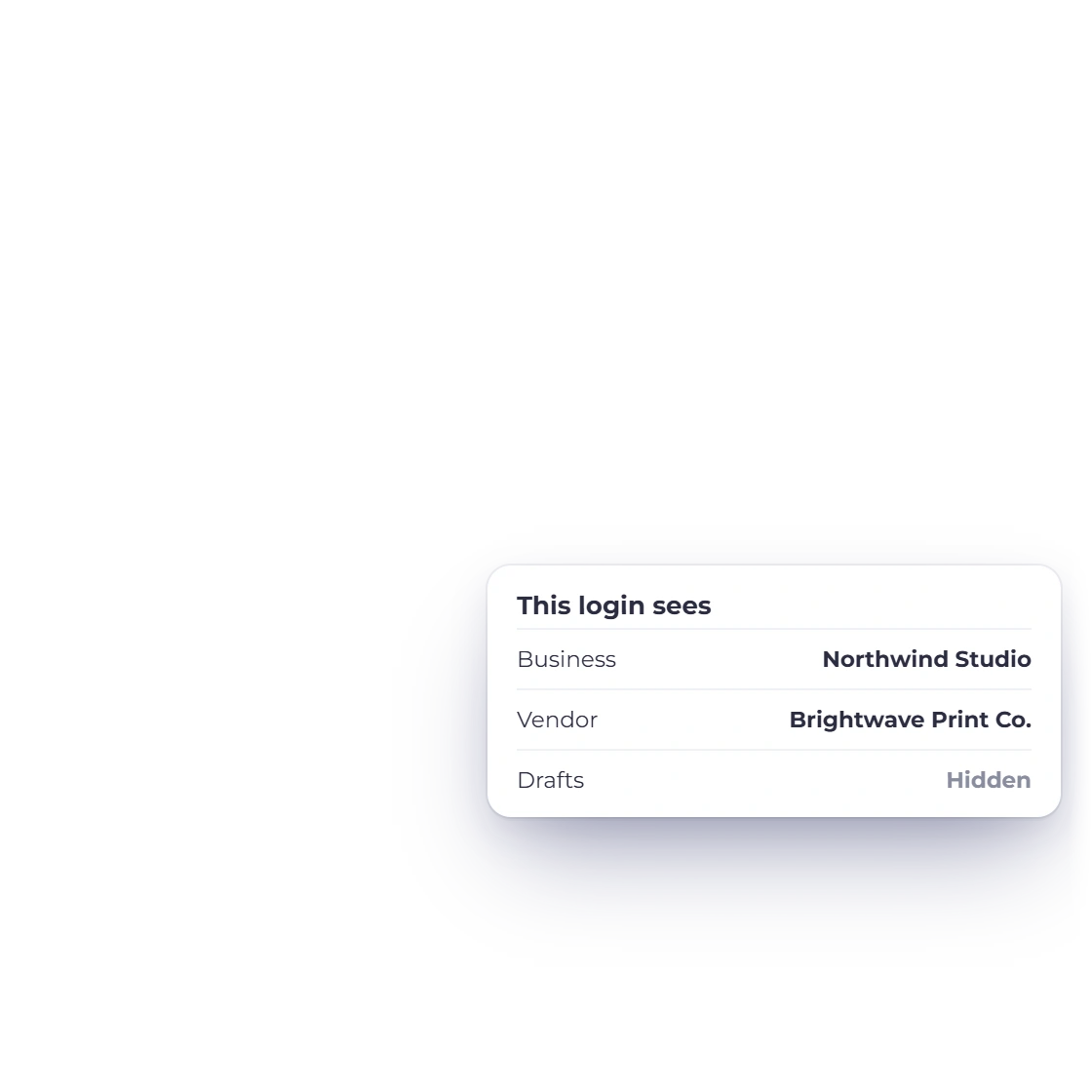
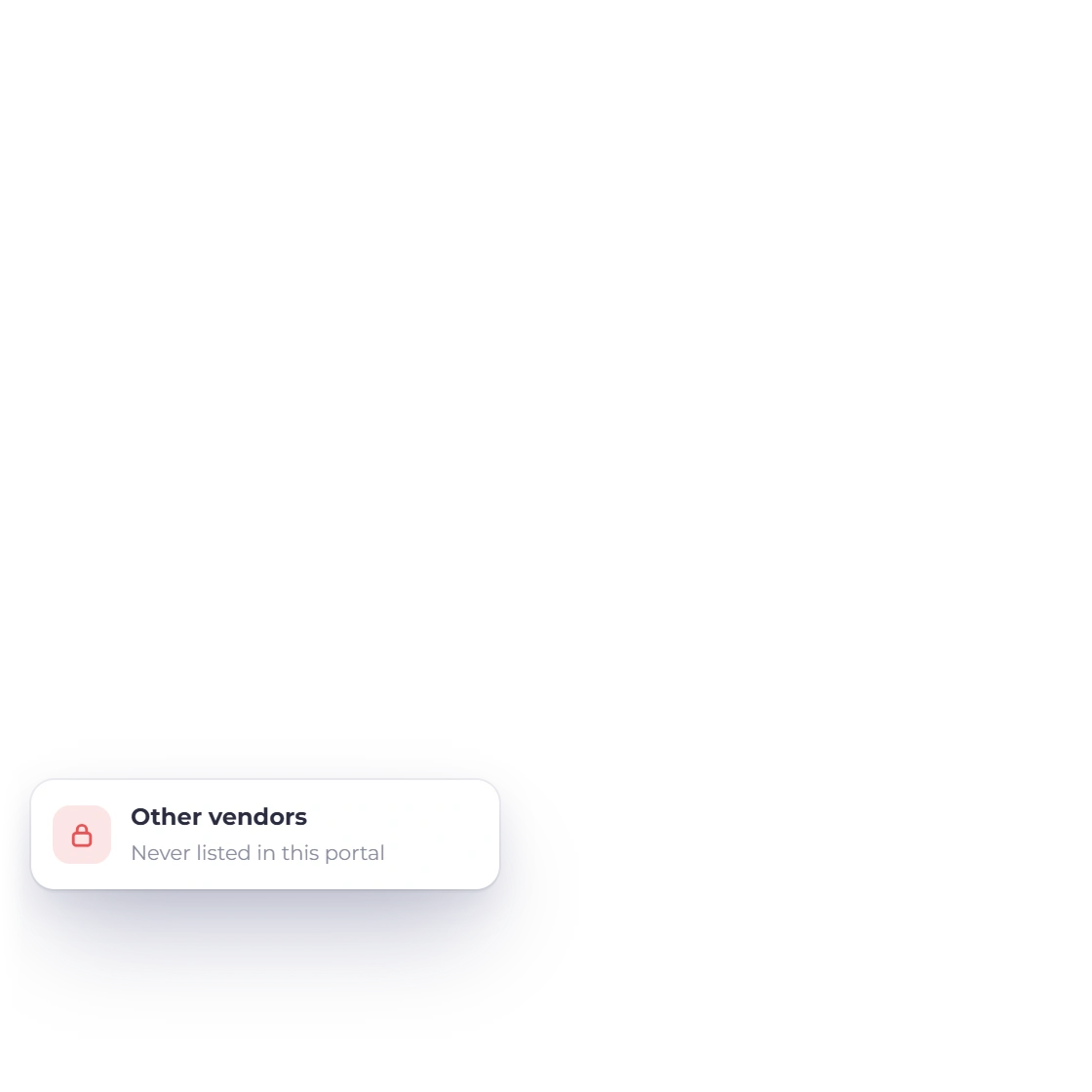
Every bill, purchase order, credit and payment in the portal belongs to that supplier and your business. Access is limited to active vendors who have accepted their invitation.
Totals, recent payments and documents at a glance.
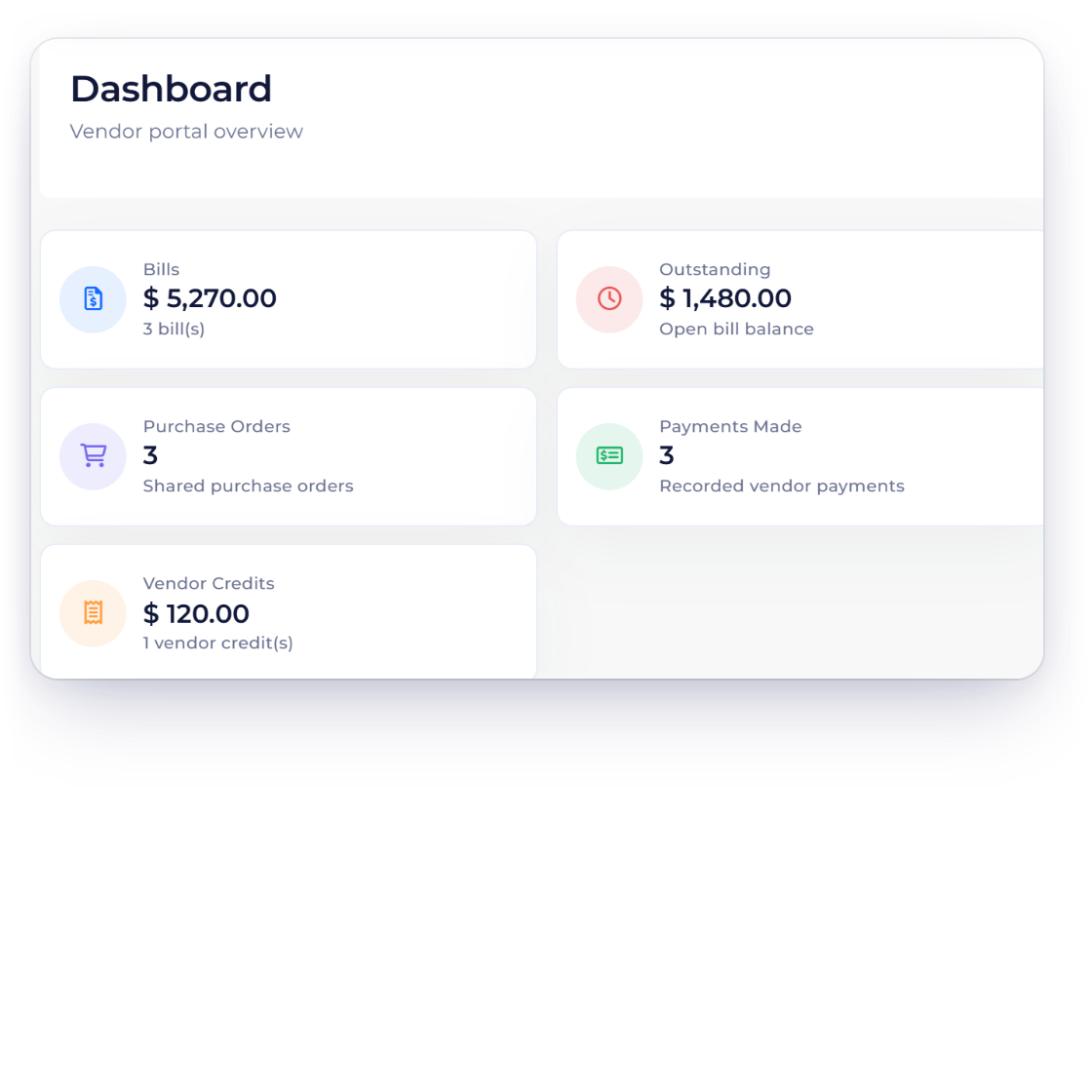
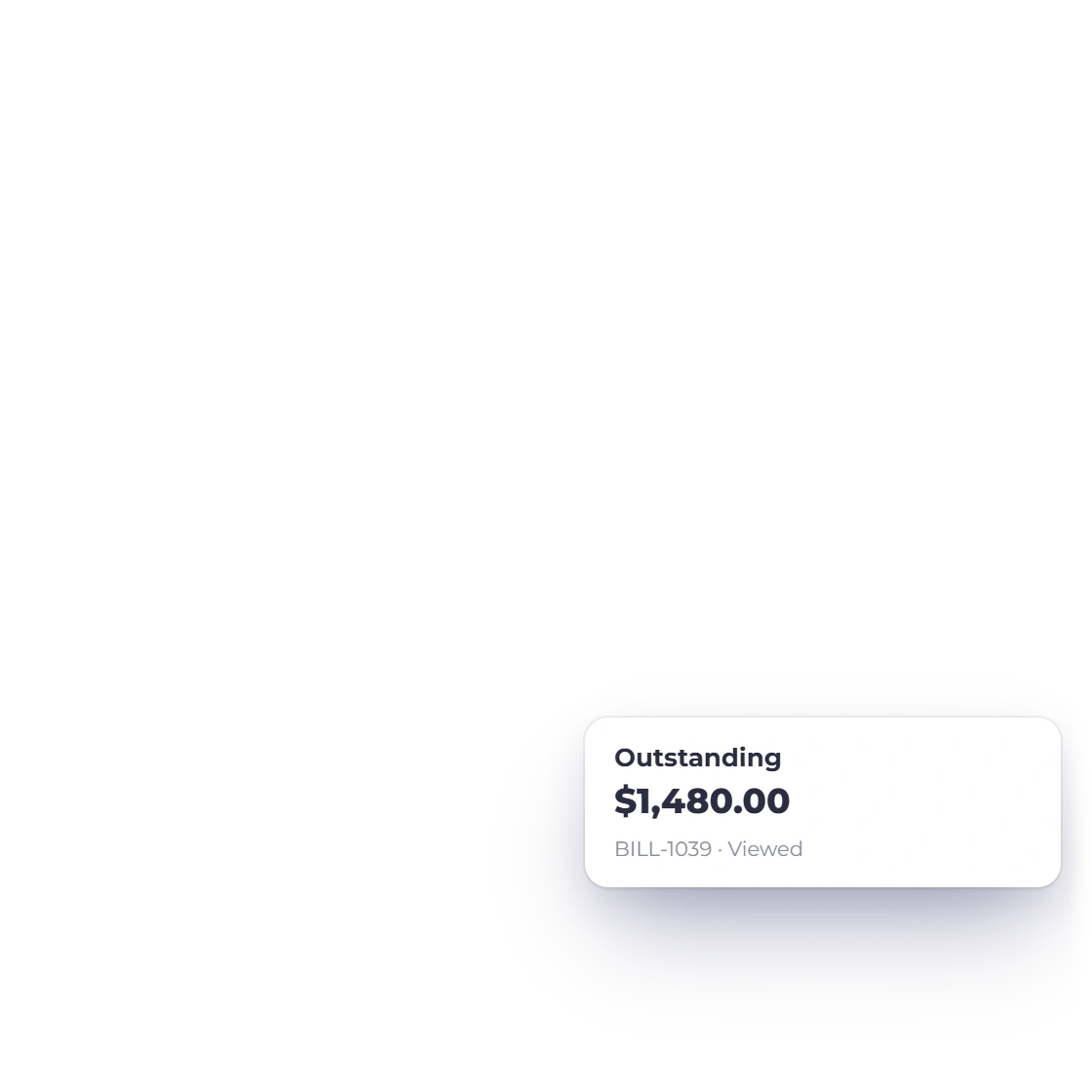
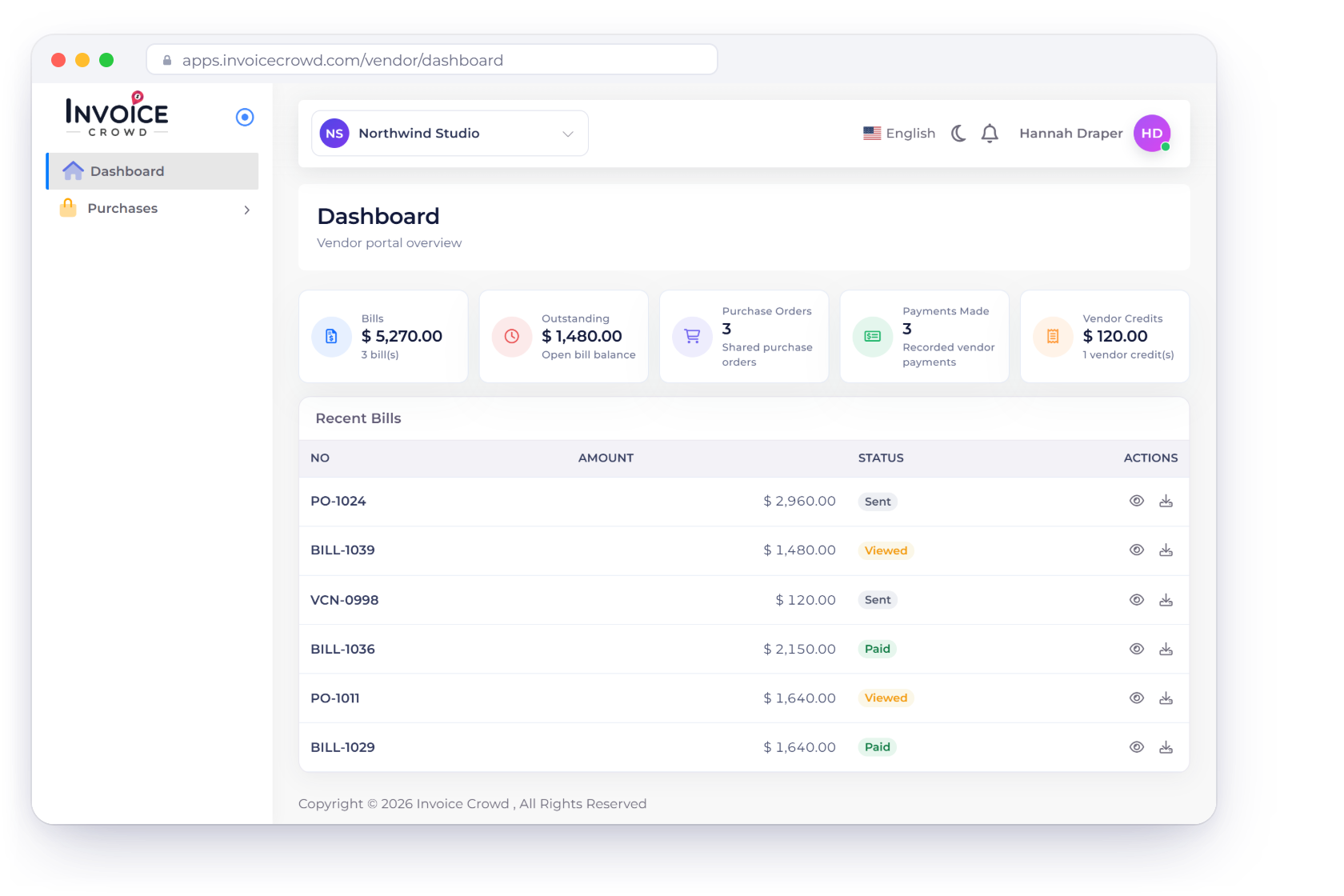
The dashboard shows one card per enabled area (bills and their outstanding balance, shared purchase orders, recorded payments and the vendor-credit balance) and a list of recent documents to preview or download.
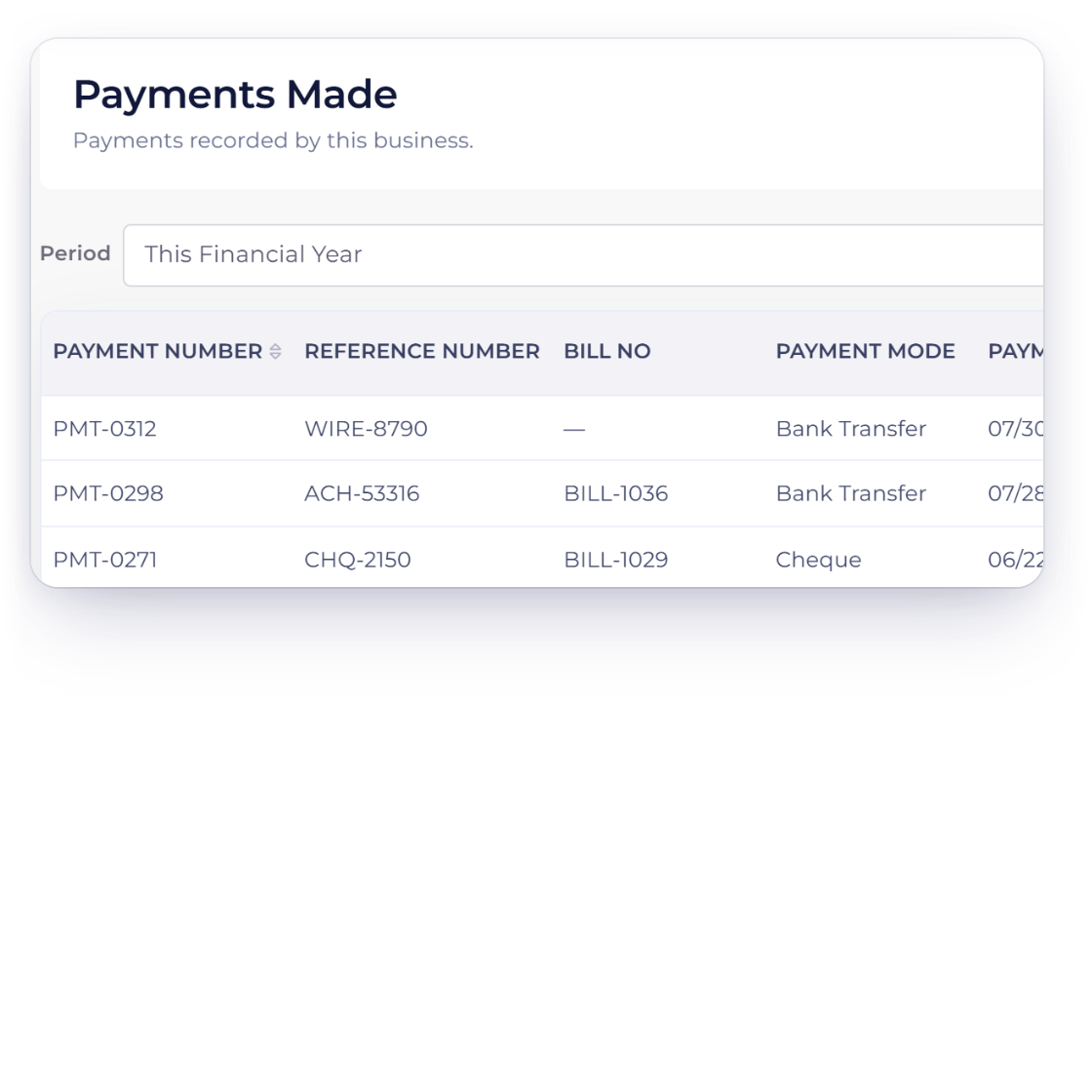
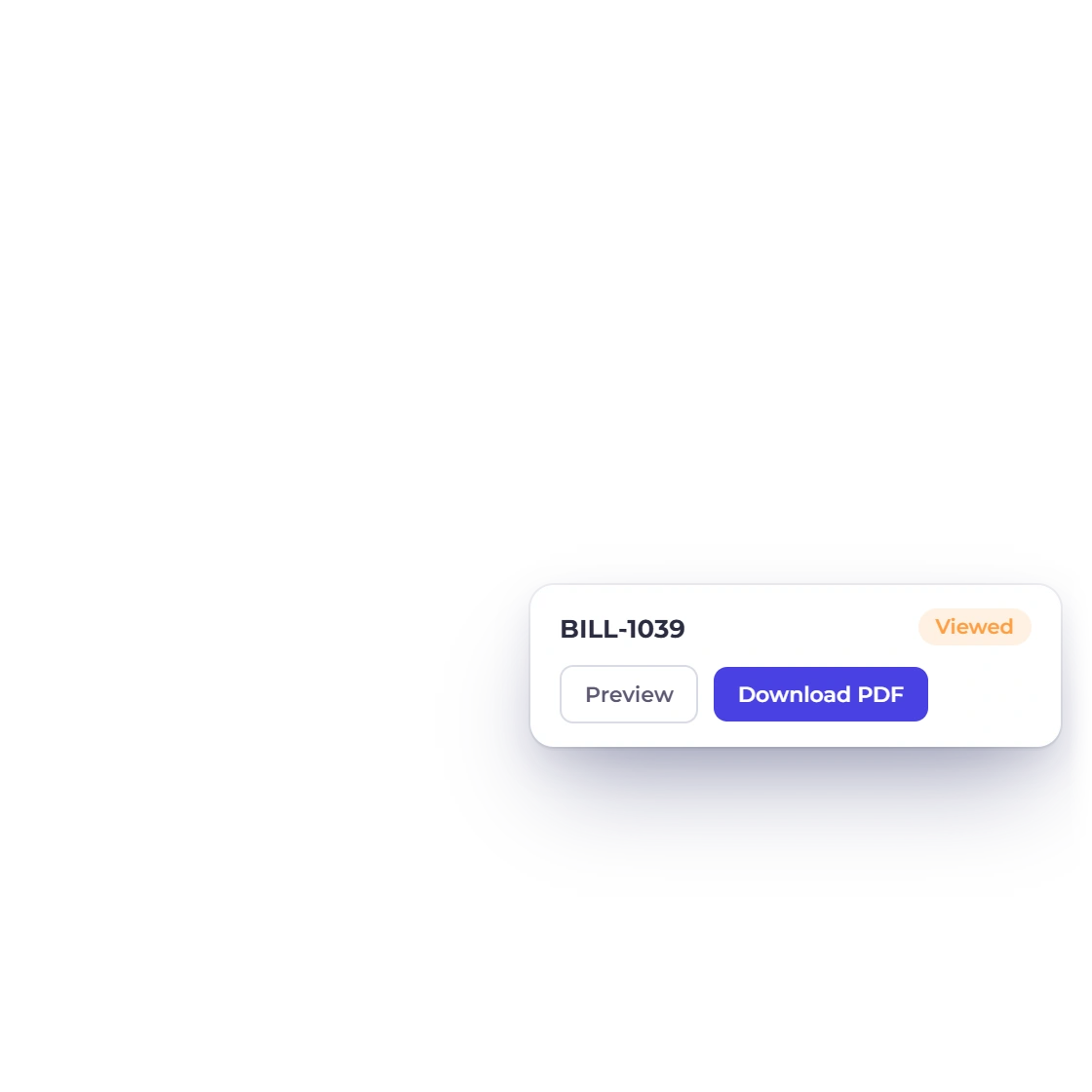
Each area you enable opens its own list. Every saved bill is listed, and purchase orders and vendor credits appear once sent, each with preview and PDF download; payments show the amount and unused amount, with a Period filter for this financial year, the previous one or all time.
Suppliers see your records; you keep control of them.
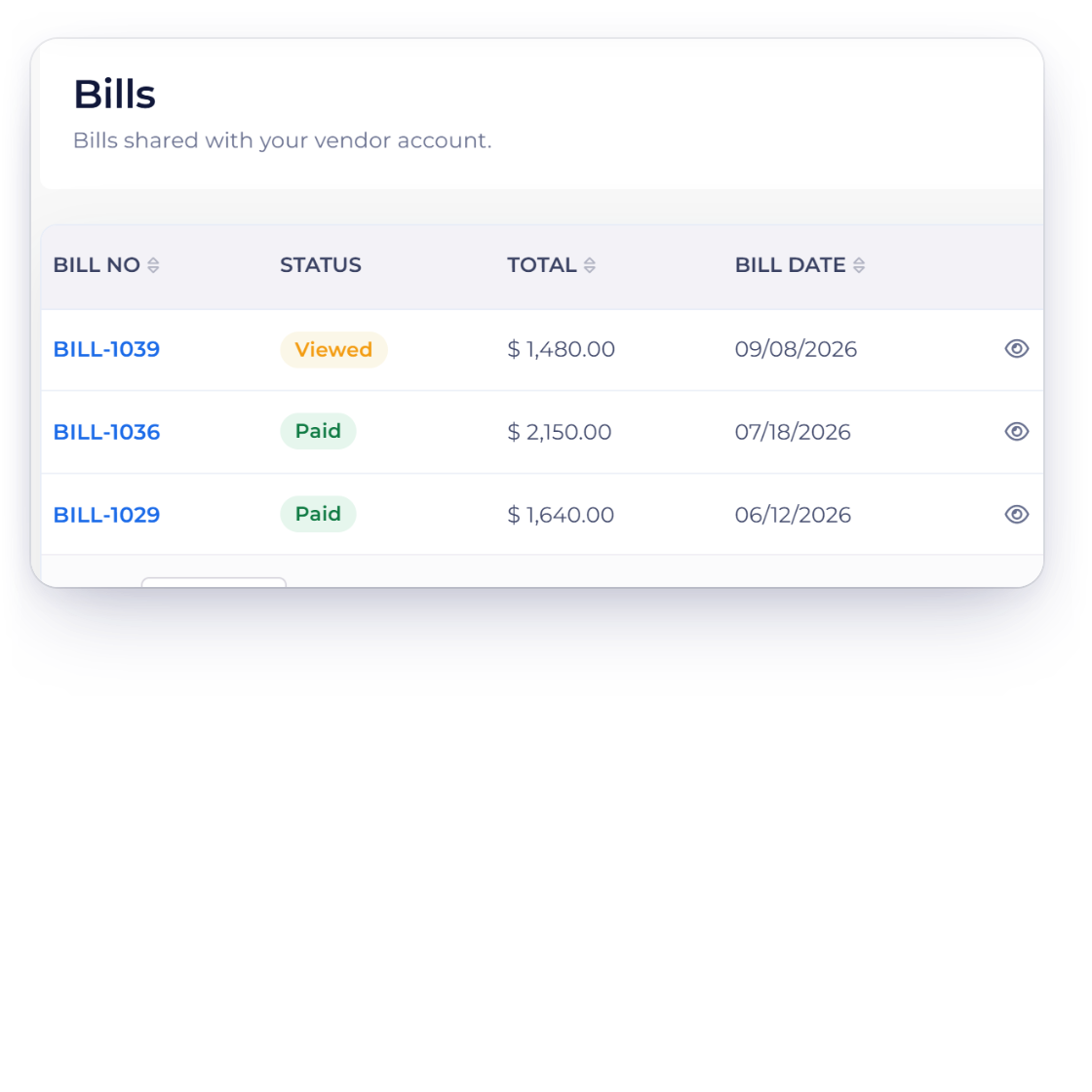
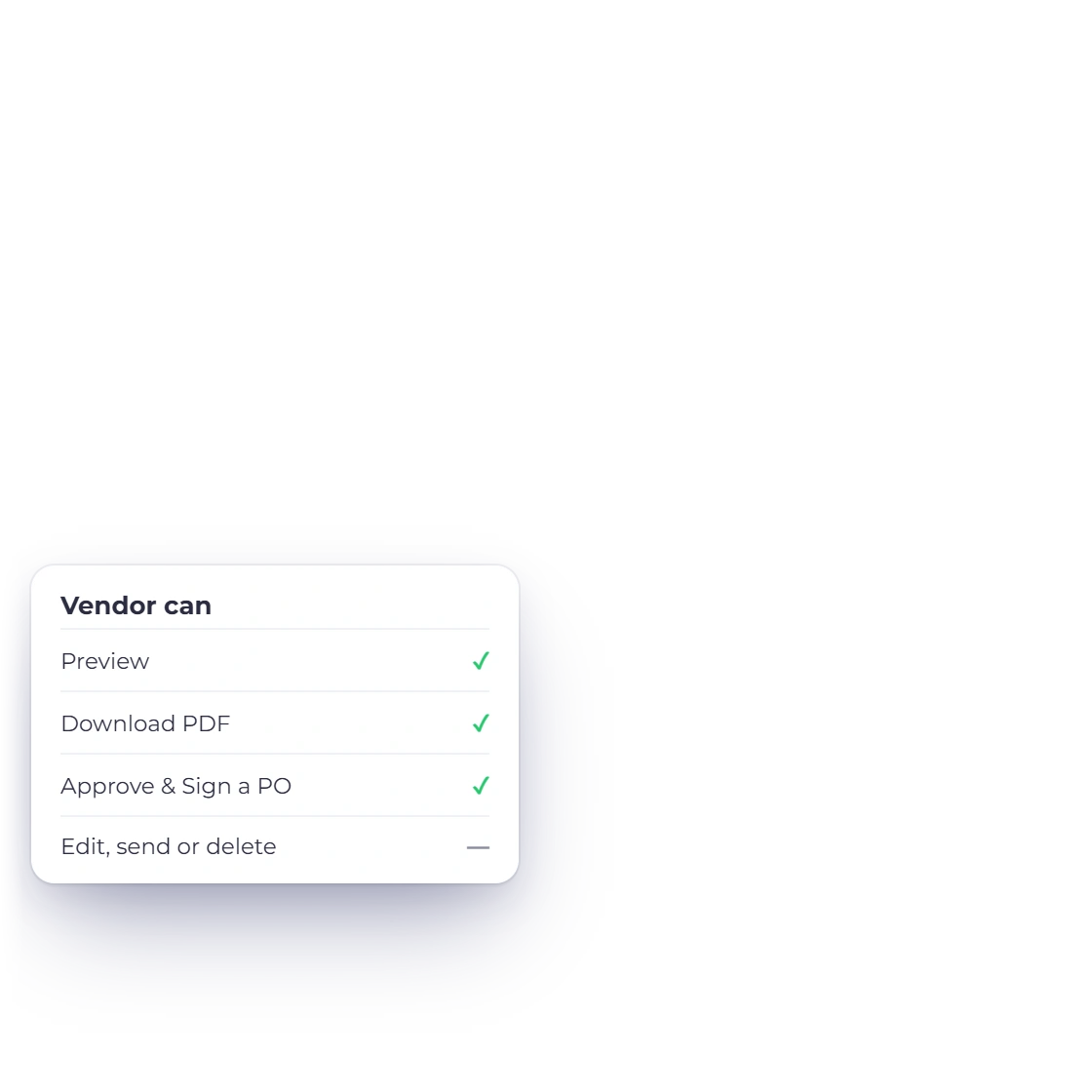
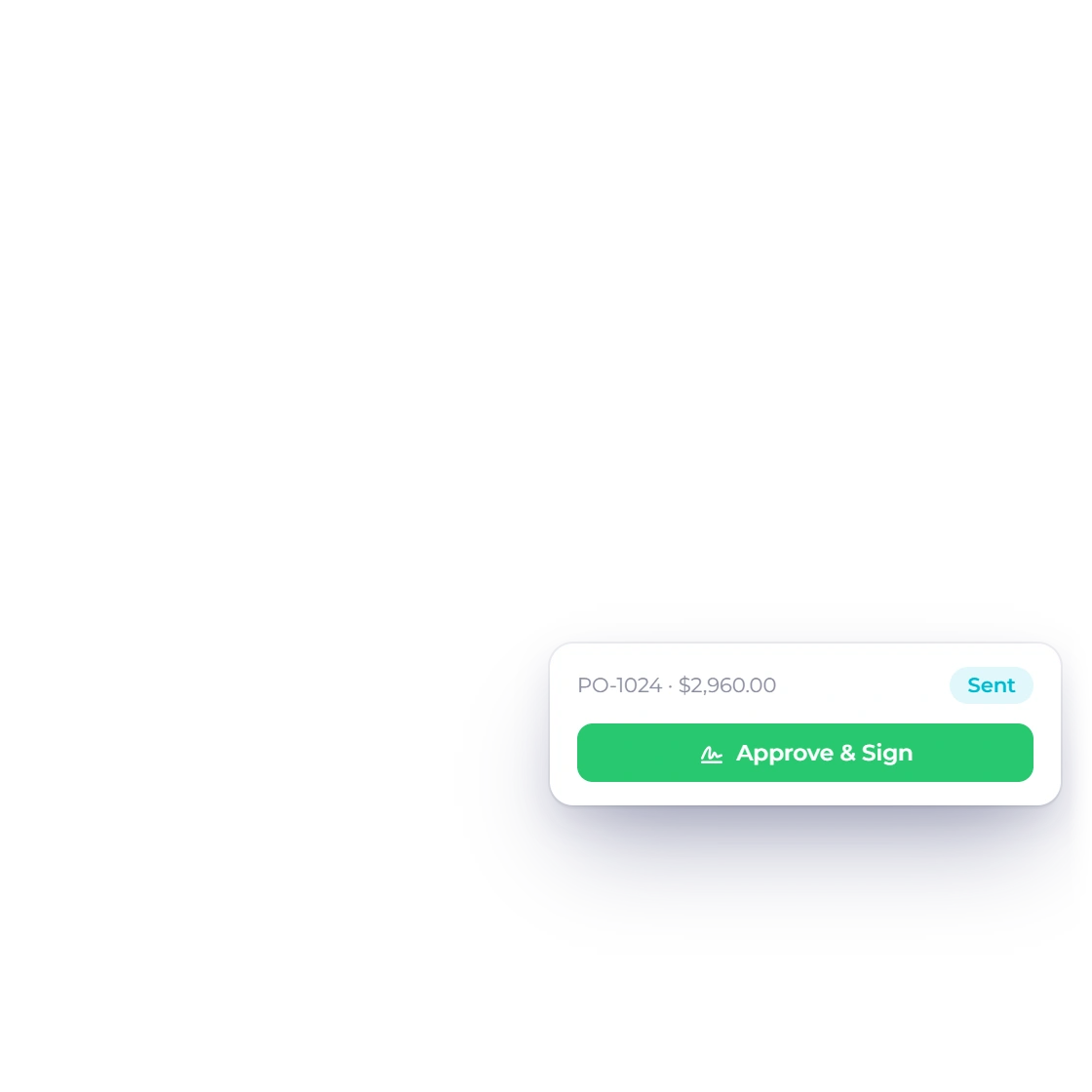
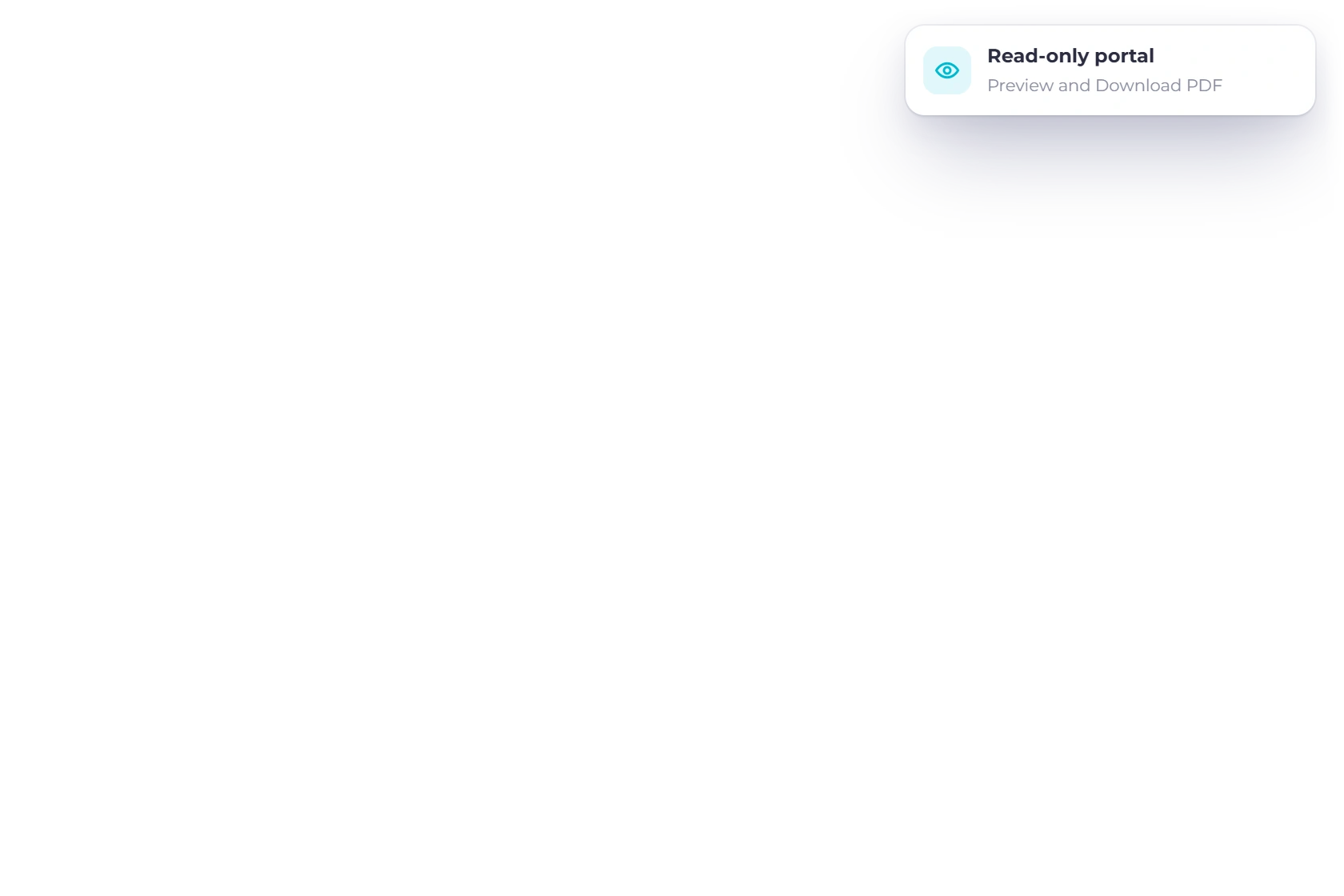
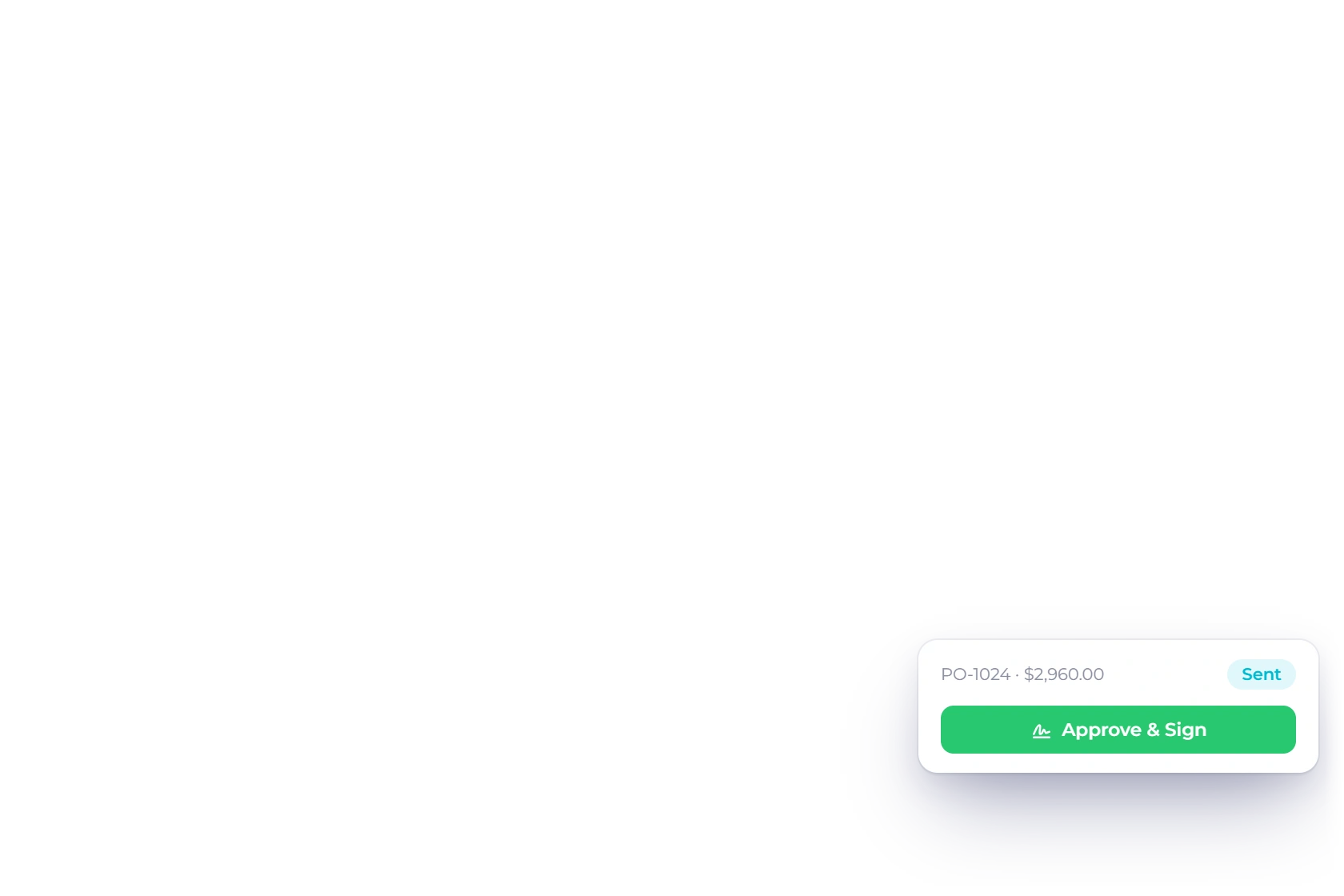
Suppliers can filter, sort, preview and download, and approve a purchase order from its link. Every bill, posting and payment stays under your control.
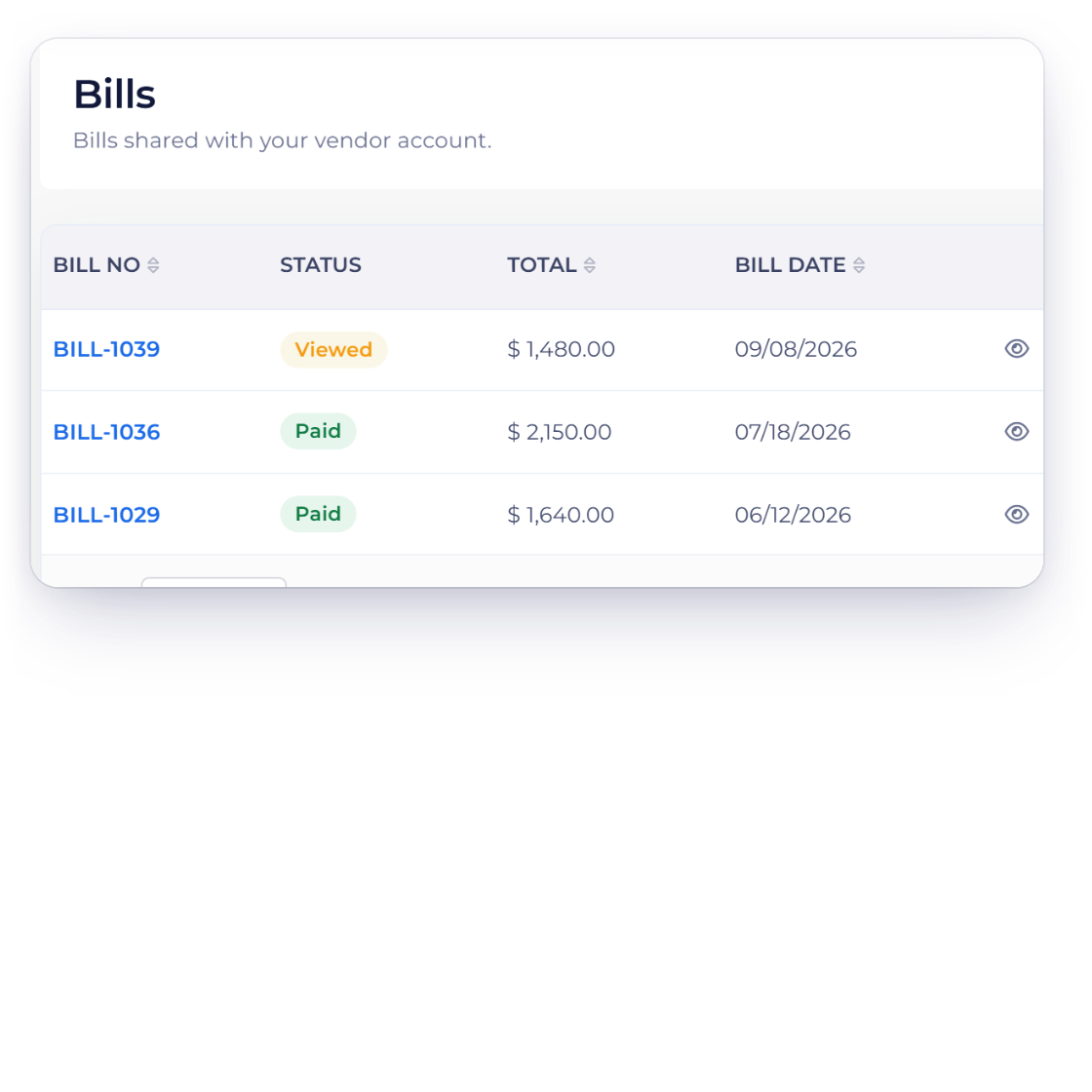
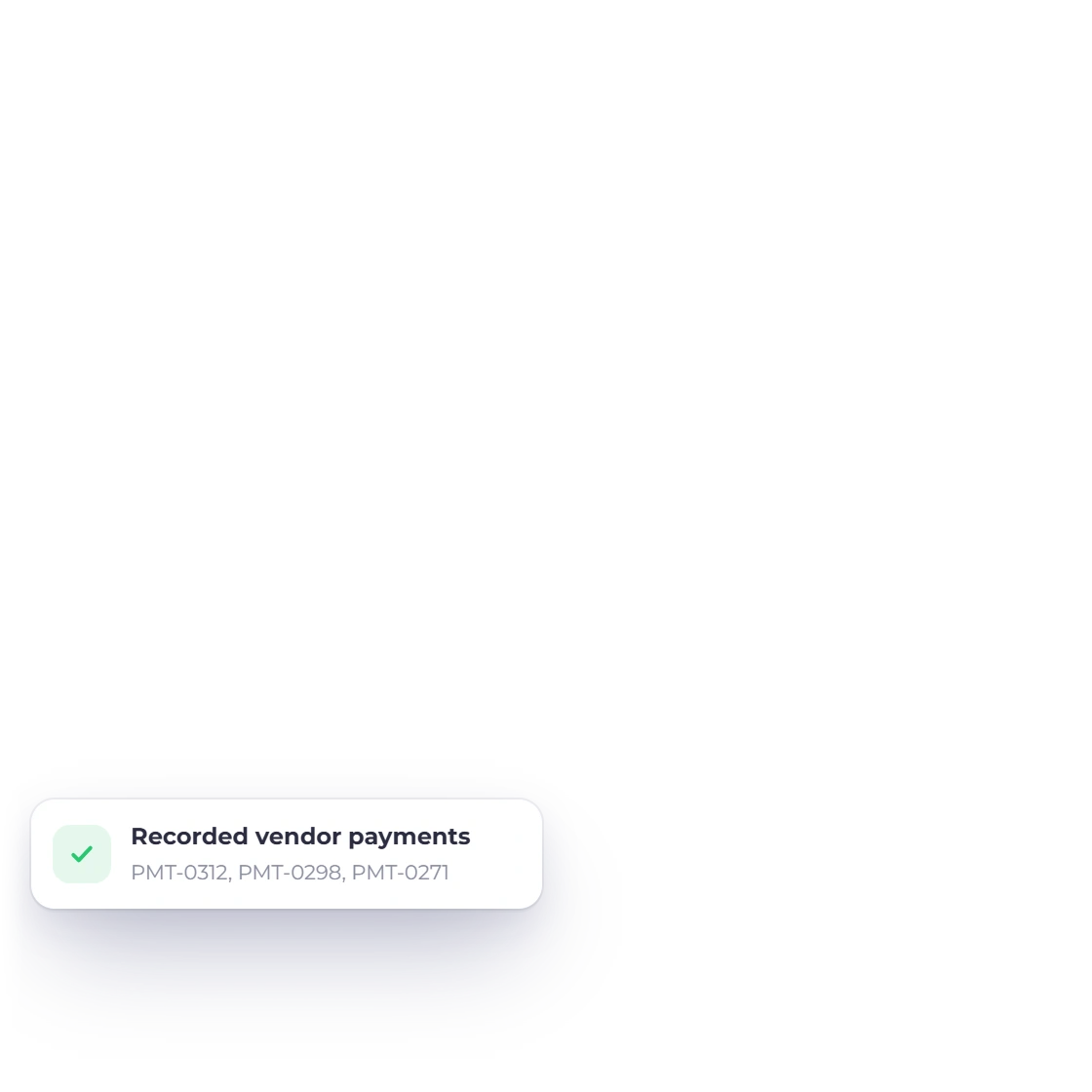
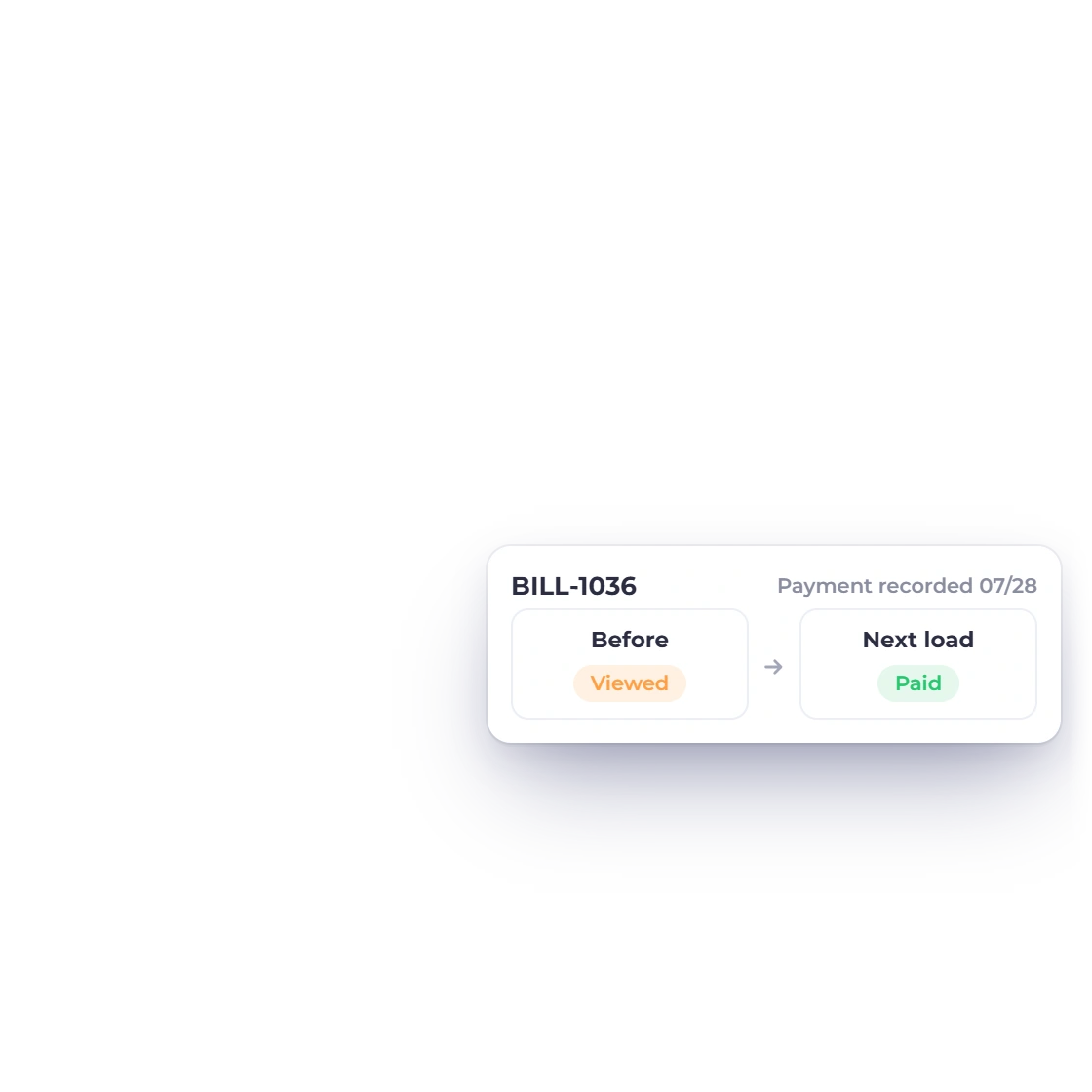
Record a payment or update a bill and your supplier sees the latest status the next time they open or refresh the page.
Built in
Dashboard totals, document lists, downloads and the menu you control.
Pick the areas a supplier can see and send the invitation from the vendor record.
Every list shows that supplier's records for your business.
Cards for bills, outstanding balance, purchase orders, payments made and vendor credits, with recent documents below.
Read-only lists with preview and PDF download, plus a Period filter for payments.
Suppliers view, download and approve orders; everything else stays with you.
Suppliers see the latest status each time they open the page.
Enable only the supplier areas you want visible.
Totals and recent payments at a glance.
Preview and download bills, orders and credits.
Suppliers view; you stay in control.
Create the supplier record and control its invite.
Record the payments your supplier sees.
Questions
The business can enable Bills, Purchase Orders, Vendor Credits and Payments Made. Every saved bill is listed, while purchase orders and vendor credits appear once they have been sent. The dashboard shows a card for each enabled area and the most recent documents, and a vendor can Approve & Sign a purchase order from its link.
No. The portal is read-only: vendors view and download their documents and can approve a purchase order, while your records stay exactly as you keep them.
Every list is limited to that vendor's own records for your business, and only active vendors who have accepted their invitation can sign in.
Yes. On the vendor record, choose whether Bills, Purchase Orders, Payments Made and Vendor Credits appear in the supplier's menu.
Yes. Bills, purchase orders and vendor credits each offer preview and PDF download. Payments Made shows as a table with a Period filter for this financial year, the previous one or all time.
Invite the vendor, choose the tabs and let them view the documents and payments that already belong to them.