Keep one vendor record for the relationship
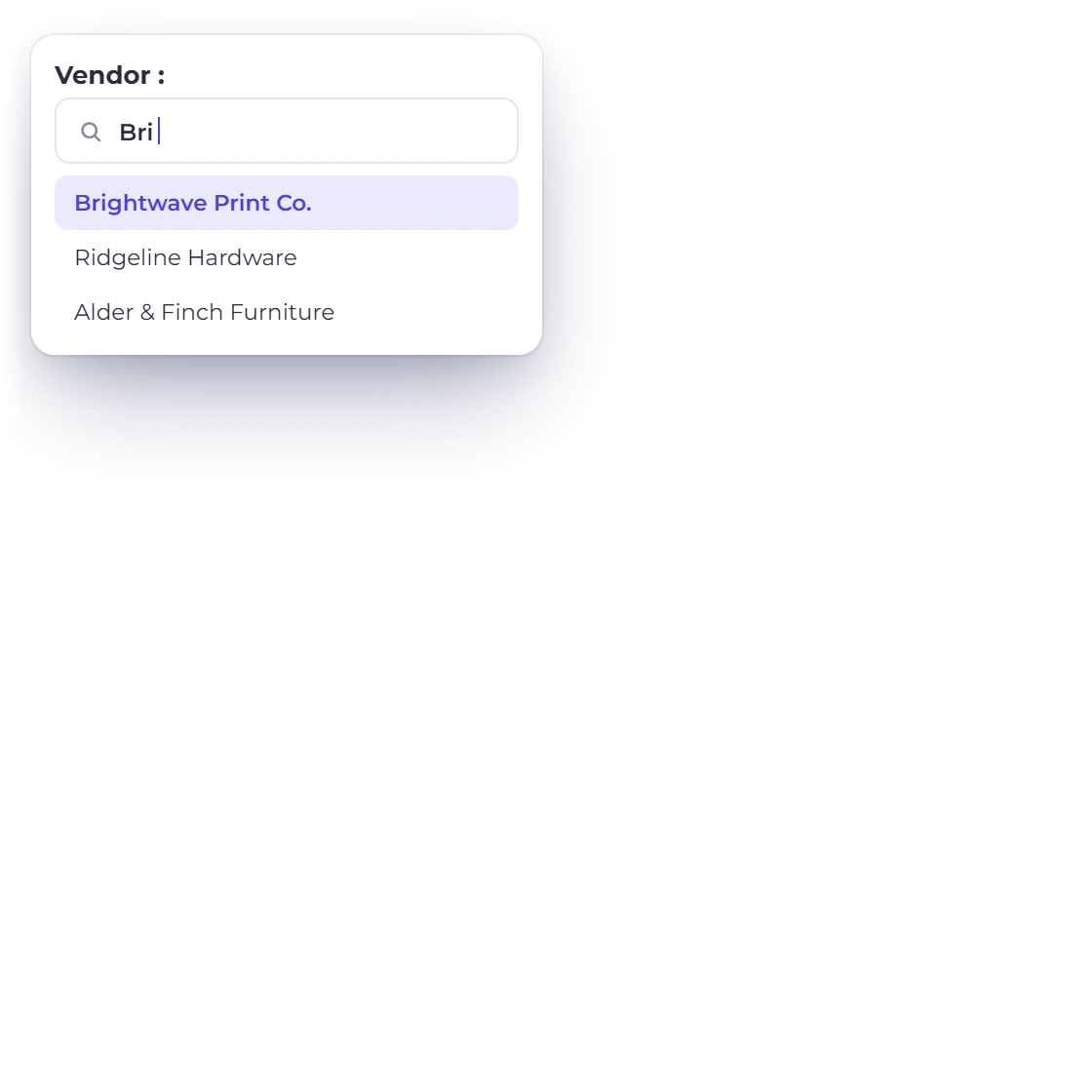
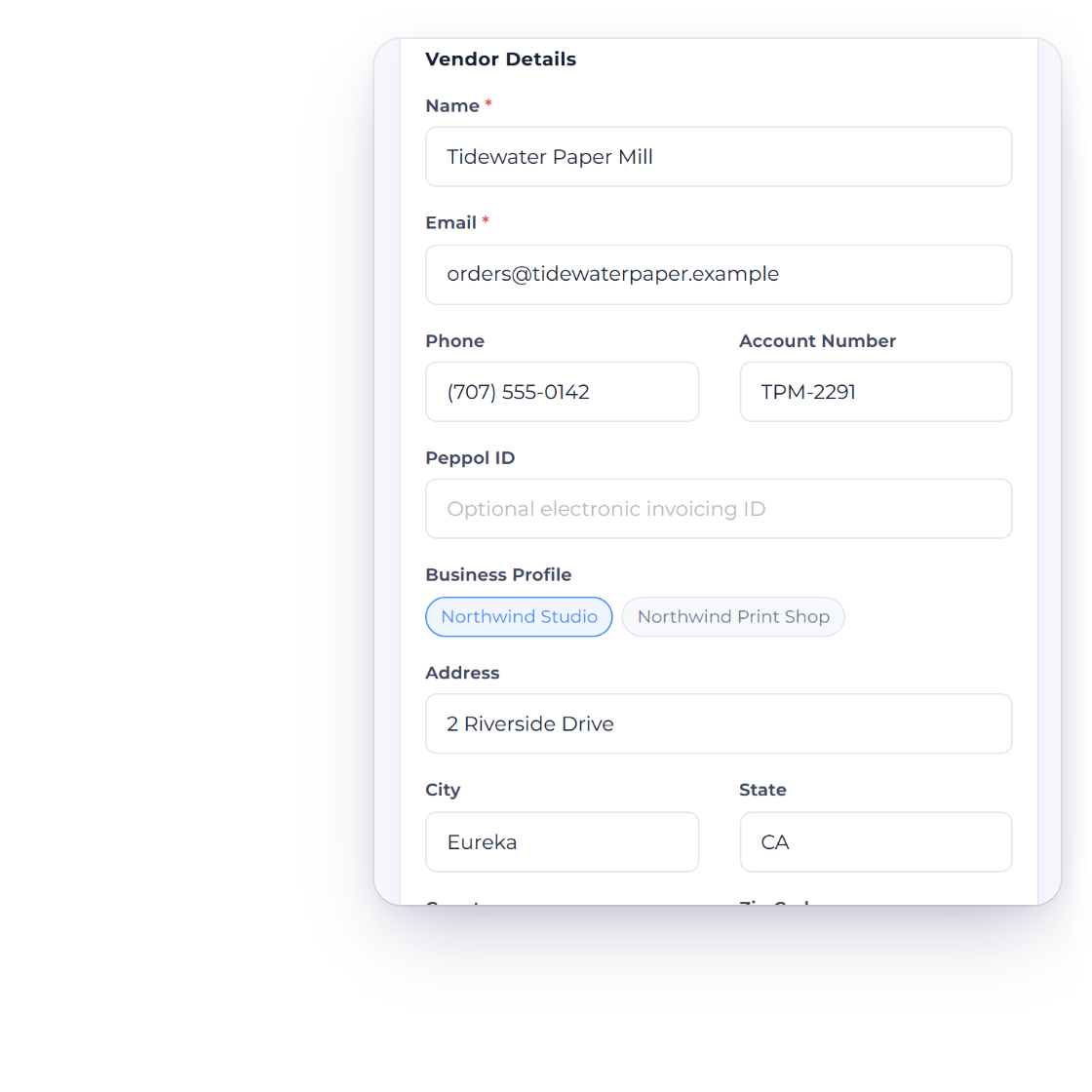
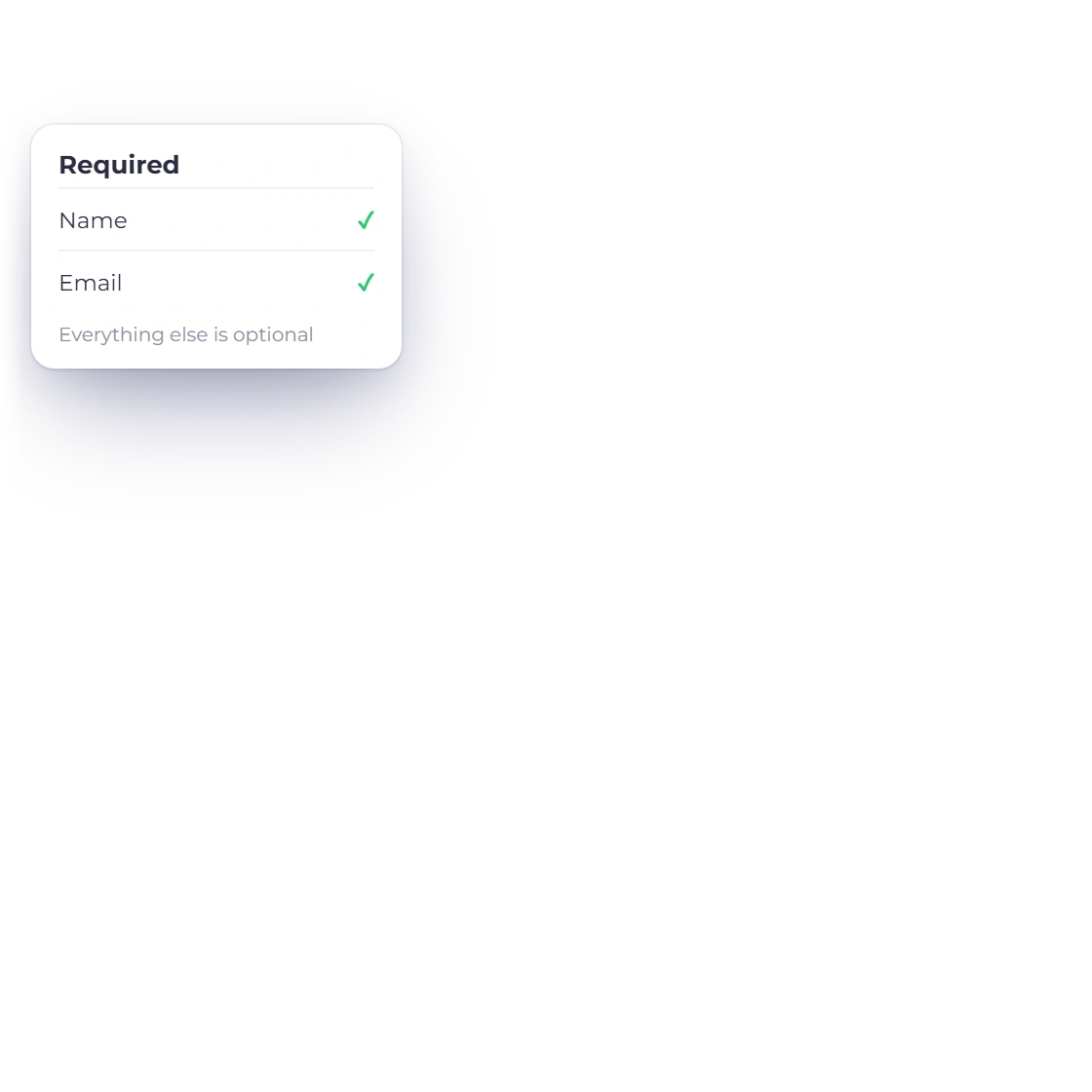
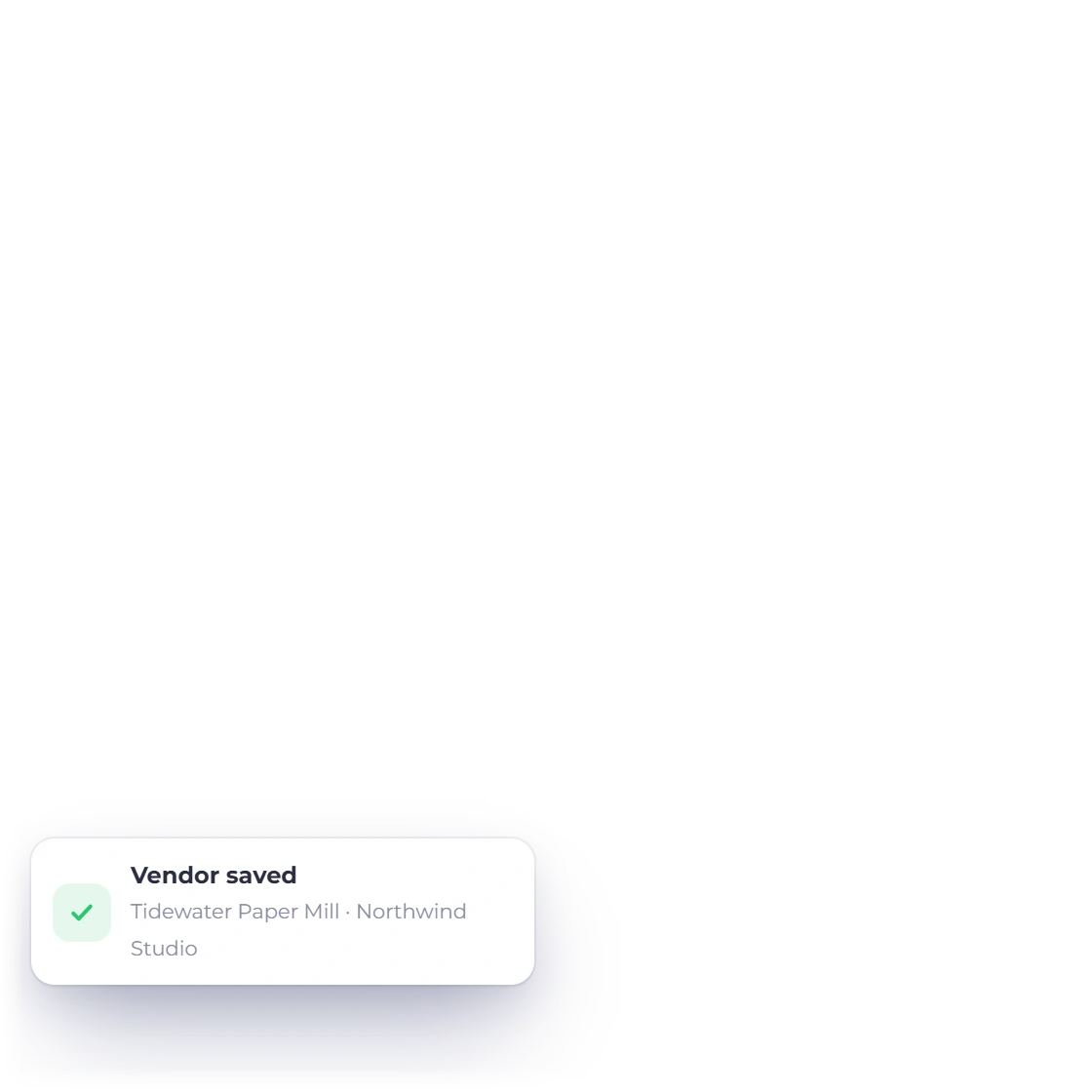
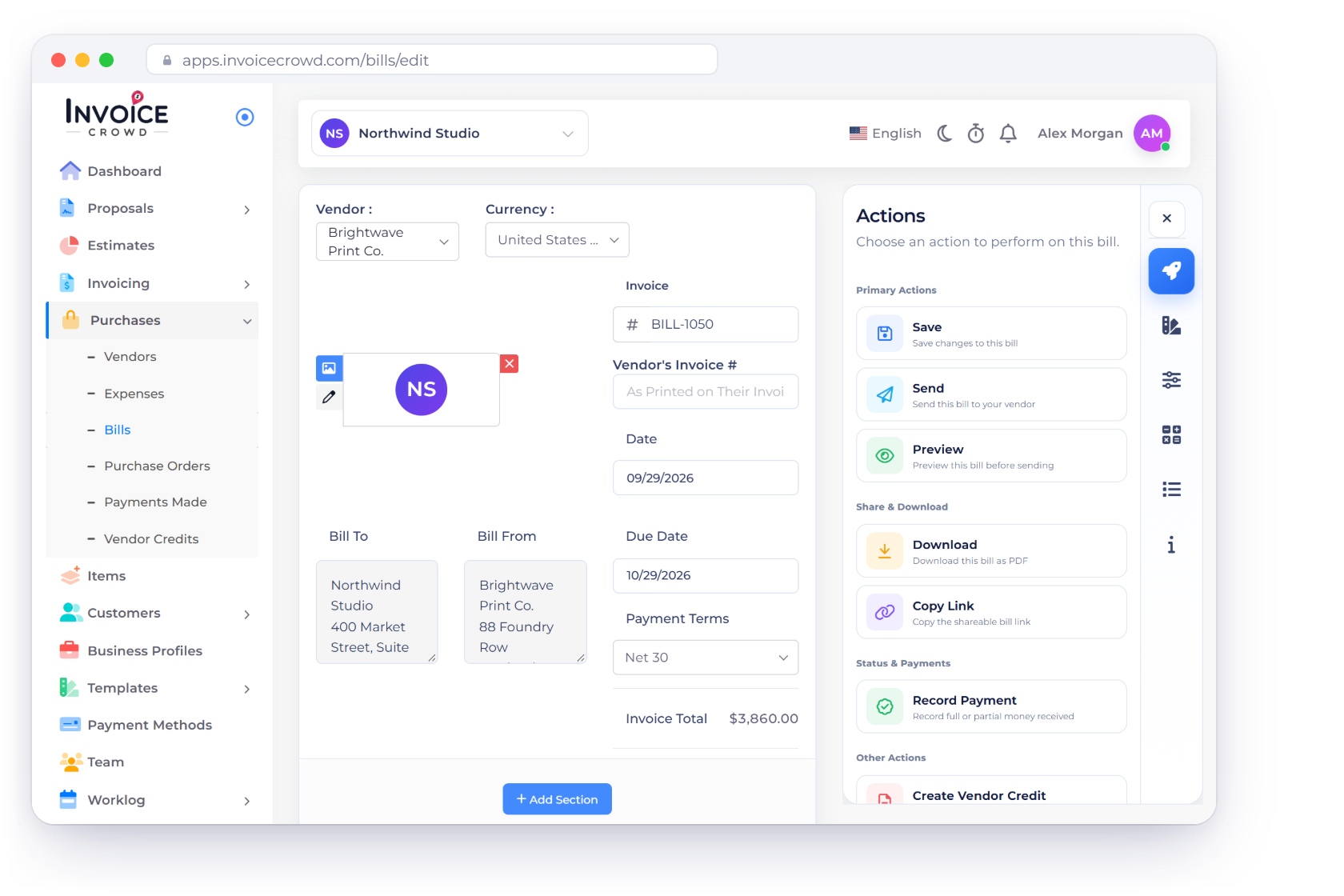
Store the supplier's contact and tax details, use it across purchase documents and control whether that vendor receives a portal invite.
Purchases
Manage vendors, purchase orders, bills, vendor credits and payments made in one connected workflow, and give suppliers a read-only portal to their own records.
How it works
Start with the supplier, approve the order, record the bill and settle it with a payment or a vendor credit. Each step has its own clear document.
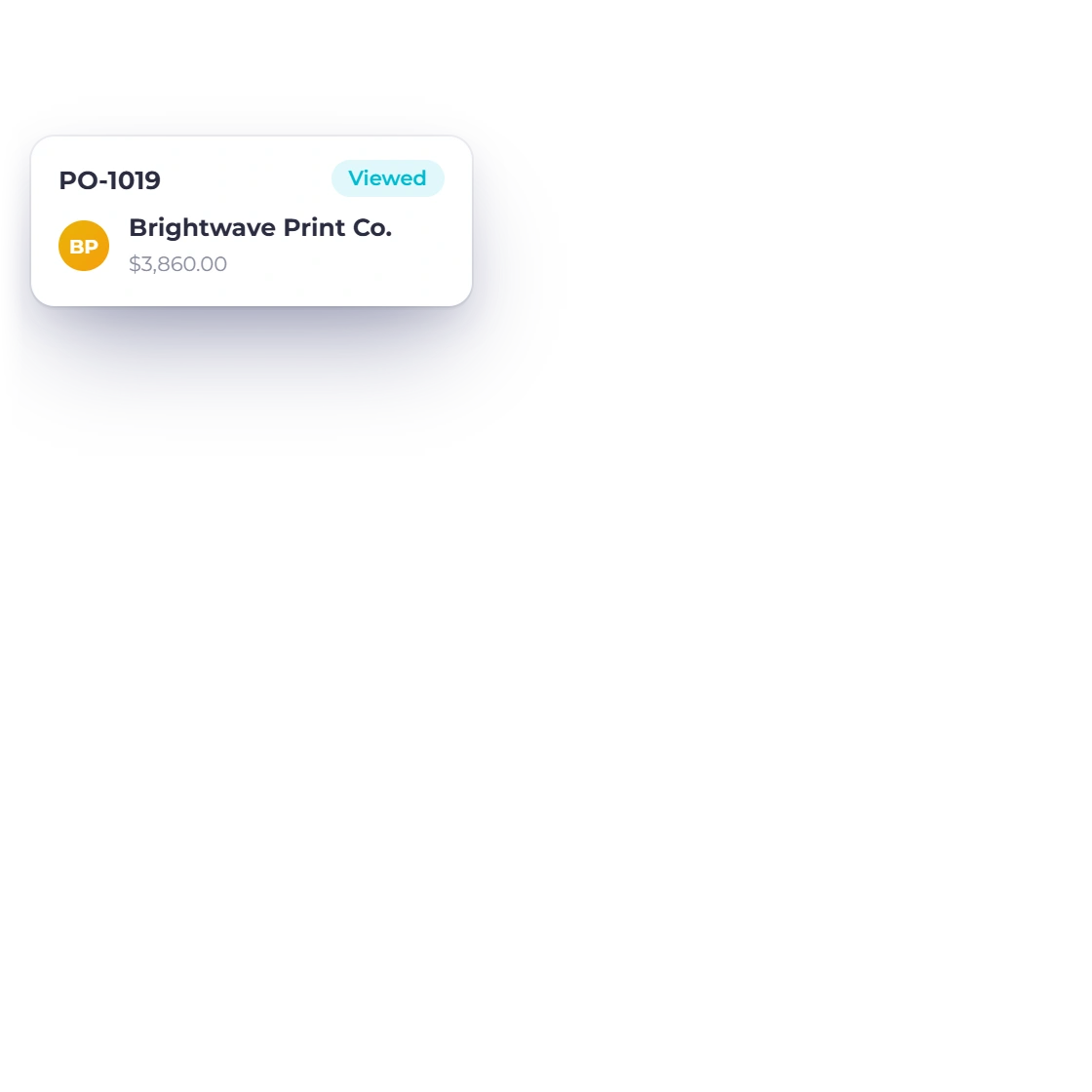
Supplier identity and the purchase commitment.
Store the supplier's contact and tax details, use it across purchase documents and control whether that vendor receives a portal invite.
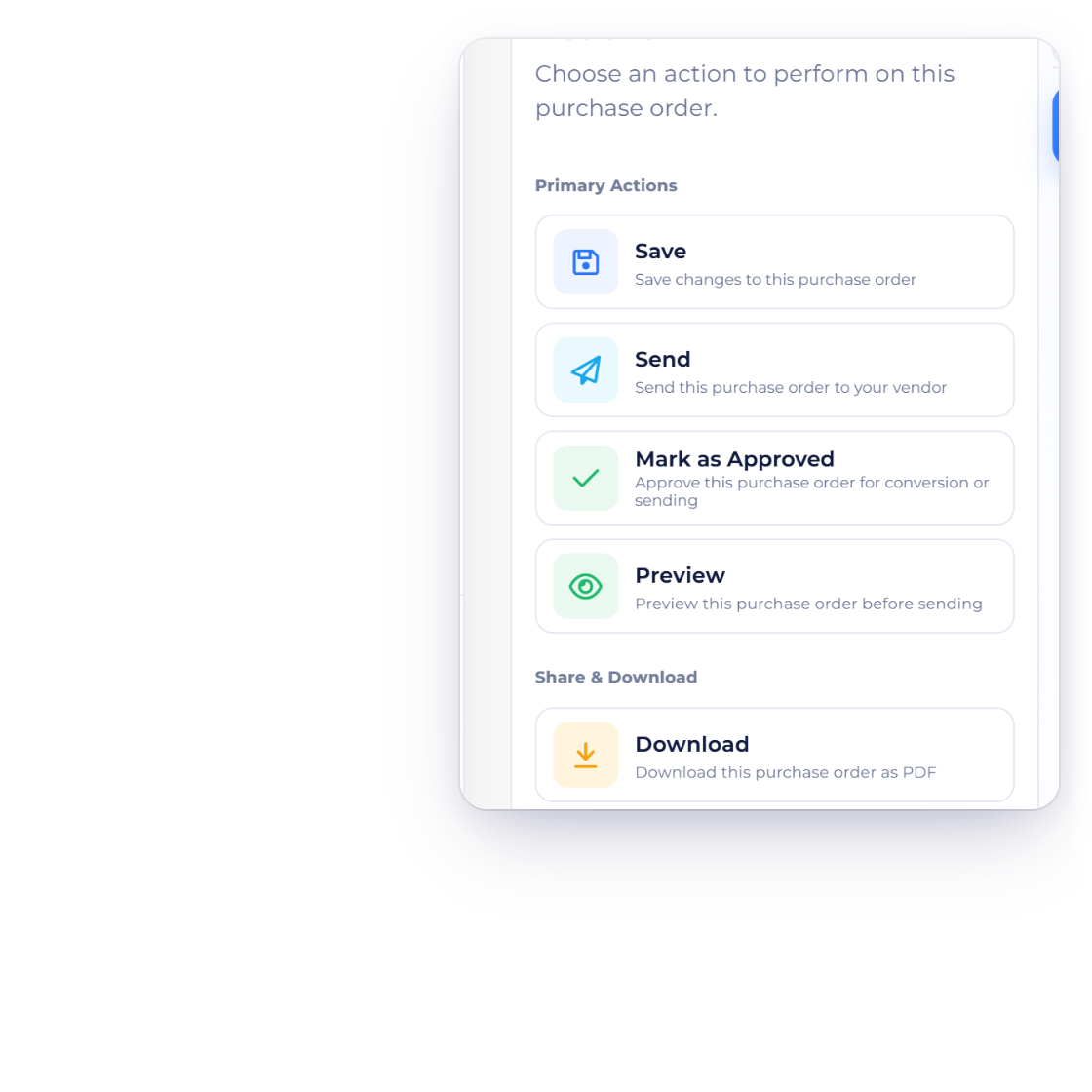
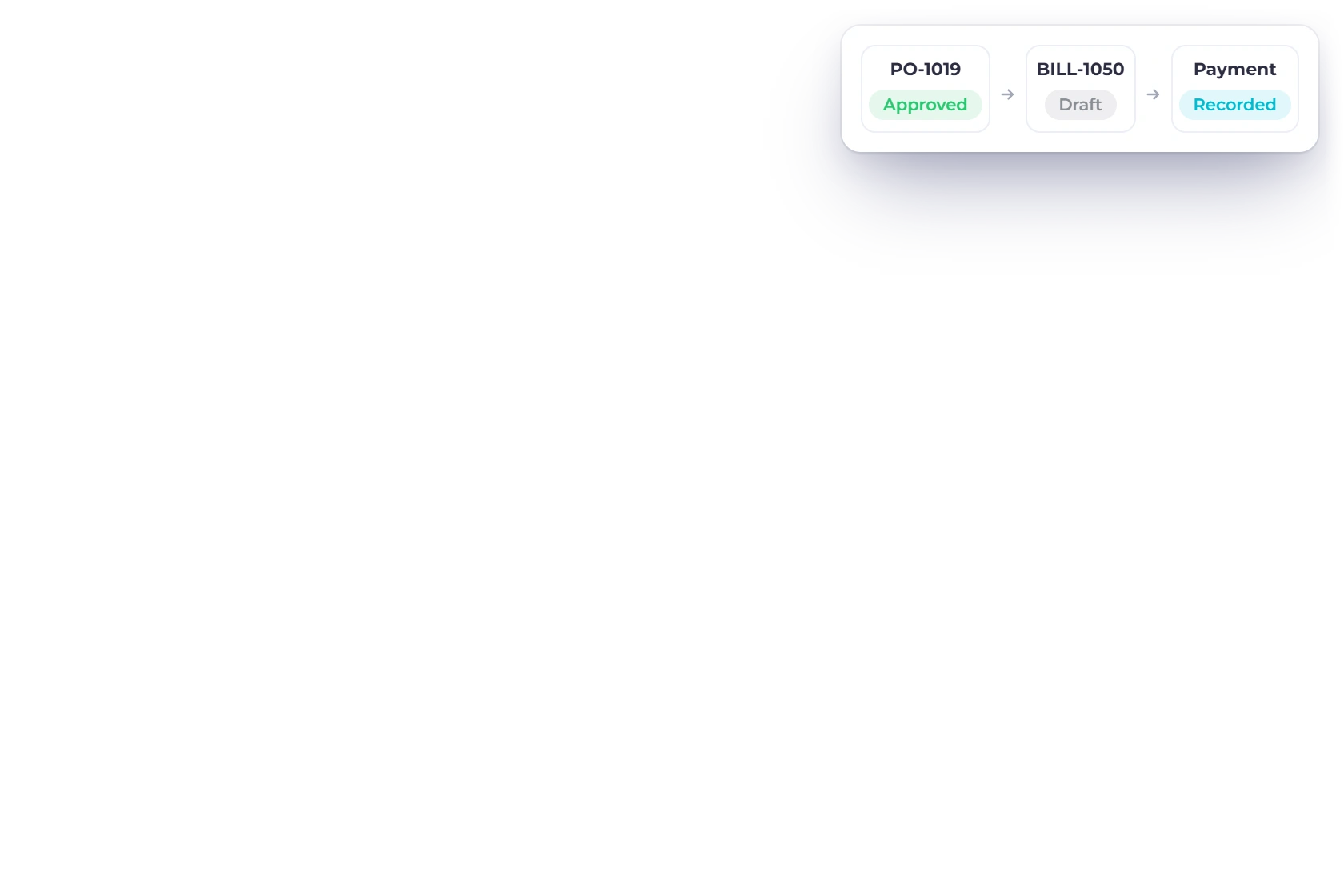
Create a PO in the document editor, send it or mark it approved, then convert the approved order into a draft bill.
Due dates, balances and accounting in one place.
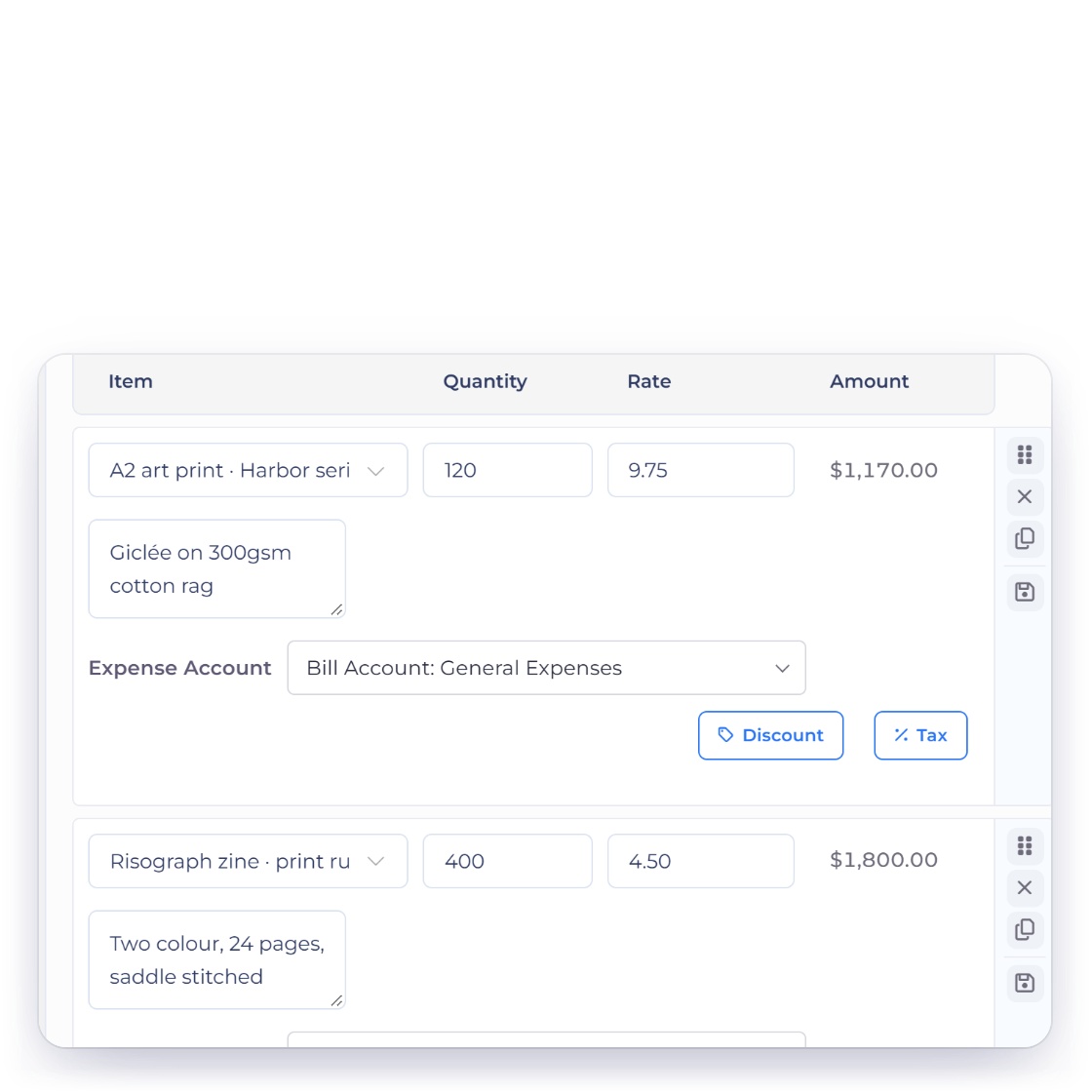
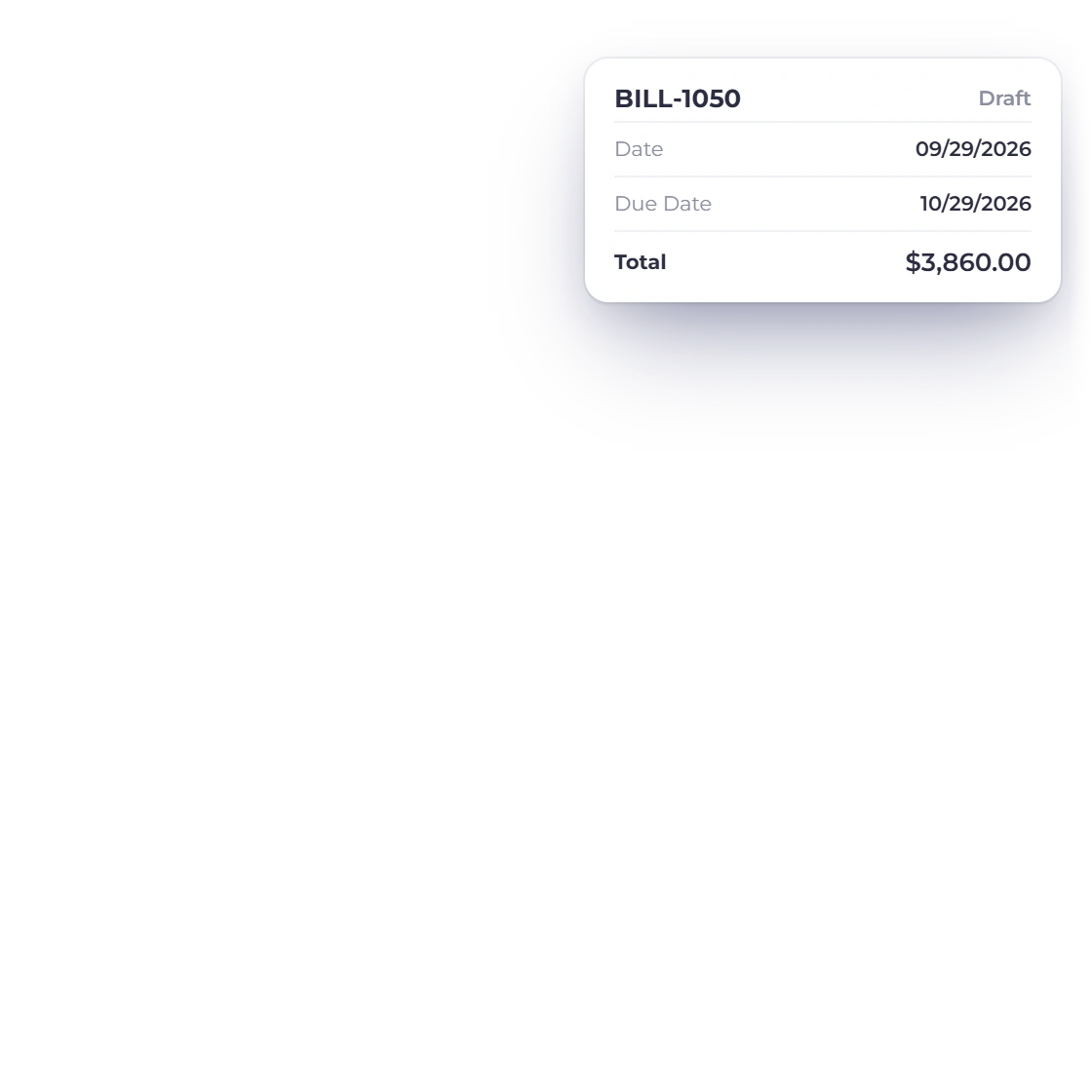
Bills keep the vendor, lines, taxes, date, due date, status and balance together. A converted PO becomes a draft bill, ready for you to review.
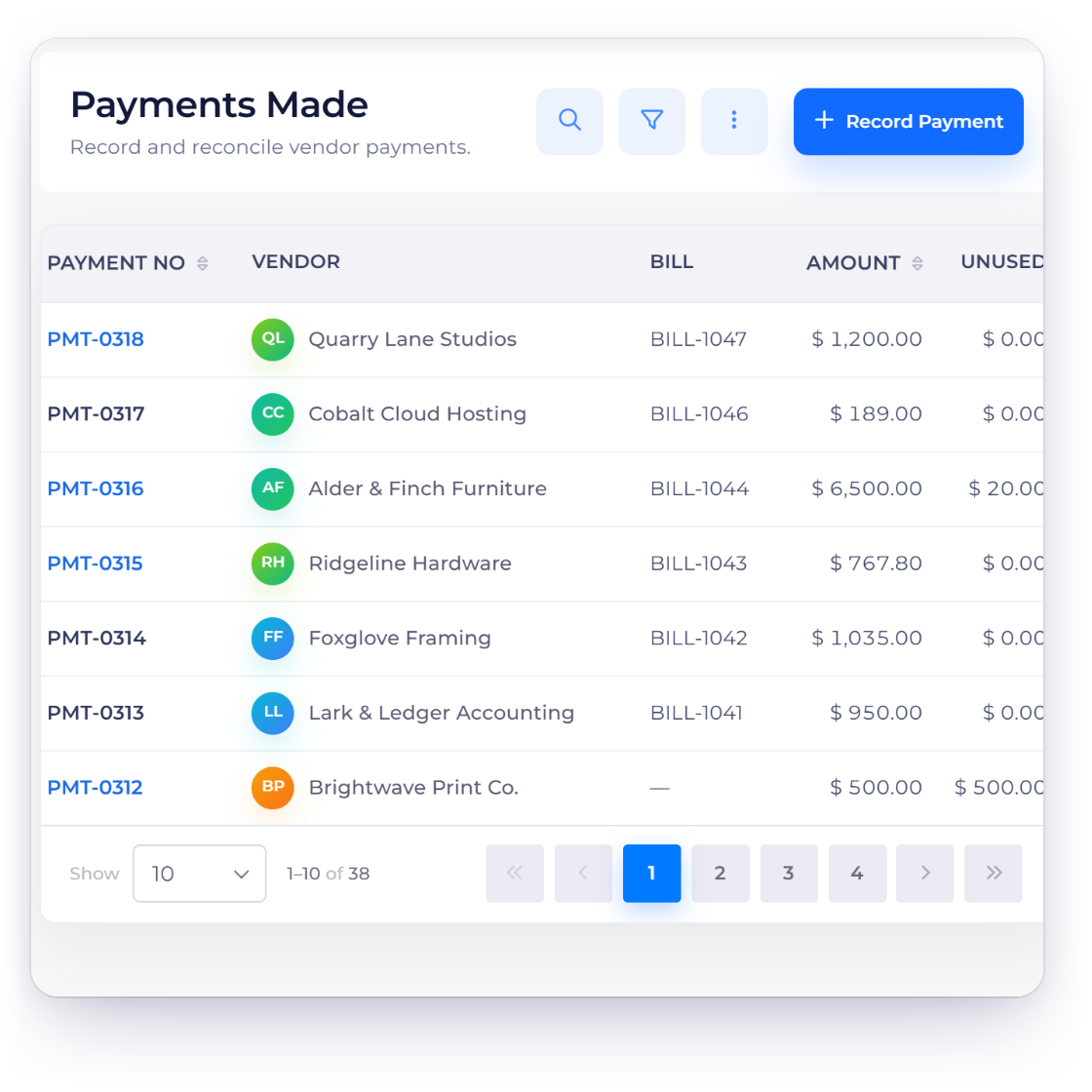
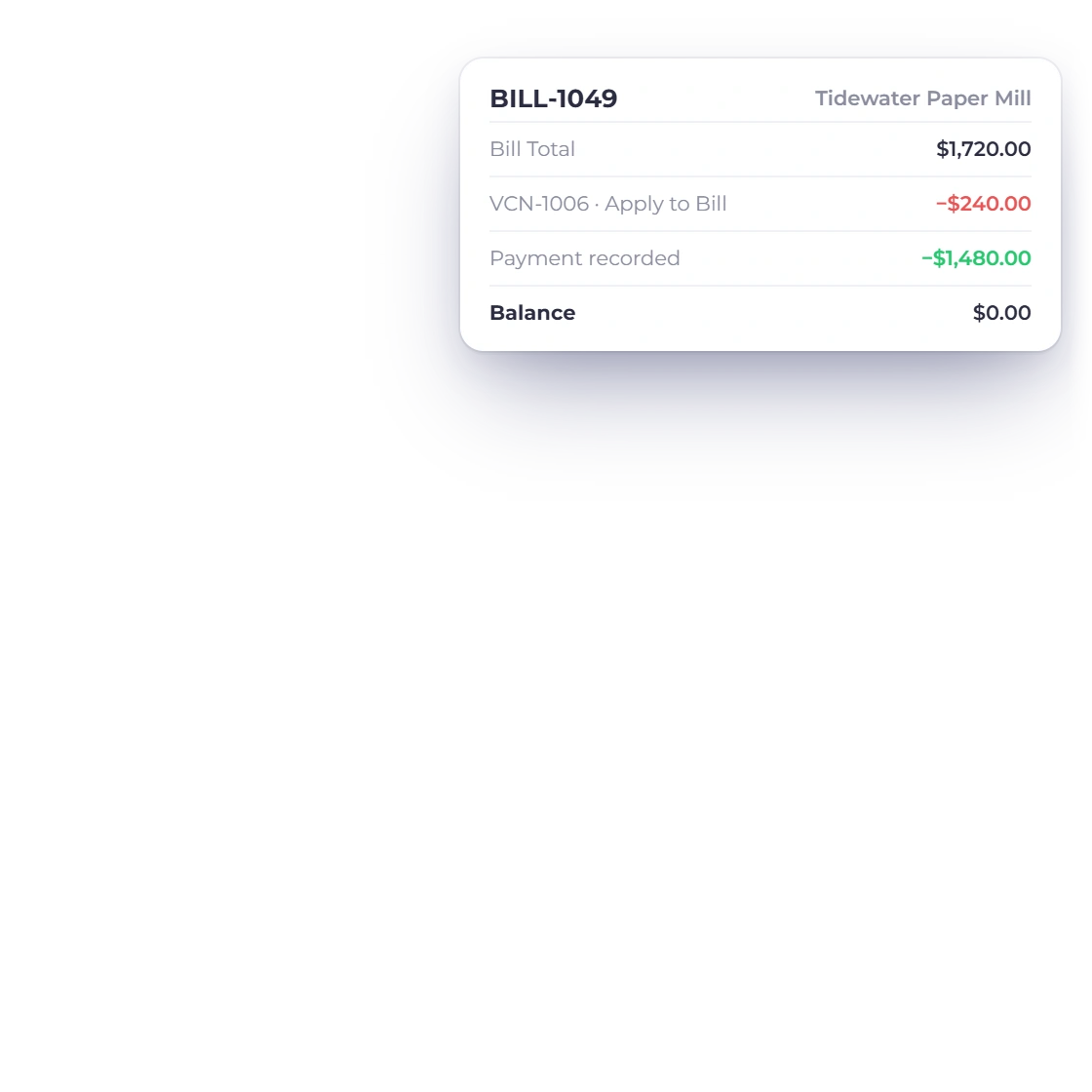
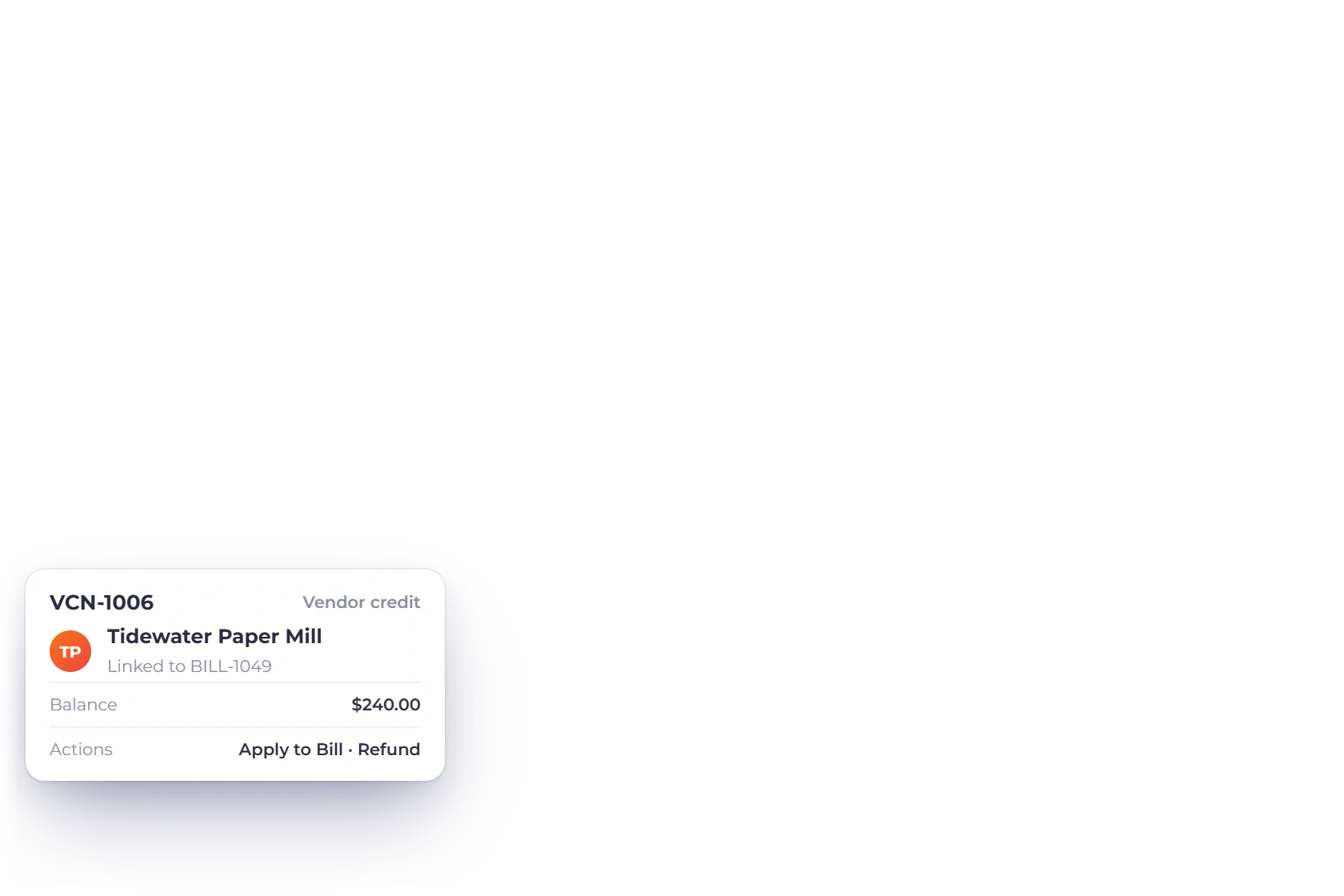
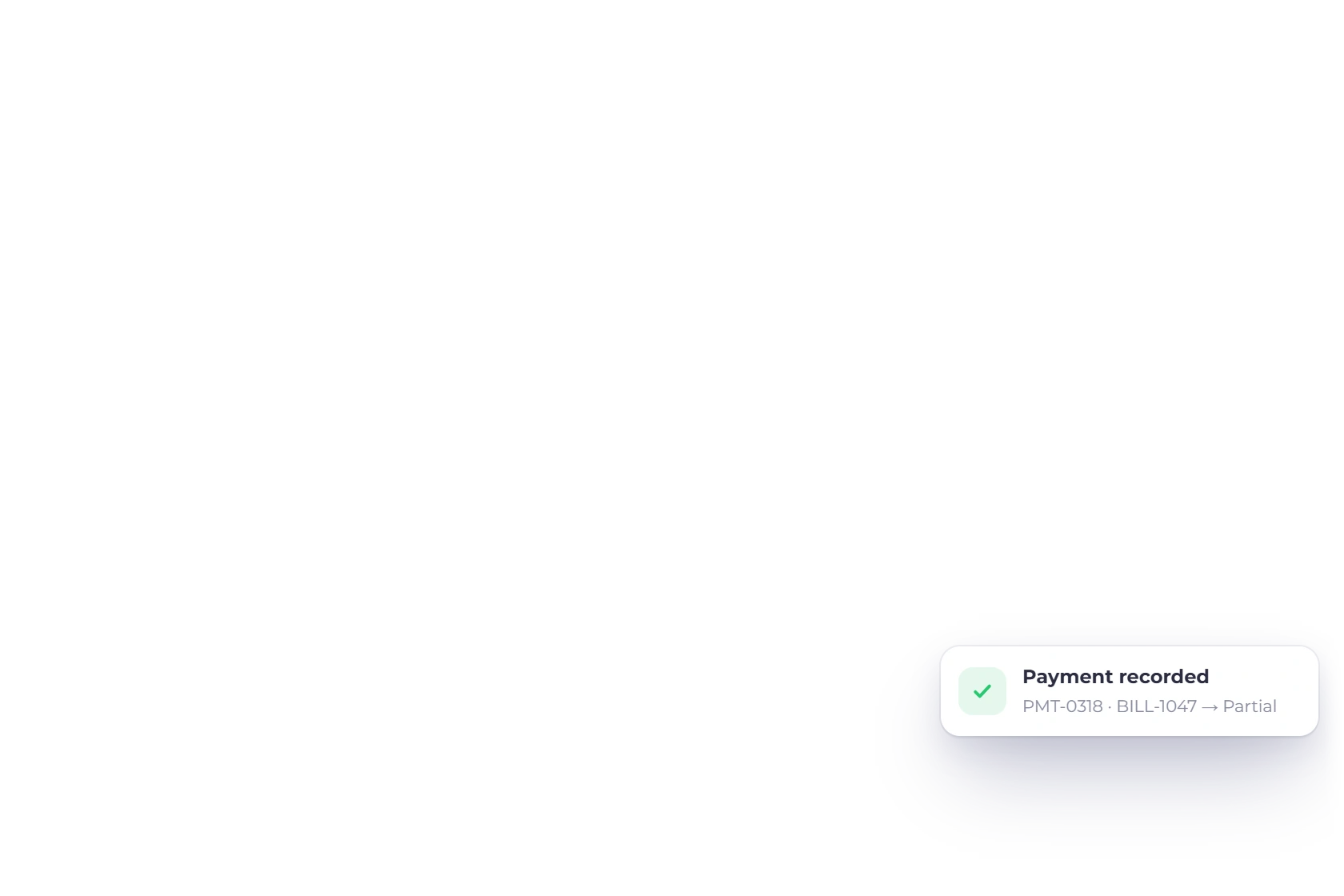
Payments Made records the money you sent, and a vendor credit records value the supplier owes you back. Apply either to a bill and both stay clearly on record.
Share with suppliers, reconcile with the bank.
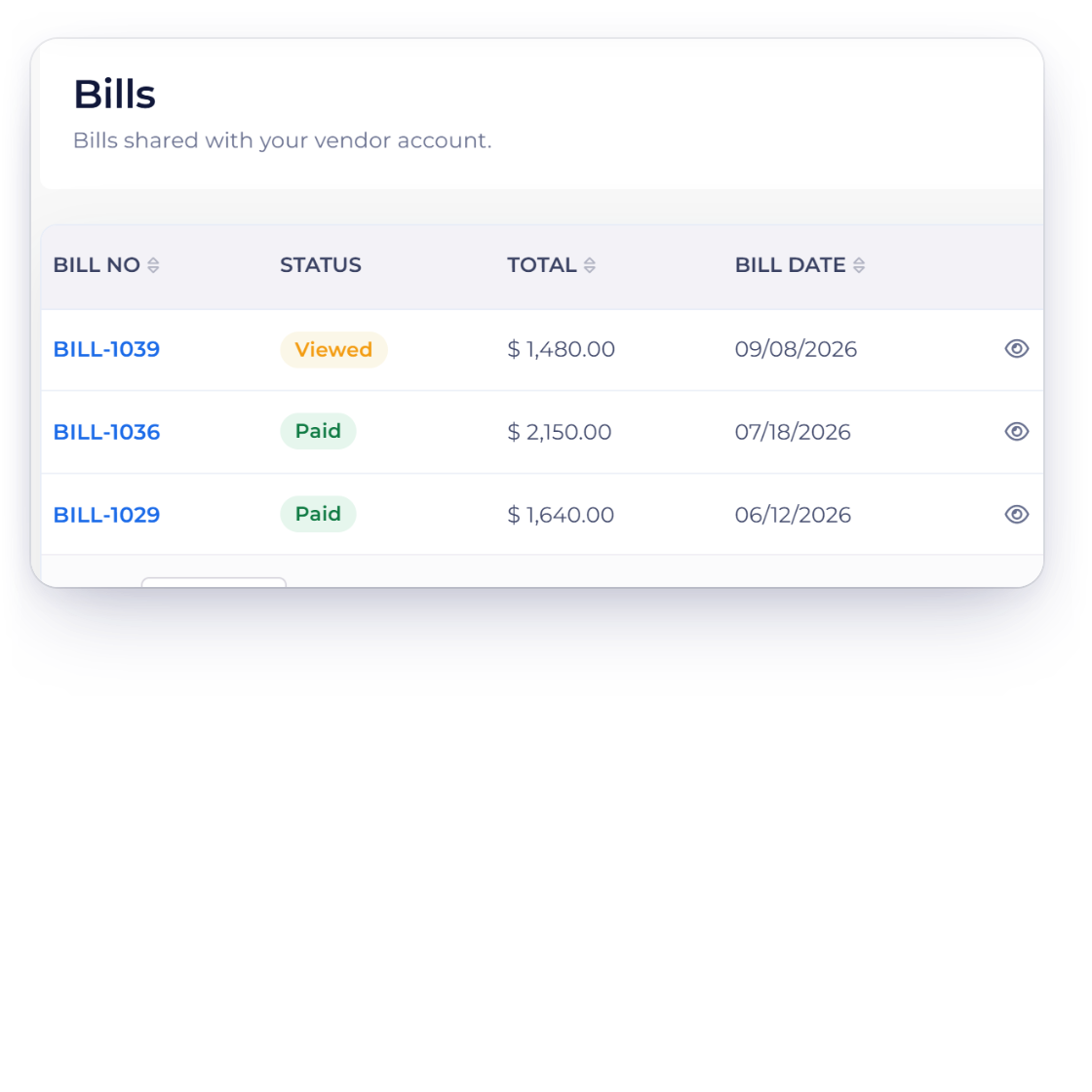
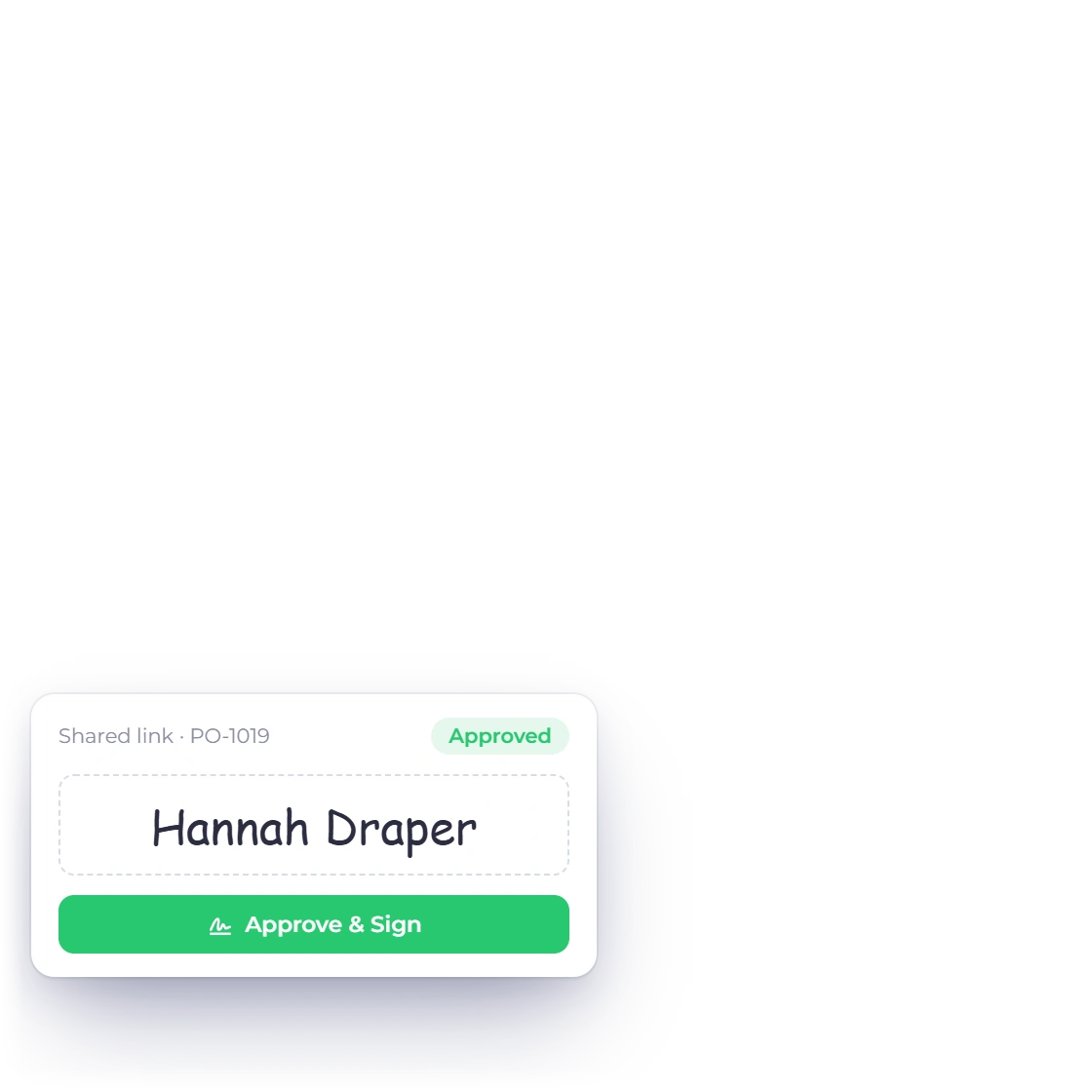
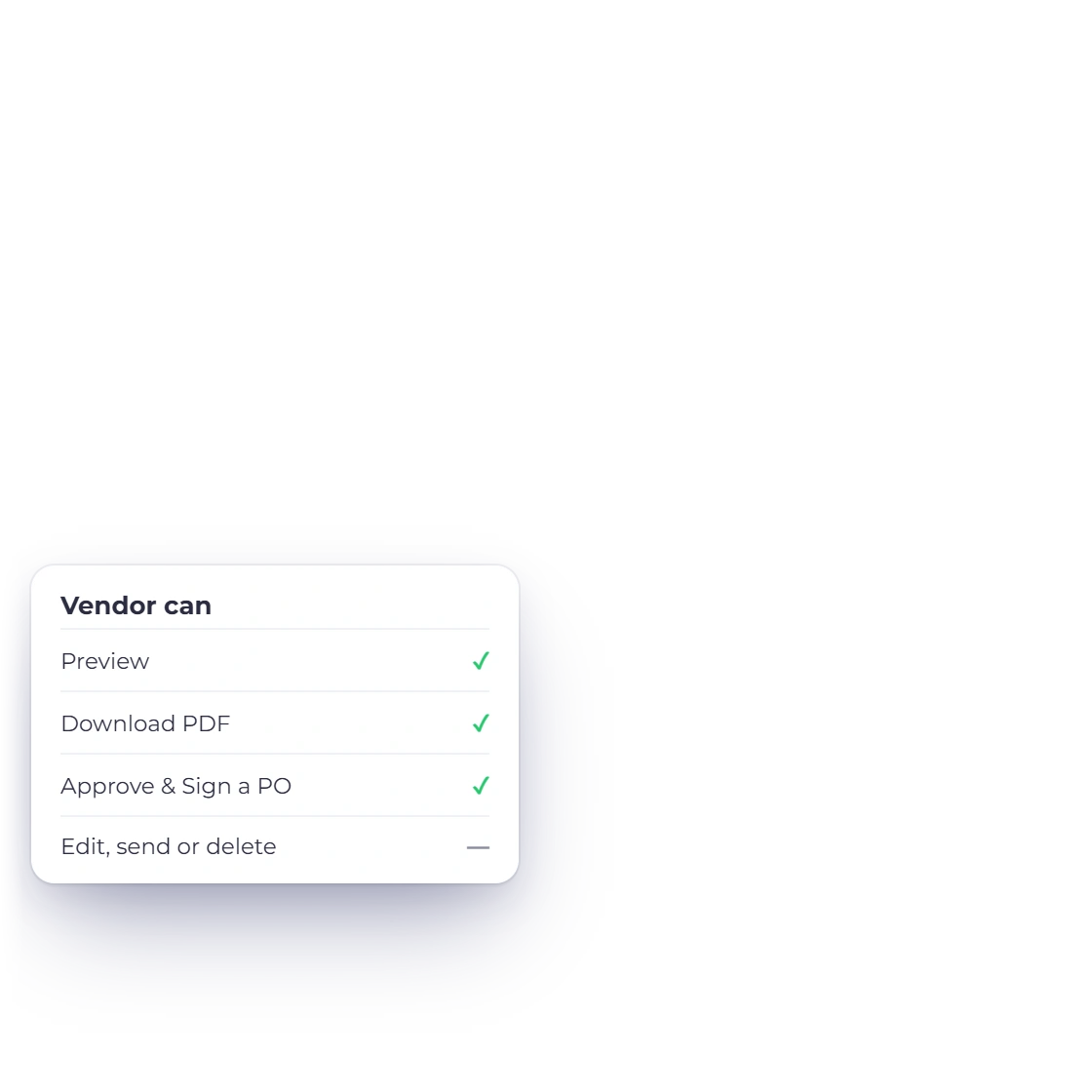
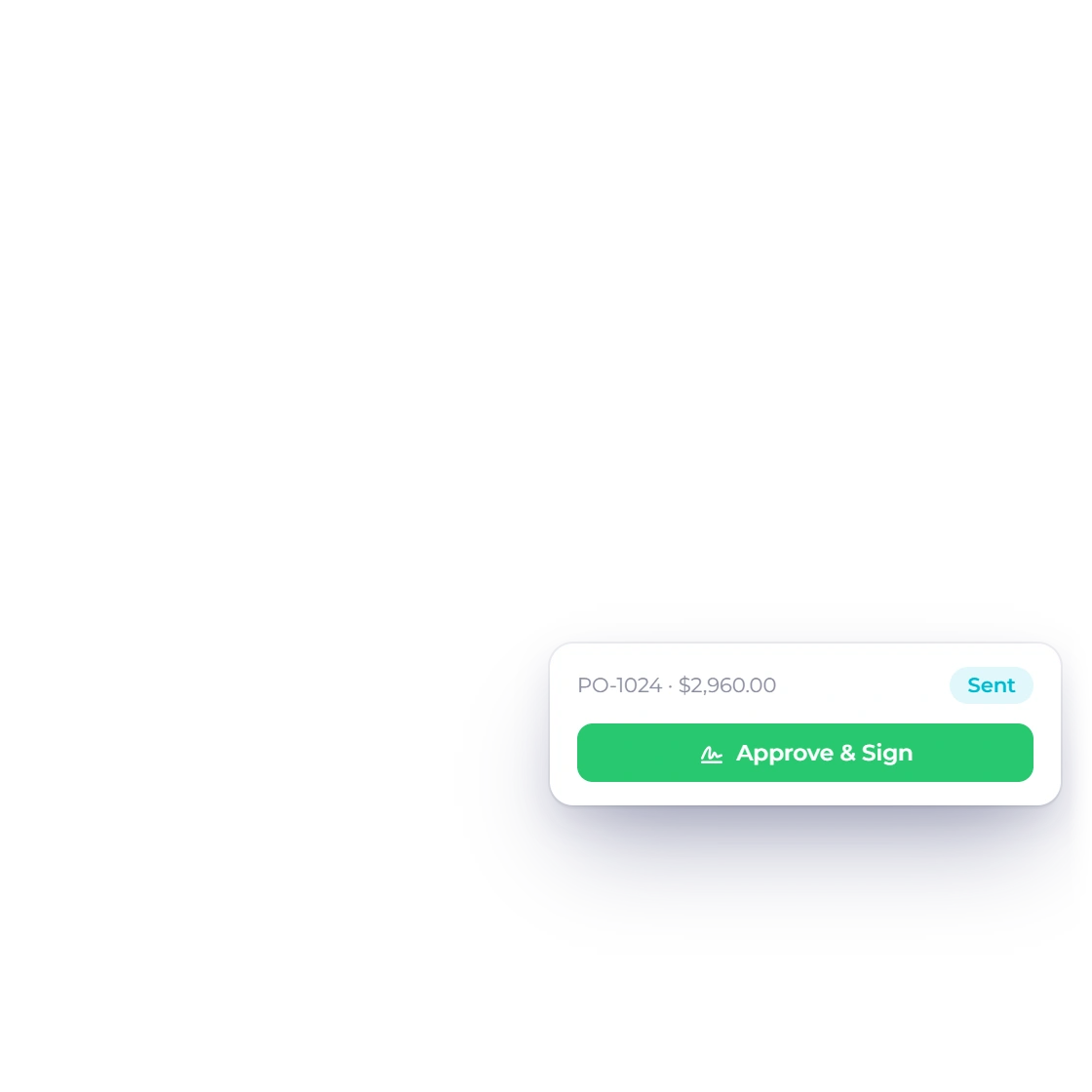
Choose which bills, purchase orders, credits and payments made each vendor can see. Suppliers preview, download and approve purchase orders, while editing stays with you.
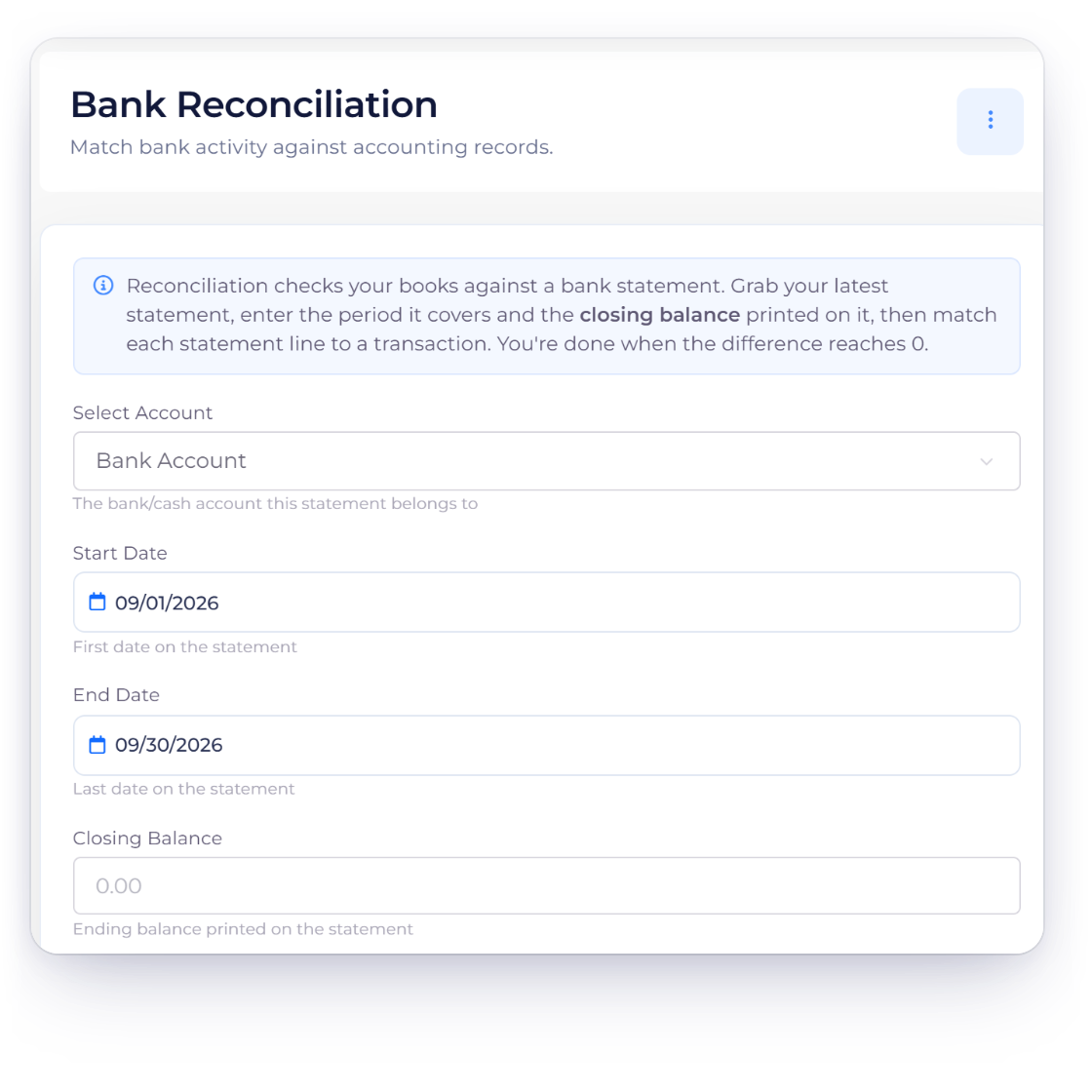
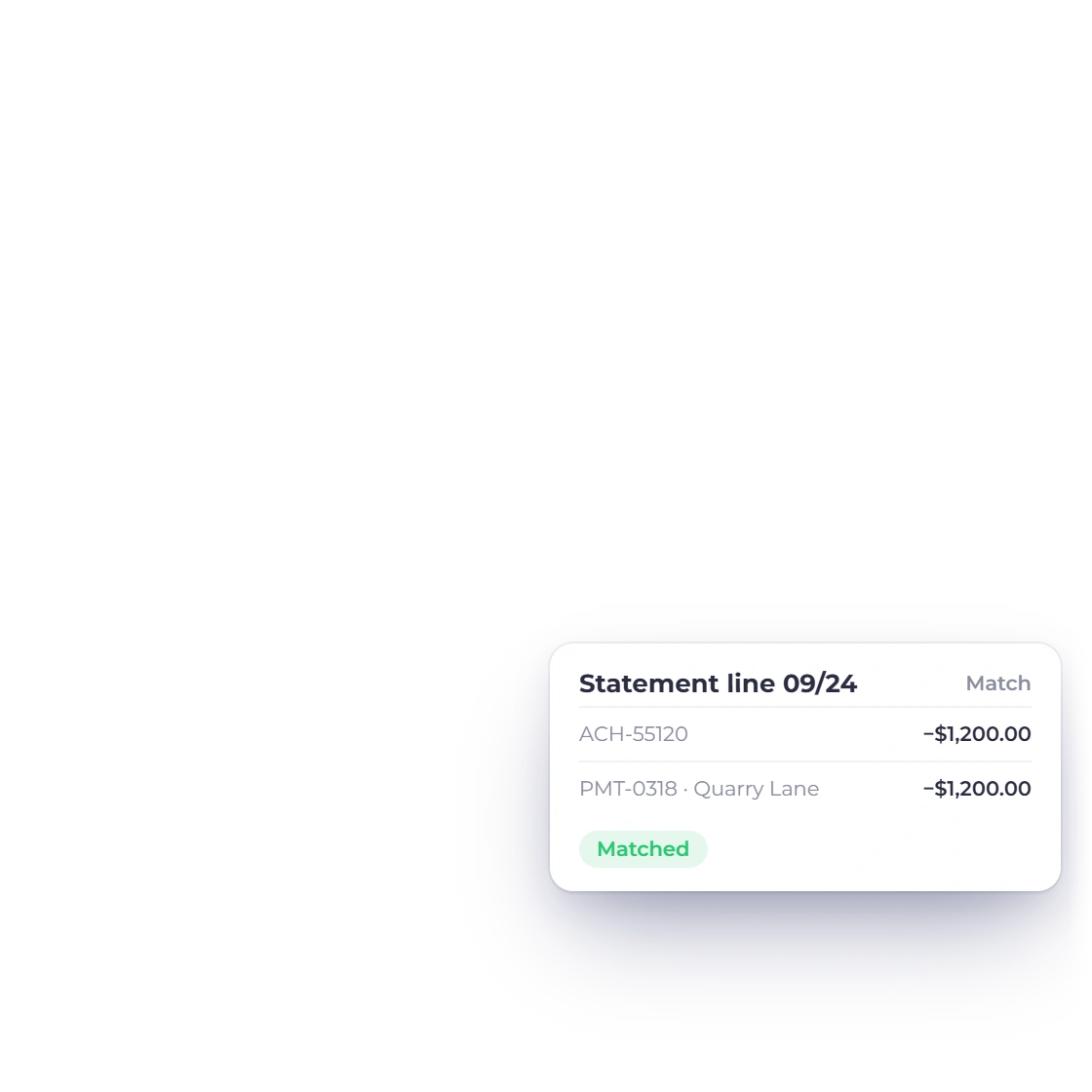
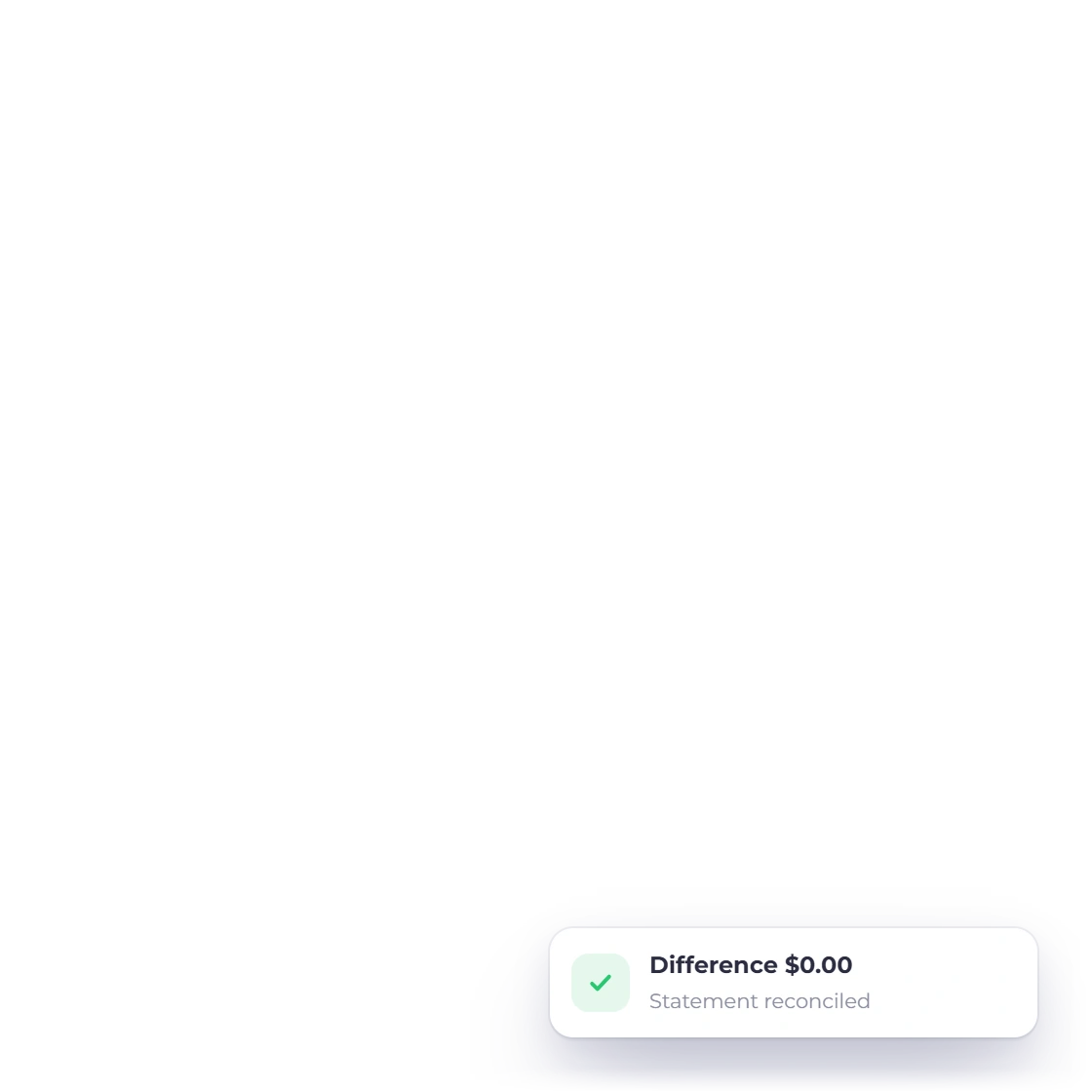
Recorded vendor payments feed your accounting reports, and Bank Reconciliation matches them to your bank statement so every payment is confirmed.
Built in
Every purchasing tool, connected in one place.
Contact and tax details, used across every purchase document.
Raise, approve and convert orders into draft bills.
Vendor, lines, taxes, due date and balance together.
Settle bills with a payment or a vendor credit.
Suppliers see the records you choose to share.
Match vendor payments to your bank statement.
The supplier record used across purchase documents.
Approve orders and convert them into bills.
Record what is owed and when it is due.
Apply or refund supplier credits.
Record and allocate outgoing vendor payments.
Give the supplier a read-only view.
Questions
Invoice Crowd's Purchases menu covers vendors, expenses, bills, purchase orders, payments made and vendor credits, plus a read-only vendor portal. Vendor records are included on every plan, and the purchase documents are included on paid plans.
Convert the approved order into a bill, then record the payment against it in Payments Made or apply a vendor credit. The order, the bill and the payment each stay on record.
A vendor credit represents value the supplier owes back to the business. Payments Made records money the business sent to a vendor and how much of it was allocated to a bill.
Yes. Invoice Crowd can create a vendor bill directly or from an approved purchase order, and a converted bill links back to the order it came from.
Yes. In Lock Transactions the account owner can lock the Purchases area, which covers expenses, bills, purchase orders, payments made, vendor credits and inventory, up to a date. Records dated on or before it can't be created, edited or deleted until the owner unlocks those dates, and every lock and unlock is logged with a reason.
Move from vendor to purchase order, bill, credit and payment, with every decision clearly on record.