Compare debit and credit by account
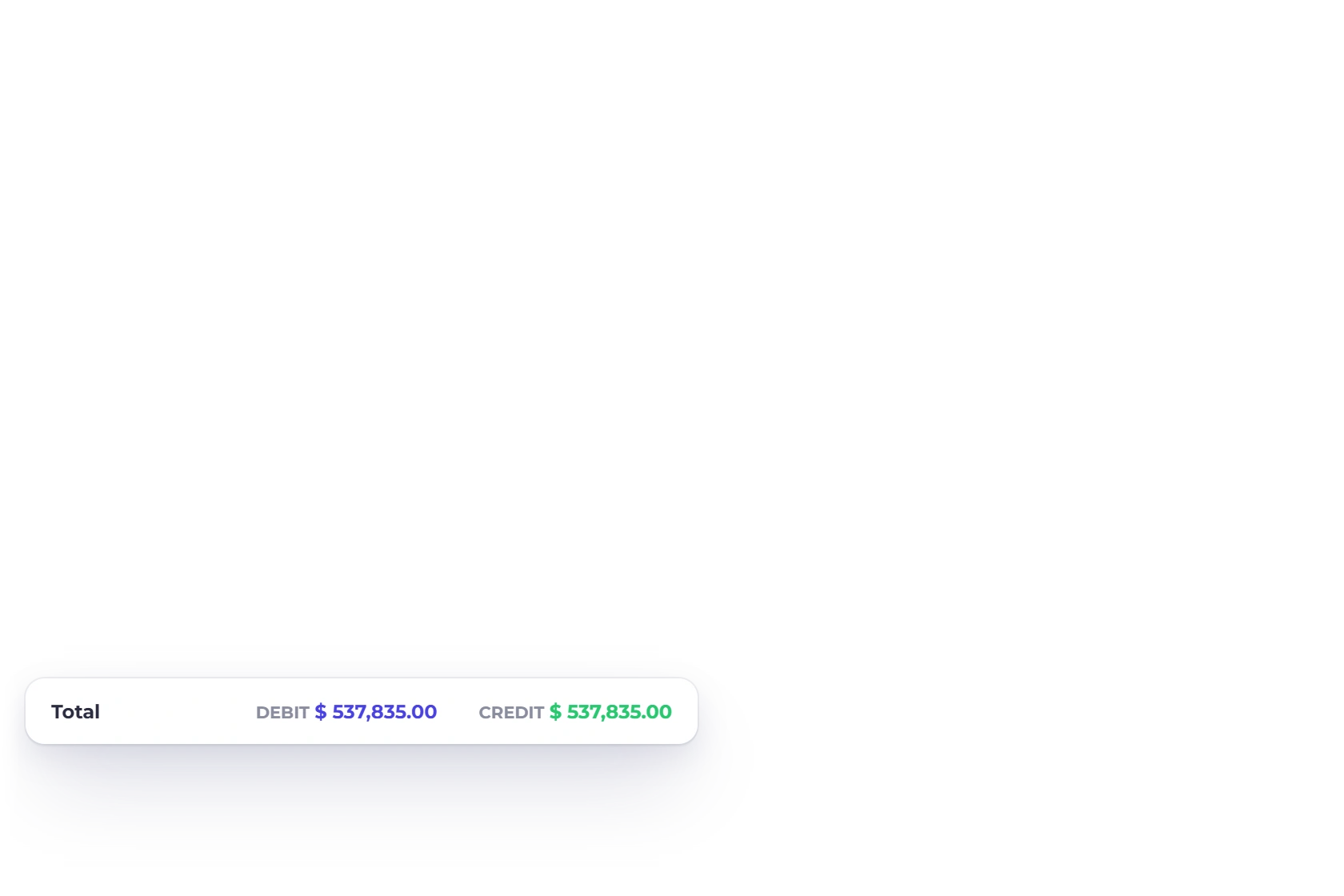
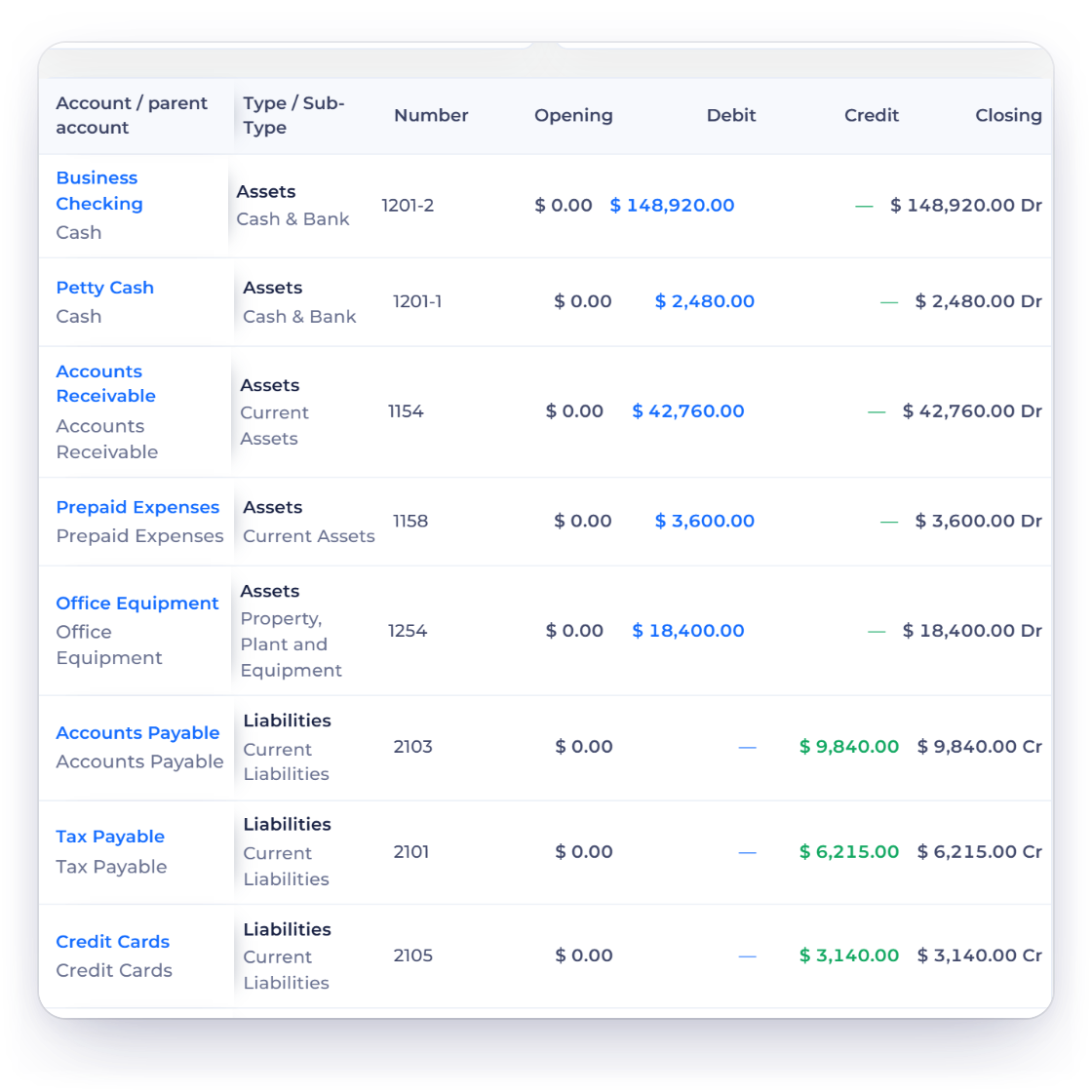
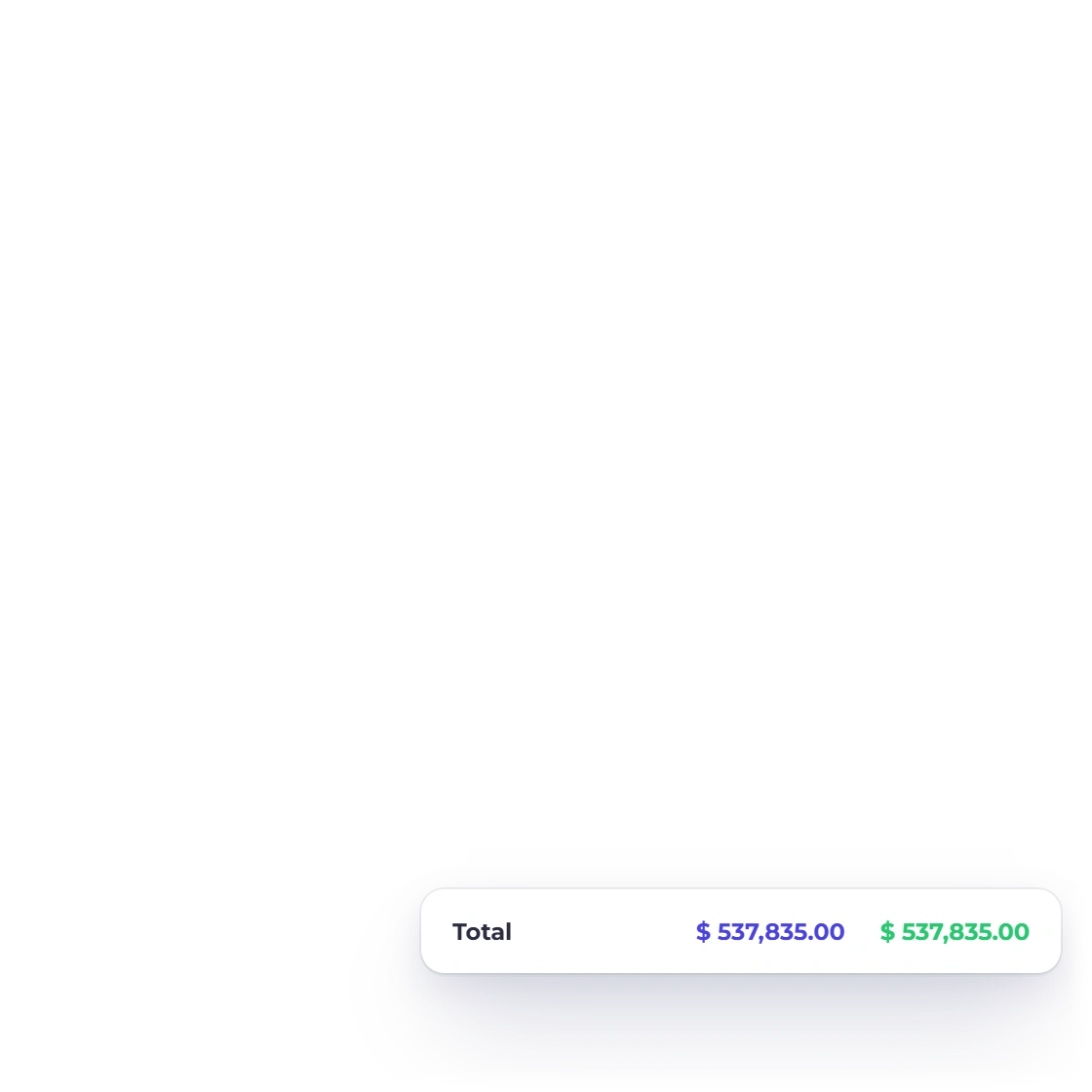
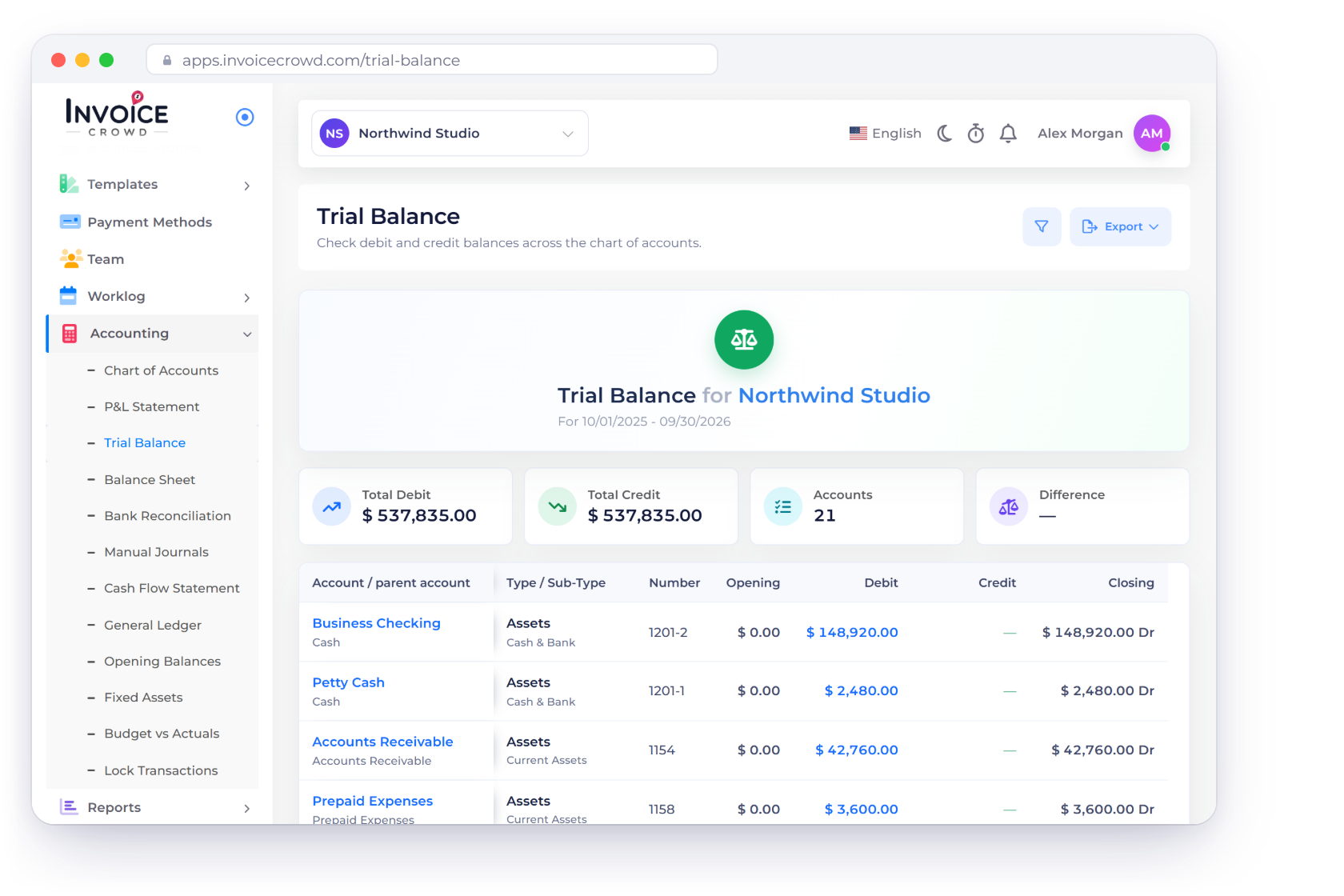
Each account appears with its number, type, opening balance, the period's debit or credit movement and its closing balance. Totals at the bottom show at a glance whether the report ties.
Accounting
List every account with its opening balance, the period's debits and credits and its closing balance, with debit and credit totals side by side so you can confirm your books agree.
How it works
Account totals sit next to each other in one compact report, so any account that needs a closer look stands out before you close the period.
One row per account, every column you need.
Each account appears with its number, type, opening balance, the period's debit or credit movement and its closing balance. Totals at the bottom show at a glance whether the report ties.
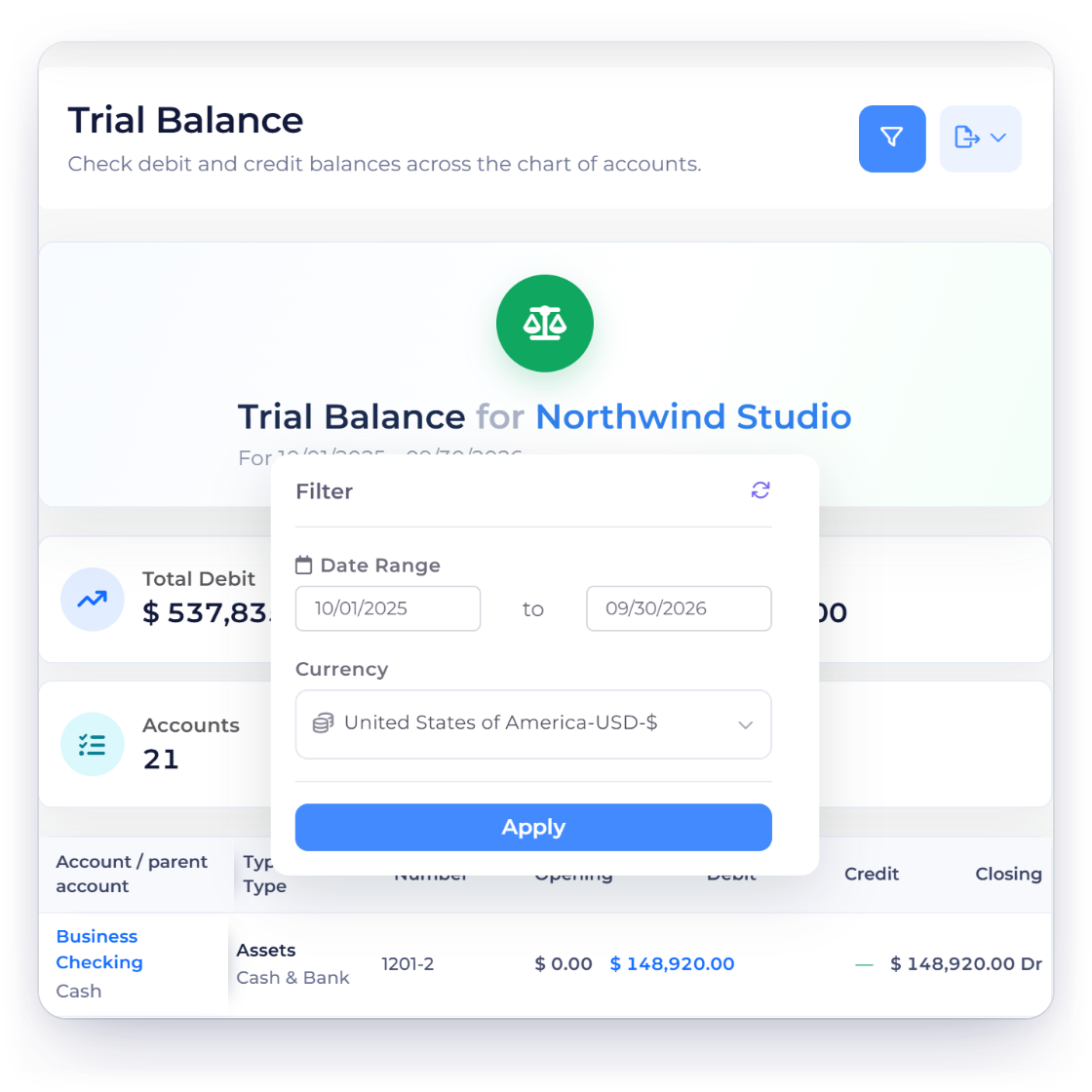
The report is calculated for your business, date range and currency. Opening balances come from earlier entries, with prior-period profit and loss closed into Retained Earnings.
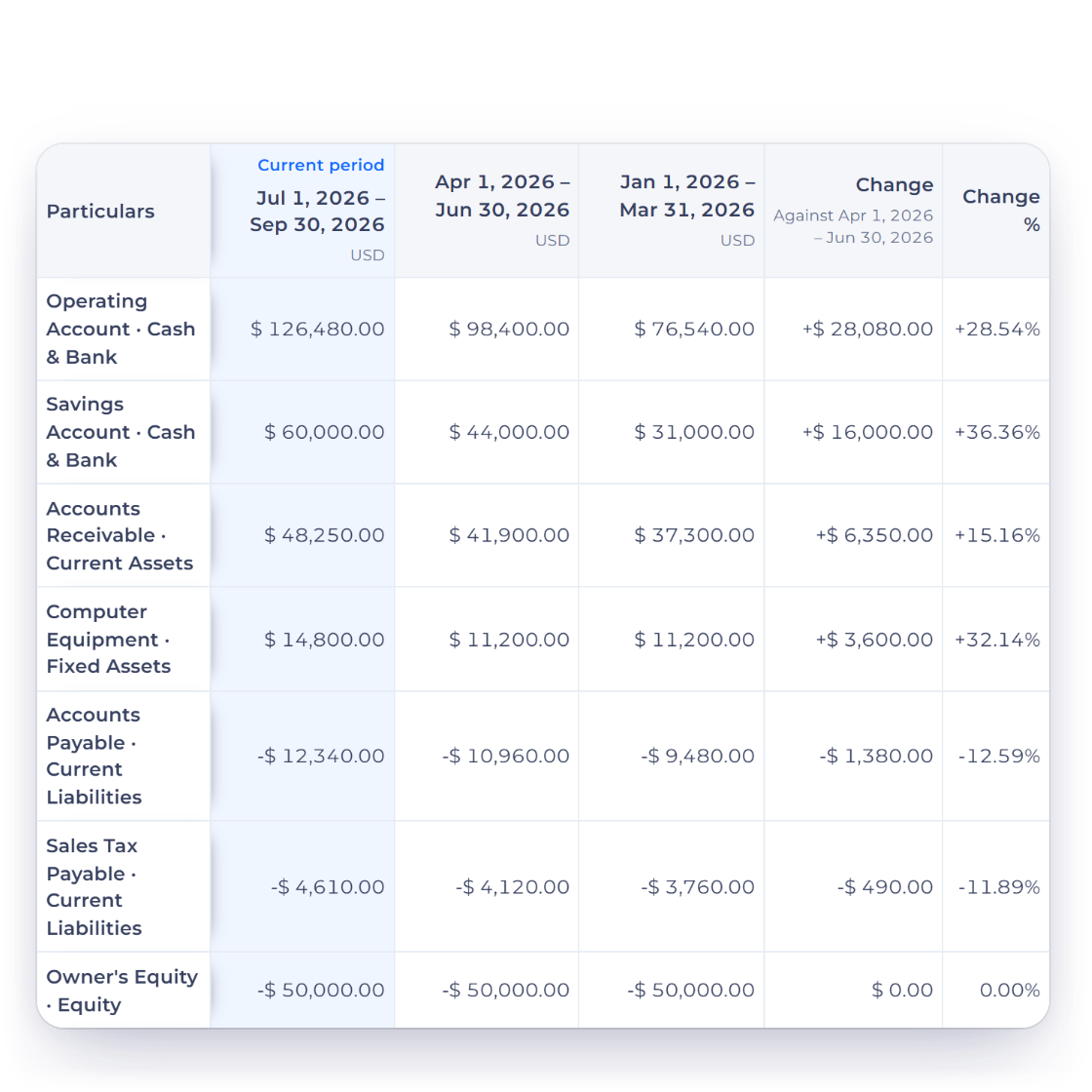
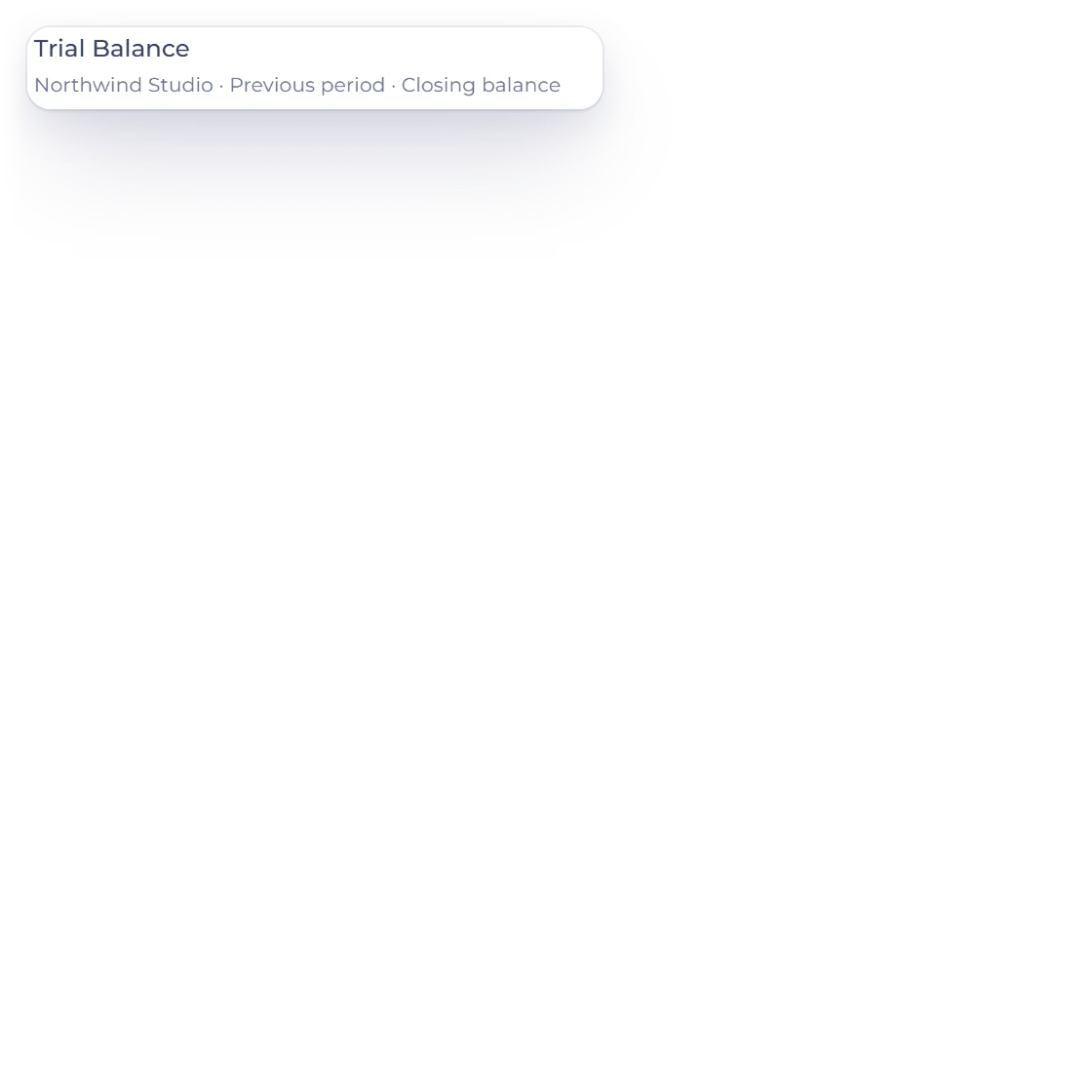
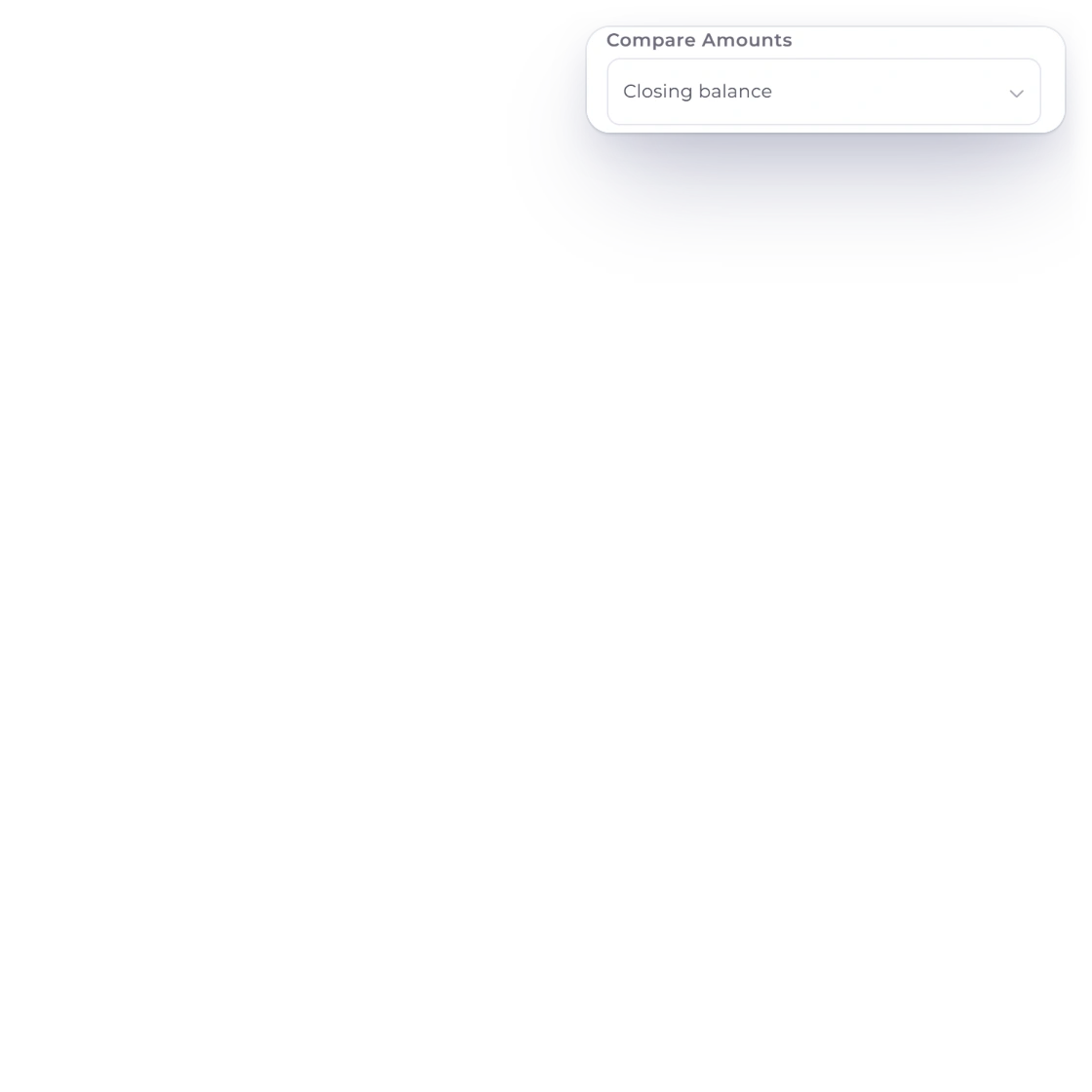
Compare sets the Trial Balance beside the Previous period, the Same period last year or the Last 12 months, and Compare Amounts chooses the figure that lines up: Opening balance, Debits, Credits or Closing balance. Accounting Basis runs the report on an Accrual or a Cash basis, and comparisons download as a PDF or an Excel file.
Narrow the review, then open the detail.
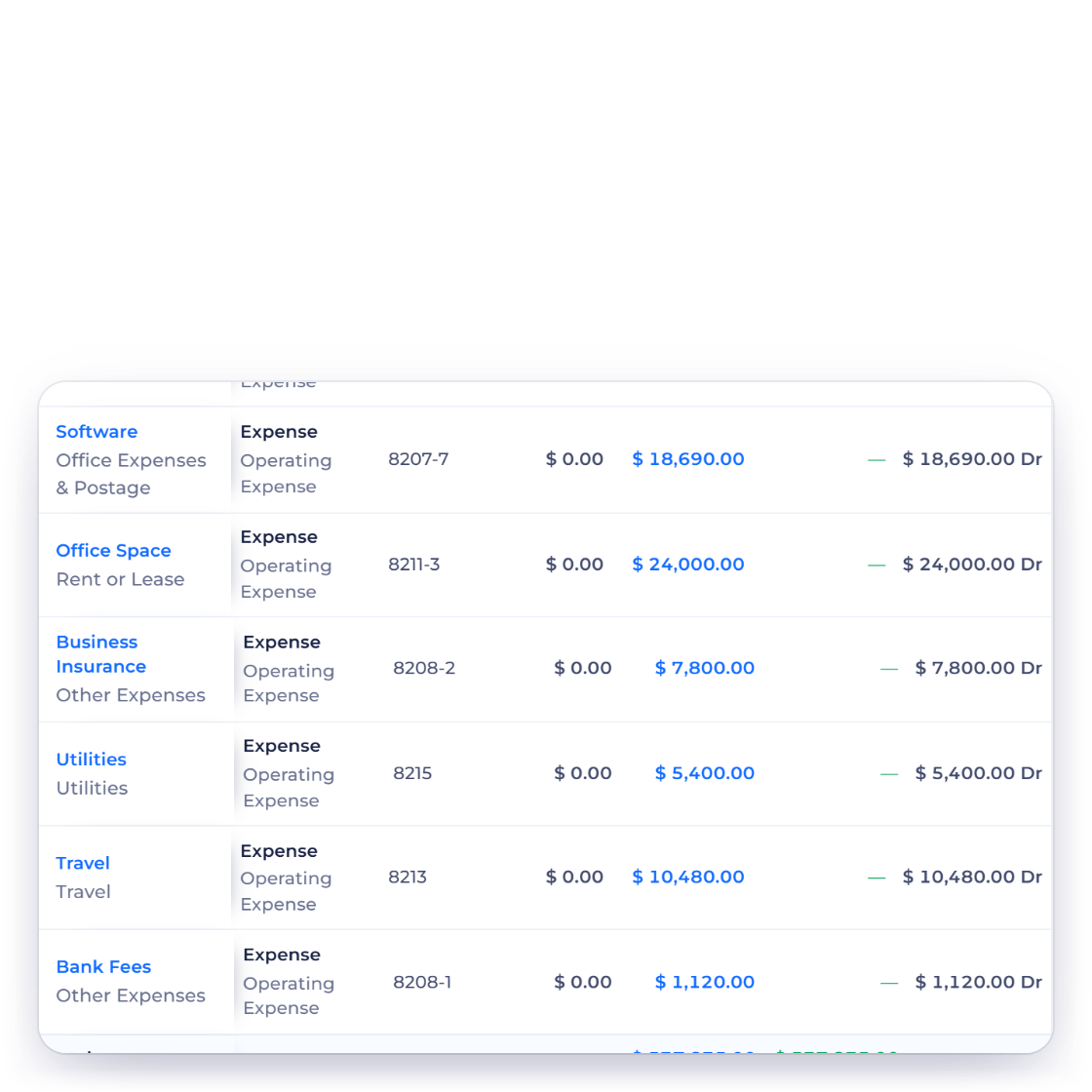
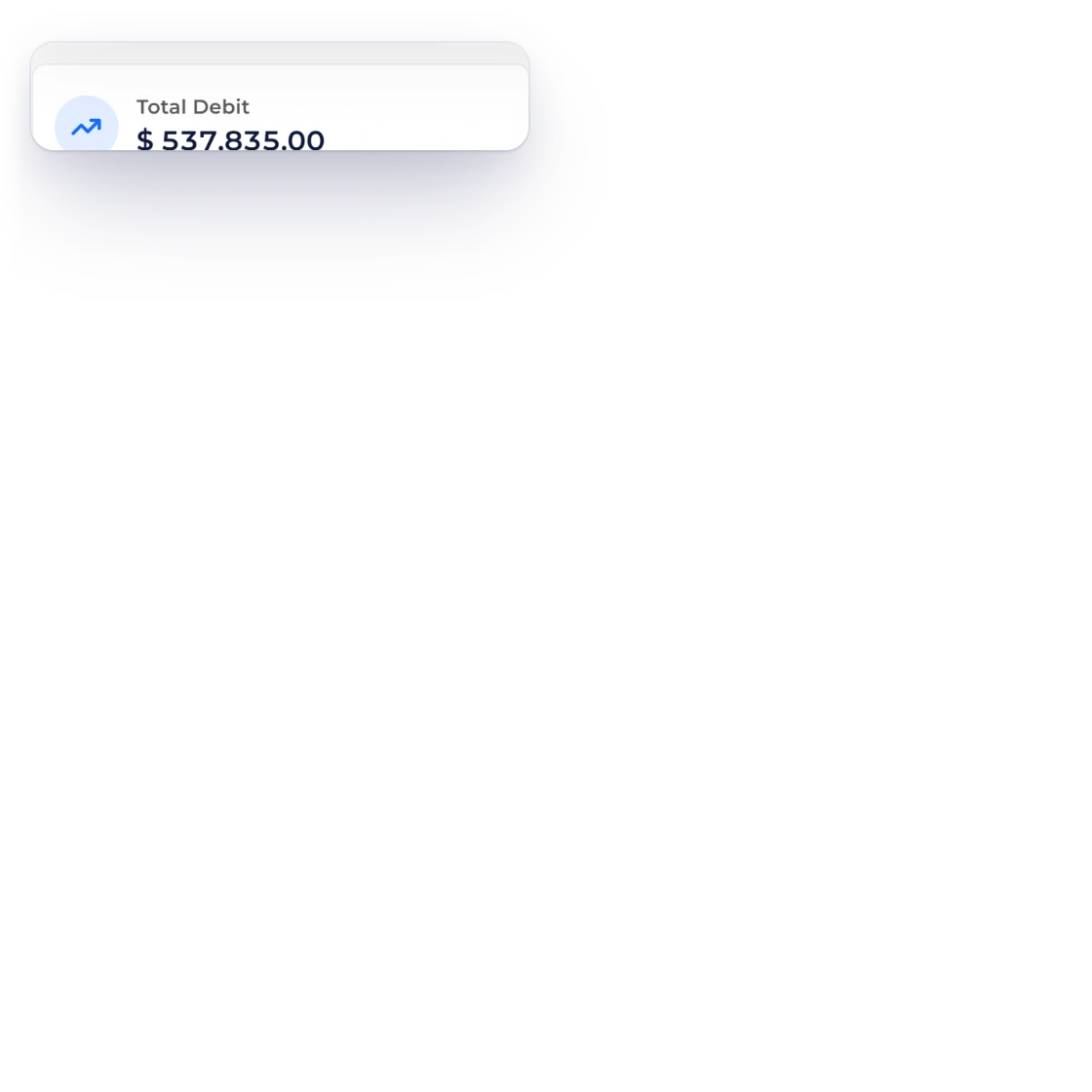
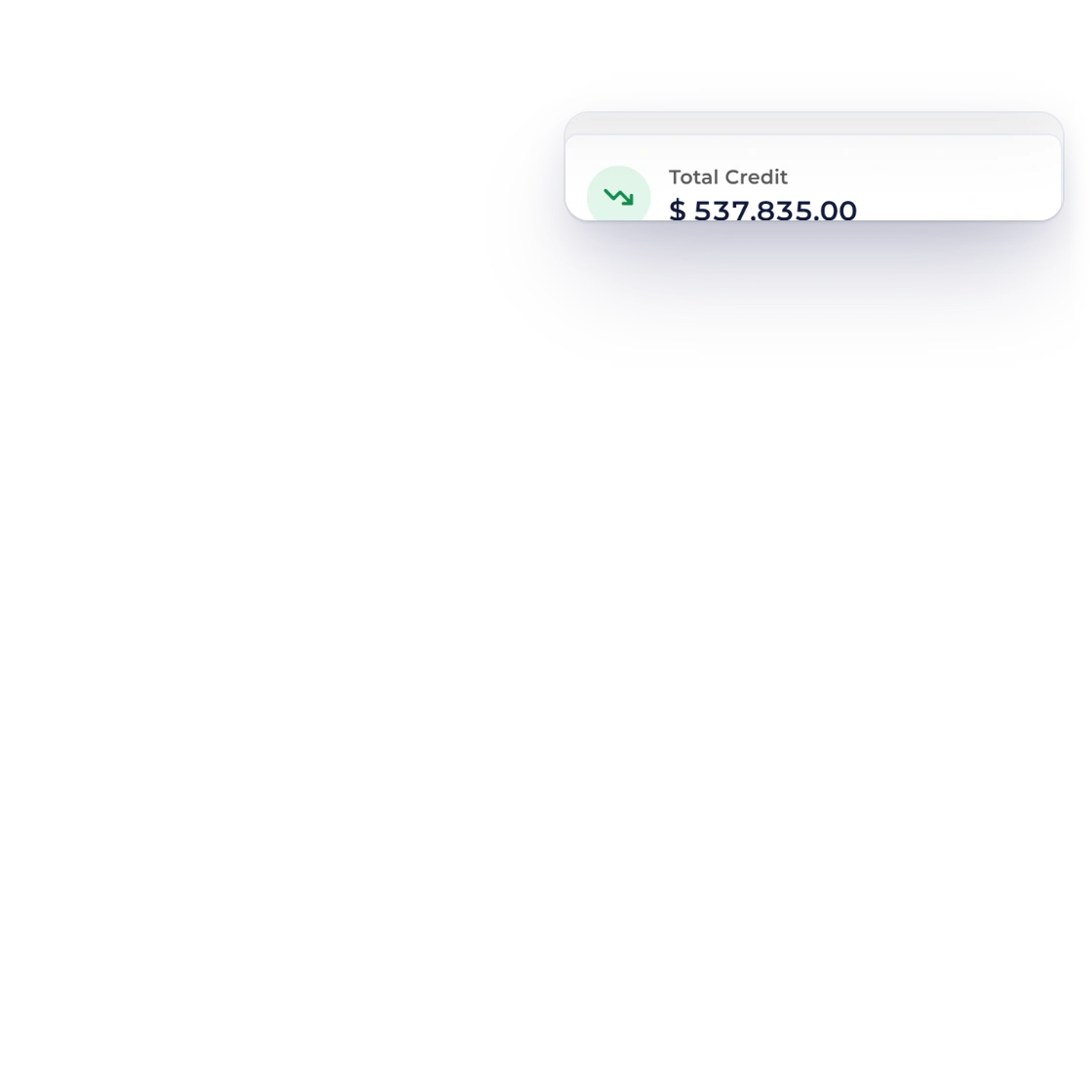
Total debits and total credits sit together at the bottom of the report, so if they ever differ you can go straight to the accounts and transactions involved.
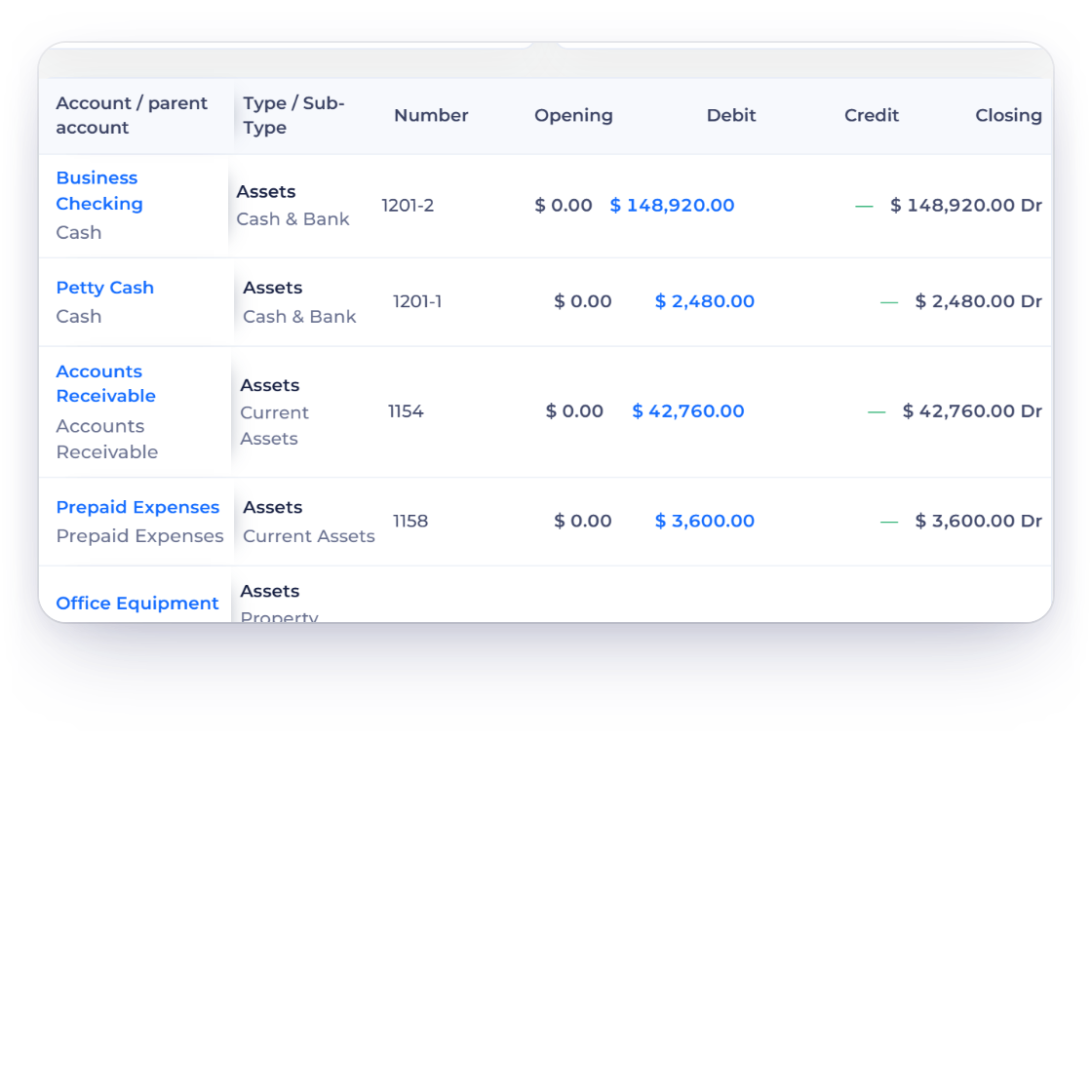
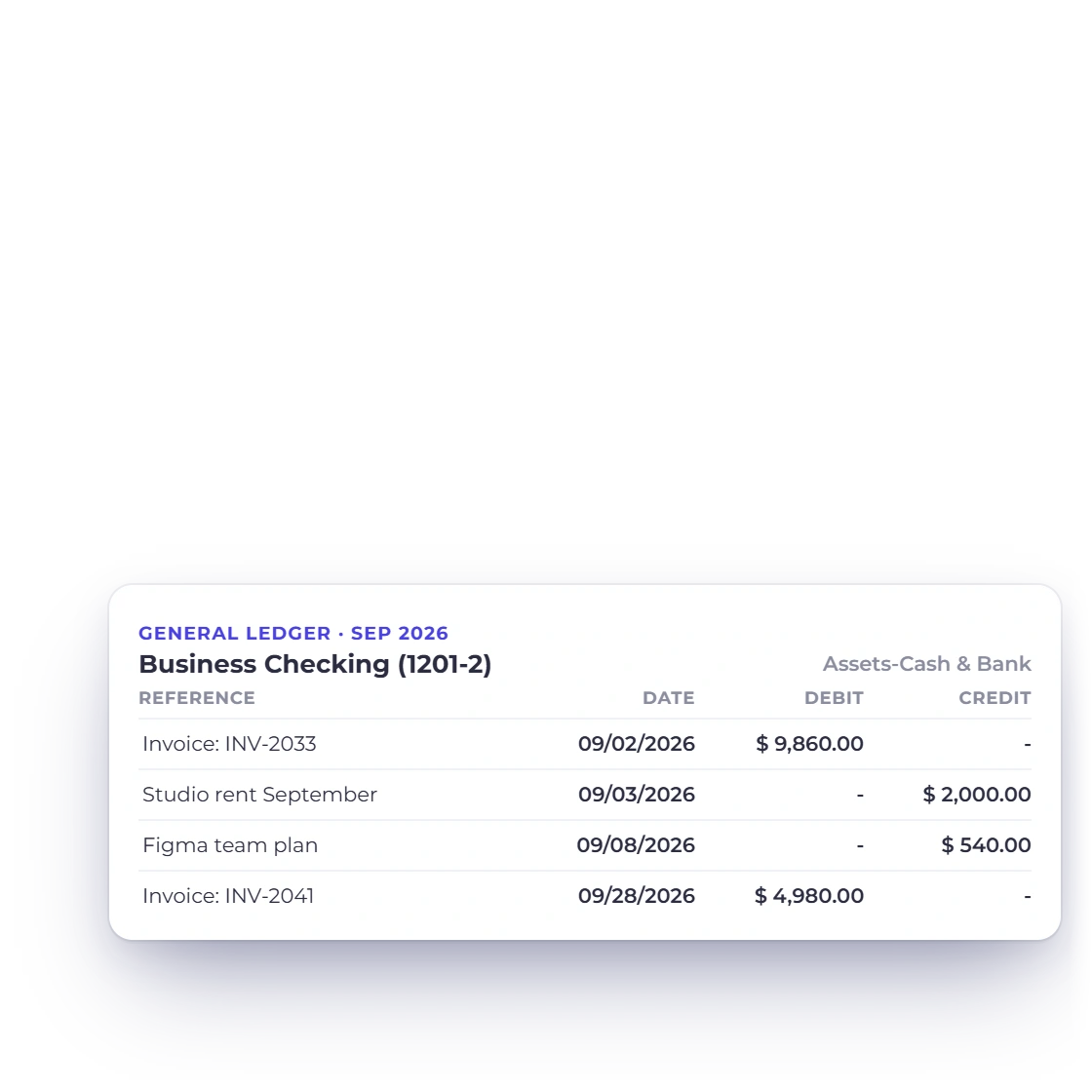
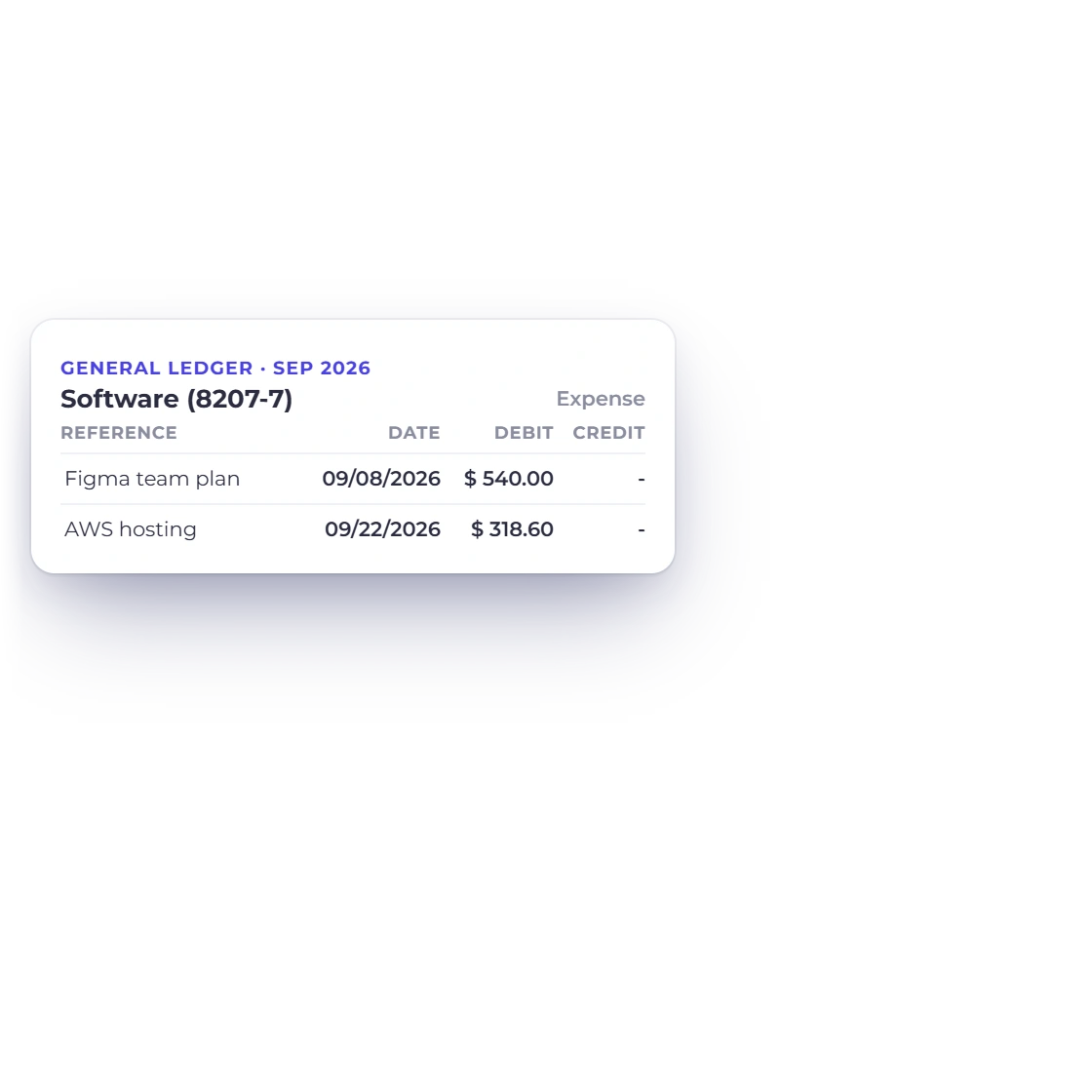
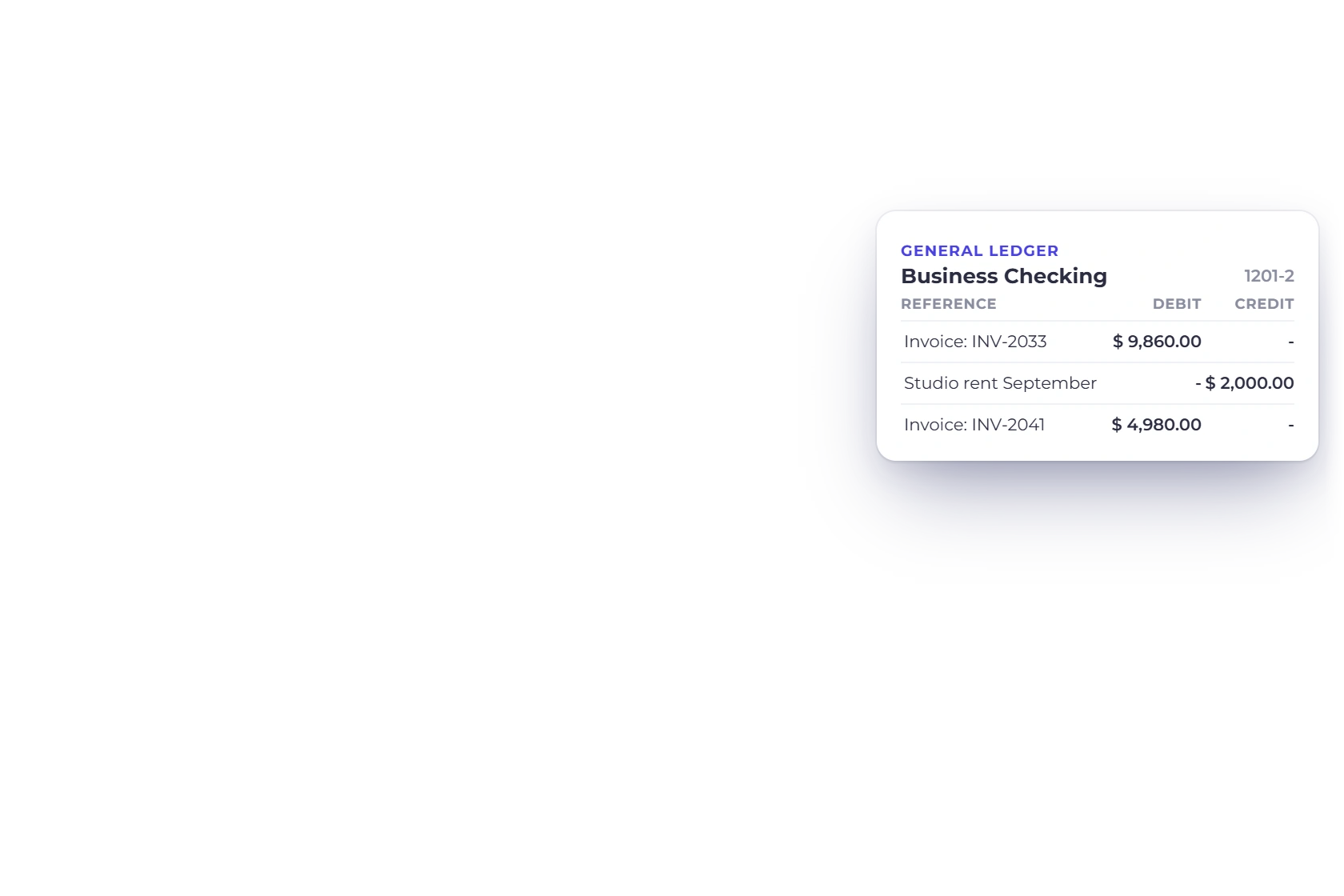
The General Ledger is the transaction-level companion to this summary. Open any account to see the dates, descriptions and sources behind its total.
Share it with the same period you see on screen.
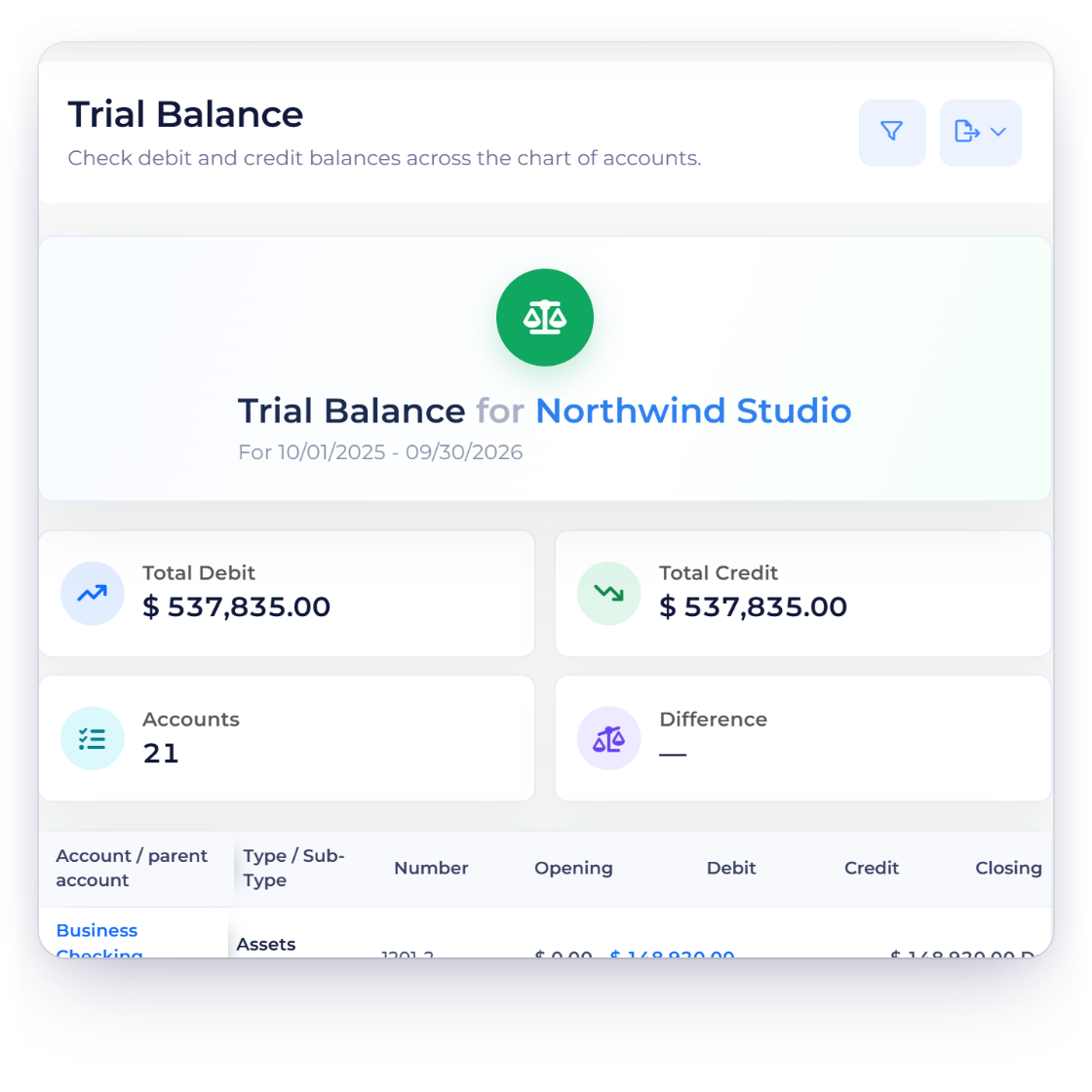
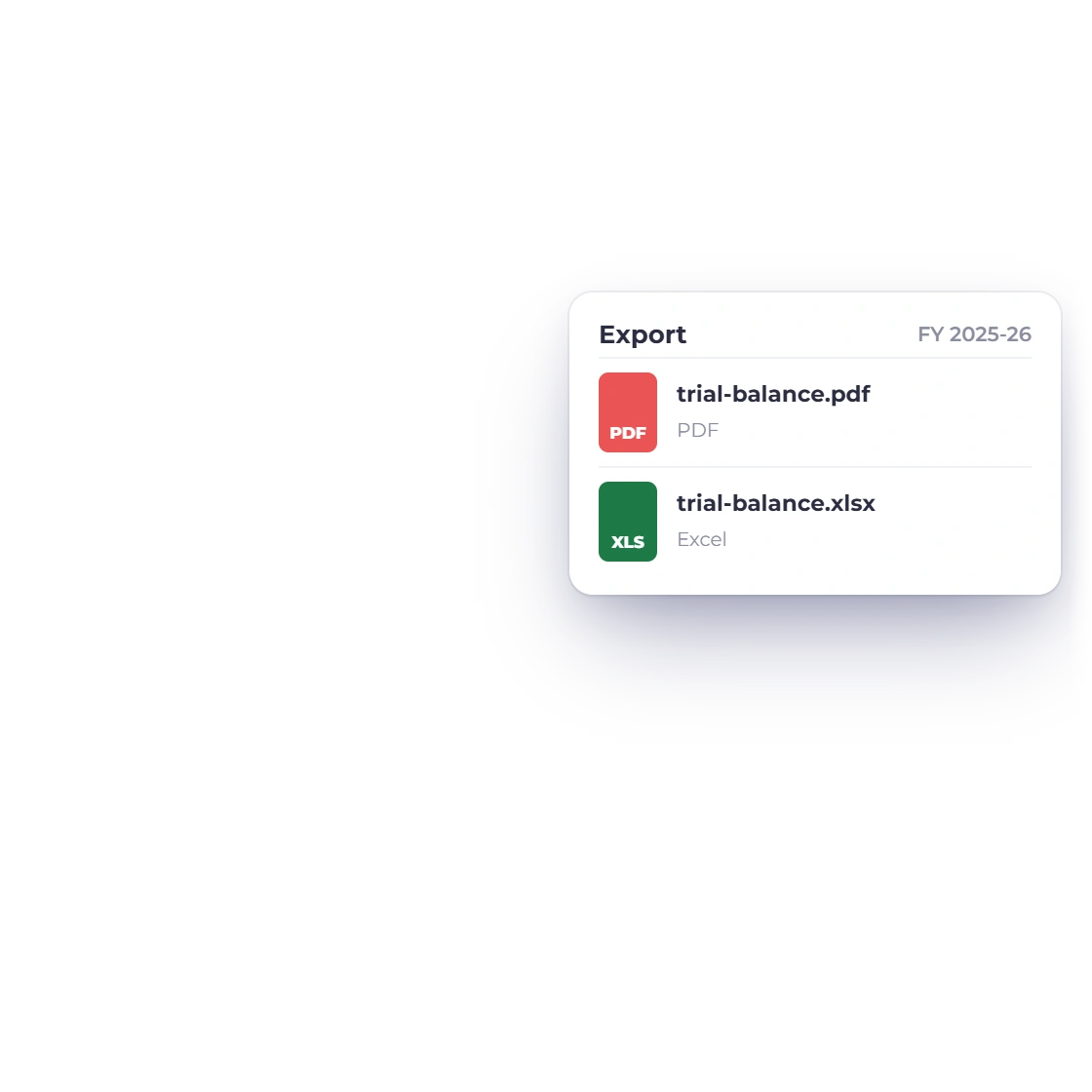
Export the Trial Balance as a PDF on your letterhead or as an Excel file, for exactly the period and currency on screen.
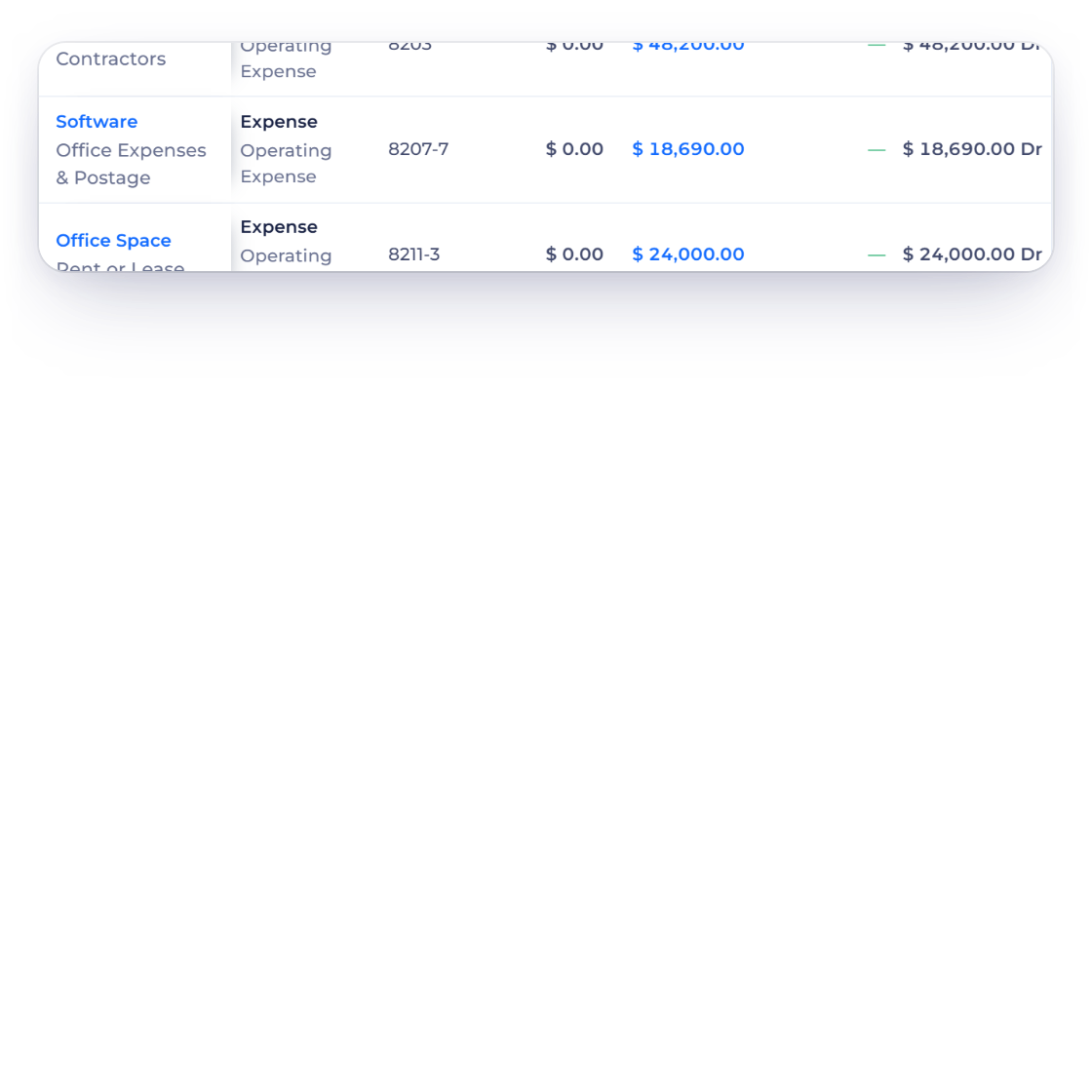
Pair a balanced Trial Balance with the General Ledger and your source records for a complete, confident review of the period.
Built in
The columns, filters and exports behind the report.
Number, type, opening, debit, credit and closing for every account.
Recalculated for exactly the range and currency you choose.
Debit and credit totals at the bottom confirm the report ties.
Open any account in the General Ledger to see the transactions behind it.
Share it on your letterhead or as a spreadsheet.
Follow any balance into the ledger and on to its source document.
Activity for the period you choose.
Run the Trial Balance on an Accrual or a Cash basis, with the basis printed on the PDF.
Line up Opening balance, Debits, Credits or Closing balance against earlier periods.
Keep the chart reference beside every total.
Trace an account total into its source lines.
Review Assets, Liabilities and Equity for the period.
Questions
Invoice Crowd lists account-level movement for the selected period and classifies each amount into debit or credit columns, with total debits, total credits and the difference at the bottom.
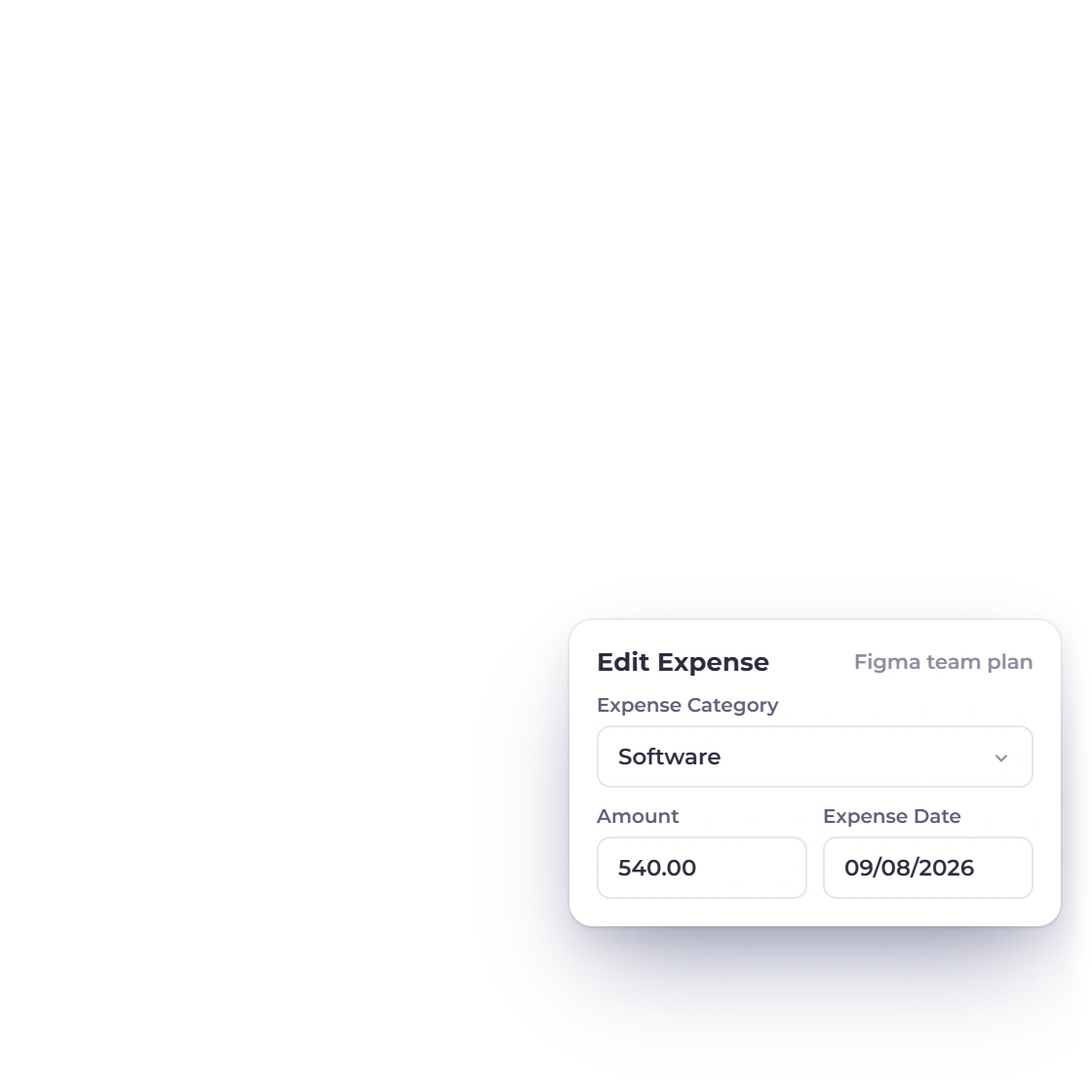
Use the account totals to narrow it down, then open the affected account in the General Ledger and correct the original record through its normal workflow.
Yes. Each account shows an Opening balance built from entries dated before the start date, then the period's debits and credits and a Closing balance. Profit and loss from earlier periods is carried into Retained Earnings.
Yes. Invoice Crowd exports the selected Trial Balance as a PDF or an Excel file. The PDF carries your logo, business details and tax number, the period, basis and currency, and page numbers.
Yes. In Filter Report, Compare offers Previous period, Same period last year and Last 12 months, with up to three earlier periods, and Compare Amounts picks the figure to line up: Opening balance, Debits, Credits or Closing balance. Accounting Basis switches between Accrual and Cash, and the comparison downloads as a PDF or an Excel file.
No. The Trial Balance is read-only, so your documents and journals stay exactly as they are.
Compare debit and credit movement, check the totals agree and trace any account into the ledger before you sign off the period.