Skip to content

Head-to-head comparison

Invoice Crowd vs Zoho Invoice: choose the workflow that fits, not the loudest feature list

Both products solve real business problems, but from different starting points. This comparison focuses on workflow fit and important boundaries, with direct links to each official pricing page for current plan details.

  • Official pricing links included
  • Official vendor source linked
  • Best-fit boundaries included

Last updated:

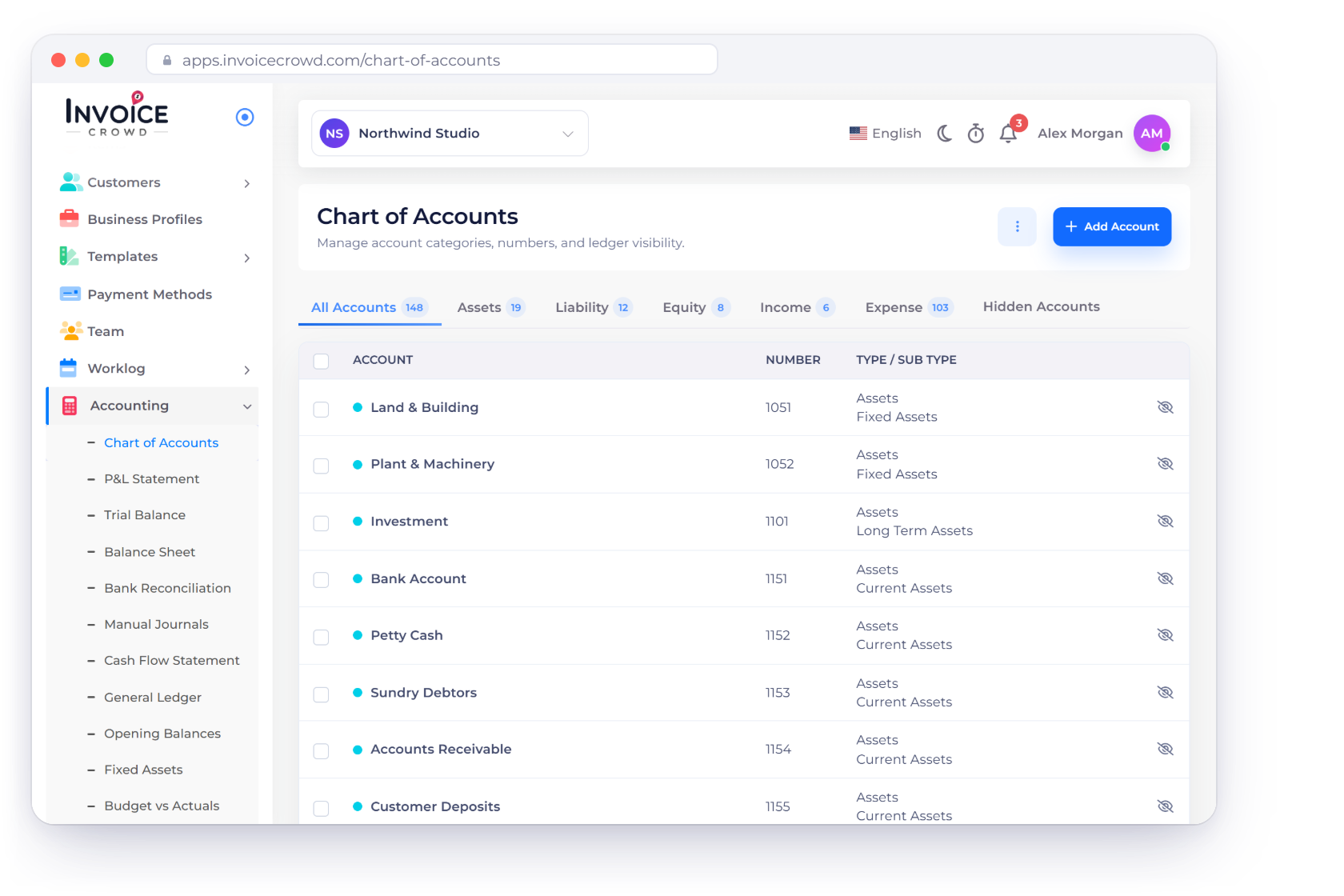
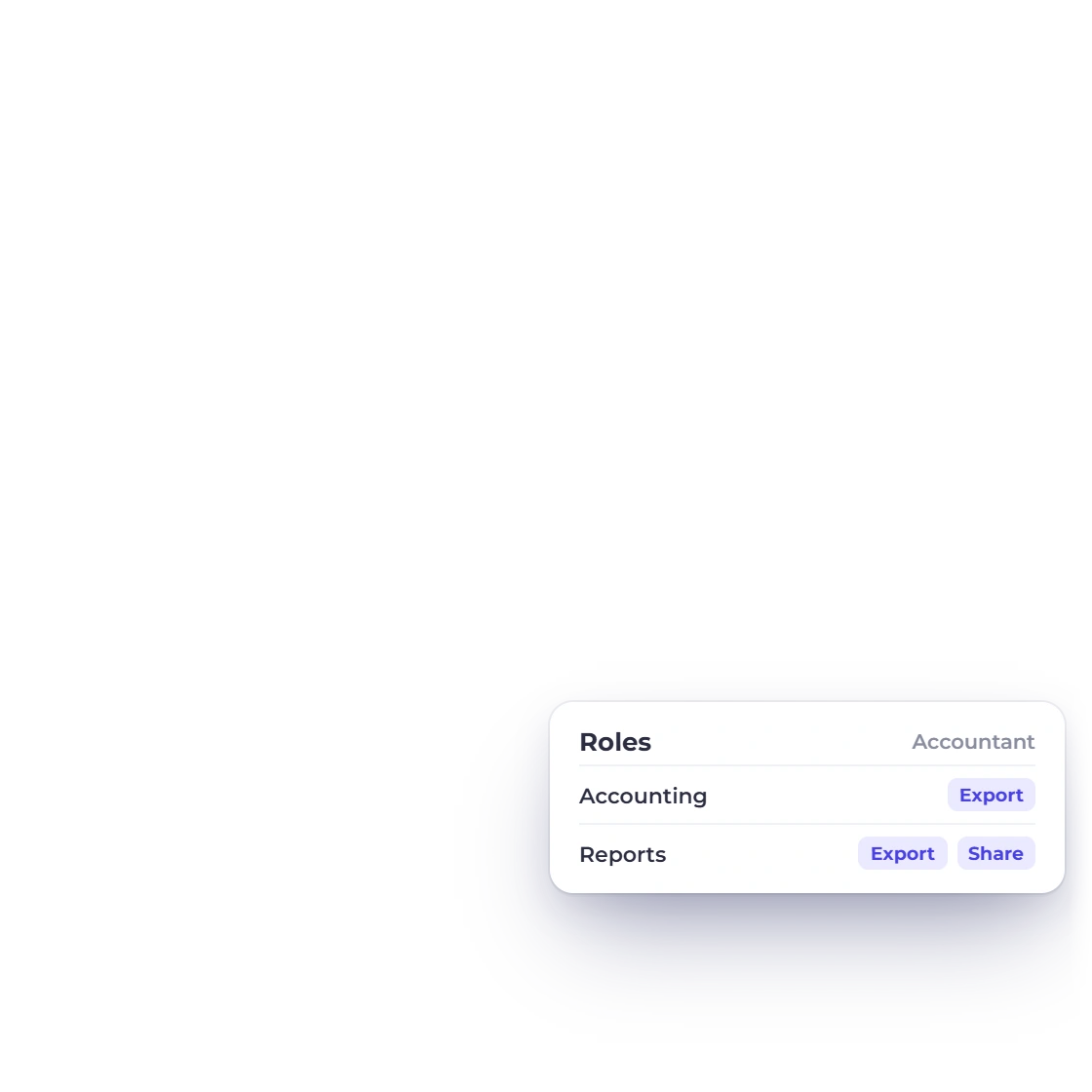
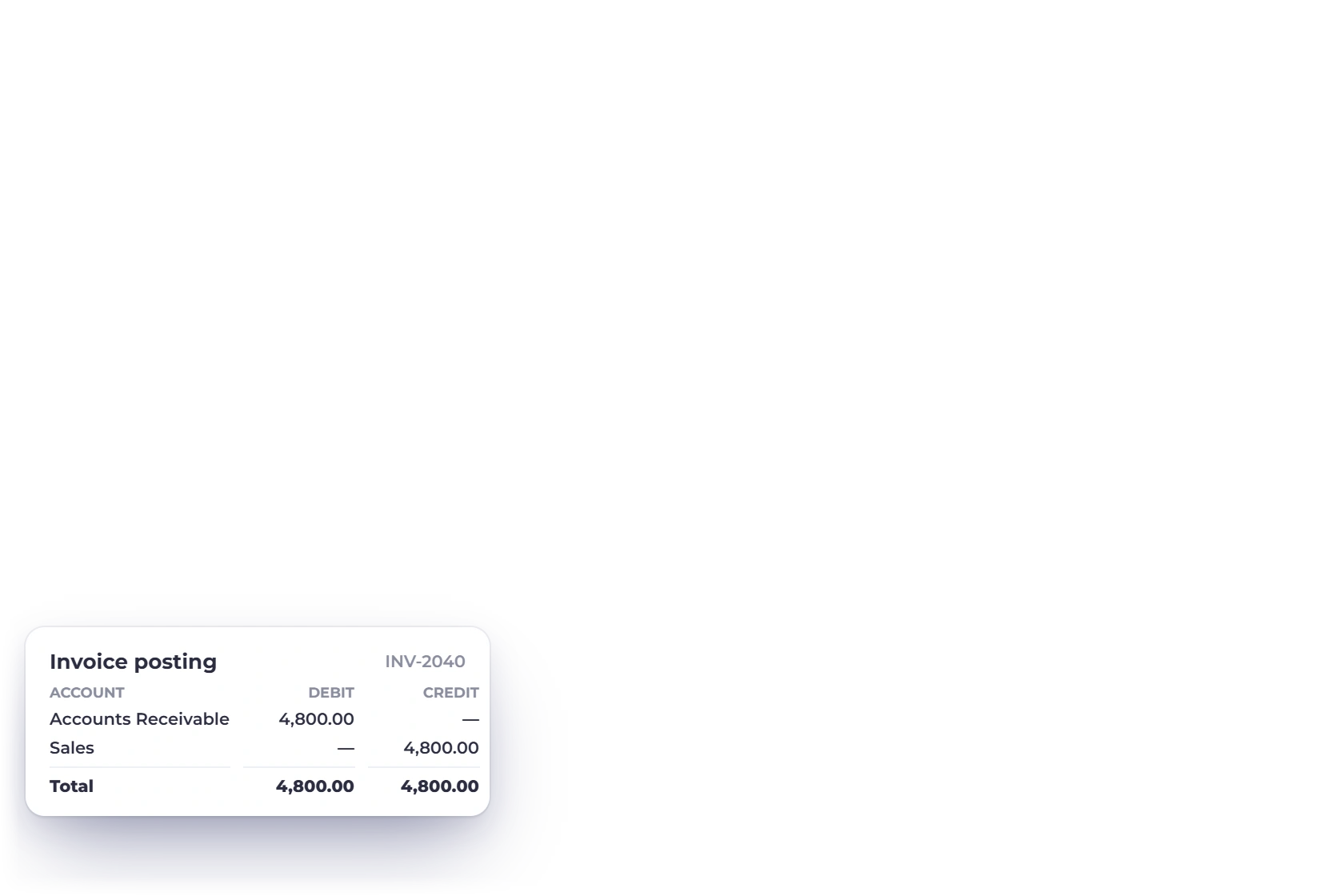
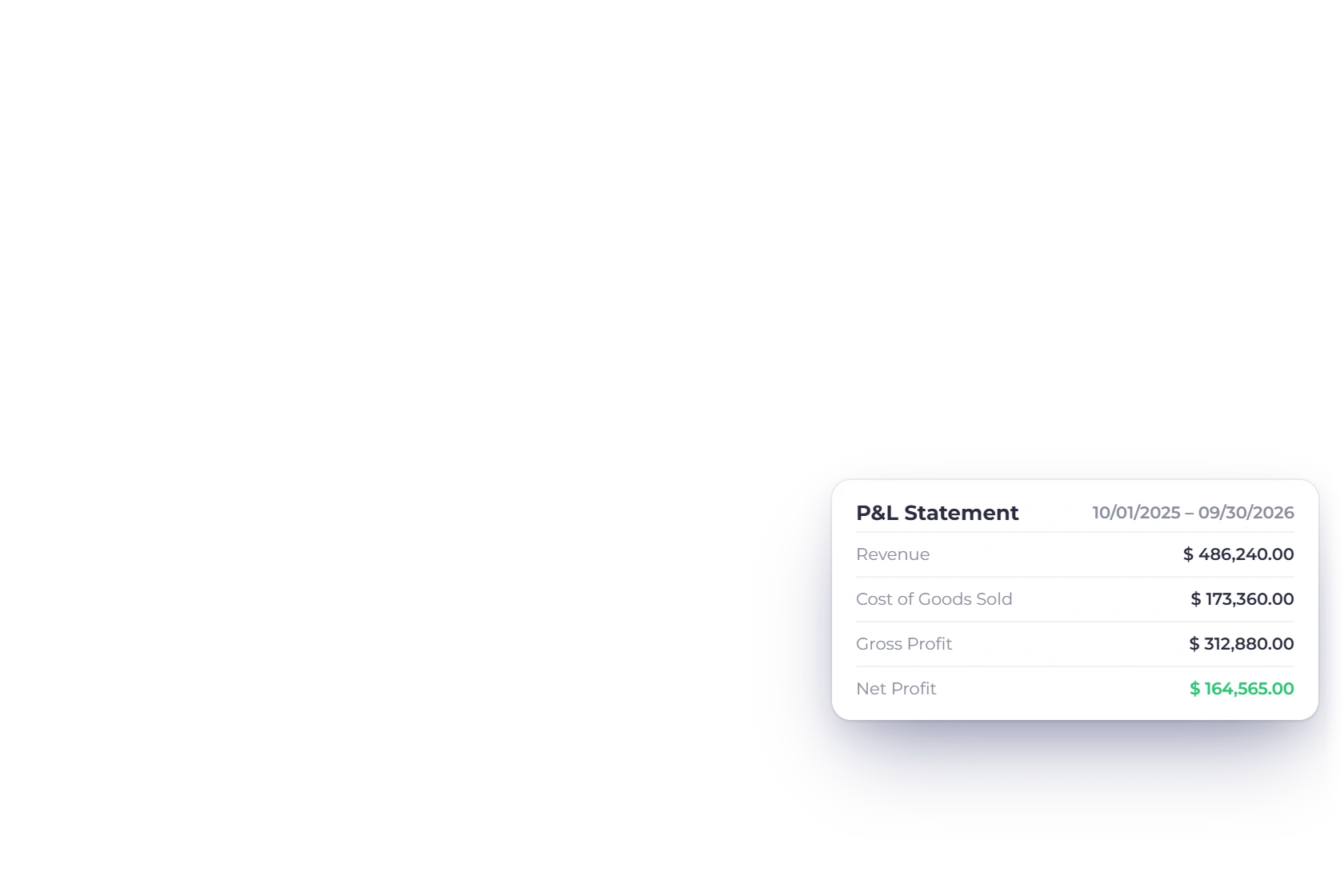
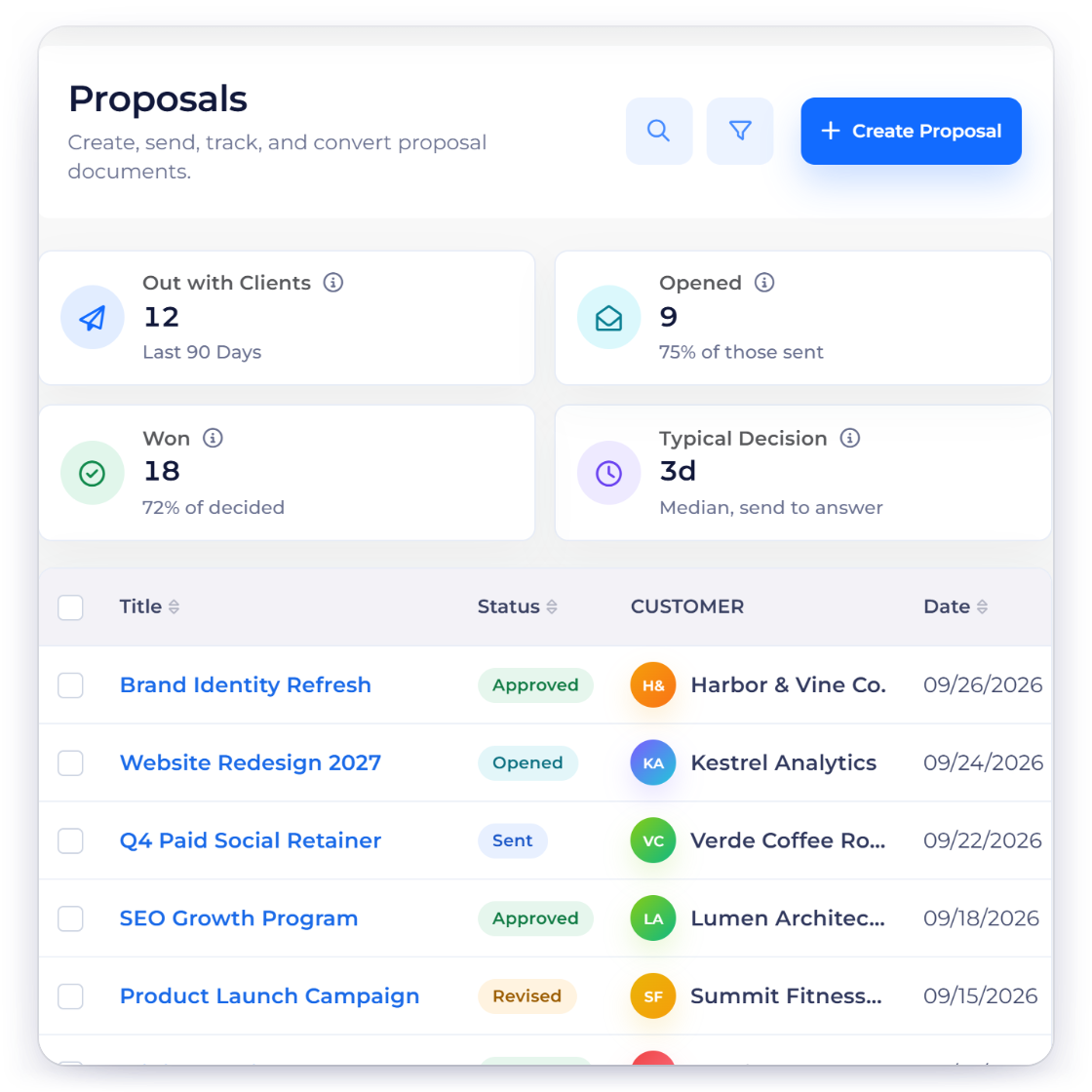
Invoice Crowd and Zoho Invoice comparison dashboard with price, workflow and accounting-fit rows.

Decision table

Invoice Crowd and Zoho Invoice, side by side

A check means the capability exists, not that two implementations are identical. Read the notes and the who-should-choose passage before deciding.

Capability Invoice Crowd Zoho Invoice
  • Plan and trial access Current access and limits are published on Pricing Check Zoho Invoice's current official pricing and limits
  • Complete plan cost Price the needed business profiles, users and features Include Zoho Books if the workflow needs full accounting
  • Interactive proposals Proposal builder with optional items and customer approval Professional quotes and estimates, but not the same proposal flow
  • Bills and purchase orders Bills, POs, vendor credits and Payments Made Expense tracking is included; full purchasing belongs to Zoho Books
  • Projects and time Projects, tasks, timer and invoiceable logs Time and expense tracking are included
  • Multiple businesses Several business profiles according to plan Organization and wider-suite rules apply
  • Accounting depth Connected reports with stated legacy limitations Zoho Invoice connects to Zoho Books for full accounting
  • Best fit One broader operational workspace Free-first invoicing inside the Zoho ecosystem

Product details were materially reviewed August 13, 2026. Verify current plans, prices, limits, taxes, add-ons, payment fees and regional availability at the official source: https://www.zoho.com/invoice/pricing/ Invoice Crowd source: https://invoicecrowd.com/pricing/

Who should choose which

The deciding question is how your business actually operates

Invoice Crowd and Zoho Invoice overlap around invoicing, but the surrounding records, plan structure and accounting depth lead to different choices.

Compare the complete cost

Plan names, limits and prices change; verify the official source before buying.

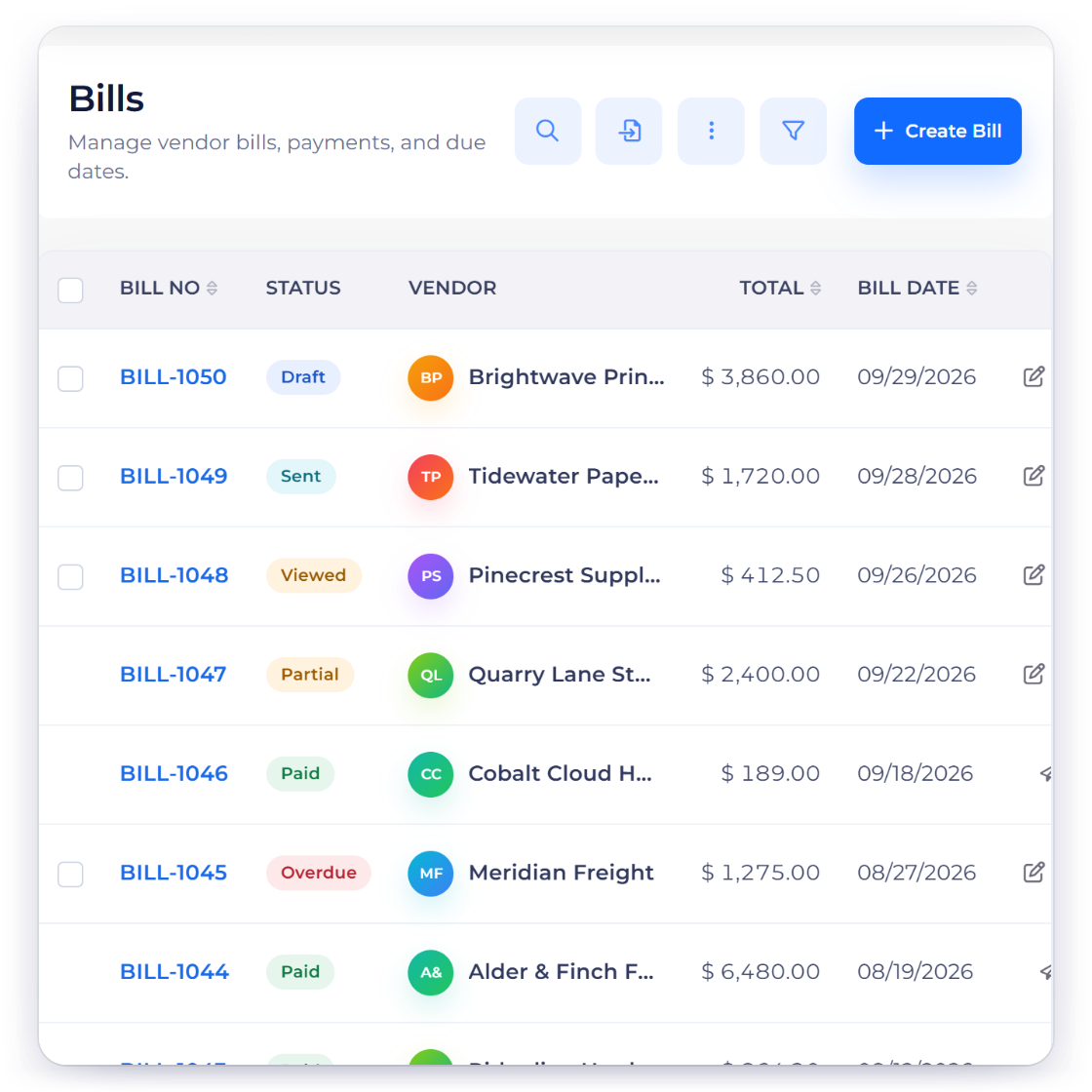
Invoice Crowd vs Zoho Invoice price and plan-shape illustration with fabricated comparison data.

Price the workflow you will actually use

Review current Invoice Crowd plans beside the current Zoho Invoice plans. Include required users, business profiles, billing period, add-ons, payment fees and regional availability instead of comparing one headline price.

Check access, limits and trial terms

A free plan, a trial and an introductory offer are different. Confirm the current customer, business, document, user and feature limits on both official pricing pages before treating either option as lower cost.

Choose by operating model

The accounting-first and service-workflow-first choices are not interchangeable.

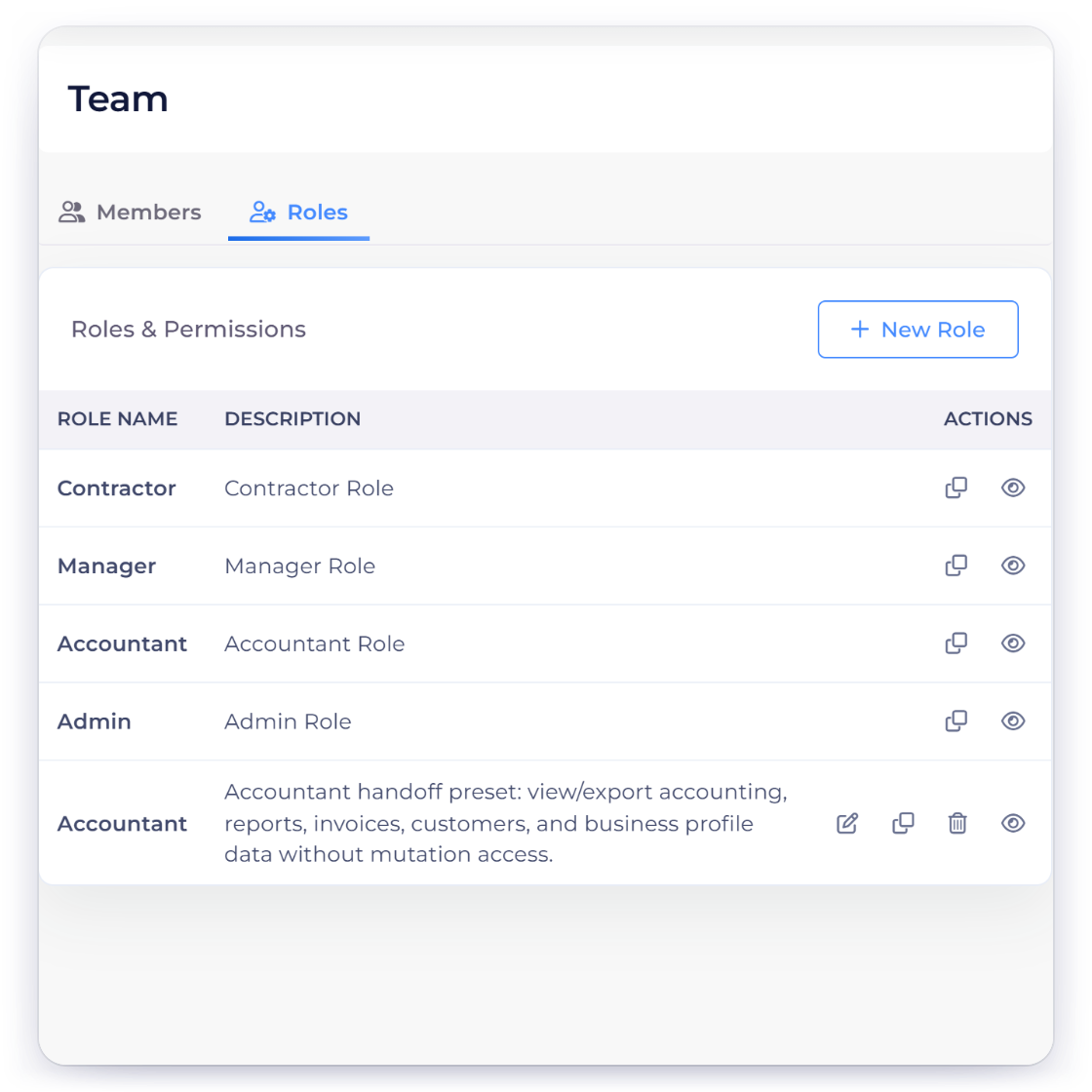
Invoice Crowd vs Zoho Invoice workflow-fit illustration with fabricated comparison data.

Choose Invoice Crowd when the service workflow comes first

Businesses that want purchasing, vendor credits, payment records, projects and connected accounting surfaces in the same product as proposals and invoicing.

Choose Zoho Invoice when its strongest controls matter more

Choose Zoho Invoice when a focused invoicing product and the wider Zoho ecosystem matter more than keeping purchase and accounting records inside the same product.

Switch without losing evidence

A lower subscription is not a saving if the migration damages the records.

Invoice Crowd vs Zoho Invoice migration checklist illustration with fabricated comparison data.

Export before you change anything

Preserve customers, vendors, open invoices and bills, document numbers, balances, tax context and attachments. Reconcile the cutover date and test a representative workflow before inviting the team.

Keep the old system available for audit

Do not delete a former ledger or document archive just because current work moved. Retain read access for the period required by your tax, legal and client obligations.

Evidence map

Verify each decision point before you buy

Use the official sources and the visible product boundaries, especially where plan access, regional availability or accounting depth differs.

  • Plan and trial access

    Invoice Crowd: Current access and limits are published on Pricing Zoho Invoice: Check Zoho Invoice's current official pricing and limits

  • Complete plan cost

    Invoice Crowd: Price the needed business profiles, users and features Zoho Invoice: Include Zoho Books if the workflow needs full accounting

  • Interactive proposals

    Invoice Crowd: Proposal builder with optional items and customer approval Zoho Invoice: Professional quotes and estimates, but not the same proposal flow

  • Bills and purchase orders

    Invoice Crowd: Bills, POs, vendor credits and Payments Made Zoho Invoice: Expense tracking is included; full purchasing belongs to Zoho Books

  • Projects and time

    Invoice Crowd: Projects, tasks, timer and invoiceable logs Zoho Invoice: Time and expense tracking are included

  • Multiple businesses

    Invoice Crowd: Several business profiles according to plan Zoho Invoice: Organization and wider-suite rules apply

  • Accounting depth

    Invoice Crowd: Connected reports with stated legacy limitations Zoho Invoice: Zoho Invoice connects to Zoho Books for full accounting

  • Best fit

    Invoice Crowd: One broader operational workspace Zoho Invoice: Free-first invoicing inside the Zoho ecosystem

  • Zoho Invoice official pricing

    Check the vendor page before purchasing because plans, limits and promotions change.

  • Invoice Crowd pricing

    Review the current plans, billing options and limits.

  • Best fit for Invoice Crowd

    Freelancers, agencies and other small businesses that want proposals, invoicing, purchasing, projects and financial records in one workspace.

  • Best fit for Zoho Invoice

    Small businesses that want a capable free invoicing, estimates, time, expenses and customer-portal product and can add Zoho Books separately if needed.

Questions

Invoice Crowd vs Zoho Invoice, answered

Is Invoice Crowd better than Zoho Invoice?

It depends on the workflow. Invoice Crowd is designed to keep proposals, estimates, invoices, purchasing, projects and operational accounting records connected. Choose Zoho Invoice when a small business wants capable free invoicing, estimates, time tracking, expenses and a customer portal, and can add Zoho Books separately if needed.

How much does Zoho Invoice cost compared with Invoice Crowd?

Pricing varies by region, billing period, users, add-ons and promotions. Use the official Zoho Invoice pricing link on this page and the current Invoice Crowd Pricing page, then compare the complete workflow you need.

Does Zoho Invoice have a free plan?

Plan and trial availability can change. Check the official Zoho Invoice pricing page for current access and limits, and compare it with the plans currently shown on Invoice Crowd Pricing.

When should I choose Zoho Invoice instead?

Choose Zoho Invoice when a focused invoicing product and the wider Zoho ecosystem matter more than keeping purchase and accounting records inside the same product.

What should I export before switching?

Export customers, vendors, open and historical documents, attachments, account lists, tax context and reports. Reconcile open balances at a documented cutover date before moving current work.

Does this comparison include temporary discounts?

No fixed promotional price is treated as an evergreen product fact. Follow the official pricing links to review current offers, ordinary renewal terms and regional availability.

Test the workflow with your own representative documents

Create one proposal, invoice, bill and report before moving anything important. Product fit is easier to judge from the real sequence than a feature checklist.

  • Current terms shown on Pricing
  • Official source linked
  • No affiliate ranking