
Skip to content

Payment integration

Accept invoice payments with Telr

The Telr integration lets customers pay your Invoice Crowd invoices through Telr's hosted checkout. Invoice Crowd verifies the paid order with Telr before recording the payment.

  • Status: Active one-time checkout
  • Checked against the app
  • Provider terms still apply
Invoice Crowd Payment Methods with Telr selected and a Telr account set to Live, a paid invoice recorded after Telr confirmed it, and the Refund window asking to refund in the Telr dashboard and record it.

From setup to paid

How Telr fits the Invoice Crowd payment boundary

Connection, customer checkout and final settlement are separate stages. Read the status and limitations before showing the method on a live invoice.

Connect the merchant account

Each business profile has its own account and live or test mode.

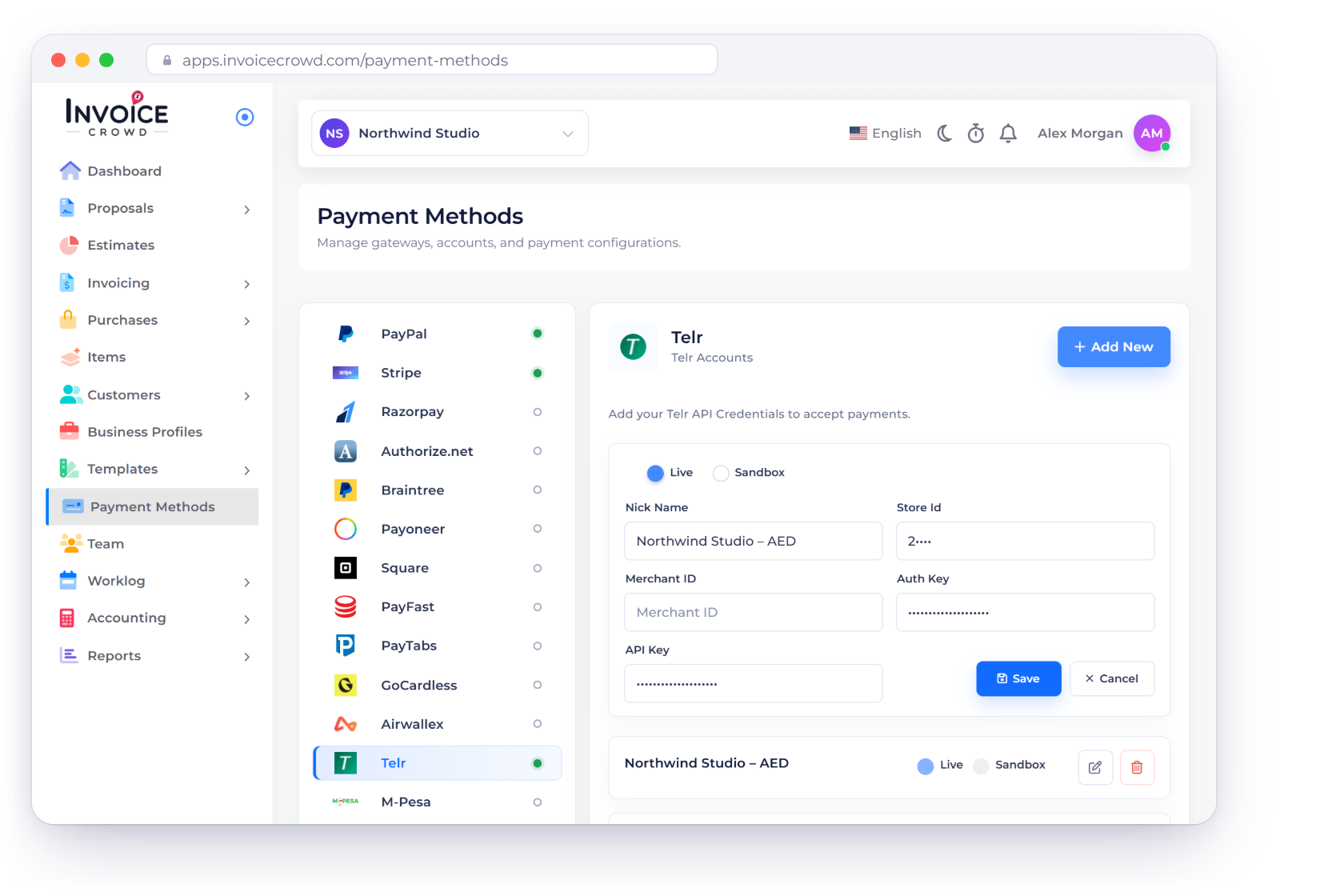
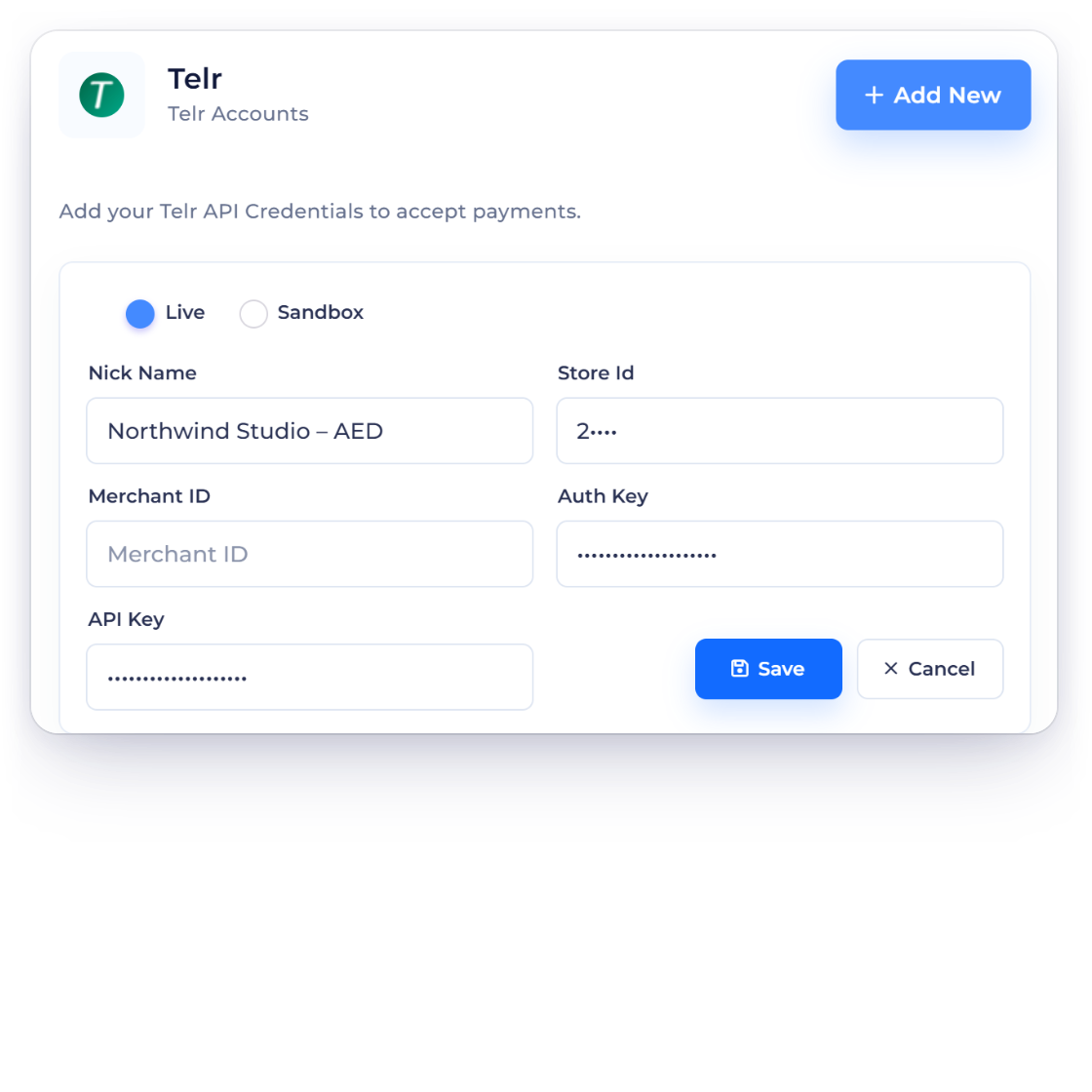
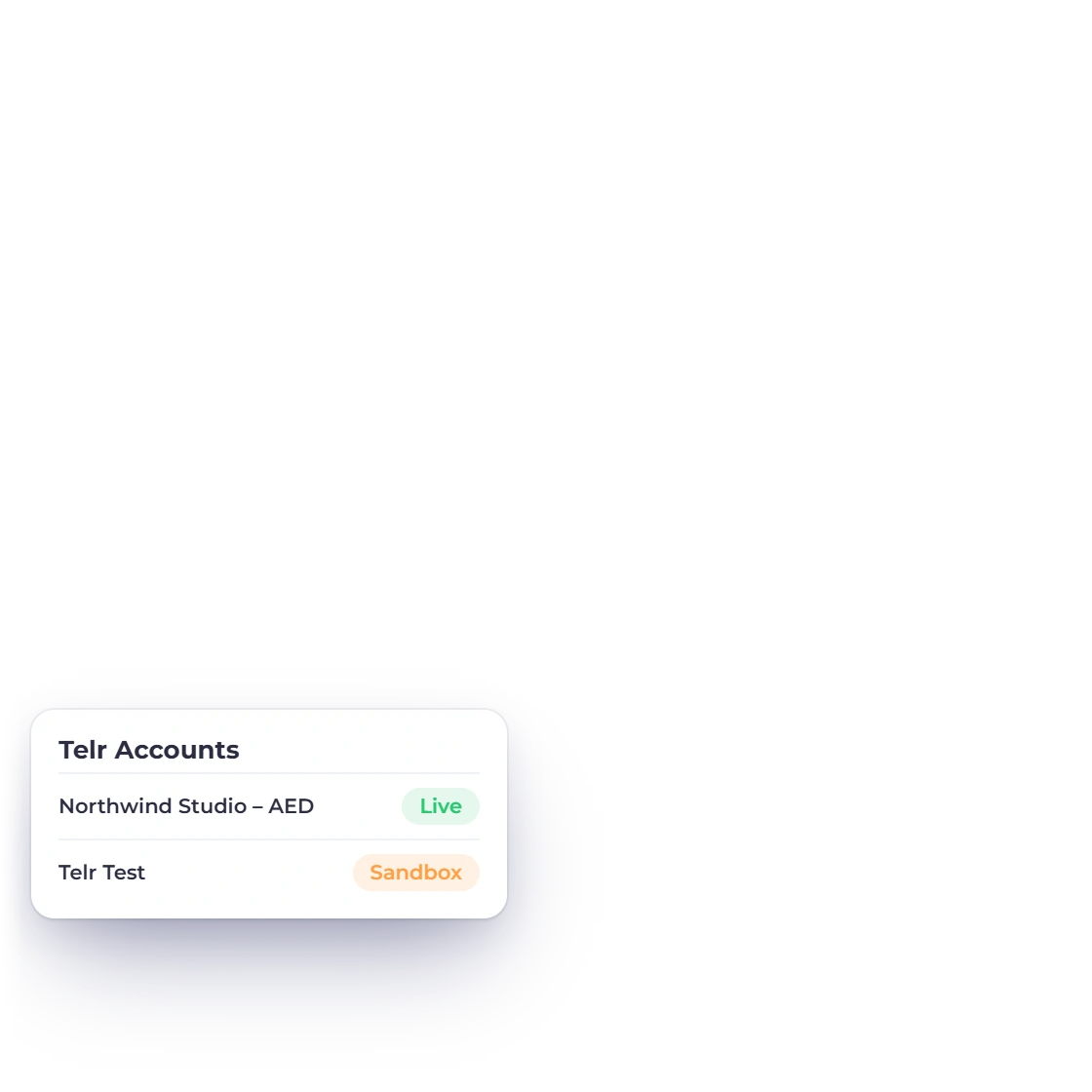
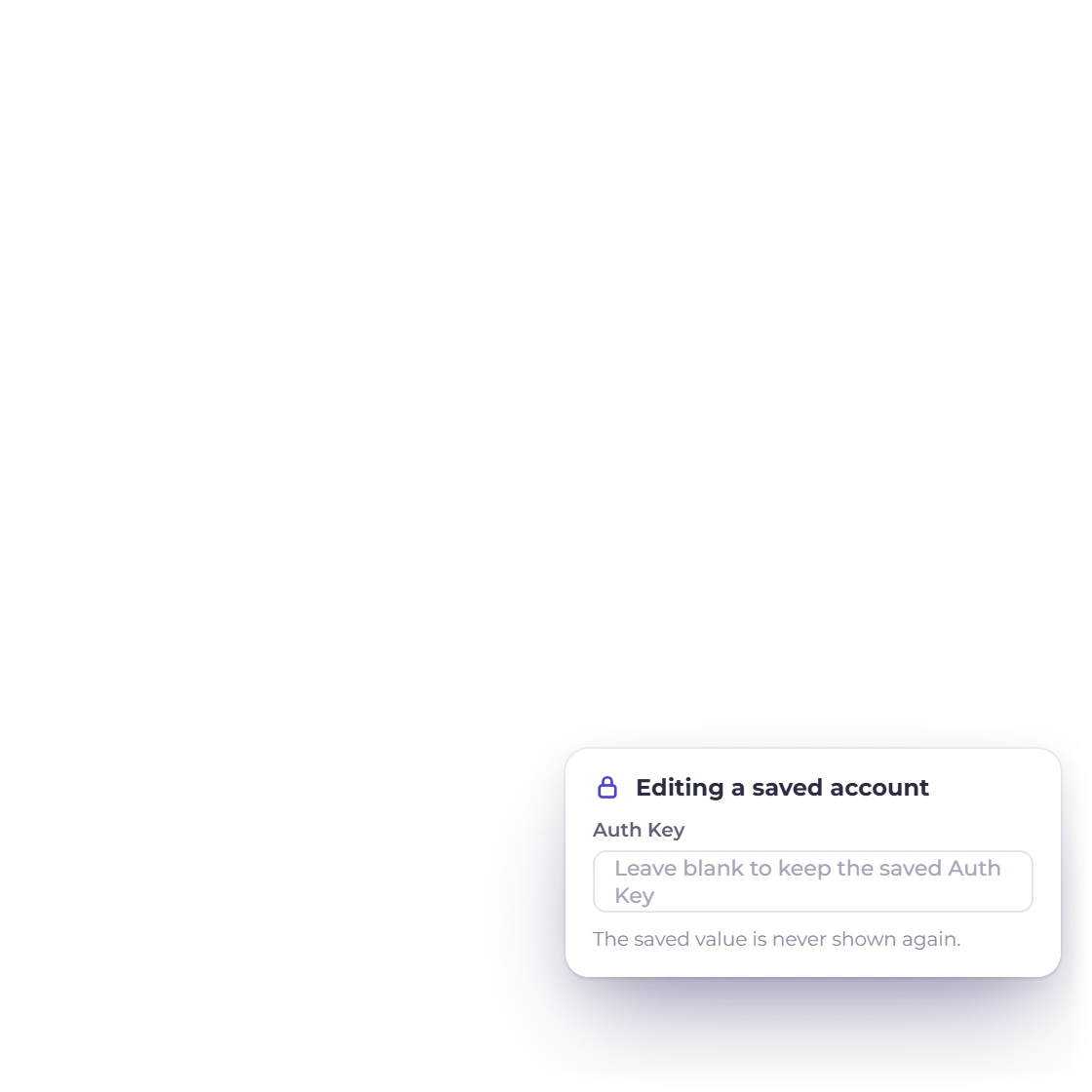
Invoice Crowd Telr account form with Live and Sandbox modes and a fictional nickname, the business's Telr accounts, and the Auth Key kept write-only when editing.

Enter only the fields the provider requires

Store ID, optional merchant ID, write-only auth key, optional API key and Live/Test mode.

  • Selected business profile
  • Explicit live or test mode
  • Write-only secret editing

Check the provider accepts your business first

Telr controls merchant markets, currencies, account services and fees.

  • Merchant country and account
  • Invoice and settlement currency
  • Provider fees and review

Understand the customer path

The payment option only shows when it can be used for that invoice.

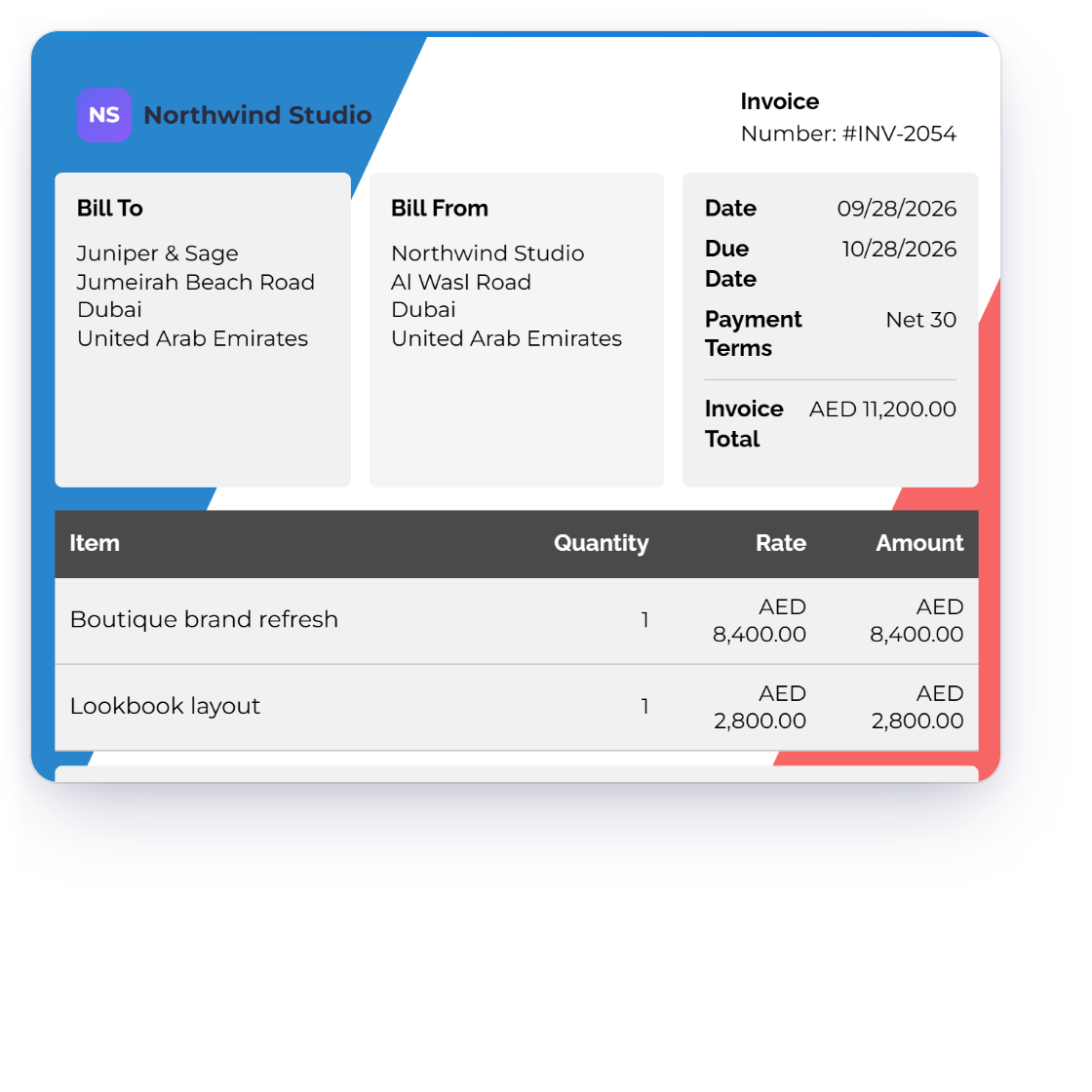
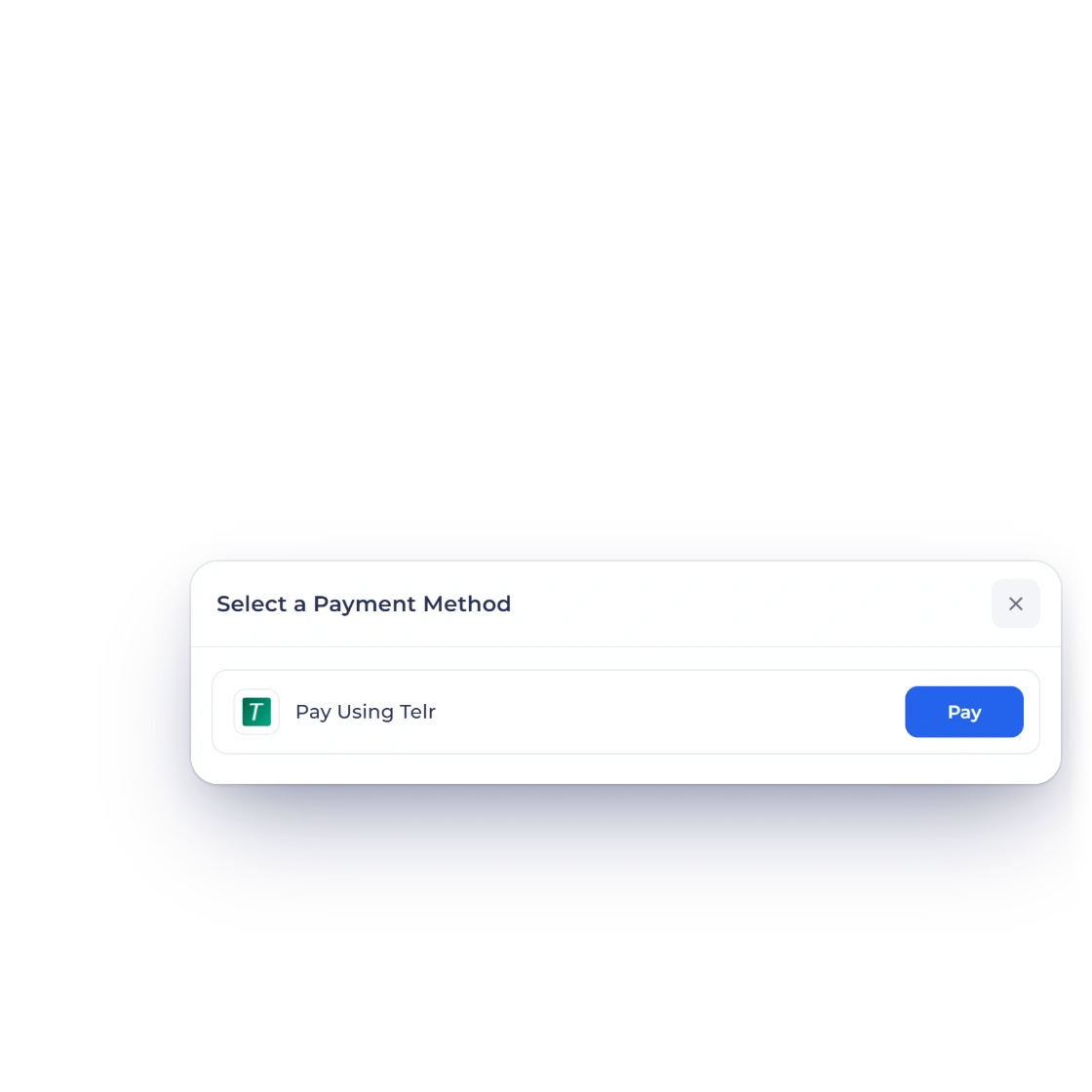
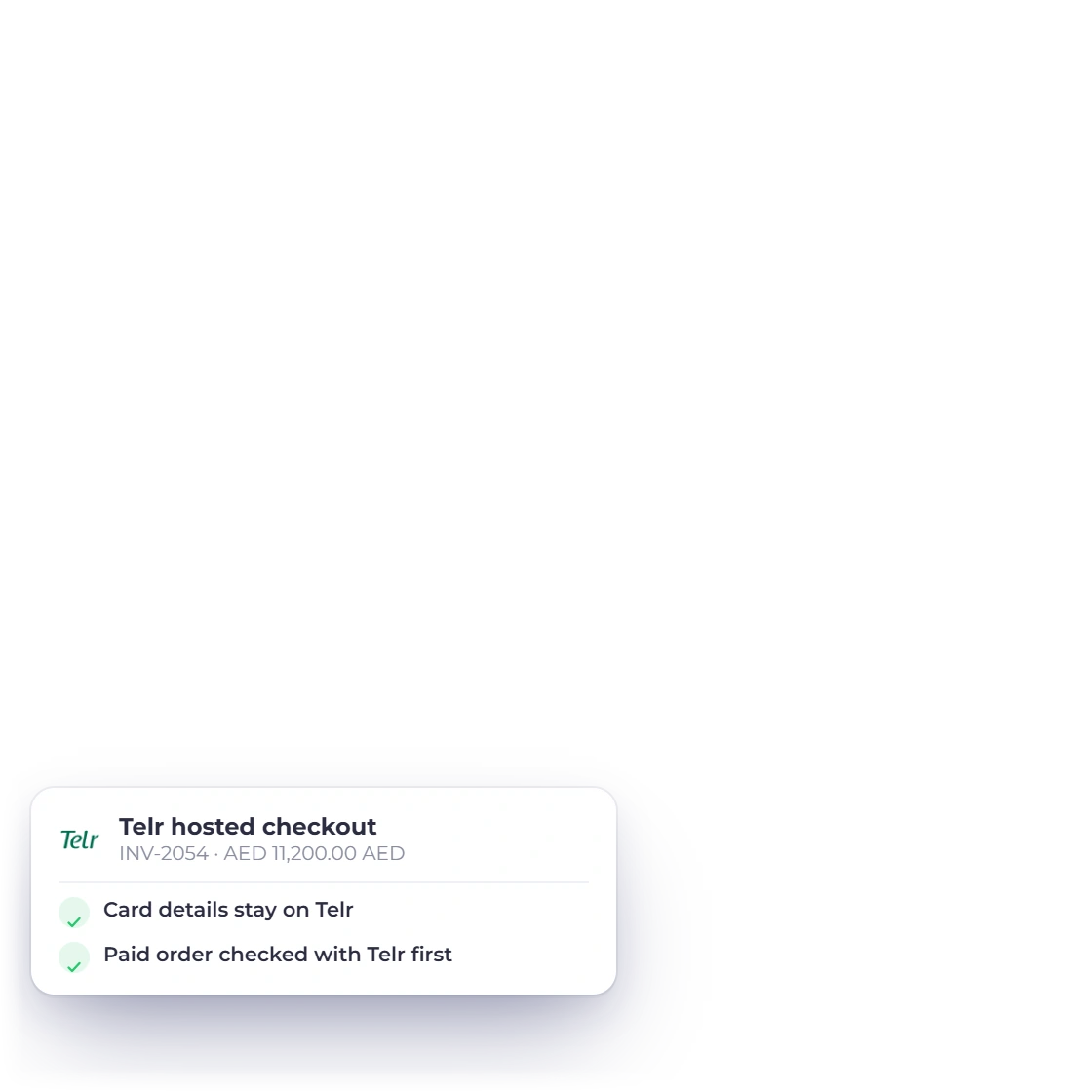
Invoice Crowd invoice INV-2054 for Juniper & Sage in AED, the customer's Select a Payment Method sheet with Pay Using Telr, and what Telr asks for next.

Use the one-time payment flow

The active flow uses Telr's order create/check contract and accepts only exact paid code 3 with authorized sale or e-commerce transaction proof.

  • The amount comes from the invoice
  • The payment is applied to that invoice
  • The customer pays on the provider's own page

Recurring payments work differently

Invoice Crowd does not provide Telr subscription renewal or cancellation without separate credentials and immutable agreement mappings.

  • One-time and recurring differ
  • Some existing setups only keep running
  • New ones aren't offered where unsupported

Checked before the payment is recorded

An invoice is marked paid only when the provider confirms it.

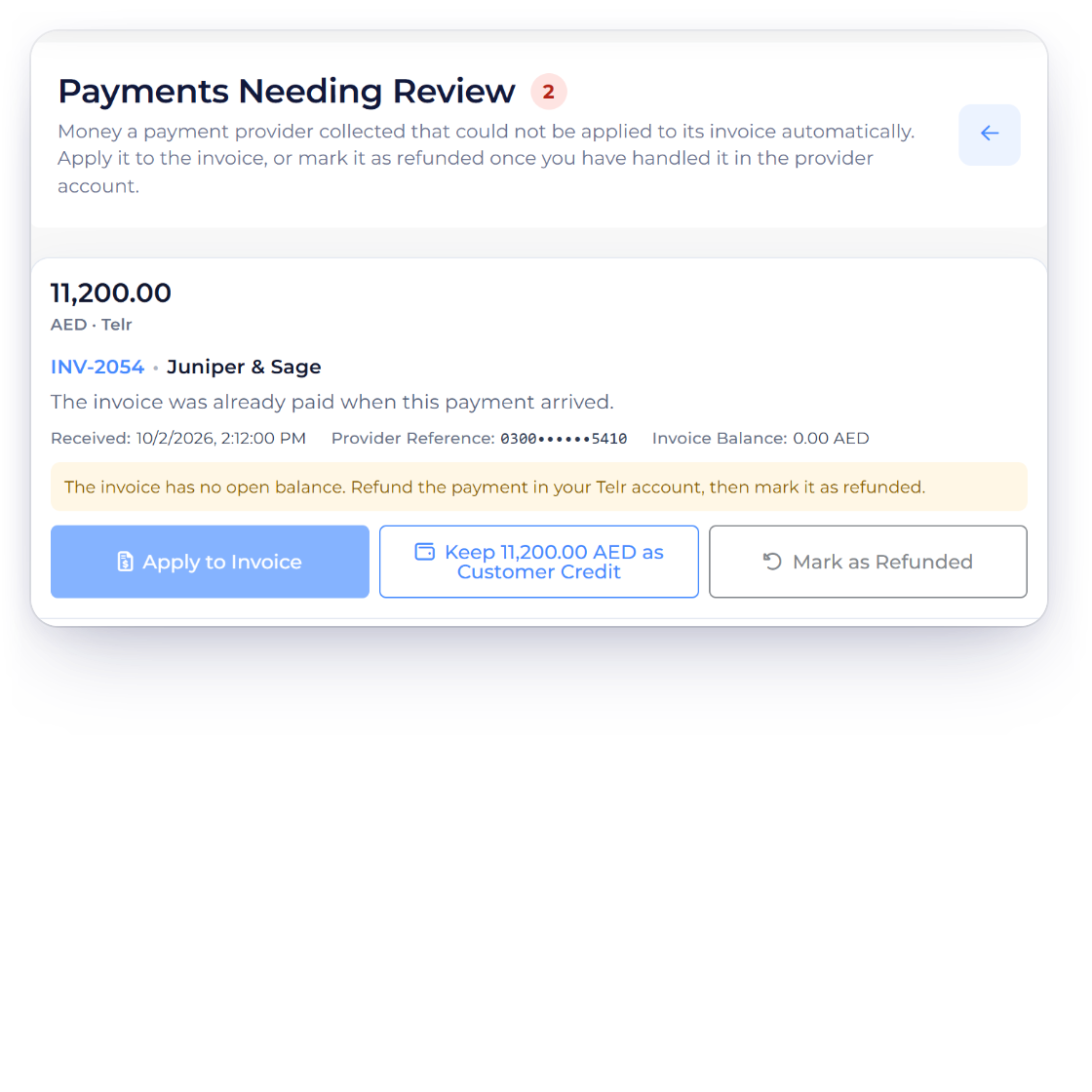
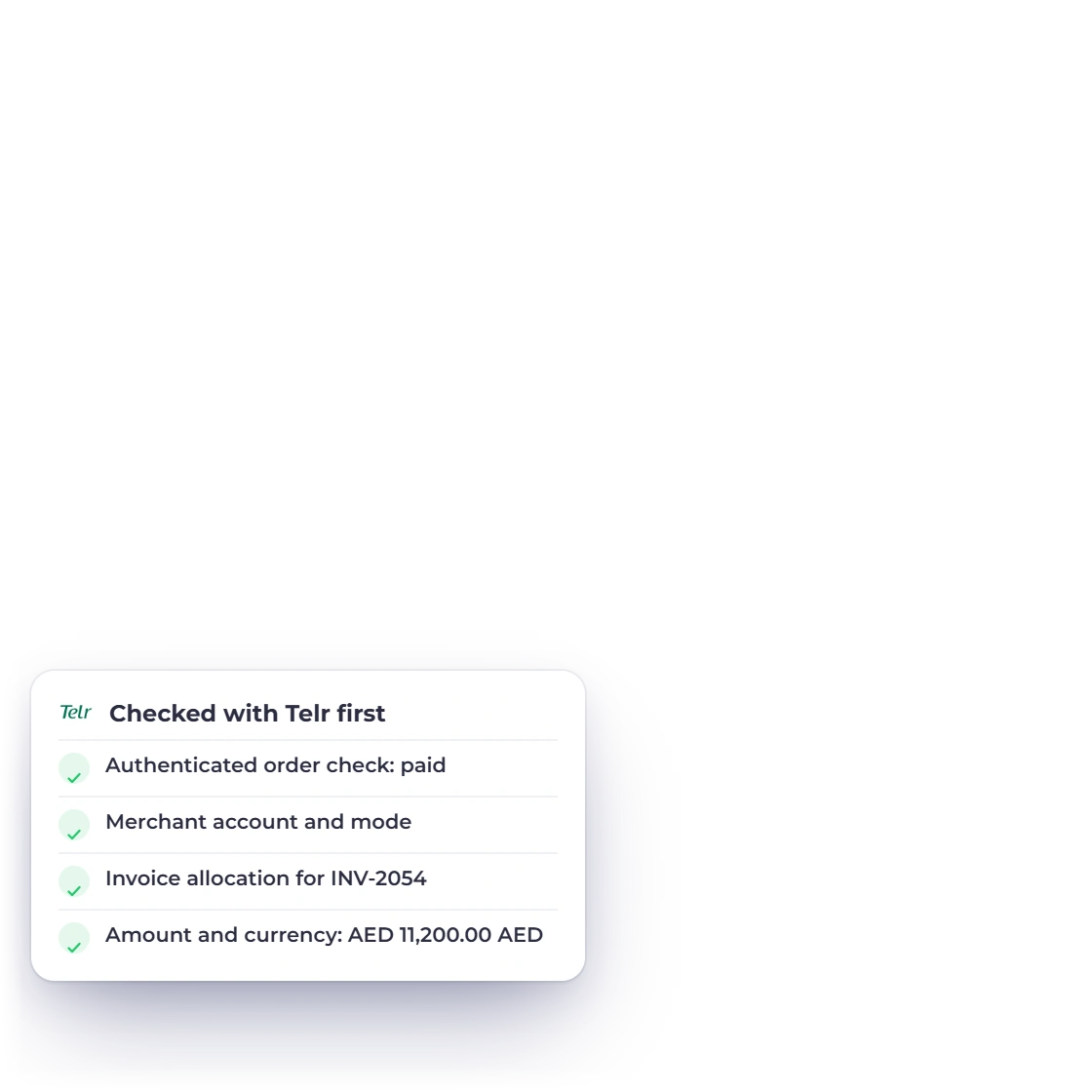
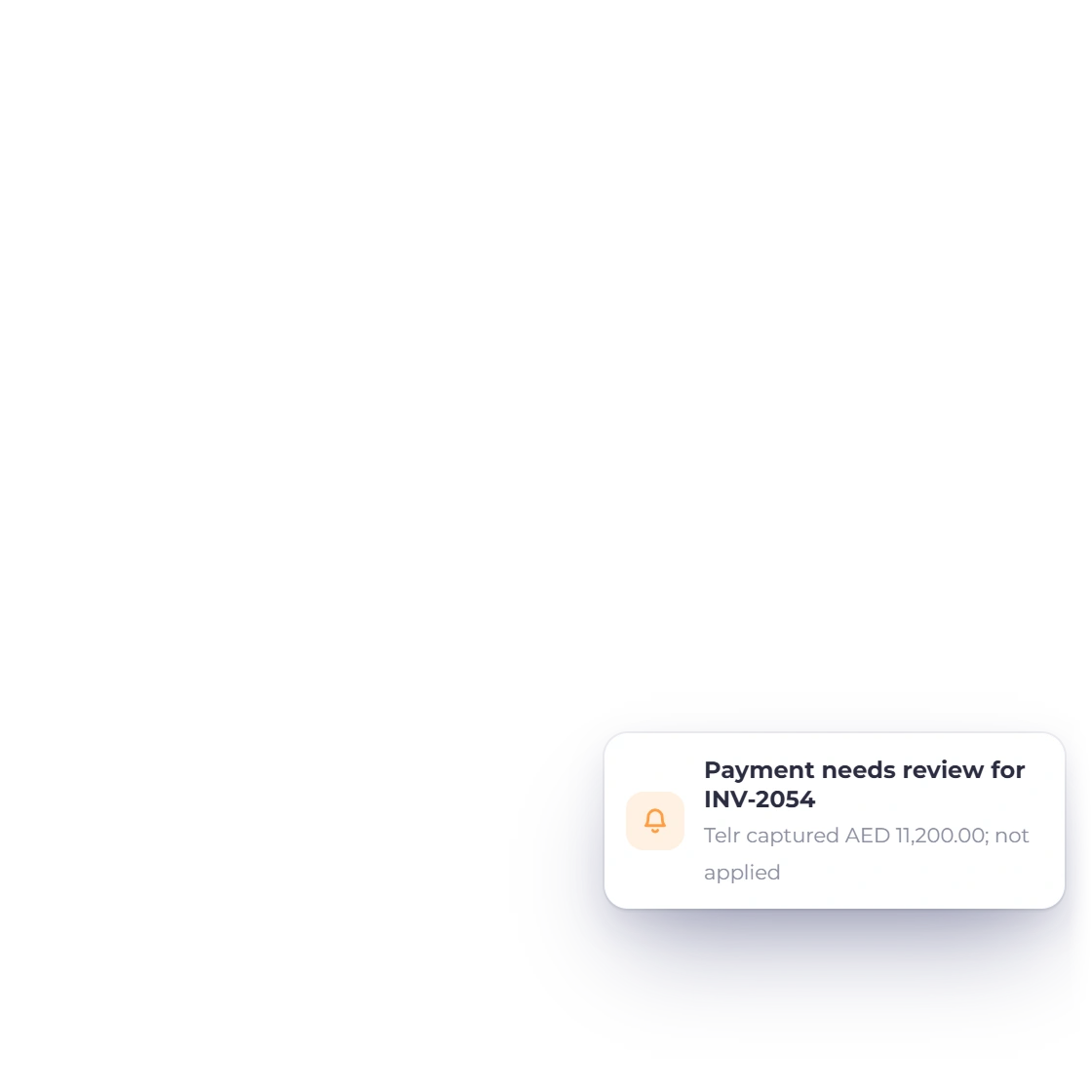
Invoice Crowd Payments Needing Review holding a Telr payment for INV-2054 that arrived after the invoice was paid, with the checks Telr payments must pass before they are recorded.

The payment must match the invoice

Authenticated order check, exact order reference, merchant/account, allocation, amount, currency and paid transaction state.

  • Merchant account and mode
  • Same invoice, amount and currency
  • The provider reports it as paid

Know the current limits

A payment that can't be matched to exactly one invoice is refused. The browser return is not the settlement authority.

  • Nothing is assumed paid
  • Pending stays pending
  • Mismatches are refused

Integration facts

What to verify before using Telr

The fields below describe the current Invoice Crowd path; the provider remains the source for merchant eligibility, fees and regional availability.

  • Availability

    Active one-time checkout

  • One-time payment

    The active flow uses Telr's order create/check contract and accepts only exact paid code 3 with authorized sale or e-commerce transaction proof.

  • Recurring payments

    Invoice Crowd does not provide Telr subscription renewal or cancellation without separate credentials and immutable agreement mappings.

  • Merchant setup

    Store ID, optional merchant ID, write-only auth key, optional API key and Live/Test mode.

  • Settlement evidence

    Authenticated order check, exact order reference, merchant/account, allocation, amount, currency and paid transaction state.

  • Regional fit

    Telr controls merchant markets, currencies, account services and fees.

  • Current limits

    A payment that can't be matched to exactly one invoice is refused. The browser return is not the settlement authority.

  • Invoice data

    Amount, currency and allocation are derived from the current server-side invoice state.

  • Unmatched payments

    If a confirmed Telr payment can't be applied to its invoice, for example because the balance changed after checkout started, Invoice Crowd holds it in Payments Needing Review. You then apply it to the invoice, keep it as customer credit, or refund it.

  • Refunds

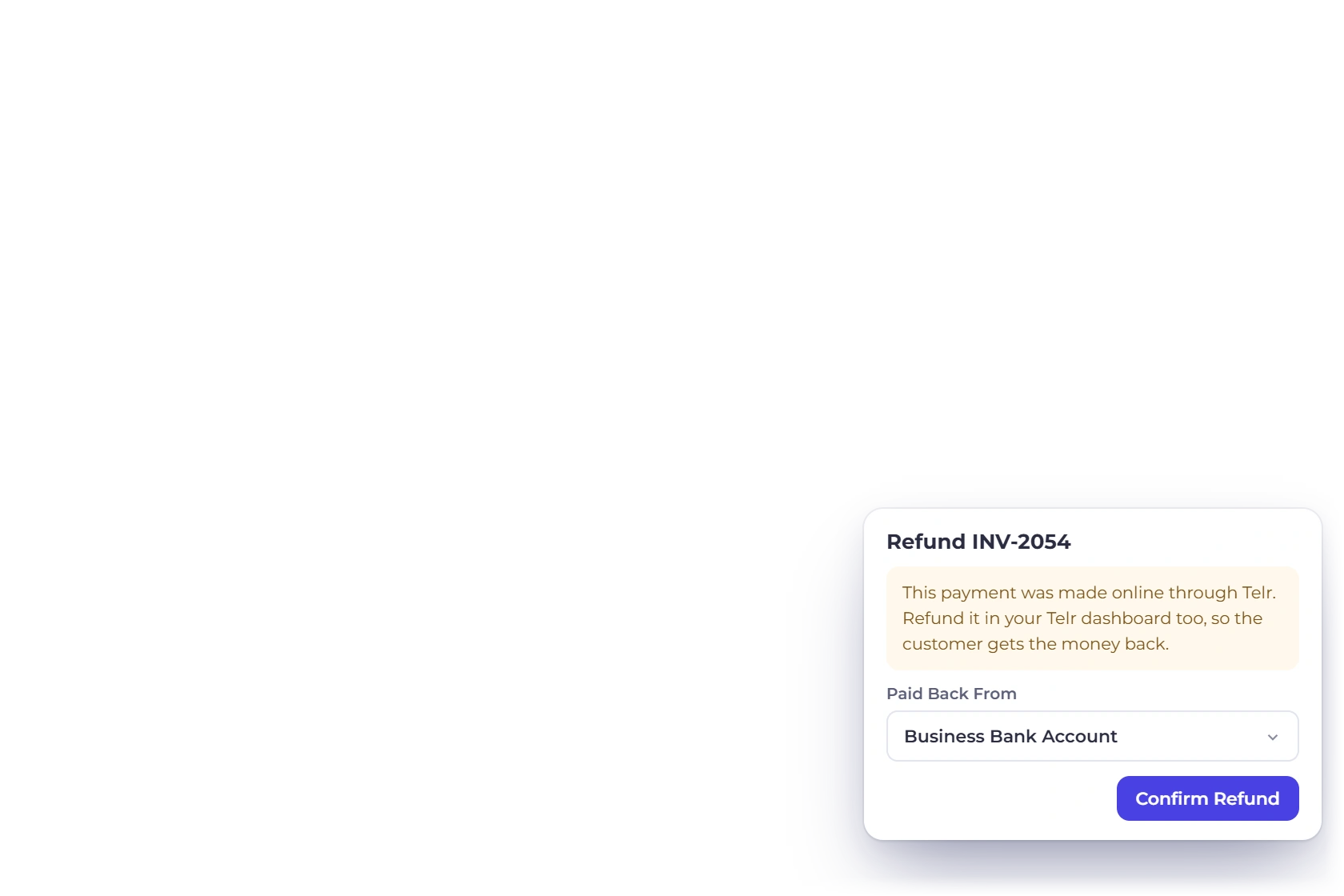
    Invoice Crowd does not send Telr refunds itself. Make the refund in your Telr account, then record it with Refund on the invoice in Invoice Crowd, so the invoice and your books match.

  • Provider fees

    Gateway fees, exchange costs and settlement timing come from the merchant agreement, not the Invoice Crowd subscription.

  • Alternative gateways

    Configure another active provider when this gateway does not support the merchant, customer, currency or collection model.

Questions

Telr and Invoice Crowd, answered

Is the Telr integration currently available in Invoice Crowd?

Yes. Telr is active in Invoice Crowd for one-time payments. Invoice Crowd creates the order with Telr, then checks it and records the payment only when Telr reports it as paid.

What do I need to connect Telr?

Store ID, optional merchant ID, write-only auth key, optional API key and Live/Test mode. Telr controls merchant markets, currencies, account services and fees. Telr needs a paid Invoice Crowd plan; the free plan includes PayPal.

How does Telr one-time checkout work?

The active flow uses Telr's order create/check contract and accepts only exact paid code 3 with authorized sale or e-commerce transaction proof.

Does Telr support recurring payments in Invoice Crowd?

Invoice Crowd does not provide Telr subscription renewal or cancellation without separate credentials and immutable agreement mappings.

How does Invoice Crowd decide that a payment succeeded?

Authenticated order check, exact order reference, merchant/account, allocation, amount, currency and paid transaction state. A browser return or posted status alone cannot settle the invoice. A confirmed payment that can't be applied to its invoice is held in Payments Needing Review until you decide what to do with it.

Are gateway fees included in Invoice Crowd pricing?

No. Provider transaction fees, foreign-exchange costs, settlement timing and account terms are controlled by the gateway and merchant agreement. Check the provider before activation.

Can I refund a Telr payment from Invoice Crowd?

Not through Telr directly. Invoice Crowd sends refunds through the provider only for Stripe, PayPal, Razorpay, Square, Braintree, Authorize.net, Airwallex and GoCardless. For Telr, make the refund in your Telr account, then record it with Refund on the invoice in Invoice Crowd, so the invoice, its credit note and your books stay in step.

Test Telr with a representative invoice

Start with sandbox or test mode where the provider offers it, verify the exact currency and payment result, then plan production activation.

  • Never marked paid from the browser alone
  • Provider terms apply
  • Current status is visible