
Use the file your bank exports
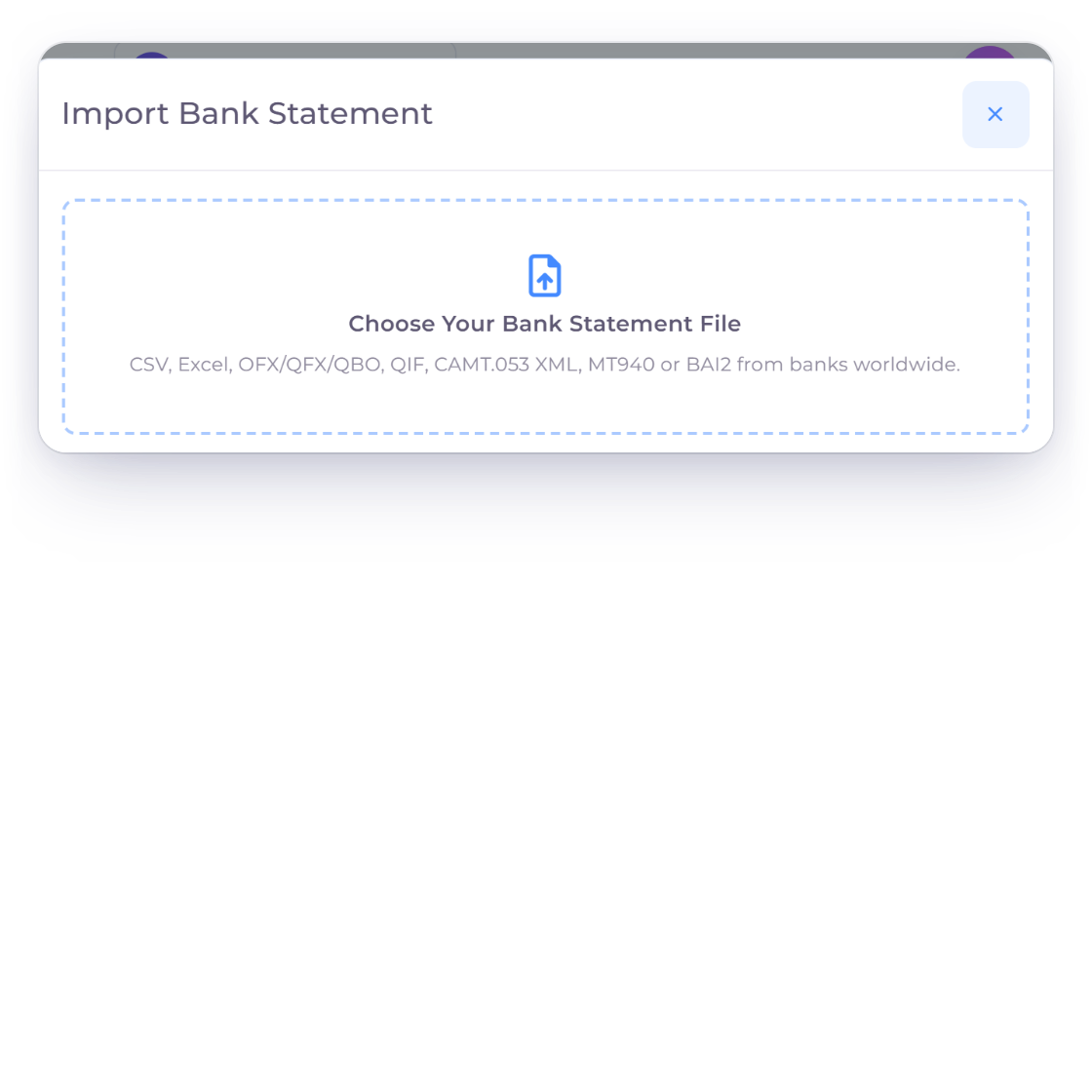
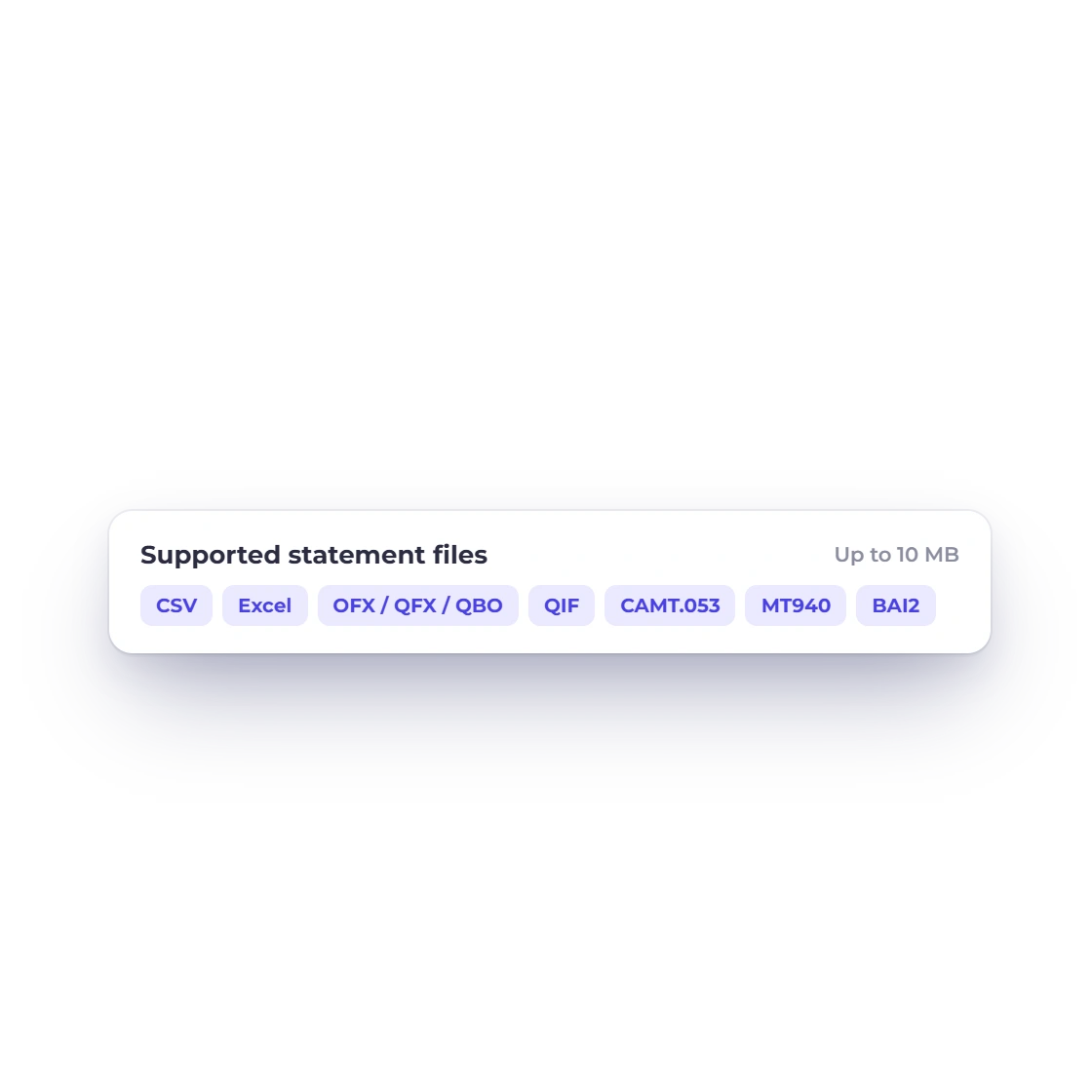
Upload CSV, TXT, XLS, XLSX, OFX, QFX, QBO, QIF, CAMT XML, MT940 or BAI2 files up to 10 MB, straight from your bank's download page.
- CSV, Excel, OFX and more
- Files up to 10 MB
- One workflow for every bank
Bank statement import
Download a statement from your online banking, upload it and review every transaction before you reconcile. Your banking login stays with your bank.
How it works
Import a statement, check every row, then reconcile it against your books. Nothing is recorded until you approve it.
Private and secure
Upload CSV, TXT, XLS, XLSX, OFX, QFX, QBO, QIF, CAMT XML, MT940 or BAI2 files up to 10 MB, straight from your bank's download page.
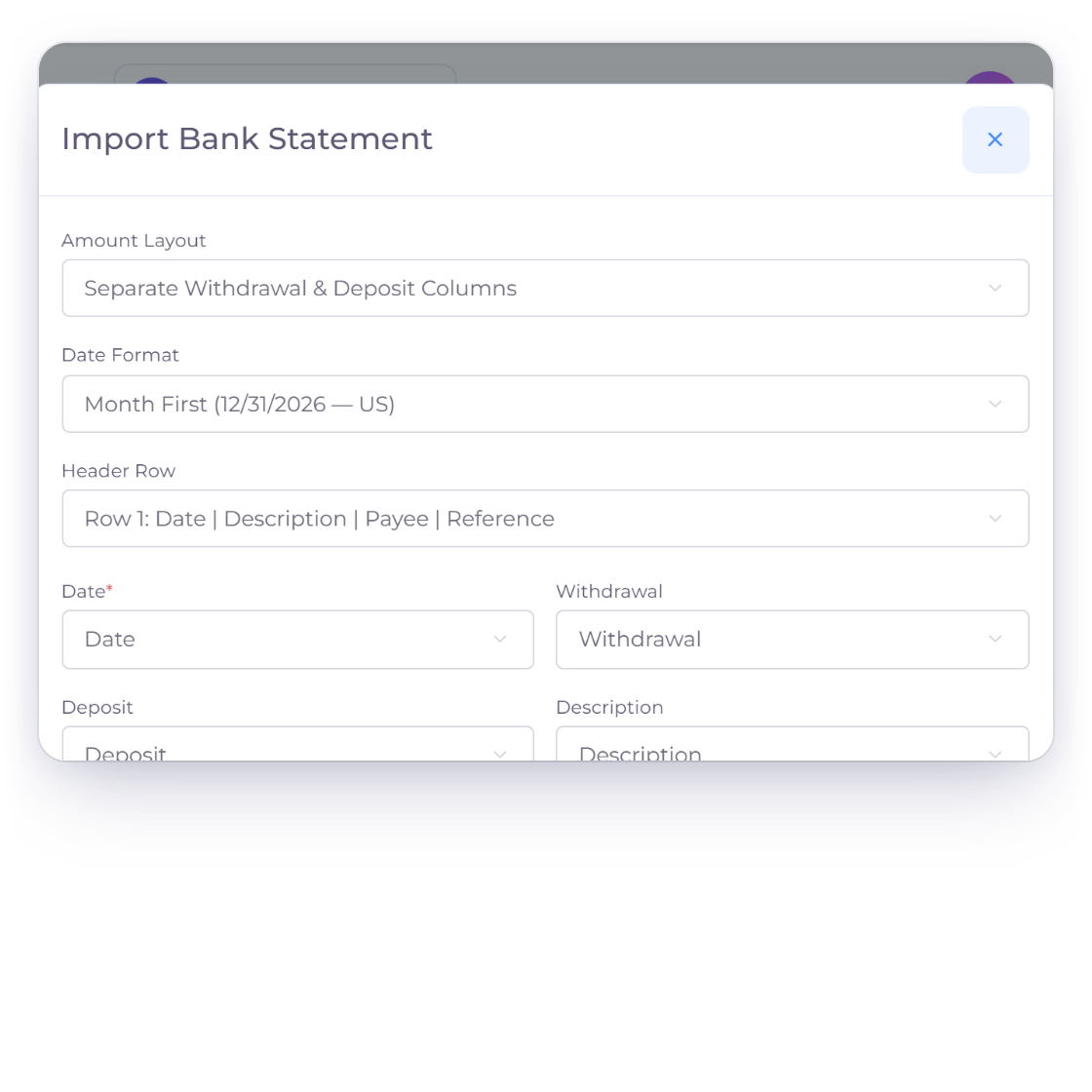
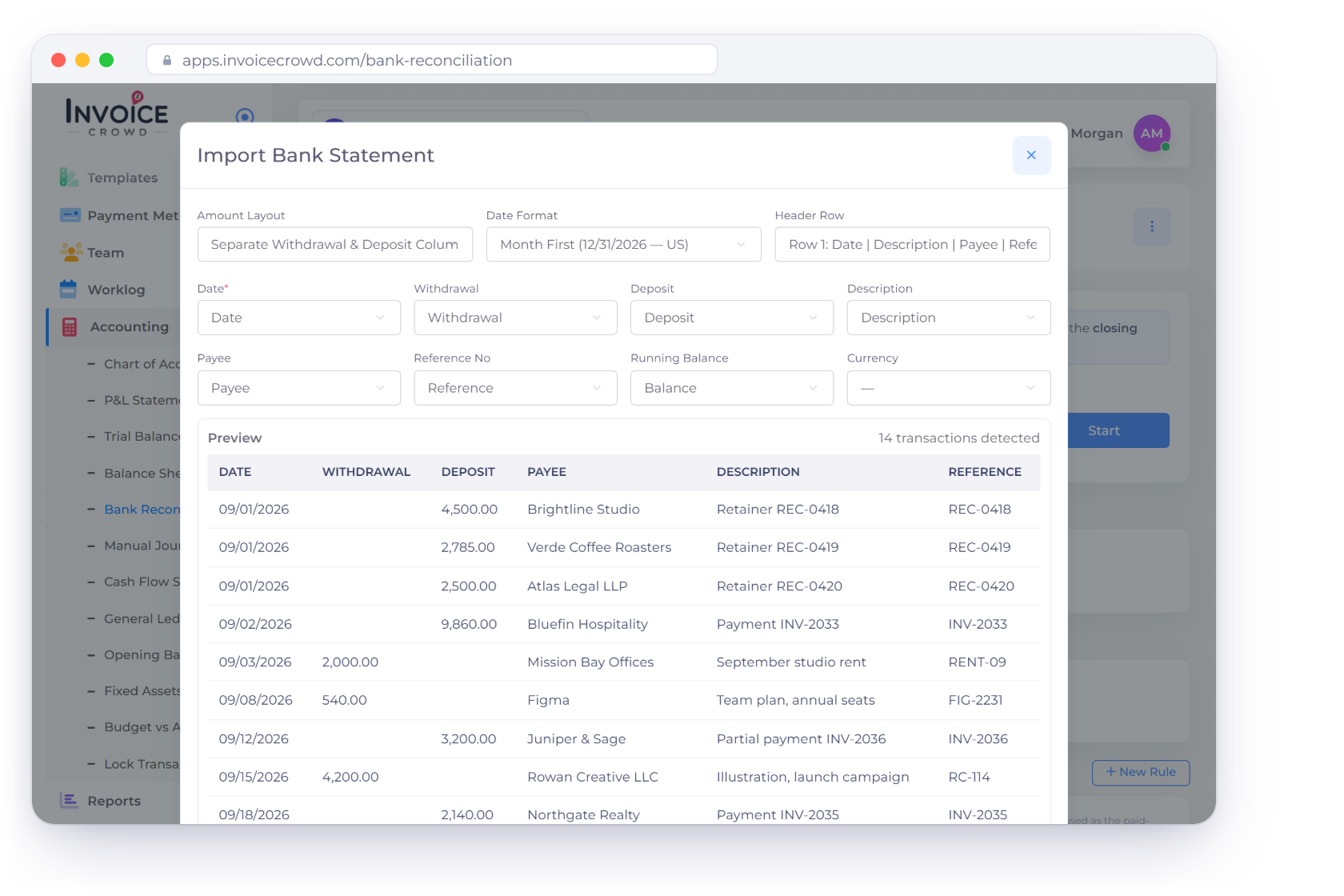
Invoice Crowd reads the dates, amounts, debit and credit direction, currency and running balance, whatever your bank's layout. Every file is checked securely before anything is imported.
You stay in control
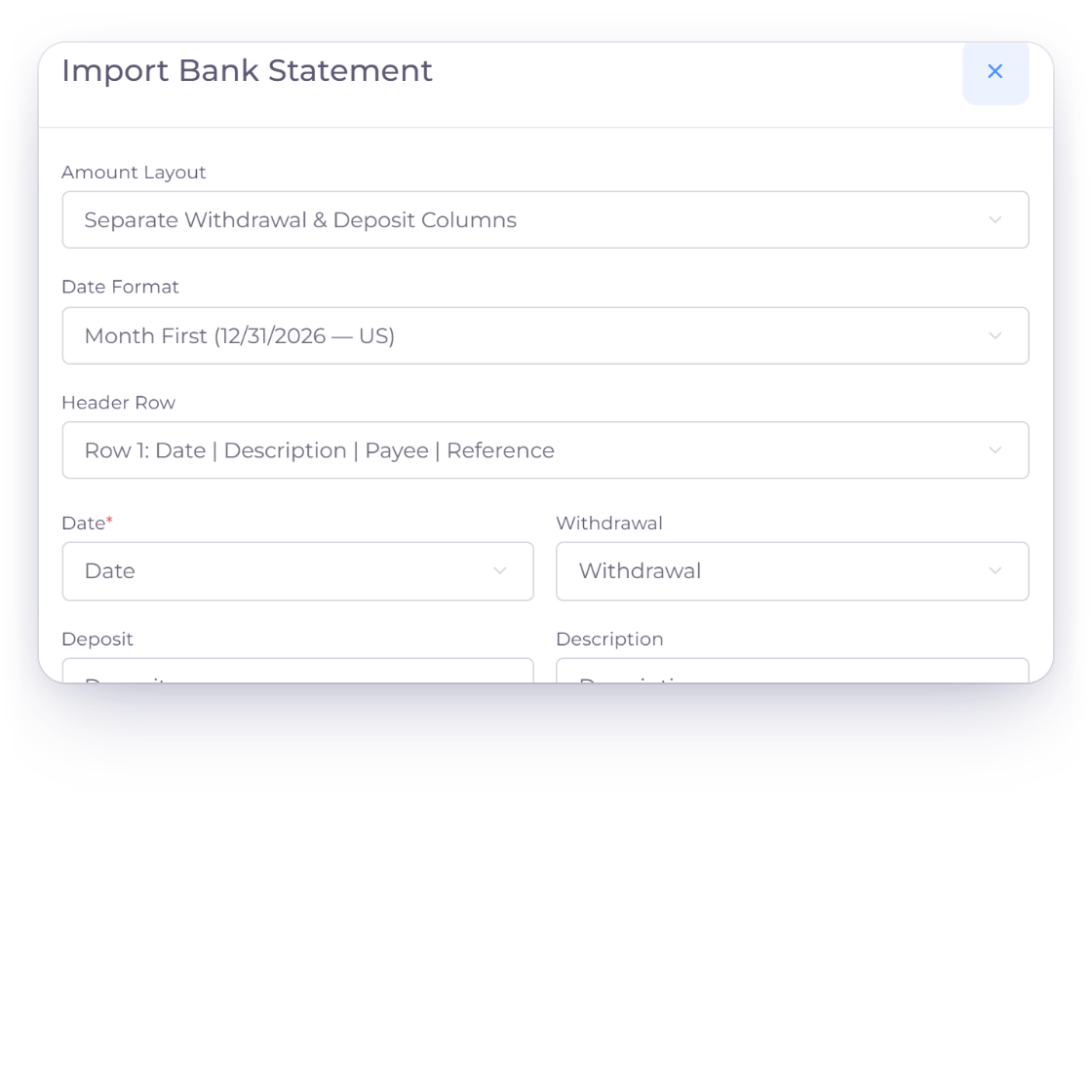
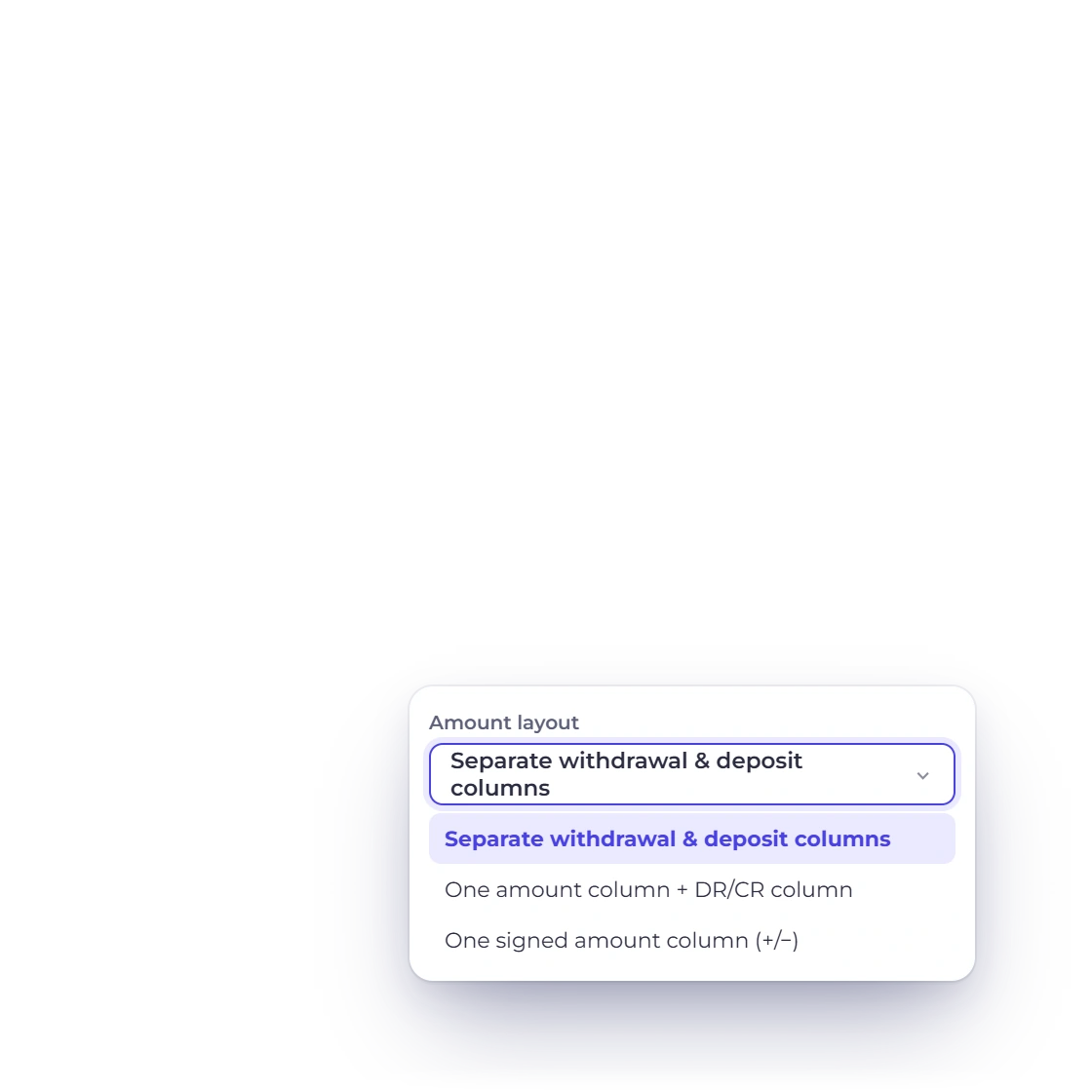
Adjust any column before you import and preview each transaction. Your mapping is remembered for that account, so the next statement is quicker.
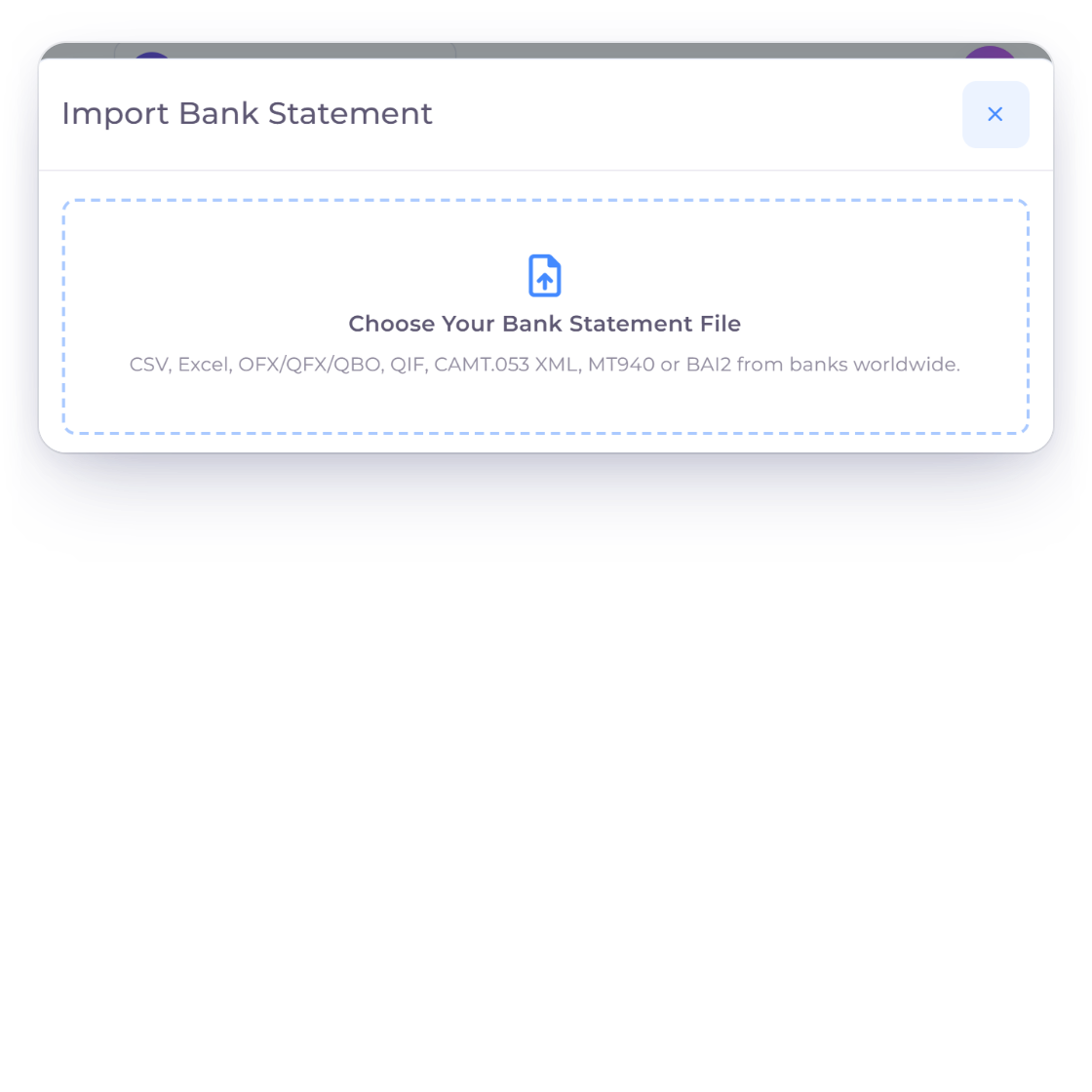
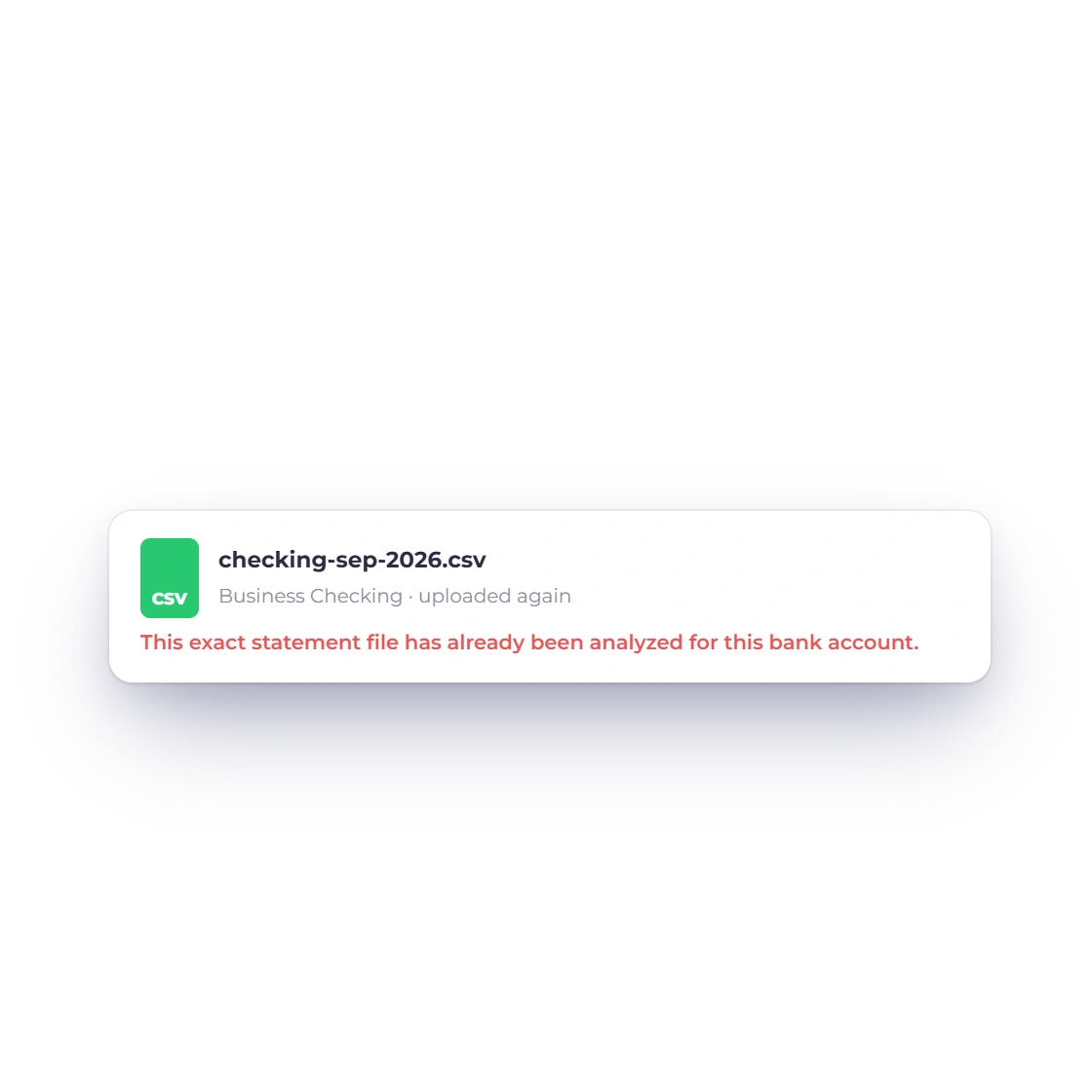
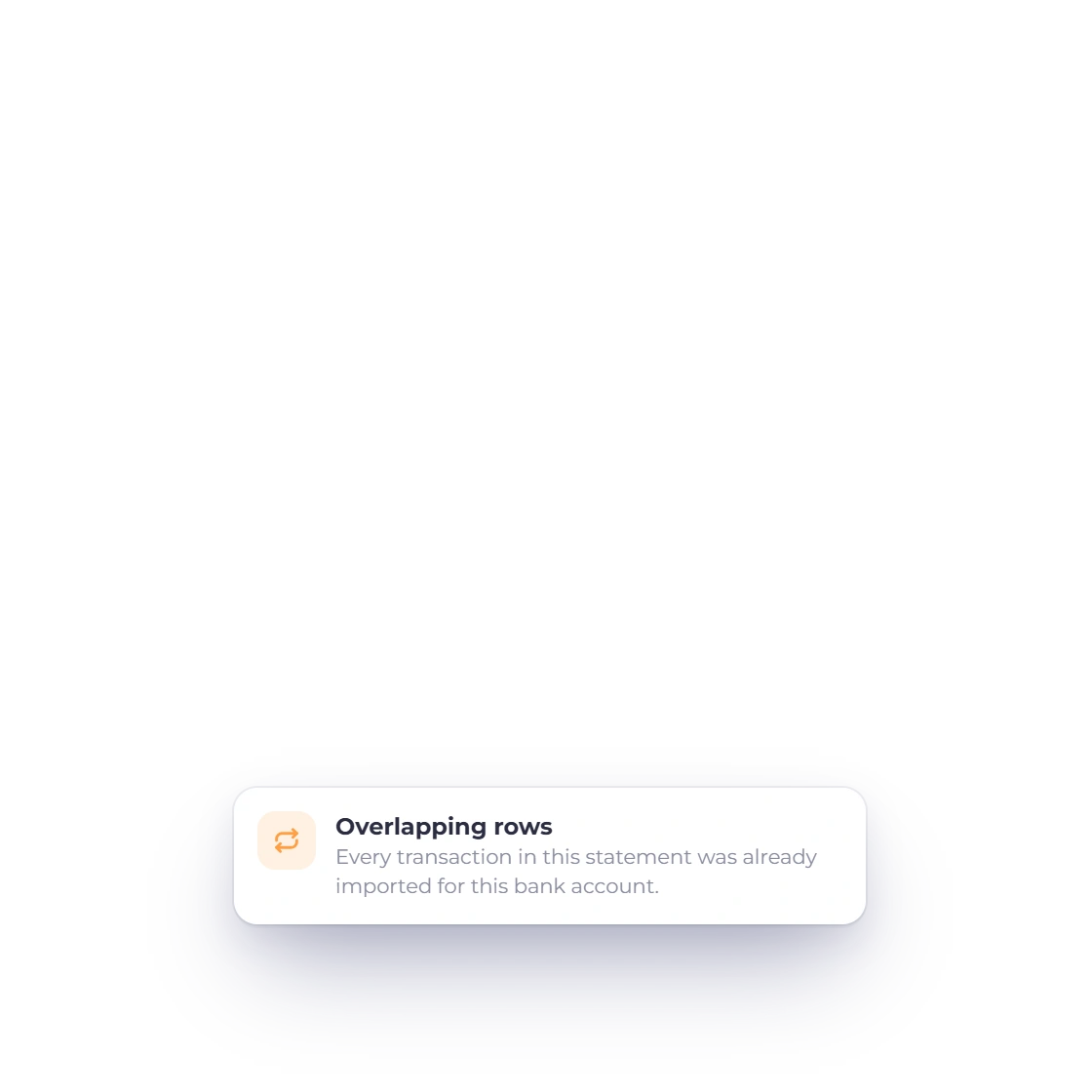
Upload the same file again and Invoice Crowd recognizes it. Rows that overlap an earlier import are skipped, while genuine repeat transactions are kept.
Match, review, close
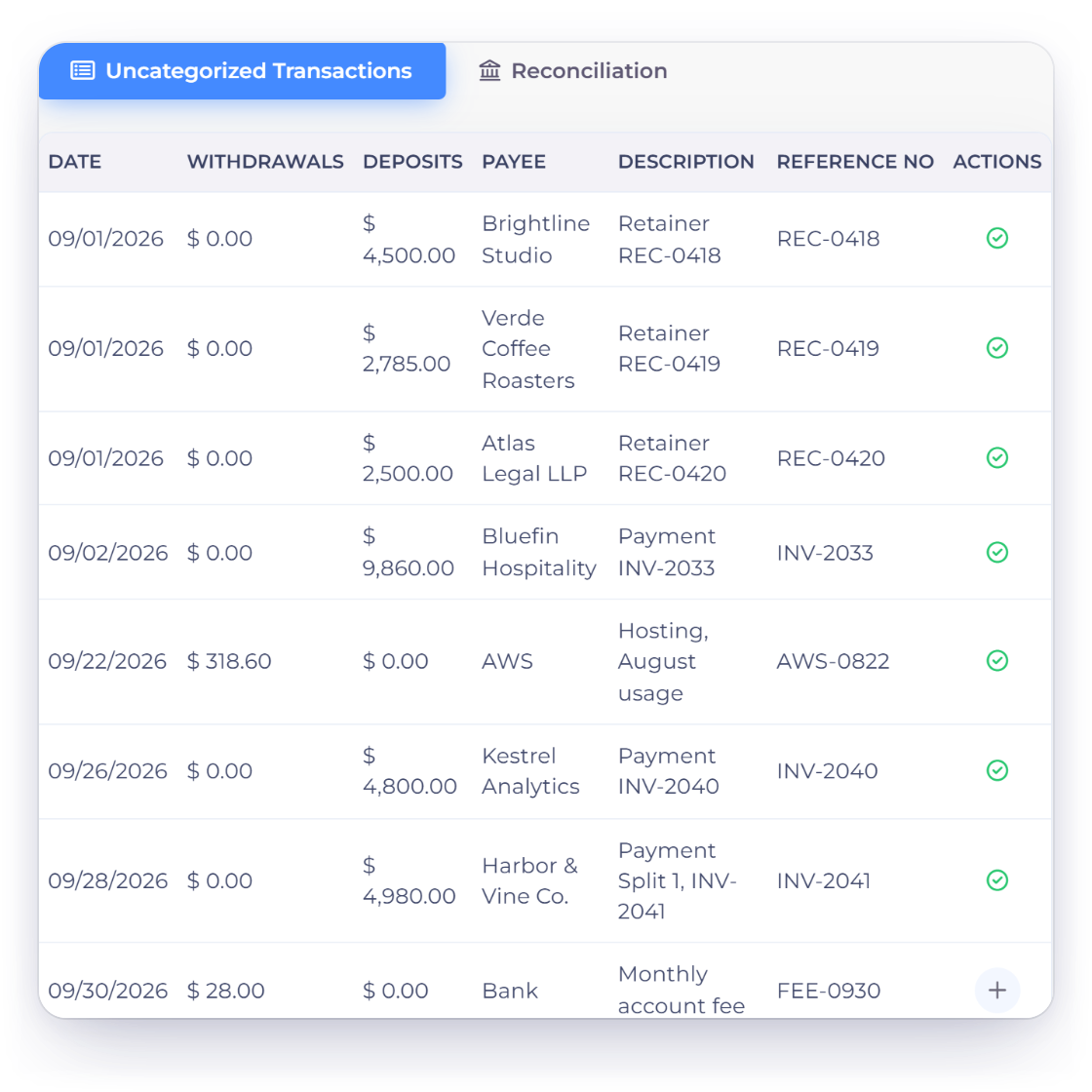
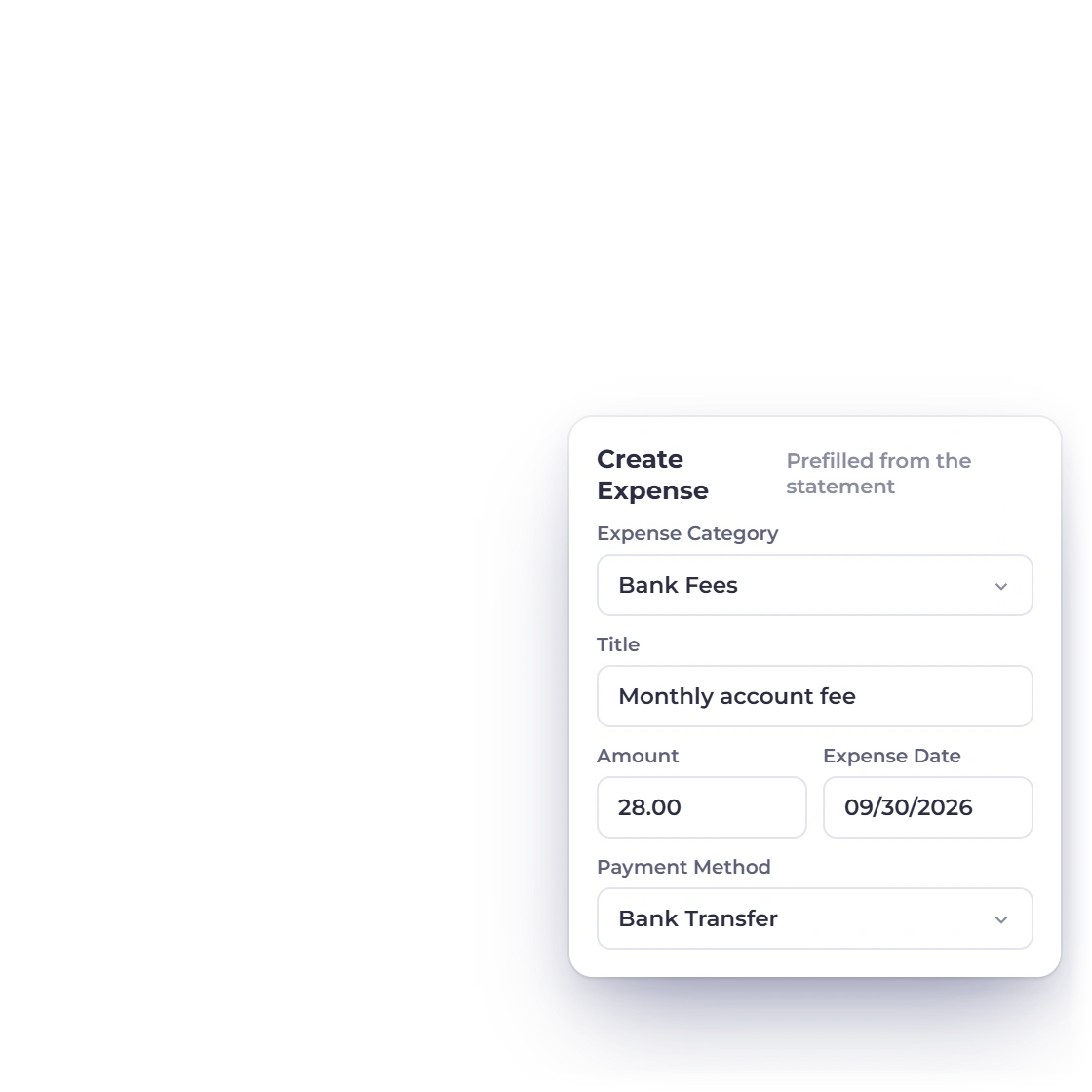
Imported lines open in Bank Reconciliation, ready to match. A line with no match can prefill an Income or Expense form, so you can review and save what's missing in moments.
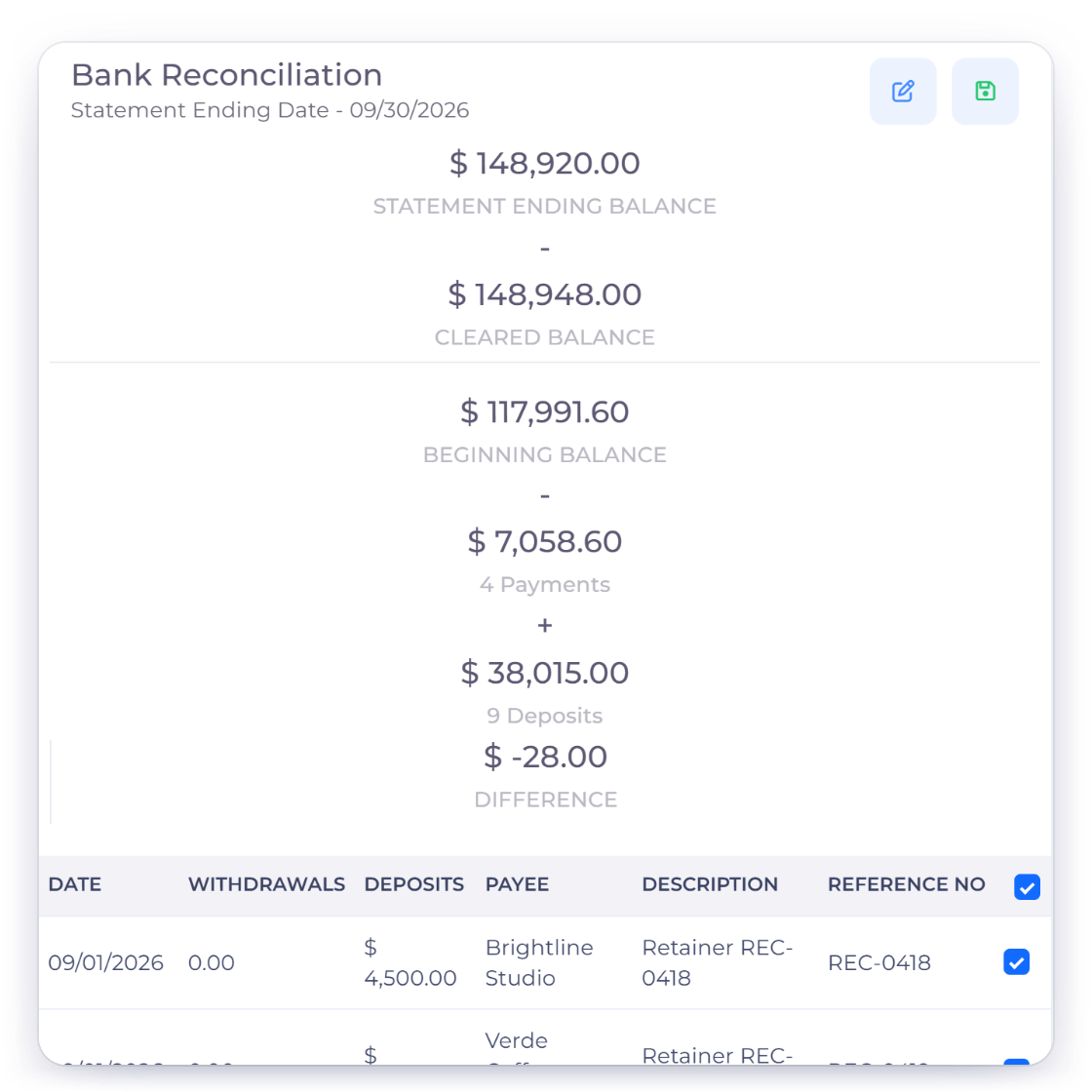
A statement closes when your matched entries cover it exactly and the difference is zero. If it ever needs reopening, the person, time and reason are recorded.
Reconciliation workflow
Use the statement file your bank already provides, in CSV, Excel, OFX, QFX, QBO, QIF, CAMT.053, MT940 or BAI2, and reconcile it against your books.
Upload a statement export without ever entering your online banking credentials in Invoice Crowd.
If your bank exports a supported statement file, the same simple workflow handles it.
Dates, amounts and debit or credit direction are detected and remembered for each account.
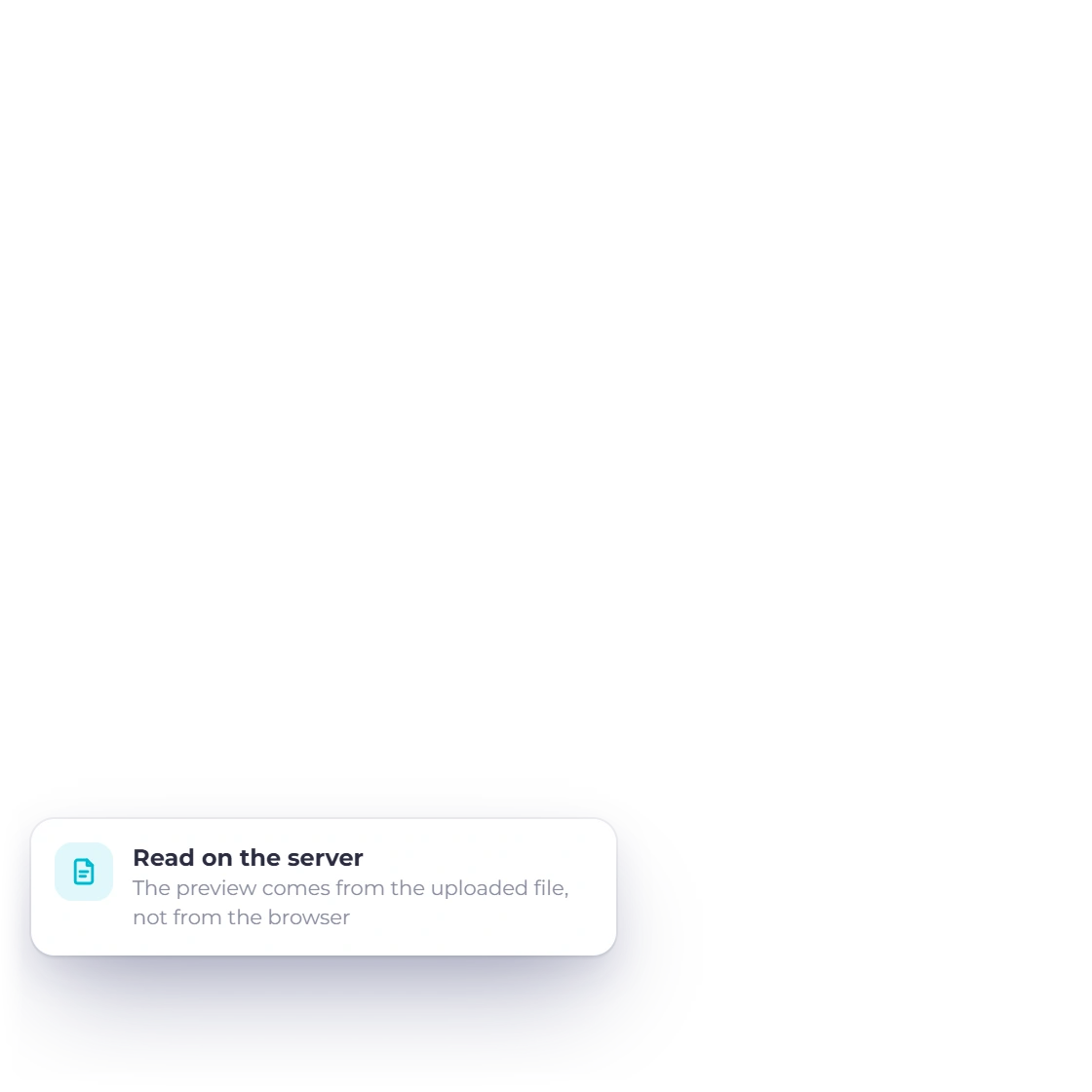
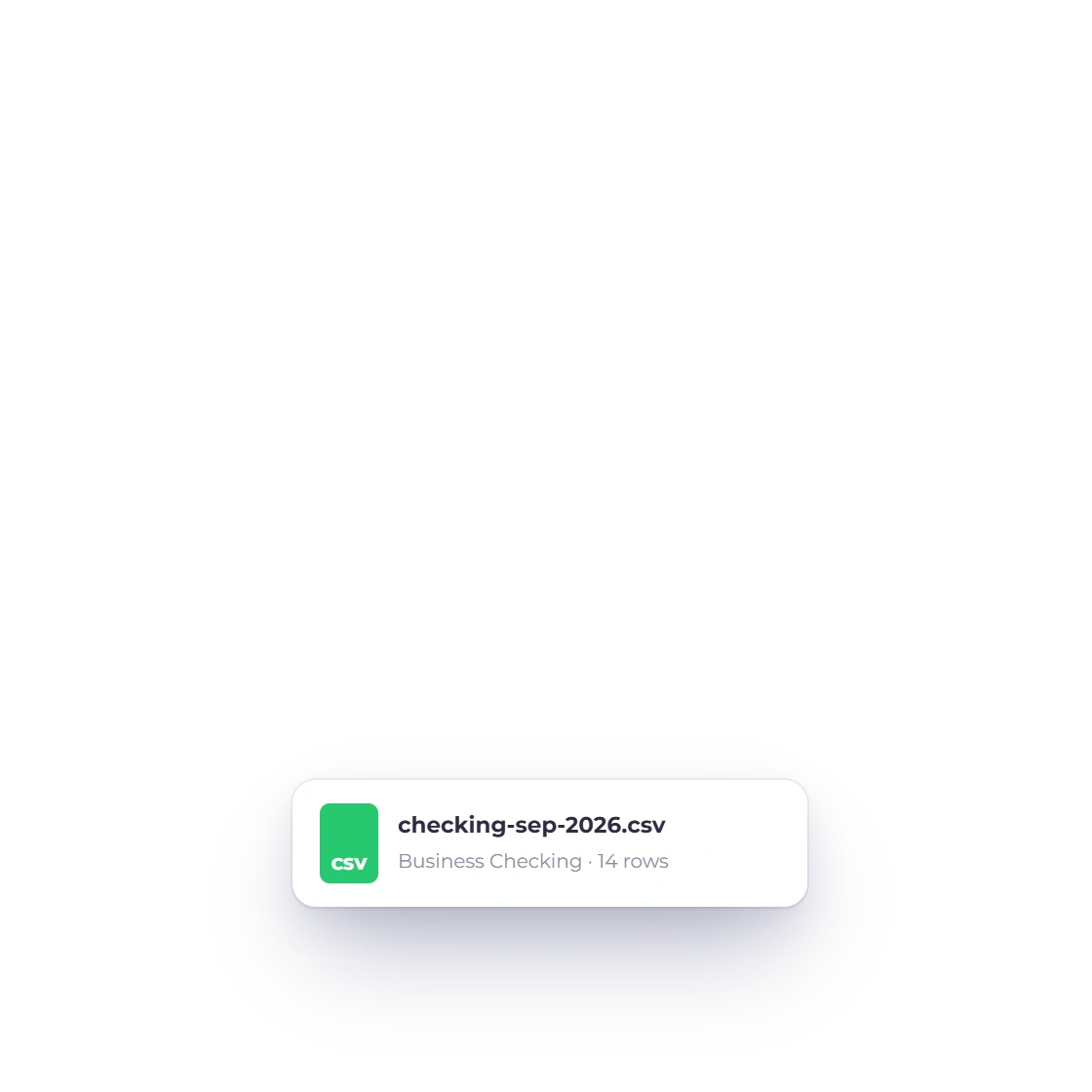
Preview every transaction before it enters the reconciliation.
CSV, TXT, XLS, XLSX, OFX, QFX, QBO, QIF, CAMT XML, MT940 and BAI2.
Statement files carry your bank's exact amounts and dates, ready to match.
Repeat files and overlapping rows are caught automatically for each account.
Each import belongs to one business, bank account, currency and period.
Imported lines stay separate from your books until you match or record them.
Each statement uses the same currency as the bank account it belongs to.
Invoice Crowd calculates the difference itself, so a statement closes only when it truly balances.
Reopening keeps the original statement, its match history and the reason given.
Questions
Download a statement from your online banking and upload it in Bank Reconciliation. Invoice Crowd detects the columns, shows a preview and stages the transactions for matching, while your banking login stays with your bank.
CSV, TXT, XLS, XLSX, OFX, QFX, QBO, QIF, CAMT XML, STA/MT940 and BAI/BAI2 files up to 10 MB.
The transactions are ready to match in Bank Reconciliation. Likely matches are pre-ticked, and any line without a match can prefill an Income or Expense form for you to review and save.
As soon as the difference is zero. Invoice Crowd calculates it from the entries you've matched, so a closed statement agrees with your books.
Download a statement, preview and import it, then match it against the records already in your books.