


Skip to content

Collaboration

Give each teammate the access their work actually needs

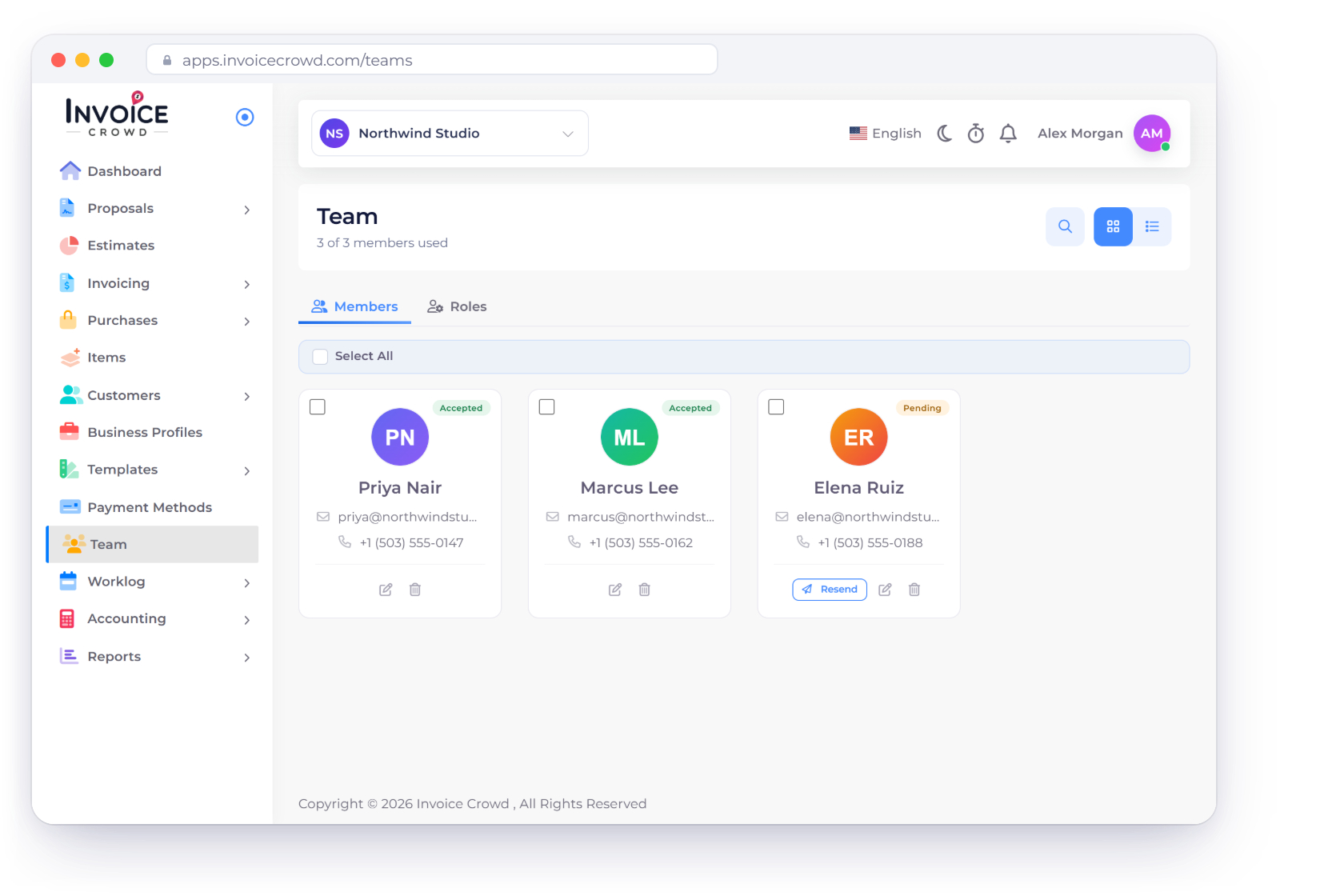
Invoice Crowd combines reusable roles, per-area permissions, business-profile assignments and optional customer restrictions so an invited teammate can work in the right context without inheriting every owner capability.

  • Reusable permission roles
  • Business and customer scope
  • Unknown modules denied by default

Last updated:

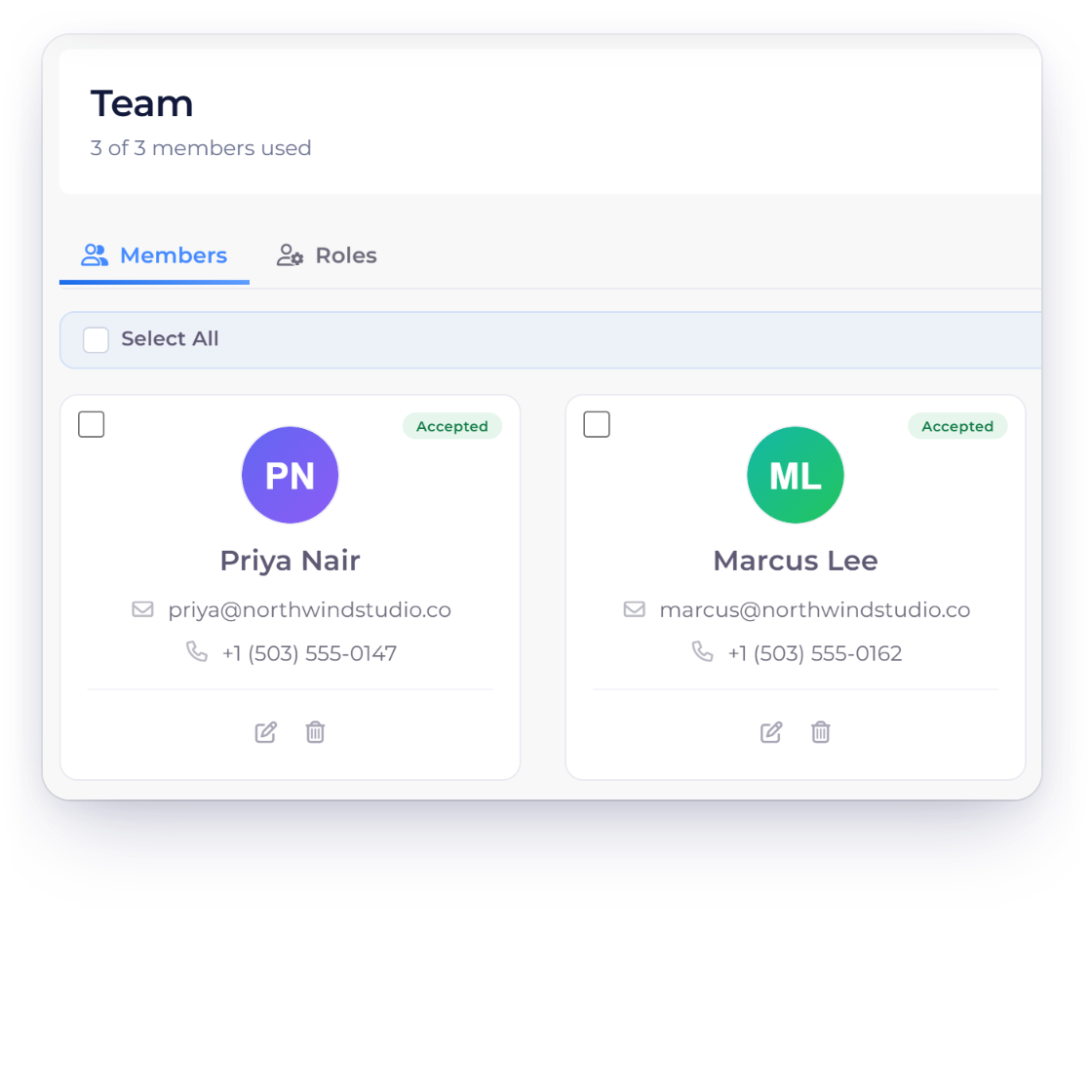
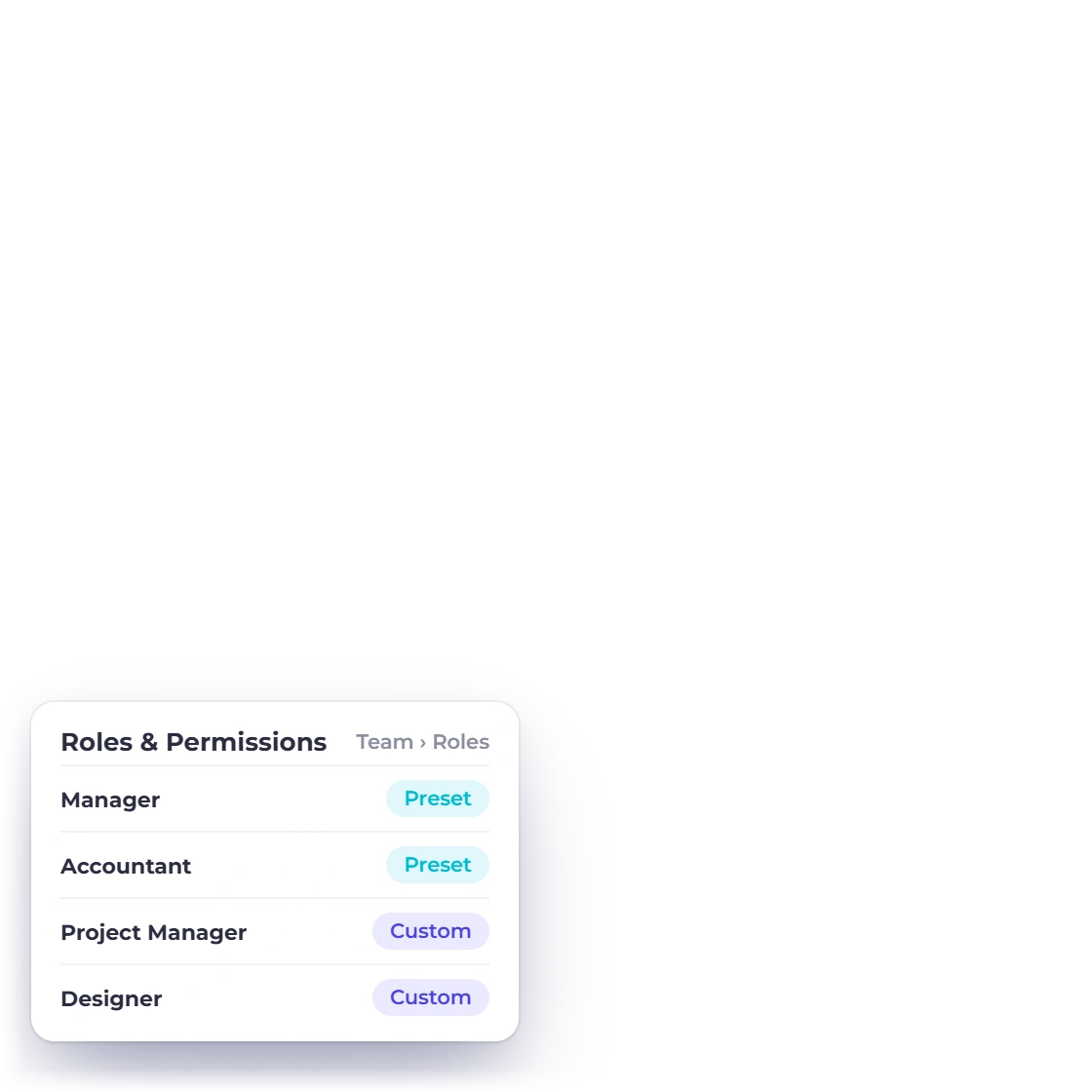
Invoice Crowd team access illustration showing roles, assigned business profiles and permission decisions with fictional member data.

How it works

From invitation to a bounded working context

Access is assembled from identity, owner relationship, selected businesses and permissions rather than a single broad team switch.

Invite the right person

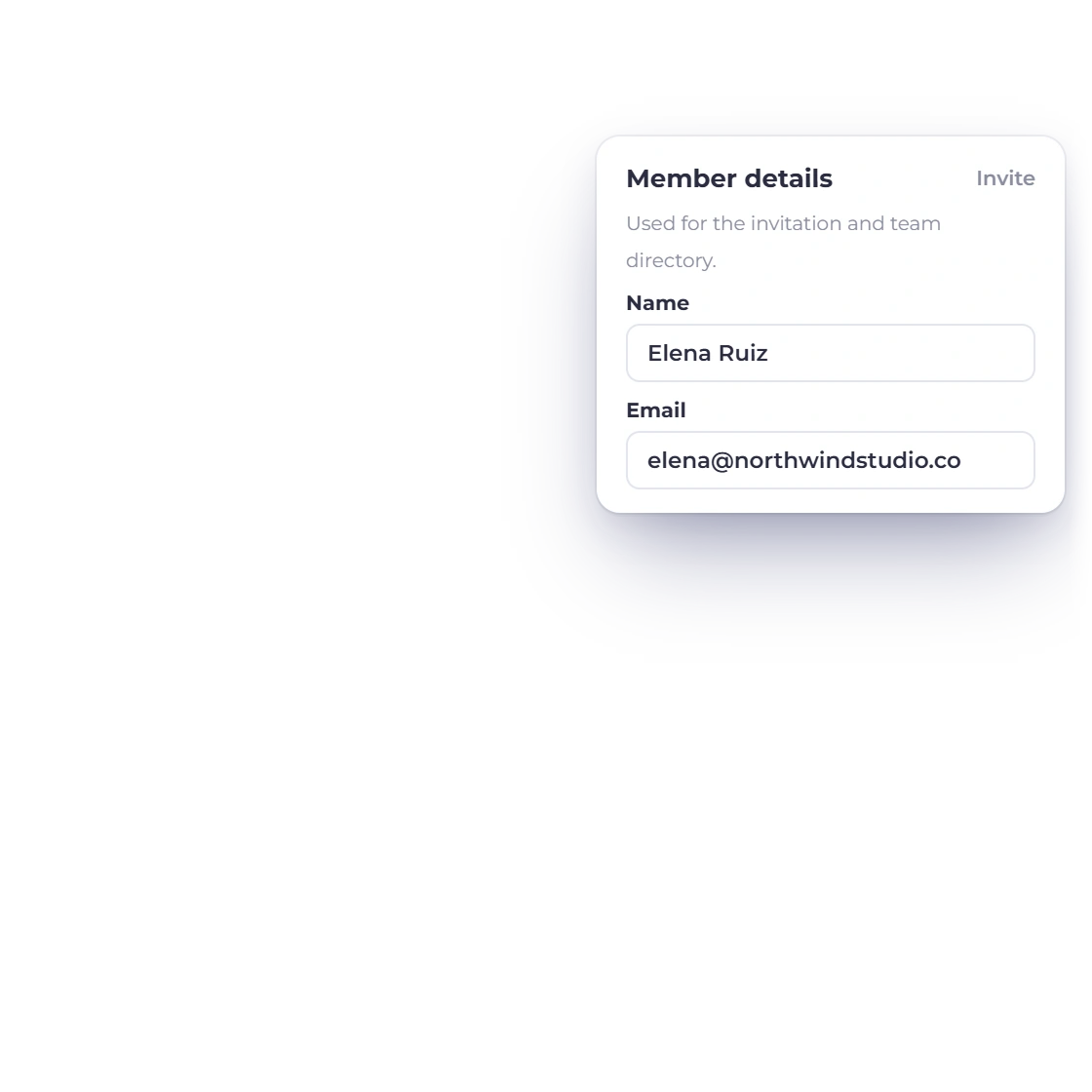
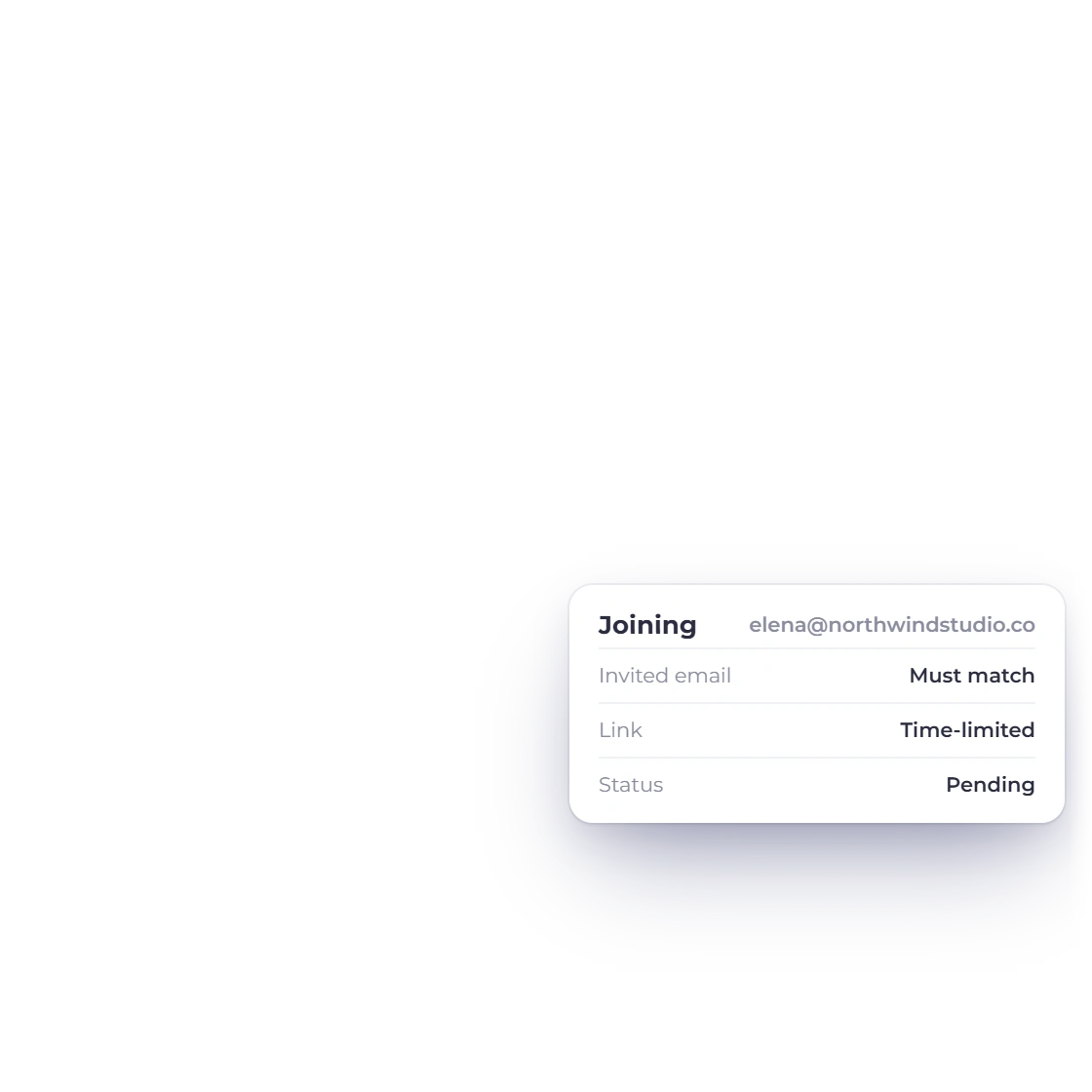
A pending invitation is tied to an email address and expires rather than granting immediate access.

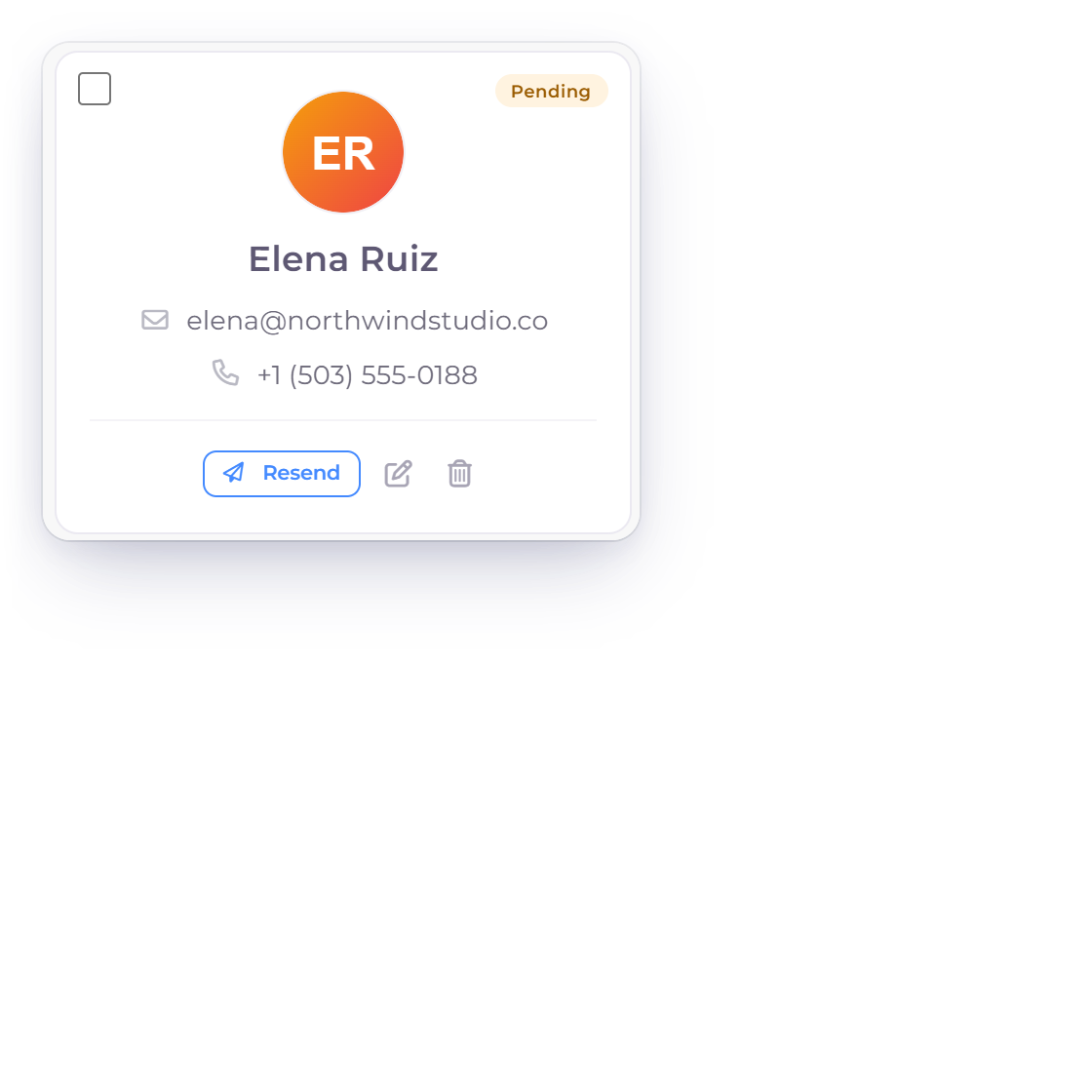
Invoice Crowd teams illustration for invite the right person using fictional data.

Email-matched invitations

Owners create a pending team relationship and send a time-limited join link. Acceptance must match the invited email before the relationship becomes active.

  • Pending until accepted
  • Email identity must match
  • Invite can be resent or revoked
Plan-aware team capacity

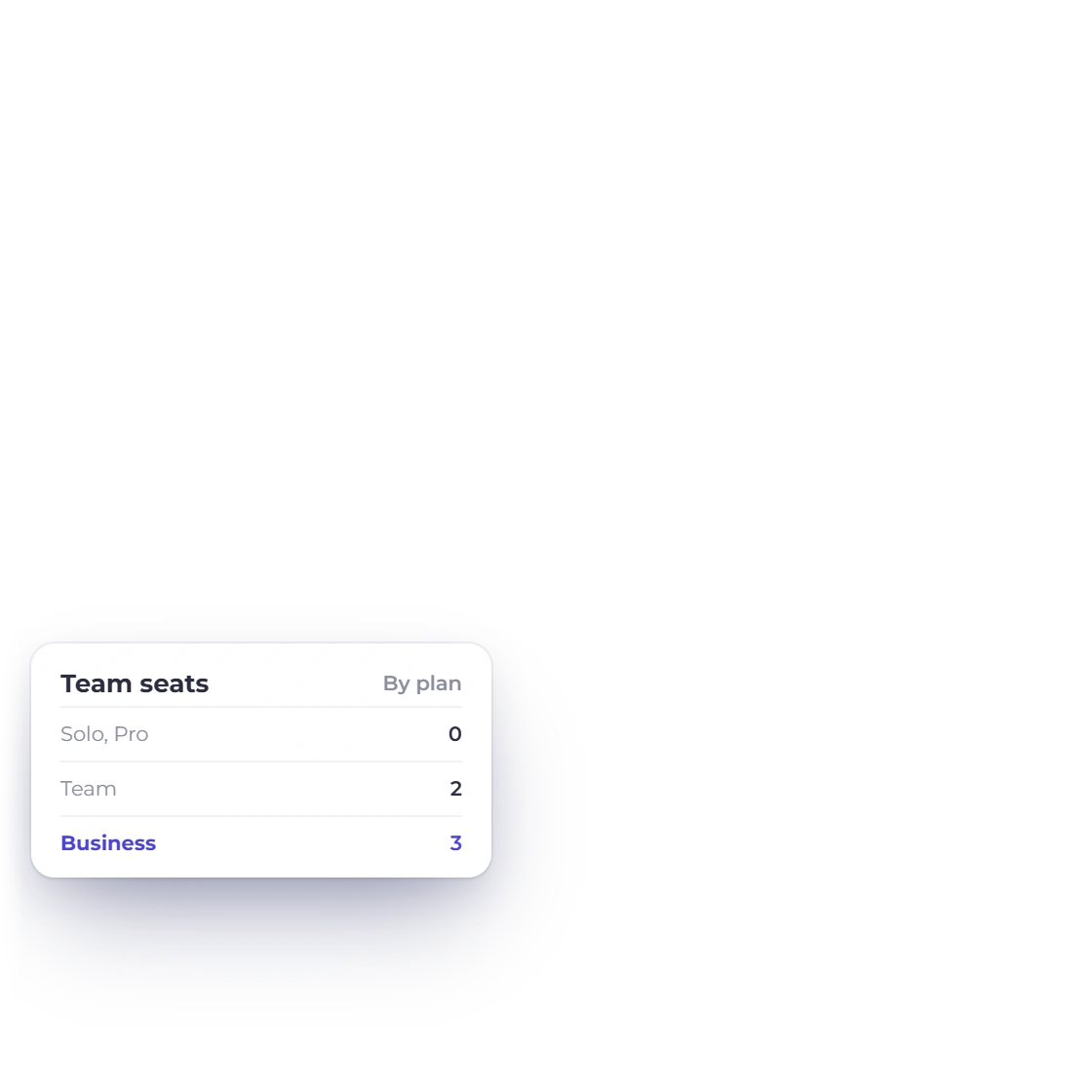
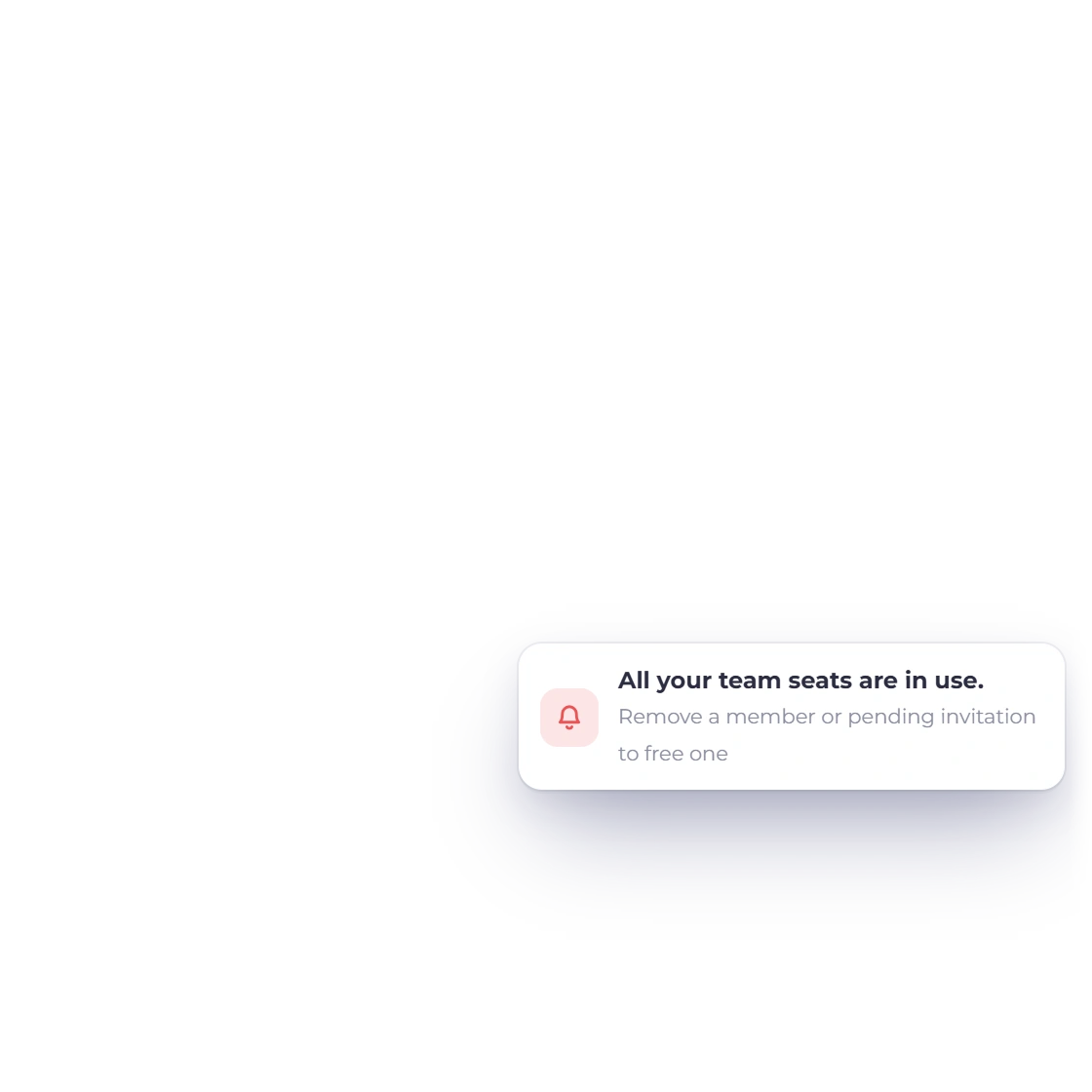
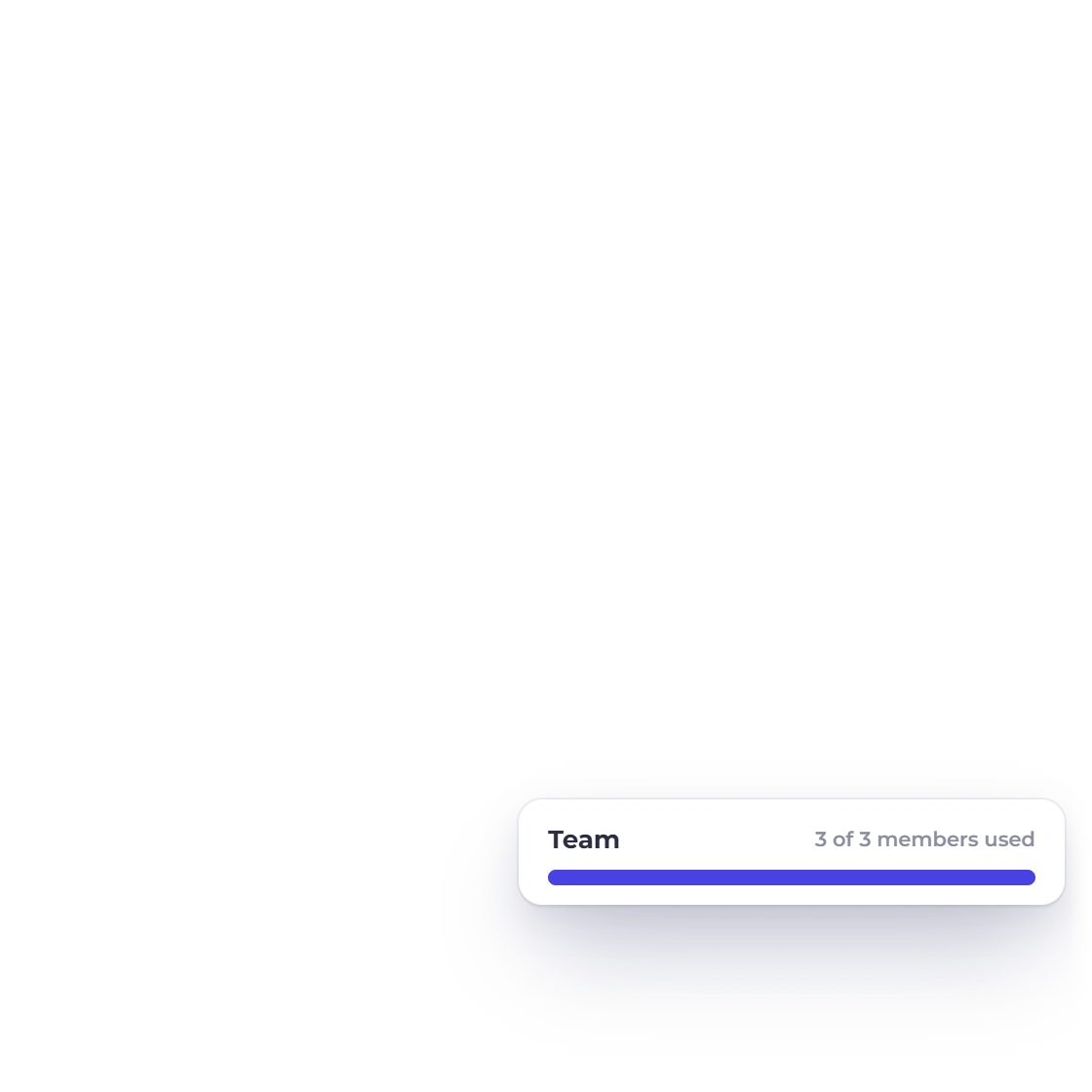
The add-member control checks the available member allowance, including configured add-ons, before a new invitation can be created.

  • Capacity checked first
  • Upgrade state is visible
  • No silent over-allocation

Shape the role

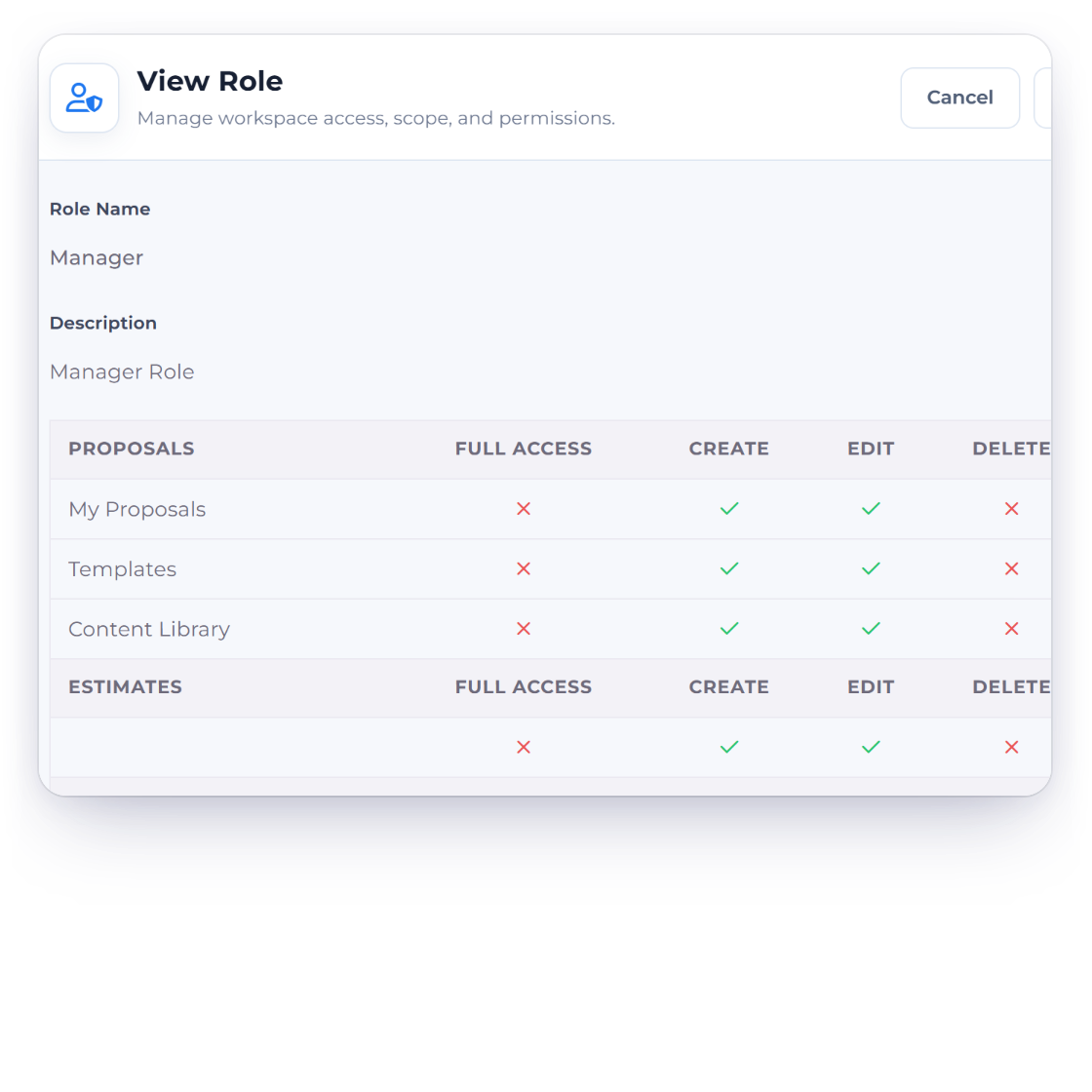
Reusable roles translate business responsibility into module and action permissions.

Invoice Crowd teams illustration for shape the role using fictional data.

Named roles with granular flags

Owners can build roles across product areas and action flags such as full access, create, edit, delete, export, share and schedule where those actions apply.

  • Reusable role definitions
  • Per-area access
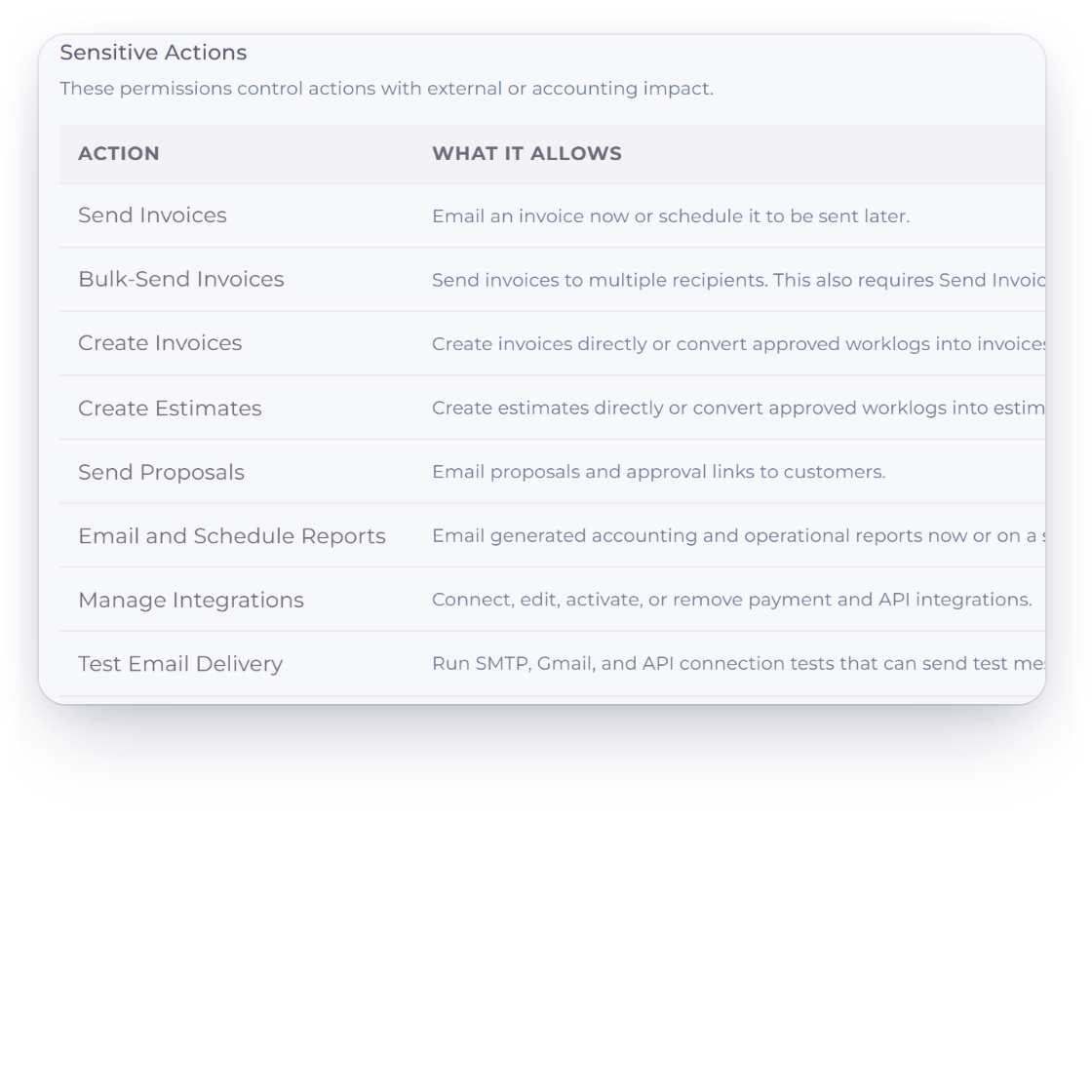
  • Sensitive named capabilities

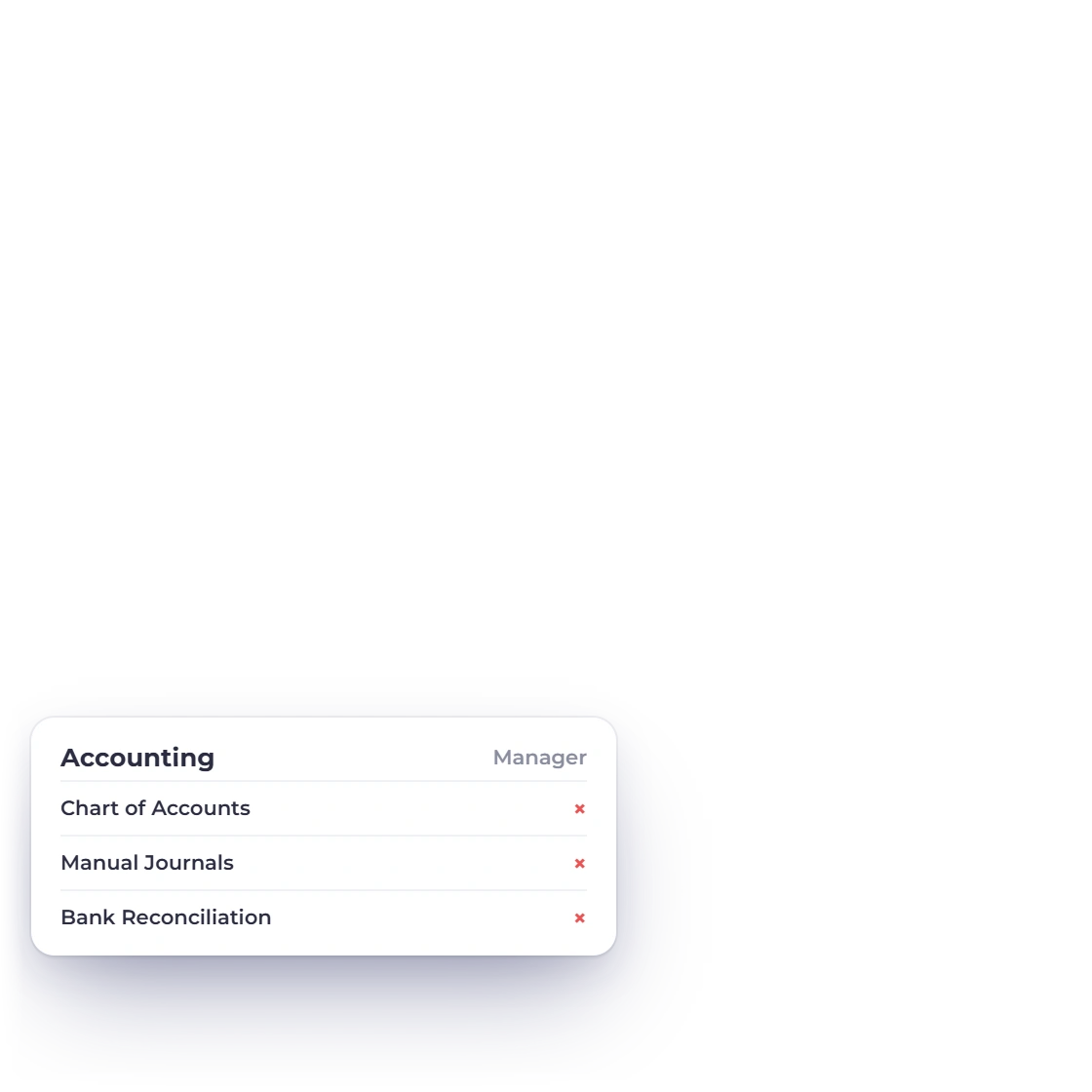
Deny-by-default decisions

Team authorization resolves the requested module and capability. Unknown modules are denied instead of being treated as implicitly allowed.

  • Explicit module map
  • Capability checks
  • Owner-only billing and settings

Limit the working set

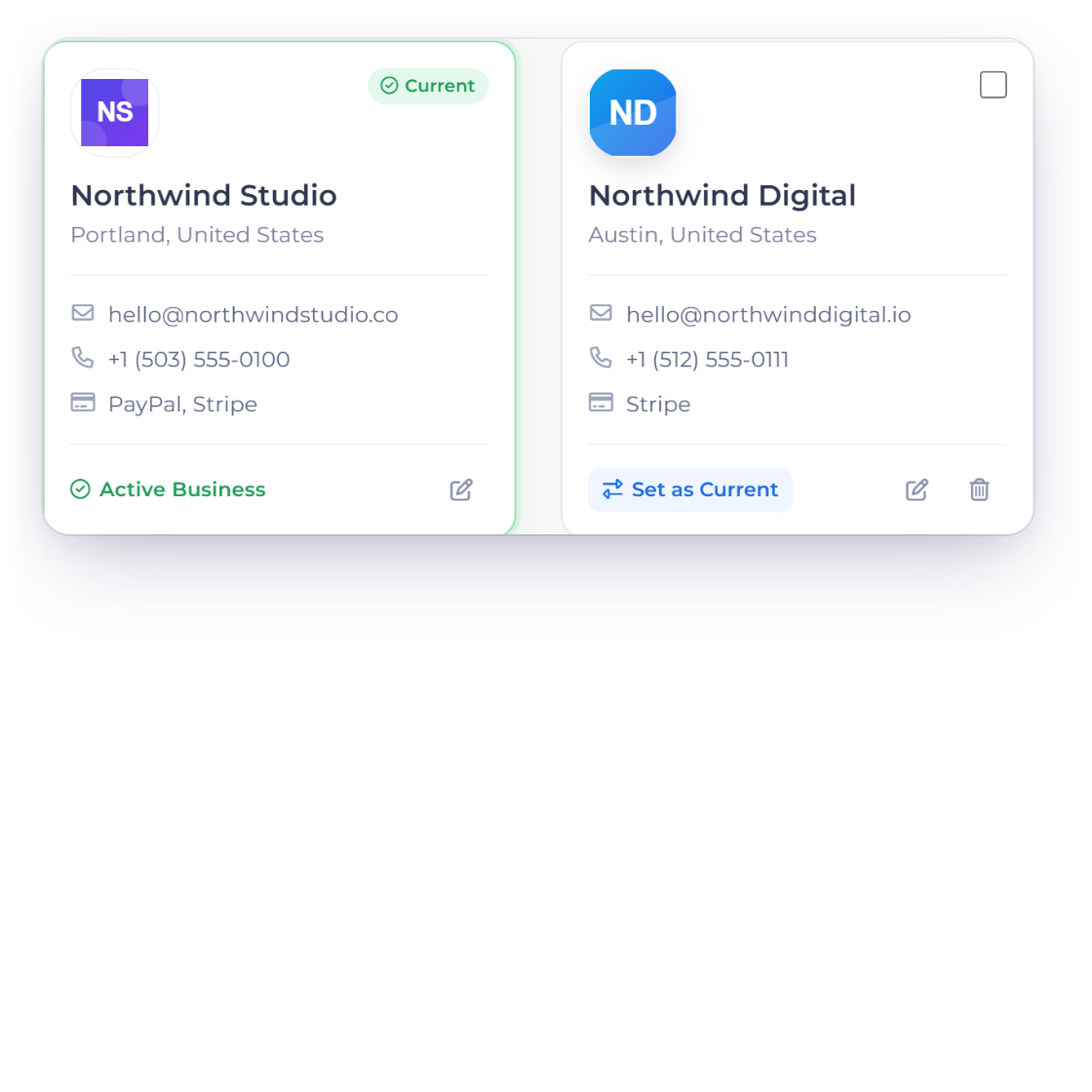
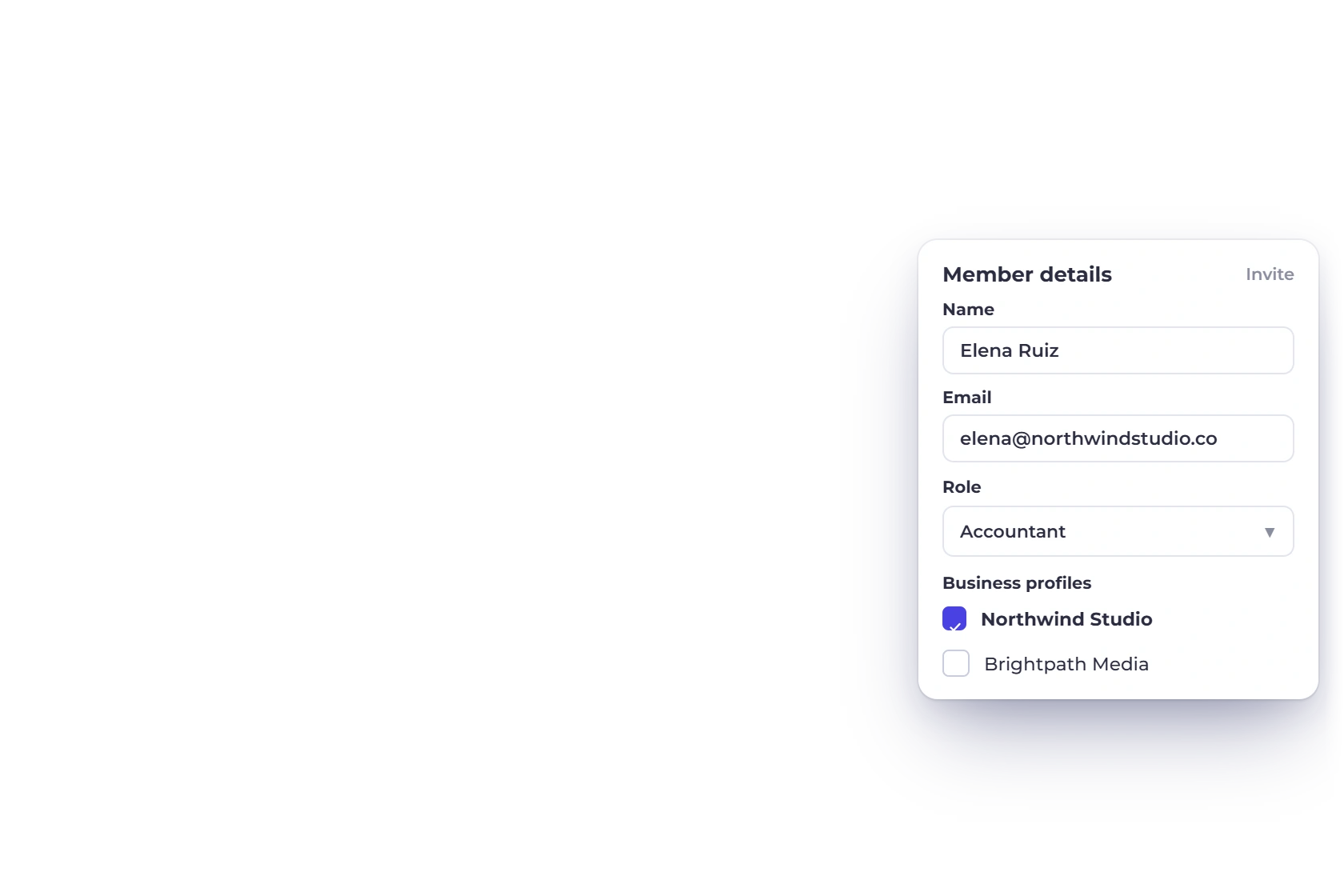
A role answers what; assignments answer which business and customer records.

Invoice Crowd teams illustration for limit the working set using fictional data.

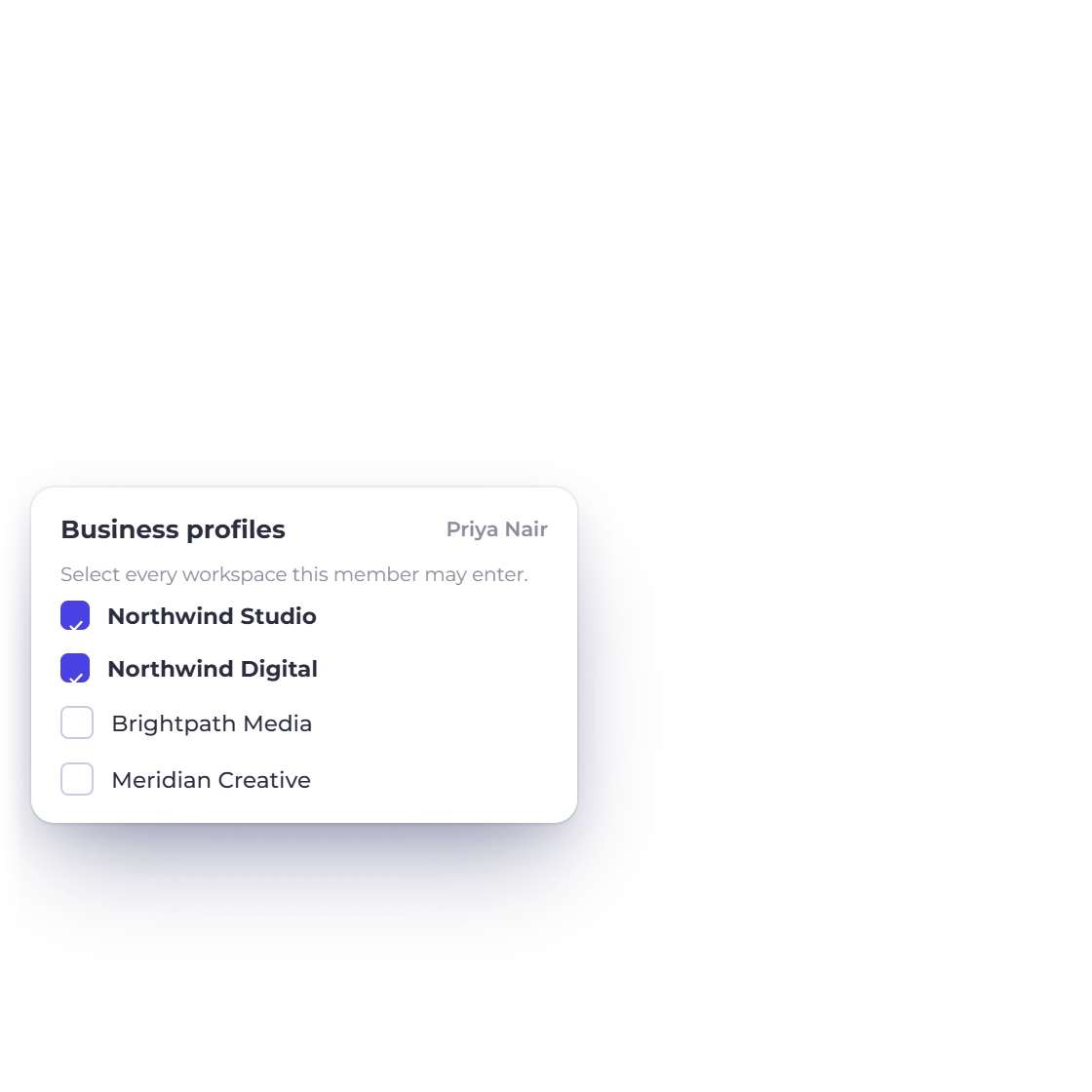
Business-profile assignments

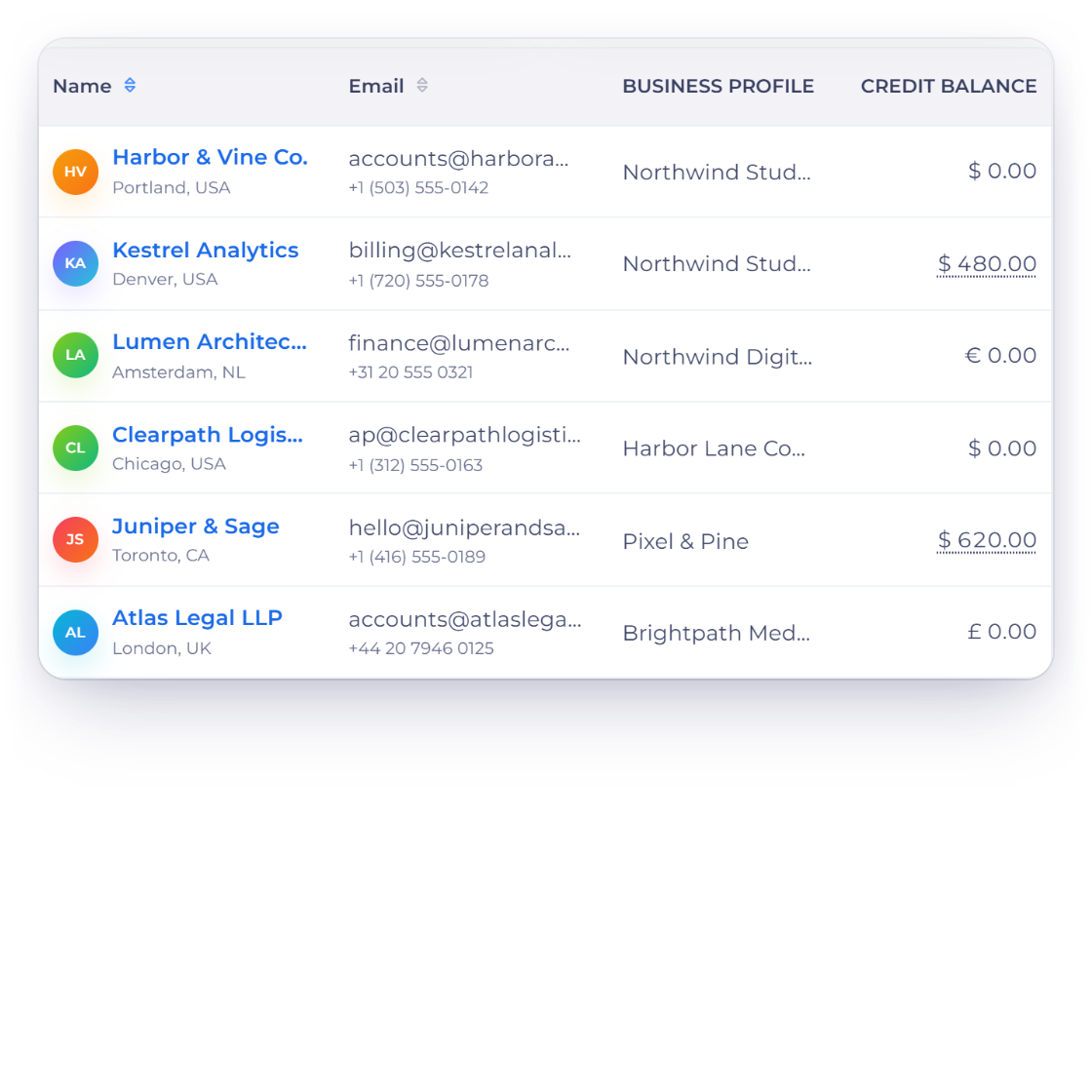
An invitation can include one or more business profiles. The active business remains part of the record scope during day-to-day work.

  • Selected business profiles
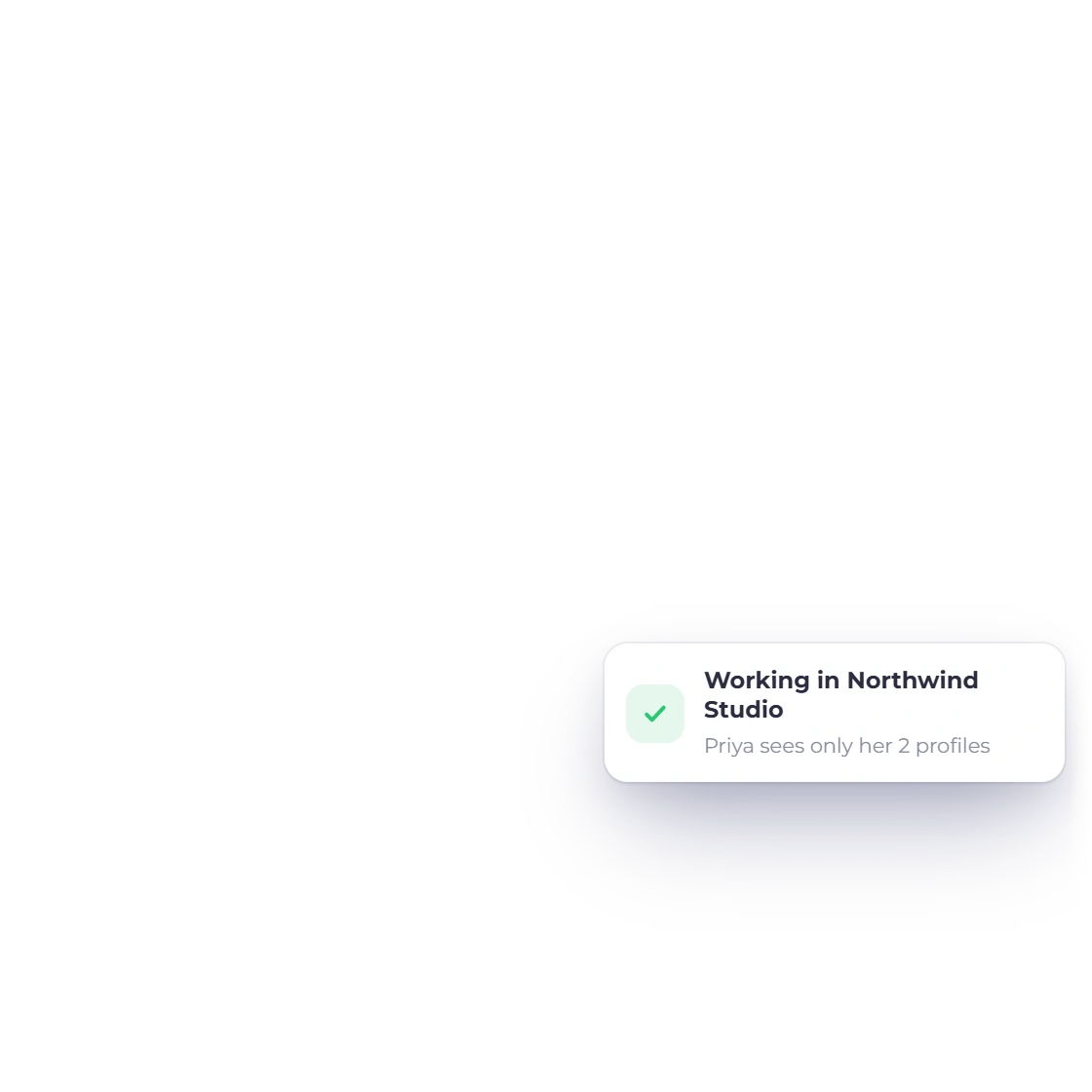
  • Active context retained
  • Owner relationship resolved

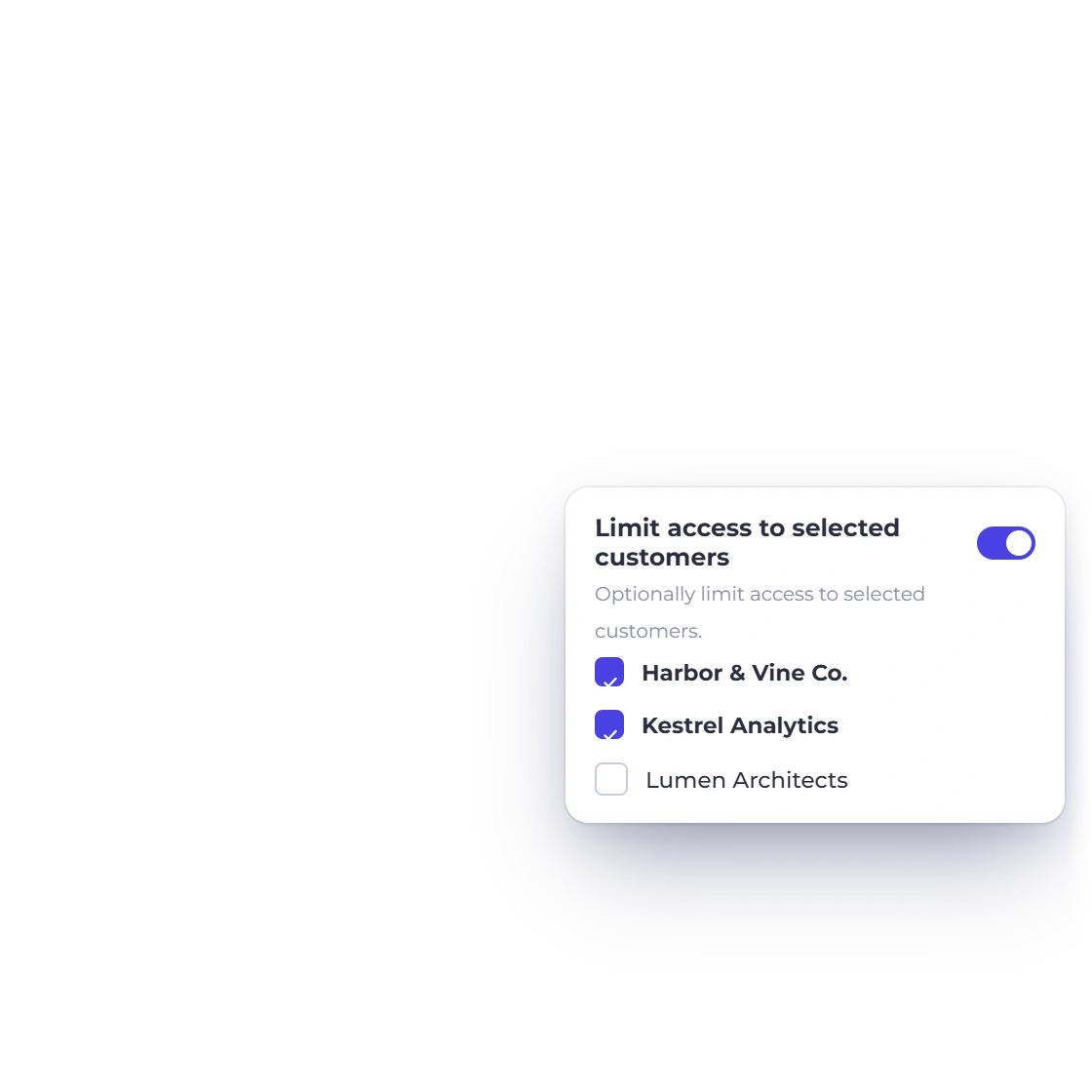
Optional customer restriction

Owners can allow all customers in the assigned context or constrain the member to a selected customer set when the workflow requires narrower access.

  • All or selected customers
  • Editable member assignment
  • Revocation removes the relationship

Capability map

Team controls in the current product

The practical controls owners and invited members encounter, including plan limits and owner-only areas.

  • Member invitations

    Invite by name and email through a pending, time-limited relationship.

  • Reusable roles

    Create owner-defined roles that can be applied to multiple members.

  • Module permissions

    Control visible product areas instead of granting one universal team role.

  • Action flags

    Preserve create, edit, delete, export, share and schedule decisions where supported.

  • Sensitive capabilities

    Named checks protect actions that need more than ordinary module visibility.

  • Business assignments

    Choose which business profiles a member may work within.

  • Customer restrictions

    Allow all customers or select a narrower customer set.

  • Owner boundaries

    Billing, settings and the owner profile remain owner-only surfaces.

  • Capacity limits

    Available team seats follow the current subscription and member add-ons.

  • Resend invitation

    A still-pending invitation can be sent again without activating it.

  • Revoke access

    Deleting the team relationship removes access instead of deleting business data.

  • Role safety

    System or assigned roles have ownership and deletion guards.

Questions

Teams, answered

Can I limit a team member to one business?

Yes. A team invitation can be assigned to selected business profiles, and the active business remains part of the application scope while the member works.

Can I restrict a member to selected customers?

Yes. The team relationship can allow all customers or carry a selected customer list for a narrower working set.

Does an invitation grant access immediately?

No. It creates a pending relationship and a time-limited invitation link. The accepting account email must match the invited email before activation.

Are team members able to manage billing?

No. Billing, settings and the owner user-profile surface are owner-only in the current root application authorization contract.

What happens if a permission module is unknown?

The current authorization contract denies unknown team modules by default rather than treating the absence of a rule as permission.

Can I delete a role that is still assigned?

No. Role deletion is blocked while a team relationship is using that role, which prevents an assignment from silently losing its meaning.

Build a team workspace that stays understandable

Start with one role and one representative business assignment, verify the member view, then expand access only when the workflow needs it.

  • No card required to start
  • Configuration stays visible
  • Current product boundaries stated