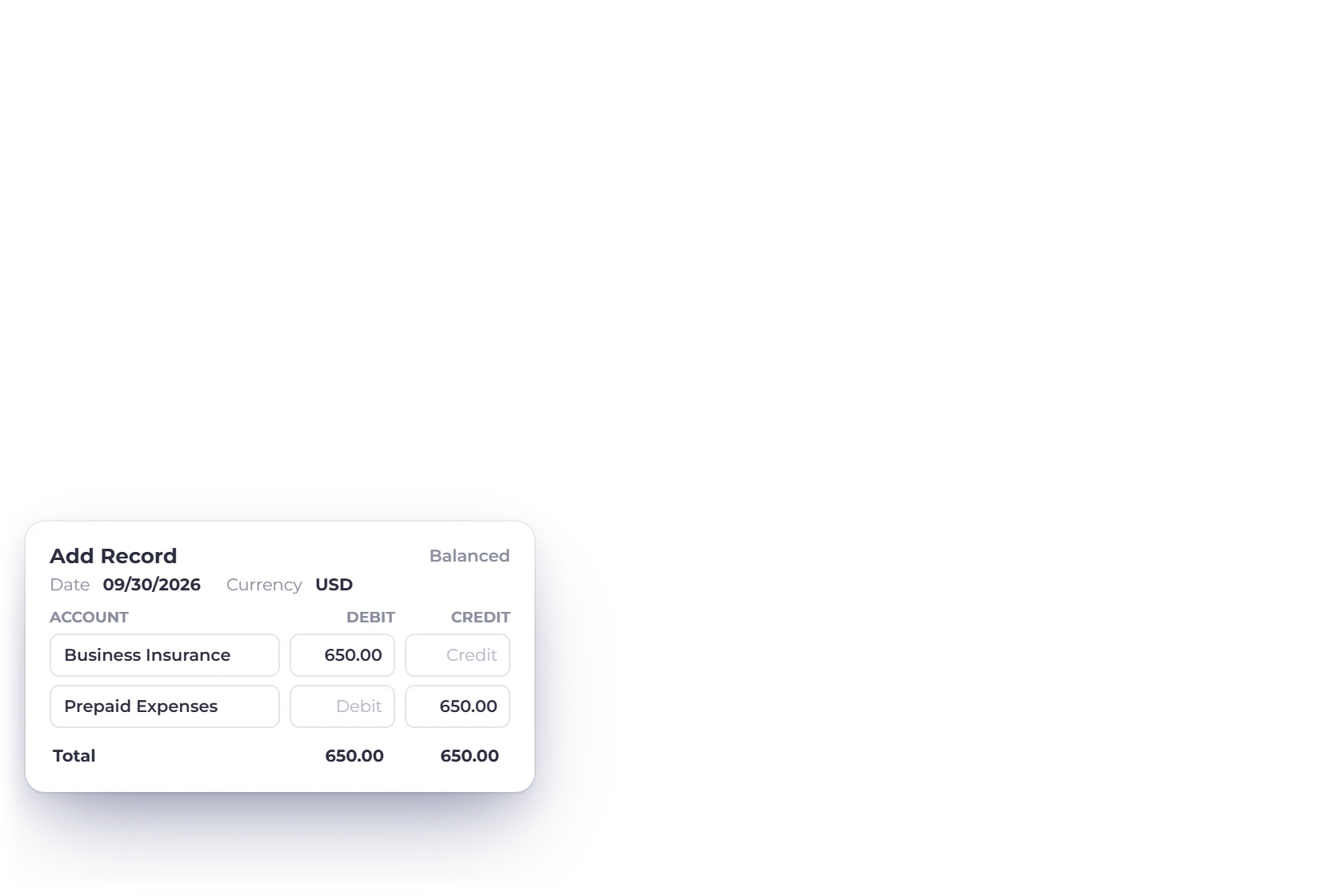

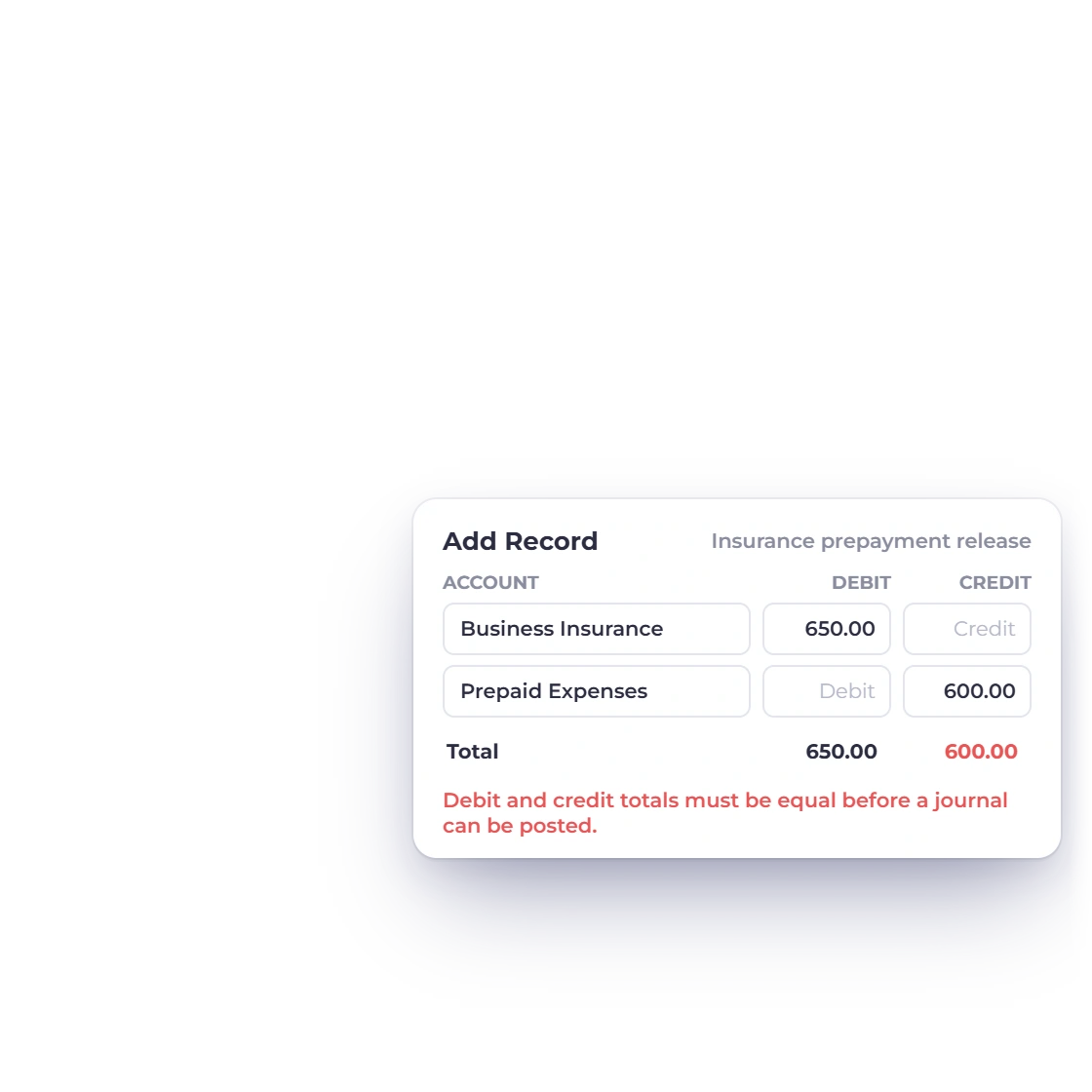
Enter debit and credit lines together
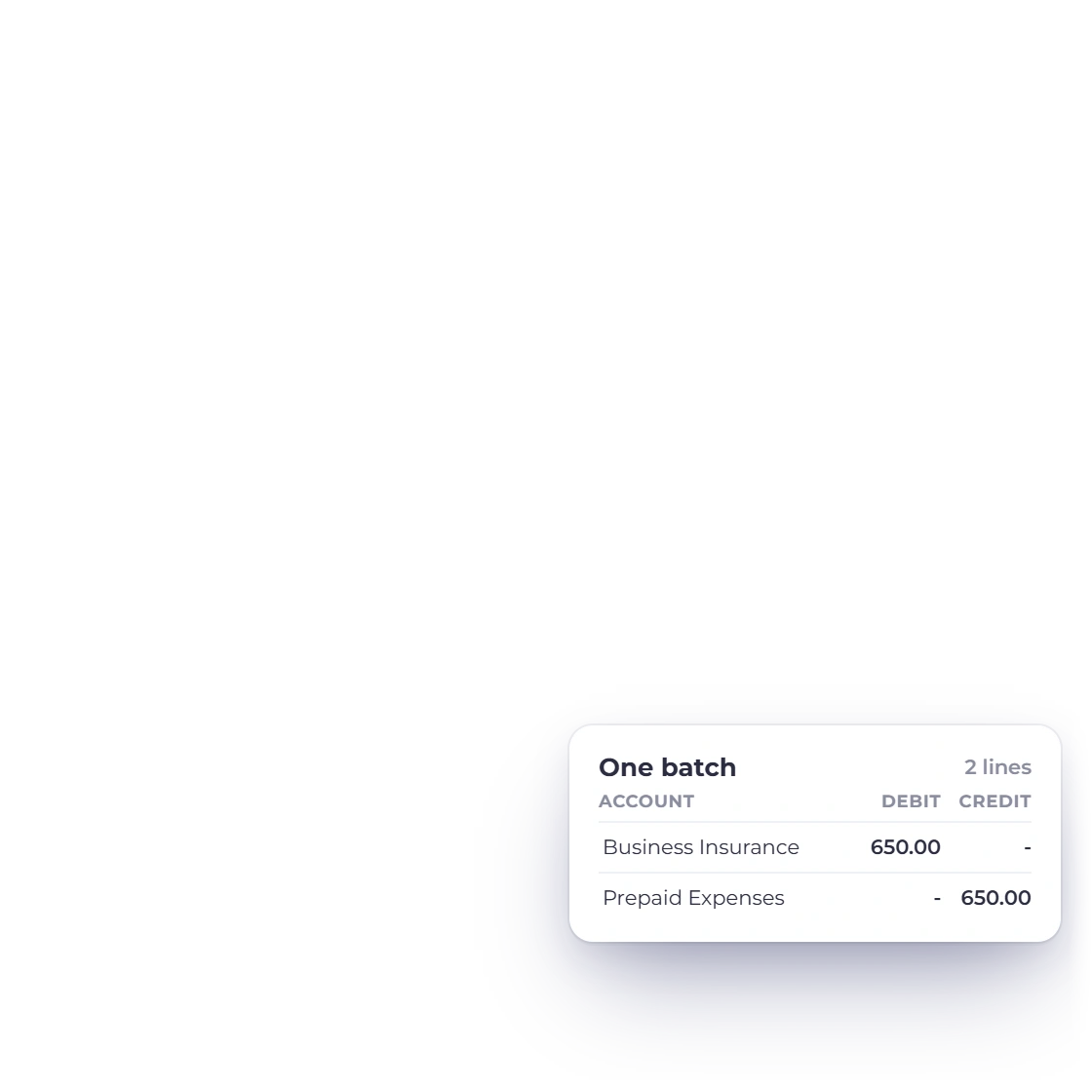
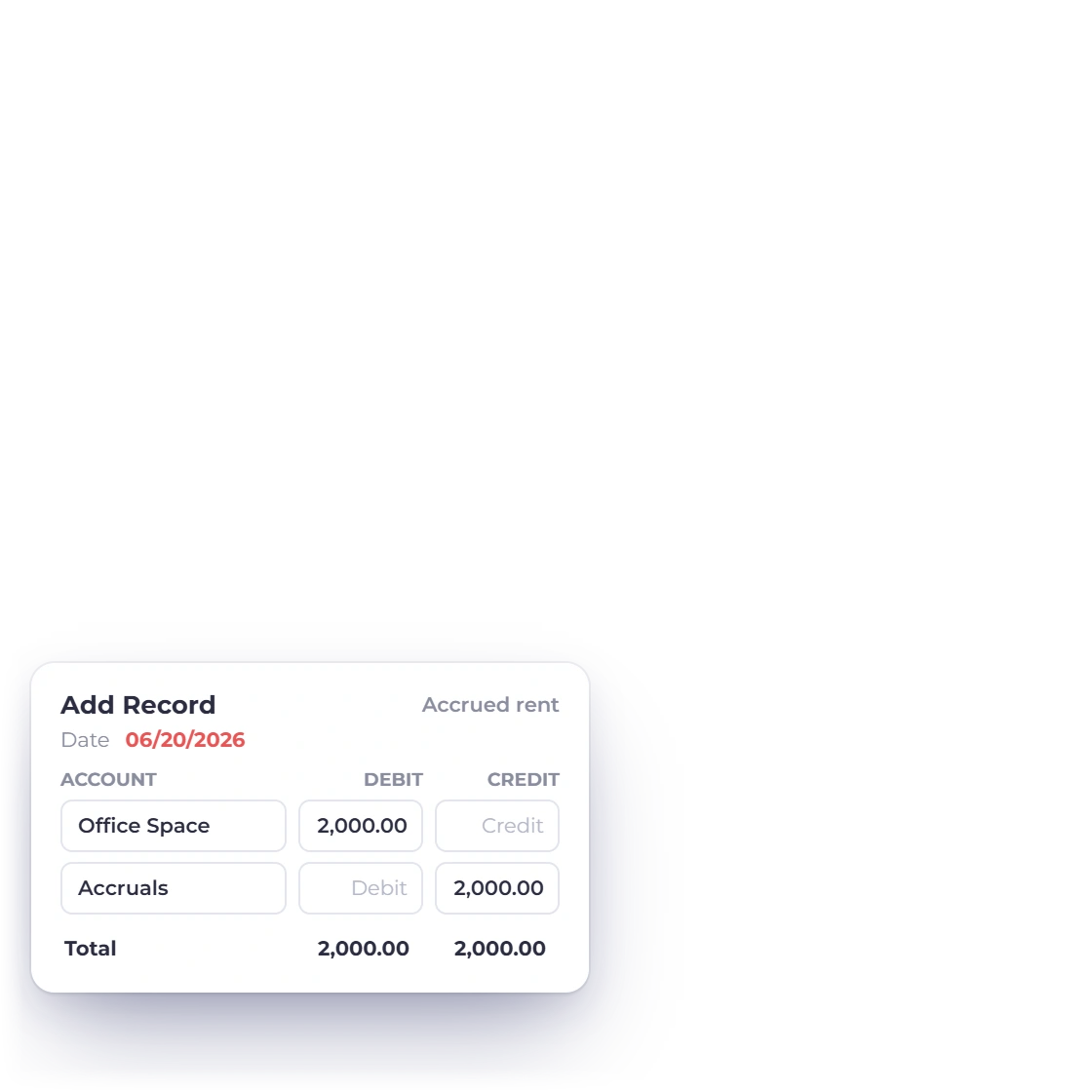
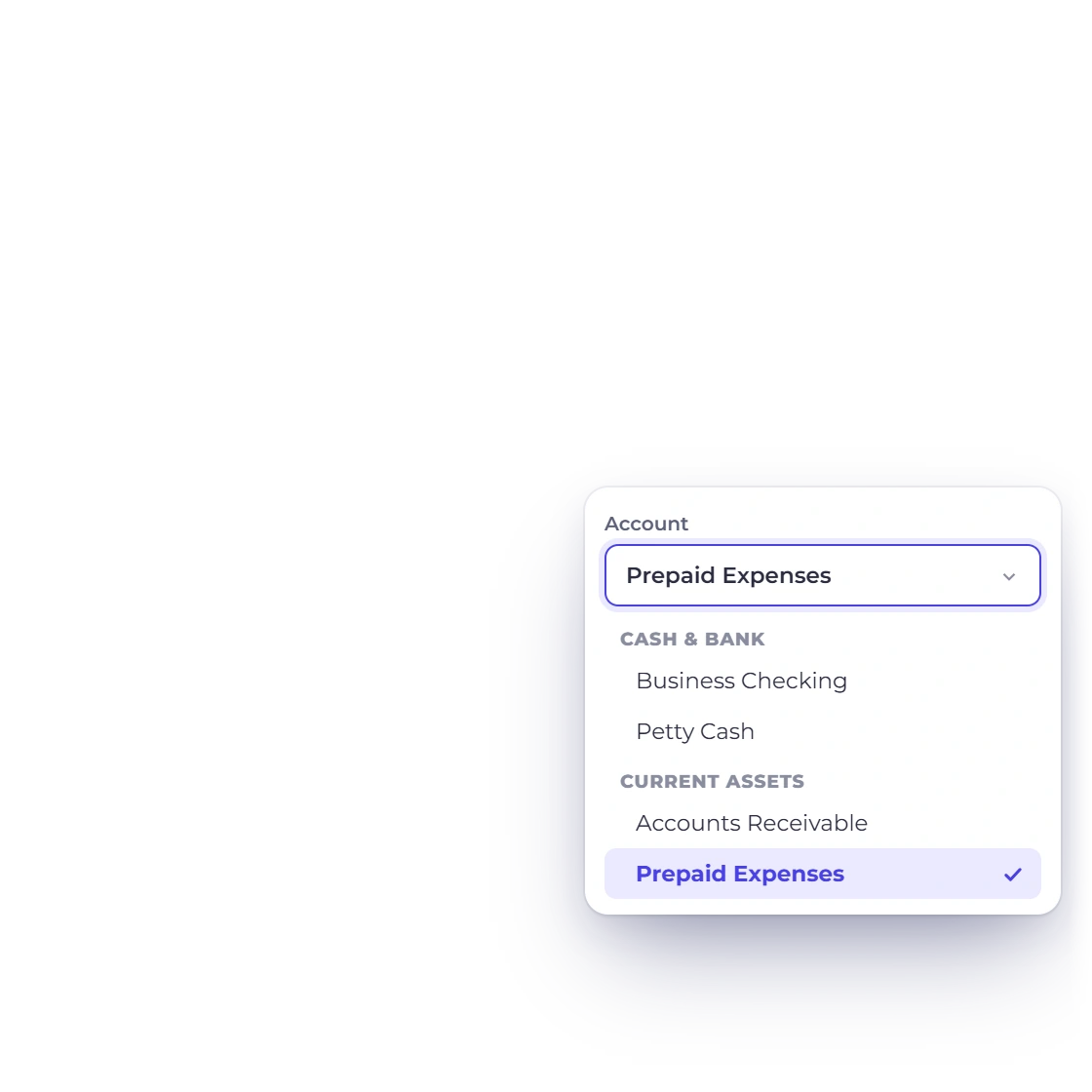
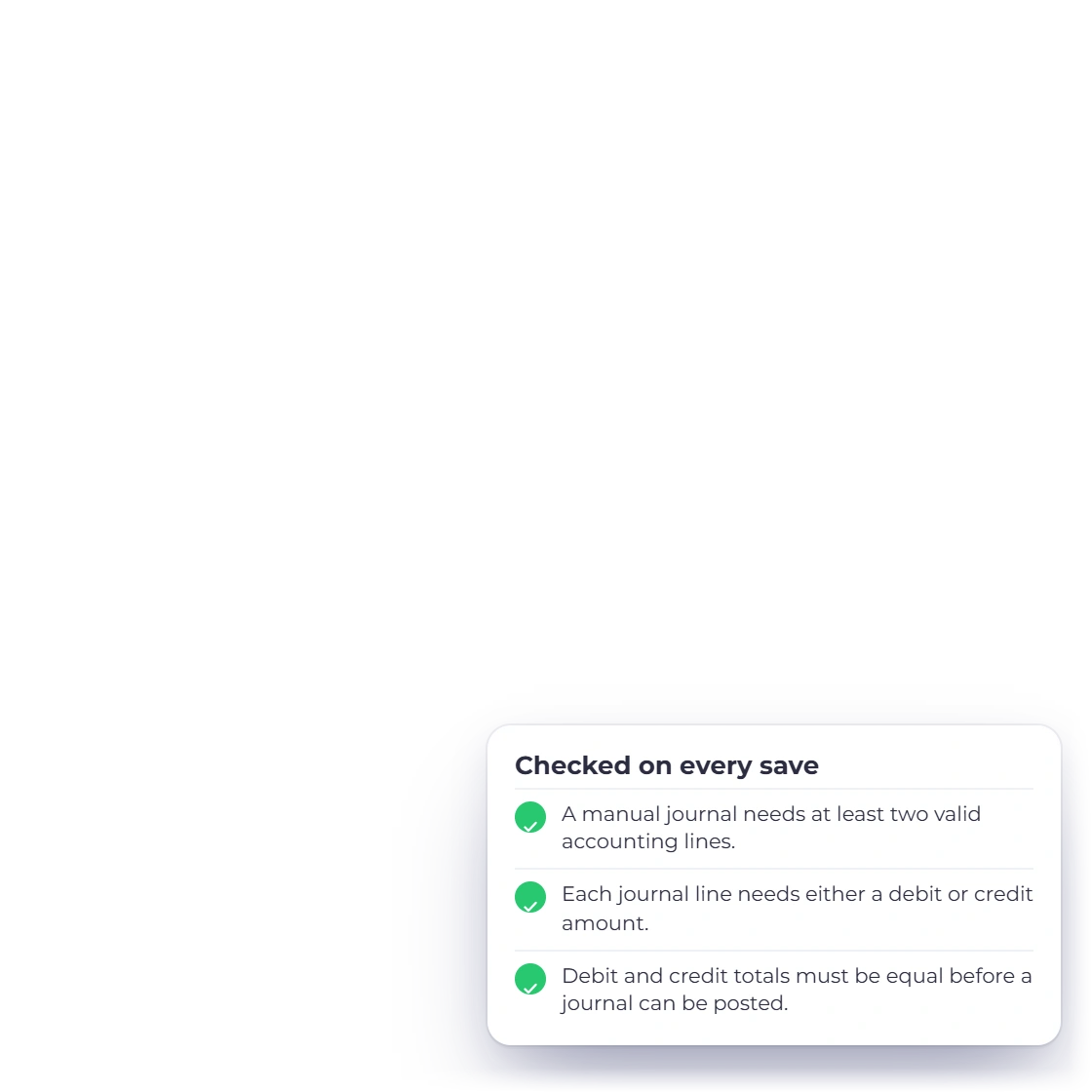
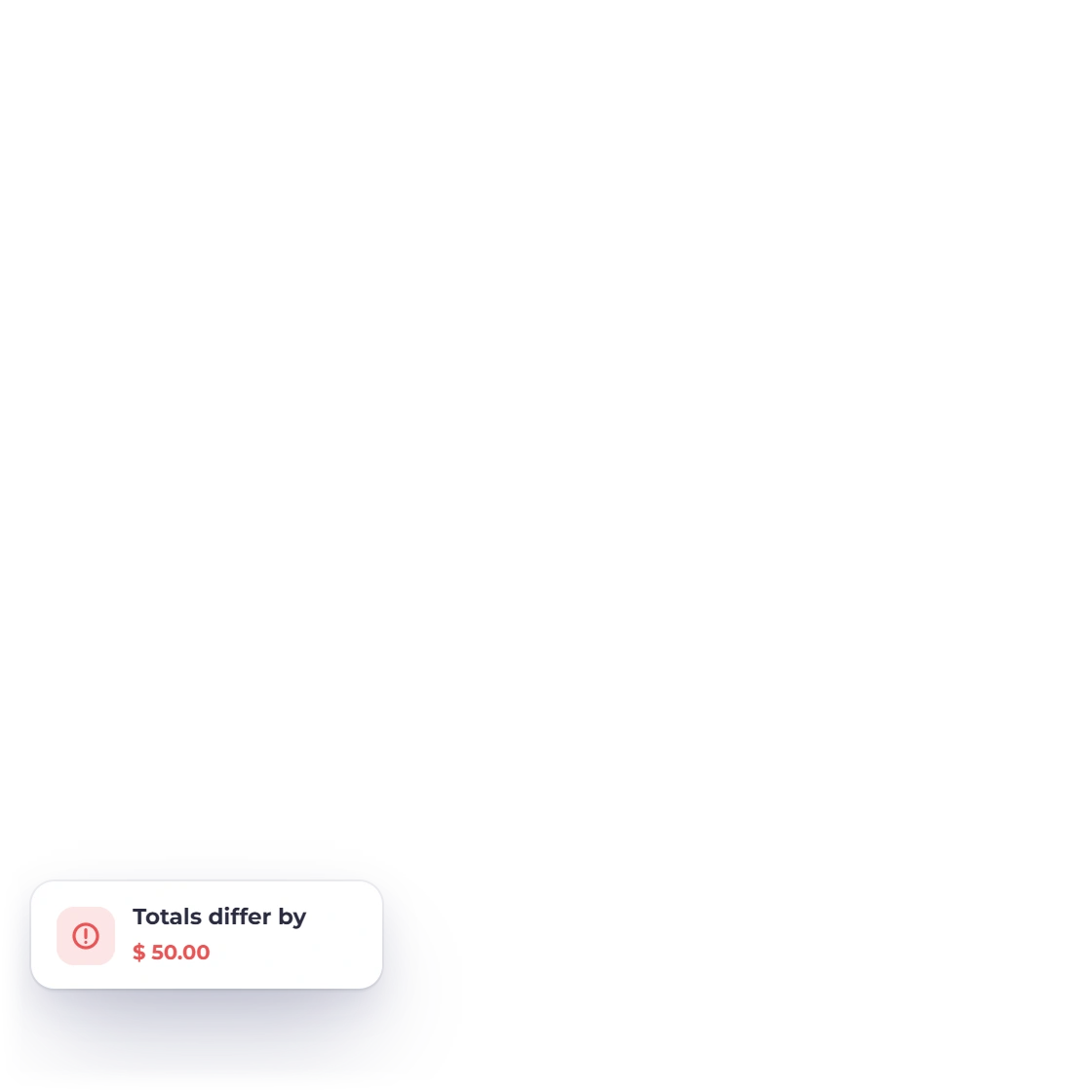
Choose an account for each line and enter a value on one side. Invoice Crowd checks that every journal has at least two lines and balances before it saves.
Accounting
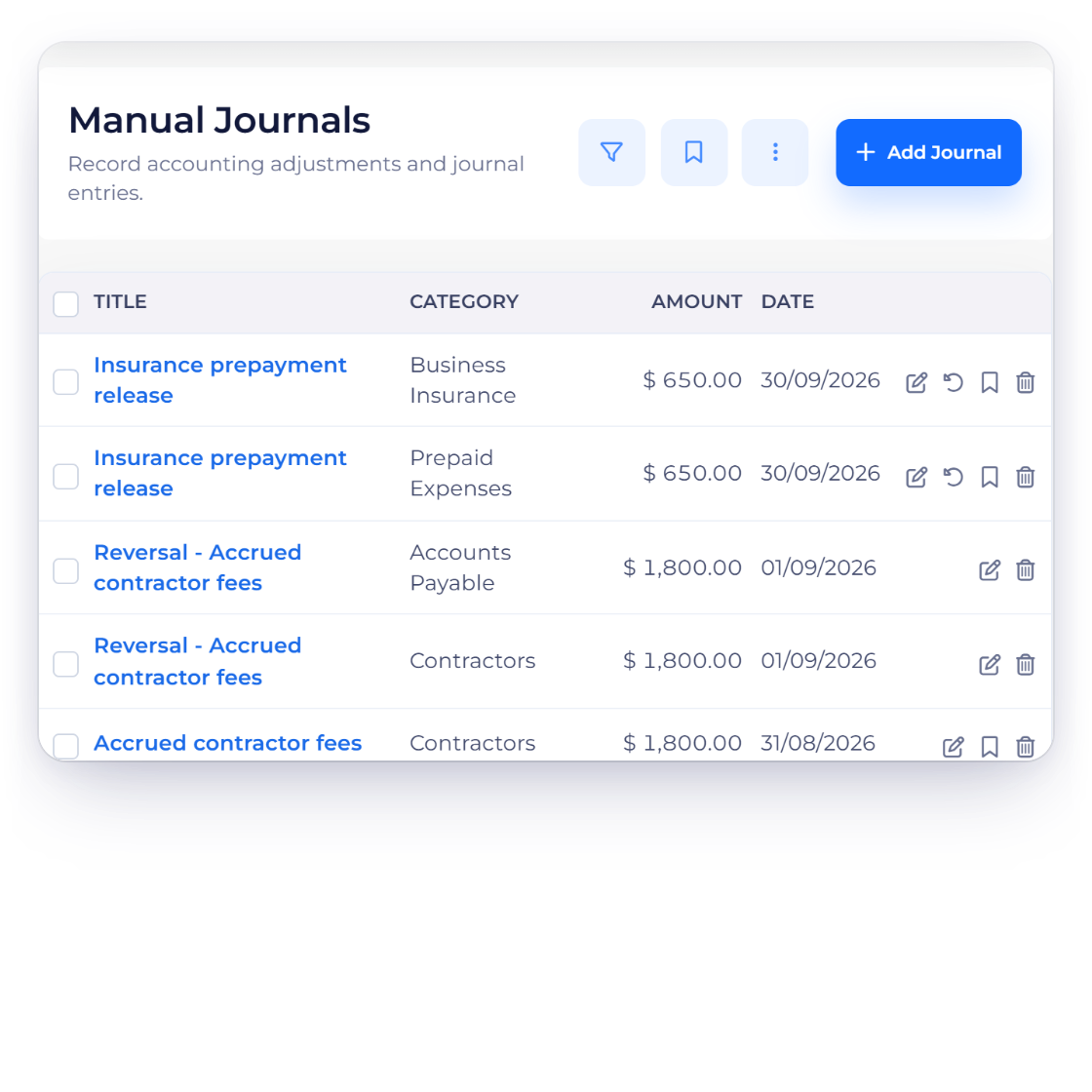
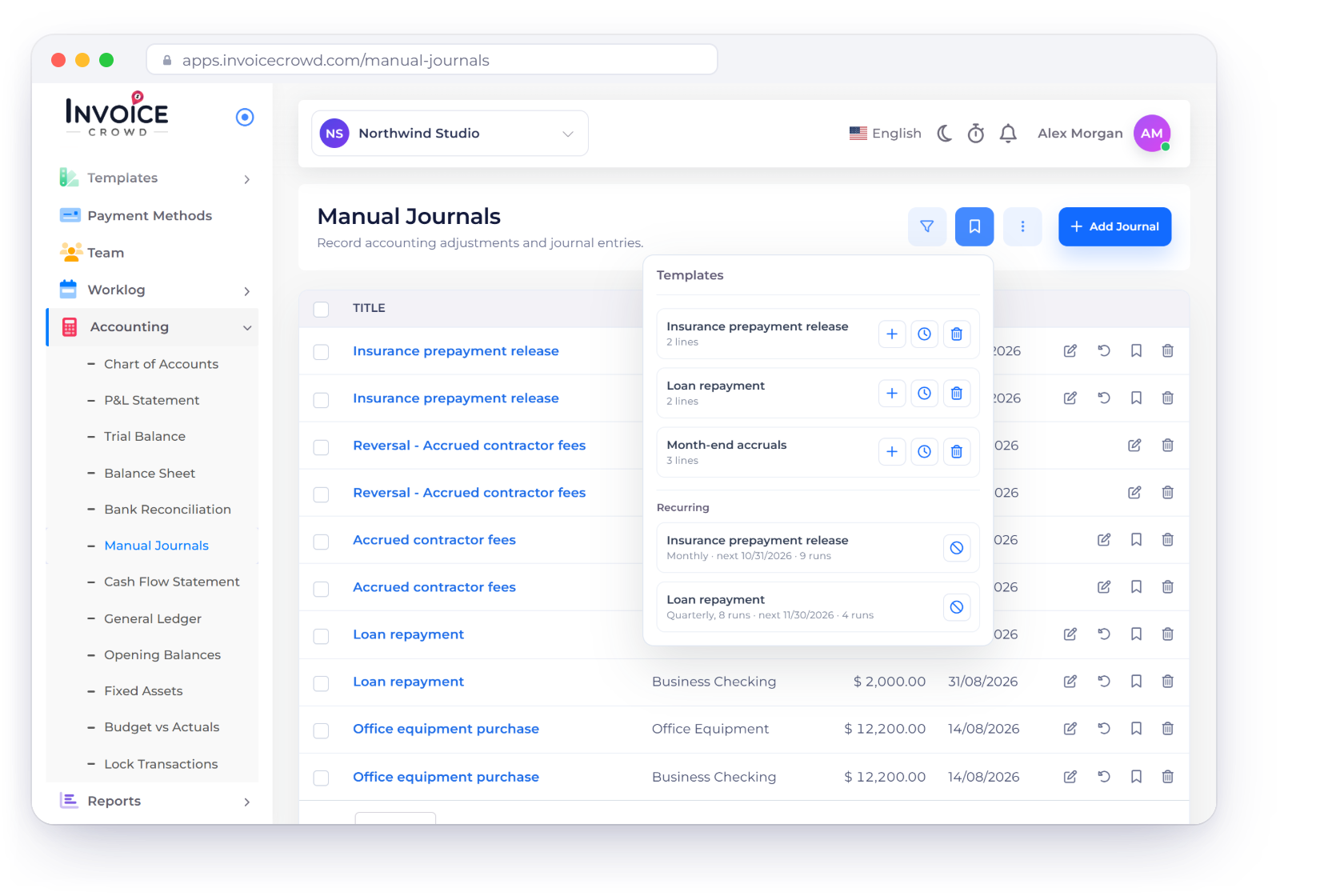
Record the adjustments that don't start as an invoice, expense or payment. Every journal needs at least two lines, one debit or credit per line and equal totals, and you can reuse it as a template, schedule it or reverse it in a click.
How it works
Each journal is saved as one entry of account lines, checked against your business and any locked period, so a closed month stays closed.
Title, date, currency, evidence and account lines.
Choose an account for each line and enter a value on one side. Invoice Crowd checks that every journal has at least two lines and balances before it saves.
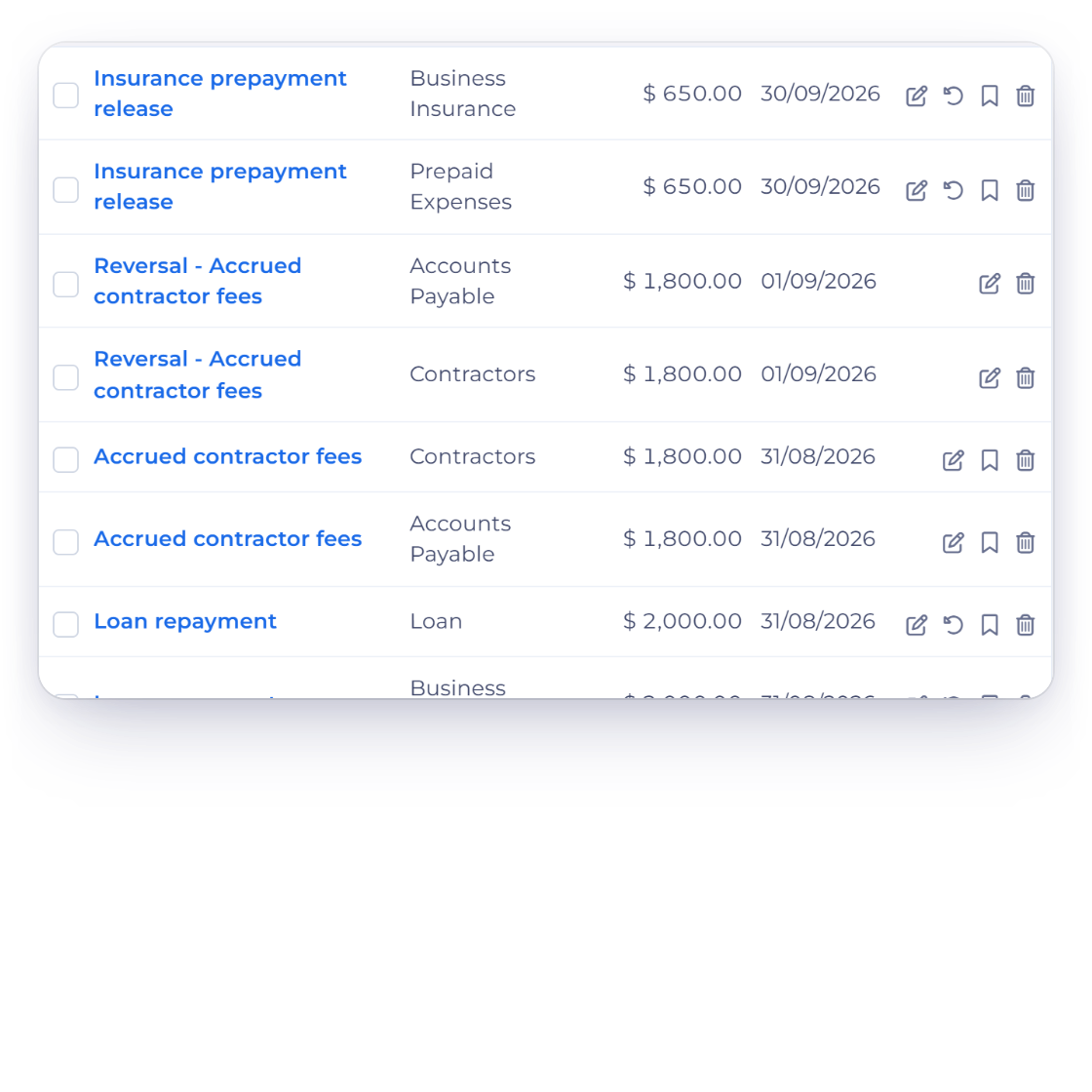
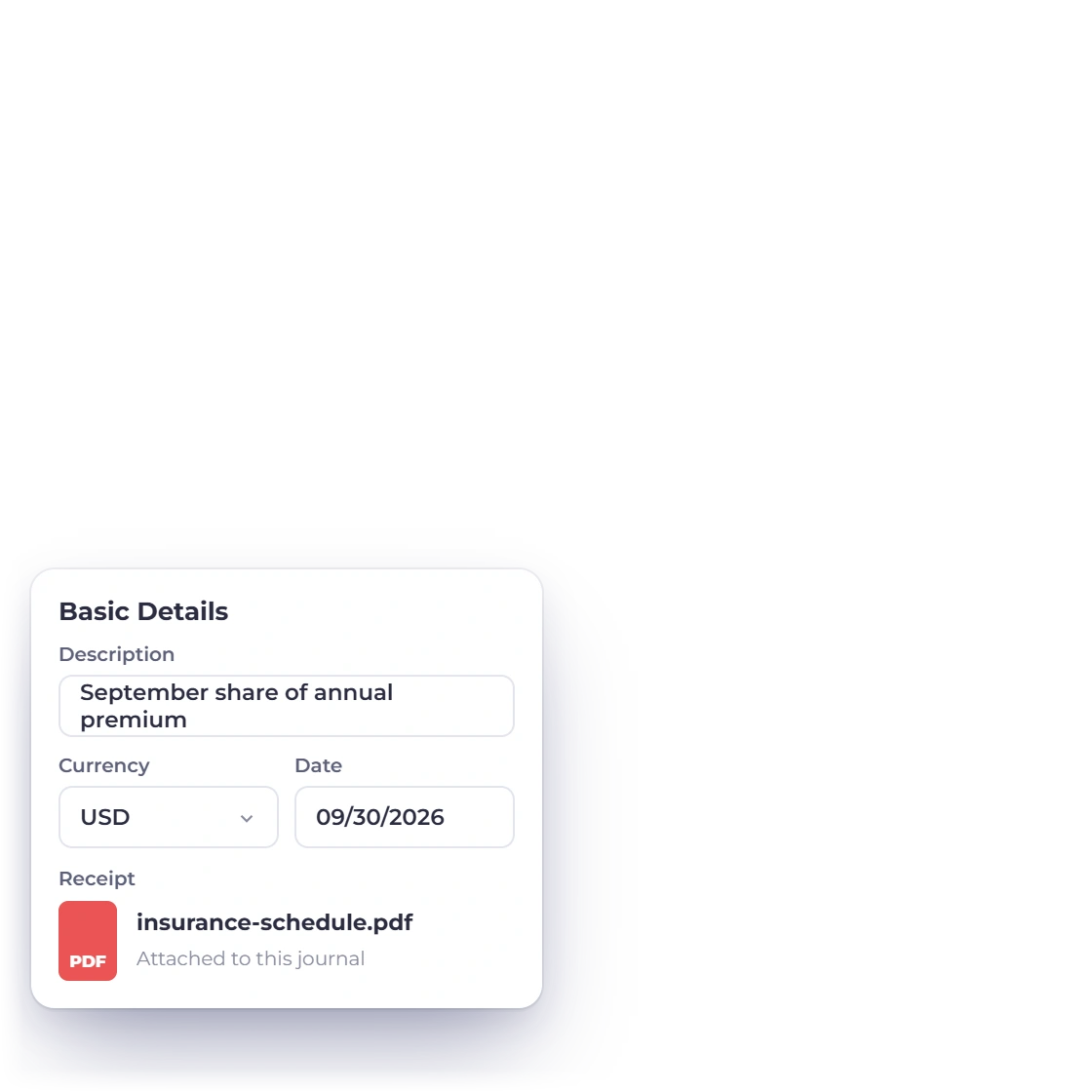
A journal carries a title, description, currency, date and optional receipt, and its lines are saved and managed together as one entry.
Closed periods stay closed.
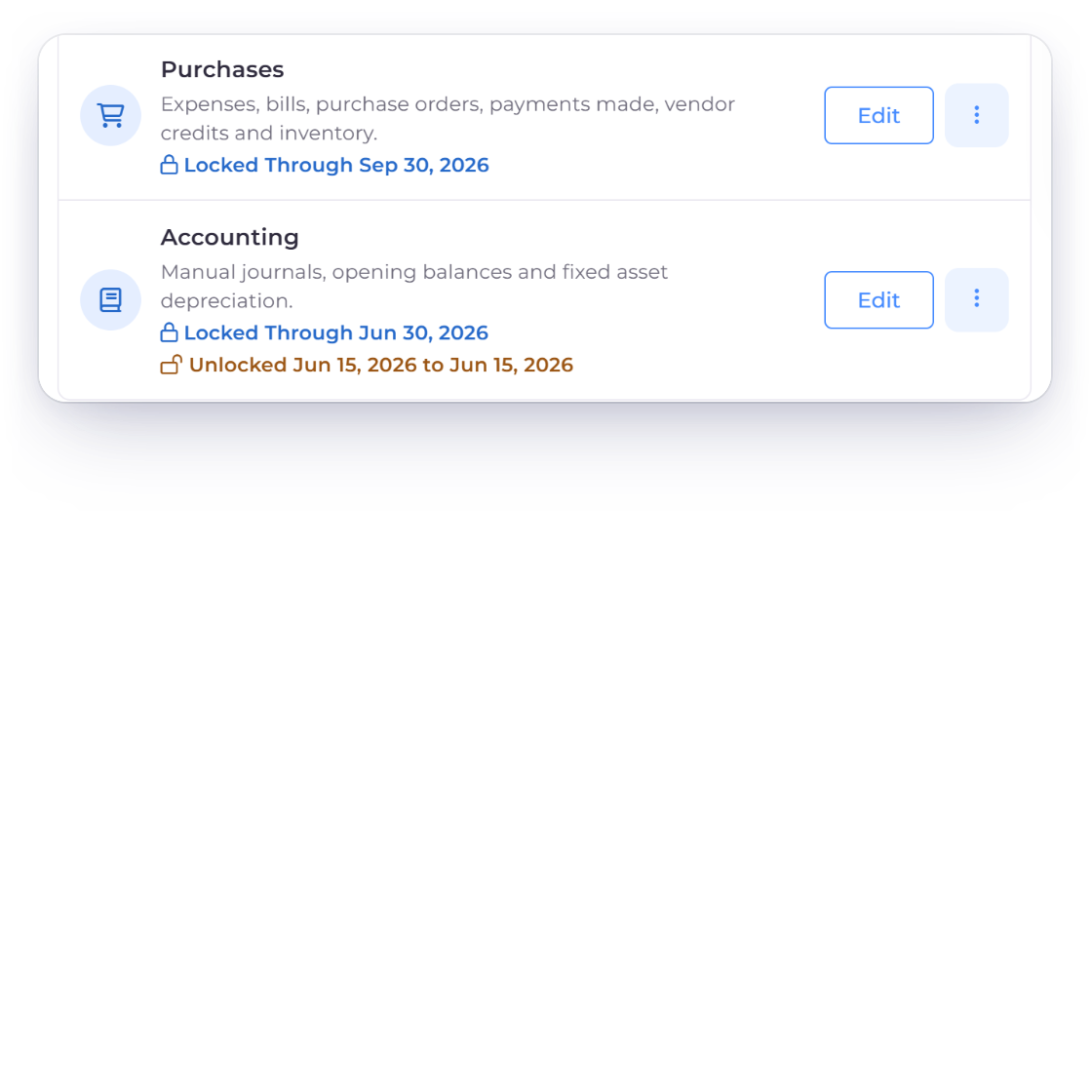
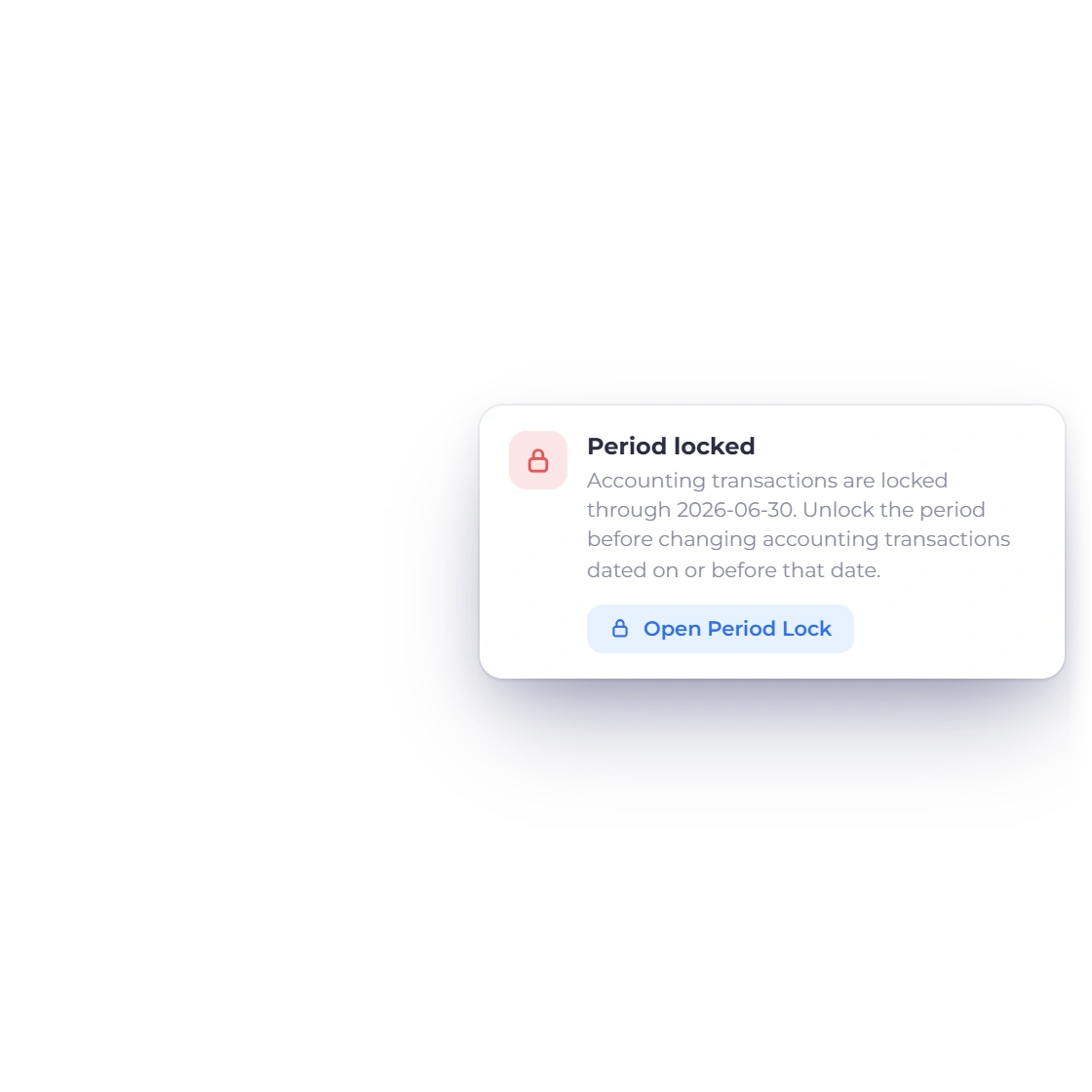
When accounting is locked through the journal's date in Lock Transactions, the journal stays exactly as it is. Edits check both the original and the new date, so a closed period stays closed.
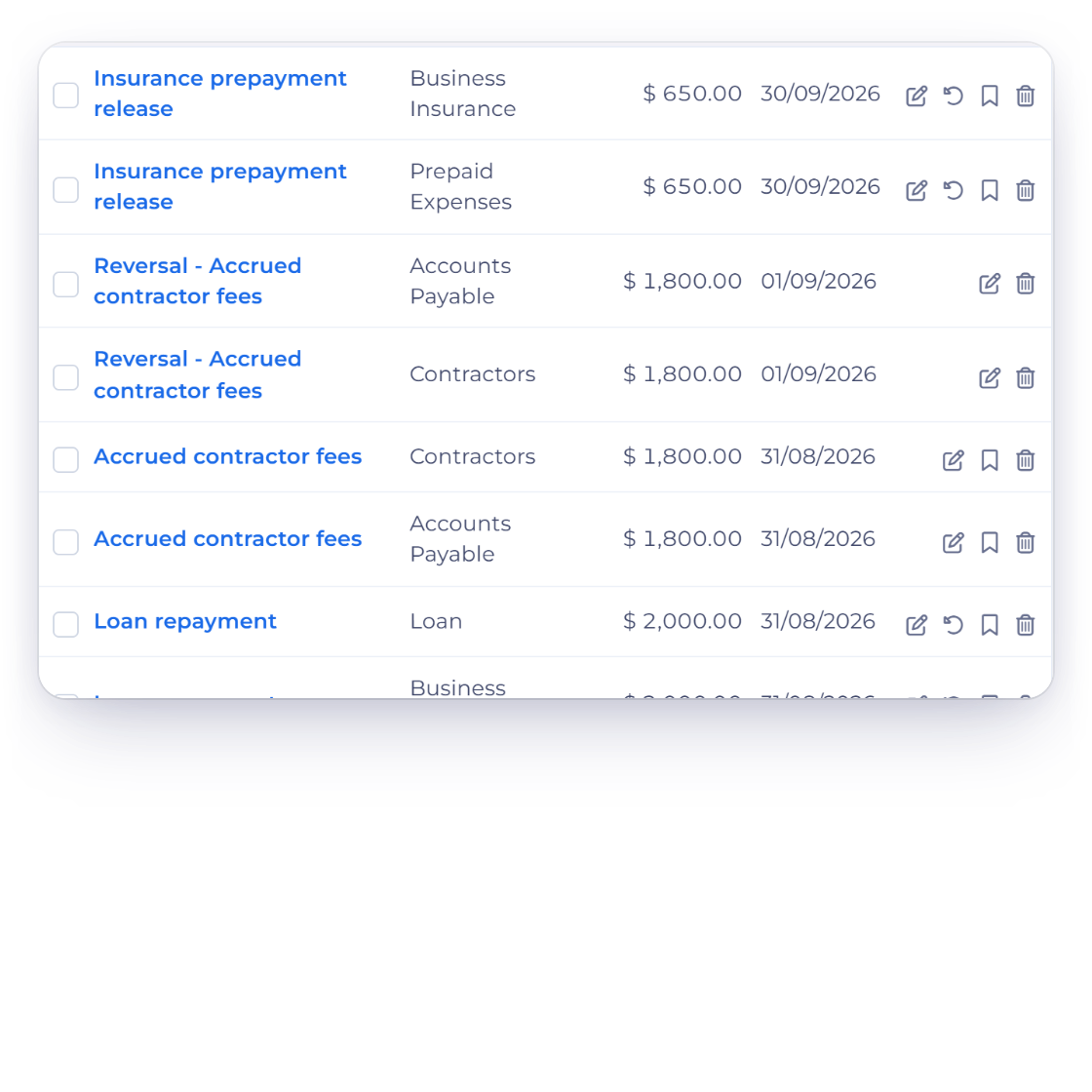
Every journal is checked against the business you have selected, and its lines use accounts from your chart. Entries created by invoices, expenses and payments are managed from those documents.
Change journals cleanly, as a whole.
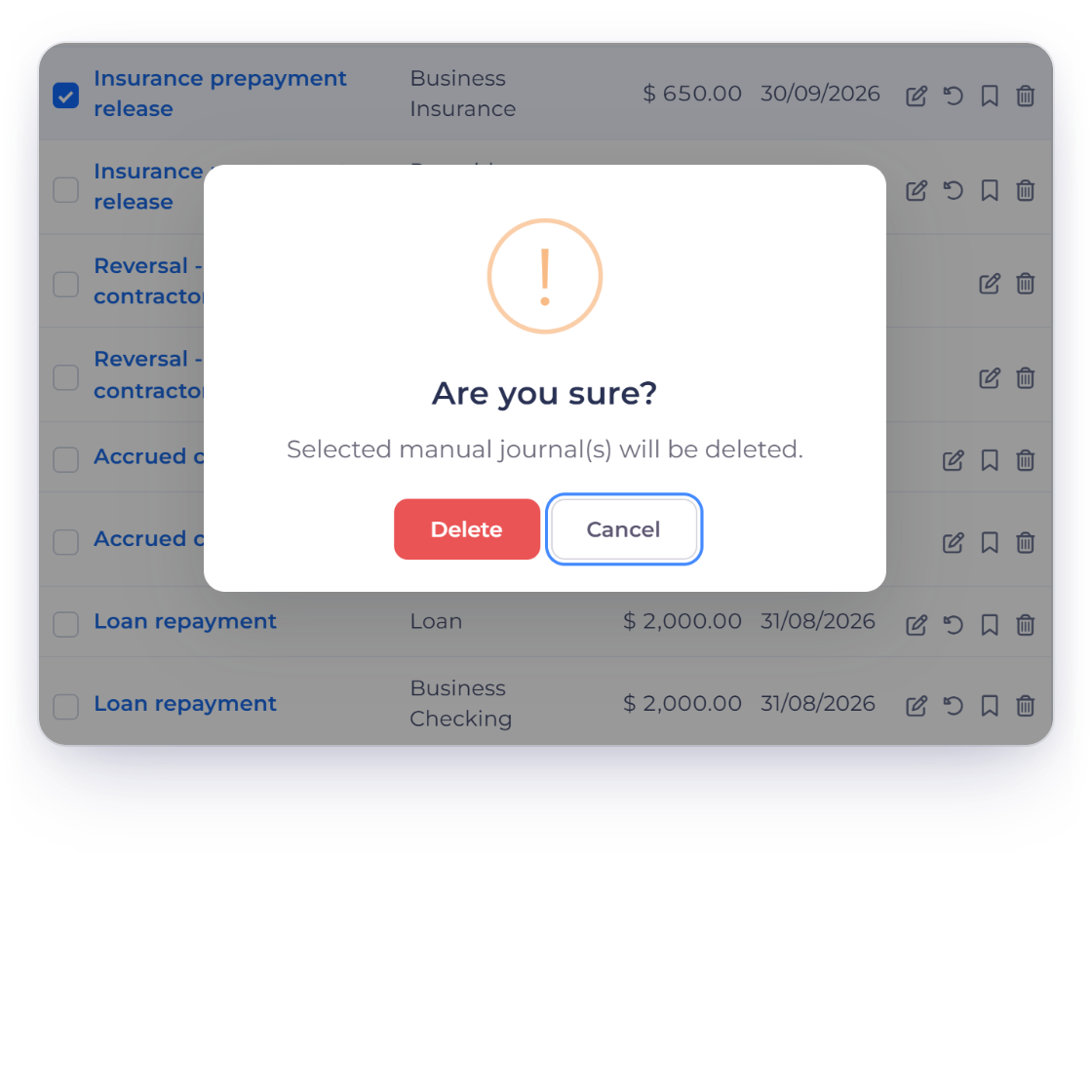
Edit a journal and its lines update together; delete it and every line goes with it, leaving all other entries untouched.
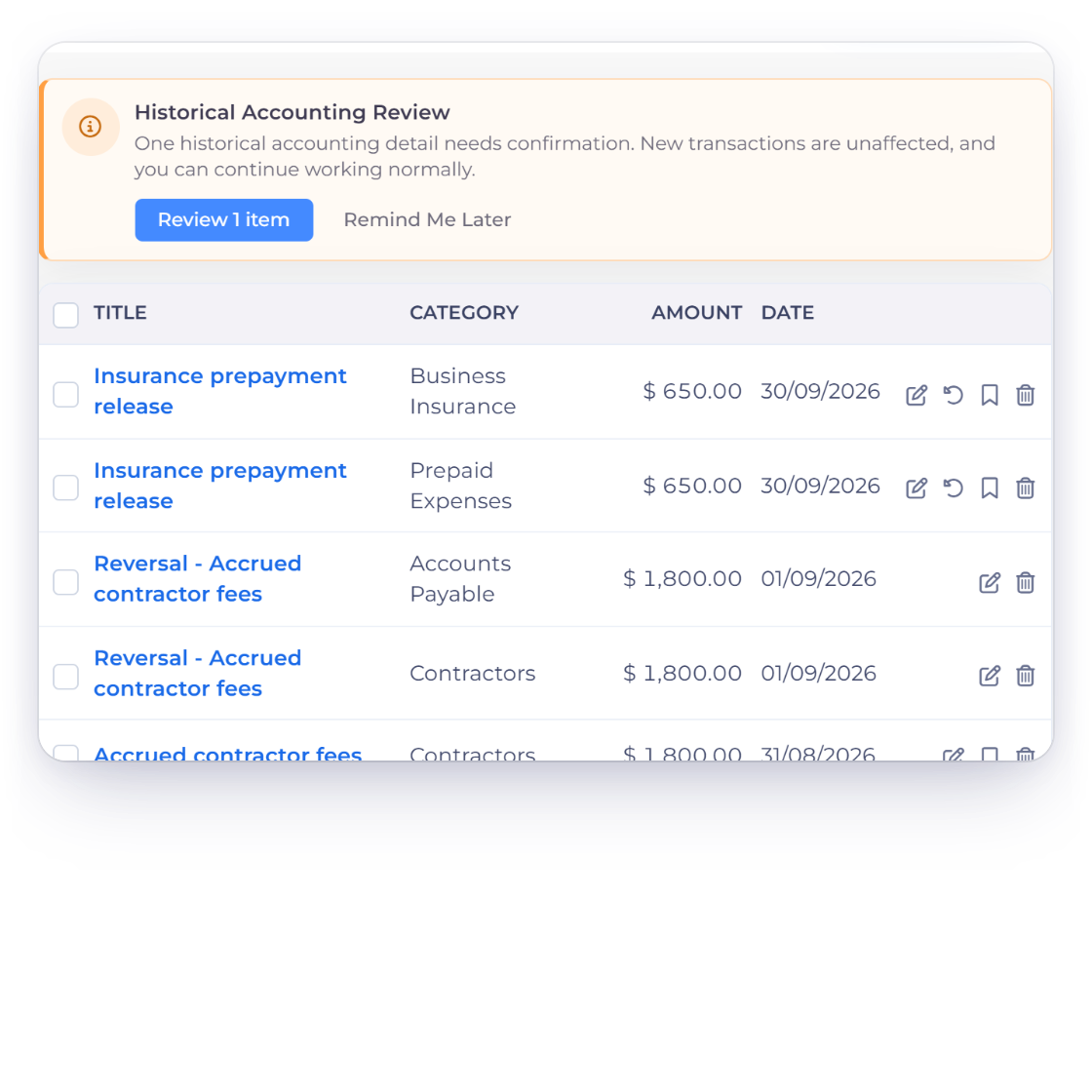
If imported or older data contains a journal that needs attention, Invoice Crowd flags it with a review notice, while new entries carry on as normal.
Built in
The form, balancing rules, templates and controls that make adjustments simple.
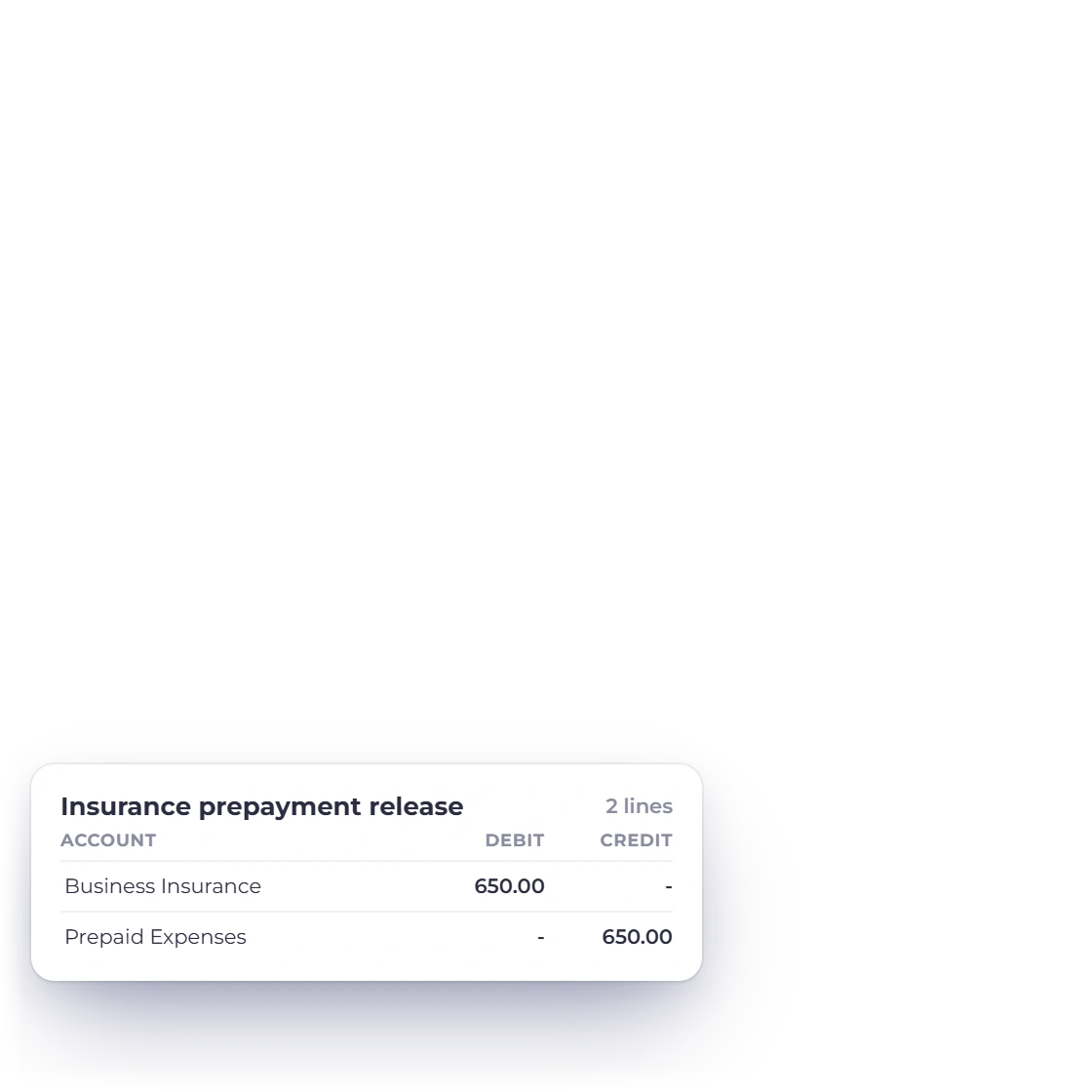
Two or more lines, one side each, with equal totals.
Title, description, currency, date and an optional receipt, saved together.
Journals in a closed period stay exactly as they are.
Each journal is checked against your selected business and chart.
Every line of a journal changes together.
Older or imported items that need attention are flagged for review.
One action creates a new journal with every debit and credit swapped.
Save a journal as a template, create a journal from it, or schedule it Monthly, Weekly, Quarterly or Yearly.
Closed periods stay closed.
Export every journal for the business to CSV.
Journal lines use accounts from the active chart.
See how the period's account movements add up.
Questions
A manual journal is an adjustment entered directly as two or more account lines rather than created from an invoice, expense, income or payment. Its lines are saved together as one entry.
Yes. Every manual journal needs equal debit and credit totals, at least two valid lines and one side per line, and it's checked before anything is saved.
Journals dated in a locked period stay exactly as they are. Invoice Crowd checks the journal date against the dates locked in Lock Transactions, and an edit checks both the original and the new date. To fix one entry, the owner can partially unlock a few dates and lock them again.
Yes. The journal form supports an optional receipt attachment alongside its title, description, date, currency and account lines.
Yes. Save as Template keeps a journal's lines for reuse, and Journal Templates lets you create a journal from a template or schedule it as a recurring journal (Monthly, Weekly, Quarterly or Yearly) until you choose Stop Schedule. Reverse Journal creates a new journal with every debit and credit line swapped.
The whole journal is deleted together, every line at once. Entries created from invoices, expenses, income and payments stay exactly as they are.
Use a manual journal whenever an adjustment doesn't start from a document, with the accounts, receipt and period kept together.