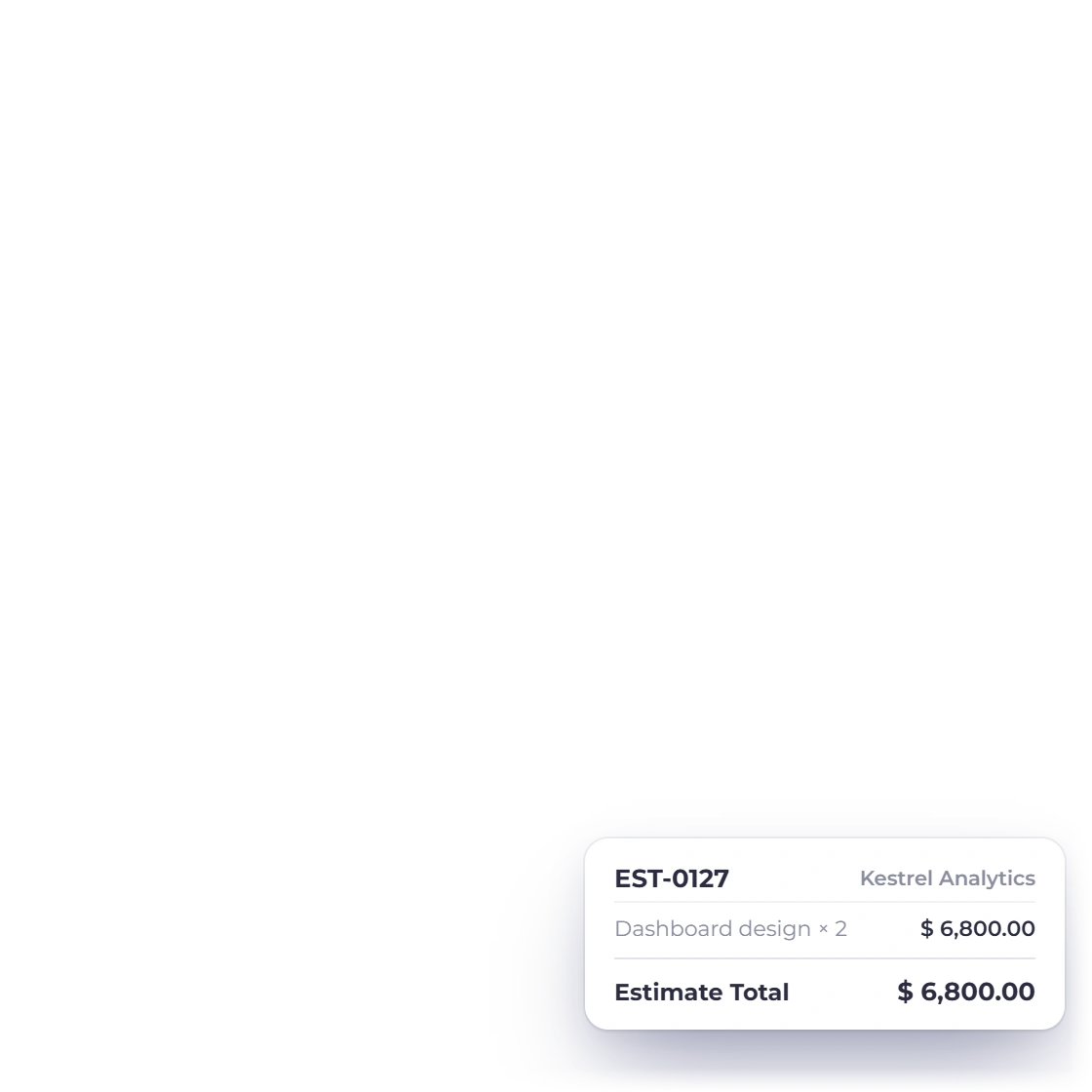
Itemize services, quantity and rate
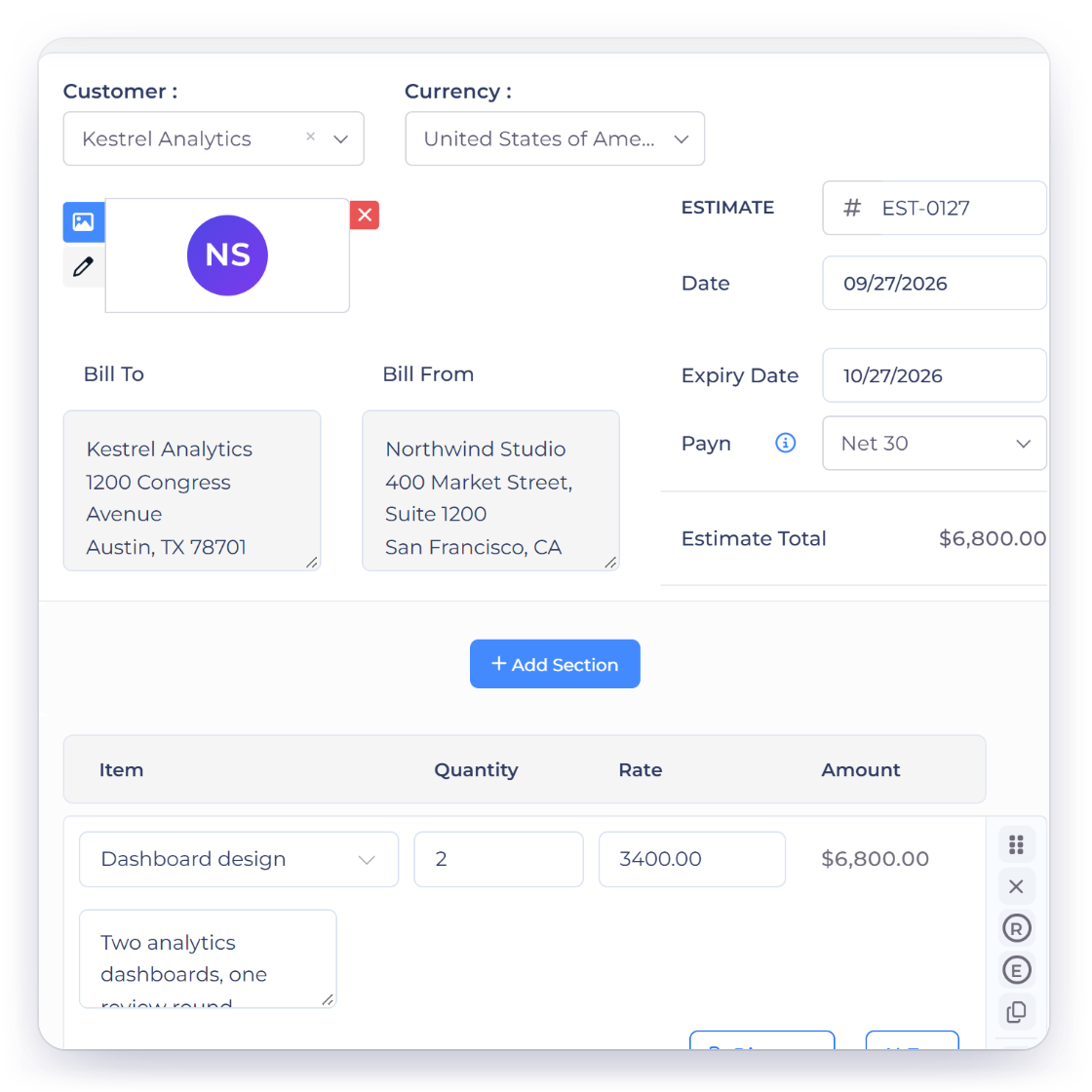
Use one row per deliverable or work unit so the customer can see what shapes the estimate.
- Repeatable scope rows
- Quantity and rate
- Visible line totals
Free business tool
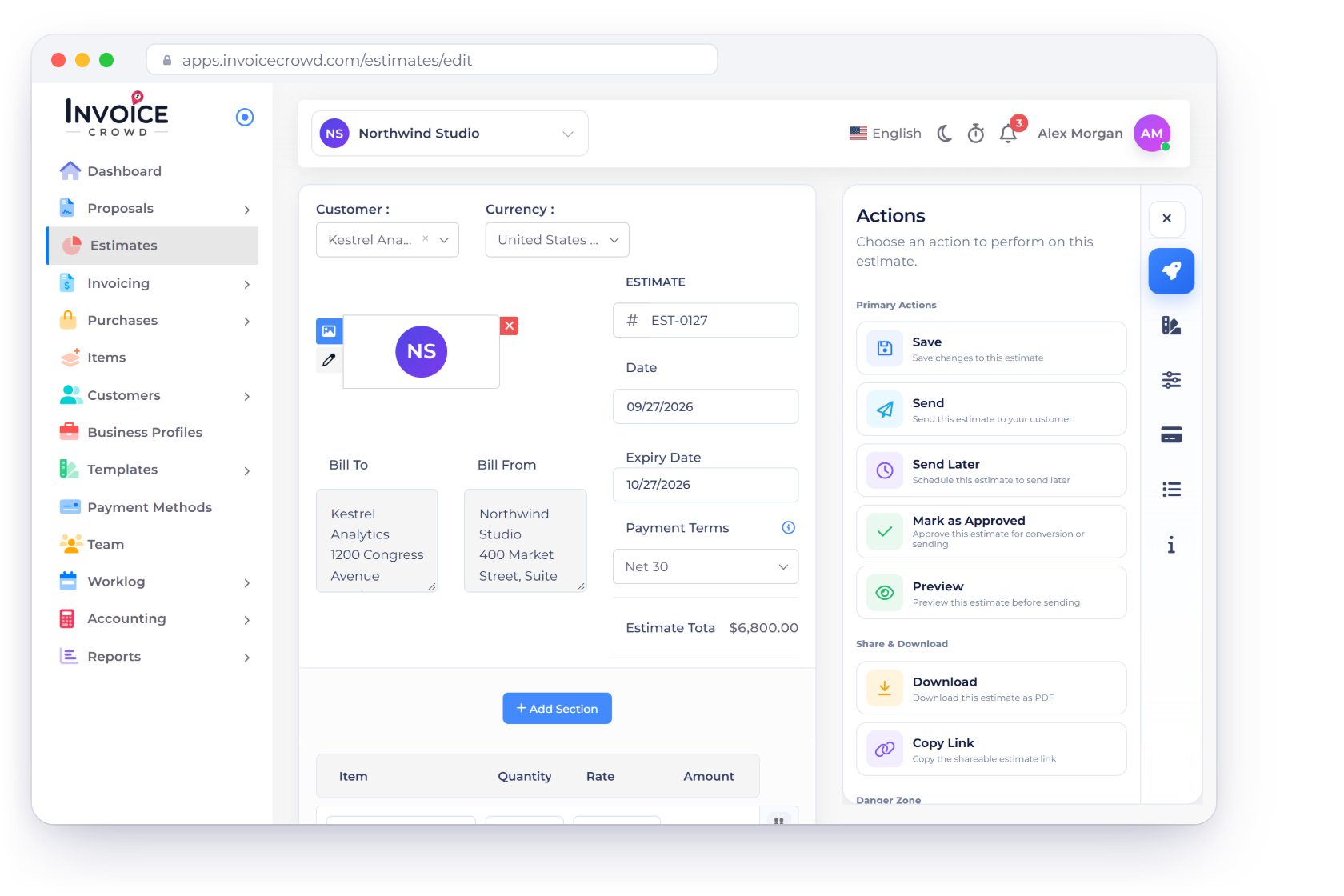
Describe the work, quantity and rate, add the dates and tax context, then share a polished estimate from your browser. No account is required and the draft is not uploaded.
Free browser tool
Use realistic scope and pricing below, review the preview, then print or save the document as a PDF.
Estimate valid for 30 days. Work begins after written approval.
This estimate is a general commercial document, not a contract by itself. Add the acceptance, expiration, tax and scope terms appropriate to your work.
How to use it well
A useful estimate shows how the total was formed and where assumptions belong, helping both sides discuss changes before an invoice exists.
Break the work into understandable units.
Use one row per deliverable or work unit so the customer can see what shapes the estimate.
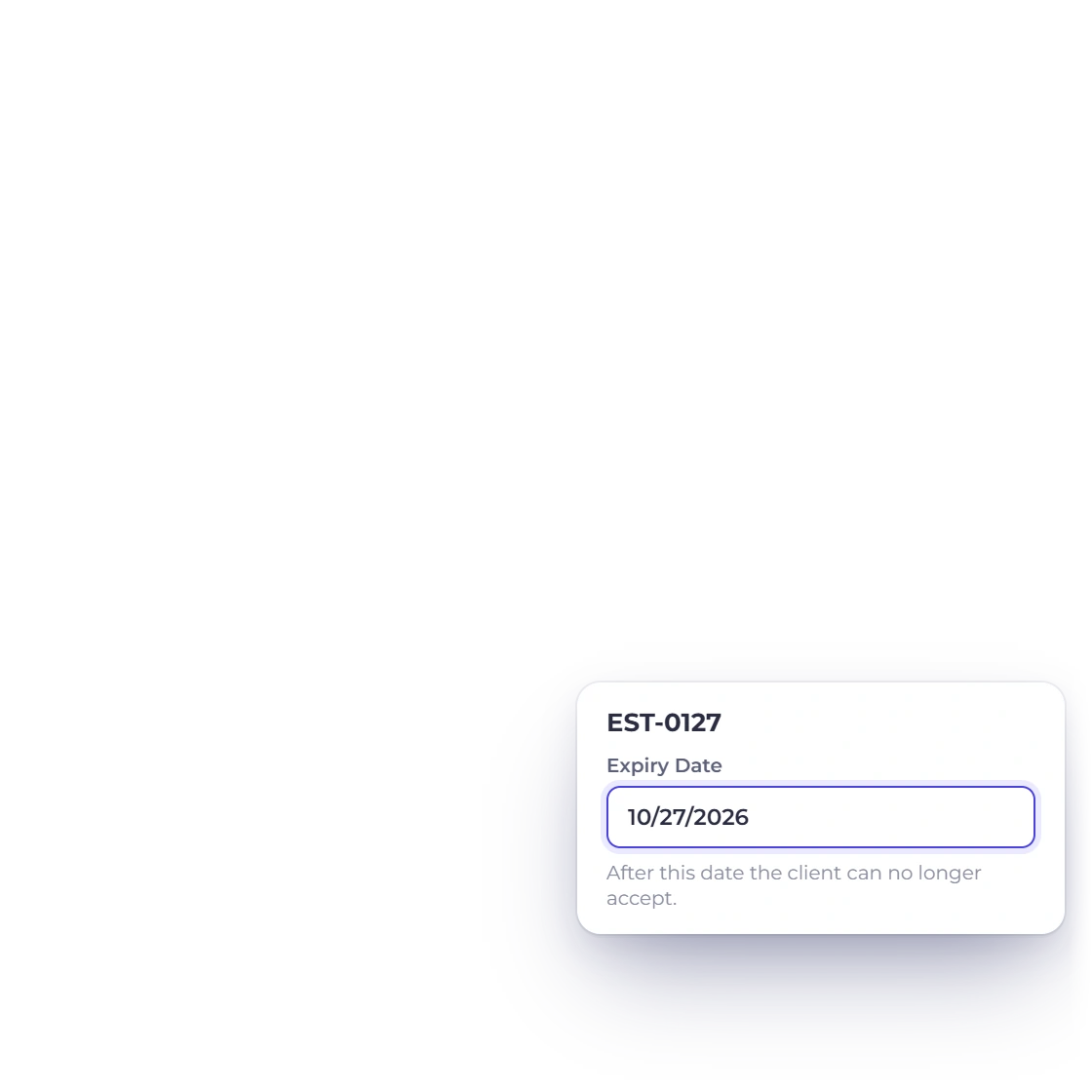
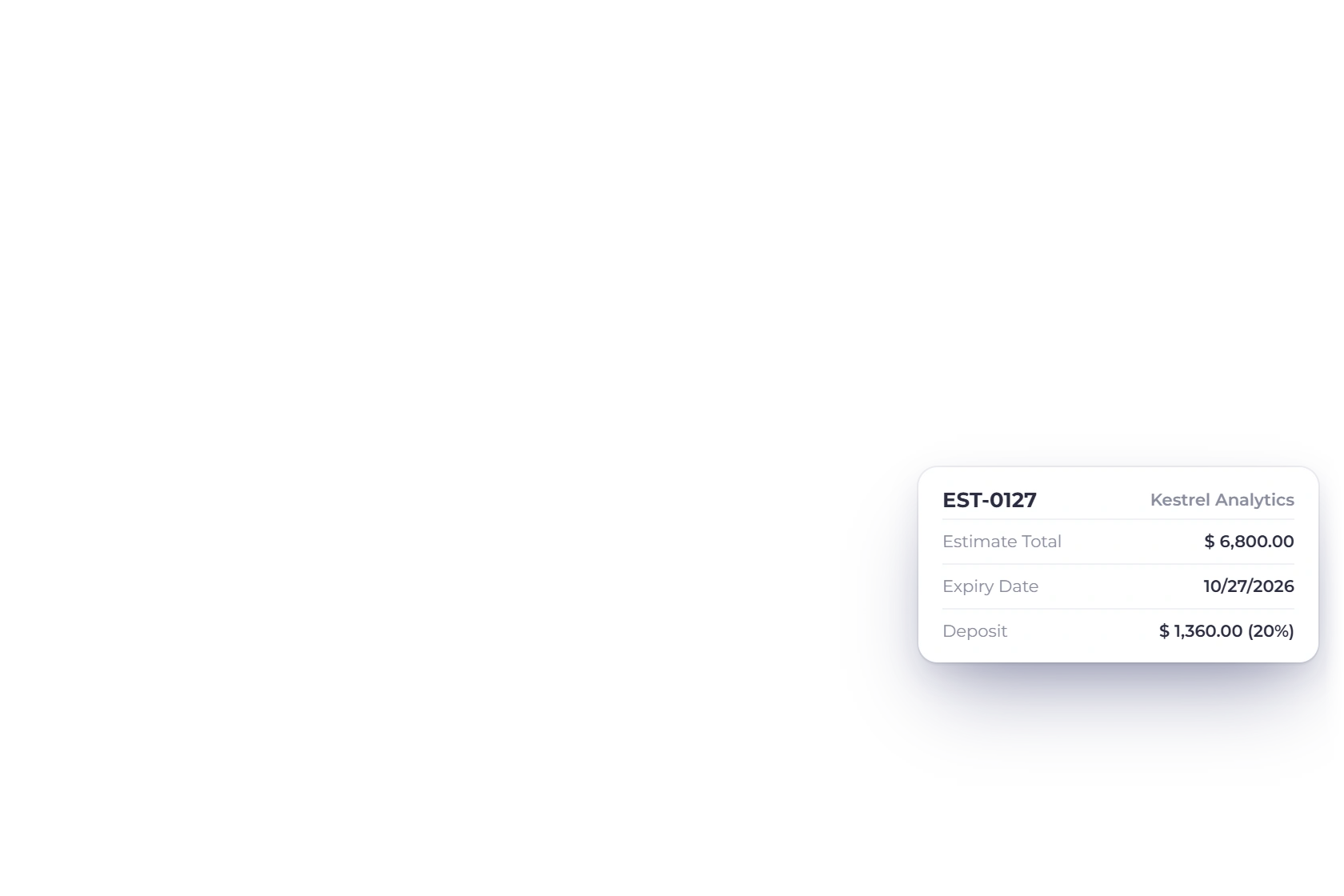
Include the sender, customer, estimate number, issue date and intended due or validity date.
Keep estimated tax and the total visible while editing.
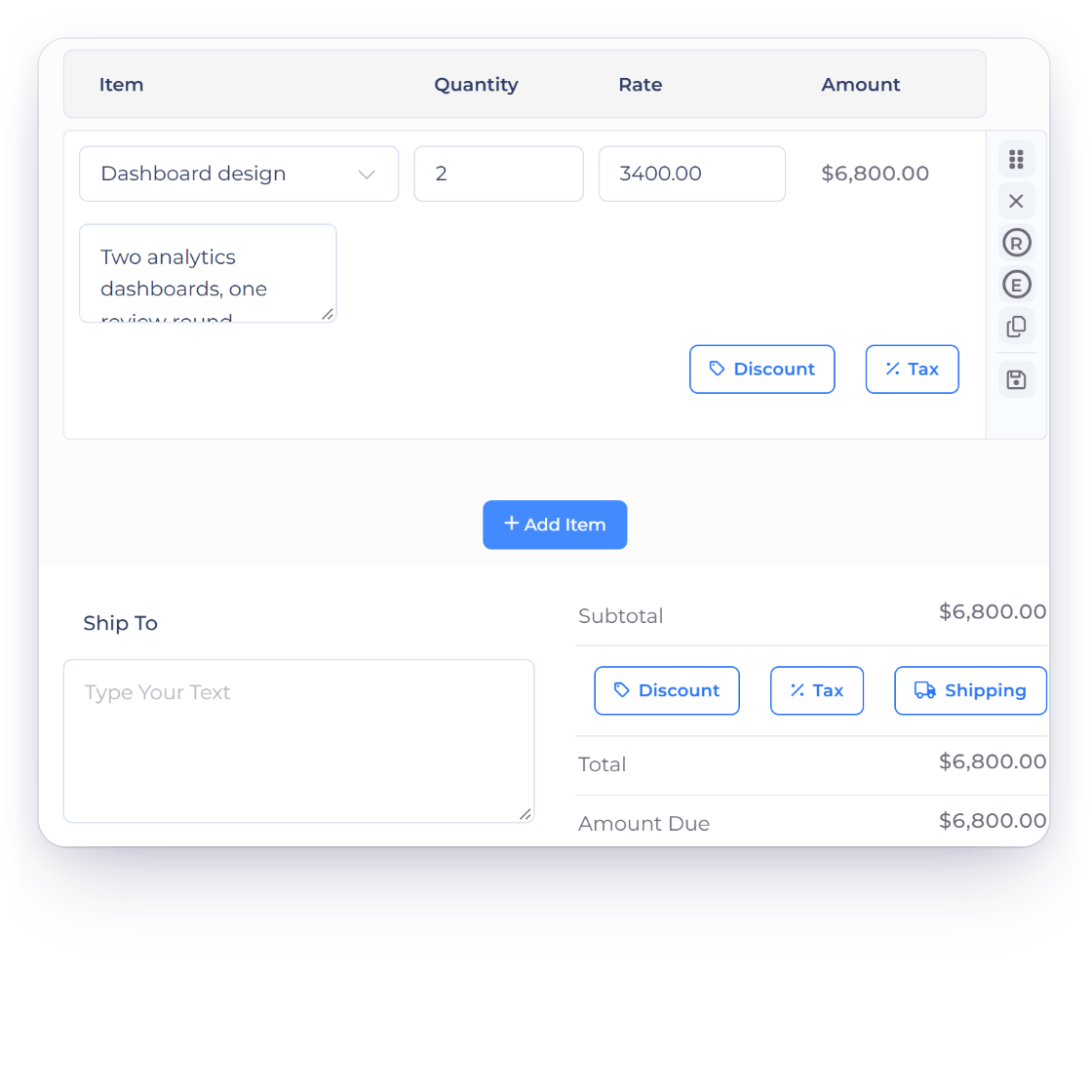
The preview recalculates the subtotal, tax and estimated total whenever an input changes.
Use the notes area for validity, exclusions, deposit expectations and the approval step.
Use the document now and a saved workflow when the project grows.
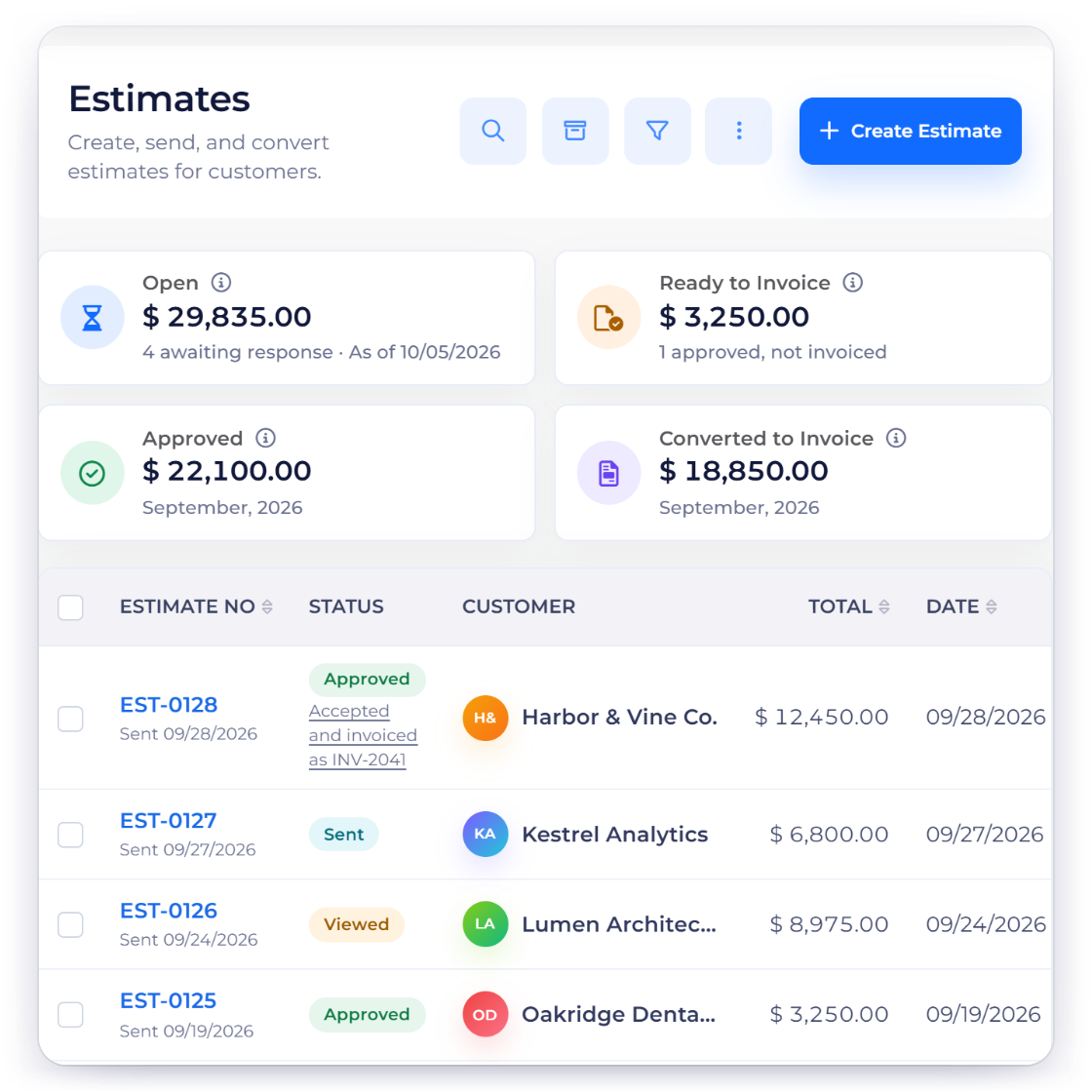
Use the clean print layout to deliver a PDF or paper copy without the editing controls.
The account product adds stored estimates, customers and the path into an invoice after acceptance.
Questions
Yes. You can build, preview and print the estimate without creating an account or entering payment details.
No. The working values stay in the current browser tab and are not submitted to Invoice Crowd. Closing or reloading the page clears the draft.
Yes. Select Print or save PDF, then choose the PDF destination provided by your browser or operating system.
Yes. Add or remove line items, then enter a description, quantity and rate for each one. The subtotal, tax and total update from those rows.
The free generator includes USD, EUR, GBP, INR, CAD, AUD, AED and SGD display formats. Select the currency that matches the document; exchange conversion is not performed.
The browser tool creates one temporary estimate. An account adds saved customers, products, taxes, document history and the connected proposal, invoice, payment and purchase workflows.
Use Invoice Crowd to save customers, products, taxes and business documents in one connected workspace.