

Skip to content

Payment integration

Connect M-Pesa without treating checkout as proof

Use M-Pesa STK Push for eligible KES invoice payments in Invoice Crowd, with authenticated status queries and exact request binding.

  • Status: Active one-time checkout
  • Verified against application docs
  • Provider terms still apply

Last updated:

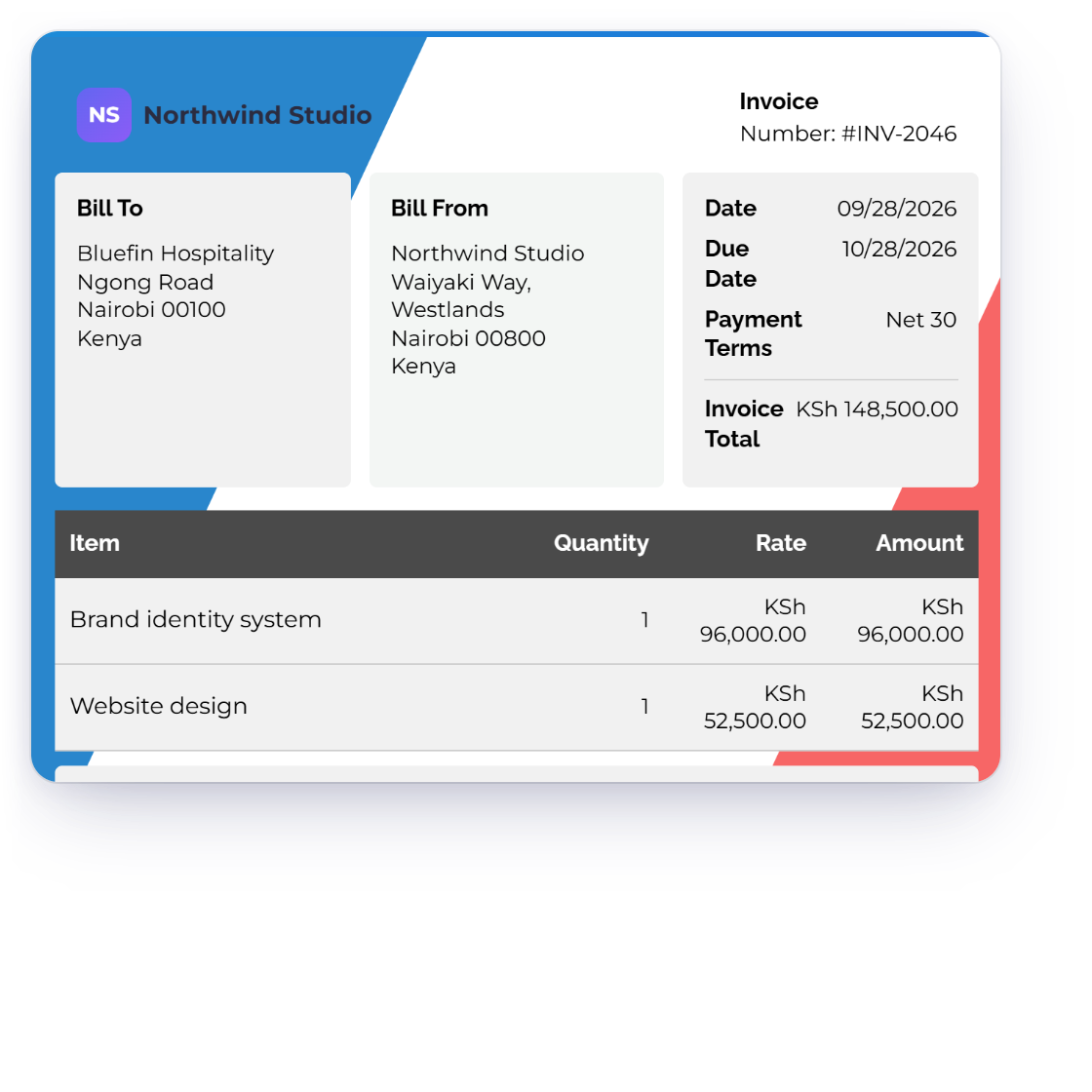
Invoice Crowd M-Pesa integration dashboard showing STK Push, KES amount and authenticated status verification.

Configuration to settlement

How M-Pesa fits the Invoice Crowd payment boundary

Connection, customer checkout and final settlement are separate stages. Read the status and limitations before showing the method on a live invoice.

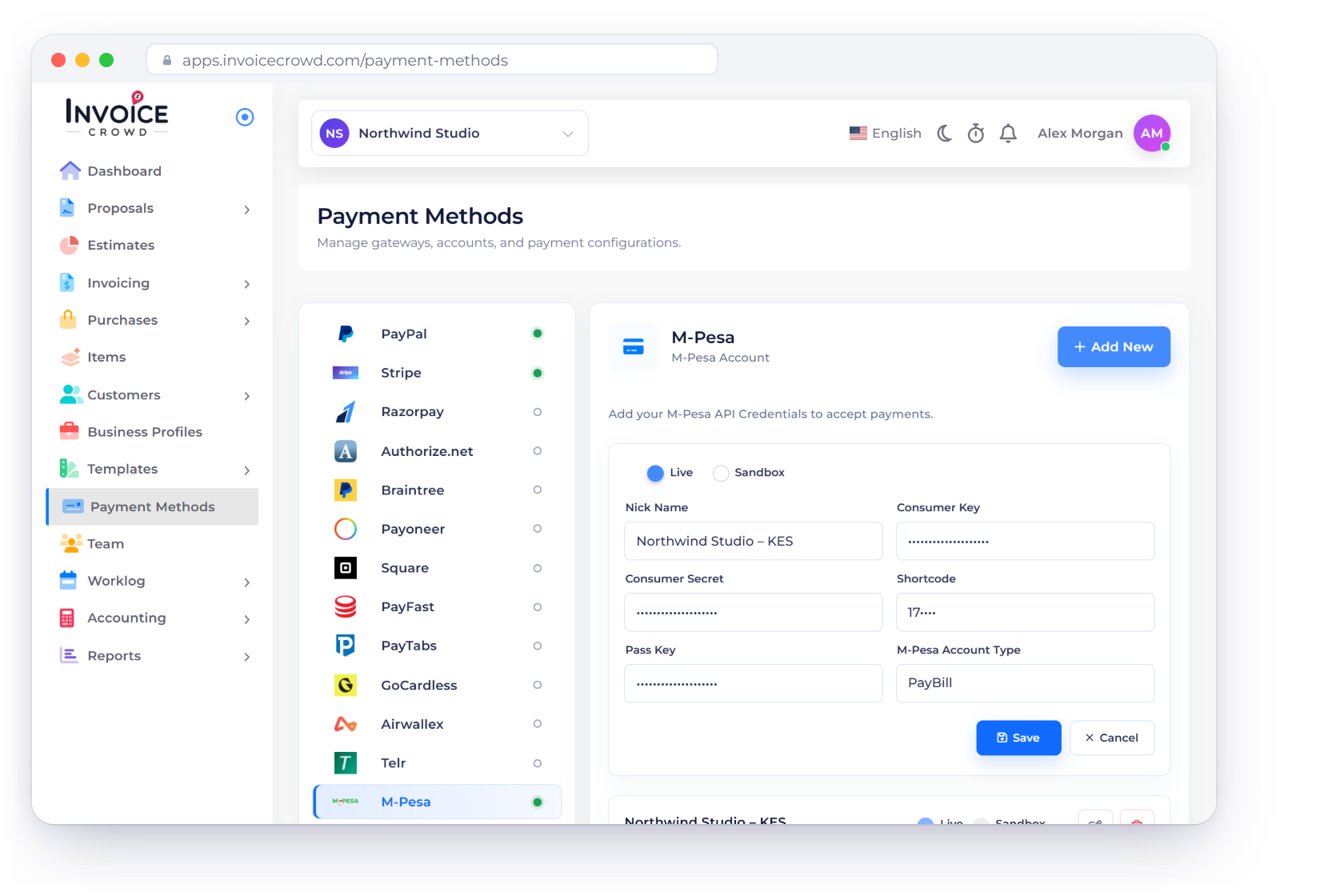
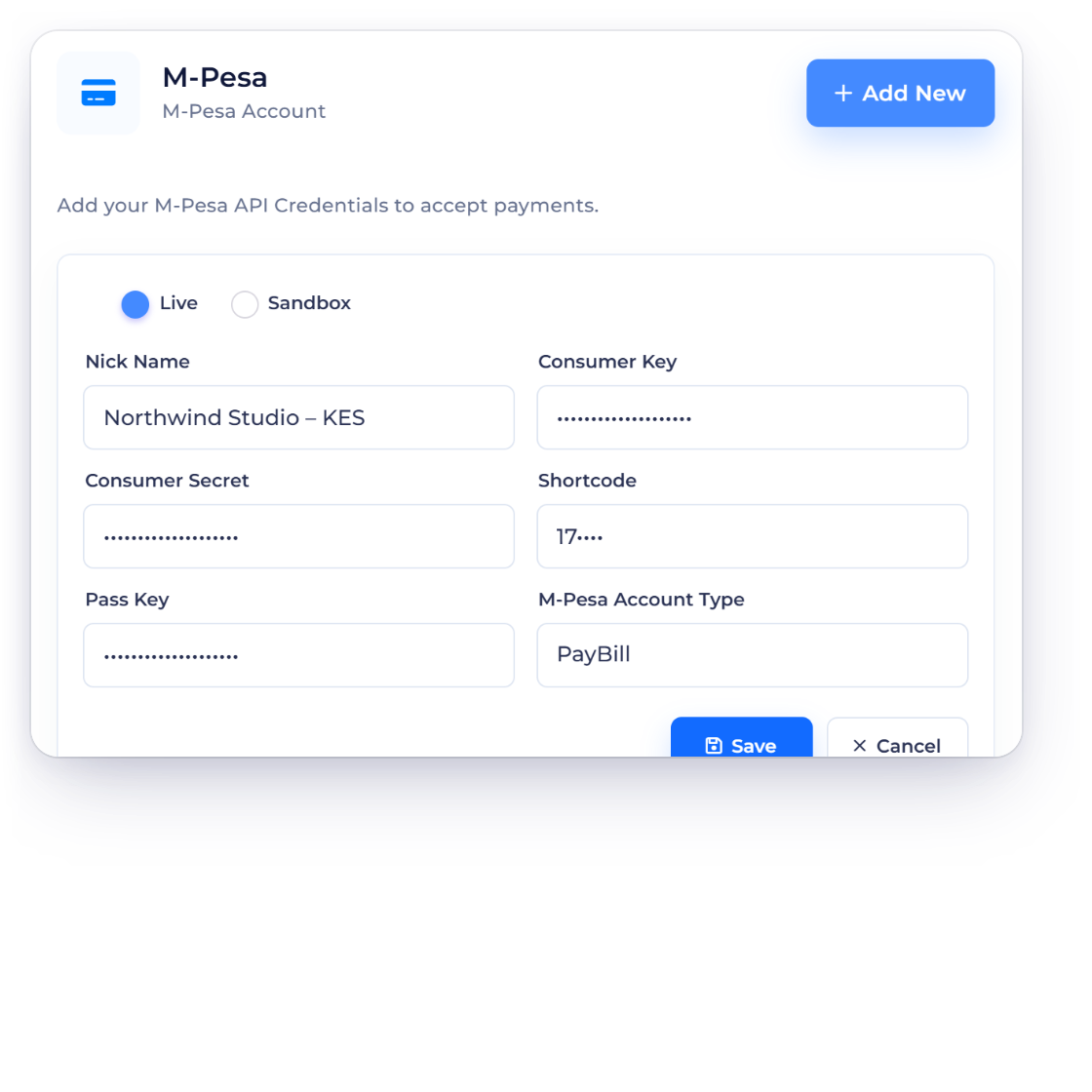
Connect the merchant account

Credentials and mode stay tied to the selected business.

Invoice Crowd M-Pesa connect m-pesa illustration with fabricated sample data.

Enter only the fields the provider requires

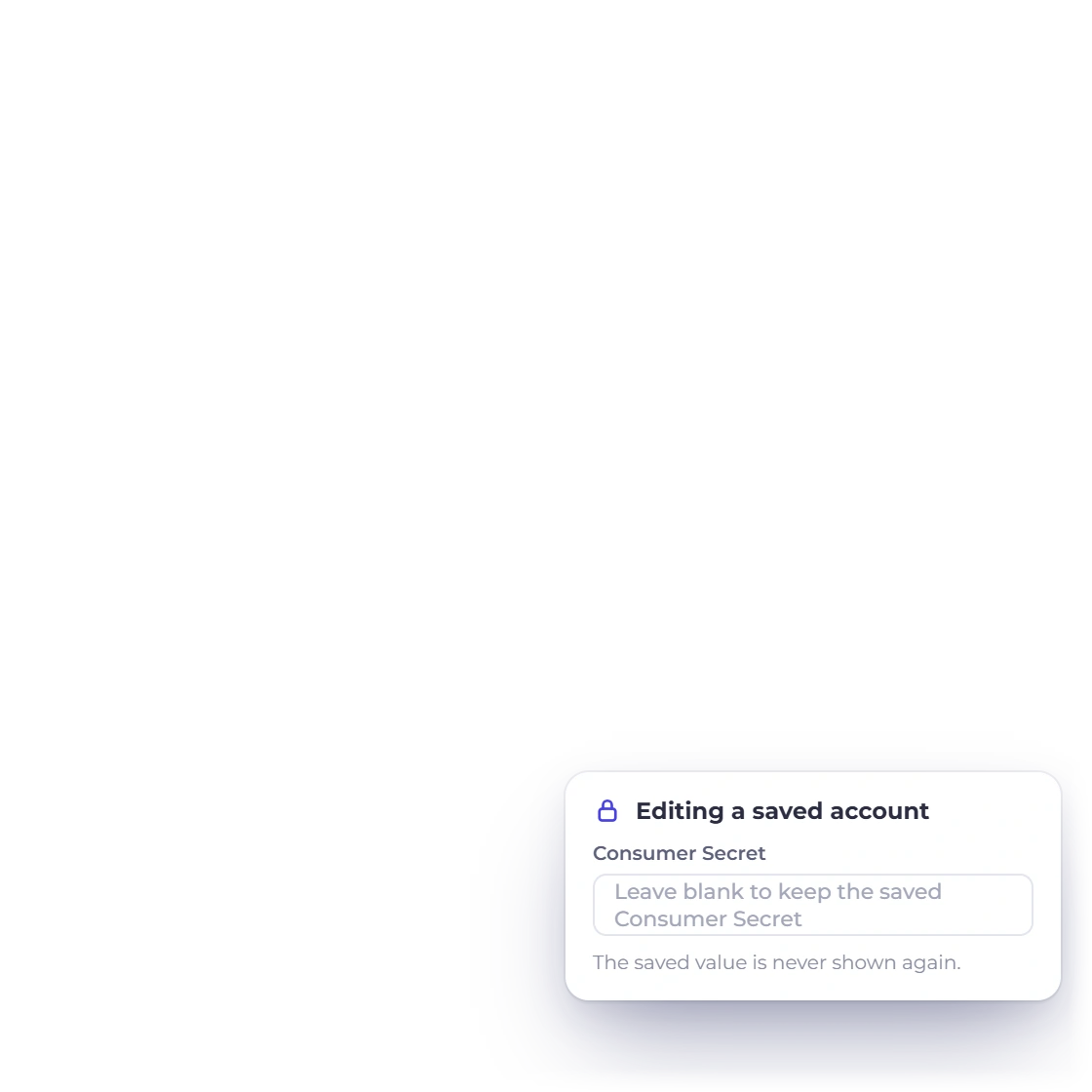
Consumer key, write-only consumer secret, shortcode, write-only pass key, allow-listed transaction type and Live/Test mode.

  • Selected business profile
  • Explicit live or test mode
  • Write-only secret editing

Confirm provider eligibility before rollout

Designed for eligible M-Pesa merchants and KES transactions; Safaricom controls account access, fees and production approval.

  • Merchant country and account
  • Invoice and settlement currency
  • Provider fees and review

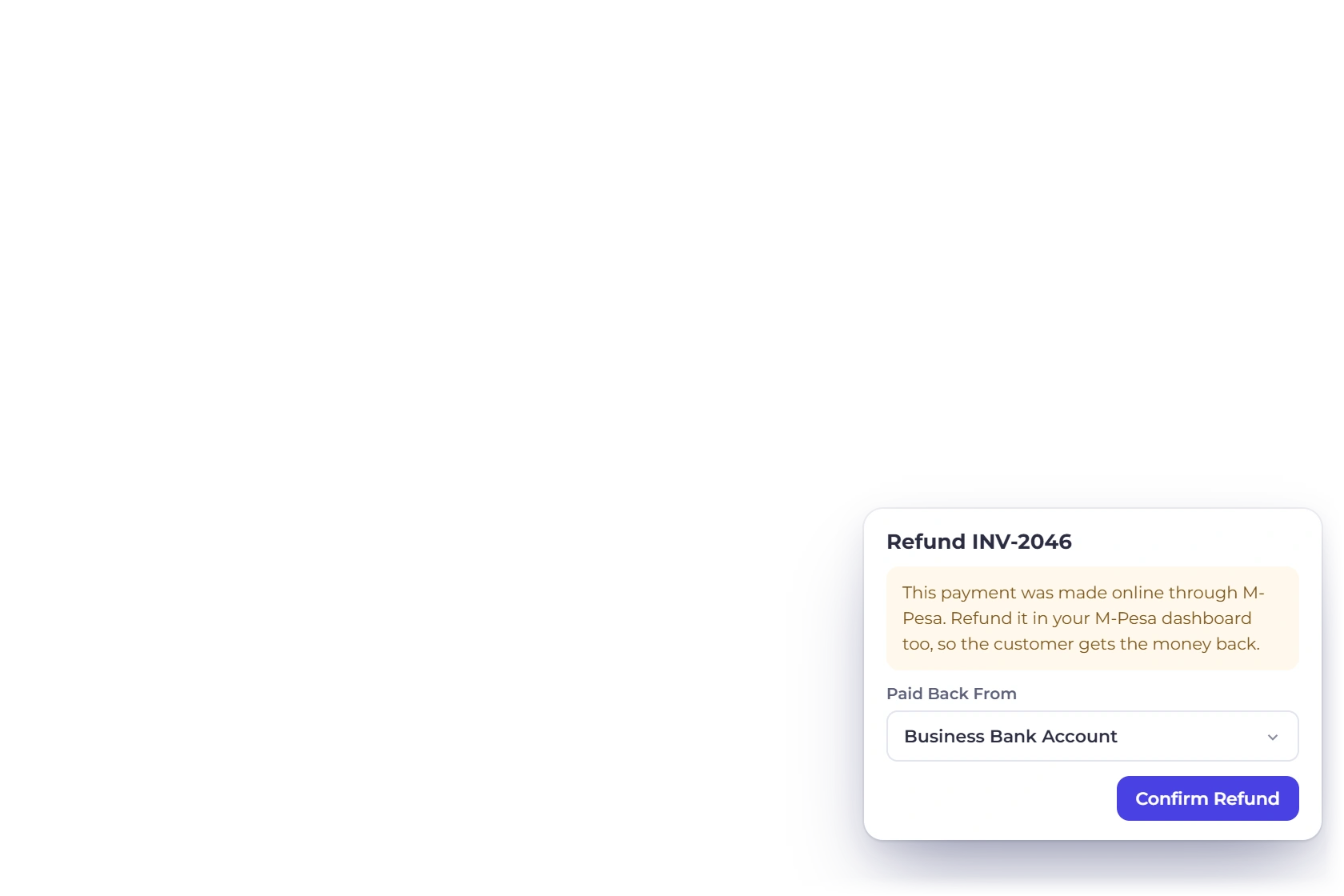
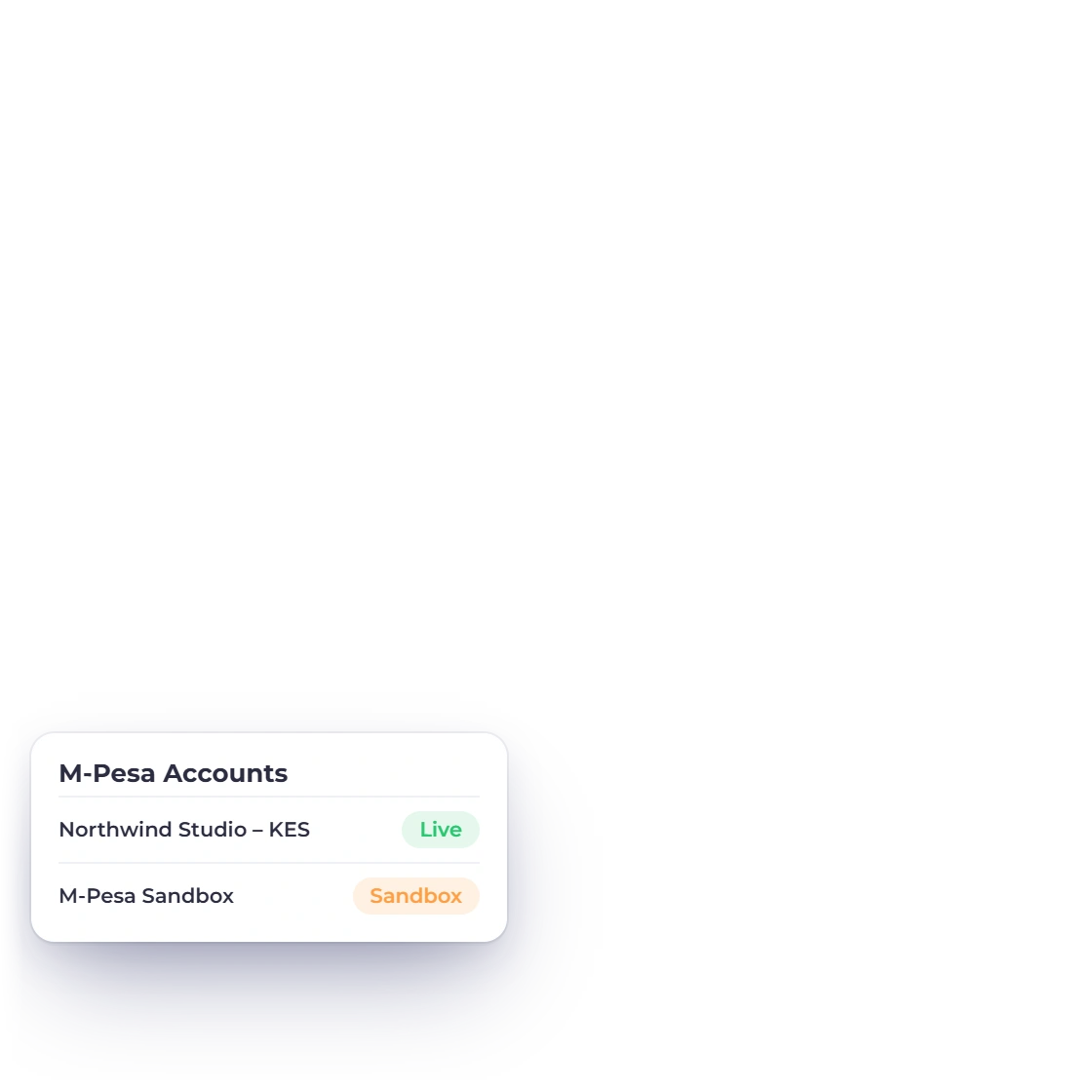
Understand the customer path

Availability is evaluated before a customer enters checkout.

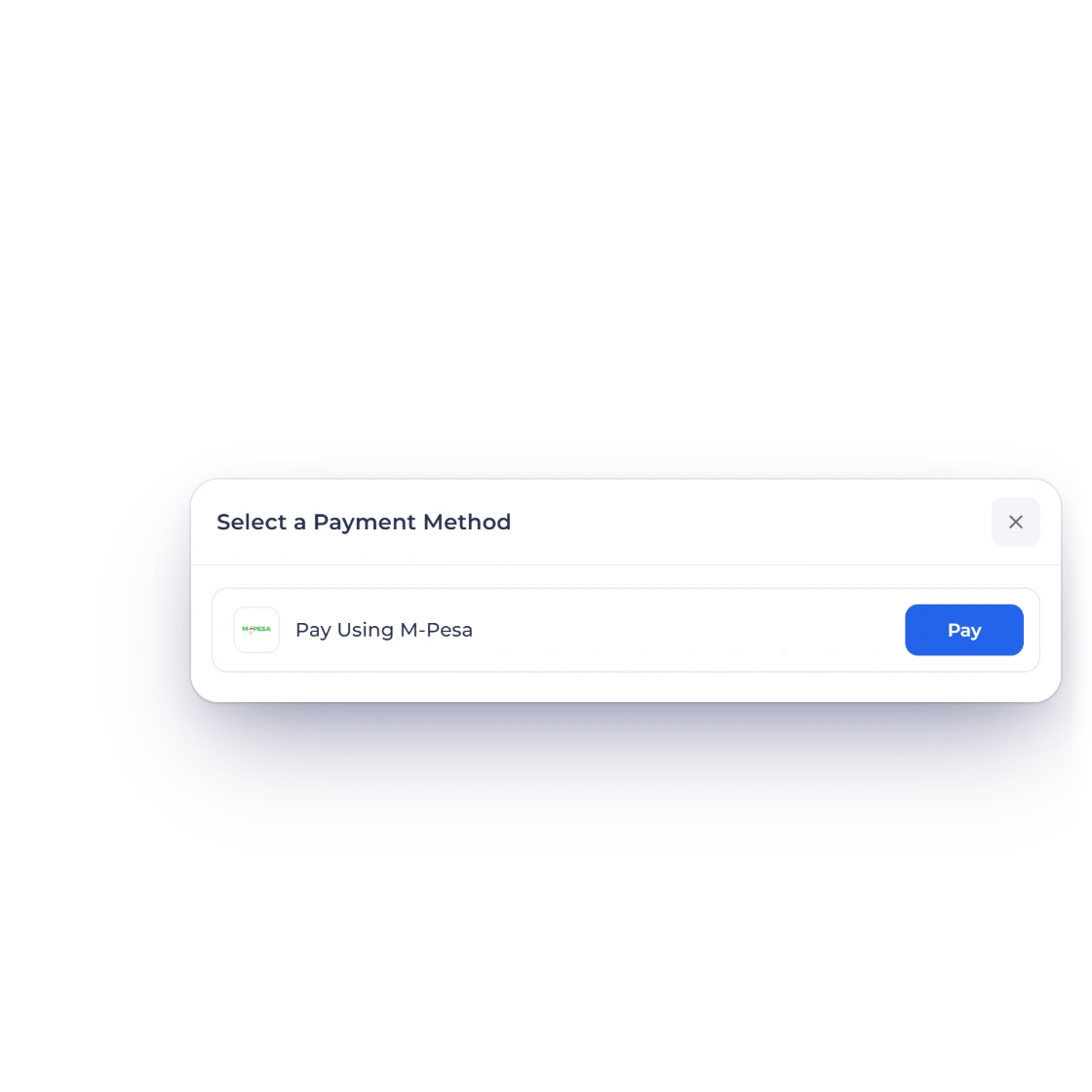
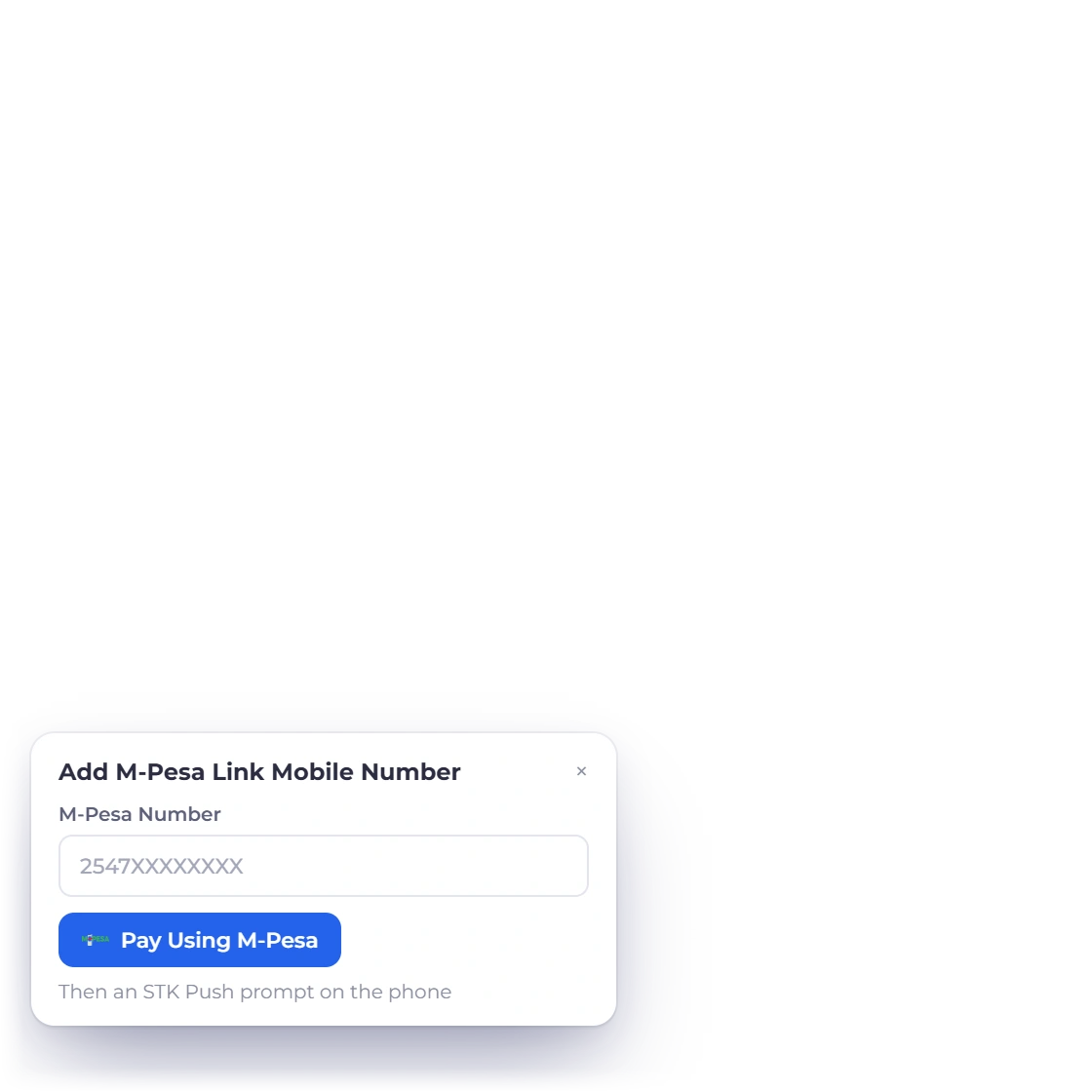
Invoice Crowd M-Pesa customer checkout illustration with fabricated sample data.

Use the supported one-time flow

The active flow uses OAuth, STK Push and authenticated STK Query. It accepts positive whole KES amounts and binds CheckoutRequestID and MerchantRequestID to one durable attempt.

  • Server-owned amount
  • Bound invoice allocation
  • Provider-controlled payment step

Read the recurring-payment boundary separately

No M-Pesa subscription flow is enabled.

  • One-time and recurring differ
  • Existing bindings may be compatibility-only
  • Retired creators stay unavailable

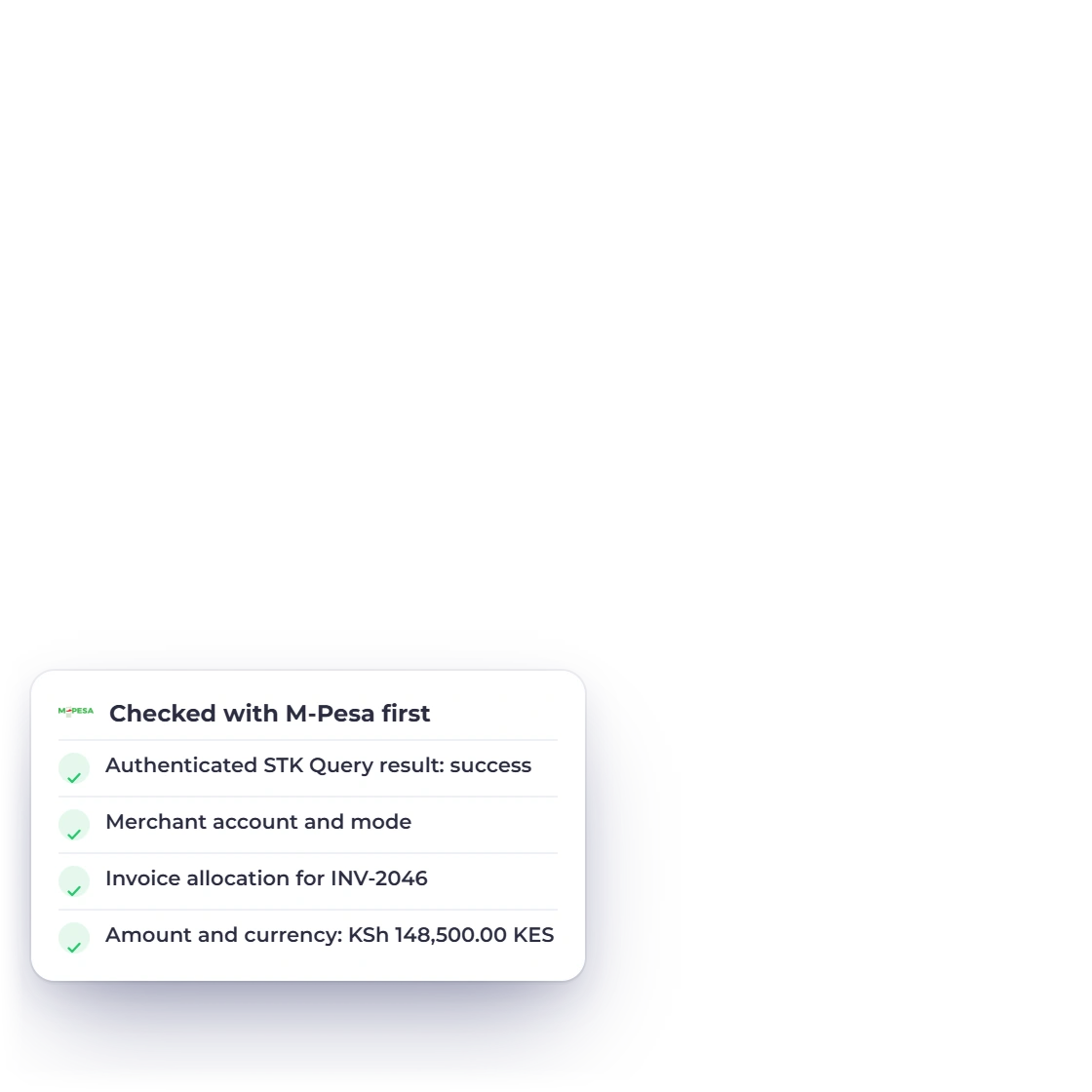
Verify before recording money

The final local state follows provider evidence, not the browser.

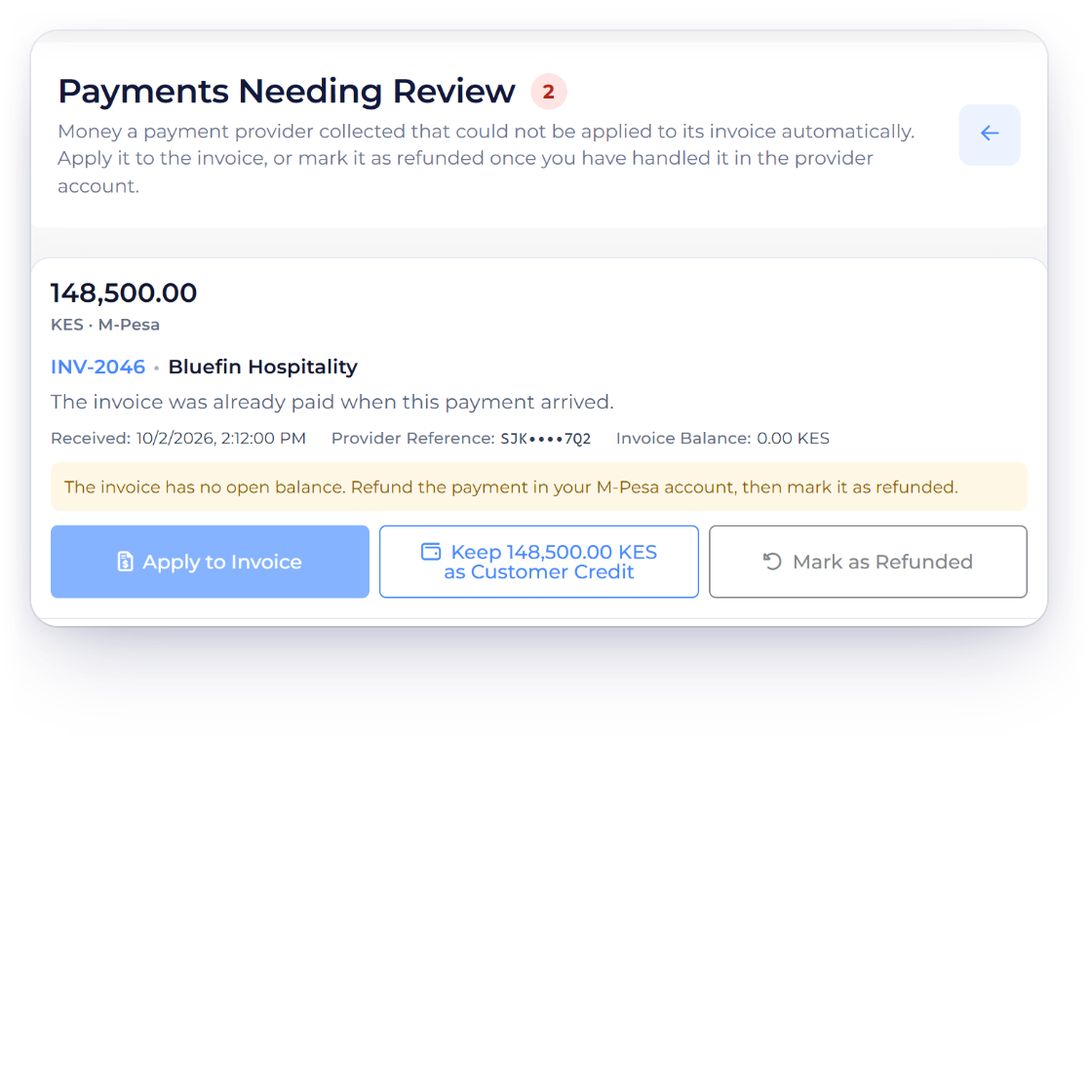
Invoice Crowd M-Pesa verify and record illustration with fabricated sample data.

Match the commercial record exactly

Authenticated query/callback evidence, exact checkout and merchant requests, allocation, KES amount and successful provider result.

  • Merchant account and mode
  • Allocation, amount and currency
  • Successful provider state

Keep the current limitation visible

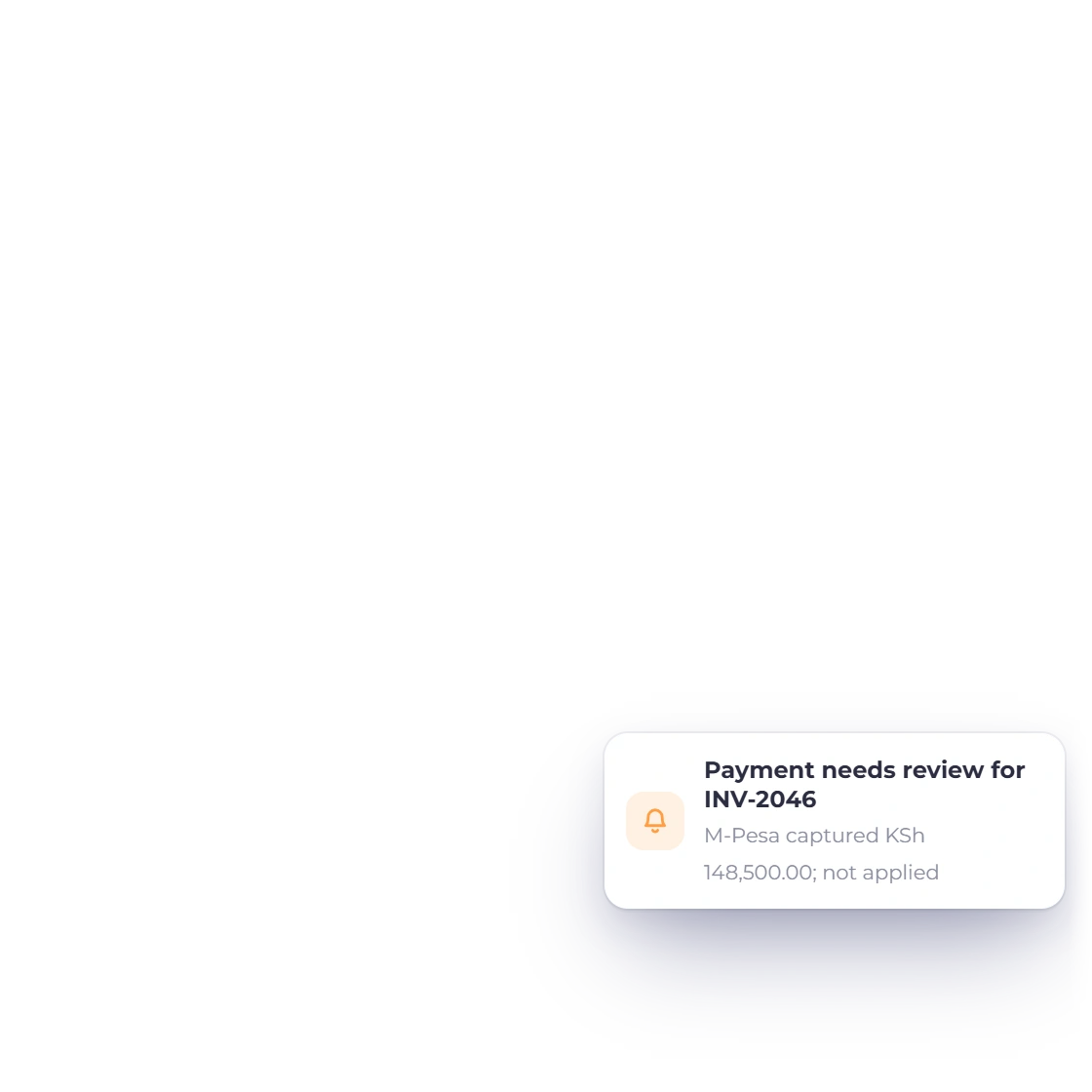
A lost STK response does not trigger a second push. Unresolved attempts keep the allocation locked until authoritative evidence resolves them.

  • No inferred settlement
  • Pending stays pending
  • Mismatch fails closed

Integration facts

What to verify before using M-Pesa

The fields below describe the current Invoice Crowd path; the provider remains the source for merchant eligibility, fees and regional availability.

  • Availability

    Active one-time checkout

  • One-time payment

    The active flow uses OAuth, STK Push and authenticated STK Query. It accepts positive whole KES amounts and binds CheckoutRequestID and MerchantRequestID to one durable attempt.

  • Recurring payments

    No M-Pesa subscription flow is enabled.

  • Merchant setup

    Consumer key, write-only consumer secret, shortcode, write-only pass key, allow-listed transaction type and Live/Test mode.

  • Settlement evidence

    Authenticated query/callback evidence, exact checkout and merchant requests, allocation, KES amount and successful provider result.

  • Regional fit

    Designed for eligible M-Pesa merchants and KES transactions; Safaricom controls account access, fees and production approval.

  • Current boundary

    A lost STK response does not trigger a second push. Unresolved attempts keep the allocation locked until authoritative evidence resolves them.

  • Invoice data

    Amount, currency and allocation are derived from the current server-side invoice state.

  • Customer result

    A provider screen or browser return is a locator, not sufficient settlement proof.

  • Retries

    Durable attempts and stable provider identities prevent an uncertain response from becoming an unbounded duplicate payment.

  • Provider fees

    Gateway fees, exchange costs and settlement timing come from the merchant agreement, not the Invoice Crowd subscription.

  • Alternative gateways

    Configure another active provider when this gateway does not support the merchant, customer, currency or collection model.

Questions

M-Pesa and Invoice Crowd, answered

Is the M-Pesa integration currently available in Invoice Crowd?

Current status: Active one-time checkout. The active flow uses OAuth, STK Push and authenticated STK Query. It accepts positive whole KES amounts and binds CheckoutRequestID and MerchantRequestID to one durable attempt.

What do I need to connect M-Pesa?

Consumer key, write-only consumer secret, shortcode, write-only pass key, allow-listed transaction type and Live/Test mode. Designed for eligible M-Pesa merchants and KES transactions; Safaricom controls account access, fees and production approval.

How does M-Pesa one-time checkout work?

The active flow uses OAuth, STK Push and authenticated STK Query. It accepts positive whole KES amounts and binds CheckoutRequestID and MerchantRequestID to one durable attempt.

Does M-Pesa support recurring payments in Invoice Crowd?

No M-Pesa subscription flow is enabled.

How does Invoice Crowd decide that a payment succeeded?

Authenticated query/callback evidence, exact checkout and merchant requests, allocation, KES amount and successful provider result. A browser return or posted status alone cannot settle the invoice.

Are gateway fees included in Invoice Crowd pricing?

No. Provider transaction fees, foreign-exchange costs, settlement timing and account terms are controlled by the gateway and merchant agreement. Check the provider before activation.

Test M-Pesa with a representative invoice

Start with sandbox or test mode where the provider offers it, verify the exact currency and payment result, then plan production activation.

  • No browser-only settlement
  • Provider terms apply
  • Current status is visible