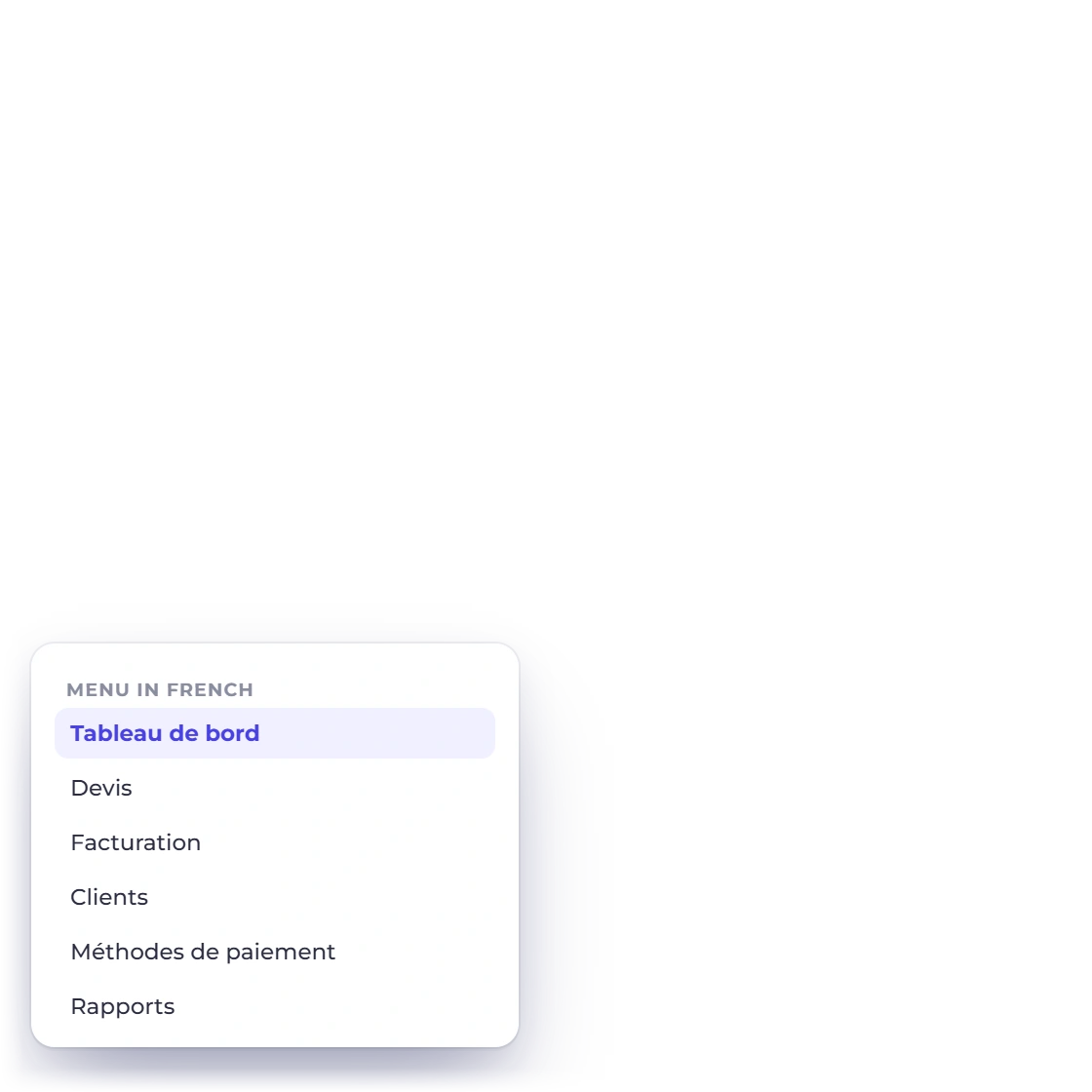

Work in your own language
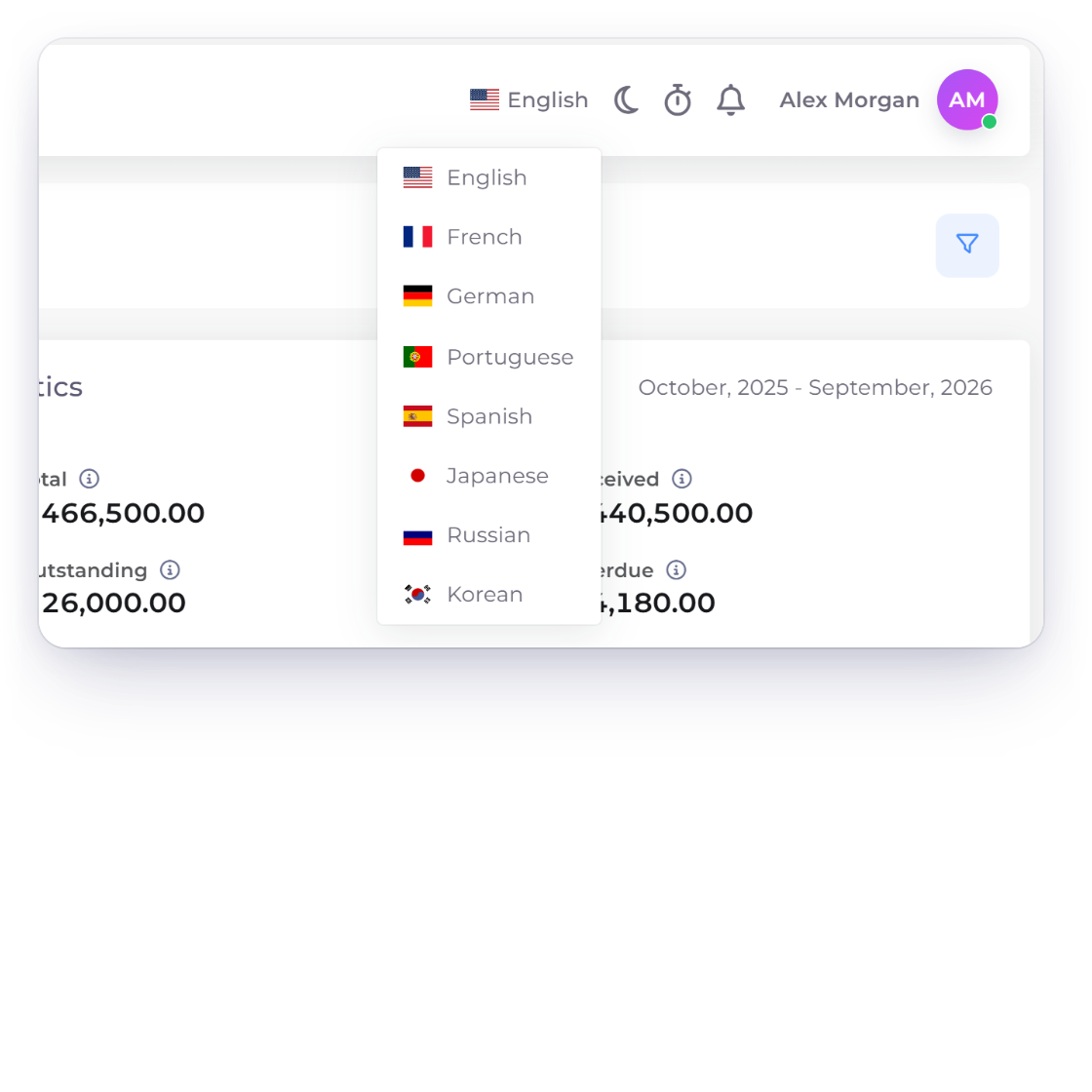
Pick English, French, German, Portuguese, Spanish, Japanese, Russian or Korean from the language menu, and the interface switches with you.
- Eight languages
- Switch in one click
- The full interface translated
Global business
Invoice Crowd runs in eight languages. Choose one for your own screens and another for the pages and emails your customers see, with currency, tax and date formats set for each business.
How it works
Your team, your business and your customers can each work in the language that suits them, while amounts, taxes and dates stay exactly as you set them.
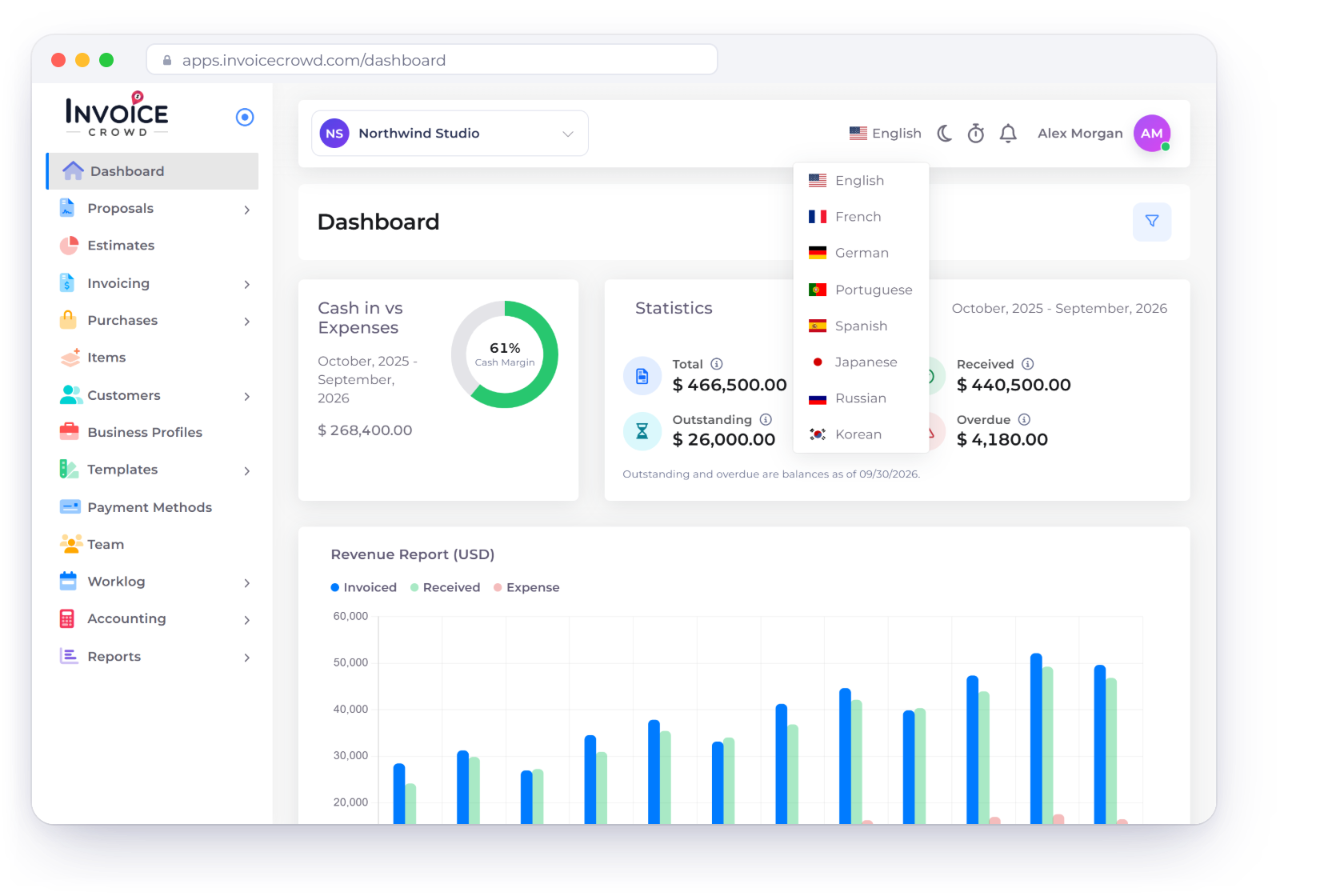
Choose your language from the top bar
Pick English, French, German, Portuguese, Spanish, Japanese, Russian or Korean from the language menu, and the interface switches with you.
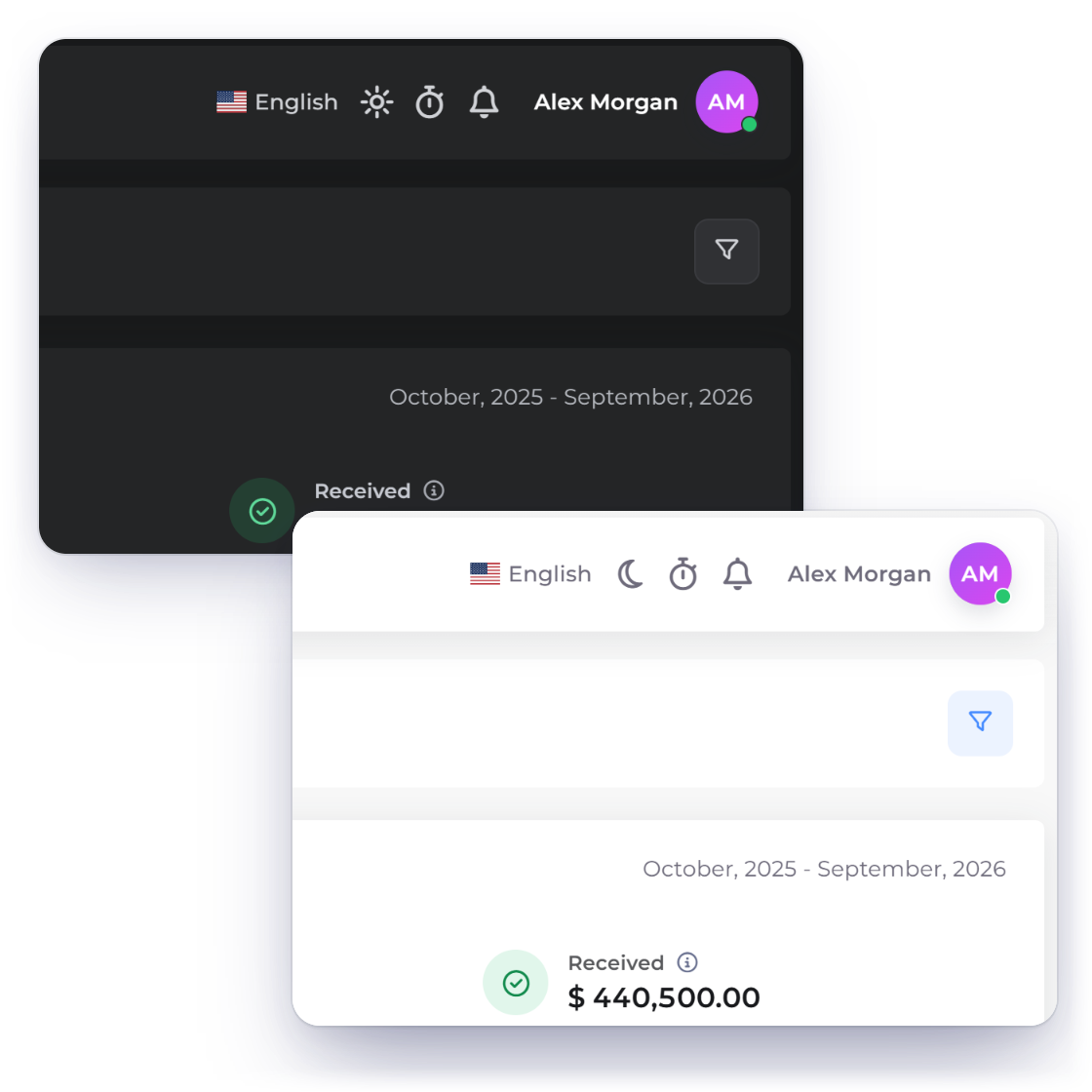
Choose a light or dark theme alongside your language, and change either one whenever you like.
Pages, emails and documents in their language
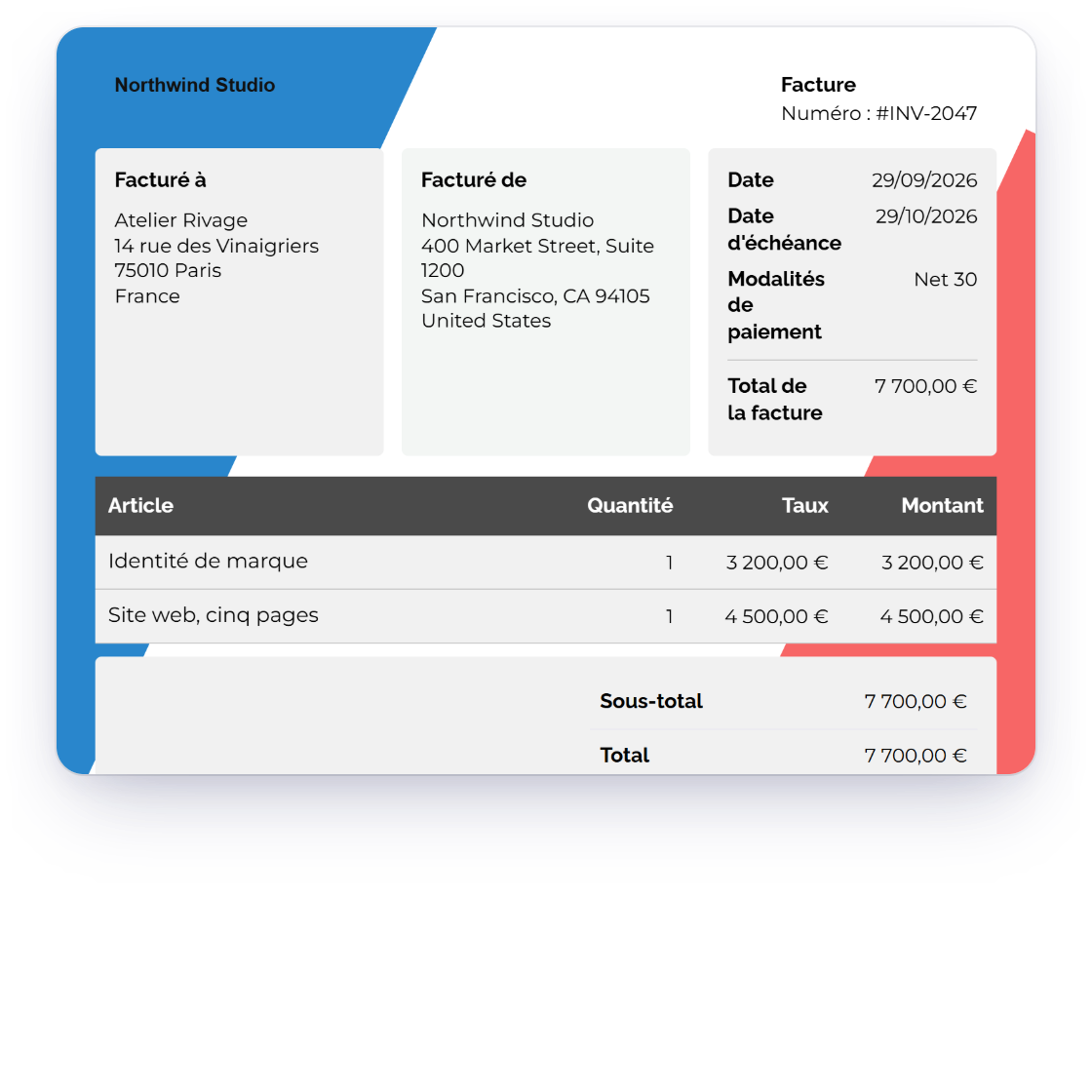
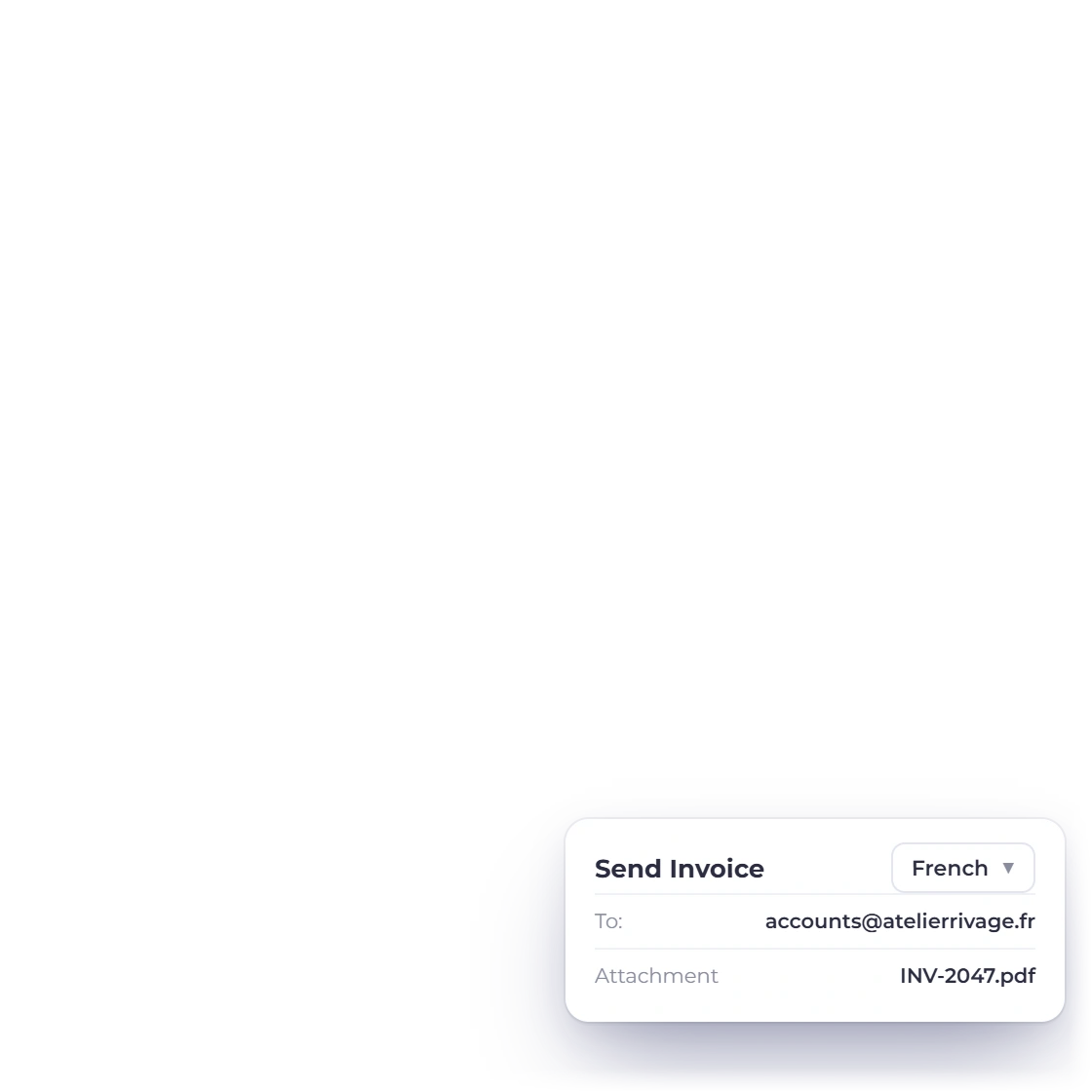
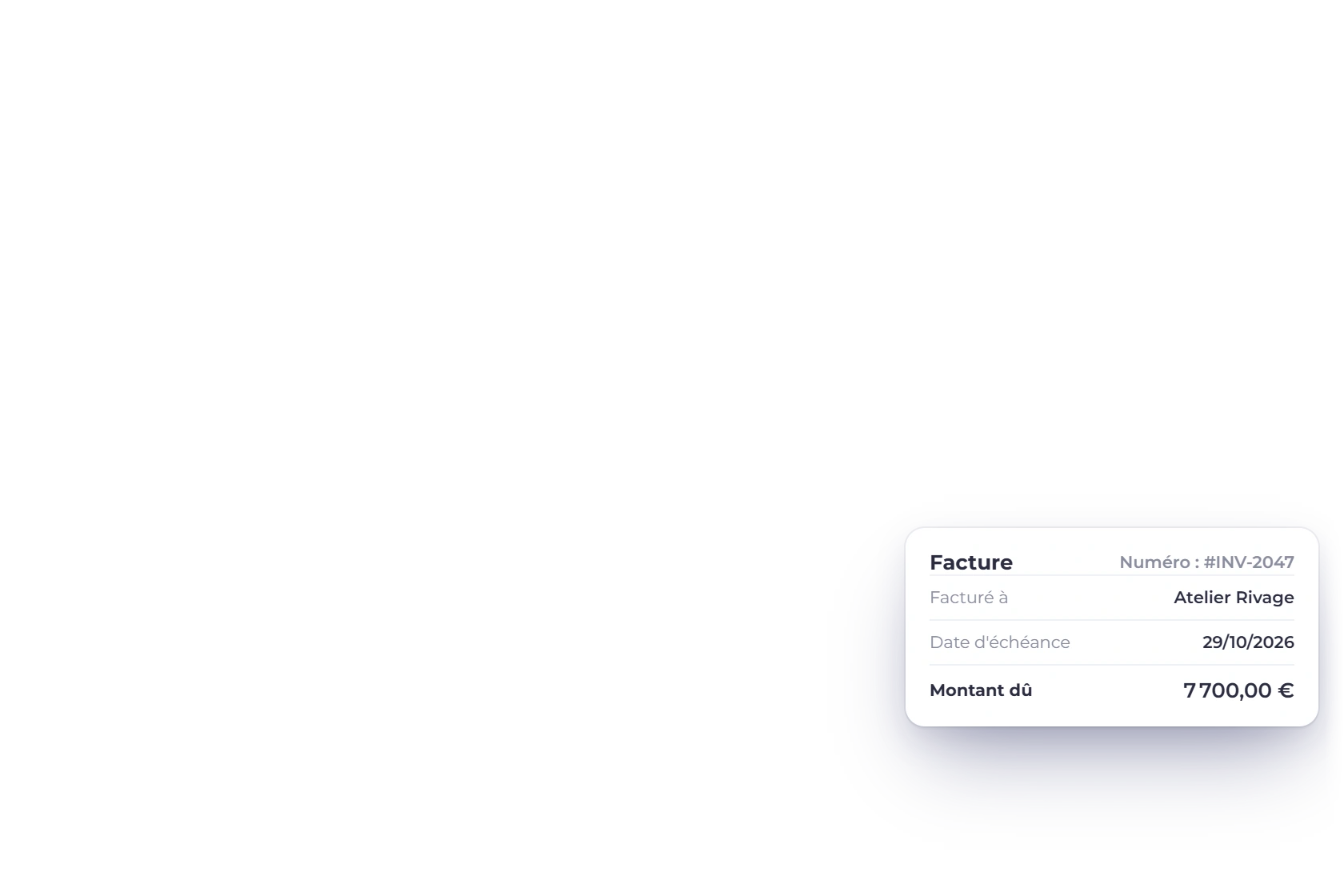
Set a customer language for the pages your clients open and the emails they receive, and choose the email language right in the send window.
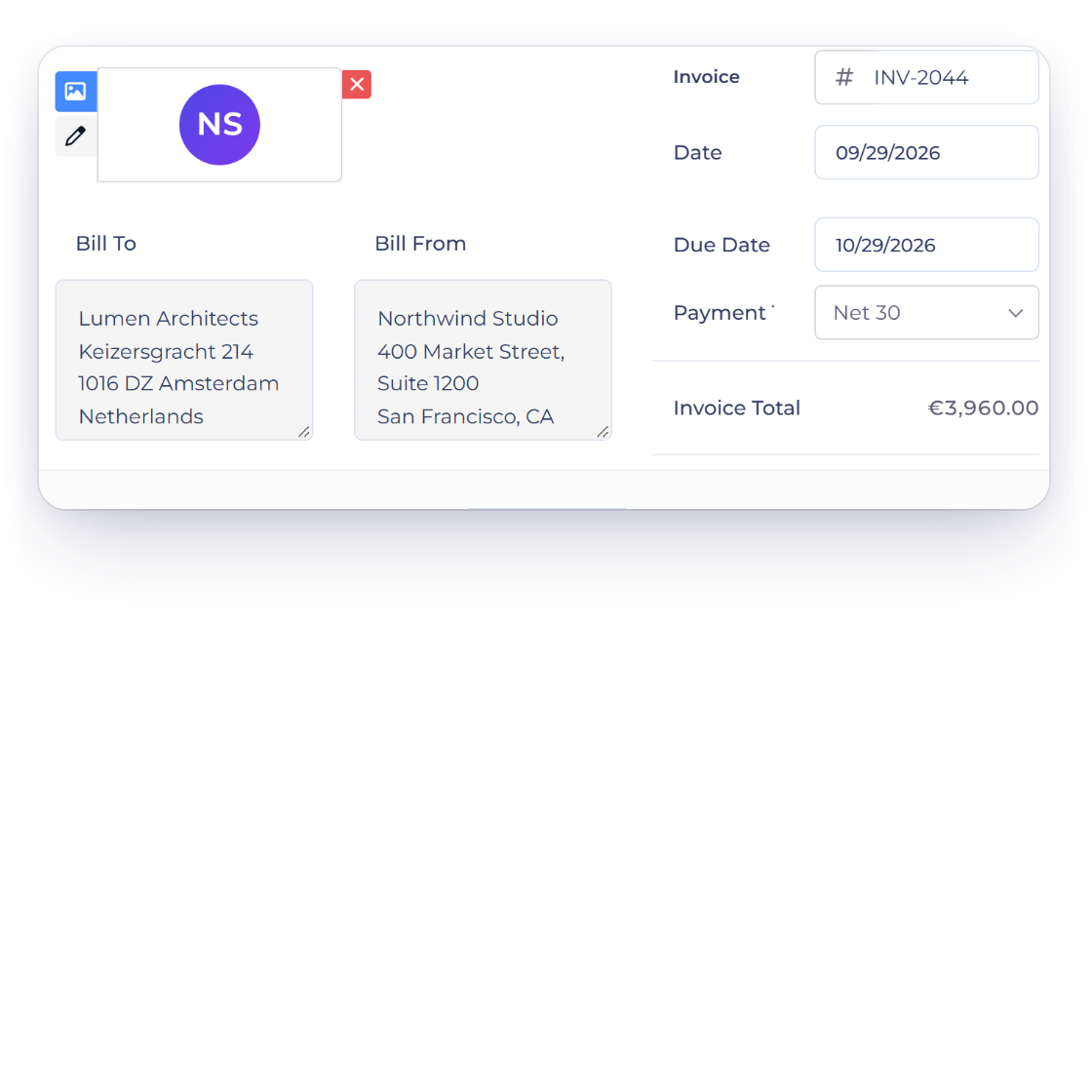
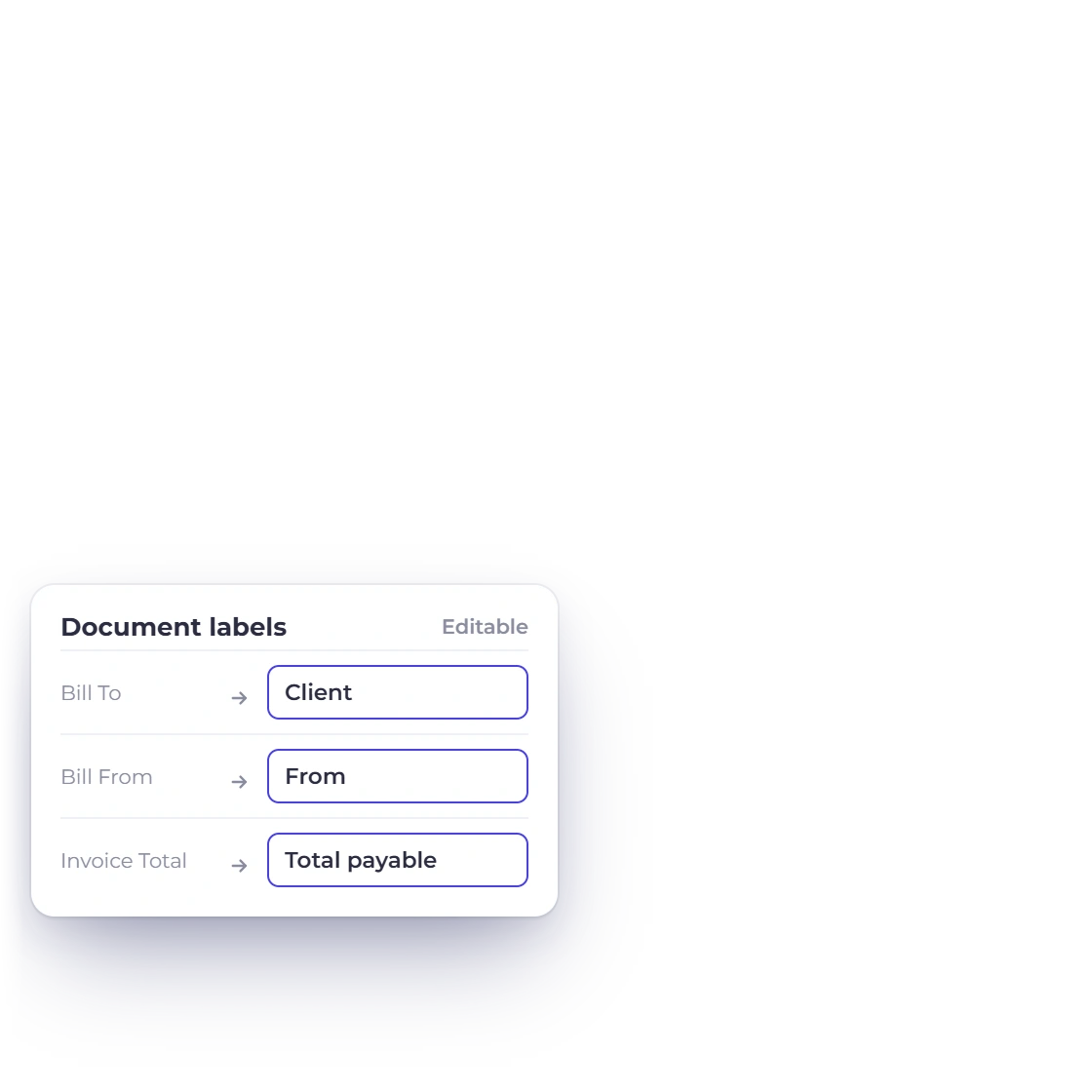
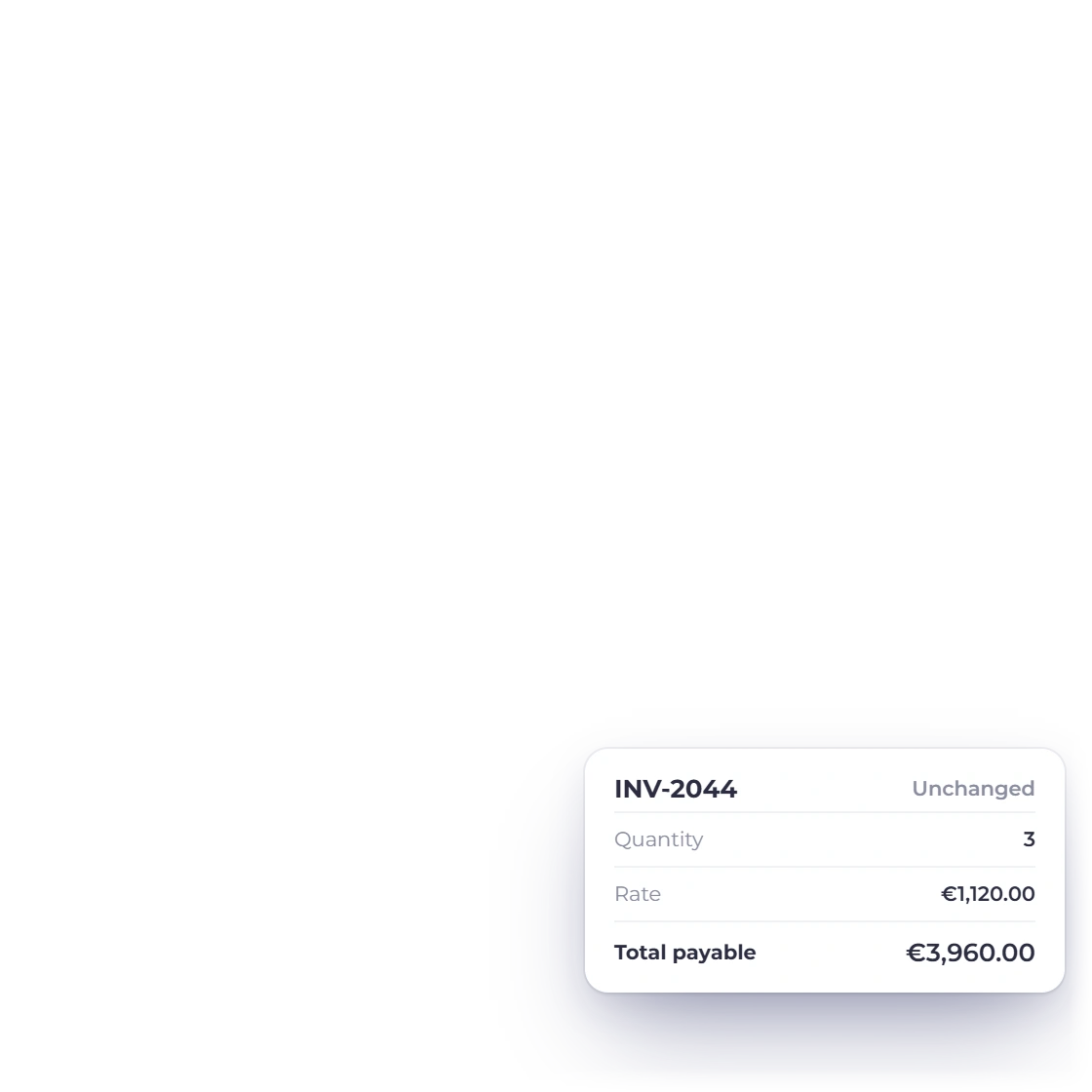
Rename the labels on invoices and proposals, such as Bill To and Invoice Total, to match how you talk to clients. Quantities, rates, taxes and totals stay exactly as they are.
Currency, tax and date formats per business
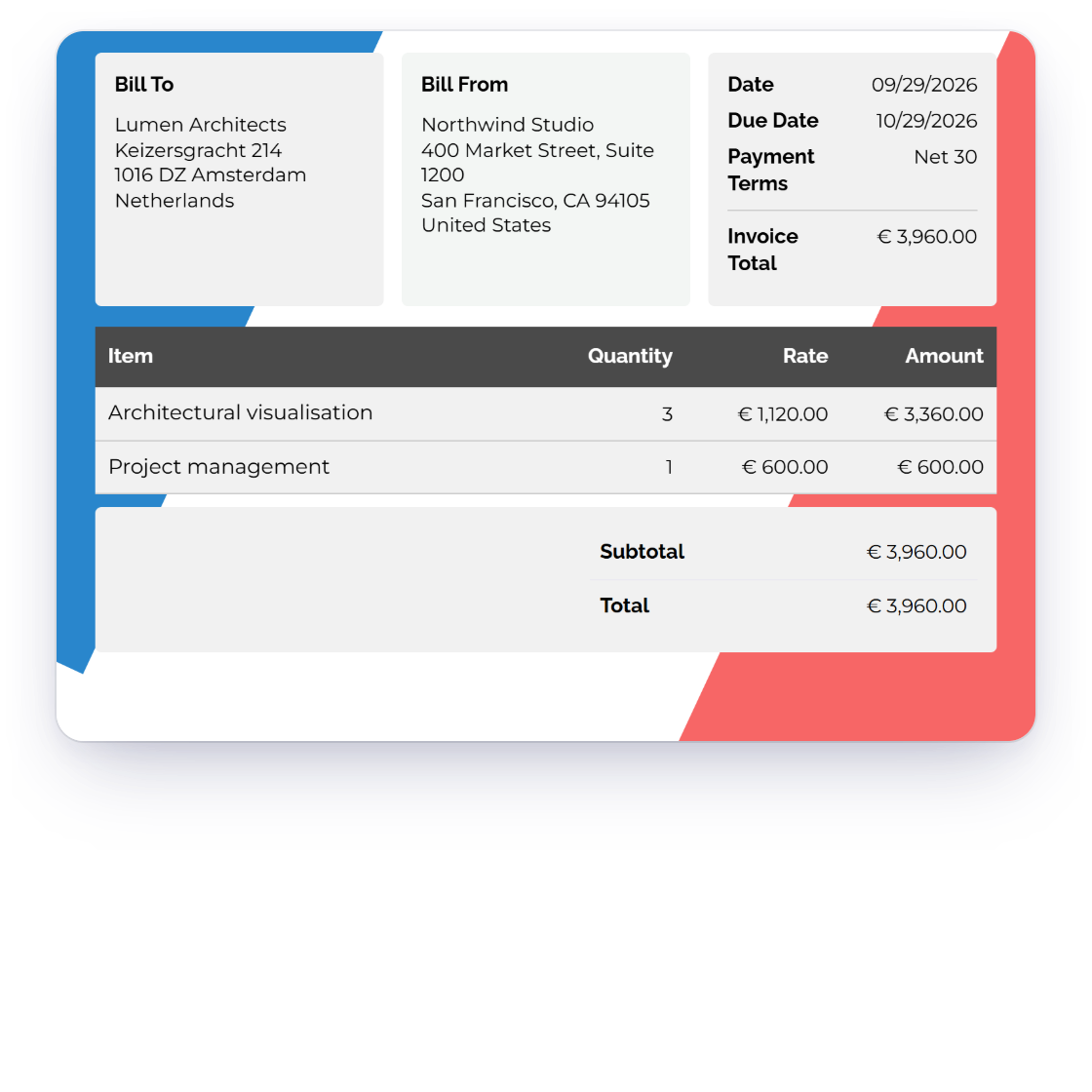
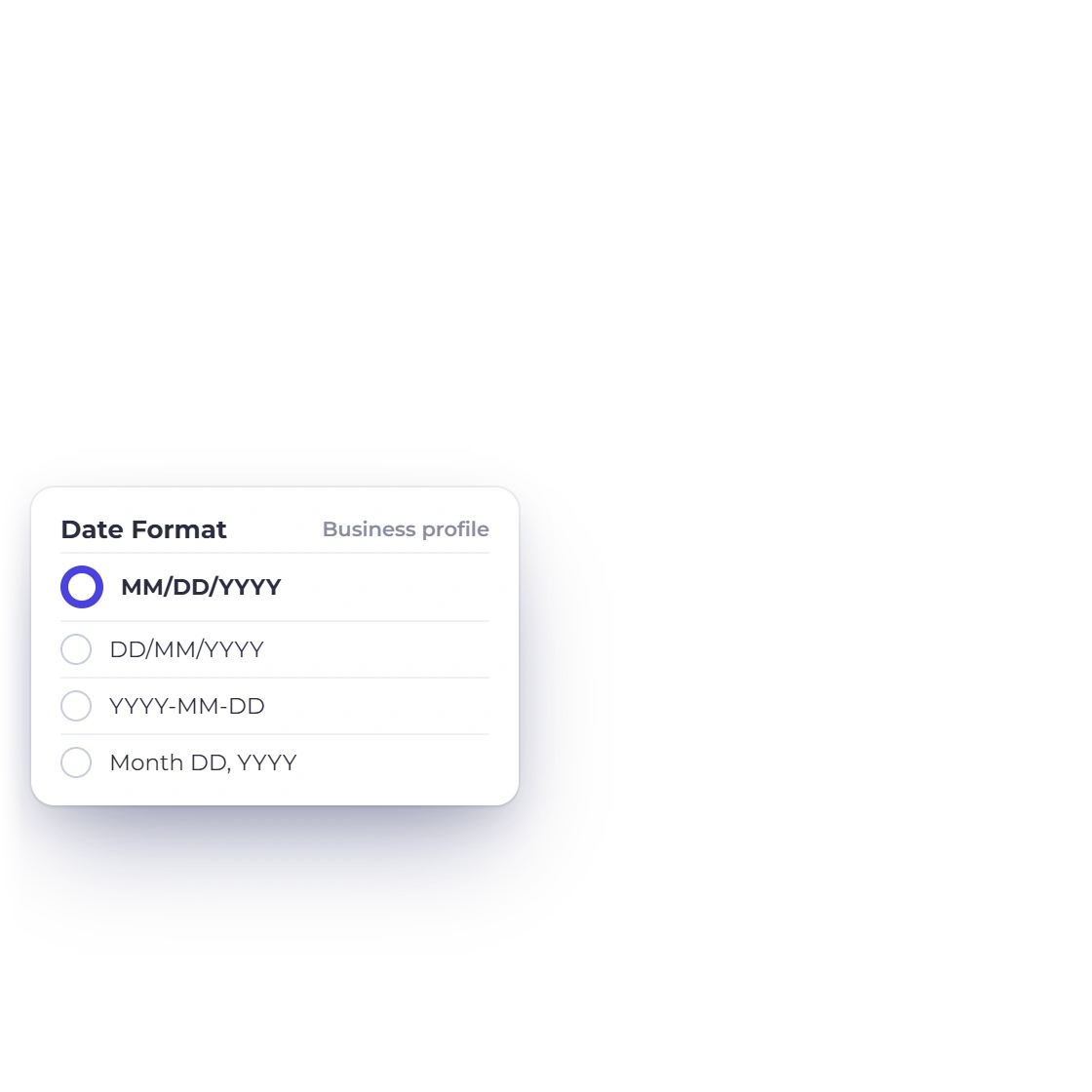
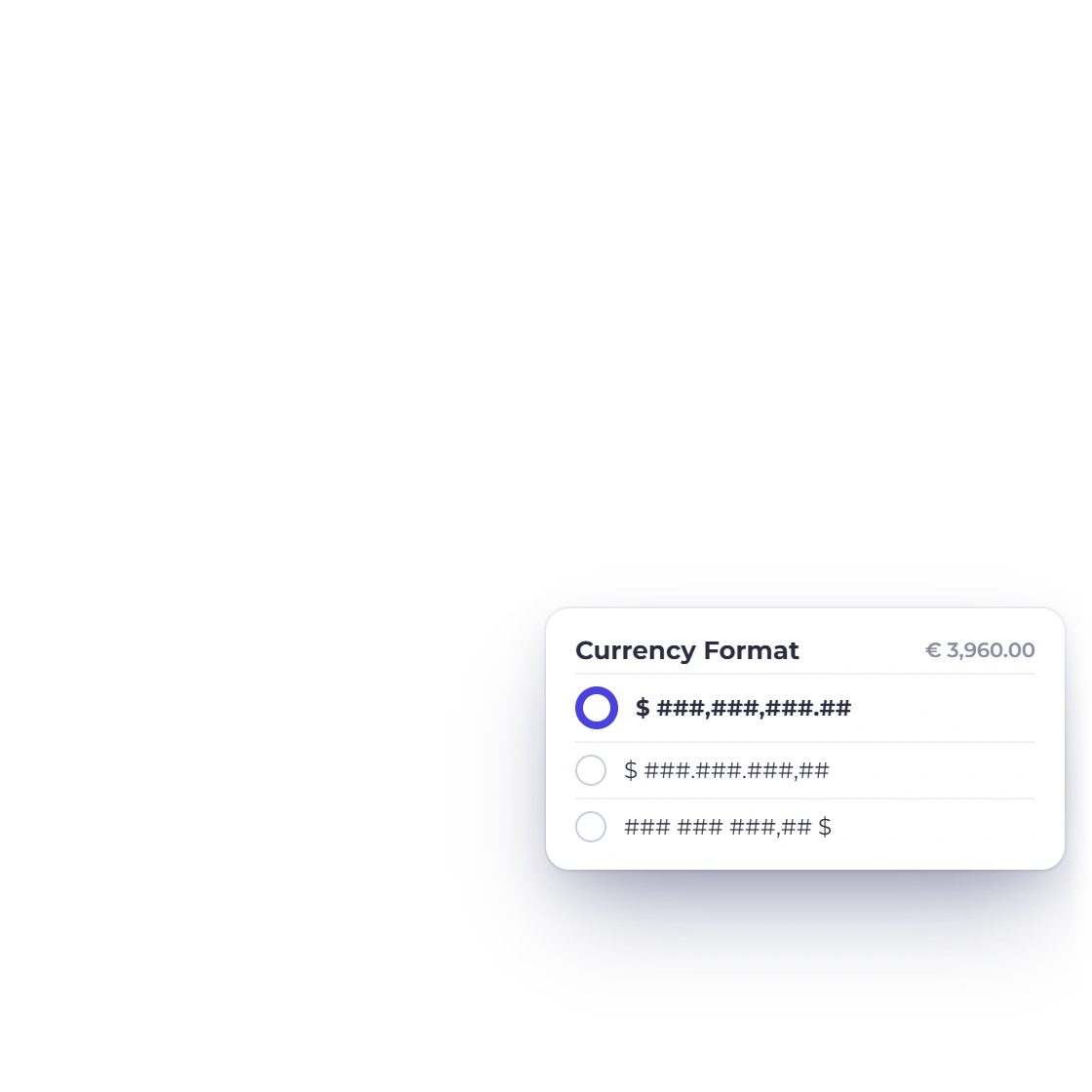
Set the document currency, tax rates, date format and currency format for each business, so every invoice reads naturally in its market.
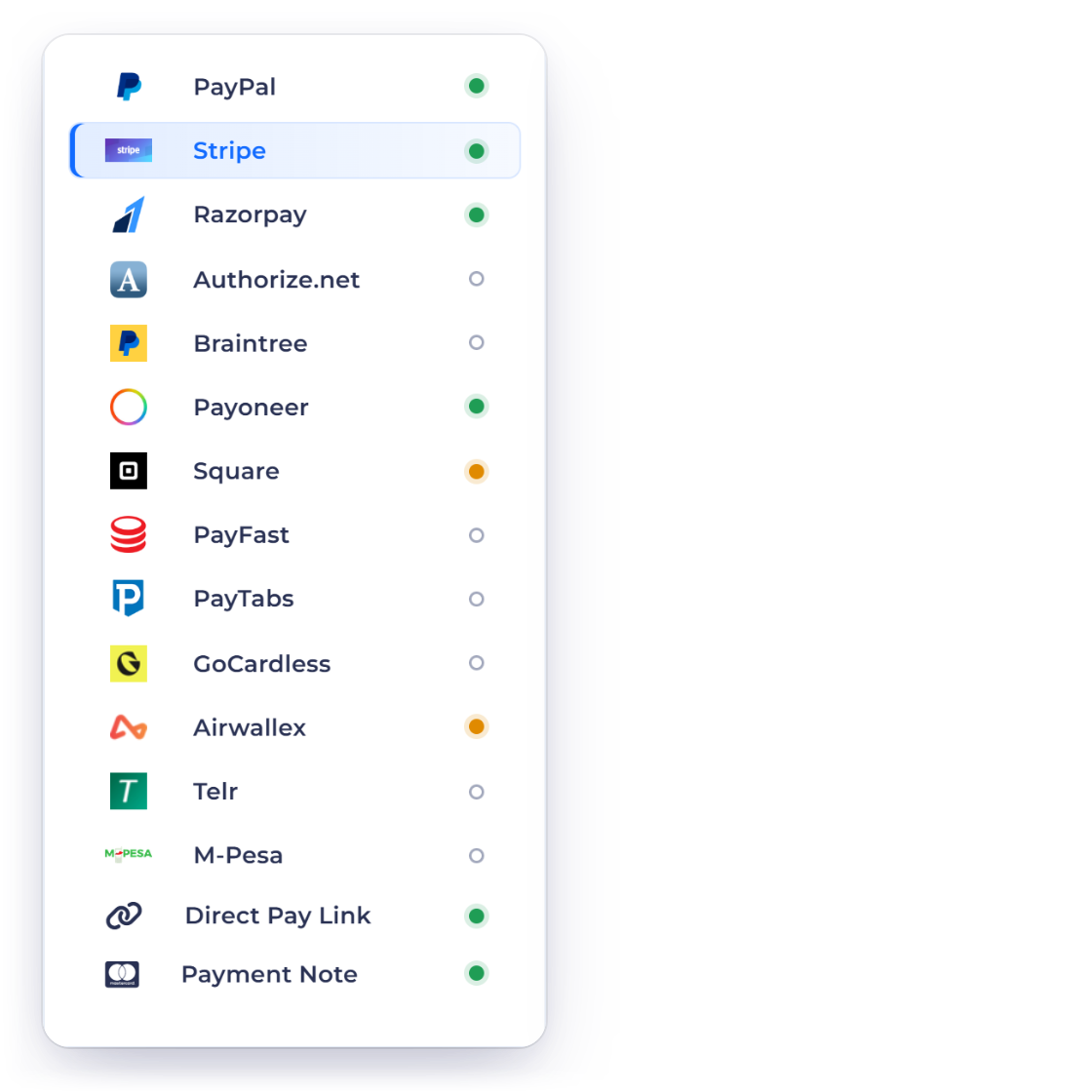
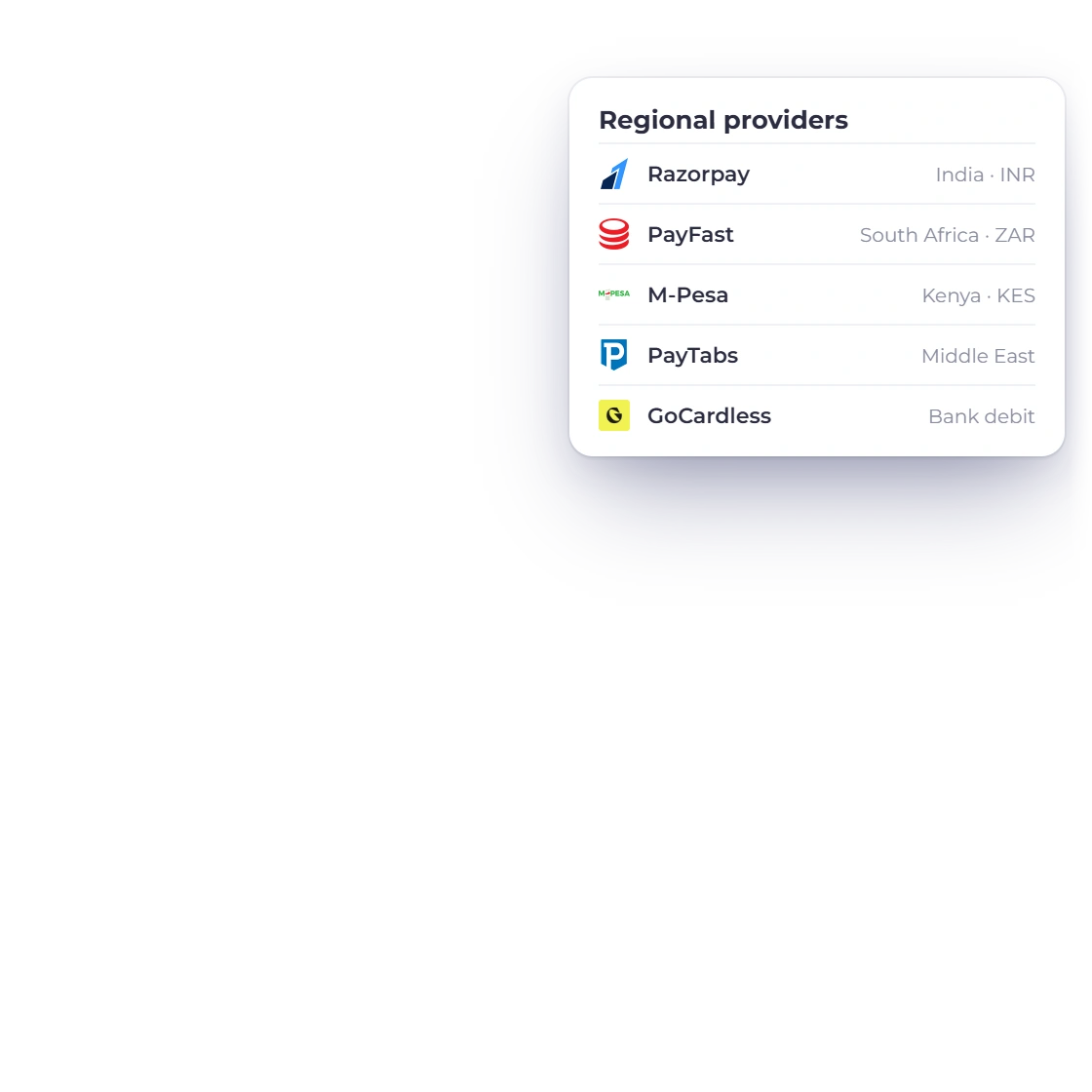
Connect regional favorites such as Razorpay, PayFast, M-Pesa and GoCardless alongside PayPal and Stripe, so customers pay the way they prefer.
Built in
Language, currency, taxes, dates and payments, each set the way your market expects.
Work in any of eight languages, from English to Japanese and Korean.
Any text without a translation shows in English, so every screen stays readable.
Choose the email language in the send window for each message you send.
Rename labels, or print a design's headings and column names in any of the eight languages.
Each business profile keeps its own language, currency and format settings.
Bill in the customer's currency while your books stay in yours.
Every foreign-currency document shows the exchange rate it used.
Define the tax rates each business needs, including GST.
Show dates in the format your customers expect.
Display amounts in the currency format that suits your market.
Offer local favorites like Razorpay, PayFast and M-Pesa alongside PayPal and Stripe.
Language changes how documents read, while tax treatment stays exactly as you configure it.
Questions
Invoice Crowd's interface is available in eight languages: English, French, German, Portuguese, Spanish, Japanese, Russian and Korean, and each language covers the full interface. Choose yours from the language selector in the top bar.
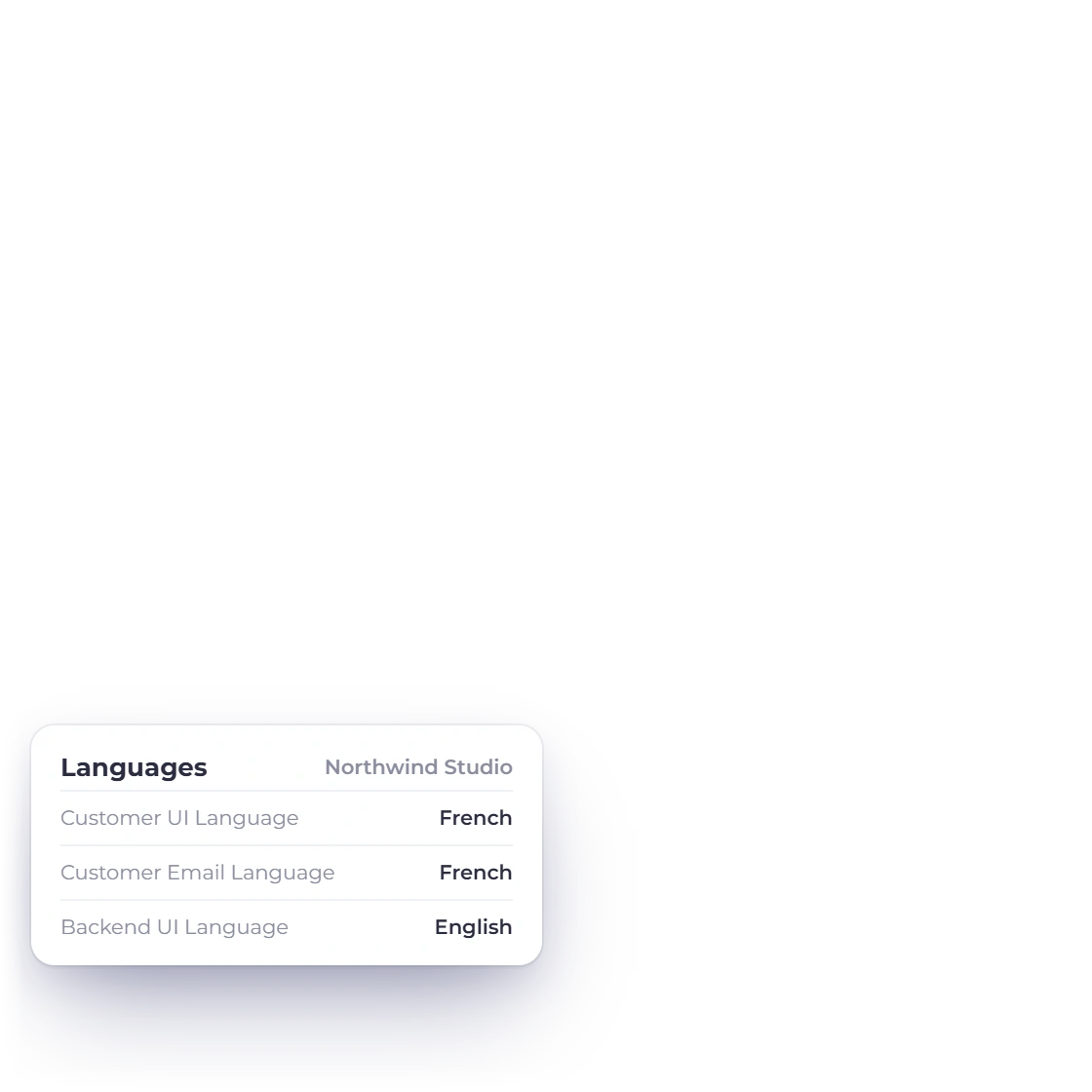
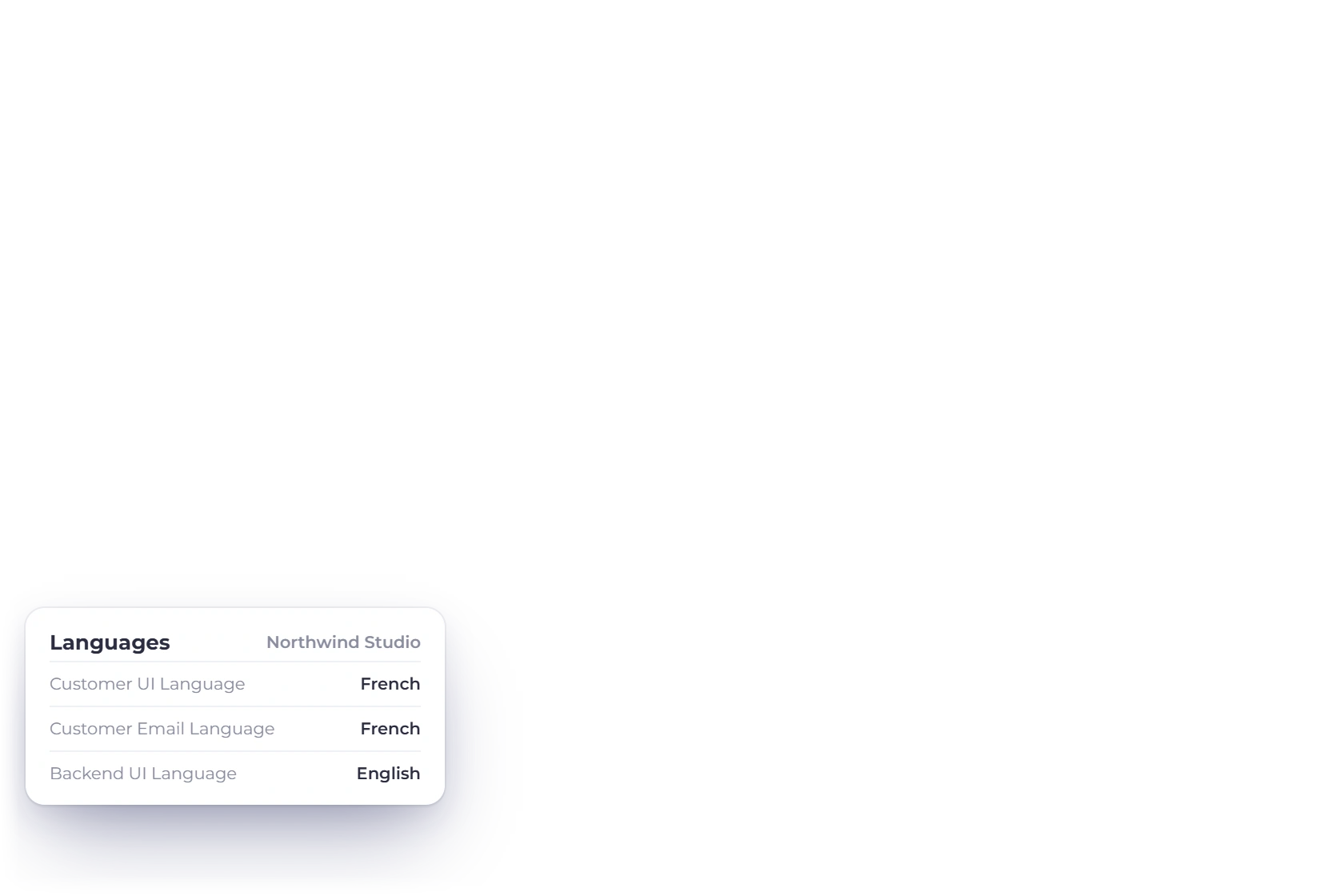
Yes. In the business profile's Languages settings, switch on Custom, then choose a Customer UI Language for the pages customers open and a Customer Email Language for the emails they receive, separate from your own Backend UI Language. These are set per business profile, and the send window also has an Email Language choice. The invoice itself follows its design's Document language: headings, standard labels and column names print in that language, while text you type stays as entered.
Yes. Payment receipts sent to a customer use the business's customer language, statements and report PDFs are produced in the language of the person downloading them, and app messages appear in your own interface language.
In your business profile. Set the tax rates your business needs, the date format and the currency format, and new documents follow them. Each business profile keeps its own settings, so two businesses under one login can each fit their own market.
Invoice Crowd connects 15 payment gateways: PayPal, Stripe, Razorpay, Square, Payoneer, Braintree, Authorize.net, Airwallex, GoCardless, PayFast, PayTabs, Telr, M-Pesa, PhonePe and Paystack. Offer the ones your customers know best, side by side on the same invoice.
Choose your languages, currency, taxes and date formats, then preview an invoice exactly as your customer will see it.