


Add GST to a pre-tax amount
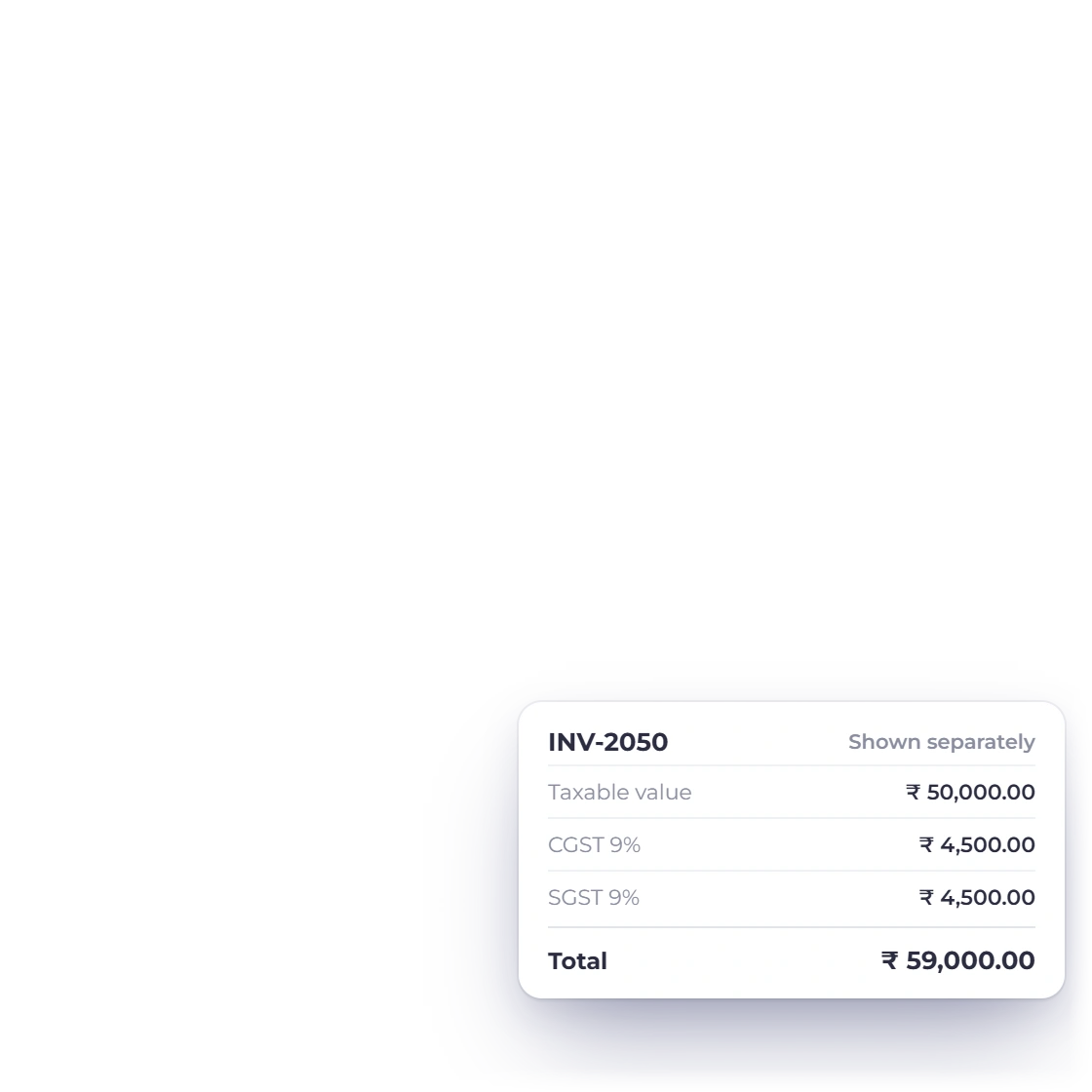
Exclusive mode multiplies the base amount by the rate, then adds the tax to produce the total.
- Pre-tax base
- GST amount
- Inclusive total
Free business tool
Enter an amount and GST percentage, then specify whether tax is already included. The calculator handles both directions and keeps every part of the result visible.
Free browser tool
Use exclusive mode to add GST, or inclusive mode to extract the GST already present in a total.
Result
0.00GST systems differ by country and may use multiple components, exemptions or special rounding. Confirm the rate and reporting rules that apply where you trade.
How to use it well
The same percentage gives a different answer depending on whether the amount is before tax or already includes it.
The same three values, with a different starting point.
Exclusive mode multiplies the base amount by the rate, then adds the tax to produce the total.
Inclusive mode divides by one plus the rate to recover the base, then shows the GST difference.
You choose the rate that applies to each sale.

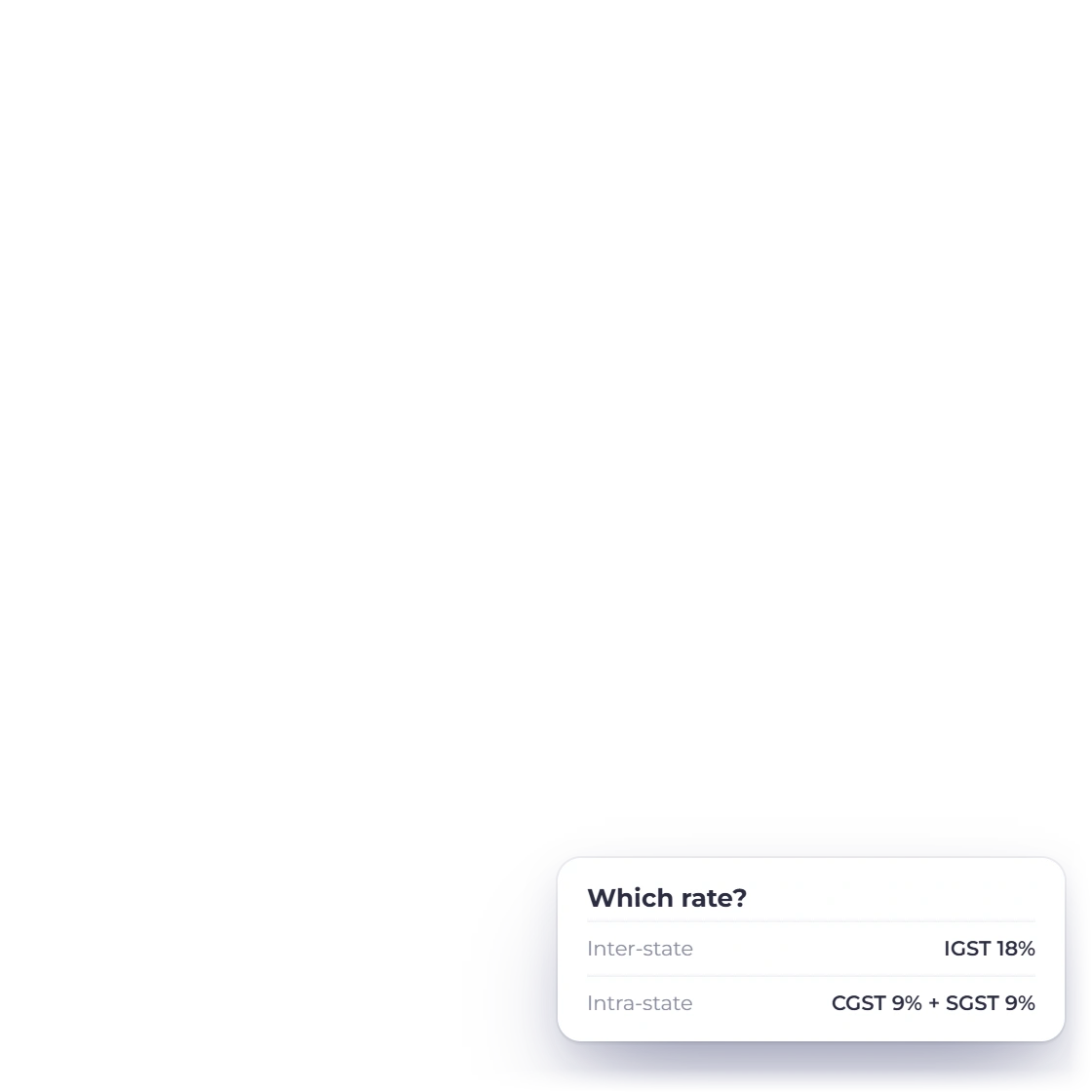
Applicable rates can depend on the supplier, customer, location, item category and transaction date.
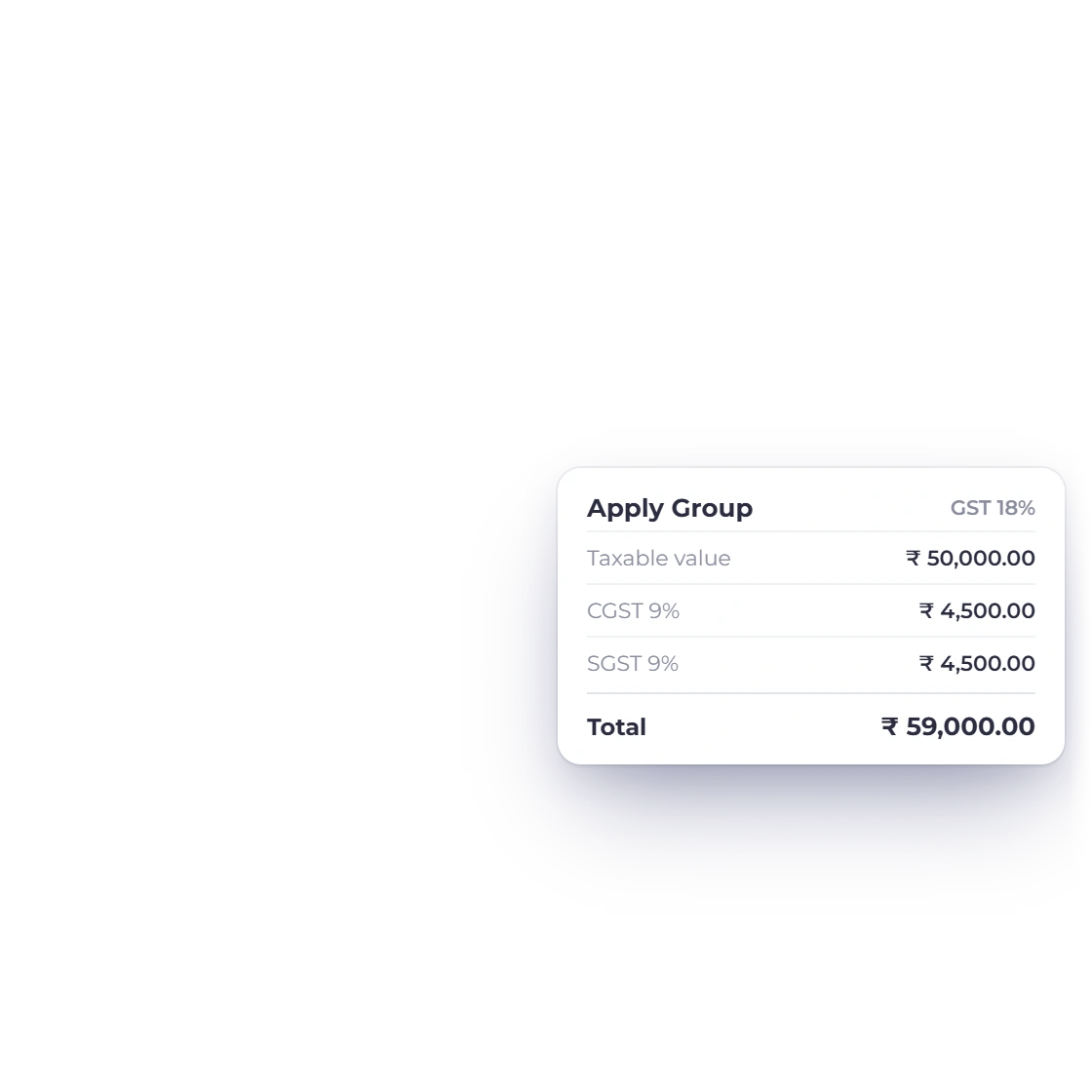
Some systems split a total rate into central, state, provincial or harmonized components. This tool shows one combined rate.
A breakdown is more useful than a single final number.
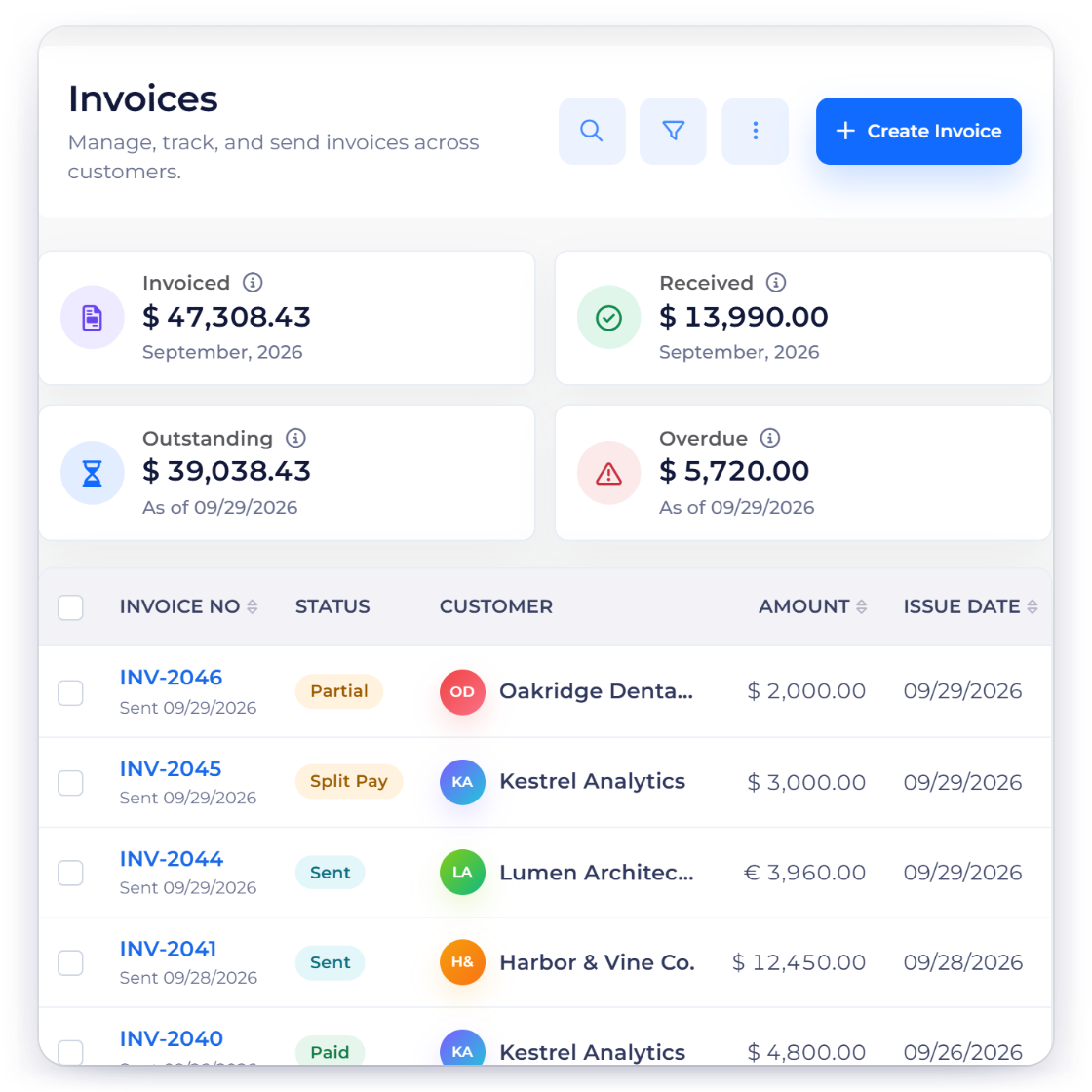
Put both values on the document or record, so anyone can see how the tax was worked out.
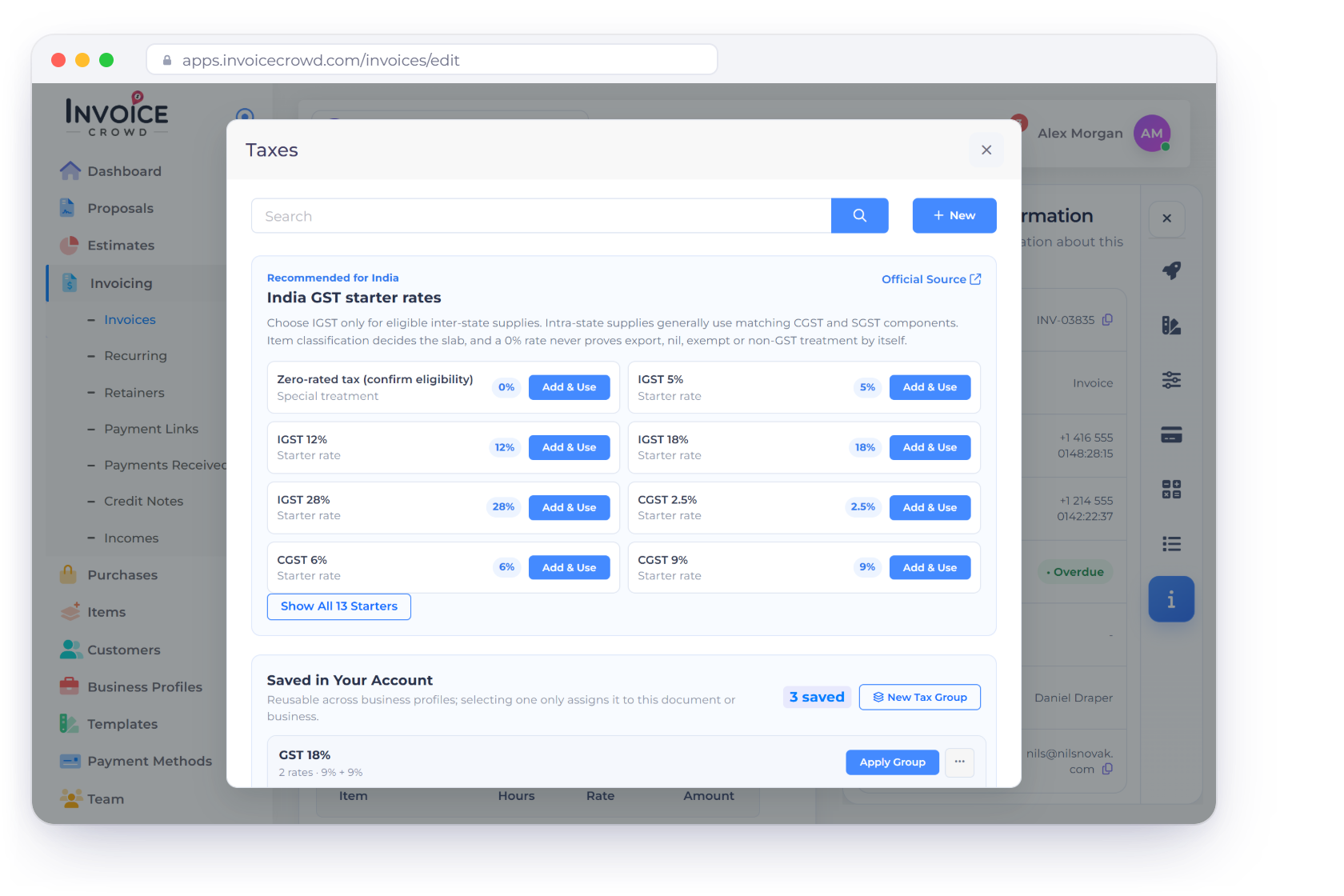
An Invoice Crowd account keeps your taxes, customers and documents together.
Questions
Enter an amount and GST rate. In exclusive mode the tax is added to the entered net amount. In inclusive mode the tax is extracted from the entered gross total.
Check Amount includes tax. The tool divides the gross amount by one plus the entered rate to calculate the base, then displays the tax difference.
The display rounds to two decimal places. Tax authorities or accounting policies may require different currency, line-level or document-level rounding.
No. Your figures stay in the calculator and are never sent to Invoice Crowd.
Use Invoice Crowd to save customers, products, taxes and business documents in one connected workspace.