Skip to content

Payment integration

Accept invoice payments with Square

The Square integration lets customers pay your Invoice Crowd invoices through Square checkout, or start a card-on-file Square subscription on a subscription invoice. Square payment notifications are set up automatically when you save your Square details, and refunds go back through Square.

  • Status: Active, one-time and subscriptions
  • Checked against the app
  • Provider terms still apply
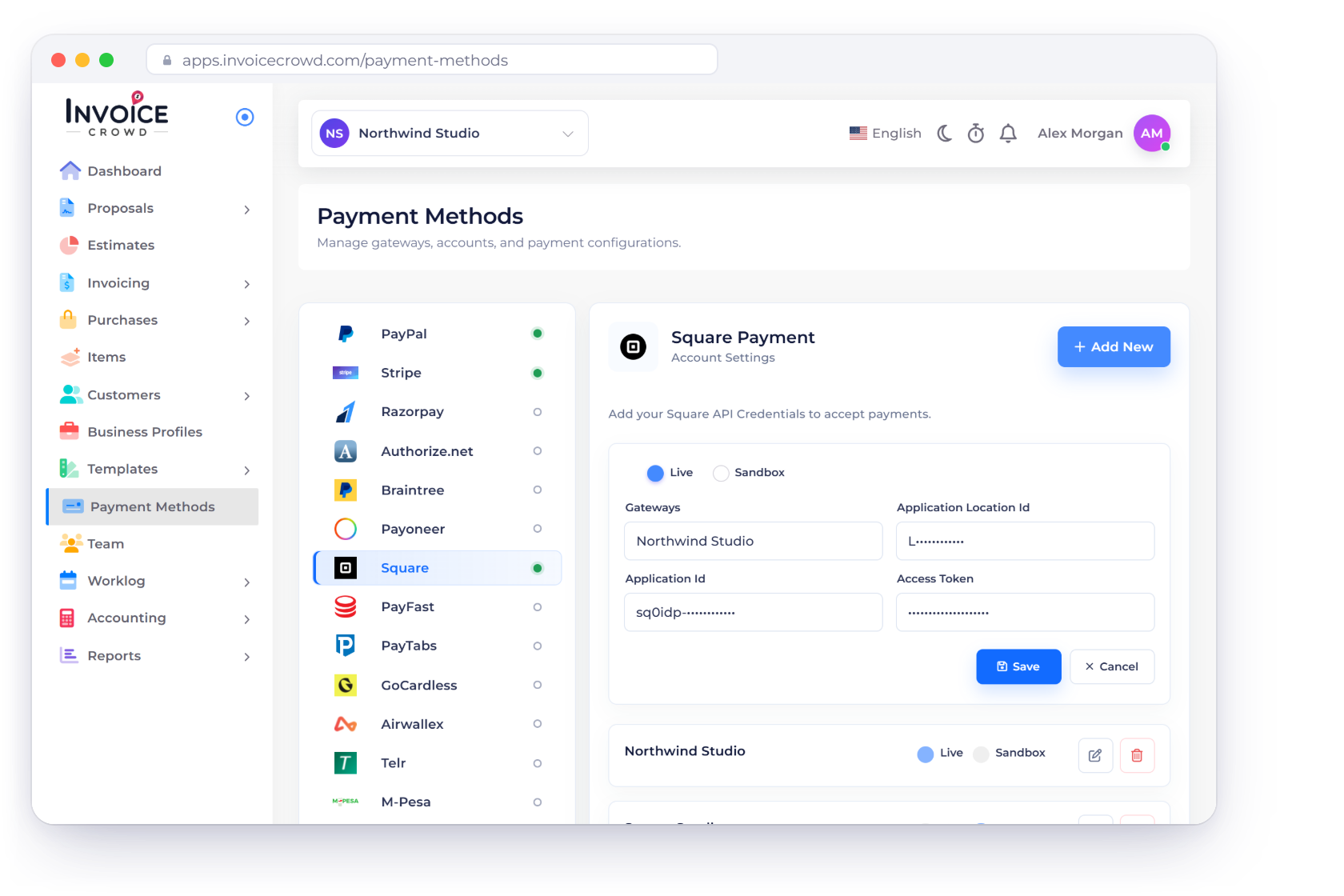
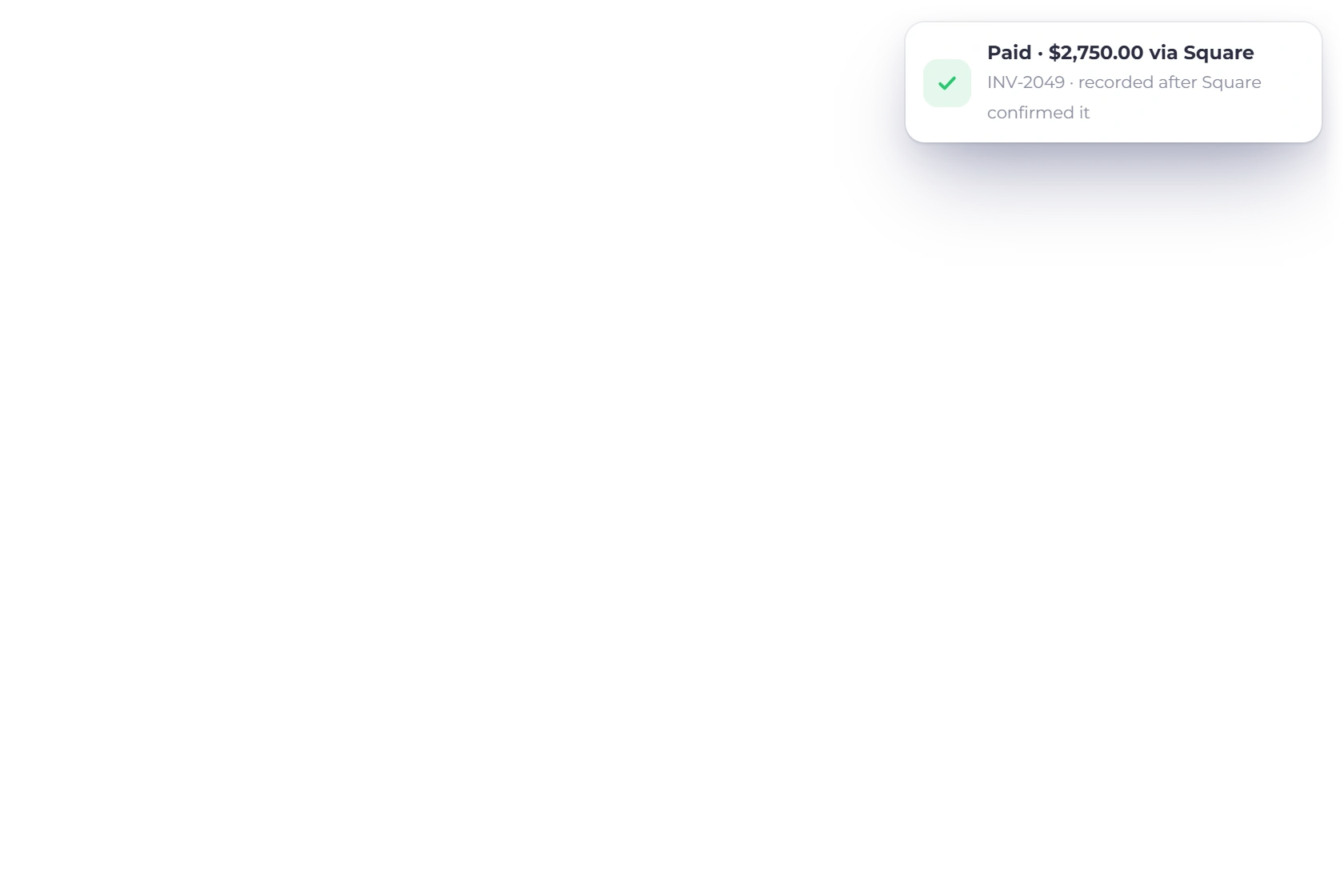
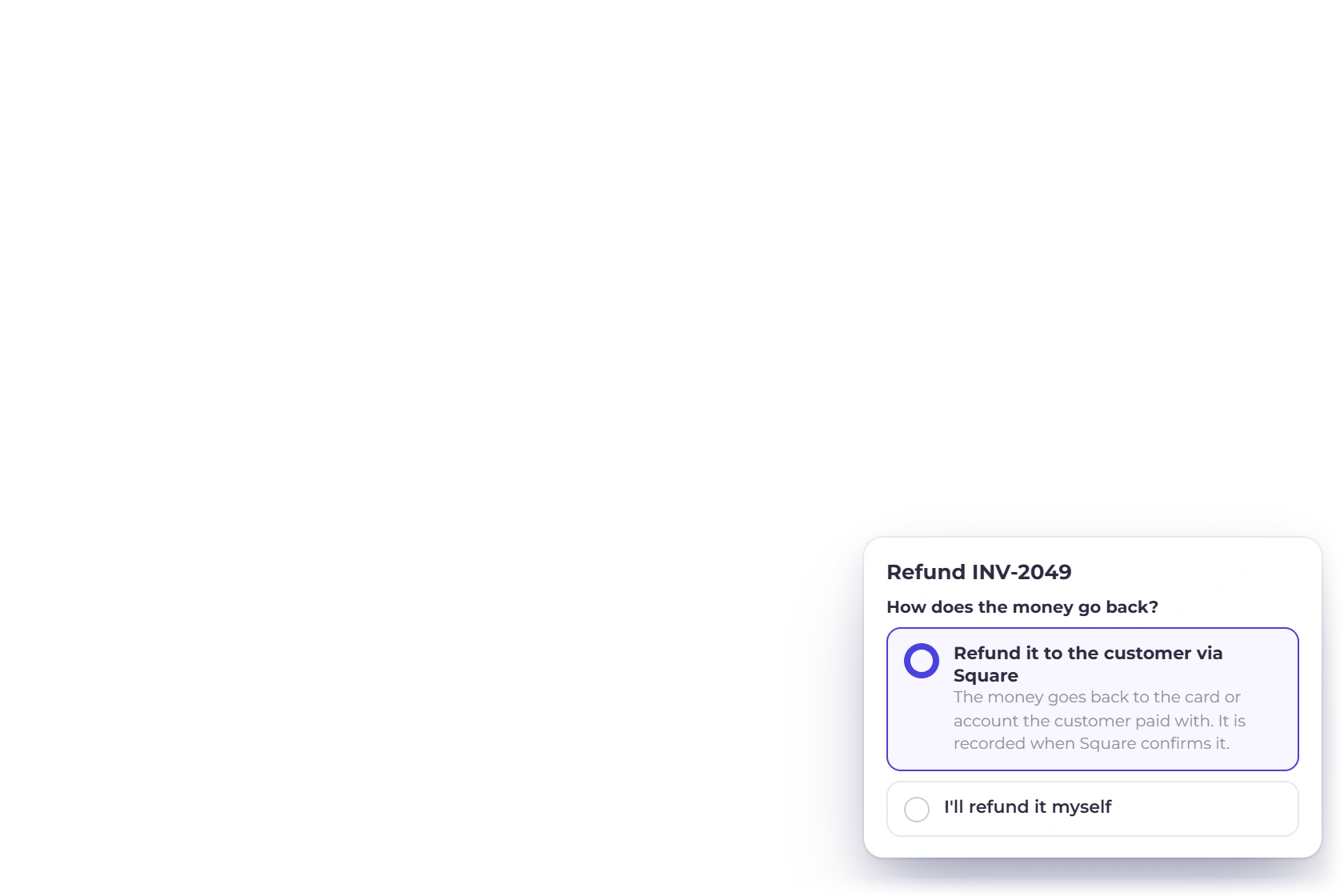
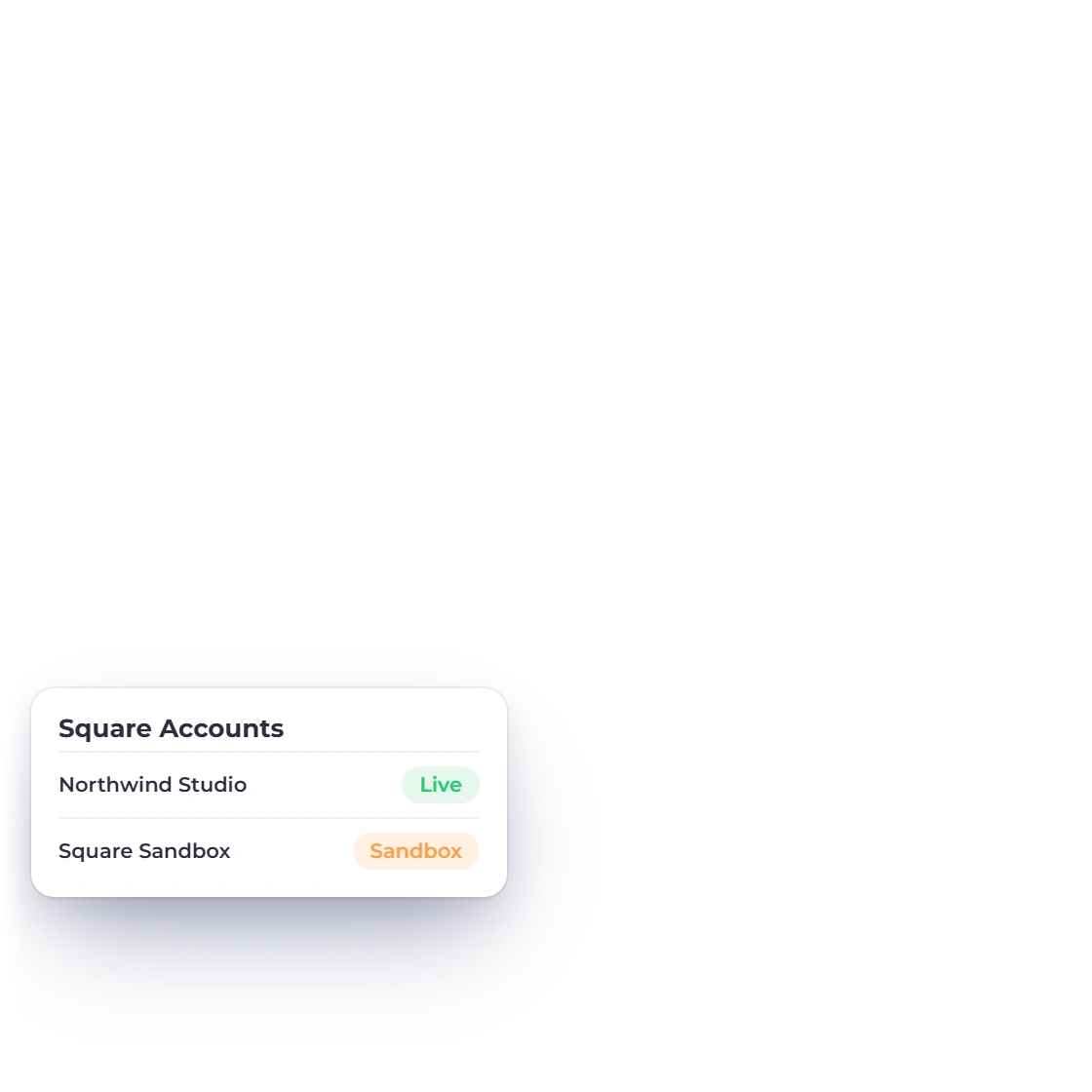
Invoice Crowd Payment Methods with Square selected and a Square account set to Live, a paid invoice recorded after Square confirmed it, and the Refund window sending money back via Square.

From setup to paid

How Square fits the Invoice Crowd payment boundary

Connection, customer checkout and final settlement are separate stages. Read the status and limitations before showing the method on a live invoice.

Connect the merchant account

Each business profile has its own account and live or test mode.

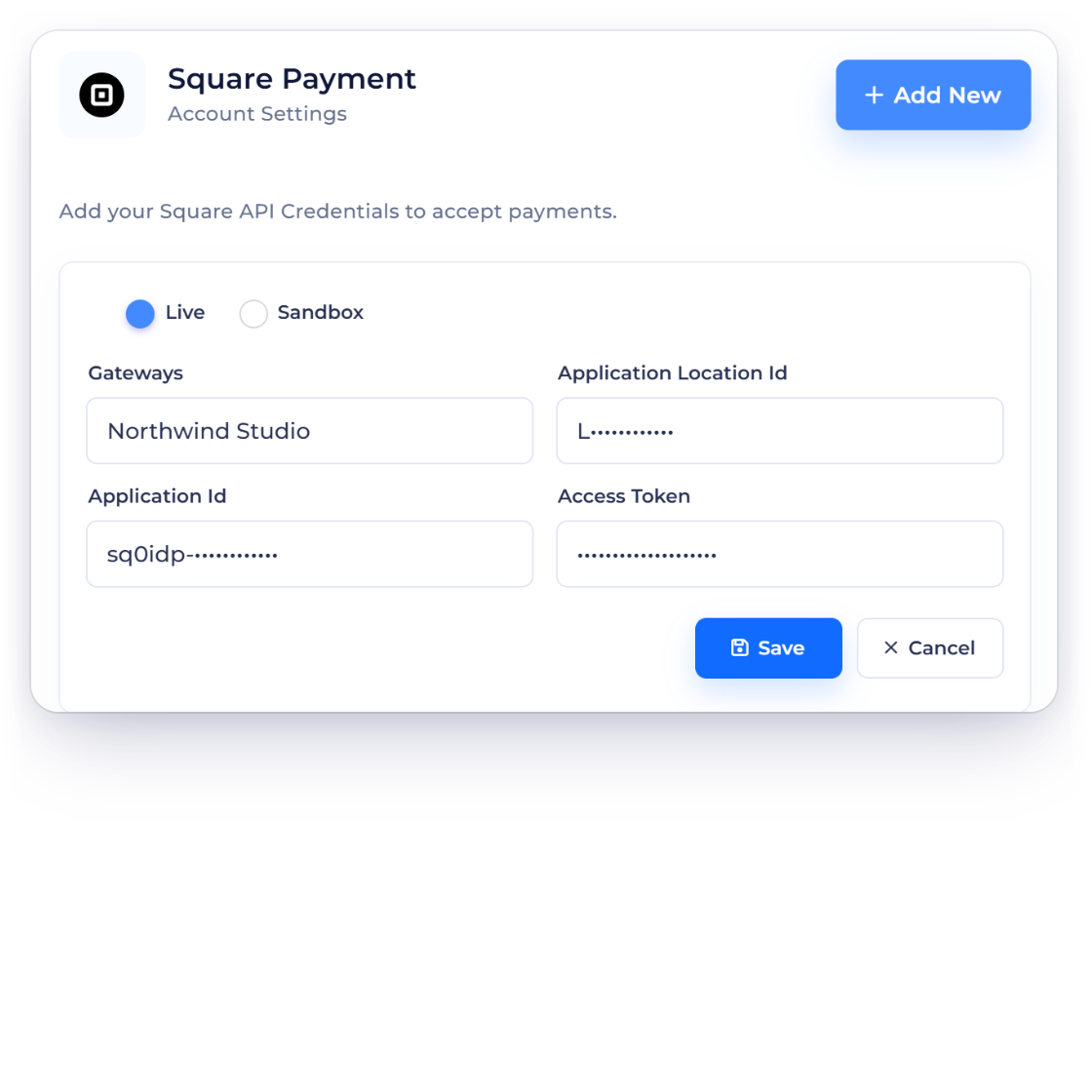
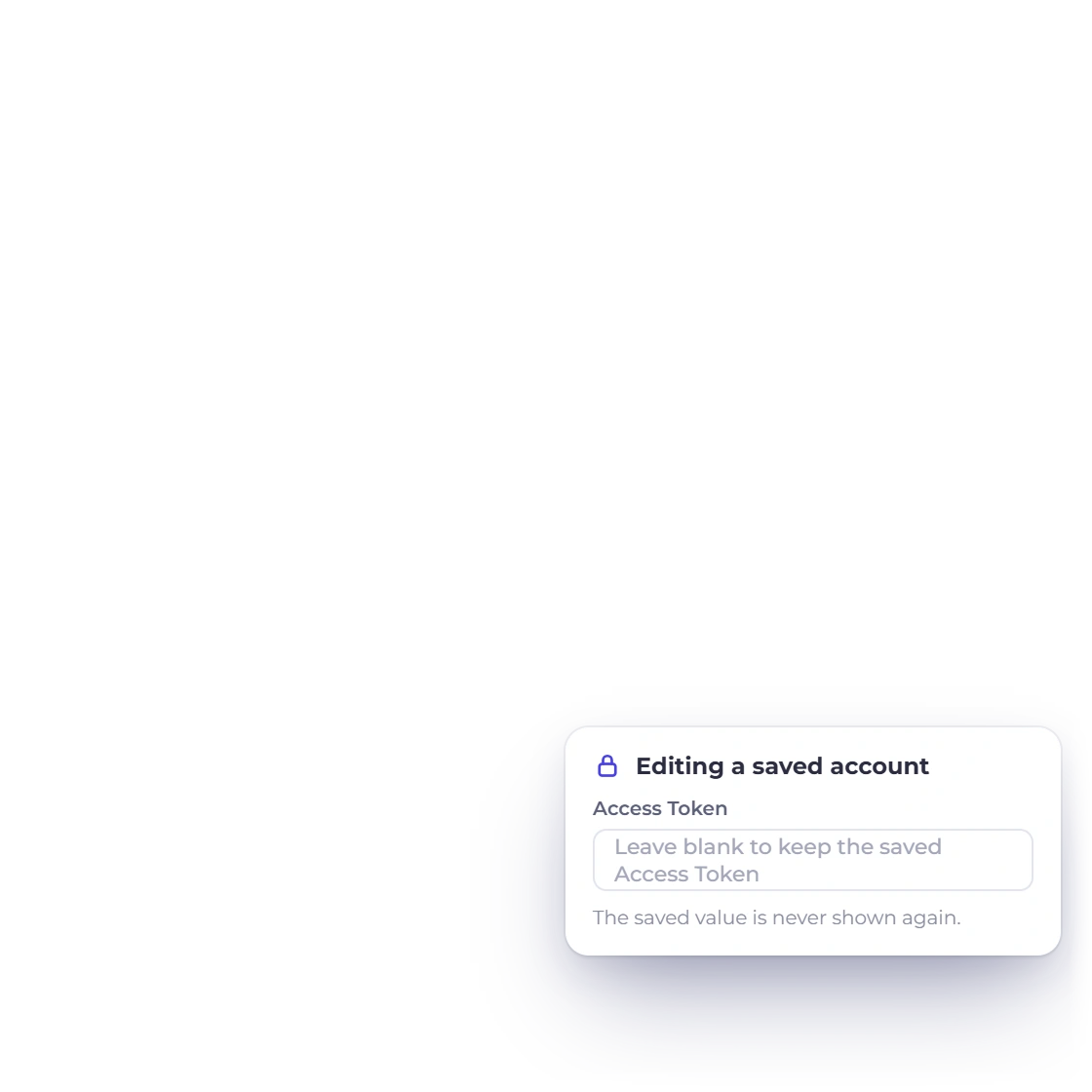
Invoice Crowd Square account form with Live and Sandbox modes and a fictional nickname, the business's Square accounts, and the Access Token kept write-only when editing.

Enter only the fields the provider requires

Application ID, write-only access token, location ID and Live/Sandbox mode. Square payment notifications are then set up automatically.

  • Selected business profile
  • Explicit live or test mode
  • Write-only secret editing

Check the provider accepts your business first

Square controls merchant countries, location availability, currencies, fees and account review.

  • Merchant country and account
  • Invoice and settlement currency
  • Provider fees and review

Understand the customer path

The payment option only shows when it can be used for that invoice.

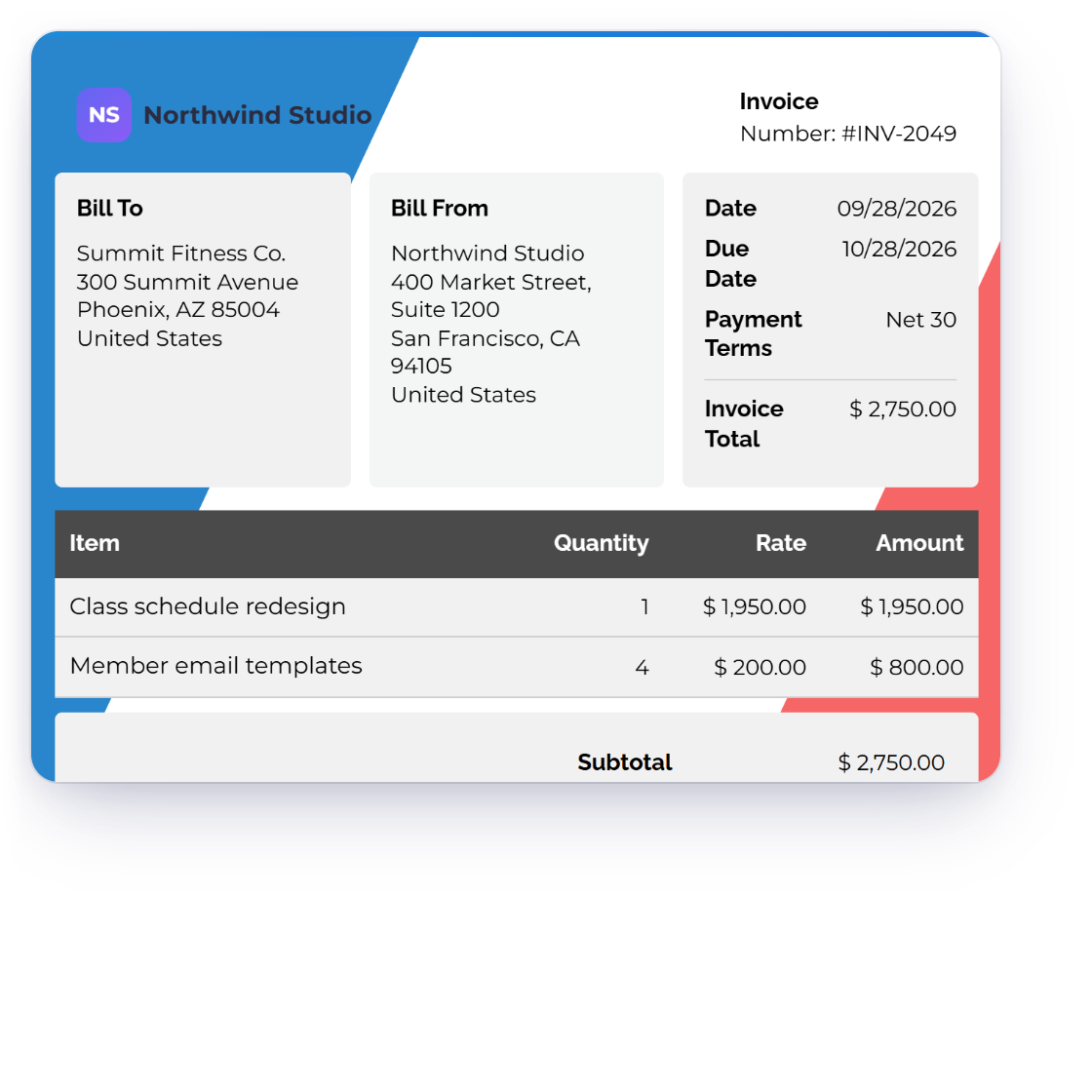
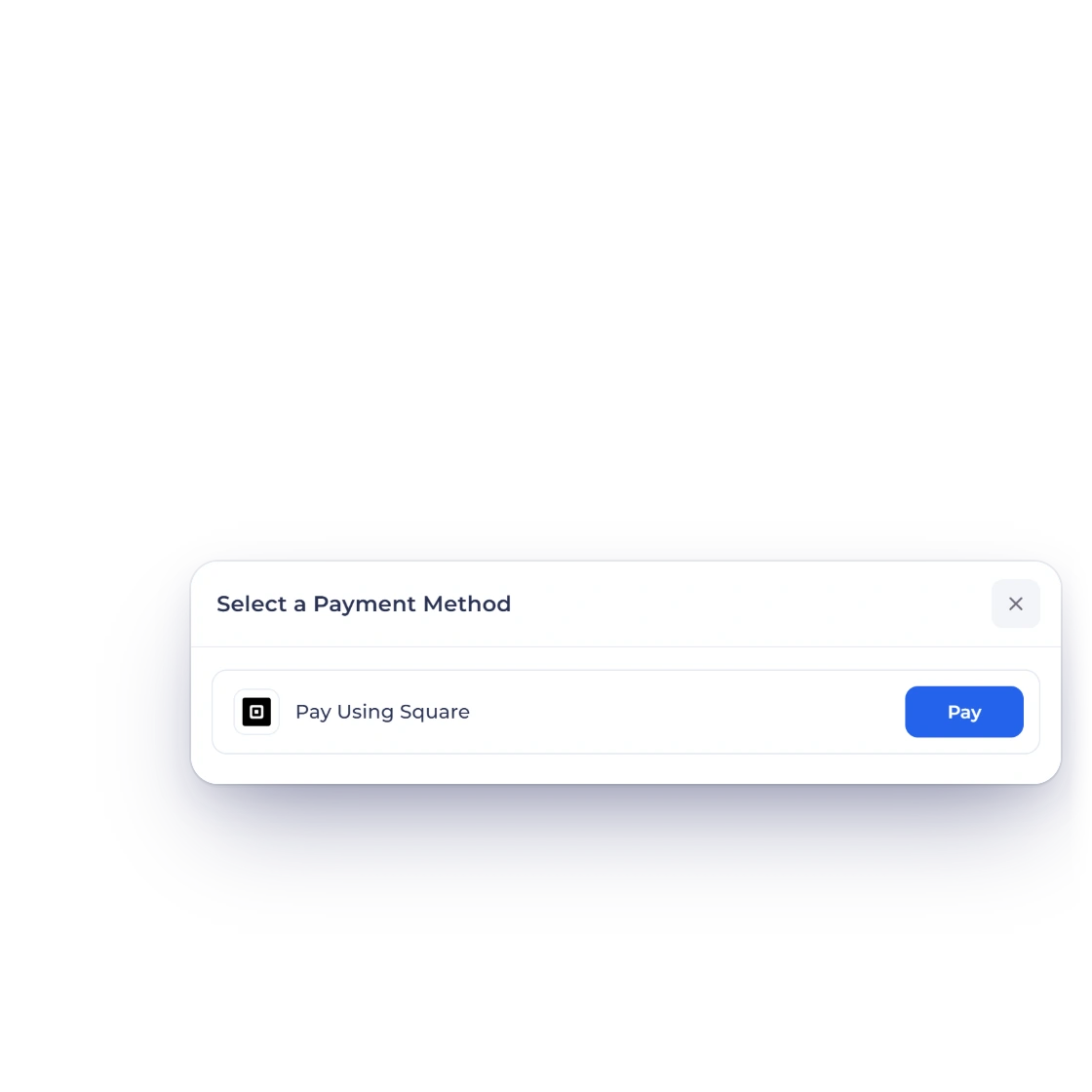
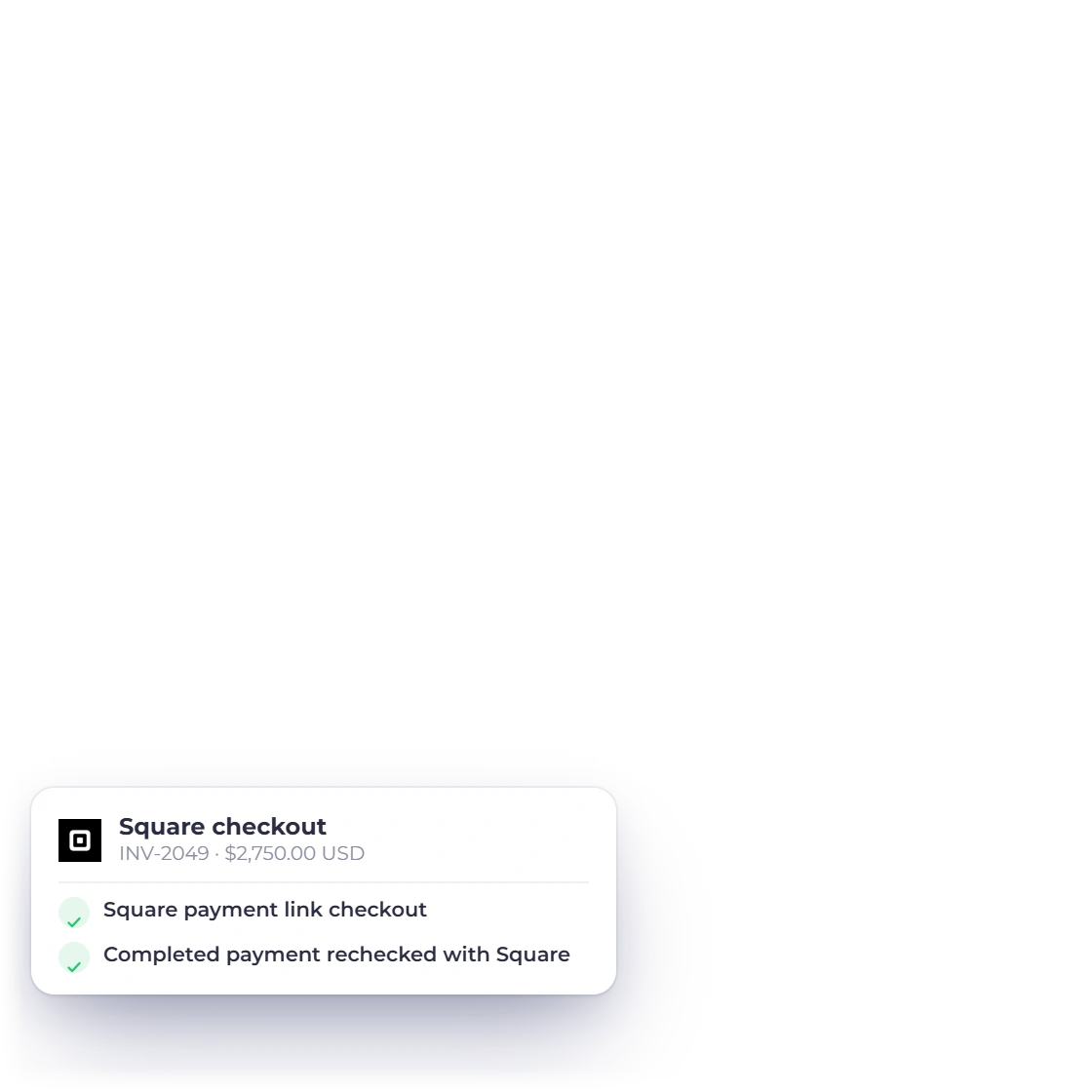
Invoice Crowd invoice INV-2049 for Summit Fitness Co. in USD, the customer's Select a Payment Method sheet with Pay Using Square, and what Square asks for next.

Use the one-time payment flow

Square Payment Links checkout is active and the completed provider payment is revalidated before local settlement.

  • The amount comes from the invoice
  • The payment is applied to that invoice
  • The customer pays on the provider's own page

Recurring payments work differently

Customers can start a card-on-file Square subscription from a subscription invoice, and each period is recorded when Square confirms the payment. Older subscriptions keep their existing renewal handling.

  • One-time and recurring differ
  • Some existing setups only keep running
  • New ones aren't offered where unsupported

Checked before the payment is recorded

An invoice is marked paid only when the provider confirms it.

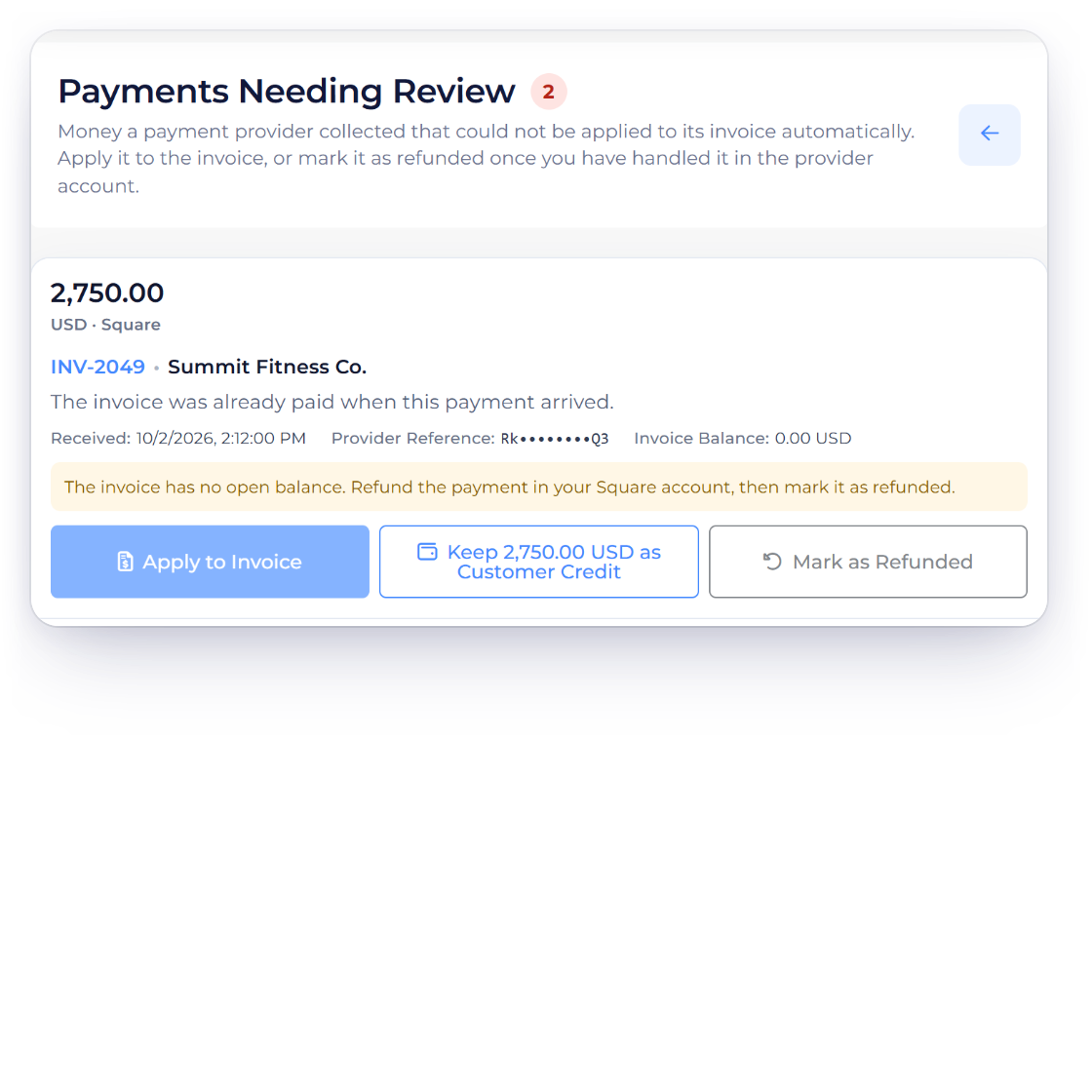
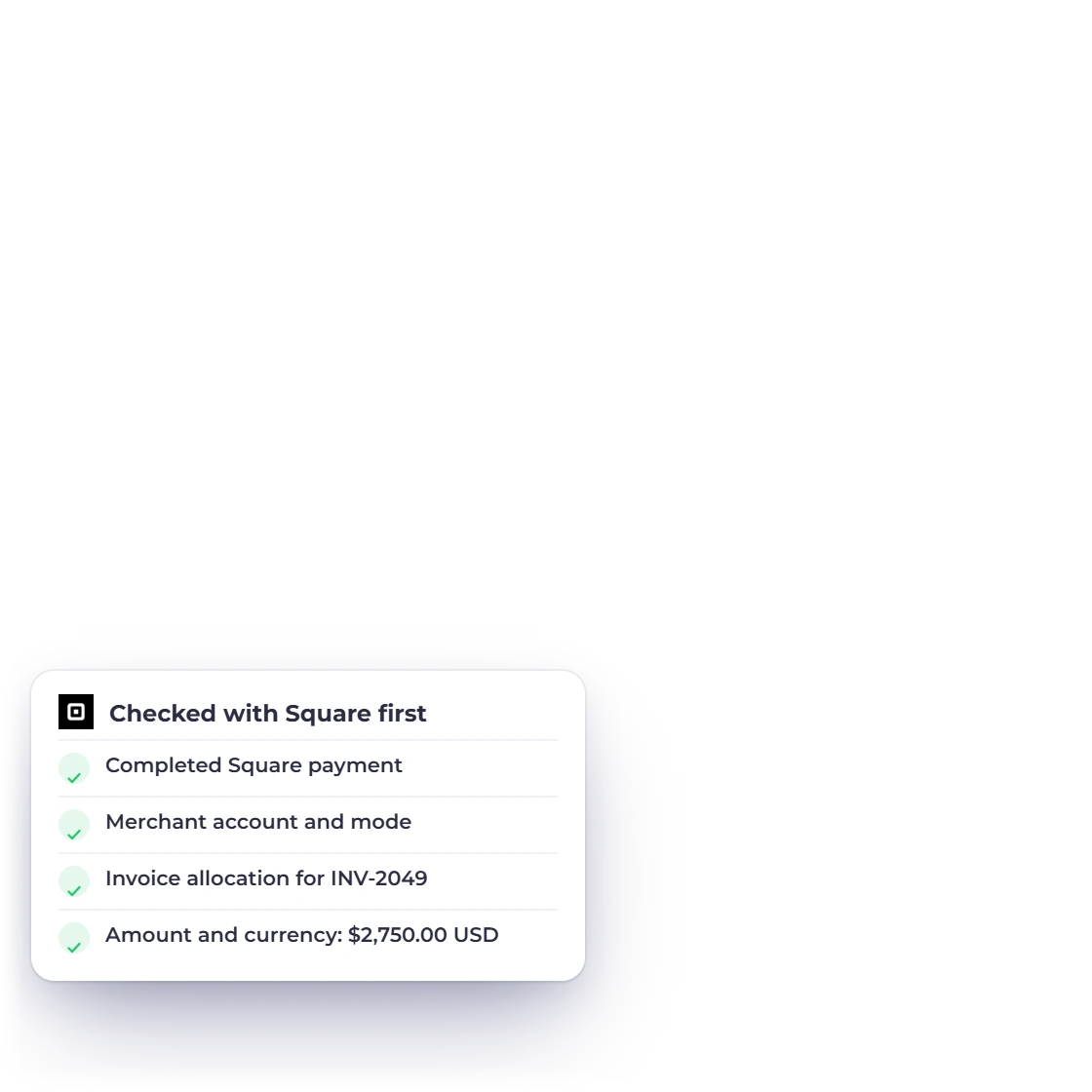
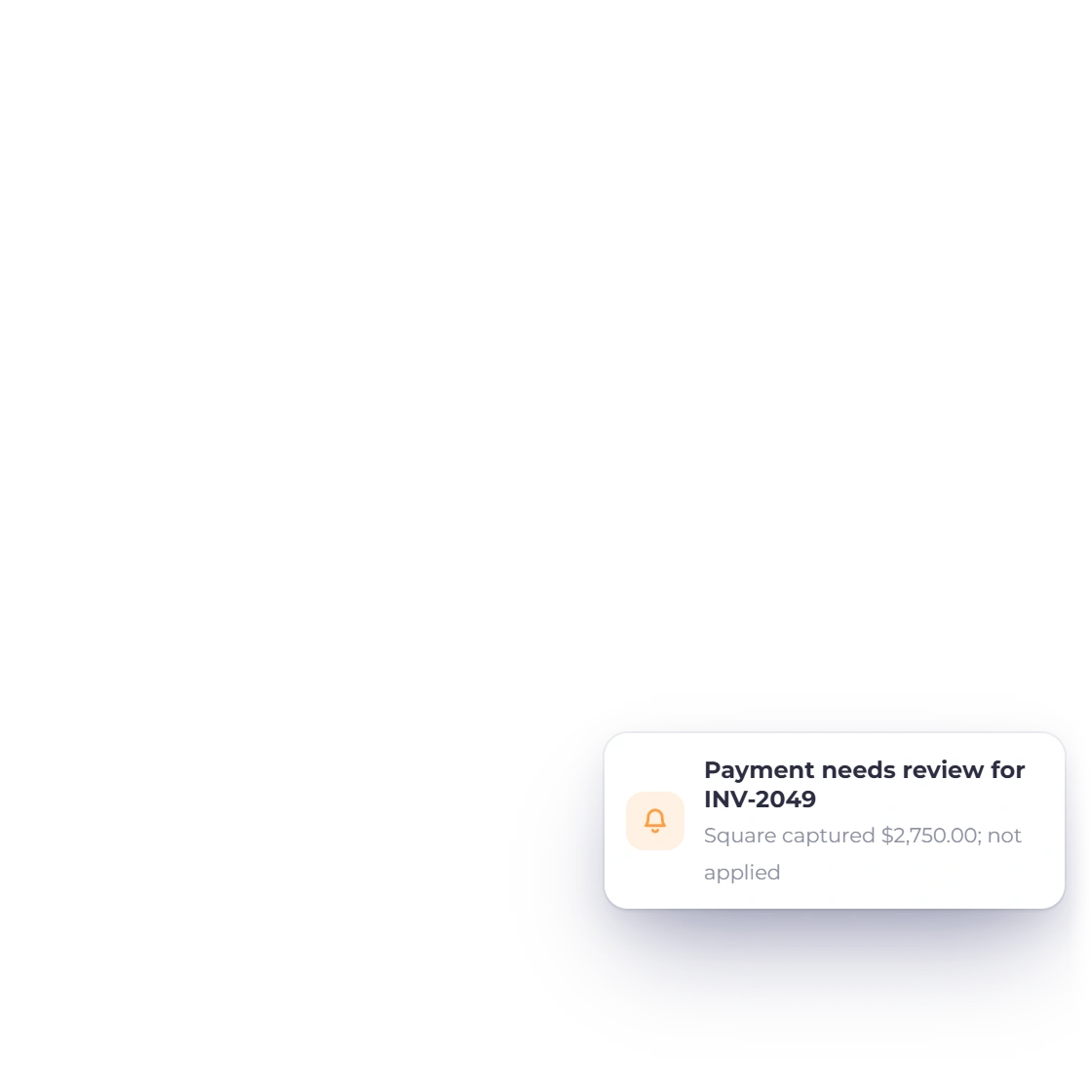
Invoice Crowd Payments Needing Review holding a Square payment for INV-2049 that arrived after the invoice was paid, with the checks Square payments must pass before they are recorded.

The payment must match the invoice

Completed Square payment, exact merchant/location and mode, invoice allocation, amount, currency and stable payment identity.

  • Merchant account and mode
  • Same invoice, amount and currency
  • The provider reports it as paid

Notifications set up for you

Invoice Crowd sets up Square's payment notifications for you when you save your Square details or switch between Live and Sandbox. If setup fails, that account's edit panel shows the reason.

  • Nothing is assumed paid
  • Pending stays pending
  • Mismatches are refused

Integration facts

What to verify before using Square

The fields below describe the current Invoice Crowd path; the provider remains the source for merchant eligibility, fees and regional availability.

  • Availability

    Active for one-time payments and card-on-file subscriptions

  • One-time payment

    Square Payment Links checkout is active and the completed provider payment is revalidated before local settlement.

  • Recurring payments

    Customers can start a card-on-file Square subscription from a subscription invoice, and each period is recorded when Square confirms the payment. Older subscriptions keep their existing renewal handling.

  • Merchant setup

    Application ID, write-only access token, location ID and Live/Sandbox mode. Square payment notifications are then set up automatically.

  • Settlement evidence

    Completed Square payment, exact merchant/location and mode, invoice allocation, amount, currency and stable payment identity.

  • Regional fit

    Square controls merchant countries, location availability, currencies, fees and account review.

  • Automatic setup

    Invoice Crowd sets up Square's payment notifications for you when you save your Square details or switch between Live and Sandbox. If setup fails, that account's edit panel shows the reason.

  • Invoice data

    Amount, currency and allocation are derived from the current server-side invoice state.

  • Unmatched payments

    If a confirmed Square payment can't be applied to its invoice, for example because the balance changed after checkout started, Invoice Crowd holds it in Payments Needing Review. You then apply it to the invoice, keep it as customer credit, or refund it.

  • Refunds

    Choose Refund on the invoice in Invoice Crowd and the money goes back to the customer through Square. The refund is booked only after Square confirms it. This covers online payments made on the invoice page.

  • Provider fees

    Gateway fees, exchange costs and settlement timing come from the merchant agreement, not the Invoice Crowd subscription.

  • Alternative gateways

    Configure another active provider when this gateway does not support the merchant, customer, currency or collection model.

Questions

Square and Invoice Crowd, answered

Is the Square integration currently available in Invoice Crowd?

Yes. Square is active in Invoice Crowd for one-time invoice payments and for card-on-file subscriptions. The completed Square payment is checked again before Invoice Crowd records it.

What do I need to connect Square?

Application ID, write-only access token, location ID and Live/Sandbox mode. Square payment notifications are then set up automatically. Square controls merchant countries, location availability, currencies, fees and account review. Square needs a paid Invoice Crowd plan; the free plan includes PayPal.

How does Square one-time checkout work?

Square Payment Links checkout is active and the completed provider payment is revalidated before local settlement.

Does Square support recurring payments in Invoice Crowd?

Yes. Customers can start a card-on-file Square subscription from a subscription invoice, and each period is recorded when Square confirms the payment. Older subscriptions keep their existing renewal handling.

How does Invoice Crowd decide that a payment succeeded?

Completed Square payment, exact merchant/location and mode, invoice allocation, amount, currency and stable payment identity. A browser return or posted status alone cannot settle the invoice. A confirmed payment that can't be applied to its invoice is held in Payments Needing Review until you decide what to do with it.

Are gateway fees included in Invoice Crowd pricing?

No. Provider transaction fees, foreign-exchange costs, settlement timing and account terms are controlled by the gateway and merchant agreement. Check the provider before activation.

Can I refund a Square payment from Invoice Crowd?

Yes. Choose Refund on the invoice (from the invoice list, the editor or Manage Payments), then pick "Refund it to the customer via Square". Invoice Crowd sends the refund through Square and books it only after Square confirms it. This works for online payments made on the invoice page, not for recurring, subscription or payment-link invoices.

Test Square with a representative invoice

Start with sandbox or test mode where the provider offers it, verify the exact currency and payment result, then plan production activation.

  • Never marked paid from the browser alone
  • Provider terms apply
  • Current status is visible