
Skip to content

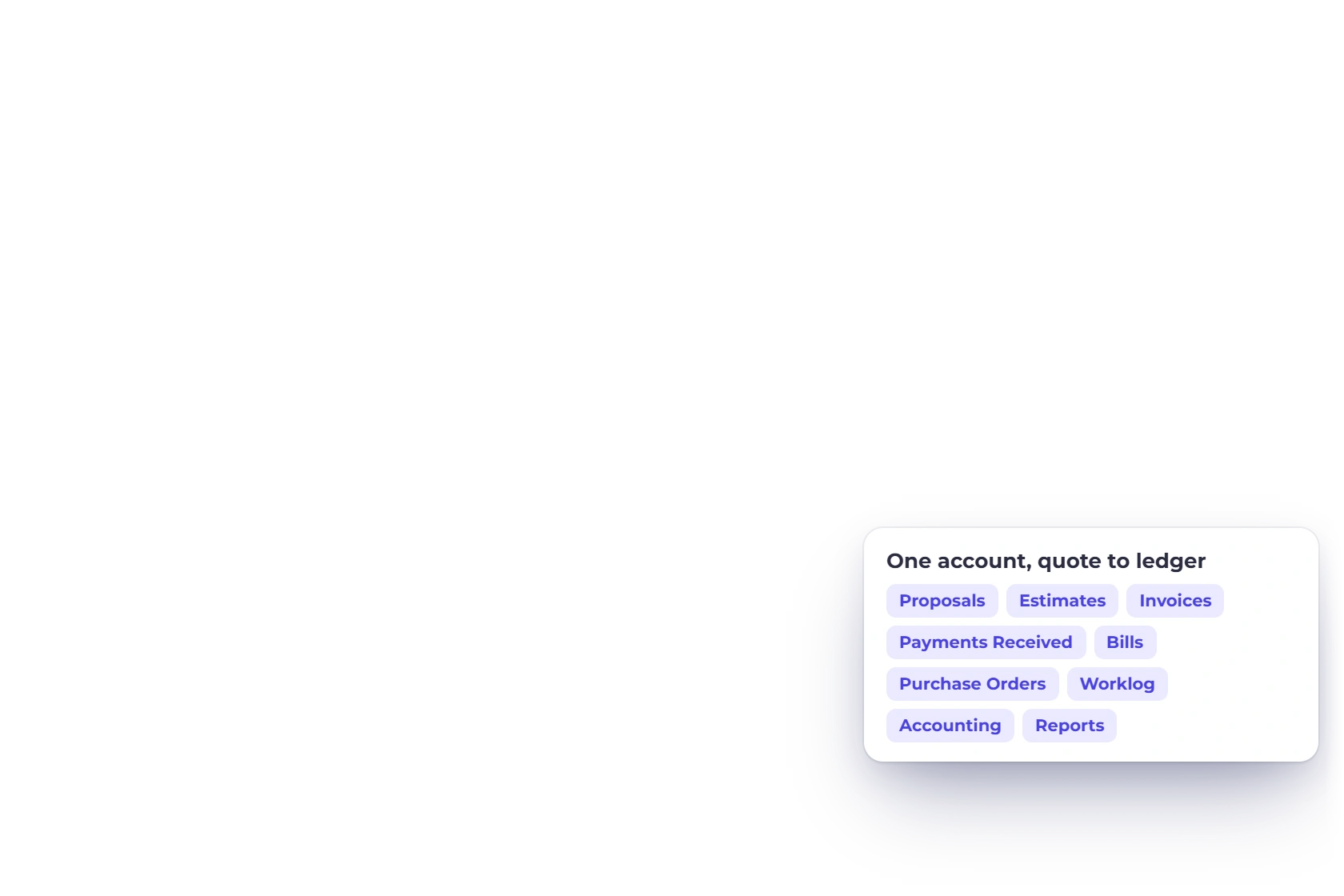
We build one account that runs from quote to ledger

Invoice Crowd brings proposals, estimates, invoices, payments, purchasing and accounting views into one browser-based account. Current report boundaries and provider availability remain visible rather than being presented as automatic guarantees.

  • Proposals through to the ledger
  • Nothing to install or update
  • current trial
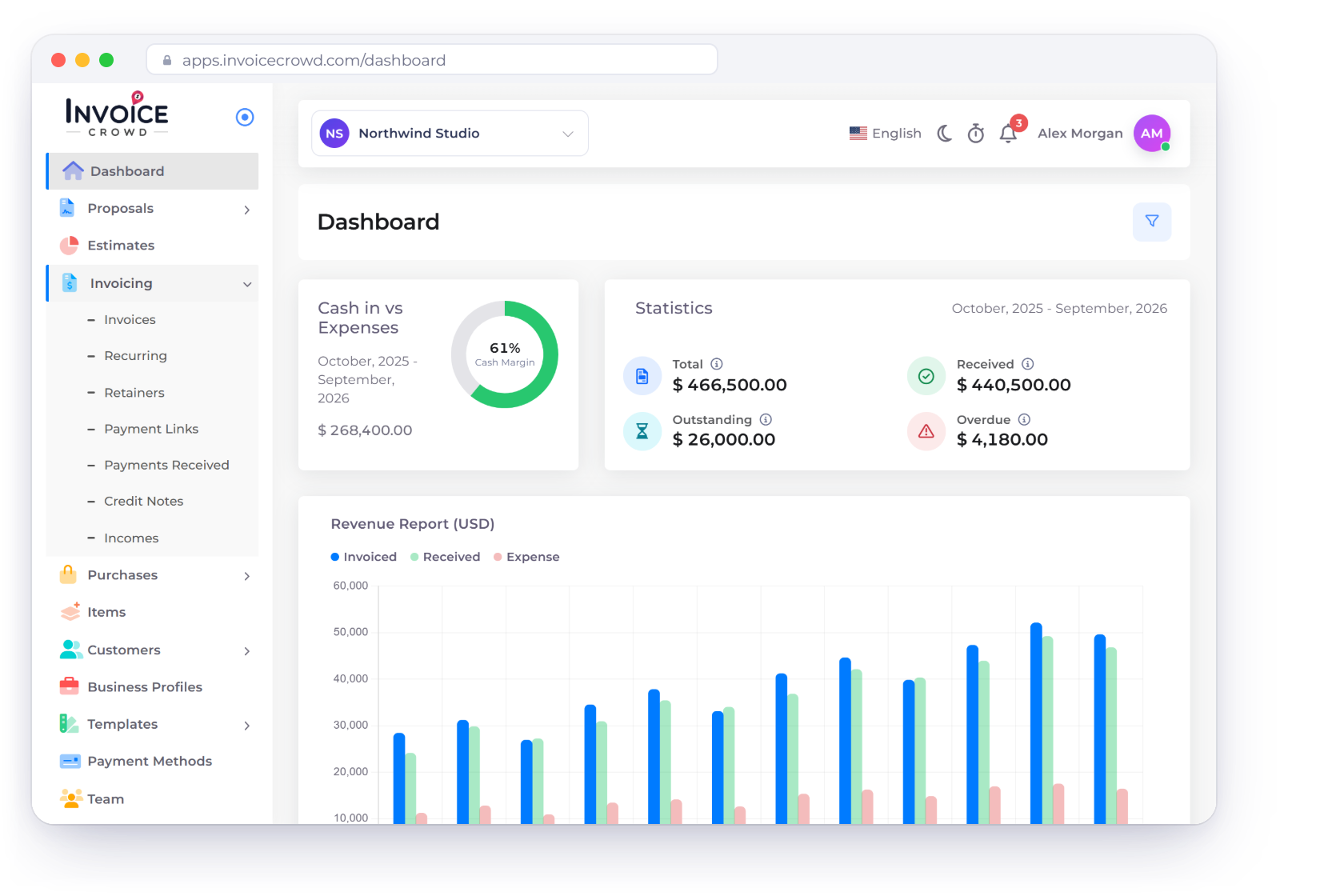
The Invoice Crowd dashboard, where a month of invoices, payments and expenses is summarized in one view

What is inside

What Invoice Crowd is, and how it gets made

Two things are worth saying on an about page. What the software actually does, and the rules we hold ourselves to while adding to it.

What we build

One account, from the first quote to the year end

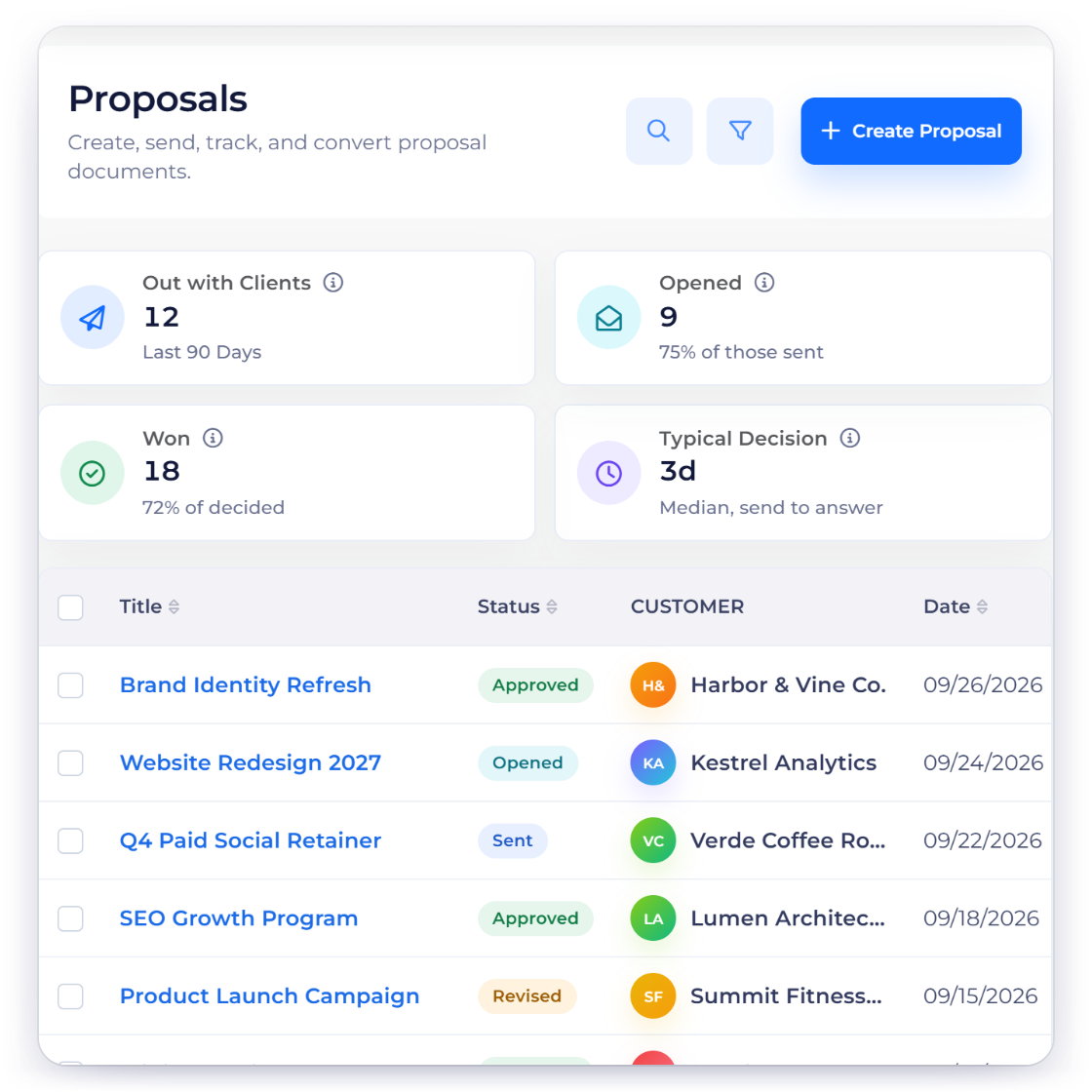
The Proposals screen in Invoice Crowd, listing sent proposals with their status, customer and value

Work you win and work you bill

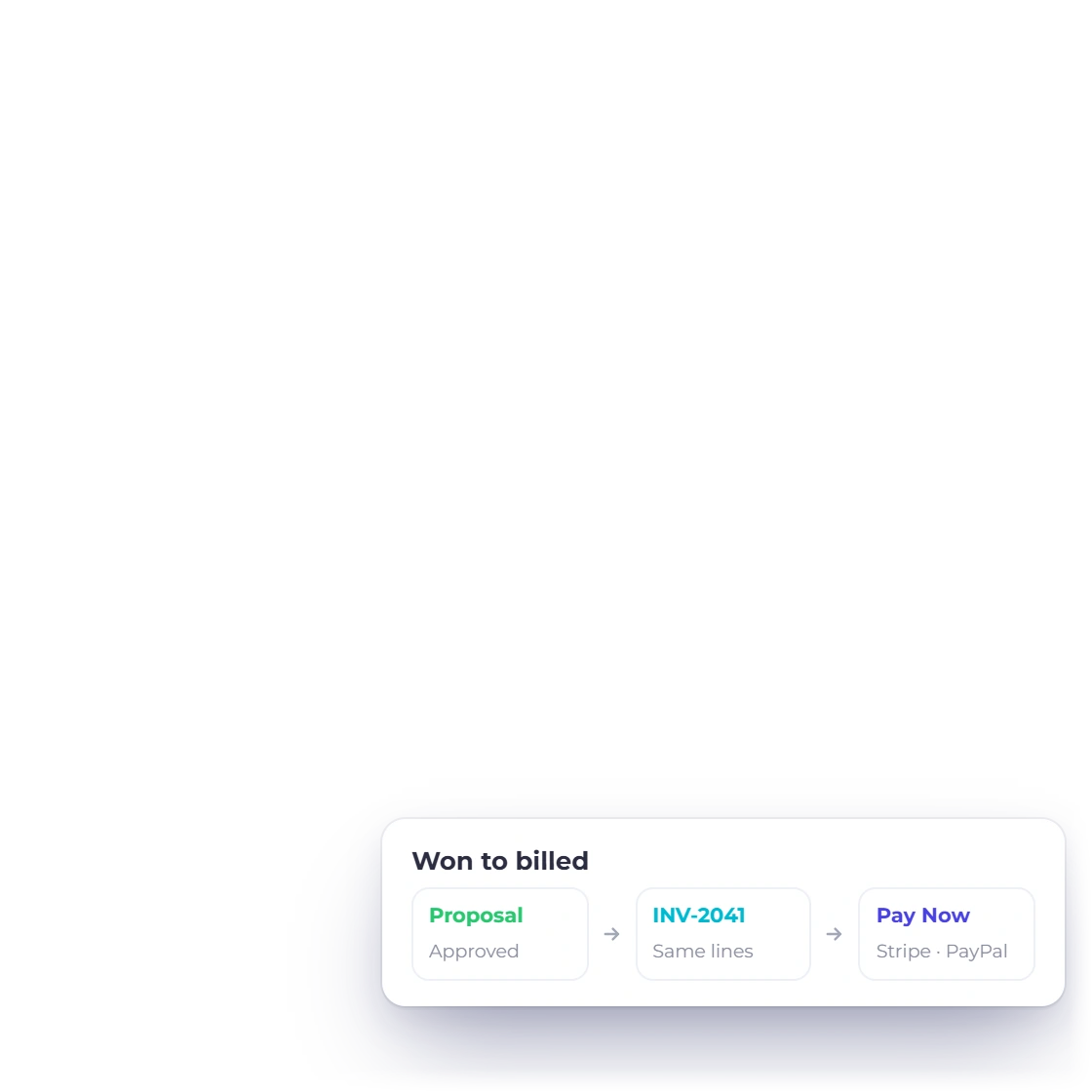
Proposals and estimates go out priced, with client-removable lines the client can keep or remove and quantities they can change. An approved estimate becomes an invoice without being retyped, and the invoice carries the payment methods you connected. The document a client signs is the document that gets billed.

  • Priced proposals with e-signature
  • client-removable items the client keeps or removes
  • Approved estimates convert straight to invoices
How the proposal builder works
The Chart of Accounts in Invoice Crowd, with accounts numbered and grouped by type

Accounting records connected to billing

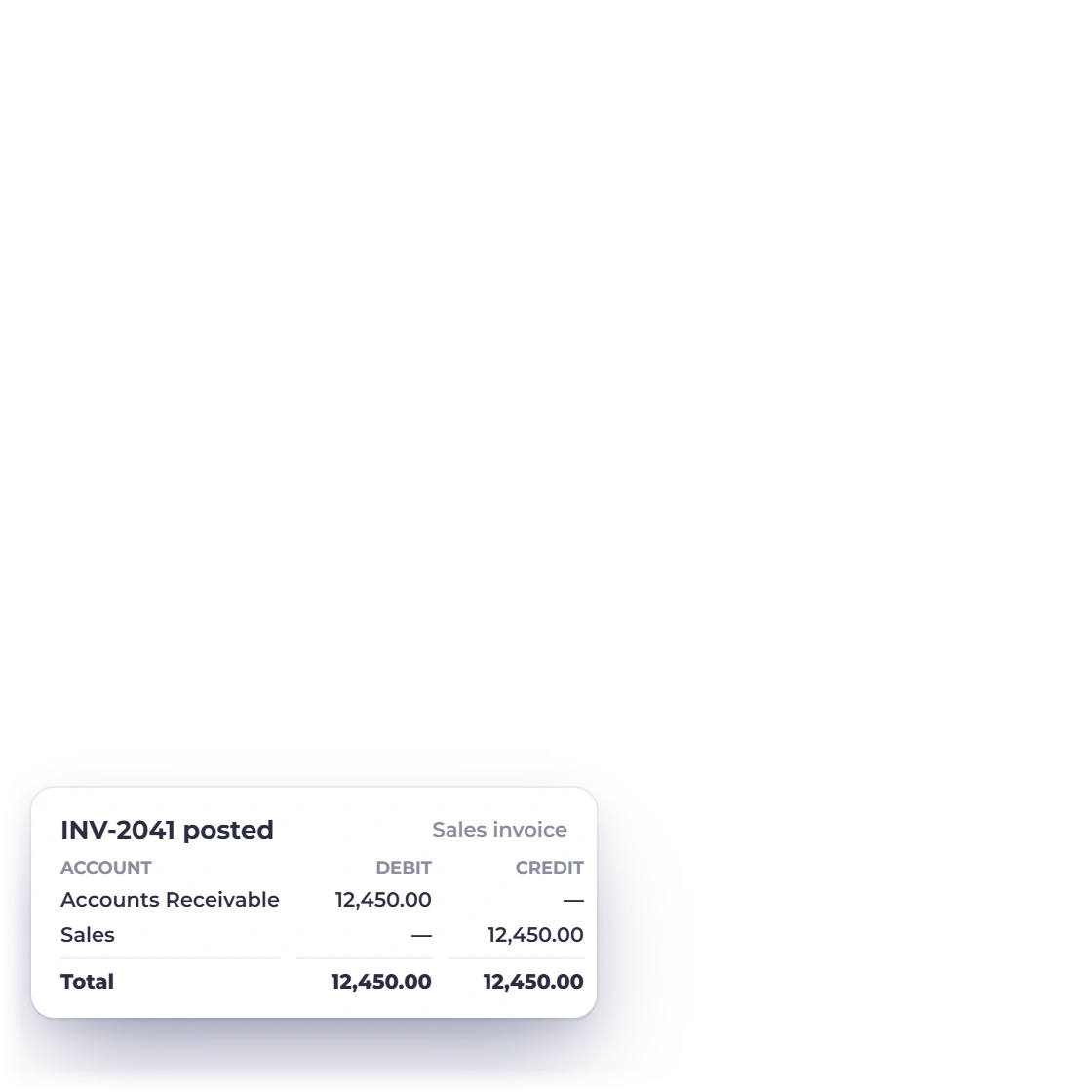
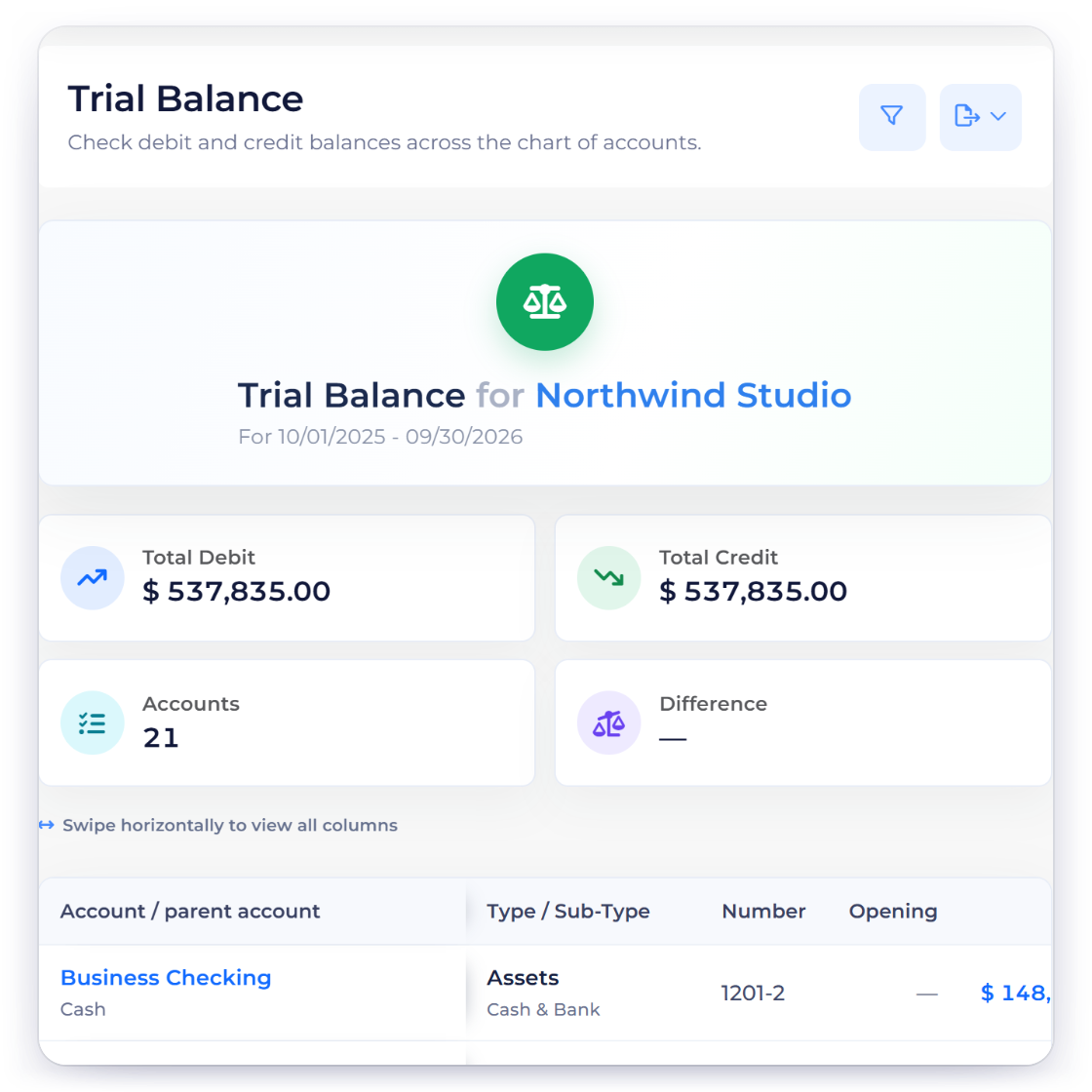
Invoice Crowd keeps billing records and accounting records in the same workspace. Use the configured chart of accounts, manual journals and opening balances, then review the general ledger, trial balance, profit and loss and balance sheet. Report accuracy still depends on the records, accounts and periods your business configures.

  • A configurable, classified chart of accounts
  • General ledger, journals and opening balances
  • Financial reports built from recorded entries
The accounting module

How we build it

The rules that decide what gets built

Reduce duplicate handoffs

Proposals, estimates, invoices, purchases and accounting records share the same business context. That can reduce repeated data entry and make it easier to follow a customer document into the records created from it. Available modules and limits still depend on the current plan and configuration.

  • Connected records from quoting through accounting
  • Exports remain available when another system is required
  • Current plans and limits are listed on Pricing
Plans and what they cost

We publish the roadmap in the open

Everything planned, in progress and already released sits on a roadmap that anyone can read without an account. The documentation is open on the same terms, a support launcher is on every page of this site, and the reviews further down are reproduced as customers wrote them, most of them on Trustpilot, Capterra and G2.

  • A public roadmap, not a private backlog
  • Documentation open before you sign up
  • Reviews quoted in full, not edited down
Ways to reach us

What the product argues for

Four decisions that shape everything else

An about page is easy to write and hard to prove. These capabilities are visible in the product, while plan, provider and country boundaries remain part of the description.

  • Quoting through to the ledger

    Proposals, estimates, invoices, payments, expenses and accounting records and report views with visible integrity checks run from one sign-in, so no figure has to be carried by hand between two systems.

  • Documents that look like the sender

    Business profiles keep their own identity, settings and records. The number available depends on the current plan, so check Pricing before planning a multi-business workflow.

  • Getting paid is part of the job

    Connect an available payment provider to the relevant business and offer its supported checkout path on customer documents. Provider, currency, country and one-time or recurring-payment support differ, so the integration page states each boundary.

  • A border should not need a workaround

    Create customer documents in supported currencies while financial reporting follows the business profile accounting currency. Country-specific tax review or export workflows are described separately and are not presented as automatic government filing.

What customers wrote about Invoice Crowd

Reproduced word for word, with the source named wherever the reviewer left one. The links underneath go through to the rest of them on Trustpilot and G2.

  • Invoice Crowd is an invoicing tool that makes it easy to create and send invoices

    Overall, I’m extremely happy with Invoice Crowd and would recommend it to anyone looking for an easy-to-use invoicing tool. The service support is available to help with any questions or issues and they are already working on correcting some minor bugs!
    Ursula L. Ursula L. July 5, 2022 via Capterra
  • Invoicing that is simple, effective and even pretty!

    The simplicity of Invoice Crowd makes it pleasing to use. I found it intuitive and easy to deploy the first time.
    Mike A. Mike A. Nov 23, 2021 via G2
  • Invoice Crowd has streamlined our ability generate and send professional quality invoices to our customers. The PayPal functionality built into the documents really helps to simplify the payment process for our customers. In addition, the beautifully designed web based user interface makes it easy for us to use wherever we are! I highly recommend giving Invoice Crowd a chance to simplify your day.
    Jake Walker Jake Walker

Read the rest of them on the sites they were left on

Questions

About Invoice Crowd, answered

What does Invoice Crowd actually do?

Invoice Crowd connects proposals, estimates, invoices, recurring billing, supported payment integrations, purchases, expenses and accounting records in a browser-based workspace. The exact workflow depends on plan, provider, country settings and the records your business configures.

Who is Invoice Crowd built for?

It is designed for freelancers, agencies and small businesses that quote, bill, collect and keep operational accounting records. It can also support more than one business profile where the current plan allows it.

Is it a web app or something I install?

It runs in a browser at apps.invoicecrowd.com. Sign in to the same account to work with its permitted business profiles, documents, customers and accounting records.

What does it cost, and is there a free option?

Plans, limits, billing options and trial terms can change. The Pricing page is the current source for what is available before signup.

How do I get help or ask for a feature?

Documentation is at doc.invoicecrowd.com and a support launcher is on every page of this site. Feature requests go the same way, and the public roadmap shows what is planned and what has shipped. The contact page lists which route to use for support, sales, billing or partnerships.

Judge the product, not the about page

The clearest way to evaluate the workflow is inside the app. Create a proposal or estimate, convert an approved document and review the resulting records with the settings your business actually needs.

  • Review current trial terms on Pricing
  • Compare current plans and limits
  • Nothing to install, it runs in a browser