Company details and branding
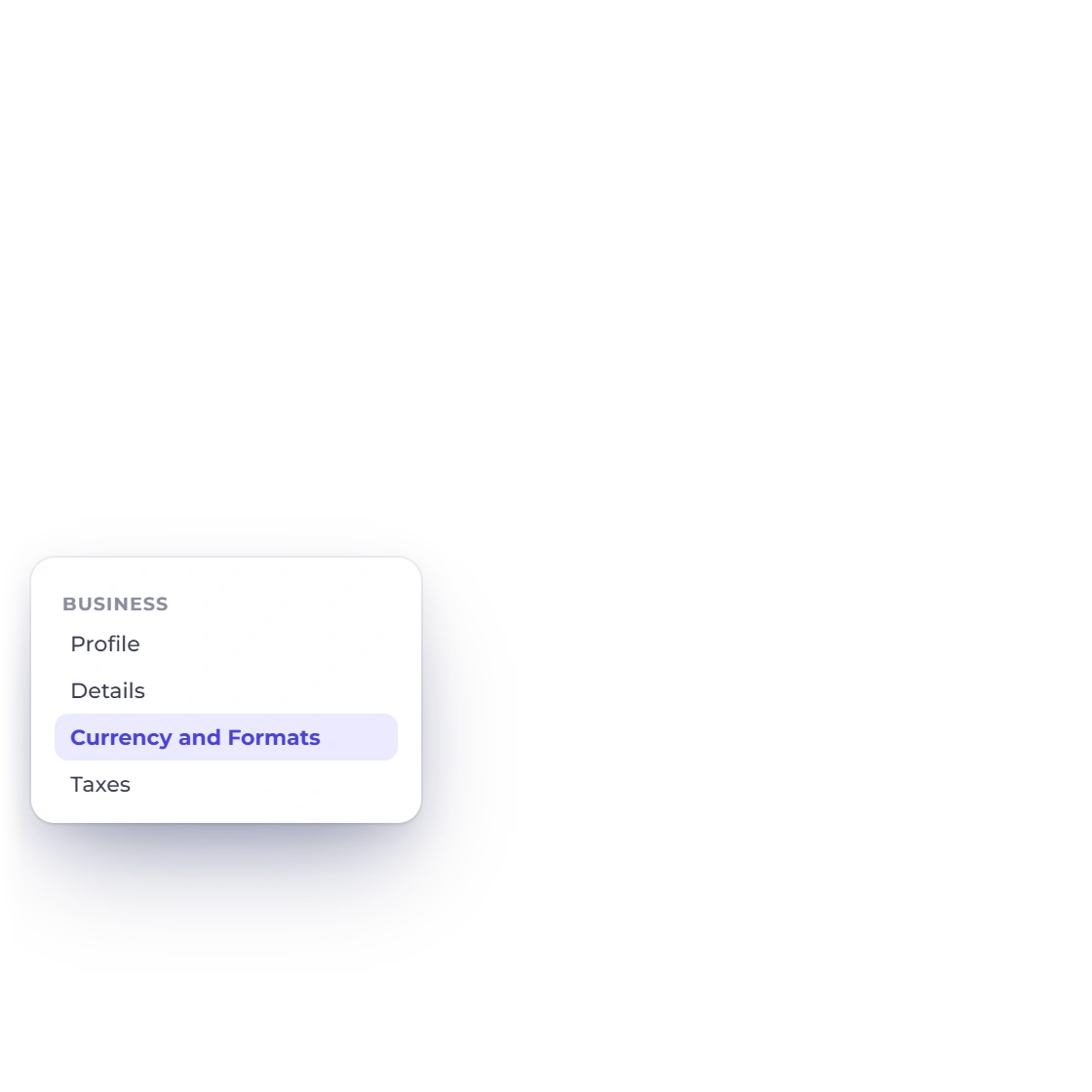
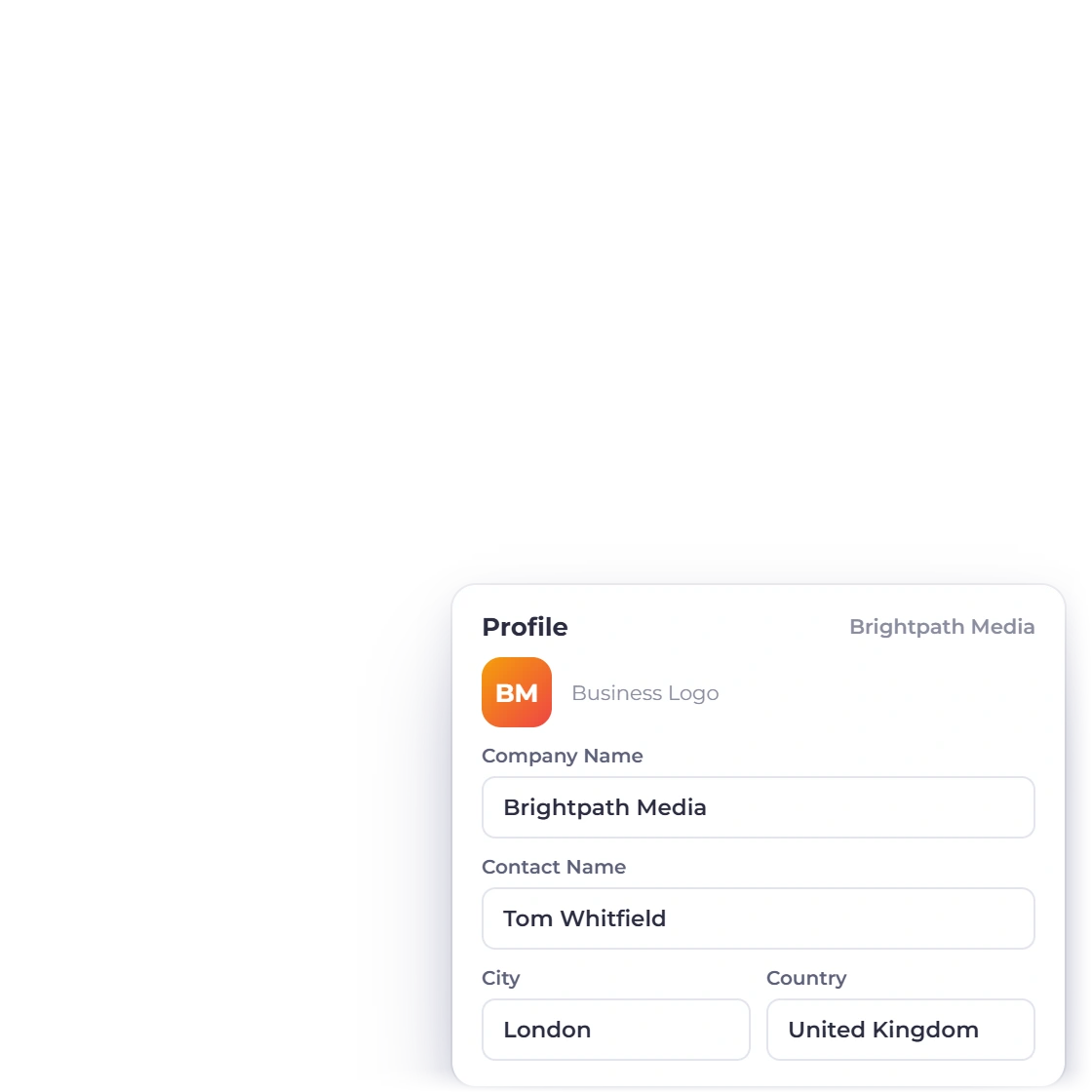
Add the business name, contact details, address and logo, choose its document designs, and style the Customer Page your clients open.
- Business identity
- Logo and address
- Its own document designs
Business profiles
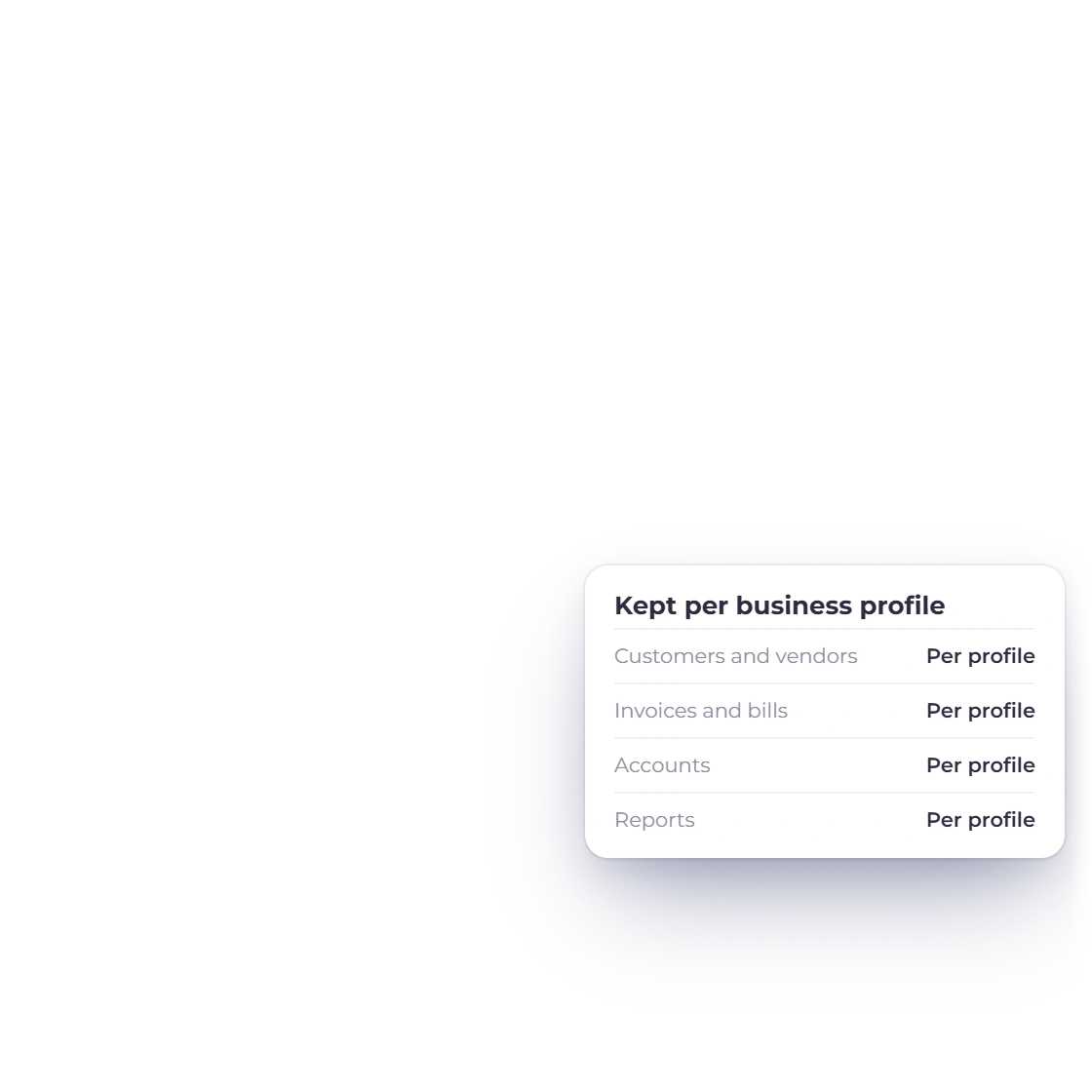
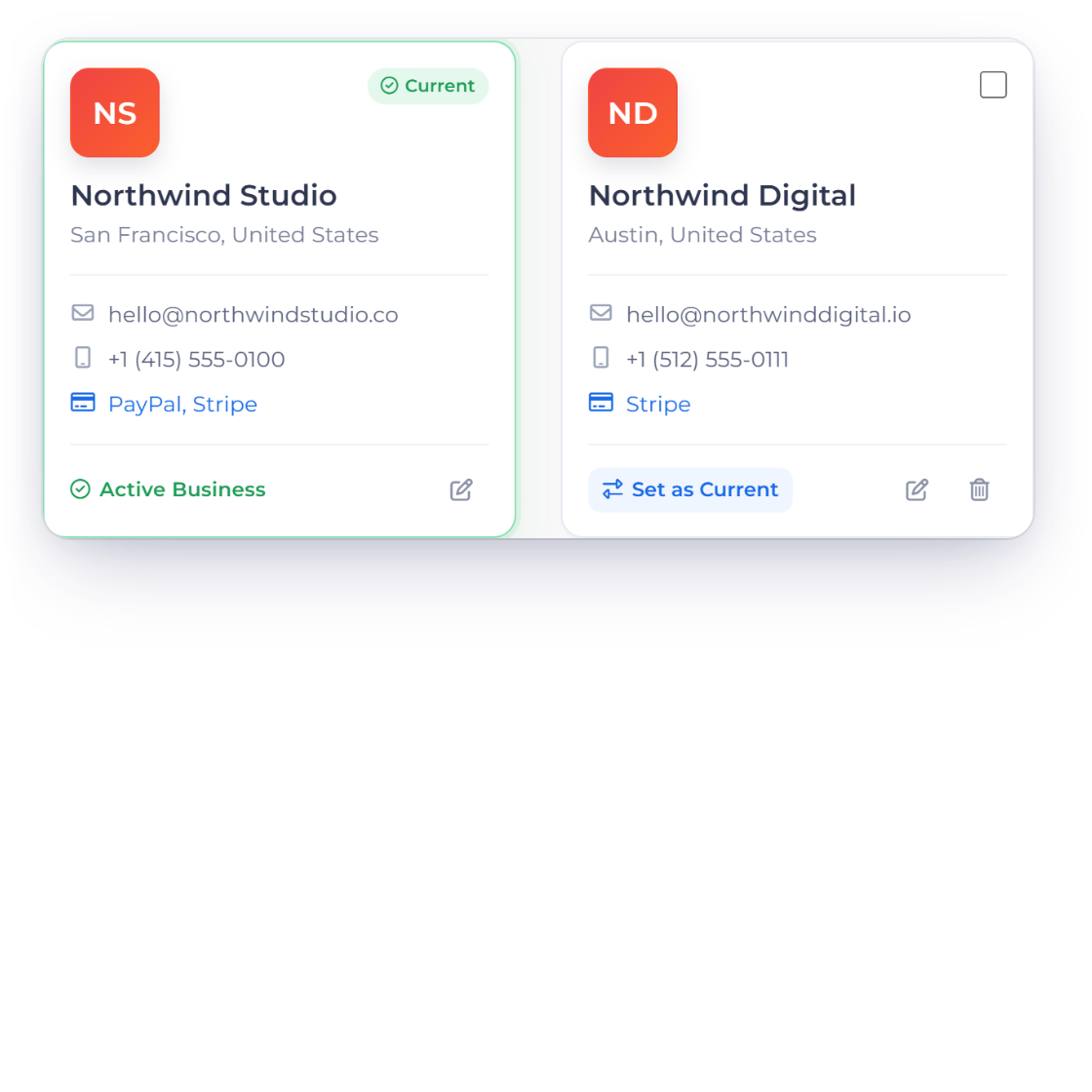
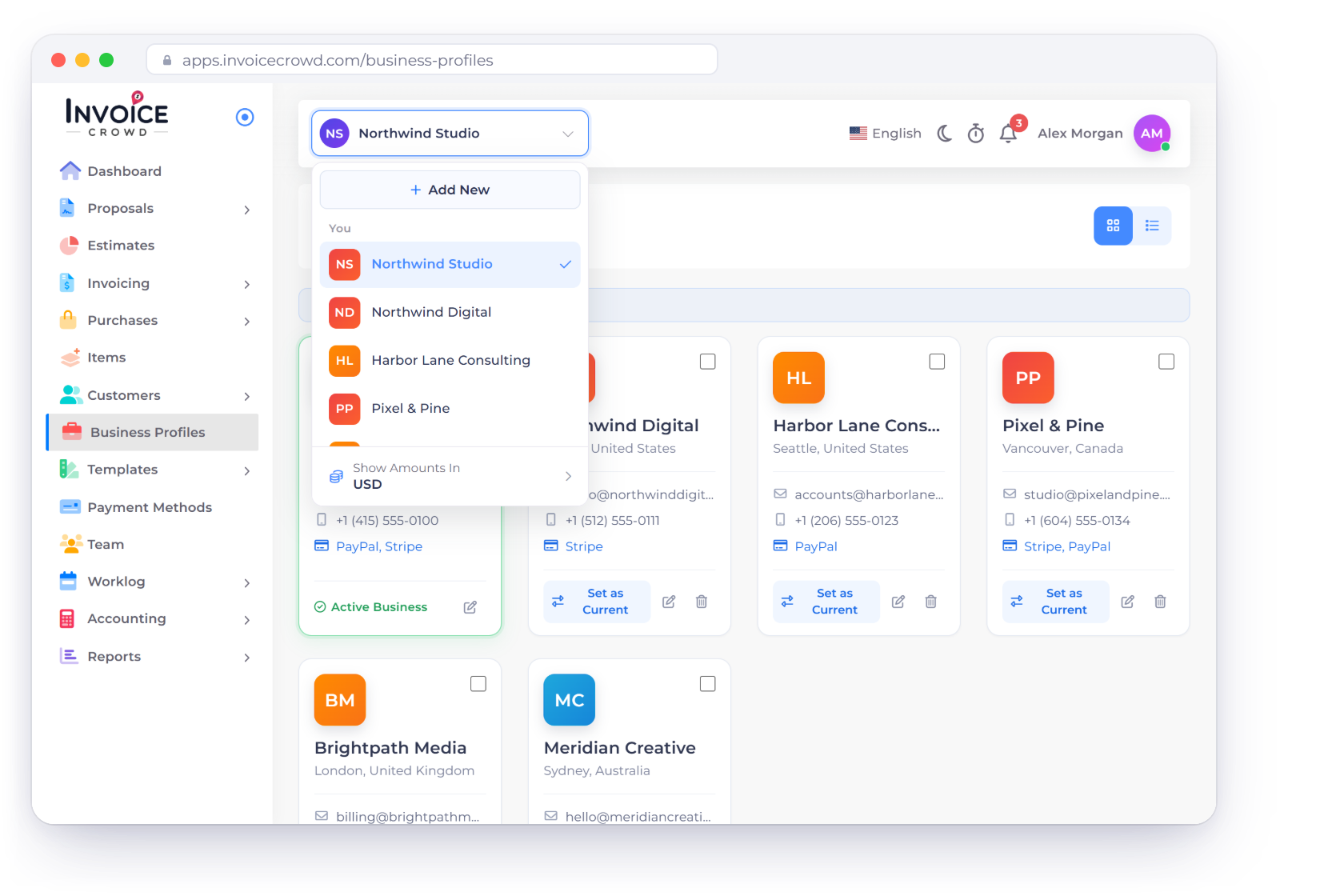
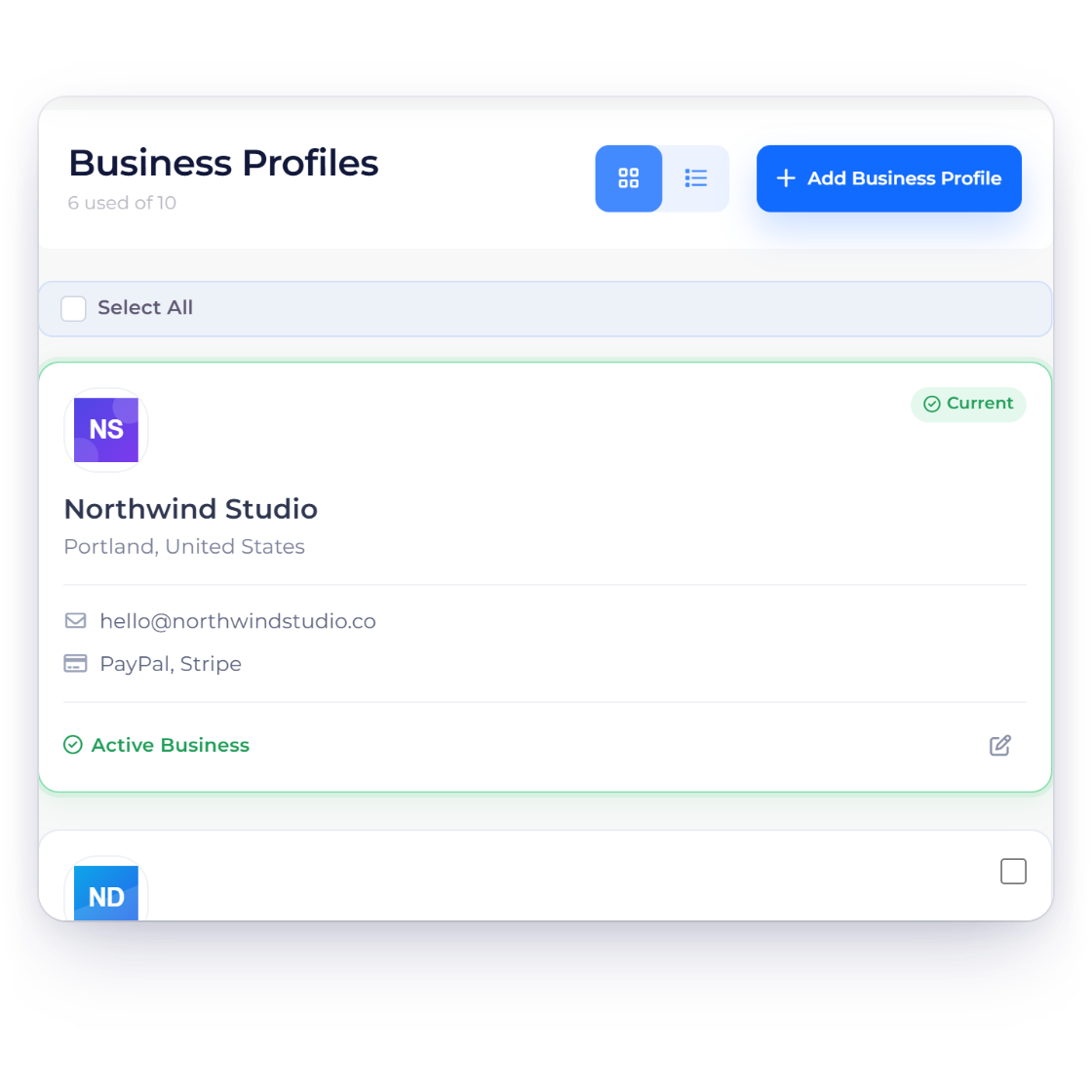
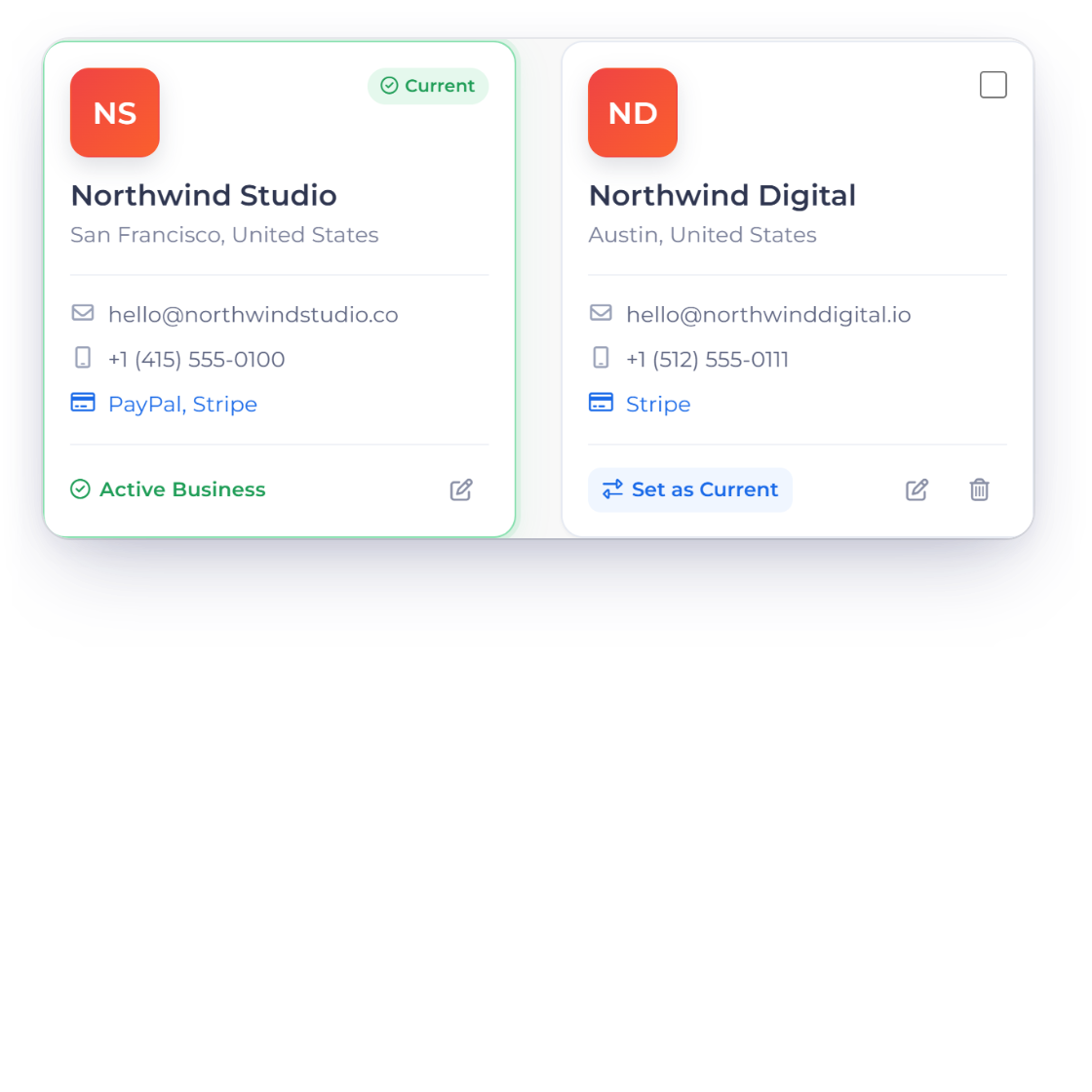
Run every business you own from one Invoice Crowd account. Each business profile carries its own company details, branding, documents, taxes, currency, payment settings, email and reports.
How it works
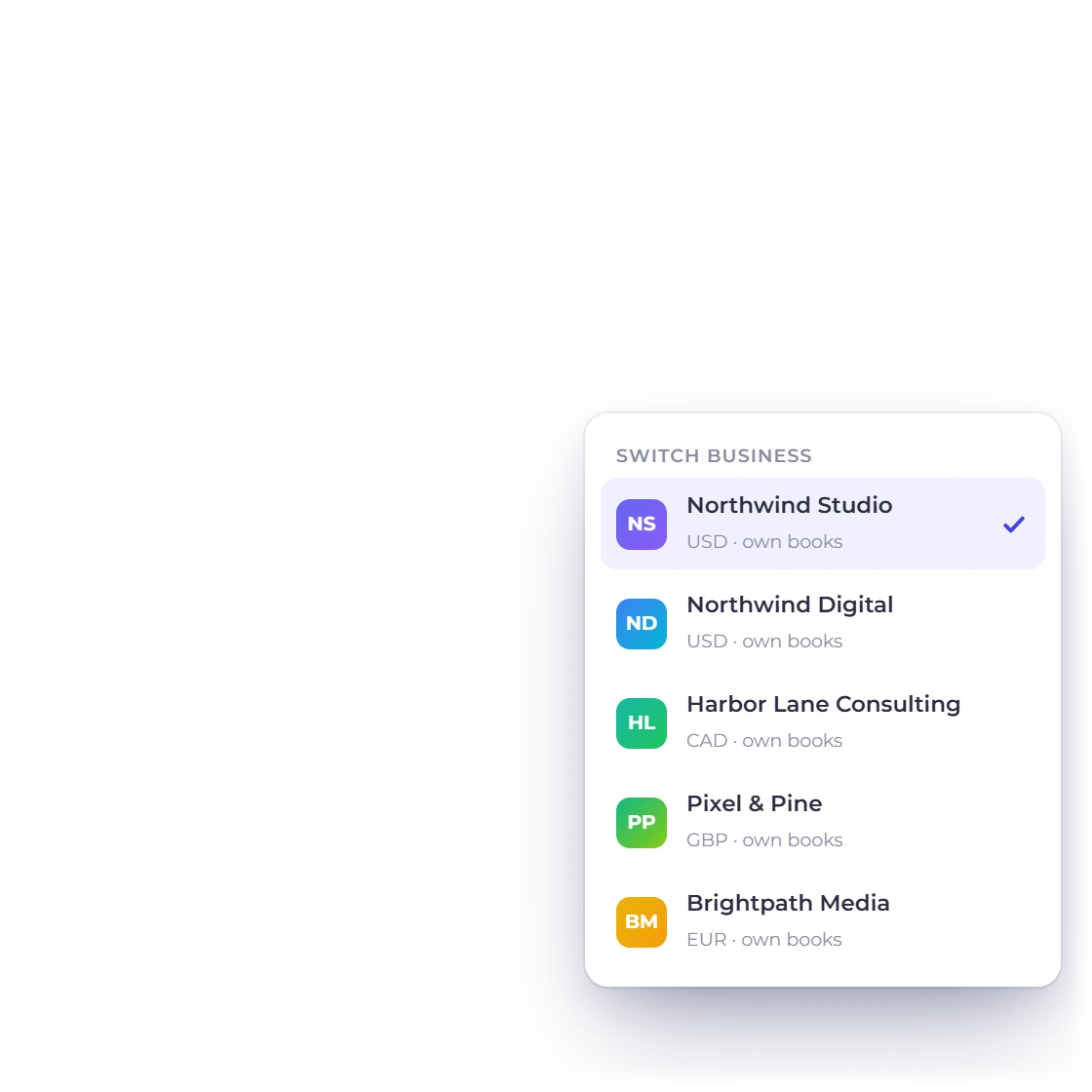
Switch profiles and your documents, settings and reports follow, while each business keeps its own records.
Start with the details your customers and vendors see.
Add the business name, contact details, address and logo, choose its document designs, and style the Customer Page your clients open.
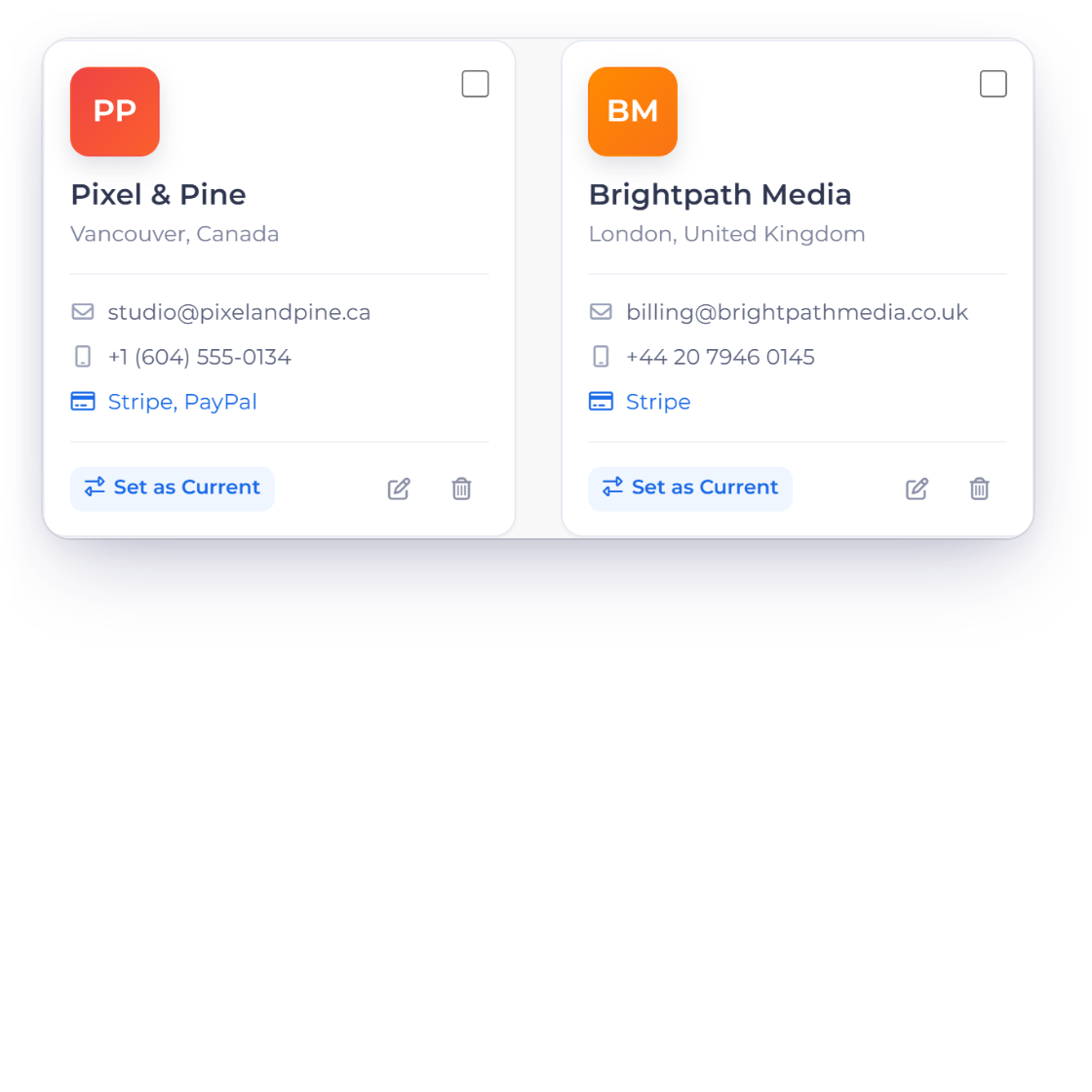
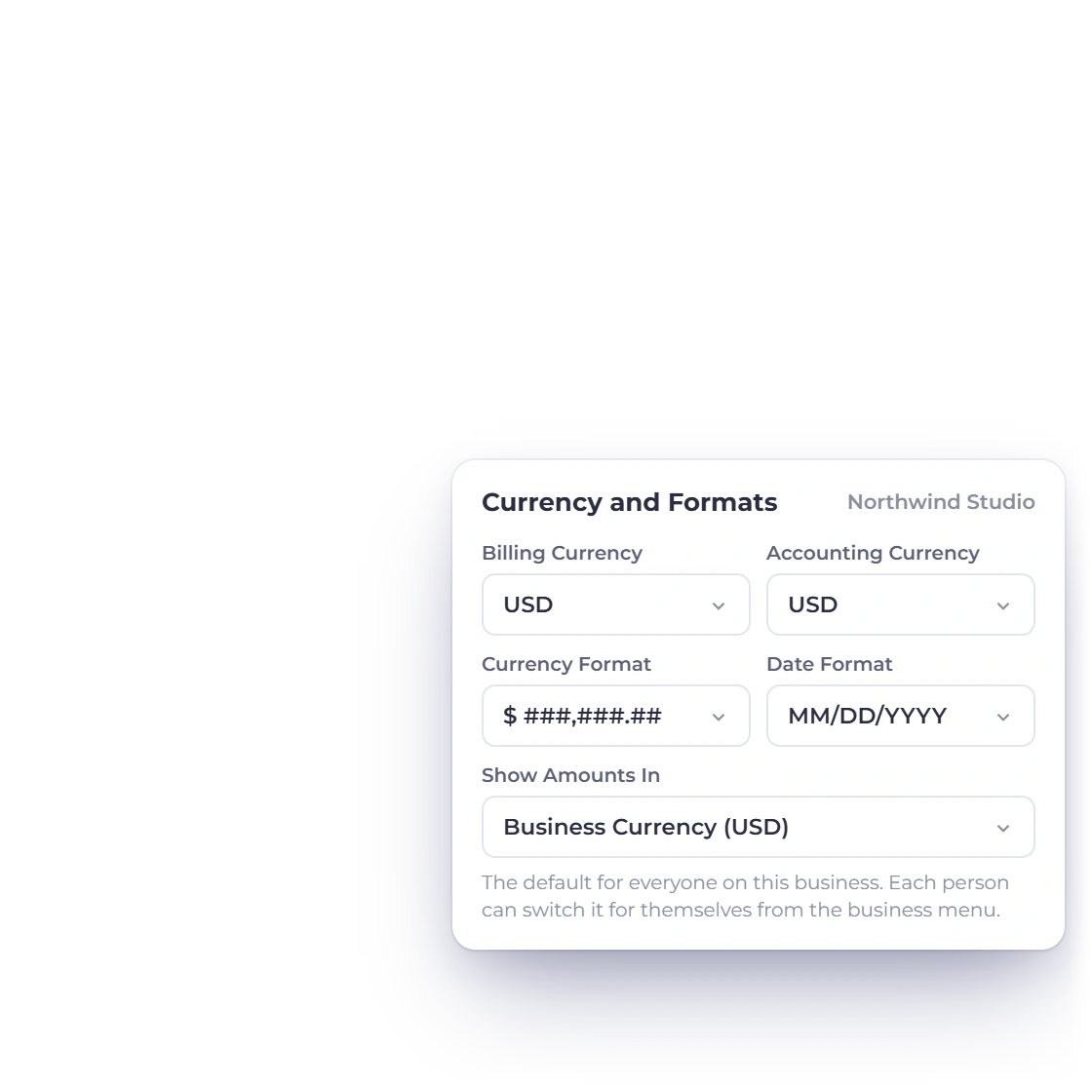
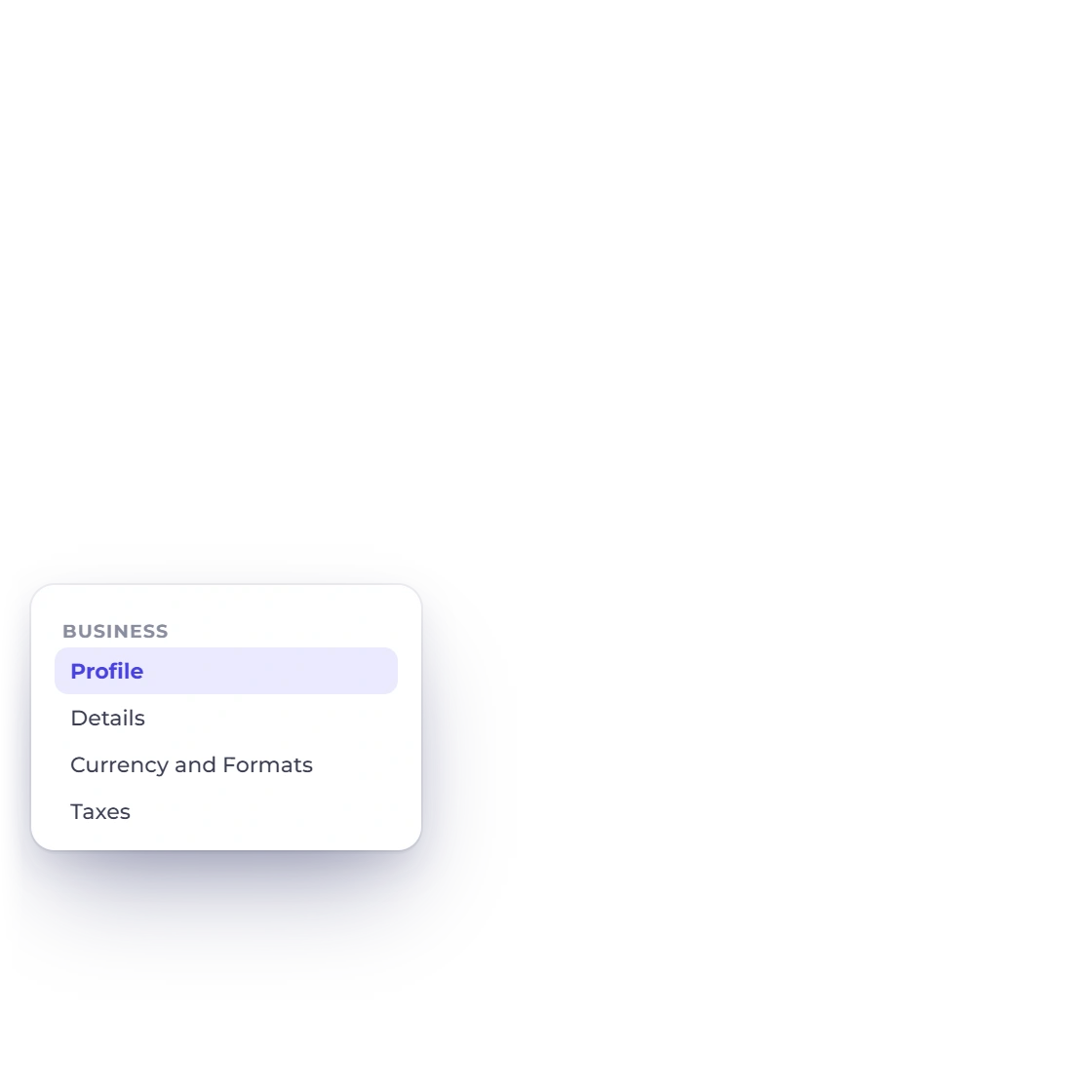
Set each profile's currencies, taxes, payment terms and document preferences, so every new record starts with the right defaults.
The active business follows you through your work.
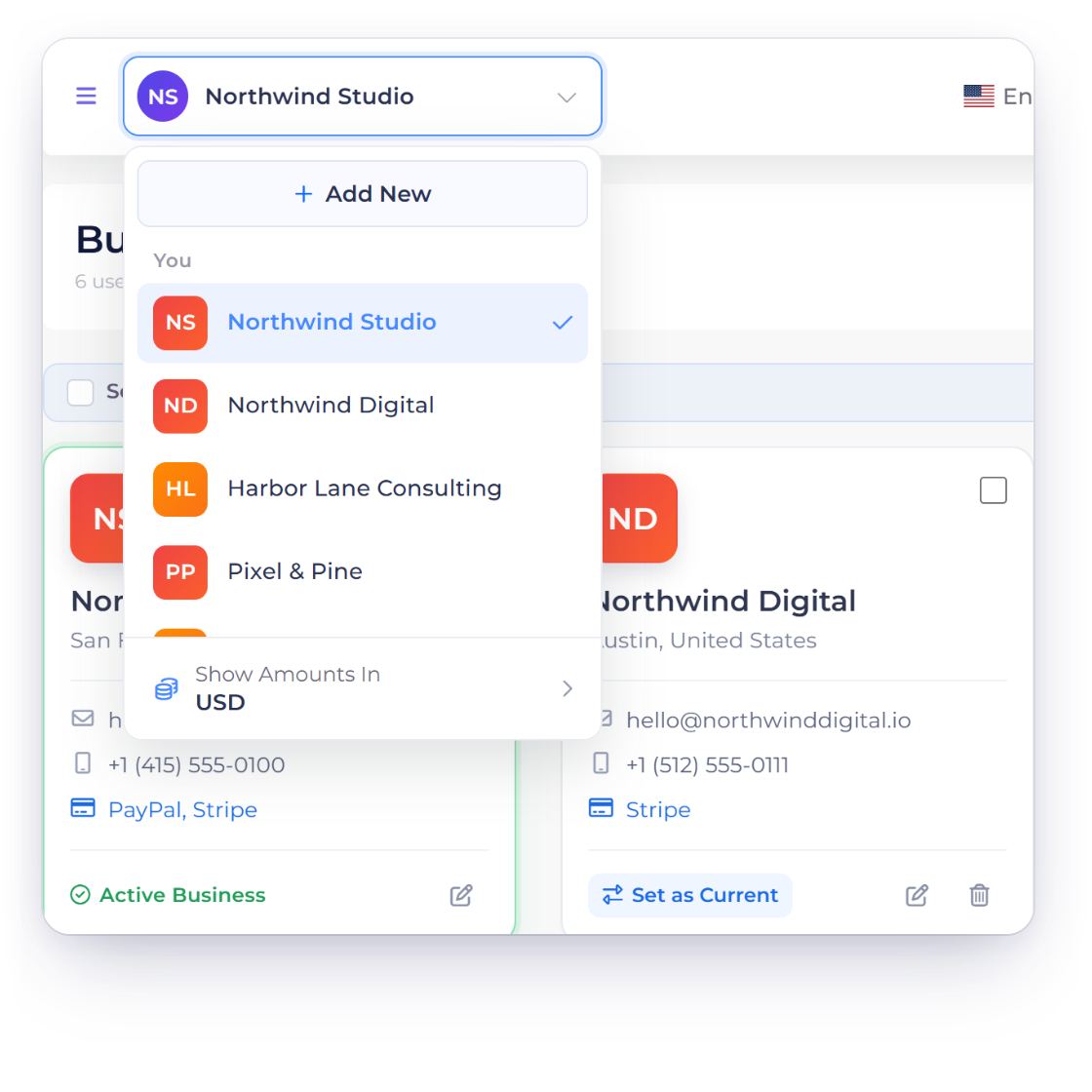
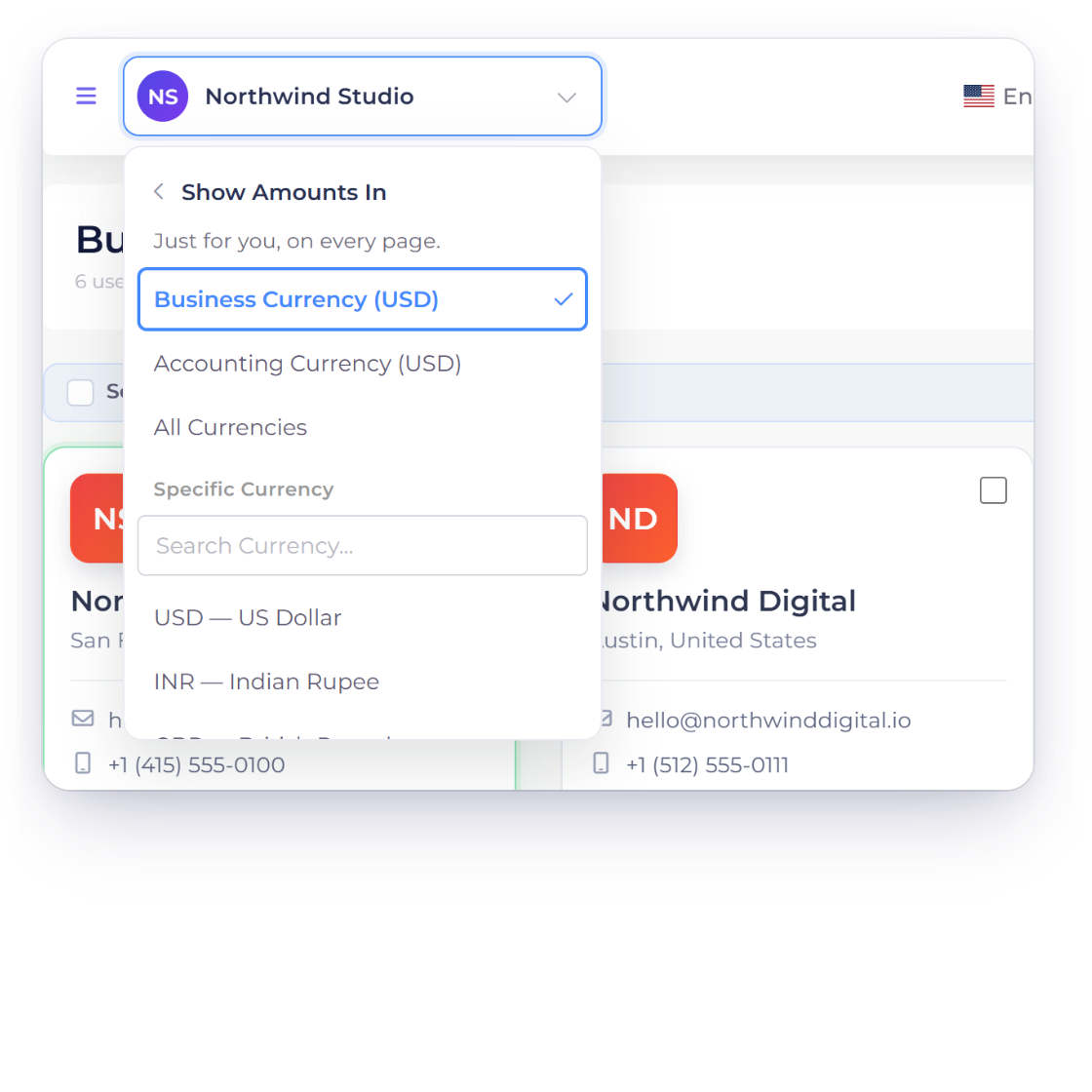
The business switcher in the top bar changes the active business, and its Show Amounts In row sets which currency the dashboard and lists use. Team members work in the profiles assigned to them.
Documents, accounts and reports stay with the business profile they belong to, so each business's activity is always clear.
A business identity includes how documents are sent and how customers can pay.
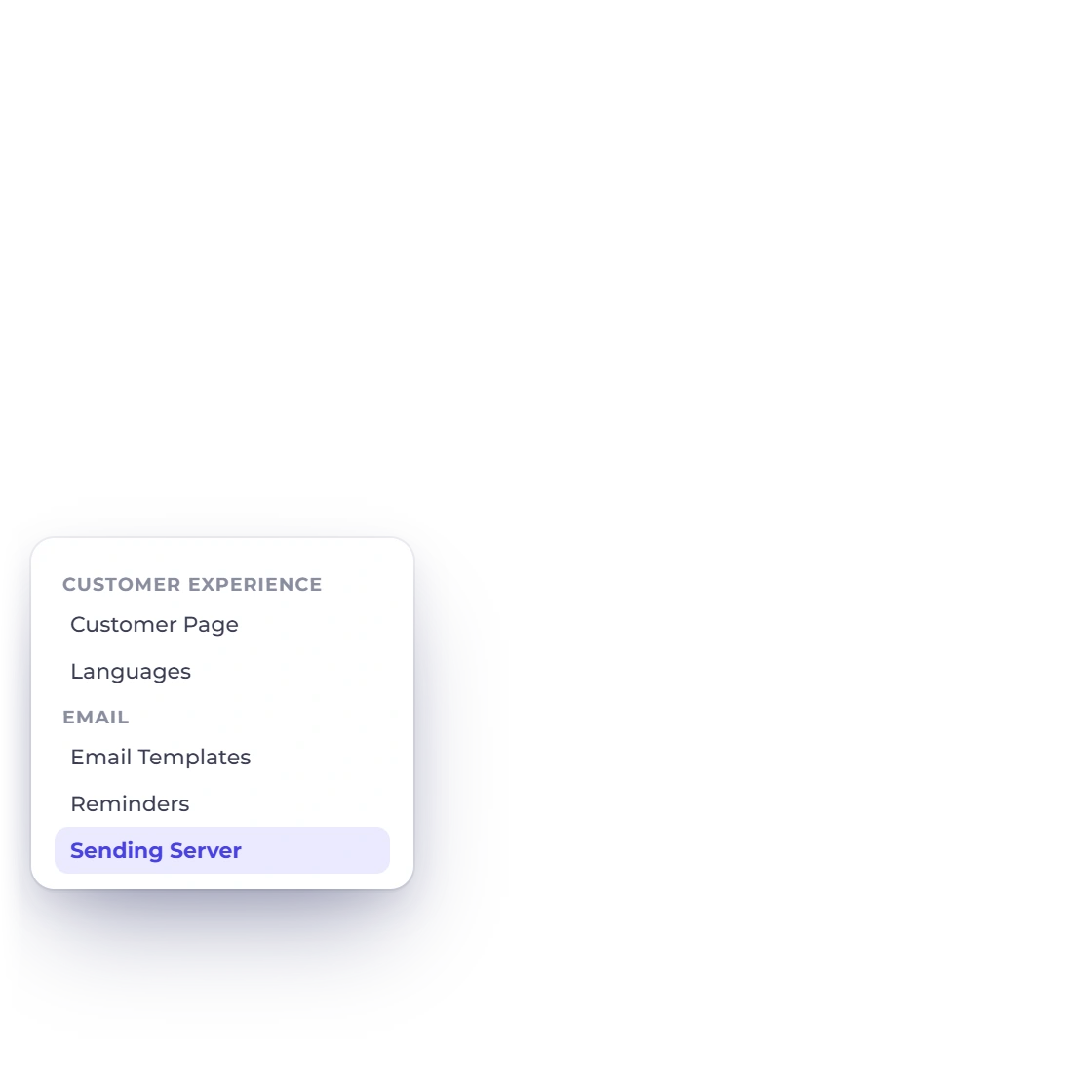
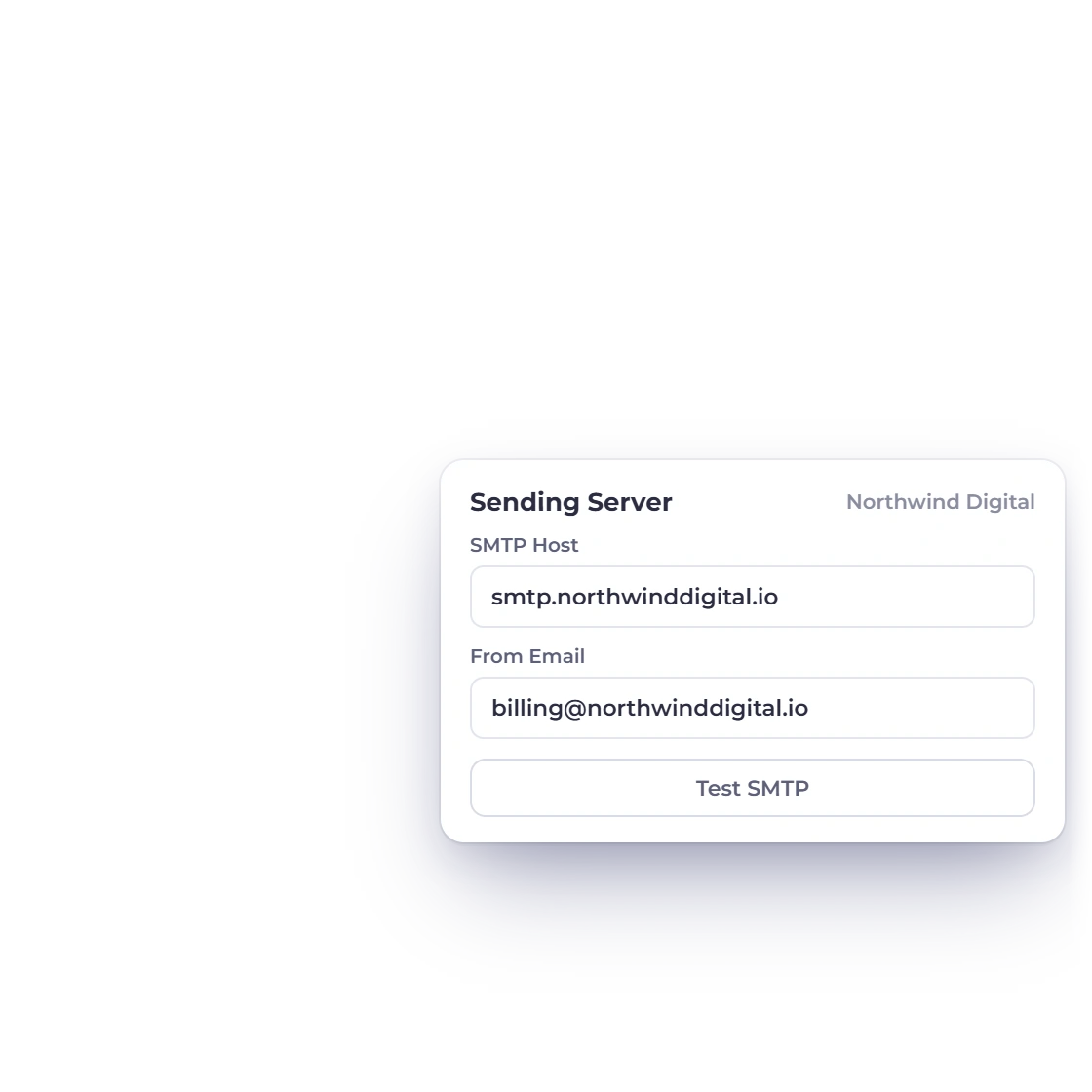
Give each profile its own sending identity, templates and reminder schedule.
Choose the payment gateways, currencies, language and regional settings that suit each business and its customers.
Built in
Everything that lets each business run as its own brand.
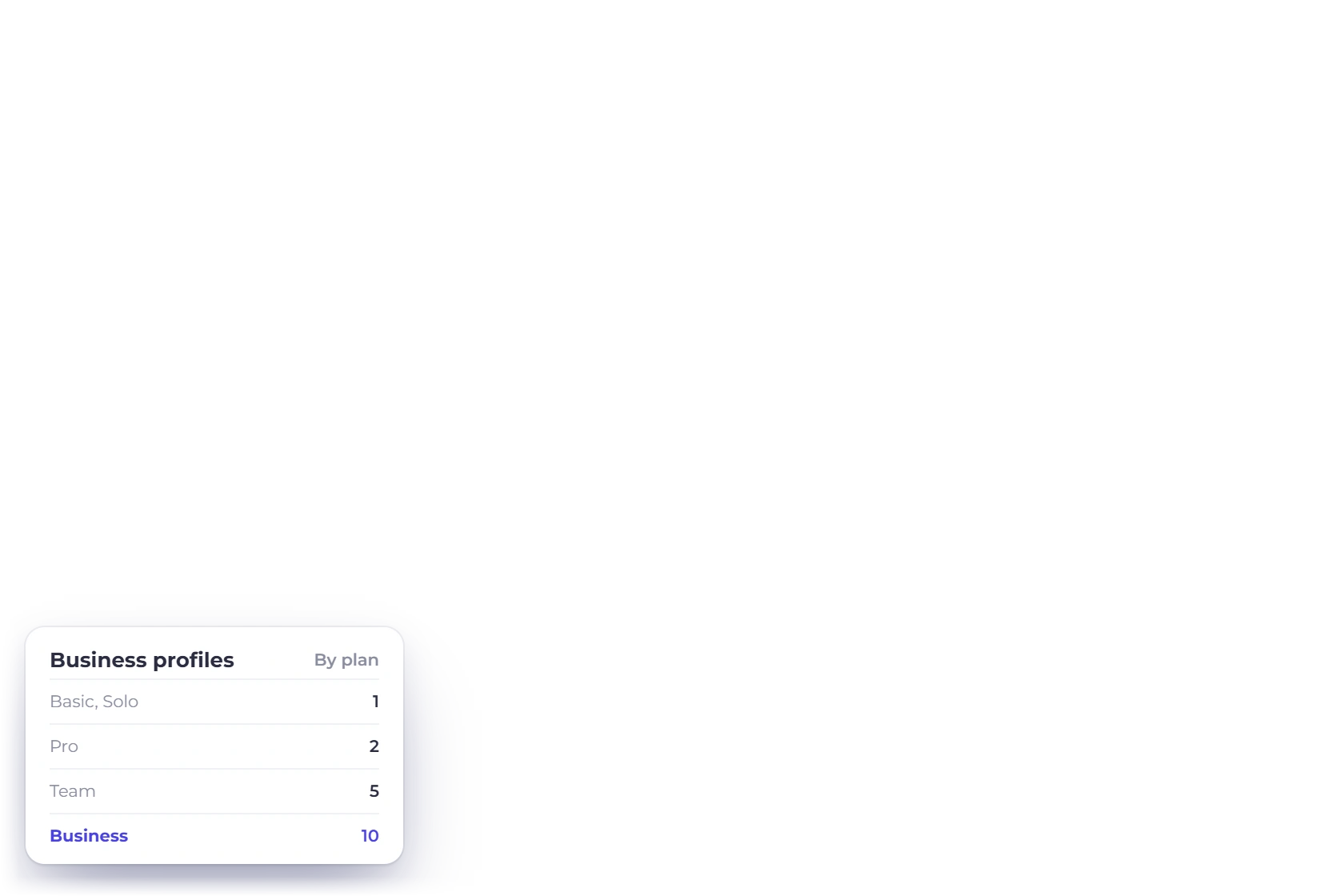
Your plan sets how many business profiles you can run, up to ten.
The active business is always visible, so you know exactly where you are working.
Store company, address, contact and logo details for each profile.
Set payment terms, date and currency formats for each business.
Set each business's base and document currencies.
Keep each business's tax rates and settings with that business.
Work with customers and vendors in the right business context.
Create proposals, estimates and invoices for the active business.
Record purchase orders, bills, expenses and payments under the right business.
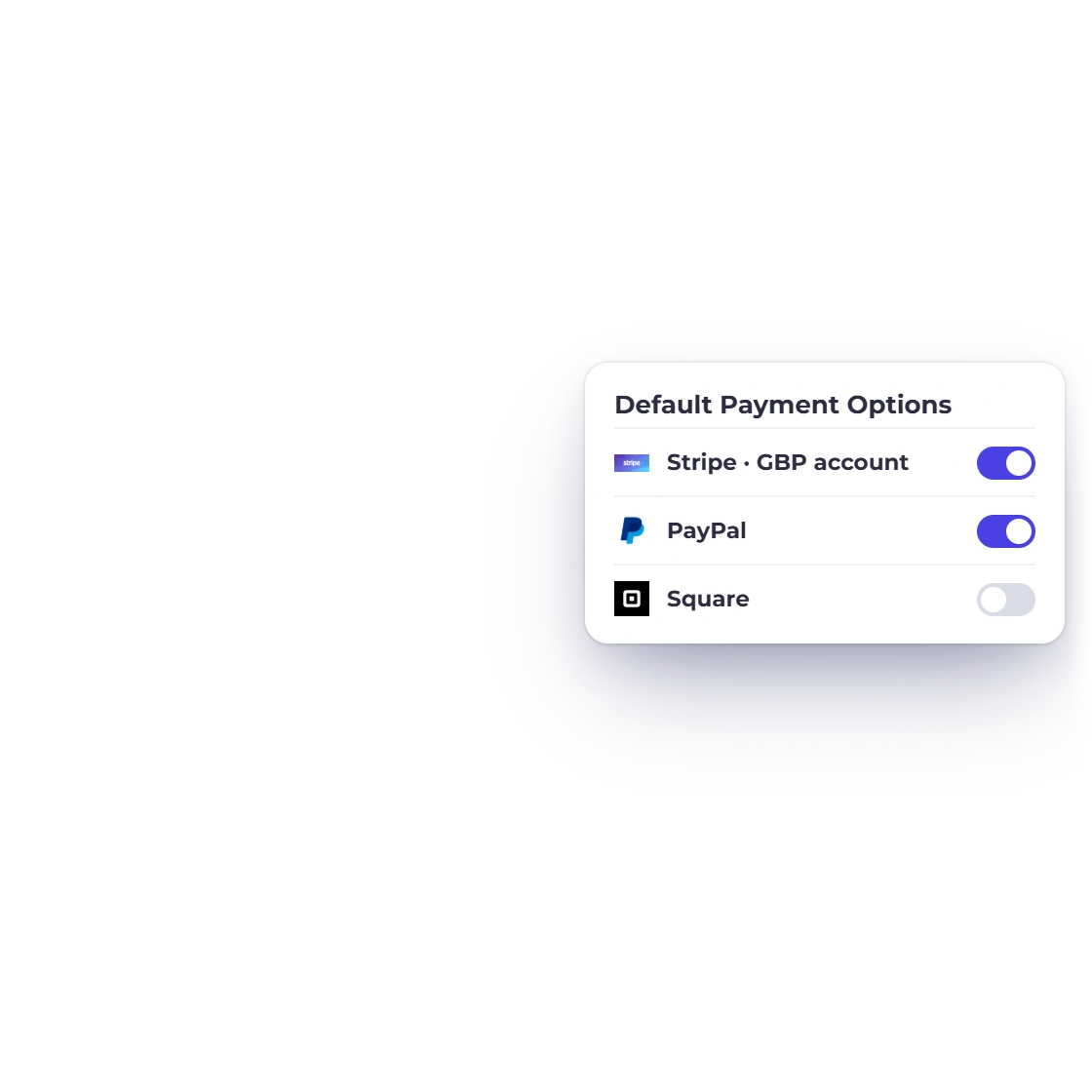
Choose which connected gateway accounts each profile offers by default, with optional gateway fees.
Set the sender, templates and reminders for each business.
Run accounting and business reports for each profile.
Questions
Up to ten, depending on your plan: Basic and Solo include one business profile, Pro two, Team five and Business ten. The account owner adds new profiles.
Yes. Assign each team member to selected business profiles, and they work inside those businesses.
Yes. Each profile's Default Payment Options choose which connected gateway accounts its new invoices offer, with optional gateway fees.
Switch to another profile first, then delete it from Business Profiles by typing its name to confirm. Data that belongs only to that profile is removed and data shared with another profile is kept, so export anything you need beforehand.
Set up your first business profile with its branding, currency, taxes and payments, then add the next whenever you are ready.