Start blank or create from a bill or purchase order
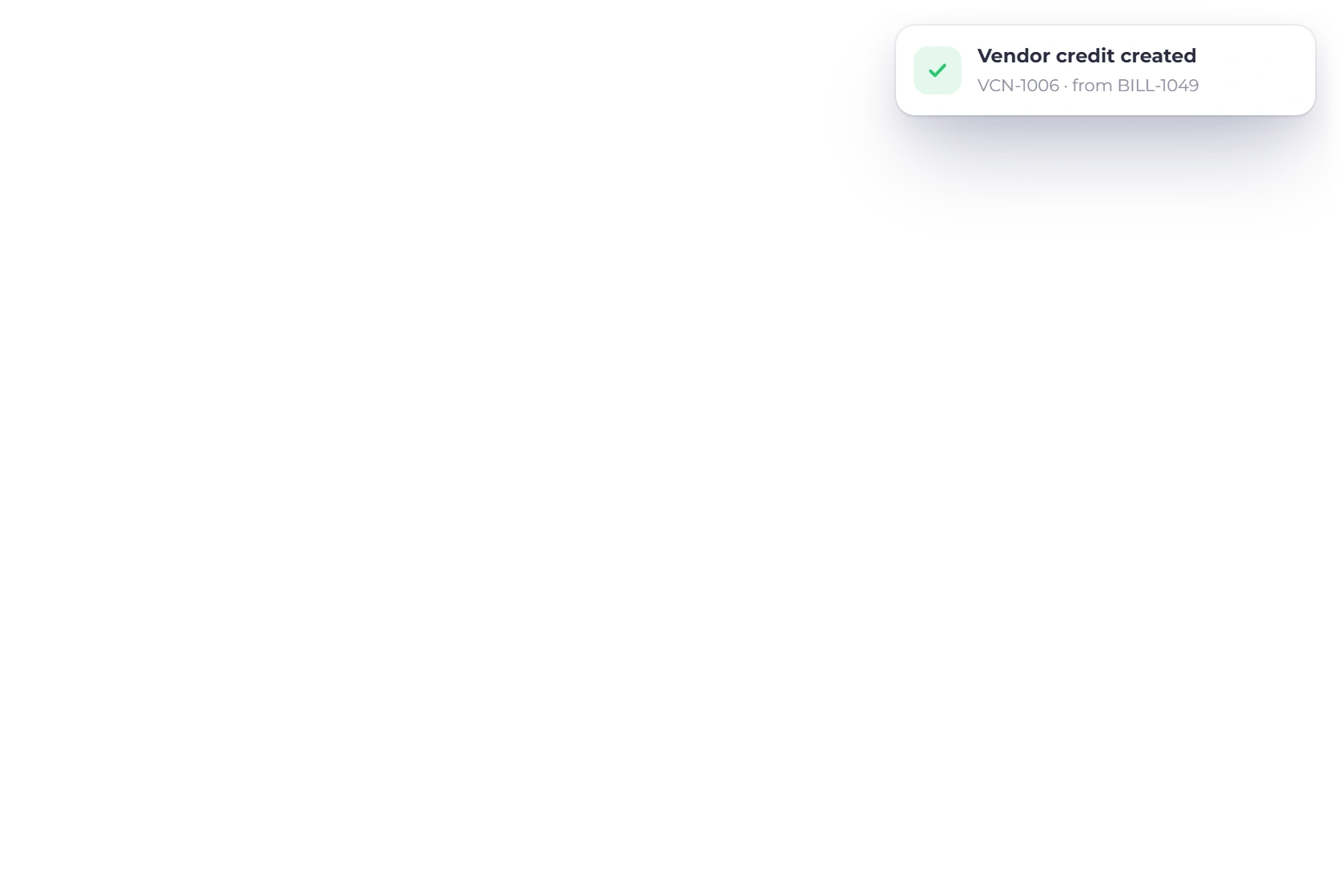
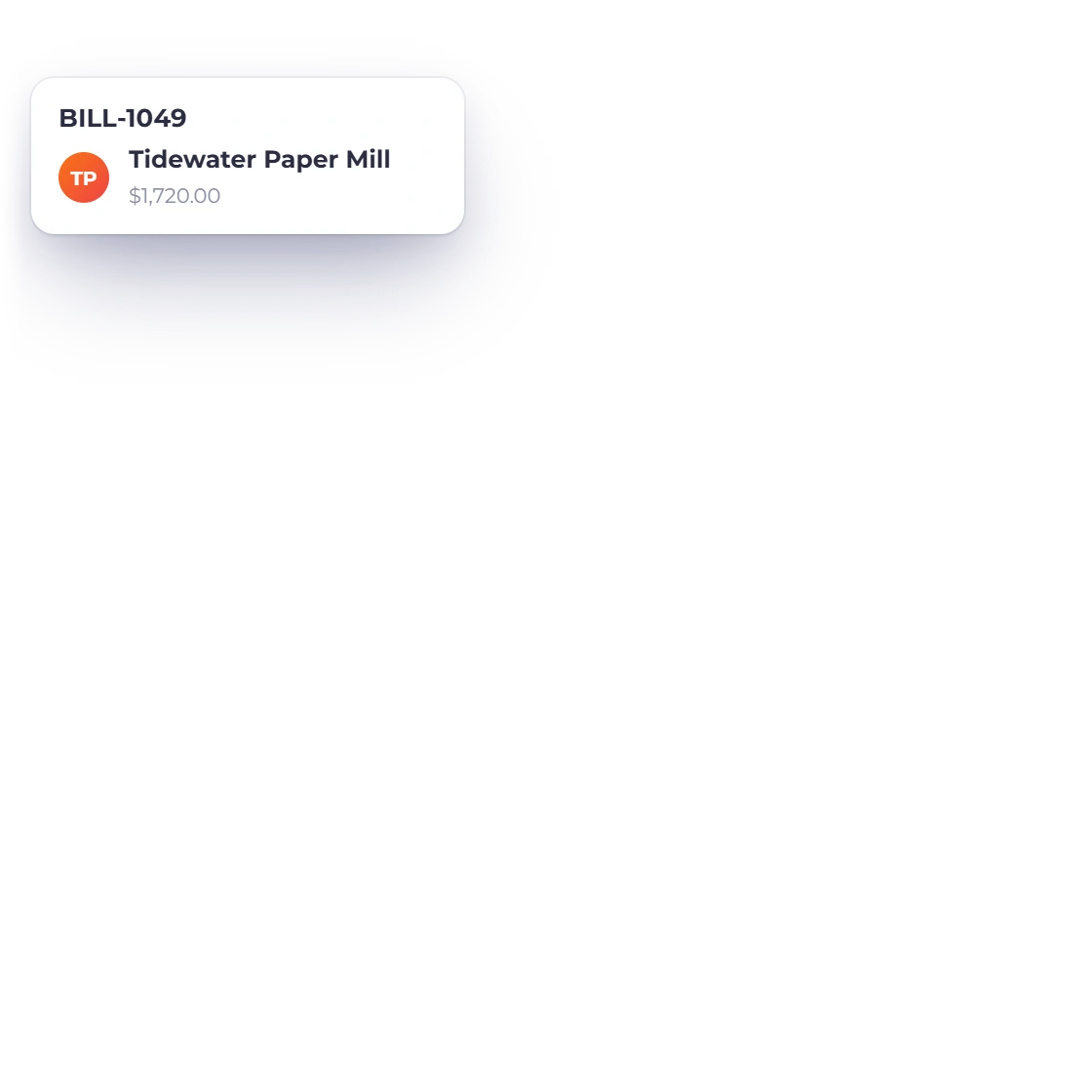
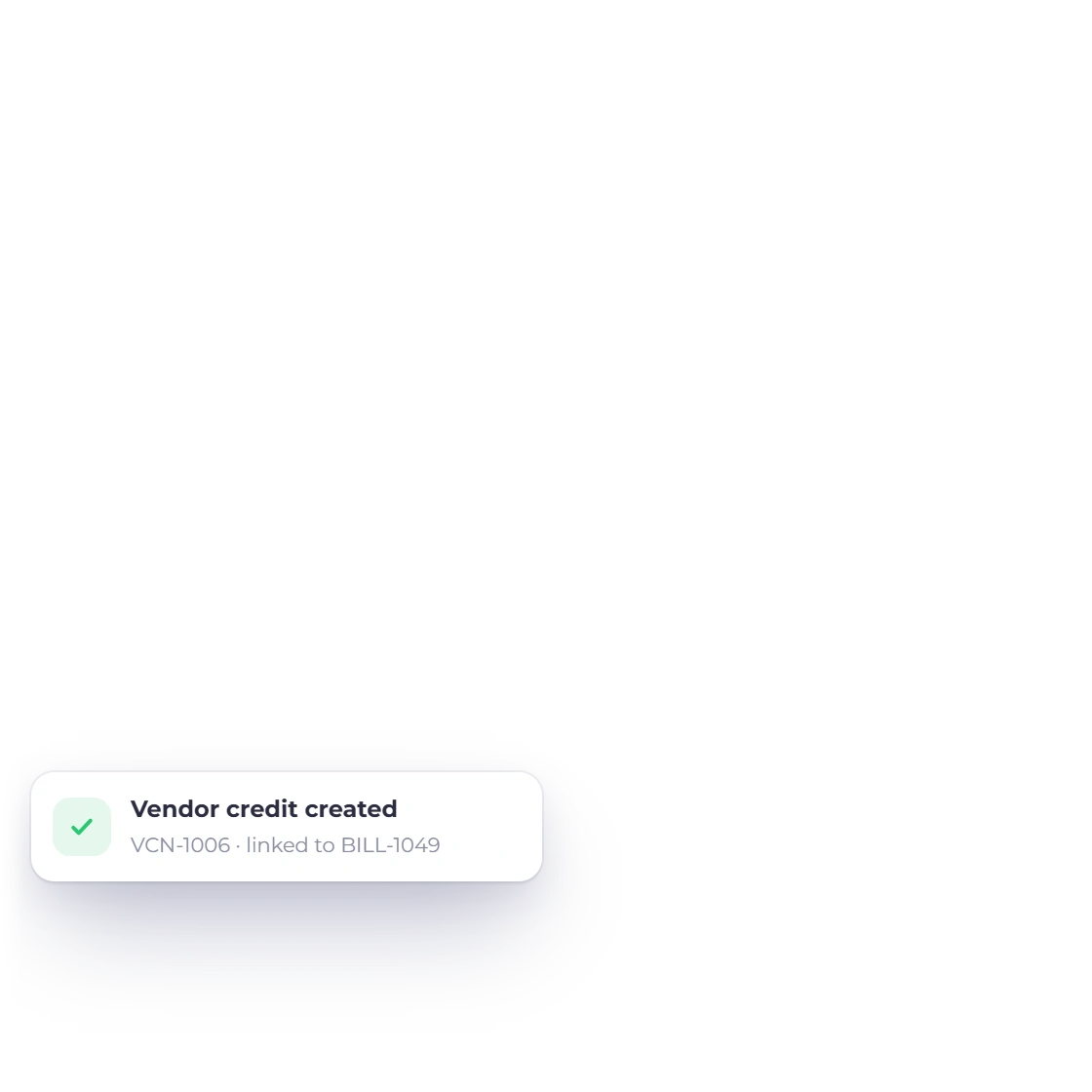
Choose a document template for a blank credit, or create one from a bill or purchase order. The new credit links back to its source and gets its own number and today's date.
Purchases
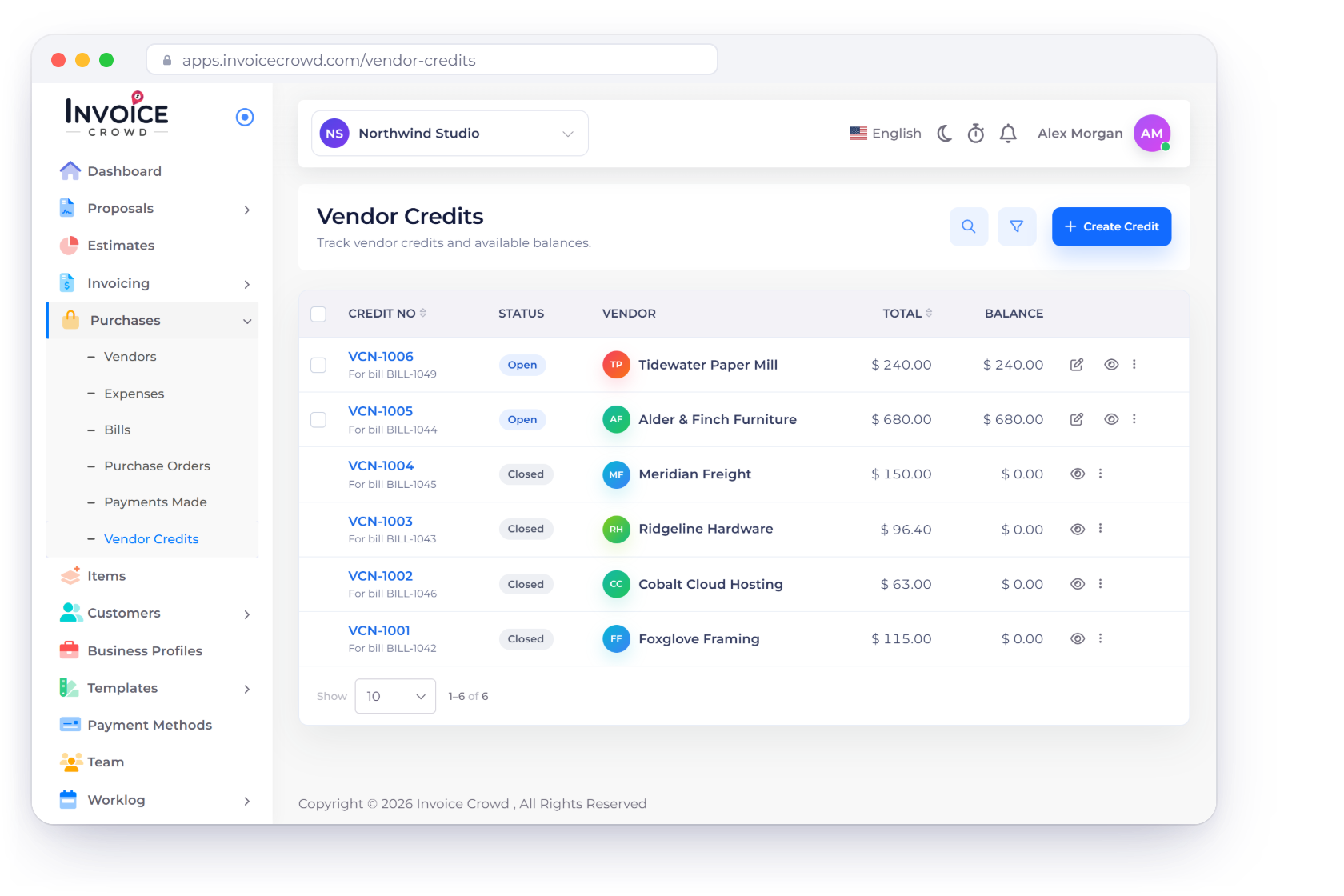
Record what a supplier owes you back, keep its remaining balance in view, and apply it to a bill or record the refund you receive, with the vendor, business and currency checked every time.
How it works
Create the credit from a template or a bill, keep its balance open, and use it with Apply to Bill or Refund. Every balance is checked as you go, so a credit is never spent twice.
A purchase-side document with its own VCN- number and balance.
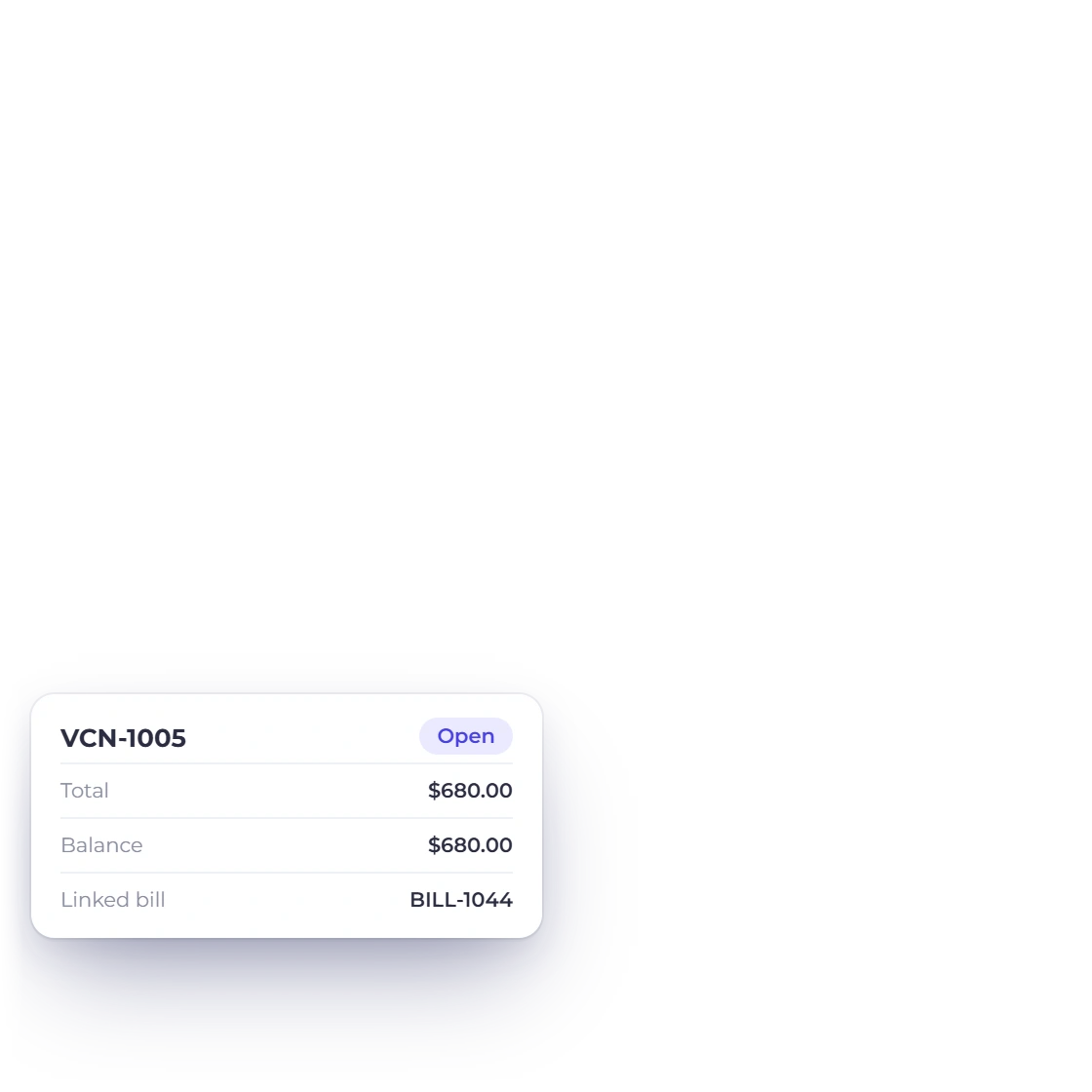
Choose a document template for a blank credit, or create one from a bill or purchase order. The new credit links back to its source and gets its own number and today's date.
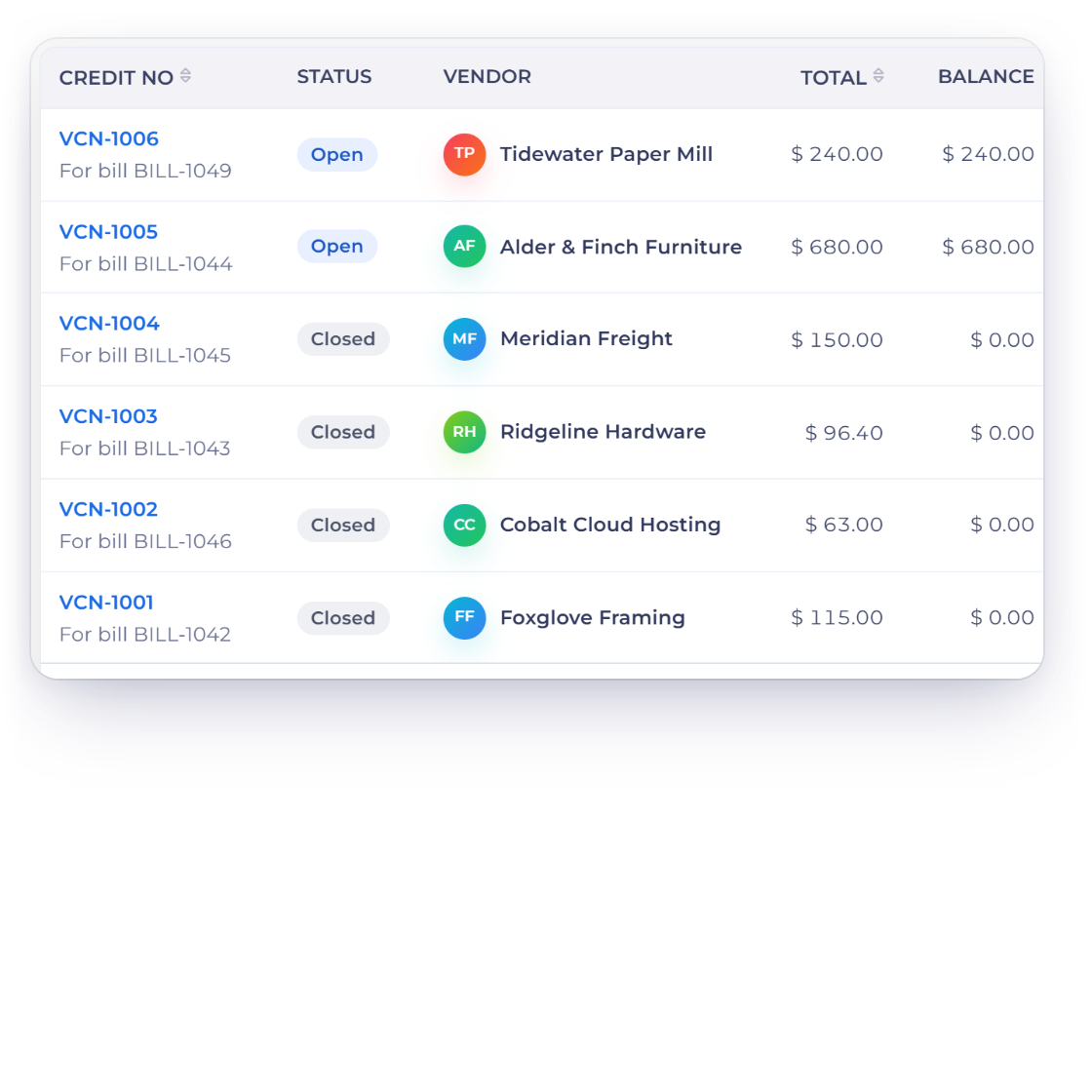
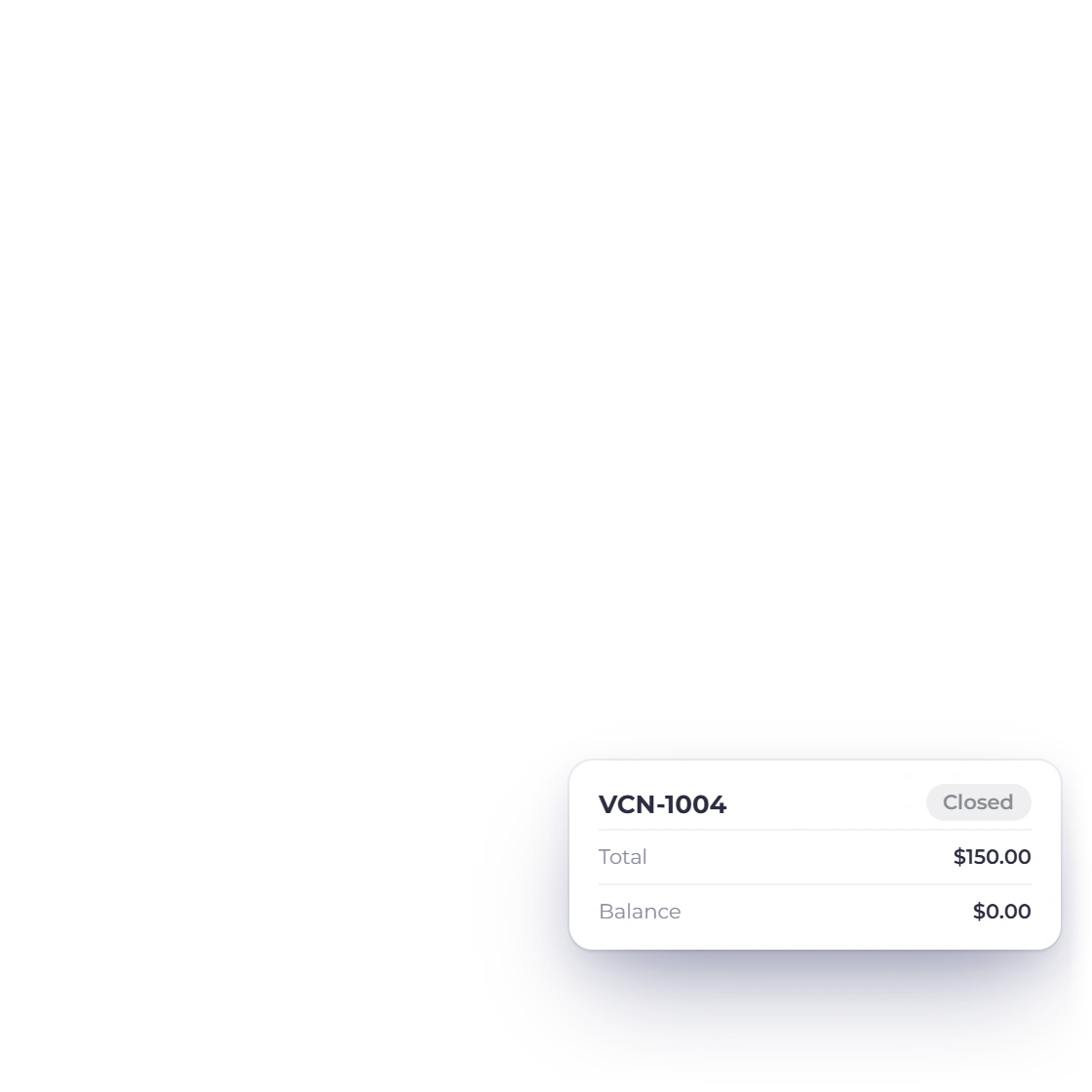
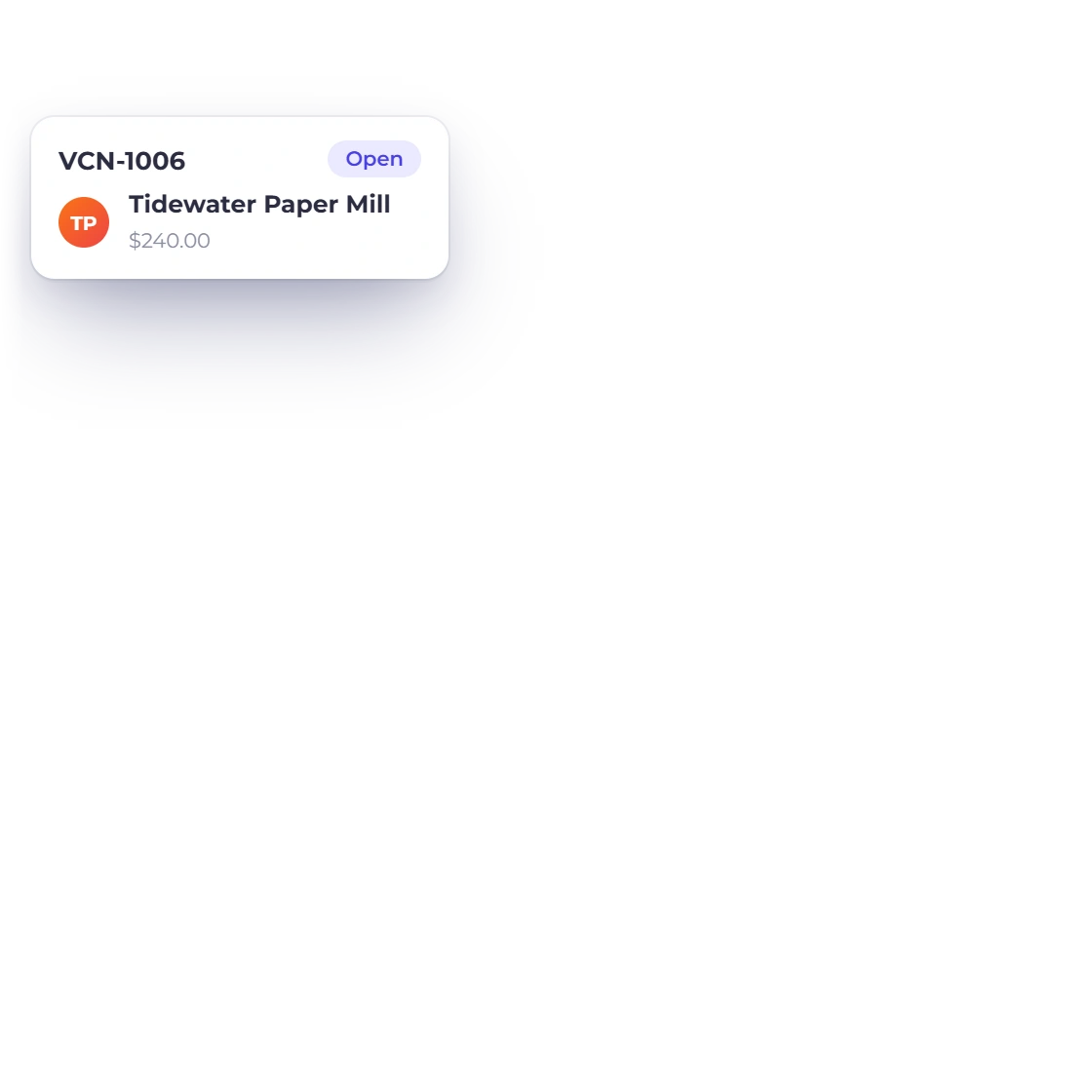
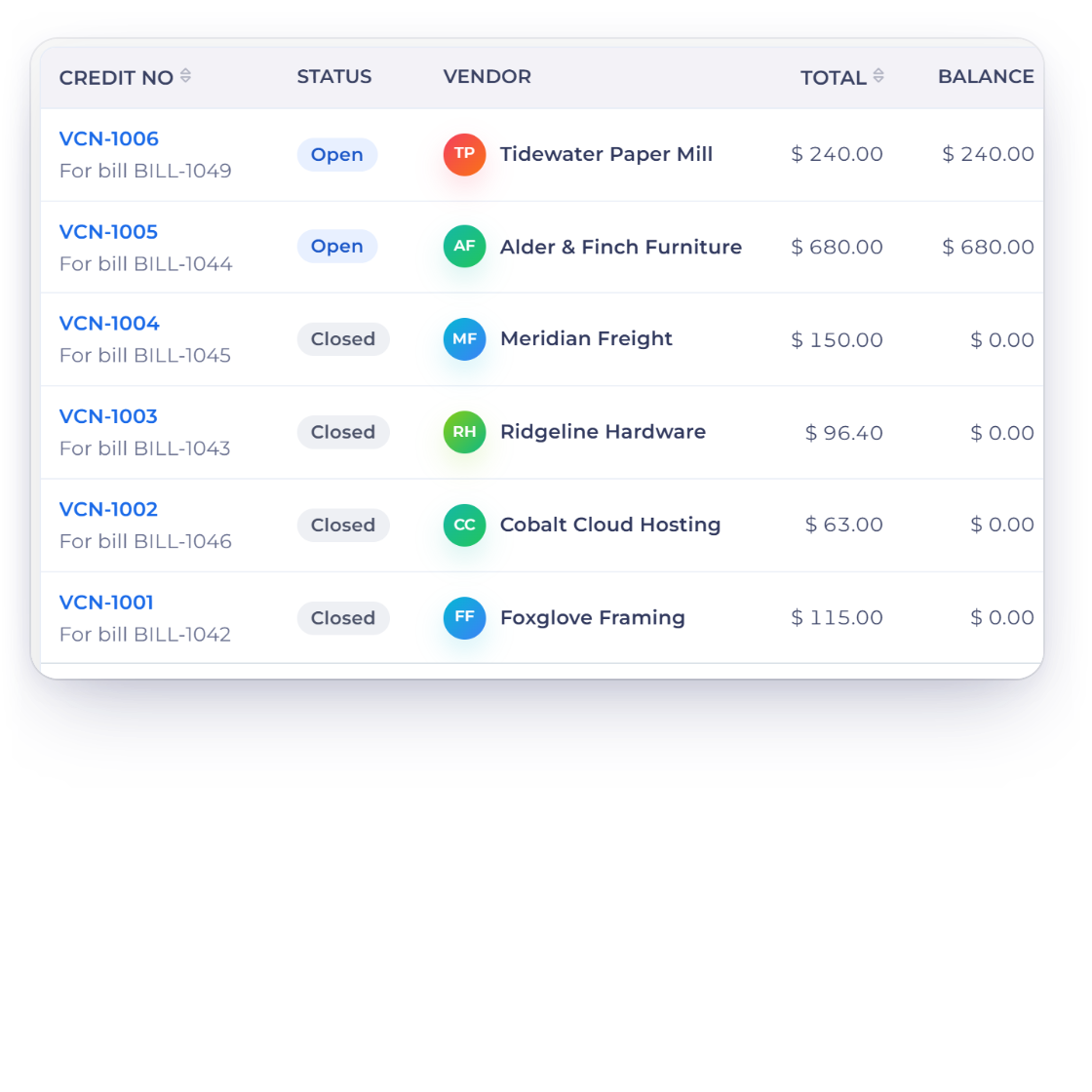
The list shows the vendor, linked source, total and remaining balance. Open credits stay editable, and fully used or refunded credits close automatically. The PDF shows Credit Remaining and is stamped Applied or Refunded.
Use the balance exactly as it stands.
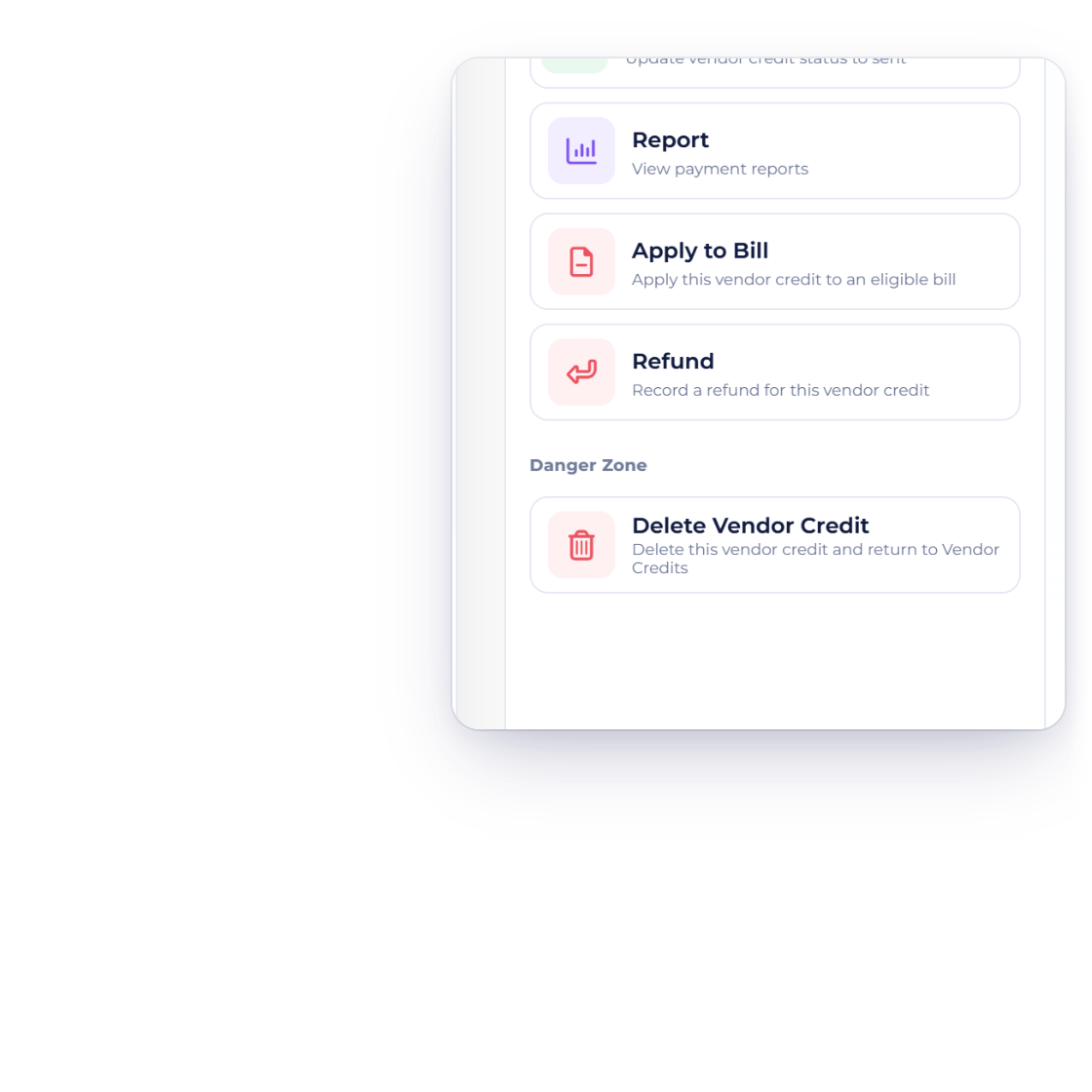
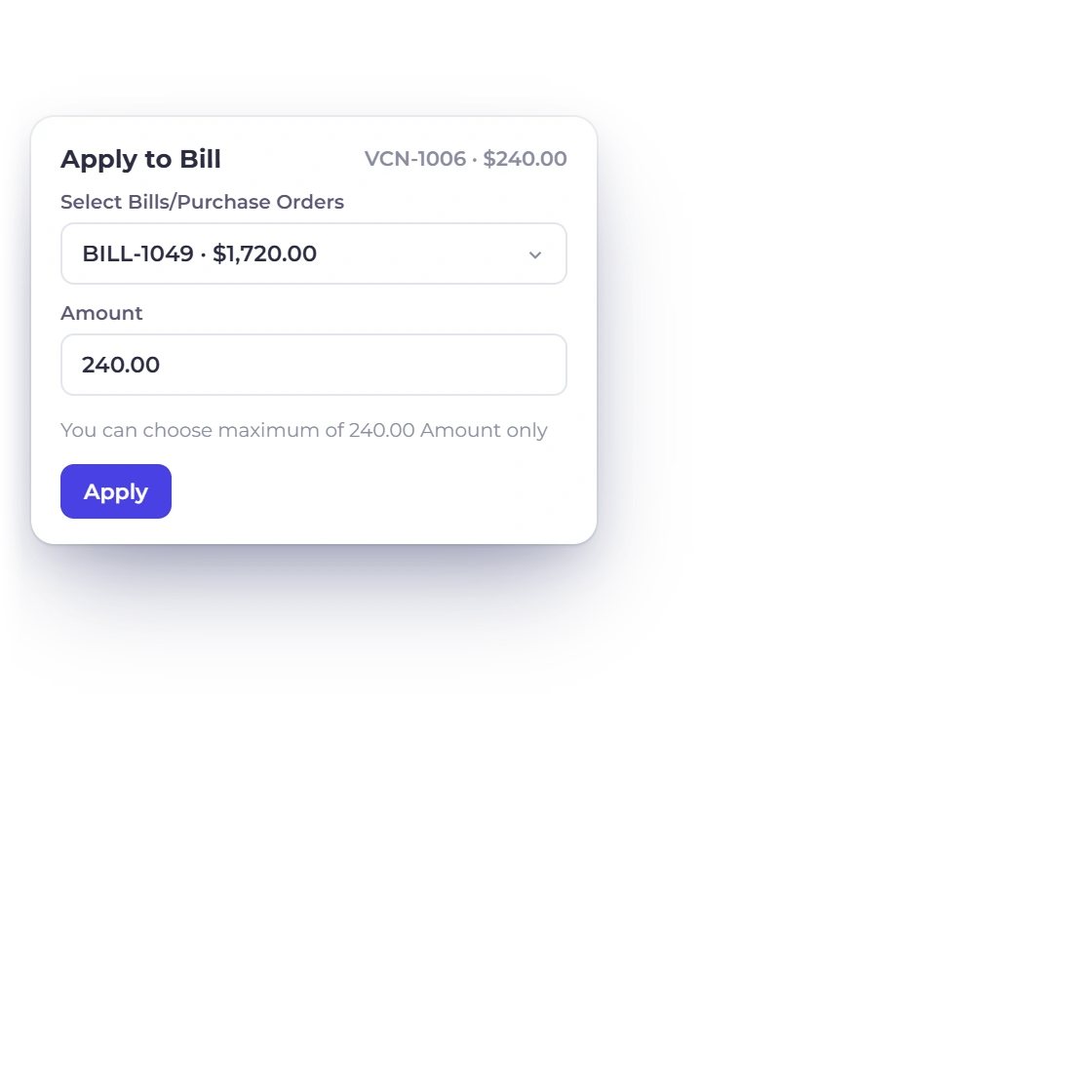
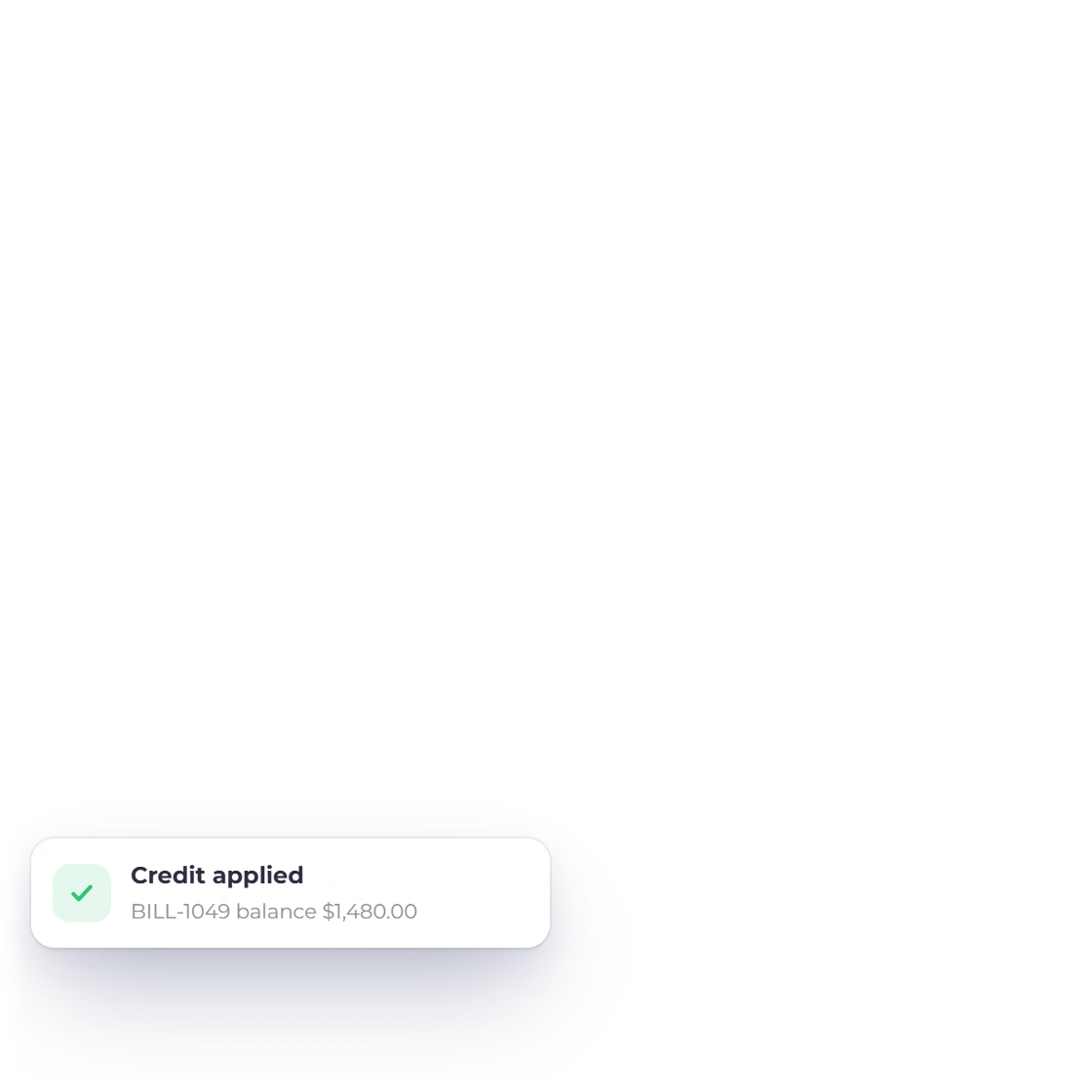
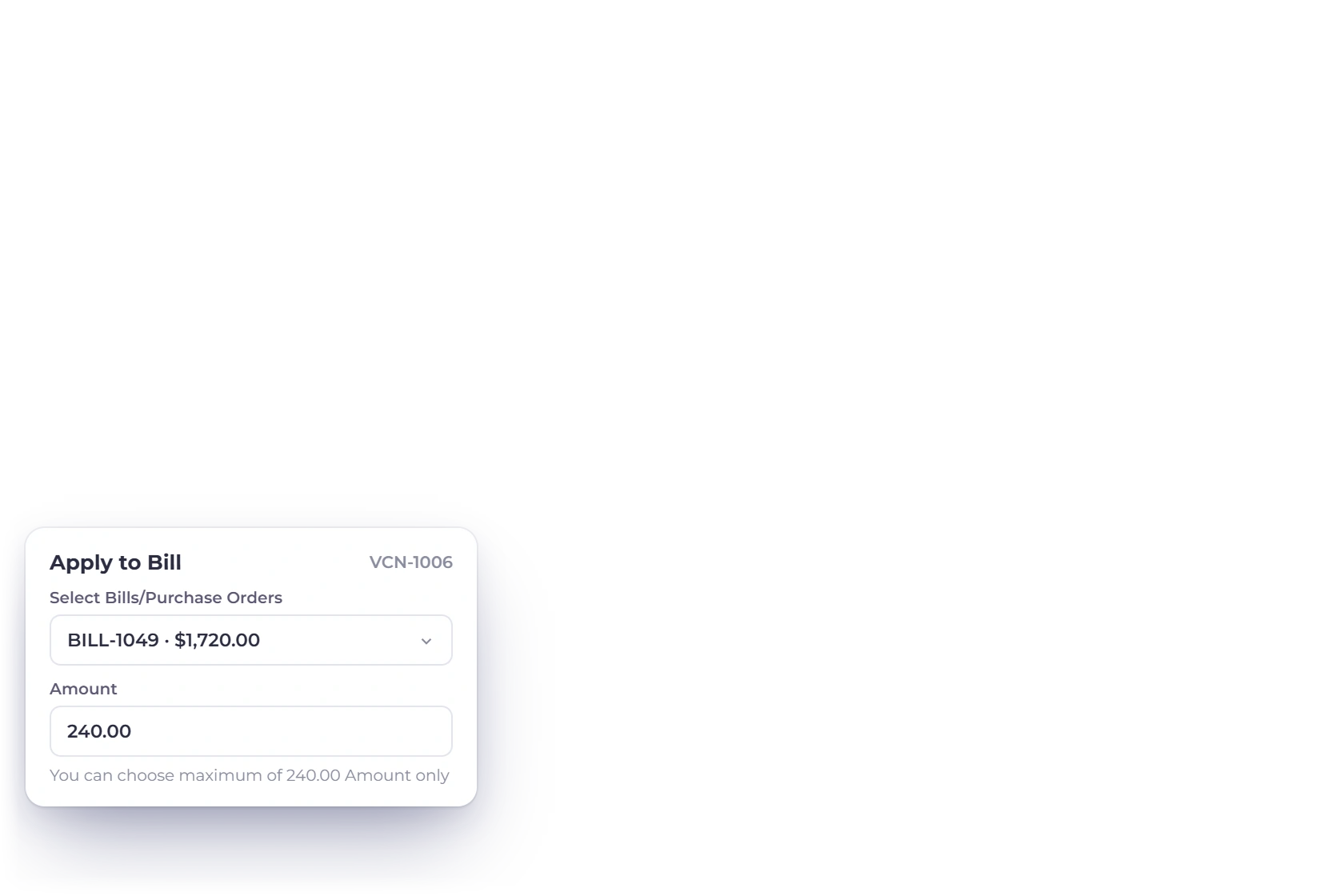
Pick an open bill from the same vendor, in the same currency, and enter an amount up to the smaller of the two balances. Both balances update together, and a repeated click never applies the credit twice.
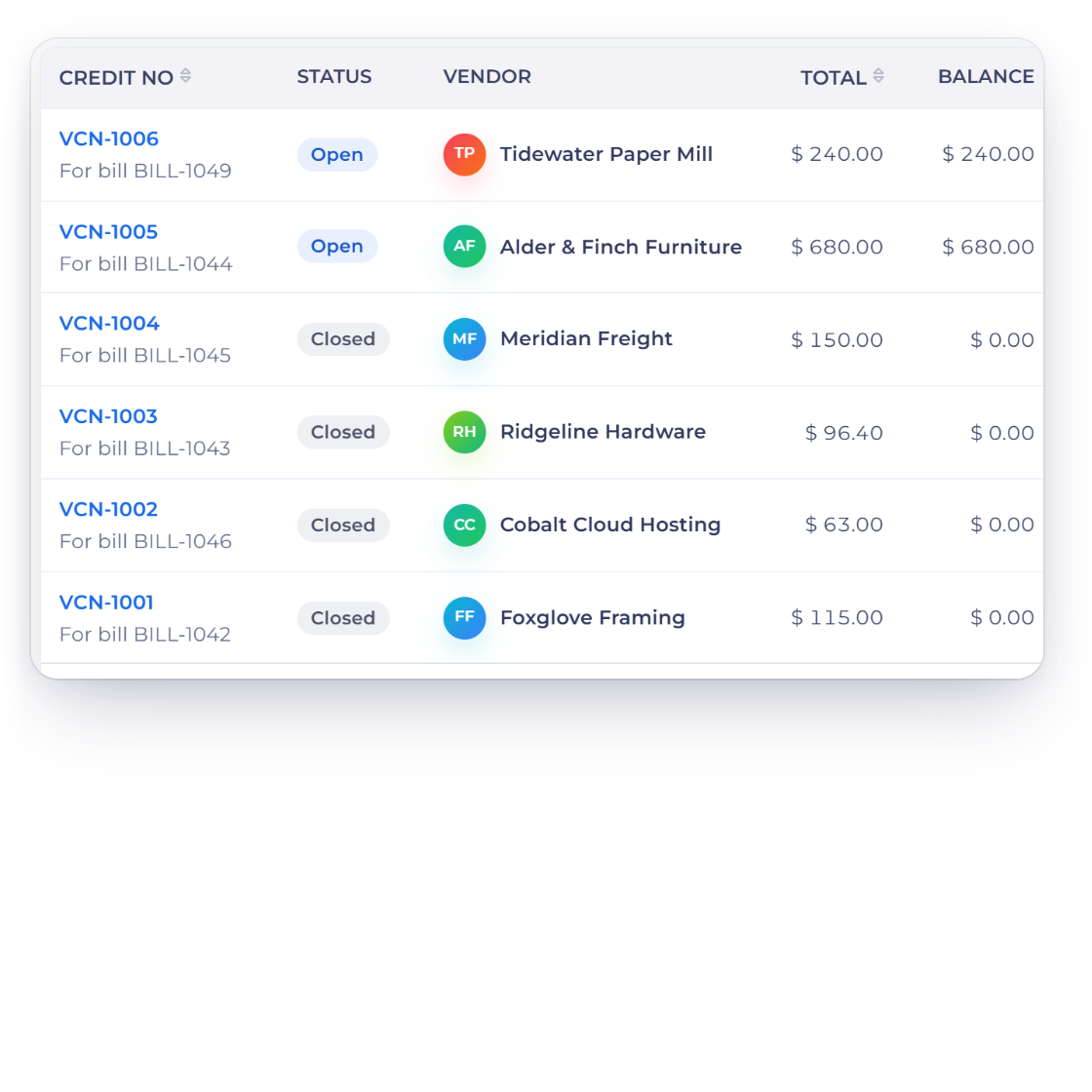
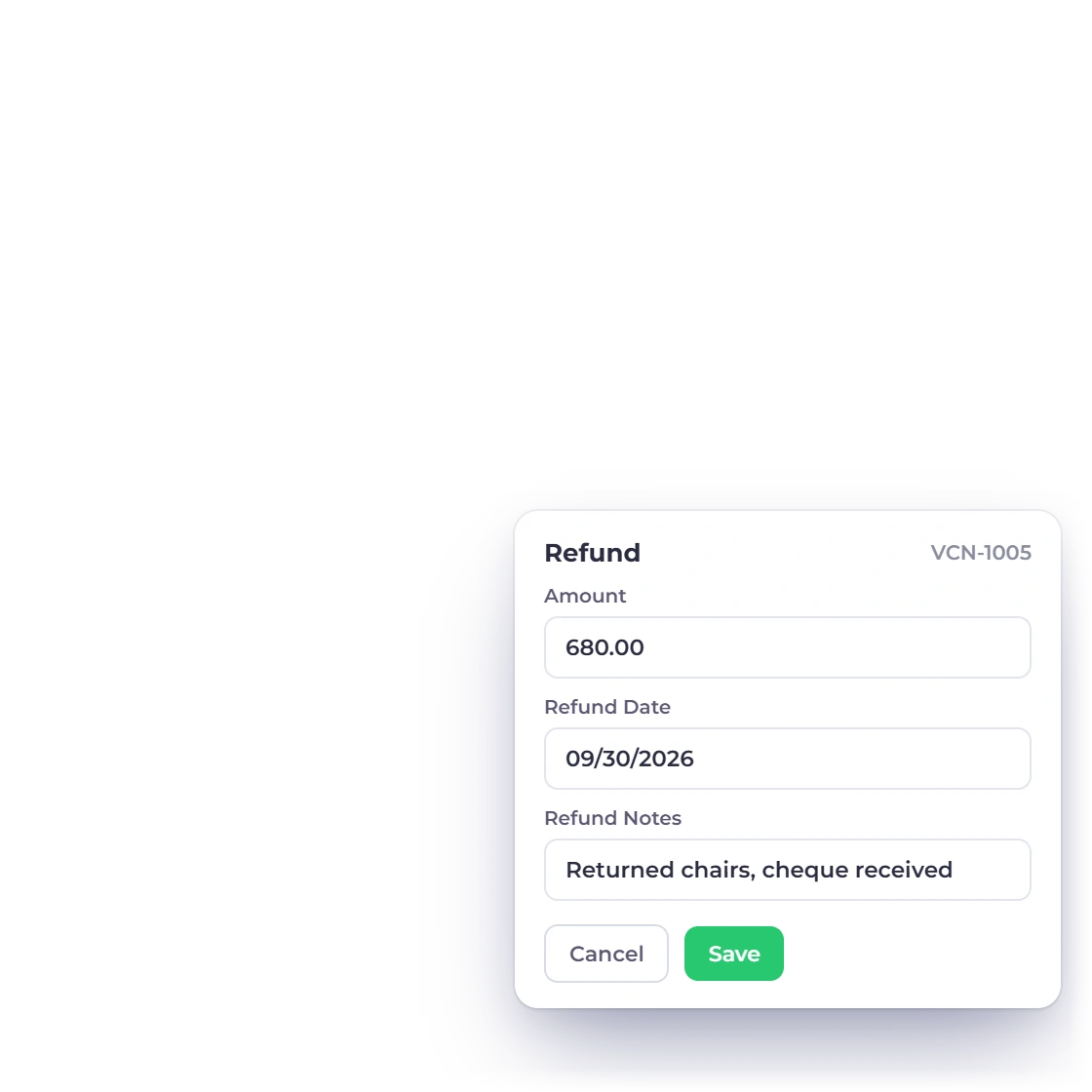
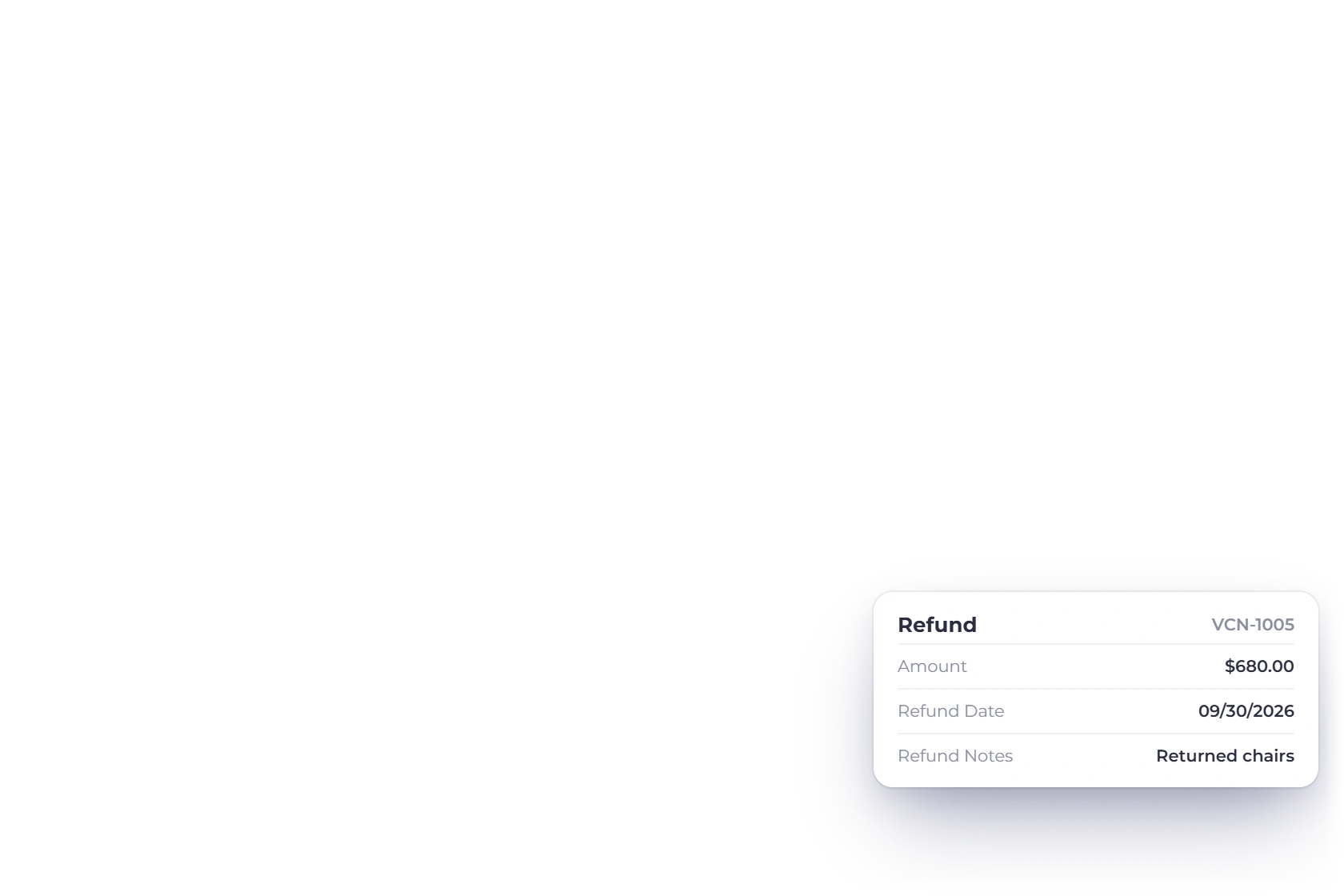
A refund records the money you received from the vendor and reduces the remaining credit in one step.
Posted to the right accounts automatically.
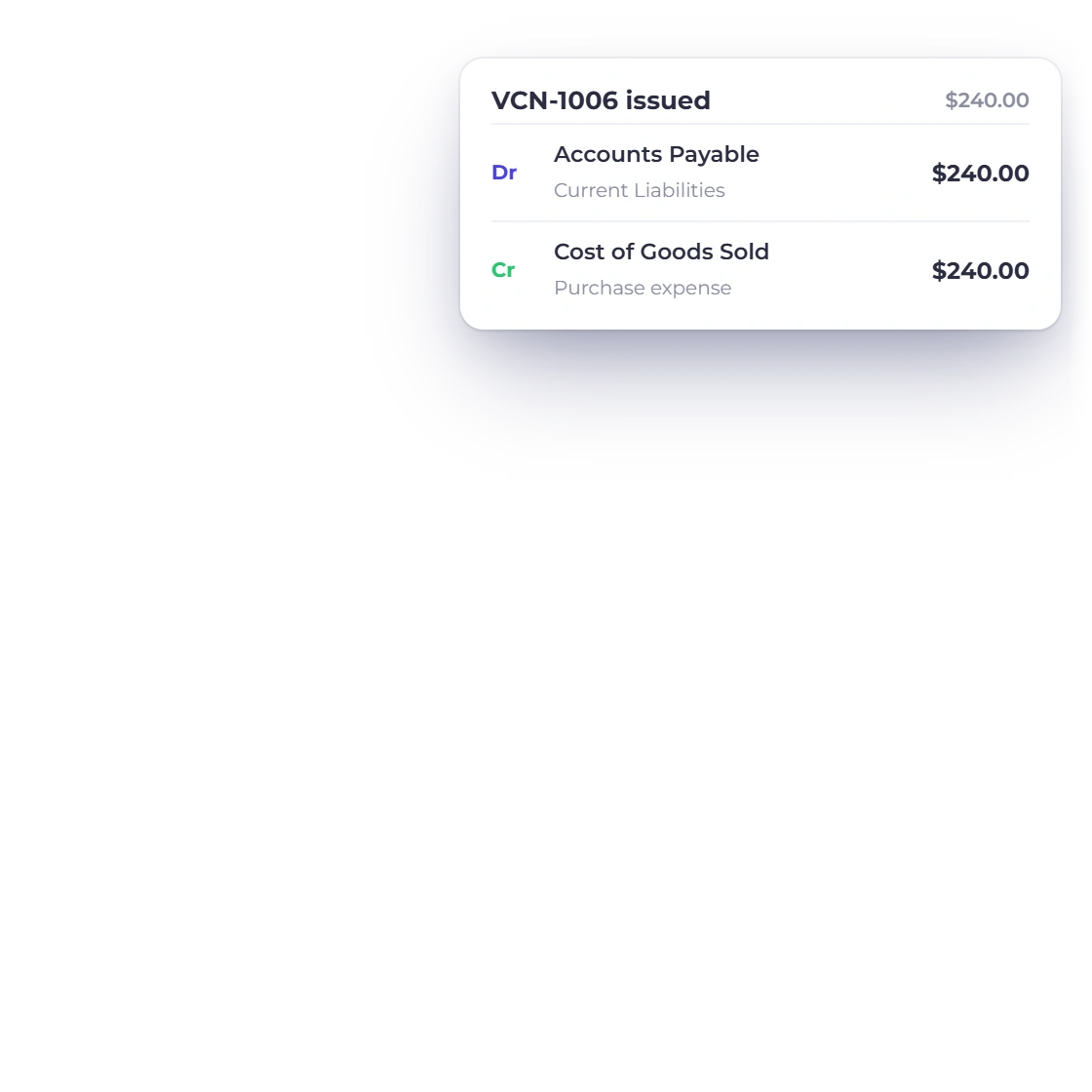
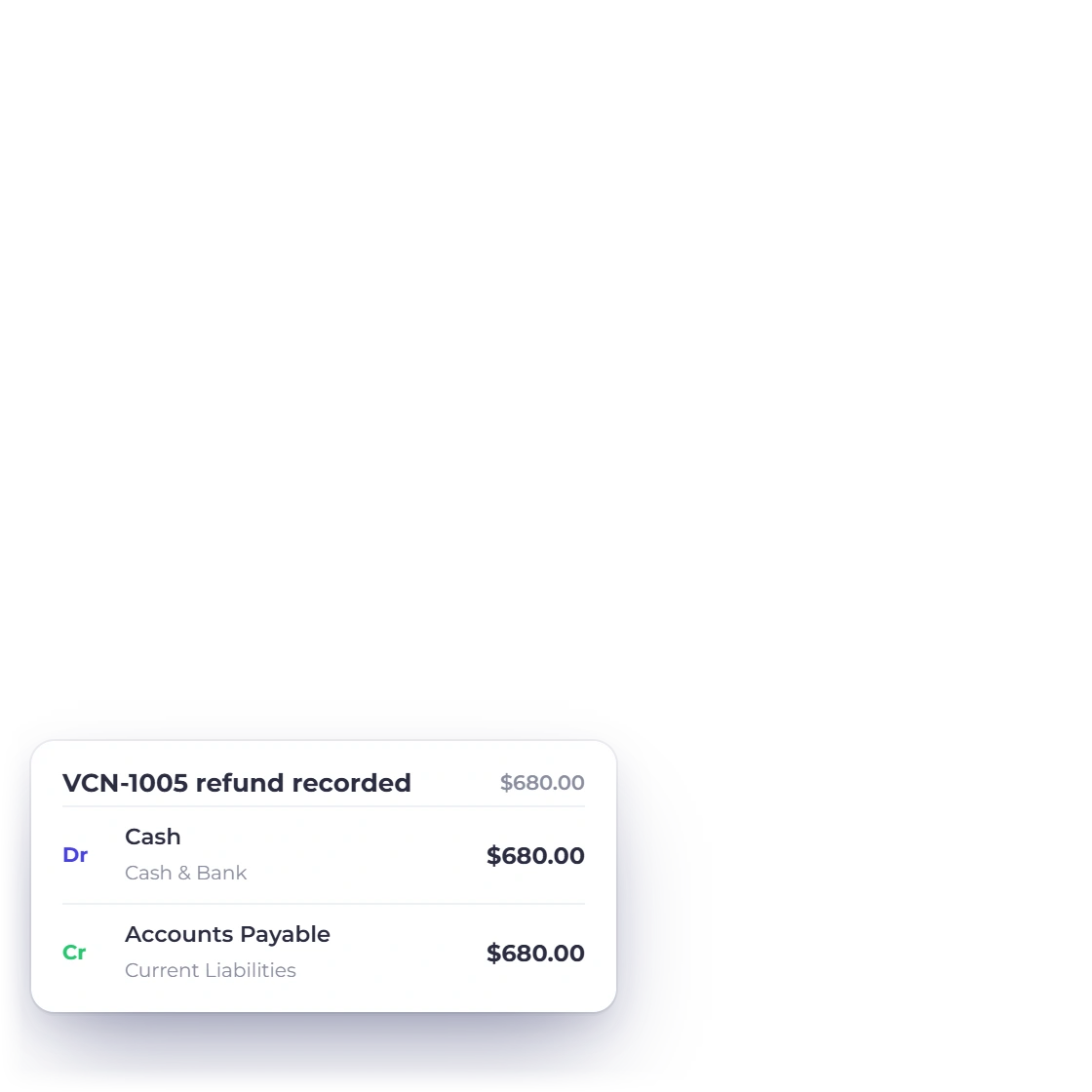
Issuing a vendor credit reduces Accounts Payable and your purchase expense, and a recorded refund debits Cash and credits Accounts Payable. The ledger stays right without a manual journal.
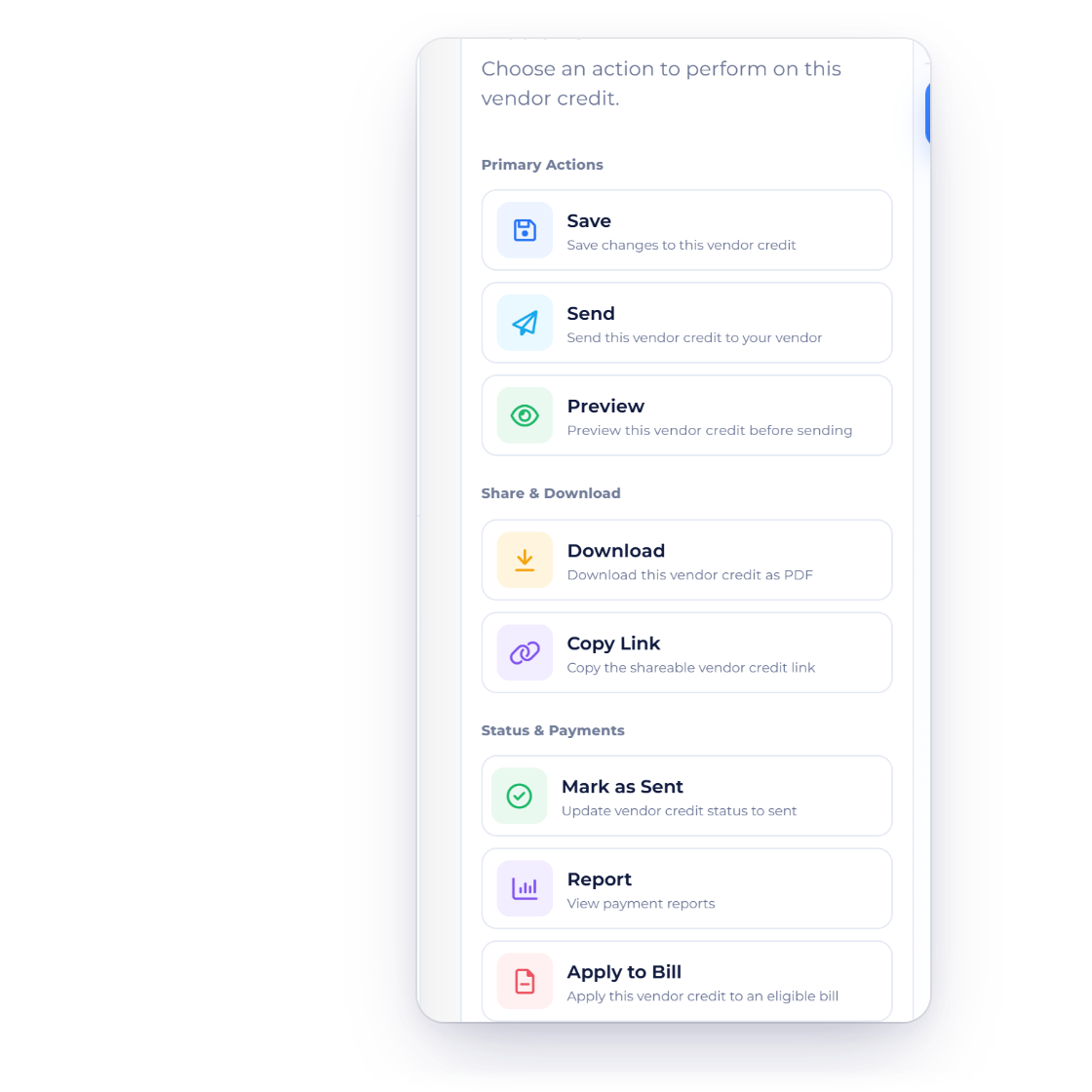
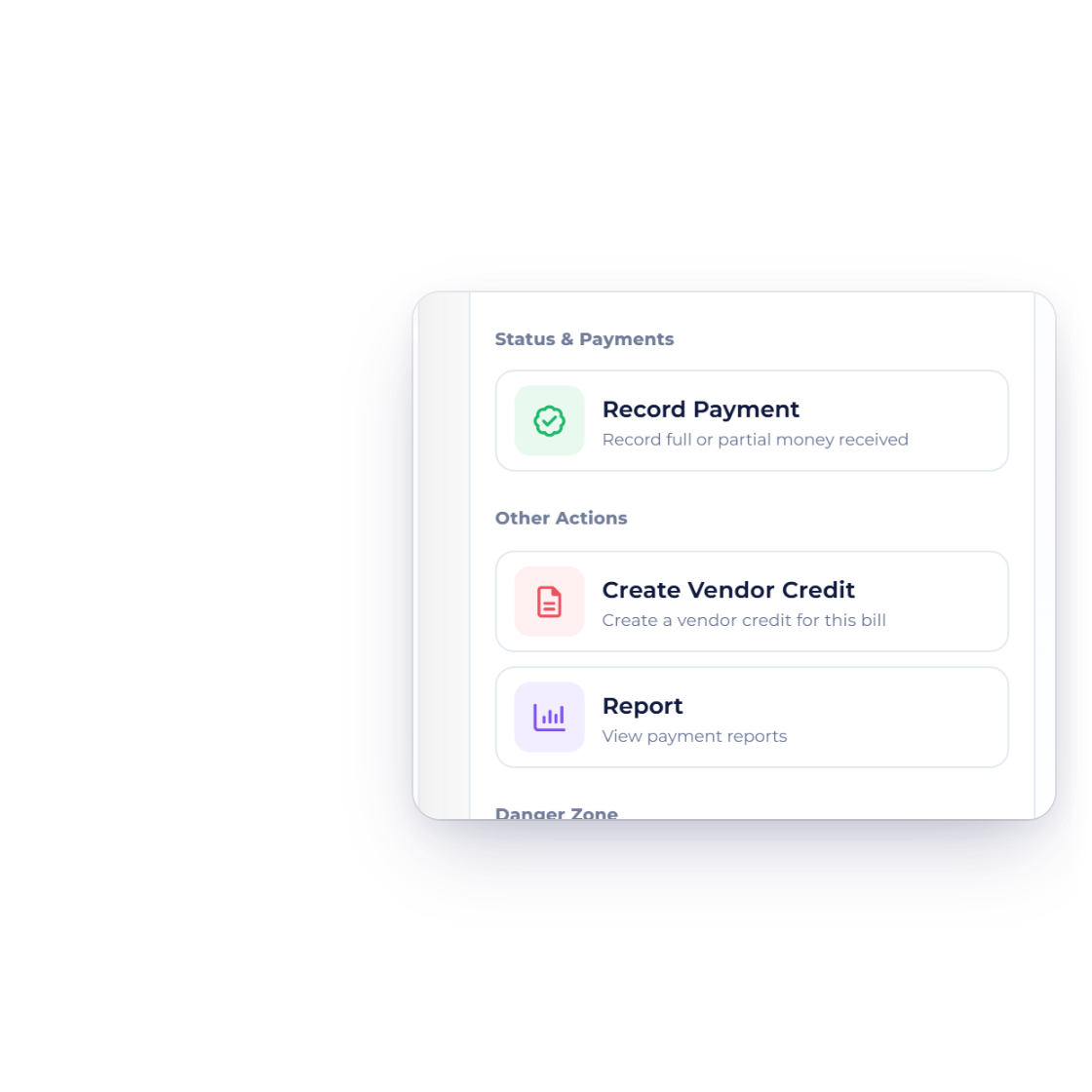
Each credit has its own Actions tab: send it to the vendor, preview it, download the PDF or copy its link, then apply or refund it.
Built in
Create, apply, refund and post every supplier credit with confidence.
Start blank or create a credit from a bill or purchase order, linked to its source.
Total and remaining balance on every credit, closed automatically once used.
Same vendor, same currency, up to the available balance.
Log the cash a vendor returns and reduce the credit in one step.
Accounts Payable and purchase expense adjust automatically.
Apply or refund each credit from its own Actions tab, then send, preview or download it.
See how much credit is still available.
Use credit against an open bill from the same vendor.
Record cash returned by the vendor.
A repeated request returns the first result instead of a second application.
Review the supplier bills a credit can settle.
Let suppliers view their bills, orders, credits and payments.
Questions
A vendor credit records money or value a supplier owes back to your business, such as an over-billing or returned purchase. Its remaining balance can be applied to a bill or recorded as a cash refund. With inventory tracking on, Return Inventory to Vendor takes returned items back out of stock.
Yes. Create a vendor-credit draft from a bill or purchase order; it gets its own VCN- number and links back to the source.
The credit and the bill need the same vendor, business and currency, and the amount can be up to the available balance on both.
No. Invoice Crowd checks both balances each time and recognizes a repeated request, returning the first result instead of applying the credit again.
Yes. The vendor-credit editor has Send and Send Later in its Actions tab, alongside Preview, Download and Copy Link.
Record the credit, see its remaining balance, and apply or refund it right where your bills live.