Skip to content

Security

How Invoice Crowd protects your business

Two-factor sign-in, roles for your team, separate records for each business, and payments confirmed with your provider before an invoice is marked paid.

  • Two-factor sign-in
  • Payments confirmed with your provider
  • Team roles and permissions
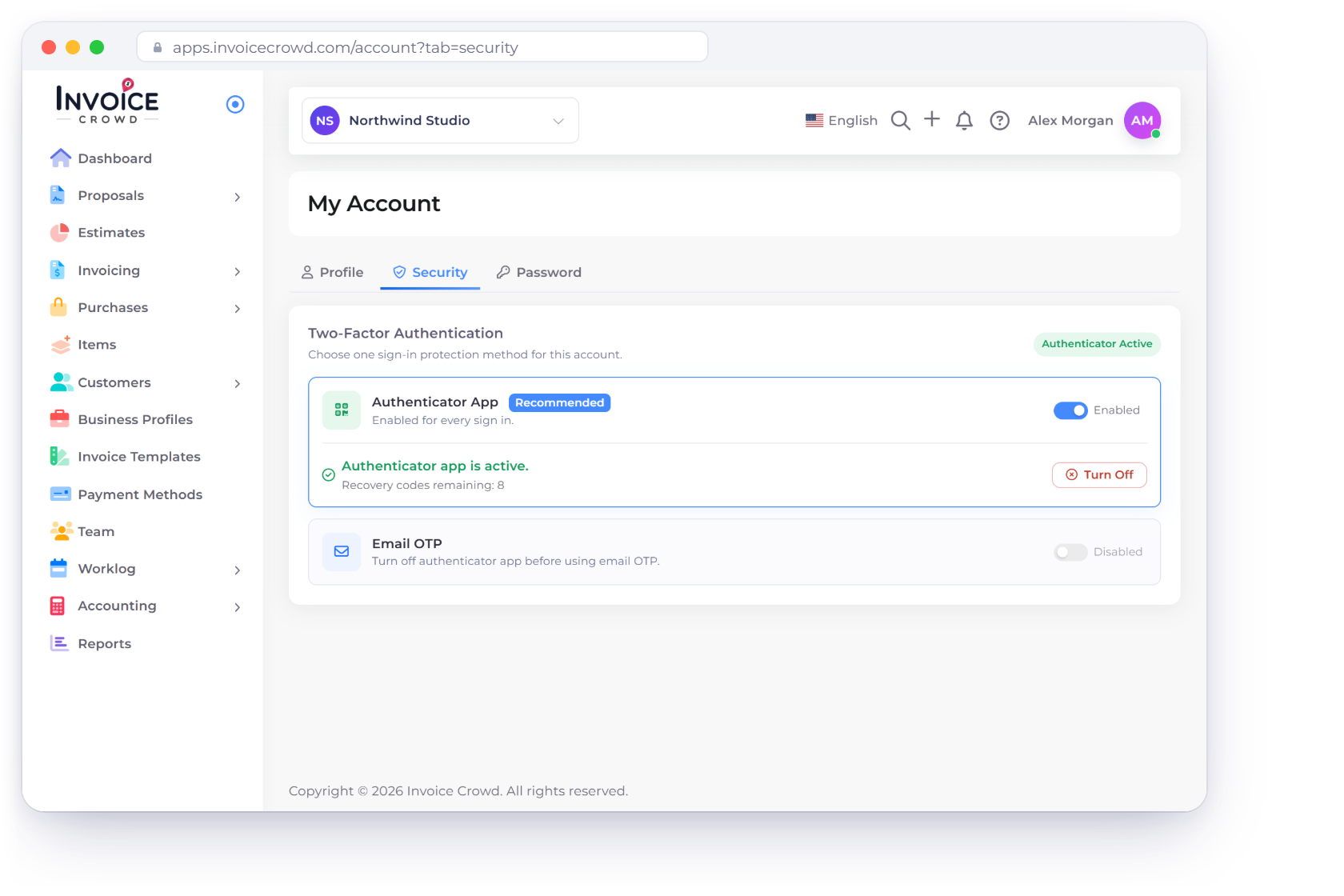
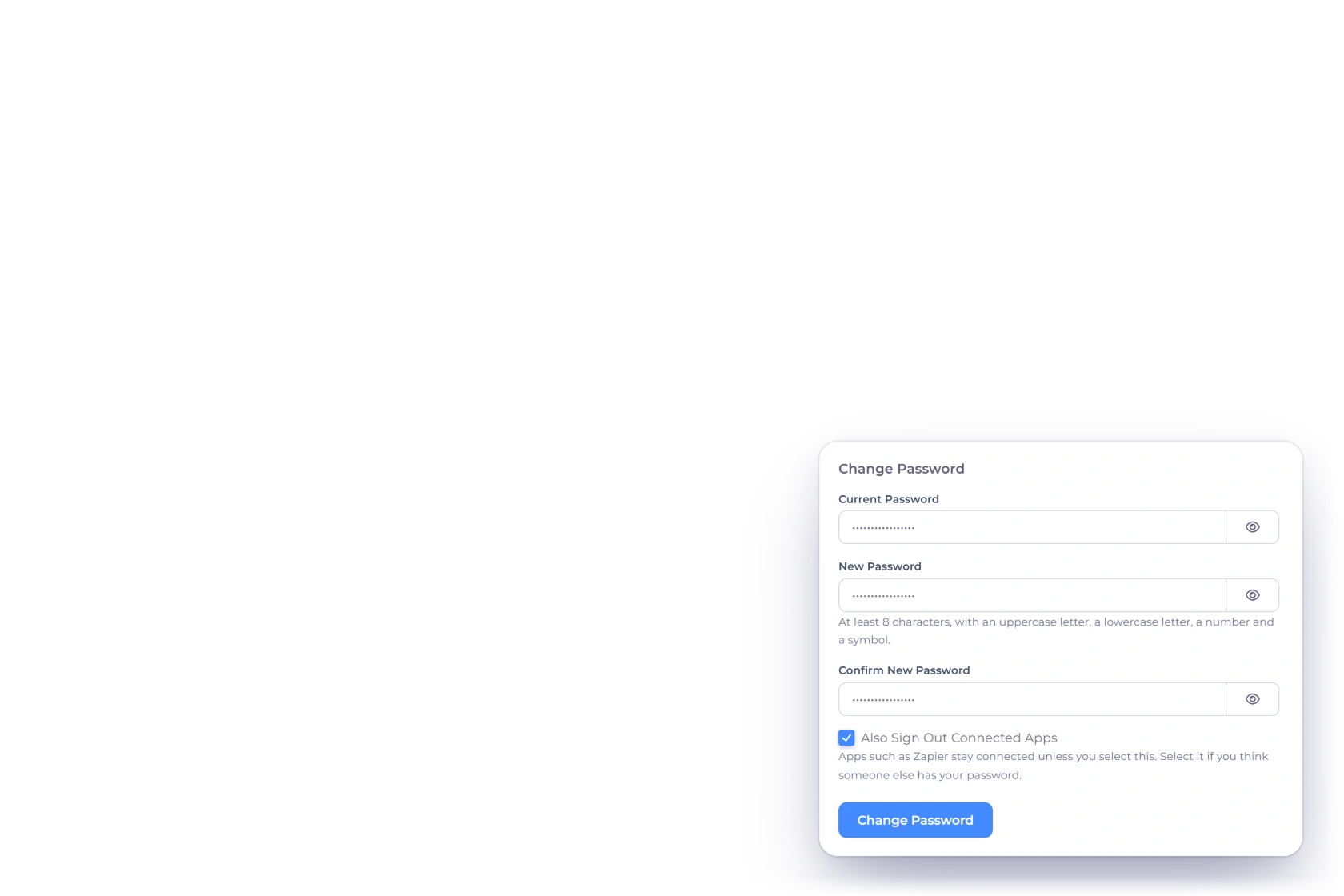
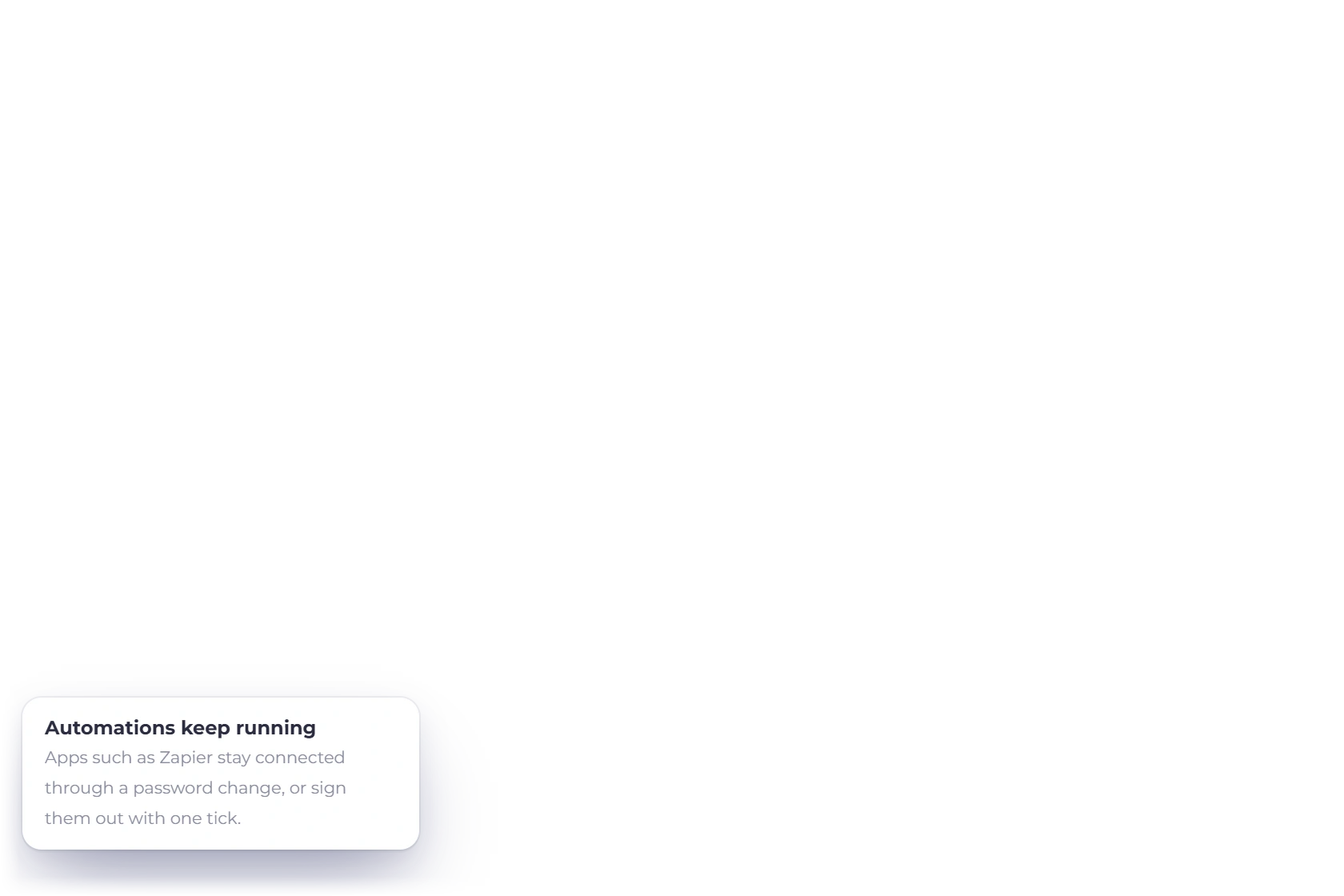
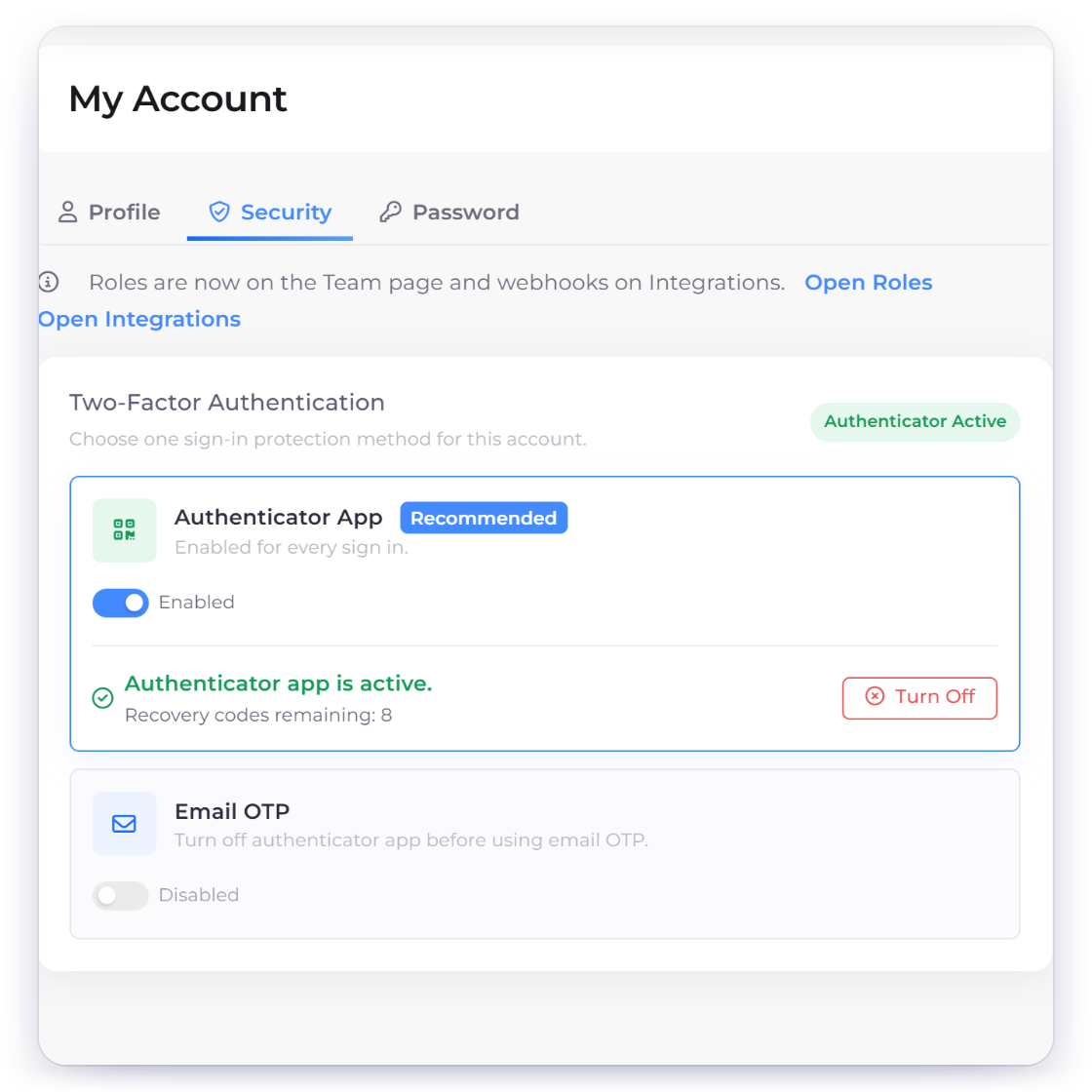
The Invoice Crowd My Account Security tab with Two-Factor Authentication, Authenticator App enabled and recovery codes remaining, beside the Password tab with Current Password, New Password, Confirm New Password and the Also Sign Out Connected Apps tick box

Protection

Protection for your account, your records and your money

Three things matter most: who can sign in, what each person can see, and when an invoice counts as paid.

Account access

Keep your account in the right hands.

Invoice Crowd My Account Security tab with the authenticator app active for every sign-in, recovery codes and email codes as the other option

Strong passwords and two-factor sign-in

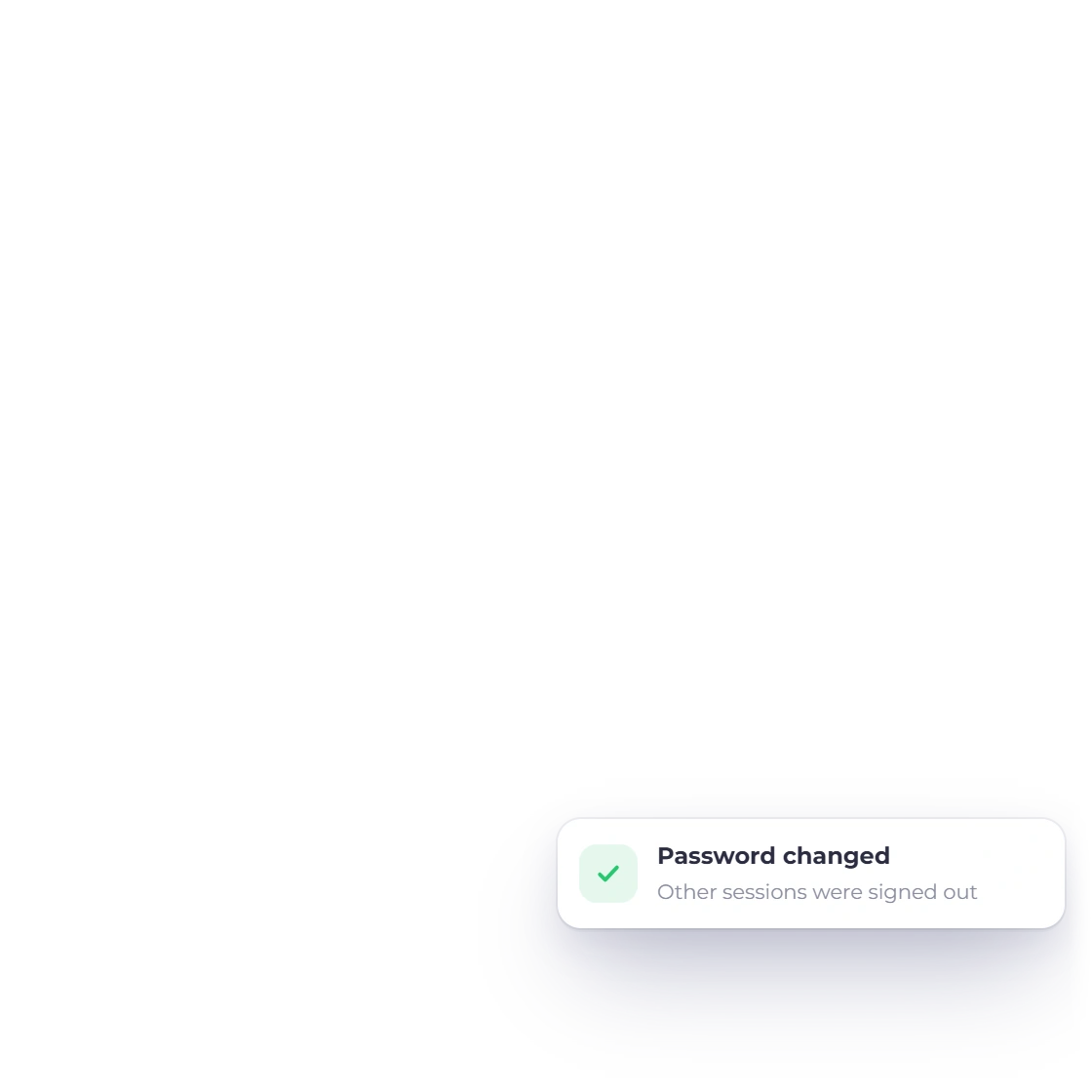
New passwords need upper- and lowercase letters, a number and a special character, and changing your password signs out your other sessions. Two-factor sign-in works with an authenticator app or an email code, and switching it off asks you to confirm your identity again.

  • Strong password rules
  • Two-factor sign-in with recovery codes
  • Other sessions signed out on a password change
Protection at sign-up and sign-in

New accounts pass a CAPTCHA and confirm a six-digit email code that expires after 10 minutes. Repeated failed sign-ins are limited and can bring up a CAPTCHA.

  • Verified email at sign-up
  • Limits on repeated attempts
  • CAPTCHA after failed attempts

Teams and businesses

Each person sees what their role allows.

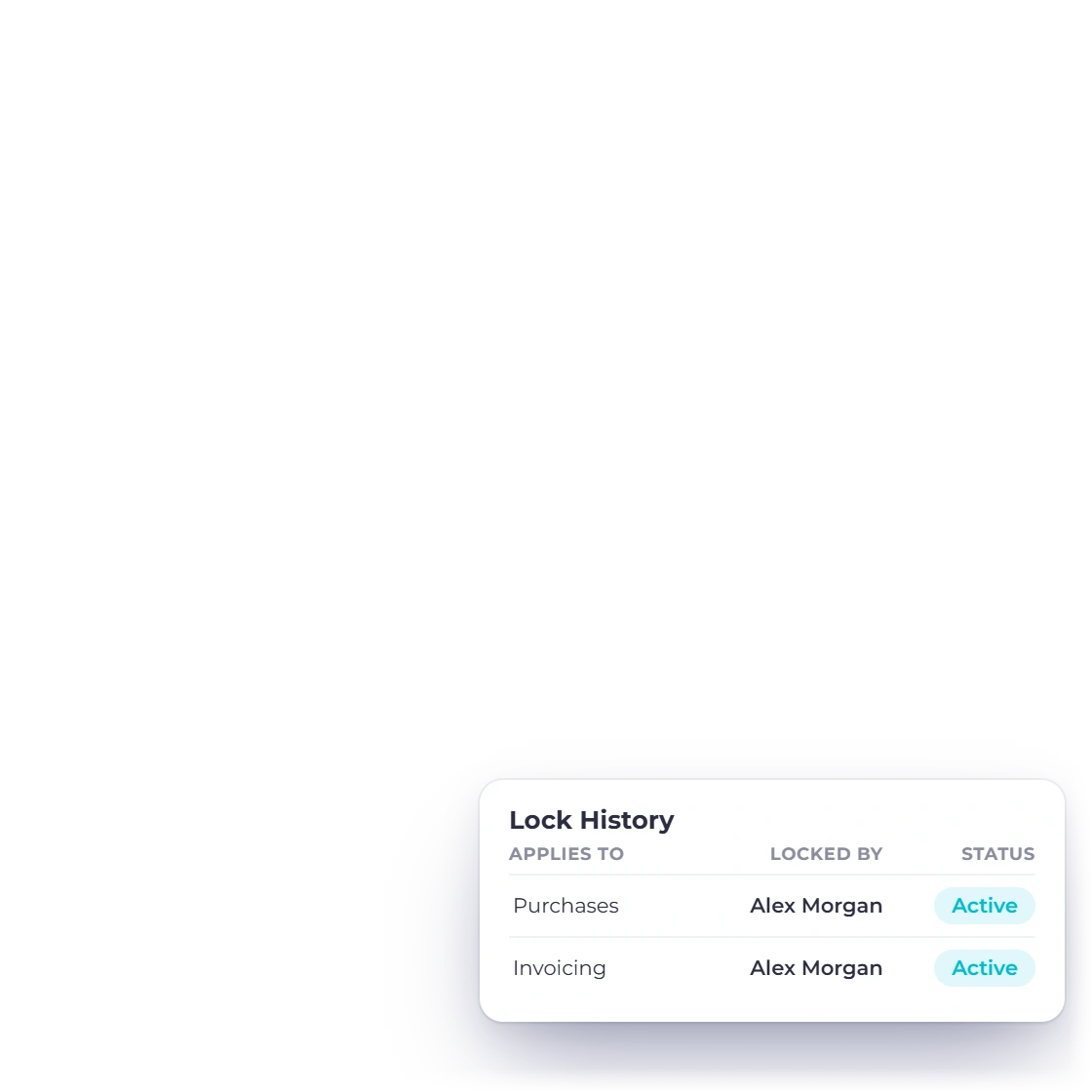
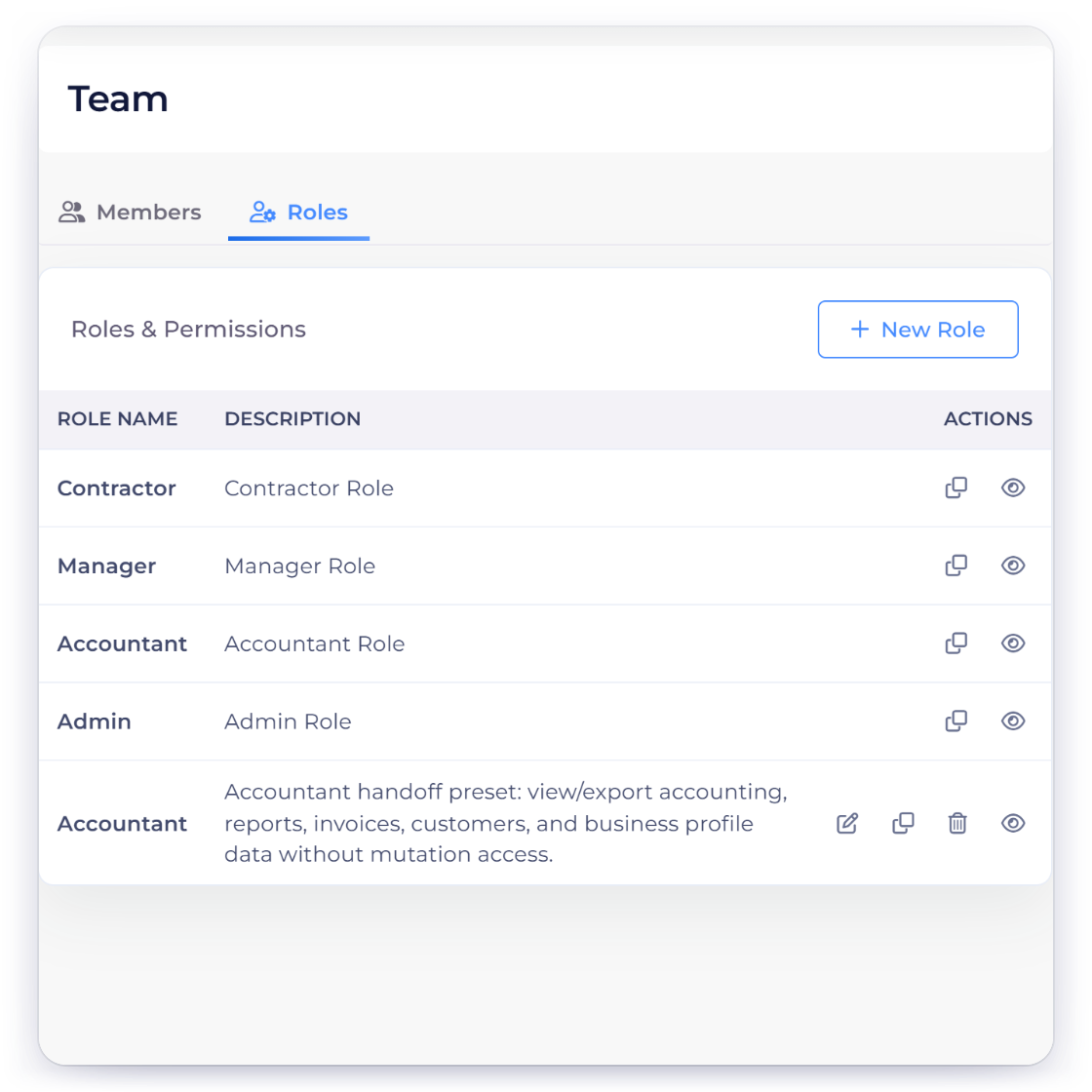
Invoice Crowd Team Roles tab with module permissions per role, and the Lock History that records who changed a lock, when and why

Roles and permissions for your team

Roles set which modules each team member can open and which sensitive actions they can take, in the business profile they are working in.

  • Roles for each team member
  • Permissions by module
  • Lock History for accounting periods

Each business kept separate

Run more than one business and each profile keeps its own documents, accounts and reports. Security review is part of every sensitive change we make.

  • Own documents for each business
  • Own accounts and reports
  • Security review on sensitive changes

Payments and backups

An invoice is marked paid once your provider confirms the payment.

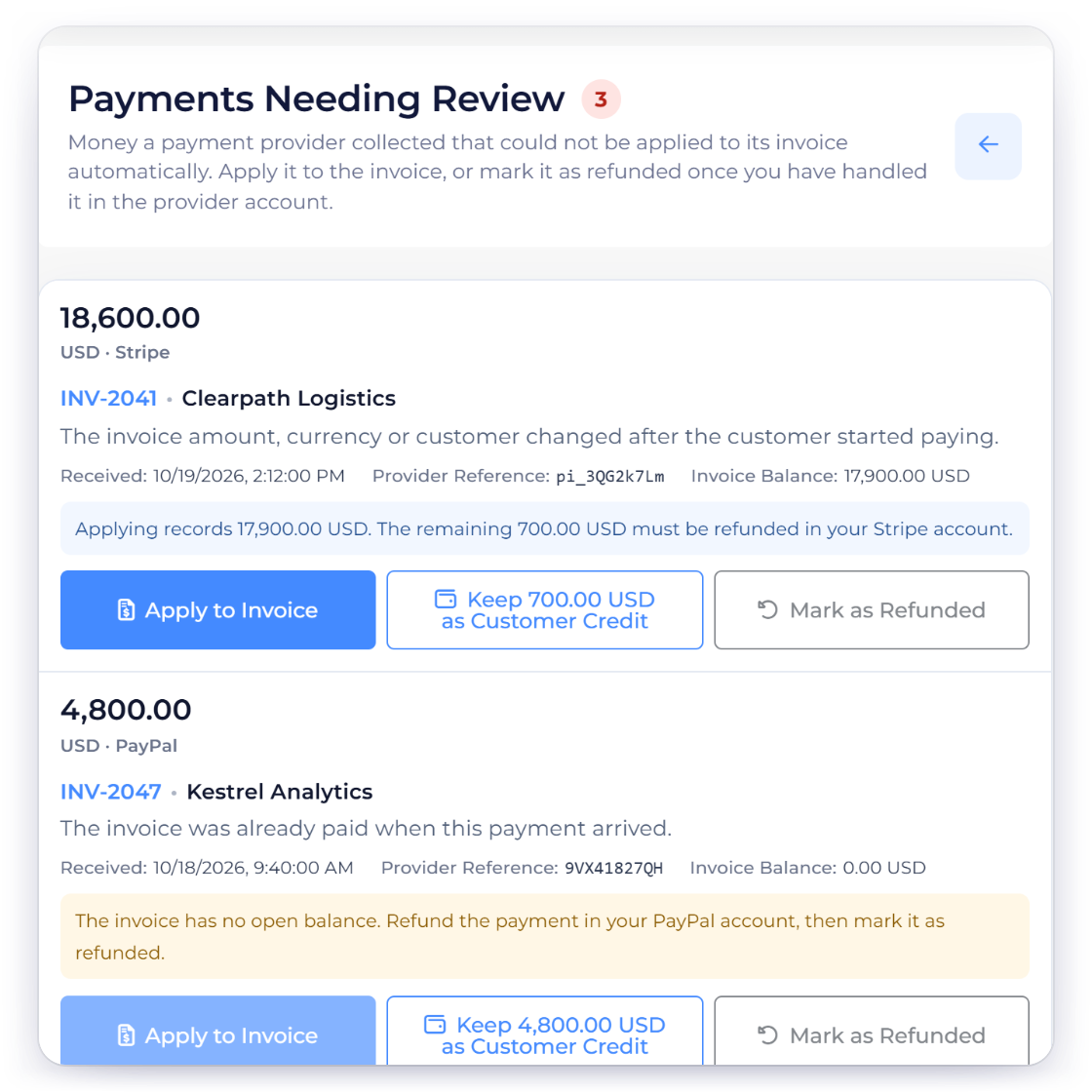
Invoice Crowd Payments Needing Review with gateway payments that could not be applied automatically, held until the owner applies them, keeps them as credit or marks them refunded

Payments confirmed with your provider

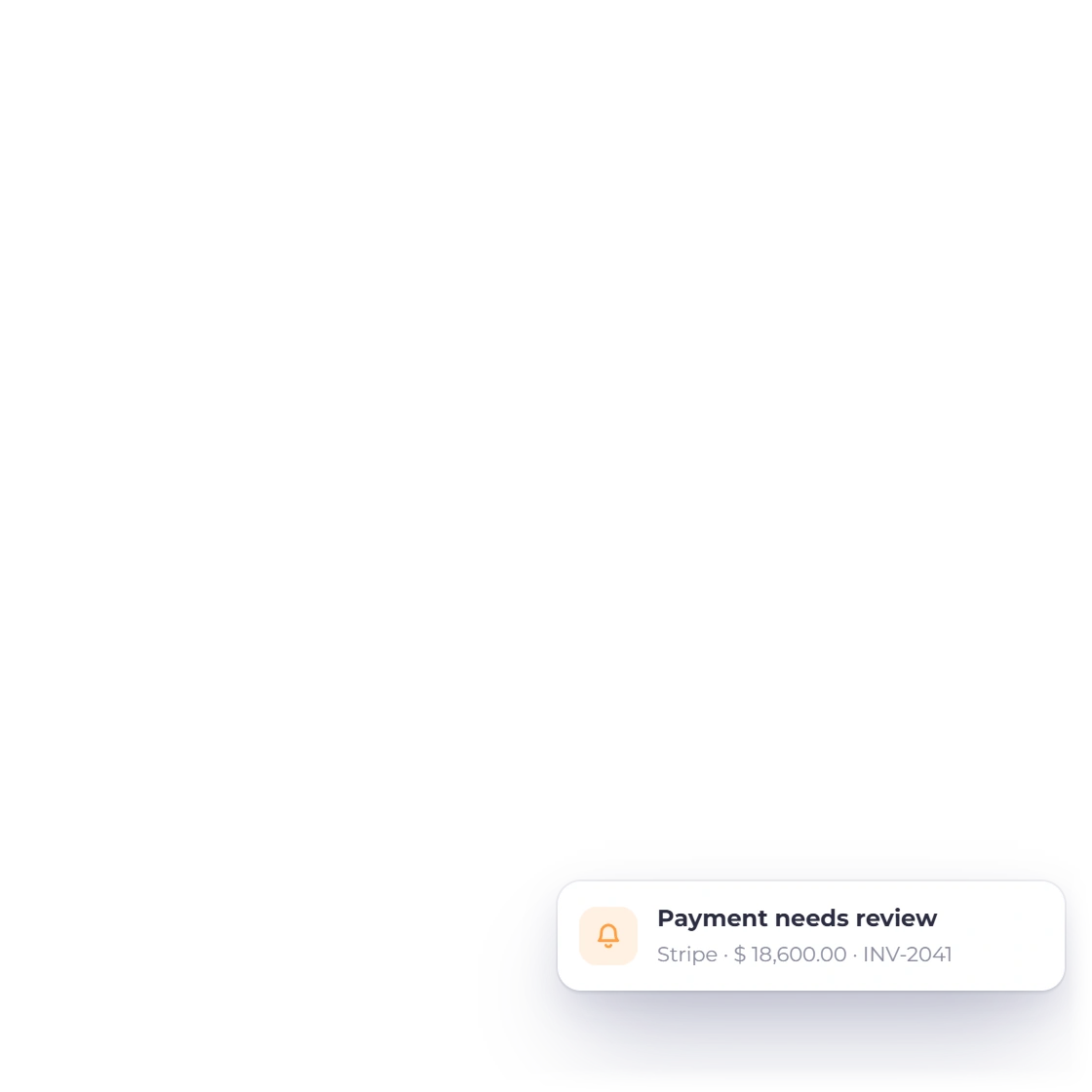
Each online payment is confirmed with your payment provider before it settles an invoice. A confirmed payment that can't be applied to its invoice waits in Payments Needing Review for you to decide.

  • Confirmed with your provider
  • Amount and currency matched
  • Held for your review when needed

Automatic backups

Your data is backed up automatically, and each release passes health checks before it reaches your account.

  • Backed up automatically
  • Health checks on every release
  • Download My Data in your account

Summary

Security at a glance

The protections on your account, in one list.

  • Authentication

    Secure sign-in, with protection on every change you make.

  • Two-factor authentication

    Authenticator app or email code, with recovery codes. Turning it off asks you to confirm your identity again.

  • Sign-up and sign-in protection

    CAPTCHA, email verification and limits on repeated attempts.

  • Team permissions

    Roles set which modules each person can open and which sensitive actions they can take.

  • Separate businesses

    Documents, accounts and reports stay with the business they belong to.

  • Payment verification

    Payments are confirmed with your provider before an invoice is marked paid. Any that can't be applied wait in Payments Needing Review.

  • File uploads

    Uploaded files are checked for type and content.

  • AI safety

    The in-app assistant and connected AI apps reach only the business you allow. They save changes when you confirm or approve them, or as soon as they are drafted if you turn on Automatically Save Eligible New Records in AI Connections.

  • Backups

    Your data is backed up automatically.

  • Encryption

    Connections to Invoice Crowd are encrypted, and so are sensitive keys you add, such as your Peppol.sh API key.

  • Signed webhooks

    Each outbound webhook is signed, so your system can check that it came from Invoice Crowd.

  • Report an issue

    Report a suspected security issue privately to our support team.

Questions

Security, answered

Does Invoice Crowd support two-factor authentication?

Yes. Two-factor sign-in is available in account security settings, using an authenticator app (TOTP) or an email code, with recovery codes. Switching it off asks you to confirm your identity again, and changing your password signs out your other sessions.

How does Invoice Crowd keep one business separate from another?

Each business profile in Invoice Crowd keeps its own documents, accounts and reports, and you work in one profile at a time. Team roles then set which modules and sensitive actions each person can use.

When is an invoice marked paid after an online payment?

Invoice Crowd marks an invoice paid once your payment provider confirms the payment and the amount and currency match the invoice.

Does Invoice Crowd store card numbers?

Card details are entered in the payment provider's own secure checkout or card form, such as Stripe Checkout, Square, PayPal, Authorize.net and Braintree, so card numbers go to the provider. Invoice Crowd receives the payment result: the amount, the date and the method.

Is my data backed up?

Yes. Invoice Crowd backs up your data automatically.

Can past accounting periods be locked?

Yes. Accounting → Lock Transactions lets the business owner lock transactions dated on or before a date, for all areas or just Invoicing, Purchases or Accounting. Dates can be partially unlocked for a while, and Lock History records who changed a lock, when and why. Accounting users can view locks; creating or editing one needs a paid plan.

Are outbound webhooks signed?

Yes. Invoice Crowd signs each outbound webhook and sends it to a secure HTTPS address, so your receiving system can check that it came from Invoice Crowd.

What can a connected AI app or API key access?

Only what the account owner allows. An AI app such as Claude or ChatGPT connects through Invoice Crowd's own sign-in page, works with one business and the access areas the owner chooses, and the changes it prepares wait for the owner's approval with their password or authenticator code, unless the owner chooses to let new drafts save without asking. Conversations in a connected AI app stay with that app. A Developer API key also works with one business, is shown once, expires after 90 days or on a password change, and can only read and create records, never send, record payments or delete. The owner can revoke either at any time.

Questions about security? Talk to us

Start free and see how Invoice Crowd works with your own records, or contact us with anything your review needs.

  • No card required to start
  • Your data stays yours
  • Cancel anytime