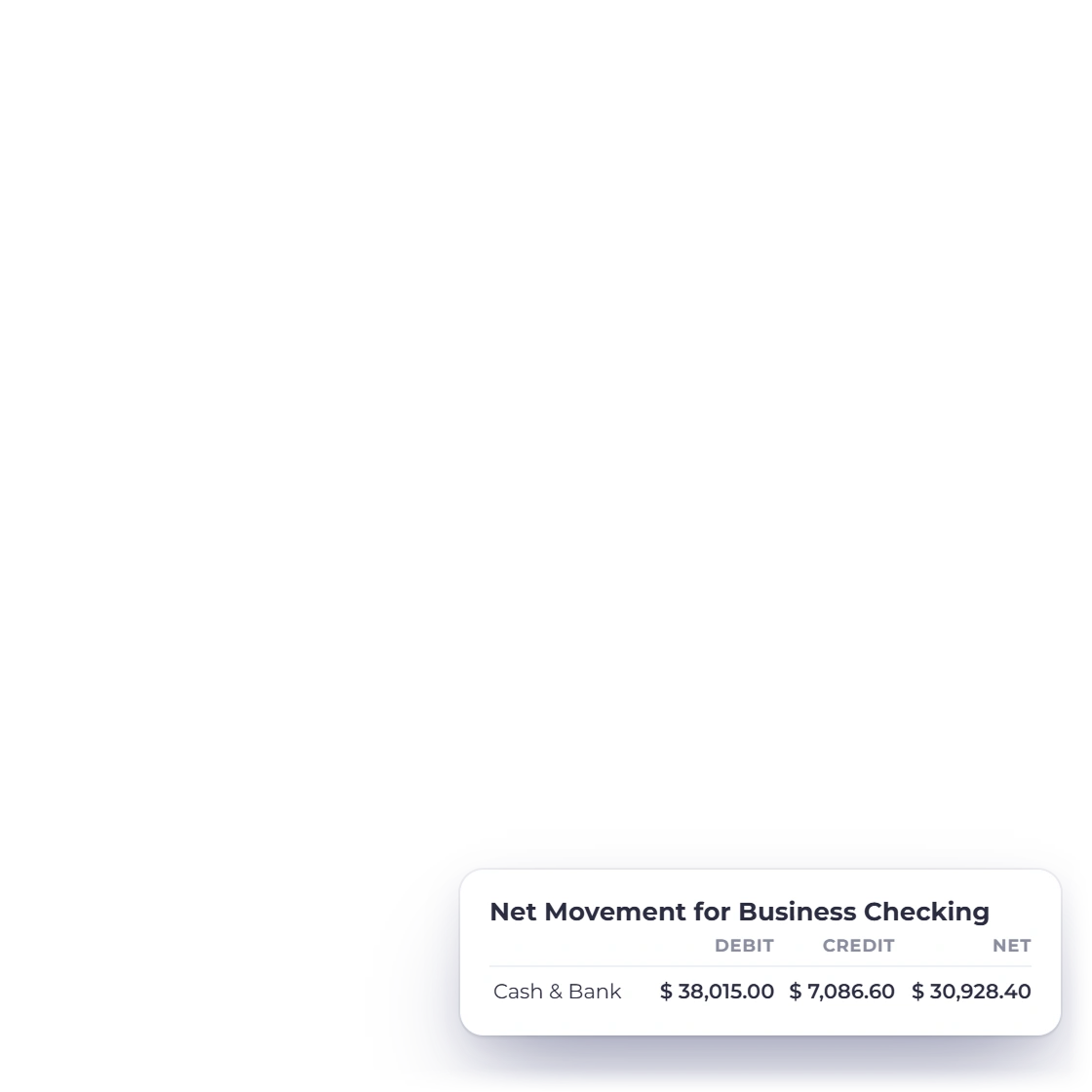
See each transaction behind the total
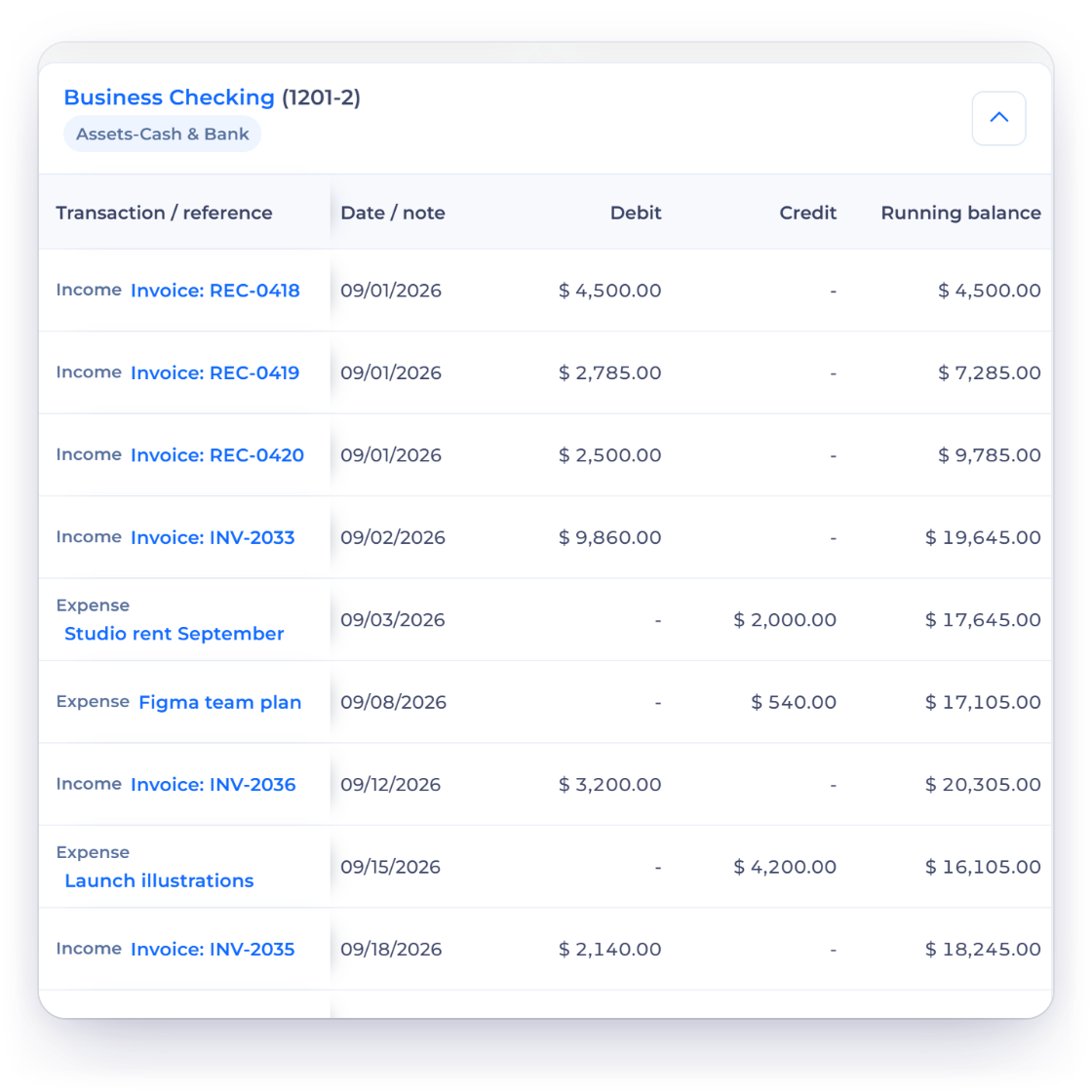
The report expands an account's period movement into transaction-level rows with date, description, debit, credit and a running balance that starts from the account's opening balance.
Accounting
See every transaction behind your financial statements. Filter by account and period, review debits, credits and running balances, and open the invoice, bill or expense behind each line.
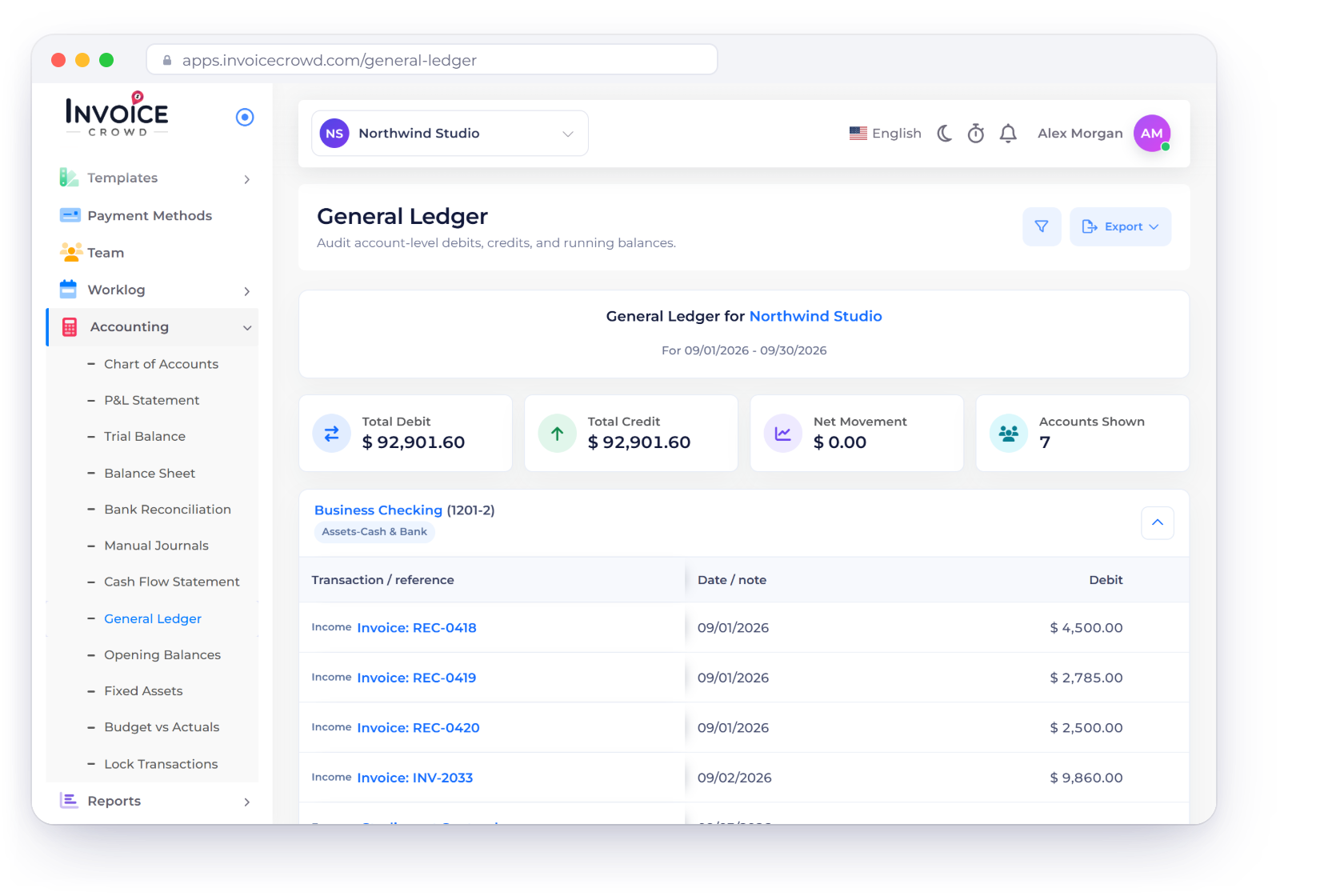
How it works
Every transaction line keeps its account and where it came from, with a link straight to the record that created it.
Dates, descriptions and classified movement line by line.
The report expands an account's period movement into transaction-level rows with date, description, debit, credit and a running balance that starts from the account's opening balance.
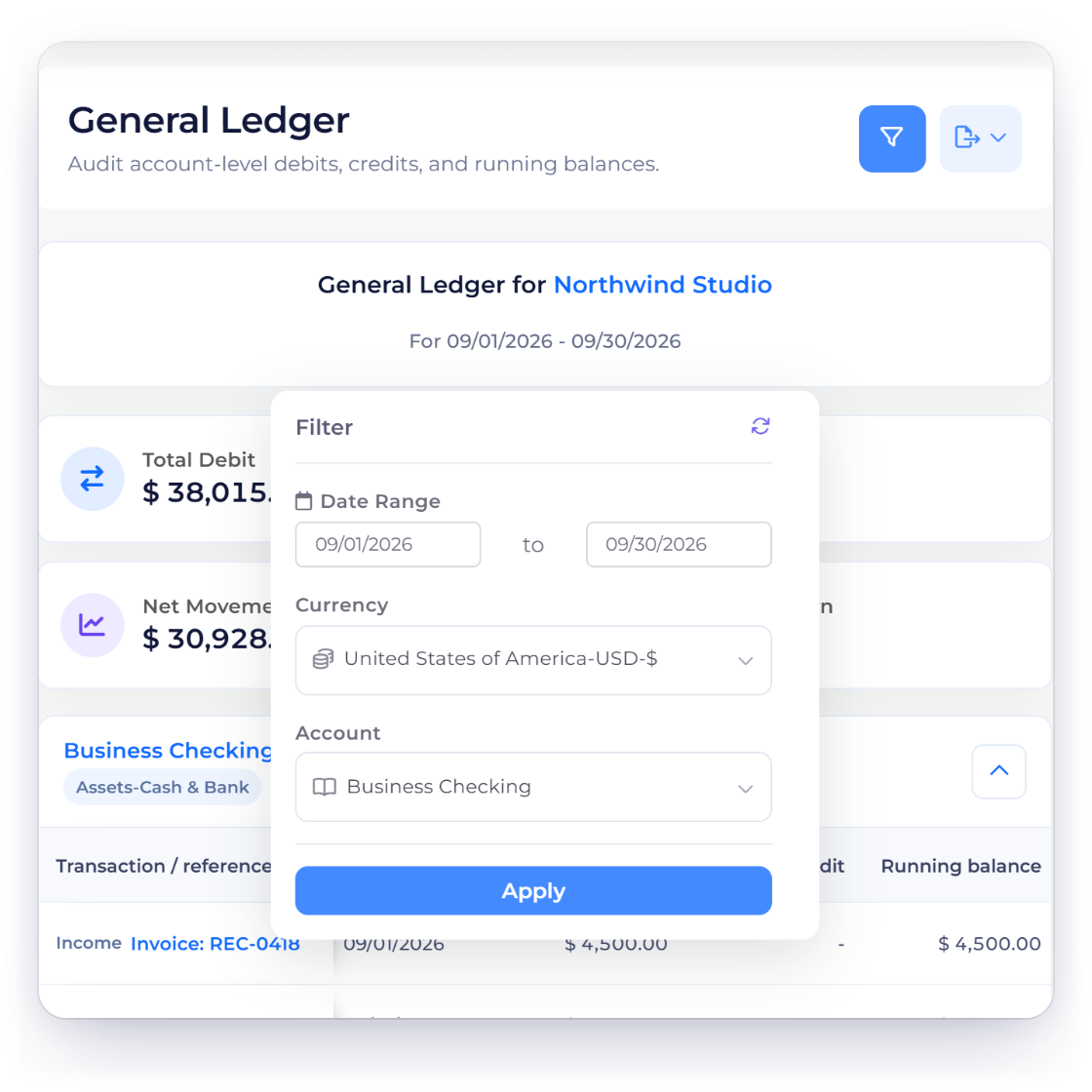
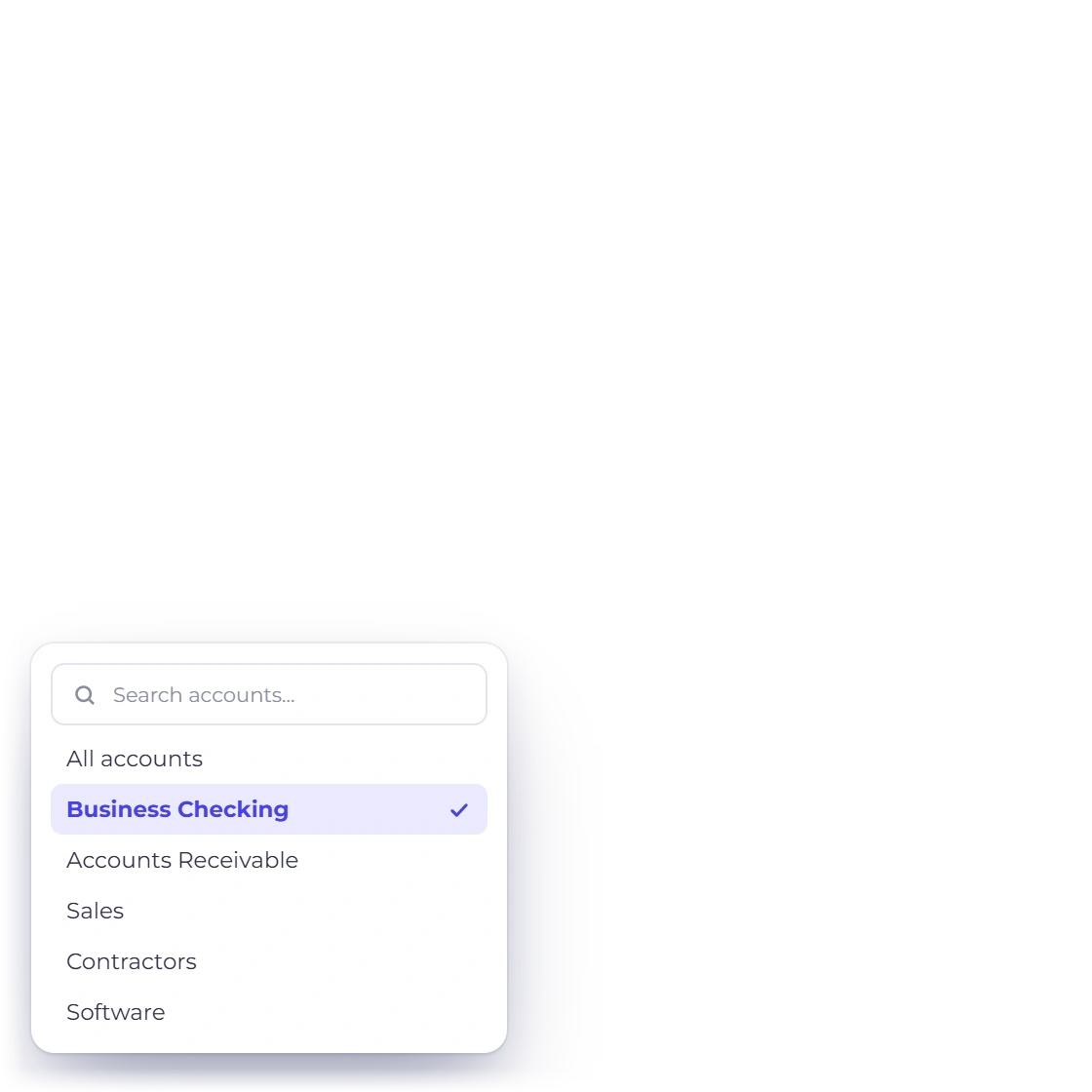
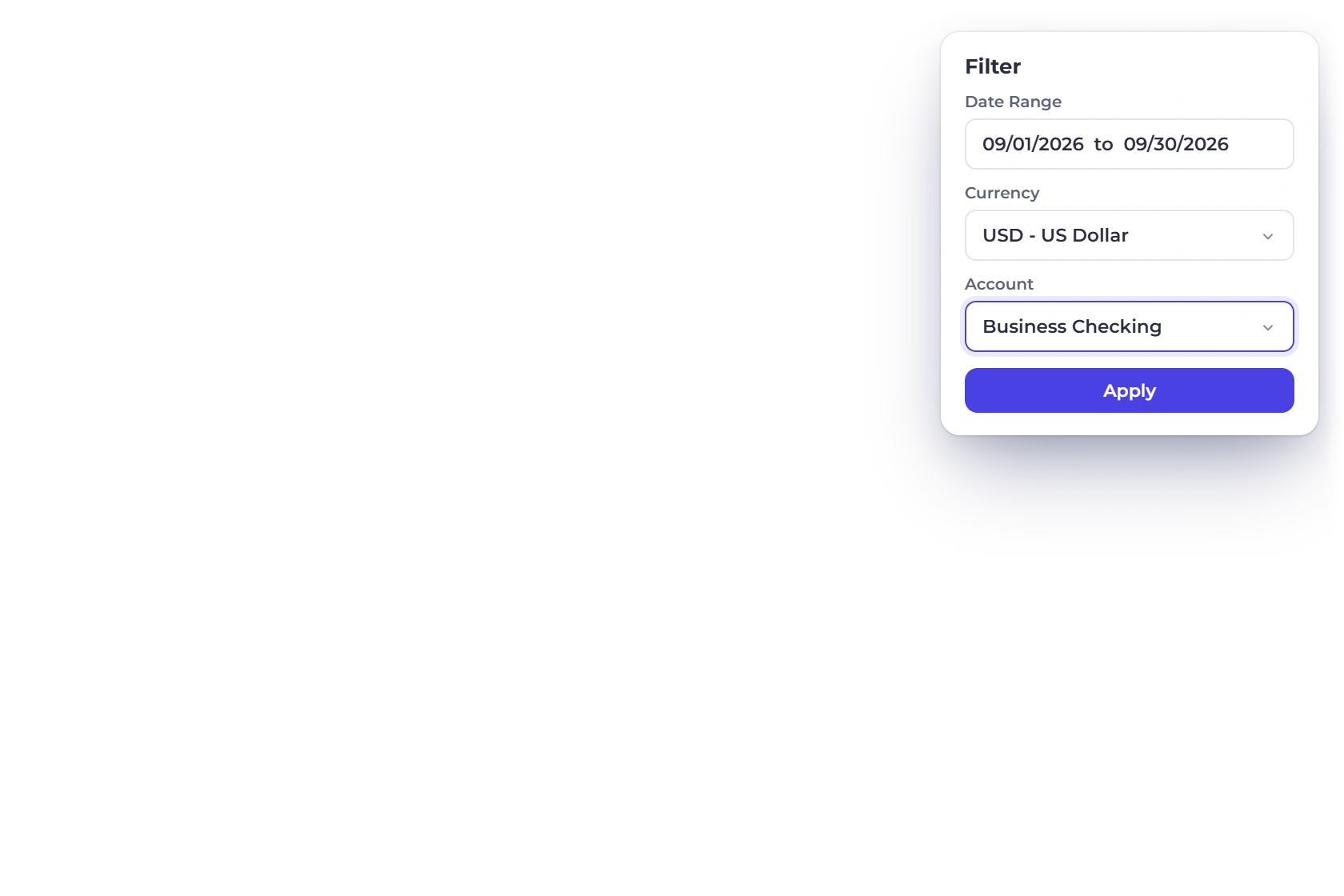
Choose the business, account, date range and currency for your review. The ledger is calculated live, so it always reflects your latest entries.
Open the record behind any line.
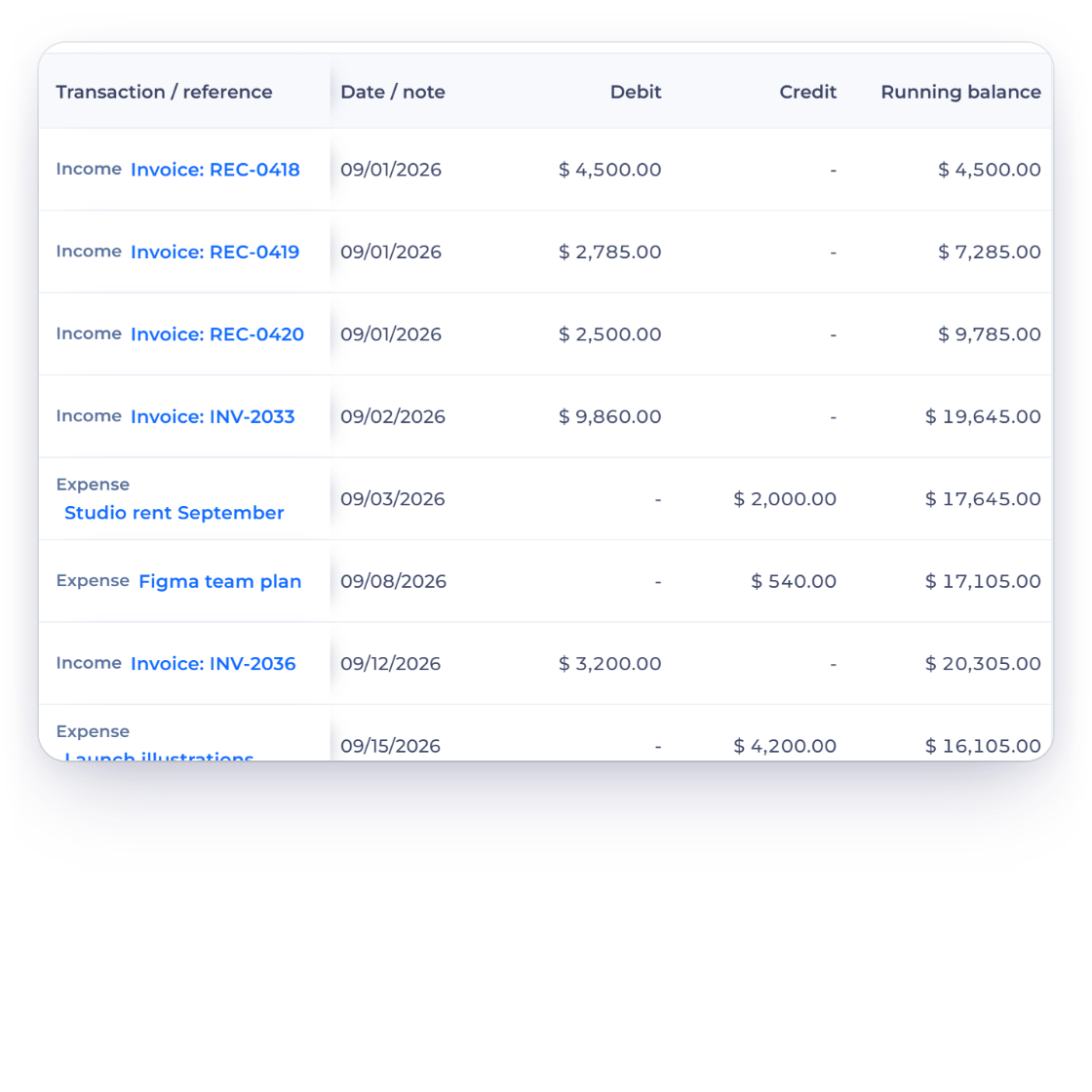
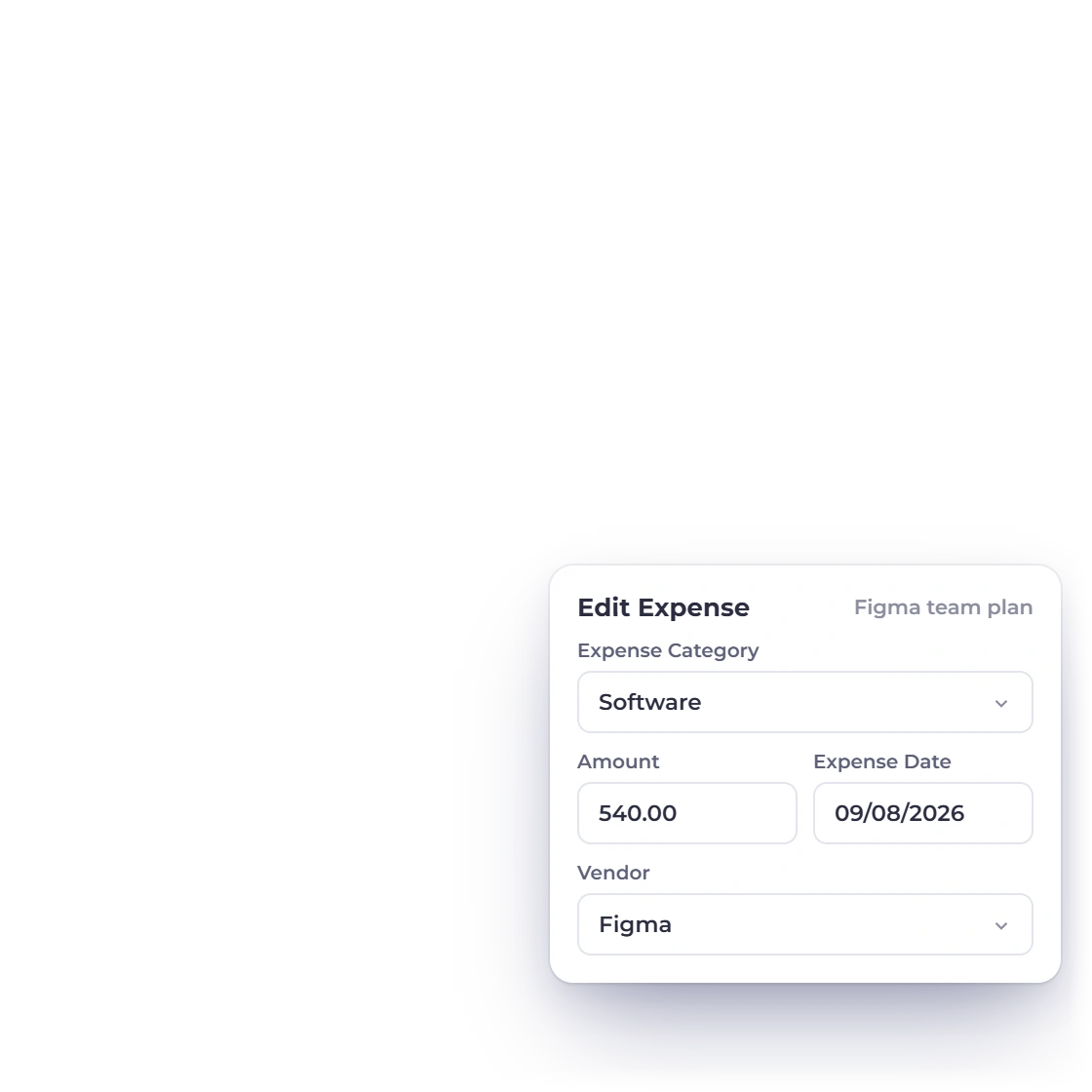
An expense opens in the expense editor, and an invoice item takes you back to its invoice. The same link-to-source behavior works across your accounting reports.
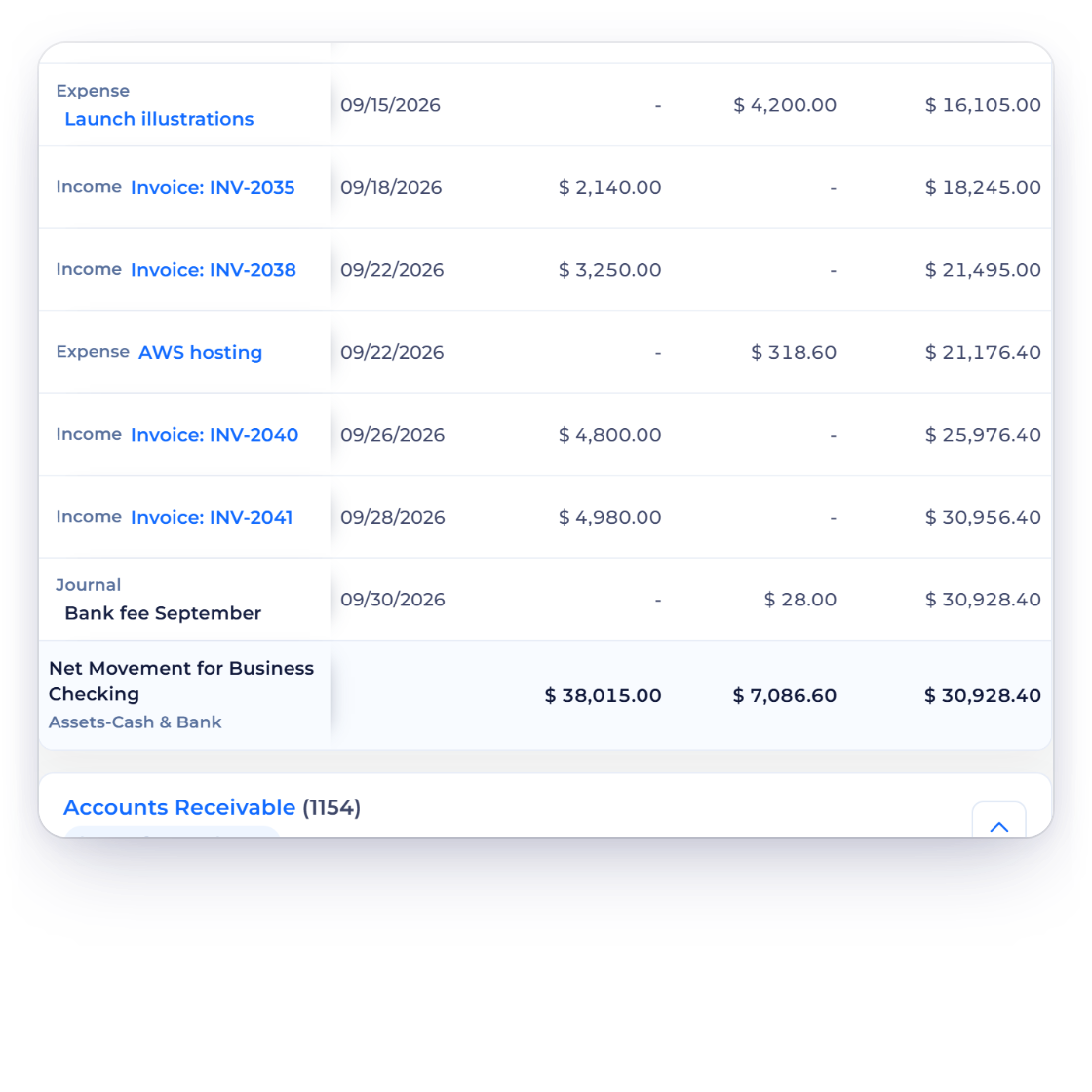
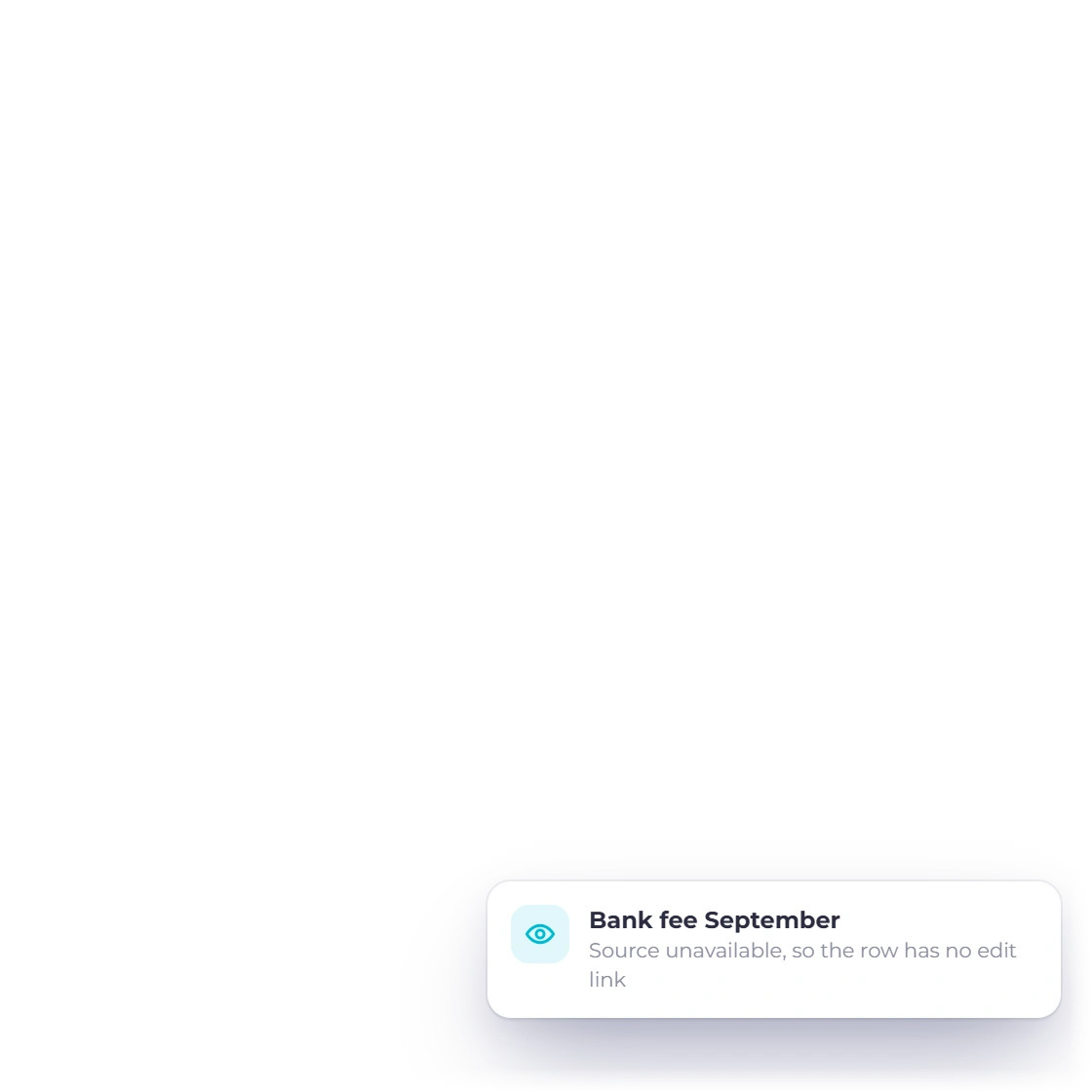
Every source link opens the exact record it belongs to. If a document is no longer available, its row is shown as plain text, so you always land in the right place.
Share a filtered ledger with your accountant.
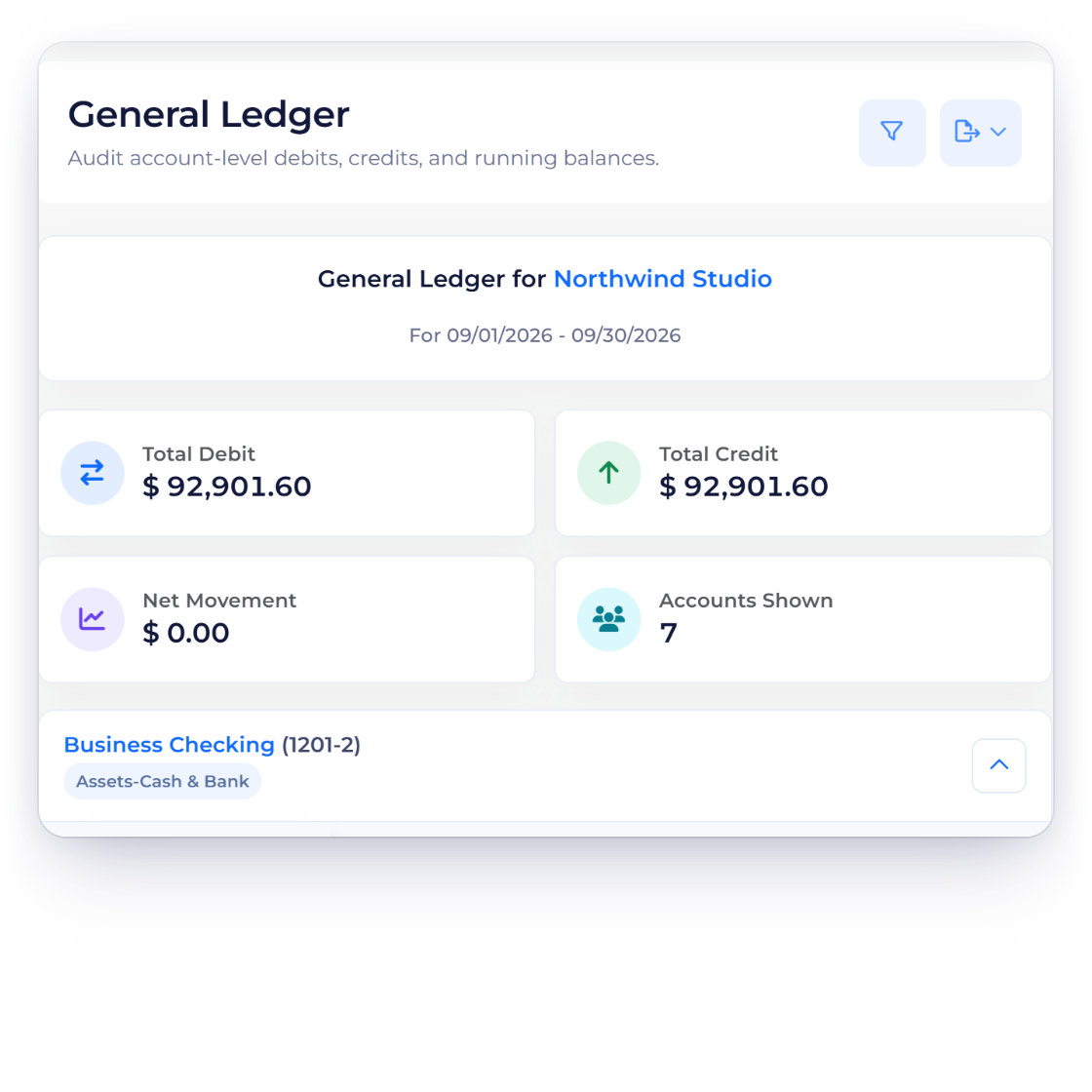
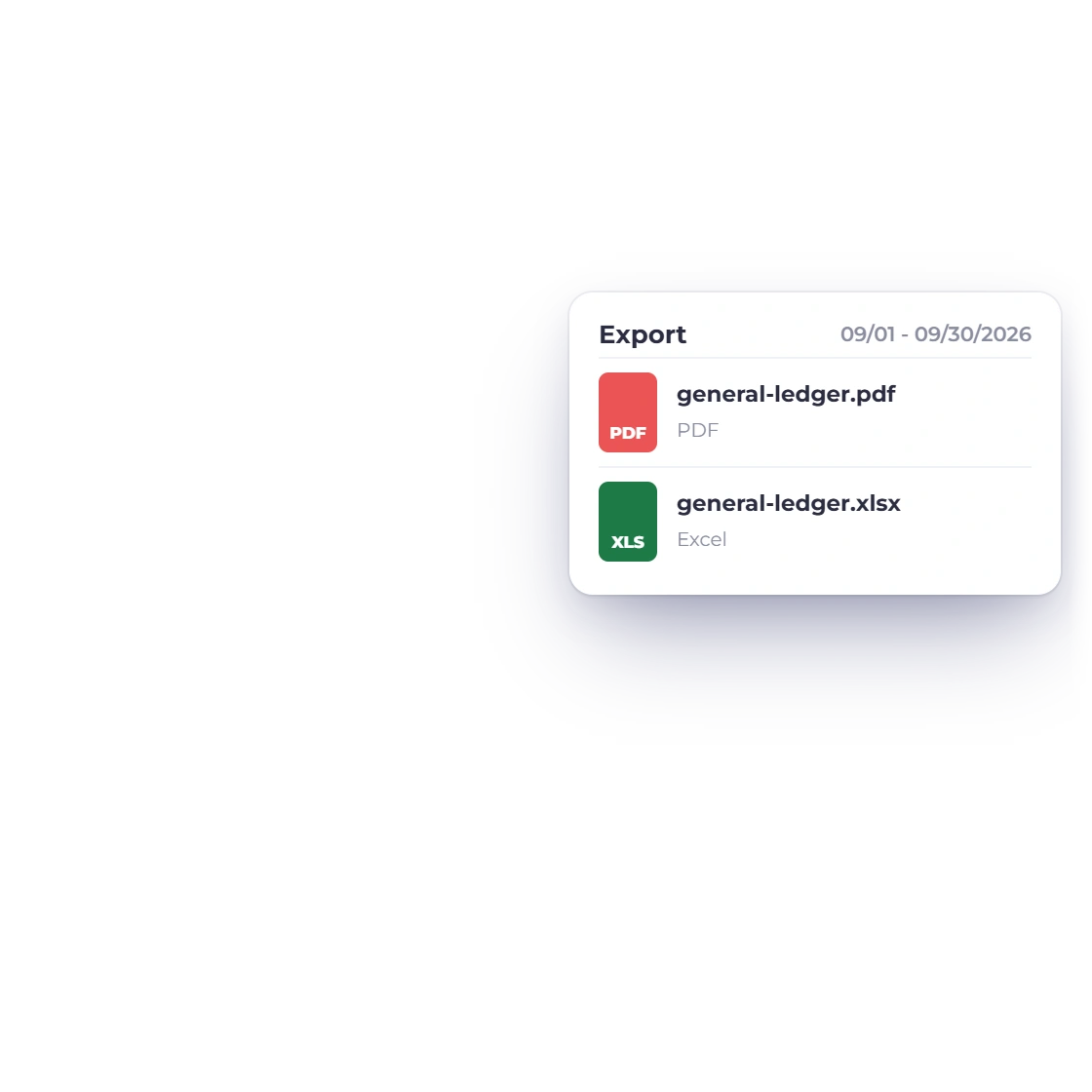
Export the ledger exactly as filtered, as a PDF on your letterhead with page numbers or as an Excel file, so every reader knows what the totals cover.
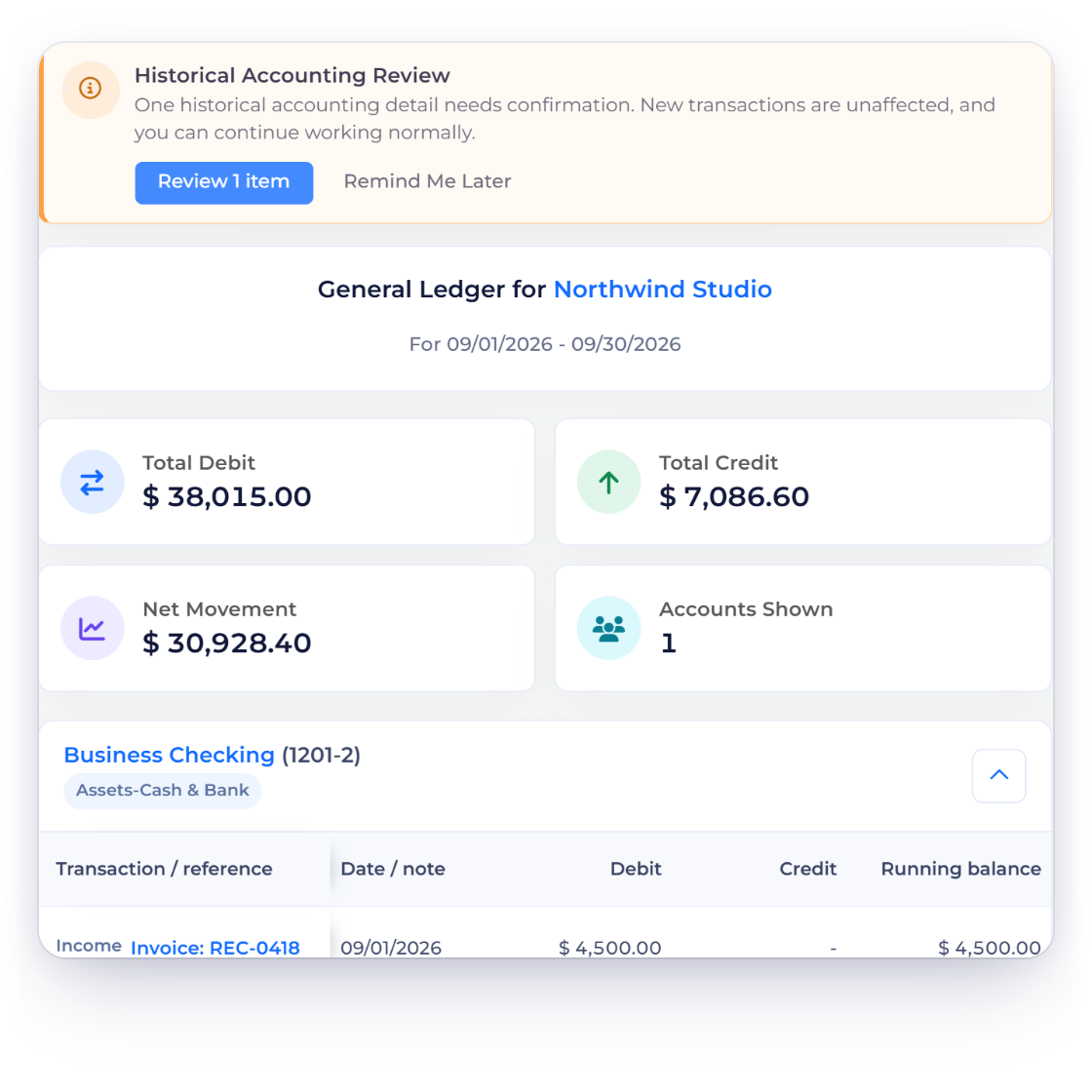
The ledger shows exactly what was recorded. When something needs to change, fix the original invoice, expense or journal and the ledger reflects it on the next load.
Built in
Transaction detail, source links, filters and exports in one report.
Date, description, debit, credit and a running balance from the opening balance.
Narrow to the business, account, dates and currency you need.
Open the expense, invoice or journal behind any line.
Every link opens the exact record it belongs to.
Share the filtered ledger on your letterhead or as a spreadsheet.
Fix the original record and the ledger reflects it on the next load.
Inspect dates, descriptions and amounts line by line.
Read every account's movement on an Accrual or a Cash basis, with the basis printed on the PDF.
Open the record behind each line.
Every link leads to the correct record.
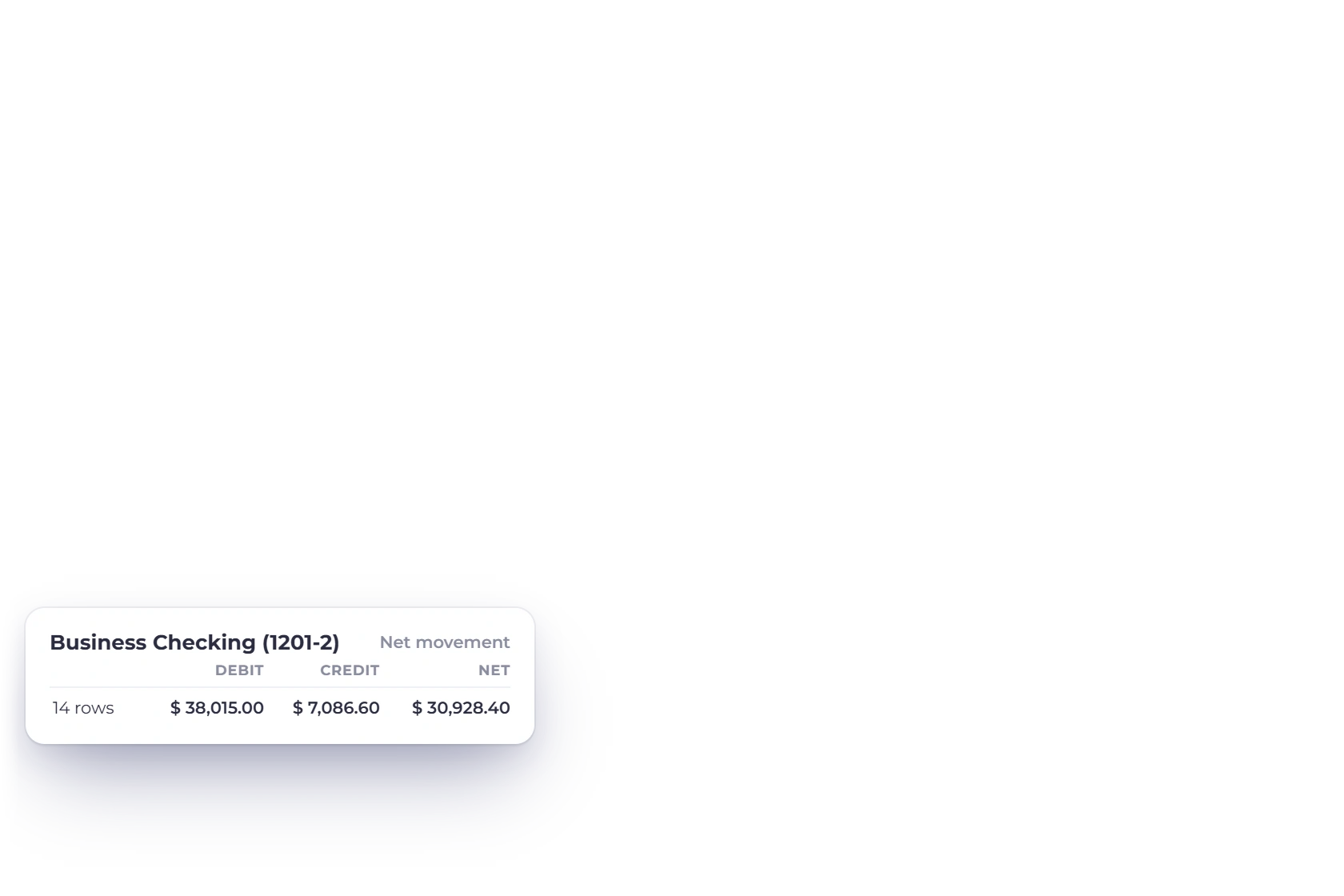
Start from the account-level debit and credit summary.
Review the accounts behind the report.
Questions
Invoice Crowd's General Ledger is a transaction-level report of account movement for the selected business and period. It shows the dates, descriptions, debits and credits behind an account total, starting from the account's opening balance and keeping a running balance.
Yes. Ledger rows link back to the invoice, expense or other record that created them, so you can open it in its own editor.
Yes. Invoice Crowd exports the current General Ledger as a PDF or an Excel file. The PDF carries your logo, business details and tax number, the period, basis and currency, and page numbers.
Yes. Set Accounting Basis to Cash in Filter Report and the ledger recognizes income and expenses when they are paid, including part payments; Accrual recognizes them when invoiced or billed. Your original transactions stay unchanged, and the PDF prints Cash Basis or Accrual Basis with the period and currency.
Yes. The ledger is calculated from your current records, so a saved change shows the next time you open or refresh the report.
The Trial Balance summarizes debit and credit movement by account; the General Ledger shows every transaction behind those totals. Start with one and drill into the other.
Filter the account, inspect each movement and open the source record whenever a figure needs explaining.