

Skip to content

Product updates

What is new in Invoice Crowd: October 2026

The Invoice Crowd changelog lists what changed in the app and when. October 2026 brought Payments Received, refunds through eight payment gateways, retainers, automatic late fees, Lock Transactions, Void and a rebuilt Worklog, and every change below is live now.

  • Updated October 6, 2026
  • Every entry is live
  • Paid-plan features marked
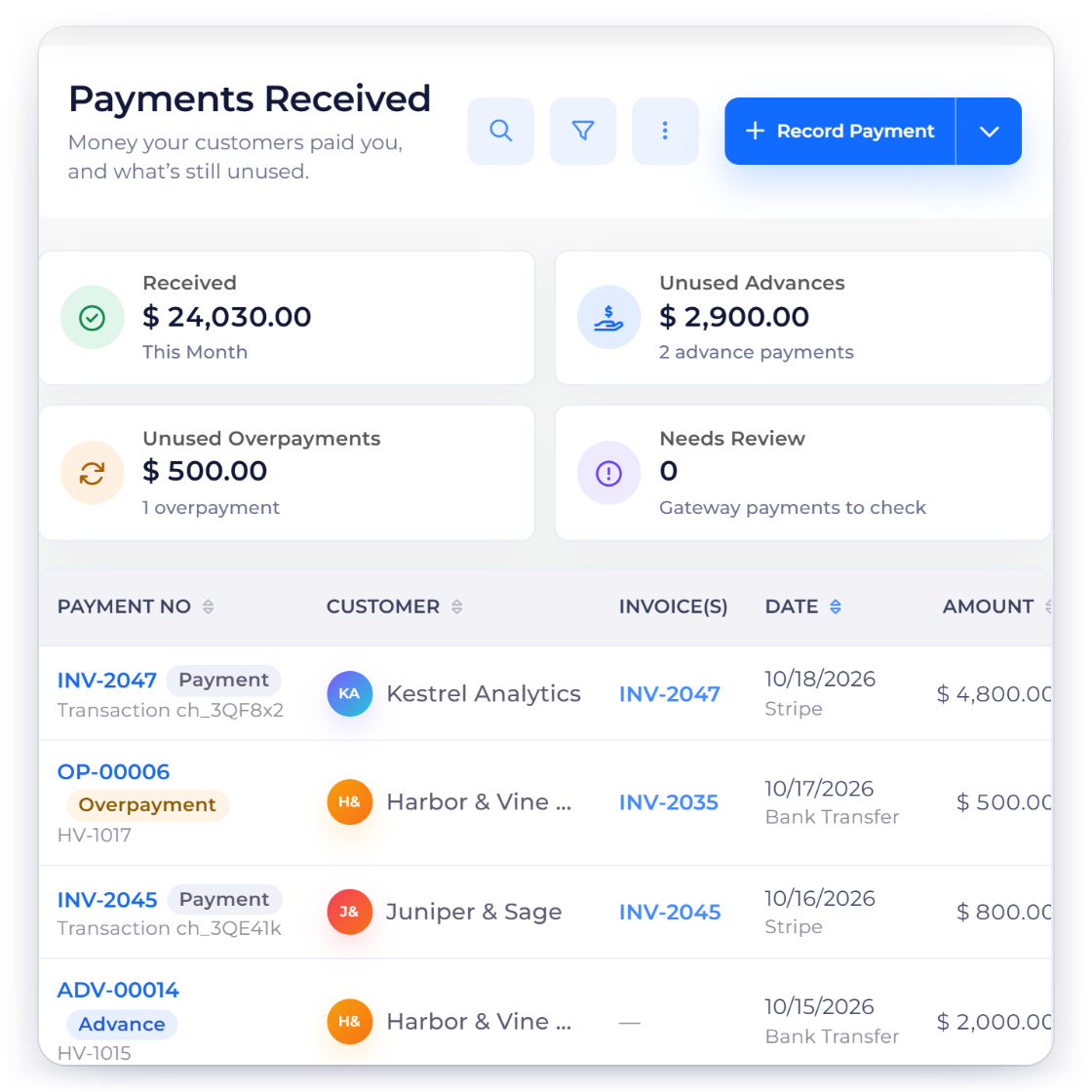
Invoice Crowd Payments Received list from the October 2026 release, with invoice payments, advances and overpayment credits, alongside retainers, Lock Transactions and gateway refunds

The October release

Getting paid, keeping the books and billing your time

Most of the October work lands in three places: how money comes in and goes back, how the books stay closed and taxed correctly, and how logged hours turn into invoices.

Getting paid

Every receipt in one list, and refunds that go back through the provider.

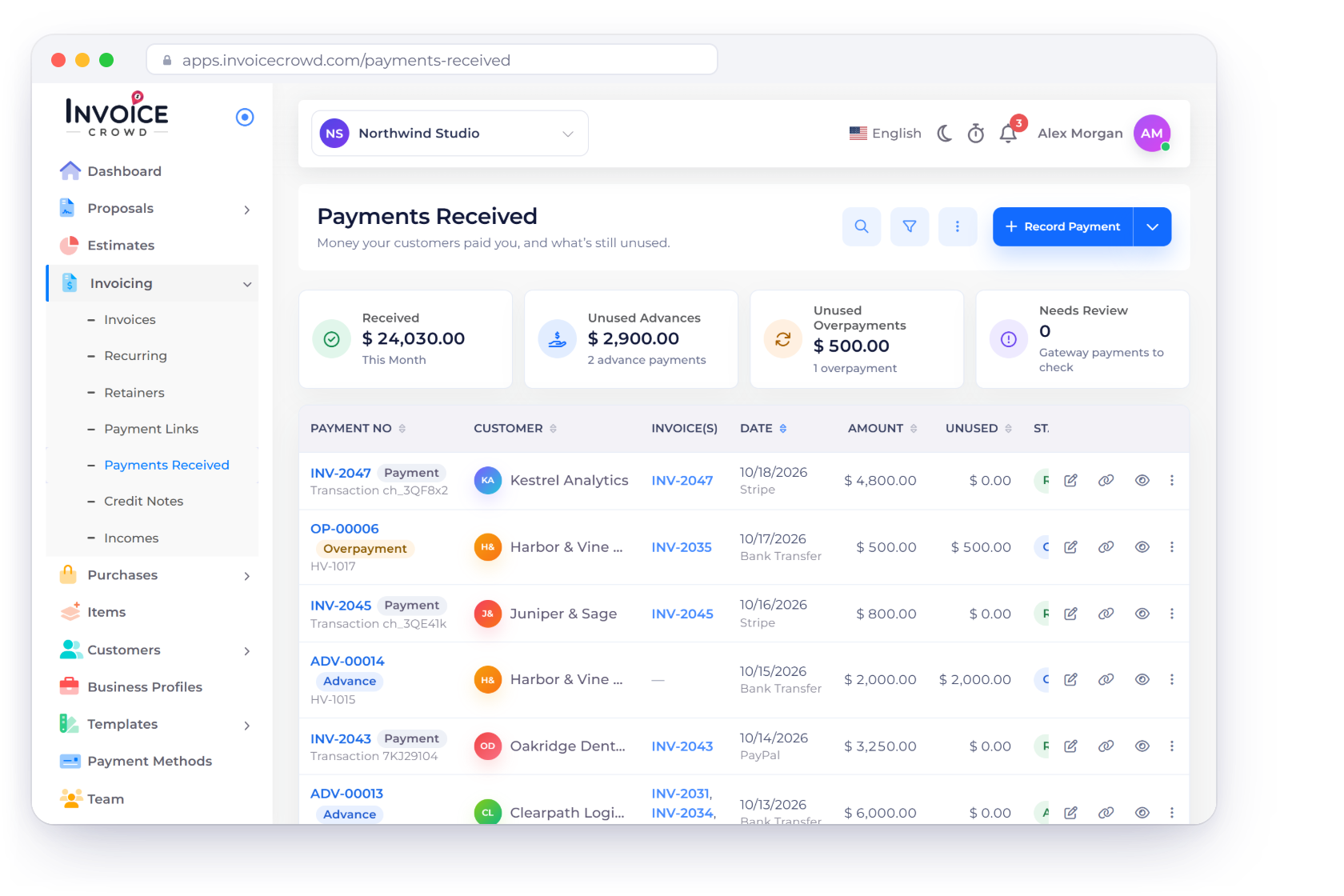
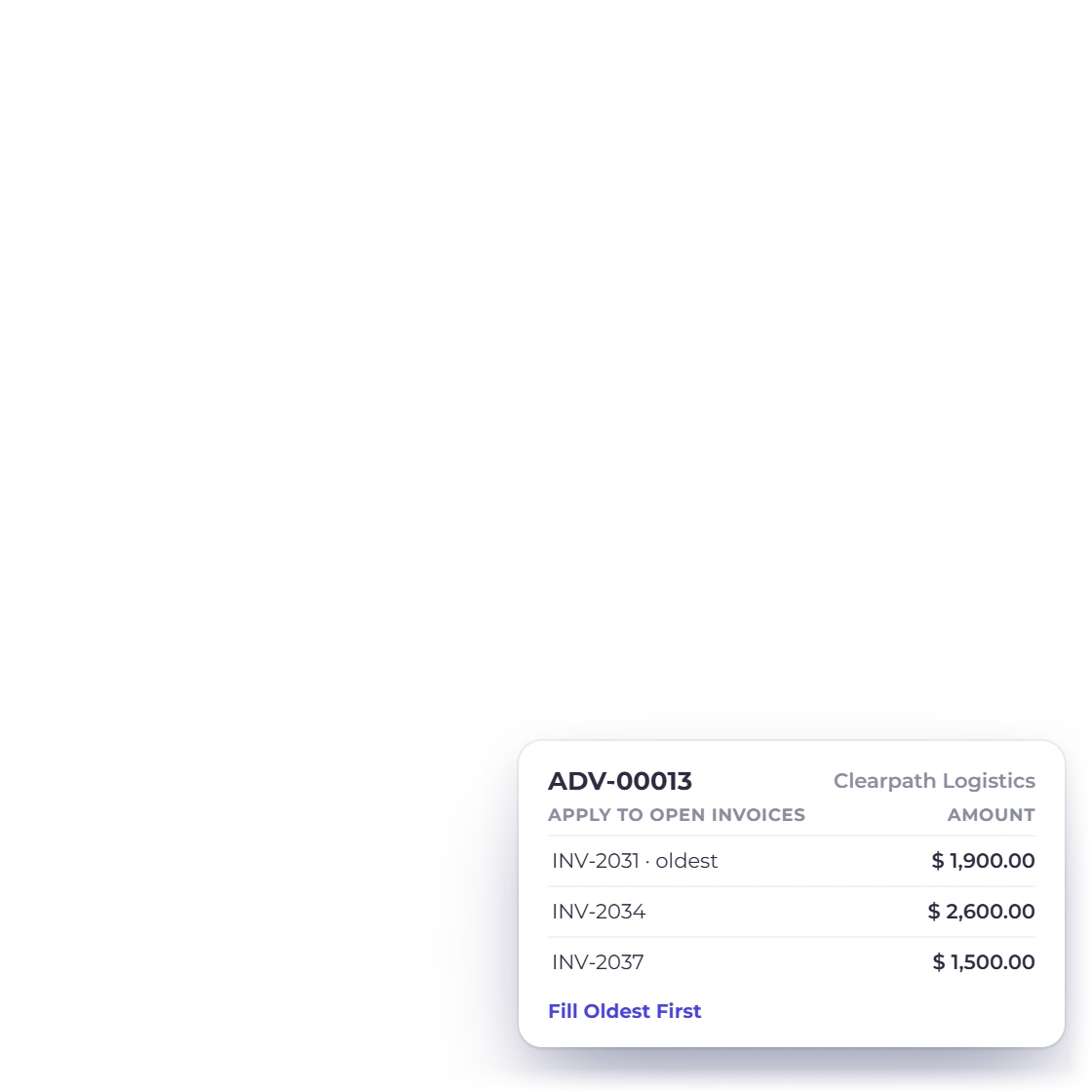
Invoice Crowd Payments Received list with invoice payments, advance payments and overpayment credits, and one receipt applied to several open invoices, oldest first

Payments Received

Invoicing → Payments Received lists every invoice payment, advance payment and overpayment credit. One receipt can pay several open invoices, oldest first, and whatever is left is kept as customer credit. Advance payments get a numbered receipt you can download.

  • Record Invoice Payment or Record Advance Payment
  • Unused advances and overpayments shown as tiles
  • Use Credit applies them to a later invoice
Refunds through the gateway

Choose Refund on an invoice and Invoice Crowd sends the money back through Stripe, PayPal, Razorpay, Square, Braintree, Authorize.net, Airwallex or GoCardless, then books the refund once the provider confirms it. For PayFast, PayTabs, Telr, Payoneer and M-Pesa you refund in the provider account and record it in Invoice Crowd.

  • Booked only after the provider confirms
  • Online invoice-page payments
  • Payments Needing Review holds unmatched money

Keeping the books

Closed periods stay closed, and purchase tax is recorded where it belongs.

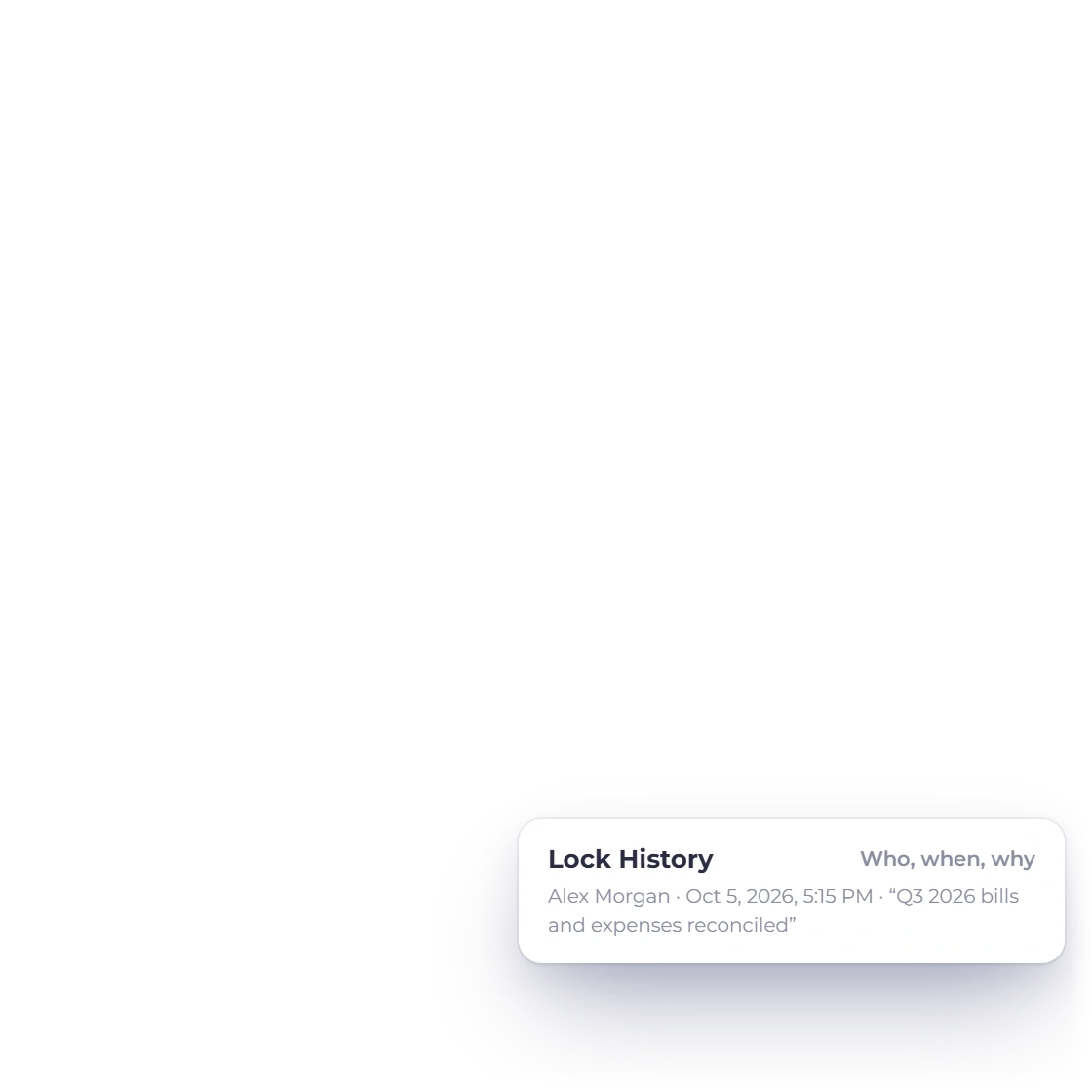
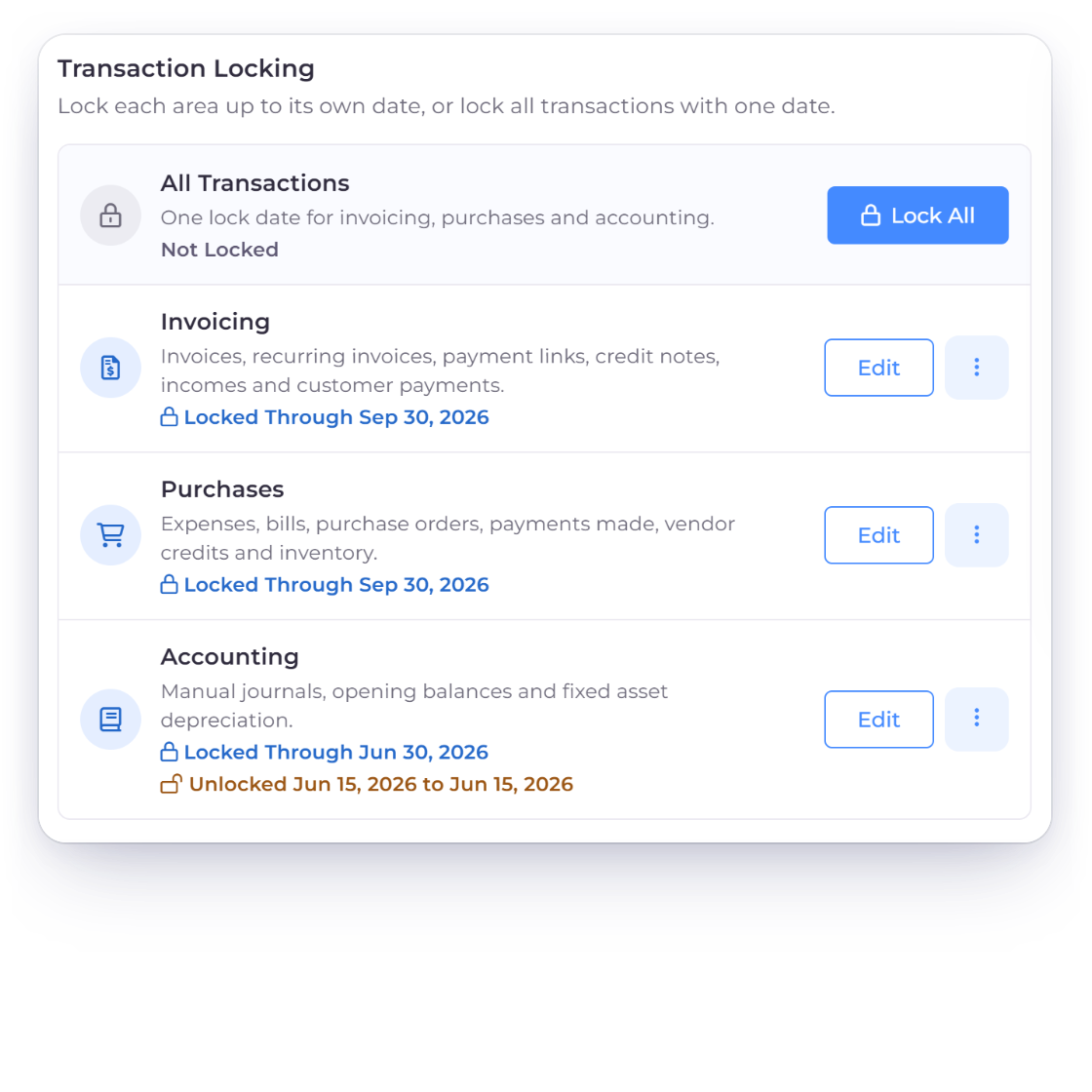
Invoice Crowd Lock Transactions with Invoicing and Purchases locked through Sep 30, 2026 and Accounting locked through Jun 30, 2026, each change kept in Lock History

Tax on expenses and item costs

Expenses and invoice item costs now take a purchase tax rate or group, with amounts entered tax inclusive or tax exclusive. Recoverable tax posts to Input Tax Credit and the rest stays in the cost. In India, vendor GSTIN, ITC eligibility and reverse charge feed GSTR-3B Table 4.

  • Amounts Are: Tax Inclusive or Tax Exclusive
  • Recoverable tax to Input Tax Credit
  • India: reverse charge and GSTR-3B Table 4

Lock Transactions

Accounting → Lock Transactions lets the owner lock everything dated on or before a date, for all areas or just Invoicing, Purchases or Accounting. A date can be partially unlocked for a while, and Lock History records who changed a lock, when and why. Creating or editing a lock needs a paid plan.

  • Lock All or lock one area
  • Partially Unlock for a fix
  • Lock History with who, when and why

Billing your time

Worklog grew a week view, approvals, profit per project and retainers.

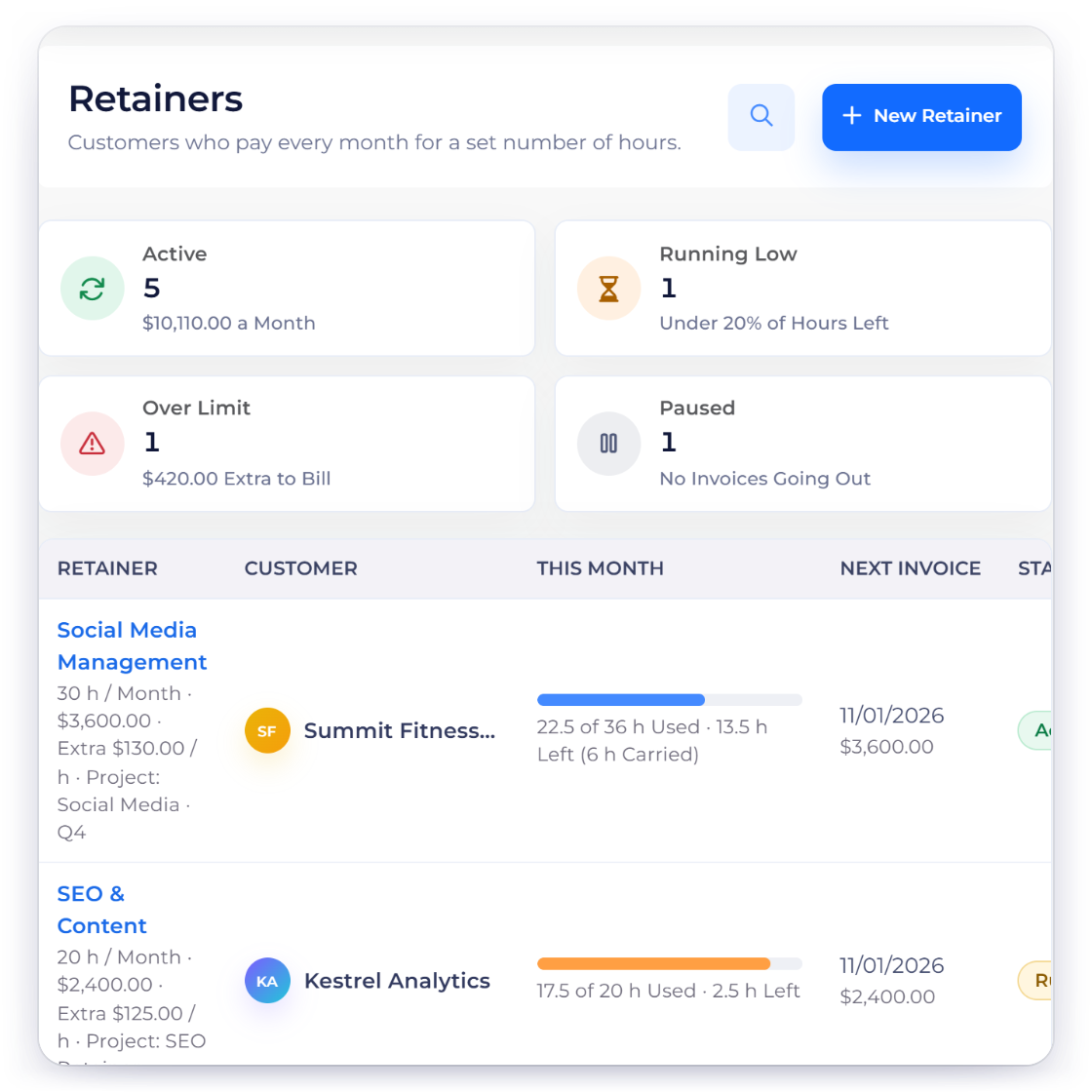
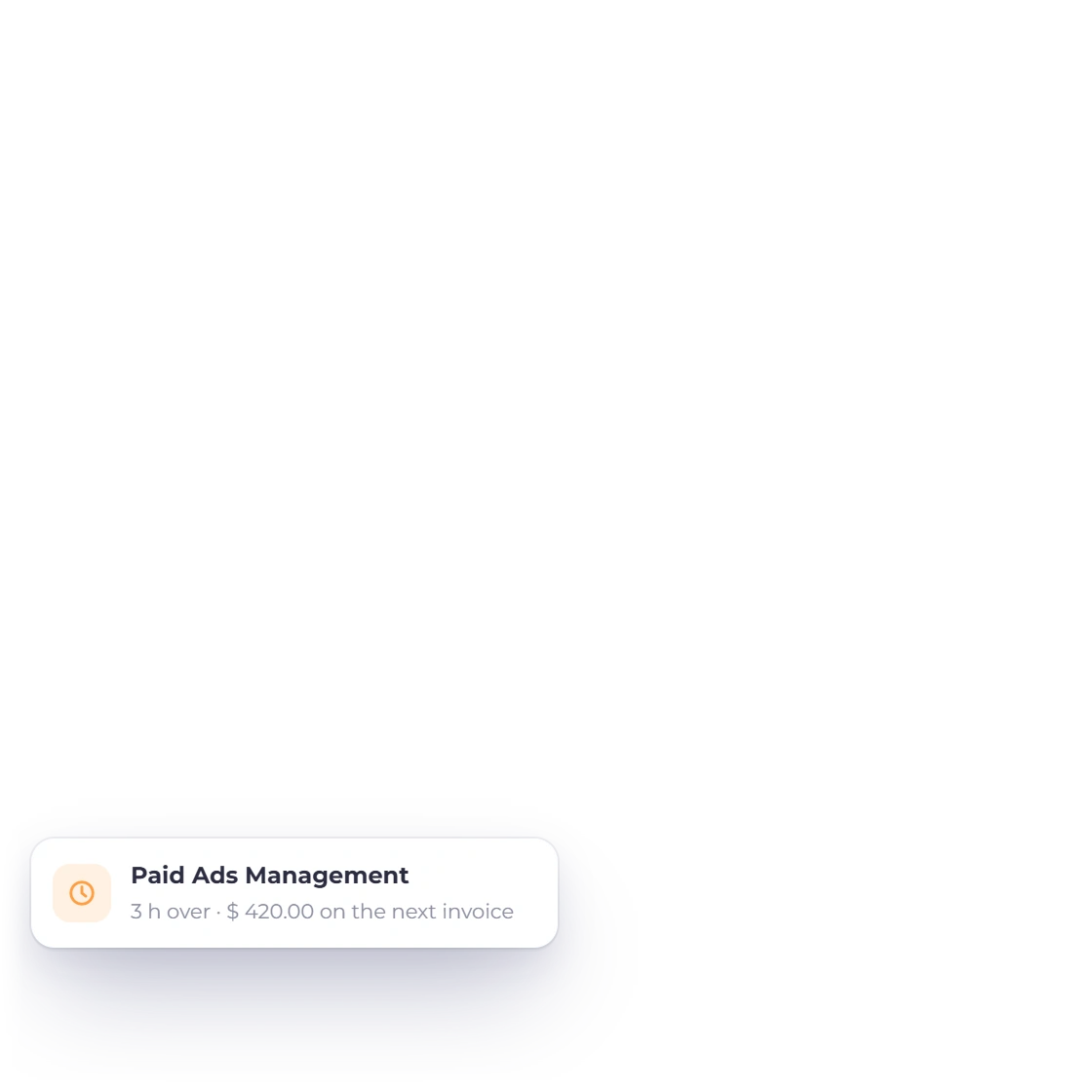
Invoice Crowd Retainers list with monthly hours included, hours used, carried-over hours and extra hours going on the next invoice

Timesheets, approvals and profitability

The Timesheet now has List, Week, Approvals and Utilisation views and a CSV import. Weeks can be submitted and approved, clients can approve hours in the customer portal, and each project has a Profitability tab. A new invoice wizard bills time up to a date, with rounding and project expenses.

  • Week entry and team approvals
  • Utilisation against capacity
  • Profit and margin per project

Retainers

A retainer is a monthly recurring invoice with hours included. Billable hours logged on the chosen projects count against it, unused hours carry over or expire, and extra hours go on the next invoice, so retainer time is never billed twice. Retainers are on paid plans.

  • Hours Included Each Month
  • Carry over or expire unused hours
  • Clients see an hours bar in the portal

Release notes

October 2026 changes, newest first

Each entry is dated by when the change was completed, and every entry here is live in Invoice Crowd today. Features that need a paid plan say so.

  • October 5, 2026: Square sets itself up

    Square payment notifications are now set up automatically when you save your Square details or switch between Live and Sandbox, so there is no Set Up Now button. Since October 4, customers can also start a card-on-file Square subscription from a subscription invoice.

  • October 5, 2026: Item imports with a preview

    Item imports now show a full preview before anything is saved. Choose add only, update only or both, matched by SKU or Item ID. One invalid row stops the whole batch, and each batch takes up to 1,000 rows or 2 MiB.

  • October 4, 2026: Payments Received and advances

    A new Payments Received page under Invoicing lists invoice payments, advance payments and overpayment credits. Record Payment replaces Mark as Paid, and Manage Payments replaces Manage Pay.

  • October 4, 2026: Retainers, and recurring on paid plans

    Retainers bill a monthly invoice with hours included. New recurring invoices, subscriptions and retainers now need a paid plan; recurring schedules already running on the free plan keep running.

  • October 4, 2026: Automatic late fees

    Switch on Late Fees in your business options and Invoice Crowd adds one flat or percentage fee the day after an unpaid invoice is due. The invoice shows a notice first, you can Waive Late Fee or Keep Fee, and in India GST is added on the fee.

  • October 4, 2026: Timesheets and project profit

    Worklog gained a week view, timesheet approvals, utilisation, client approval of hours, an invoice wizard with rounding and expense re-billing, a Profitability tab and idle-timer detection. Worklog is on paid plans.

  • October 4, 2026: Tax on expenses, and TDS for India

    Expenses and item costs take purchase tax, with recoverable tax posted to Input Tax Credit. TDS is now India only, with a Default TDS Rate (%) and a TDS Receivable account.

  • October 4, 2026: Estimates customers can decline

    Customers can decline an estimate with an optional reason, and you get a bell notification. Estimates can carry an Expiry Date and can ask for a deposit when the customer accepts.

  • October 3, 2026: Refunds through the provider

    Refund on an invoice now sends the money back through Stripe, PayPal, Razorpay, Square, Braintree, Authorize.net, Airwallex or GoCardless and books it once the provider confirms. Other gateways are refunded in the provider account and recorded here.

  • October 3, 2026: Void, and numbering you type

    A sent invoice or credit note can be voided: it keeps its number, is stamped VOID and is reversed in the books. You can also type any number, prefix included, on a new document and the next ones continue from it.

  • October 2, 2026: Lock Transactions

    Owners can lock transactions on or before a date, for all areas or for Invoicing, Purchases or Accounting, unlock a date range for a while, and see every change in Lock History. Creating or editing a lock needs a paid plan.

  • October 1 to 5, 2026: Smaller changes

    Payments Needing Review holds gateway money that cannot be applied automatically. The avatar menu now reads My Account, Integrations, Billing and Plan and Sign Out. Age Debt uses Current, 1-30, 31-60, 61-90 and 91+ Days. Dark mode uses a neutral grey palette.

Questions

The October 2026 release, answered

Are these changes live in Invoice Crowd?

Yes. Every change on this page is live in Invoice Crowd as of October 6, 2026. Some need a paid plan or have to be switched on, and those entries say so.

Do I need to switch anything on?

Late fees are off until you switch them on in your business options, and they apply only to invoices due on or after October 5, 2026. The reorder-point bell alert is also opt-in. Square notifications and gateway refunds need no setting.

Which of these features need a paid plan?

Retainers, new recurring invoices and subscriptions, the Worklog changes (timesheets, approvals, profitability and the invoice wizard), creating or editing a lock in Lock Transactions, and the AI Assistant need a paid plan. Payments Received, refunds, Void and estimate decline work on every plan.

What happens to recurring invoices I set up on the free plan?

They keep running. Only new recurring invoices, subscriptions and retainers need a paid plan. On the free plan, Recurring and Retainers show a lock icon in the sidebar.

Where did Settings and Notification Settings go?

Settings in the avatar menu is now My Account, and Notification Settings is the gear at the bottom of the notification bell panel. Roles moved to the Team page, and webhooks moved to the Integrations page in the avatar menu.

Which gateways can refund from inside Invoice Crowd?

Stripe, PayPal, Razorpay, Square, Braintree, Authorize.net, Airwallex and GoCardless. Choose Refund on the invoice and the refund goes through the provider. For PayFast, PayTabs, Telr, Payoneer and M-Pesa, refund in the provider account and record it with Refund on the invoice.

See the October changes in your own account

Sign in to try Payments Received, gateway refunds and Lock Transactions, or start a trial to see retainers and the new timesheets on a paid plan.

  • Every entry is live
  • Paid-plan features marked
  • Updated October 6, 2026